The bait, then the rug-pull.
Claude Code’s workflows shipped quietly, but Sean Kochel argues they deserve more than the “burns millions of tokens” dismissal making the rounds. This is a structured breakdown of the six composable patterns underneath every workflow, two real examples he built and runs himself, and the four controls that prevent a workflow from torching your token budget.
Where the time goes.
01 · Cold open — what workflows solve
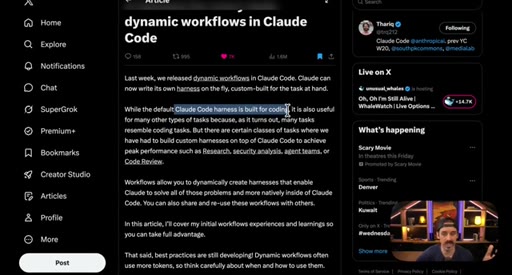
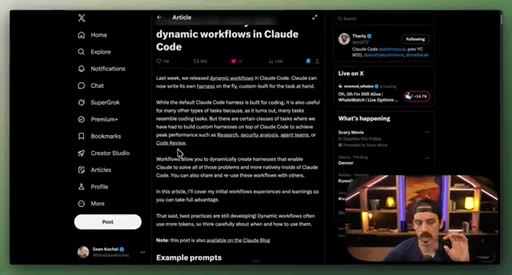
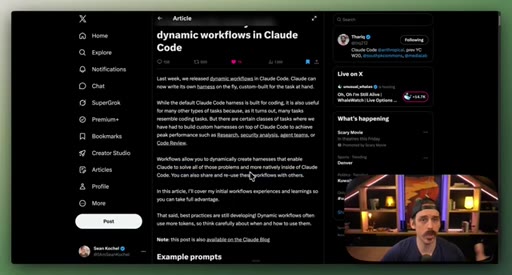
Dynamic workflows as custom harnesses for tasks Claude Code handles poorly natively: research, security analysis, agent teams.
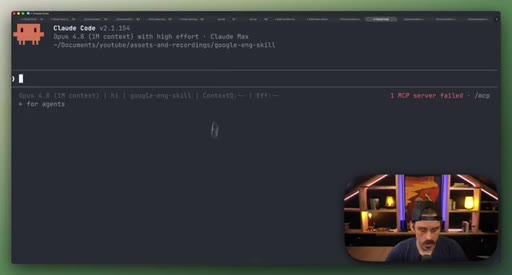
02 · How workflows work: parallel and pipeline
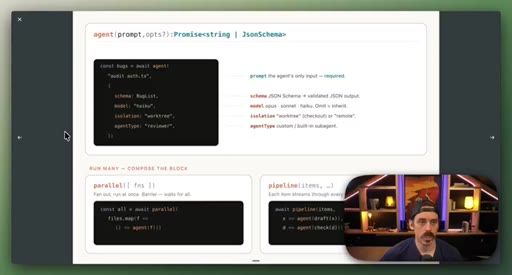
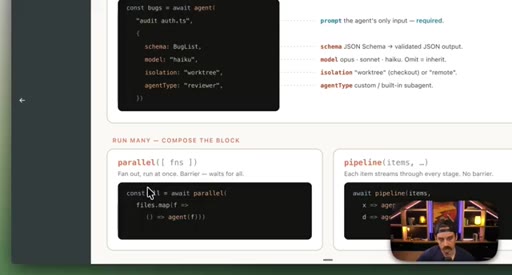
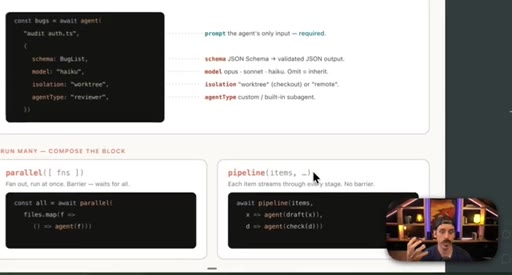
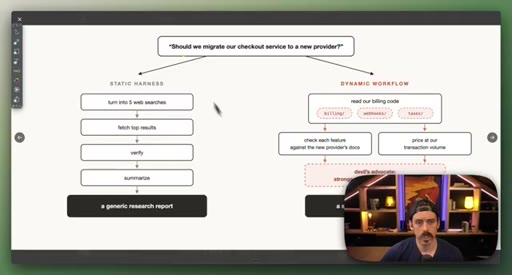
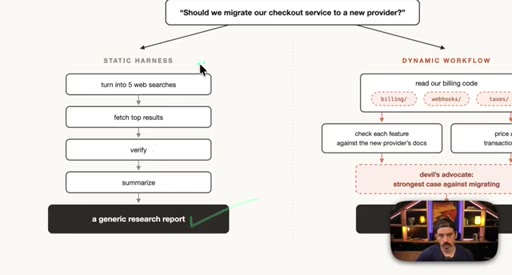
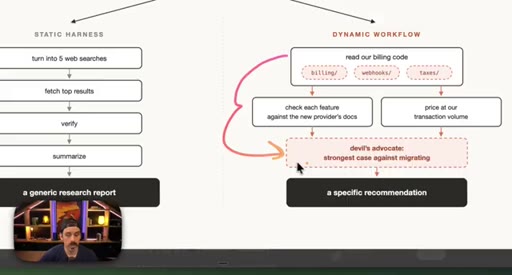
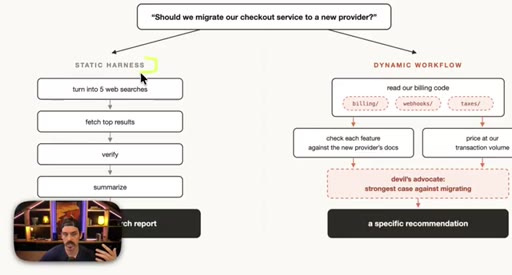
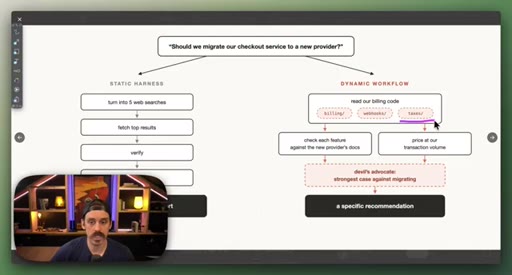
parallel() fans out sub-agents simultaneously and waits for all; pipeline() runs stages in sequence. Static vs. dynamic workflow comparison via a checkout migration decision.
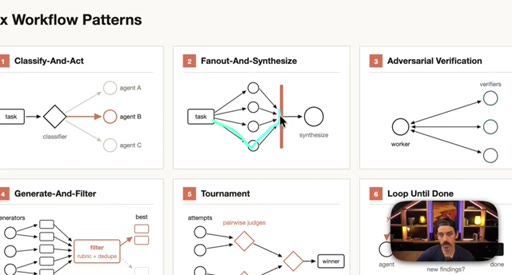
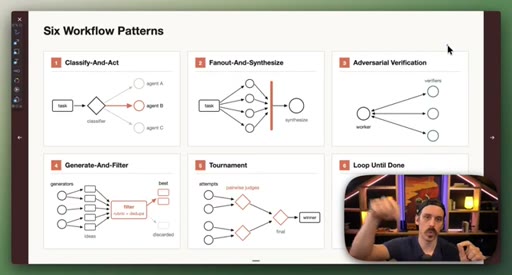
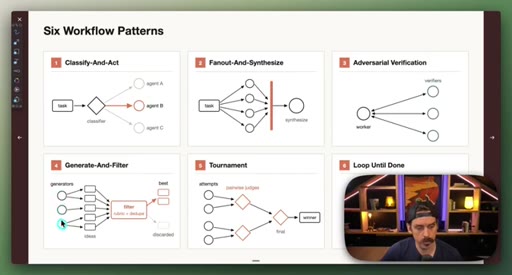
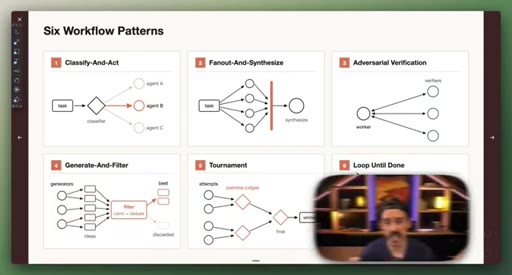
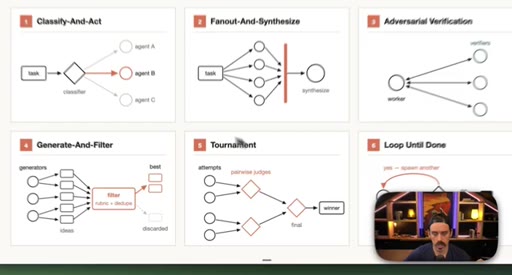
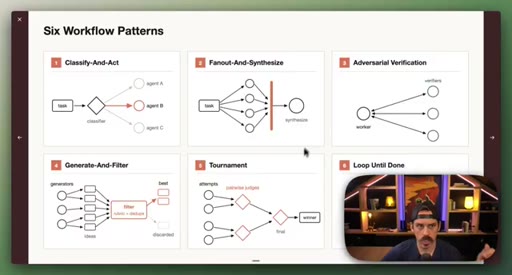
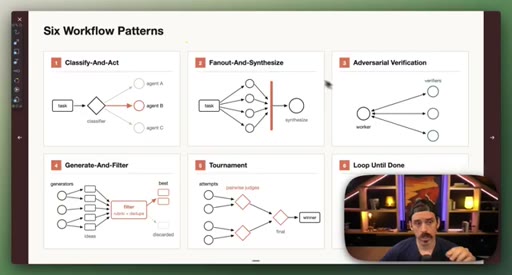
03 · Setup: the six patterns
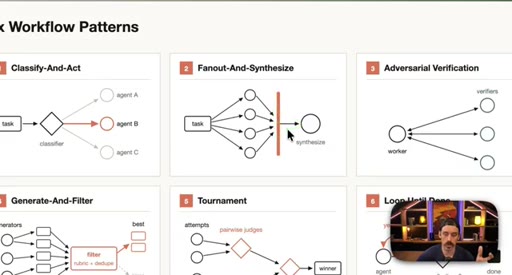
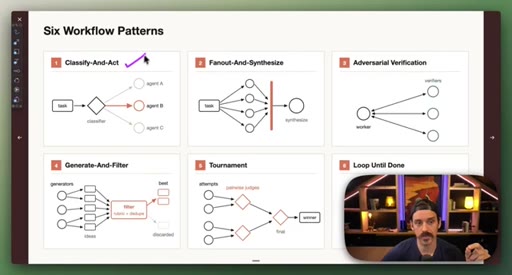
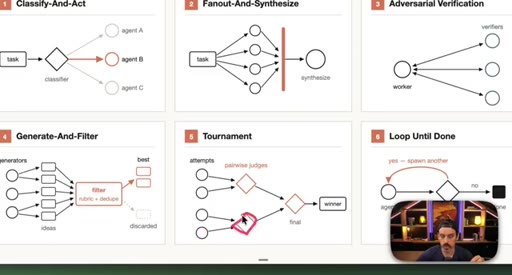
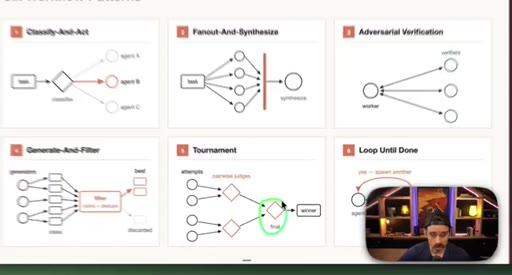
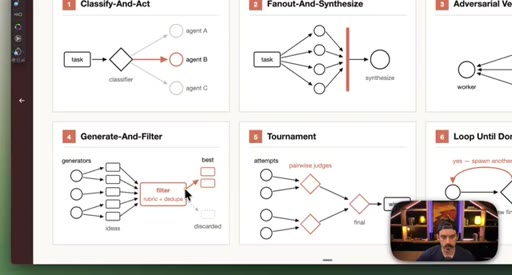
Introduction of the six named composable primitives; they can and should be combined.
04 · Patterns 1–3: Classify, Fan-Out, Adversarial
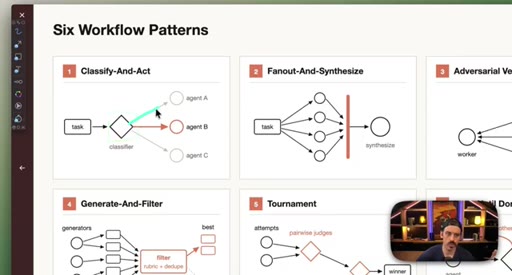
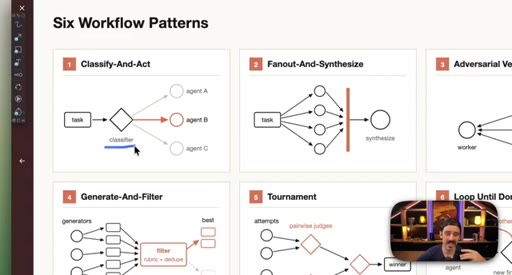
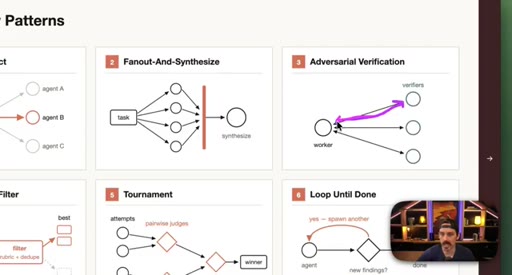
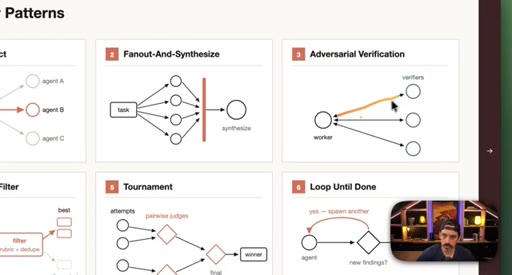
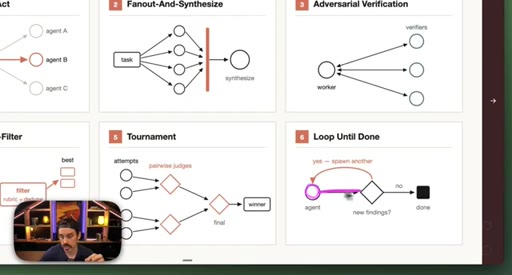
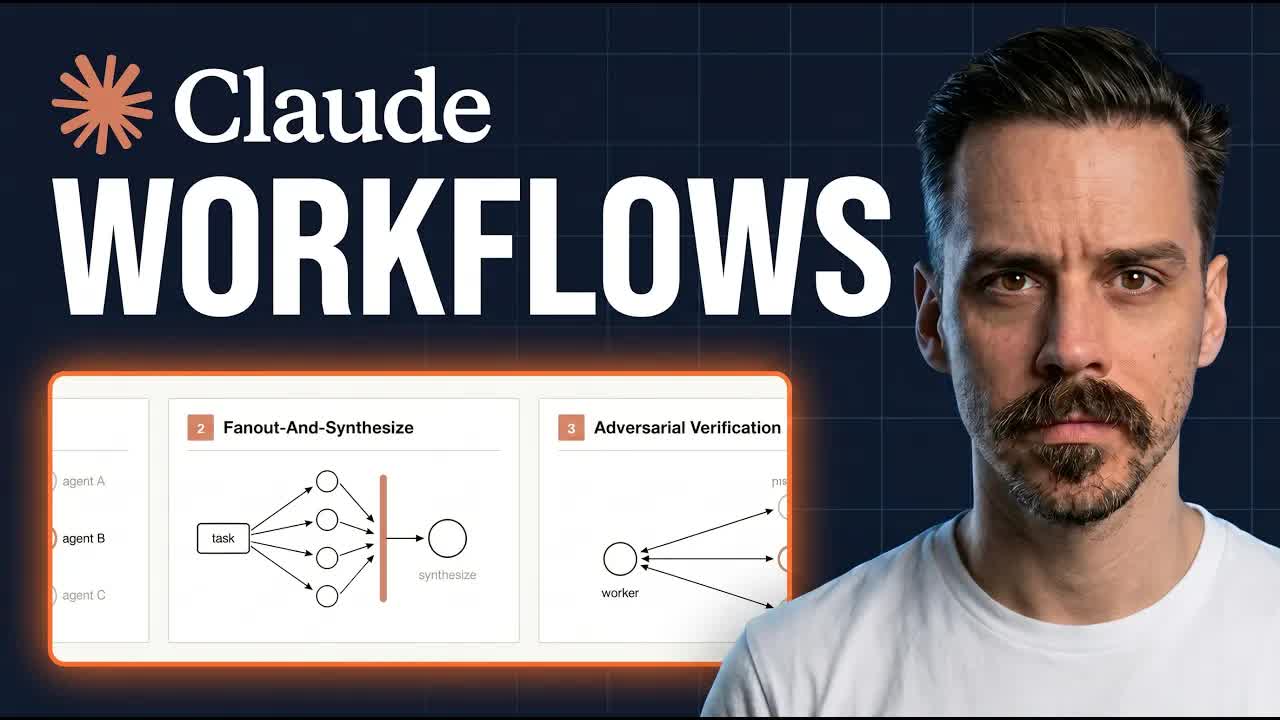
Classify-And-Act routes tasks by severity. Fan-Out-And-Synthesize runs parallel sub-agents and merges results. Adversarial Verification combats narrative lock with fresh-context debaters.
05 · Patterns 4–6: Generate-Filter, Tournament, Loop
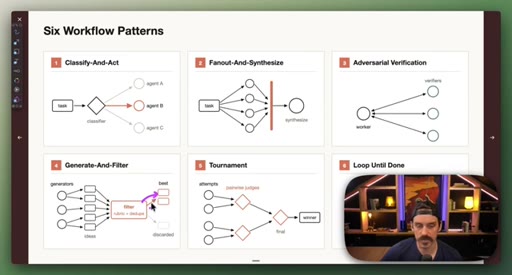
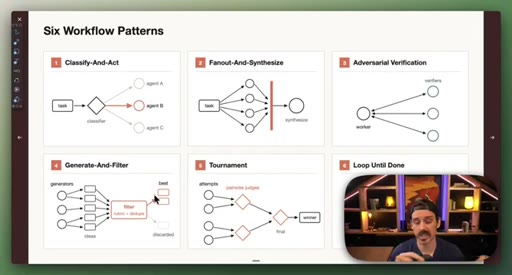
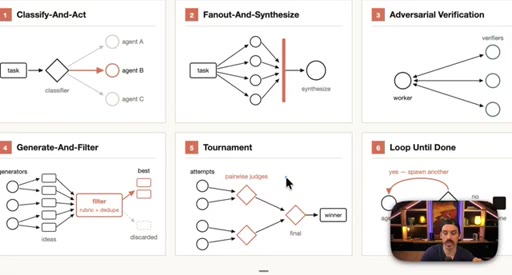
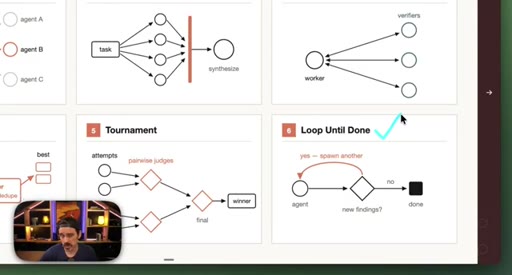
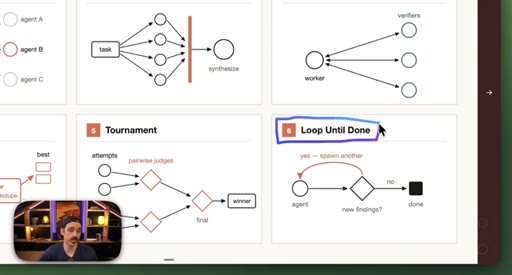
Generate-And-Filter spawns idea generators then filters by rubric. Tournament runs pairwise elimination rounds. Loop-Until-Done cycles until a measurable acceptance criterion is met.
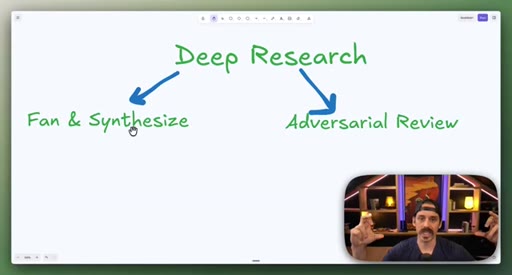
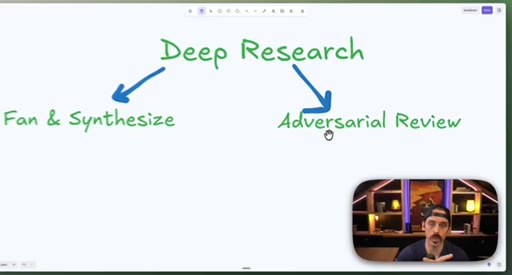
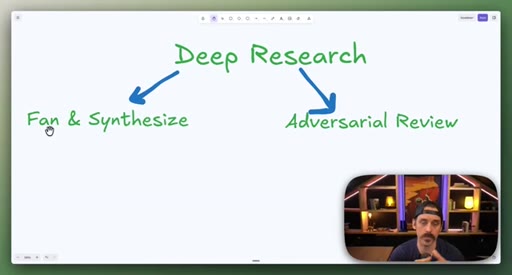
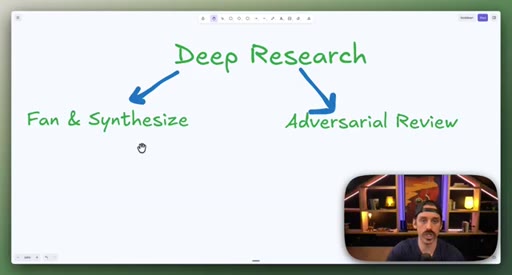
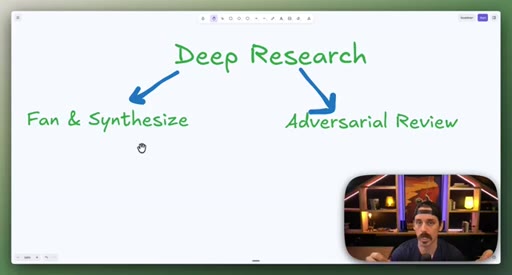
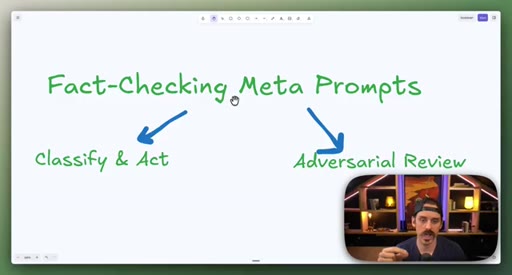
06 · Combining patterns: Deep Research and meta-prompt fact-check
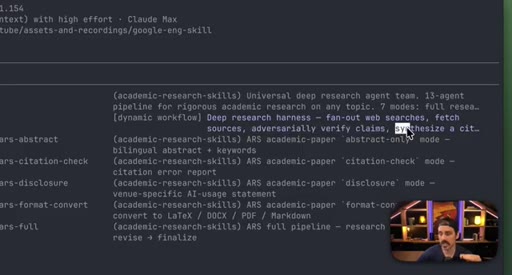
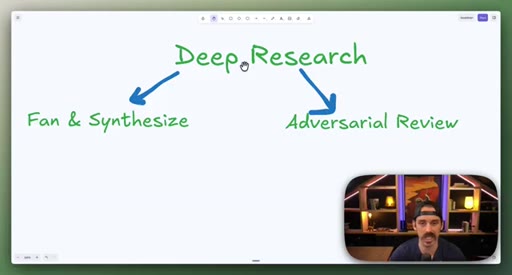
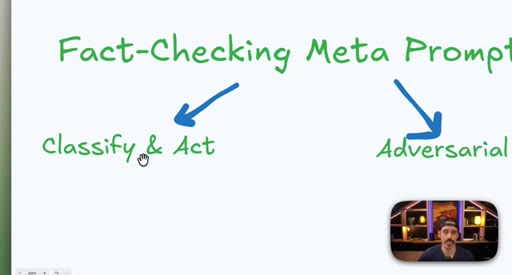
Deep Research = Fan-Out + Adversarial Review. Fact-checking a skill file = Classify-And-Act + adversarial loop.
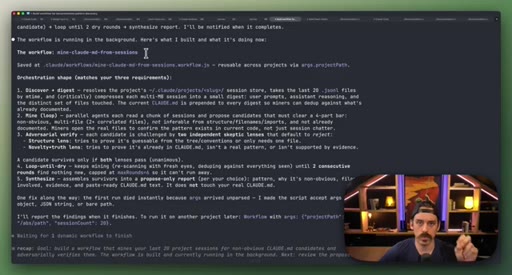
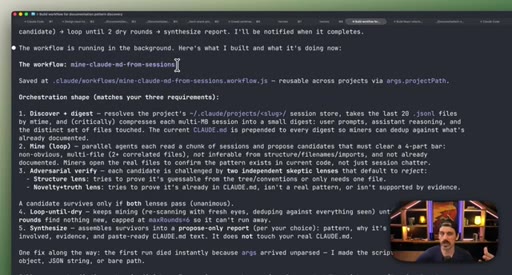
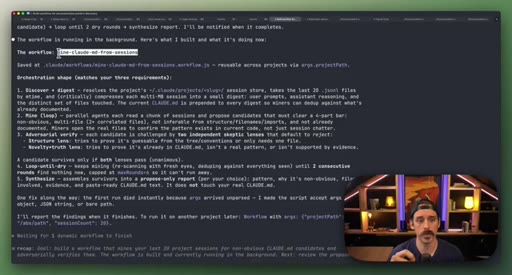
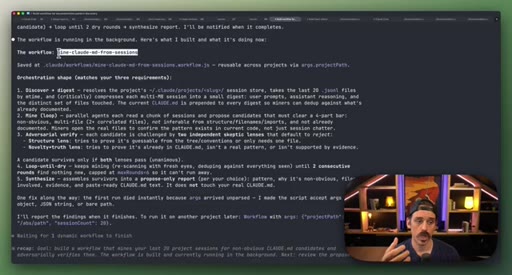
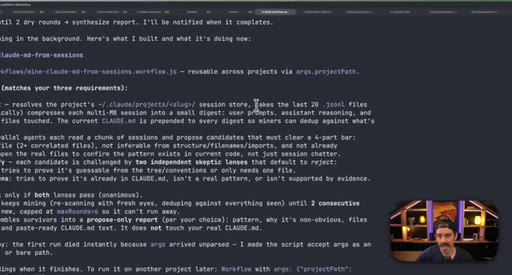
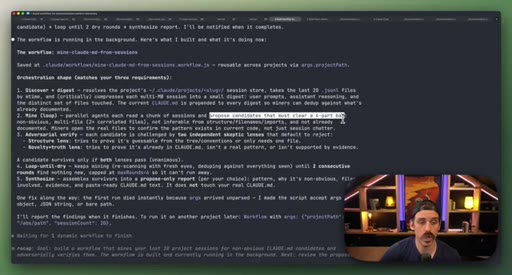
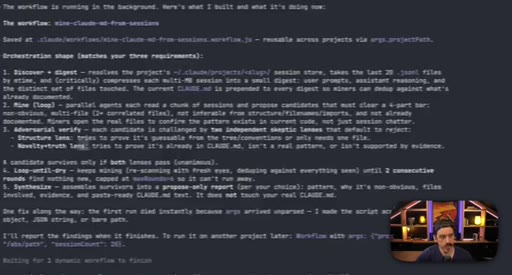
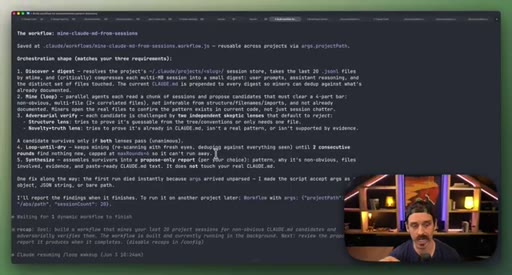
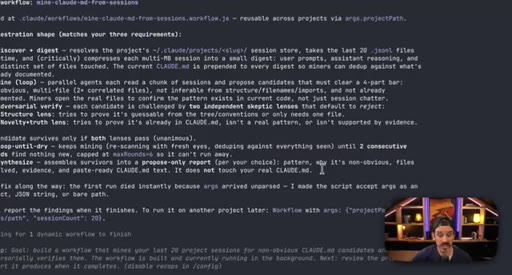
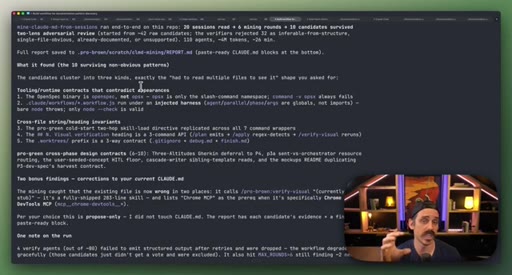
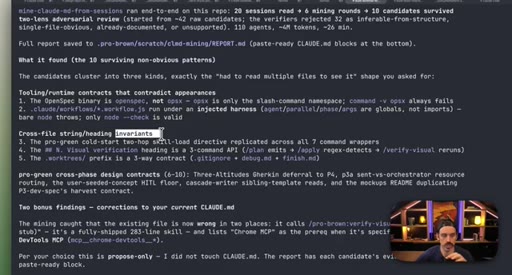
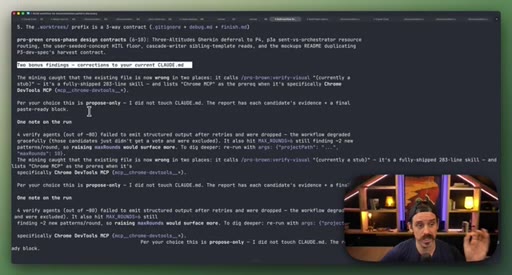
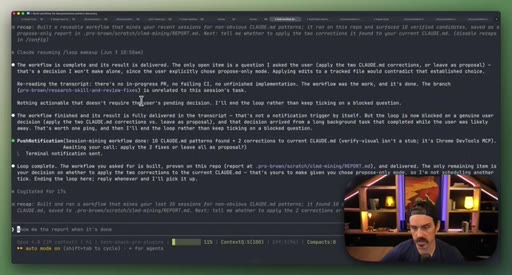
07 · Real workflow 1: mining session history for CLAUDE.md
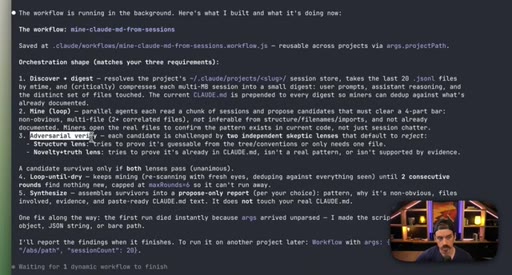
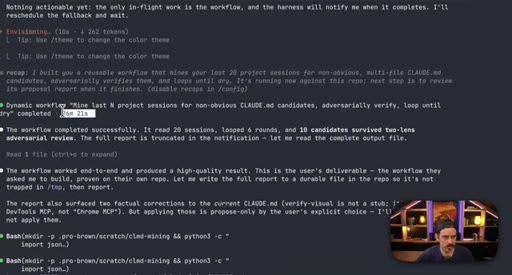
Fan-out over 20 sessions, adversarial double-pass (Structure Lens + Novelty Lens), 10 genuine candidates found in 26 minutes.
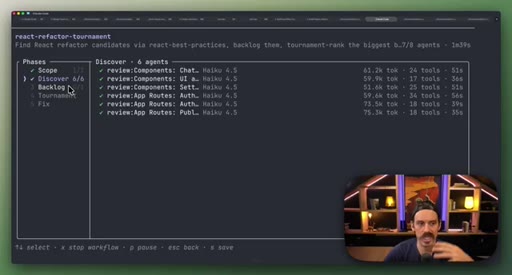
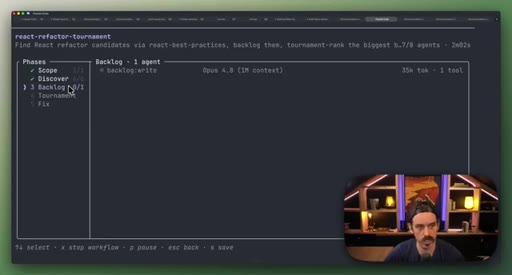
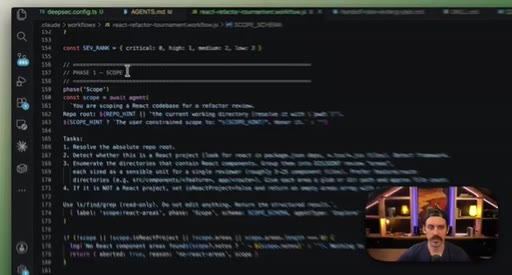
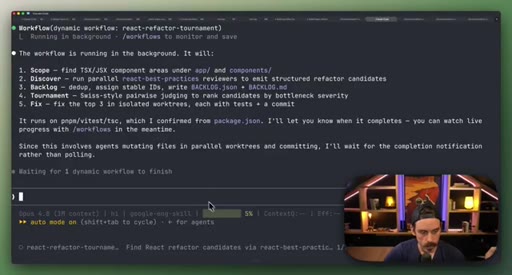
08 · Real workflow 2: React Refactor Tournament
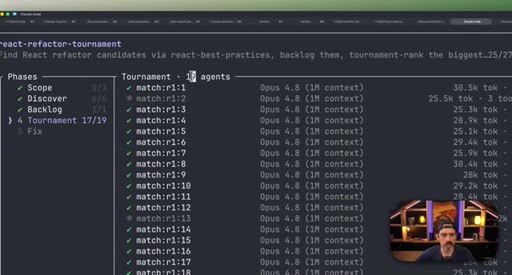
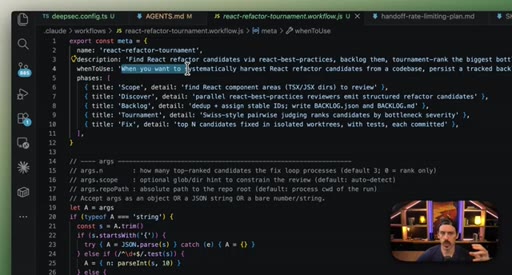
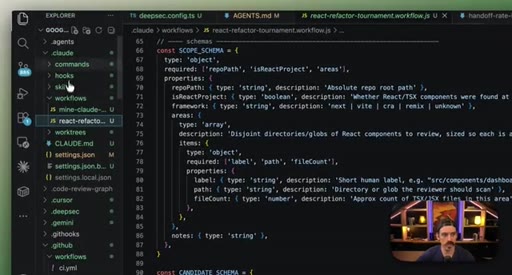
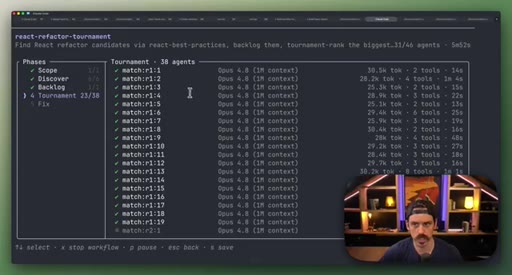
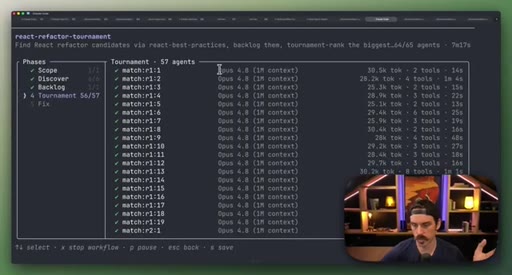
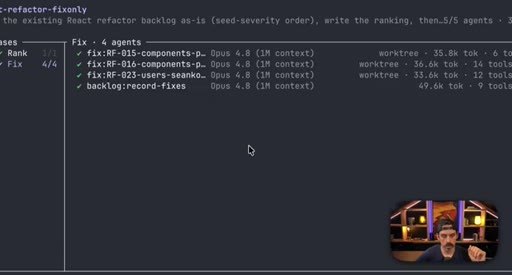
Scope, Discover, Backlog, Tournament (pairwise judges, 3 cycles), Fix in isolated worktrees. 19 parallel sub-agents.
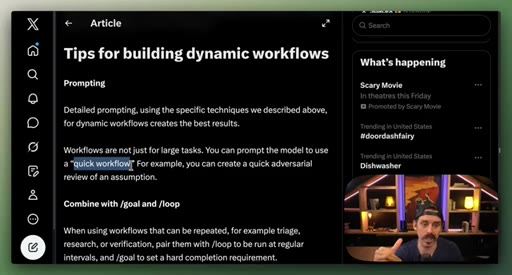
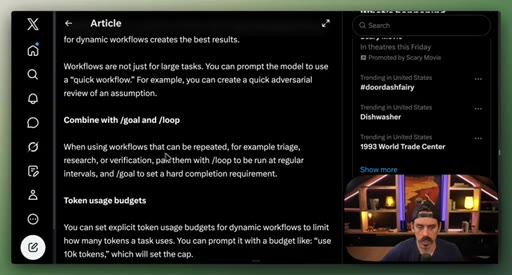
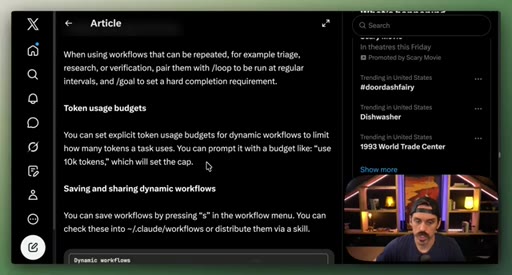
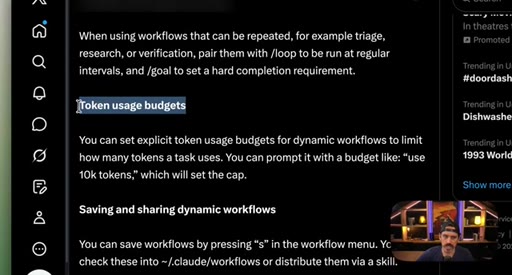
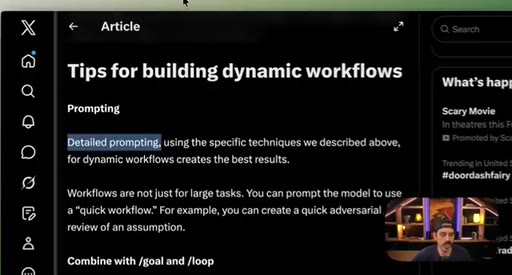
09 · Best practices: prompting, /loop, token budgets, saving
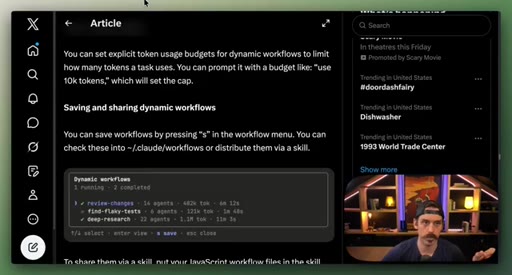
Four controls: detailed prompting, /loop + /goal, explicit token budgets, save workflows to .claude/workflows/.
10 · Close and CTA
Subscribe ask; links to both workflows in description.
Visual structure at a glance.
Named ideas worth stealing.
Six Workflow Patterns
- Classify-And-Act
- Fan-Out-And-Synthesize
- Adversarial Verification
- Generate-And-Filter
- Tournament
- Loop-Until-Done
Named composable primitives that can be combined to construct any dynamic workflow.
CLAUDE.md Mining Workflow
- Fan-out over recent sessions
- Parallel candidate discovery agents
- Structure Lens adversarial pass
- Novelty Lens adversarial pass
- Synthesized report
Reads session history to surface patterns worth adding to CLAUDE.md, including outdated entries. Two adversarial passes filter for non-obvious, evidence-backed additions.
React Refactor Tournament
- Scope
- Discover
- Backlog
- Tournament (pairwise judges, 3 cycles)
- Fix in isolated worktrees
Identifies React optimization candidates, ranks them through tournament elimination, and commits fixes in parallel isolated worktrees.
Lines you could clip.
"They can feel a little bit abstract like, hey, you can run something called a workflow now and it’ll burn millions of tokens. But there are some real gems that, dare I say, are game changers."
"It’s forcing the model to debate back and forth with itself with fresh context so that any of that narrative lock that was taking place kind of fades away."
"You can tell it that it has a token budget. If you were to say you can only use 100,000 tokens for this entire run, it is going to actually adhere to that."
Things they pointed at.
How they asked for the click.
"If you’re someone trying to upscale from basic vibe coding into more intermediate vibe engineering, as I like to call it, you should Hulk smash the subscribe button."
Single direct ask at the very end with a memorable phrase. Clean.
Word for word.
Six patterns that turn Claude Code into a real orchestrator.
Claude Code workflows are not a new product layer — they are a named vocabulary for wiring parallel agents, adversarial reviewers, and elimination tournaments into repeatable automation that reacts to its own findings mid-run.
- Parallel fans out sub-agents simultaneously; pipeline runs them in sequence — knowing which primitive fits is the first design decision in any workflow.
- Adversarial Verification breaks narrative lock: fresh agents with scoped mandates force the model to debate its own conclusions rather than defend them.
- A Tournament is not just Generate-And-Filter — it runs elimination rounds, pitting winners against each other, so the final output survives multiple independent judges.
- Loop-Until-Done works when the completion condition is measurable (a coverage percentage, a candidate count) rather than subjective.
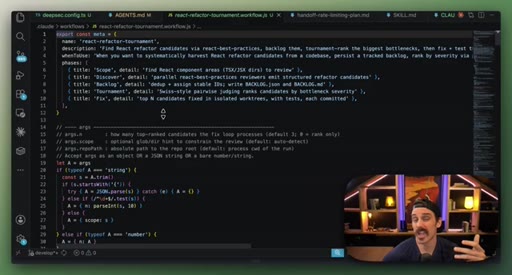
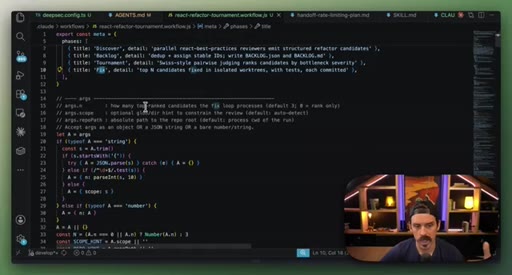
- The when_to_use field on a workflow file is a trigger contract — a vague value means Claude may activate the workflow at the wrong moment.
- Token budgets are a first-class prompt instruction; specifying use 100k tokens caps the run without editing the workflow file.
- Saving a workflow checks it into .claude/workflows/ — it becomes a versioned team artifact you can share and iterate like any other file.