Nick Puru | AI Automation · Youtube · 16:24

The REAL Way to Use Claude Code (From The Creator Himself)

How the engineer who built Claude Code actually runs 15 parallel sessions — and the six-part system non-developers can copy today.

Posted
June 4th 2026
today
Duration
16:24
Format
Tutorial
educational
Channel
NP
Nick Puru | AI Automation
§ 01 · The Hook

The bait, then the rug-pull.

Most people using Claude Code are stuck in a loop: type, wait, read, type again. The engineer who built the tool runs fifteen sessions at once and barely types his own prompts. This breakdown maps the entire system he has written about publicly and filters it down to what actually transfers.

§ · Chapters

Where the time goes.

00:00 – 00:53

01 · Hook / Cold Open

Pattern interrupt -- most people use Claude Code wrong -- followed by source credential (Boris Cherny built Claude Code) and promise of a non-developer-filtered walkthrough.
00:53 – 02:55

02 · Parallel Sessions: One Session, One Job

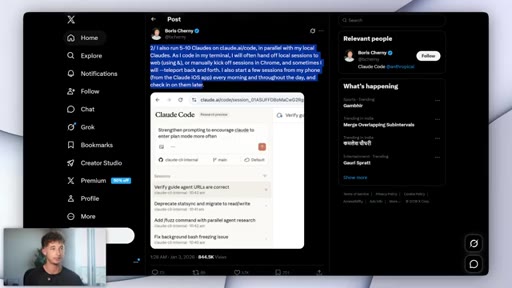
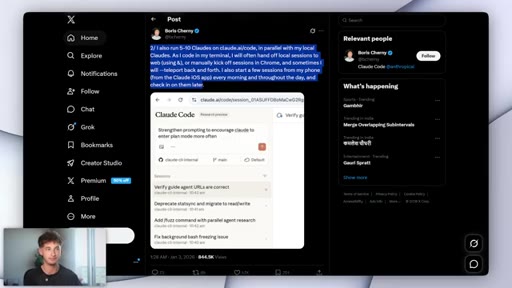
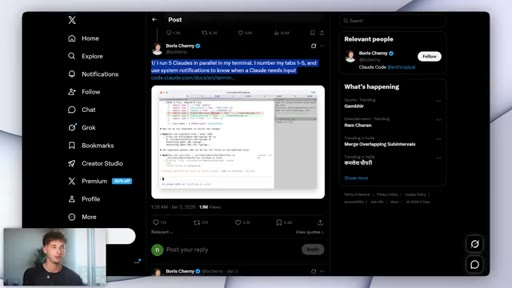
Boris runs 5 terminal tabs + 5-10 browser tabs simultaneously. Each session has exactly one task. Uses Opus with thinking mode because steering cost at scale matters more than per-prompt speed.
02:55 – 04:03

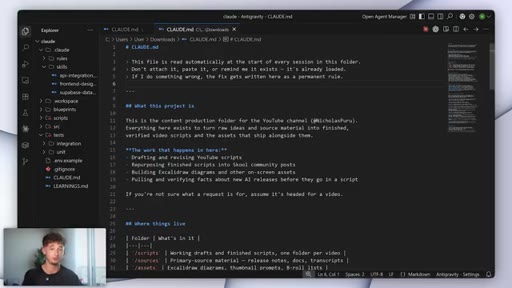
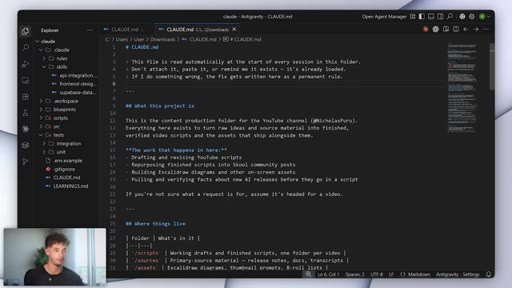
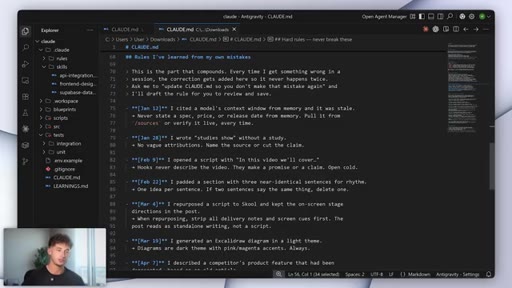
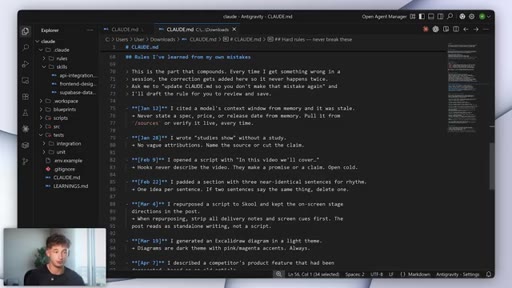
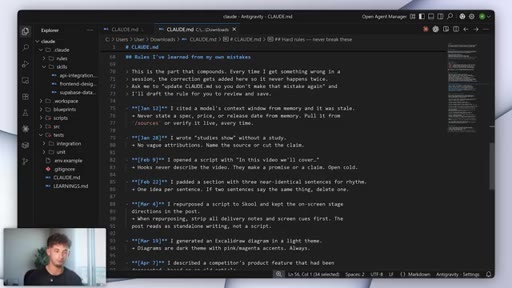
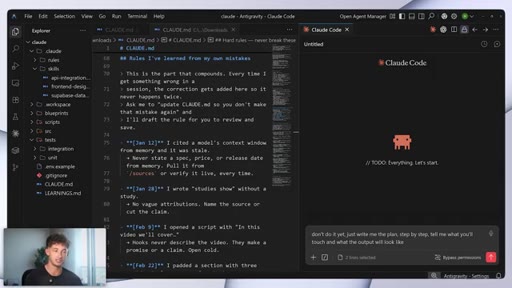
03 · CLAUDE.md: The File That Learns

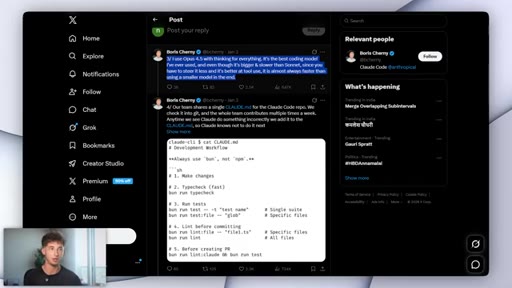
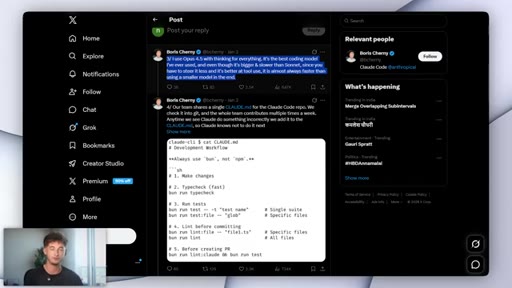
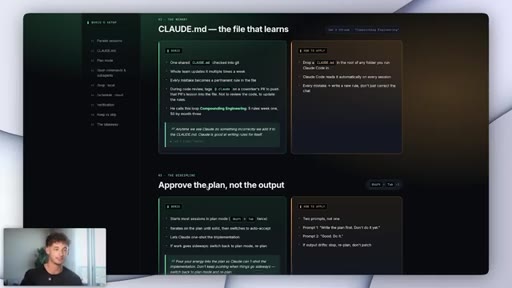
A markdown file at project root that Claude Code reads before every session. Write standing rules once; never re-explain them. Checked into git so the whole team shares it.
04:03 – 05:37

04 · The Compound Engineering Loop

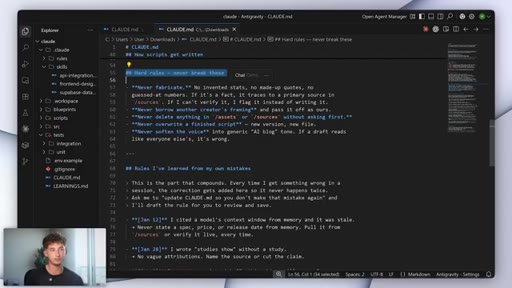
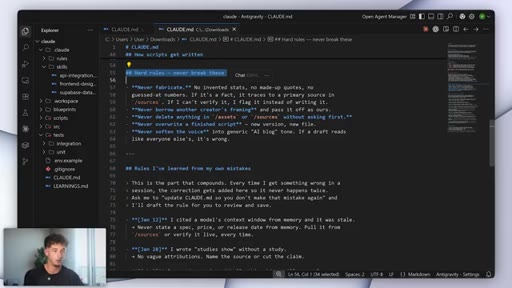
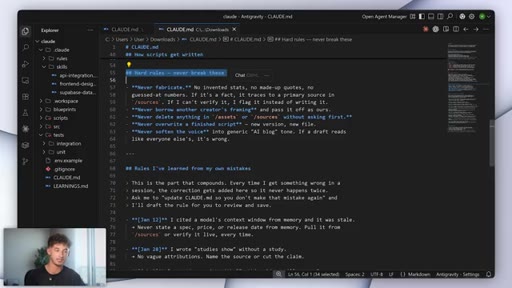
Every Claude mistake gets written into CLAUDE.md as a permanent rule. Claude can write rules for itself when asked. Week one: five rules. Month three: fifty rules. This is the part nobody can copy from you.
05:37 – 07:03

05 · Plan Mode: Pour Energy Into the Plan

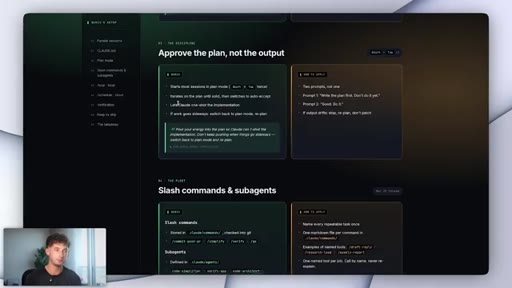
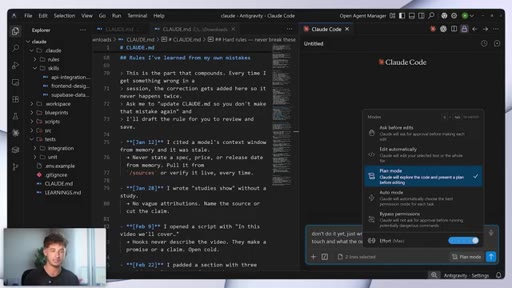
Shift+Tab twice enters plan mode. Claude writes a plan first, user reviews and corrects, then execution proceeds. If work goes off-rails, drop back to plan mode and replan.
07:03 – 08:43

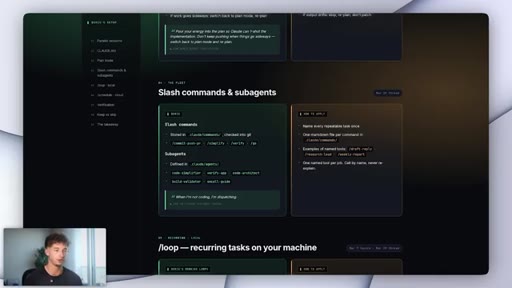
06 · Slash Commands and Sub-Agents

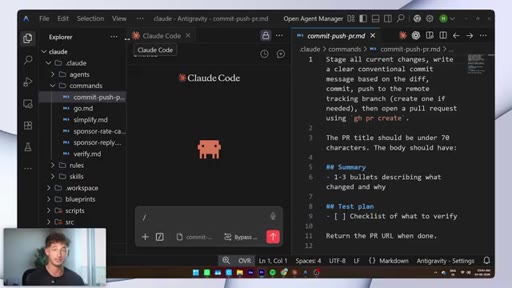
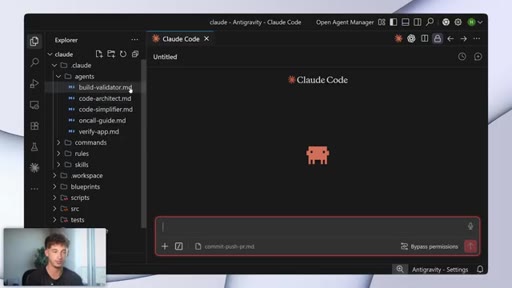
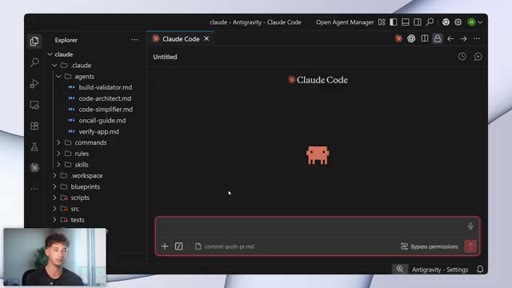
Slash commands are markdown files in .claude/commands/ -- filename becomes command name. Sub-agents in .claude/agents/ have roles, permissions, and reference files. Boris's actual commands: /commit-push-pr, /simplify, /verify, /go.
08:43 – 10:20

07 · Slash Loop: Background Processes

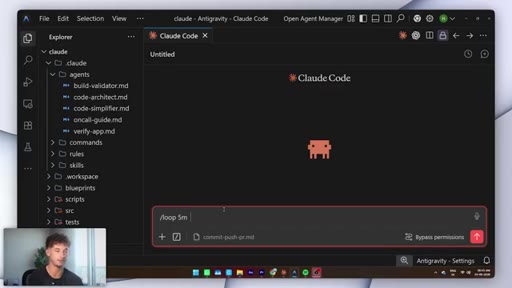
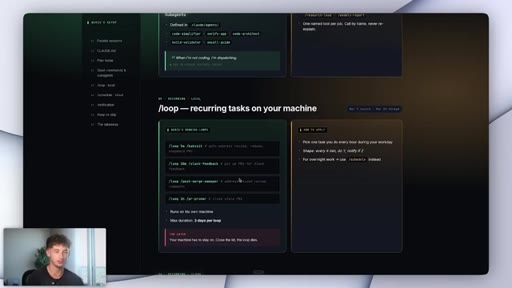
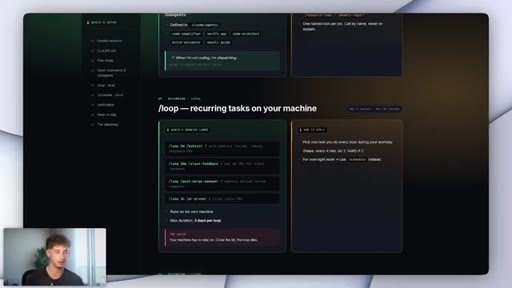
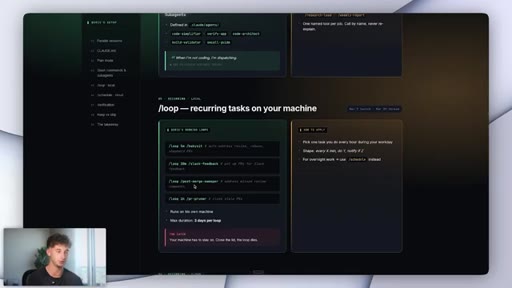
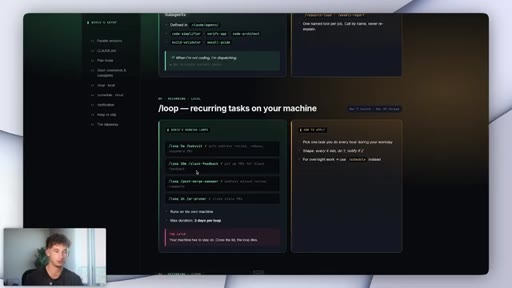
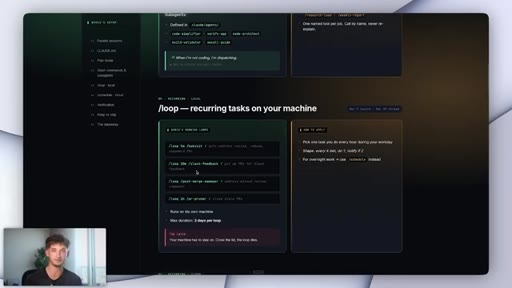
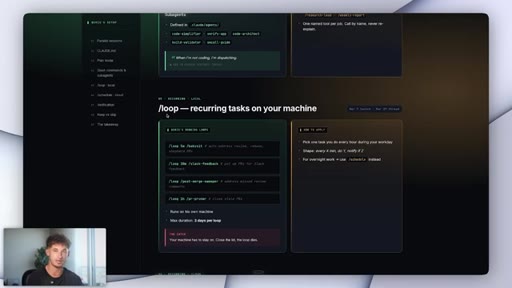
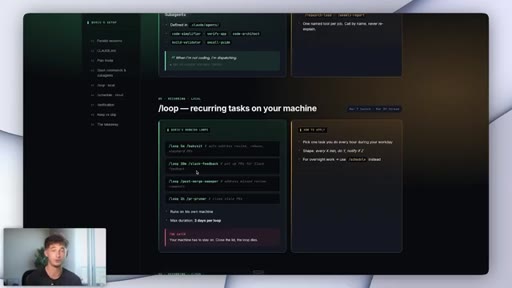
/loop 5m /command runs a recurring agent locally for up to 3 days while the machine is on. Boris runs four loops including babysit-PRs, slack-feedback, post-merge-sweeper, pr-pruner. Sweet spot is two.
10:20 – 12:43

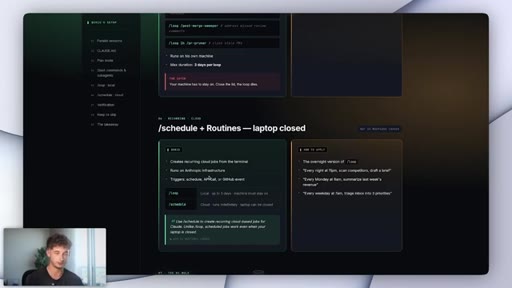
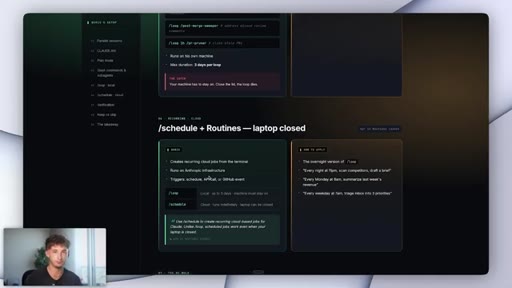
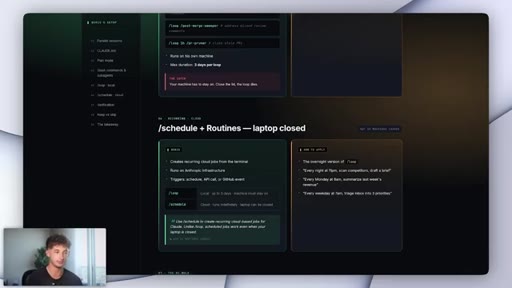
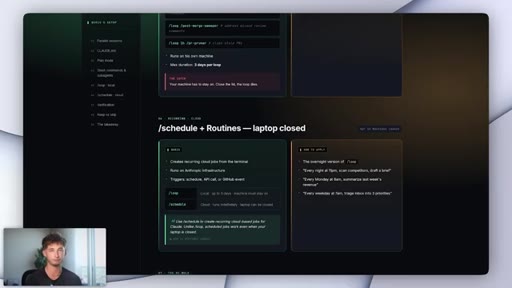
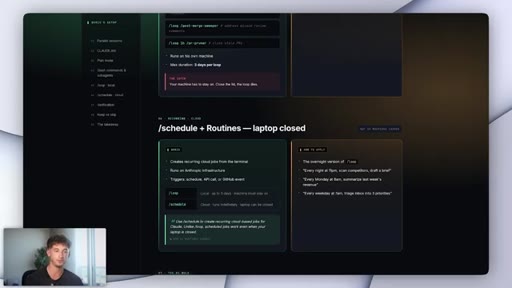
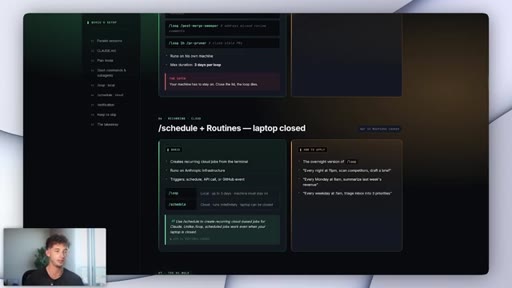
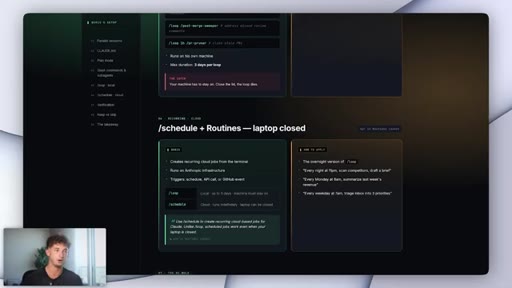
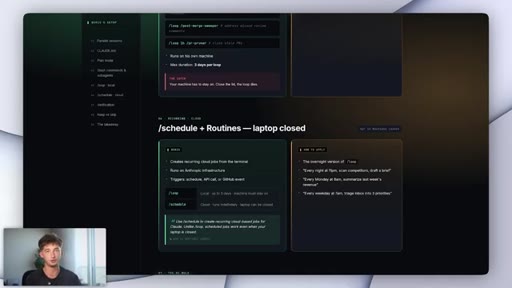
08 · Slash Schedule and Routines: Cloud-Based

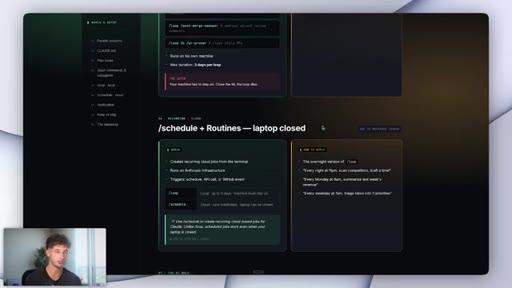
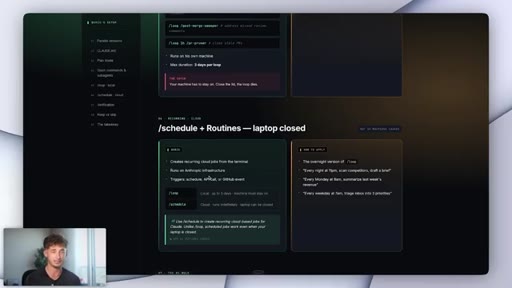
/schedule runs jobs on Anthropic infrastructure indefinitely, surviving laptop close. Can trigger on GitHub events. Practical example: AI news scan that drops a one-page brief to Slack every morning.
12:43 – 14:18

09 · Verification: His #1 Tip

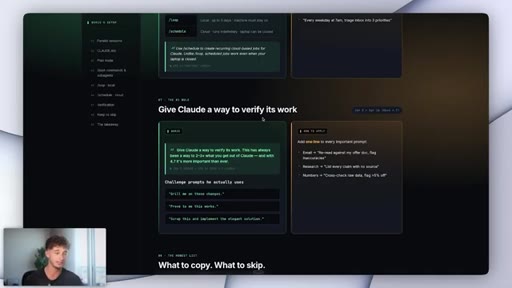
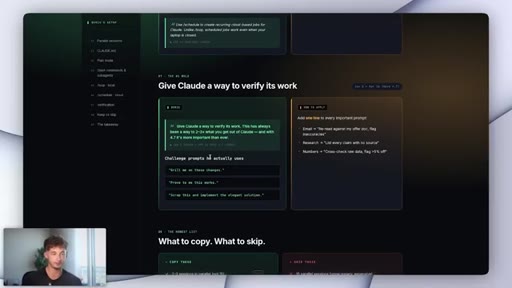
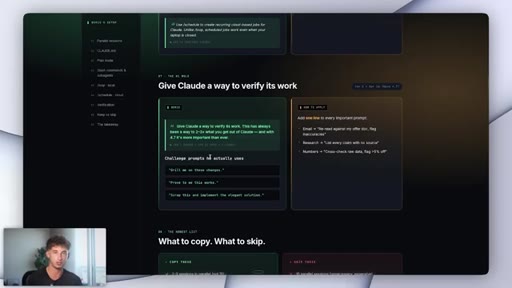
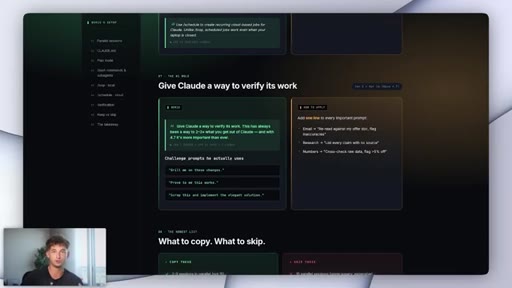
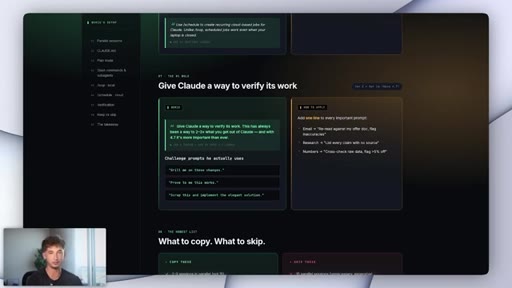
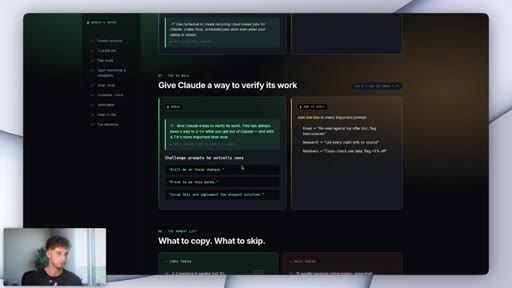
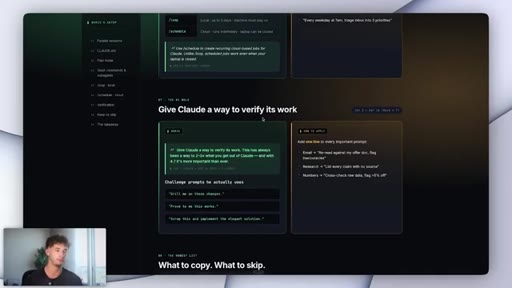
Append challenge prompts to every important task: 'grill me on these changes,' 'prove to me this works,' 'scrap this, implement the elegant solution.' Forces the session from doing to checking. Can be encoded as a /prove slash command.
14:18 – 16:24

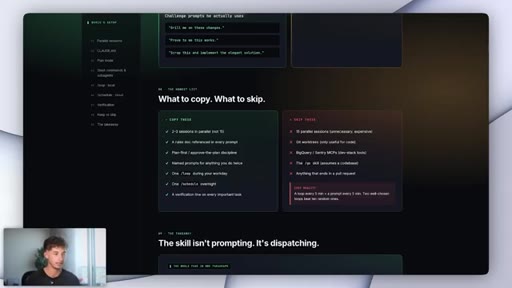
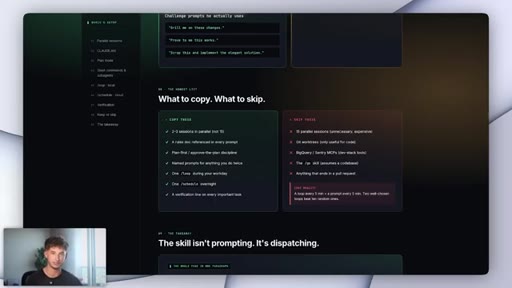
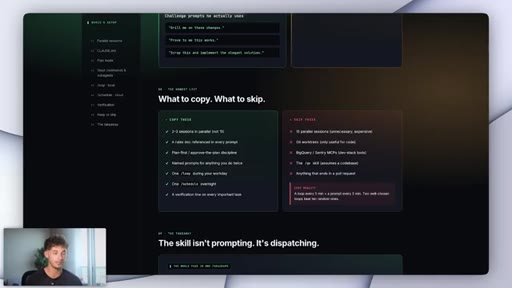
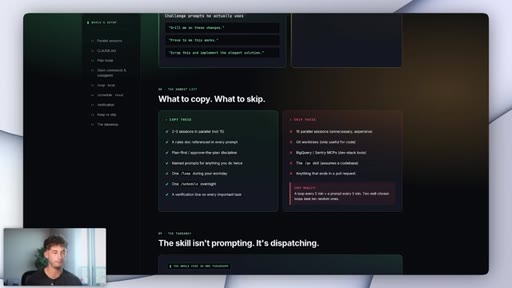
10 · What to Copy vs. Skip (Non-Developer Filter)

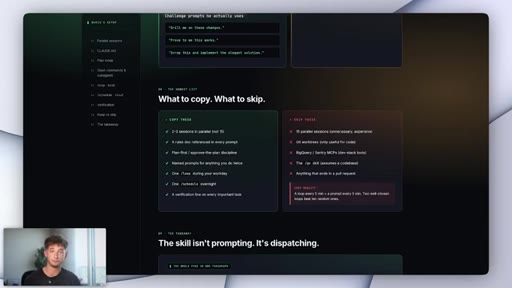
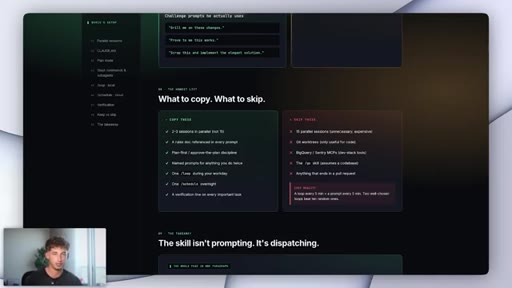
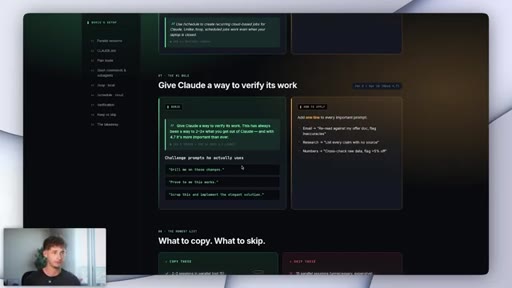
Keep: 2-3 parallel sessions, rules doc, plan-first discipline, named prompts, one loop, one schedule, one verification line. Skip: 15 sessions, git worktrees, BigQuery, Sentry, /go skill, PR pipelines.

§ · Storyboard

Visual structure at a glance.

broken default
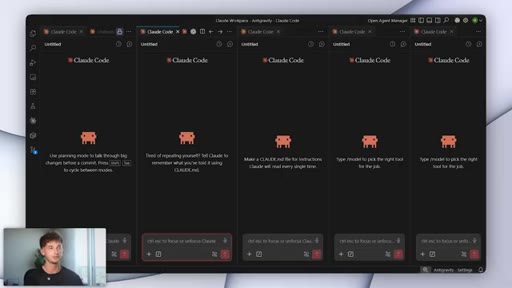
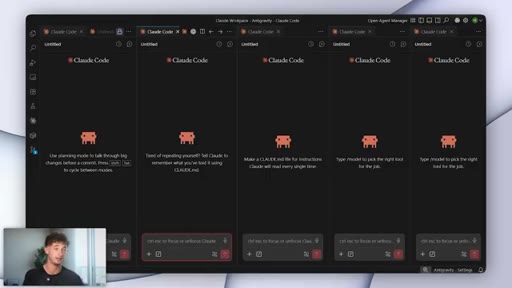
parallel sessions
CLAUDE.md setup
sub-agents in VS Code
verification tip
what to copy / skip
§ · Frameworks

Named ideas worth stealing.

04:03 concept

The Compound Engineering Loop

Every Claude mistake becomes a permanent rule in CLAUDE.md, checked into git, shared across the whole team. Compounds: 5 rules at week one, 50 rules at month three.

Steal for Any repeated AI workflow where re-explaining context is the main friction
14:18 list

The 6-Part Non-Developer Adoption Stack

  1. 2-3 parallel sessions
  2. CLAUDE.md rules doc
  3. Plan-first discipline
  4. Named prompts (slash commands) for repeated work
  5. One local /loop during the workday
  6. One /schedule running overnight

The minimal adoptable version of Boris Cherny's system filtered for non-developers. What to keep vs. skip.

Steal for Non-developer operators, writers, or marketers who want to scale AI work without a developer stack
11:33 concept

Loop vs. Schedule Decision Rule

The minute a job needs to survive the laptop closing, it becomes a /schedule. /loop = local, up to 3 days, machine on. /schedule = cloud, indefinite, laptop can be off.

Steal for Any recurring AI task planning
§ · Quotables

Lines you could clip.

00:08
"Most people use Claude Code completely wrong, and honestly, it's not their fault."
Instant pattern interrupt, blame-reframe, zero setup needed → TikTok hook
05:20
"This is the part that literally nobody else can copy from you. Anyone can paste the same prompts into Claude. Nobody else is going to have your same CLAUDE.md."
Clean competitive moat argument in two sentences → IG reel cold open
12:43
"If you take one thing away from this video, you need to be taking this one -- and it is verification."
Explicit priority signal, memorable setup for the tip → Newsletter pull-quote
13:00
"Grill me on these changes. Prove to me this works. Scrap this, and implement the elegant solution."
Three copy-paste-ready verification prompts in one breath → Carousel slide
§ · Resources Mentioned

Things they pointed at.

§ · CTA Breakdown

How they asked for the click.

14:18 link
"Get inside of my free Skool community -- link will be down below in the description."

Repeated three times (start, mid, end). Ties the HTML reference doc as the tangible lead magnet. Clean execution without overselling.

§ 04 · The Script

Word for word.

HOOK opening / re-engagementCTA the pitch metaphor analogy
00:00HOOKMost people use ClaudeCode completely wrong, and honestly, it's not their fault. The defaults, it teach you to type into one chat, hit enter, wait, and then type again. And that's the loop that everyone learns first.
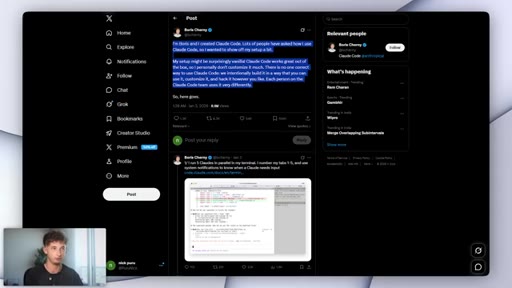
00:10HOOKThe guy who actually built ClaudeCode, he does basically the opposite. His name is Boris Shearney. He runs about 15 Cloud Code sessions at the same time, and he barely types most of his own prompts, and he's been writing about exactly how he does this for months now.
00:22HOOKNow I've read every public post that he's ever made about how he uses Cloud Code, I put this entire thing on this one page so that we could walk through it together. So if you've never run an AI agent a day in your life, it does not matter. You can copy this today, but let's get into it.
00:35HOOKNow some quick context before we actually jump into it. Everything that Boris has said publicly, it is going to be sourced on this page, and everything that I am adapting for people who do not write code, it's going to be labeled separately. So I will have this available to download inside of my free school community.
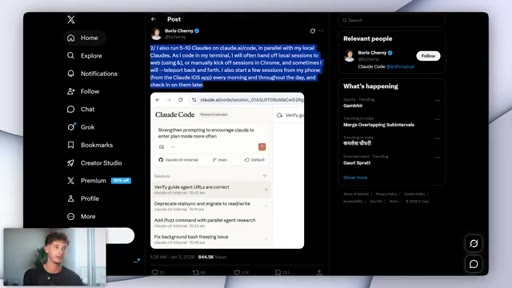
00:50HOOKLink will be down below in the description, so make sure to join that if you want access. Now Boris, he has about five Cloud Code sessions open in his terminal at the same time. Now each one, it is its own separate git checkout, so the changes, they're never going to be clashing with each other.
01:03Now he numbers the tabs just one through five, just to keep them pretty straight in his head. On top of that, he's been running another five to 10 sessions inside the browser on cloud.ai. And before he's even at his desk in the morning, he's already kicking off new sessions from his phone and then just picking them up on his computer when he actually sits down.
01:19Beyond that, he even uses a couple of built in commands, teleport and ampersand to just hand a session back and forth between his terminal and his browser without actually losing the conversation, without losing the context. Now the big rule that makes this whole thing work is one session, one job.
01:34So he never asks the same session to do two different things. Each one, it's going to be getting its own single task, its own context, and nothing else. That one configuration detail actually worth knowing before you set yours up is that Boris, he runs Opus with the thinking mode turned on for every single session.
01:50So it's not sonnet or haiku. His reasoning is opus, and it's going to be slower per prompt, but it's actually faster from task to done because it needs less steering, fewer connections, and fewer reruns as well. And the moment that you are actually running multiple sessions in parallel, the steering cost on each one, it matters way more than just speed of any individual prompt.
02:11So here's how to set this up. Open five different terminal tabs. In each tab, navigate into your project folder, and then just type Claude, and you can hit enter from there.
02:20So that right there, that is going to be five Claude code sessions running side by side. Each one is actually ready to take a separate task. Now for the web ones, you can just simply open up Claude dot a I slash code in about five different browser tabs, and you could be running the same project in each one.
02:39Now the separate git checkout part that only is going to be mattering if you're shipping code, so I would just skip that if you're not. But personally, I run about two at a time. I have one for research, generally one for writing, and the number isn't really the point.
02:53The point is just going from one session to more than one. Now this next piece, it's the one that most people miss when they actually try and copy this, and honestly, it's the highest leverage thing on this entire page, and it is the claudet.md file.
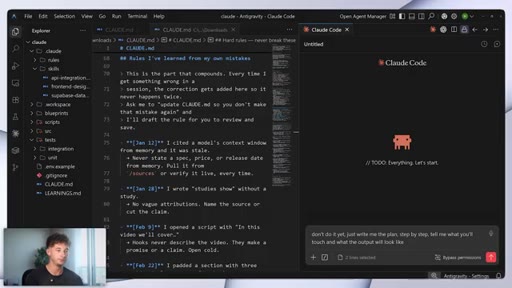
03:05This is effectively just the file that learns. So here's how it works. You're effectively just going to be dropping a file called claud dot m d inside of the root of your project folder.
03:16So that is it. Claude code, it is then going to be reading that file automatically every single time you start a session in that folder.
03:23So you don't have to attach it, you don't have to paste it in, you don't have to remind Claude that it actually exists. It's just going to be loaded into context before Claude reads anything else. So what actually goes inside the files, it is just going to be simple rules.
03:37So projects context, or things to do, things to never be doing. Stuff like never delete files in the assets folder without asking for my permissions, or when you do draft an email, just always read the offer document first.
03:50Or maybe if the project lives in this folder, the brand voice is going to be living in that folder. So anything that you would otherwise have to re explain in every single chat, you want to write into this file once and you are done. Now what actually makes this compound is every time Claude does something wrong inside of a session, the fix just gets written into the file as a permanent rule.
04:11Now Boris' exact words is anytime we see Claude do something incorrectly, we are going to be just adding it to the Claude dot m d.
04:20And Claude is very, good at writing rules for itself, so you can literally ask the session update claud. Md so you don't have to make that mistake again, and it'll draft the rule for you. So you just read it, you save it, and you're done.
04:33That's it. Now an entire team, they could be sharing the same claud. Md just by checking it into git.
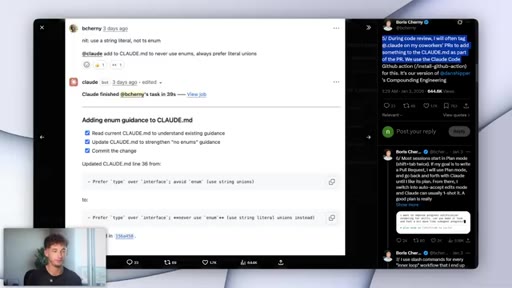
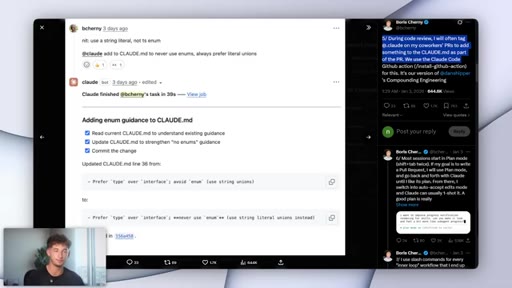
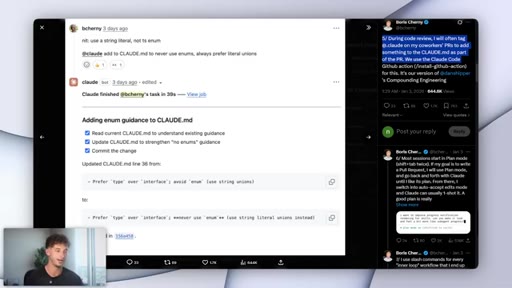
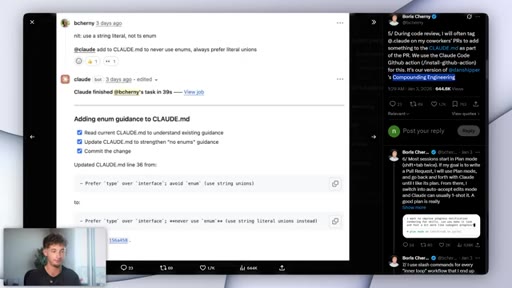
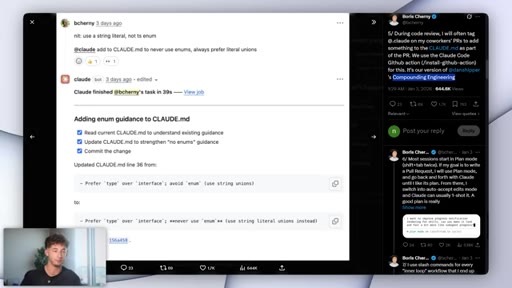
04:38So when one person is adding a rule, everyone is going to be getting it on their next session as well. Now the move that Boris does specifically that's going to be worth copying for you is when he's actually doing any code review on a coworker's poll request, he tags at Claude in the comment. And it's not to review the code, but to instead update the claude.md
04:57based on what the poll request just taught the team. So the lesson, it isn't just going to stay inside of his own brain. It's not gonna stay isolated.
05:05It doesn't stay in the PR thread or anything like that inside of GitHub. It just goes straight into the file every future session in that repo reads. Now it actually calls this whole loop the compound engineering loop, and the name it's actually very accurate because week one, you're clauds at m d, maybe it's five rules.
05:21And then month three, it's going to be 50 different rules, and each correlation, it compounds across every session that follows. So this is the part that literally nobody else can copy from you. Anyone can paste the same prompts into Claude.
05:34Nobody else is going to have your same Claude's at MD, however. Moving on to section number three, you might already be familiar with this. You might already be utilizing it, but it is one of the most important pieces to be enabling.
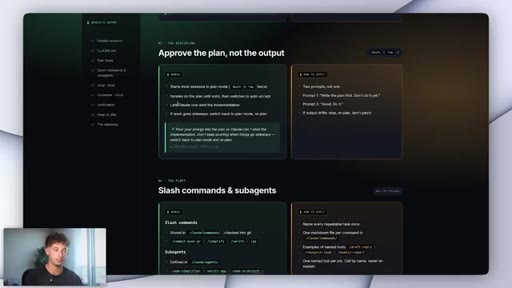
05:46So in any active Claude code session, when you hit shift and then tab, and then tab a second time, the prompt indicator at the bottom of the terminal, it just shows you that you are in plan mode. Now when you just type your task, Claude, it doesn't just do the work, it writes the plan first. So you read it, you fix whatever may be wrong, and then you tell it to proceed with that plan that it had constructed.
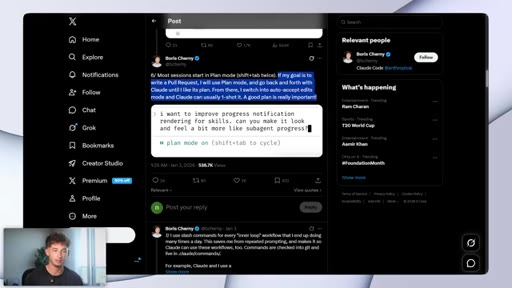
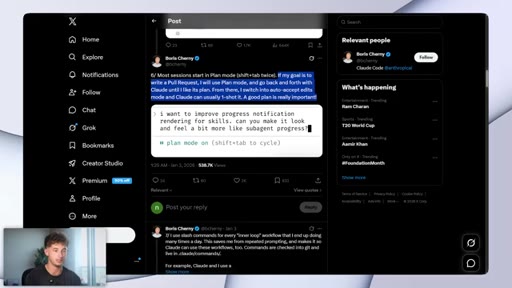
06:08Now Boris, he actually starts most of his sessions this way, where he iterates on the plan until it's actually solid, and then he switches to auto accept, and he just lets the model just one shot on the implementation. Now his phrases for it is, do you just pour your energy into the plan so Claude can one shot the implementation?
06:24Now I legitimately utilize this every single day before pretty much anything that is not a one liner. So maybe having two prompts instead of one. The first prompt is something like, don't do it yet.
06:37Just write me the plan step by step. Tell me what you'll touch and what the output will look like. That's where I come in, I review the plan, and then fix whatever's wrong, if there's anything wrong.
06:46And then the second prompt is just good, go ahead and do it. Now one more move actually worth copying is that if the work goes off the rails, maybe halfway through, you don't just try to patch it inside of the same session. You can just hit shift tab again to drop back into plan mode and replan from there.
07:02HOOKSection number four, this is the slash commands and the sub agent. So the dispatching that Boris does, thing the that I mentioned at the start of the video, is he runs through two kinds of tools named the slash commands and the sub agents. So here's how the slash commands actually work, where inside of your project folder, you just create a folder called dot claud slash commands.
07:21HOOKNow inside of that, this is where you're going to be dropping a markdown file. Now the file name, this is where it becomes the command name. The file called commit push p r dot markdown,
07:31HOOKit instead becomes slash commit dash push dash p r. Now the contents of the file, they're just the prompt itself, and that is the entire setup. Now in any session in that project, typing the entire command, it runs the prompts now.
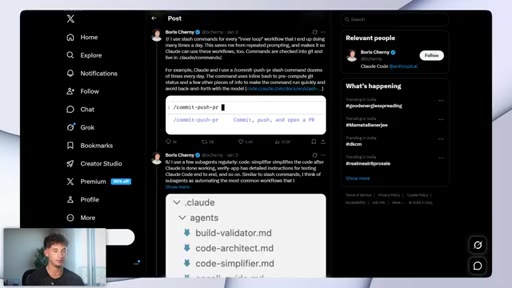
07:45HOOKNow Boris' actual commands are slash commit push p r slash simplify slash verify and slash go. So he actually uses these dozens of times a day.
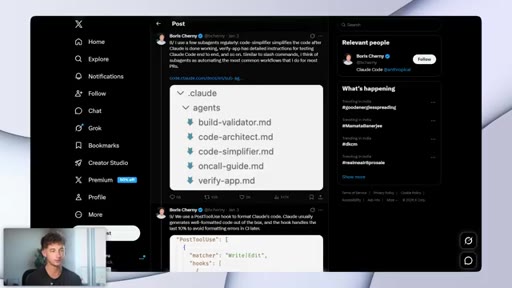
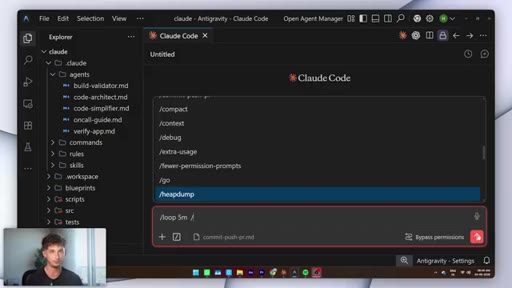
07:54HOOKThey're checked into git, so the whole team is going to be sharing them. Now sub agents, these are the next layer up. It's the same idea, just a much bigger scope, where you define them in a folder called dot claud slash agents.
08:08And each one, it's its own markdown file with a role, its own permissions, and its own reference files. Now Boris' actual sub agents, they're just a code simplifier, a verify app, code architect,
08:19build validator, and an on call guide. So with this, he tags them the same way that he would be tagging a coworker. Now I have around five of these saved.
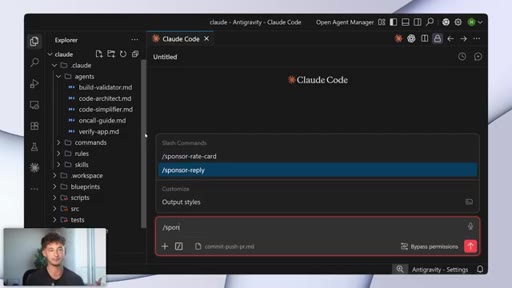
08:27Other ones I actually use the most is a slash command called a sponsor reply, and that's just going to be pulling my rate card from a file inside the folder and drafts the response in my voice and my tone, and it saves me roughly a couple hours every single week. And the whole thing, it's just one markdown file and a dot claud slash command.
08:43Moving on to number five, the slash loop. So slash loop, it just turns a one shot agent into a process that's going to be running in the background. So here's how to actually run one.
08:53In any active Claude code session, you can just type out slash loop and then the interval, which is about five m for five minutes, or one h for, obviously, one hour, and then the prompt or the slash command that you want to be repeating. From this, obviously, just hit enter, and it's gonna run on that schedule until you cancel it, or maybe three days pass, whichever comes first.
09:14Now the four loops that Boris is actually running right now is slash loop about every five minutes slash babysit. So that one, it is going to be addressing code review, rebases branches in Shepard's pull requests. So the slash loop, for example, every 30,
09:29slash slack feedback, slash loop, slash post merge sweeper, slash loop every hour, slash p r pruner.
09:38Now there's four agents going on in the background, taking care of stuff that he would otherwise be doing by hand. Now you do have one catch here that matters, and that's your machine it has to be staying on. So if you close the lid, if you shut it down a loop, it's going to be dying.
09:52Now the right move that you wanna be making for any overnight work, I'll cover in the next section. But me personally, I tried running three loops at once for about a week or so. I turned them all off, and I really found that about two, it is going to be the sweet spot.
10:06At least personally for me, anything more, and I really just stopped trusting any of them because I couldn't keep track of what was actually running, so it wasn't worth it. Now the two that I actually keep, they're just gonna be an inbox sweep every fifteen minutes during the workday, and a lead status check about every hour.
10:20So the shape, it's always going to be the same, where every x minutes, do y, notify me if z. Moving on to number six, the slash schedule and routines. So slash schedule, this is the same idea as slash loop.
10:35But with this, it's going to be running inside of the cloud instead of on your machine. So this actually launched as a feature called routines back in about April. So here's how to be setting one up.
10:46So we're going to go in our terminal, and you just type slash schedule. You know, with the schedule, could say something like every night at 11PM, or a Chrome style string you can input there, and then the prompt, or the slash command.
11:00Now you just have to configure the job once with this prompt, the repo, and your connectors, and then from there. It's going to be running on Anthropix infrastructure on the schedule that you actually set up.
11:11So if you do close your laptop, if you do shut down your computer, if you walk away, you go to bed, whatever it may be, this is going to keep running. The job will keep running for you. So this whole distinction, it comes down to just two different lines.
11:23So the slash loop, that is going to be local, and it's about up to three days. The machine has to stay on the slash schedule. This is cloud, it runs indefinitely,
11:33your laptop can be closed. And the way that Boris actually talks about picking between them is that the minute a job needs to survive the laptop closing or shutting down, it becomes a slash schedule. So this is relatively self explanatory.
11:46And the other thing that he specifically called out is the GitHub event trigger. So a routine that could actually kick off the moment that a PR opens or a deploy finishes without anyone needing to type anything. So the one that I am running right now, it is an AI news scan.
12:01So basically, a content system for me. So it effectively just pulls anything from the AI world, not just only overnight, but actually throughout the day, so twenty four seven.
12:10So any model releases, any big feature launches, or threads that are picking up traction, and it just drops a one page brief into my Slack channel before I am at my desk. So every morning, I'm checking just the most important releases, or if there's any new releases throughout the day, I'll get notified right then and there.
12:28HOOKSo that just means I'm not having to refresh x, go on my YouTube all day, every day trying to catch what dropped, because by the time I open my laptop, I can just see on my phone in the morning, you know, the top things that I need to be knowing about. So I am in the know about all the important things. Now if you take one thing away from this video, you need to be taking this one, and it is the verification.
12:48HOOKSo Boris' exact words, you you wanna give Claude a way to actually verify its work. Now this has always been a way to two or three x what you actually can get out of Claude, in Claude code specifically. So he calls it his number one tip, and he's been saying it since January.
13:01So here's how he actually runs it. There's about three challenge prompts that he adds at the end of his own tasks. So grill me on these changes, prove to me this works, scrap this, and implement the elegant solution.
13:14Each one, it's going to be forcing the session to just switch from doing the work to checking the work. So I added a version of this to every important prompt that I run all in one afternoon, and the quality jump, it is literally immediate. So if you do one single thing from this video, follow this one.
13:29So the line that you actually bolt on, it's going to be changing, of course, depending on the task that you are going to be doing. So for a draft email, for example, it's maybe just reread this against my offer doc and flag anything inaccurate, or maybe if it's for a research report, it's gonna be just list every claim that has no source,
13:48and hypothetically, for a numbers report, cross check against the raw data, and then flag anything off by more than 5%. Now what you can actually do with this is you can add this as a skill.
13:58So you can do slash prove or a slash approve, where you're just telling Claude, add this as a skill. You're just taking exactly everything from this HTML,
14:08CTAand putting it, saying, I want you to run this, and run it whenever I ask for this, or here's some context you need to know about. So again, if you guys want access to this entire HTML, you can get inside of my free Skool community.
14:18CTANow moving on, I'm gonna be completely honest that a lot of this stuff that I just covered, it's probably not gonna be necessarily relevant or applicable or consequently helpful to you, because Boris, he's just a developer working in a developer's environment. So the split that I would be going with this is the most important things to be copying, maybe two or three sessions running in parallel.
14:37CTAYou don't need 15. You can just have a rules document that you reference in every single prompt. Make sure that you are planning first in having this discipline pretty much every time you're starting something that's going to be relatively complex.
14:50CTAAnd then using named prompts for anything that you are going to be doing twice, running one loop during your workday, one schedule running overnight, and a verification line on every important task that you have. That is the entire adoptable system that I would be employing.
15:04CTANow the things that you might be able to skip is, again, not needing 15 parallel sessions. That's just gonna be unnecessary. It's gonna be expensive for you.
15:12CTAHaving git work trees, this only really helps if you ship code. So I personally tried work trees for only just a few days, because the original post made them sound very essential, and then I realized I had zero use for them, and I just completely dropped it. And it's the same thing with, you might not even be familiar with it, but BigQuery and Sentry.
15:28CTASo those are just dev stack tools. And then the slash go skill, it assumes a code base. And anything that ends in a pull request, you really are not gonna be needing.
15:38CTASo if anything didn't make sense, just obviously, don't you need to focus on it too much. Now that's it for today's videos and everything I wanted to cover from Boris. Hopefully, you can see now how the guy who built Cloud Code actually utilizes Cloud Code, and how to start running yours the same way, if not very similar.
15:53CTASo if you're not subscribed, make sure to hit subscribe. Make sure to get all the free resources inside of my free school community down below in the description. And if you're looking for something more hands on, more courses, more support, then make sure to check out our paid community.
16:05CTALink is also down below in the description. So with that being said, thank you guys for watching. Let me know what you guys think of if you guys are using any specific tips and tricks in your stack or anything that I didn't cover in this video, drop it down in the comments.
16:17CTAEager to see what you guys are using. But with that being said, thank you for watching. Hopefully, you found some value within this video, and I'll see you in the next
— full transcript
§ 05 · For Joe

The system behind running Claude Code at full leverage

WHAT TO LEARN

One session doing one job -- governed by a rules file that grows every time something goes wrong -- is the architecture that makes everything else scale.

  • Each Claude Code session should have exactly one task; mixing tasks inside a session eliminates the parallelism that makes the system fast.
  • CLAUDE.md auto-loads before Claude reads anything else -- every rule you write there is a permanent replacement for a repeated explanation.
  • Every time Claude does something wrong, the fix belongs in CLAUDE.md as a permanent rule, not in your head or in chat history where it disappears.
  • Plan mode (Shift+Tab twice) separates your judgment from execution -- iterate on the plan until it is right, then switch to auto-accept and let Claude one-shot the work.
  • Slash commands encode repeatable workflows as one-word prompts -- a markdown file in .claude/commands/ whose filename becomes the command is the entire setup.
  • Sub-agents in .claude/agents/ each carry their own role, permissions, and reference files -- they behave like specialists you tag by name rather than explain from scratch.
  • /loop runs a recurring task locally while your machine is on; /schedule runs the same task on Anthropic infrastructure indefinitely, even with the laptop closed.
  • Appending a verification prompt to every important task forces the session to switch from producing output to auditing it, and the quality improvement is immediate.
  • For non-developers, the entire system reduces to: parallel sessions, a rules doc, plan-first discipline, named prompts, one local loop, and one verification line per important output.
§ 06 · Frame Gallery

Visual moments.