The bait, then the rug-pull.
The knee-jerk read on Codex Sites is obvious: another AI builder in an already crowded field, crammed into a chat interface. But the host came in skeptical and left convinced -- not because it out-features Replit, but because it solves a completely different problem: making apps that Codex keeps operating for you after launch.
Where the time goes.
01 · Intro and Episode Agenda
Skeptical hook (is this just a worse Replit?), then six-prompt promise for the tutorial.
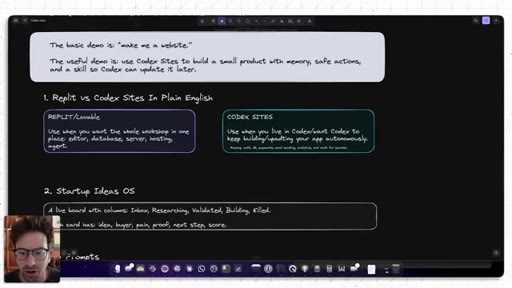
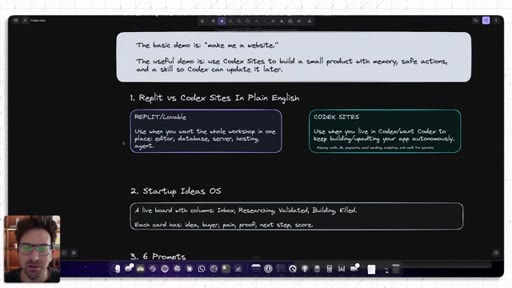
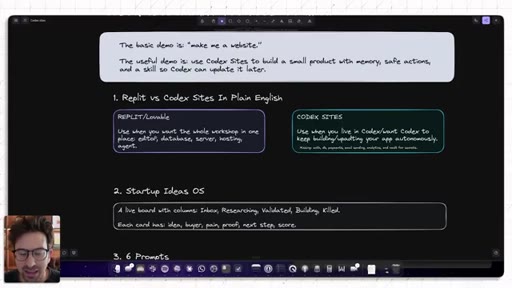
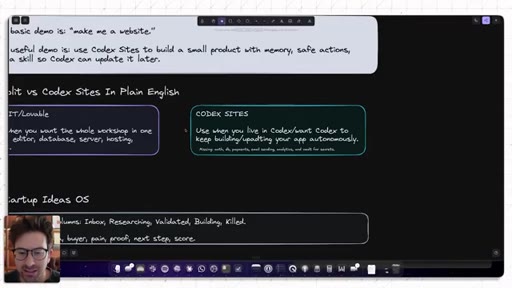
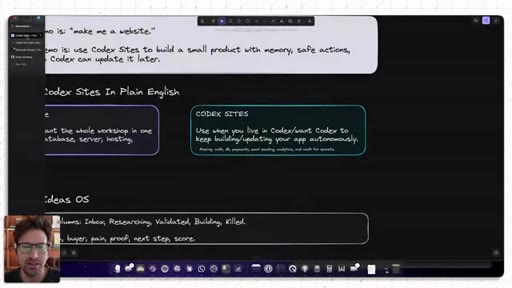
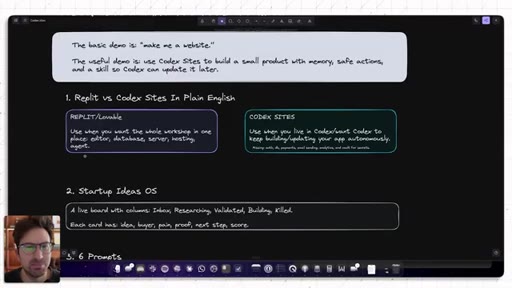
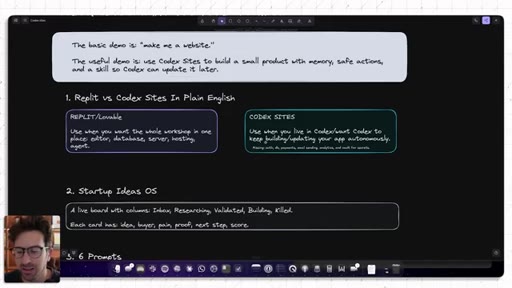
02 · Codex Sites vs Replit and Lovable
Replit/Lovable = full-stack one-prompt. Codex Sites = agent-native, missing auth/payments/vault but deeper Codex integration. Internal-only, no custom domains yet.
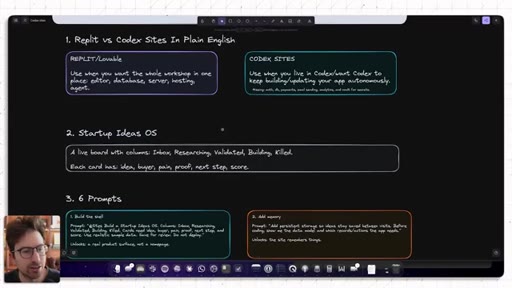
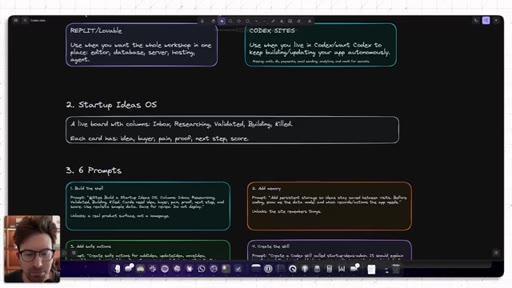
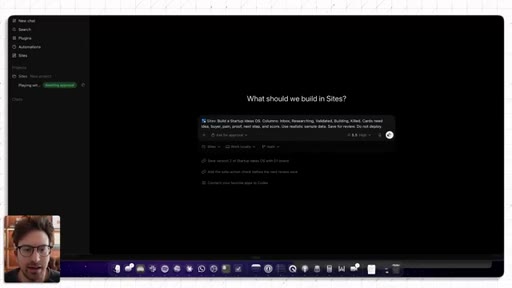
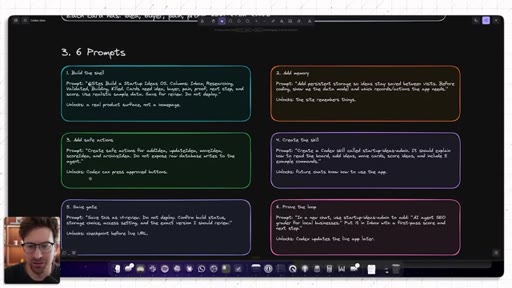
03 · The Build Plan: Startup Ideas OS
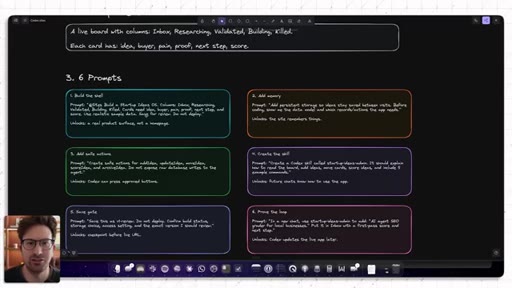
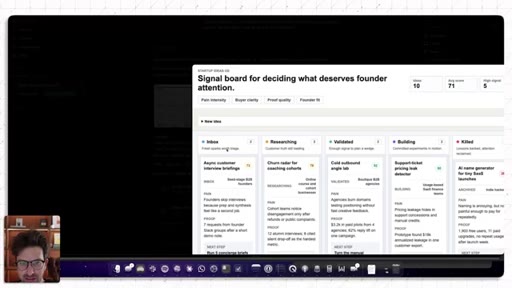
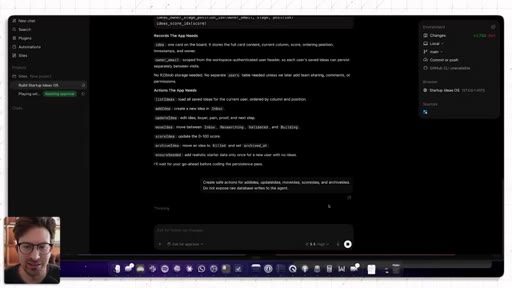
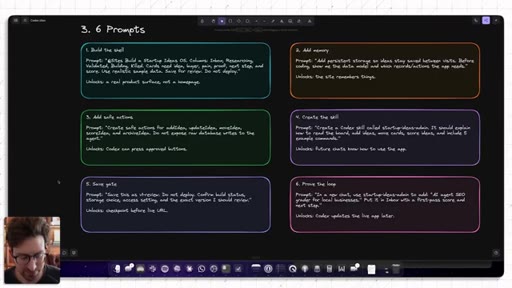
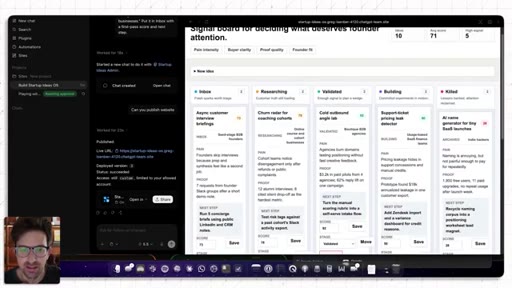
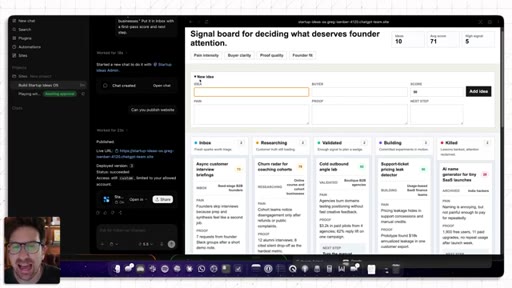
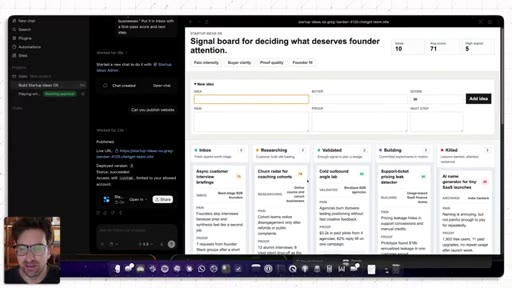
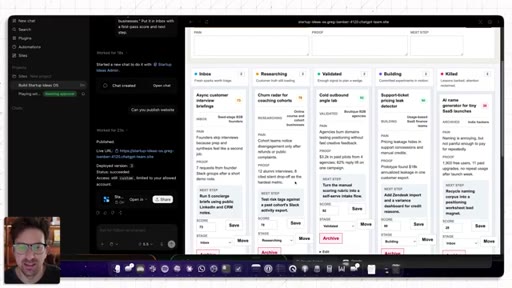
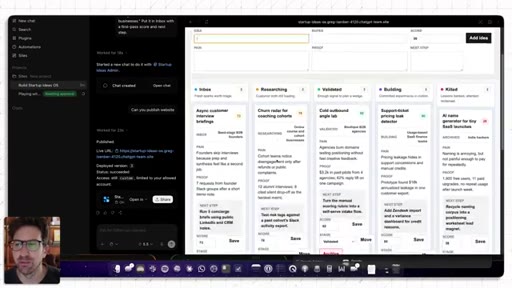
Kanban board: inbox, researching, validating, building, killed. Cards with idea, buyer, pain proof, next step, score. Six prompts planned.
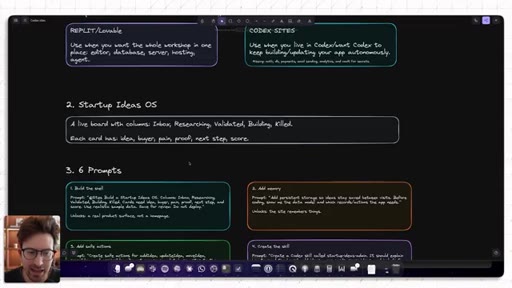
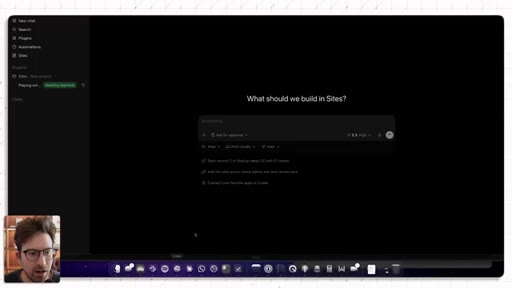
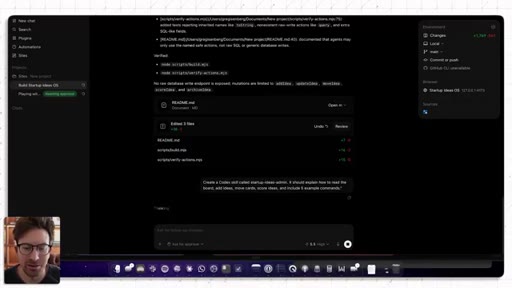
04 · Prompt 1: Build the Shell
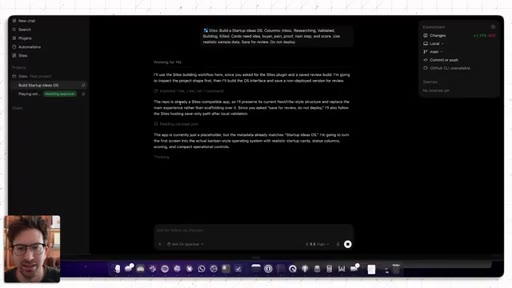
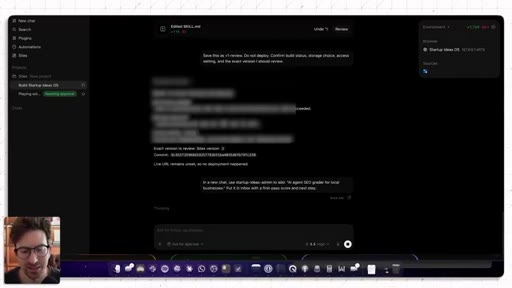
Invoke Sites as plugin, use realistic sample data, save for review (do not deploy). Key tip introduced.
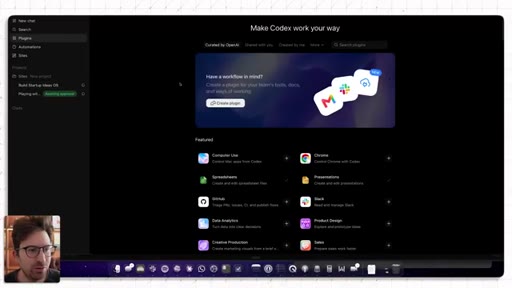
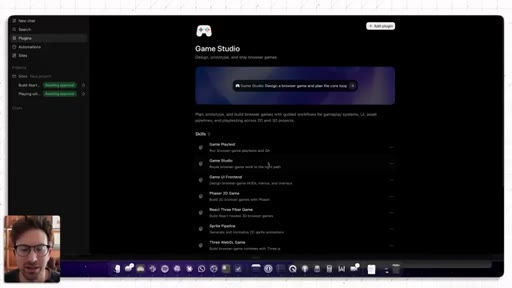
05 · Plugins Worth Using
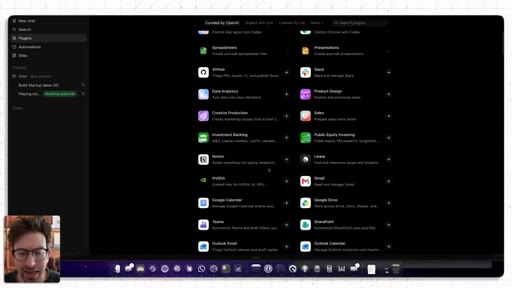
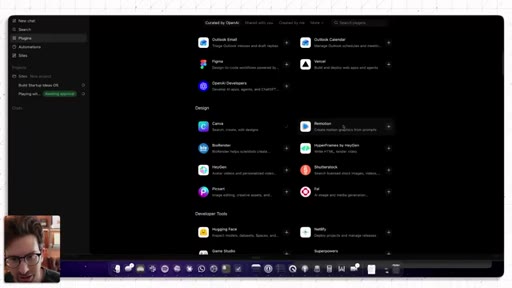
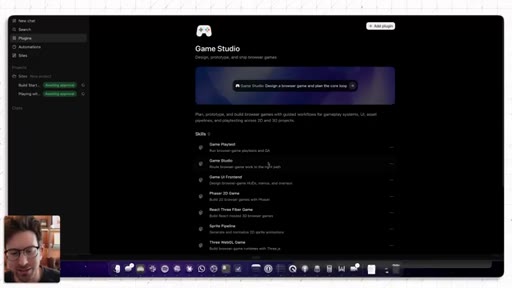
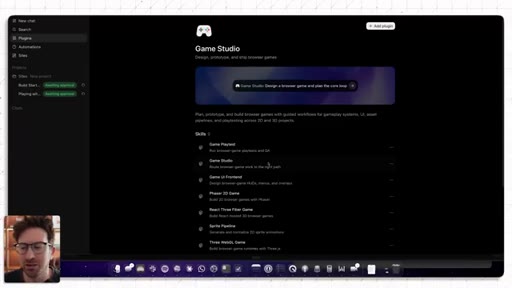
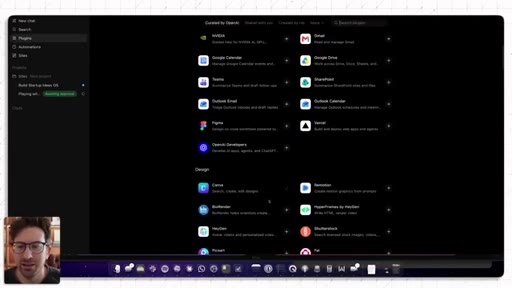
Plugin directory tour: Figma, Canva, HeyGen, Remotion, GameStudio. Insight: mini-games as attention-funnel into a core product.
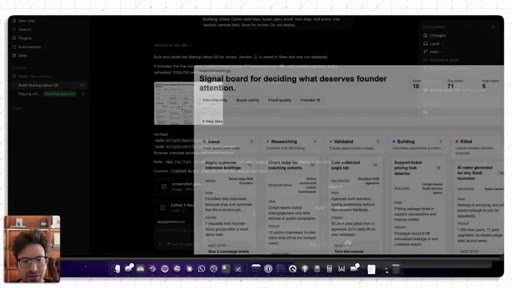
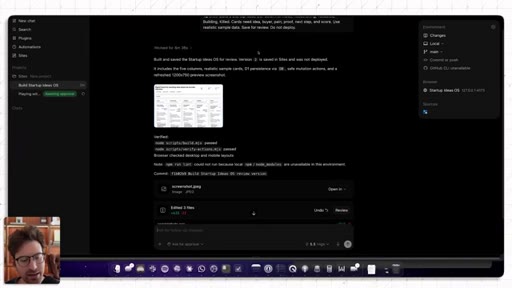
06 · First Board Review
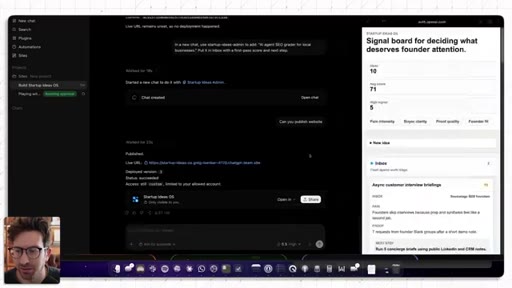
Live Startup Ideas OS board shown -- clean, minimalistic, good enough for v1.
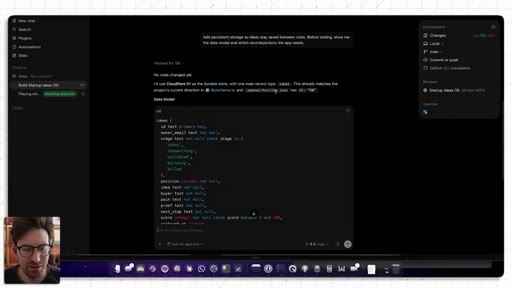
07 · Prompt 2: Add Memory and Data Model
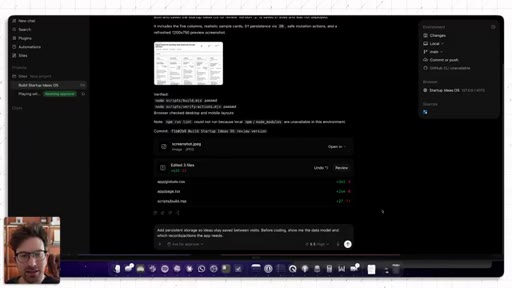
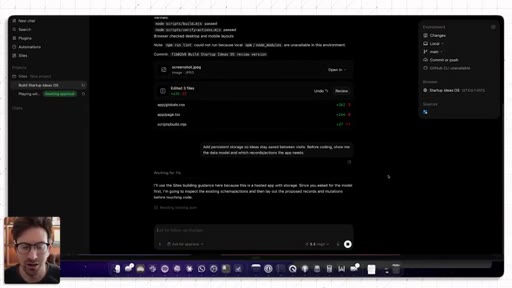
Ask for data model before code. Codex picks Cloudflare D1. Safe actions concept introduced.
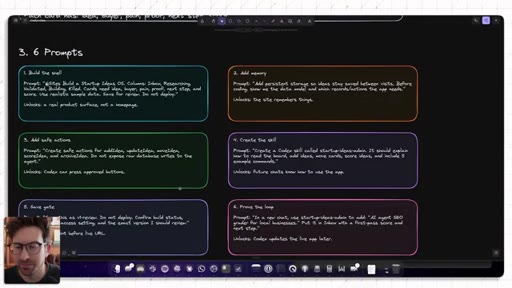
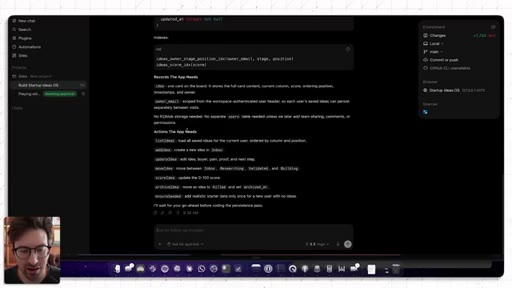
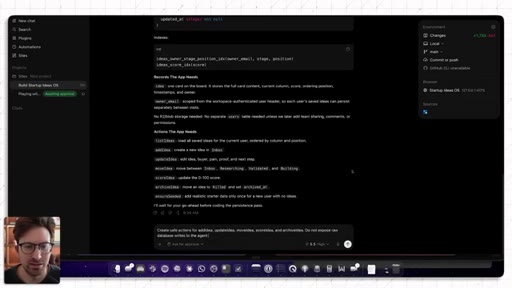
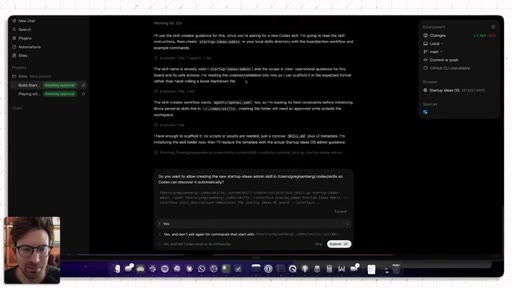
08 · Prompt 3: Create Safe Actions
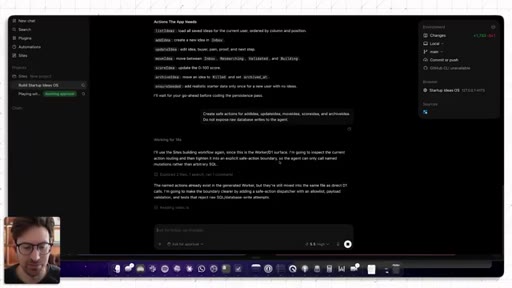
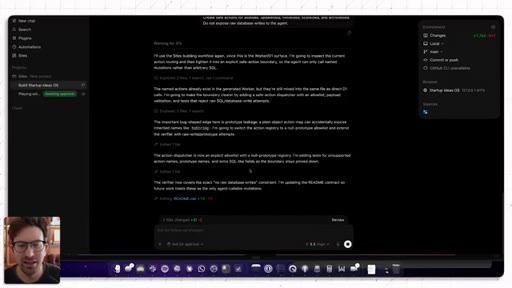
Named mutations only (add, update, move). Non-technical tip: ask Codex what safe actions your app needs.
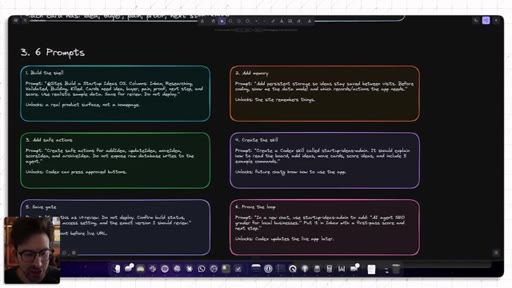
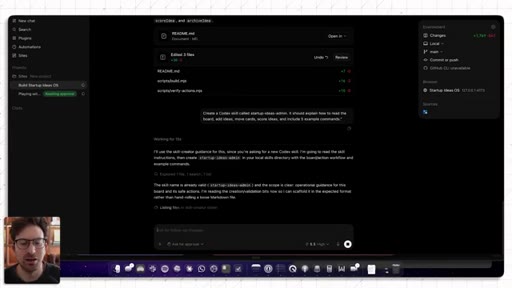
09 · Prompt 4: Create the Skill
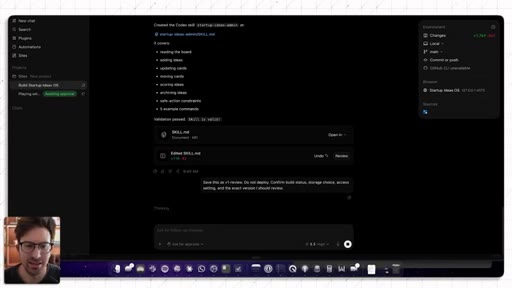
Skill = reusable instruction manual. Tells future chats how to operate the app. Validation passes.
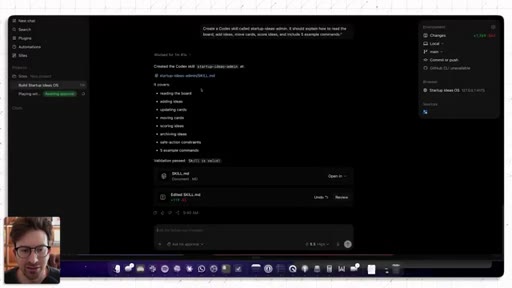
10 · Prompt 5: Save-Gate / Checkpoint
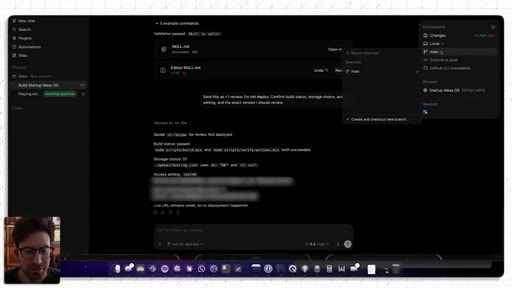
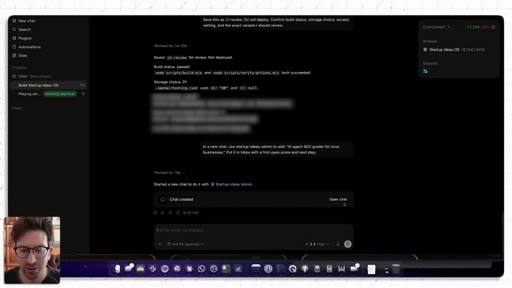
Video-game checkpoint analogy. Save as v1 review, do not deploy. Build passes, D1 confirmed.
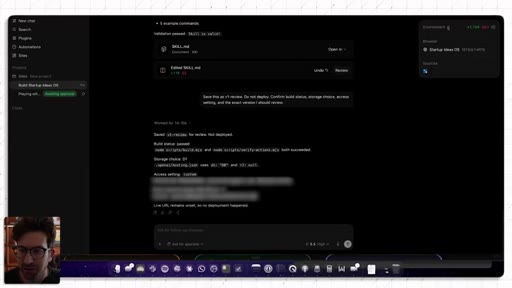
11 · Prompt 6: Prove the Loop
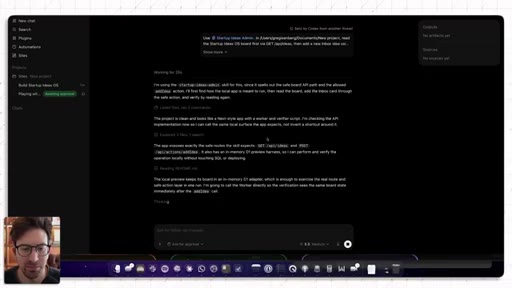
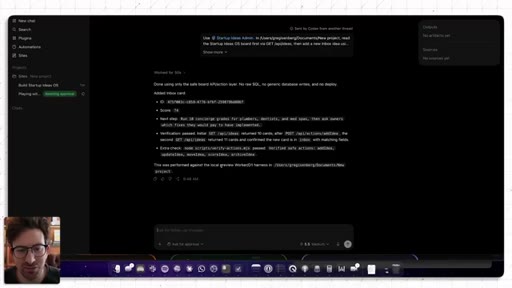
From a NEW chat: skill loads, safe action called, idea added to inbox. No raw SQL, no manual deploy.
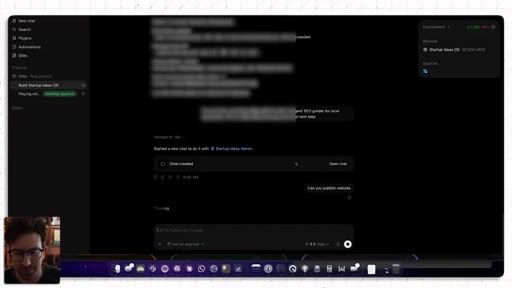
12 · Publish, Auth, and Live Updates
Deployed to Codex URL. Auth built in. Prediction: custom domains coming soon.
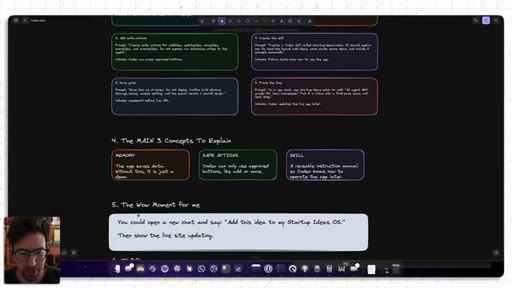
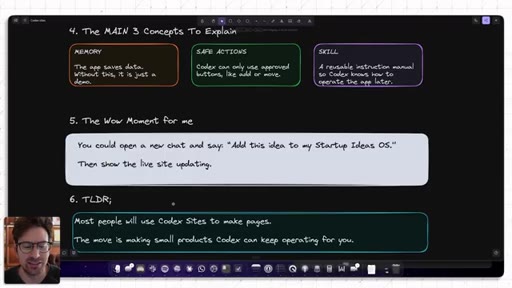
13 · TLDR: Memory, Safe Actions, Skills
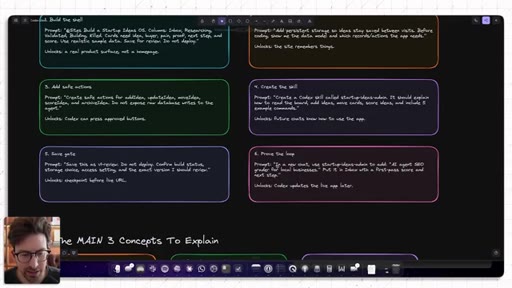
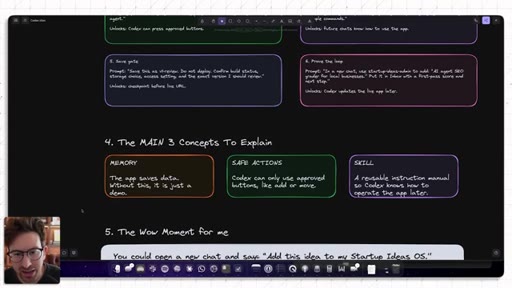
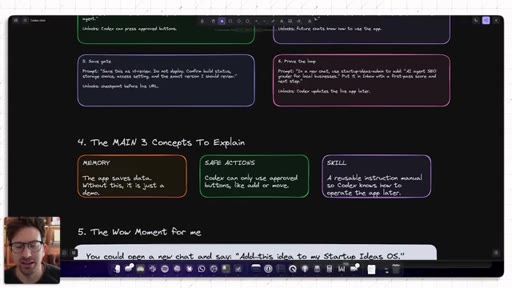
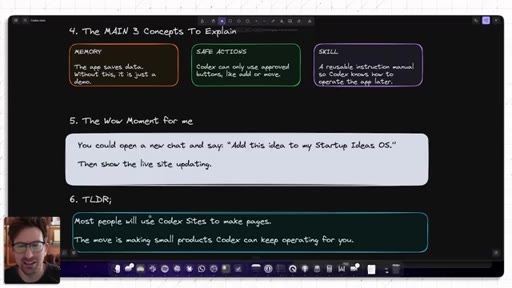
On-screen summary slide. Memory = app saves data; Safe Actions = Codex uses approved mutations; Skill = instruction manual.
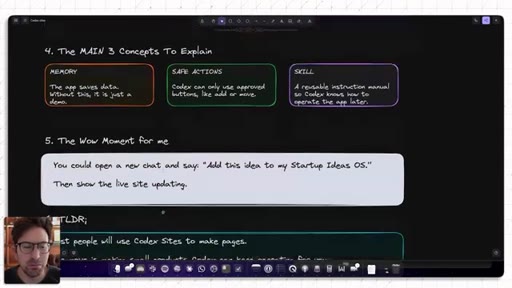
14 · The Real Unlock and Closing
Wow moment: open new chat, add idea, live site updates. Real unlock = products Codex keeps operating autonomously.
Visual structure at a glance.
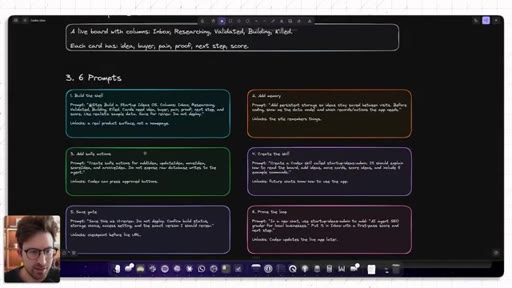
Named ideas worth stealing.
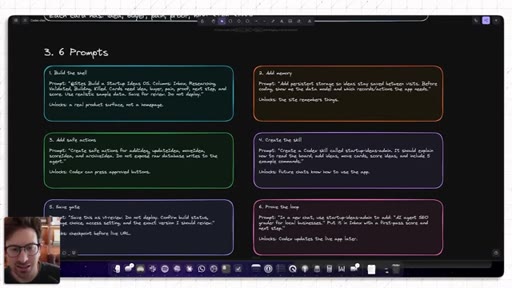
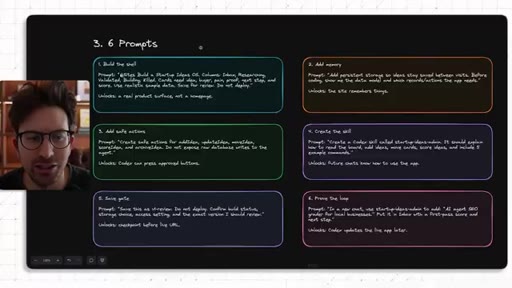
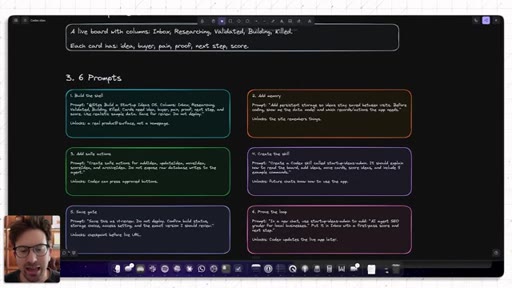
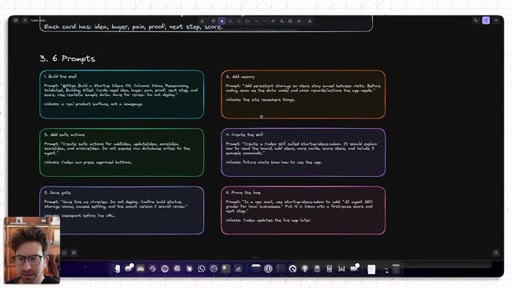
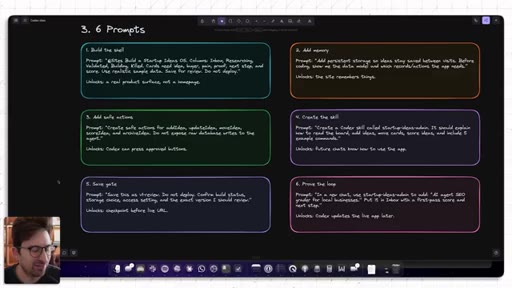
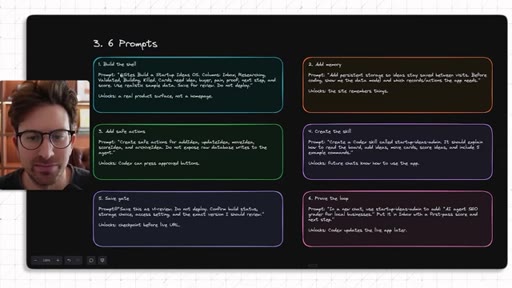
Six-Prompt Build Sequence
- Build the shell
- Add memory + show data model
- Create safe actions
- Create skill
- Save-gate checkpoint
- Prove the loop from a new chat
A reusable six-step recipe for building any Codex Sites app that Codex can operate autonomously after launch.
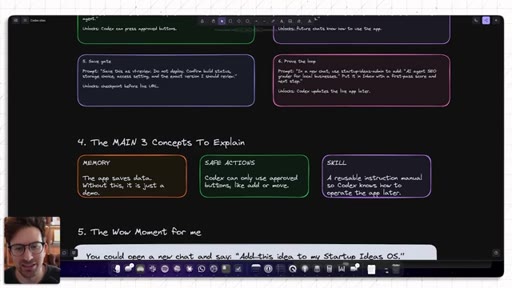
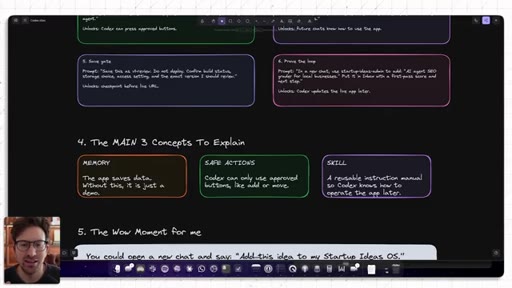
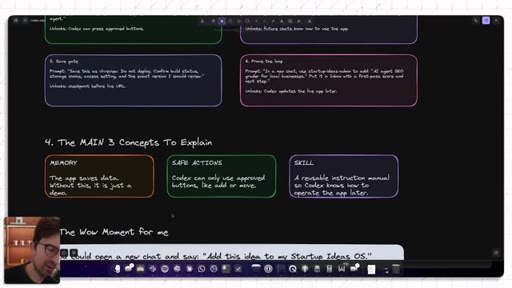
The Main 3 Concepts (host's own summary)
- Memory -- the app saves data; without this it is just a demo
- Safe Actions -- Codex can only use approved mutations
- Skill -- a reusable instruction manual so Codex knows how to operate the app later
The three non-negotiable layers that separate a Codex Sites demo from a product.
Lines you could clip.
"I saw that Codex launched Sites. And when I first saw the news, I was like, is this just a worse version of Replit or Lovable that's just inside Codex?"
"What's the coolest part about Codex Sites is it updates your app autonomously."
"Most people will use Codex Sites to make pages. The move is making small products Codex can keep operating for you."
"You could open a new chat and say 'Add this idea to my Startup Ideas OS.' Then show the live site updating. That is the wow moment for me."
Things they pointed at.
How they asked for the click.
"If this gave you an ounce of value, please like, comment, and subscribe. I read every single comment."
Warm, direct, personal close. Follows the TLDR summary so CTA lands after value is delivered.
Word for word.
Three layers that turn a Codex build into an autonomous product
Memory, safe actions, and skills are not optional polish -- they are the difference between a demo that works once and an app Codex can keep operating without you.
- Replit and Lovable win on ease of first deploy; Codex Sites wins when you want the agent to keep operating the app after launch -- they are solving different problems.
- Custom domains and a vault for secrets are missing in Codex Sites today; if you need them now, Replit or Lovable is the pragmatic choice.
- Always tell Codex Sites to save for review and do not deploy -- without that instruction it deploys mid-session before you have validated anything.
- Asking for realistic sample data in the first prompt saves an extra round-trip; empty boards do not reveal layout problems.
- An app without persistent storage is a demo regardless of how good it looks -- memory is the difference between a prototype and a product.
- Ask Codex to show you the data model before writing any code; seeing the schema first lets you catch structural mistakes without rolling back.
- Safe actions are a permission boundary -- they limit what the agent can do to named mutations, so it cannot write arbitrary SQL to your live database.
- Non-technical builders can skip guessing what safe actions to create -- prompt Codex to list them based on the data model it already showed you.
- A Codex skill is an instruction manual for your app: without one, a new chat has no idea how the board works or what commands are valid.
- Create the skill before save-gating -- it is part of the working product, not documentation you add later.
- The loop-prove is the acceptance test: open a fresh chat, send one command, and confirm the live site updates without any manual editing.
- If the loop fails, the skill or safe actions are incomplete -- fix them before calling the build done.
- The wow moment the host describes -- typing add this idea to my Startup Ideas OS in a new chat and watching the live site update -- is only possible if memory, safe actions, and skill are all wired together.
- Most people will use Codex Sites for simple pages; the builders who wire up all three layers are the ones building products, not demos.