Build Your Tribe · Youtube · 16:58

Instagram Reels Tutorial 2026: How I Actually Edit My Posts

A 17-minute system breakdown from a creator who posts 5+ Reels a day and edits them in under 20 minutes.

Posted
June 4th 2026
today
Duration
16:58
Format
Tutorial
educational
Channel
BY
Build Your Tribe
§ 01 · The Hook

The bait, then the rug-pull.

Running a business with 25 staff and posting five Reels a day should mean a full-time editor on payroll -- but it does not. The system is a set of filming habits that make most of the editing disappear before it starts, paired with a four-tool stack that routes each job to the right tool at the right time.

§ · Chapters

Where the time goes.

00:00 – 00:51

01 · Cold open and credibility

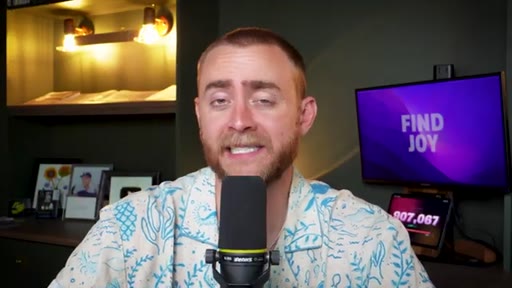
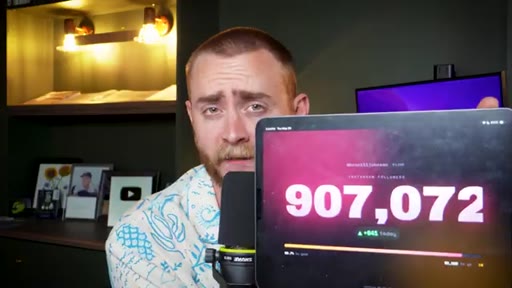
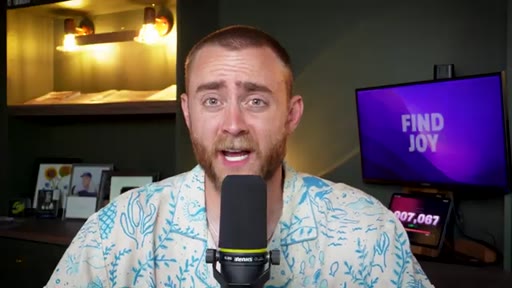
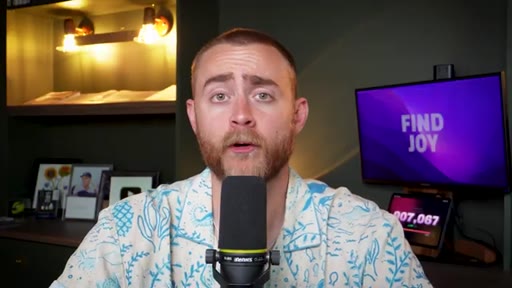
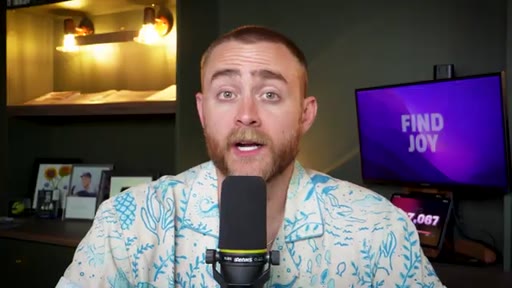
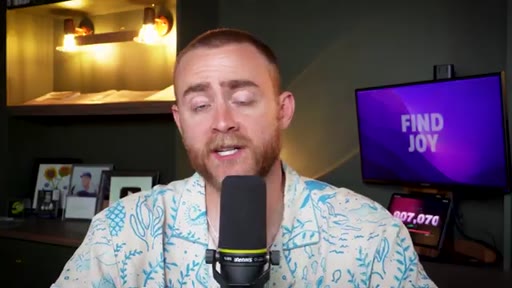
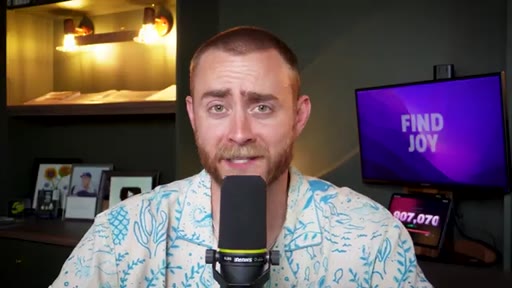
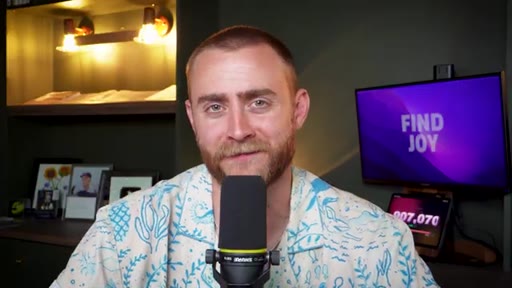
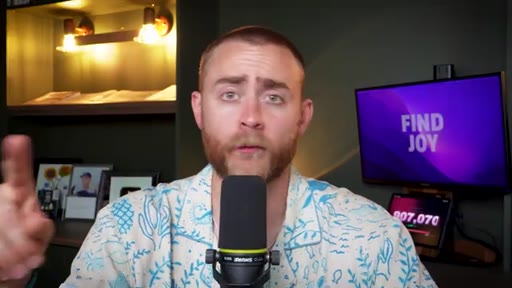
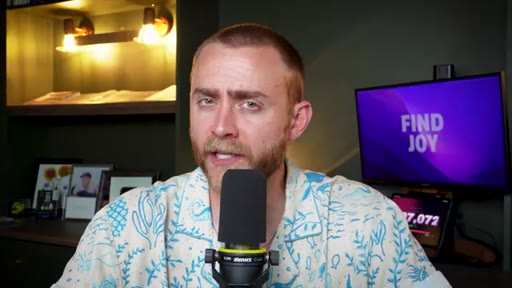
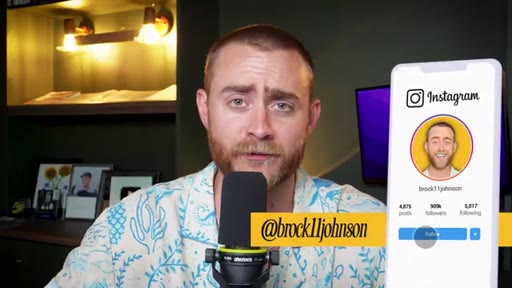
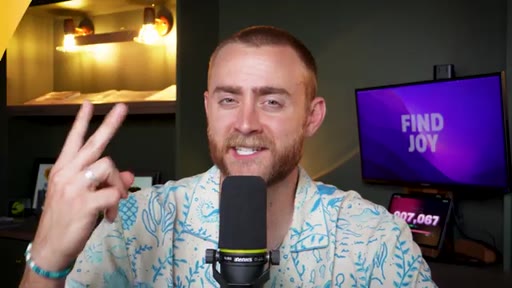
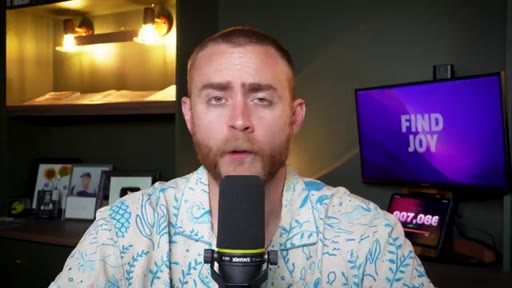
Live follower tracker (907K) on screen frames the speaker as someone with a scaled system, not just tips.
00:51 – 04:12

02 · Key 1 -- Intentional filming

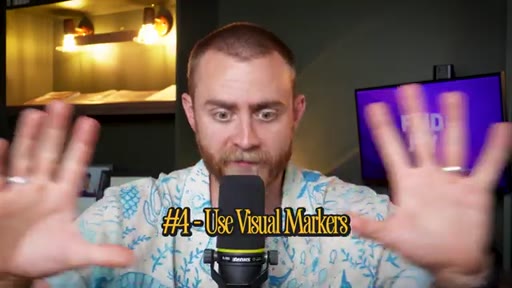
Five filming habits: bullet outline, sentence-by-sentence pacing, pause-hold between takes, hand-up visual markers, last-take-is-best-take.
04:12 – 06:32

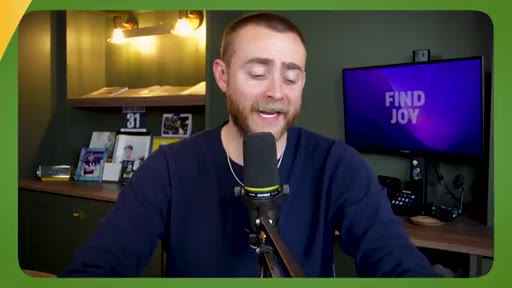
03 · Key 2 -- Editing stack intro

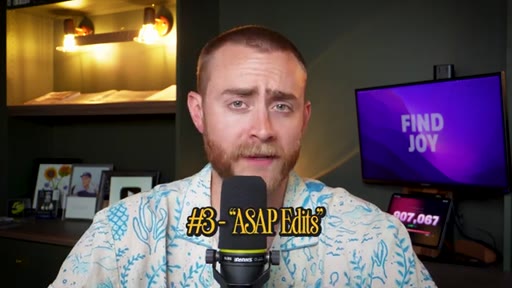
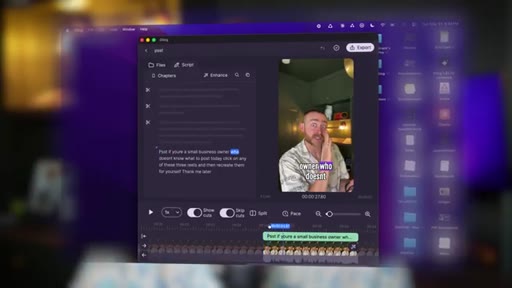
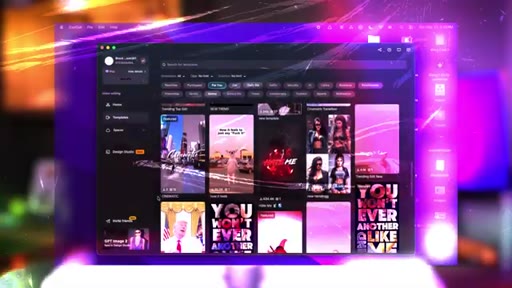
CapCut desktop for medium edits (5-30 min), complex short edits, and ASAP edits.
06:32 – 08:06

04 · Sponsor -- Shopify

Sponsor segment with personal framing around entrepreneurial what-ifs.
08:06 – 11:15

05 · Editing stack continued

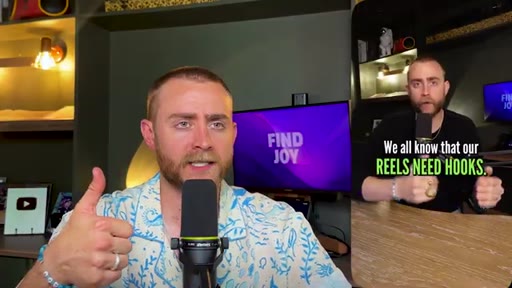
Gling AI deep dive, Edits app mobile use case, professional editors (Hannah and Kylie) and criteria for offloading.
11:15 – 15:05

06 · Key 3 -- Editing efficiency tips

Desktop over mobile, edit from audio waveform, keyboard shortcuts (cmd+B, A-key cursor cycle), one-task-at-a-time batch-pass method.
15:05 – 16:58

07 · Outro

Call to action for comment requests, sign-off, Build Your Tribe yellow end card.

§ · Frameworks

Named ideas worth stealing.

03:30 concept

Last Take Is Best Take

Stop recording the moment you say a sentence well. The final take before you moved on is the keeper -- finding it is instant because it is always the most recent clip in the sequence.

Steal for any talking-head filming session or podcast recording
15:05 model

One Task at a Time Editing Pass

  1. Remove bad takes
  2. Fix lighting and crop
  3. Color correct
  4. Level audio
  5. Add captions
  6. Add effects and filters

Do a single editing task across the entire video, then repeat for the next task. Reduces context switching and speeds up each pass.

Steal for any video editing workflow, short or long form
04:12 model

The Four-Tool Editing Stack

  1. CapCut desktop (medium, complex, ASAP edits)
  2. Gling AI (rough cut removal)
  3. Edits app (mobile and trend audio)
  4. Human editor (long, complex, or skill-gap edits)

Match the tool to the job type rather than using one tool for everything. Decision criteria: how long will it take, how fast do you need it, can you do the skill yourself.

Steal for building a tiered editing workflow for any video platform
§ · Quotables

Lines you could clip.

01:51
"Easy editing comes from intentional filming."
Tight thesis line -- the whole framework in six words. → TikTok hook
04:12
"Once you say it good, good enough is good enough, and stop right there."
Counterintuitive perfectionism note that applies beyond video editing. → IG reel cold open
13:13
"Do not watch the actual preview window, just look at the audio file down at the bottom."
Specific, actionable, immediately testable tip. → TikTok hook
§ · Resources Mentioned

Things they pointed at.

04:12toolCapCut ↗
08:14toolGling AI ↗
10:00toolInstagram Edits app
06:32productShopify ↗
§ 04 · The Script

Word for word.

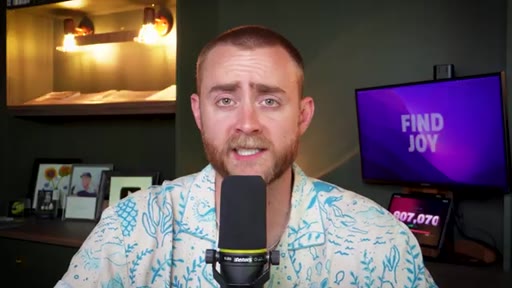
00:00How do I actually edit my reels in 2026? As a full time business owner with a team of over 25 people who posts five plus Instagram reels per day, I'll tell you exactly how I'm able to manage it all without spending more than fifteen to twenty minutes per day on editing my Instagram reels. For most business owners and people trying to grow a personal brand on Instagram, ending their reels is a real bottleneck.
00:22And so in today's episode, I'm gonna share with you my three keys to being more efficient with your ending to save time, energy, and effort, and increase your output without having to bang your head against the wall. Now real quick, wanted to show you this thing that's over my shoulder right here. Let me show you.
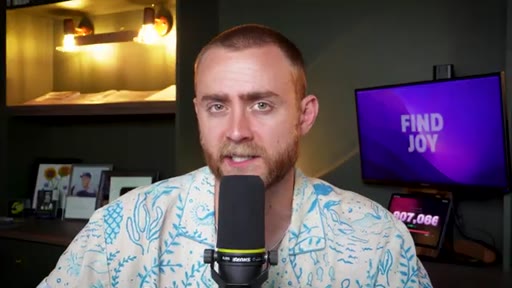
00:36This is my live real time follower tracker. I am on the road to 1,000,000 followers on Instagram, and I have the lofty goal of hitting it this year.
00:46I'm currently, at the time of recording this, at 907,072. So if you want to help this tracker go up, just make sure that you're following me on Instagram. My Instagram username is Brock eleven Johnson.
00:59And I'm always surprised how many people follow me on Instagram, but don't listen to my podcast, or they watch these YouTube videos every week, but they don't follow me on Instagram. So just do me a favor real quick and just double check that you are following me on Instagram. And, anyways, I appreciate you, and we'll get back to the episode.
01:12The first key to editing faster and better for your Instagram reels is that easy editing comes from intentional filming. And here's exactly what I mean by that. Number one, I almost never record without at least an outline.
01:24I don't prefer to use a fully typed out script because I end up trying to be too perfect, and I second guess myself if I know I'm veering off the script. So instead, I like to use a bullet point outline, and then I allow myself to talk extemporaneously from that outline.
01:38This makes the recording process much more streamlined and efficient. And then when I'm editing, I can refer back to that outline to see what I was thinking at different points and what the exact order of the video was, because sometimes you have to shoot things out of order. The second thing I do to make my life and my Edler's life, I'll tell you more about that easier, is I stop between sentences.
01:55This isn't something that I necessarily do when I'm recording a podcast, but when I'm recording a reel for Instagram, I will stop between each sentence or even stop between each independent clause, which not to get too literary, but my sixth grade English teacher will definitely be proud of me for this one. An independent clause is a section of a sentence, basically, that can stand on its own.
02:15Like, if you were to put a period at the end of that phrase, it could be its own sentence. Oh, and if I ever mess up mid sentence, I can then just go back to the beginning of that sentence and say it again, and I know that if I make it to the end of that sentence without a mistake, that was a good take, and I can move on.
02:29If I have some sort of mistake or um or or pause, or I just don't like the way I said something, I can just go back to the beginning of that one individual sentence rather than having to go back multiple sentences. Tip number three for this intentional filming thing is to pause, make eye contact with the camera, and maybe even smile between each take,
02:47and smile at the end of each take. Even if it's just for half a second, it will make your ending life so much easier, and you'll avoid those awkward clips where you're having to start mid word or you're having to, like, cut off part of the word that you were saying before because you didn't pause for long enough. So just make sure that you hold eye contact with the camera before you start your sentence, and after that last word of your sentence, and just sit with it for a second.
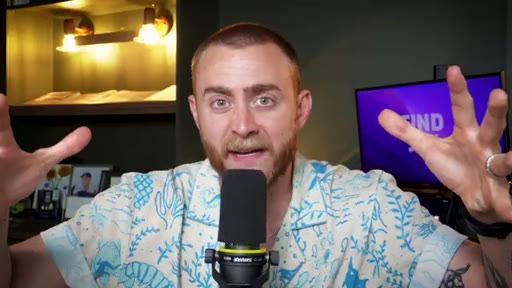
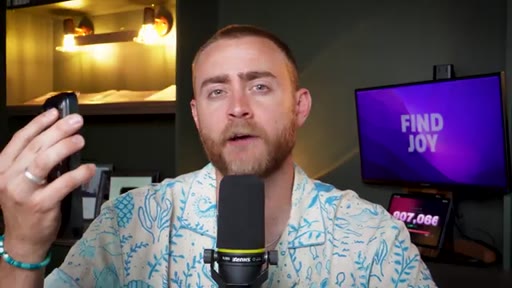
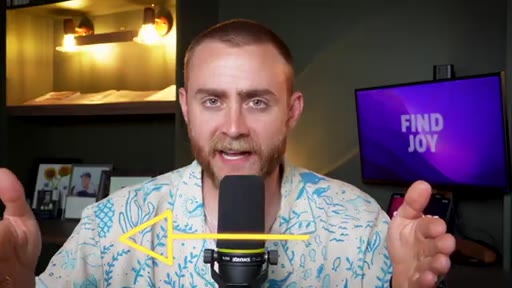
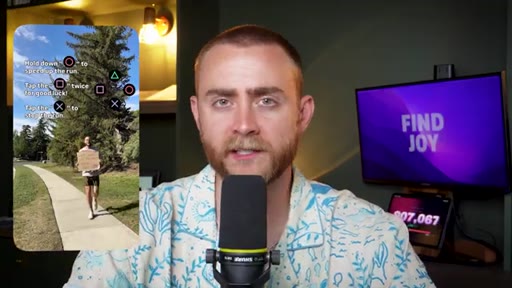
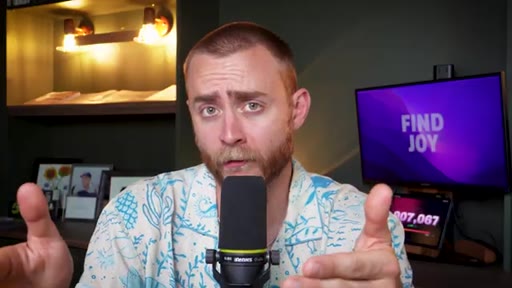
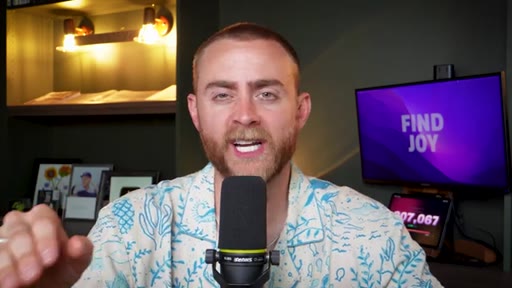
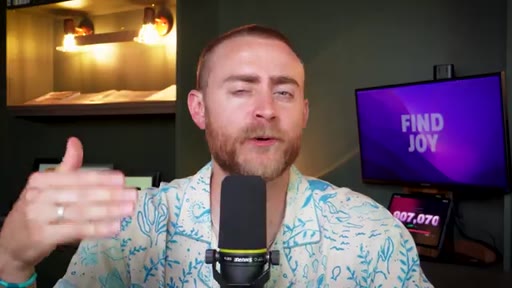
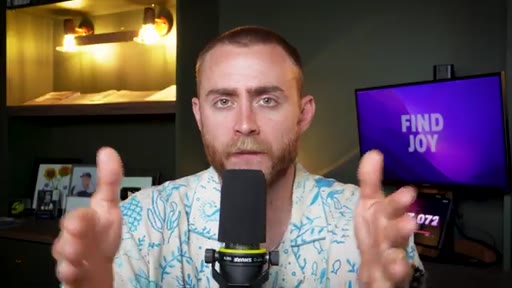
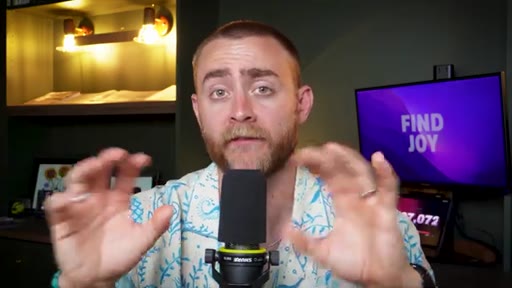
03:10Tip number four is to use visual markers. So something that I often like to do is I'll hold my hand up in front of the camera, because that's a very obvious visual when I'm editing to say, oh, even though there is this long section that I thought might have been good, if I'm scrolling through my editing bar and I see my hand up in front of the screen or something like that, I know that I can cut or remove whatever was right before that section.
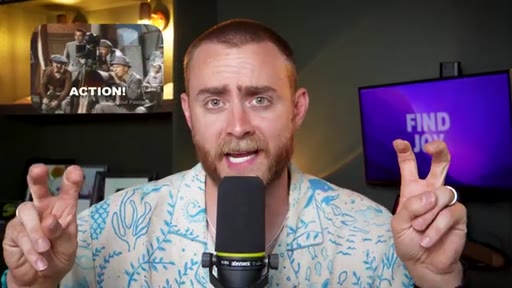
03:33And then my fifth tip for intentional filming is that the last take is the best take. Now, I know this isn't necessarily how they do things in Hollywood. I know that in Hollywood, they'll do, like, seven or eight different best takes, and then the professional editor who's getting paid hundreds of thousands of dollars, I think that's how much they make, can decide which take is best, or the director, or whoever decides that, I don't know, can decide which take is best.
03:54But come on, let's be real. We're making reels for Instagram. Let's be real.
03:59Pun not intended, but pun very much funny. What I'm saying is, when you say the good take, stop right there. Don't second guess yourself and be like, oh, could I say that better?
04:08Could I say that more concise? Could I say that again with different emphasis? Once you say it good, good enough is good enough, and stop right there, and move on to the next sentence, or the phrase, or the next clip.
04:20Because if you don't do this, what can end up happening is that you have a good take, and then you want to get a better take. So you do, like, three or four more versions of the sentence, but you don't quite say it right, and then you eventually go, uh, you know, that good take from a few minutes ago, that was good enough.
04:35We'll stick with that. But then, when you're in editing, you have to find that from the pile instead of being able to just scroll right to the end of your clip, and know that the last take was the best take. Now that we've talked about intentional filming, let's talk about my actual editing stack, and what different editing apps I use.
04:52Number one, the app that I use most often is CapCut desktop. Now, CapCut has a mobile app as well, and that's actually one of the things that I really like, is that I can start something on my phone, and then switch over to my laptop and continue editing it, as long as I'm logged into the same account. I also really like the advanced features that CapCut has.
05:10It's rare. I would just say it's almost never happened where I've wanted to do something, or wanted to achieve some sort of effect, and haven't found it possible with CapCut. Now, I do have the CapCut premium subscription, so I do pay for that, but that in my opinion is a very wise business expense.
05:26And I use the CapCut desktop app for one three different kinds of edits. Number one is what I will call a medium edit. This is an Instagram reel where it would take more time to upload the files,
05:37write on instructions, send it to a professional editor, wait for them to edit, and get it back, than it would for me to just edit myself. This is an edit that's only going to take, I would say, five to thirty minutes at most.
05:47The second kind of edit that I use the CapCut desktop app for is complex edits that don't take very long.
05:54This is something that would be like, for example, a seven second reel, something that it would be silly to send off to an editor and write instructions for, but it requires an edit that isn't really possible on the edits app or in Instagram. So I need an app with a little bit features, and that's where CapCut desktop comes in.
06:11And then the third kind of edit that I do on the CapCut desktop app is long or complex edits that I need ASAP. I don't have time to send it off to an editor. I don't have time to wait for someone else to make it for me.
06:22I need this done within the next few minutes because maybe it's Instagram breaking news or something that just really needs to be covered today, and so I will edit that myself when need be. Back in 2016, when I started my first real online business, I remember that my head was filled with so many what ifs.
06:38What if no one buys this? What if I'm an impostor? What if there's no market?
06:43What if I can't sell? What if what if what if? What if this is all just a big waste of time and I'm just banging my head against the wall?
06:50But what I wish someone told me back then is just like you can imagine all the negative what ifs, there are just as many if not more positive what ifs. What if this works out? What if this is my breakthrough?
07:01What if this is what sets me financially free? And thanks to one of today's sponsors, Shopify, it's easier than ever to turn those positive what ifs into reality.
07:10Shopify is the ecommerce platform behind millions of businesses around the world, and it now represents about 10% of the entire ecommerce market in The US. From some of the most famous and well known brands in the world, like Gymshark to solopreneurs,
07:24Shopify has you covered. Shopify helps you get the word out about your ecommerce business as if you had an entire marketing team behind you. It easily helps you create email and social campaigns so that you can attract customers wherever they're scrolling.
07:36And if you ever get stuck, Shopify has twenty four seven round the clock award winning customer support. That way, you can tackle the important tasks from inventory to payments to analytics all in one place. No need to bookmark multiple websites and sign up for multiple tools, you can do it all in Shopify.
07:53It makes your life easier, and it makes your business operations run smoother. It's time to turn those what ifs into with Shopify today.
08:00Sign up for your $1 per month trial at shopify.com/tribe. Go to shopify.com/tribe. That's shopif.com/tribe.
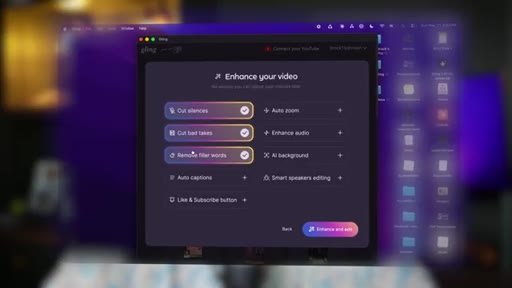
08:14The second tool that I use in my editing stack is Gling AI. Gling AI is a tool that I recently discovered that I have been a really big fan of for rough cut edits. Basically, Gling can take any long form video and cut it up to remove all of the filler, all of the bad takes, and all of the mistakes that you made along the way.
08:33So this can take literally a twenty minute long file and cut it down to the eleven minutes of usable footage for a YouTube video, but this can also be used for your Instagram reels. If you were to, let's say, film 17 different clips for your Instagram reel, and each clip was like ten to fifteen seconds, you could put all of those into Gling, and then it will do the rough edit.
08:55It will do the work of removing all the fillers, removing all of the bad takes, and it could even add closed captions and zooms if you wanted to. It could add all of those extra effects.
09:05However, I like to use it for just the rough edit, like that first step in the process that oftentimes is very tedious, takes a lot of time, and it doesn't really require any creativity, or taste, or personality. And then you can bring in your creativity, taste, and personality for the final edit, where you're maybe adding sound effects, and adding closed captions, and adding any sort of visuals on the screen that you might feel to be helpful.
09:27But I do wanna be clear that Gling is different than some of these other AI tools that just take YouTube videos, and then pull out clips of them for Instagram reels. This is different. This is literally taking your raw footage and turning it into an actual usable output.
09:40It's not necessarily making a judgment call as to like what sections are the best. It's just saying, hey, if this was the best take out of these three, we'll remove the first two, and then we'll keep the third. And like I mentioned, Gling can do short form content like reels or long form content like YouTube videos.
09:54In fact, the YouTube video that you are watching right now was rough cut by Gling, and then my professional editor went in and did all the final splicing, the motion graphics, and all those sorts of things. Shout out, Kylie. The third editing app that I use in my process is the edits app right on my phone.
10:10Now, I want to quickly dispel a myth. You will not get preferential treatment for using the edits app, nor will you get diminished views on your reels for using CapCut or any other editing app. It does not matter where you edit your reels.
10:24But I do like to use the edits app if I'm doing like a quick edit, or something that I need to do while I'm on the go, while I'm out and about, because I love the mobile aspect of the edits app. And I specifically use the edits app if it's a trend that has to use Instagram specific audio, because then I can import the saved audio right from Instagram, and I can edit to the beat, and I can do all of those sorts of things that I really couldn't do on any other editing app, at least not easily.
10:50And then I can post it right from edits onto Instagram. And then fourth, last but definitely not least, I do have professional editors who do work on the team. One of them is Kylie, who I mentioned earlier.
10:59Hi, Kylie. He's the one who edits these YouTube videos, so shout out to him. And then the other one is Hannah, who has been editing my content on Instagram, my reels specifically,
11:08for the last three or four years. And I mainly use Hannah for editing my reels when it's something that's really long and complex, when it's something that I don't need in a quick turnaround, like I need it within a week or two, which is still pretty quick, but it's something that I don't need to edit it myself.
11:23I don't need to post it like this hour. I can wait and let someone else do it for me. Or if there's something that's just outside of my pay grade, something that I'm not very good at, maybe there's, um, a kind of edit or a style that I want her to achieve that I know I can't do myself, or at least not easily, not very efficiently,
11:40I will pass that off to her. And I don't think it's absolutely necessary to hire an editor just for your Instagram reels, but if you're someone who really wants to be a business owner and focus on growing your brand, growing your business, I do think that bringing on an editor can make a big difference, because sure, you might only be spending thirty minutes here, an hour there, fifteen minutes here, editing your reels, but that can add up, and that is time that you could spend on other areas of your business.
12:05So again, I still do my quick edits myself, and by quick, I mean things that either are not going to take a lot of time, or I need them very quickly, but I do try to pass off the rest of my editing and the rest of my reels to Hannah. Which by the way, I will put her link down in the description below if you wanna check her out.
12:20She has an entire team of editors now who work for her, who help, uh, edit reels on her behalf and with her, and they've all been trained by her. So anyways, I'll link her up in the show notes. Now, with all of that being said, let's talk about the actual tips in the editing process that can make things more fast and efficient.
12:36And these are tricks that I've picked up over the last, really, fifteen plus years. Because I don't talk about this all the time, but I actually took three years of video production in high school, and I minored in film studies in college. So this was kind of my thing.
12:50This was my jam before I ever knew that I would go into content creation. And I should say, with that being said, I'm not claiming I'm an expert. I'm not claiming that I am like a professional editor or anything like that, but I have picked up a few tricks and tips that might make things more efficient.
13:02Tip number one is edit on your desktop. I know that I already talked about CapCut desktop, but editing on your computer is so much faster than editing on your phone, and most apps have additional features or capabilities on your computer, on your laptop, on your desktop, than they do on just the mobile app. Tip number two is to edit based off the audio,
13:22not based off the video. What I mean by that is as you're scrolling through your timeline and you're editing your content, don't watch the entire video, and actually don't even watch anything at all.
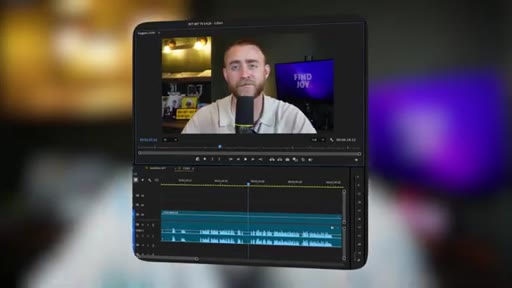
13:33Don't look at the actual preview window, just look at the audio file down at the bottom, and you'll be able to tell when you were talking and when you weren't. That way you can jump right to the actual clip, right to the actual moment where you were saying the sentence or the phrase, and if you're using the strategy that I talked about earlier where it's last take, best take, you can fast forward right to the last take, and you can cut right at the moment the sound waves begin, and you can add a second cut right at the moment the sound waves end, And there, within a matter of just microseconds,
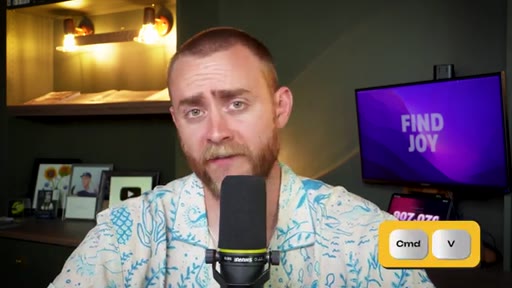
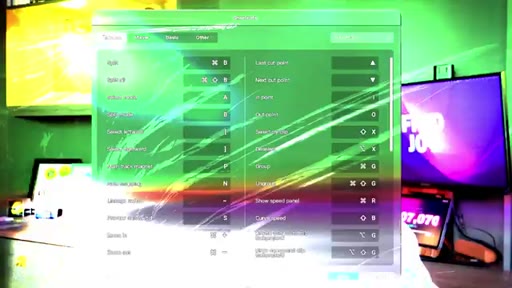
14:04you have your good take cut out. Tip number three, and this one is only possible if you're editing on a desktop and not actually on your mobile phone, is to use commands and shortcuts which make the whole thing more efficient. For example, there's a classic command c for copy and command v for paste, but also most editing apps have command b for blade,
14:23which cuts whatever you're looking at right then and there. Also, editing apps, if you tap just the a key, and not even command a, but just the a key, you will cycle your cursor between different actions. So you can move from just the normal cursor, to the cursor where you can click and drag, to the cursor that actually operates as a blade, and then any place you click automatically cuts the video right there.
14:43And there are dozens of keyboard shortcuts that you can use in your desktop editor that make it so much more efficient. I'll put a bunch of them on the screen right now. Feel free to take a screenshot of this and refer to it the next time you are editing on CapCut desktop.
14:55And then my final tip for making your editing more efficient is to do one task at a time. In fact, the day that I filmed this podcast, I recorded about 15 reels on my phone.
15:06But I haven't touched any of them yet. I haven't uploaded any of them yet. I haven't edited any of them yet because that's part of this entire process.
15:13Film a bunch at once, edit a bunch later. But even within the task of editing, do one thing at a time. So instead of doing each individual clip, editing it, removing the bad takes, doing the lighting, doing the coloring, doing the cropping, doing the sound effects, and doing all that, just do one thing at a time.
15:31In one pass through your video, remove all the bad takes. In the second pass through your video, improve the lighting or the positioning, the cropping of your content. Then in another take, maybe you're going to do the filtering of the video to make sure that the colors look correct.
15:45Then in another take, you're going to go through and make sure that all of the audio sounds good, and all of the audios are leveled, so it's not one clip super loud and one clip super quiet. Then the second last thing I do is I add the closed captions, and I make sure that those look how I want. And then the very final touch that I do is sound effects, or video effects, or any sort of like filters, or like and I'm saying like body filters, or face filters, like the funny filters, or anything like that that I wanna add onto the screen, I do that very last once the rest of the edit is done.
16:12But when you break down this big task of editing into these smaller chunks, you allow yourself to stay focused and thus be more efficient with each step in the process, instead of having to jump from this task to this task to this task within the editing process. If you found this episode helpful, don't forget to hit the thumbs up button.
16:28And if you want a more in-depth tutorial about some specific editing feature or some specific editing effect, maybe in the edits app or in CapCut, let me know in the comments below, and I always read through my comments. Thank you so much for being here today, and as always, happy networking.
— full transcript
§ 05 · For Joe

Filming habits are the real editing workflow.

WHAT TO LEARN

The gap between an hour-long edit and a 20-minute one is almost always in the footage, not the software.

  • Recording from a bullet outline rather than a script lets you speak naturally, which means fewer hesitations and fewer bad takes to cut.
  • Stopping between every sentence -- and pausing a beat before and after -- gives your timeline clean, findable entry and exit points without frame-hunting.
  • A hand raised in front of the lens is a free editorial marker: when scrolling the timeline, a visual flag beats a mental note every time.
  • The last take is the keeper by default. Stopping the moment you say something well means the good take is always the most recent clip in the sequence.
  • The tool you use to edit does not affect reach or algorithmic treatment -- the choice should be about job fit: what type of edit is it, how fast do you need it, and can you do the required skill yourself.
  • Editing from the audio waveform instead of the video preview lets you jump directly to speech, cut clean start and end points in seconds, and skip re-watching footage you already know.
  • Batching one editing task (bad-take removal, then color, then captions, then effects) across the full clip keeps you in a single mode of attention, which is faster than toggling between tasks per clip.
  • The decision of whether to edit yourself or hand off to a human editor comes down to three variables: edit complexity, turnaround urgency, and whether the specific technique is within your current skill level.
§ 06 · Frame Gallery

Visual moments.