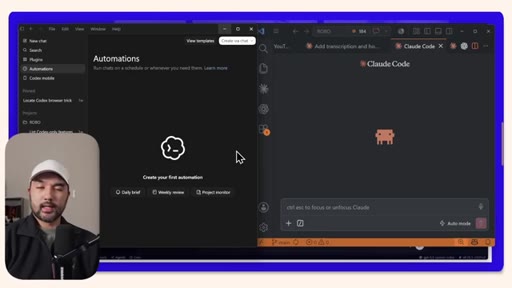
The bait, then the rug-pull.
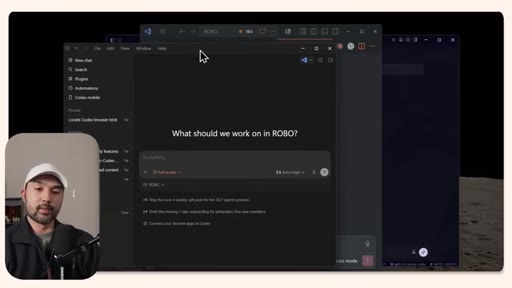
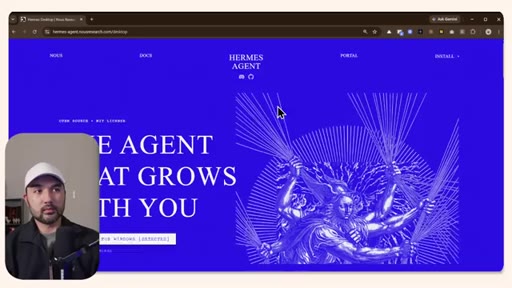
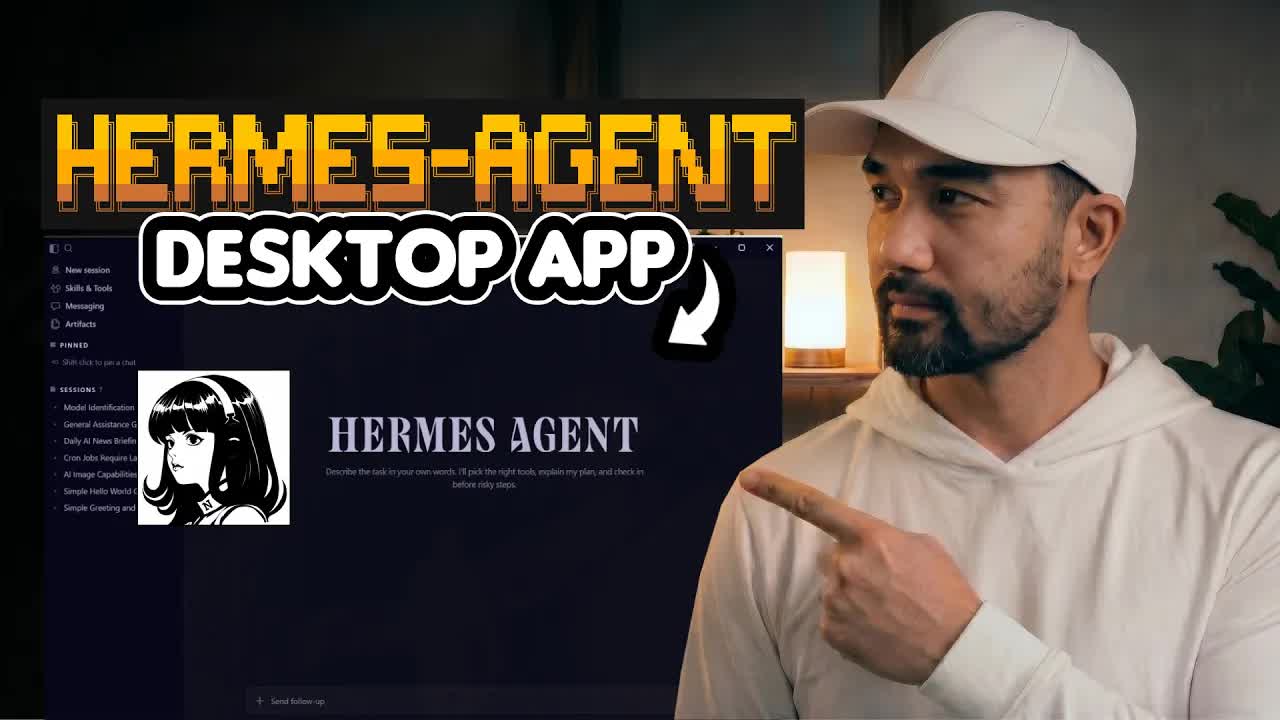
The most-watched 24/7 open-source agent just shipped a desktop installer and the pitch is three words: no code needed. This walkthrough tests whether the app delivers on that claim, from first install through live Telegram integration and cron scheduling, ending with a straight answer on whether it can replace Claude Code or Codex.
Where the time goes.
01 · Desktop App Launch
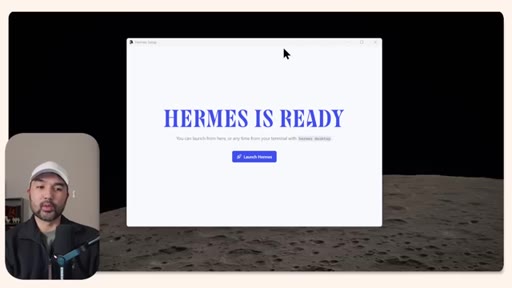
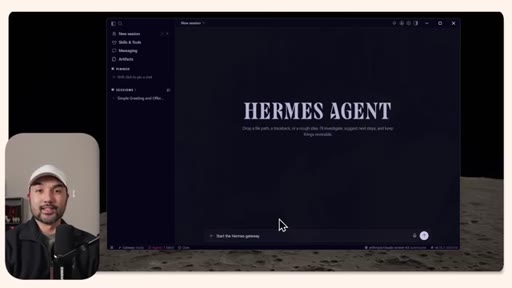
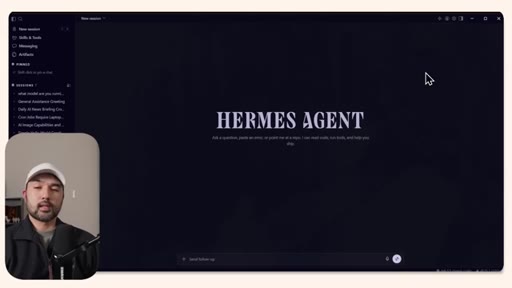
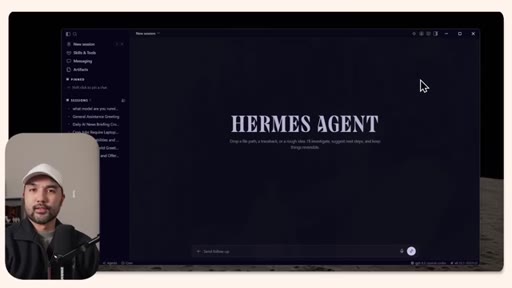
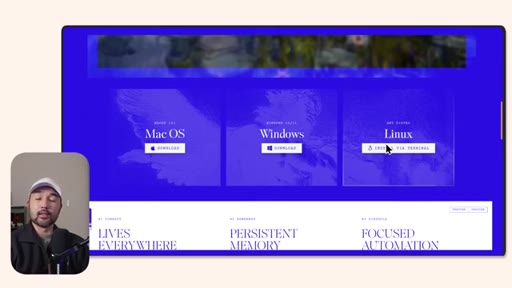
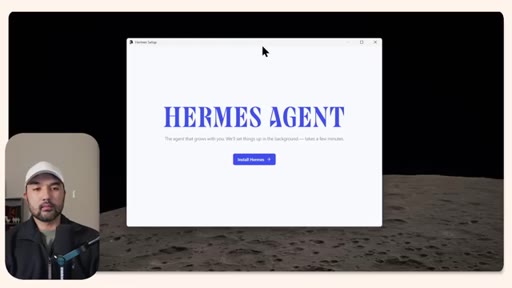
Introduces Hermes as the most popular 24/7 open-source agent, announces the desktop app, previews the video scope.
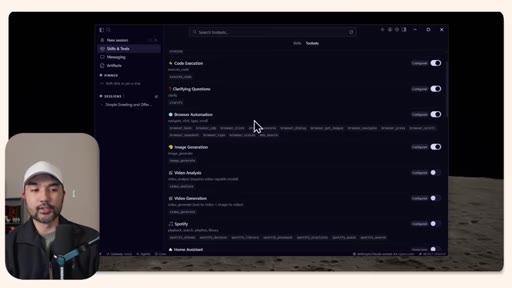
02 · Skills and Tools
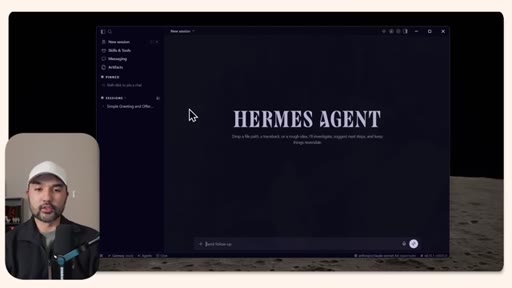
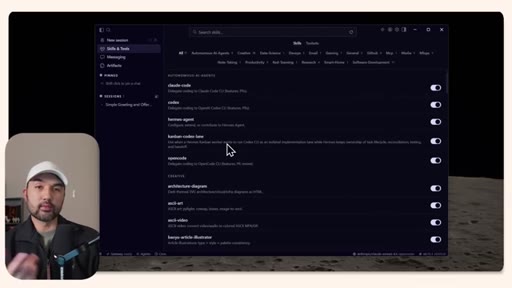
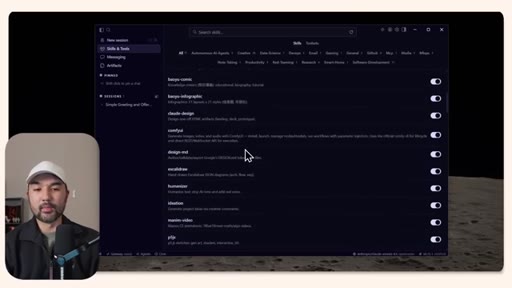
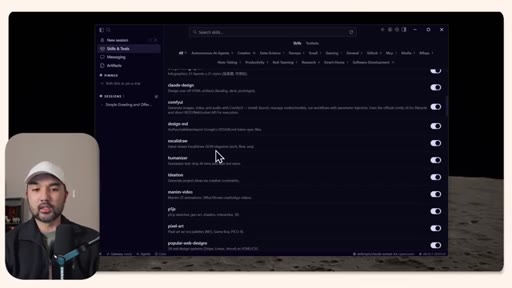
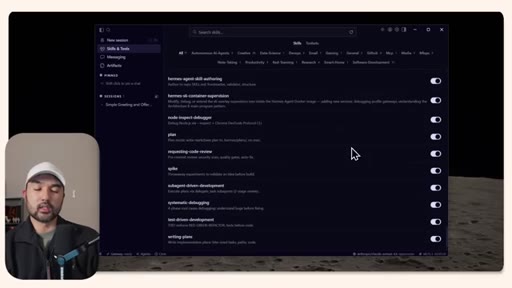
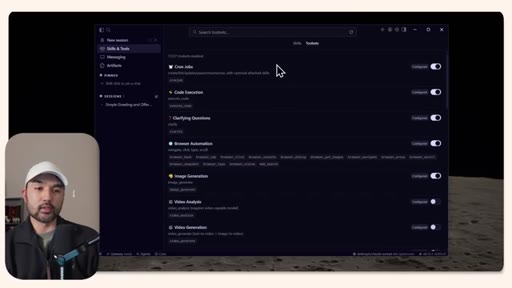
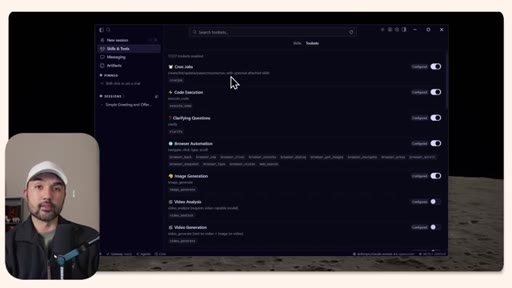
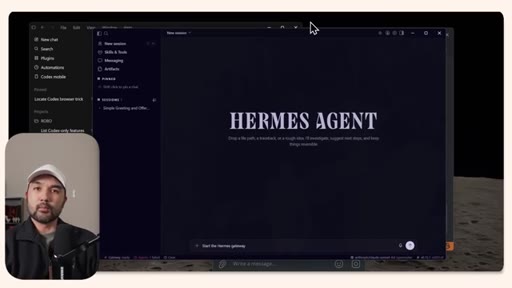
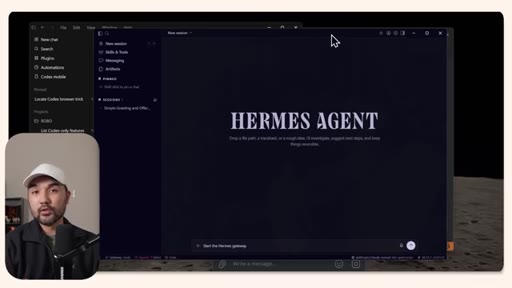
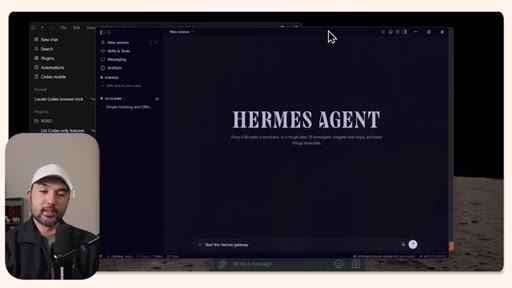
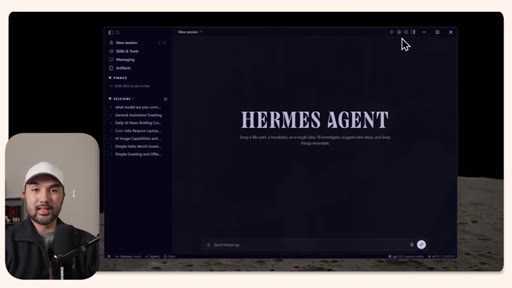
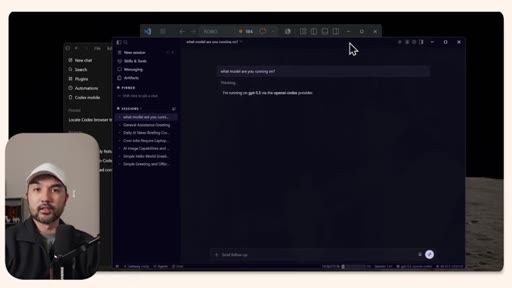
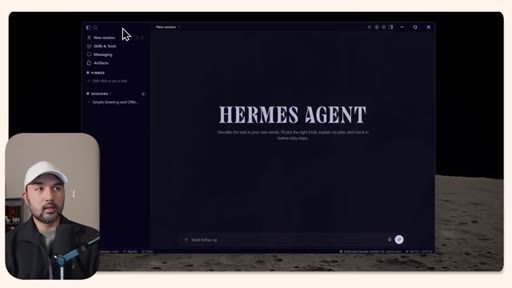
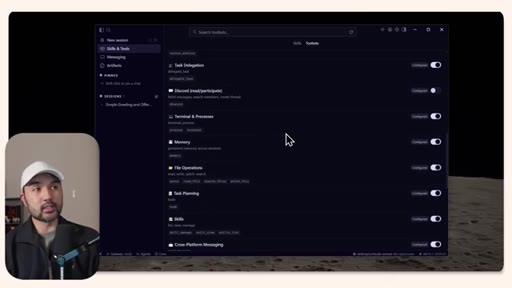
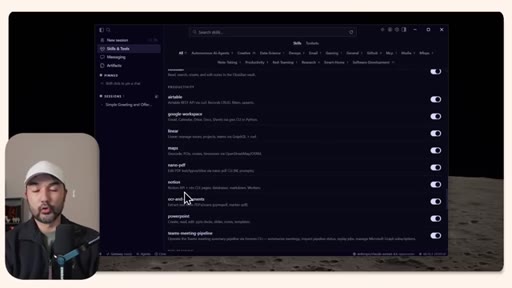
Walkthrough of the Hermes UI: new session chat, skills marketplace (Humanizer, ExcaliDraw, Google Workspace, Linear, PowerPoint), built-in tools (cron, code execution, web browsing).
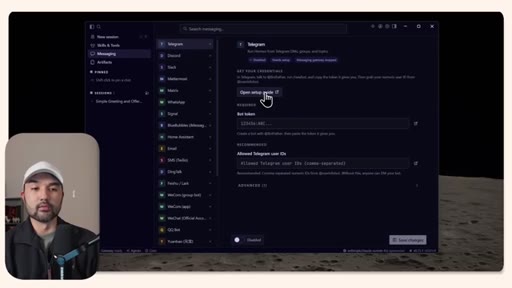
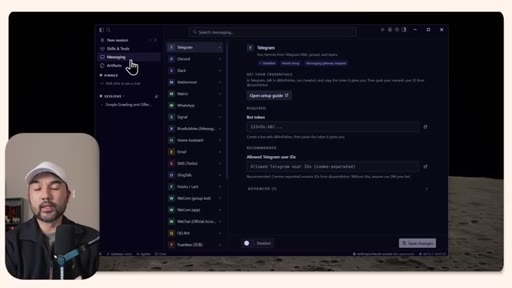
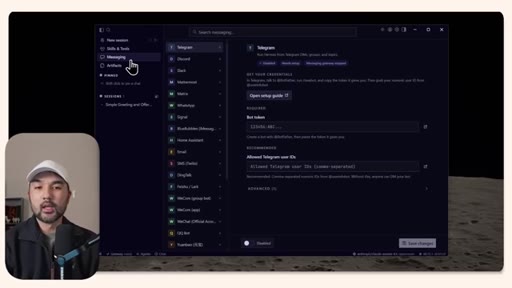
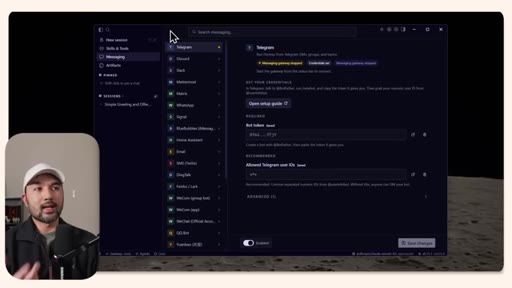
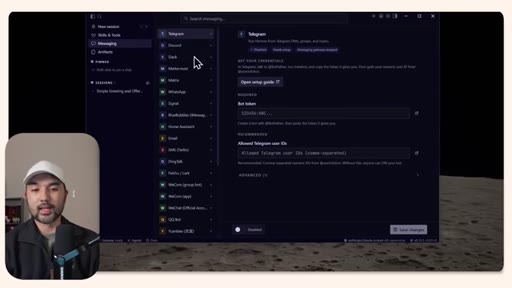
03 · Messaging Setup
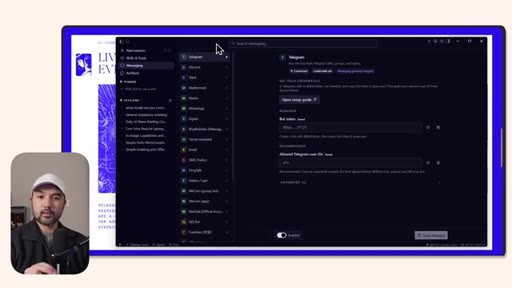
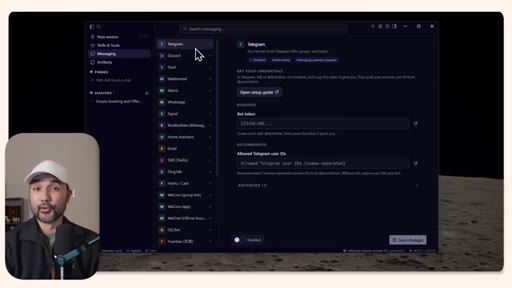
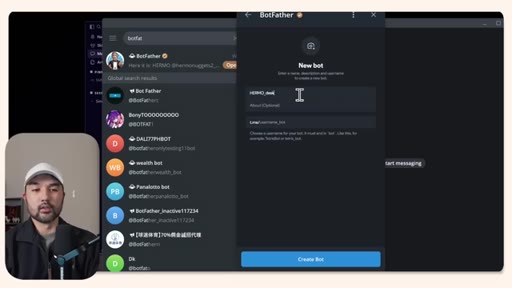
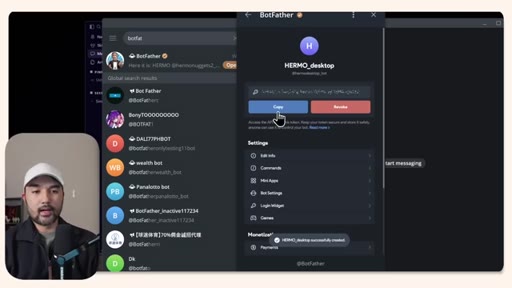
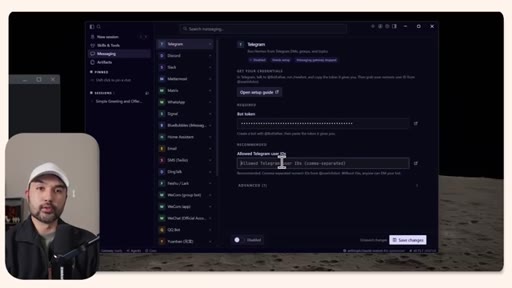
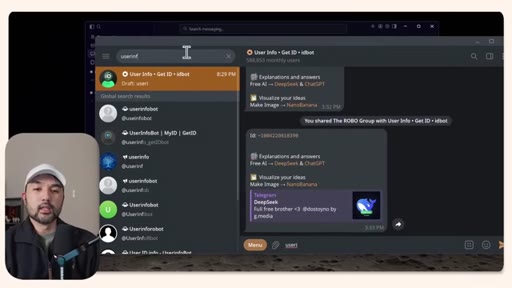
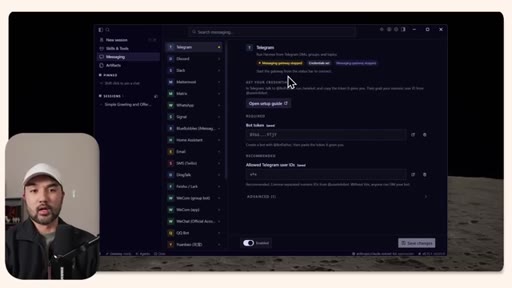
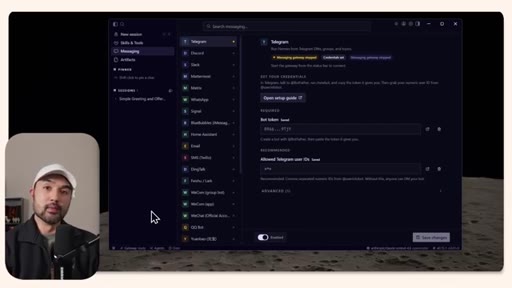
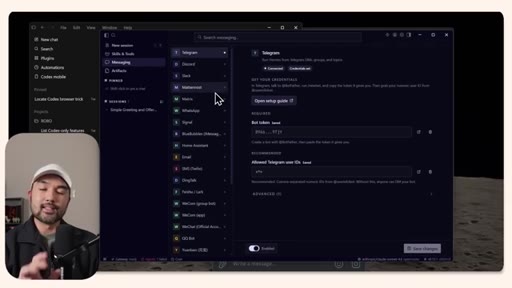
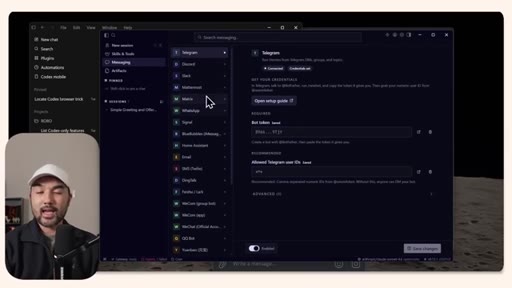
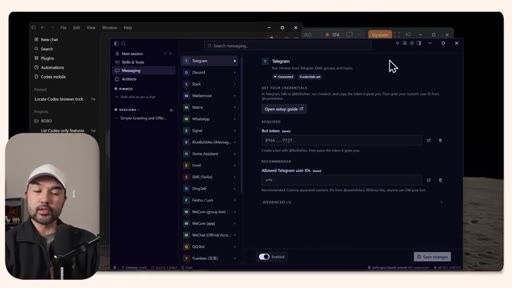
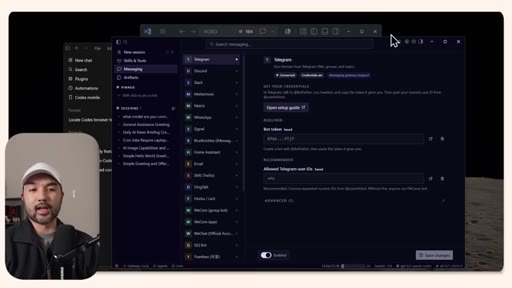
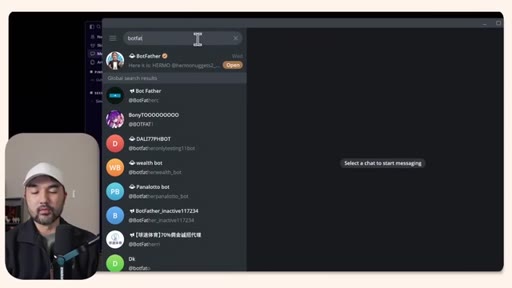
Sponsor mention, then live Telegram bot setup via BotFather, bot token, user ID configuration, and enabling the integration.
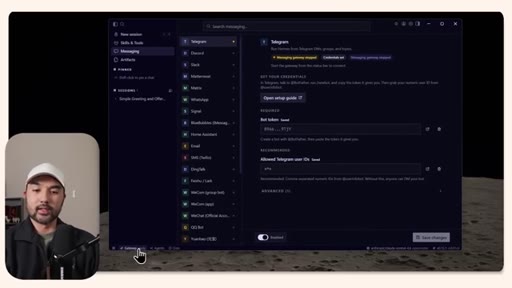
04 · Gateway Activation
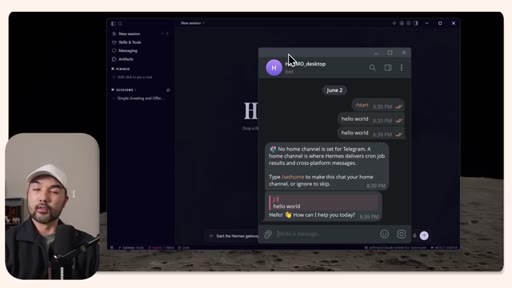
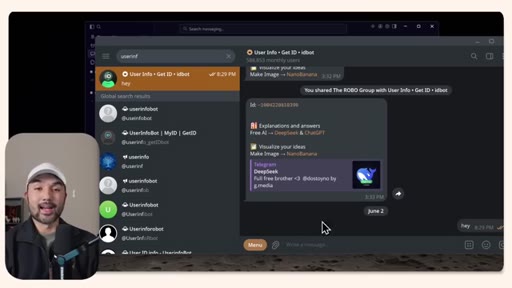
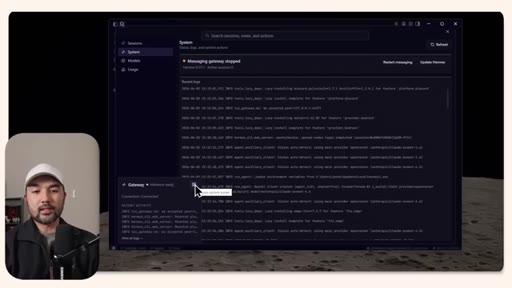
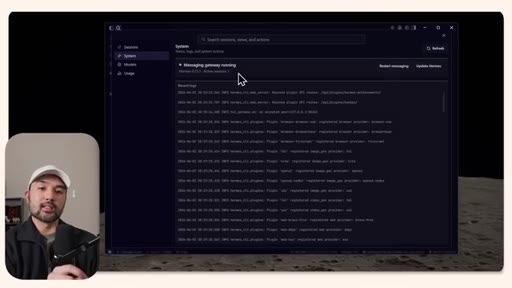
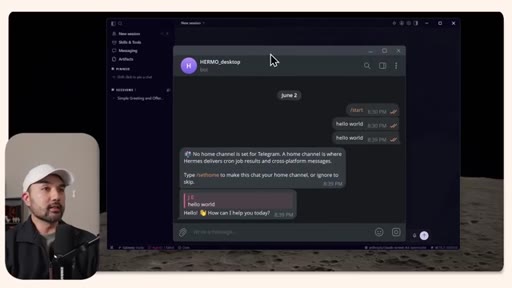
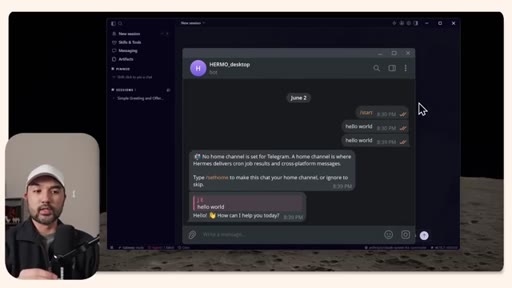
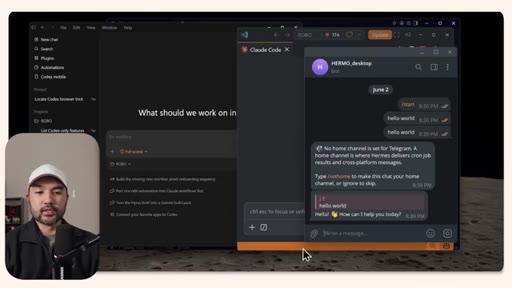
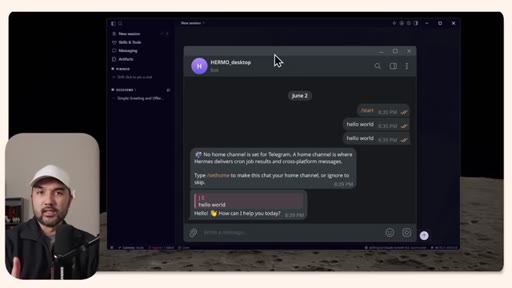
Starting the messaging gateway, the receptionist metaphor, confirming Telegram message routing works end-to-end.
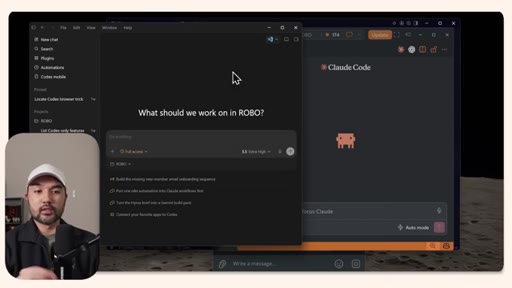
05 · Mobile vs Desktop
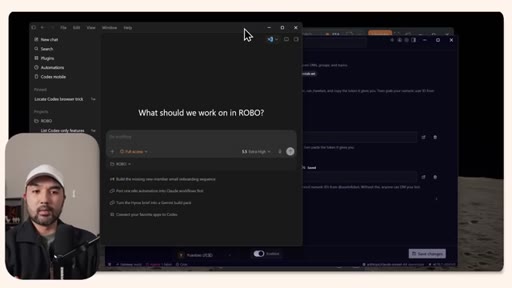
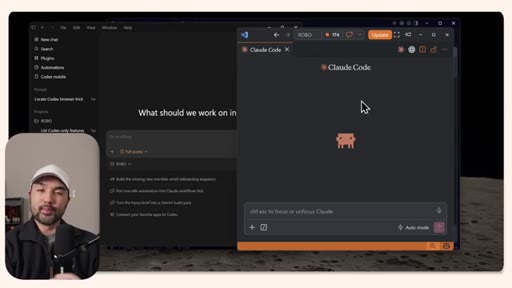
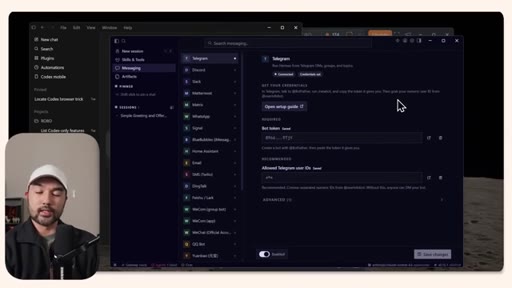
Where Hermes fits: owns mobile messaging; Claude Code/Codex win on desktop for file visibility and artifacts.
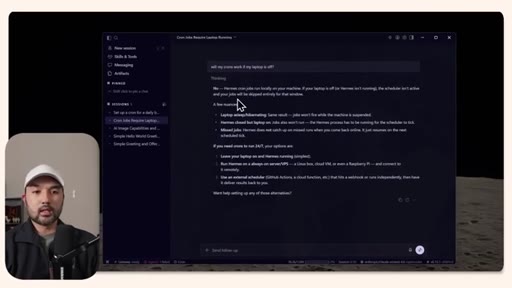
06 · Cron Jobs and Limits
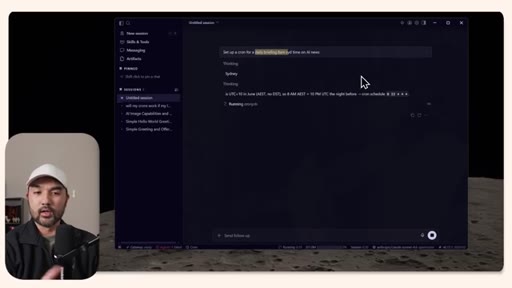
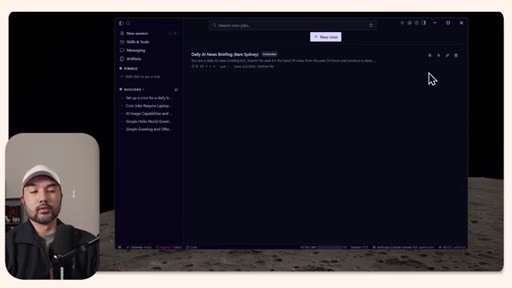
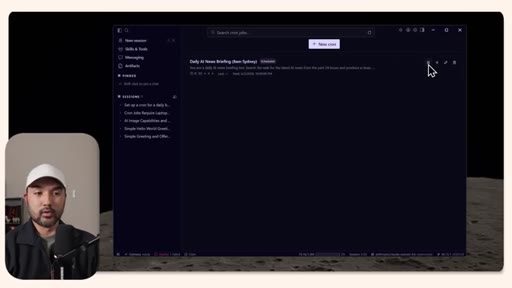
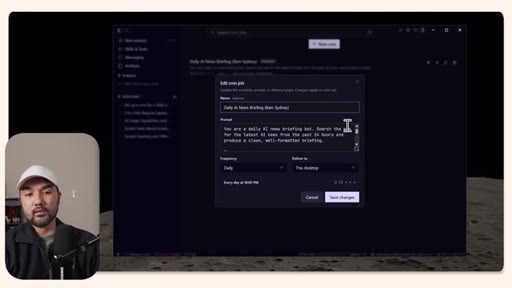
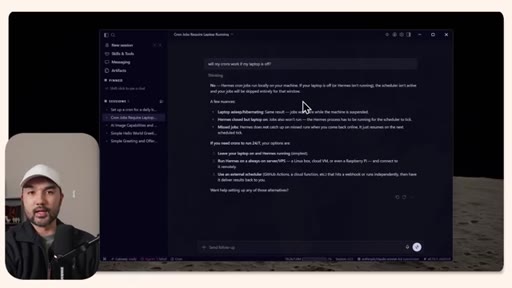
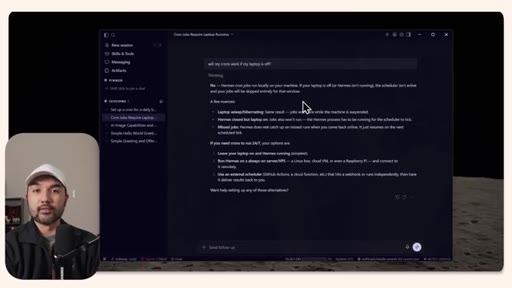
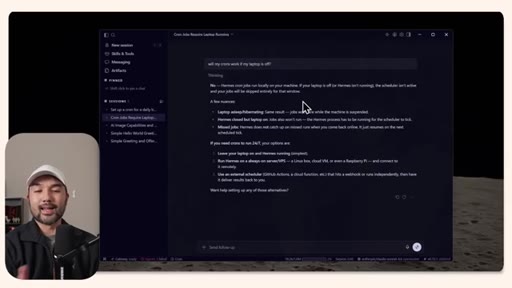
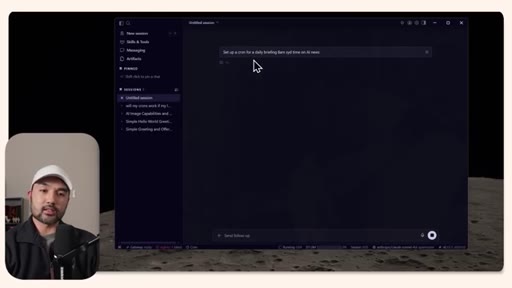
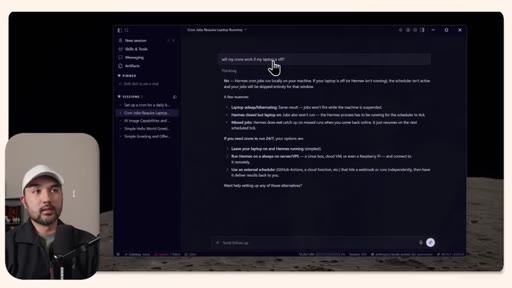
Demo of scheduled tasks; key limitation: crons only fire while the machine is on. Recommendation: dedicated always-on device or VPS.
07 · Model Support Notes
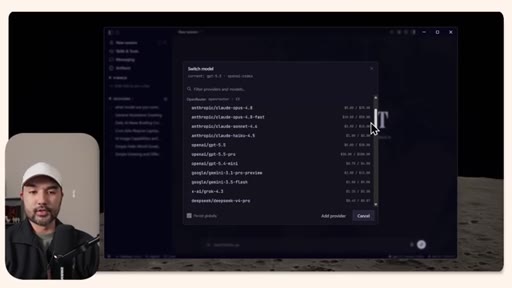
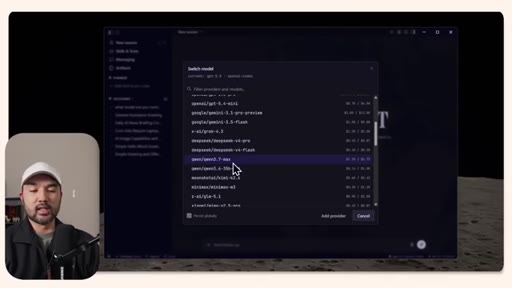
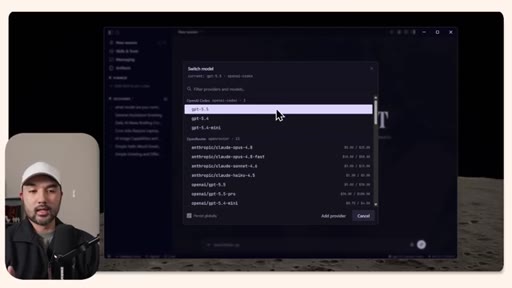
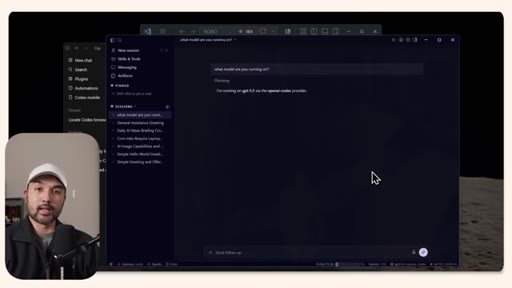
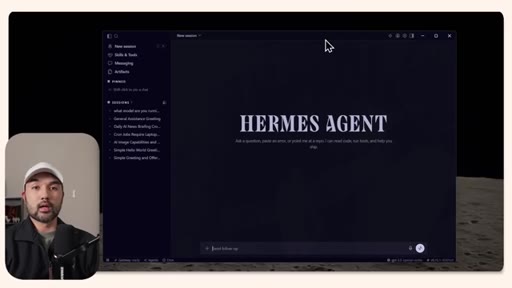
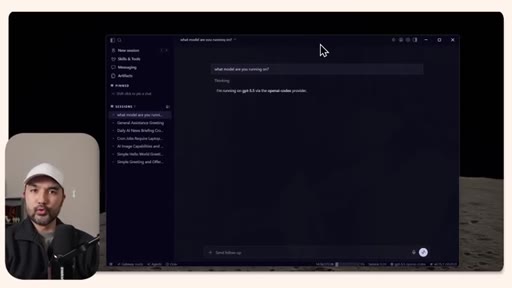
Model switcher demo (OpenRouter, DeepSeek, OpenAI, Anthropic, Google); notes initial Codex error that resolved.
08 · Verdict
Sticks with Claude Code and Codex for now; credits Hermes as the right direction for non-technical users.
Visual structure at a glance.
Lines you could clip.
"Without you having to interface with the terminal, you now have Hermes set up on your device."
"The gateway for platforms like Hermes is sort of like a receptionist where if that gateway is currently on, then if you are messaging your agents via Telegram, that receptionist basically routes your message to the Hermes agent that lives within this computer."
"If your laptop is off, these crons will actually not fire."
"If I were to choose an agentic coding platform on my desktop right now, I will probably stick to using Cloud Code as well as Codex because those are a bit more advanced platforms."
Things they pointed at.
How they asked for the click.
"If it is, then consider subscribing because that helps me a lot to put out more educational stuff like this."
Low-key verbal ask at the end, no screen overlay.
Word for word.
Hermes is an on-ramp, not yet a replacement
The desktop app removes the terminal barrier and bundles messaging integrations, but the honest verdict is that power users should watch Hermes iterate before switching from Claude Code or Codex.
- No-terminal installation lowers the floor for non-technical users who want to run local agents without touching the command line.
- The built-in skills marketplace gives beginners a working agent stack in minutes, with dozens of integrations pre-loaded and no configuration required.
- Native messaging setup (Telegram, WhatsApp, Slack) is a genuine differentiator: most desktop agent tools require a separate bridge; Hermes handles it inside the same UI.
- Scheduled crons in a desktop app only fire while the machine is on. 24/7 agents need a dedicated always-on device such as a Mac mini, old PC, or VPS.
- Model agnosticism (OpenRouter, DeepSeek, OpenAI, Anthropic, Google all switchable from one dropdown) is the feature most likely to matter long-term once the app matures.
- For builders already comfortable in Claude Code or Codex, the capability gap is real and acknowledged. Hermes desktop is worth watching, not switching to yet.