The bait, then the rug-pull.
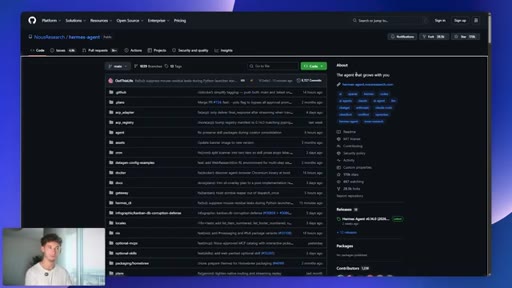
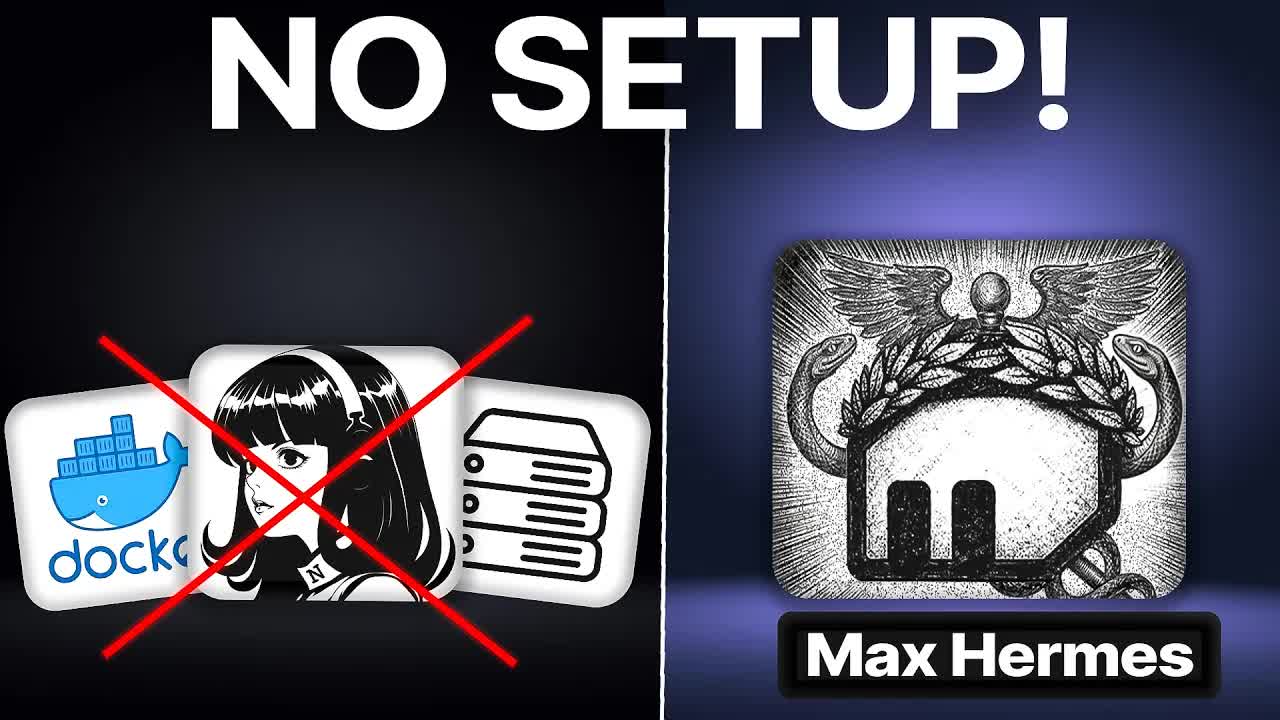
Ninety percent cheaper to run, ten seconds to deploy, no Docker, no model wiring. The pitch for Max Hermes lands in the first twenty seconds, and it is built on a real cost arbitrage: the same open-source Hermes agent underneath, but running on a model that costs a fraction of what most people assume agent work requires.
Where the time goes.
01 · Hook and AI tool-switching tax
Opens with the 90% cost claim and the no-Docker promise, then names the core problem: every time you switch AI tools you start over from zero.

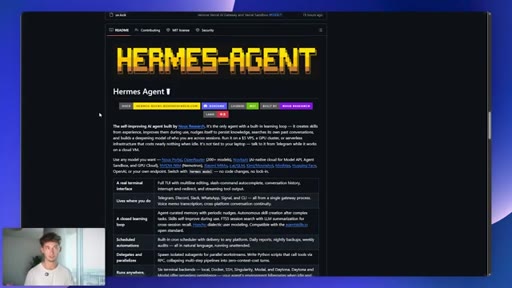
02 · What Max Hermes is
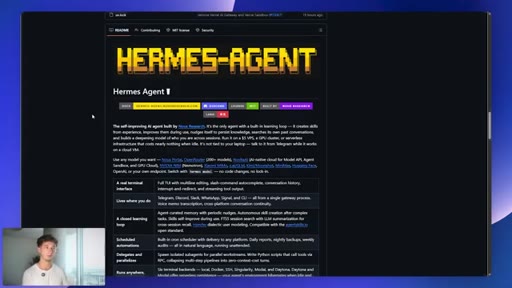
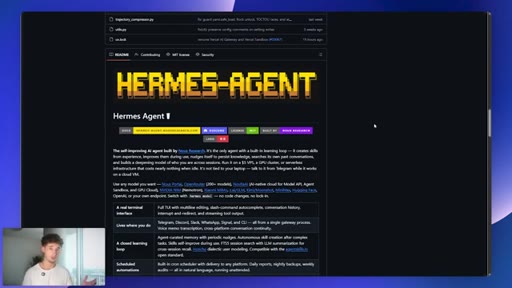
Defines the manual vs autonomous memory gap. Hermes writes its own playbooks; other tools make you write them.
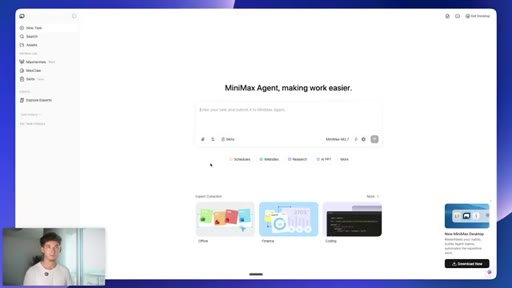
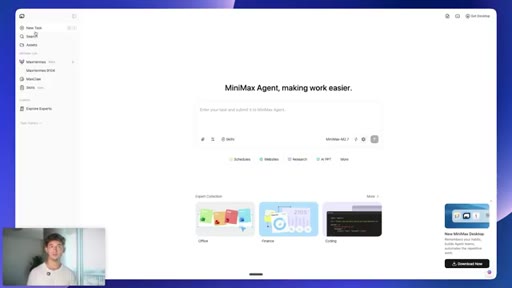
03 · MiniMax workspace tour
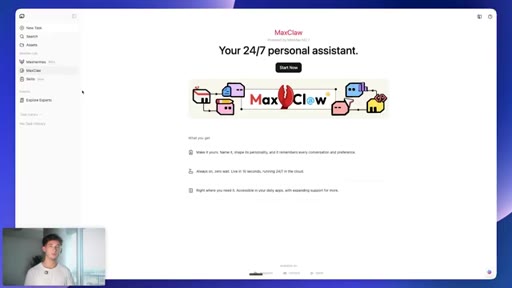
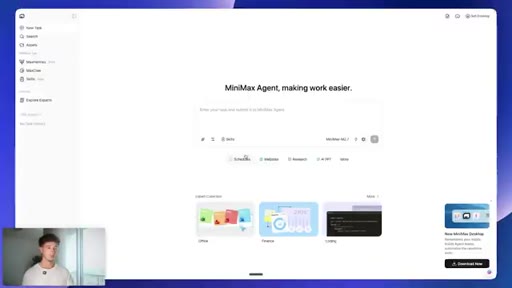
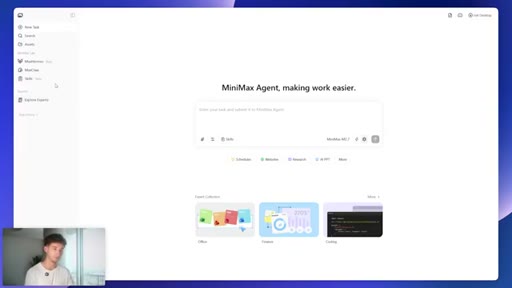
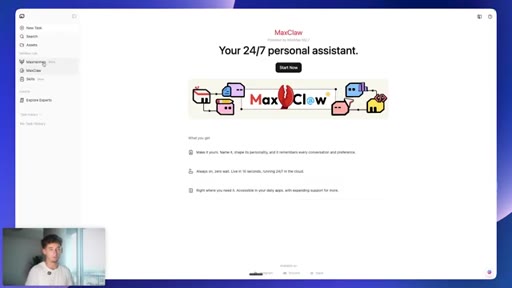
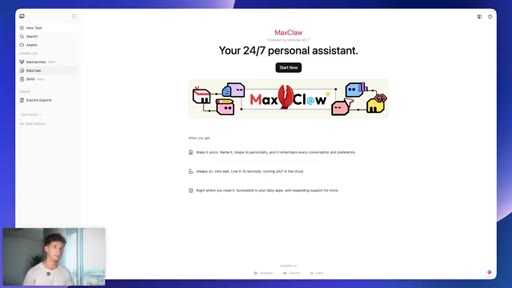
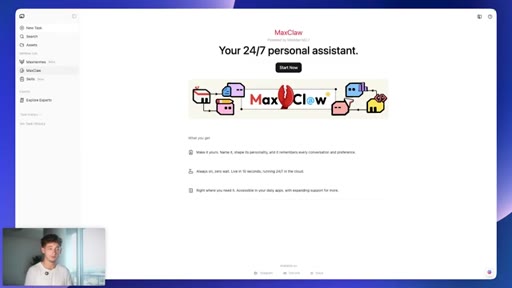
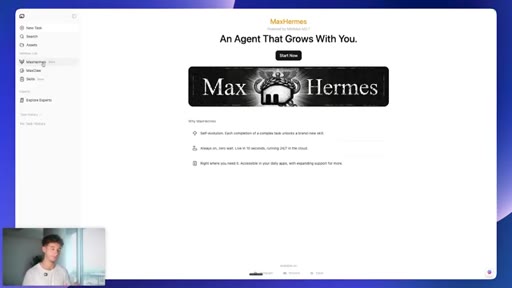
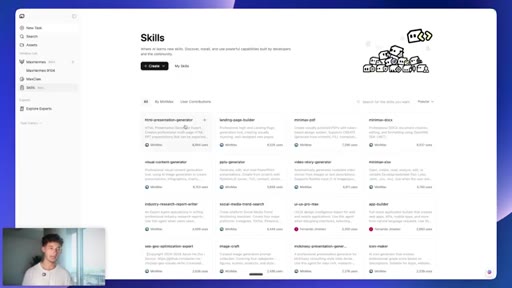
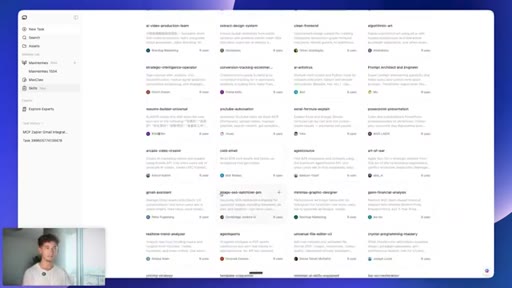
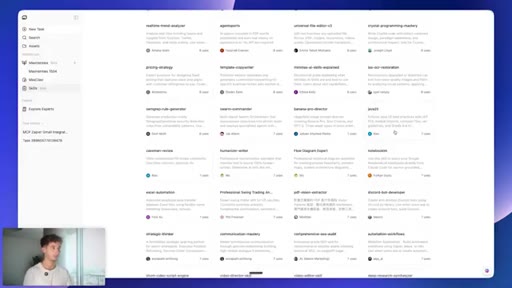
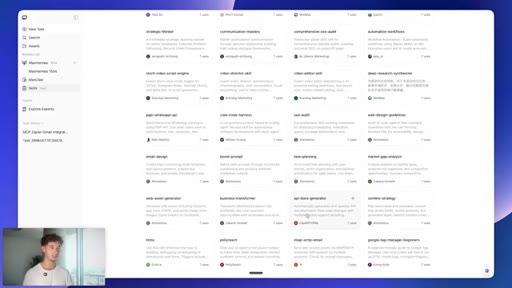
Shows the MiniMax Agent UI: skills panel, office, tools, image and video generation. MaxHermes vs MaxClaw explained.
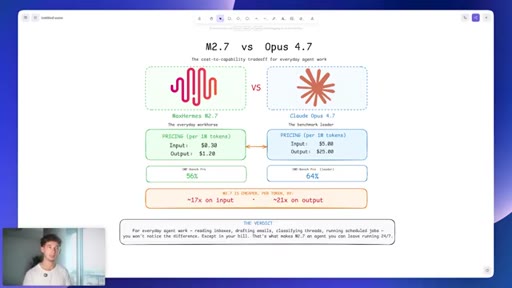
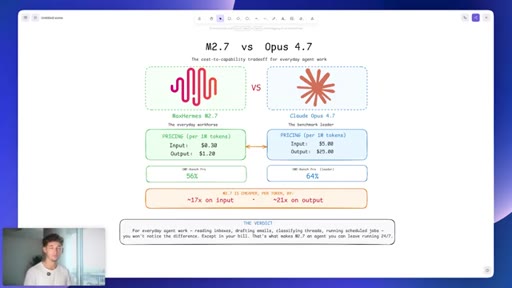
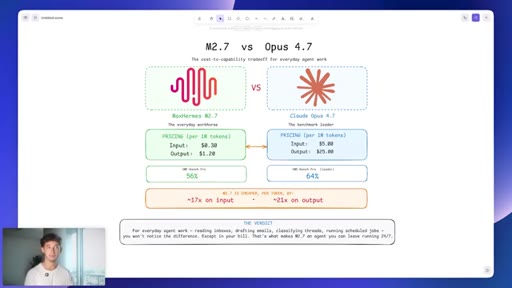
04 · M2.7 vs Opus 4.7 cost breakdown
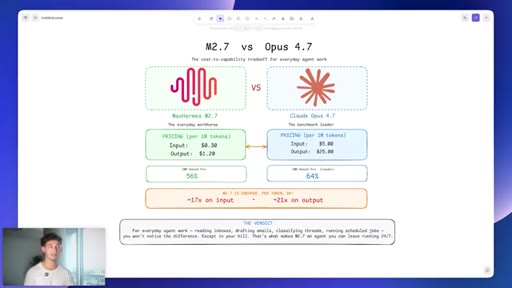
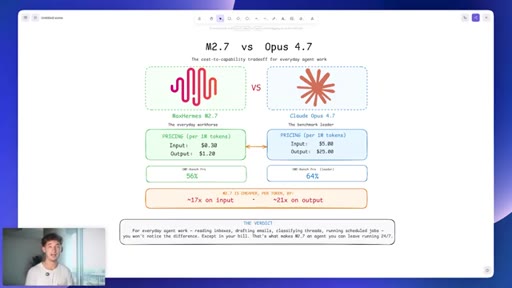
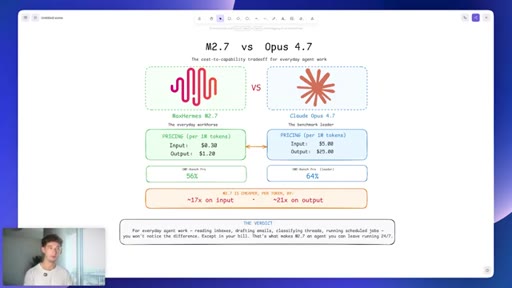
$0.30/$1.20 vs $5/$25 per million tokens. 17x input, 21x output savings. 56% vs 64% SWE-bench. Verdict: not noticeable for everyday tasks.
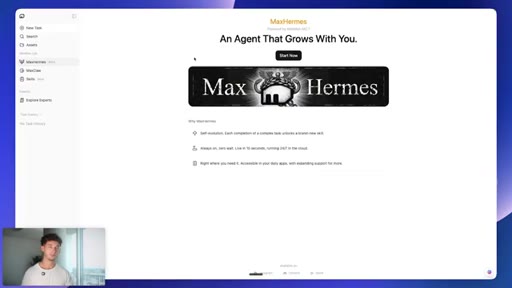
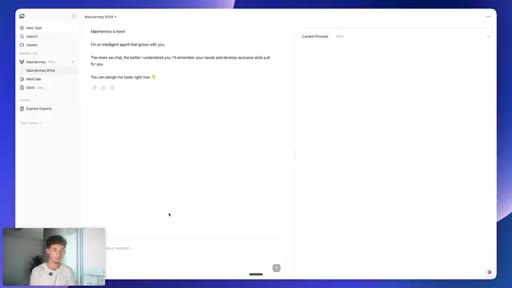
05 · 10-second deploy
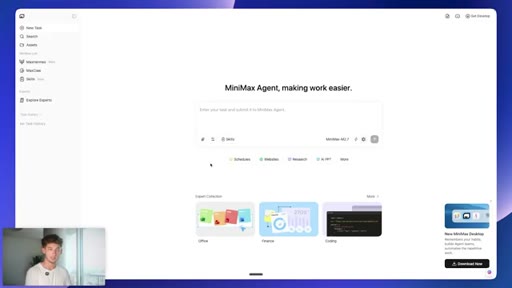
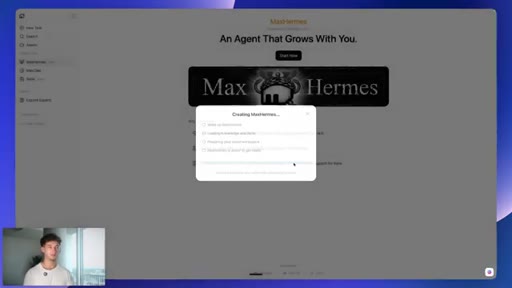
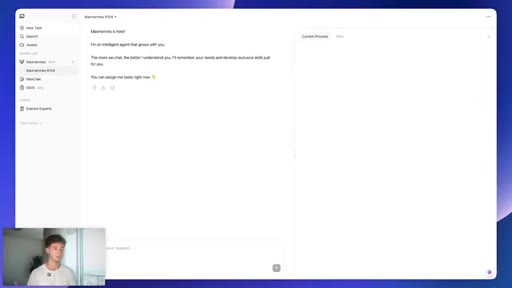
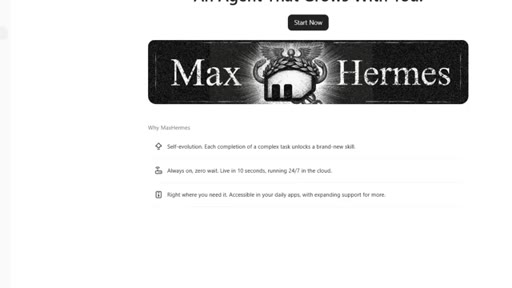
Activates sandbox instance, tours the fresh chat interface and skills panel.
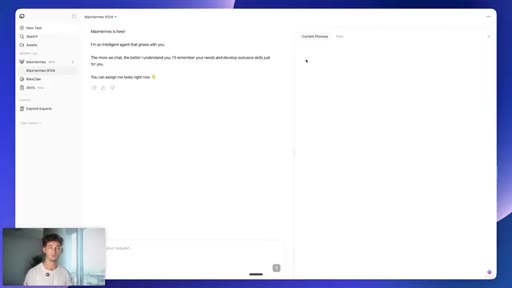
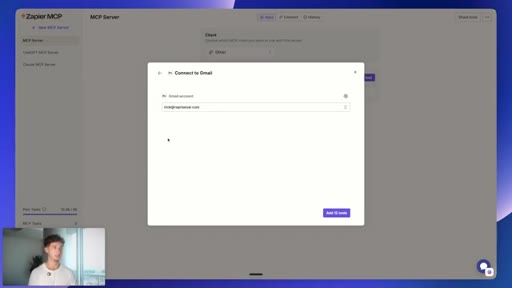
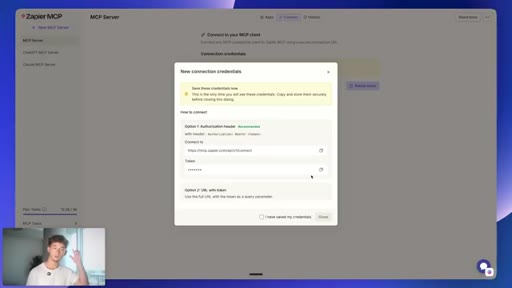
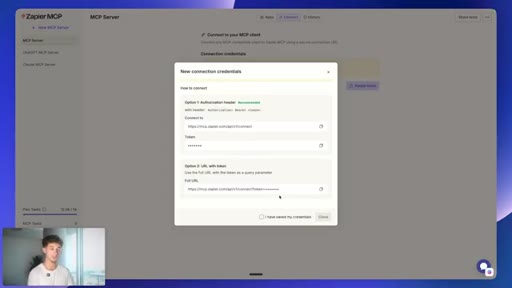
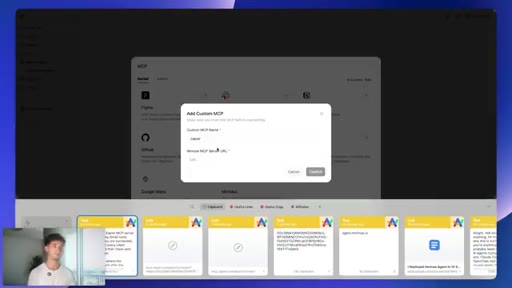
06 · Connecting Gmail via Zapier MCP
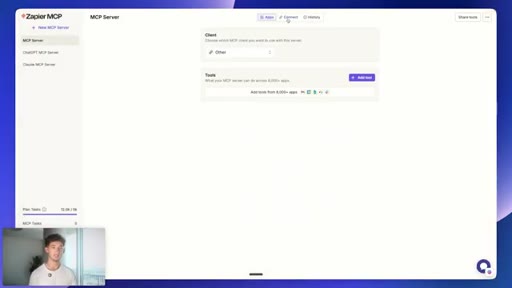
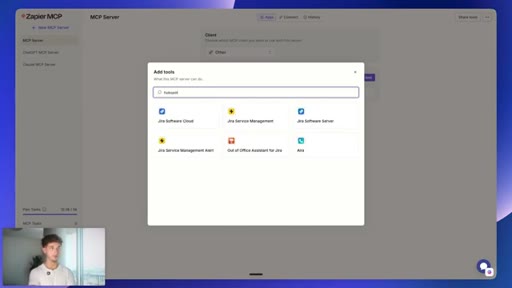
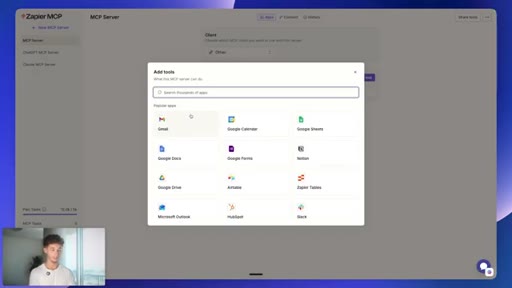
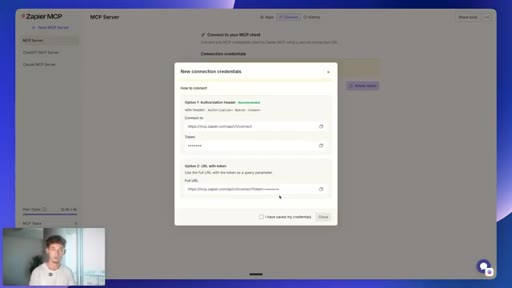
mcp.zapier.com setup: new MCP server, connect apps, copy token URL, paste into MiniMax custom MCP config.
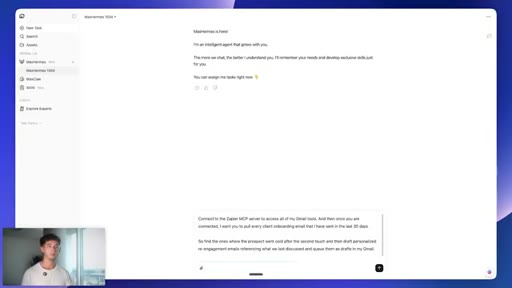
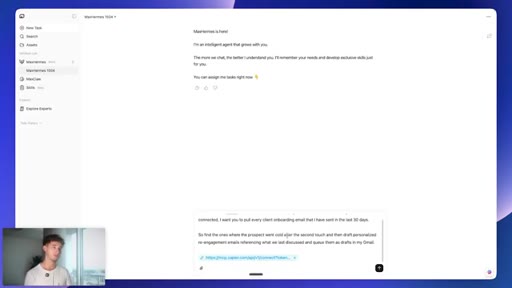
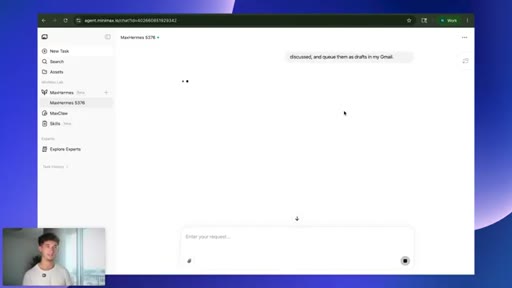
07 · Live task: cold-lead re-engagement
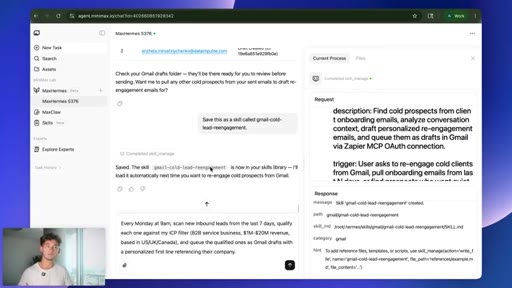
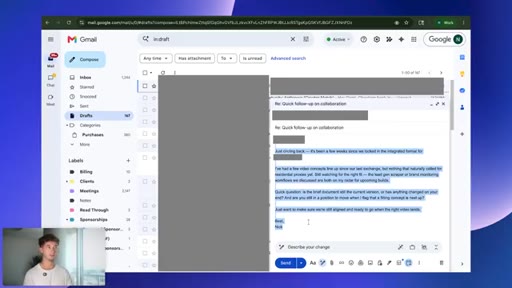
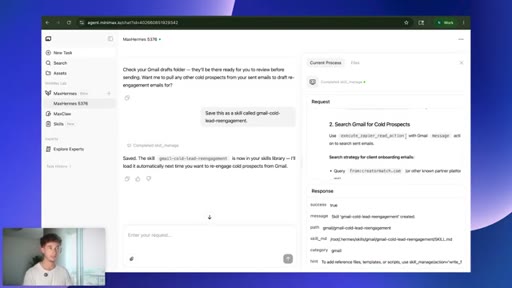
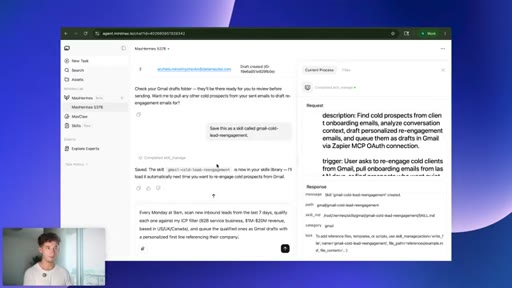
One prompt: pull 30 days of onboarding emails, find cold prospects, draft personalized re-engagement emails, queue as Gmail drafts.
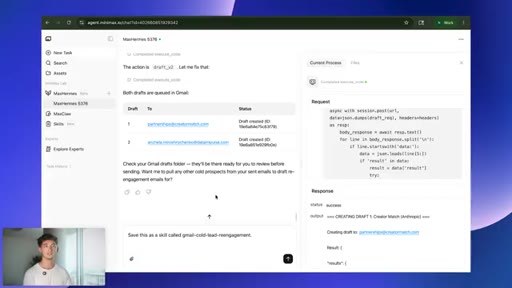
08 · Saving the skill
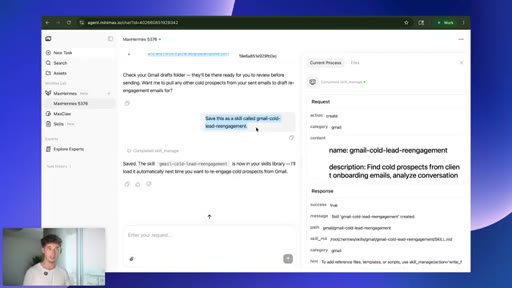
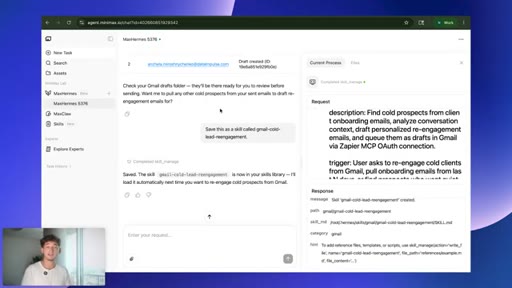
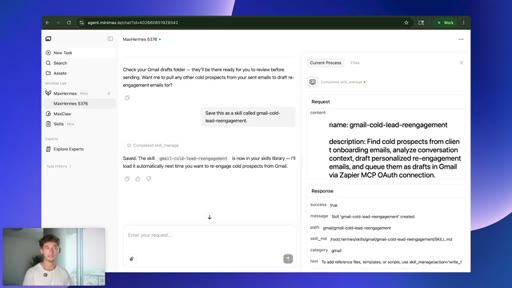
Save this as a skill called gmail-cold-lead-reengagement. Agent writes its own playbook; keeps structure, strips voice and tone.
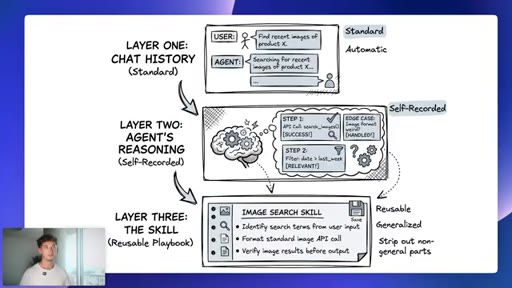
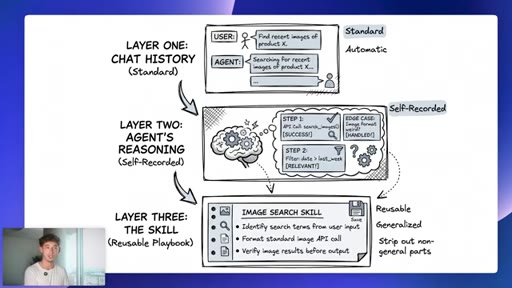
09 · Three memory layers
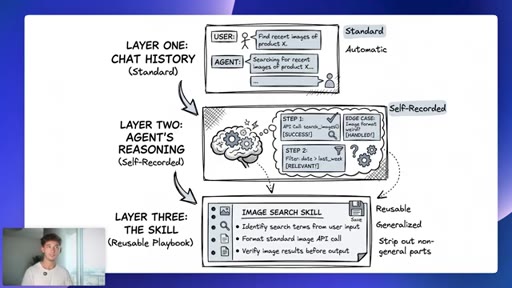
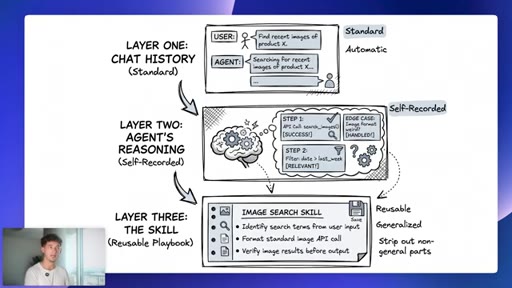
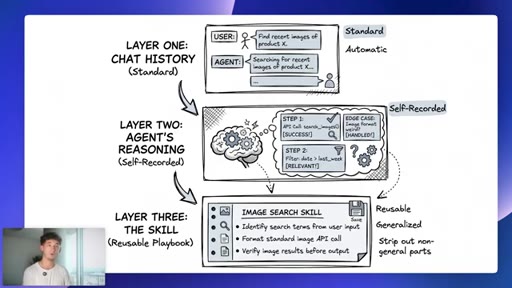
Layer 1 chat history (user-managed). Layer 2 agent reasoning (self-recorded). Layer 3 reusable skill (automatic, generalized).
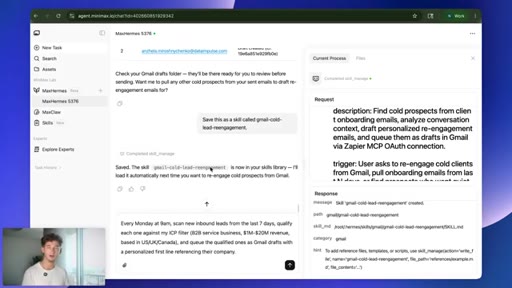
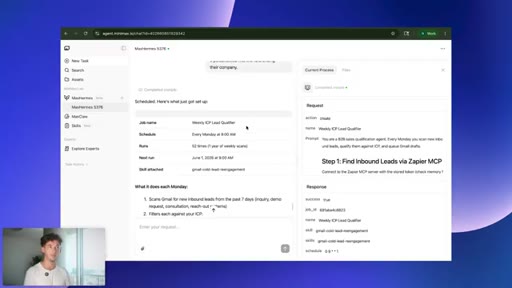
10 · Scheduled tasks
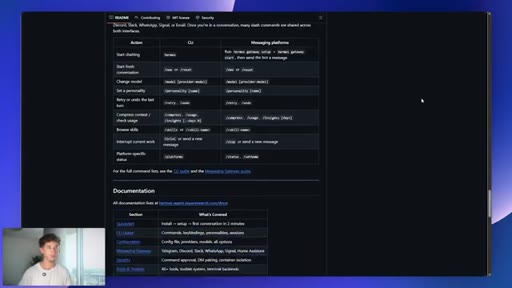
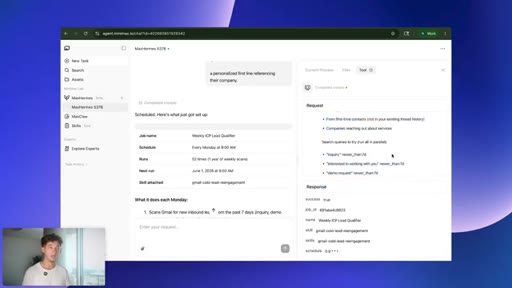
Natural-language scheduling: every Monday at 9AM, scan inbound leads. No cron syntax.
11 · Recap and CTA
Free tier 4,000 credits/day. $19/month basic plan. Affiliate link for bonus credits. School community CTA.
Visual structure at a glance.


Named ideas worth stealing.
Three Memory Layers (Hermes)
- Layer 1: Chat history (standard, user-managed)
- Layer 2: Agent reasoning over what worked (self-recorded)
- Layer 3: The skill, reusable playbook with non-generalizable parts stripped (automatic)
A three-tier memory architecture where users only manually manage the first layer. The other two accrue automatically as the agent works.
Manual vs Autonomous Memory
The central product thesis: every AI tool has memory, but Hermes is the only one where the agent decides what to save and how to generalize it without user instruction.
M2.7 vs Opus 4.7 cost/capability tradeoff
- Input: $0.30 vs $5.00 per million tokens (17x)
- Output: $1.20 vs $25.00 per million tokens (21x)
- SWE-bench: 56% vs 64% (8pt gap)
For everyday agent tasks, the benchmark gap is irrelevant and the cost gap is decisive.
Lines you could clip.
"It is not memory versus no memory. It is manual memory versus autonomous memory."
"It is literally the difference between an agent that you can afford to leave running 24/7 and one that you cannot."
"The agent is not blindly saving everything I did. It is saving the parts that scale in. It is dropping the parts that should be fresh every time."
"The only difference is your bill at the end of the month."
Things they pointed at.
How they asked for the click.
"Link to MiniMax agent will be in the description. It is completely free to sign up. You get 4,000 credits a day just for logging in. It is $19 a month for the basic plan. Sign up through my link and you will get bonus credits."
Soft affiliate CTA at the very end. Free tier with daily credits stated before mentioning paid plan. School community CTA layered on top.
Word for word.
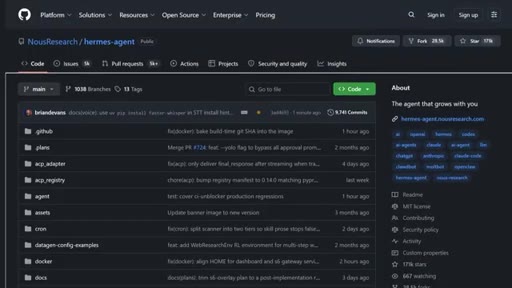
The agent that writes its own instructions
Autonomous memory, where the agent saves its own playbooks rather than waiting for you to write them, changes the economics of running an AI worker, not just the convenience.
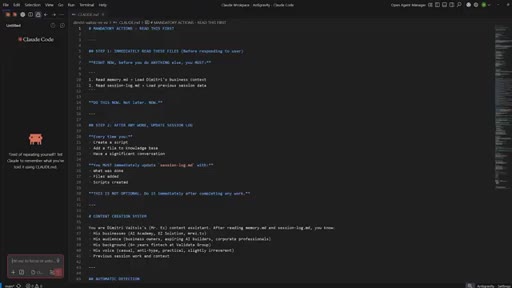
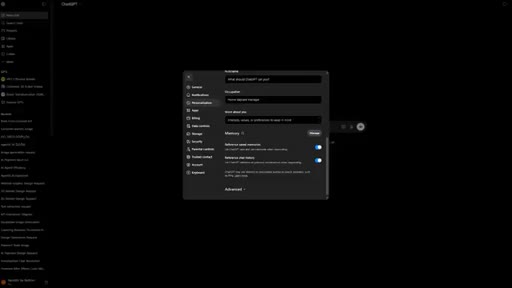
- Every AI tool claims memory, but most require you to write the rules: the markdown file, the prompt, the saved context. Hermes inverts this, the agent writes its own playbook after each completed task.
- The agent does not save everything indiscriminately. It reasons about what is reusable such as structure, API call logic, and search steps, and strips what should be generated fresh each time such as voice, tone, and specific phrasing.
- Three memory layers operate at once: chat history you can read, reasoning the agent records about what succeeded, and a distilled skill it decides is worth keeping. You only manage the first layer.
- Model cost is the hidden reason most people do not leave agents running continuously. At 17x cheaper input tokens, the economics shift from use when needed to leave on all the time.
- A natural-language scheduler means recurring workflows such as weekly lead scans and daily inbox triage can be set up in a single prompt without cron syntax or a separate automation platform.
- After a month of real use, the skill library reflects your actual workflows, not generic templates, and that specificity is what makes the compounding meaningful.