The bait, then the rug-pull.
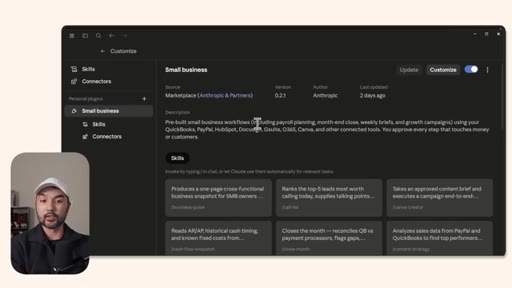
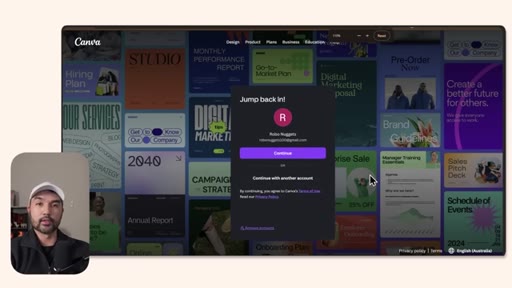
Anthropic quietly dropped a free plugin for small businesses this week — and it is not a chatbot. It is a pre-wired ops layer: 31 skills that already know how to chase invoices, close your books, draft Canva campaigns, and triage leads, plus MCP connectors that let Claude reach directly into QuickBooks, PayPal, Slack, and more.
Where the time goes.
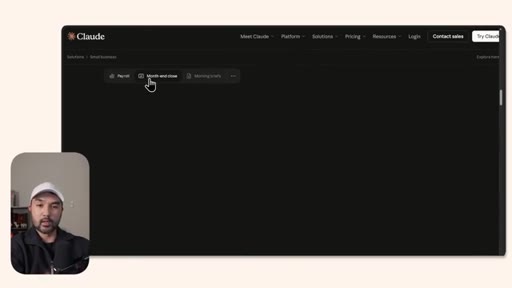
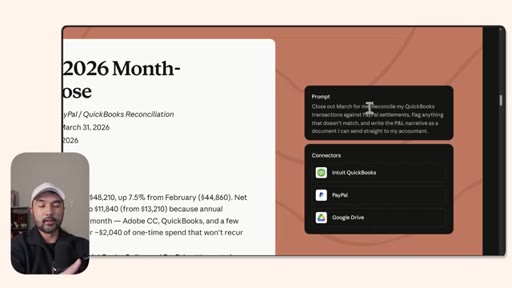
01 · Claude for Small Business
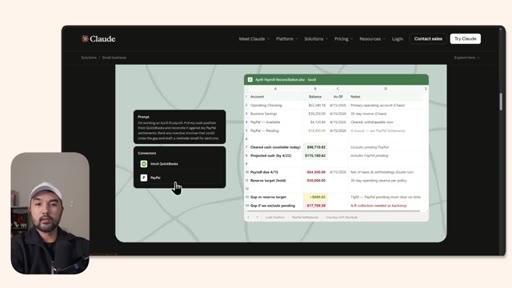
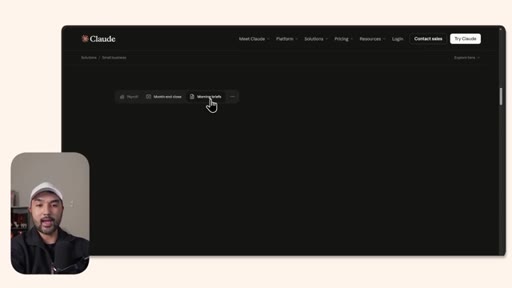
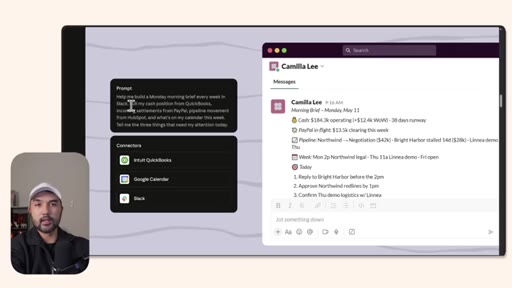
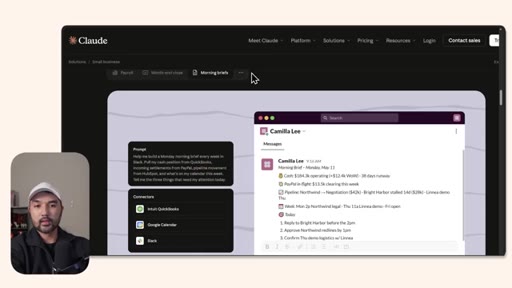
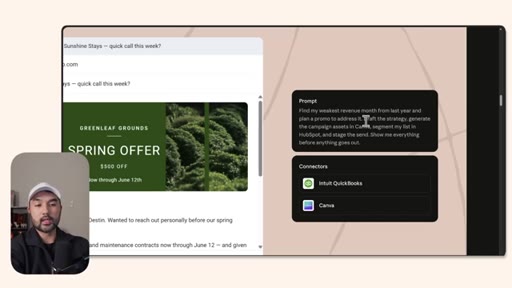
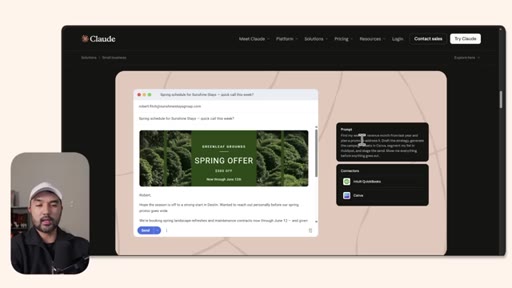
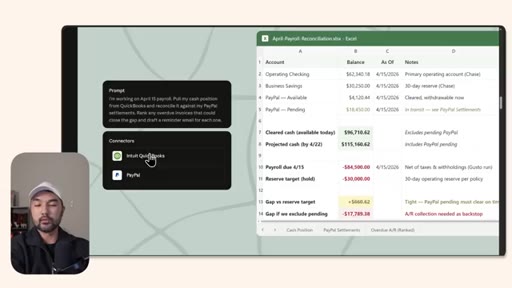
Overview of what the plugin does: connects an AI agent to every business tool and automates ops from payroll to marketing campaigns.
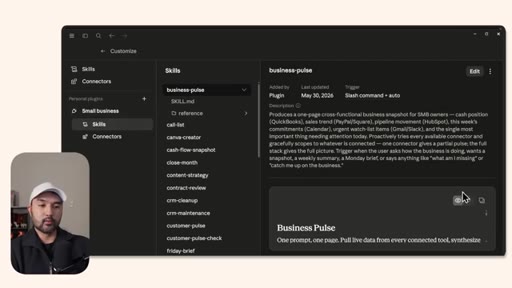
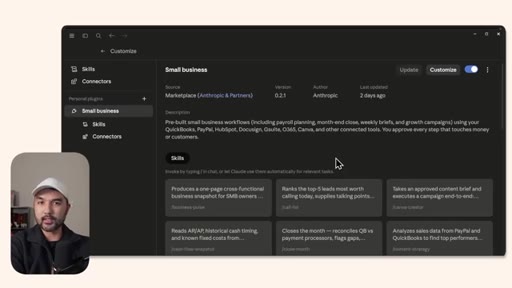
02 · Skills and Connectors
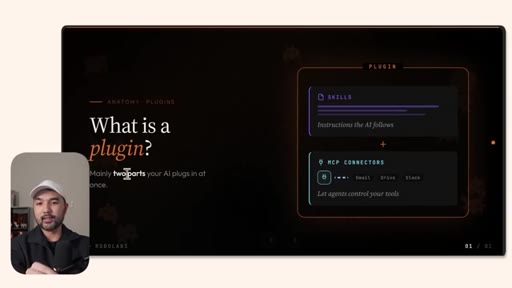
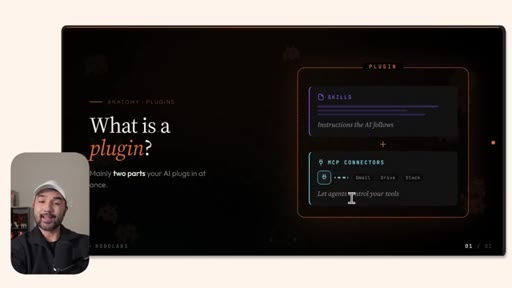
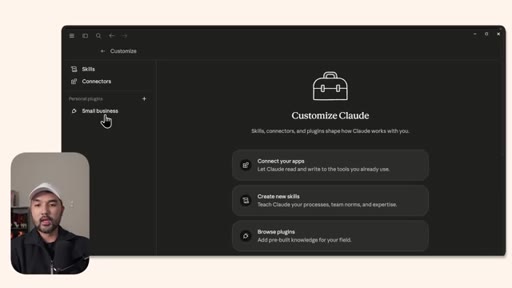
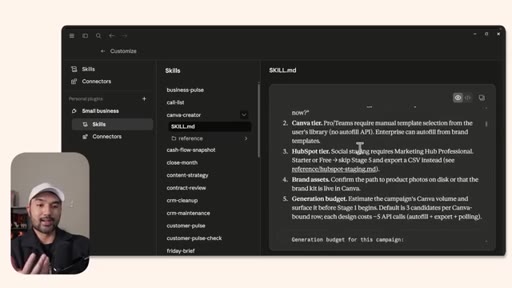
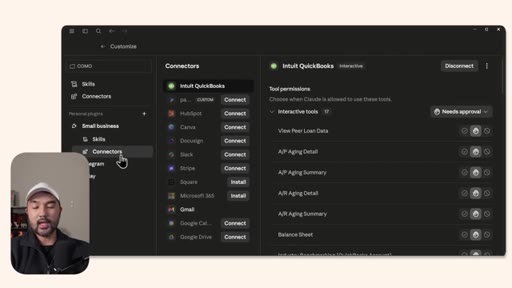
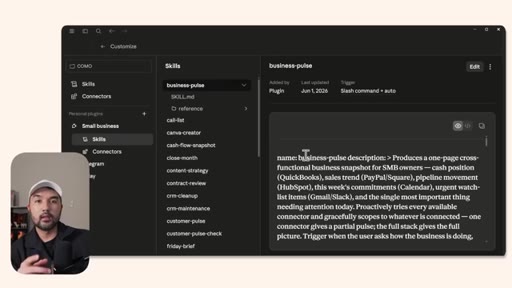
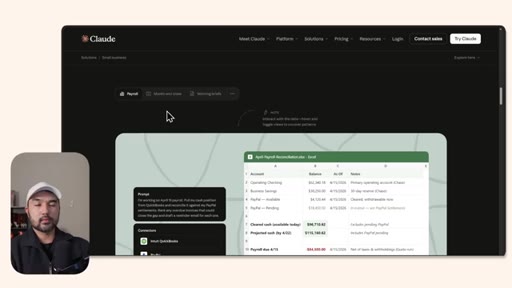
Anatomy of the plugin: skills are written prompt files, connectors are MCP integrations. 31 skills shown inside Claude Customize panel.
03 · Getting Started Fast
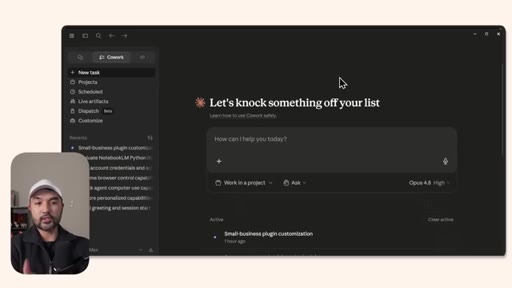
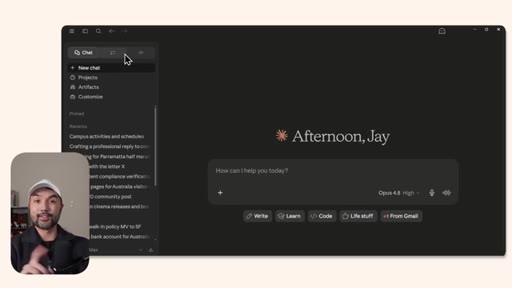
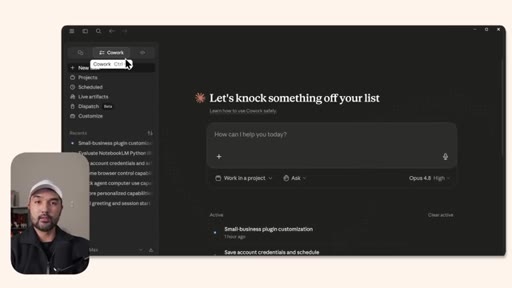
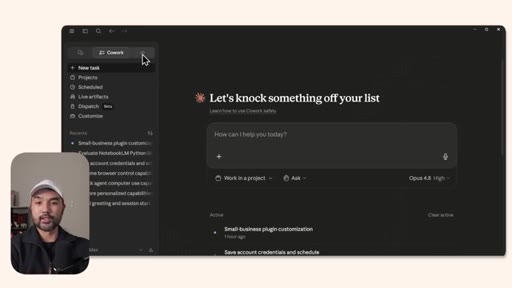
Three tiers of Claude: Chat, CoWork, Claude Code. Recommendation: start with Claude Code for maximum flexibility.
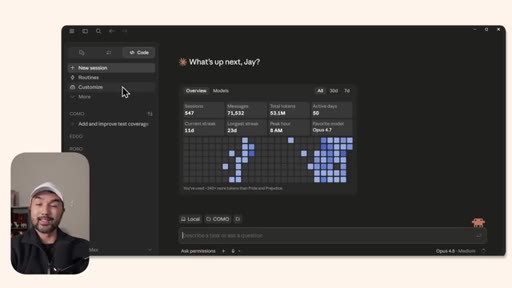
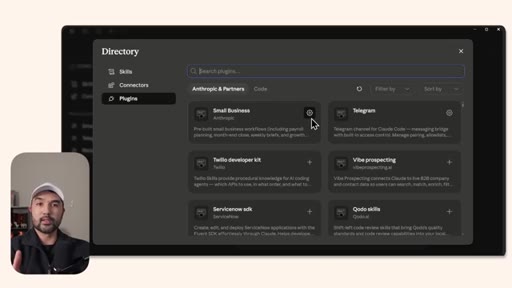
04 · Install the Plugin
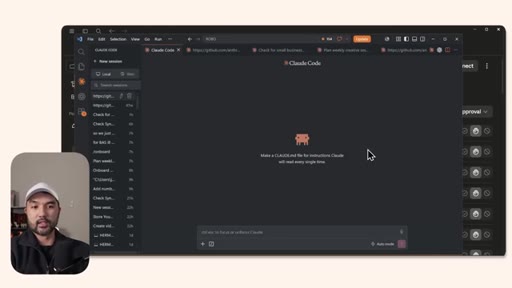
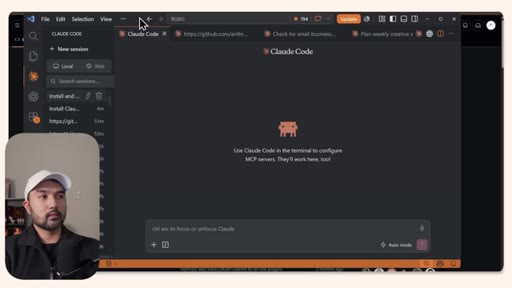
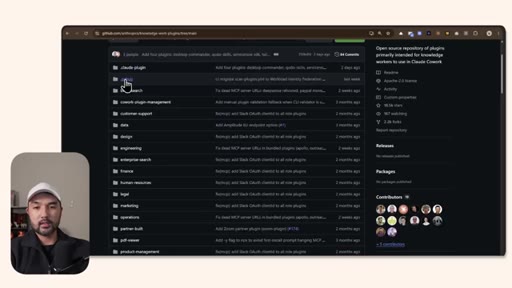
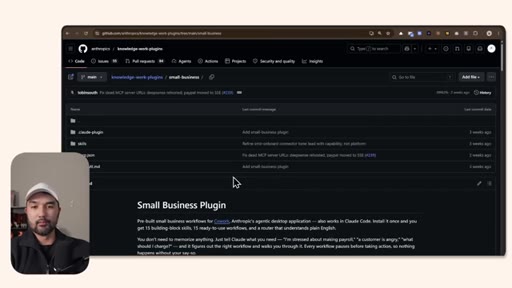
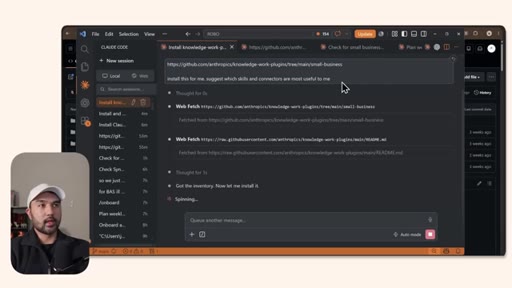
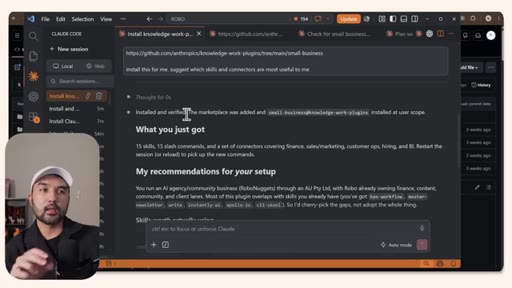
Two paths: desktop app Customize GUI, or CLI/VS Code by copying the GitHub folder URL and asking Claude to install it.
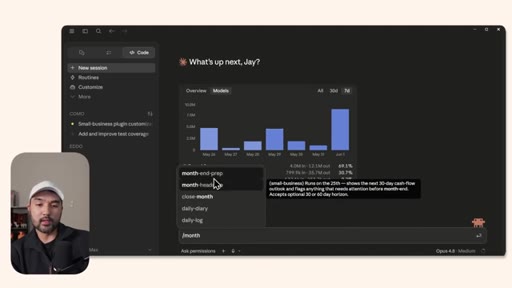
05 · Using Skills Directly
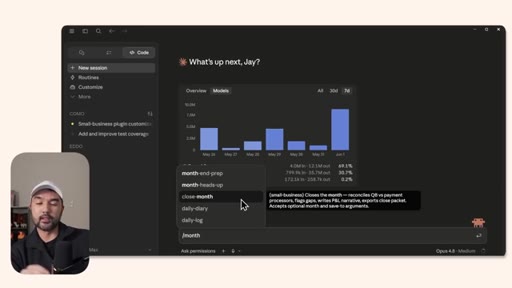
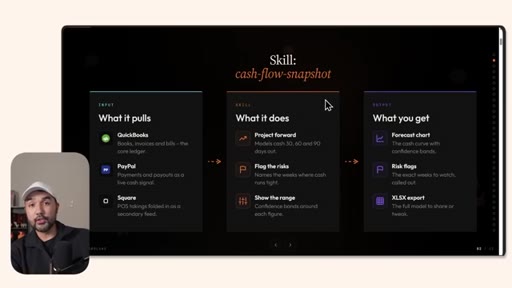
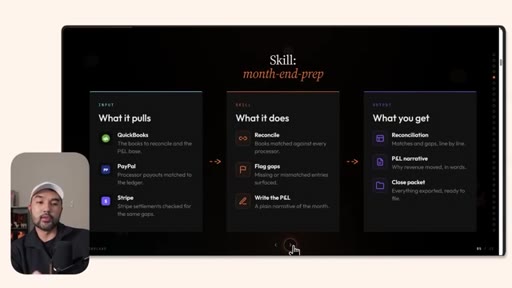
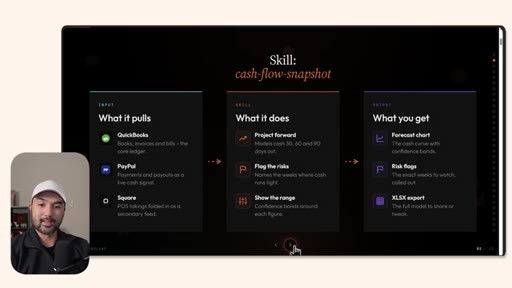
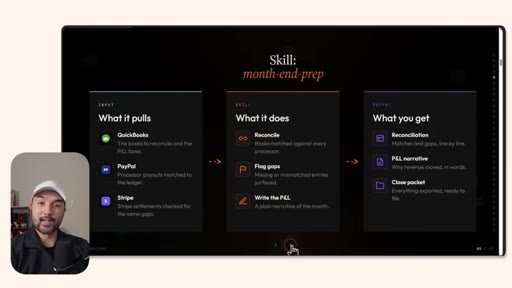
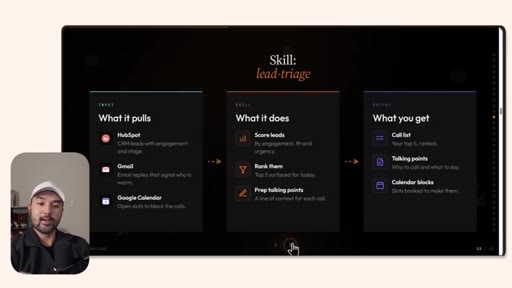
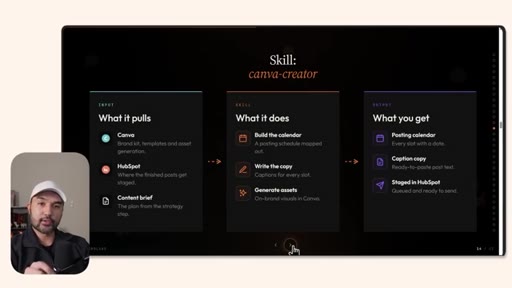
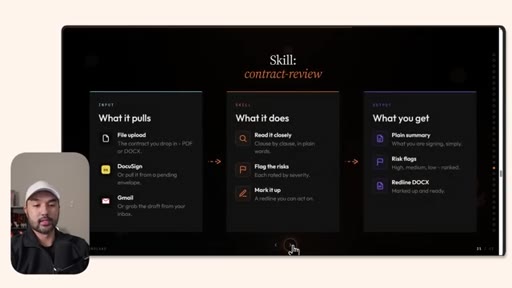
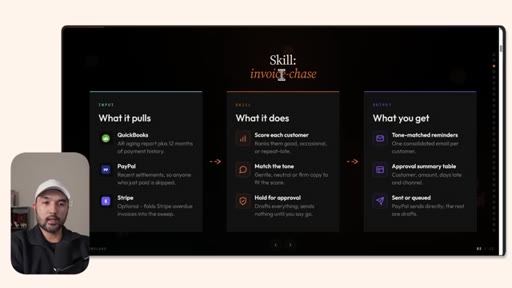
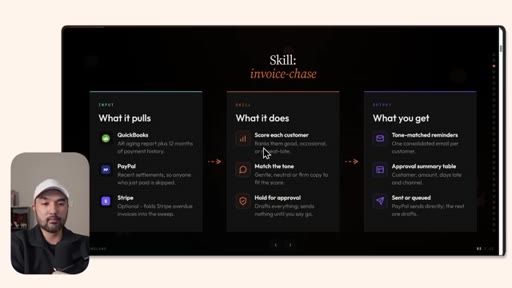
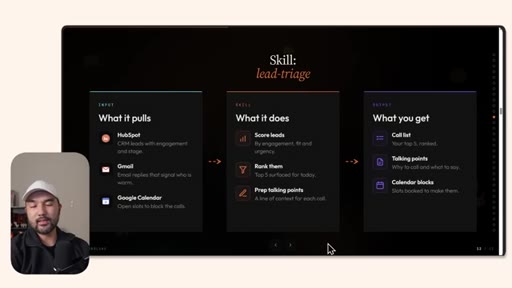
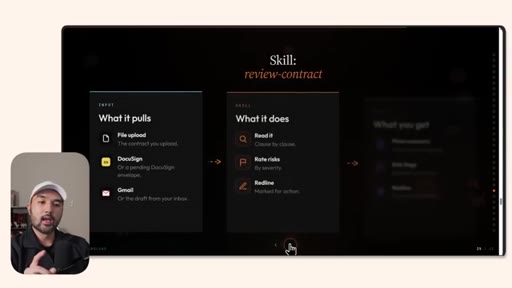
Slash-command invocation of skills. Free 31-slide reference deck introduced, showing each skill's inputs, actions, and outputs.
06 · Tailoring to Your Business
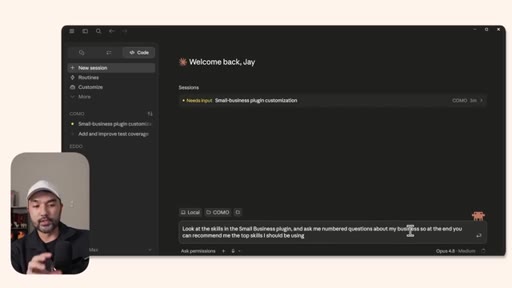
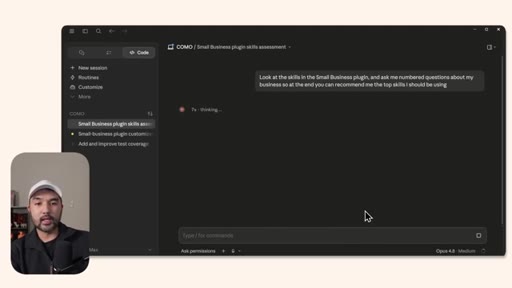
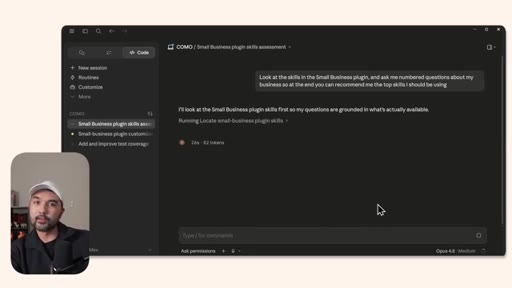
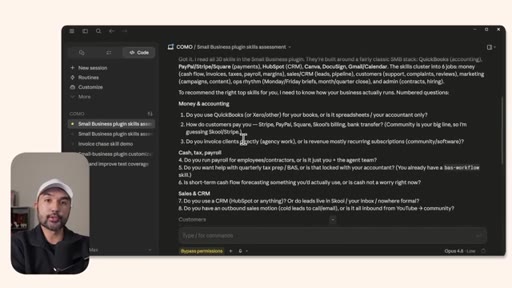
Prompt pattern: ask Claude to interrogate your business with numbered questions, then recommend the best matching skills.
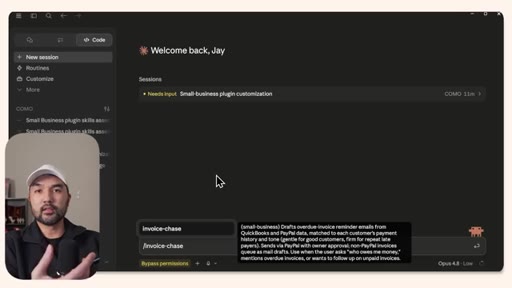
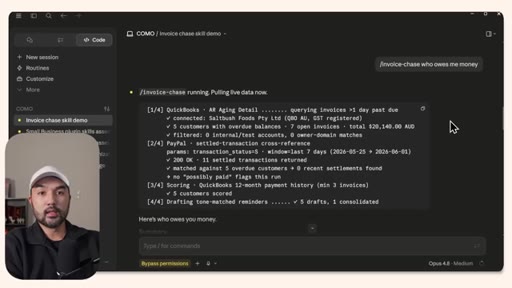
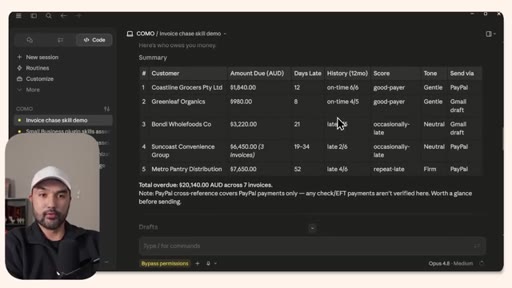
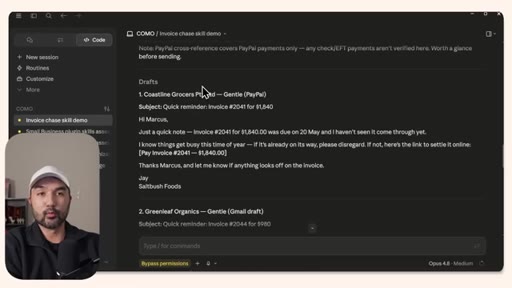
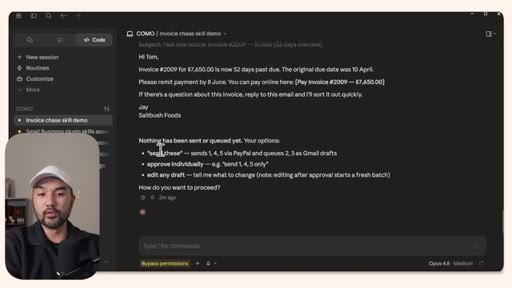
07 · Invoice Chase Demo
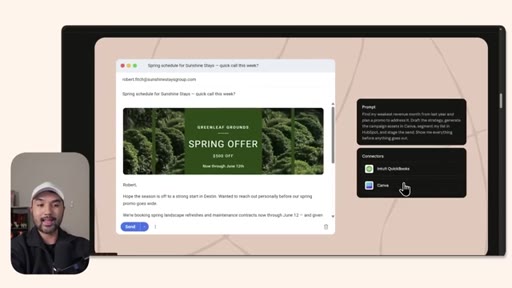
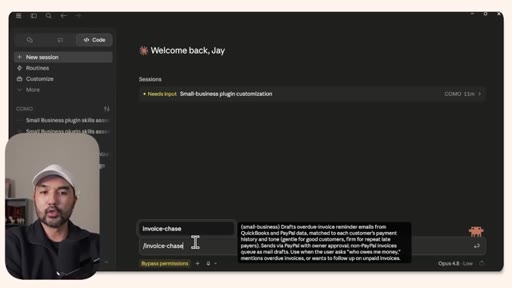
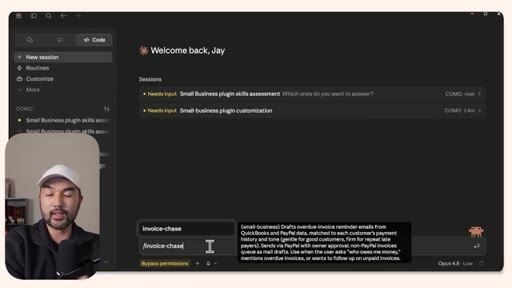
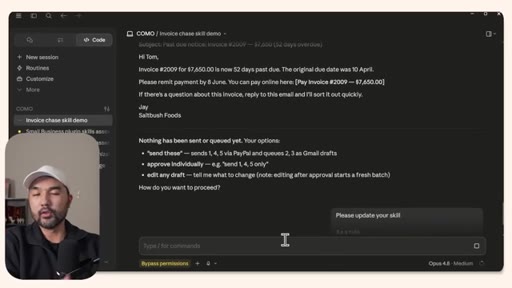
Live run: pulls QuickBooks AR aging and PayPal settlements, scores customers (good/occasional/repeat late), drafts tone-matched reminder emails for approval.
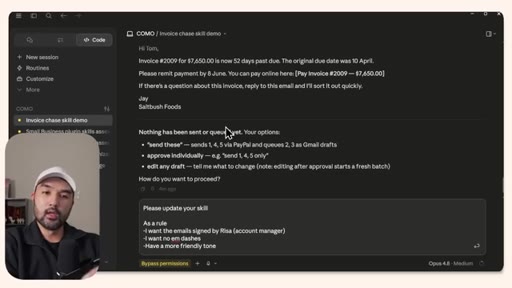
08 · Customizing Rules
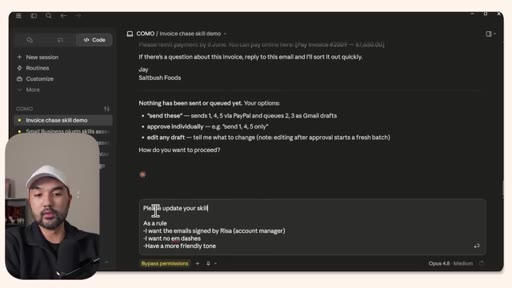
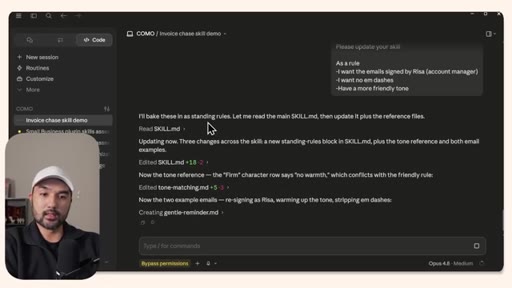
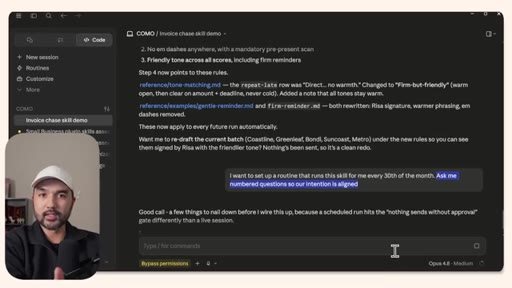
Mid-conversation skill update: bullets of standing rules in plain English baked into the skill markdown file for all future runs.
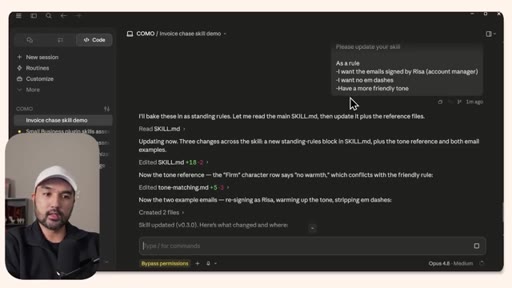
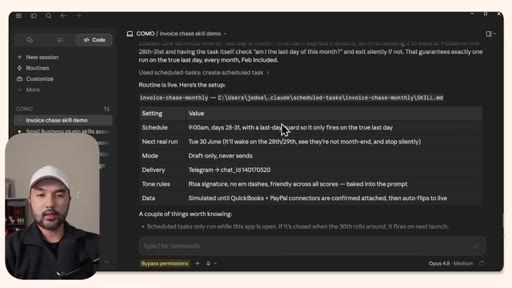
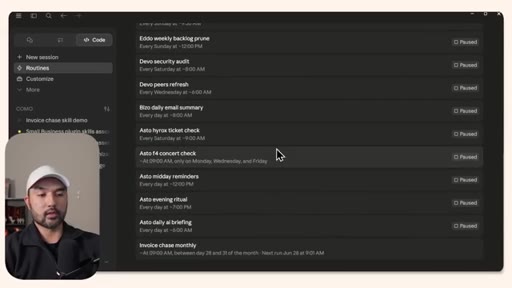
09 · Scheduling Monthly Routines
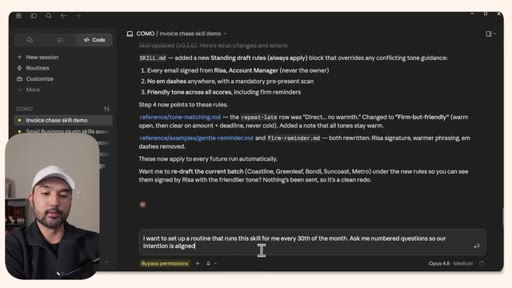
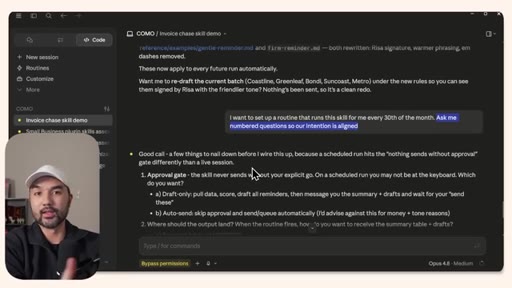
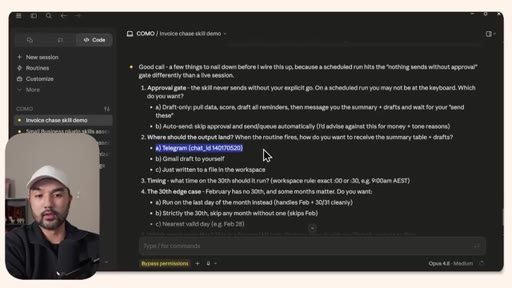
Natural-language scheduling with intention-alignment prompting: Claude asks clarifying questions about approval gates, output destination, timing, and edge cases.
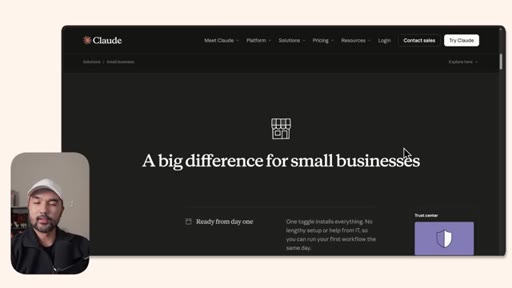
10 · Final Takeaways
Plugin is free, officially vetted by Anthropic, and the lowest-friction path for SMBs to adopt agentic AI.
Named ideas worth stealing.
Plugin = Skills + Connectors
Skills are markdown prompt files that define what Claude knows how to do. Connectors are MCP integrations that let Claude reach into real tools. You need both.
Three Tiers of Claude
- Chat (explain only)
- CoWork (act, limited)
- Claude Code (act, full flexibility)
Hierarchy for choosing where to start with Claude automation. CoWork is a watered-down Code; go straight to Code.
Self-Evolving Skills
Mid-conversation, ask Claude to update a skill's standing rules. It edits the underlying markdown file so every future invocation inherits your preferences.
Intention Alignment Prompt
Before scheduling a routine, include a sentence asking the agent to ask numbered clarifying questions until intentions are aligned. Forces the agent to surface edge cases before wiring automation.
Lines you could clip.
"These are officially vetted skills and connectors that Anthropic themselves are endorsing."
"CoWork, at least in my view, is a bit of a watered-down version of Claude Code anyway."
"You want to always have your intention be aligned with your agent just to make sure you're both on the same page."
Things they pointed at.
Word for word.
One plugin, one install, thirty-one automations.
The Claude small-business plugin lowers the floor for agentic automation to near-zero — but the ceiling only rises if you customize skills, align intentions before scheduling, and treat each skill as a living document.
- A plugin is two things: prompt files (skills) that define what Claude knows how to do, and MCP connectors that give it access to your actual data — you need both for an agent that takes real action.
- Installing via the CLI path (copy GitHub URL, ask Claude to install) is faster and more flexible than the desktop GUI, and produces an identical result.
- Before scheduling any autonomous routine, include a sentence asking the agent to ask clarifying questions; this forces it to surface approval gates, output destinations, and edge cases before the automation runs unsupervised.
- Skills are editable markdown files — you can update standing rules (tone, signature, formatting preferences) mid-conversation in plain English and Claude will rewrite the file so every future run inherits the change.
- The invoice-chase skill demonstrates the full agentic loop: pull data from multiple sources, classify customers by payment behavior, draft personalized messages, hold for approval, then send — all from one slash command.
- Anthropic's official endorsement matters practically: vetted skills and connectors reduce the setup risk that stops most SMB owners from trusting AI agents with financial or client-facing workflows.
- The prompt pattern 'ask me numbered questions so our intention is aligned' is reusable on any agent setup — it converts a vague automation request into a verified shared specification before anything runs.