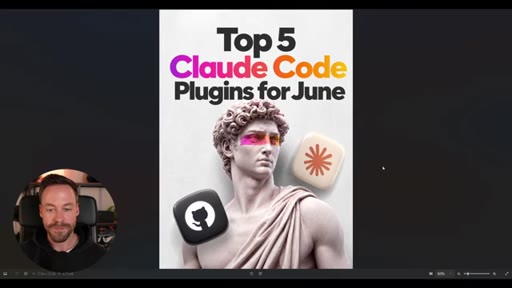
The bait, then the rug-pull.
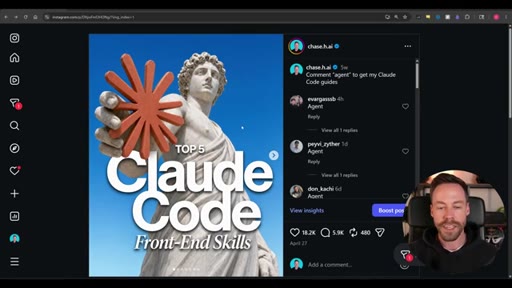
Every AI niche feed is filling with the same carousel aesthetic -- clean HTML slides, same font weight, same rounded cards, zero visual personality. The creator opens by naming the culprit directly: pure Claude Code HTML output, applied without restraint, is the source of the sameness. The fix is not a better prompt -- it is a different tool for the one slide that matters.
Where the time goes.

01 · Problem: HTML carousels all look the same
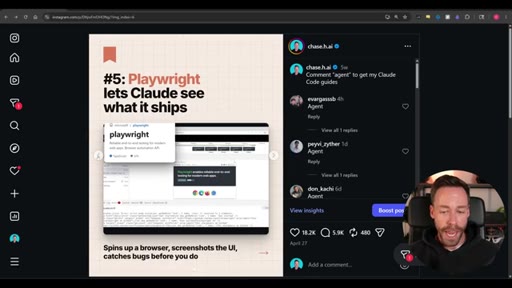
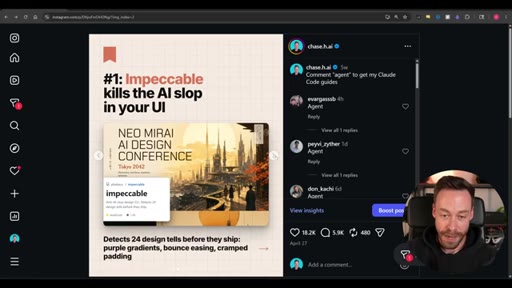
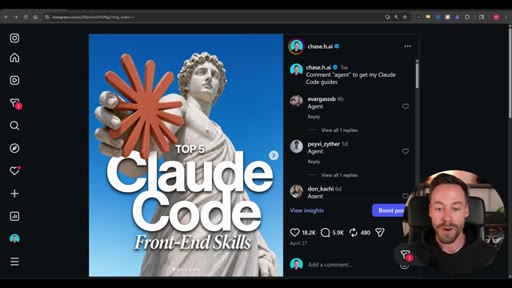
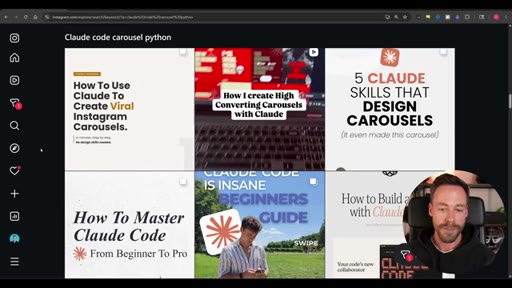
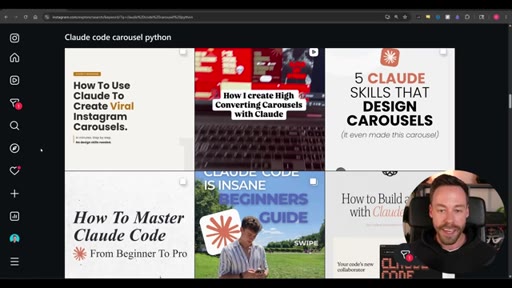
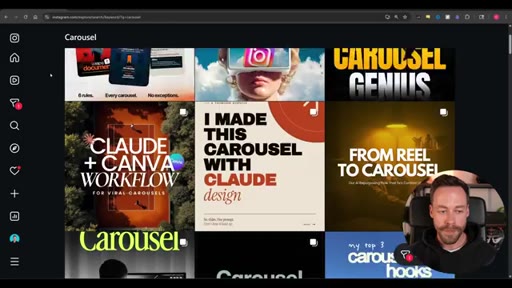
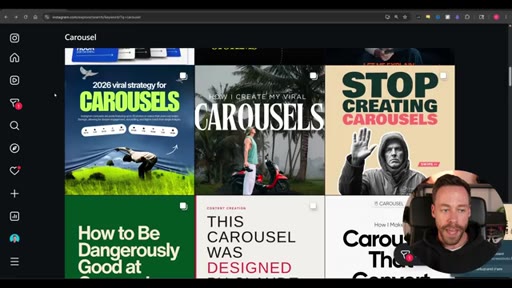
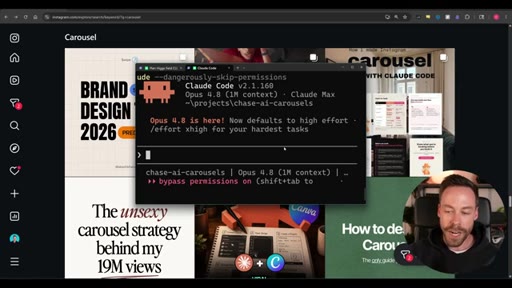
Hook and pattern interrupt. Shows examples of generic Claude Code carousels on Instagram. Previews the hybrid approach with a proof-of-concept carousel that got 18K likes.
02 · Step 0: Build a visual inspiration library
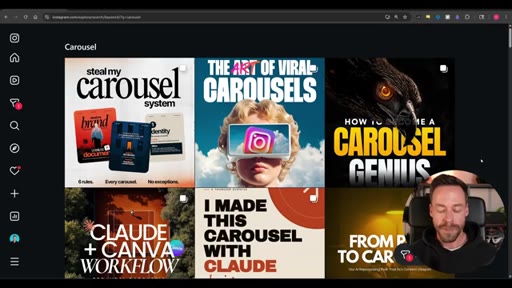
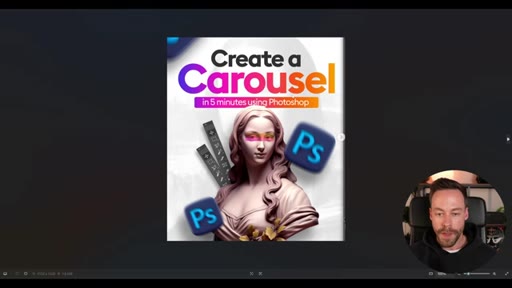
Search Instagram and TikTok for carousel, screenshot covers and body slides you like. Look outside your niche. Spend 20-30 minutes minimum. Pick one reference image to build from today.

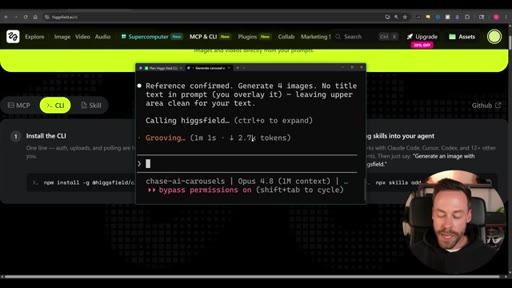
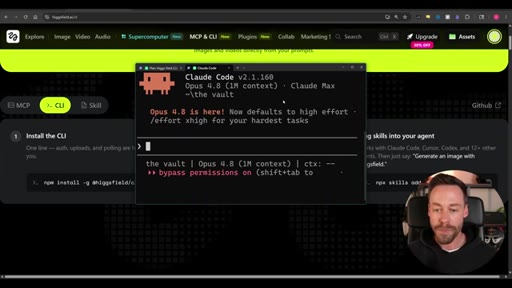
03 · Step 1: Install the Higgsfield CLI
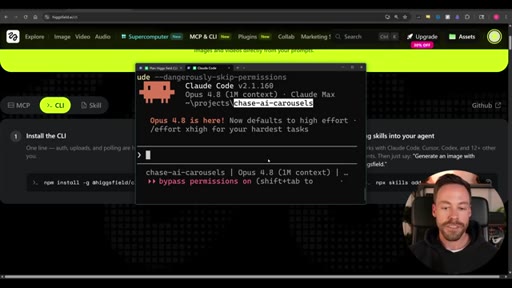
Install via npm, auth login, add skills. Create a named carousels folder. Explains why folder naming compounds value over time as template library grows.
04 · Step 2: Generate the cover image
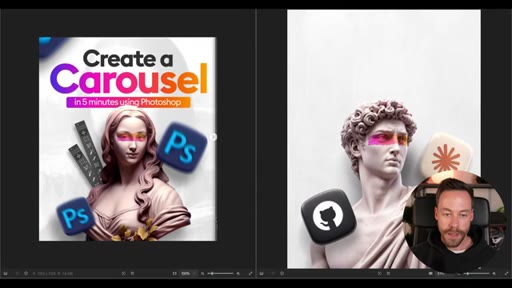
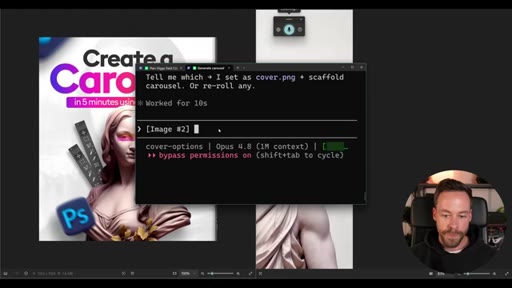
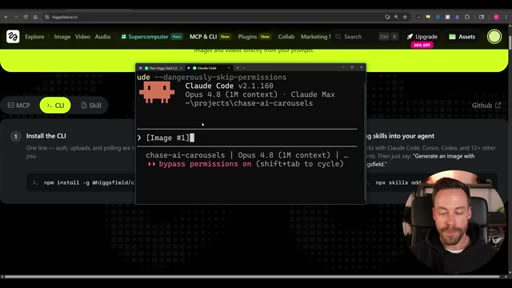
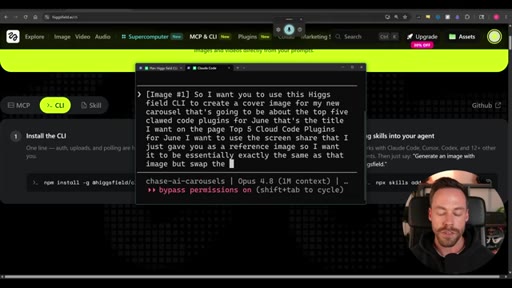
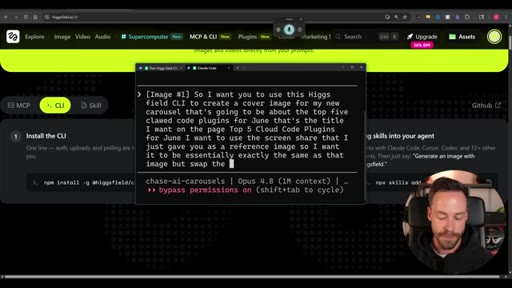
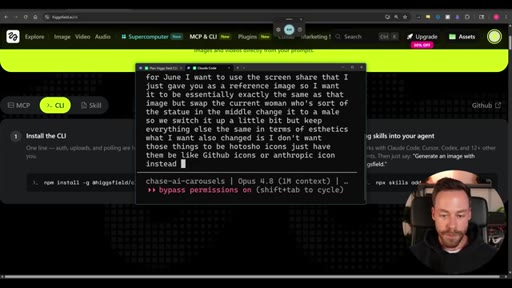
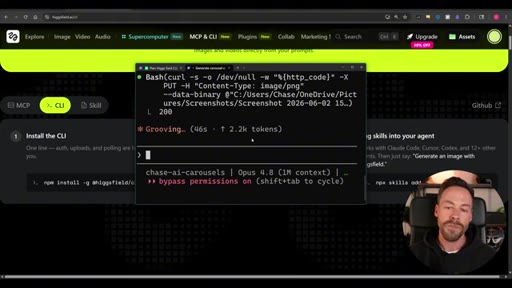
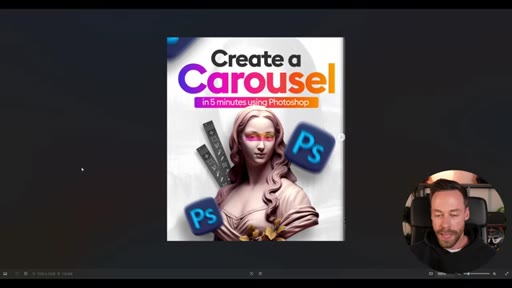
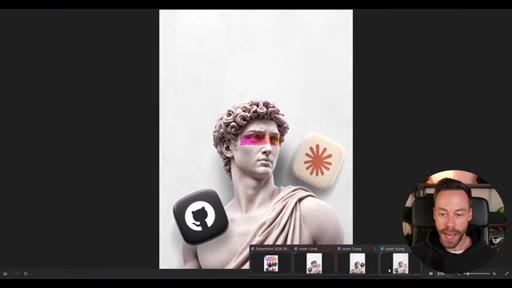
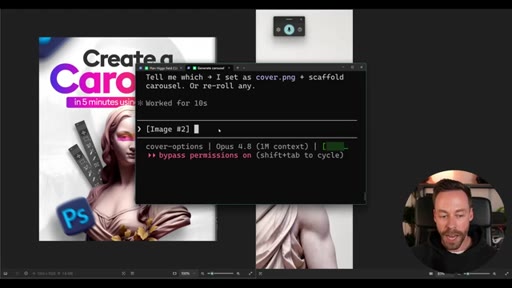
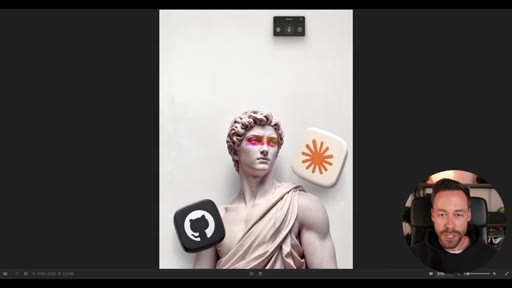
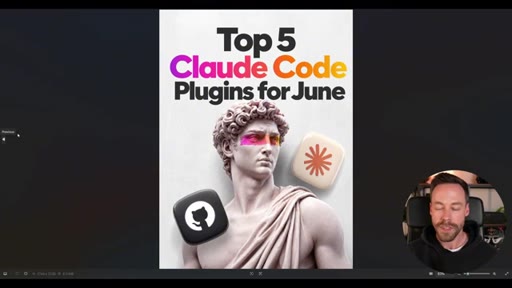
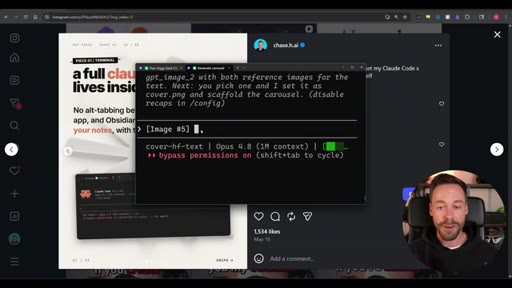
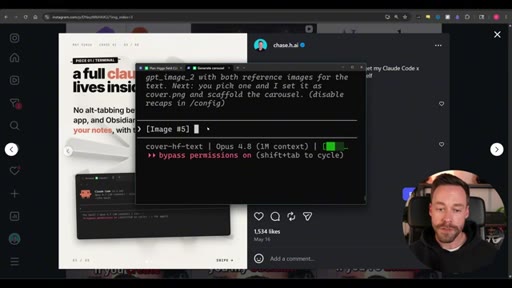
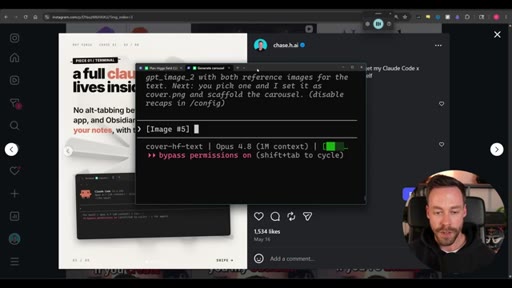
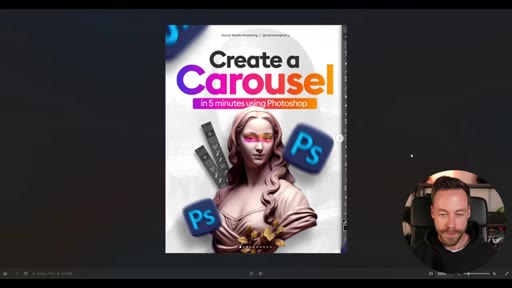
Give Claude Code the reference screenshot plus a prompt describing what to change. Specify image model, aspect ratio, quality, request 4 variants. First pass gets aesthetic right but drops the text. Second pass adds title with gradient. Pick winner.

05 · Step 3: Build body slides in HTML
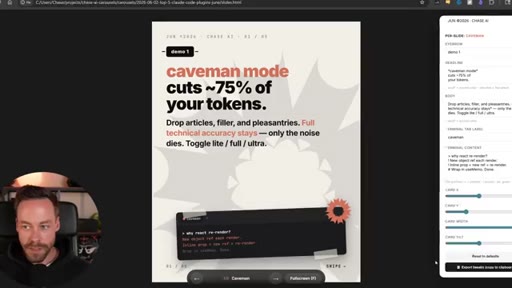
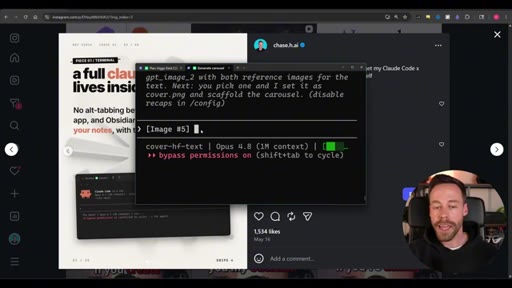
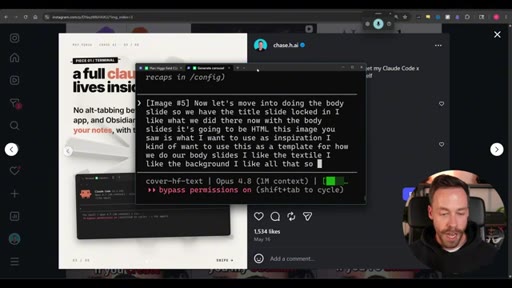
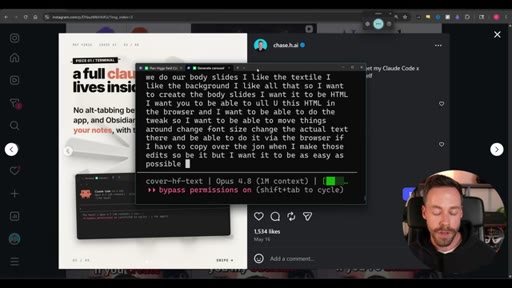
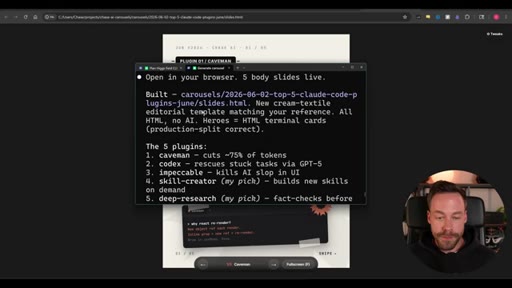
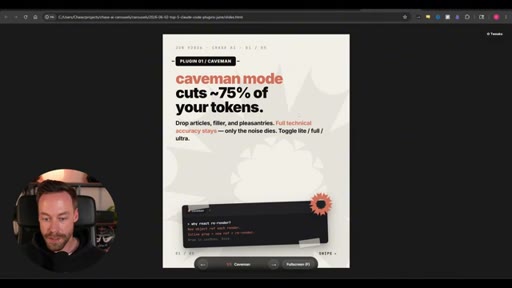
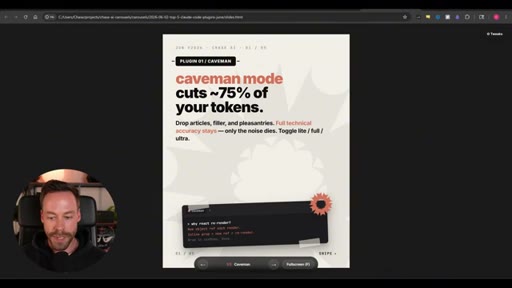
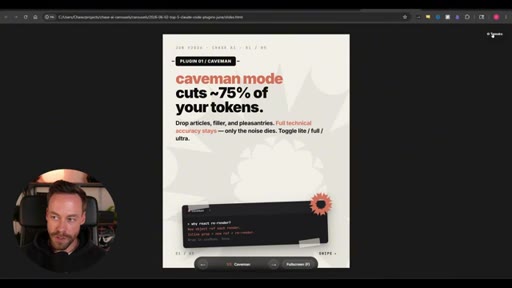
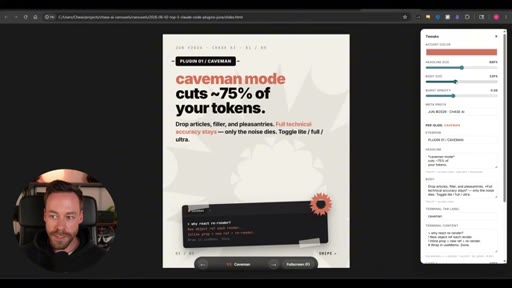
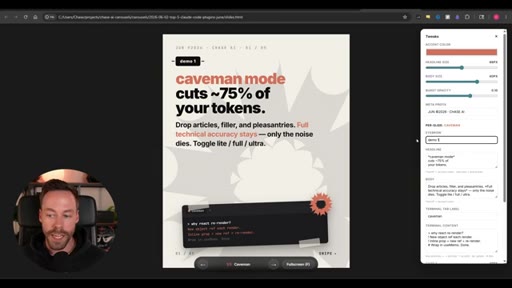
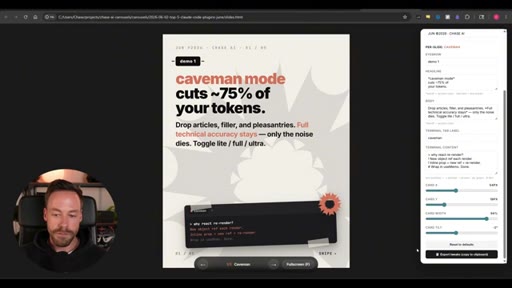
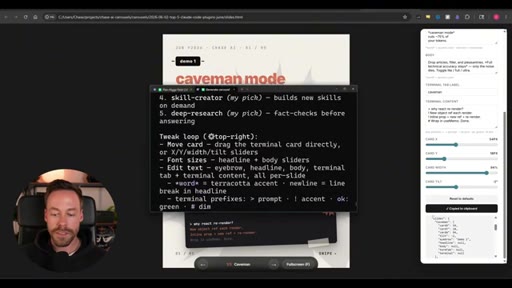
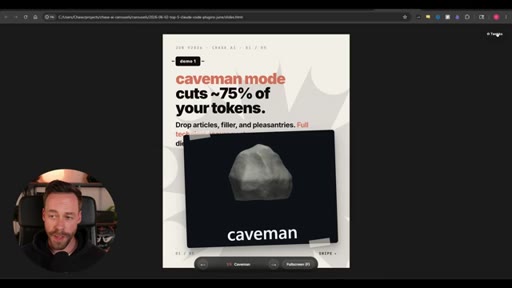
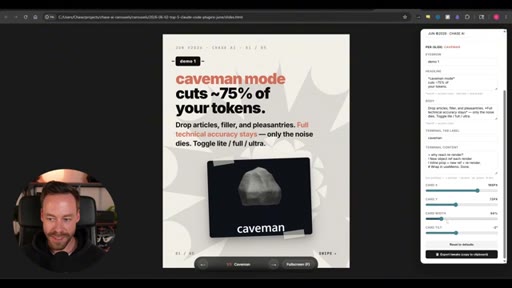
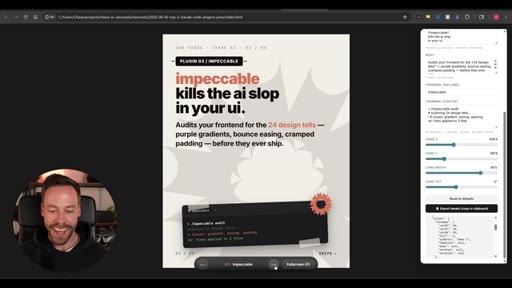
Feed Claude Code a reference body slide screenshot. It builds 5 HTML slides, auto-researches plugin copy, and includes a browser tweak panel. Export tweaks as JSON, paste back in. Add GitHub screenshots to individual slides for visual proof.

06 · Final thoughts
Recaps the three-step system. Notes that at 30-60 carousels built the template library does most of the work. CTA to community for pre-built skills.
Named ideas worth stealing.
Hybrid Carousel System
- Step 0: Build a swipe file of inspiration (outside your niche)
- Step 1: Install Higgsfield CLI
- Step 2: Generate cover image with AI image model (iterate on reference screenshot)
- Step 3: Build body slides via Claude Code HTML with browser tweak loop
Three-step repeatable process that uses AI image generators only for the high-value cover slide and HTML for the body slides.
Cover vs Body Slide Split
Only the cover image needs expensive generative model output because it is the scroll-stopper. Body slides can be HTML because the reader is already committed.
Template Library Compounding
Create a named folder for all carousels. After 30-60 carousels you have 10-15 proven templates. Future carousels become copy-swaps rather than full builds.
Lines you could clip.
"Claude code sucks at carousels, and it's your fault."
"Four of these six were very clearly created with Claude Code. They have the HTML slide deck feeling -- very, very samey."
"When it comes time to build carousel number 20, you don't even have to go through all this trouble. You just change the copy."
Things they pointed at.
Word for word.
The cover image is the only slide worth obsessing over.
The reason AI carousels all look the same is that people use the same tool the same way -- fixing that requires one different decision at the one moment it matters.
- Only the cover slide determines whether someone stops scrolling; body slides deliver value to a reader already inside, so they can tolerate HTML.
- Looking for inspiration outside your niche gives you a visual vocabulary your audience has never seen in your context -- within-niche inspiration just produces faster convergence to the same aesthetic.
- Prompting with a reference image plus specific deltas (change X, keep Y) produces more reliable results than describing a cover from scratch.
- AI image generators routinely drop text from their output; treating the text addition as a separate second pass is faster than trying to get both right at once.
- A browser-based tweak panel that exports JSON turns subjective style changes (font size, opacity, card tilt) into versioned edits that Claude Code can apply precisely.
- The value of a template library is not the templates themselves -- it is that every iteration narrows what good looks like for your brand, making future carousels faster to approve.
- Claude Code will research factual copy (plugin descriptions, feature details) on its own when you name a subject; you do not have to write body slide text yourself.