Stephen G. Pope · Youtube · 07:10

Second Brain Replaces Obsidian + Claude Code

A 7-minute live demo of Shockwave, a free open-source note app with an AI agent baked directly into the editor.

Posted
May 31st 2026
yesterday
Duration
07:10
Format
Tutorial
educational
Channel
SG
Stephen G. Pope
§ 01 · The Hook

The bait, then the rug-pull.

What if your notes app could also write the notes? Stephen G. Pope opens on the bold claim then immediately delivers: Shockwave, his free open-source Obsidian replacement, ships with an AI agent that edits documents inline, loads skills from GitHub repos, manages API secrets, and syncs the whole workspace to GitHub.

§ · Chapters

Where the time goes.

00:00 – 00:20

01 · Intro to Shockwave

Hook and feature promise: free, open-source, AI agent built in, GitHub sync.

00:20 – 00:37

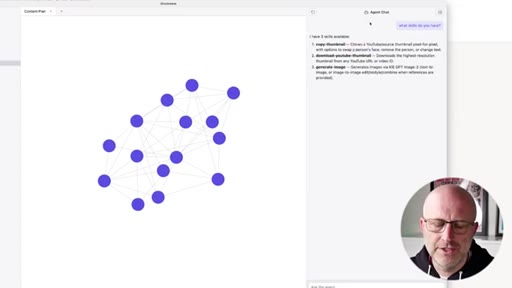
02 · Notes, Links & Graph View

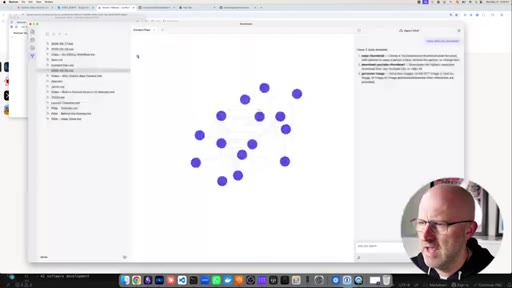
Obsidian-parity demo: sidebar notes, internal links, backlinks, and graph view.
00:37 – 01:08

03 · Integrated AI Agent Setup

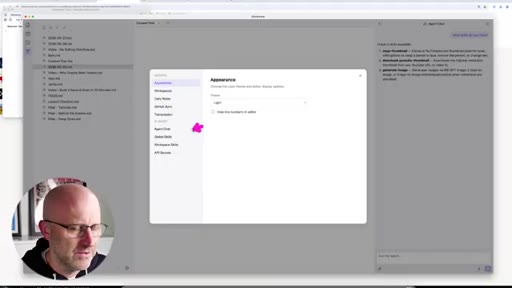
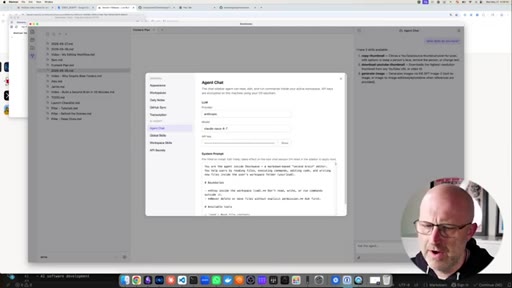
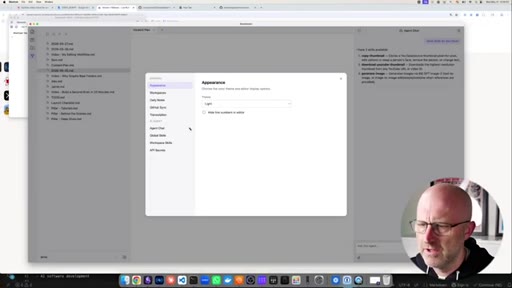
Settings walkthrough: provider, model, API key, system prompt, global/workspace skills, secrets manager.
01:08 – 01:53

04 · Using the Agent in the Editor

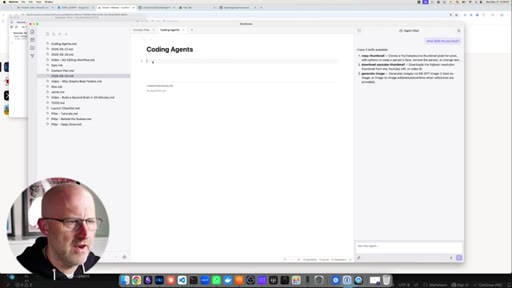
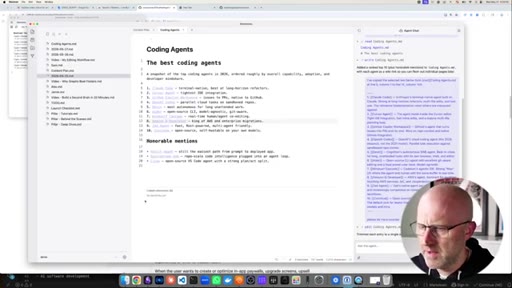
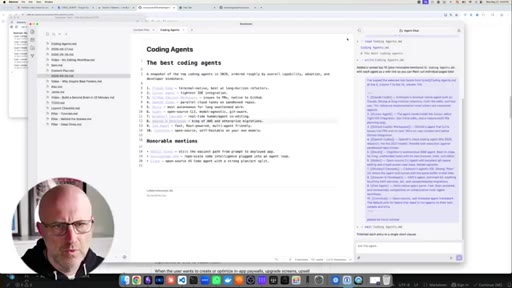
Select text, prompt agent to list top coding agents in 2026, result inserted inline. Follow-up: 'be more concise' — agent modifies in place.
01:53 – 02:43

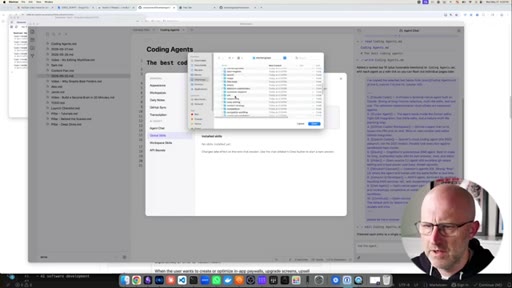
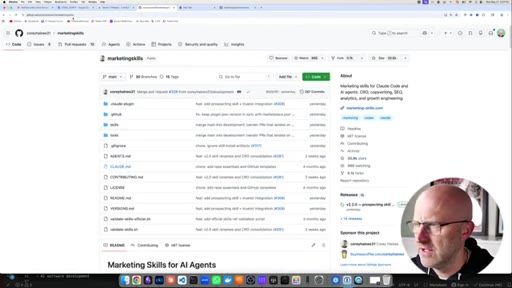
05 · Downloading & Using Skills

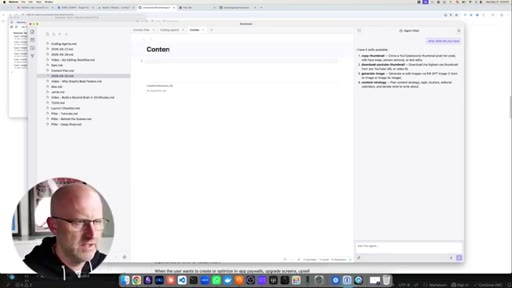
Clone a marketing skills GitHub repo, load content-strategy skill, agent walks through a content strategy interview.
02:43 – 03:59

06 · AI Thumbnail Generation

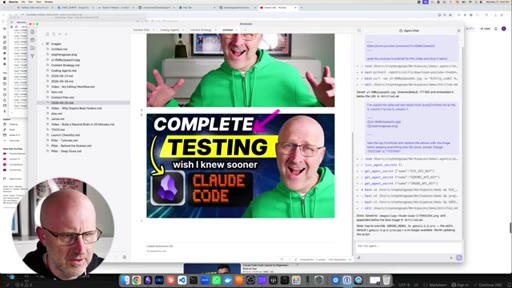
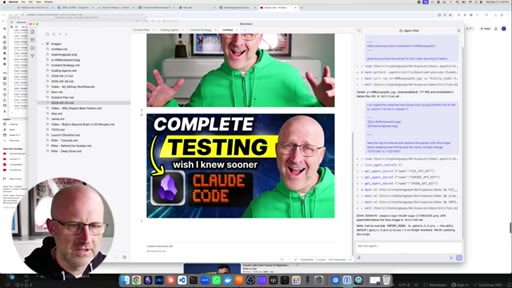
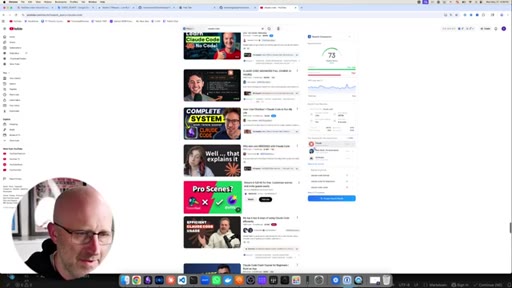
Paste YouTube URL, agent fetches thumbnail, Gemini analyzes it, Key API regenerates with the creator swapped in, result drops into the document.
03:59 – 05:32

07 · Building New Skills

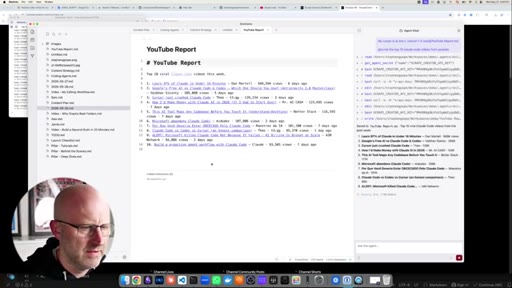
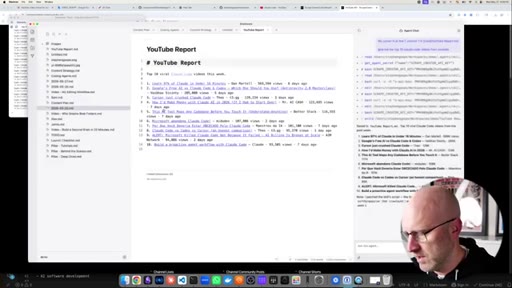
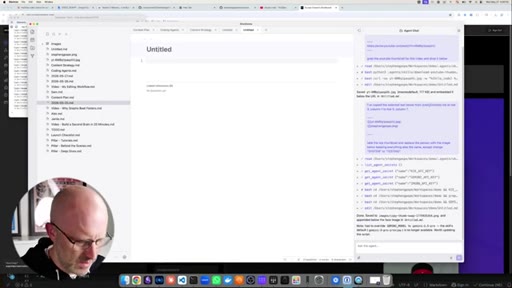
Agent reads Scrape Creators API docs and secret, builds a new YouTube report skill, self-corrects two errors, then fetches top 10 Claude Code videos into a document.

05:32 – 07:10

08 · GitHub Sync Across Devices

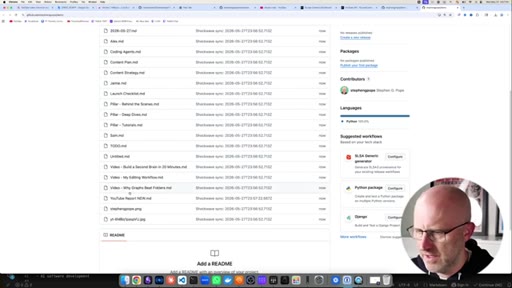
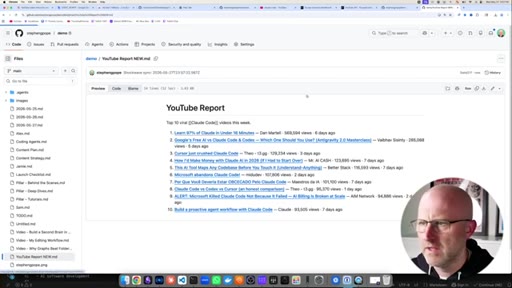
Create a GitHub repo from Shockwave, auto-sync files, live two-way sync demo — edit on GitHub, see change appear in Shockwave instantly.

§ · Storyboard

Visual structure at a glance.

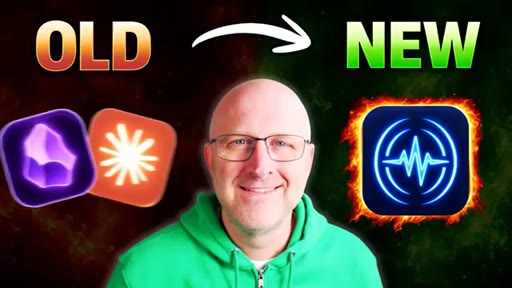
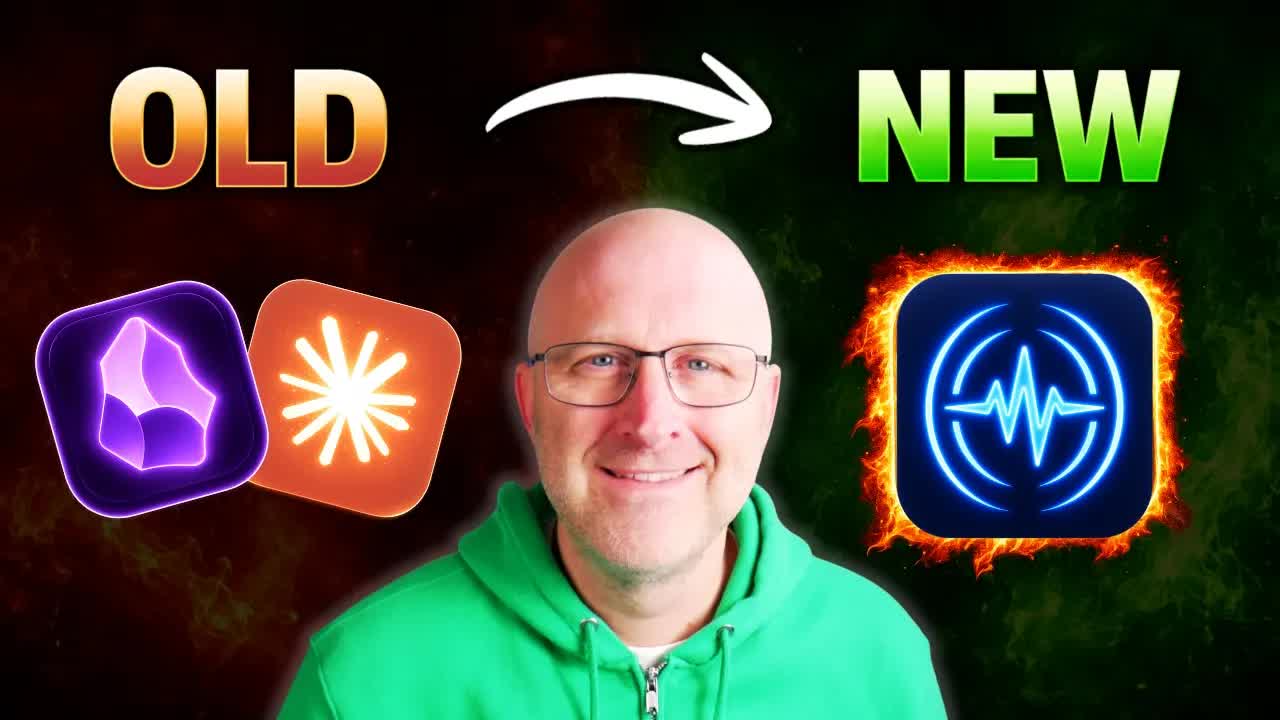
OLD vs NEW hook
agent settings
inline edit demo
skills loading
thumbnail swap
build-a-skill
github sync
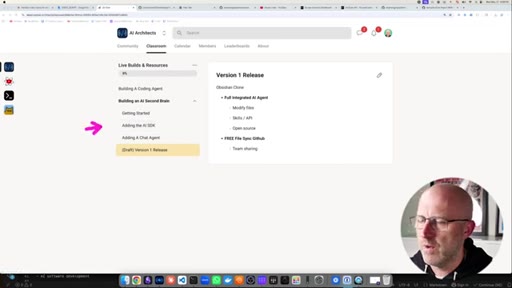
AI Architects CTA
§ · Frameworks

Named ideas worth stealing.

01:53 concept

Skill-as-tool pattern

Agent skills are loaded from GitHub repos as structured instruction sets. Any skill installed becomes a callable tool the agent invokes automatically when the task matches.

Steal for any AI agent workflow where you want reusable, shareable, version-controlled prompts
03:59 model

In-context skill generation

Give the agent API docs plus a secret key, ask it to build a skill. The agent writes the skill code, stores it, and makes it immediately callable — no manual coding required.

Steal for rapid integration of new APIs into an agent workflow without writing boilerplate
§ · Quotables

Lines you could clip.

01:55
"Makes it a lot nicer than having to move to different apps or going to your terminal and running these different things in Claude Code and trying to get it to integrate with these files somewhere else."
Names the exact pain the app solves in plain language → TikTok hook
05:30
"You don't have to pay for any external services."
Clean zero-cost differentiator → IG reel cold open
§ · Resources Mentioned

Things they pointed at.

00:00toolShockwave ↗
01:53toolMarketing Skills Repo (GitHub)
02:43toolGemini (image analysis)
02:43toolKey API (image generation)
03:59toolScrape Creators API
§ · CTA Breakdown

How they asked for the click.

06:09 product
"If you want to learn how to build out this type of software where you integrate AI agents directly into your own custom software, I walk through how to build this app step by step inside the AI Architects."

Soft sell at the end. Mentions community, a beginner-to-expert AI product engineering course, and daily live replays. Non-aggressive, product-first positioning.

§ 04 · The Script

Word for word.

HOOK opening / re-engagementCTA the pitch
00:00HOOKToday, I'm gonna show you guys the new Obsidian clone that I built that has a fully integrated AI agent that can modify files, use skills, access APIs, and it's totally free, open source, and it also integrates with GitHub so that you can switch from one computer to another and all your files are there, or you can use it to share different workspaces with your team.
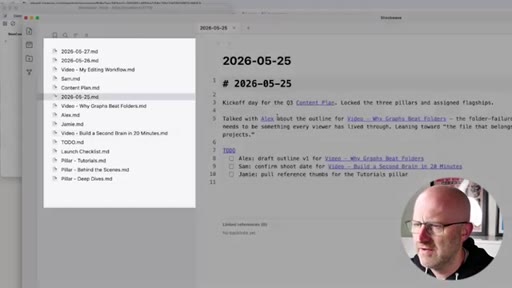
00:17HOOKLet's get into it. So when you open up Shockwave, it's gonna look a lot like Obsidian where you have all of your notes on the left hand side. You can create links to different pages.
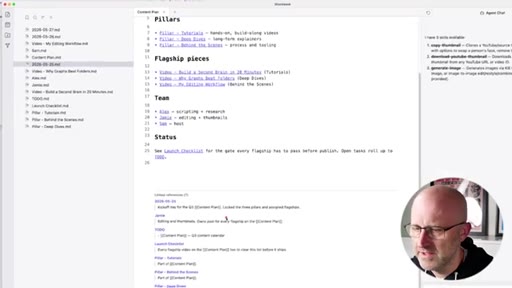
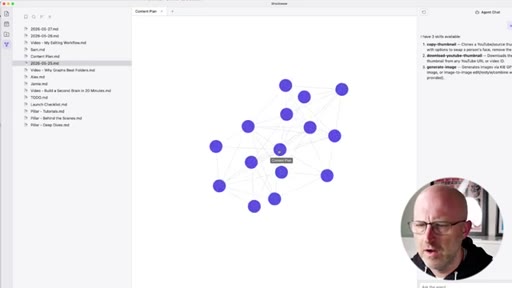
00:26You can follow those links, and then all of the other pages that link to that page will be referenced below. And of course, you've got the graph view where you can see how all of your pages are interlinked between them. But the thing I wanna show you today is they fully integrated agent chat using the PI coding agent that is built directly into the app.
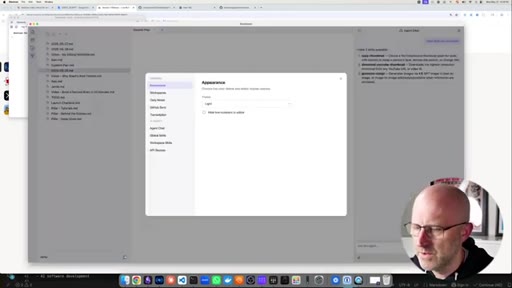
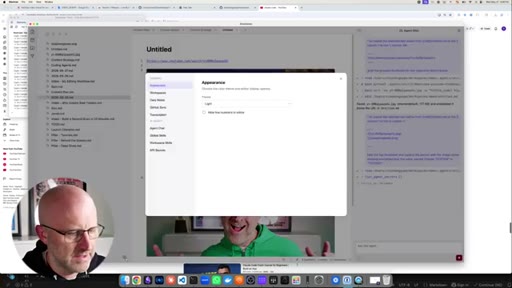
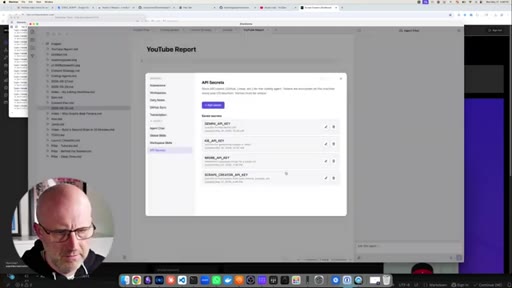
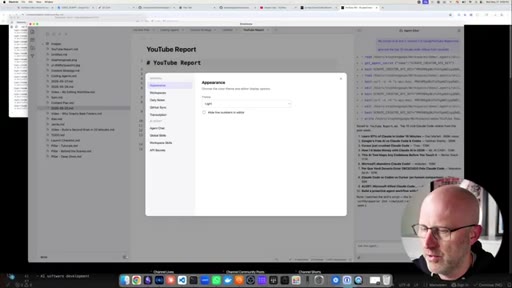
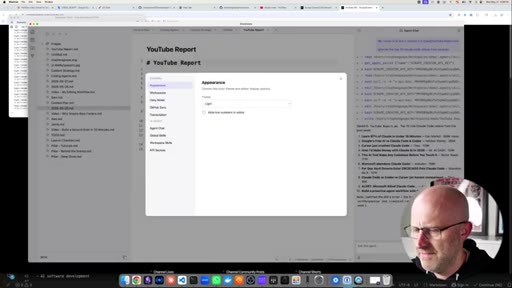
00:43So when you go into your settings, you have AI features built right in. You've got the agent chat, you can pick whichever provider you want, the model, put in your API key and then it has the system prompt which you can modify that explains to the coding agent how to interact with the system and the note system so that it can also modify those files.
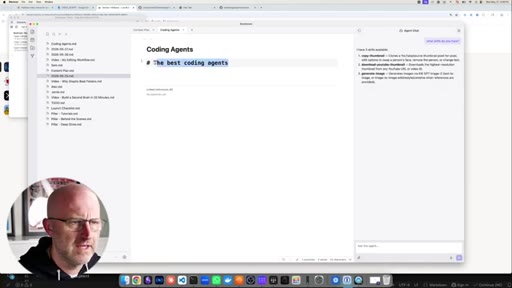
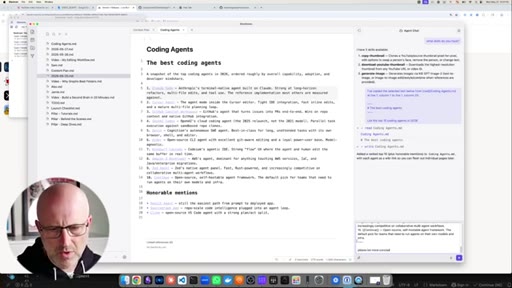
00:59You can also upload global skills and workspace level skills and it also manages all of your secrets. So now to show you the power of that, if I open up a new file, coding agents, from within the editor I can create a header, the best coding agents, and I can select that text,
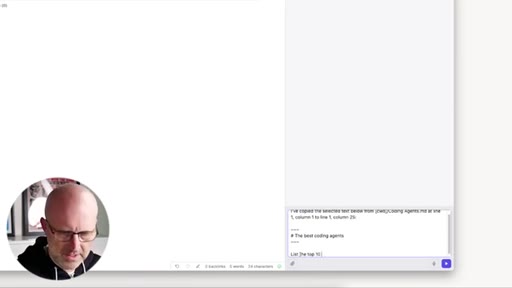
01:17I can message the agent, and then down here I can just say list the top 10 coding agents in 2026. Go ahead and run that.
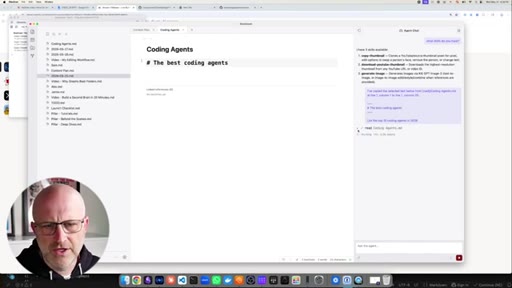
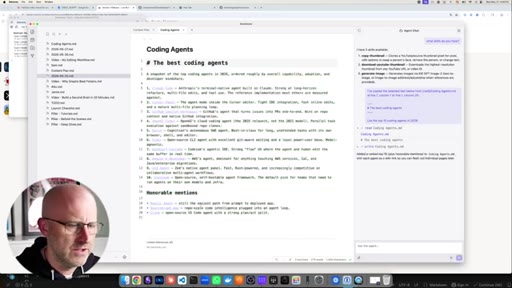
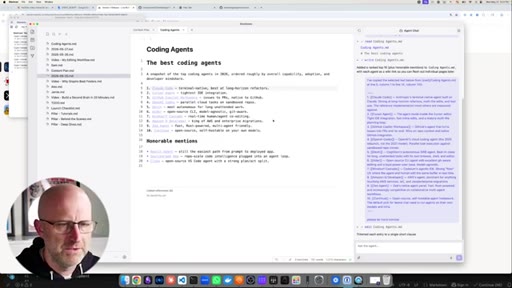
01:27You'll see it executing on the right side including any tools that it's using and then it will just insert that directly into the document. You can always modify it.
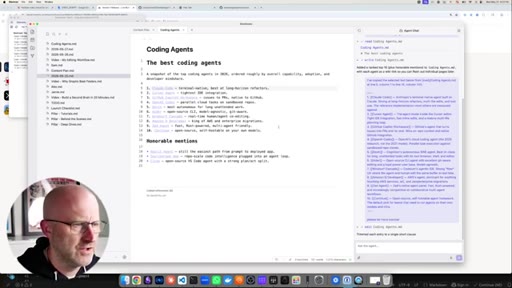
01:37Send to agent. Please be more concise. And then it just makes those modifications
01:42directly in line with your editor, makes it a lot nicer than having to move to different apps or going to your terminal and running these different things in Cloud Code and trying to get it to integrate with these files somewhere else. But beyond that, have access to skills so you can download skills. This is a marketing skills repo that just has a bunch of different marketing skills to add to any agent.
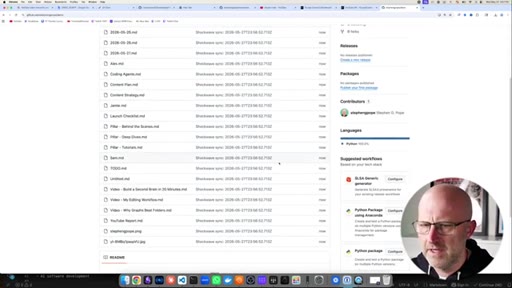
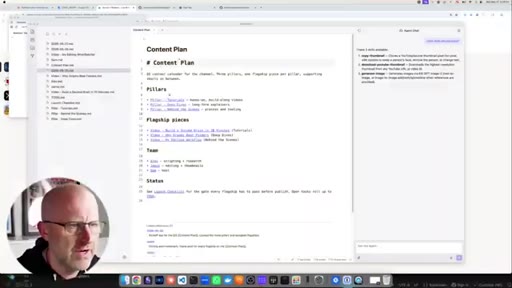
02:01I'm going to just download that repo, come back to Shockwave, go to skills, choose a folder, you can just open it up, jump into the marketing skills, list out all the tools. Let's say I wanna grab a skill for content strategy, you just add that in there.
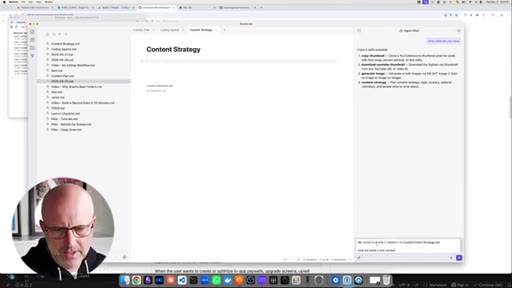
02:16We'll come back and reset the chat. What skills do you have? And now we see we've got the content strategy.
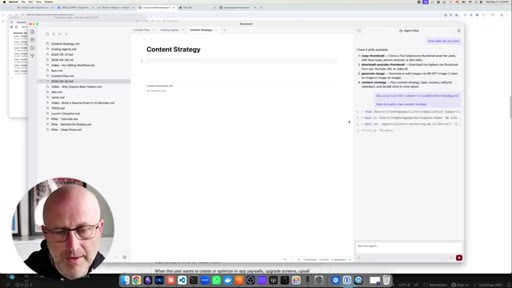
02:21So you could just come here, content strategy, message agent, help me build
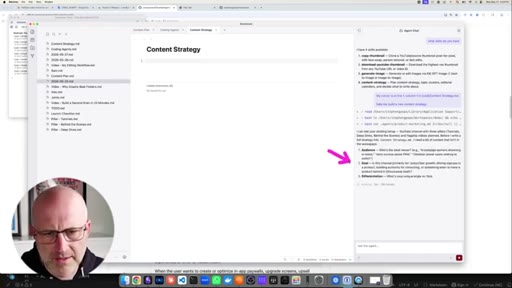
02:28a new content strategy. And then it's just gonna walk you through whatever that skill is programmed to do to help you build out that content strategy. My guess is it's gonna ask you some questions and there it goes.
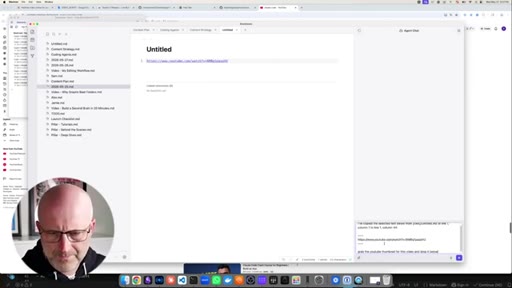
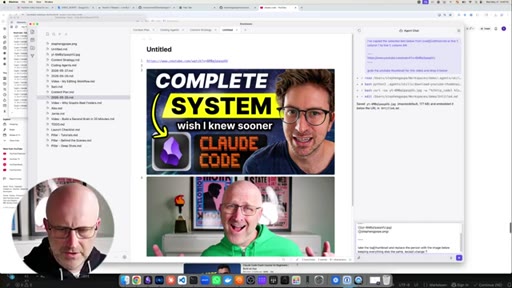
02:39It starts to ask a bunch of different things. And let's say I wanted to grab a thumbnail I could use for myself. I'll go ahead and use this one because this is what my app literally helps you replace.
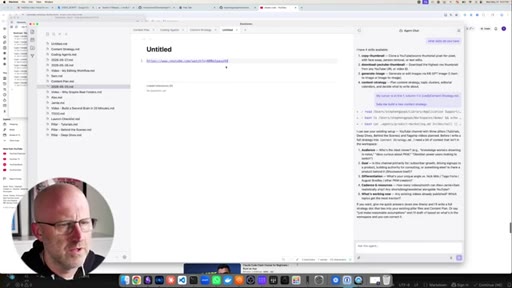
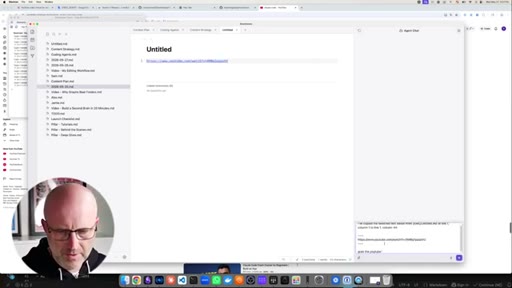
02:47You can just grab the link. We'll paste in the YouTube URL, clear the chat,
02:54grab the YouTube thumbnail for
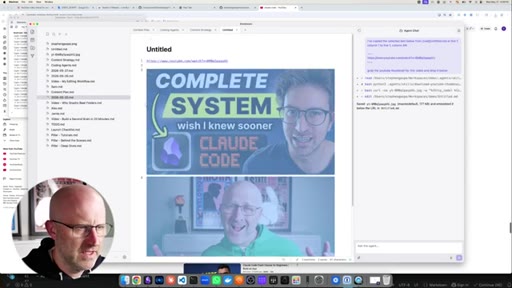
02:58this video and drop it below. It'll pull it right up.
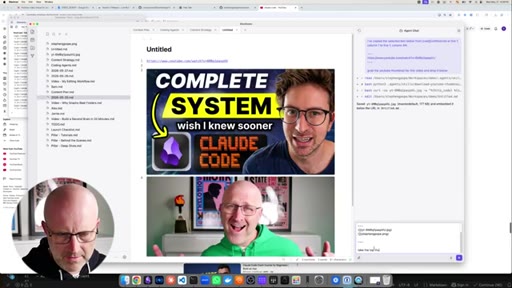
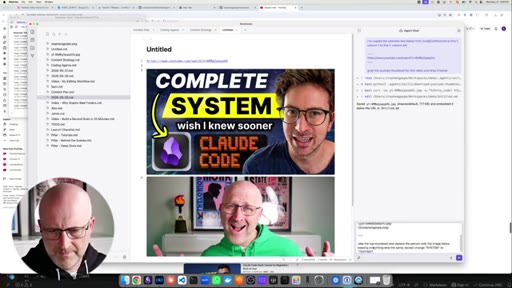
03:04Then I can drop my own image below and I can just select the two thumbnails, message agent,
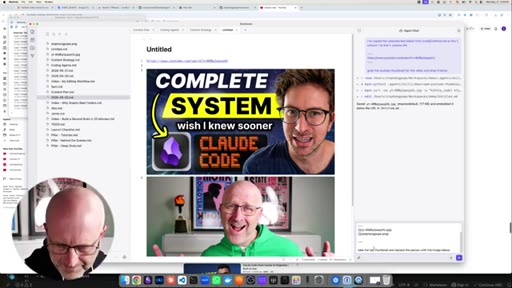
03:10take the top thumbnail and
03:14replace the person with the image below keeping everything
03:20else the same except change system
03:26to testing. So I'm using some of the skills that I wrote which are also accessing these API secrets.
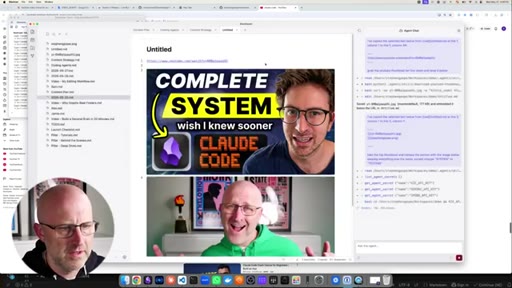
03:34It's using Gemini to analyze and then it's using Key API to regenerate the thumbnail and there we go.
03:42So you can see it's like a complete copy down to every last little piece except we got me built in here instead. So you can see how I've integrated the AI agent to call skills and actually integrate with the document editor on the fly.
03:54HOOKBy the way, if you're enjoying this video, make sure to like and subscribe. It tells me what type of content you want more of. And building new skills from within the system is easy as well.
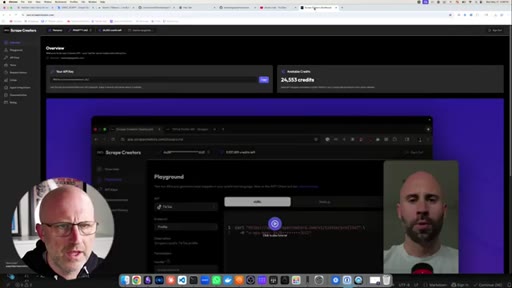
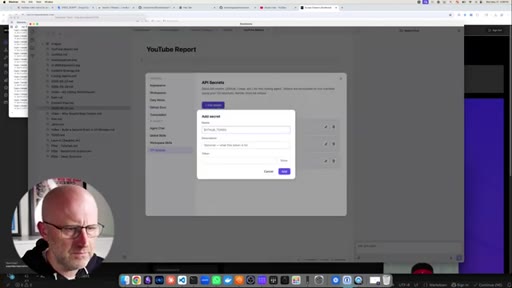
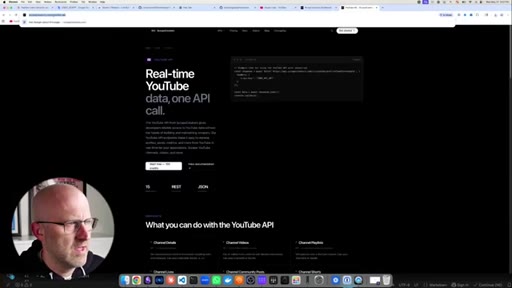
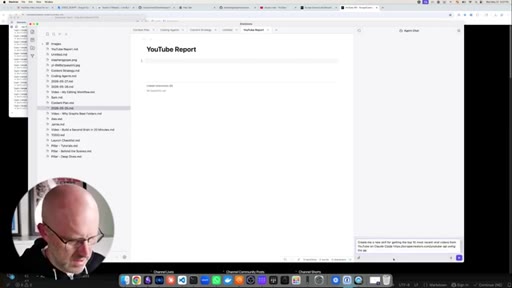
04:01HOOKLet's say I wanted to get a YouTube report for all the recent YouTube videos. I could use this API that I've been trying out, scrape creators. I could come back here, just add this secret.
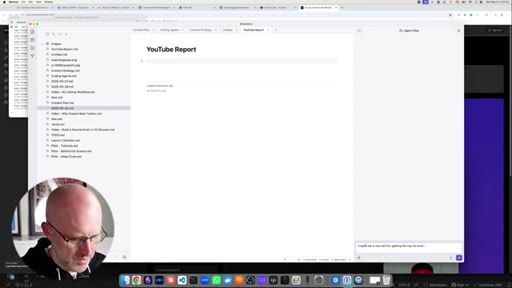
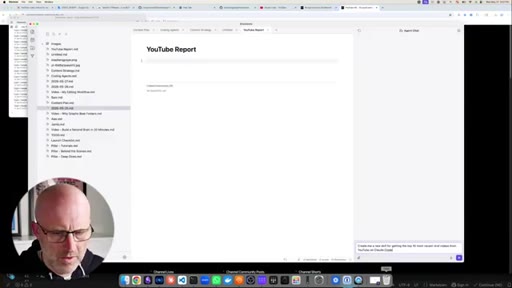
04:15Drop in the token, create me a new
04:19skill for getting the top 10 most recent
04:25viral videos from YouTube on
04:30Claude code and I could just pass it the docs. I wouldn't even really need to do this but
04:36makes it a little faster using the API key from the secrets.
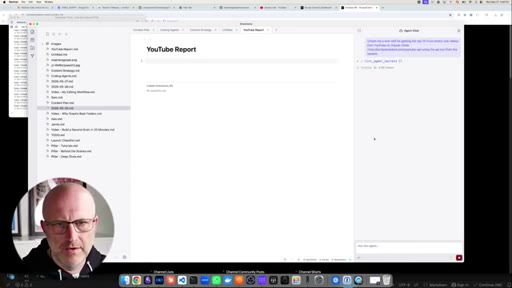
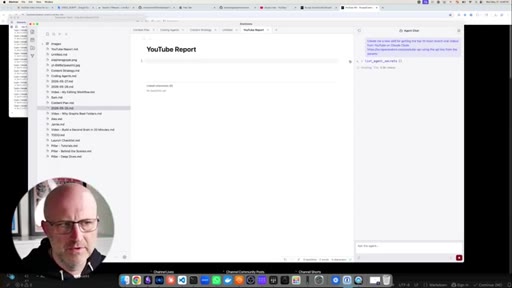
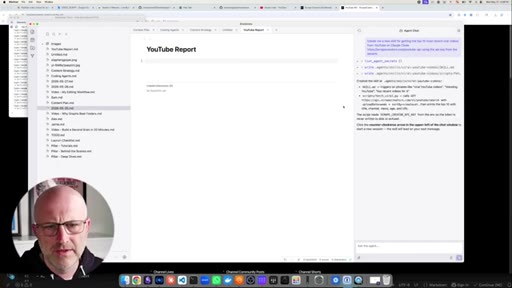
04:43So from here, it'll actually go and get the secrets, pull the one that needs, look at the API docs, build the skill and then make it available to me so that I can use it here and I can pull reports for YouTube. Alright. So it looks like we've got the skill created.
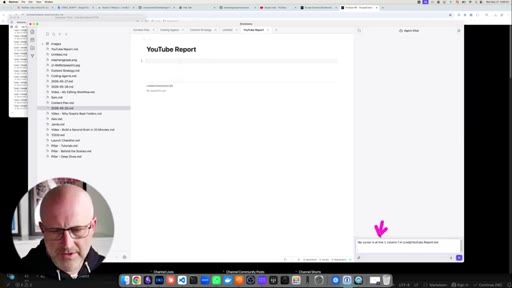
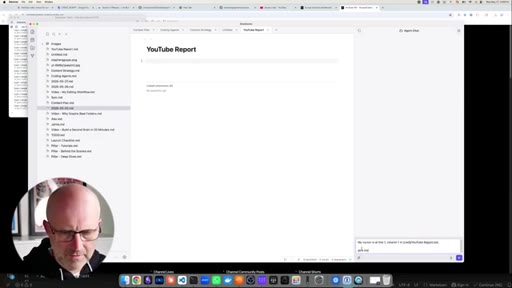
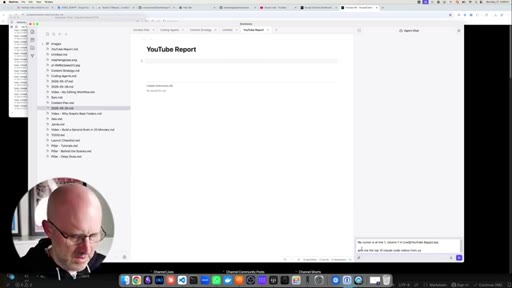
04:59Then I can message the agent. So here it just inserts exactly where I want it to drop the information in what file. Give me the top
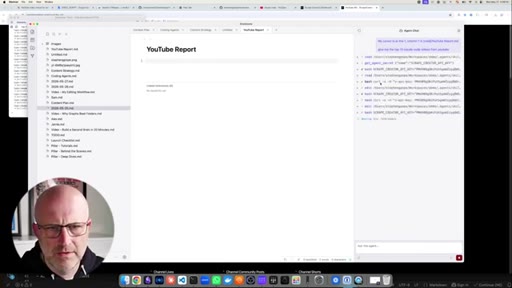
05:0810 Claude code videos from YouTube.
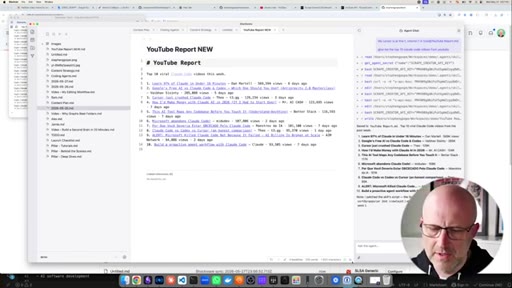
05:14And you can always expand these to see what's going on. Looks like the first couple times that it tried it got an error so it was just fixing the skill and then here we go. We've got the top 10
05:24videos. By the way, if you wanna see me build this stuff, I go live every day at 10:00 Pacific time. Make sure to check out my Twitch channel.
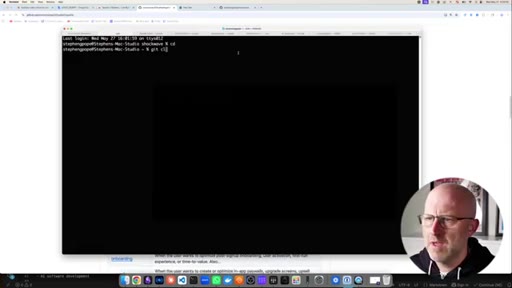
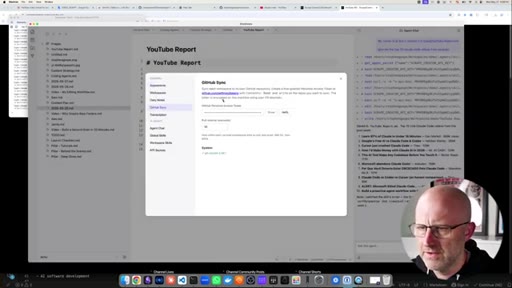
05:31I'll see you there. Now the one other thing that was important to me was making sure that I had a sync with GitHub so that if I ever built one of these workspaces and I wanted to move from one computer to the other or if I wanted to, you know, work with my content team so we could all share the same workspace, I wanted it to work with GitHub and the benefit of that as well is that you don't have to pay for any external services.
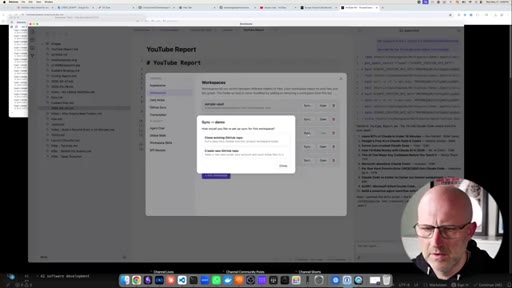
05:50So you just put in your API key to GitHub, jump over to your workspace. This is the active one.
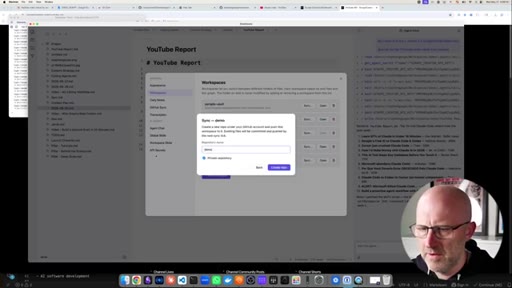
05:57We go to sync. We're gonna create a new GitHub repo. We'll call it demo.
06:02We'll create that repo. This will actually create it. So you can see here it already automatically
06:08CTAsynced all of the files just a second ago up to GitHub. If I make a change here to the GitHub report new, you'll see it sync down here below. This will actually link back to GitHub as well and you can see it was just changed
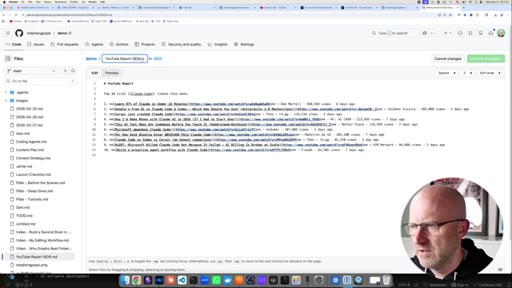
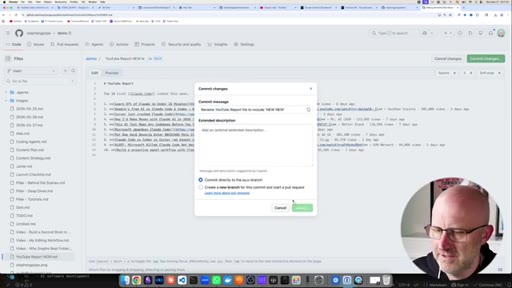
06:21CTAto YouTube report new. And if I change this back, edit it directly on YouTube, just pretend we're editing it from some other computer in Shockwave. YouTube report new new
06:35CTACommit changes. We'll see the sync and we got new new. Bam.
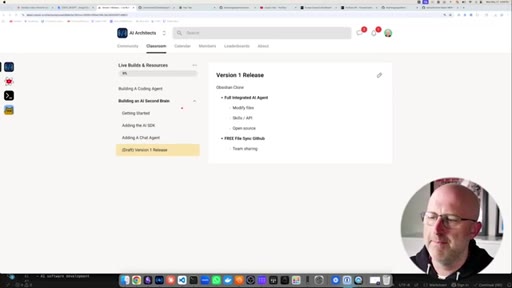
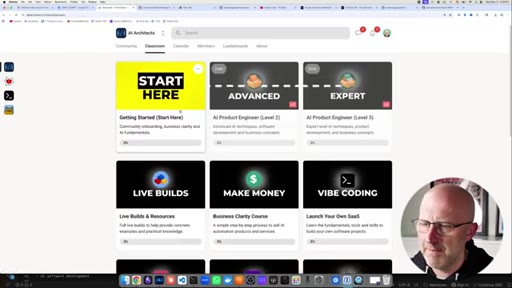
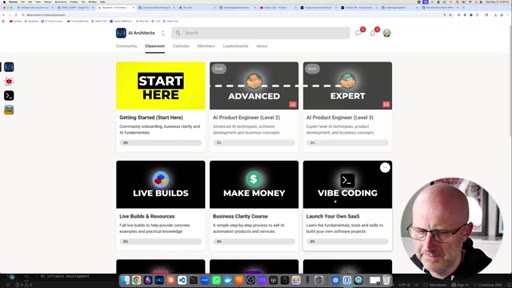
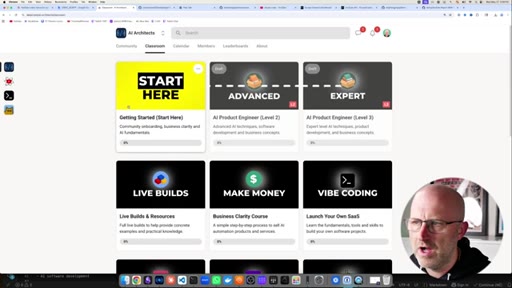
06:40CTAAnd if you want to learn how to build out this type of software where you integrate AI agents directly into your own custom software, I walk through how to build this app step by step inside the AI architects. I'm also building out a new course that will take you from a complete beginner to a expert AI product engineer. I'm also dropping my daily lives here as well and I break them up into different pieces so it's easy to watch.
07:02CTAAnd it's the only place you can actually watch the replays. I'd love to see inside the community. Either way, I hope you enjoyed this video and I'll see you on the next one.
— full transcript
§ 05 · For Joe

What embedded agents actually fix in a notes workflow.

WHAT TO LEARN

The problem with combining AI and notes is not the AI — it is the gap between where you think and where the AI lives.

  • Context-switching between a notes app, a terminal, and an AI chat window is where most workflows break down; unifying them in one surface eliminates the friction, not the capability.
  • Loadable skills let the same AI agent specialize without retraining — a content-strategy skill, a thumbnail-generation skill, and a YouTube-data skill all run through the same model but behave like distinct tools.
  • Giving an agent access to API documentation and secrets lets it build its own integrations on demand; the resulting skill is a reusable artifact, not a one-off prompt that disappears after the session.
  • Agent self-correction is a meaningful reliability feature: when the YouTube skill failed twice on first run, the agent diagnosed and fixed the error without human input before executing successfully.
  • Using GitHub as a sync backend costs nothing and adds version history, branching, and team access as a side effect — no external sync service required.
  • Inline editing — where output appears directly at the cursor in the document rather than in a chat panel — changes how you interact with AI output, from paste-and-fix to generate-and-continue.
  • Secrets management inside the tool is what makes sharing agent workflows with a team practical; without it, every collaborator has to manually configure their own credentials.
§ 06 · Frame Gallery

Visual moments.