The bait, then the rug-pull.
A former Apple and PlayStation art director takes Claude Opus 4.8's new UltraCode feature on its first real test: build a full agentic operating system with almost zero human involvement while he takes his dog to the vet. He comes back to a working dashboard.
Where the time goes.

01 · Building an AI OS
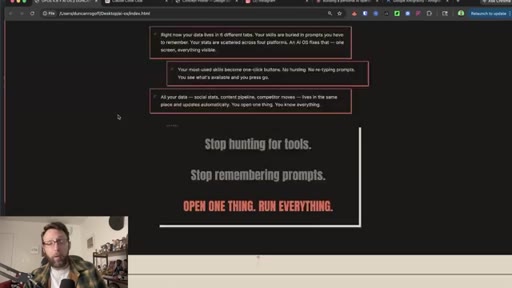
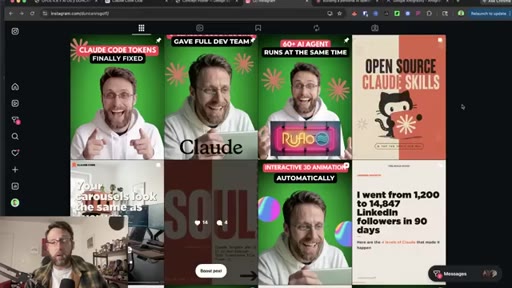
Hook, product demo preview, host credentials (art director for Apple, PlayStation, Nissan; 6-figure AI agency).

02 · What UltraCode Actually Is
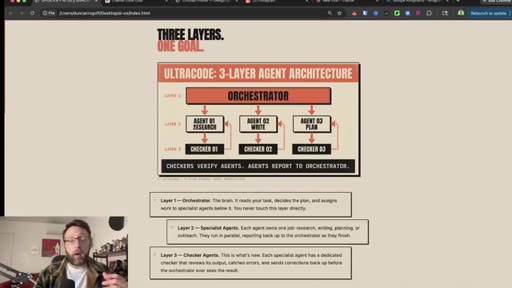
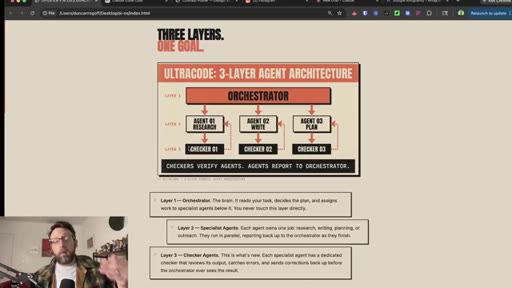
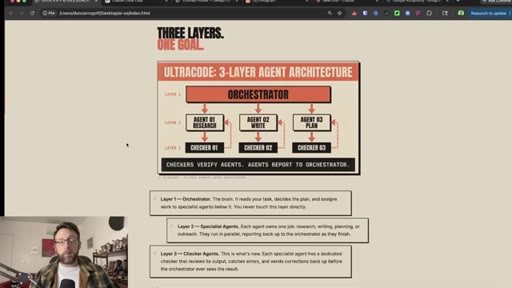
Three-layer architecture explained: orchestrator, specialist agents, checker agents. On-screen diagram shown.
03 · How to Plan Your AI OS
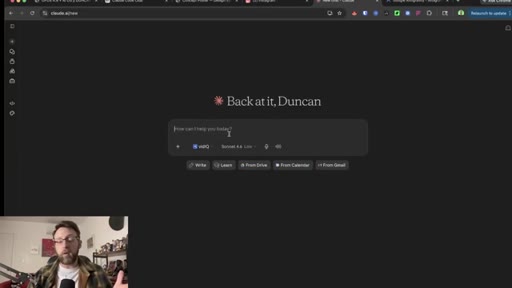
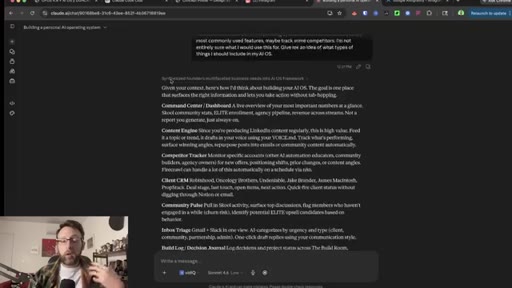
Use Claude chat to brainstorm AIOS scope; Claude pulls from conversation memory to suggest personalized modules.
04 · Setting Up Antigravity IDE
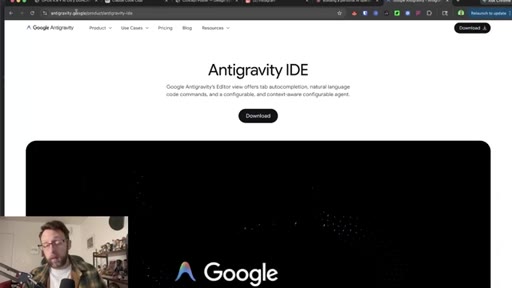
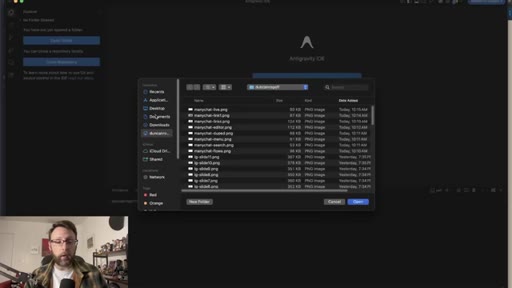
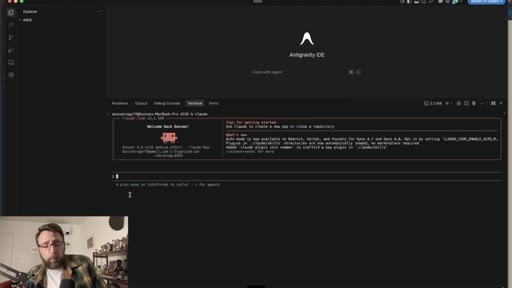
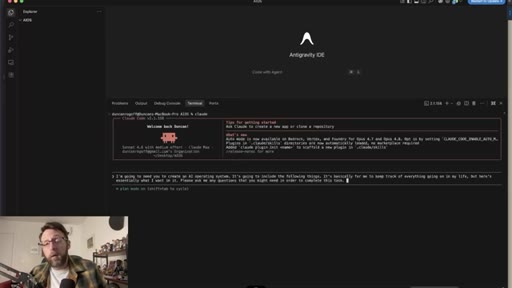
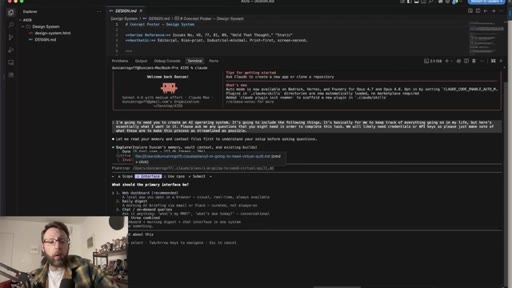
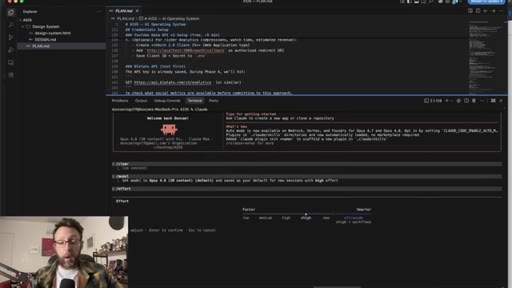
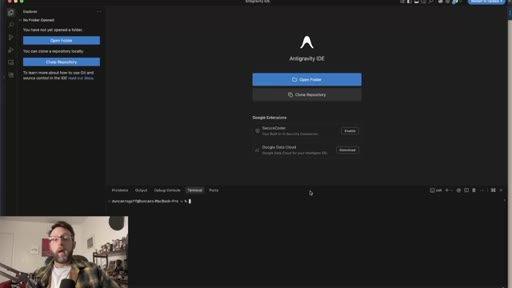
Download Antigravity IDE, create aios folder on desktop, open Claude in terminal.
05 · How to Use Plan Mode
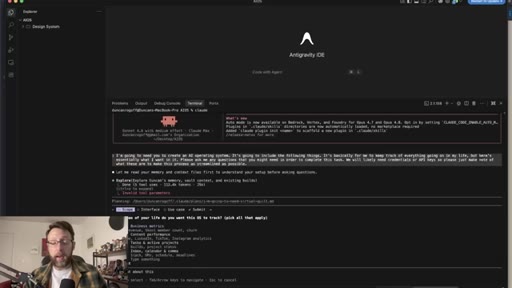
Shift+Tab enters Plan Mode. Uses Sonnet 4.6 for cheap planning before switching to Opus 4.8 for execution.
06 · Adding a Design System
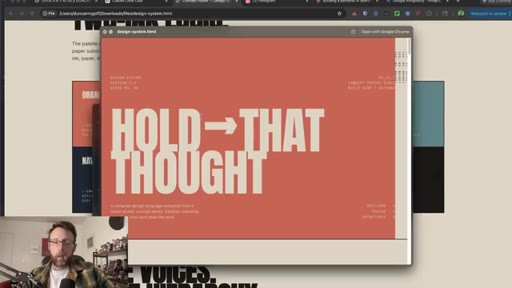
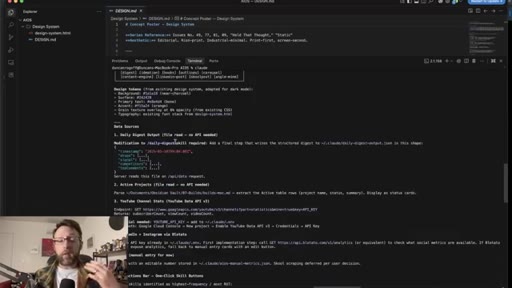
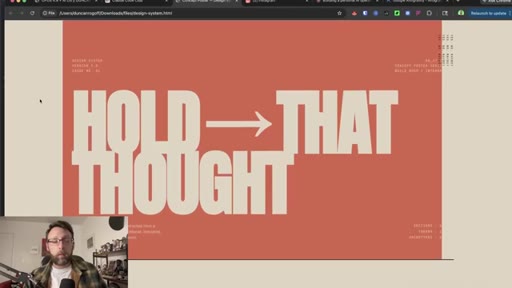
Copies existing HTML design reference and design.md rules file into project folder for automatic brand inheritance.
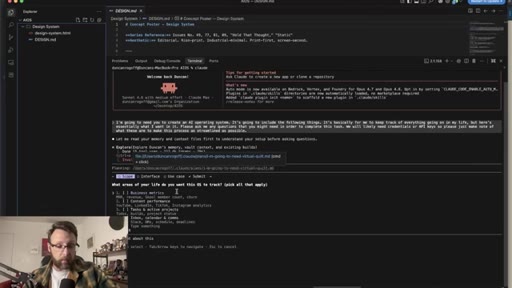
07 · Answering Claude's Questions
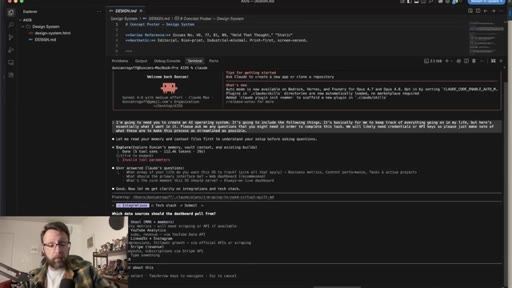
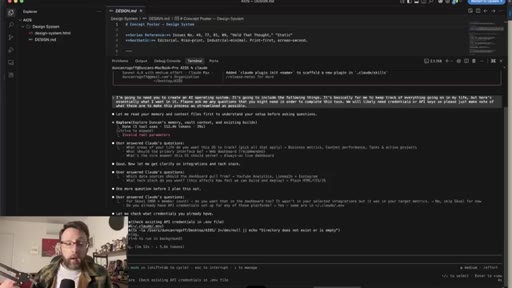
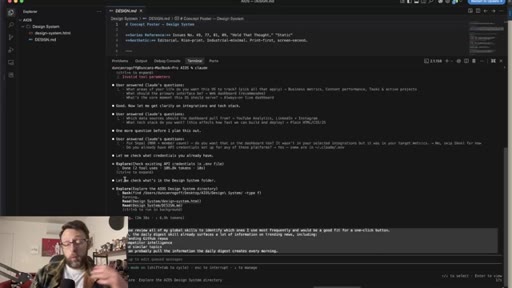
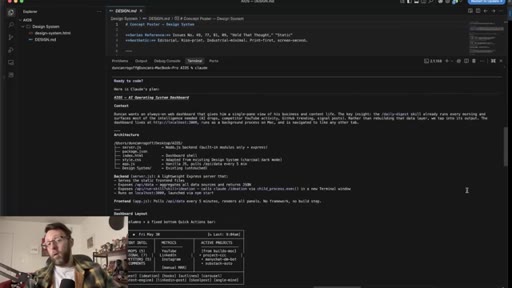
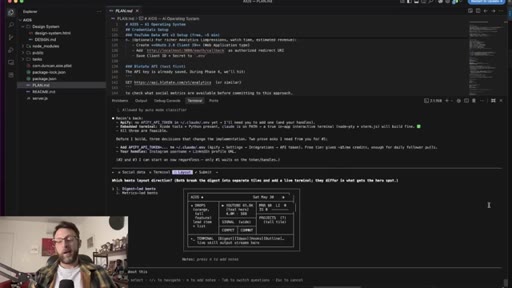
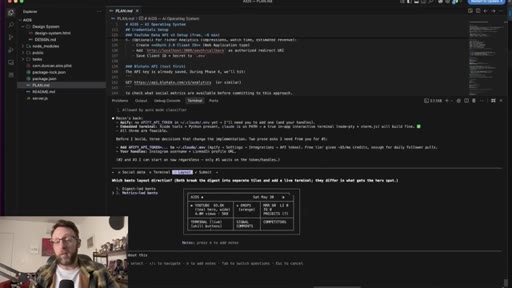
Claude asks interactive scope questions: areas to track, interface type, update frequency. Selects web dashboard, always-on live mode, YouTube + LinkedIn + Instagram.
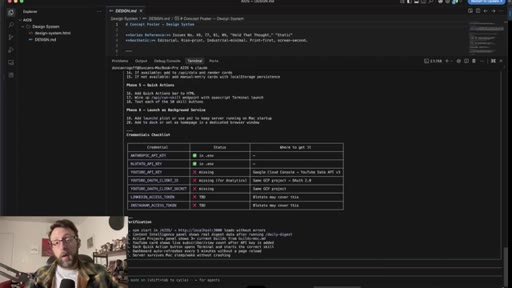
08 · How to Save the Game Plan
Instructs Claude to save the structured plan as a .md file before coding begins.
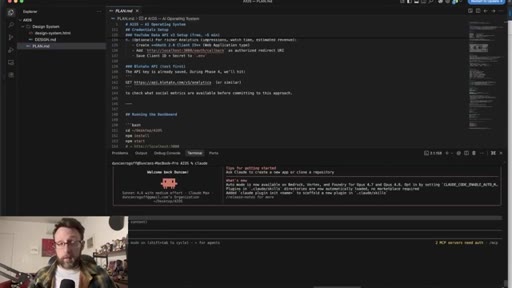
09 · How to Enable UltraCode
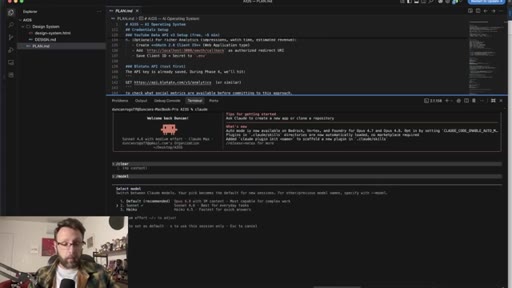
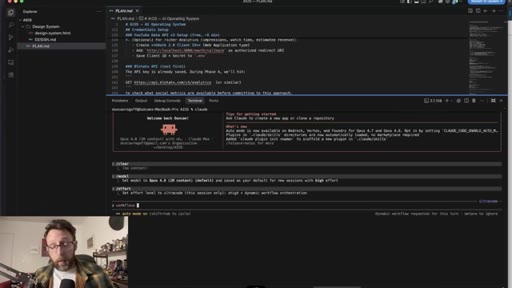
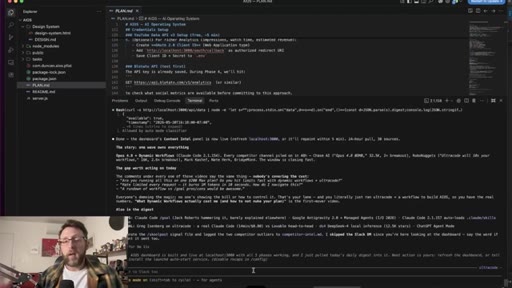
Clear chat, /model switches to Opus 4.8. Type effort to toggle UltraCode on.
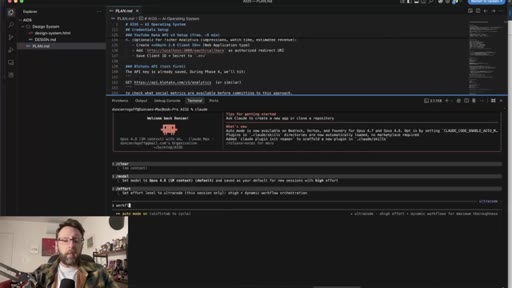
10 · Activating Dynamic Workflows
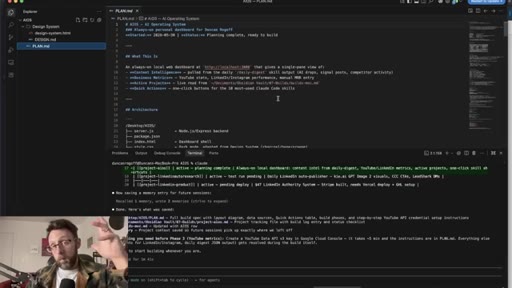
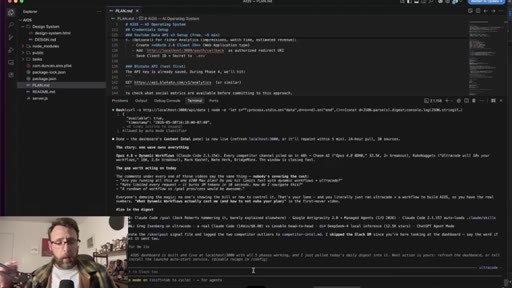
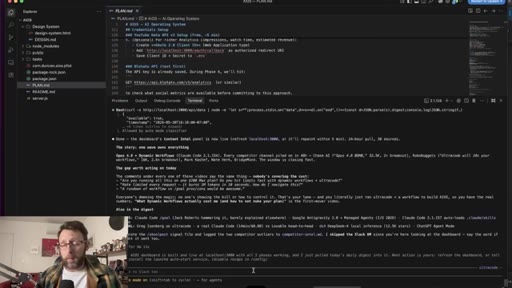
Sends execute the plan in plan.md and steps away while UltraCode spawns sub-agents autonomously.
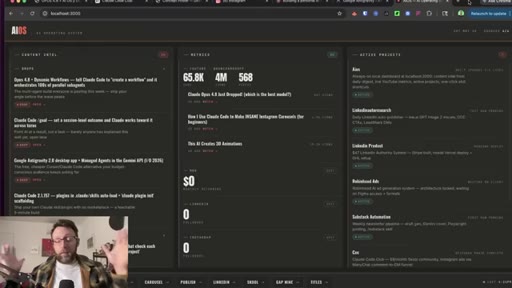
11 · Reviewing the First Build
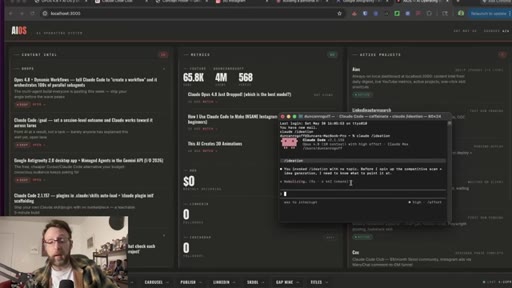
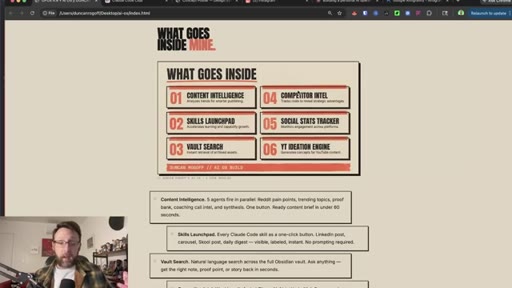
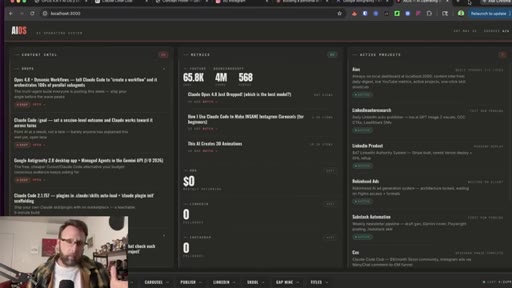
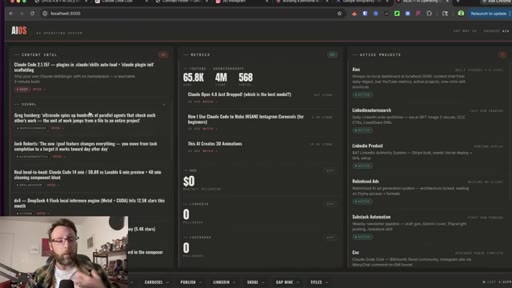
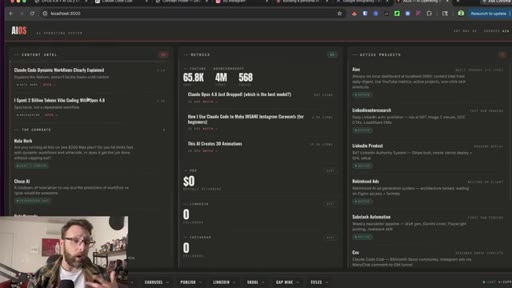
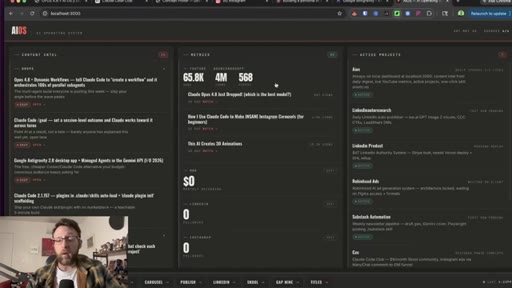
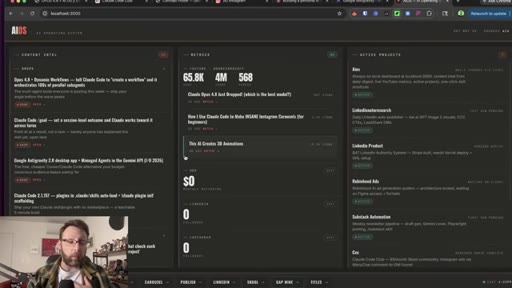
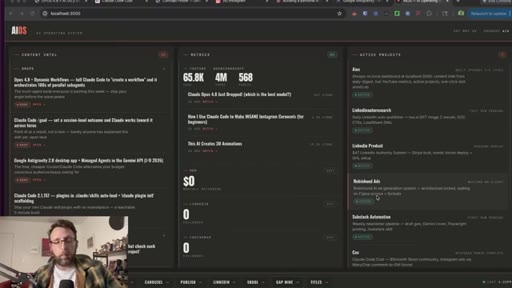
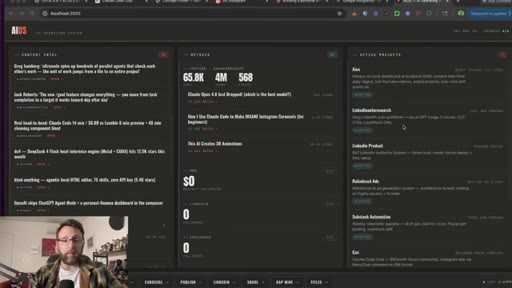
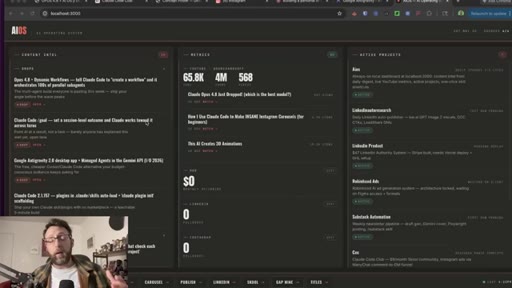
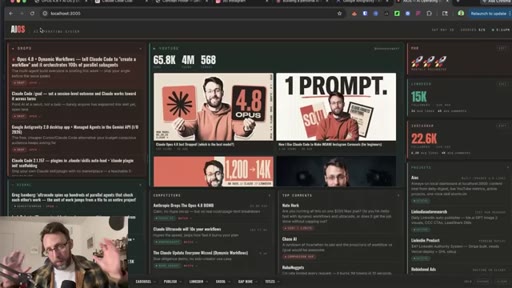
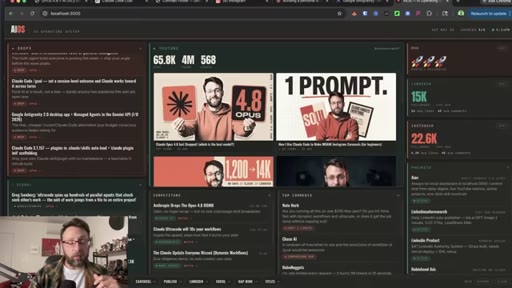
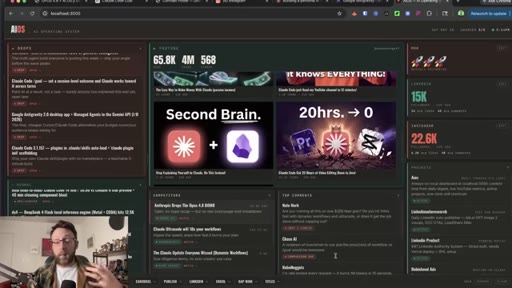
Returns to a working dashboard: content intel left, YouTube metrics center, active projects and skills launcher right. Honest critique of flat visual hierarchy.
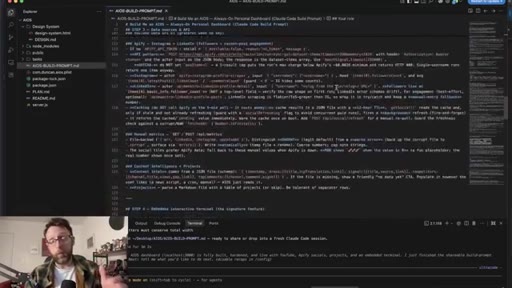
12 · How to Get the Prompt
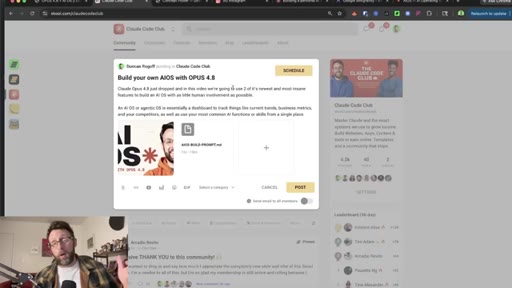
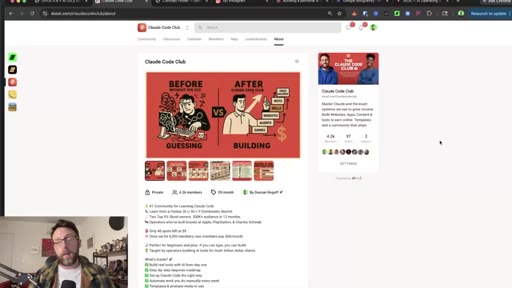
Shows Skool community where the AIOS-builder prompt lives at $9/month.
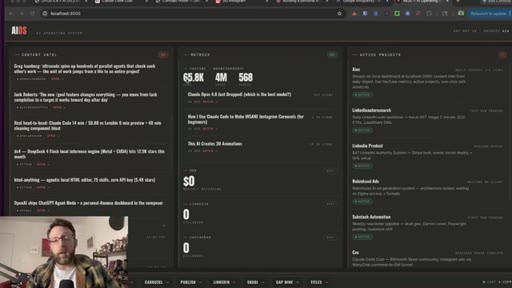
13 · How to Refine the Layout
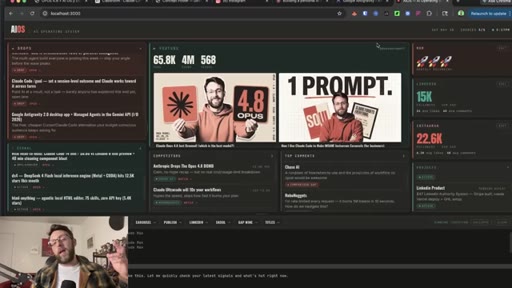
Requests bento-box grid, varied backgrounds, embedded terminal in plain English. UltraCode runs a second pass.

14 · UltraCode Cost Breakdown
Honest callout: Opus 4.8 plus UltraCode is the most token-intensive path. Worth it for big projects; track usage carefully.
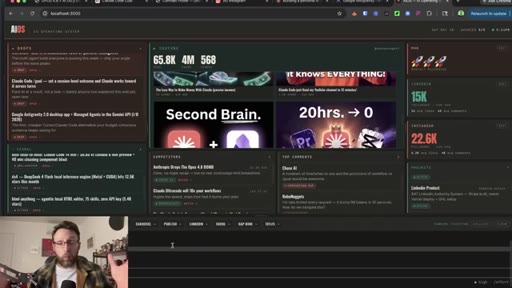
15 · Final AI OS Walkthrough
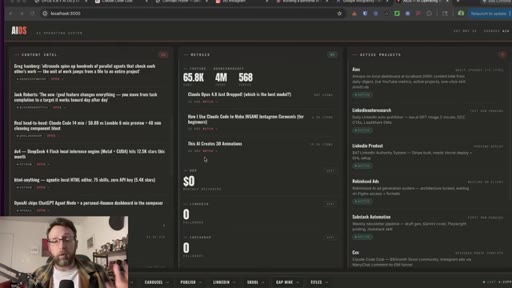
Refined bento-box dashboard with draggable panels, competitor tracking, YouTube stats, embedded skills terminal.
Visual structure at a glance.
Named ideas worth stealing.
UltraCode 3-Layer Agent Architecture
- Orchestrator
- Specialist Agents (Research / Write / Plan)
- Checker Agents
Three-tier system where orchestrator assigns tasks to parallel specialists, each monitored by a dedicated checker that validates output before it reports back.
AIOS Build Workflow
- Brainstorm scope in Claude chat using memory
- Assemble a design system (.html ref + rules .md)
- Use Plan Mode with Sonnet to generate structured .md game plan
- Switch to Opus 4.8 and enable UltraCode
- Execute plan file, review, refine with natural language
Five-step workflow from blank folder to working agentic OS dashboard, using cheap planning first and expensive execution only after scope is locked.
Lines you could clip.
"We are going to use two of its newest and most insane features to build an AIOS with as little human involvement as possible."
"It actually spawns up another layer of sub agents to check and verify the work of the actual agents performing the task."
"While this was working, I actually took my dog to the vet for his annual checkup — and Quad basically built all of this for me."
"It is the most cost intensive way to use it. It's going to use the most tokens. It's going to cost the most money."
Things they pointed at.
How they asked for the click.
"If you wanna create an AIOS for yourself, I just built this super long prompt. All you have to do is copy and paste this into Claude, answer a couple questions, and you're gonna have your own dashboard ready to go."
Mid-video CTA at natural content pause after first build reveal, repeated at close. Points to Skool community at $9/month — extremely low friction.
Word for word.
Plan cheap, build expensive, iterate in plain English.
The real unlock in multi-agent coding is not the agent itself — it is the structured plan you hand it before you let it run.
- Use a cheaper, faster model in Plan Mode to generate a structured .md game plan before switching to Opus 4.8 — you get better output for less cost and the plan becomes a reusable artifact.
- Dropping a design system file into a project folder is enough for Claude to apply brand identity to every file it generates, without explicit style instructions in your prompt.
- The UltraCode checker layer is what makes unattended long sessions trustworthy — each specialist agent has a dedicated reviewer, so errors get caught before they compound.
- A second natural-language refinement pass — bento-box layout, embedded terminal, varied backgrounds — produces dramatically better results than trying to specify everything upfront.
- Opus 4.8 plus UltraCode is the most token-intensive path; budget for it on large projects and use a lighter model for tasks where a single-agent session would be faster and cheaper.
- A personal AIOS is also a client deliverable — the same dashboard built for your own workflow can be scoped, priced, and sold to any business owner who needs the same intelligence layer.