The bait, then the rug-pull.
Anthropic dropped 31 pre-built workflows for small business owners into a single Claude Cowork plugin — and in the first week alone it crossed a million installs. This is a ground-up walkthrough: what skills and plugins actually are, how to install the pack in under two minutes, and what it looks like when you hand it a real hiring packet and a real vendor contract.
Where the time goes.
01 · What the plugin is
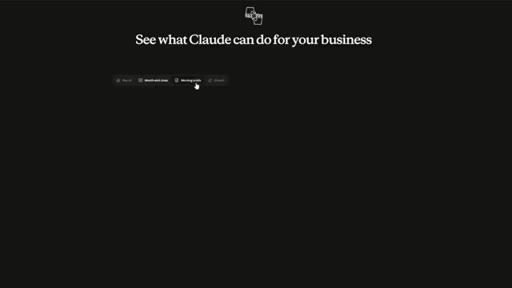
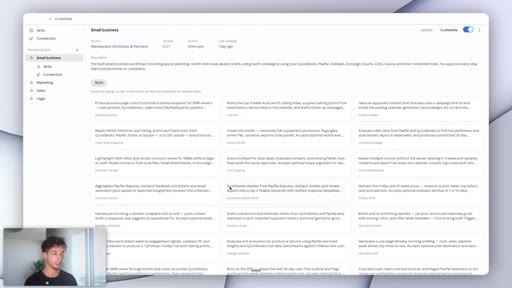
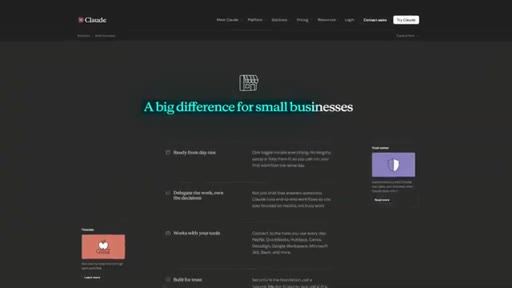
Presenter opens on the Anthropic small business landing page, names the 31-skill count, and lists key use cases.

02 · What we will cover
Road-map: explain skills vs plugins, install the pack, tour skills, demo two workflows end-to-end.

03 · Skills and plugins explained
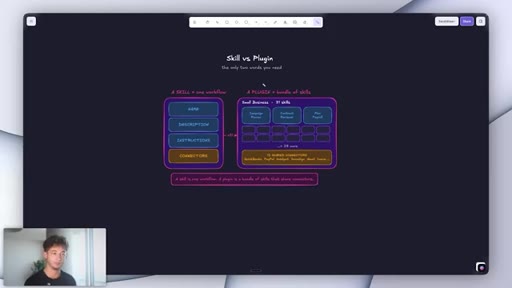
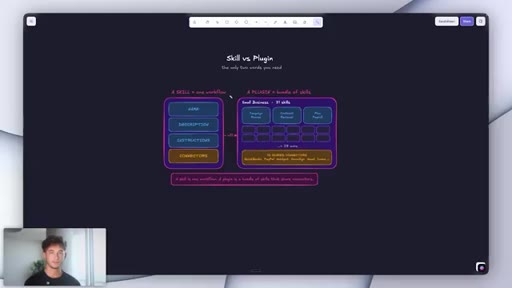
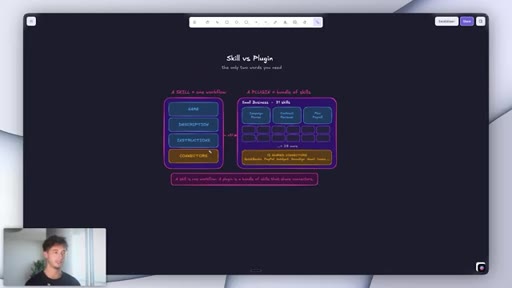
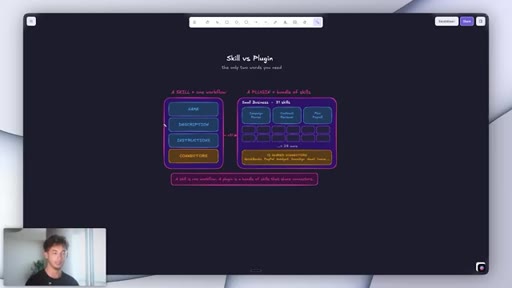
Visual diagram: a skill has name + description + instructions + connectors. A plugin is a bundle of skills sharing the same connector pool.
04 · Lives in Cowork, not the browser
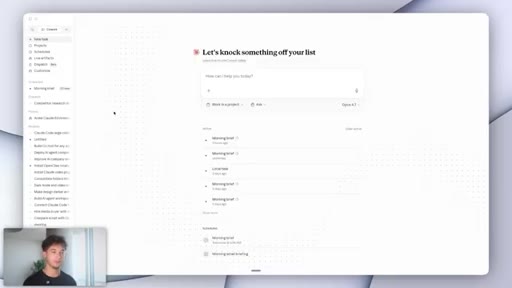
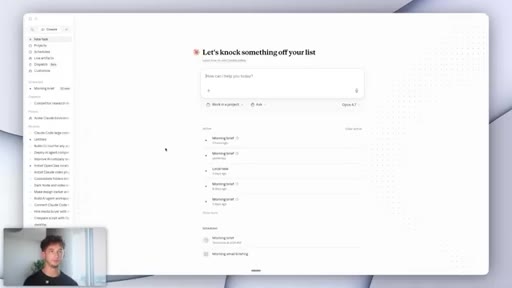
Claude Cowork is the desktop app workspace mode, not claude.ai in a browser. Download at claude.ai/download.
05 · Installing the plugin
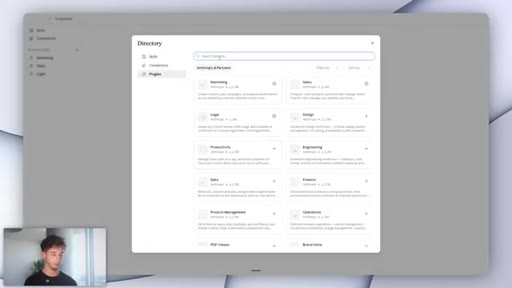
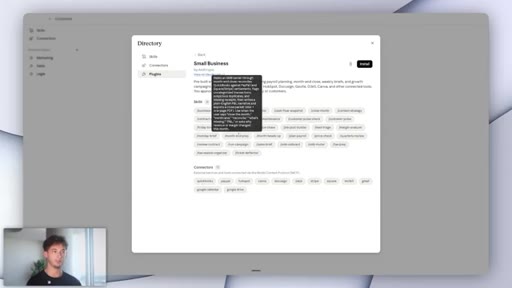
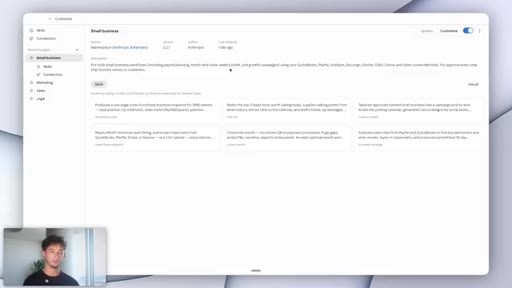
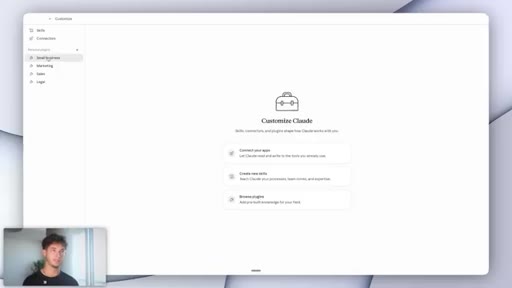
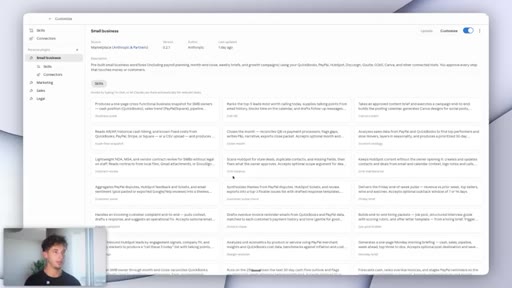
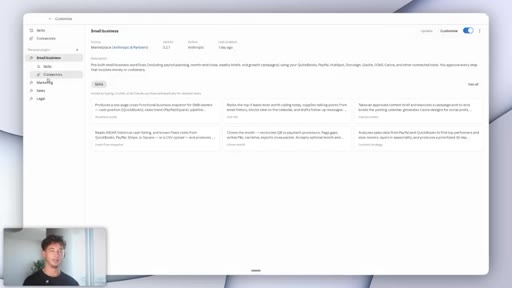
Customize tab > Browse Plugins > search small business > install. Plugin appears in sidebar immediately.
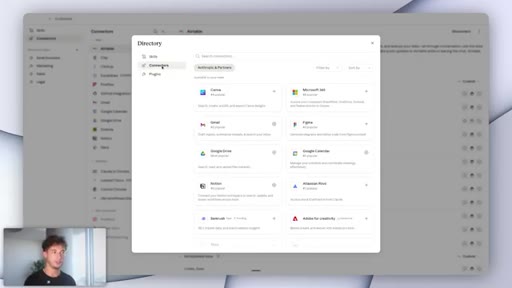
06 · The 12 native connectors
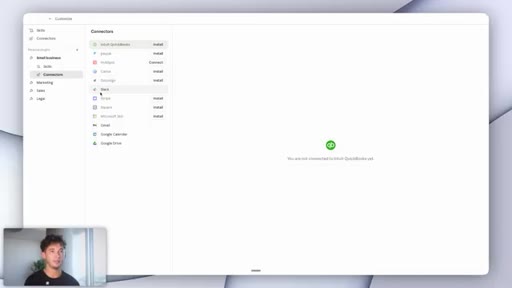
QuickBooks, PayPal, HubSpot, DocuSign, PandaDoc, Gmail, Google Calendar, Google Drive, Outlook, Microsoft 365, Canva. Most small businesses already pay for half.
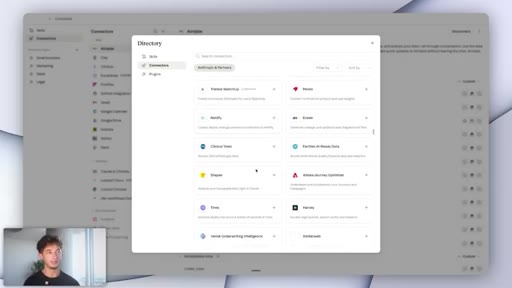
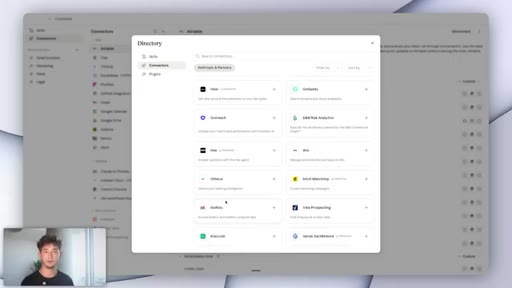
07 · Zapier MCP for any other app
If a needed app is missing from the native list, Zapier MCP covers roughly 50x more connectors.
08 · Approval gates on money and customer actions
Every step touching payments or customer interactions requires explicit user approval before executing.
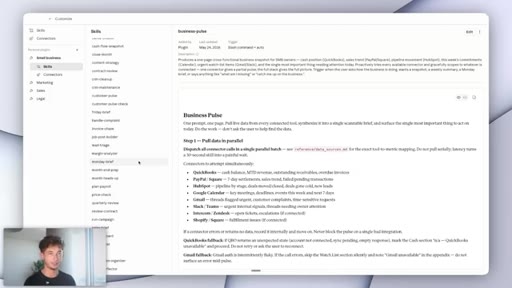
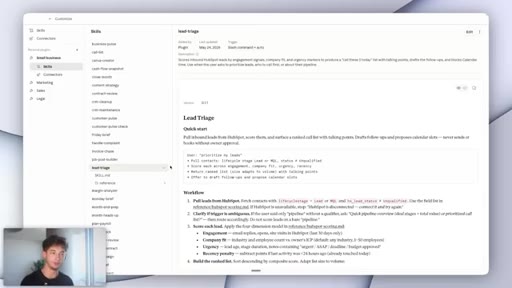
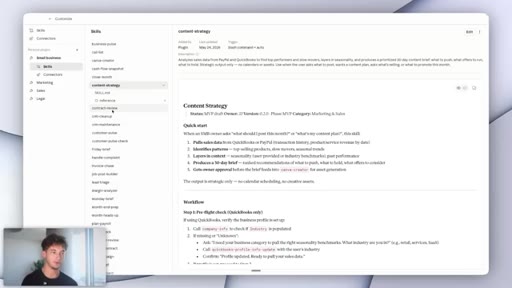
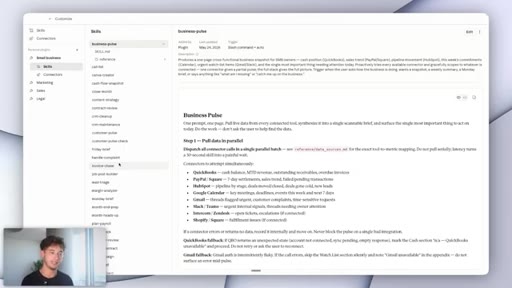
09 · Three skill buckets: Finance, Marketing, Admin
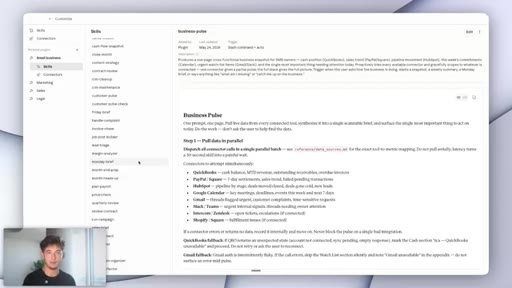
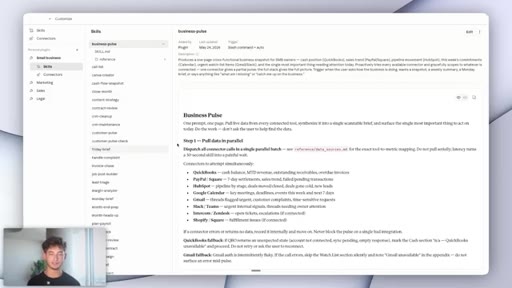
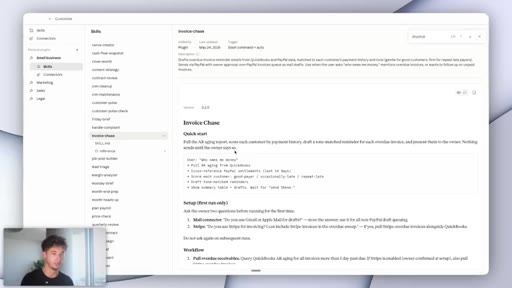
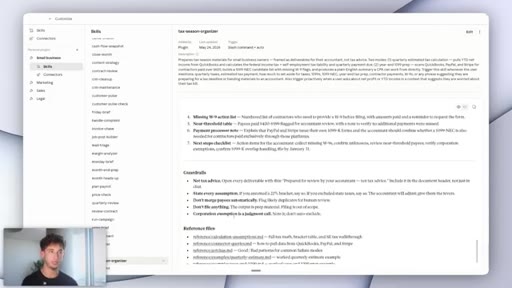
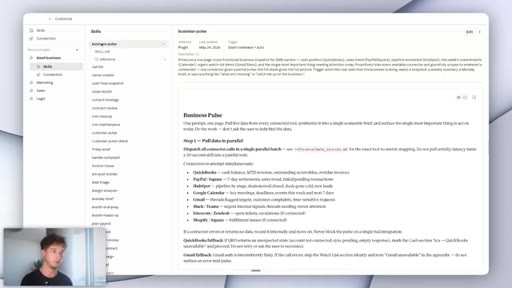
Finance/Ops: payroll, invoice chaser, tax prep. Marketing: campaign runner, lead triage, content strategist. Admin: contract review, job post builder, business pulse.
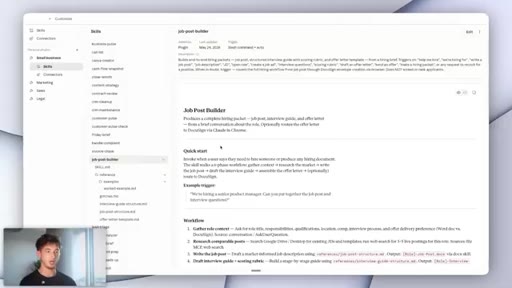
10 · Demo 1: Job Post Builder
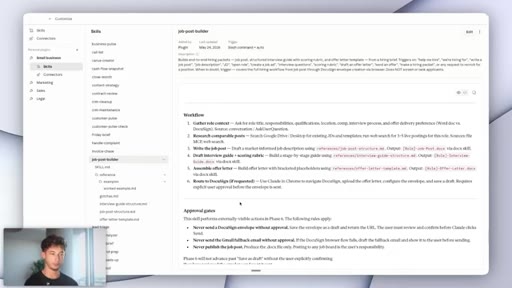
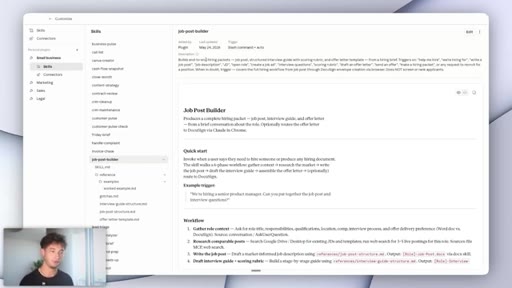
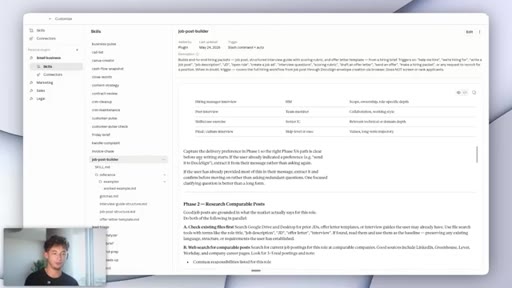
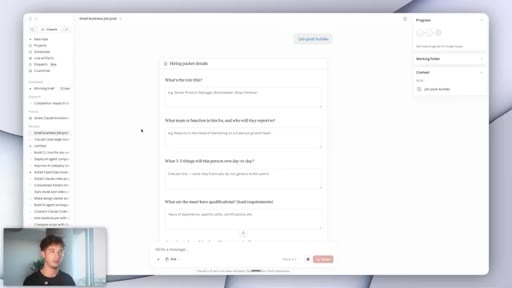
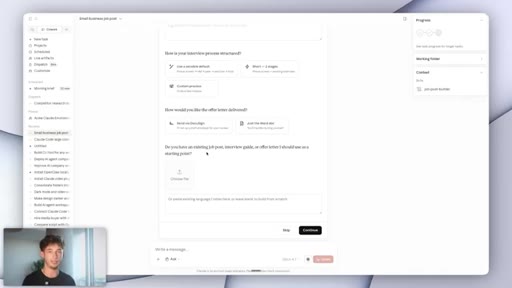
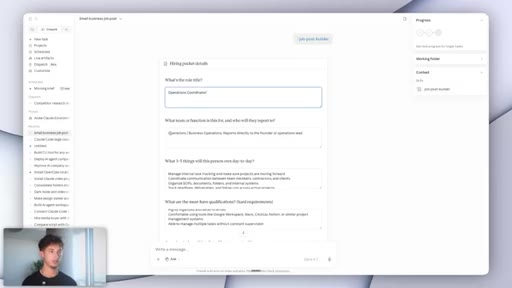
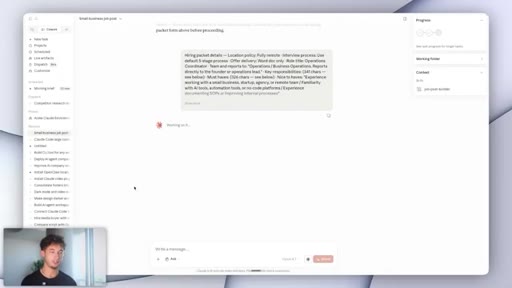
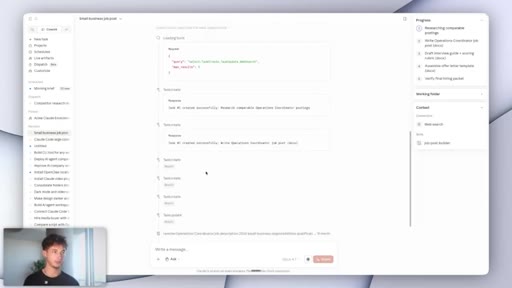
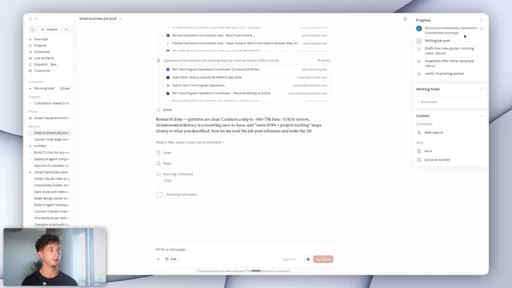
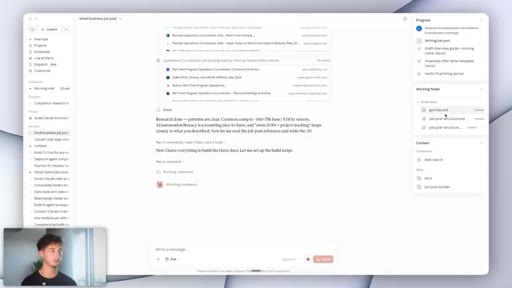
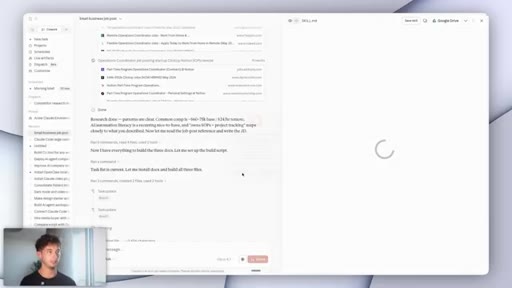
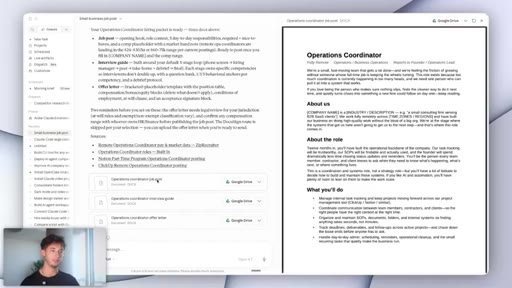
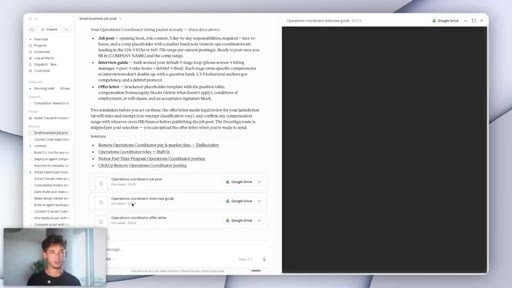
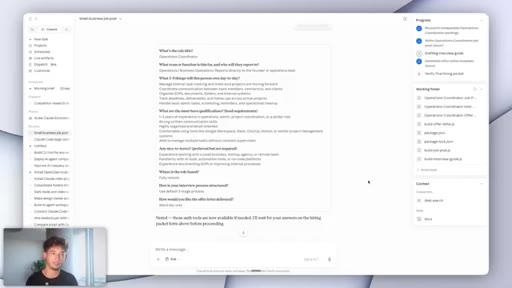
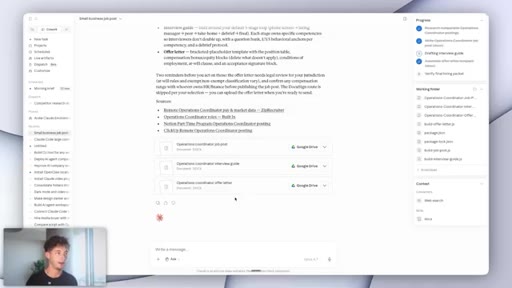
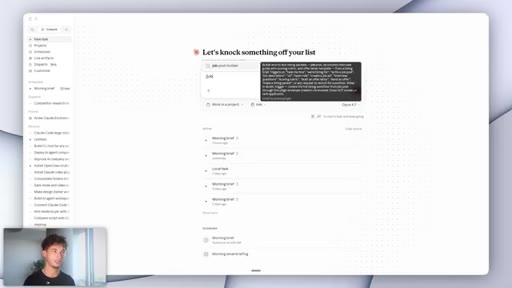
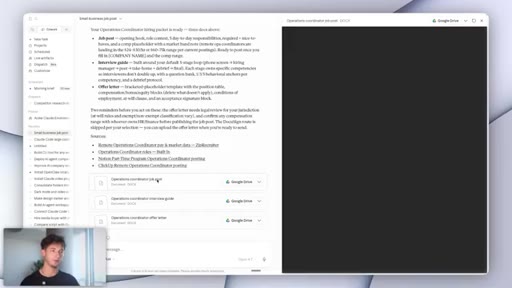
Trigger with /job-post-builder. Structured intake form. Claude plans five steps, pulls live data from Indeed and Monster, produces job post + interview guide + offer letter in roughly four minutes.
11 · Model selection: Opus vs Sonnet vs Haiku
Opus 4.7 for complex reasoning. Sonnet 4.6 balanced. Haiku for simple fast tasks. Explicit cost-vs-capability tradeoff.
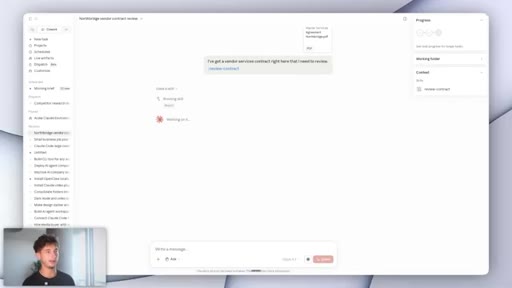
12 · Demo 2: Contract Reviewer
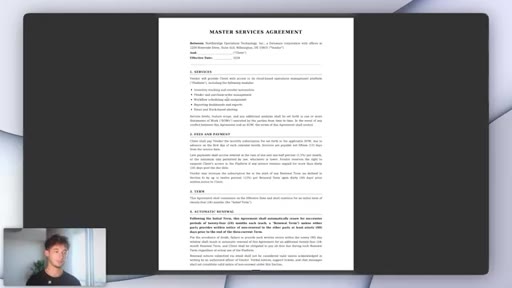
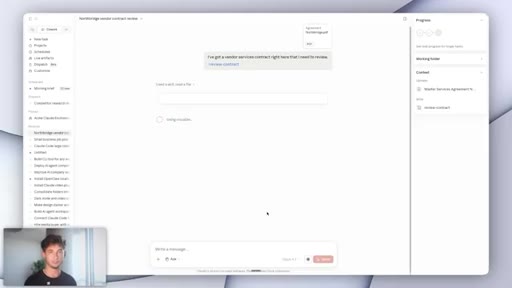
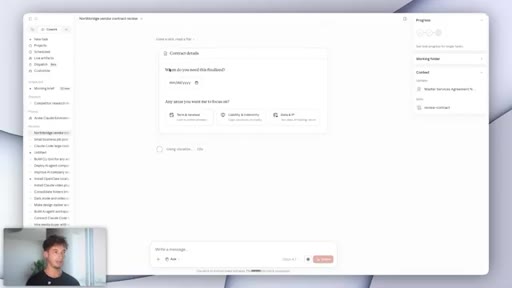
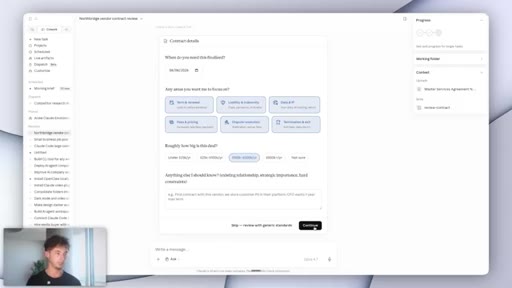
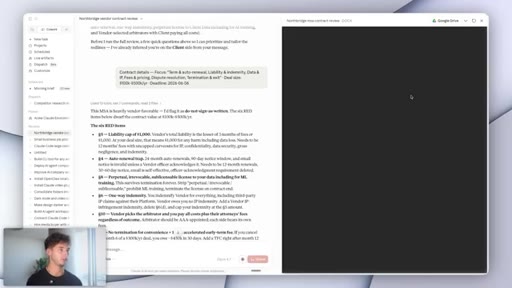
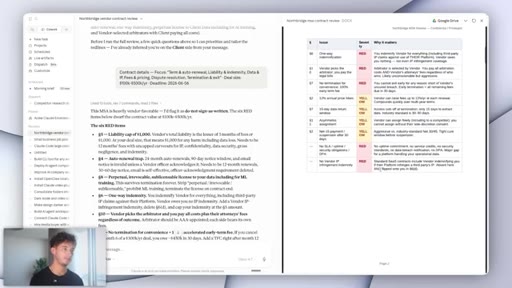
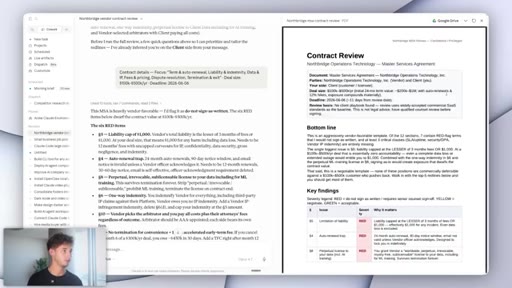
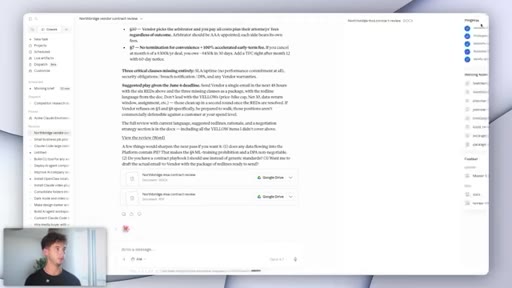
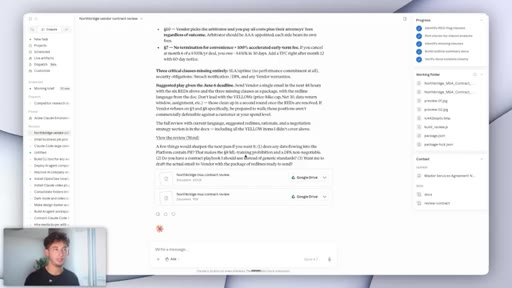
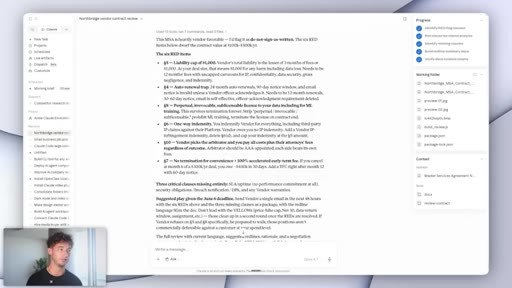
Upload vendor MSA. Intake form asks deadline, focus areas, deal size. Claude flags 6 red items: auto-renewal clause, missing IP ownership, unlimited liability exposure.
13 · Customizing skills for your process
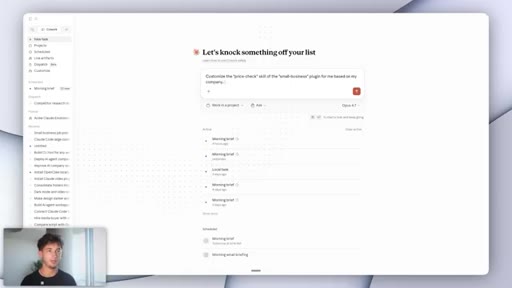
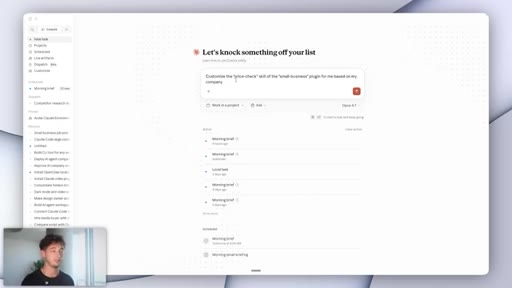
Any skill can be customized by describing your existing process in plain English inside the Edit panel.

14 · What this replaces and what it does not
Replaces: hours of tab-clicking, guesswork admin, invisible work. Does not replace: accountants at year-end, lawyers on big deals, judgment calls. Goal is profit-per-employee leverage. Closes with dual CTA.
Visual structure at a glance.
Named ideas worth stealing.
Skill vs Plugin Distinction
- Skill = one workflow (name + description + instructions + connectors)
- Plugin = bundle of skills sharing one connector pool
The fundamental mental model for understanding how Claude Cowork plugins are structured.
Three Skill Buckets
- Finance and Operations (payroll, invoices, tax)
- Sales and Marketing (campaigns, lead triage, content calendar)
- Admin (contracts, hiring, weekly pulse)
How the 31 skills are organized, mapping to three roles a small business would otherwise hire.
Model Selection Ladder
- Opus 4.7: highest reasoning, highest cost
- Sonnet 4.6: balanced for most workflows
- Haiku: fastest and cheapest for simple repetitive tasks
A practical decision rule for matching Claude model to task complexity and cost tolerance.
Lines you could clip.
"A plugin is just a bundle of skills that share the same connector pool."
"Nothing is going to fire automatically — every step that touches money or customers needs your approval first."
"This is quite literally a junior employee's afternoon, all done in about four minutes."
"It replaces the hours of clicking through tabs, the decisions you're guessing at because checking would eat the whole evening, the work that nobody sees until it breaks."
Things they pointed at.
How they asked for the click.
"If you are looking to implement any things like this into your business and you're looking for us to help you, then go ahead and book in a call down below in the description."
Soft two-path CTA: book a call (done-for-you consulting via reprisesai.com) or join the Skool community (self-directed).
Word for word.
Workflow automation that earns trust by asking permission.
The most durable AI automations stay in your chain of command — every step that touches money or a customer waits for your approval before it fires.
- A skill is one workflow, a plugin is a bundle sharing one connector pool — understanding the structure helps you build and debug faster.
- Most small businesses already pay for the apps on the native connector list; the activation cost is installing a plugin, not buying new software.
- Leaving form fields blank does not break multi-step AI workflows; good skill design handles missing inputs by applying sensible defaults or pausing to clarify.
- Grounding outputs in live market data (Indeed, Monster, comparable postings) is what separates a useful job post from a generic template.
- A contract review that flags auto-renewal clauses and missing IP ownership language in four minutes is not replacing a lawyer — it is replacing the Monday morning where you sign something you did not fully read.
- Matching the model to the task (Opus for reasoning-heavy work, Haiku for simple repetitive tasks) is a cost discipline that compounds over thousands of runs.
- Skills customized to your specific process outperform default skills because the instructions are grounded in how your team already works.
- Honest scoping is a feature, not a disclaimer: a tool that tells you what it will not do is one you can actually trust for the things it will.