The bait, then the rug-pull.
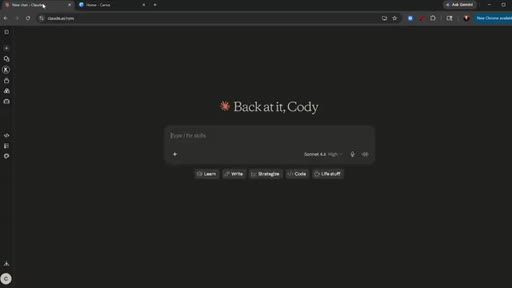
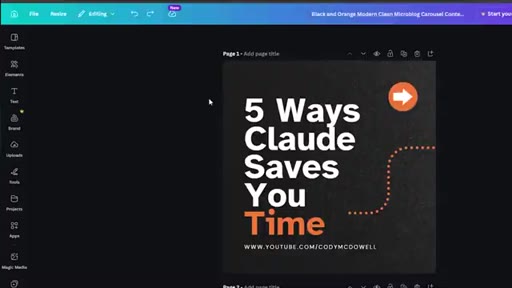
One hundred social posts in ten minutes — on a free Claude account. That's the promise, and this tutorial delivers it in a single browser window by wiring Claude directly to Canva through the connector settings most users have never opened.
Where the time goes.

01 · Hook + promise
100 posts, free Claude account, step-by-step walkthrough ahead.
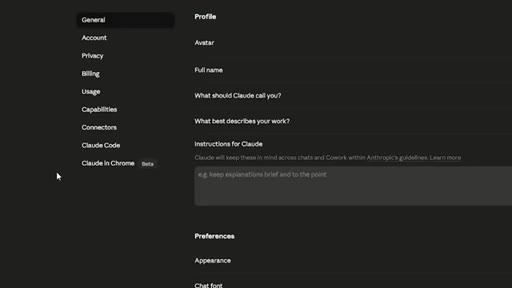
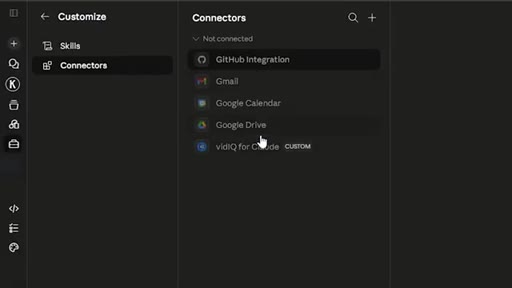
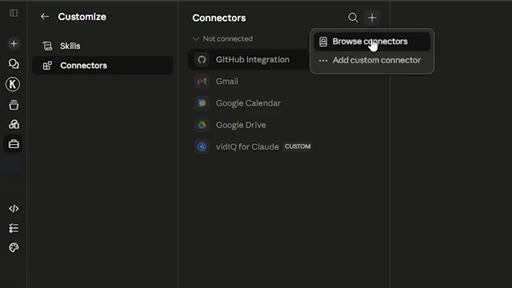
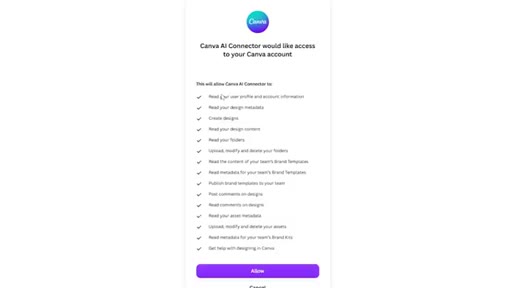
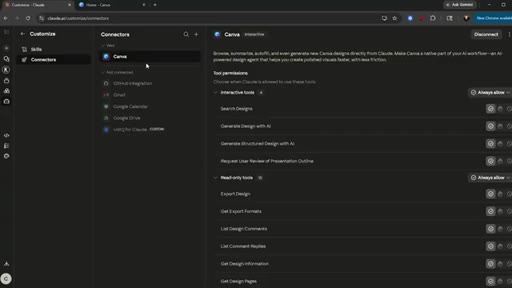
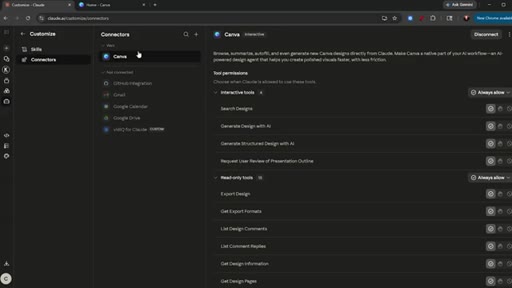
02 · Connect Claude to Canva
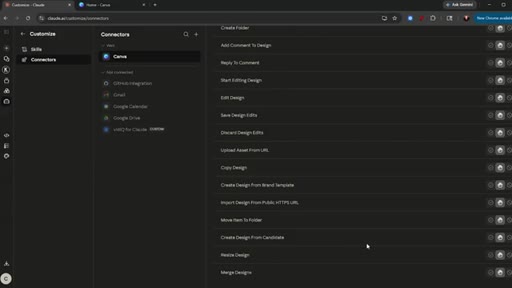
Settings > Connectors > browse > add Canva > allow. Connector goes live.
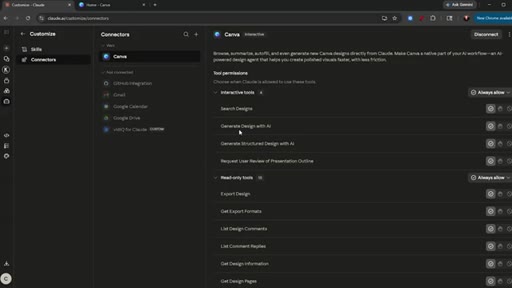
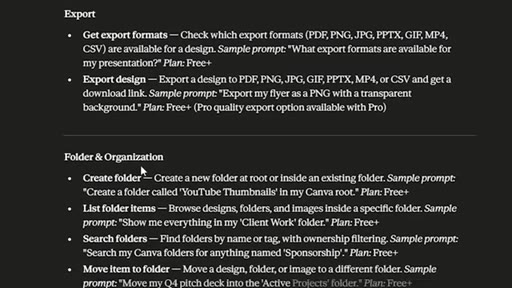
03 · Map connector features
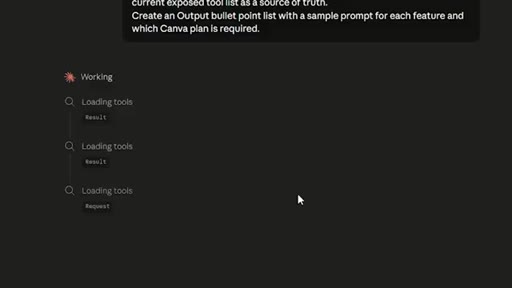
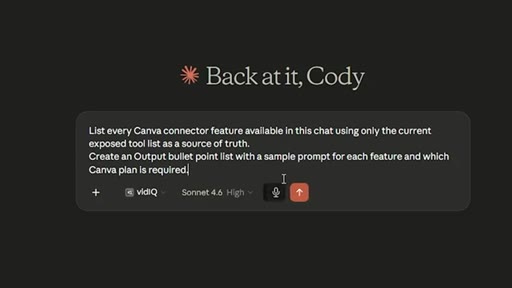
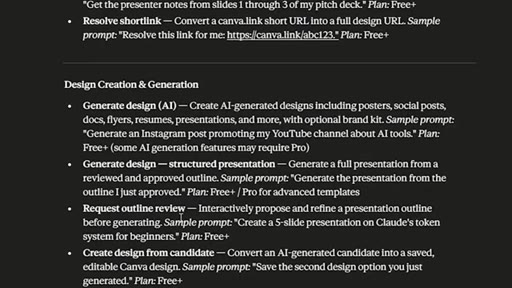
Meta-prompt: ask Claude to list every Canva feature with sample prompts and required plan tier. Claude produces a full feature table.
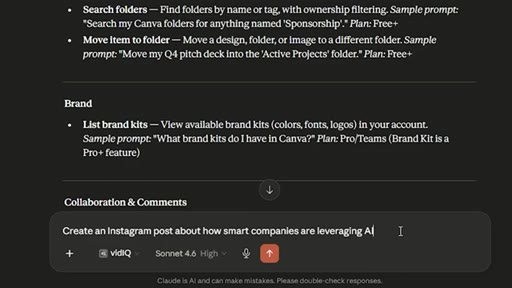
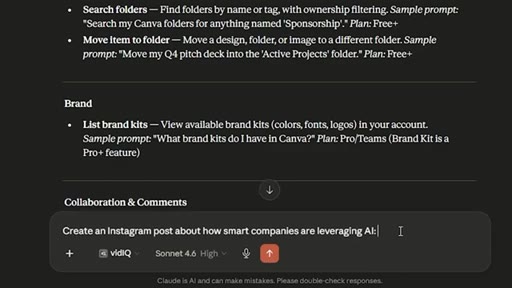
04 · Generate Instagram carousels
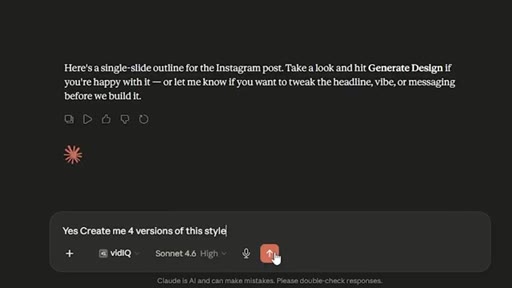
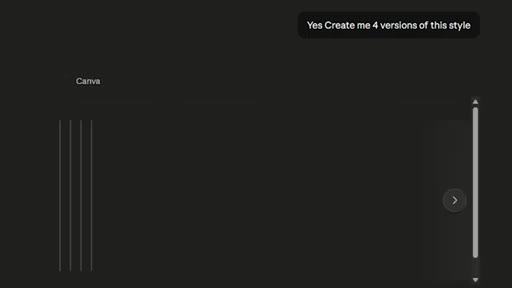
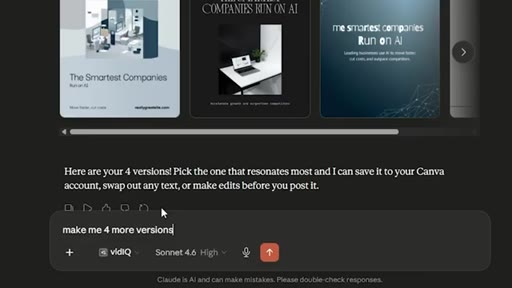
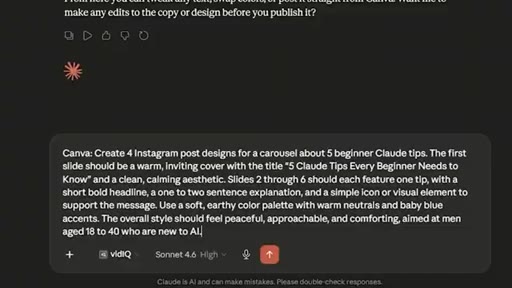
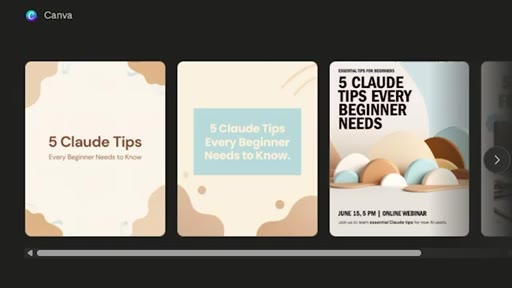
Single prompt for an Instagram post about AI; Claude searches Canva templates and generates four versions to choose from.
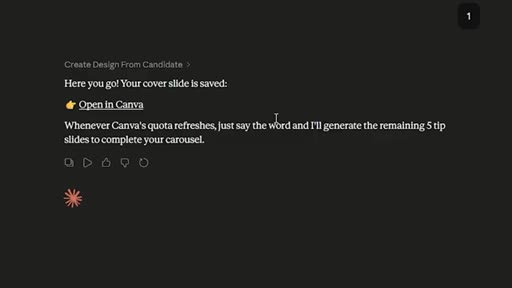
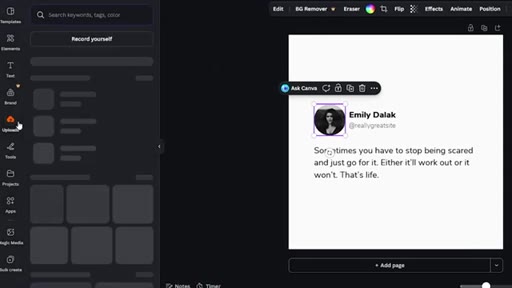
05 · Open in Canva + iterate
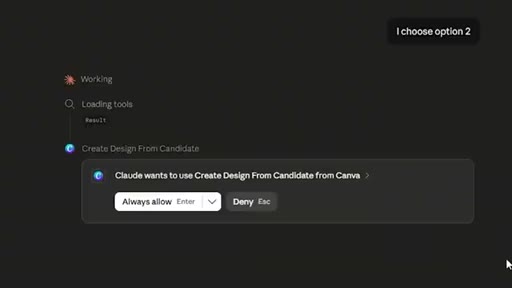
Select version two; open directly in Canva; tips on prompt specificity for better output.

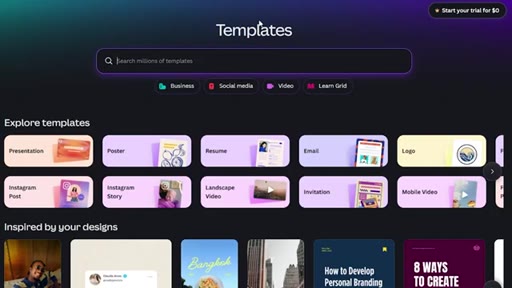
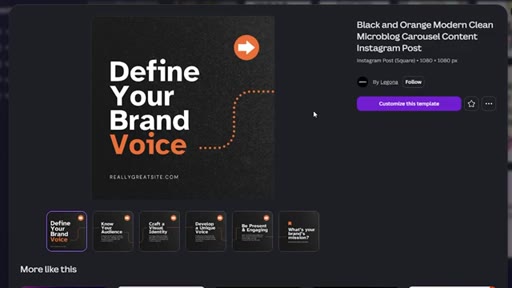
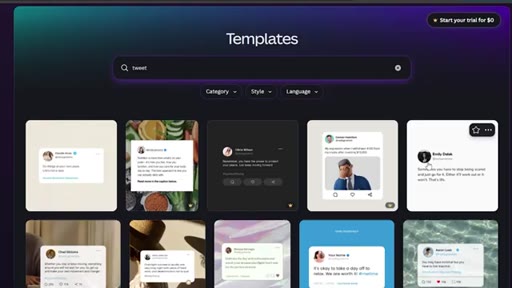
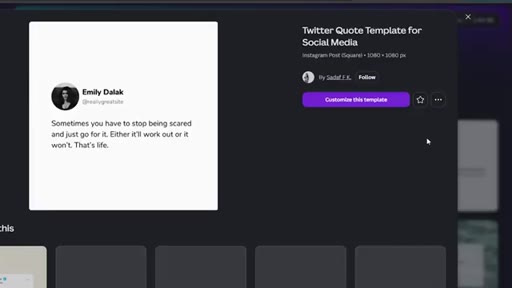
06 · Template-first workflow
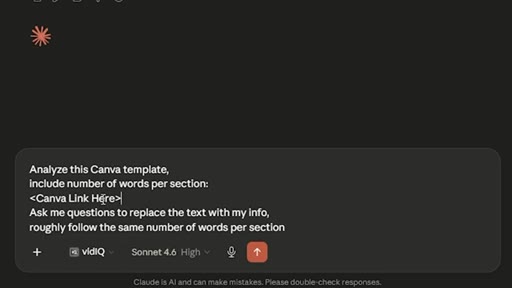
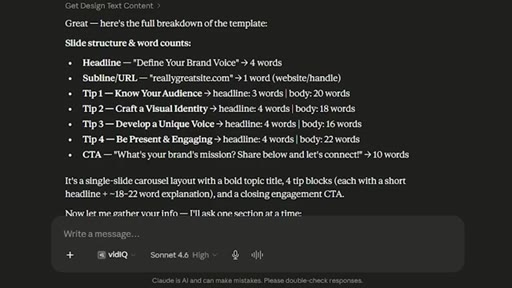
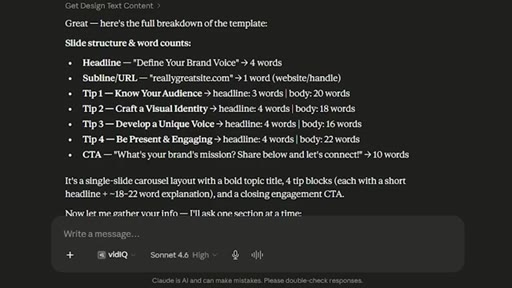
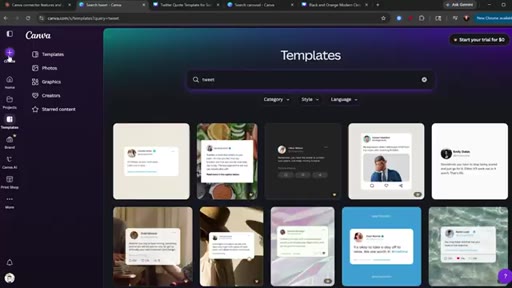
Pick a Canva template manually; use 'Analyze this template' prompt to get word counts per section before generating.
07 · Generate from template
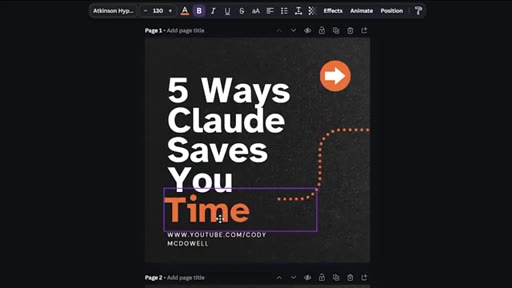
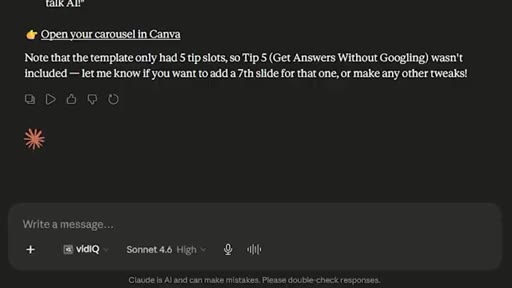
Feed template URL to Claude; Claude generates carousel respecting section constraints; opens result in Canva for manual QA.
08 · Bulk Create workflow
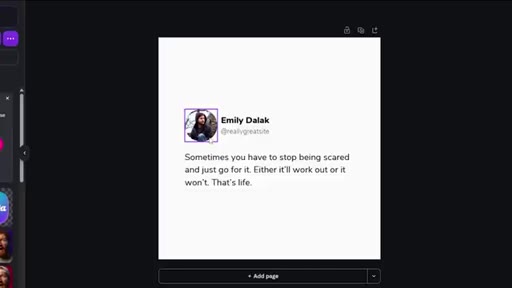
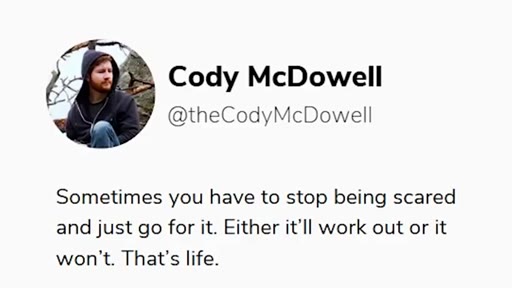
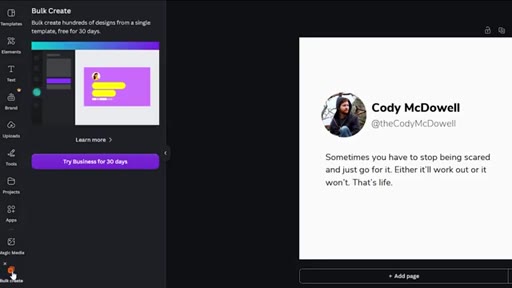
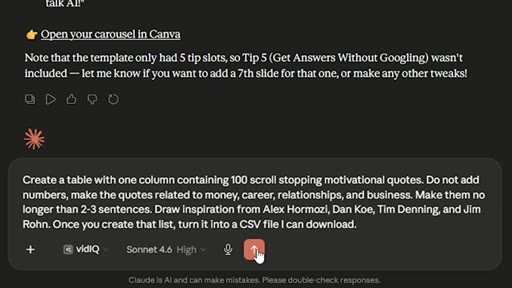
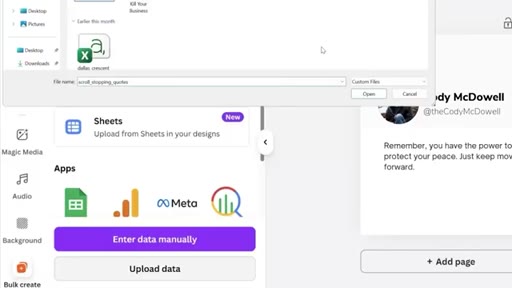
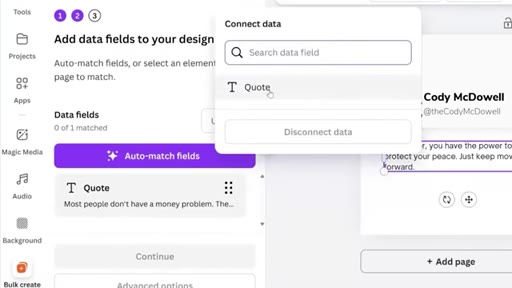
Claude generates 100 motivational quotes as a downloadable CSV; upload into Canva Bulk Create; 100 designs produced automatically. Requires Canva Pro.
09 · Extend to Reels
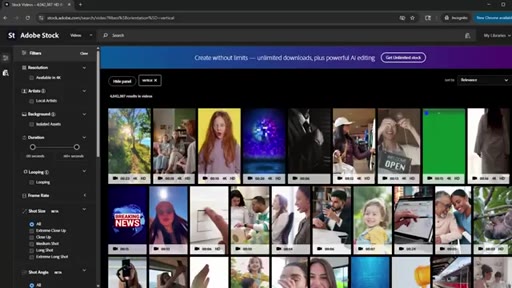
Same bulk-create approach applied to video: stock footage background + quote text overlay.

10 · Scheduling: Buffer vs Blotato
Buffer is cheaper with more manual setup; Blotato costs more but integrates directly with Claude for one-click scheduling from the chat.
Visual structure at a glance.

Named ideas worth stealing.
Connector self-documentation prompt
Prompt: 'List every connector feature available in this chat using only the current exposed tool list. Create a bullet list with a sample prompt for each feature and which plan is required.' Works for any new AI connector.
Template-first generation
- Find or create a Canva template
- Paste template URL into Claude
- Ask Claude to analyze word counts per section
- Ask questions to fill sections
- Generate with word-count constraints intact
Instead of generating free-form and hoping typography holds, analyze the template first so Claude fills slots within their actual character limits.
CSV bulk-create pipeline
- Generate 100-row CSV with Claude
- Download CSV
- Upload to Canva Bulk Create
- Match data field to template placeholder
- Generate 100 designs
Decouple content generation (Claude) from design rendering (Canva) by using a CSV as the handoff layer.
Lines you could clip.
"Nobody likes slop, but if you can make something of quality, and then make a lot of it, that's when you're gonna start to do really really well."
"If you only post once a day, it's still gonna save you five hours every single month."
"Your advertisement is just as important as the product."
Things they pointed at.
How they asked for the click.
"if you are more interested in long form content, then you need to check out this video here"
verbal CTA to related video; secondary plug for Skool community in description
Word for word.
The fastest content pipeline isn't smarter writing — it's smarter assembly.
When Claude handles both copy and template selection, the constraint shifts from creation time to quality filtering.
- Asking an AI connector to self-document — 'list every feature available to you right now' — maps its capabilities in seconds and works for any new tool you connect.
- Matching word count to template slots before generating prevents typography from breaking; ask Claude to analyze the template and count words per section before it writes anything.
- The CSV-to-Bulk-Create handoff is where volume actually unlocks: Claude writes 100 captions as structured data, Canva renders them on one template with no manual duplication.
- A quality check on one generated design before running bulk creation is worth more than reviewing 100 mediocre outputs after the fact.
- Scheduling tools recoup five or more hours per month at modest posting frequency; integrating scheduling directly with the creation tool removes a context-switch that kills follow-through.
- The same bulk-create logic extends to video: stock footage as a background layer plus AI-generated quote text is a repeatable Reels format that requires no filming.