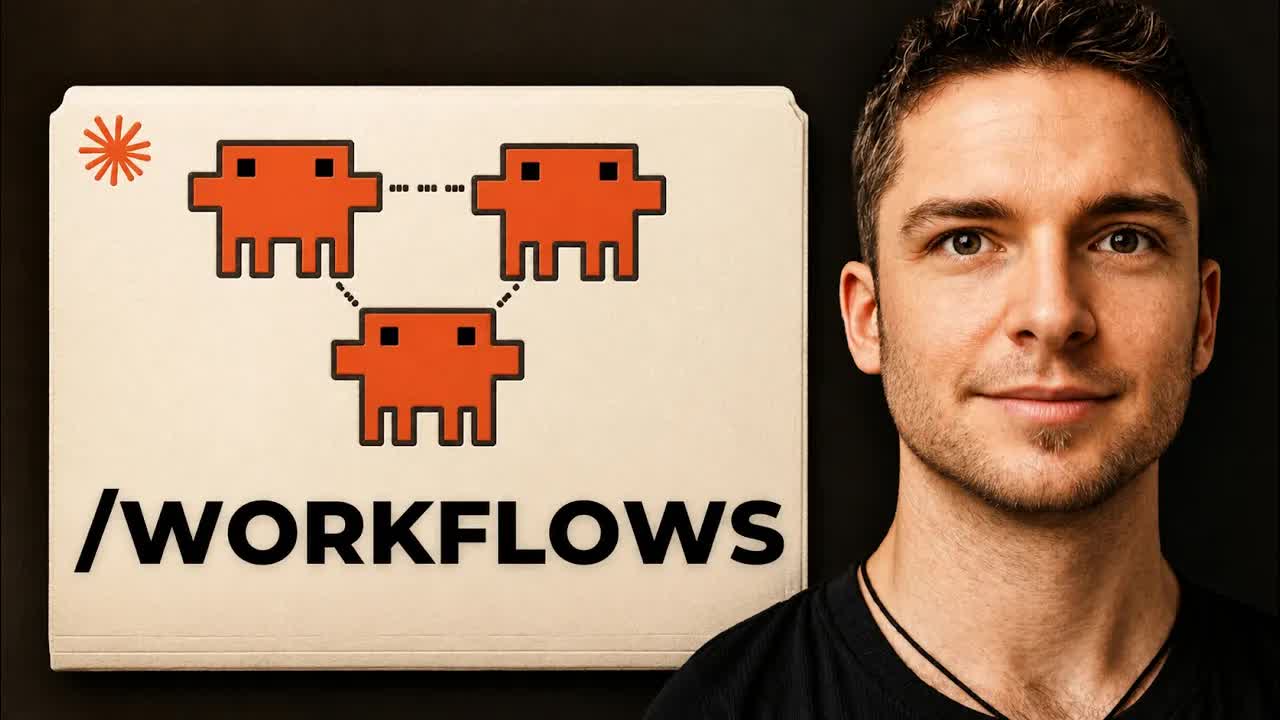
The bait, then the rug-pull.
The same day Opus 4.8 took the spotlight, Claude Code quietly shipped the thing this video argues actually matters: Dynamic Workflows. The pitch is simple and the payoff is real, but so is the bill, and the host shows both without flinching.
Where the time goes.
01 · Intro
Workflows, not Opus, were the most valuable announcement; what the video will cover.
02 · How Workflows Actually Work
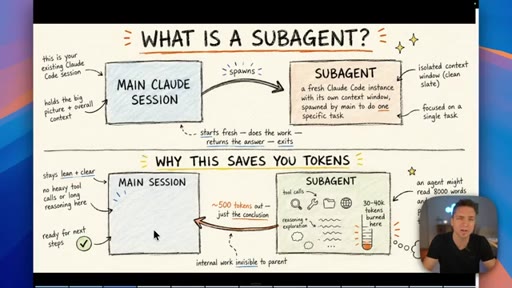
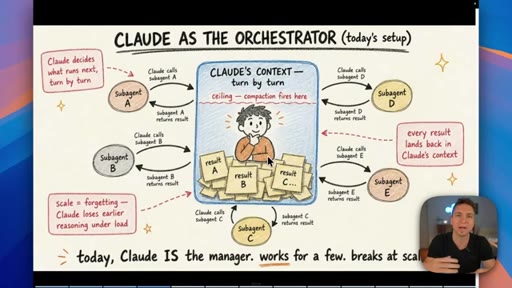
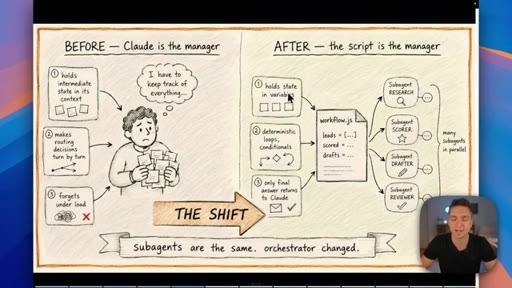
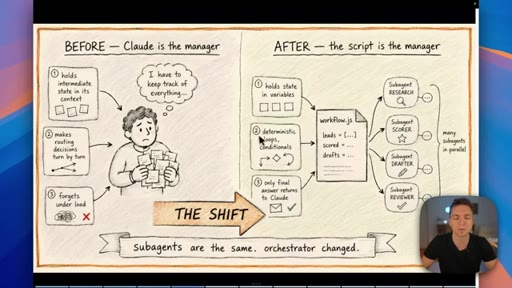
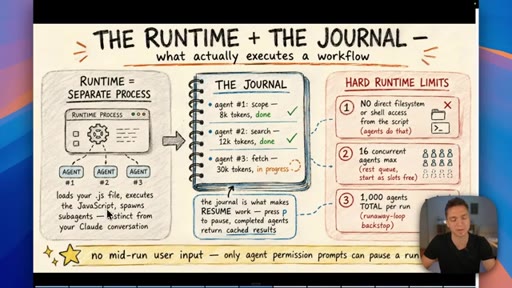
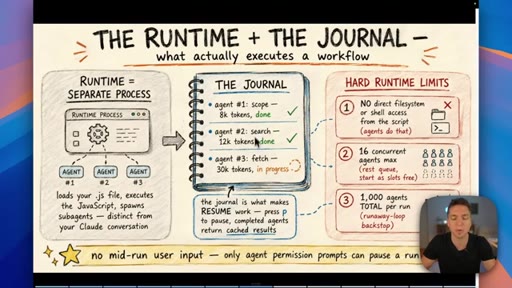
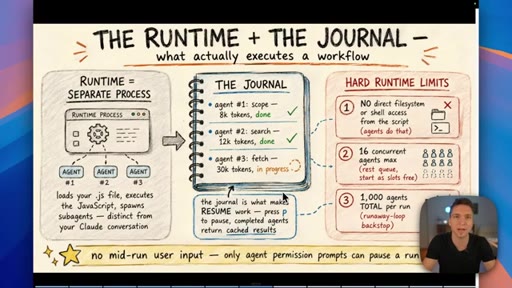
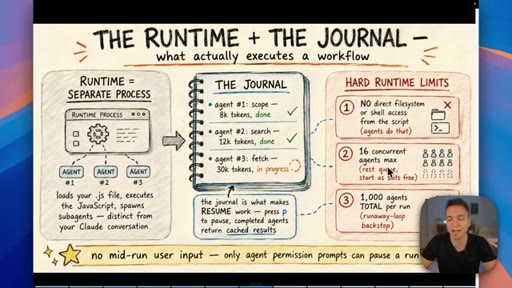
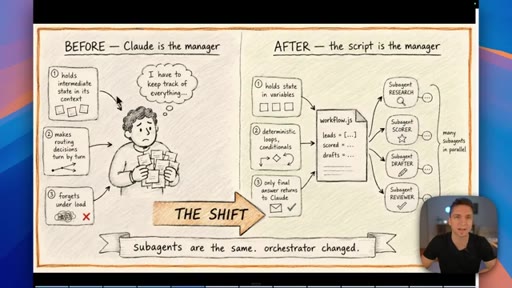
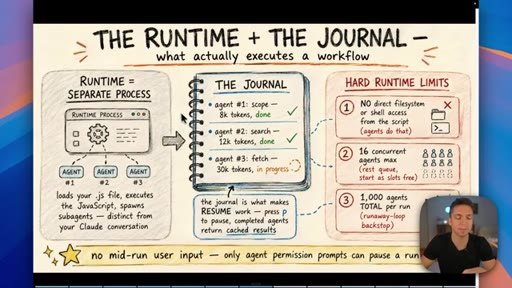
Subagent recap, why Claude-as-orchestrator breaks at scale, the shift to a workflow.js manager, runtime, journal, and hard limits (16 concurrent, 1000 total, no shell from the script).
03 · Live Demo: deep-research + Startup Forge
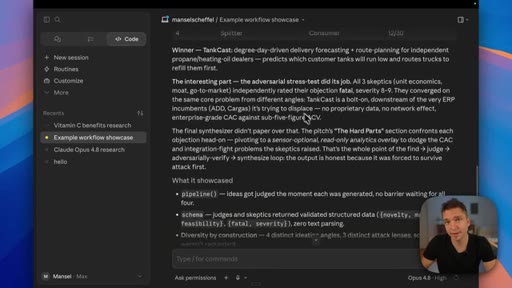
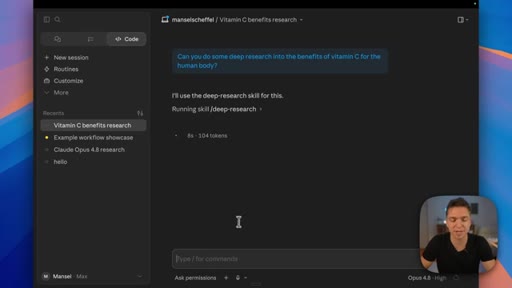
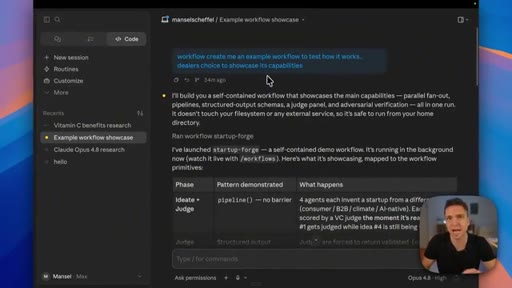
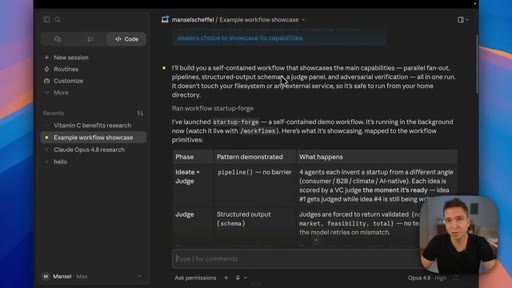
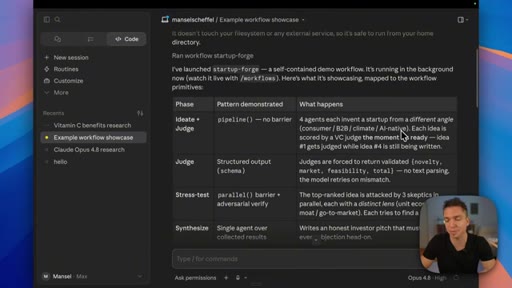
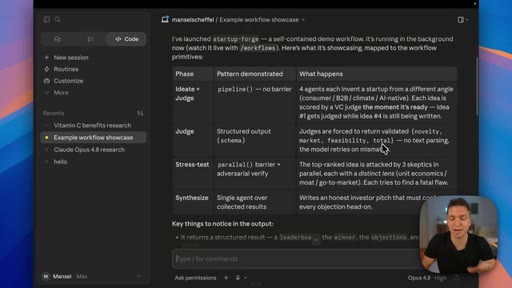
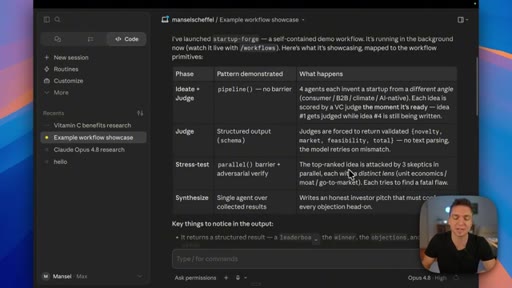
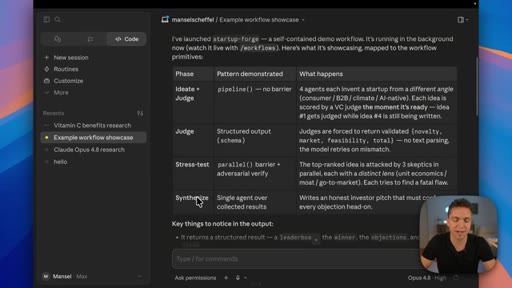
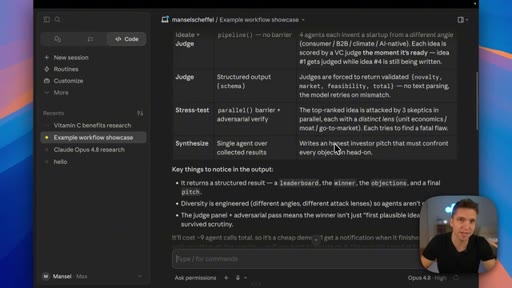
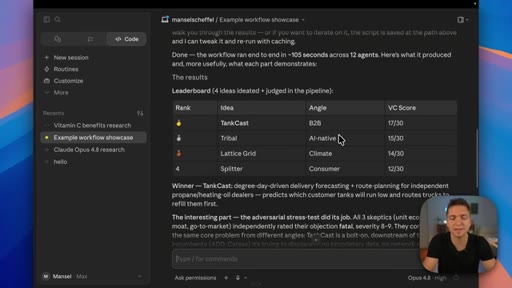
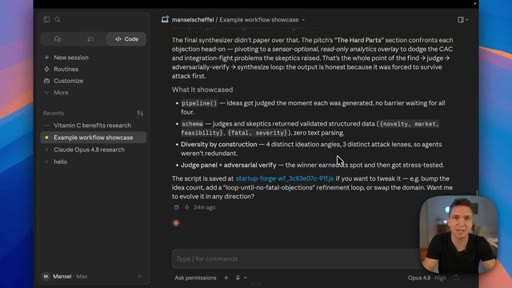
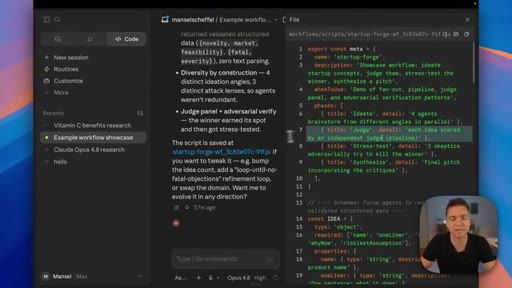
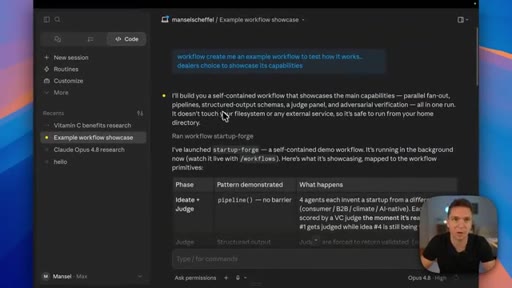
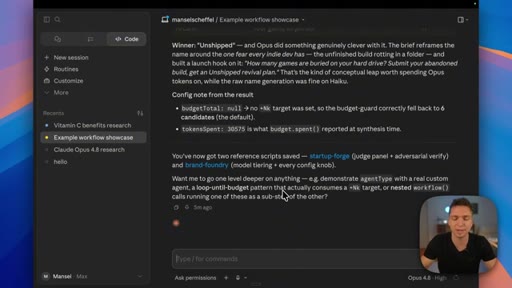
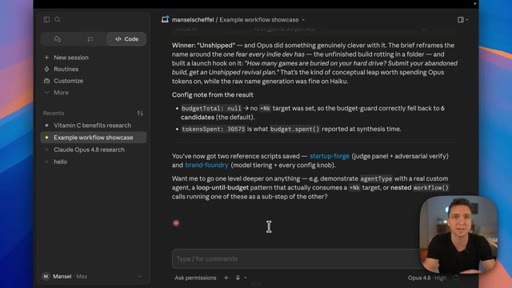
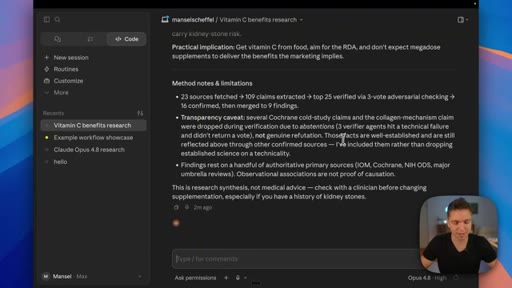
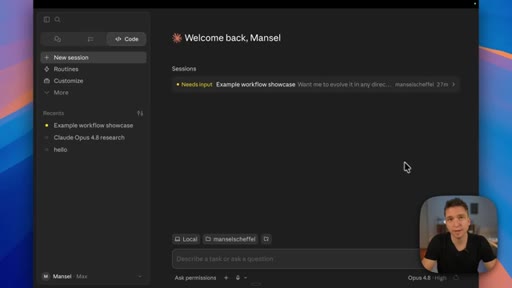
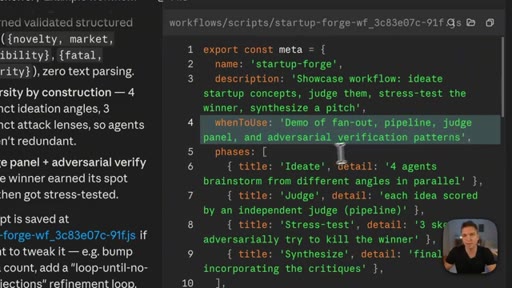
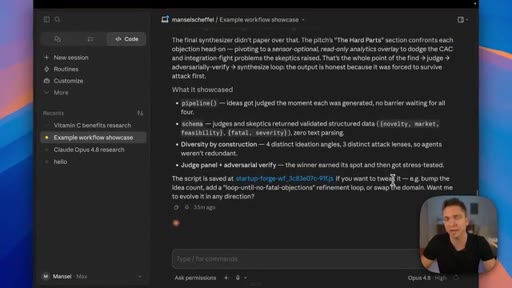
Runs /deep-research on vitamin C through its five phases, and a Claude-invented Startup Forge workflow that ideates, judges, stress-tests, and pitches.
04 · Inside The Script + How To Control It
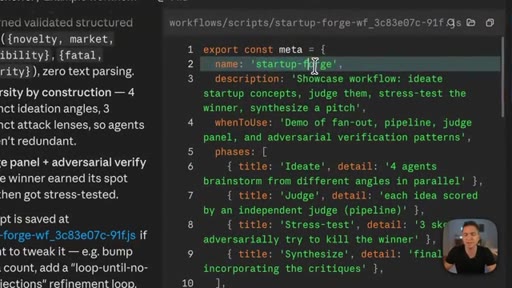
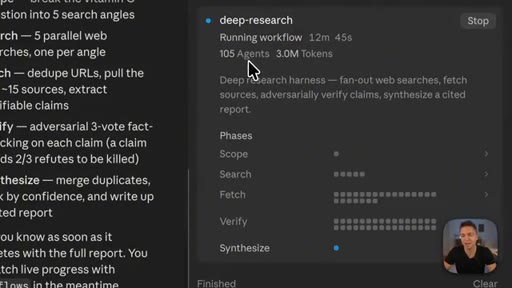
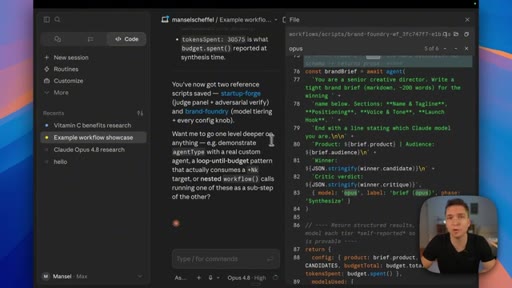
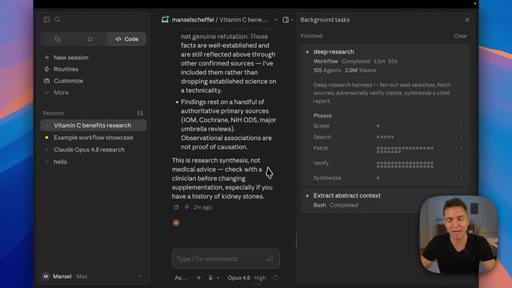
Model-per-phase shown in the .js, editing the script, the deep-research run finishing at 105 agents and 3 million tokens, and where most agents went.
05 · When To Actually Use This (And When Not To)
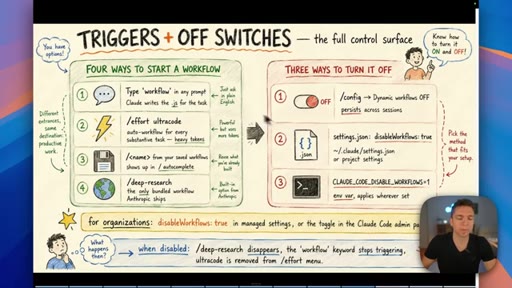
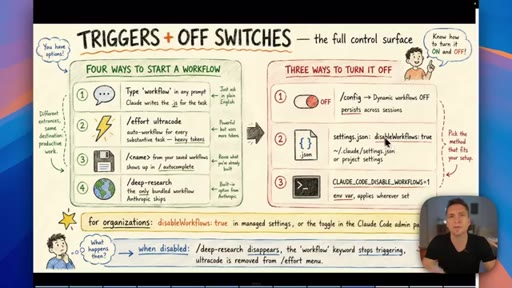
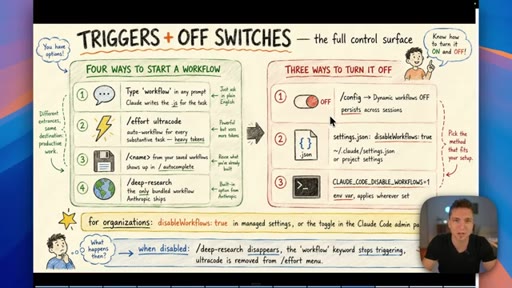
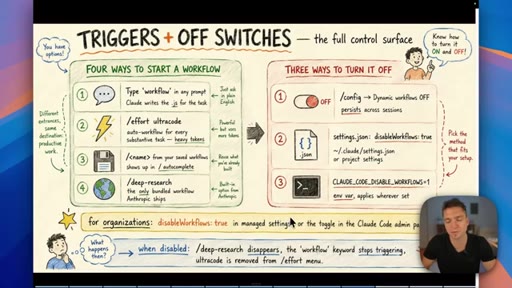
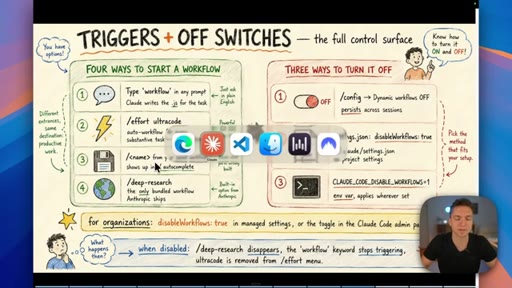
Three control levels, four ways to start and three to turn off, default-on/off by plan, and Anthropic's verbatim criteria for when a workflow beats a skill.
Visual structure at a glance.
Named ideas worth stealing.
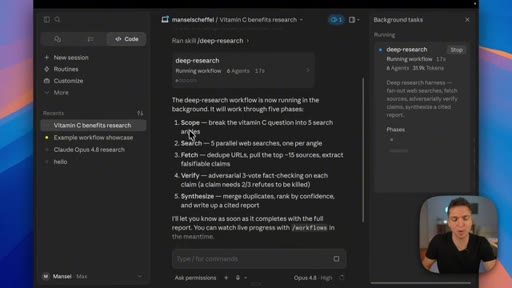
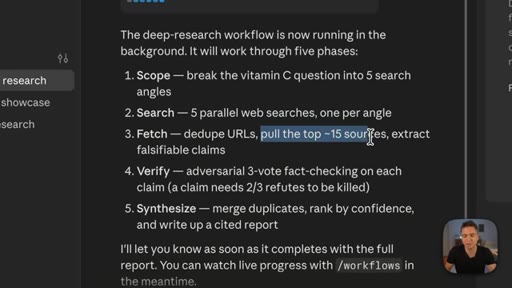
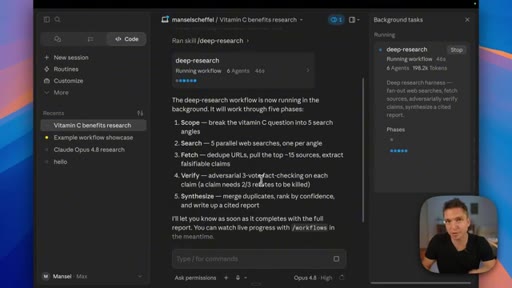
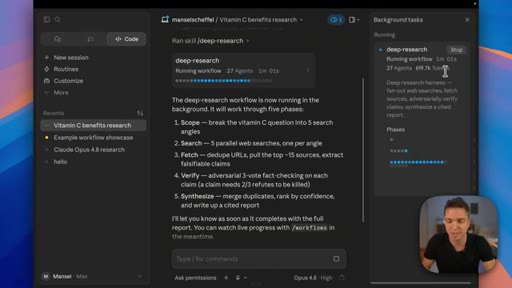
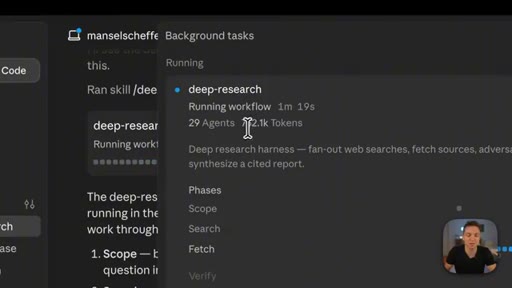
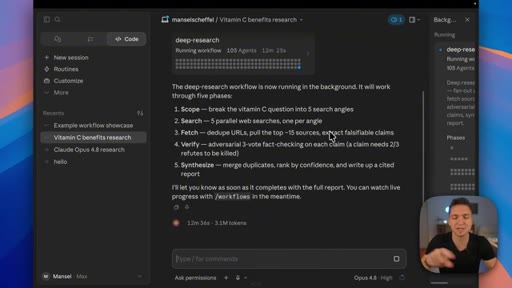
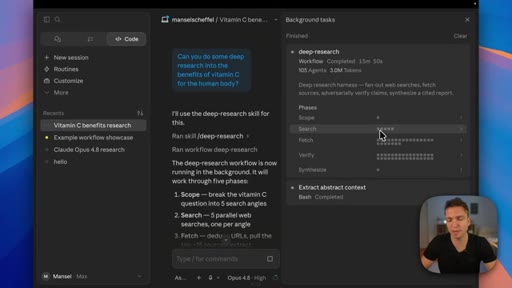
The five-phase deep-research pipeline
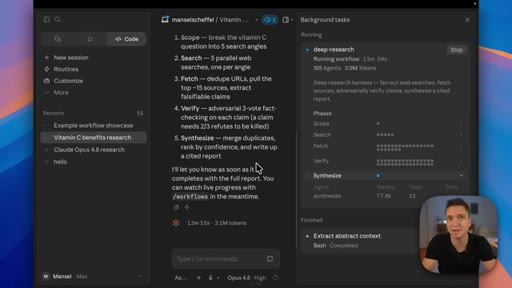
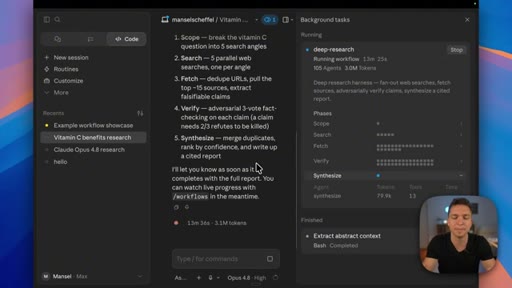
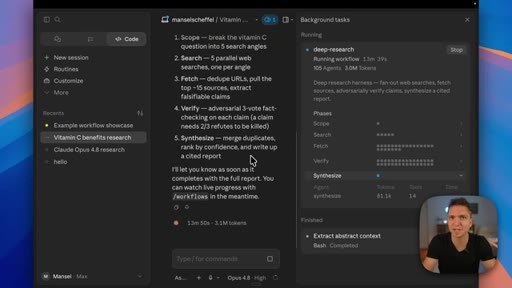
- Scope: break the question into search angles
- Search: parallel web searches, one per angle
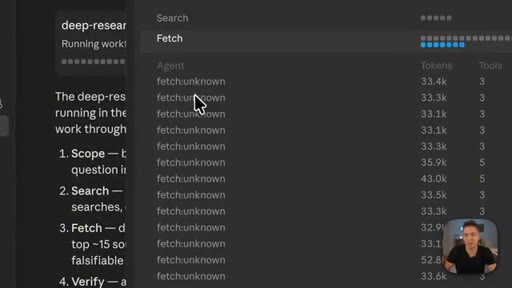
- Fetch: dedupe URLs, pull top sources, extract falsifiable claims
- Verify: adversarial three-vote fact-checking, two of three refutes kills a claim
- Synthesize: merge duplicates, rank by confidence, write a cited report
Anthropic's pre-built /deep-research workflow runs these five stages; verification consumes the most agents and tokens.
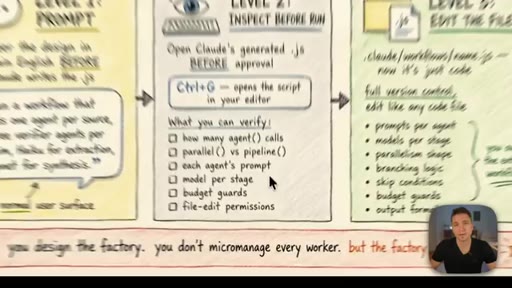
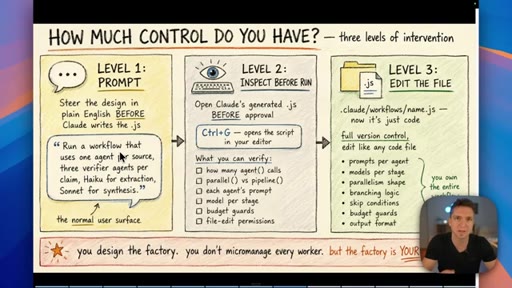
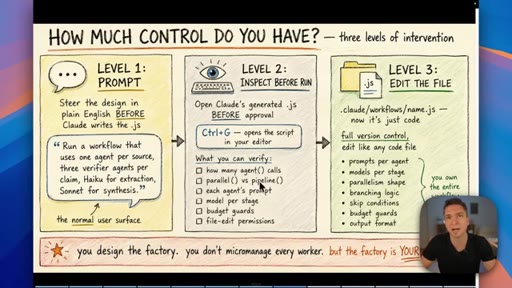
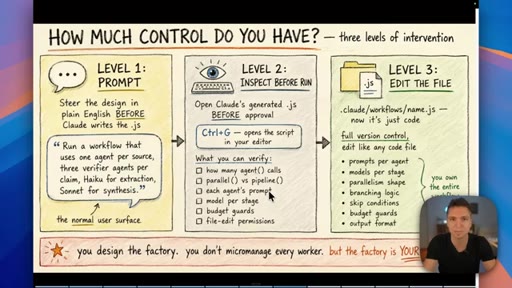
Three levels of control
- Level 1: Prompt, steer the design in plain English before the script is written
- Level 2: Inspect, open the generated .js with Ctrl+G and verify agents, models, budgets, and permissions before running
- Level 3: Edit the file, change prompts, models, parallelism, branching, and guards directly
Maps how much you intervene to how much determinism you get, from a one-line prompt to hand-editing the orchestration script.
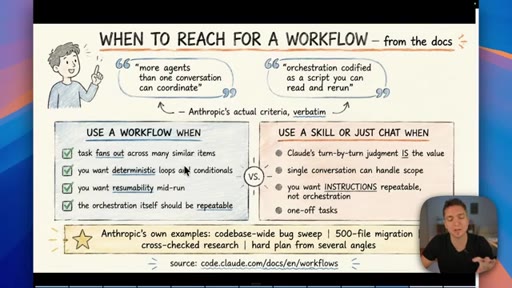
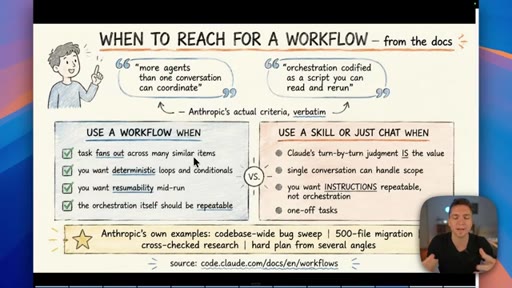
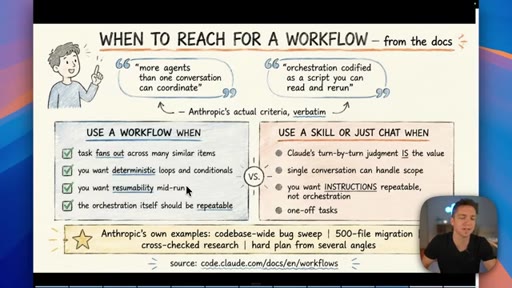
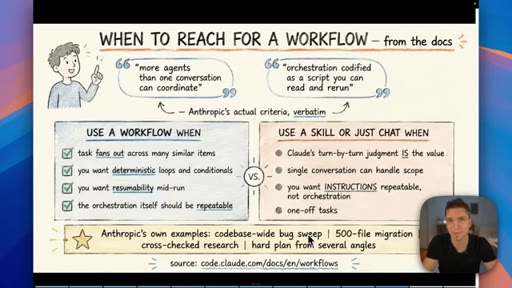
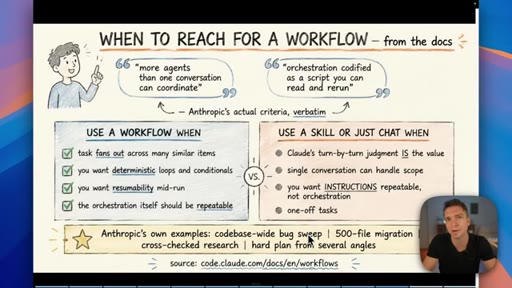
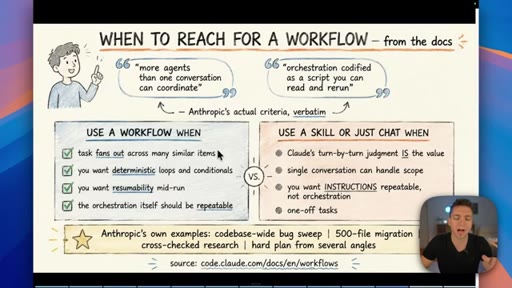
Use a workflow when (vs. use a skill or just chat)
- Use a workflow when the task fans out across many similar items
- Use a workflow when you want deterministic loops and conditionals
- Use a workflow when you want resumability mid-run
- Use a workflow when the orchestration itself is repeatable
- Otherwise use a skill or chat: turn-by-turn judgment is the value, a single conversation handles it, you want repeatable instructions, or it is a one-off
Anthropic's verbatim decision criteria for reaching for a workflow instead of a skill or plain chat.
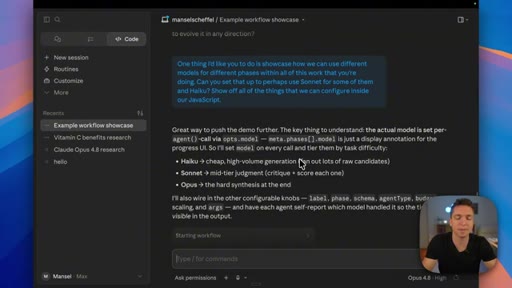
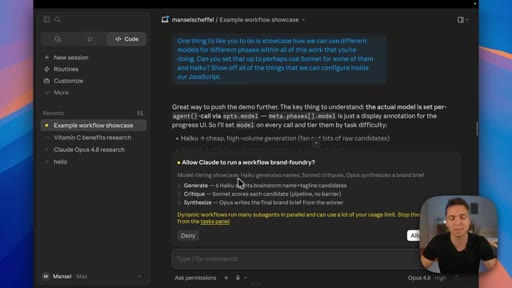
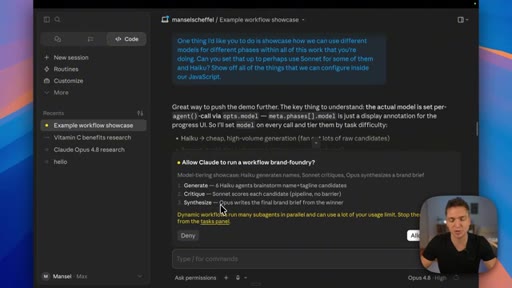
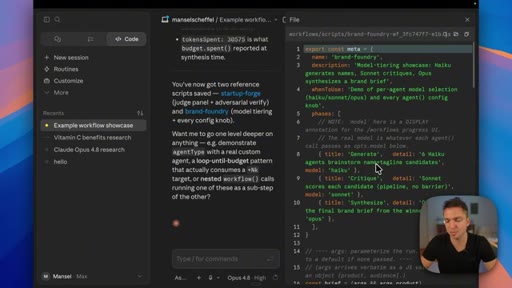
Model-per-phase assignment
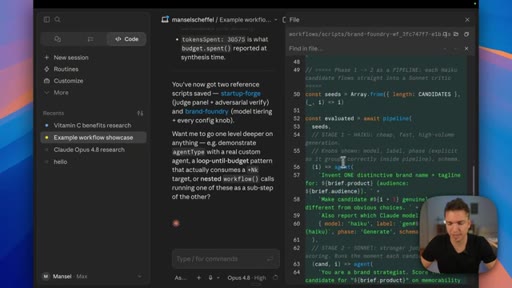
- Haiku for generate / brainstorm
- Sonnet for critique / scoring
- Opus for synthesis
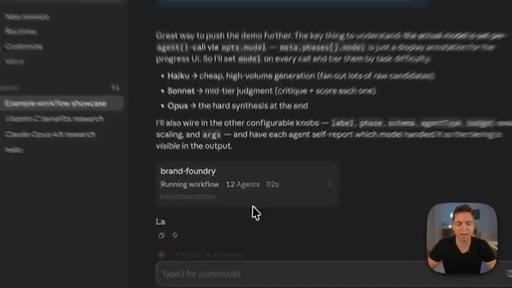
Each workflow phase can run on a different model, set in the prompt up front or by editing model: in the script, so cheap models do the high-volume work and expensive ones do the final reasoning.
Lines you could clip.
"While Opus certainly took center stage, I think this is the most valuable part of yesterday's announcements."
"The new solution here is to move the manager over to a script, so we no longer have this overburdened main context window."
"Just because you can doesn't mean that you should, and you've already seen that the tokens rack up really, really fast."
"We should now be vitamin C experts after a hundred and five agents and three million tokens, and it didn't actually give us as much information as one would think."
"You want to use a workflow when a task fans out across many similar items, or if you want those deterministic loops."
Things they pointed at.
How they asked for the click.
"I hope this video was helpful. If you have any questions, leave them down below. Otherwise, check out the videos on the screen now."
soft end-screen pointer to related videos plus a comment prompt; no hard product pitch in-video, the offers live in the description
Word for word.
When agent fan-out earns its token bill.
Workflows are worth reaching for only when a task fans out across many similar items or needs deterministic, resumable orchestration, because everything else costs less as a skill or plain chat.
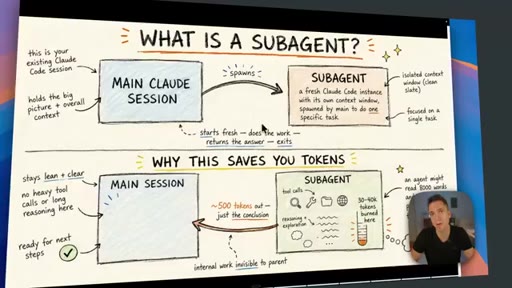
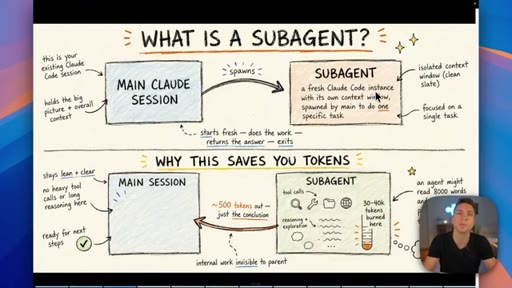
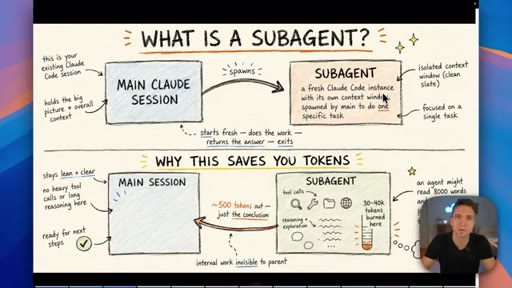
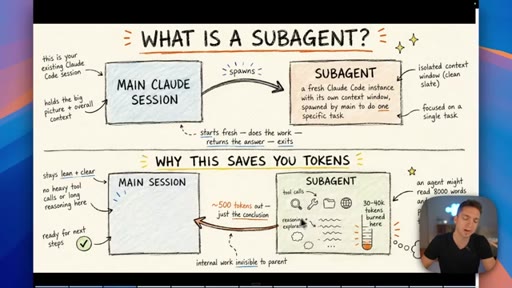
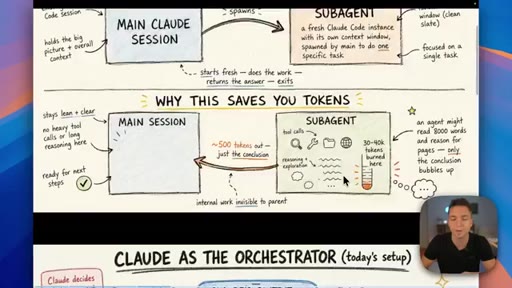
- A subagent runs its expensive work in an isolated context and hands back only the small answer, so the orchestrating session never sees the bloat.
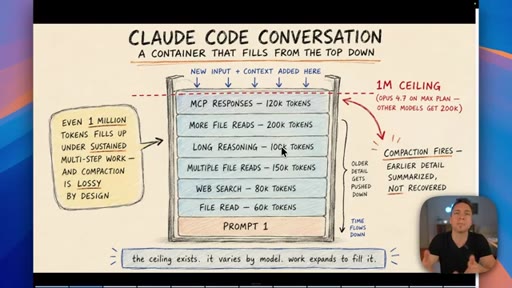
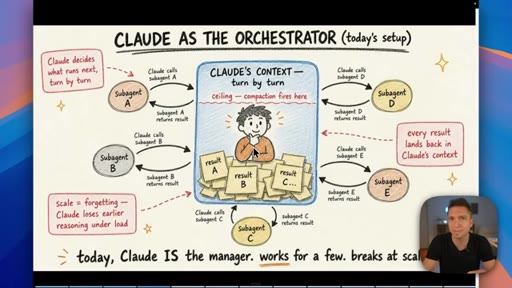
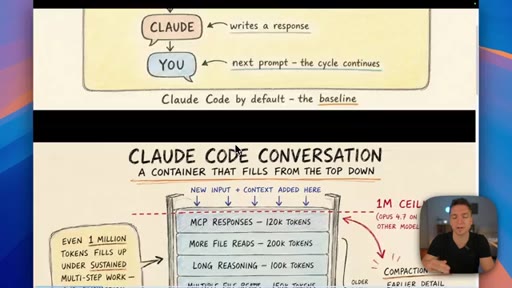
- The chat window fails as an orchestrator at scale because it must hold every agent's intermediate state, routing, and results in its own limited context.
- Moving orchestration into a script keeps state in variables and returns only final answers, which is the actual mechanism that lets fan-out scale.
- A run journal records completed agents, so a workflow can pause and resume with finished work returned from cache rather than rerun from scratch.
- Concurrency caps at 16 agents while total agents per run reach 1,000, so large swarms still finish but throttle rather than run all at once.
- Isolating work into agents does not lower the bill: the deep-research demo still burned three million tokens across 105 agents in fifteen minutes.
- Verification is the cost sink because each top claim gets three independent fact-checkers and is only discarded when two of them refute it.
- Assign a cheaper model to high-volume phases and an expensive one only to final synthesis to keep multi-agent runs affordable.
- Reach for a workflow when the work fans out, loops deterministically, needs resumability, or repeats; otherwise a skill or chat is cheaper and steadier.
- Treat agent count and token spend as the real constraint, not capability, since the limiting factor is cost long before the feature runs out of power.