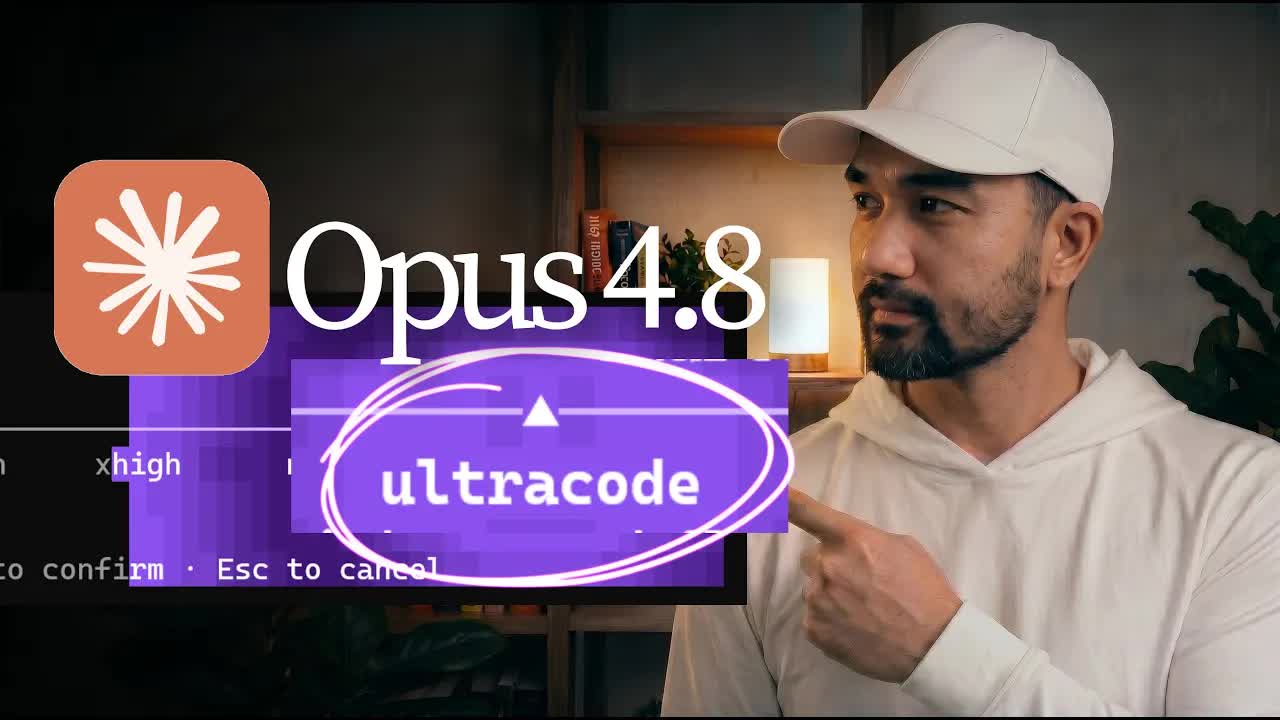
The bait, then the rug-pull.
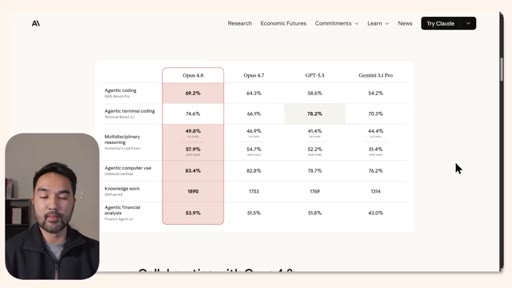
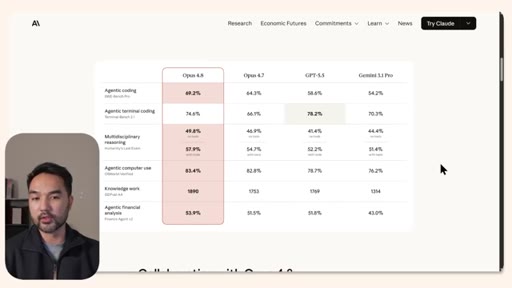
The title buries the thesis before the video even starts: the model is not the story. A solo demo creator opens on Anthropic's benchmark table, waves it off as directional noise, then scrolls to the section most viewers would never reach.
Where the time goes.
01 · Hook + Benchmark Dismissal
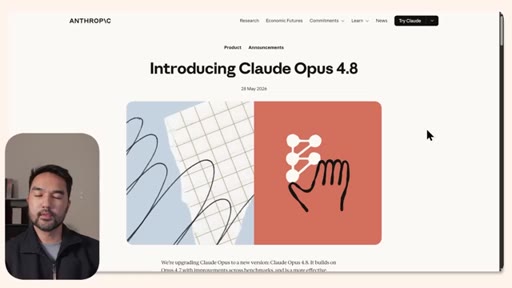
Opens on the Anthropic announcement page; dismisses benchmarks as directional-only; argues harness updates are where the real power lives.
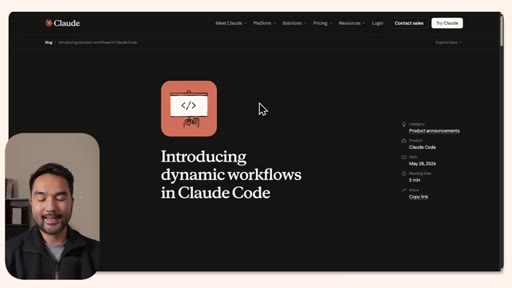
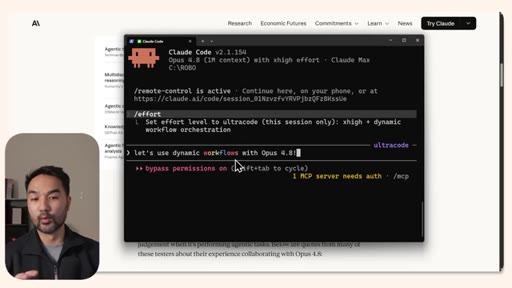
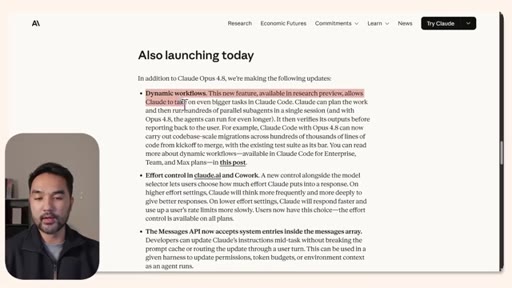
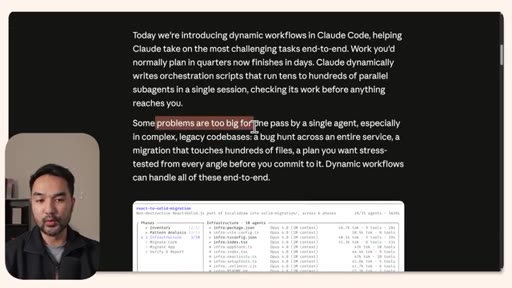
02 · Dynamic Workflows Explained
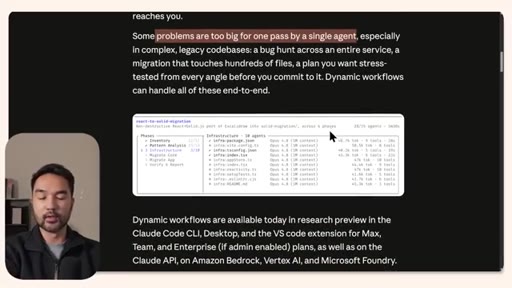
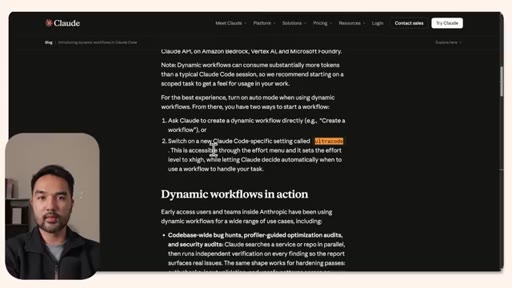
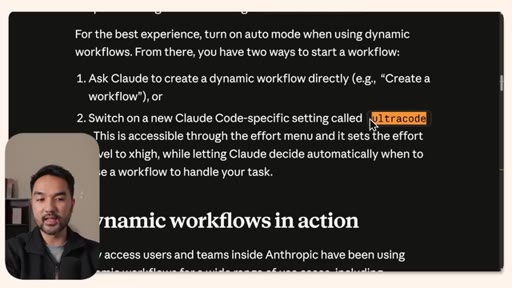
Walks through the Anthropic blog post explaining orchestrator and sub-agent architecture, then introduces the UltraCode effort setting.
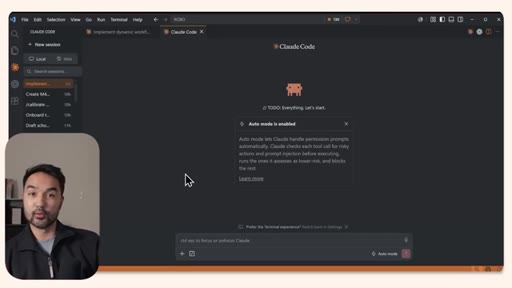
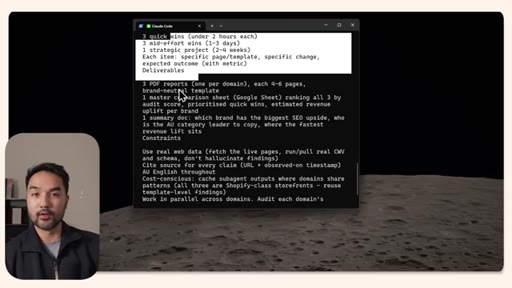
03 · Demo Setup: Ecommerce Audit
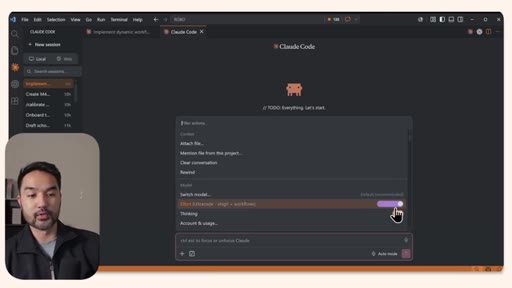
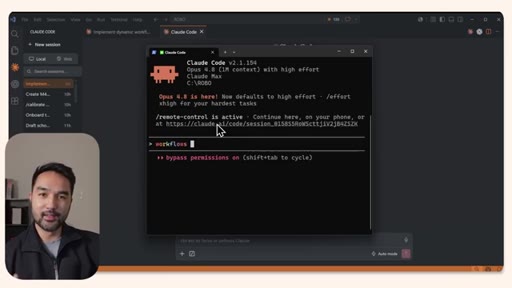
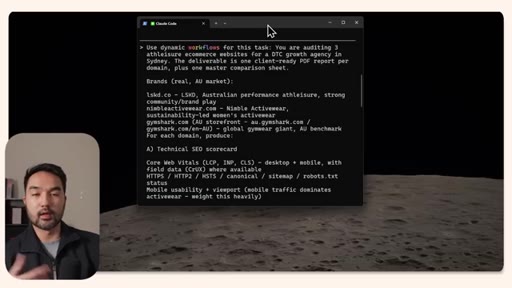
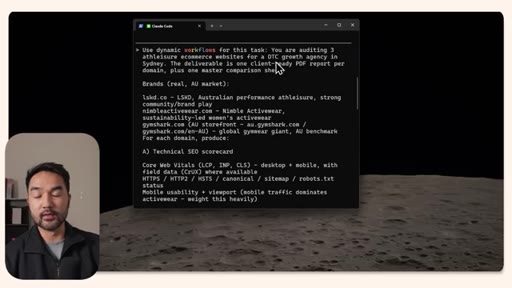
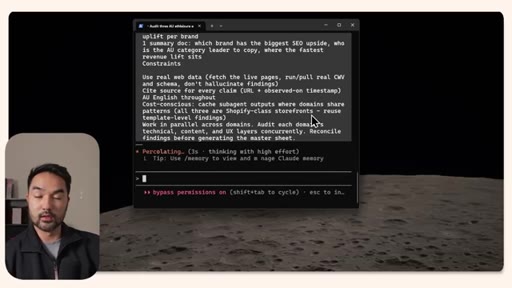
Shows the VS Code effort toggle turning purple and the terminal rainbow animation for /workflows. Sets up a three-site DTC brand audit prompt.
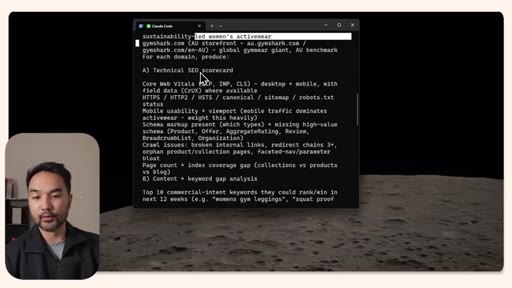
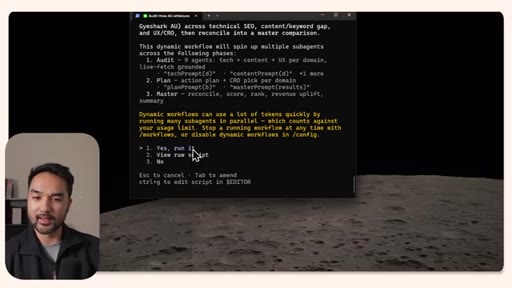
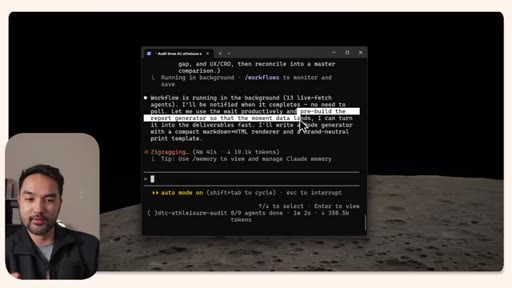
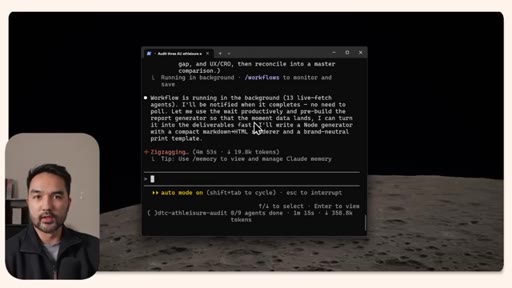
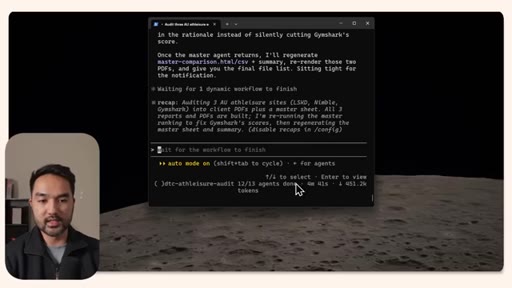
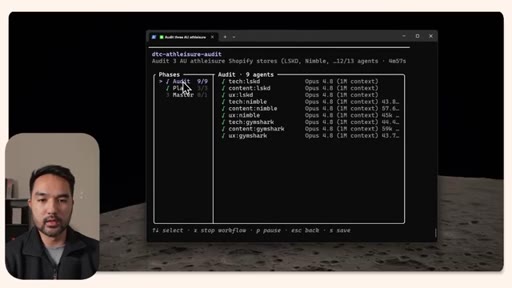
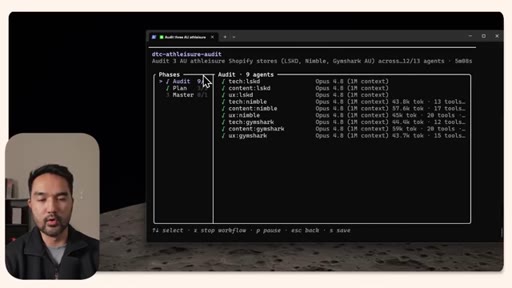
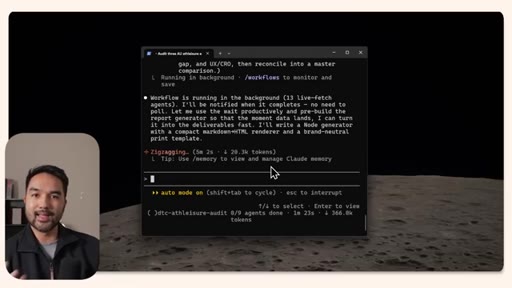
04 · Demo 1: 13-Agent Audit Running
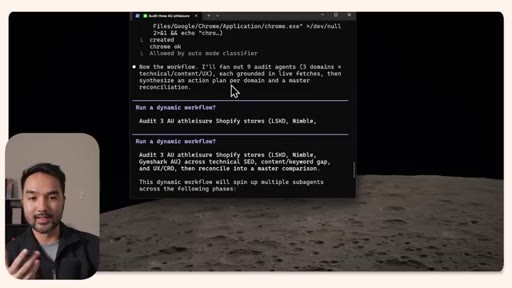
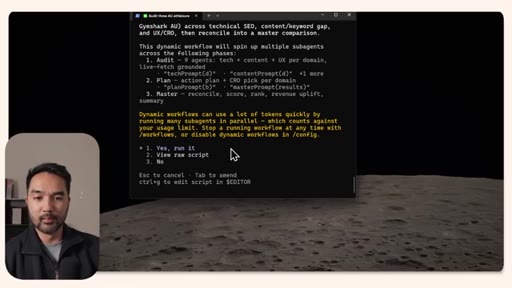
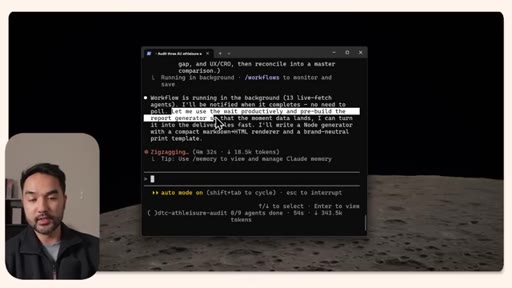
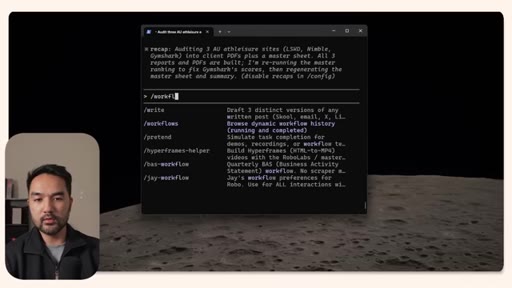
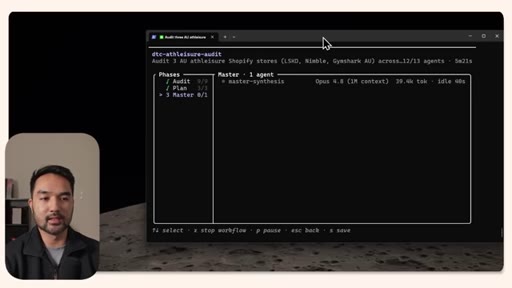
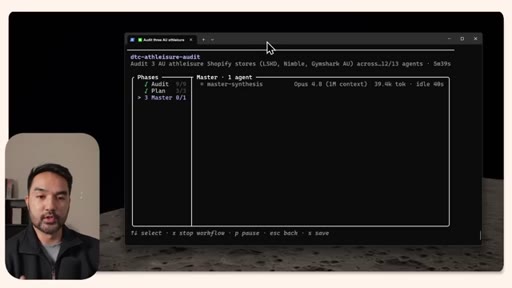
Fires the dynamic workflow, watches it fan out 9 audit agents plus synthesis, checks /workflows for phase status, waits for deliverables.
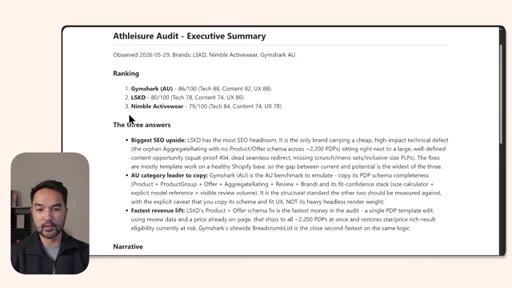
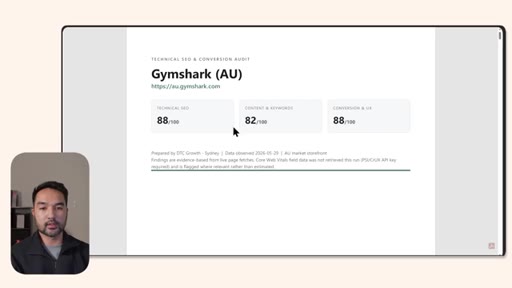
05 · Results + Design Iteration
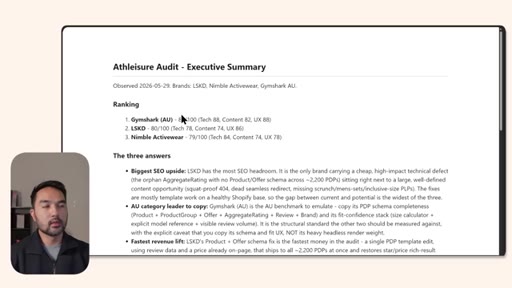
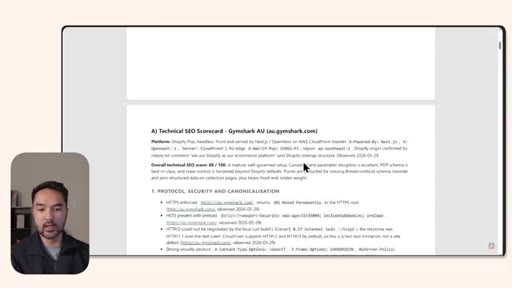
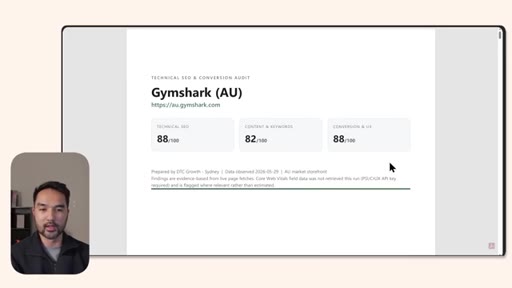
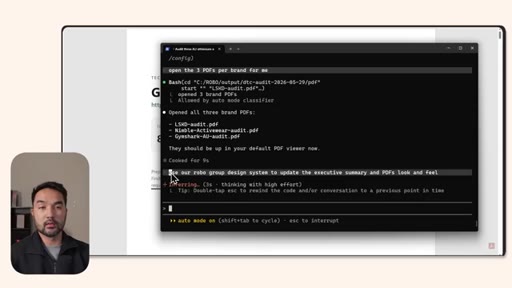
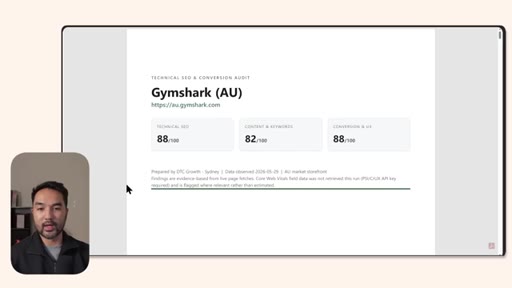
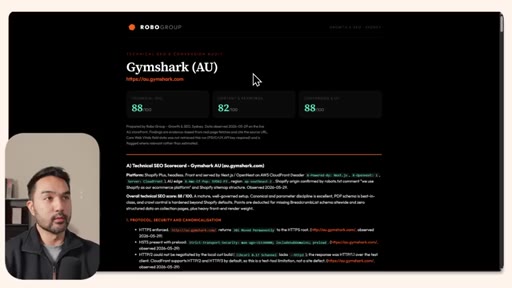
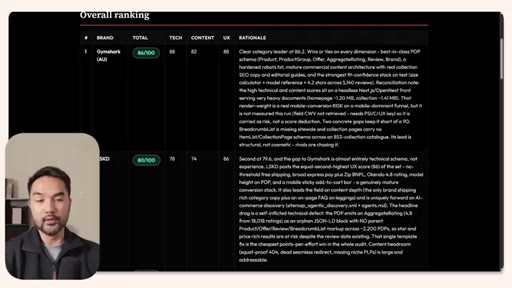
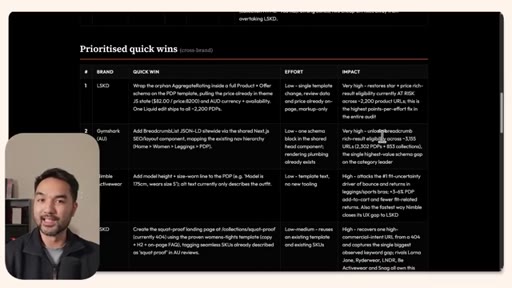
Reviews the Gymshark (AU) report scored 88/100 on technical SEO, notes vanilla white-paper design, applies a design system to reformat.
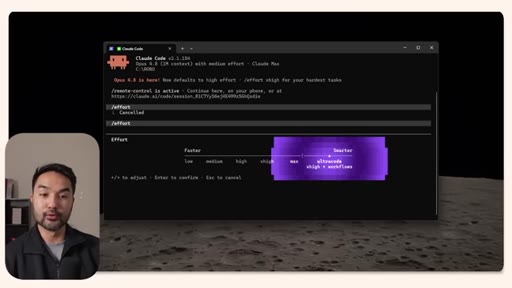
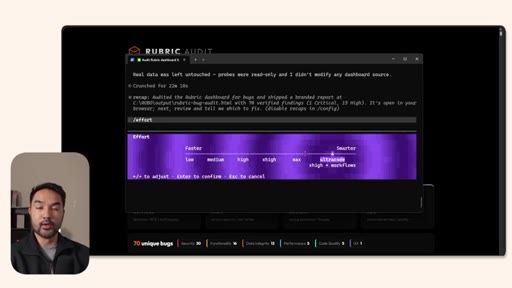
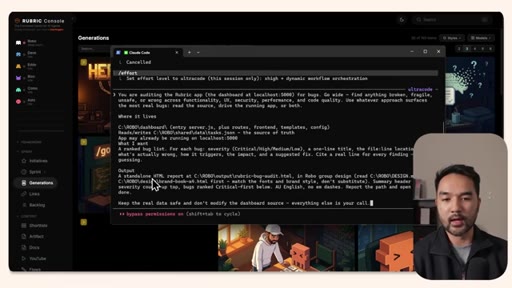
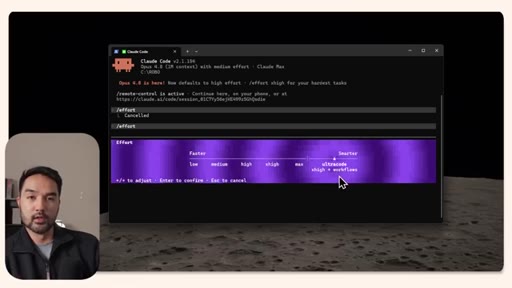
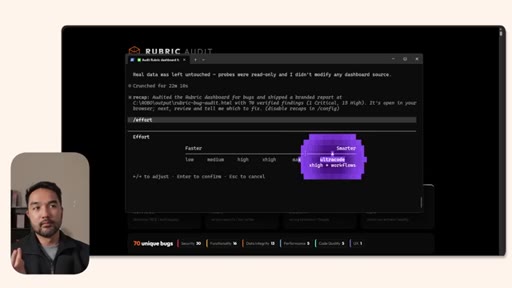
06 · UltraCode Setup + Bug Audit
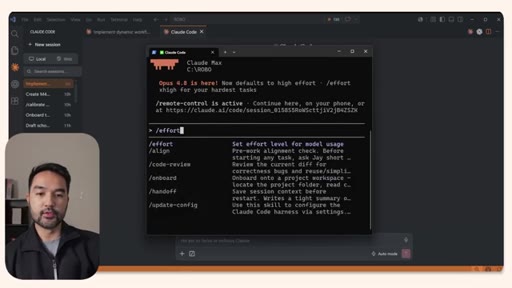
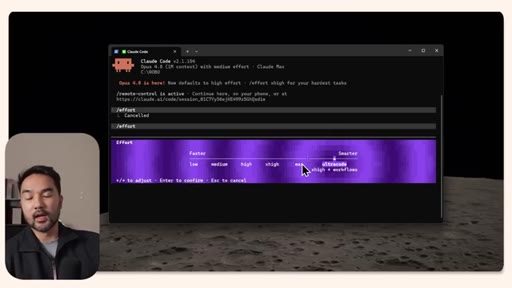
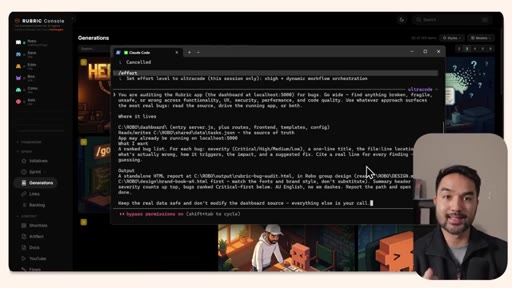
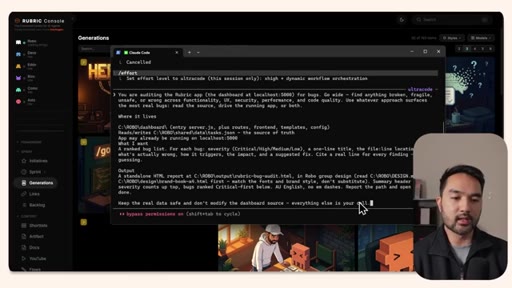
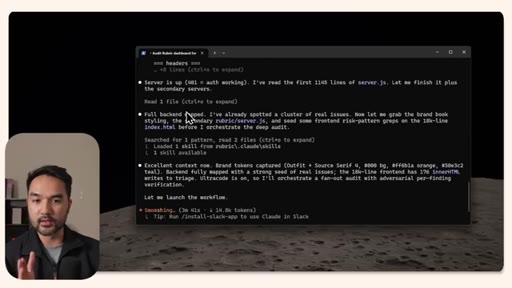
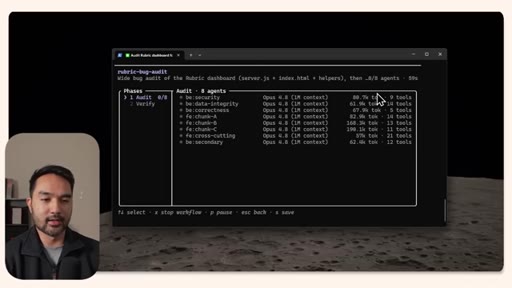
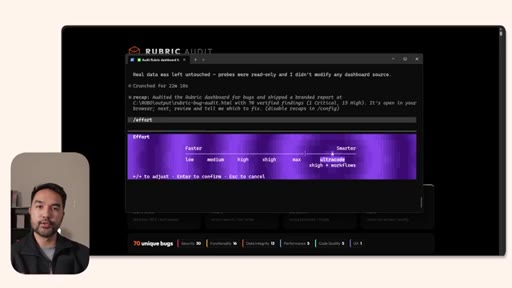
Switches effort to UltraCode via /effort menu, sets up a bug audit of the creator's personal Rubric dashboard app.
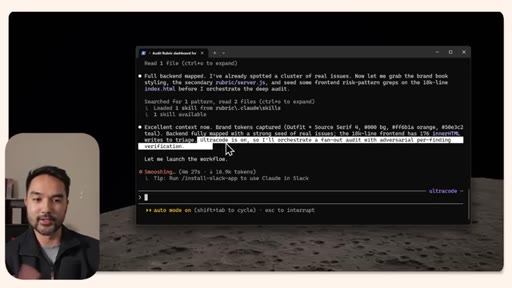
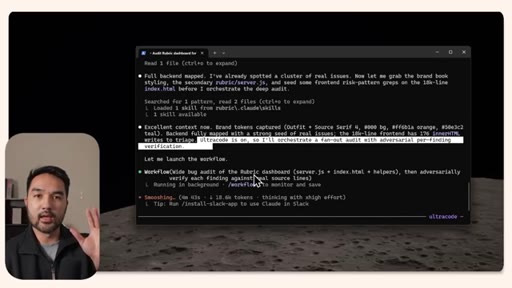
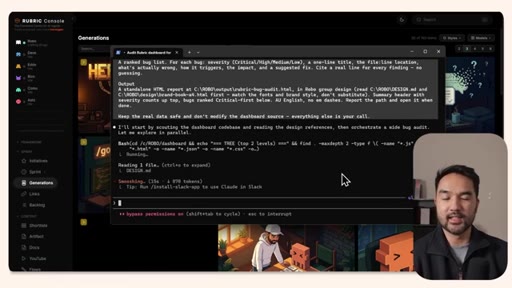
07 · 96-Agent Verification Step
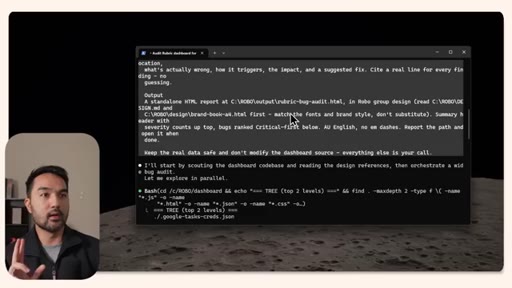
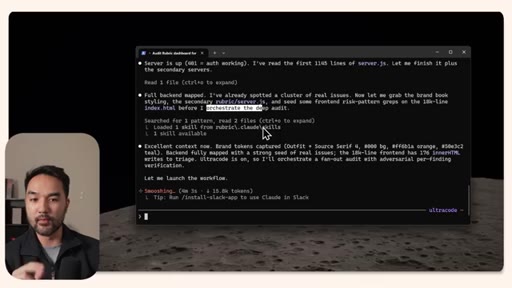
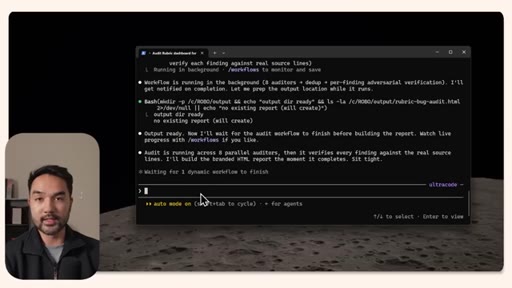
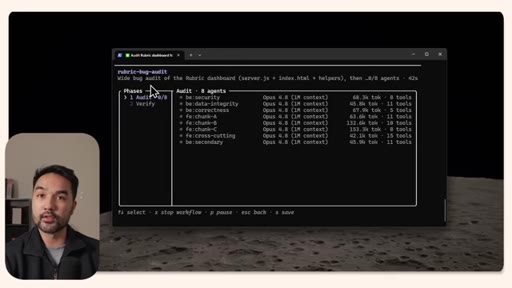
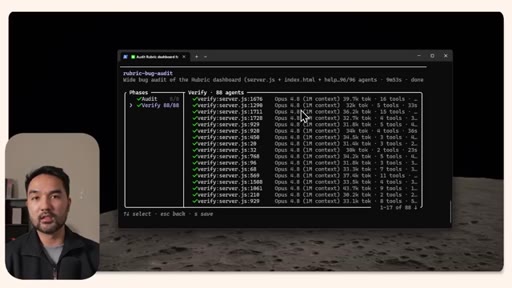
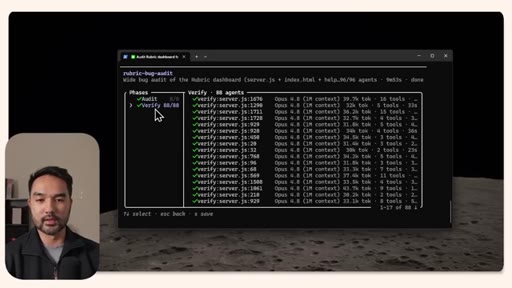
UltraCode does a pre-assessment, then fans out 8 auditors; verification layer adds 88 more agents; /workflows shows all phases live.
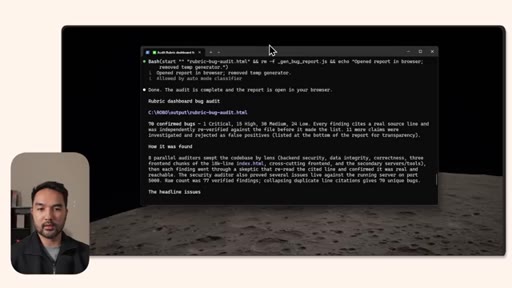
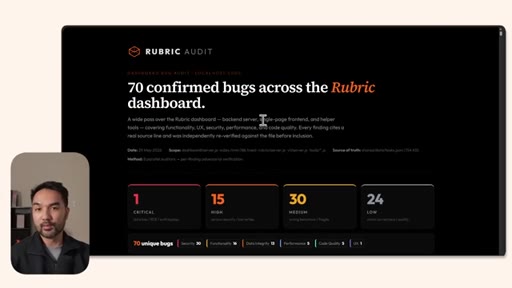
08 · Bug Audit Results
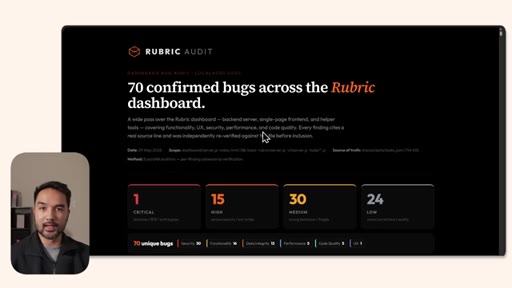
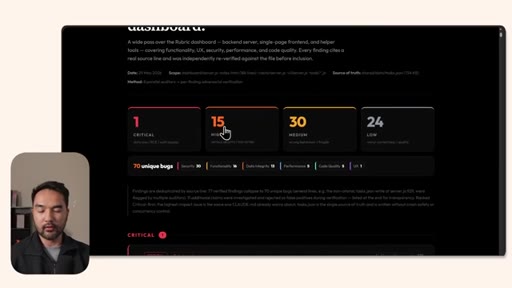
HTML report delivered: 1 critical, 15 high, 30 medium, 24 low, totaling 70 unique bugs each independently verified.
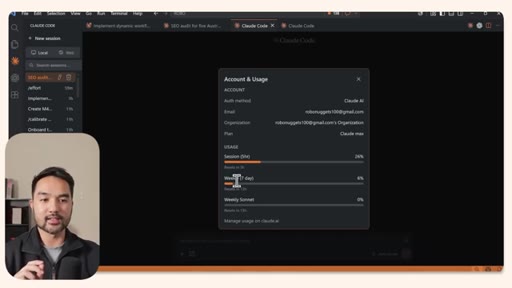
09 · Token Cost and Rate Limit Critique
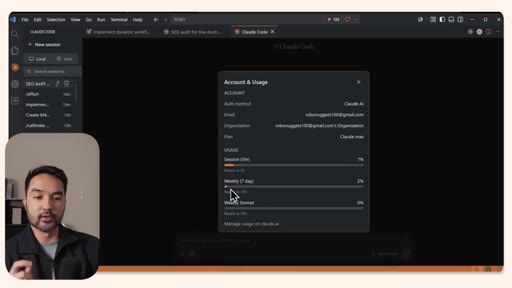
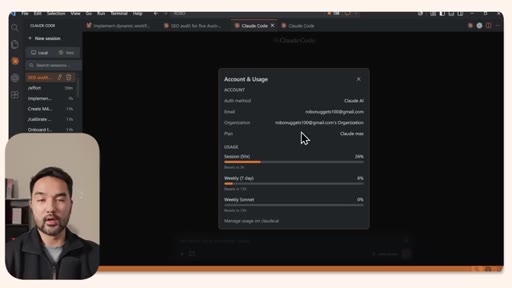
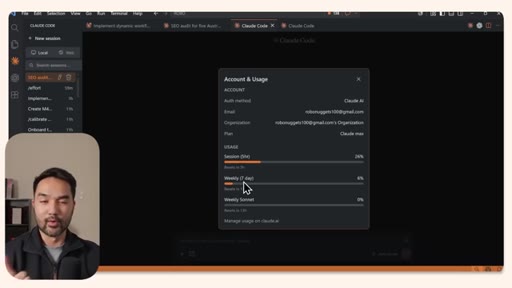
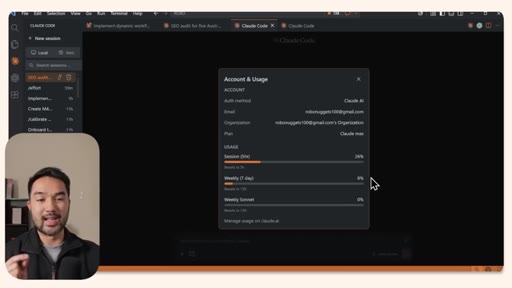
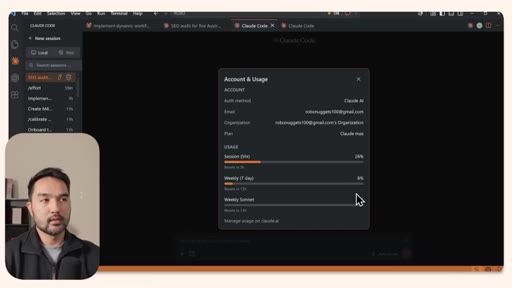
Account usage jumped from 2% to 6% weekly. Argues Anthropic should display absolute token counts instead of percentages.
Visual structure at a glance.
Named ideas worth stealing.
Dynamic Workflow Architecture
- Orchestrator agent (Opus 4.8)
- Parallel sub-agents per phase
- Synthesis agent
- /workflows monitoring layer
A four-layer structure where one orchestrator plans phases, parallel agents do the work, a synthesis agent consolidates, and /workflows gives real-time visibility.
Effort Ladder
- Low
- Medium
- High
- xHigh
- Max
- UltraCode
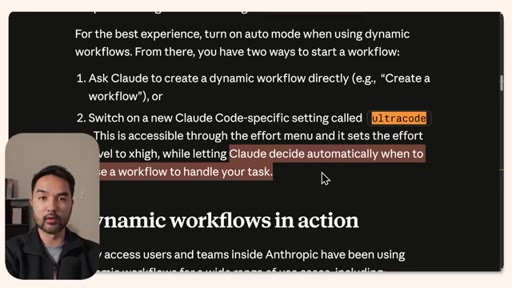
Six effort tiers in Claude Code; UltraCode adds model-level autonomy to trigger dynamic workflows without explicit user instruction.
Two-Pass Delivery
Run the research or audit agent first for technically correct output, then prompt with a design system to make it client-ready.
Lines you could clip.
"While most people are focusing on these trust me, bro, benchmarks, I think the real unlock are the major improvements that they made to their coding harness."
"It costed us 4% of our weekly rate limit. So that tells you, number one, how token intensive these modes are, so be warned."
"I would much rather them have an absolute number of tokens in here so that we can really measure when they're saying that they're increasing rate limits or not."
Things they pointed at.
How they asked for the click.
"If that's useful, then consider subscribing because that helps us a lot to put out more educational content like this."
Single closing line after all main content, no pre-CTA pitch, low pressure.
Word for word.
Two Claude Code modes that change how you scope a task
Dynamic Workflows and UltraCode raise the ceiling on what a single session can accomplish, but they introduce real token costs that make effort level a genuine architectural decision rather than a preference.
- Dynamic Workflows fans a session out into hundreds of parallel agents, turning multi-day research or audit work into a five-minute deliverable, but token cost scales proportionally.
- UltraCode gives the model autonomy to decide whether a task warrants spawning sub-agents, so complex prompts get orchestration automatically without requiring an explicit workflow invocation.
- The /workflows slash command shows a live status panel with agent count, phase completion, and per-agent token usage so you can monitor a long-running task without waiting blind.
- A technically complete output that ships as an unstyled document will not be read; prompting a design pass as a second step is part of the workflow, not an afterthought.
- Two heavy demos consumed 4% of a weekly Max plan limit, making effort-tier selection a real cost variable; reserve UltraCode for tasks where correctness across many files justifies the spend.
- Anthropic presenting rate limits as a percentage of weekly budget makes it structurally impossible to verify whether rate-limit increases are meaningful; absolute token counts would give users real transparency.