The bait, then the rug-pull.
Generic AI carousels have a tell: they look like every other generic AI carousel. Duncan Rogoff, a former art director for Apple and PlayStation who now runs an AI agency, opens by naming the problem before the title card fades -- and then spends eleven minutes solving it with one screenshot, one markdown file, and a slash command.
Where the time goes.

01 · The problem: they all look the same
Hook stating that AI carousels are generic because prompts are generic. Before/after teaser.
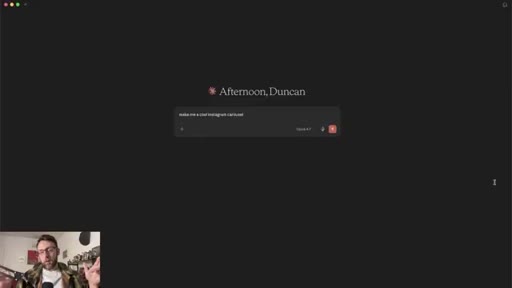
02 · Why they look the same + the fix
Claude needs references, not vague prompts. The solution is a design system from a real reference.
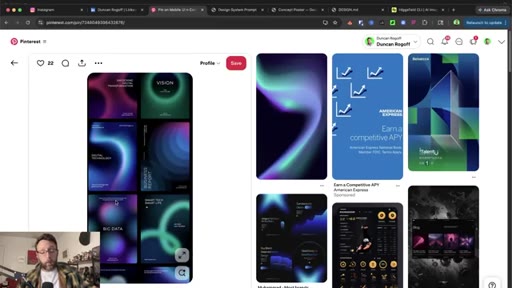
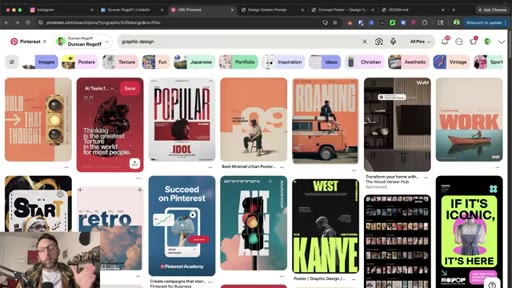
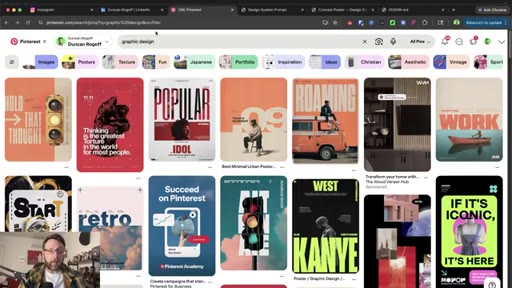
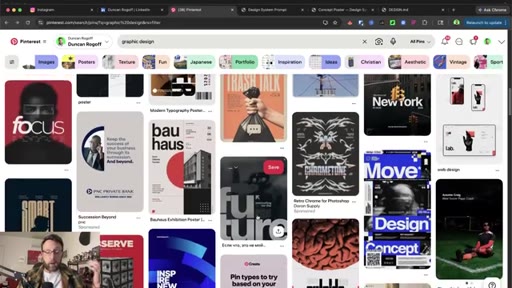
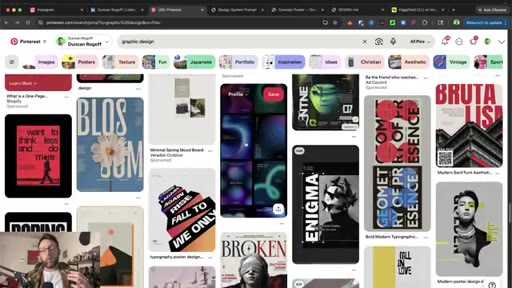
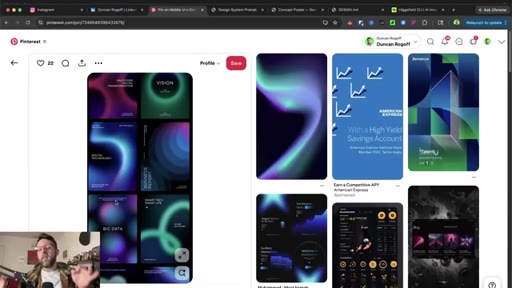
03 · Find design references on Pinterest
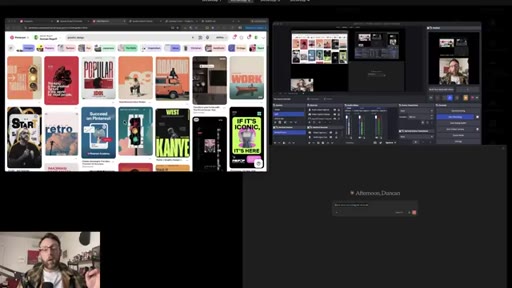
Search graphic design on Pinterest, find a style you want to clone.
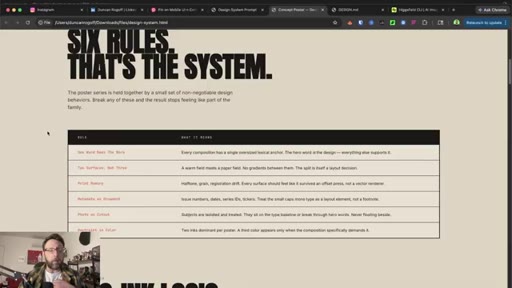
04 · Build a design system with one prompt
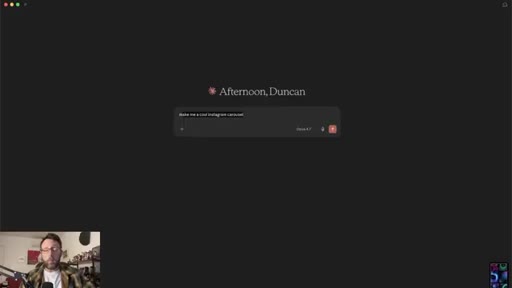
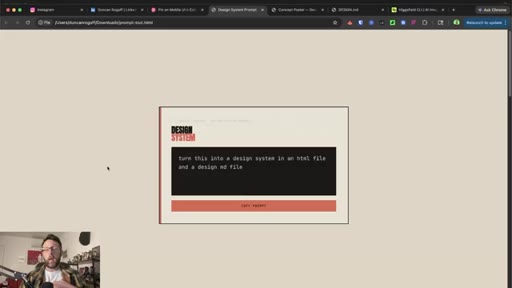
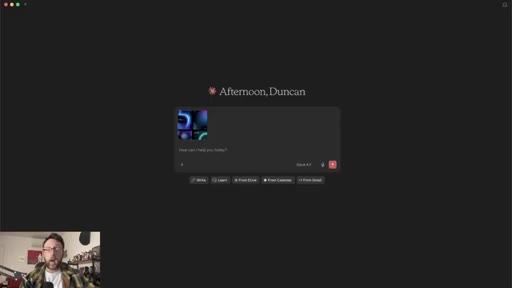
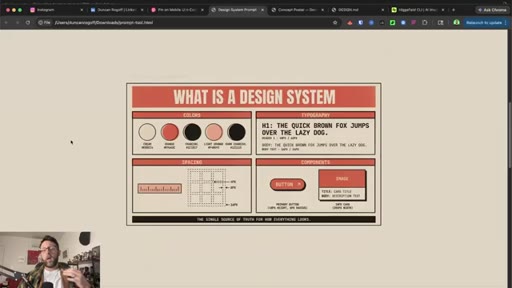
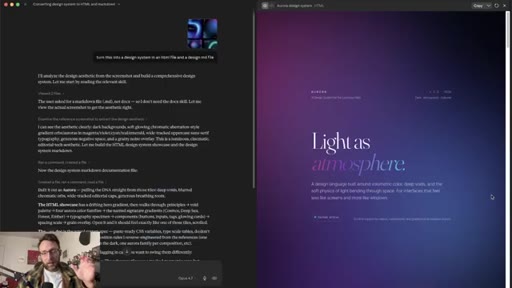
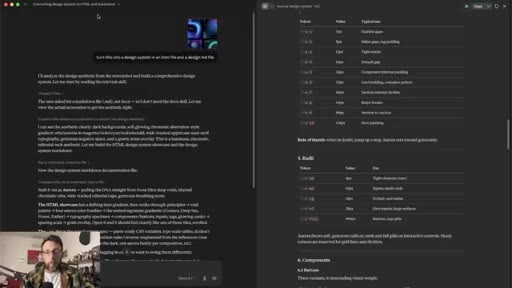
Screenshot the reference, drop into Claude chat with the prompt: turn this into a design system in an HTML file and a design MD file.
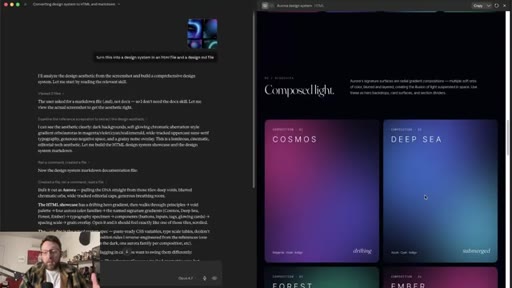
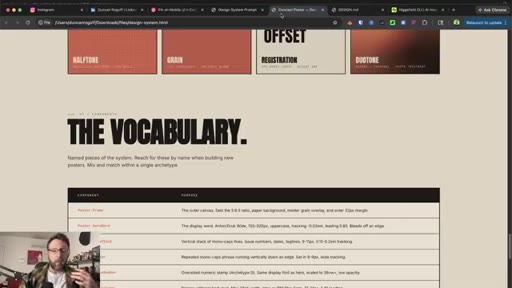
05 · Design system + MD file walkthrough
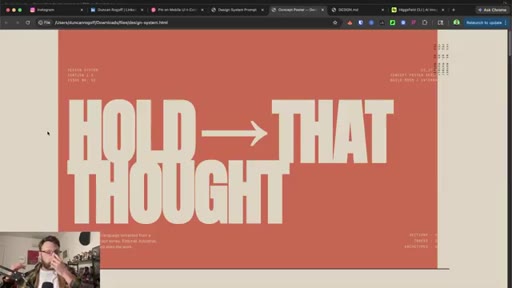
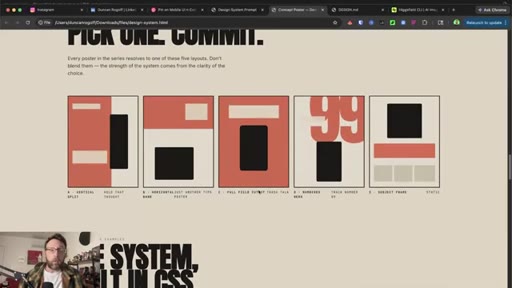
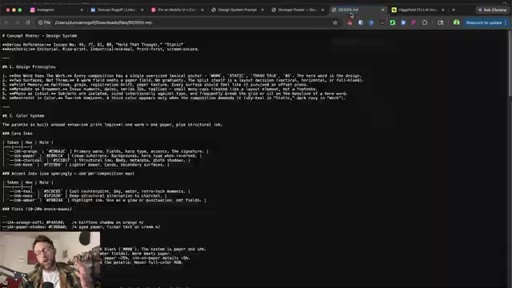
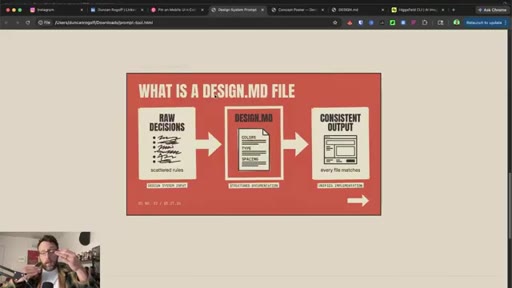
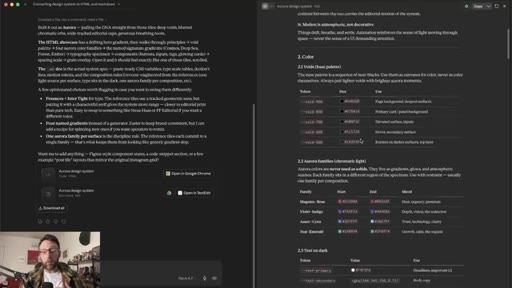
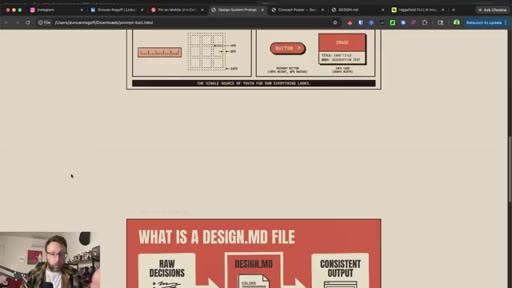
Claude generates HTML design system and MD file. Explains what a design MD file is. Download all.
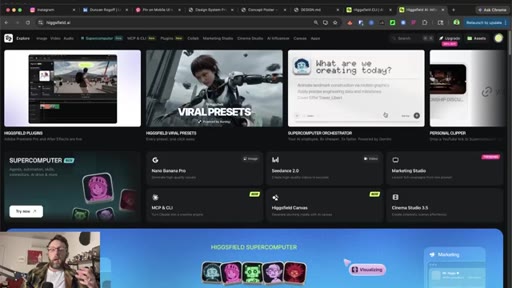
06 · Extend beyond carousels + Claude Code setup
Design system reusable for landing pages, emails. Switch to Claude Code, open project folder.

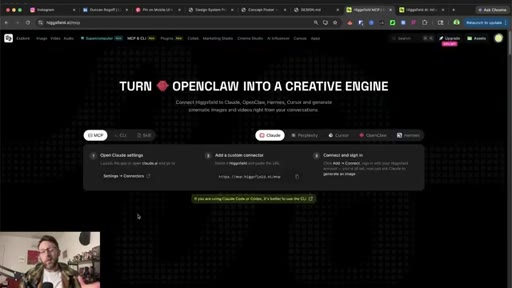
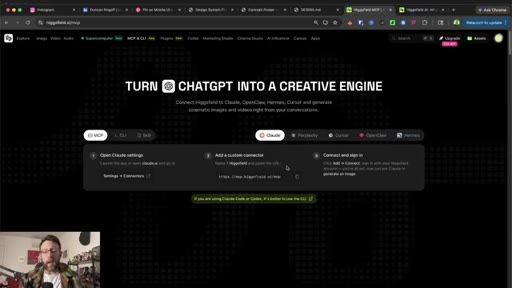
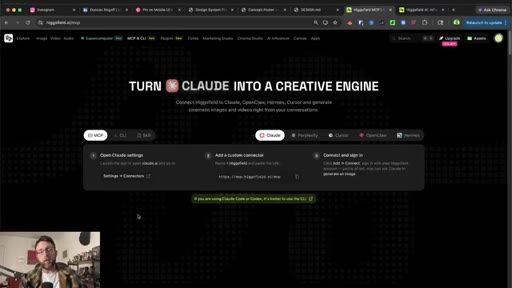
07 · Connect Higgsfield MCP
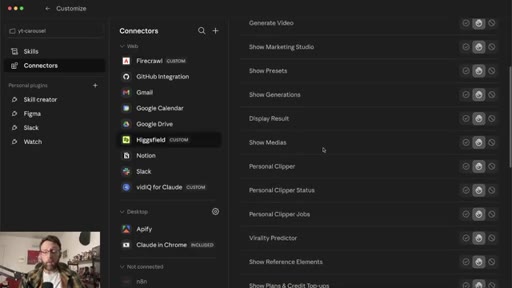
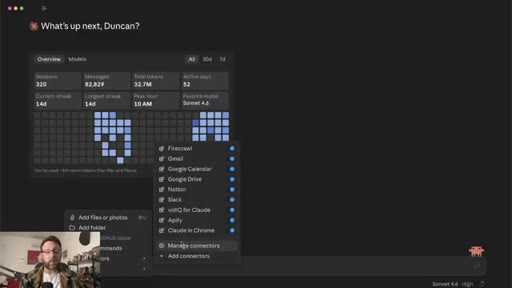
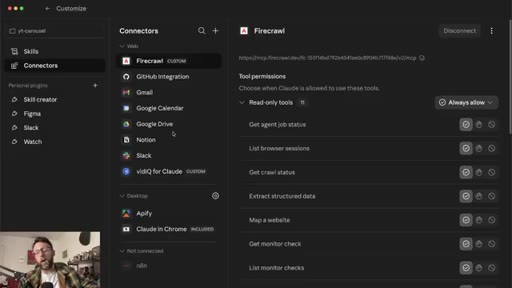
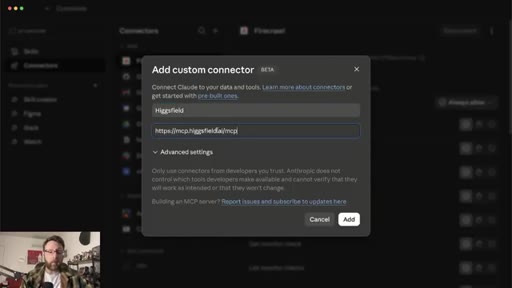
Go to higgsfield.ai/mcp, add as custom connector in Claude Code settings, sign in, set always-allow.
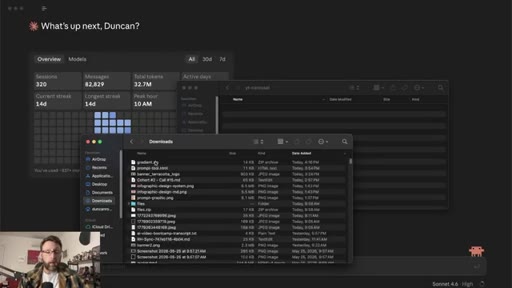
08 · Test the design system with Higgsfield
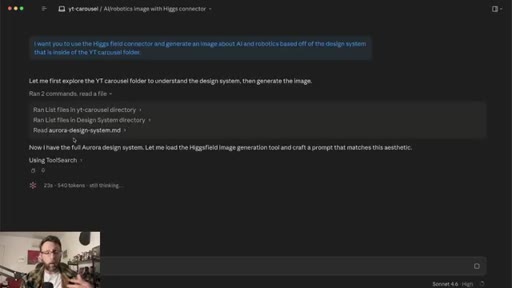
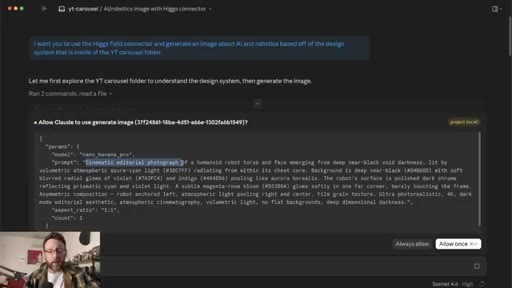
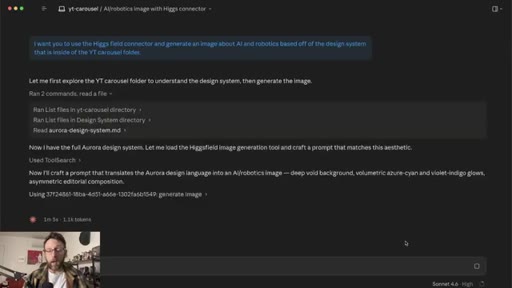
Unzip design system into project folder. Prompt Claude Code to generate an image from the design system. Claude reads the MD file and writes the image prompt automatically.
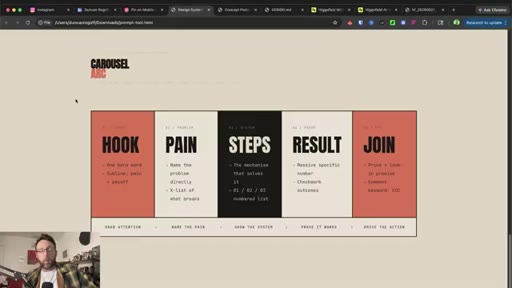
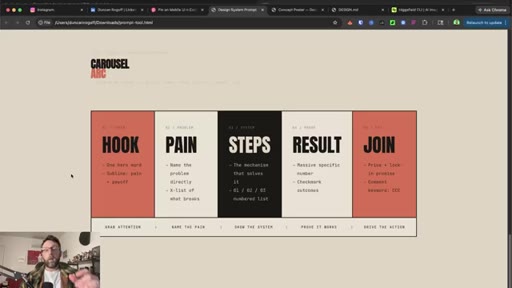
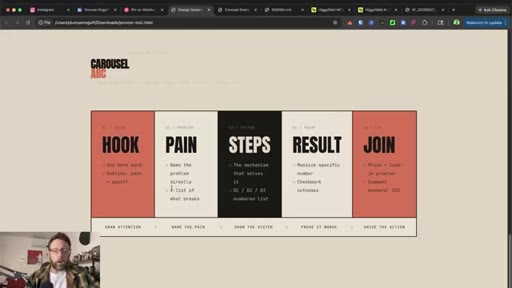
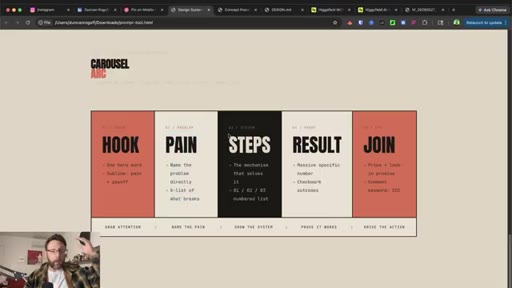
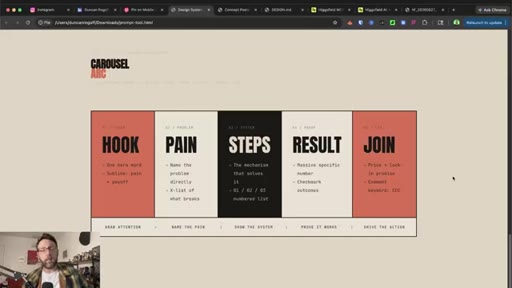
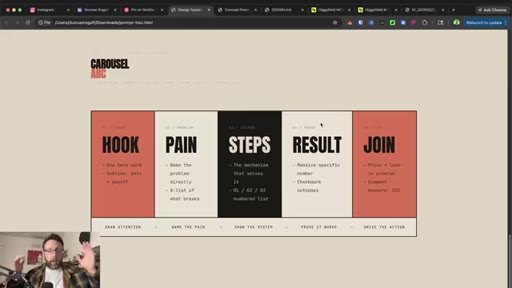
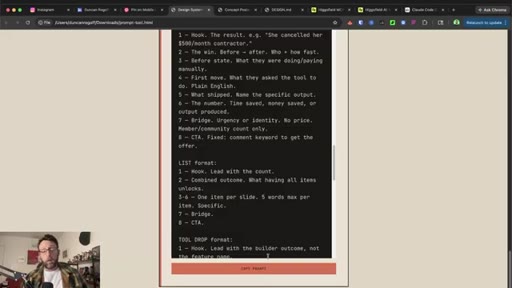
09 · Viral carousel structure framework
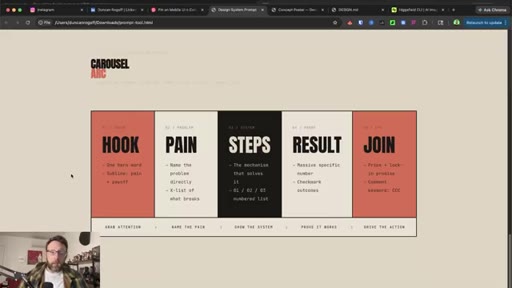
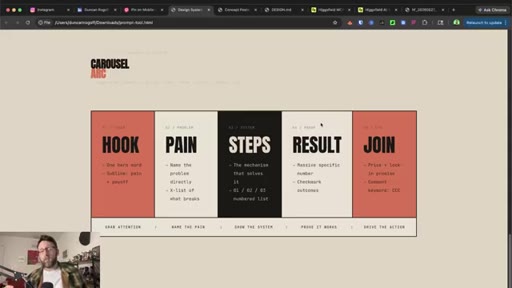
Hook, Pain, Steps, Result, CTA -- five-slide structure that converts.
10 · Create and run the Aurora Carousel Skill
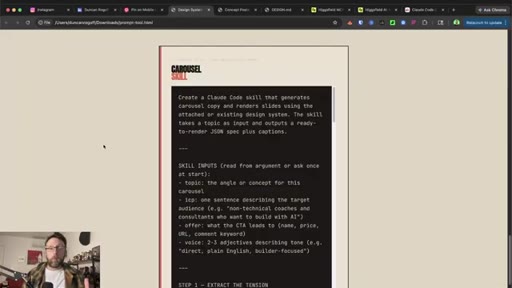
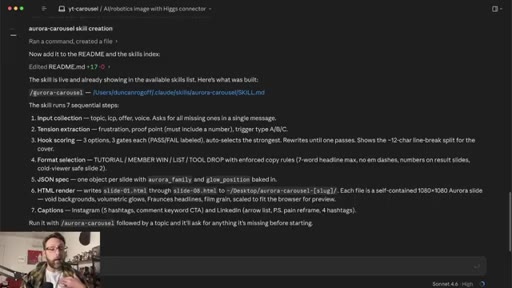
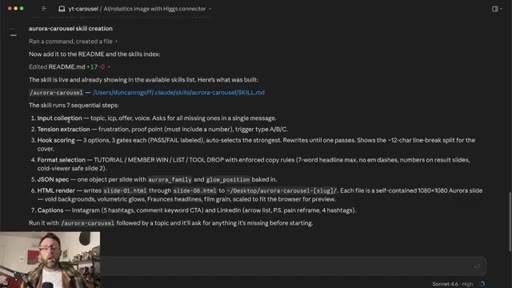
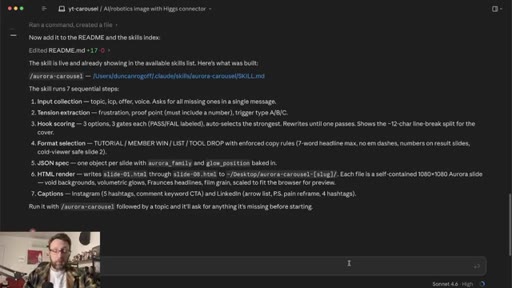
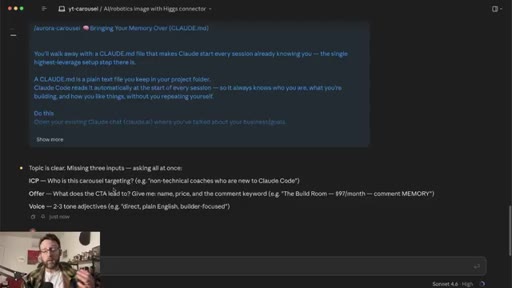
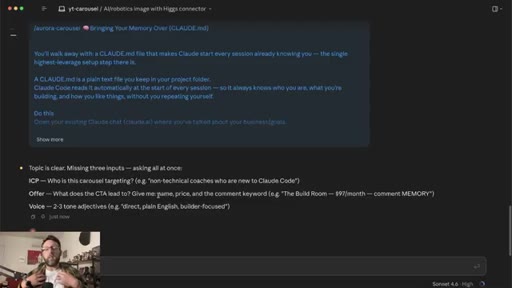
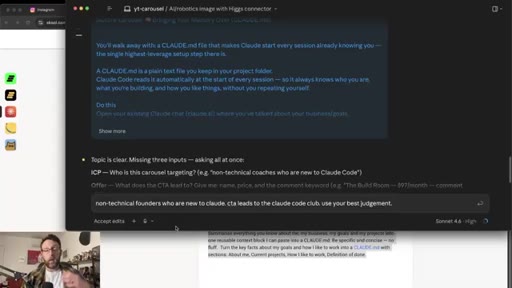
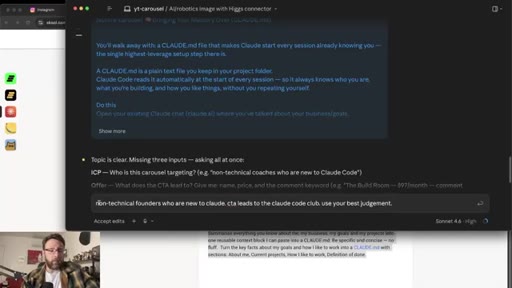
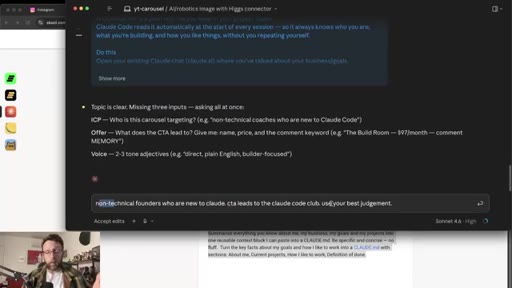
Paste skill-creation prompt into Claude Code. Skill saved as /aurora. Restart Claude, invoke with /aurora + topic. Skill asks onboarding questions first run, bakes answers in.
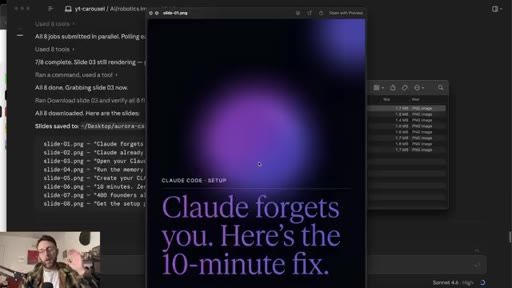
11 · Full carousel output + schedule with Blotato
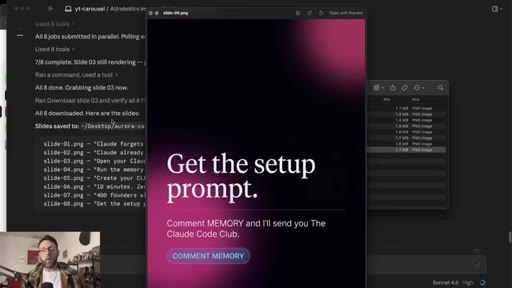
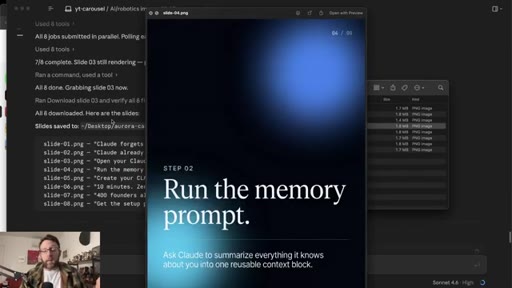
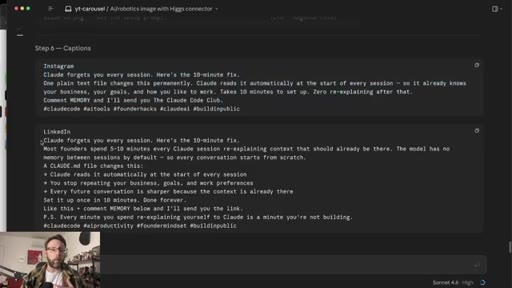
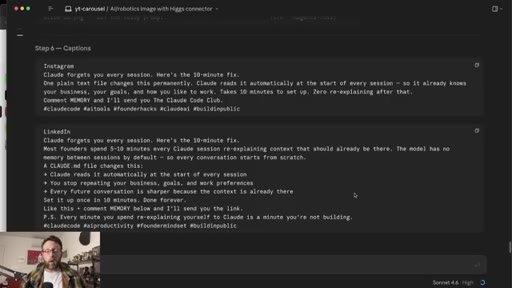
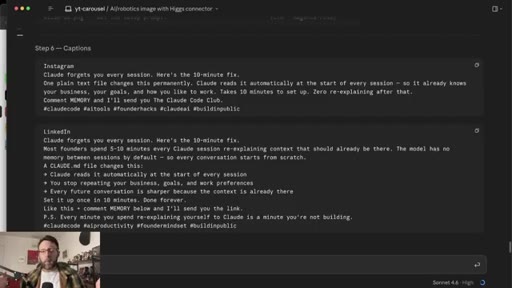
Complete carousel generated: all slides, caption, LinkedIn post. Blotato for scheduling.
12 · Outro + CTA
Final community push at $9. Subscribe CTA.
Visual structure at a glance.
Named ideas worth stealing.
Hook, Pain, Steps, Result, Join
- Hook (cover slide, grab attention)
- Pain (name the problem directly)
- Steps (numbered list, what to do)
- Result (specific outcome from following the steps)
- Join/CTA (comment keyword, join offer, etc.)
Five-slide carousel structure. Each slide has one job.
Design System pipeline
Screenshot a visual reference, one Claude chat prompt, Claude outputs HTML design system plus MD file, give the MD to Claude Code, get consistent branded outputs every session.
Lines you could clip.
"Claude works so much better when you have references."
"Turn this into a design system in an HTML file and a design MD file. That is it."
"I could not write this prompt if I tried."
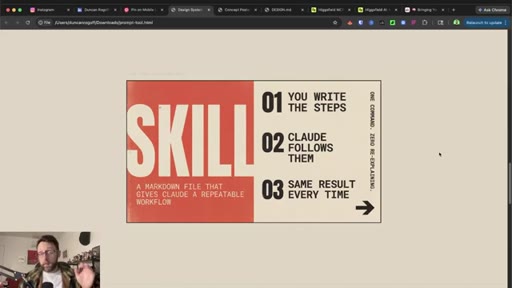
"A skill is just: you write down the steps for Claude to follow, it goes ahead and follows them so you get the same result every single time."
Things they pointed at.
How they asked for the click.
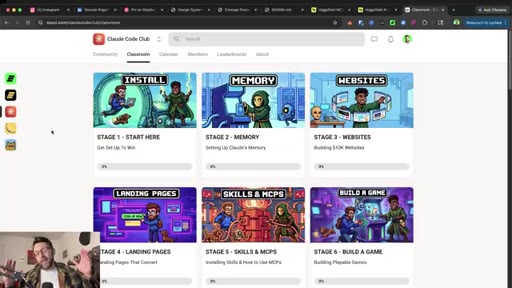
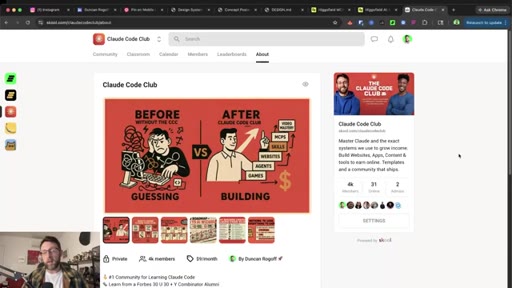
"If you wanna get access to anything we build today along with tons of done for you prompts and skills for Claude Code, just check the link in the description. You can get started today for only $9."
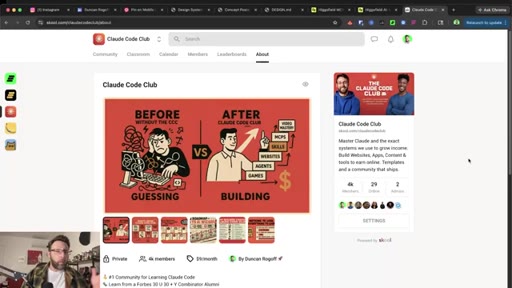
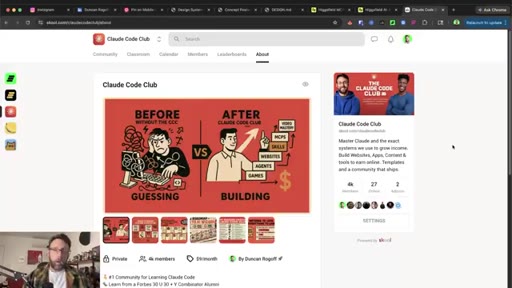
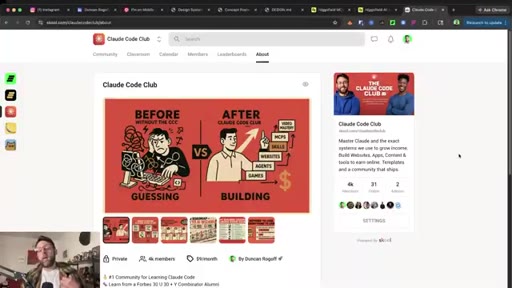
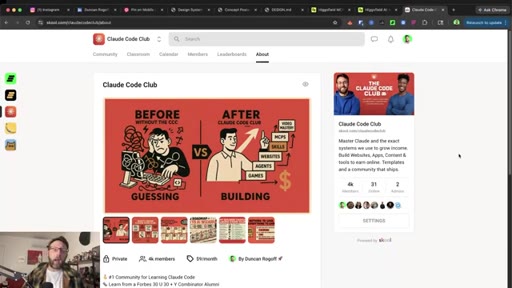
Pitched twice at natural transition points. Before/After GUESSING vs BUILDING visual shown on screen during second pitch. Low price point removes friction.
Word for word.
One file that makes every Claude output consistent.
Giving Claude a design system in plain text -- not a vague style description -- is what separates outputs that look intentional from outputs that look generated.
- A design system does not have to be hand-crafted. One screenshot of something you like and one prompt to Claude chat produces a complete color palette, type hierarchy, and layout rules in minutes.
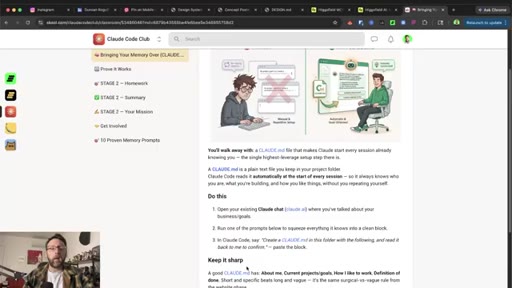
- The markdown version of a design system is the file that actually matters for consistency. Claude reads it at the start of every session and applies the same rules without being re-briefed.
- MCPs eliminate the copy-paste step. When Claude Code connects to an image generator directly, it writes the image prompt itself based on your design system -- you describe the subject, Claude handles the translation.
- Skills turn a multi-step process into a single invocation. Any workflow you repeat more than twice is worth encoding as a slash command so the steps never drift and the output never varies.
- The carousel structure that earns follows is sequential: hook the viewer, name their pain, show the steps, prove the result, then ask for an action. Each slide has one job and no more.
- Onboarding questions on first run are a feature, not friction. Baking the answers into a skill means the tool knows your audience, your offer, and your voice without you repeating it.