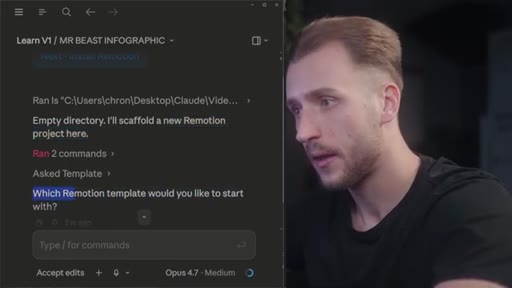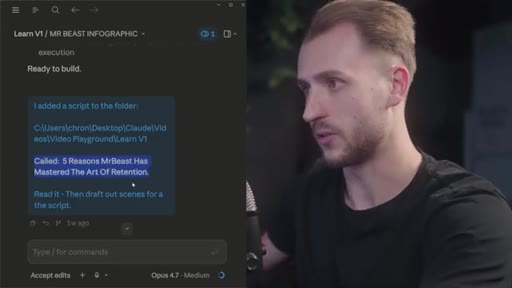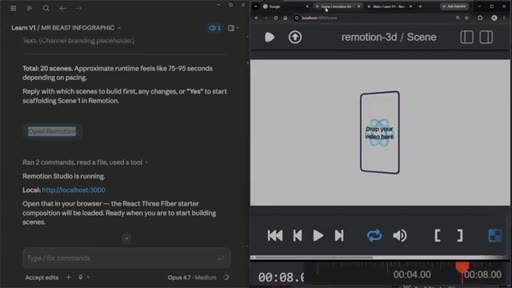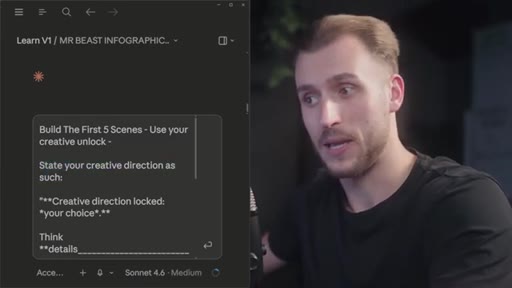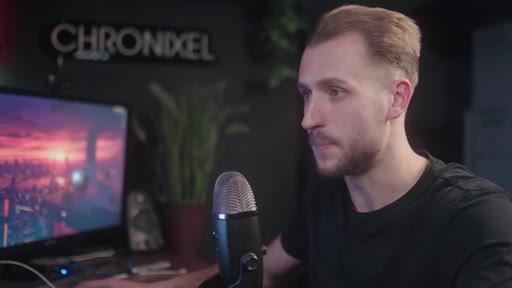
The bait, then the rug-pull.
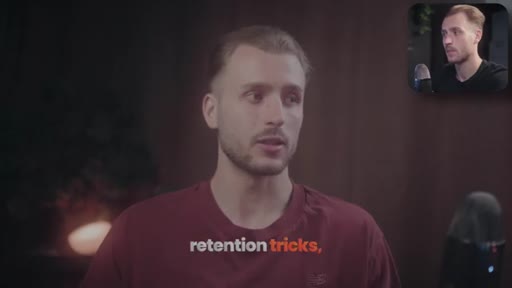
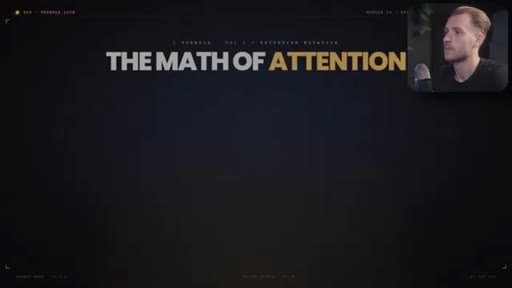
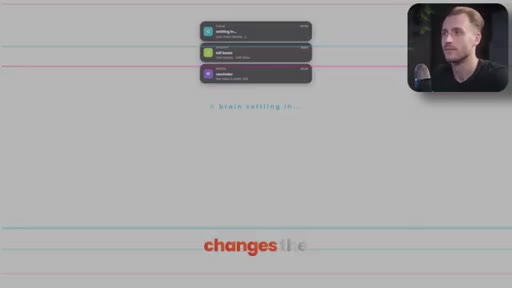
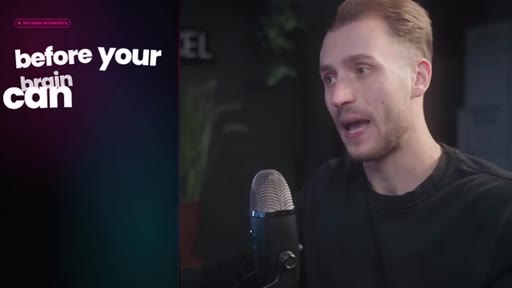
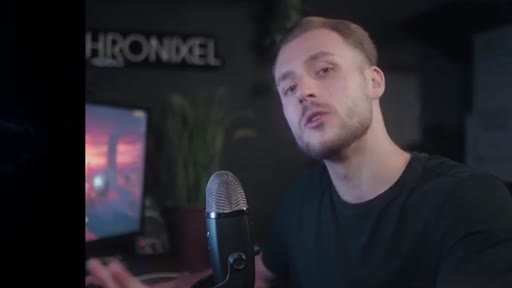
The video opens with a face-cam extreme close-up — the creator leaning into his monitor with a wide-eyed expression — followed immediately by finished motion graphic examples cycling on screen. No setup, no context: just the payoff face and the payoff footage, then the claim that days of manual work are gone.
Where the time goes.

01 · Cold open — retired workflow
Hook claim, motion graphic showcase, the promise: speed and quality go up simultaneously.

02 · What this covers
Chapter map overview; pay-attention-to-chapters meta-note.
03 · Step 1 — Claude's correct setup
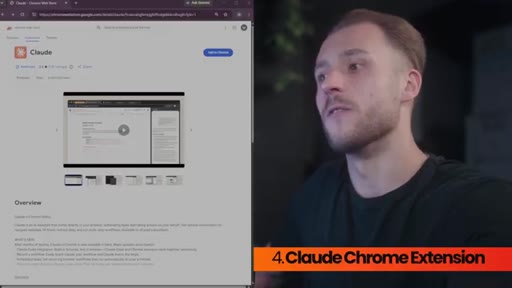
Four prerequisites: Claude Desktop, Git Bash, Node.js, Claude Chrome extension.
04 · Step 2 — Install Remotion
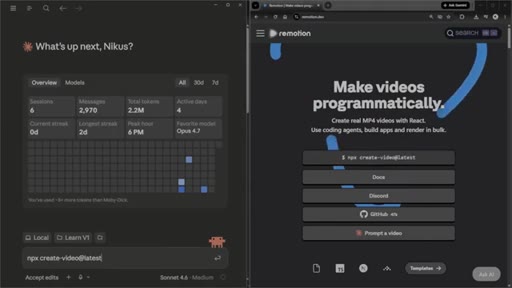
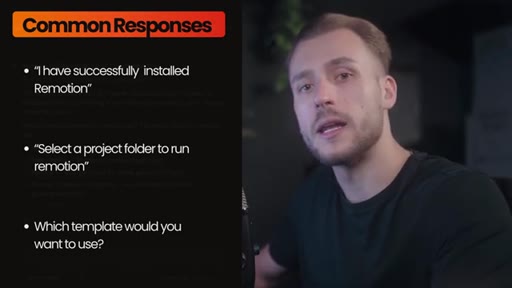
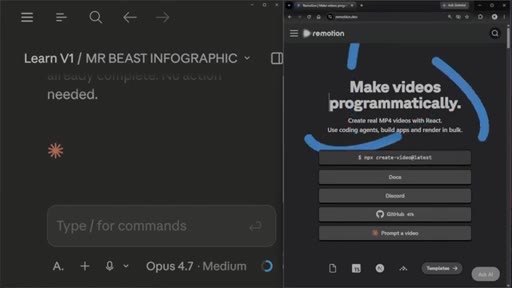
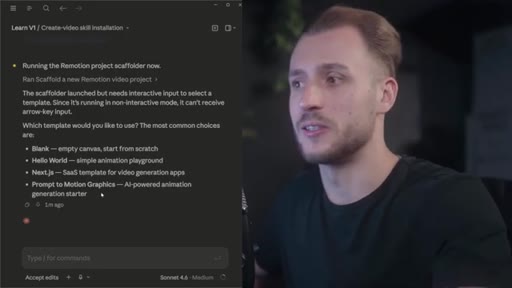
Copy npx create-video@latest from Remotion site, paste into Claude; three common success responses.
05 · Step 3 — Enhance Claude
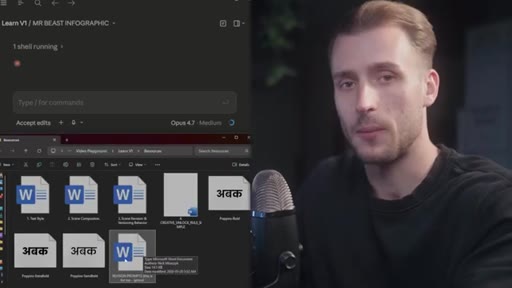
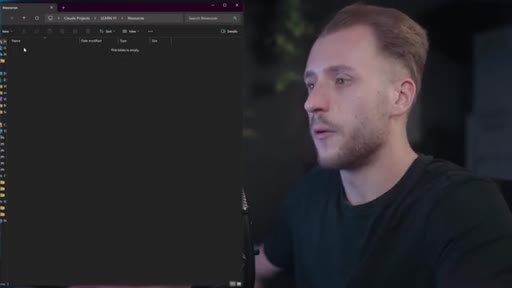
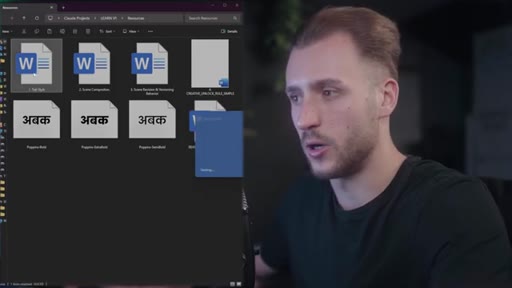
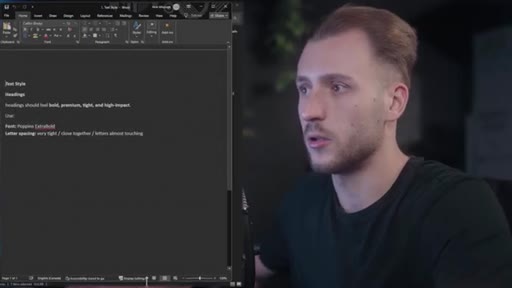
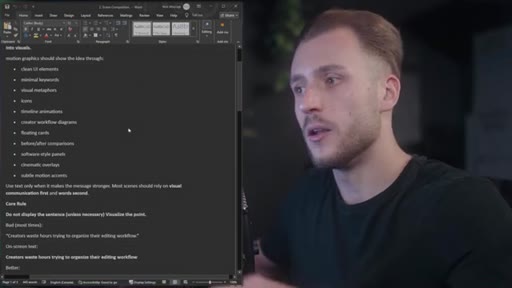
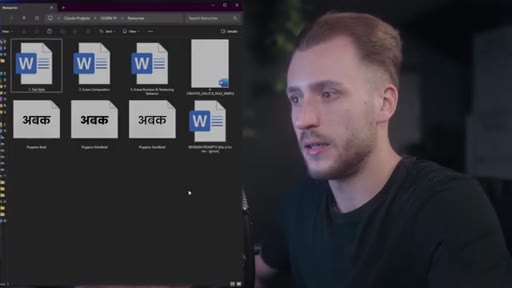
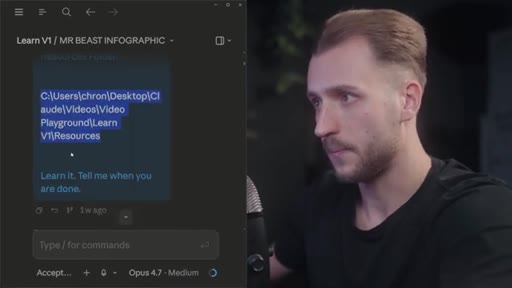
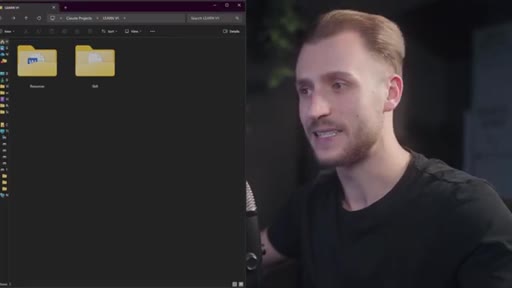
Create project folder with resources and skill subdirectories; add 4 resource docs (text style, scene composition, versioning behavior, creative unlock) and 3 fonts.
06 · Step 4 — Activate Claude boosts
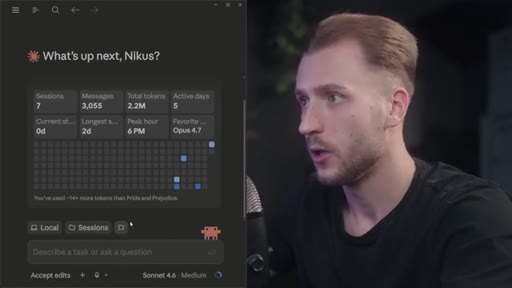
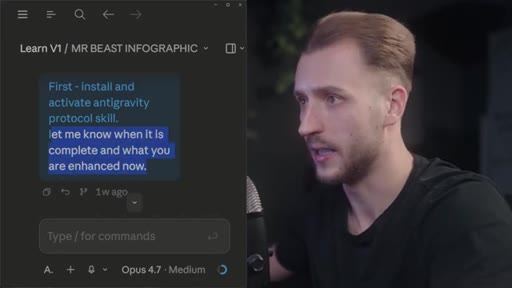
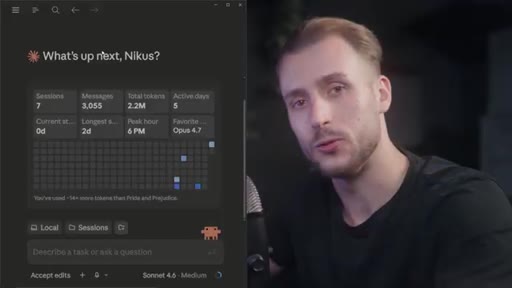
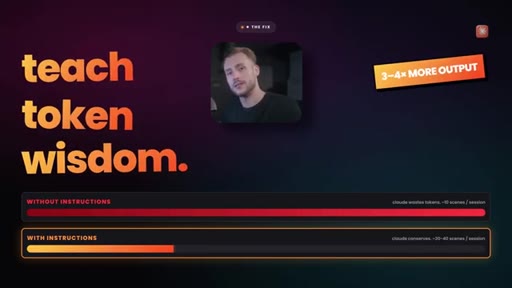
Install anti-gravity protocol skill in new chat session; paste folder path; confirm installed and active response. Token efficiency improvement: 10 to 30-40 scenes per session.

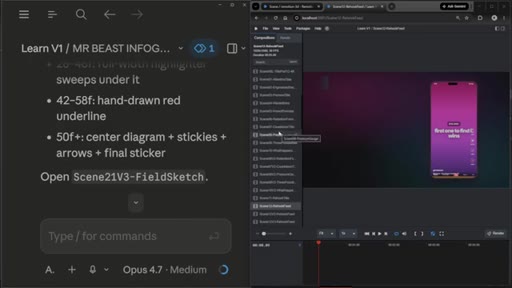
07 · Step 5 — Open Remotion
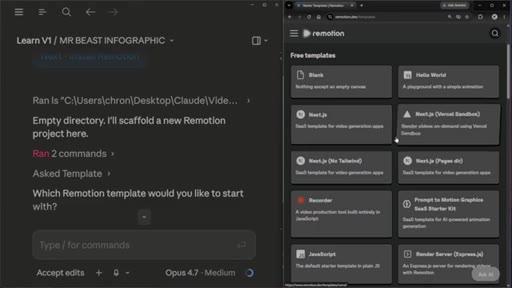
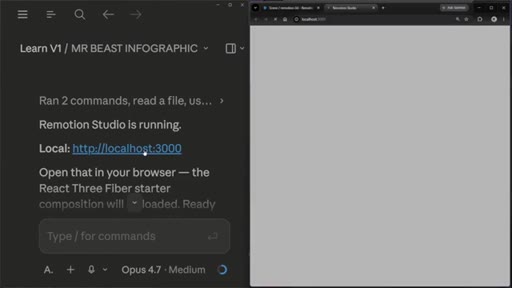
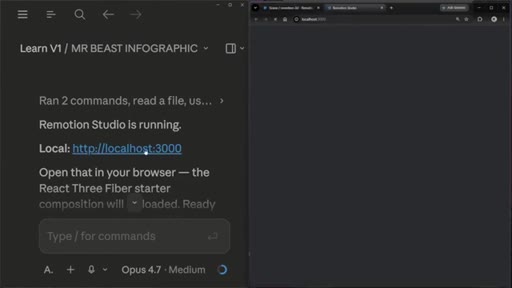
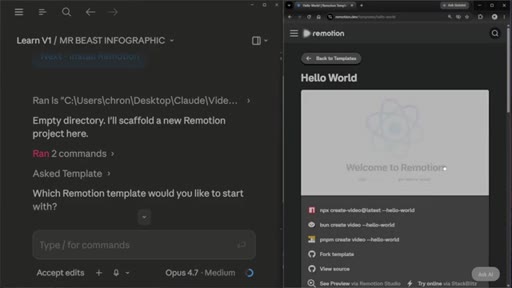
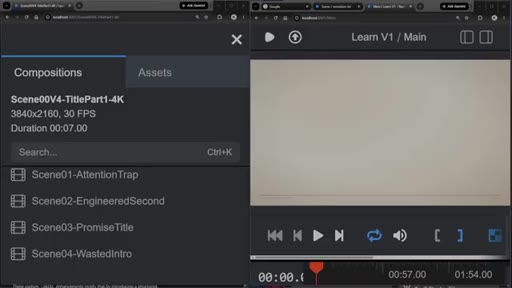
Install Remotion in new session, choose template (Hello World or 3D), open in Chrome tab for live preview.
08 · Step 6 — Generate motion graphics
Add script to project folder; Claude drafts 20 scenes; build in 5-scene batches with rotating named creative directions.
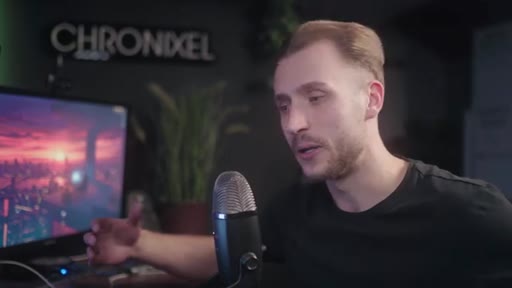
09 · Step 7 — Export Remotion videos
Create the out folder with all scenes, make them 1080p. Folder appears with all MP4 files.
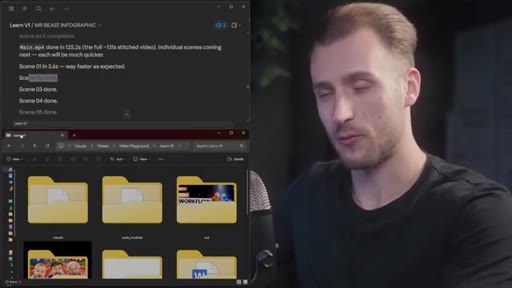
10 · Step 8 — Edit video for upload
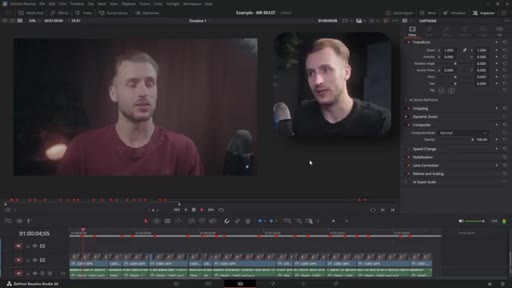
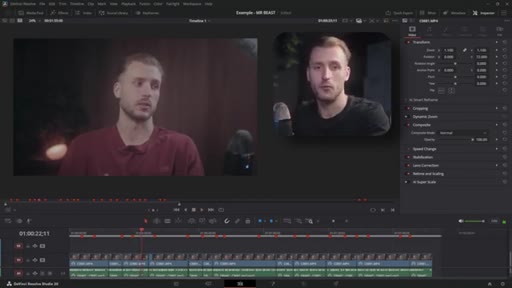
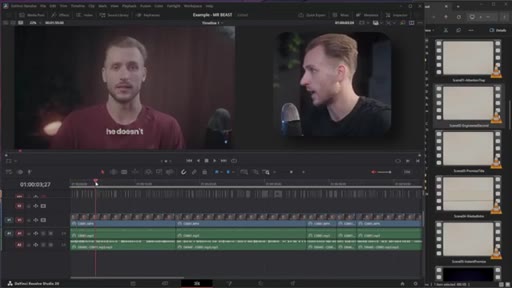
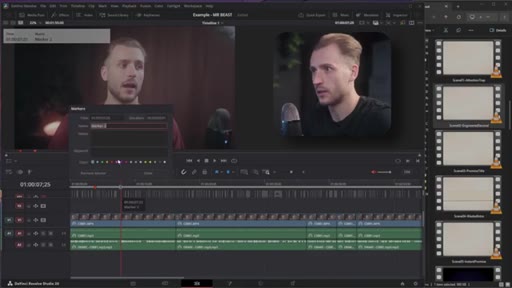
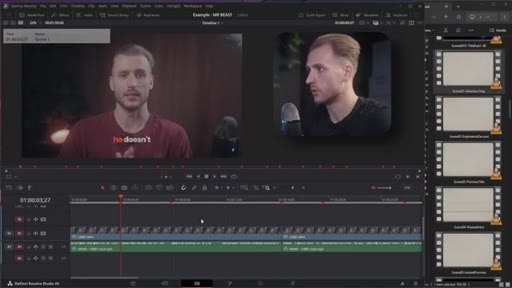
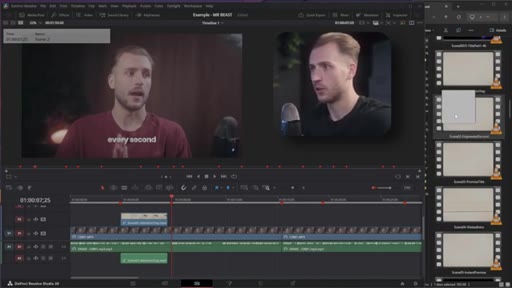
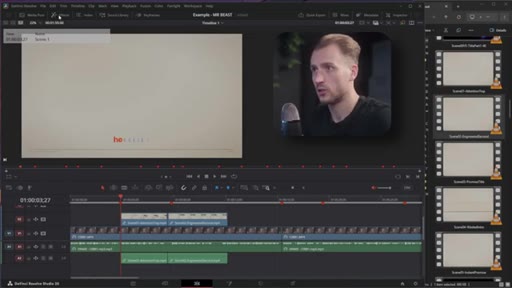
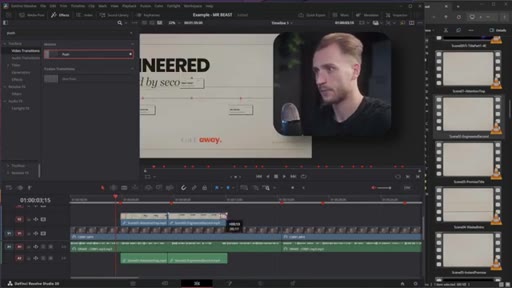
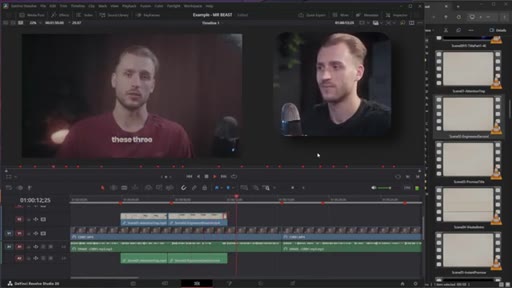
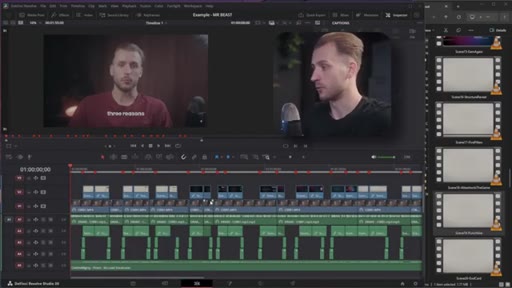
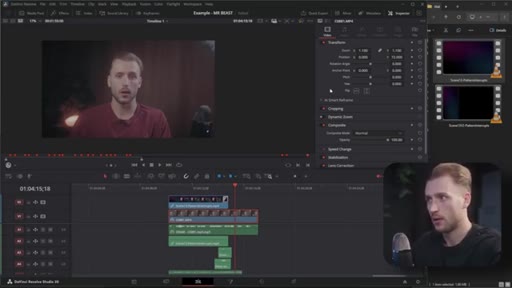
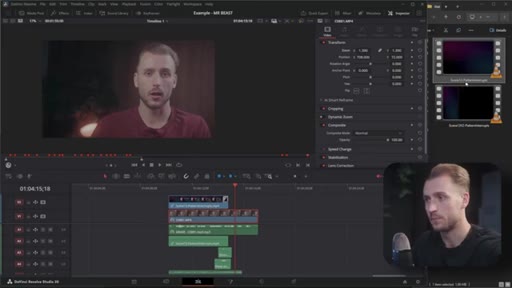
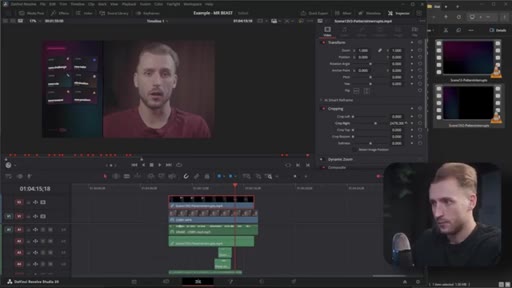
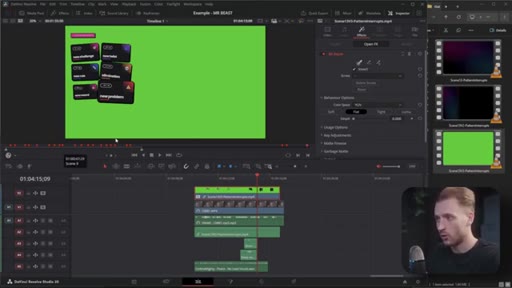
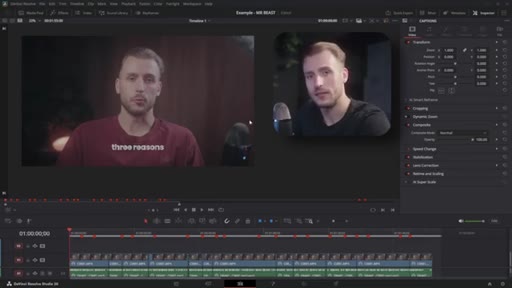
DaVinci Resolve workflow: mark scene boundaries by transcript keyword, drag MP4s to playhead marks, add Push transitions, whoosh SFX, music bed. Full example video playback shown.
11 · Step 9 — Revise scene layouts
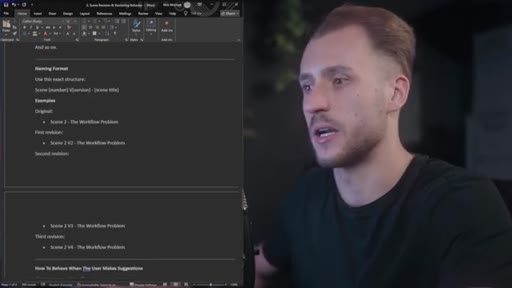
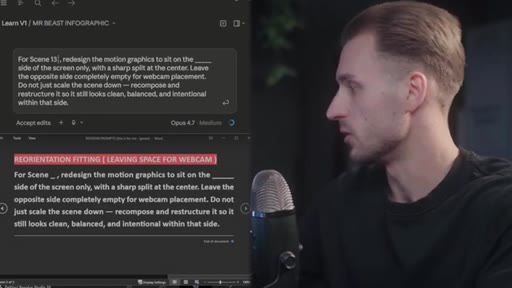
Revision prompt doc: reposition scene to left 35% for webcam space; versioning rule creates v2 and preserves original.
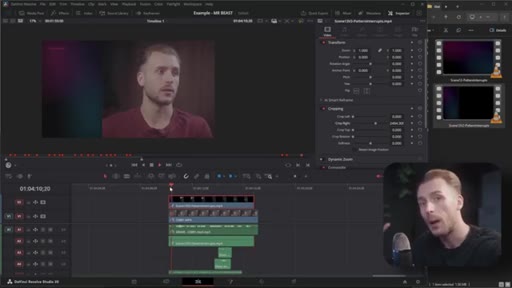
12 · Step 10 — Remove background
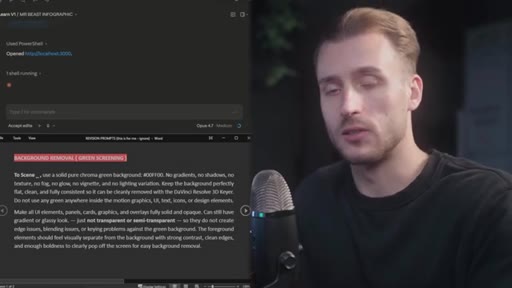
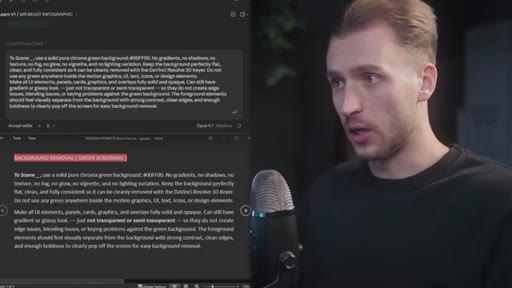
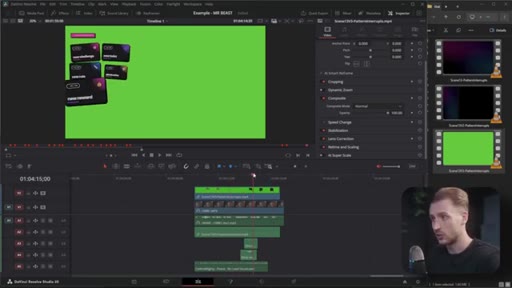
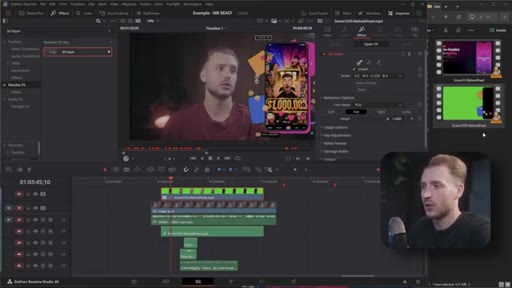
Background removal prompt forces Claude to use solid non-green colors; Resolve 3D Keyer removes green cleanly; despill set to Flat.
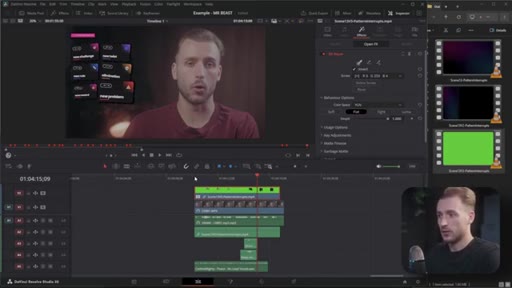
13 · Step 11 — Add images to graphics
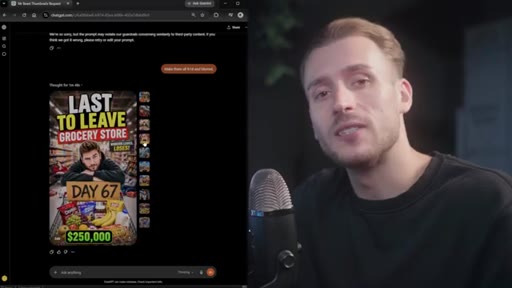
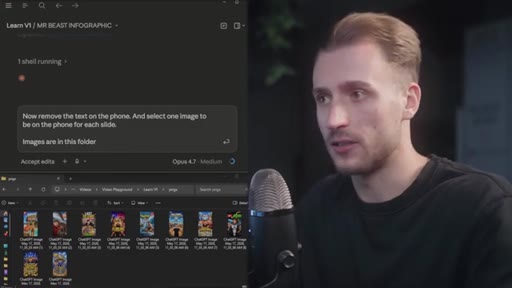
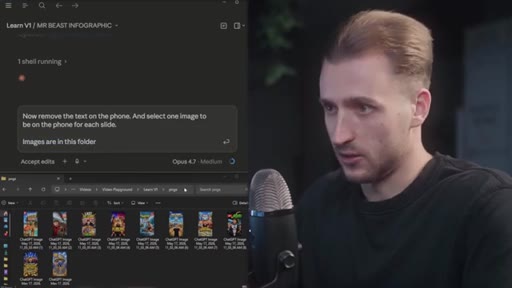
Generate thumbnails in ChatGPT, drop into PNGs folder, prompt Claude to place one image per slide; apply same green-screen removal workflow.
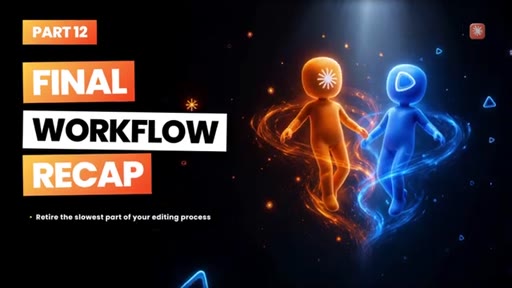
14 · Step 12 — Recap + CTA
Final workflow summary slide; honest note about 4:30am work sessions; subscribe ask.
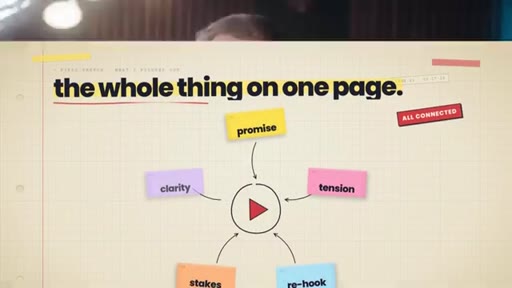
Visual structure at a glance.
Named ideas worth stealing.
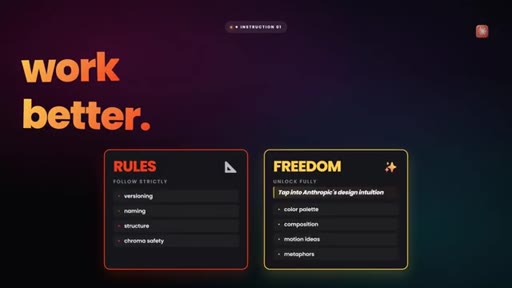
Rules vs. Freedom split
- Strict rules: versioning, naming, structure, font
- Full freedom: color palette, composition, motion ideas, metaphors
Resource docs are divided into two categories — what Claude must follow strictly and what it gets to invent — to balance consistency with visual creativity.
Anti-gravity protocol
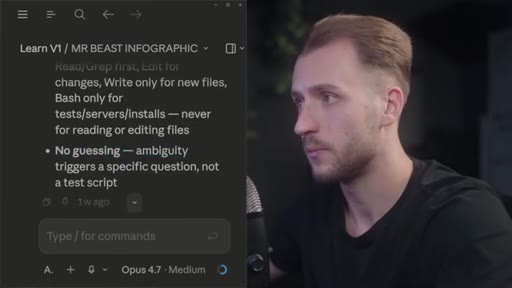
Third-party Claude Code skill by Kingstar Omega that enforces no preambles, strict tool mode selection, and no guessing — reducing token waste and extending scene output per session.
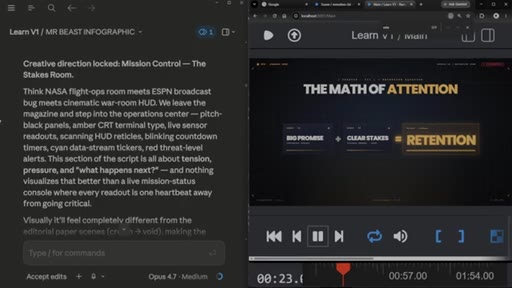
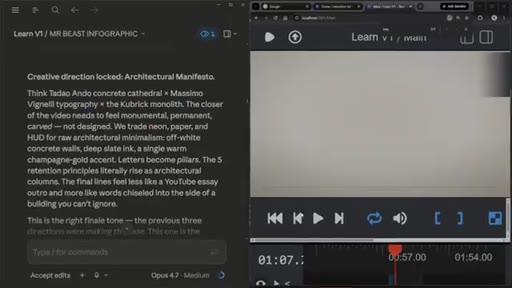
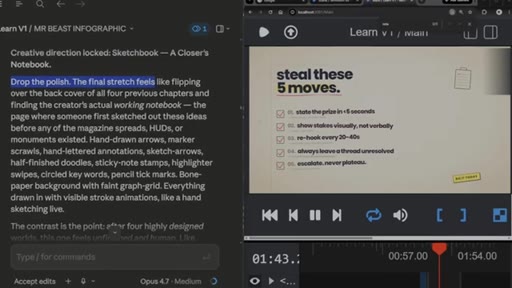
Creative direction lock
Each 5-scene batch gets a named aesthetic statement declared up front so Claude maintains coherent visual language across the set, with intentional contrast between batches.
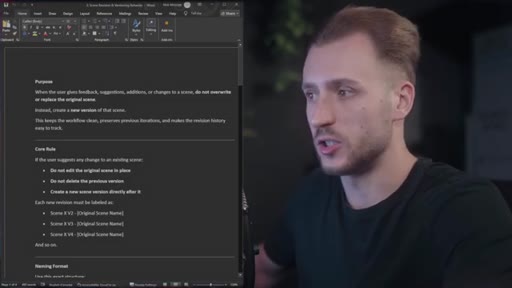
Scene versioning behavior
Resource document rule: any revision creates a new file (Scene X v2, v3) rather than overwriting the original. Gives a rollback path without extra work.
Lines you could clip.
"You can go from generating 10 scenes before the limit is reached to about 30 to 40 scenes depending on the situation."
"The context really matters. What you said at the beginning, it kind of dictates the long run. It's like expecting a pizza at the front door, but then getting a burrito."
"More videos equals more value. More value equals more growth."
"I did this as fast as possible for the purpose of this video, and I completed it so fast. Maybe like an hour max to record, generate the scenes, put it all together. It would have taken me days."
Things they pointed at.
How they asked for the click.
"Please like, comment, and subscribe. I truly, truly appreciate you, and cheers."
Soft, earned close — preceded by an honest personal admission about 4:30am work sessions. Credibility-first CTA that lands without pressure.
Word for word.
The split that makes AI motion graphics actually work
Giving Claude total freedom produces visual chaos; total rules produce generic output — the functional workflow lives in separating what the AI must obey from what it gets to invent.
- Splitting instructions into strict rules (structure, versioning, fonts) and full creative freedom (composition, color, metaphor) is what prevents AI-generated scenes from looking generic or misaligned with intent.
- A token-efficiency skill installed at session start can extend usable scenes per session from roughly 10 to 30-40, changing completion from a multi-day effort to a single session.
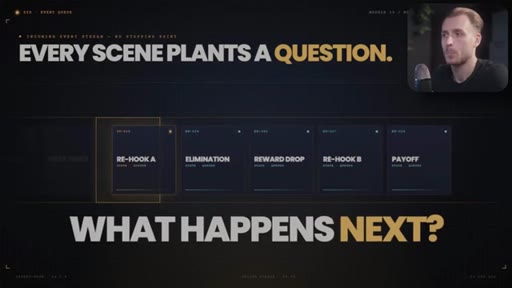
- Naming a creative direction per batch of five scenes keeps visual consistency within sections while allowing deliberate contrast between them.
- The versioning rule — never overwrite, always create v2 — is the safety net that makes rapid AI revision feel low-risk; you keep the original until you are certain the new version is better.
- Prompting Claude to use only solid, non-green colors before rendering gives a clean chroma key in post without any manual masking.
- Marking scene boundaries on the timeline by keyword match in the transcript before dragging rendered clips is faster and more accurate than syncing by eye after the fact.
- The pipeline compresses to under an hour because each step passes structured output forward — the bottleneck is not generation speed, it is how clearly you defined the job at each hand-off.