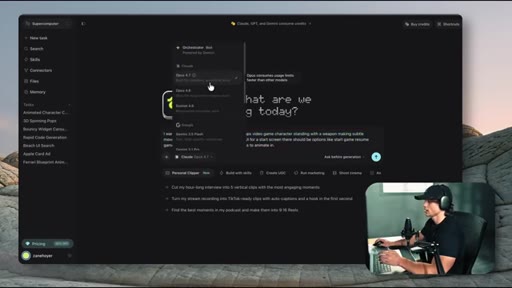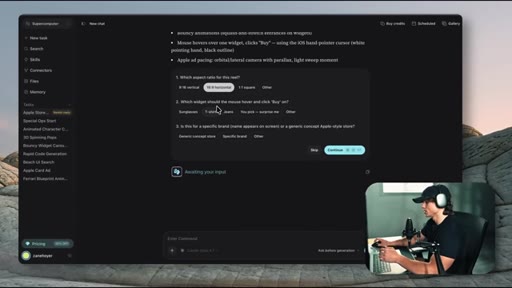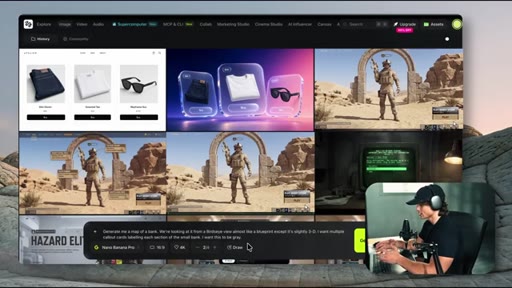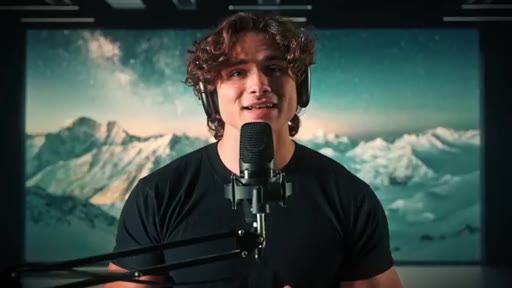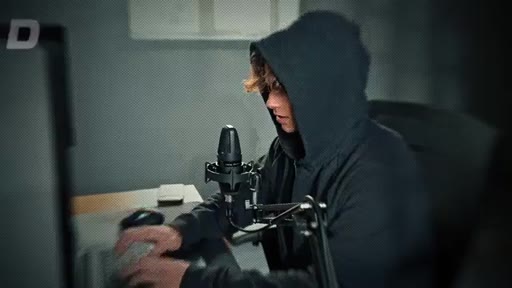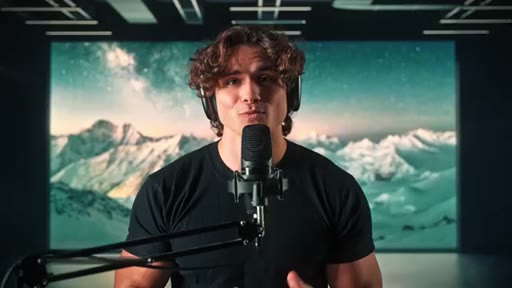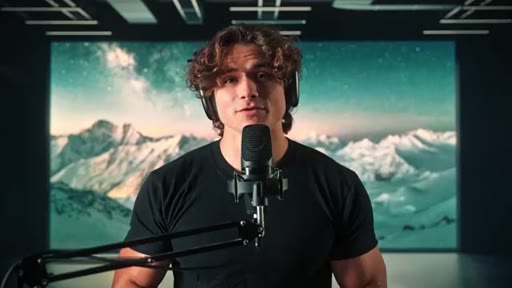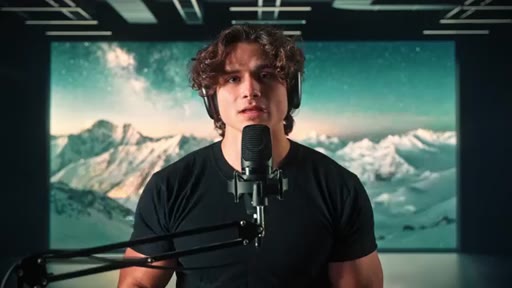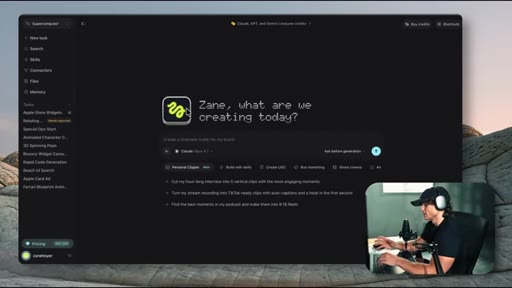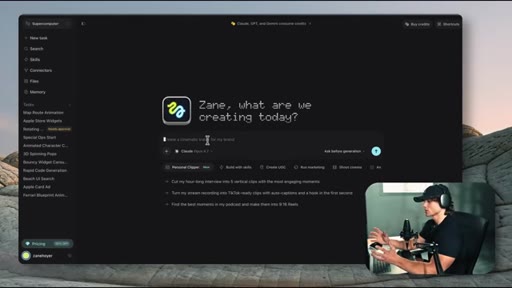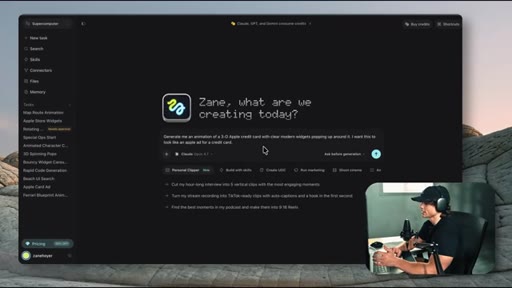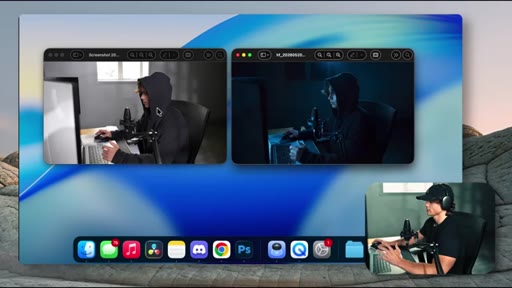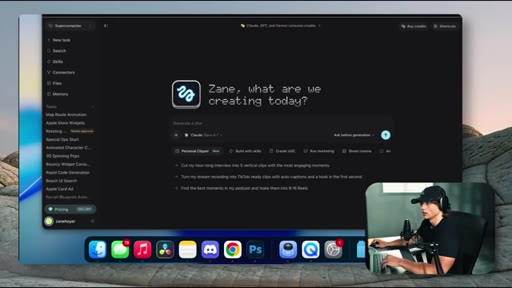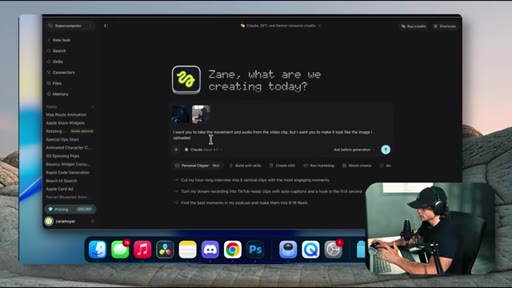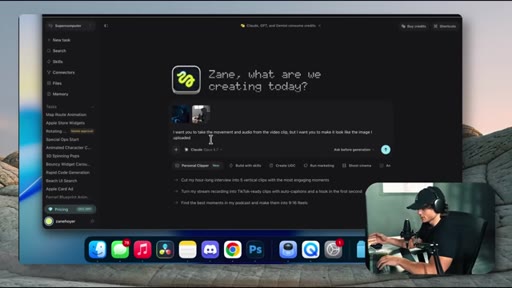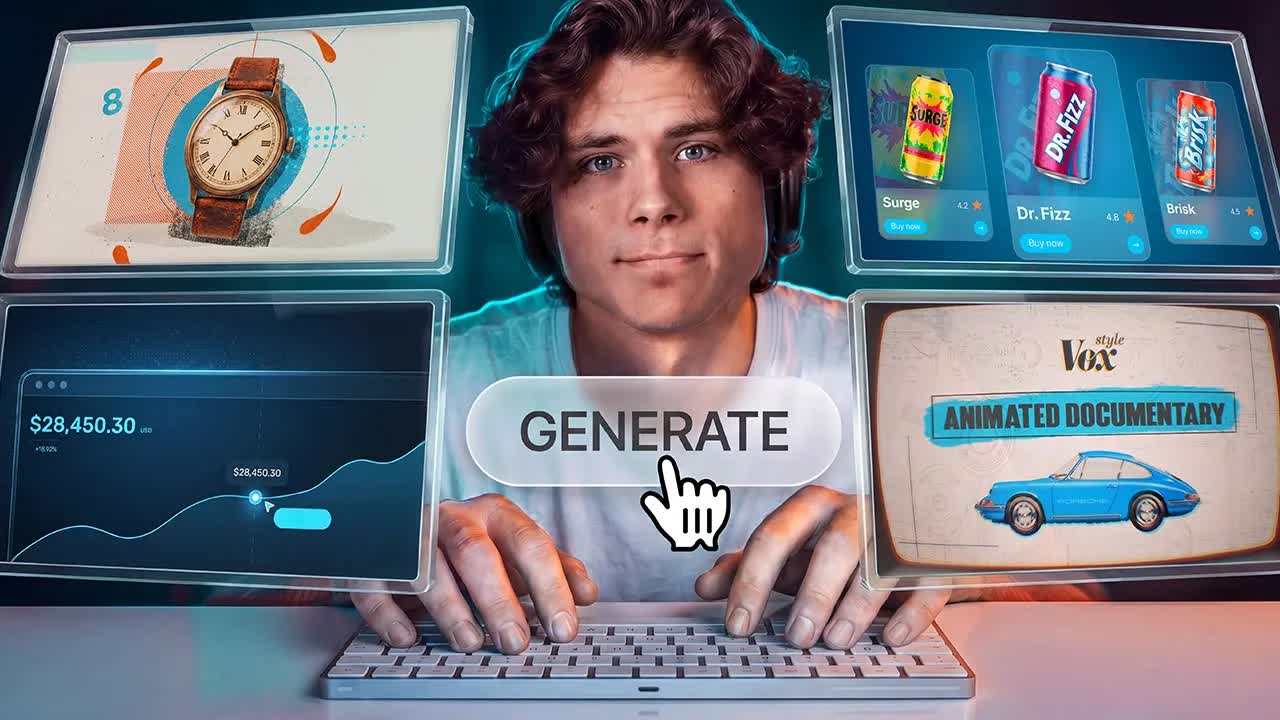
The bait, then the rug-pull.
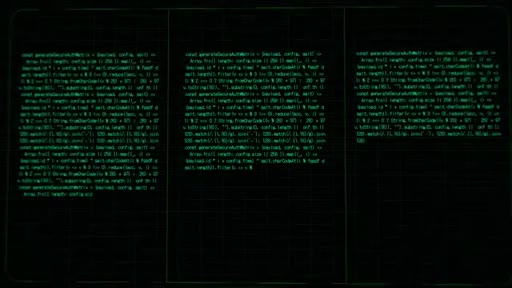
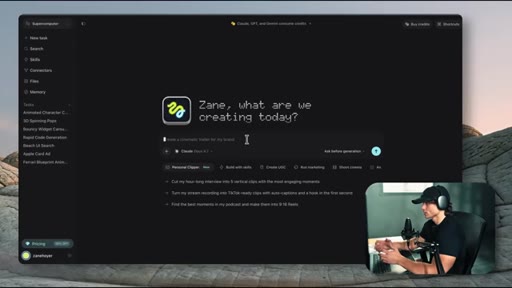
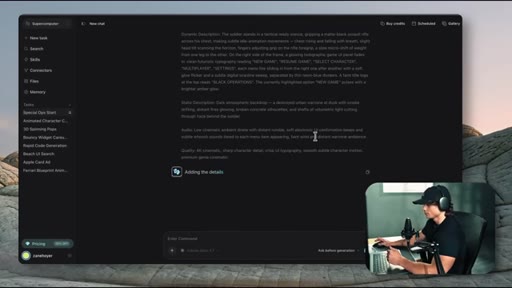
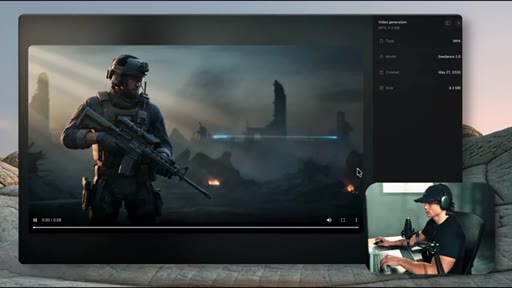
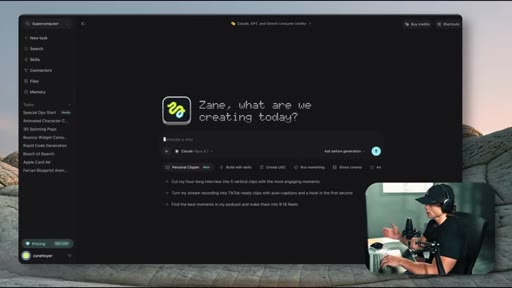
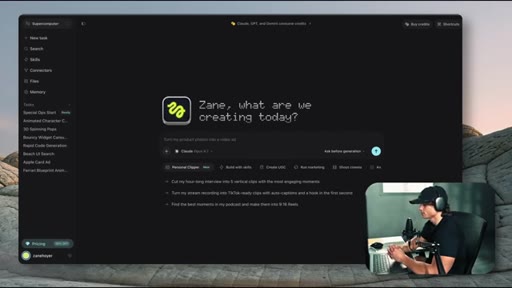
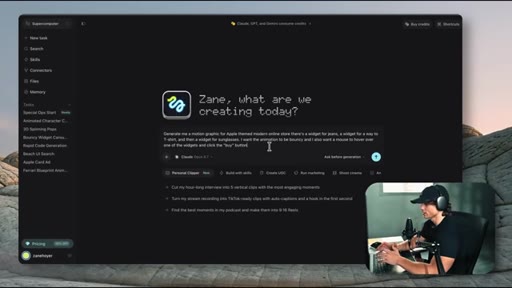
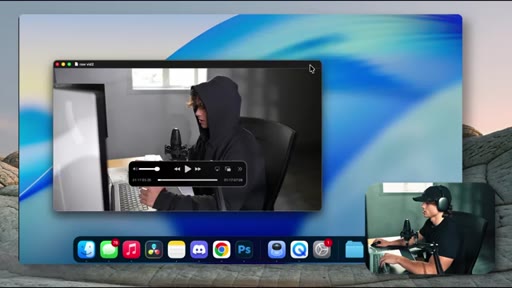
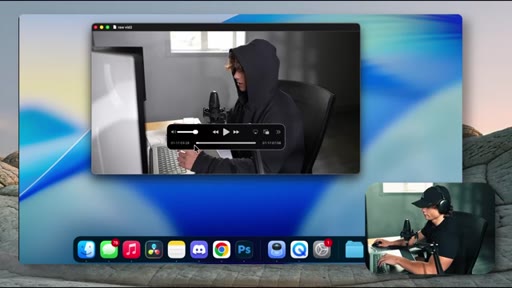
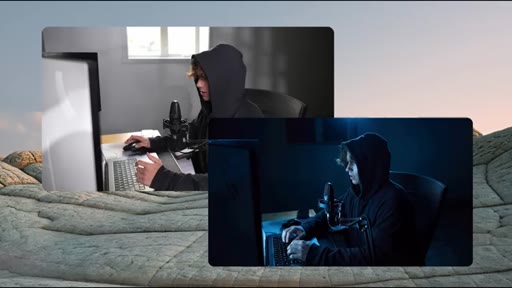
The opening shot was made with the same tool it is demonstrating: a hooded figure at a terminal, blue light catching the keyboard, a green prompt line appearing in the corner. Every motion graphic in this video came out of Claude.
Where the time goes.
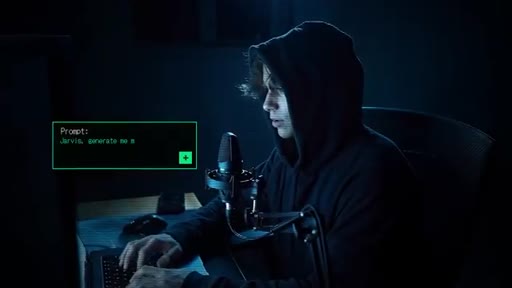
01 · Cold open + proof-of-concept reveal
AI-generated cinematic hook followed by the claim that every motion graphic shown was built with Claude. Sets the premise.
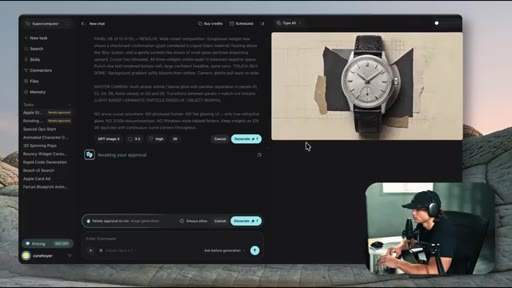
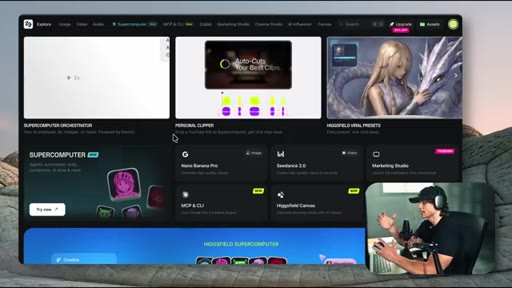
02 · Tool setup and honest caveats
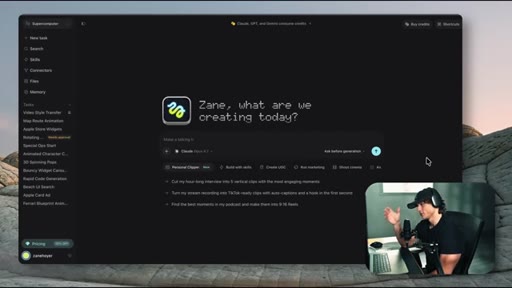
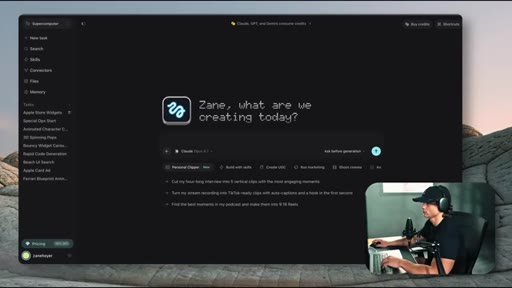
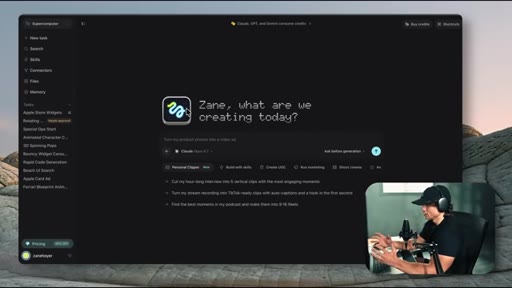
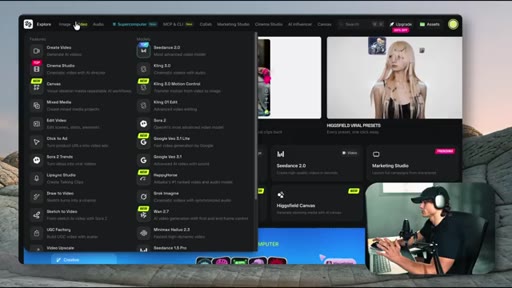
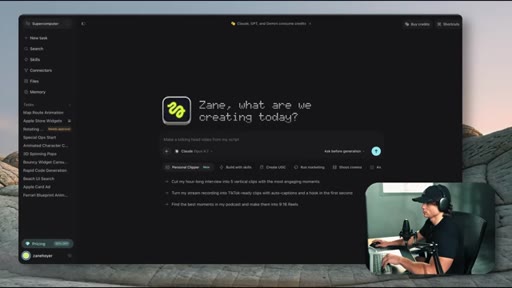
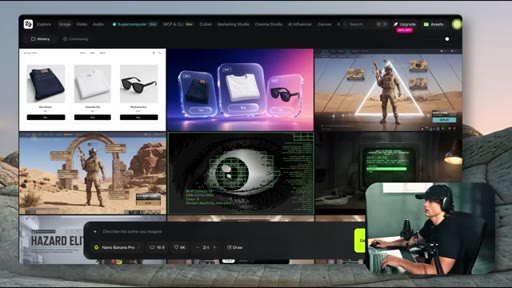
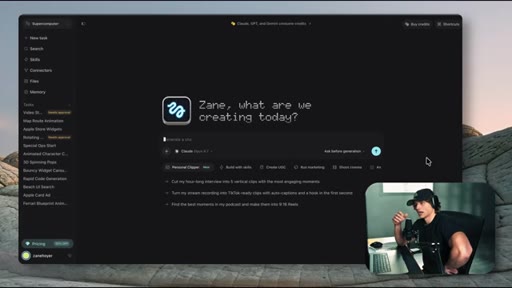
Explains Claude Opus 4.7 inside Higgsfield Supercomputer, introduces Seedance 2.0 for more experimental motion. Honest that this cannot replace a video editor yet.
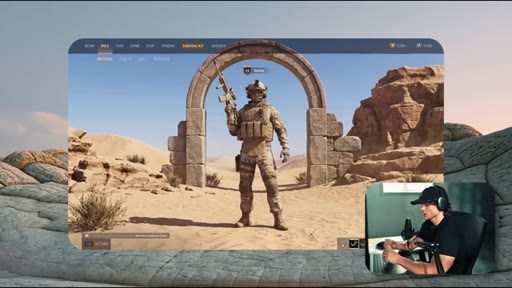
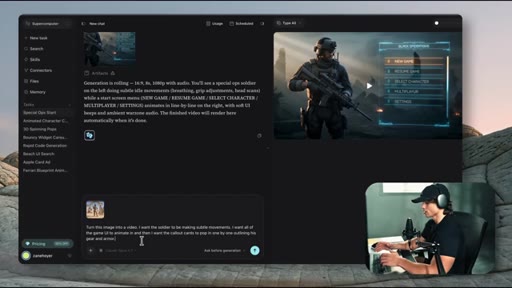
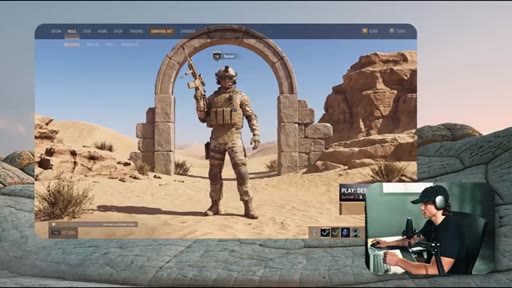
03 · Section 1: Video game UI screens
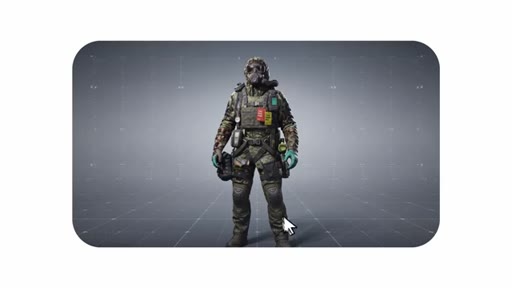
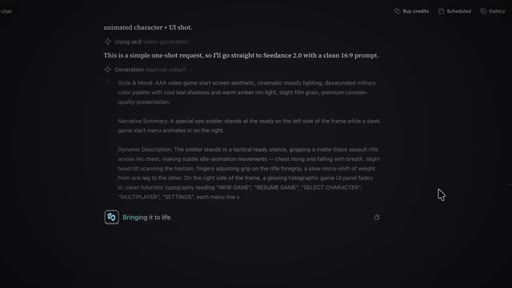
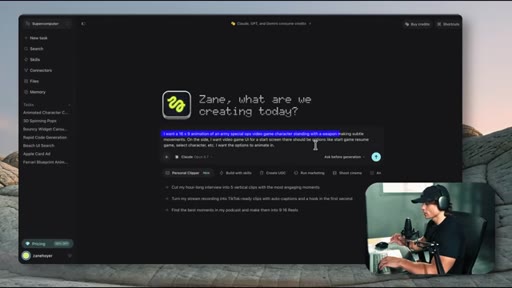
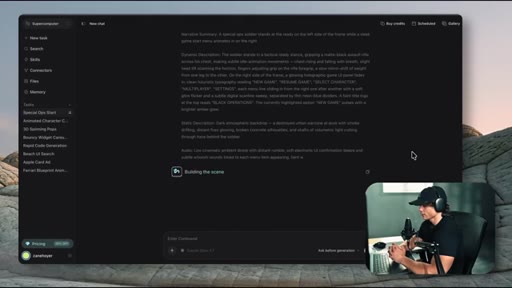
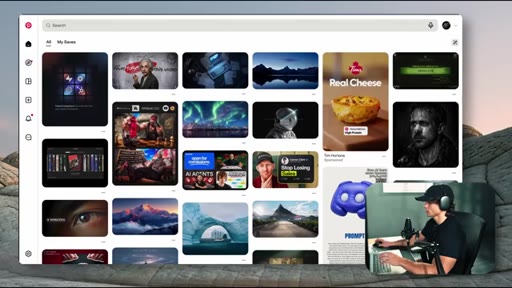
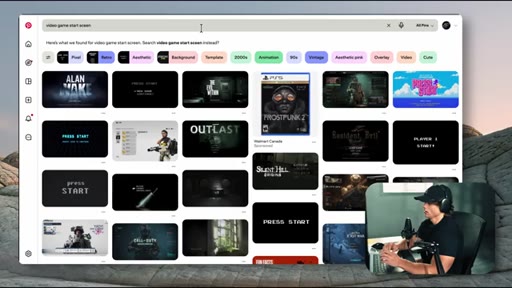
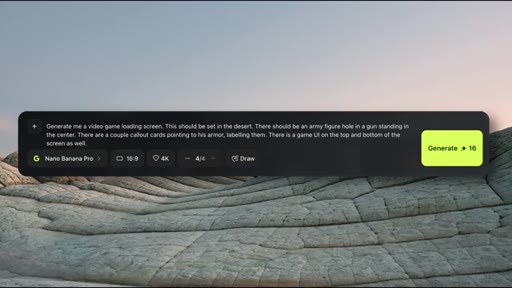
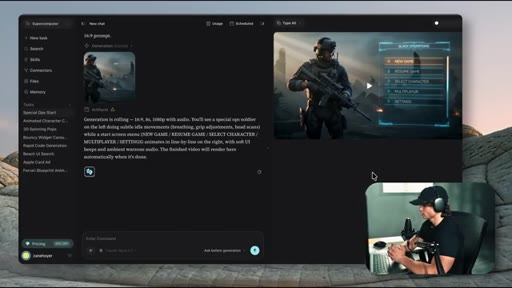
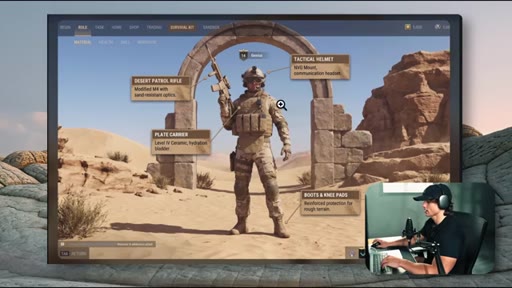
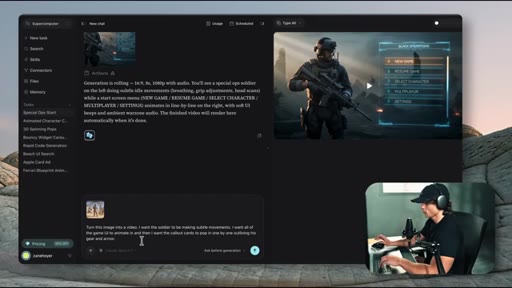
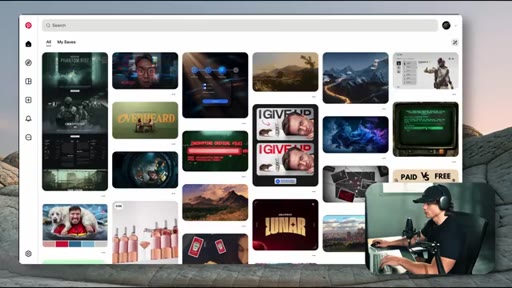
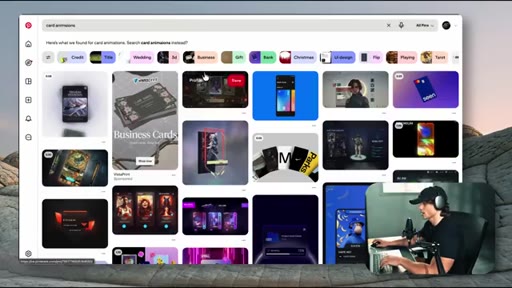
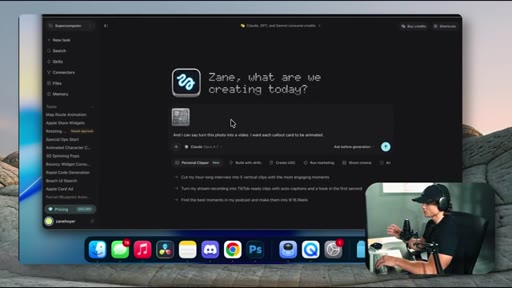
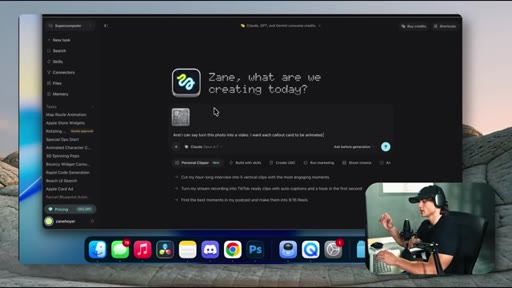
Two methods: text prompt alone generates a game character with start-screen UI; Pinterest reference image feeds a first frame to get gear callout cards matching a specific visual style.
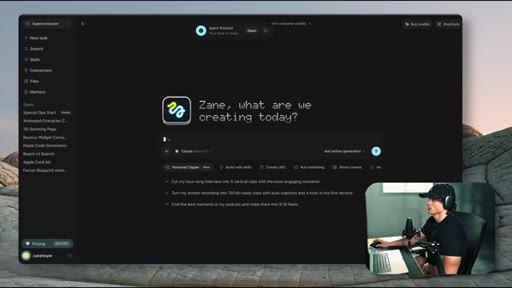
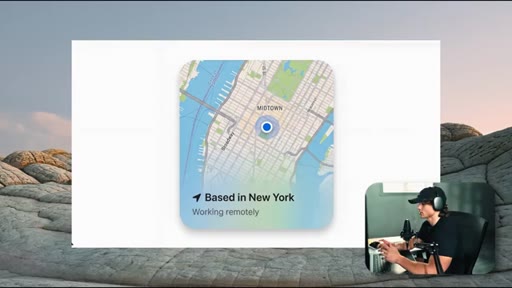
04 · Section 2: Widget and card animations
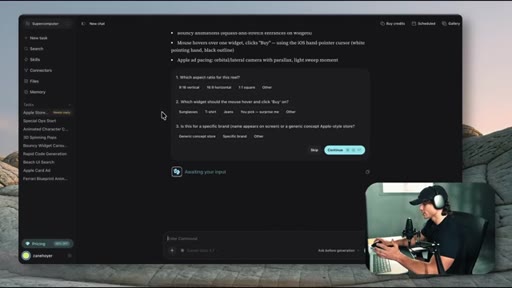
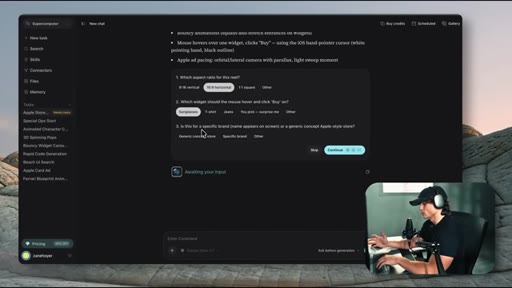
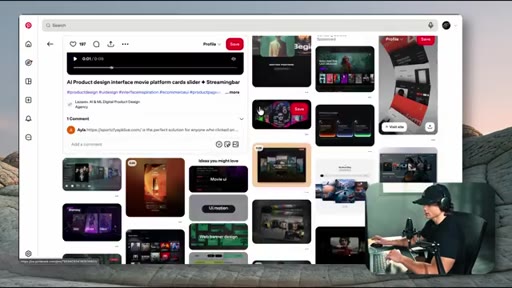
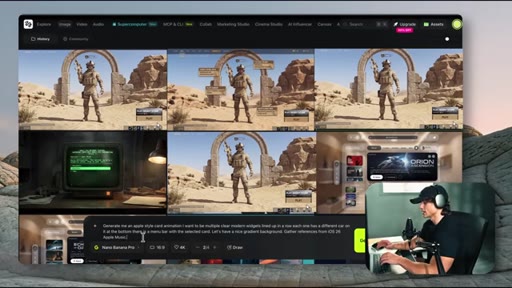
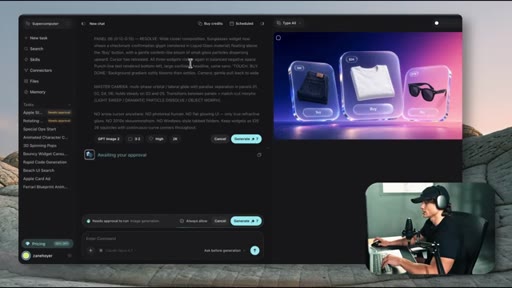
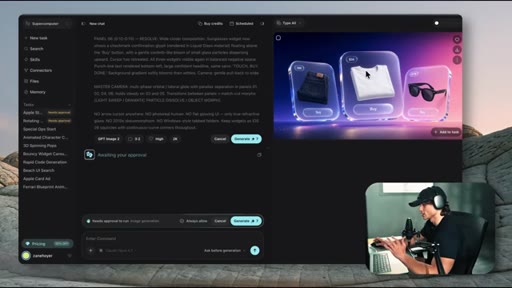
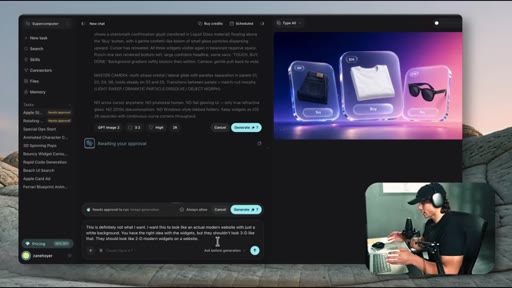
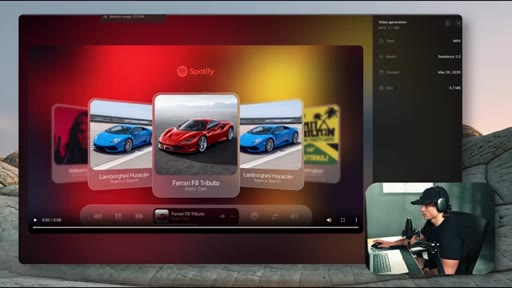
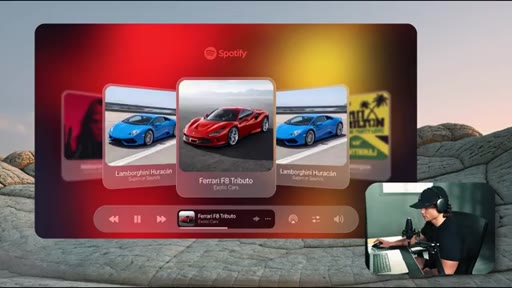
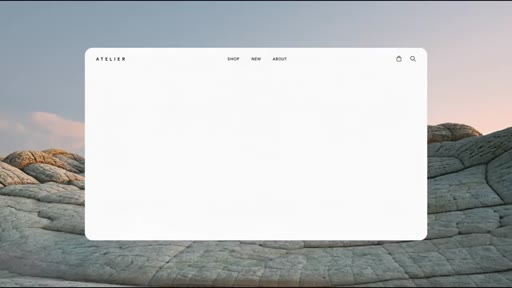
Apple-style store widget built through the clarification menu; iOS 26-style card animation built from a Pinterest reference. Shows mock-up rejection and plain-language refinement.
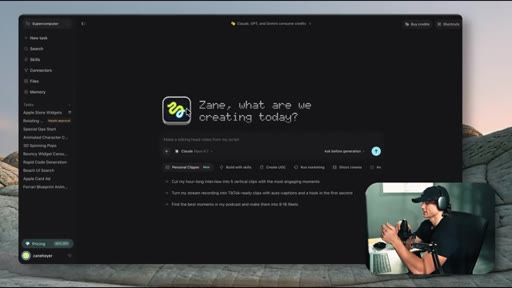
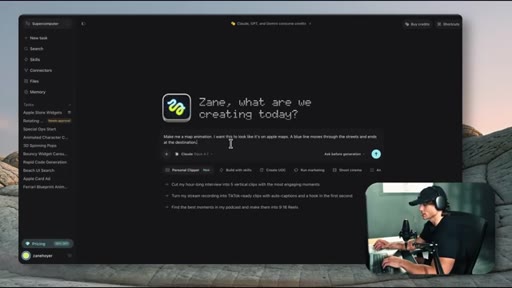
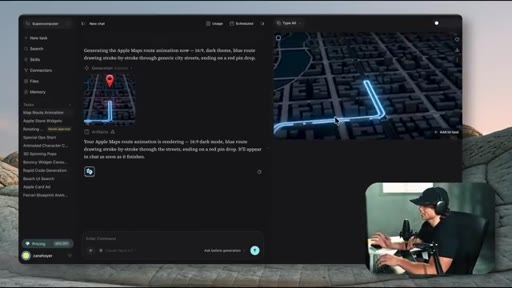
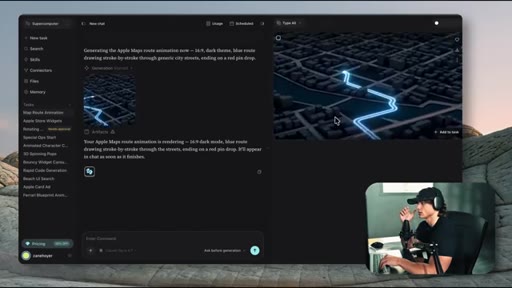
05 · Section 3: Map animations
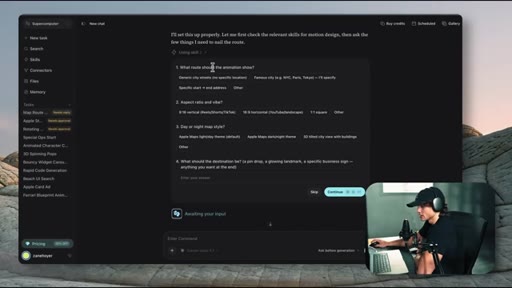
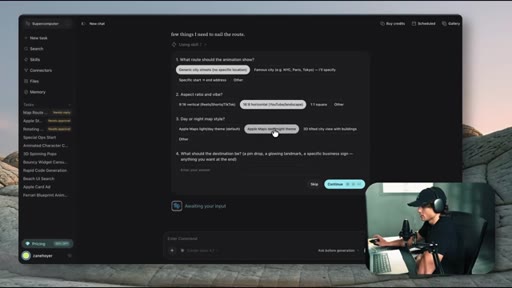
Apple Maps dark theme routing animation. First result is off-style; one follow-up prompt gets it closer. Shows iteration workflow.
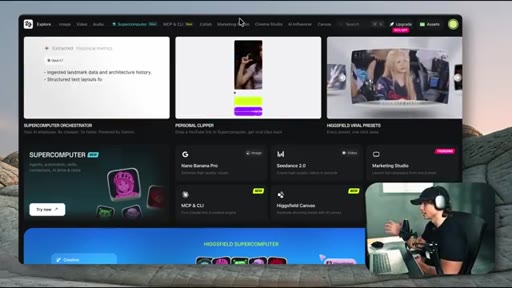
06 · Section 4: Documentary layouts and 3D objects
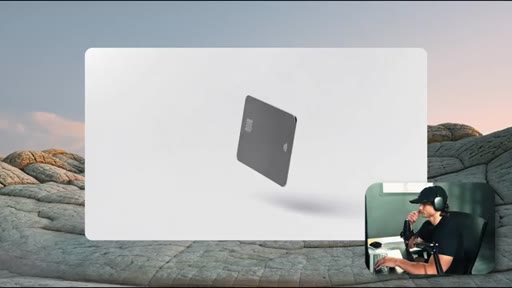
Blueprint-style bank floor plan with callout cards. 3D Apple credit card with floating widgets. Introduces ability to sync callout timing to a talking-head clip.
07 · Bonus: Environment modification on existing footage
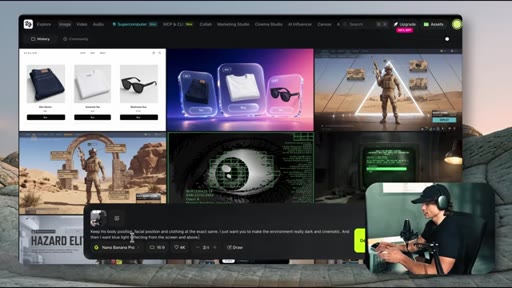
Take raw footage, screenshot the first frame, describe the cinematic look. The model transfers the aesthetic onto the video. Reveals the opening shot was built this way.
Visual structure at a glance.
Named ideas worth stealing.
Text-first vs Image-first pipeline
- Text-only prompt
- Pinterest reference screenshot
- Upload as first frame
- Describe animation from there
Two entry points into the animation pipeline. Image-first consistently yields more style-accurate results.
Mock-up reject and refine loop
- Prompt
- Review mock-up
- Reject in plain language
- Regenerate
- Approve and generate video
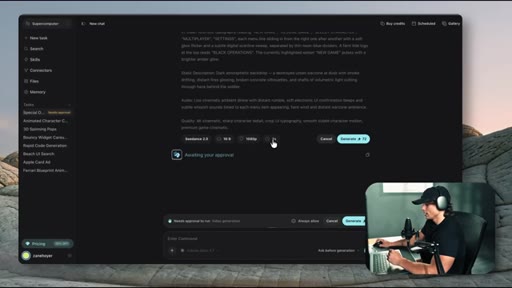
Before generating the video, the tool shows a still mock-up. Rejecting it with plain-language feedback is faster than starting over.
Lines you could clip.
"Once you try this, you'll realize it gets dangerously addictive. It gives you the feeling of maximum productivity when in reality, you're not doing anything."
"This is not perfect to the point where I could replace a video editor. After all, I did edit this video myself."
Things they pointed at.
How they asked for the click.
"I'm gonna be continuing to experiment with new tools, so make sure you subscribe to stay ahead of AI."
Single end-of-video ask, low friction, positioned around a forward-looking promise rather than a generic subscribe pitch.
Word for word.
Five motion graphics use cases you can build without After Effects
Claude Opus 4.7 paired with a video-generation model handles five distinct editorial animation types through plain-text prompts, and the image-to-animation path is consistently more accurate than text alone.
- Uploading a Pinterest screenshot as a first frame gives the model a style anchor and consistently outperforms text-only prompts for matching a specific visual.
- When a mock-up misses, describe what is wrong in plain language instead of rewriting the full prompt — the model refines against the existing context.
- The clarification menu the tool generates is faster to answer than writing a longer initial prompt.
- Map animations are the most reliable use case because they have fewer text elements and moving pieces, leaving less room for the model to go wrong.
- Documentary callout cards can be timed to a talking-head clip so each label appears as the corresponding word is spoken.
- Environment modification works on existing footage — upload a clip and a screenshot of the desired cinematic look, and the model transfers that aesthetic onto the clip.