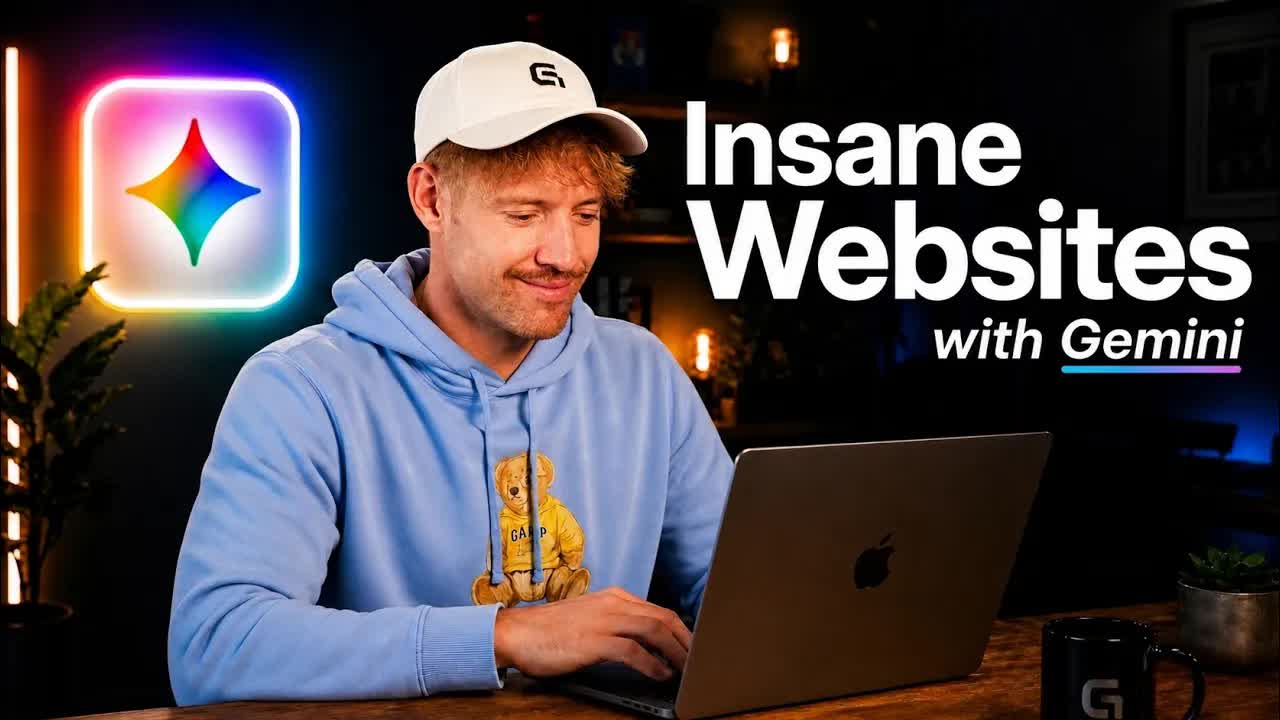
The bait, then the rug-pull.
The title promises $10,000 websites in 17 minutes, and the spoken hook doubles down immediately — but the real argument comes 90 seconds in: most AI websites fall apart the second a client touches them, not because the tools are bad, but because they were given nothing but a prompt.
Where the time goes.
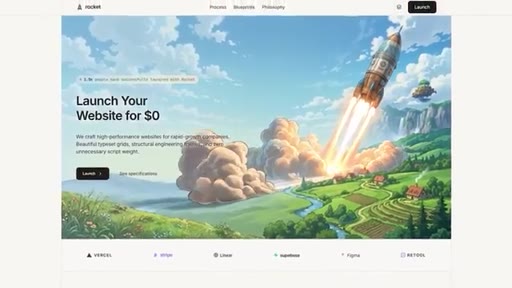
01 · Stop Building Broken Websites
Hook: most AI websites fall apart on client handoff. Sets up the problem and promises a battle-tested system.
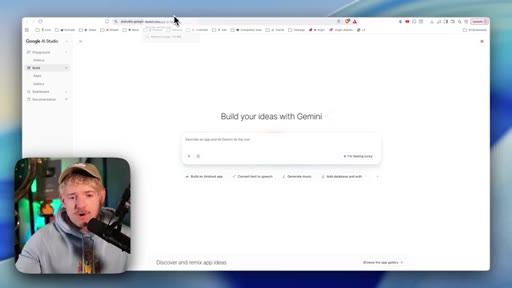
02 · What Great Websites Are
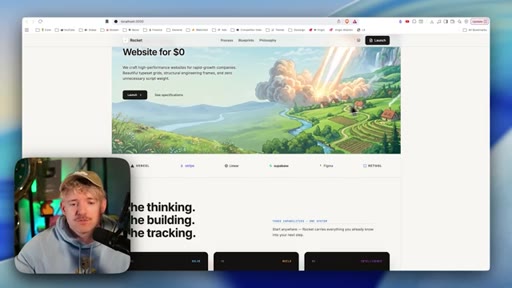
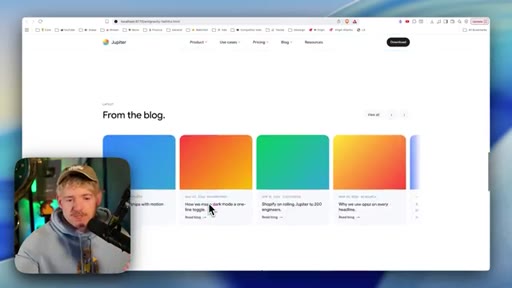
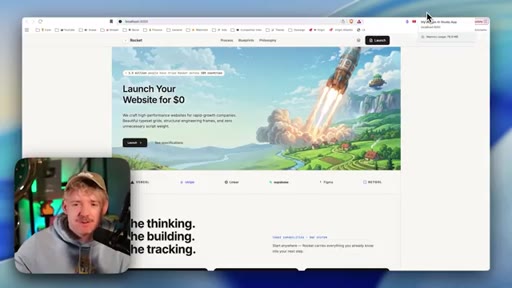
Shows a clean, white-space-heavy example site built in one shot. Frames the goal: balance, not chaos.
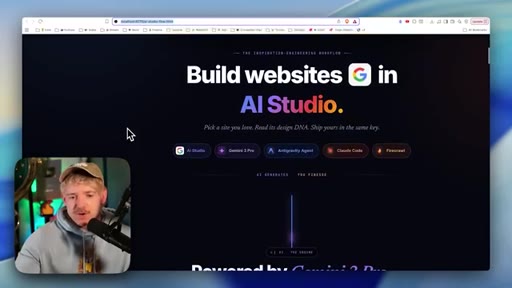
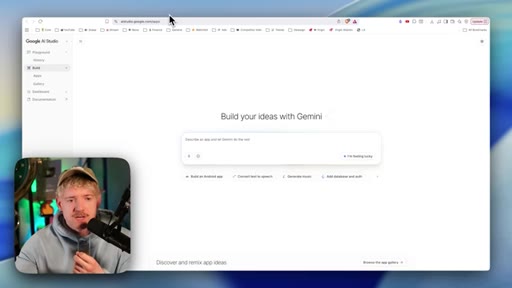
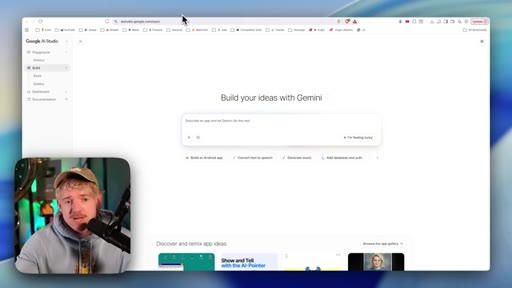
03 · Google AI Studio Explained
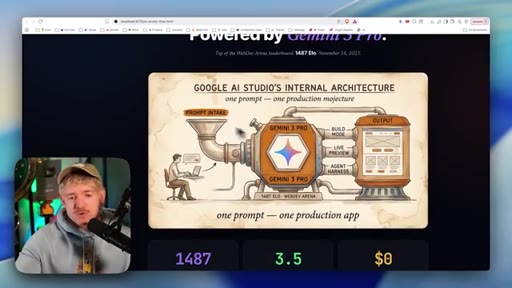
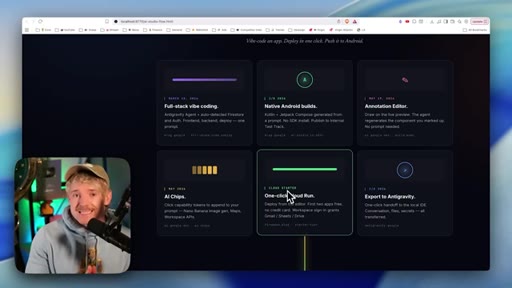
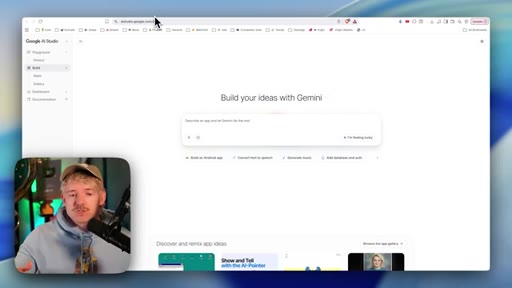
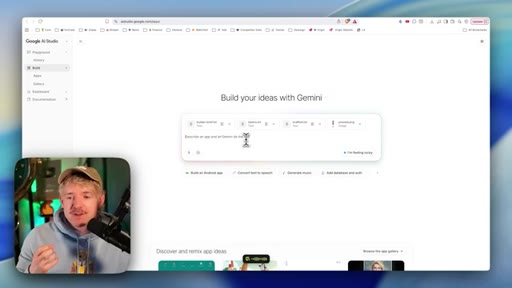
Introduces AI Studio powered by Gemini 3.5 Flash; free tier covers 2 projects; full-stack, annotation, cloud export.
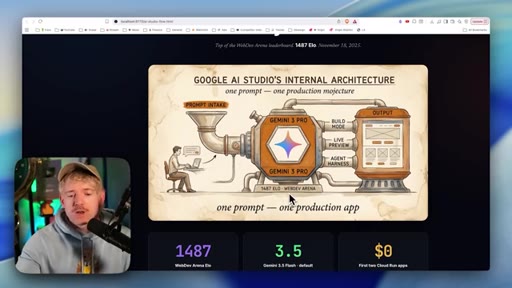
04 · 3 Ways To Build
Template (generic), scratch (exhausting back-and-forth), or DNA extraction (the recommended path).
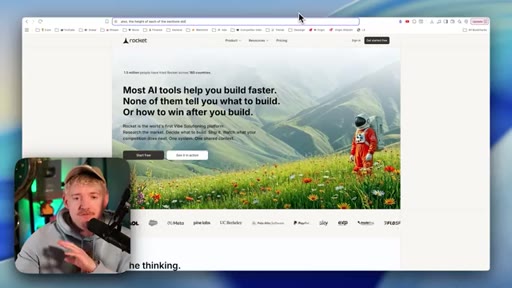
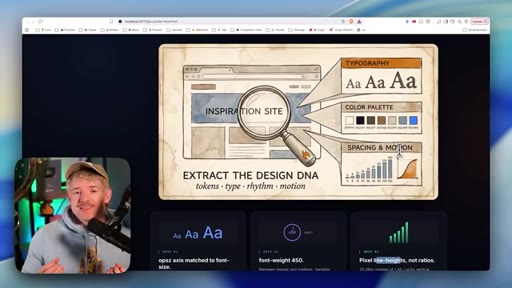
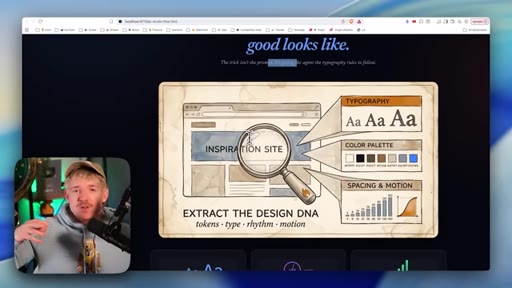
05 · Extract Any Website's DNA
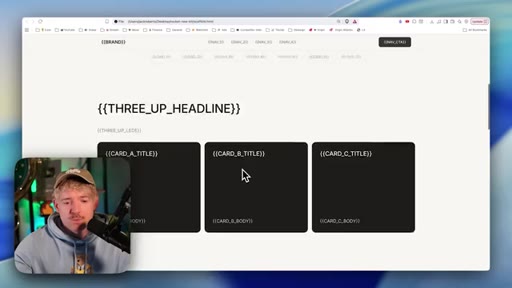
Core concept: reverse-engineer typography, spacing, color palette, and layout rules from an admired site — without copying.
06 · The Design Blueprint Method
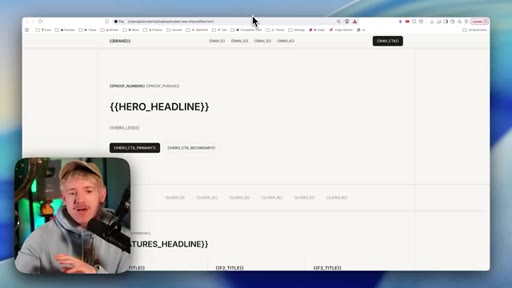
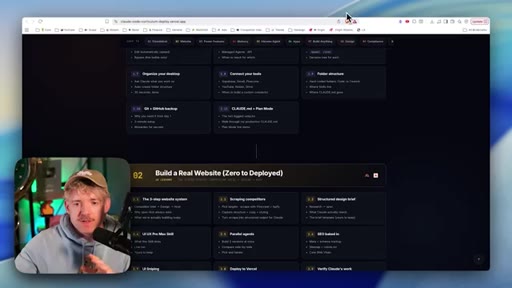
Custom Claude skill + Firecrawl produces builderbrief.md, scaffold.html, typography tokens, and a site preview image.
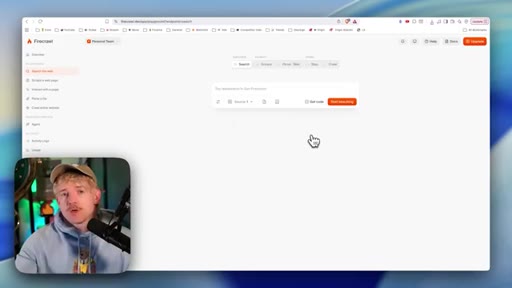
07 · Firecrawl For Brand Research
Firecrawl extracts brand identities (fonts, colors) for free; feeds directly to AI.
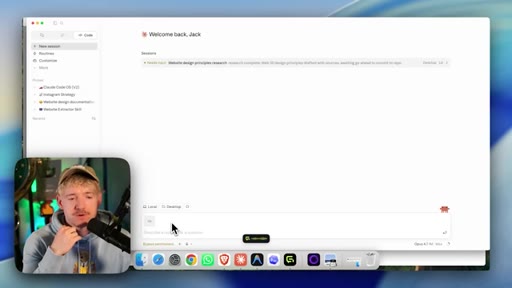
08 · Build The Design Brief
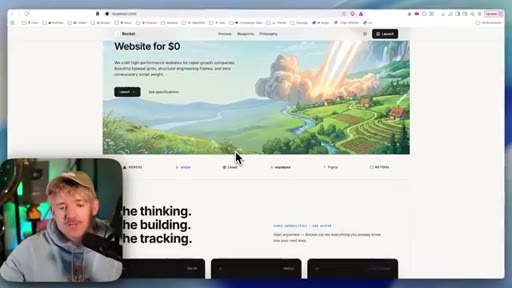
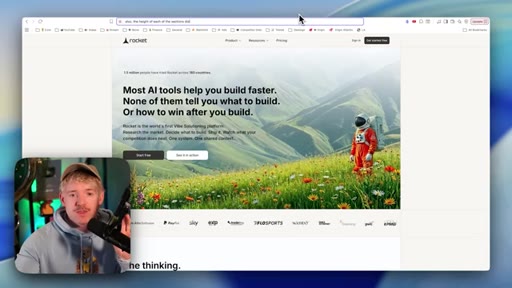
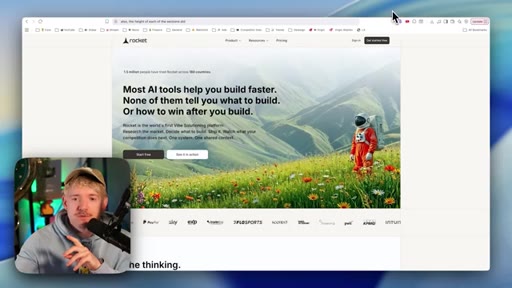
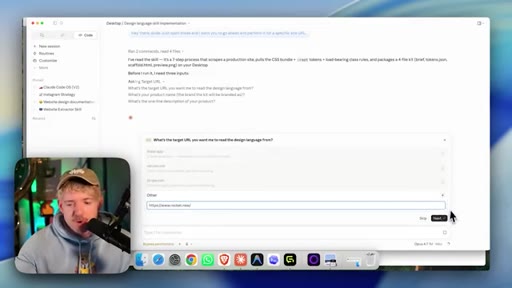
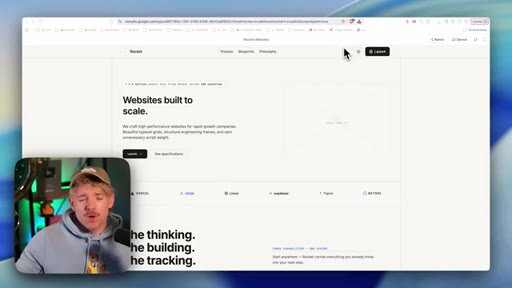
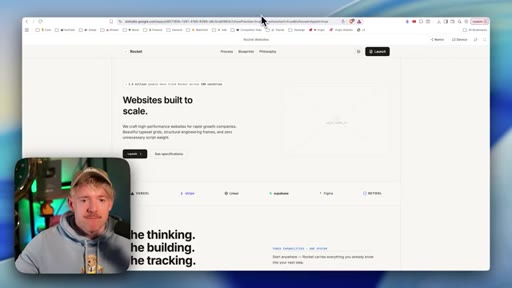
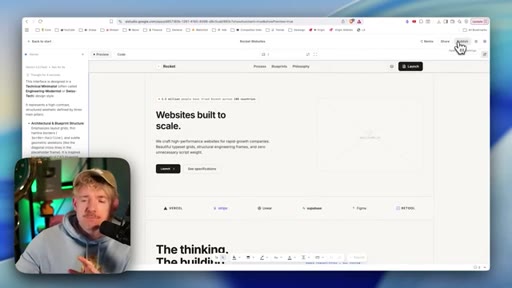
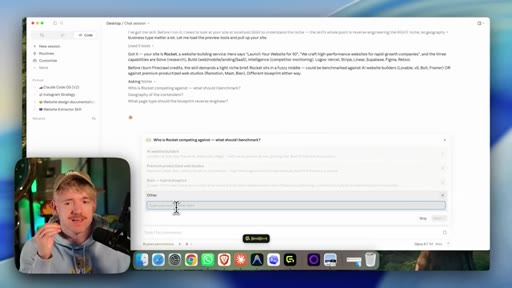
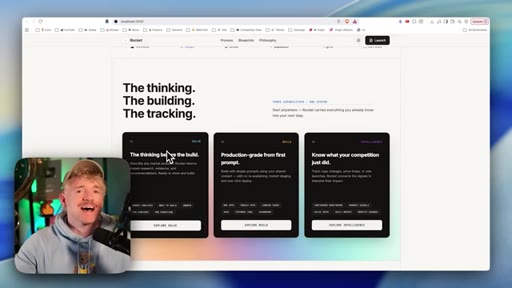
Picks rocket.new as inspiration; walks through extractor Q&A to produce the 4-file design brief package.
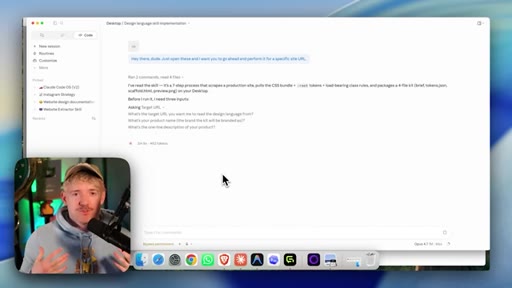
09 · Brief Into AI Studio
Uploads brief to AI Studio; prompts for a website-selling-service business; critiques the default AI aesthetic.
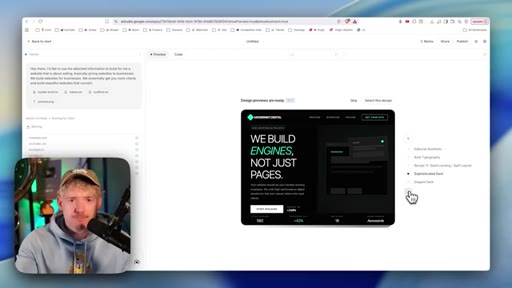
10 · Iterate The Design
Demonstrates remixing, inline edits, and copy changes inside AI Studio before export.
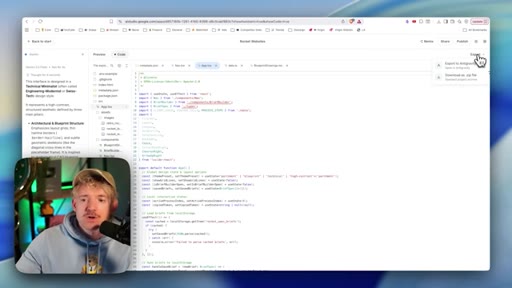
11 · Export To Claude Code
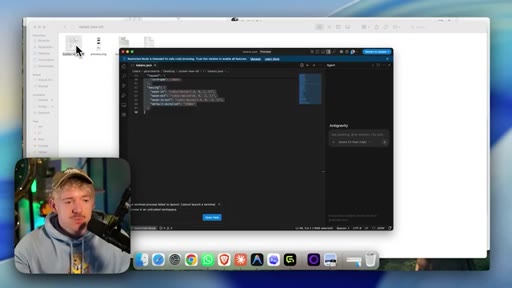
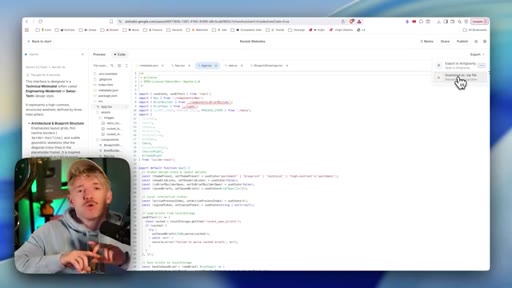
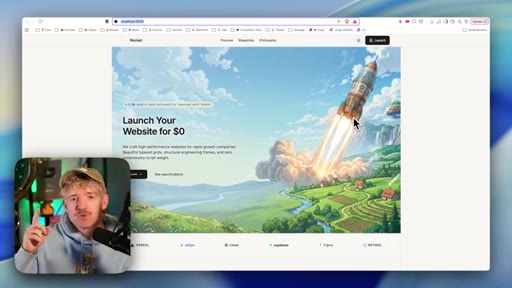
Downloads zip from AI Studio; drops into Claude Code; opens on localhost.
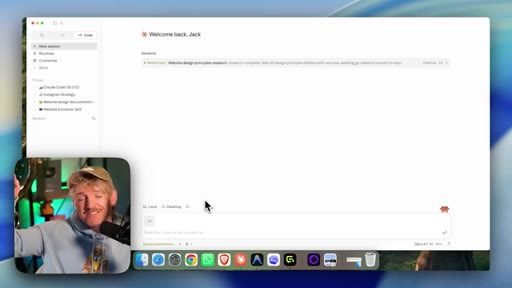
12 · Open On Local Host
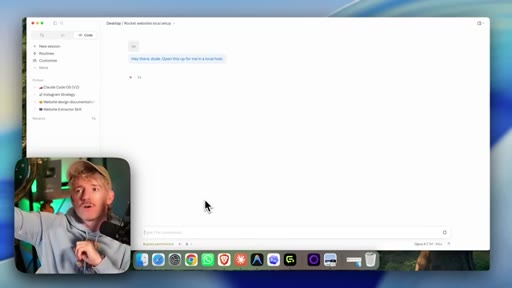
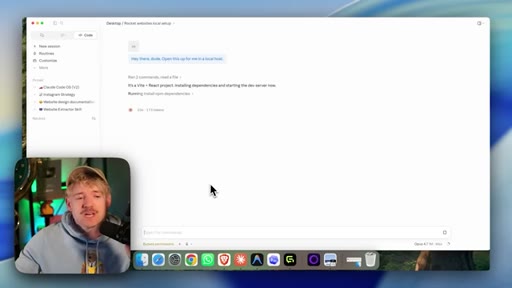
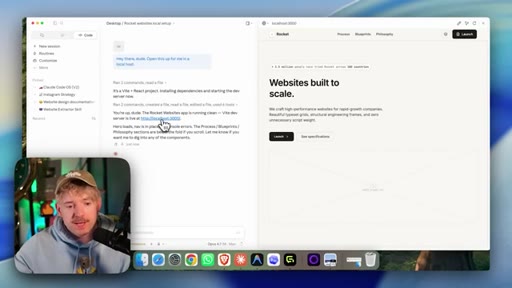
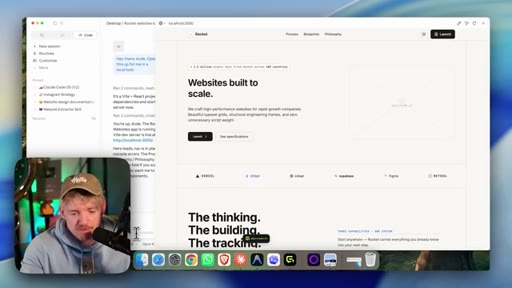
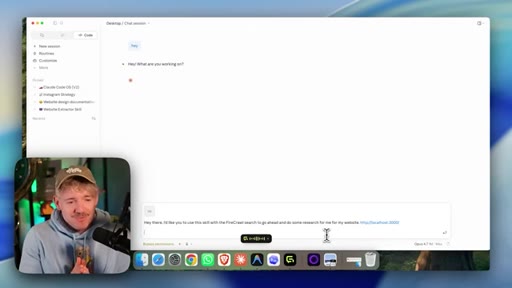
Claude Code opens a local dev server; demonstrates chatting with the live site to make changes in natural language.
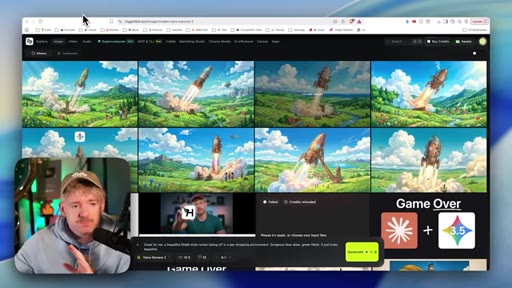
13 · Add A Hero Image
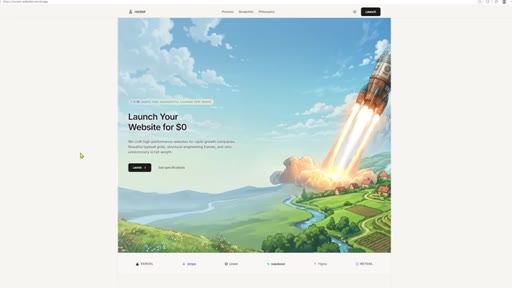
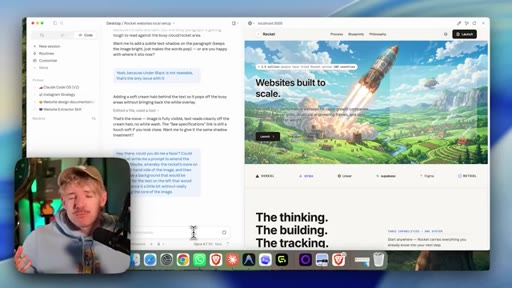
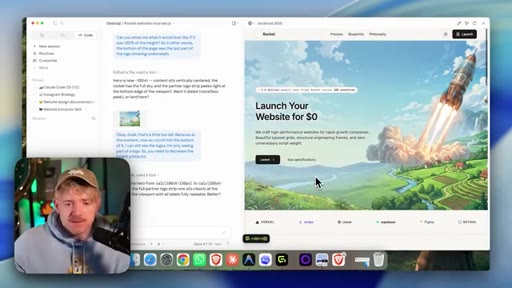
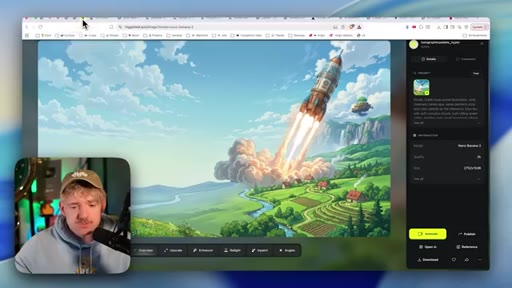
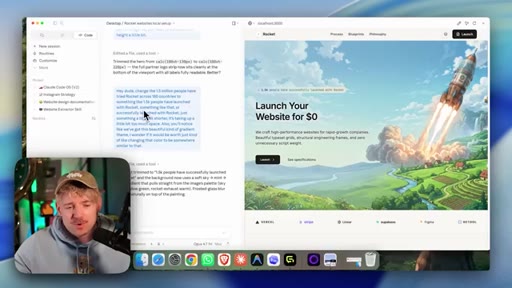
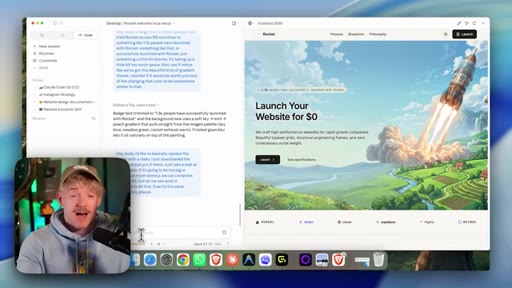
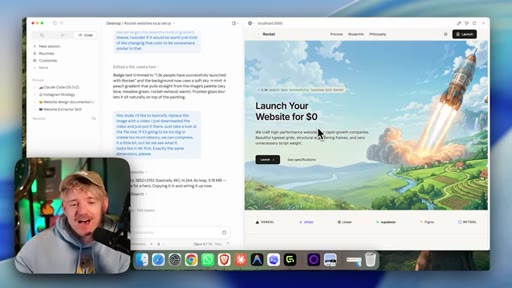
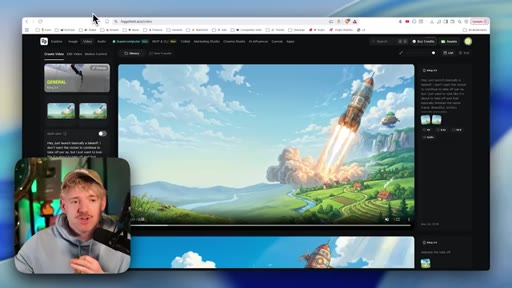
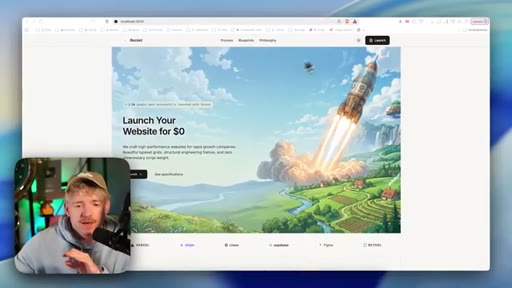
Generates a Ghibli-style rocket hero image in Hailuo; integrates it as hero background via Claude Code prompt.
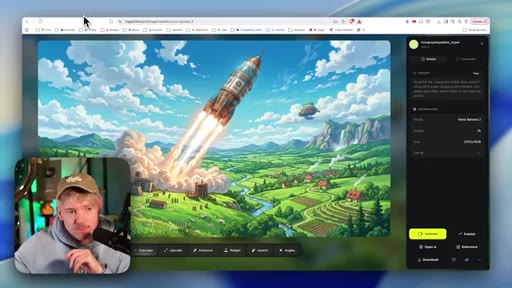
14 · Refine The Hero Section
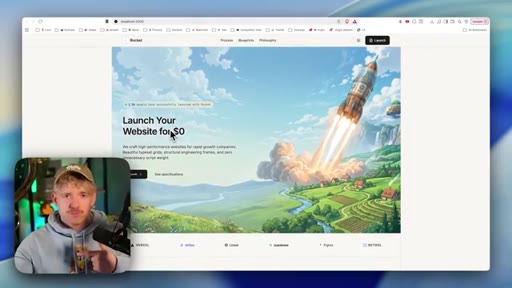
Iterates image composition (rocket right, text-friendly left area); adjusts h1 copy, gradient, section height.
15 · Image To Video
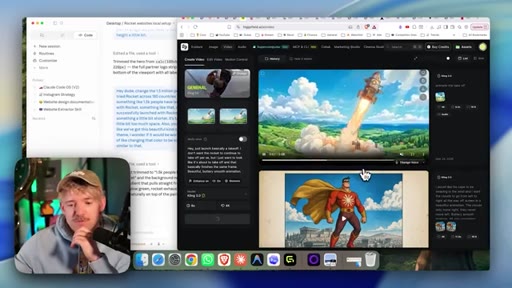
Converts hero image to looping 8s video with Cling 3.0 (same start/end frame); replaces static hero; discusses file size.
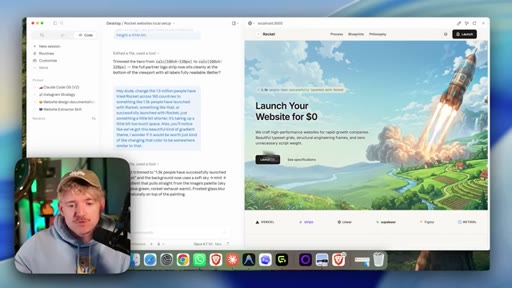
16 · Fix Text Density
Biggest community feedback: too much text. Shows generic over-prompted vs. clean design. Rule: do not make me think.
17 · The Outlier Strategy
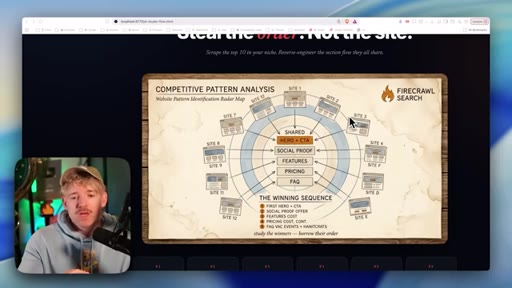
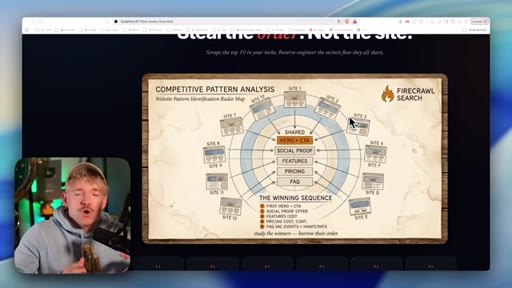
Analyzes up to 12 competitor sites: top 5 and bottom 5. Extracts what high-performers do vs. poor performers.
18 · Run The Research Skill
Uses outlier research skill (Claude skill + Firecrawl) to compare Wix, Squarespace, Shopify, Framer, Lovable.
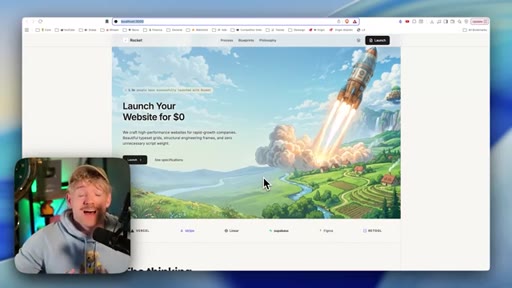
19 · Homepage Must Haves
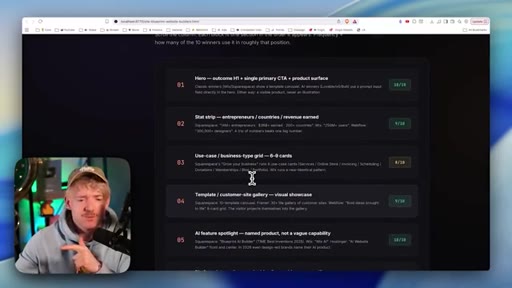
Seven-word h1 max, one viewport/one thought, credibility logos or platform stack, clear offer stack, testimonials, CTA.
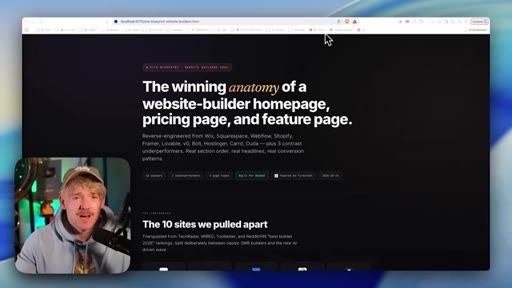
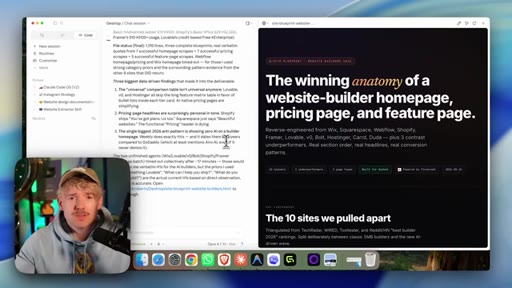
20 · Read The Blueprint
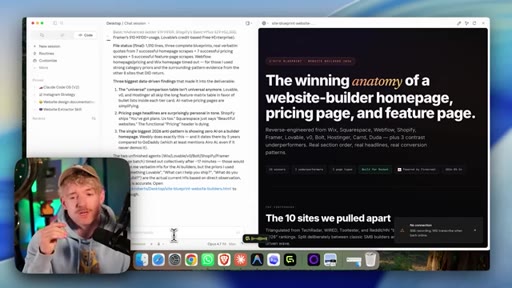
Outlier skill outputs a detailed winning anatomy document with section-by-section recommendations from real competitor data.
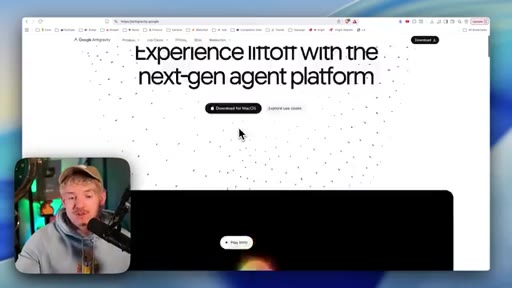
21 · Turn Viewers Into Buyers
Recap and CTA to Claude Code masterclass inside the community.
Visual structure at a glance.
Named ideas worth stealing.
Design DNA Extraction
Instead of prompting from scratch, analyze a site you admire and extract its typography, spacing, color palette, and layout rules into a structured brief that AI can follow as a ruleset.
The Outlier Strategy
Study 10-12 competitor sites in your niche, split into top-5 and bottom-5 performers. Extract the specific elements (imagery, testimonial types, section order, h1 length) that correlate with the top performers. Cherry-pick those elements into your own site.
One Viewport, One Thought
The visible area on page load should communicate exactly one idea. Every additional element above the fold competes for the visitor's attention and reduces conversion.
Lines you could clip.
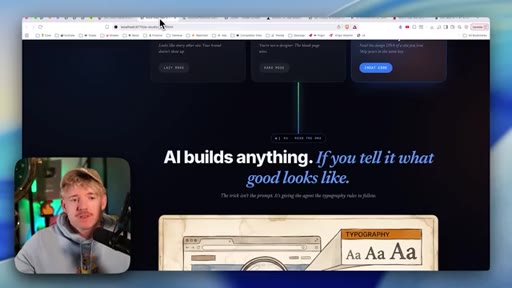
"AI now can effectively build anything if you tell it what good looks like. The trick isn't the prompt, it's giving the agent the rules to follow."
"Websites are not read. Websites are glanced at. Do not take their attention for granted."
"The biggest feedback I find myself giving is too much text density. Don't make me think."
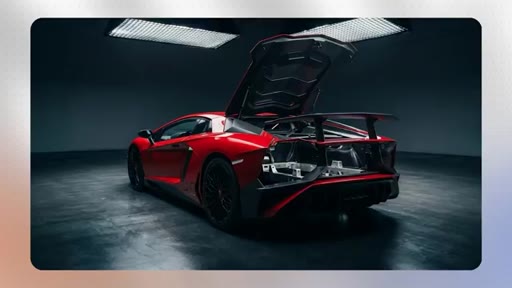
"A flashy website that can't actually do anything is like a Lamborghini with no engine — looks great, but doesn't really cut the mustard."
Things they pointed at.
How they asked for the click.
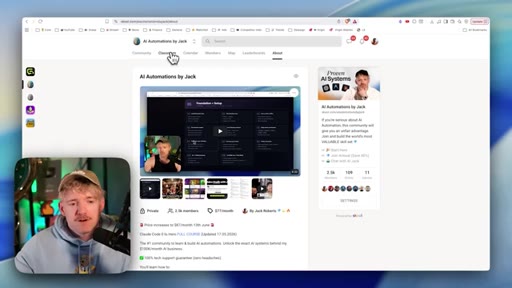
"The next thing we need to do is learn exactly how to publish it, manage SEO, how do we sell these if we want to scale it — and we're going to learn that by watching this masterclass right here."
Soft hand-off to a paid community masterclass (Skool). Mentioned once mid-video (design blueprint extractor) and once at the end. No hard sell — relies on demonstrated value from the tutorial itself.
Word for word.
The brief beats the prompt every time.
The bottleneck in AI website building is not generation power — it is the absence of a ruleset that tells the model what great looks like in your specific context.
- Raw prompting gives AI tools no reference for quality; feeding them a design brief extracted from a site you already admire produces dramatically better results than describing what you want from scratch.
- Typography, spacing, color palette, and section order are all extractable from any live site using free tools like Firecrawl — this data becomes the rules your AI follows instead of guessing.
- Too much text is the most common conversion mistake on AI-built sites; AI tools optimize for completeness, not for the two-second attention span that decides whether a visitor stays.
- The outlier strategy — studying the top five and bottom five performers in a niche — reveals specific, repeatable patterns (real photos, video testimonials, credibility logos) that intuition alone cannot reliably identify.
- A seven-word h1 maximum is a structural constraint, not a style preference; headlines longer than seven words require cognitive engagement that most visitors will not spend.
- One viewport should contain one thought; every competing element above the fold reduces the clarity of the offer and lowers the probability of a click.
- An animated looping hero video created from a single still image (same start and end frame, ~8 seconds) meaningfully elevates perceived production quality with minimal technical overhead.
- Credibility signals do not require paid review platforms; displaying the tools you built with borrows social proof from brands the visitor already trusts.