Samin Yasar · Youtube · 21:03

I Built a Content Team with Hermes Agent for $99/Month

How one creator wired Higgsfield Supercomputer to his phone, Google Drive, and YouTube account and now runs a full content repurposing operation by talking to a Telegram bot on a walk.

Posted
May 25th 2026
today
Duration
21:03
Format
Tutorial
educational
Channel
SY
Samin Yasar
§ 01 · The Hook

The bait, then the rug-pull.

The promise is aggressive: one person, one phone, an entire content operation running while you walk the dog. The creator makes that case in the first 43 seconds by listing every output the system produces -- scripts, clips, carousels, articles -- before explaining how any of it works.

§ · Chapters

Where the time goes.

00:00 – 00:43

01 · Hook and promise

Full content team from phone, three-level tutorial structure introduced.
00:45 – 02:34

02 · Context and framing

Who this is for, gas station analogy for hosted vs. local Hermes, Medvi one-person billion-dollar company reference.

02:36 – 03:12

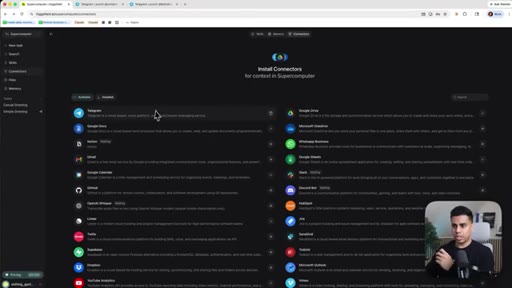
03 · Level 1 -- Platform setup

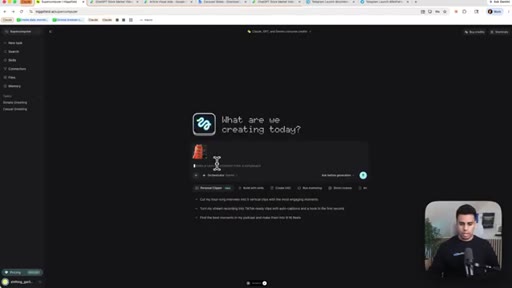
Logging into higgsfield.ai/supercomputer, task dashboard overview.
03:12 – 05:40

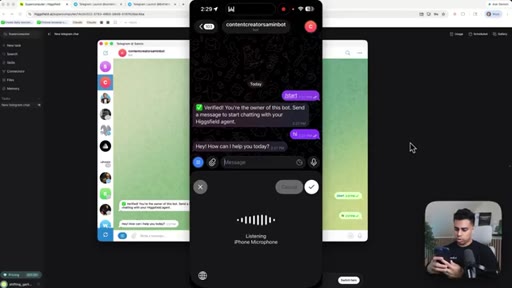
04 · Connecting Telegram

Creating bot via BotFather, entering token into Higgsfield, verifying connection from phone.
05:41 – 07:30

05 · Onboarding the agent

Introducing yourself by voice via phone, agent looks up YouTube channel, builds memory graph, identifies competitors.
07:30 – 08:20

06 · Memory and skills tour

Reviewing memory graph, skills library, Google Drive and YouTube Analytics connectors.
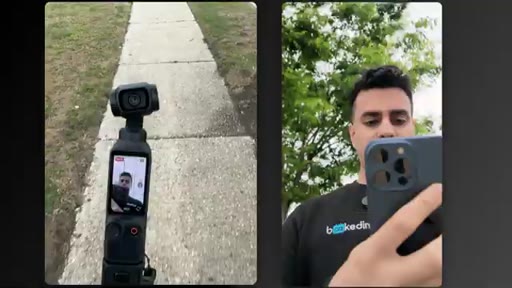
08:20 – 10:25

07 · Level 2 -- Walk demo: clipping

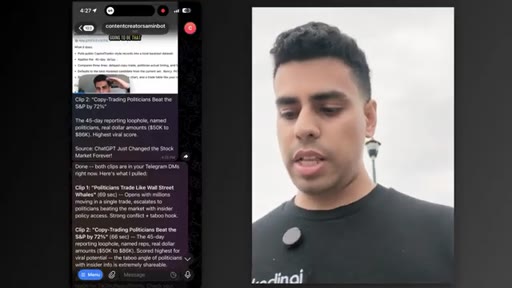
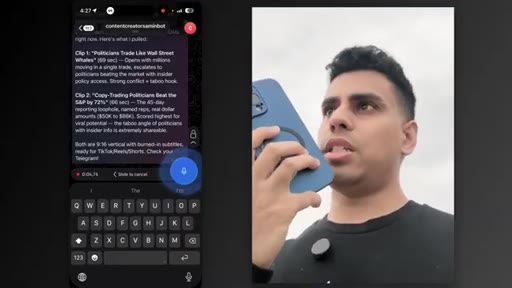
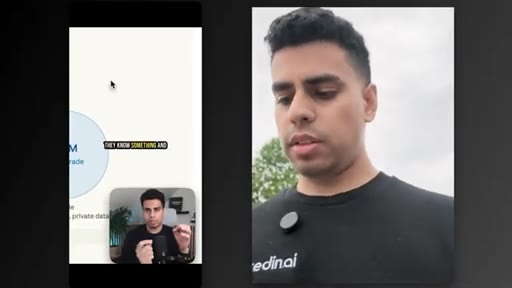
Voice memo sent outdoors, agent transcribes and generates two viral clips from latest YouTube video, sends to Telegram for approval.
10:25 – 14:05

08 · Content repurposing

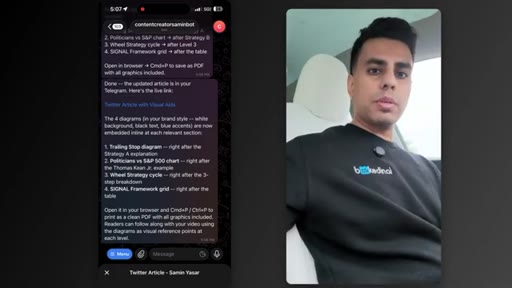
Voice prompt generates carousels, Twitter article with visual aids, Google Doc guide -- all from one video on a walk.
14:05 – 15:30

09 · Results review and Drive organization

Back at computer, agent has saved all assets to Google Drive folders. One piece of content, many pieces of value.
15:31 – 16:25

10 · Scaling to YouTube scripts

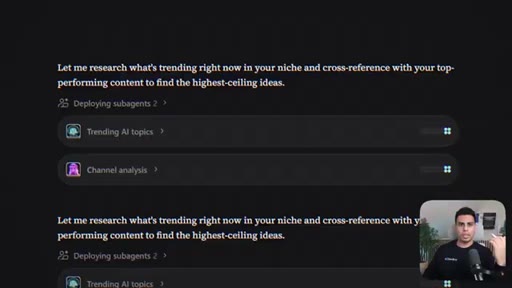
Agent uses stored Google Docs to match creator style. Cloud Club skills library mention.
16:26 – 18:57

11 · Level 3 -- Marketing campaign demo

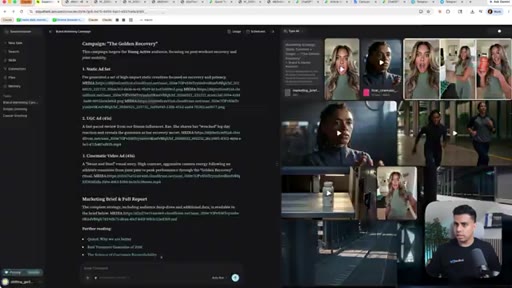
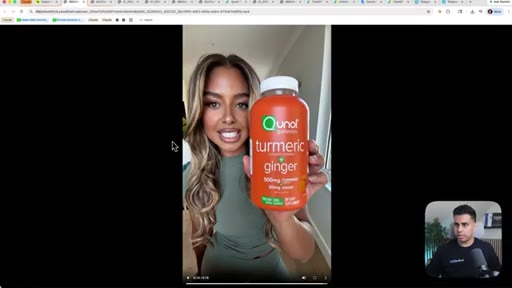
Product photo of Qunol gummies auto-generates static ads, UGC ads, cinematic video ads, competitor research, and marketing brief.
18:57 – 20:09

12 · Ad output review

Legible text in static images, realistic UGC avatar video, honest caveat on cinematic text quality.
20:09 – 21:03

13 · Business pitch and close

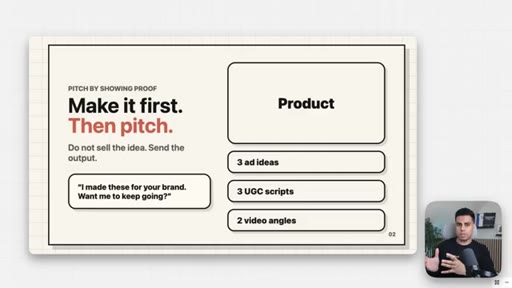
Make-it-first cold outreach strategy, $500-1,000/month pricing, plug for local cheaper version in next video.

§ · Storyboard

Visual structure at a glance.

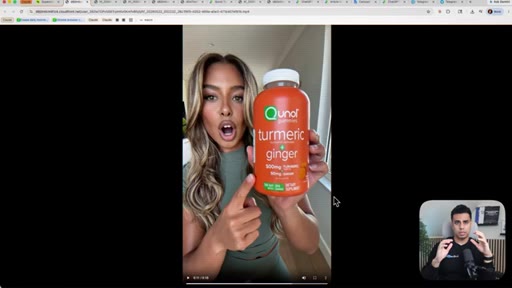
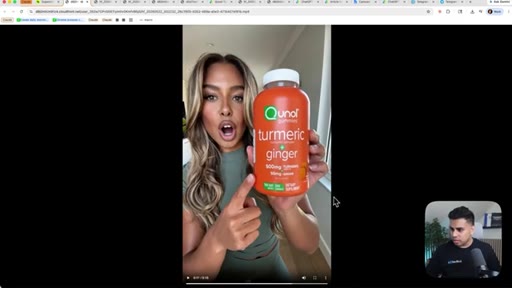
hook -- UGC ad teaser
context -- Higgsfield intro
Telegram setup
memory graph
walk demo -- clipping
carousels and Drive output
marketing campaign demo
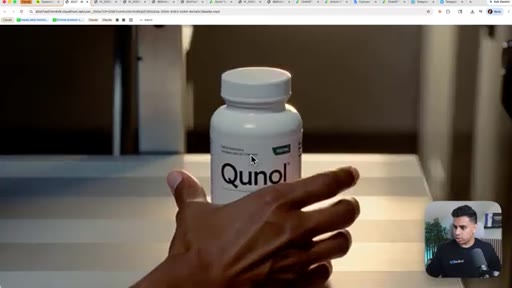
generated ad -- golden spice
tiny agency CTA
§ · Frameworks

Named ideas worth stealing.

00:23 list

Three-Level Content System

  1. Level 1: Connect agent to phone and accounts
  2. Level 2: Repurpose existing content into multi-platform assets
  3. Level 3: Package the system as a service for other businesses

The tutorial organizing structure separating setup, use, and monetization.

Steal for Any tutorial selling a system where the three phases are setup, use, and monetization.
20:09 concept

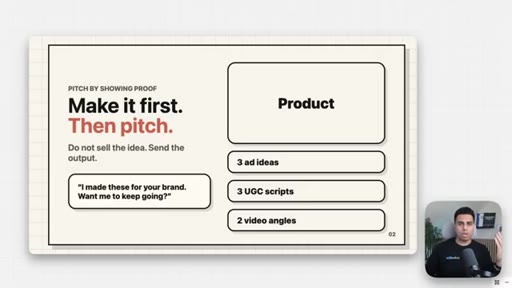
Make It First, Then Pitch

  1. Find a brand
  2. Research product and competitors
  3. Build 3 ad ideas or UGC scripts
  4. Send the output, not a pitch deck
  5. Convert interest into a $500-1,000/month subscription

Cold outreach strategy that replaces the agency proposal with a live deliverable -- lowers objection barriers by showing capability before asking for money.

Steal for Any service business where the work itself is the sales pitch.
01:52 analogy

Gas Station Analogy

Cheap gas station = local/self-hosted Hermes (more setup, more control, lower cost). Expensive gas station = Higgsfield hosted (convenient, higher cost). Frames the trade-off without making either option wrong.

Steal for Any DIY vs. managed tool comparison where friction and cost are the key variables.
§ · Quotables

Lines you could clip.

00:45
"For the normal creator or business owner, this is way too much friction and too much to learn."
Opens the pain point cleanly with no setup needed. → TikTok hook
01:52
"It's kinda like two gas stations. One is cheaper and out of the way, takes more setup but you have to know what you're doing. The other one costs more but it's right in front of you so you can fill up fast."
Memorable analogy that positions a pricing trade-off without dismissing either choice. → IG reel cold open
20:09
"The easiest way to start doing that is not to just pitch them with a big complicated offer, but just to make something for them first."
Contrarian business advice in one sentence with no context needed. → newsletter pull-quote
09:30
"Initially it was way too expensive. But after Google dropped their latest models it became three times faster and eight times cheaper."
Honest timing admission that doubles as credibility. → TikTok hook
§ · CTA Breakdown

How they asked for the click.

20:40 next-video
"If you wanna learn how to run a version of this that's local and probably one one-hundredth of the cost, watch this video next."

Soft close seeding the follow-up tutorial. No subscribe ask, no direct product pitch. Ends on a cost-reduction promise.

§ 04 · The Script

Word for word.

HOOK opening / re-engagementCTA the pitch analogy story
00:00HOOKI built an entire AI content team that finds me high performing video ideas, writes my YouTube scripts, generates the b roll, and even after I post it, writes all the Twitter articles, Instagram carousels, and even clips up my videos and post it across every platform. And the whole thing runs from my phone. And in this video, I'm gonna be showing how to do this in three levels.
00:17HOOKIn level one, I'll show you how to get all the tech set up and getting Hicksfield supercomputer hooked up to your phone. And in level two, we'll build everything I showed you, how I actually use the system, and how I keep everything organized so the agent knows what's done, what's next, and what can be reused. And in level three, I'm gonna be showing you how you can even package this for yourself and even sell it as a service to other creators and companies.
00:37HOOKEven if you have zero technical experience, you're gonna be able to do this because all we're gonna be doing is simply speaking to our phone. So let's get into it. Okay.
00:46So before we start building, I need to give you some context into who this is for and why this matters. Because if you're like me, setting up agents, MCP servers, video models, memory skills, all this is relatively easy. But for the normal creator or business owner, this is way too much friction and too much to learn.
01:02But fortunately, Higgs Field recently dropped this thing called supercomputer, and it's changed the game because they made Hermes agent really easy to use inside their platform and from your phone, which means you can use the most AI agent in just a few clicks. And if you don't know what Hermes agent is, Hermes is basically an always on AI that remembers your preferences, it learns your style, and can even use your app and create content without you having to explain everything from scratch all the time and even makes its own skills.
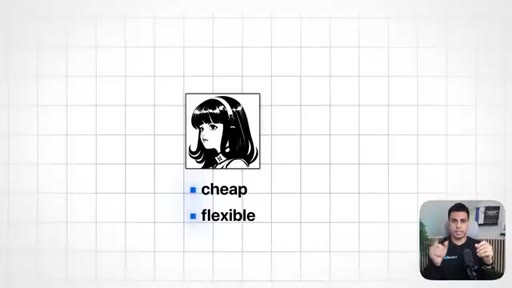
01:29Now, I wanna be clear that this is not the cheapest way to do this and it's kinda like two gas stations. One is cheaper and out of the way, takes more setup but you have to know what you're doing. The other one costs more but it's right in front of you so you can fill up fast and get where you need to go quicker.
01:43And that's what this thing is. Running Hermes locally can be cheaper and more flexible, and I'm making a course on that too, so stay tuned for that. But if you're non technical and you just want to get moving fast, this Hicksfield plus Hermes setup is a huge win.
01:55Because content is really how businesses get attention, build trust, and get new customers. Like, one of the clearest examples is this company Medvi. It's a GLP one telehealth company that started by Matthew Gallagher, and it's known as the first one person billion dollar company.
02:09And it's reported that he launched it with a stack of AI tools and workflows and outsourced all the other tedious stuff. And the idea I'm trying to illustrate is that one person can now use AI agents to do the work that used to require entire teams, and that's why I'm making this video. I want people with zero technical background to also be able to leverage agents in this way.
02:29Maybe even package this as a service for others that need this. So with that out of the way, let me show you how to set this up. So first, what we wanna do to get set up is go to hicksfield.ai/supercomputer,
02:41and any links will be in the description below. And the first thing we wanna make sure we do is make sure you're logged in and you're on a paid plan. So let me just log in.
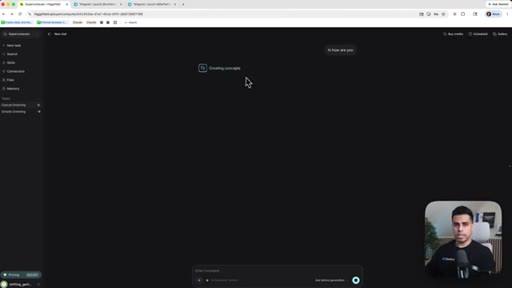
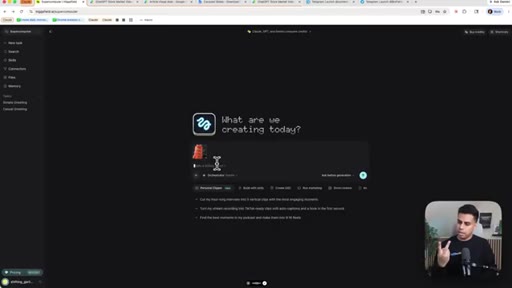
02:51So after you're here, you essentially have your bot ready. And I can go up and say, hey,
02:57how are you? And you can see all these chats, I can initiate new chats by saying new task, and they're all going to be saved inside
03:07here. Alright. Inside the task.
03:09And you can see I have some tasks up and running already. But if I go back to new tasks, the first thing I want you to do is go to connectors. Alright.
03:18Totally optional. You can also connect it to your phone, which means you can be on the go and making whatever you want. So let me show you how to do that first.
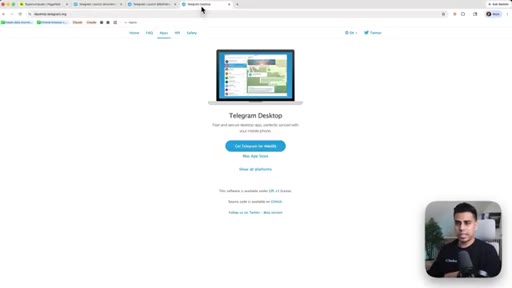
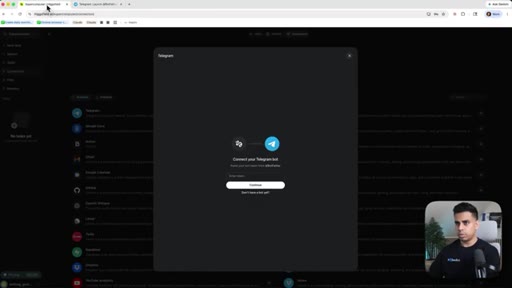
03:26And to do that, Telegram is the easiest thing to get started. So we're gonna go here and hit plus. And make sure you have a Telegram account and ideally the desktop app setup where if you go to desktop.telegram.org,
03:39you can download this and get started. Alright? So after you have that, just follow the instructions.
03:43And then what we're gonna do is hit new bot. Okay. So the first thing you wanna do, if you don't have a bot yet, you say click this button where it says don't have a bot.
03:51And then it opens up your Telegram app if you have it downloaded to your computer or on basically just your web browser. So it becomes really easy.
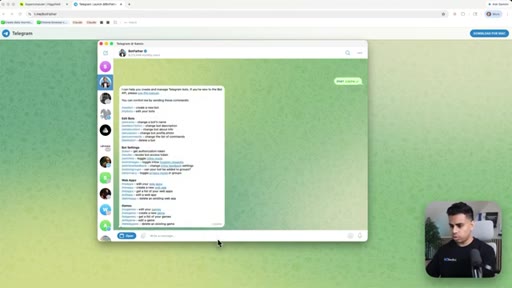
03:59We just press start. And then right here, it tells you all these things. So what we wanna do first is make sure we type slash new bot.
04:08Okay? Let's choose a bot. Let's say content
04:11creator bot, summon bot.
04:14Oops. This audio is running into this, so I wanna do underscore bot at the end. Okay.
04:19Then you see it gives you all this data and what I'm going to do is I'm going to copy this. I'm going to go back here and then enter this token and then hit continue.
04:30Okay. So it says pending verification. So what you wanna do is hit continue setup.
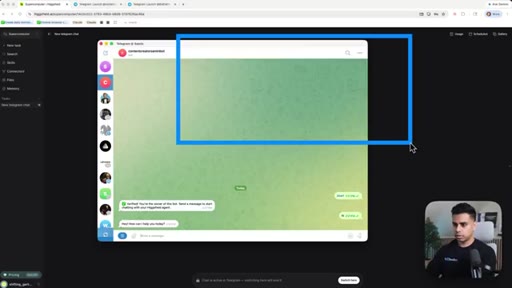
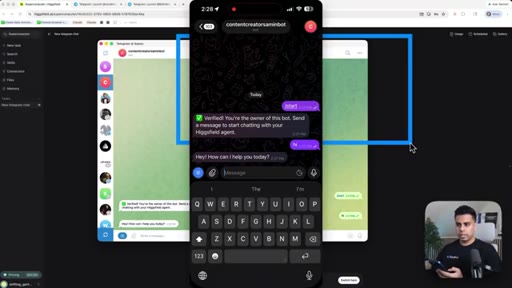
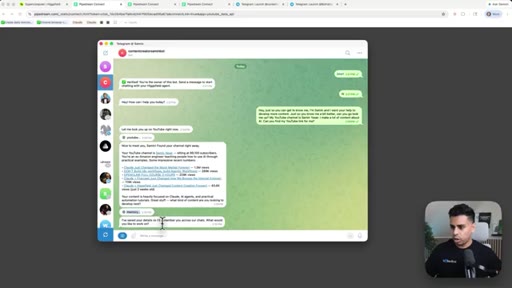
04:34And then right here, you just hit start and then it automatically does it for you. And then let's say,
04:40hi. And says, hey, how can I help you today? And hopefully,
04:44this should be all done and active. And, that's super easy. And then what I'm gonna show you right now is you can search
04:53simple greeting. So what you can do is you can literally talk from here or Telegram.
04:58Right? And just to show you my phone, if you have Telegram downloaded there, if you go to Telegram right now, you could say hi.
05:07Then let's start onboarding our bot. Okay?
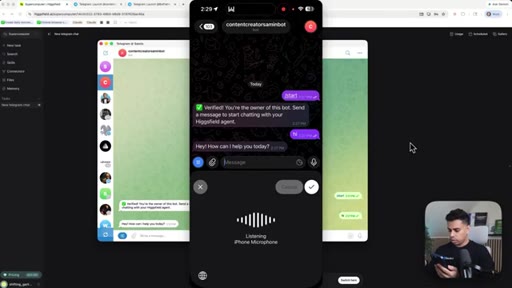
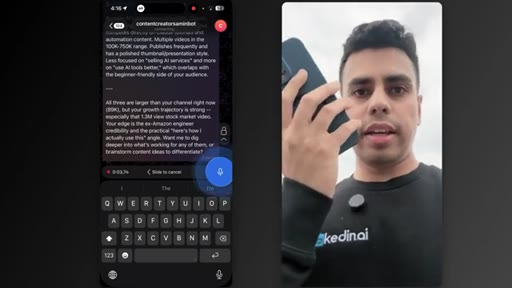
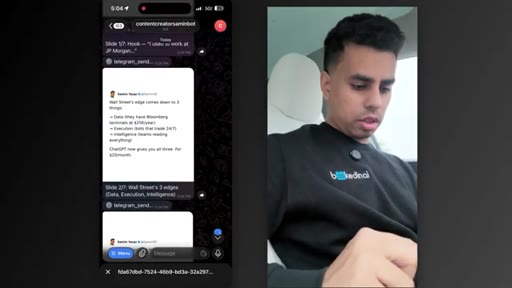
05:11So to onboard our bot, I'm just gonna be doing it from my phone and say, hey. Hey.
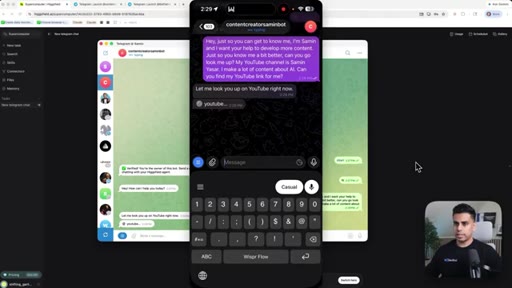
05:17Just so you can get to know me, I'm Samin and I want your help to develop more content. And
05:26just so you know me a bit better, can you go look me up? And my YouTube channel is
05:33Samin Yasar. I make a lot of content about AI. Can you find my a YouTube link for me?
05:41And you know, I'm intentionally being lazy. Not everyone has a YouTube channel, so that's totally fine. You can just paste your links here and it becomes really easy to go.
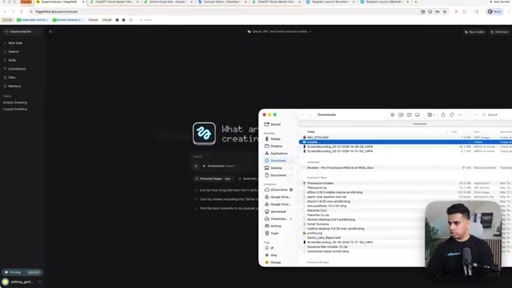
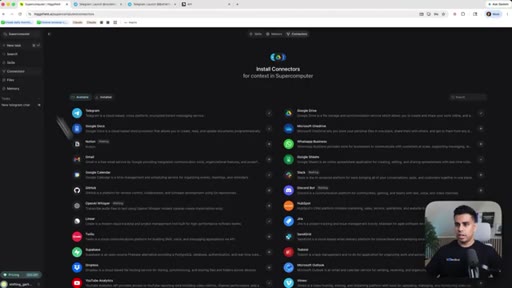
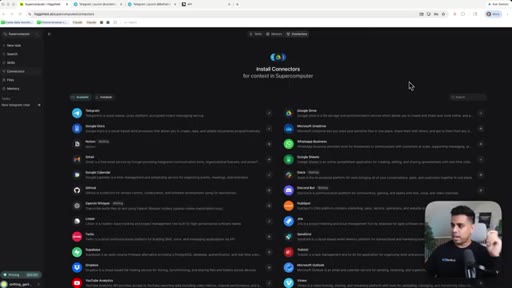
05:50But right now, it's looking me up on YouTube. So while it does that, let's actually get the other stuff set up that's more important. Now, let's go back to connectors in here and what we wanna do is make sure we give it access to a lot of things.
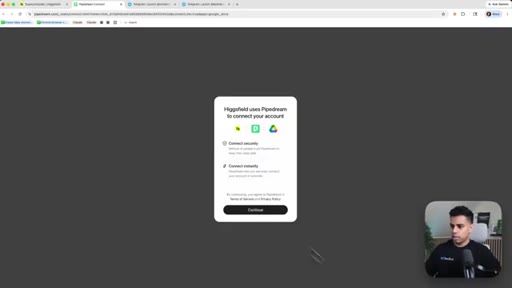
06:03So I put my videos inside Google Drive. So what I'm gonna do is connect my Google Drive and it makes it really easy where I just have to hit all these things, connect my accounts and I'm good to go. Great.
06:16That's connected. Now I'm going to connect my YouTube analytics.
06:23Awesome. So one thing I wanna show you, in telegram it just responded to me because I just saw it on my phone. And right now, nice to meet you, Samin, on your channel right away.
06:31So this is me. It knows who I am. And then this is really cool.
06:34Look at this. It said memory. So it's gonna be remembering me as I go, the stuff I like to create content about, all these things.
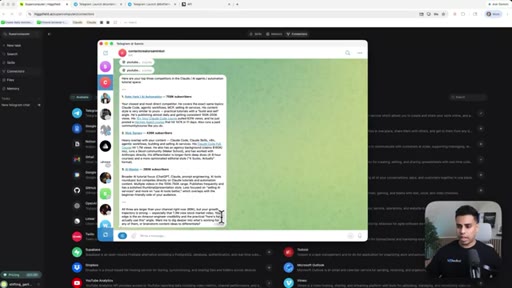
06:43And then now I could be like, hey, can you find other similar channels in my niche who may be competitors? Just name the top three. And I'm just taking it simple and we're gonna be building layers on top of this.
06:53Right? Now that we have our app app up and running, the the fact that we can use it from Telegram and you know this responded to me. It says Nate Hark, Nick Sarev, and AI Master.
07:05These two are buddies. I don't know who this is. But yeah, that's it's great.
07:08It's it's getting a lot of stuff and it can already help me dissect my channel and help me find ideas. Right?
07:15And you can already see my growth trajectory is strong with my stock market video, all these. Anyways, alright. Now that we have that done, now actually, let's try putting this in practice and getting some getting some actual value out of this.
07:29Alright?
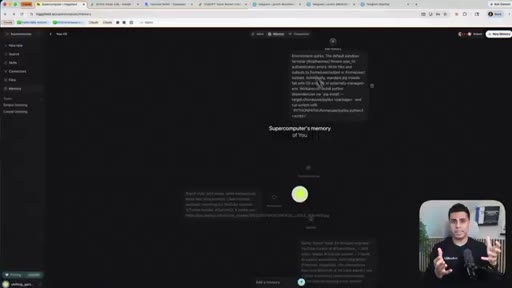
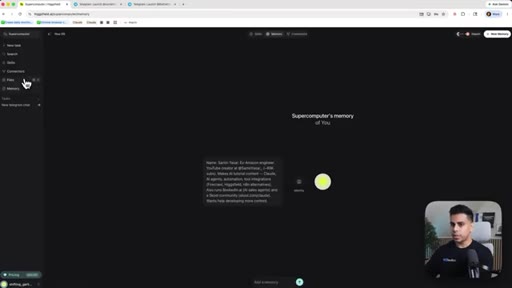
07:32So now that we have a bunch of our connectors connected, you can connect everything you want. Let me show you this. If I go to memory,
07:38it knows a bunch of stuff about me and the things I like making content on. Right? So this memory graph, it's gonna keep getting bigger and bigger and bigger.
07:46But right now, you could see is we have our basic stuff set up and you see there's a lot of skills here that you can add. As long as you have some of your Google Workspace and your Google Drive connected, you should be good to go. Okay.
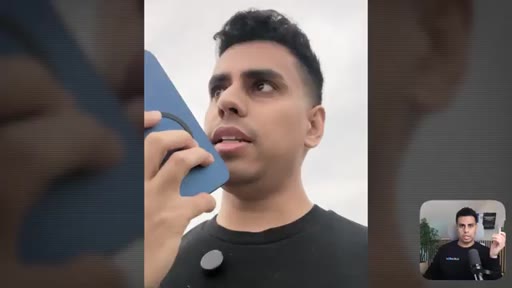
07:58And let's go for a little walk and I'll show you how I would actually use this day to day. Alright. So now I'm on a walk, and what I wanna test is can I actually get meaningful work done with my phone while I'm out here?
08:13And also, this is a fun reason, but I also got this DGI camera for my community.
08:20I'm just walking around, and I uploaded that YouTube video. Let me see if I can essentially clip up my content and get it published. So let's try that.
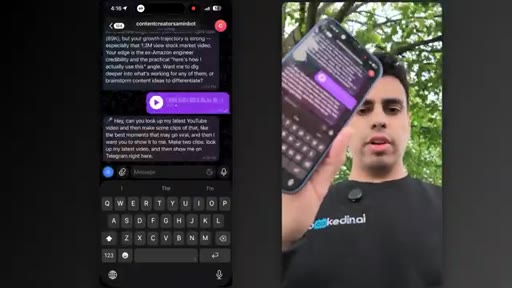
08:28Hey. Can you look up my latest YouTube video and then make some clips of that?
08:36Like, the best moments that may go viral. And then I want you to show it to me. Make two clips,
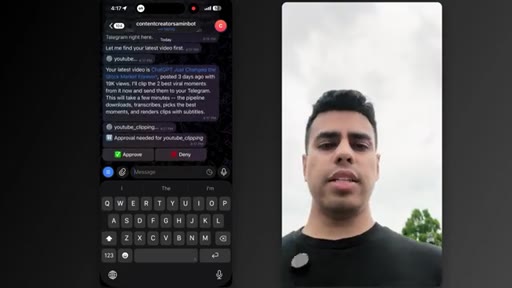
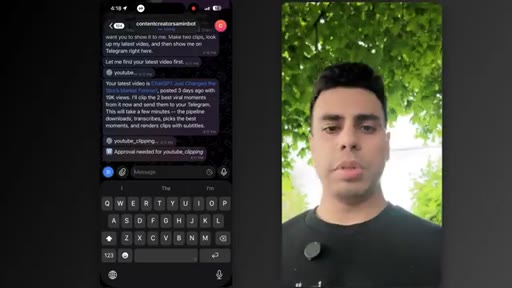
08:45look up my latest video, and then show me on Telegram right here. And you can see right here, right now, I just sent it that voice memo. After I sent it that voice memo, it automatically transcribed it without me having to put in or do anything.
08:59And then I'm just gonna wait. Let's see. Okay.
09:02So now it's asking me for approval. And that's the nice part, honestly, about this new supercomputer thing.
09:08The fact that I can just be out and about and work from my phone, it's pretty nice.
09:14And that's what we want with AI, that it should honestly very easily understand what we're trying to do. But the reason I'm making this video now instead of much earlier when this thing got released, because one, I wanted to test it out and see how it does.
09:29HOOKNumber two, initially, was way too expensive. So I thought most people won't use it in terms of token consumption.
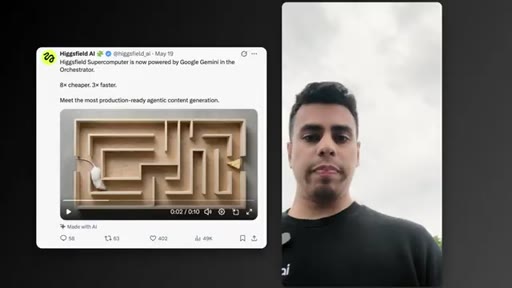
09:36HOOKBut after very recently, Google dropped their latest models. And with those latest models,
09:43HOOKit actually became like three times faster and eight times cheaper. So now I'm like, okay. This will be really cool.
09:59HOOKI just thought that was fun. What up, dog? Alright.
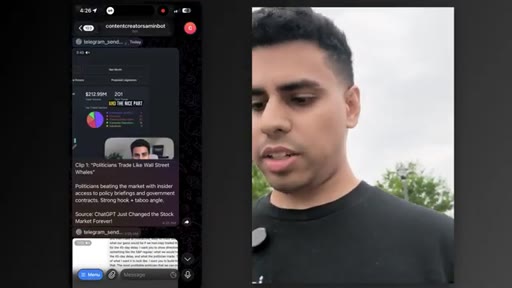
10:02HOOKSo from my phone, it seems like that these things are done. It says approved two clips ready. So let's check it out.
10:08And you can see clip one. On Wall Street, there are people who move millions of dollars in a single trade. And when someone puts, let's say, $50,000,000 into a stock, they didn't really just do that off a gut feeling or by flipping a coin.
10:19They do it because they have a lot of research teams and a lot of private data. They know something. And these people are called whales.
10:25Okay. This one's not bad. But the problem becomes politicians
10:29only report their Okay. Great. You see, it did a lot of things.
10:33Like, it added captions. It found some places where the retention spiked from my video, and then told me what it's about. And then now it's also inside my Telegram DMs.
10:43And if I want, I can ask it to post it automatically. But right now, what I can also do is like hey.
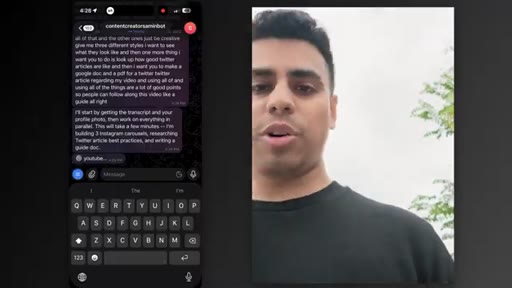
10:50What I want you to do is create some promotional material for this video in Instagram. So take the content from it, really understand it, and then make a couple Instagram carousels. Make one of them look like
11:04me posting on Twitter. Use my headlines and my pictures and all of that. And the other ones, just be creative.
11:12Give me three different styles. I wanna see what they look like. And then one more thing I want you to do is look up how
11:18good Twitter articles
11:21are like, and then I want you to make a Google Doc so people can follow along this video like a guide. Alright?
11:31Great. So I just sent it my long long voice note while I'm taking a walk.
11:36And really quickly, it transcribed my gibberish.
11:40And then now it's going to be creating all these different things. So let's see it do that.
11:46Okay. So it's slowly starting to rain, so I'm just gonna head in to my car.
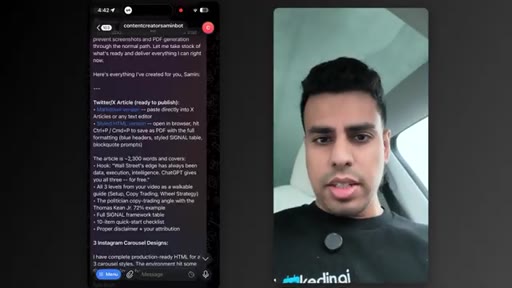
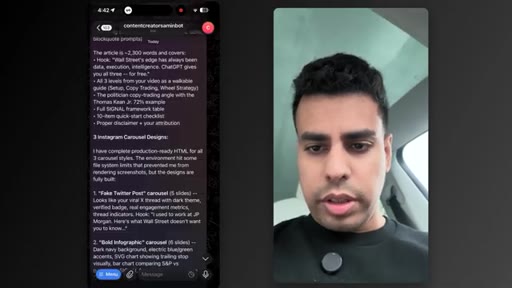
11:57But we can see right here in my phone that it's starting to give me some results. And let's check these out.
12:05Alright. So this document looks pretty cool. You can see it made some tables,
12:10made some authors. Okay. That was the Twitter document.
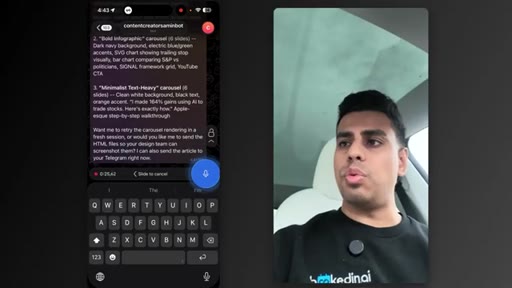
12:13Now let's see the carousels. Okay. So the carousels can just be a set of images.
12:20So send me the images to review. And can you edit the document and add in some graphics?
12:28So you can have some HTML graphics or just make some with image models. Make sure it's easy for people to follow so they can follow along
12:40with some pictures and visual aids as they read. And you see, I can also just edit whatever it generated. You're not limited to just generating these things at a time.
12:51If you just look at it and then tell it to change it up, it should be able to do that as well. Okay. So after this is done, I'll come back.
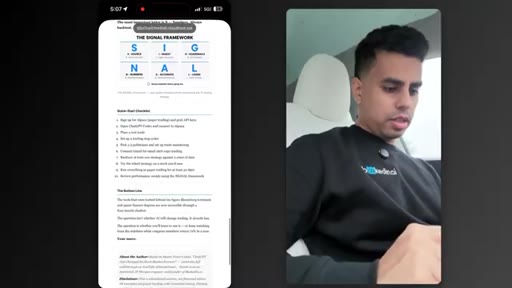
13:00Okay. So this is awesome. I can see
13:05it's actually using my framework and the signal framework is literally from that video.
13:12Okay. This is pretty good. I like that it's using my style.
13:15And now, let me try this out. Okay. This is just the
13:18other one, but here, this is the real one. Okay. This is looking pretty good.
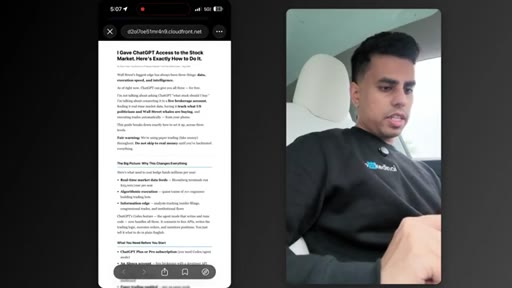
13:22Alright. So it's saying the Twitter article is done. Now let's say Twitter article with visual aids.
13:28And if I click this, you'd see I gave ChatJPTI access to the stock market. Here's exactly how to do it.
13:35So this is based off my video. I didn't have to tell it to go scrape it. If I scroll down, you can see they generated those visual aids
13:42in my style and then they put it all here, everything I'm talking about. And this is really cool. I would be down to post something like this.
13:49The nice part about Hickfield and because this is Hermes agent is it's gonna keep learning. And as it keeps learning, it's gonna know my style.
13:58So when I tell it to do something else, it's gonna remember everything we just talked about because it saved it of skills. Actually, let me go back to my computer and show you what it's done in the back.
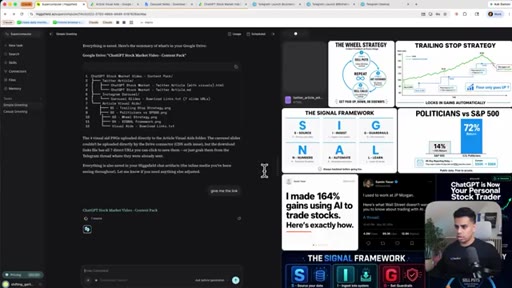
14:08So I'm back to my computer. First thing I wanna show you is you can see while we were walking outside, it made some new memories.
14:14It knows what we like, where to store stuff, my colors, all these thing. Quick thing I wanna show you is right here. This is all the different assets it was generating while we were walking.
14:24But I said, hey, can you just put everything inside my Google Drive because it's connected to my Google Drive? What it did, I said, give me a link really quickly. And, you know, it organized everything we did and all it generated into folders in my Google Drive.
14:37So it doesn't matter whatever AI appointed this, now I have references that I can be using for later. Cool. So this is step one.
14:45And hopefully, you can see how powerful this is. Because let's say if you're a business owner or a content creator trying to grow on like several social medias at once, this system is super valuable to them.
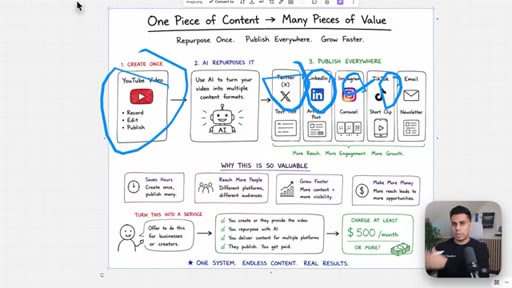
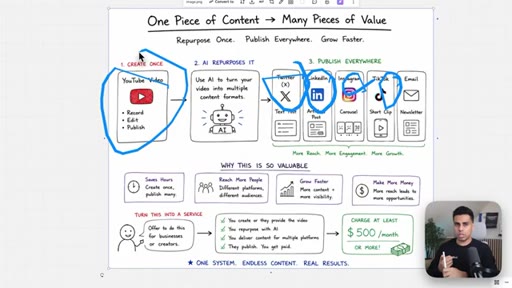
14:56Like we literally just took one piece of content. I took my YouTube video. I didn't even tell it.
15:00It just said go look it up. And then I got the AI to make multiple pieces of content from that. So I got it to make carousels,
15:08articles for x, you can use the same carousels for LinkedIn, different types of text posts. And this is a super valuable system that you can actually create for yourself or anyone else.
15:19And with just this, you can literally package it up and offer this as a service for people. And I'm sure you can charge at least $500 a month to help them grow on other social medias while they just focus on one. Hopefully, you can see the pattern now.
15:33If I wanted to write a full long form YouTube script, I do the exact same thing. I would give it my topic or ask it to research some topic first and because it has access to my Google Docs, it already knows the kind of videos I make and the way I like to explain things and the topic my audience really cares about. So instead of me trying to prompt it, I can just tell it what I want and let the skill guide the process.
15:53And by the way, if you want the exact skills I use for this, I put them inside the Cloud Club. You can literally just copy the skill, paste it into the bot, and start using it for your own content. But this is where it gets even more interesting because once you can do this for your own content, you can do it for other businesses too.
16:08Like for example, any e com brand, creator, coach, they're either paying an agency or hiring freelancers but most of them are just not making enough content because it takes too much time. So now, I'm gonna show you how can take the same system and use it for the business side and build a full marketing team. So let's build a marketing campaign.
16:28Right? And to do that, what I'm gonna do is I'm gonna hit new tasks and I'm just gonna find this thing right here. Okay.
16:33Let's use these turmeric and ginger gummies. Right?
16:38So what I'm gonna do is let me take a photo and then let me drag it in here. Okay. Can you research my product?
16:46And I'm trying to build a marketing campaign for this brand. Go look up this brand and then create a couple different things. Make a few
16:56UGC ads, make a few crazy cinematic video ads, make some static ads, make sure to do some research on the product and drive towards benefits. Make me a report to of competitors
17:11of what they are, how their brands are doing, and make me a full marketing brief and a whole campaign with all the creatives and assets. Alright?
17:19Right now, I'm going to say auto run. And right now, let's go. So very simple prompt.
17:26Let's see how it does.
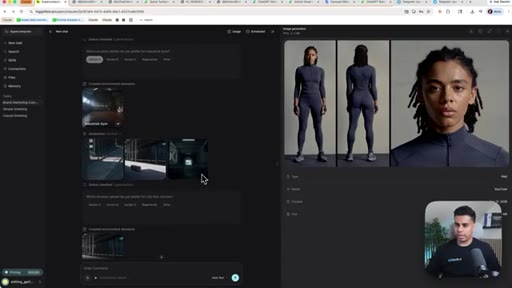
17:30Okay. So it seems like it did a lot of stuff. It generated characters.
17:33It generated some image ads. And wow, this is actually really good because the text is actually real legible. Alright.
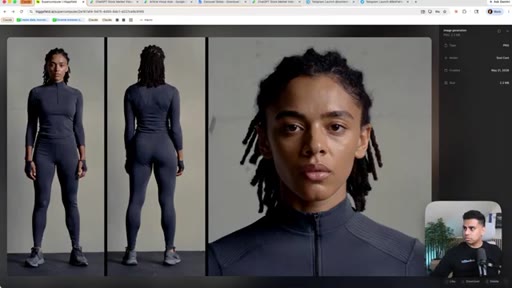
17:41It generated some characters so it can use inside the long form ad. Interesting. And even the UGC.
17:50Okay. So let's go through all of this stuff one by one. Alright?
17:54So first of all, let's go through the static ad set. This is the last stuff they gave me right here.
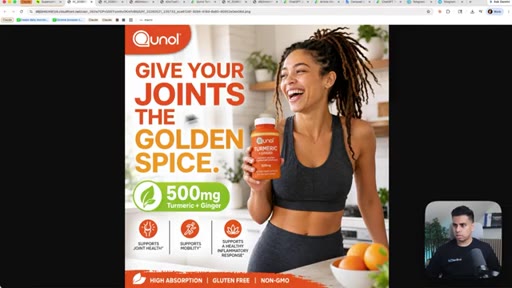
18:00Okay. This is really cool. Qunal.
18:02Wow. It's very realistic and the text is actually legible.
18:08Well, I love it. Let's look at the other ones. Wow.
18:11This is really nice. The woman is very realistic right here. It found the benefits and the actual it like scraped it out from the same thing.
18:20So let's look at the UGC ad. My joints are literally screaming after that Lende. You guys, I am totally wrecked.
18:28But hear me out. I found the golden spice of recovery. These QNOL.
18:33Wait. This is so cool. You could check this out.
18:35Like, inside the video, I'm, like, pausing it in the video, and it's the same text. Wow. That's actually really nice.
18:41Even the little text right here, curcumin complex, it got that right too.
18:46And I didn't have to put any direction. Eric and ginger gummies. Look at this propotence.
18:51Okay. Okay. That's probably the most impressive thing I've seen from this.
18:55And let's see the cinematic video ad.
19:01Wow. This is a twenty second long It's super high real hyper realistic.
19:05Wow. Right here, Houston.
19:13You see they didn't get it this one as much right. You can see the text is not very good. I guess you could just re prompt that.
19:19But the UGC ad really, really impressed me. I really like how it did that.
19:25And that is probably one of the coolest things you can be doing because people pay content creators a lot. And you could see this was actually like really impressive how What? It it got all this text right.
19:37Wow. Even the stuff in the very corner that's barely visible here. That's really cool.
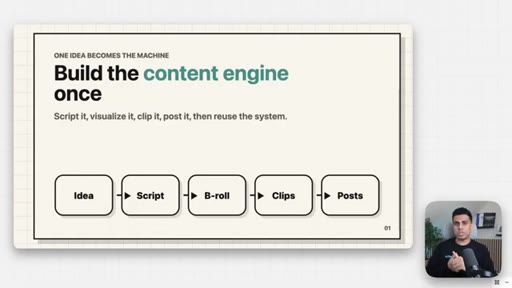
19:43So at this point, we built a full content engine. We learned how to take one idea and turn that into YouTube scripts, clips, articles, carousels, and a whole repurposing workflow. And this is how you actually take all of the stuff and make it into a business.
19:57CTABecause you could take the same system and offer it to creators, coaches, other e com brands, SaaS companies, And the easiest way to start doing that is not to just pitch them with a big complicated offer, but just to make something
20:11CTAfor them first. You can find a brand, look at their product, study their competitors, and make like three ad ideas or three UGC scripts from a few strategic ad angles and literally just send it to them and say, hey, I made a few content and ad ideas for you.
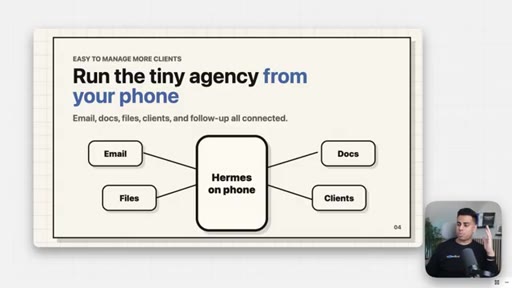
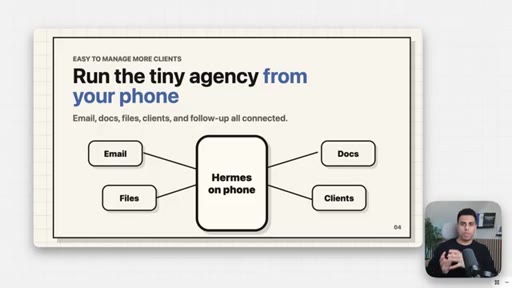
20:25CTAIf you like any of these, I can keep making this for you every week and then make it into a subscription. Maybe it's 500 to a thousand dollars for a basic repurposing package and goes up from there. And the crazy part is because Hicksfield supercomputer, it's connected to your email and you can manage it from your phone, it becomes way easier to manage than a normal agency because you can just text the bot and it'll do what you need to, like sending all the docs and drive links to your customers.
20:48CTANow, I do wanna be clear. This Hicksfield supercomputer setup is very powerful, but it can get really expensive. But if you wanna learn how to run a version of this that's local and probably one one hundredth of the cost, watch this video next.
21:00CTAThat's where I'll show you how to build a local version step by step.
— full transcript
§ 05 · For Joe

How a single video becomes a full content library.

WHAT TO LEARN

A persistent AI agent that knows your style and has access to your files removes the per-task prompt overhead that makes content repurposing feel like a second job.

  • Connecting an AI agent to your existing file storage means generated assets land where you already work, not in a separate app you have to check.
  • Voice memos are a low-friction interface for complex multi-step tasks: describe what you want conversationally and the agent handles sequencing.
  • A memory graph that grows with every session compounds over time -- the agent becomes more accurate at matching your tone as it sees more examples of your work.
  • Repurposing one video into clips, carousels, articles, and a Google Doc guide is a fixed workflow, not a creative decision -- it can be fully delegated once the system knows your style.
  • The cost curve on hosted AI platforms shifts significantly when underlying models improve -- what was impractical at launch can become viable months later without any change on your end.
  • Honest capability limits increase credibility more than hiding them -- audiences trust reviewers who name the gaps.
  • A cold-outreach agency pitch built on delivered samples rather than a proposal removes the main friction point: the prospect evaluates finished work, not a promise.
  • Running the agent entirely from a phone while outdoors is a practical test of genuine autonomy -- a system that still requires desktop supervision is not yet a team replacement.

§ 06 · Frame Gallery

Visual moments.