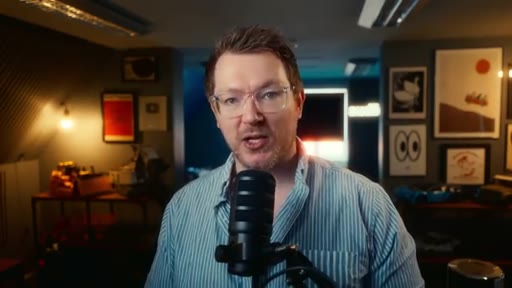
MrAlexTech · Youtube · 11:00

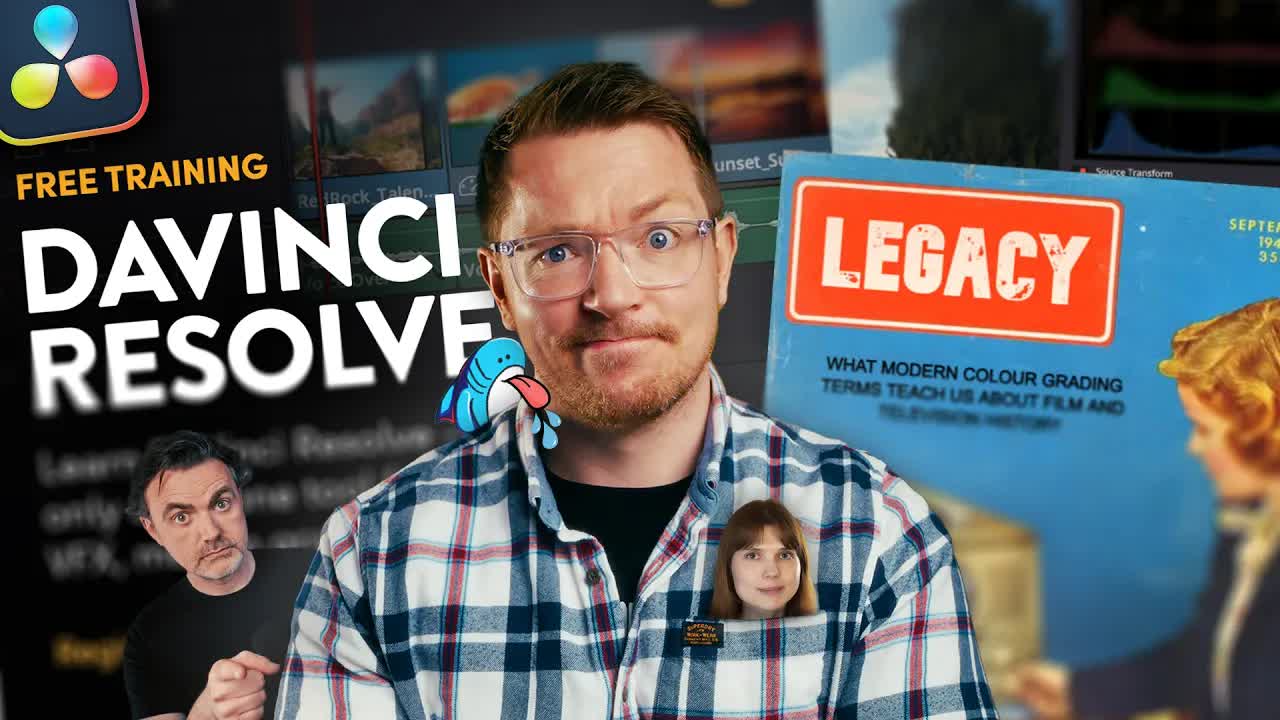
So you want to learn DaVinci Resolve

An 11-minute resource guide covering every free and paid path to learning DaVinci Resolve in 2026.

Posted
May 25th 2026
yesterday
Duration
11:00
Format
Talking Head
educational
Channel
MR
MrAlexTech
§ 01 · The Hook

The bait, then the rug-pull.

The title already answered the question before the video started. "So you want to learn DaVinci Resolve huh" is a knowing nod to an audience that's already decided — the host's job is just to hand them a map.

§ · Chapters

Where the time goes.

00:00 – 01:42

01 · Blackmagic free live training

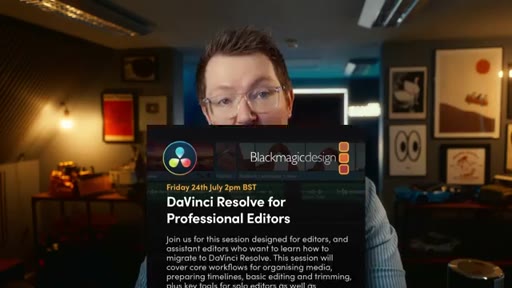
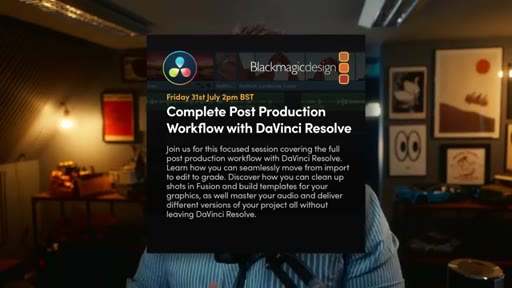
Upcoming free Blackmagic live sessions: photo processing (May 29), AI tools, podcasts (June 26), professional editors (July 24), complete workflow (July 31). DaVinci Resolve 21 beta mentioned.
01:42 – 03:45

02 · YouTube free resources

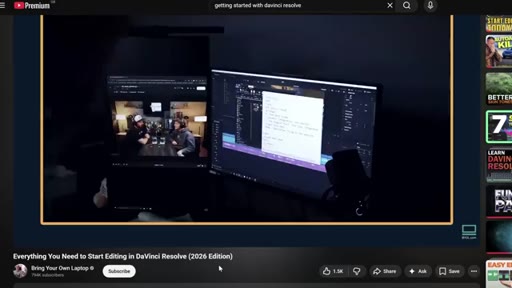
Casey Faris's 4-5 hr beginner series; Bring Your Own Laptop (Brandon Wampus) 2 hr 2026 edition; Wampus's own channel with animation tutorials.
03:45 – 04:24

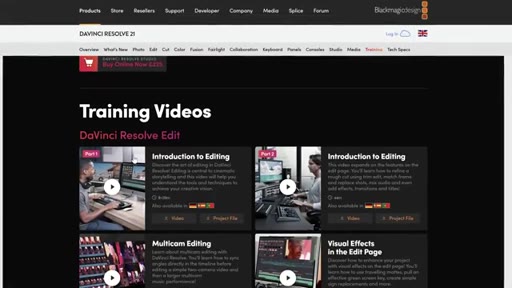
03 · Blackmagic training website and guides

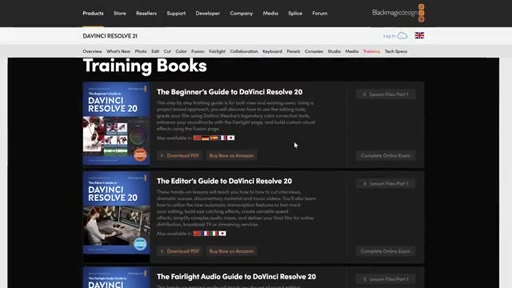
Free downloadable books (beginner, editor, Fairlight, colorist, two visual guides), free video tutorials, certifications included.
04:24 – 06:58

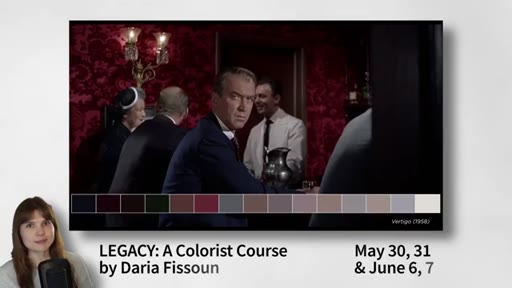
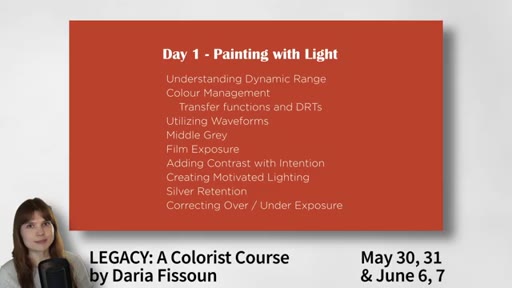
04 · Daria Fissoun and the Legacy colorist course

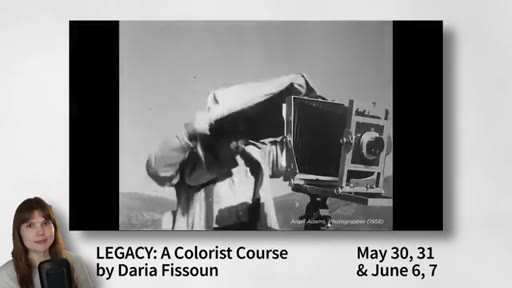
Daria wrote Blackmagic's colorist guide. Her paid Legacy course (live, two weekends) covers the why behind color theory, not just technique.
06:24 – 07:31

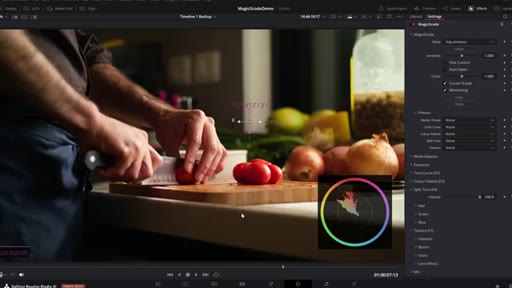
05 · Magic Grade plugin and giveaway

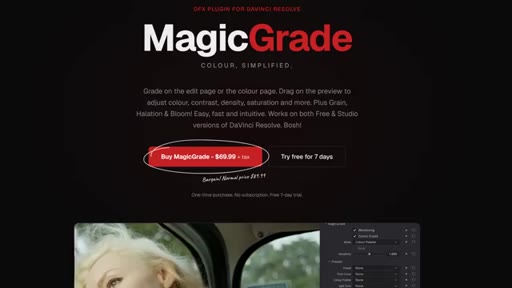
Host's own film emulation plugin for DaVinci Resolve. 7-day free trial. Buyers entered to win a Legacy course ticket.
07:31 – 07:43

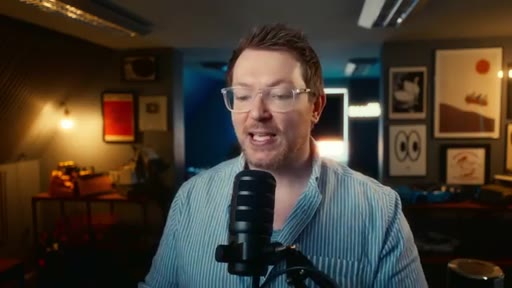
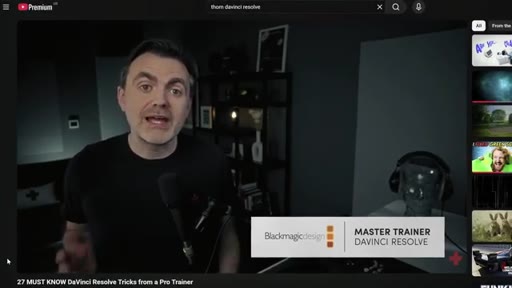
06 · Tom Lyons

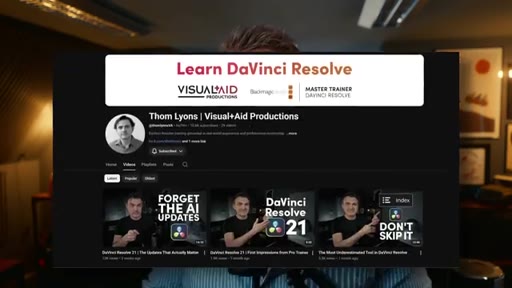
Professional colorist on YouTube (~10K subs). Polished, well-paced tutorials on all aspects of DaVinci Resolve.
07:43 – 09:22

07 · Paddy Cartwright — kinetic editing

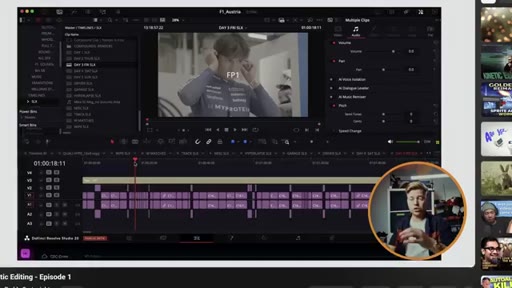
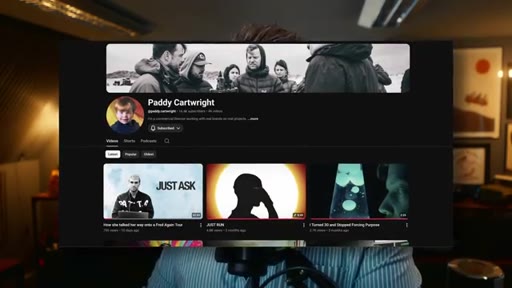
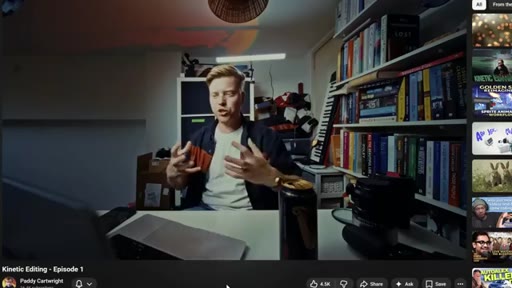
English filmmaker known for anamorphic reels and kinetic editing. Done 1-hr deep-dives on his short-form process on YouTube.
09:22 – 10:37

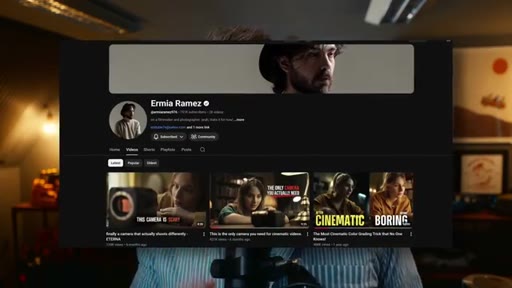
08 · Ermia Ramez — cinematic benchmark

Camera/tutorial channel with exceptional production quality. Host warns viewers will feel 'simultaneously motivated and inadequate.'
10:37 – 11:00

09 · Outro

"I'm back to being a YouTuber again." Casual sign-off, teases more videos.

§ · Storyboard

Visual structure at a glance.

open
Blackmagic live
YouTube free
guides + certs
Daria / Legacy
Magic Grade CTA
Tom Lyons
Paddy / kinetic
Ermia / cinematic
outro
§ · Quotables

Lines you could clip.

04:56
"If Daria doesn't know something, it's probably not worth knowing."
Clean, punchy authority signal — works standalone → IG reel cold open
09:33
"I feel equally motivated as I do inadequate, so it's a good mix."
Self-aware humor with a universal creator feeling → TikTok hook
10:38
"I'm back to being a YouTuber again."
Relatable return-to-platform energy, shareable among creators → newsletter pull-quote
§ · Pacing

How they spent the runtime.

Hook length17s
Info densityhigh
Filler5%
Sponsor blocks
  • 06:24 – 06:58 · Magic Grade (own product)
§ · Resources Mentioned

Things they pointed at.

02:12channelCasey Faris — DaVinci Resolve getting started
02:40channelBring Your Own Laptop / Brandon Wampus — Everything You Need to Start Editing in DaVinci Resolve 2026 Edition
04:52productDaria Fissoun — Legacy colorist course
06:37productMagic Grade plugin by MrAlexTech
07:31channelTom Lyons YouTube channel
08:23channelPaddy Cartwright YouTube channel
09:26channelErmia Ramez YouTube channel
§ · CTA Breakdown

How they asked for the click.

06:37 product
"So if you've been thinking about picking up Magic Grade, now's a pretty good time. I've linked that down below as well."

Organic integration — the plugin promo is sandwiched between two high-value resource recommendations and sweetened with a giveaway for the Legacy course, lowering resistance.

§ 04 · The Script

Word for word.

HOOK opening / re-engagementCTA the pitch
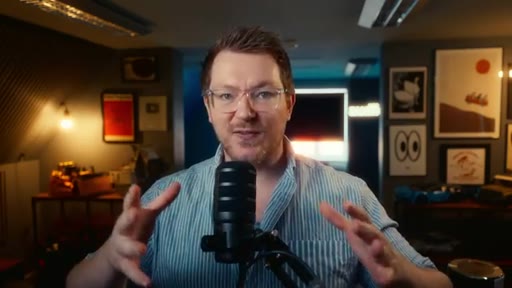
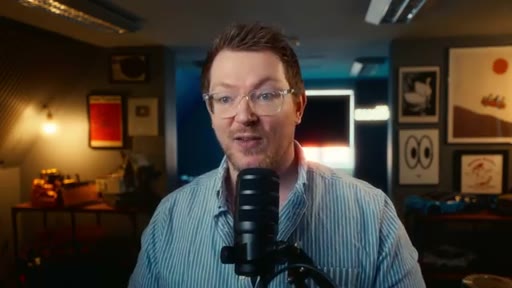
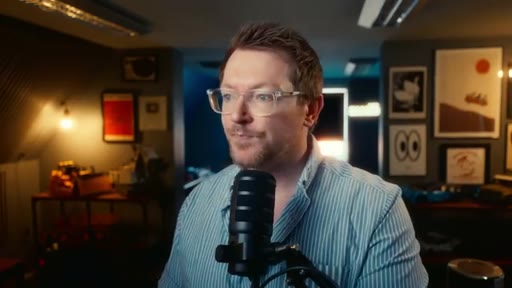
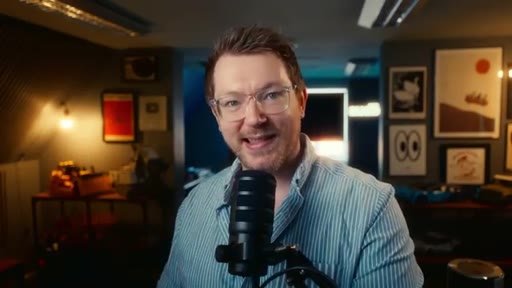
00:00HOOKSo you wanna learn DaVinci Resolve. Well, now is a pretty good time and YouTube is a pretty good place to start. But there are other resources out there which can really help you out.
00:11HOOKSo let's talk about it. And we're gonna start off with some free training by Blackmagic because Blackmagic are putting on a series of public training sessions which you can get involved in completely
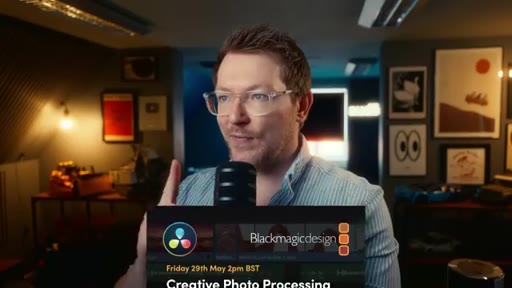
00:23for free. Now, I'm slightly late to the party because I've missed the very first one, but there are still a bunch remaining. So on Friday, May 29, we've got creative photo processing with DaVinci Resolve 21.
00:36Now, if you've been living under a rock, you may have missed that DaVinci Resolve 21 is out in beta, so you can download it and play with it right now if you want to, and it introduces a brand new photo page. So you can mess around with photos and stills and raw images and whatever else in DaVinci Resolve, which is pretty neat.
00:53So they're putting on a training session for that one. Work smarter with AI tools in DaVinci Resolve. That's probably gonna be mostly focused on DaVinci Resolve Studio.
01:02Hence, it's talking about AI tools. June 26, we have finish and deliver podcasts with DaVinci Resolve. July 24, we've got DaVinci Resolve for professional editors,
01:13which is probably gonna be a very interesting one for a lot of you guys that are watching this because you're into the editing side. So that one should be pretty good. And then we've got July 31 complete post production workflow with DaVinci Resolve.
01:26Everything from import to grade, fusion graphics, audio and delivery. So again, another really good one which is gonna cover the entire workflow kind of start to finish within DaVinci Resolve. And as mentioned, completely free.
01:40So there's a link down below. Click on the link. It's kind of strange.
01:44There's one link and you have to register and then you find out more details after, but there's no dates or anything on there. Bit strange.
01:51I don't know why they've thrown it that way, but there's a link down in the description below. So click it, register, and then you'll be able to hop on to any of these training sessions completely for free by Blackmagic themselves. Nice.
02:02Now annoyingly, the one that I missed was basically DaVinci Resolve for new users, which would have been very handy to point you in the direction of. So sorry about that.
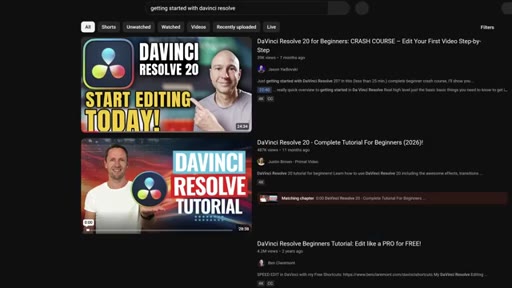
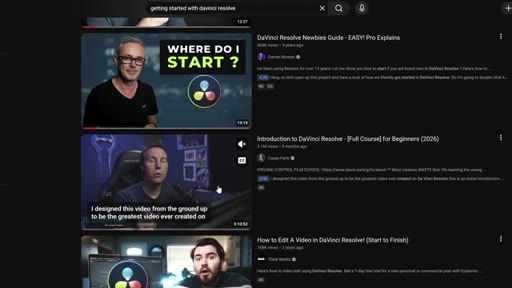
02:14But to make up for it, if you hop on YouTube, you can literally search for DaVinci Resolve getting started. There's a bunch of really good getting started videos out there. Casey Faris has done a really good one.
02:24It's like four or five hours long and it pretty much covers everything from start to finish to get you started within DaVinci Resolve. So it's definitely worth checking out.
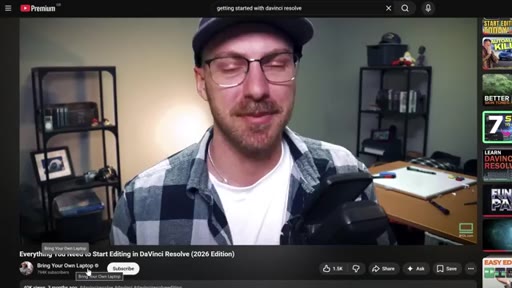
02:33Now another one which you may have missed is by a channel called bring your own laptop. It features a guy called Brandon aka Wampus and it's called everything you need to start editing in DaVinci Resolve 2026
02:46edition. Again, I've linked it down below for you so you can go and check it out. It's completely free.
02:51Of course, it's on YouTube. It's two hours long and it covers literally everything from knowing nothing at all. So how do I even find DaVinci Resolve, open it up and get started through to editing your first project within Resolve.
03:04And Brandon is a really cool guy. He's a really good teacher. So again, it's probably worth checking out.
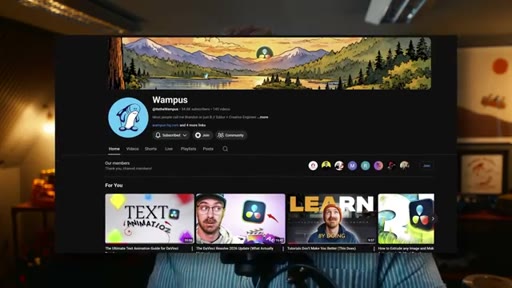
03:09Now, Brandon Wampus has his own channel as well, which I definitely recommend.
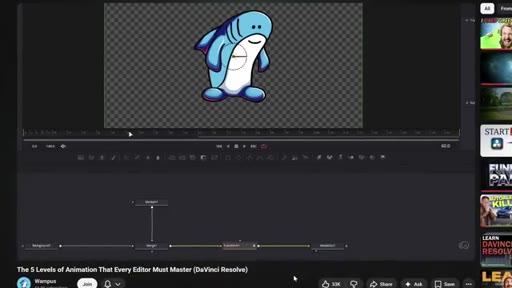
03:14He's done a handful of tutorials on DaVinci Resolve. Some of them on text animation and he's done a really good one on five levels of animation for every editor. It's definitely worth checking out.
03:25It's a really good video, especially if you're into motion graphics and trying to learn the fusion side of things. So give OnePlus' channel a look. Now, I'm actually gonna be hanging around with OnePlus this week over on his channel and within his Discord.
03:38So if you like to just come and hang out and have a bit of a chat, please do so. That would be nice.
03:44Come and say hello. Now switching back to Blackmagic for a moment, it's very easy to forget that they release a whole bunch of video tutorials, guides,
03:54and actual training books that cover both all of Resolve as a whole. There's a massive reference manual which you can download. You don't even need to download.
04:03You can access at any time by simply opening up DaVinci Resolve, clicking on help, and then you can open the reference manual from there. It comes with every installation. But if you shoot over to the Blackmagic training website,
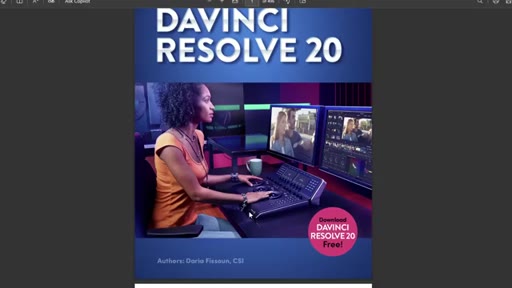
04:15there's tons of resources within here. So there's a bunch of different videos covering the editing side, the color side, the Fairlight side, Fusion, as well as these training books which you can download completely for free. So we've got the beginner's guide, the editor's guide, the Fairlight audio guide, colorist guide, and then two visual guides as well.
04:35They all come with different lessons which you can download and you can do an exam at the end. So you get a little certificate you can put on your fridge just to remind you that you know what you're doing, which is nice.
04:47Now, if you squint your eyeballs and take a good look at that colorist guide, you'll see that it's written by none other than Daria Fasoon. Now, if you don't know Daria, Daria is an OG.
04:59She knows everything there is to know about color. She literally writes the manual as you can see.
05:05If Daria doesn't know something, it's probably not worth knowing. And she's also an excellent trainer slash teacher.
05:13And she's releasing a colorist's course called Legacy.
05:18Now, I'll let Daria explain what it is. The Legacy workshop demonstrates best practices when working with modern image formats. It explores the creative side of color design and offers actionable advice for creating your own looks and developing a personal style.
05:32We're not just here to demonstrate the how, we wanna talk about the why. Why is middle gray important for setting contrast with intention? Why does color saturation depend on the lighting in the scene?
05:42Why are modern offset tools based on printer light technology? The legacy workshop is delivered live over two weekends. It features four unique projects with over 10 timelines and countless practical resources and case studies.
05:54So it's not a general course, but it sounds really cool, especially if you're into color and you wanna learn more about the history and why we do things the way that we do them. So not a general thing, very specific, but if you're interested in it, I've linked it down below. It's not free.
06:09It's a paid for course. It's also not particularly cheap, but you are getting something really unique from one of the best in the business. So definitely go and check that out.
06:18CTAI'm actually giving away one ticket to Legacy, So you get the four days of training, you get the full thing, two people that have picked up my Magic So I made Magic Grade.
06:28CTAIt's a little plug in for DaVinci Resolve. It's available now. There's a seven day free trial, so you can try it for yourself or you can pick up the full thing.
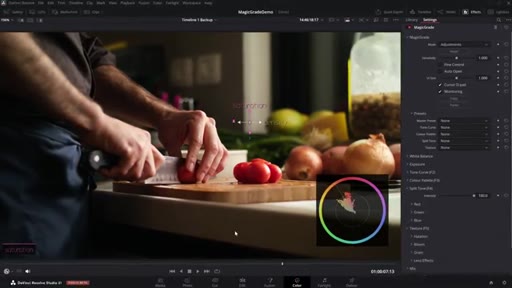
06:35CTAPeople have been really enjoying it so far. It's like a light take on the film emulation. It's a little plug in which allows you to do color grading really quickly and easily in the free version or the studio version of DaVinci Resolve and on the edit page or even the color page.
06:49CTABut everyone that's picked up is being entered into a competition to win one ticket to this legacy course by Daria, which is pretty cool.
06:59So if you've been thinking about picking up Magic Grade, now's a pretty good time. I've linked that down below as well. Right.
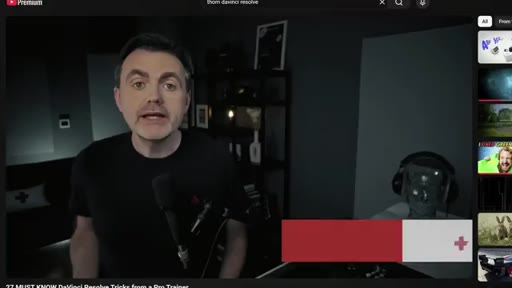
07:07Shooting back over to YouTube. There's someone else that has been making some really great tutorials over the past sort of twelve months and they've already grown their channel to about 10,000 subscribers, but I figured it's worth mentioning them so you aren't missing out. It's a chap by the name of Tom.
07:24Tom Lyons. He's an Englishman, but he doesn't live in England anymore. He lives over in The United States.
07:29He's a professional colorist and he's just really good. Really good at making tutorials, really knows his stuff, really professional, really well paced and full of glorious,
07:38gloriously helpful tips, tricks, and just generally good information. He's done a bunch of videos. I've linked his channel down in the description below.
07:47So again, if you're looking to learn more about DaVinci Resolve as a as a whole, he is a colorist by trade, but he talks about all different aspects of DaVinci Resolve. That's another one for you to go and check out. Now, just to wrap this video up, just two more YouTube channels which I found sort of relatively recently which I absolutely think are worth mentioning.
08:09The first one does things kind of like this.
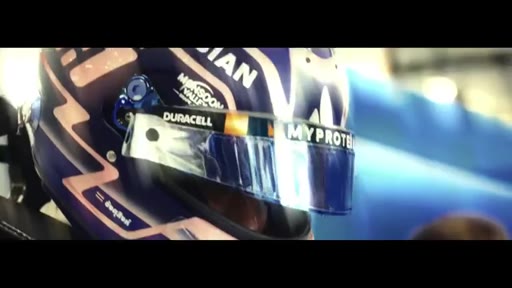
08:28Which I think are cool. It's a chap by the name of Paddy Cartwright. He's again a fellow Englishman.
08:35He's very English. If you like the English sense of humor, then I think you will enjoy Paddy's videos. But he does a lot of reels, a lot of short form content
08:44and it's just really interesting. It's interesting looking. He uses a lot of slow motion,
08:49goes out and shoots anamorphic and just creates these really cool looking things, uses loads of different sound effects, and just puts them together in a really interesting way. He calls the type of editing that he does kinetic editing, and he's done a couple of deep dives.
09:03So he's done some like one hour videos that are available on YouTube where he talks through the entire process of how he cuts these super snappy little reels together. So again, it's absolutely worth an hour of your time to go take a look if you're into that sort of thing and he does some other videos as well which I highly recommend checking out.
09:21So go and take a look at Paddy. And last but not least, we have a chap by the name of Ermir Ramiz or Ramiz.
09:29Ramiz? I'm not too sure how to pronounce his name. But anyway, this one's great.
09:32This one's really good for motivation, but be warned, you may feel rather inadequate after watching any of these videos. I know I do.
09:41I feel equally motivated as I do inadequate, so it's a good mix, but you will feel pretty inadequate. He does basically camera reviews and some kind of tutorial
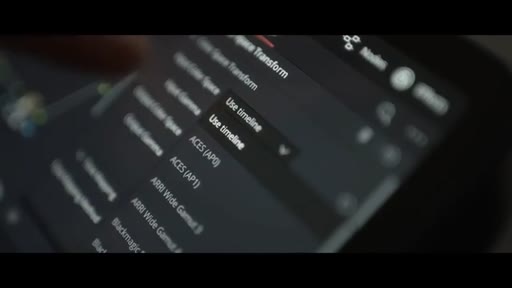
09:53style videos, I guess you could call them, but in a style like no one else. Camera and shot everything at the base ISO. But this time, I transformed the log files to Rec seven zero nine via RE wide gamut four and RE log c three.
10:08I'm sure this is not the right way, but it worked out really well. The colors looked great straight out of the camera and I mostly played with the contrast and mid tones. They look like movies.
10:18CTAThey're incredibly well put together, really well written, incredibly filmed and lit, and the color grade and everything else is exceptional. Really incredible, so you should definitely go and check him out if you want to have your day ruined. But also enjoy some genuinely really, really good quality videos over on YouTube.
10:38CTASo there you go. That's it. I hope this was useful.
10:42CTAGo and have some fun. Go and say hello to some people for me.
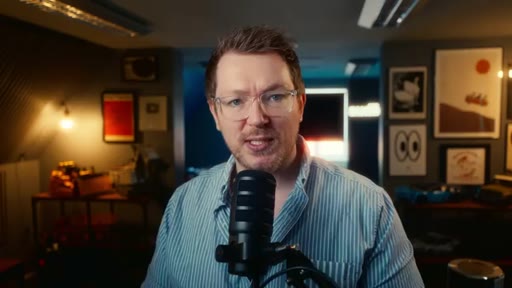
10:48CTAGo outside and make some stuff. Also, I'm back to being a YouTuber again, so more more videos to to come. Take it easy.
10:58CTAI'll see you next time.
— full transcript
§ 05 · For Joe

Free DaVinci Resolve training most editors never find.

WHAT TO LEARN

Blackmagic publishes a full curriculum — live sessions, downloadable guides, and certifications — that most self-taught editors have never encountered because it lives outside YouTube.

  • Blackmagic runs free live training sessions multiple times per year covering photo processing, AI tools, podcast delivery, professional editing, and full post-production workflows — register once and attend any session.
  • DaVinci Resolve ships with a complete reference manual accessible from the Help menu; most users never open it because they don't know it exists.
  • Blackmagic's downloadable guides cover six tracks (beginner, editor, Fairlight audio, colorist, and two visual guides), each with lessons and a certification exam — free, at your own pace.
  • The best free beginner YouTube resource in 2026 is a 2-hour Bring Your Own Laptop video that starts from zero knowledge and covers a full first project inside Resolve.
  • For anyone serious about color, learning the why behind decisions — middle gray, saturation as a function of lighting, printer light offset tools — matters more than learning menu paths.
  • The YouTube channels worth following for DaVinci Resolve are clustered around specialty: Casey Faris for beginners, Tom Lyons for color, Paddy Cartwright for kinetic editing craft, and Ermia Ramez as a production quality benchmark.
§ 06 · Frame Gallery

Visual moments.