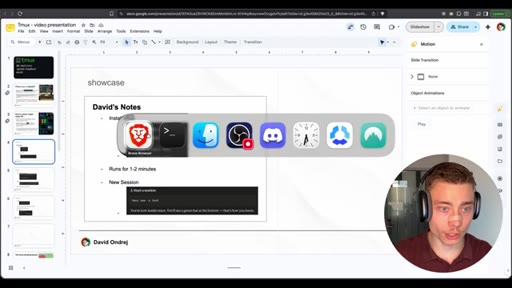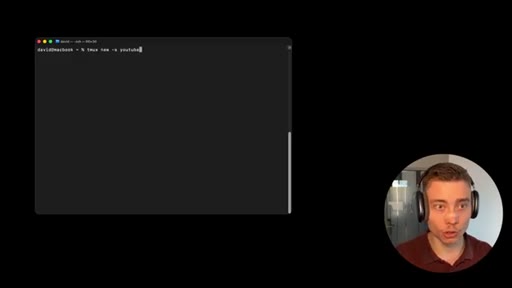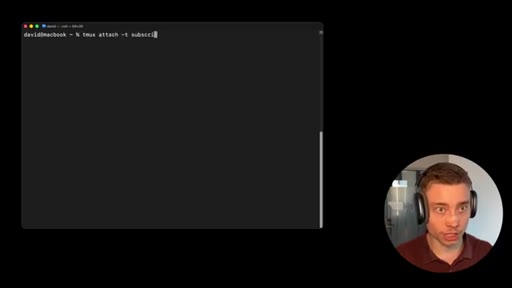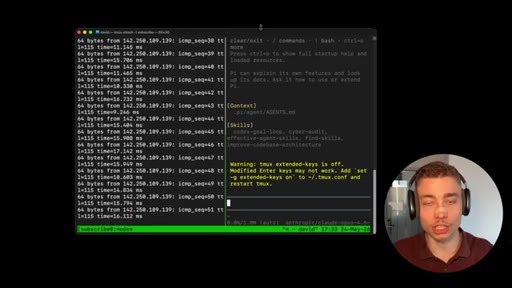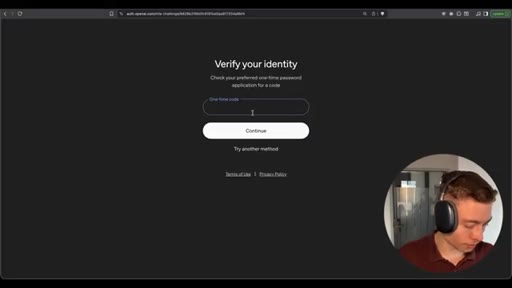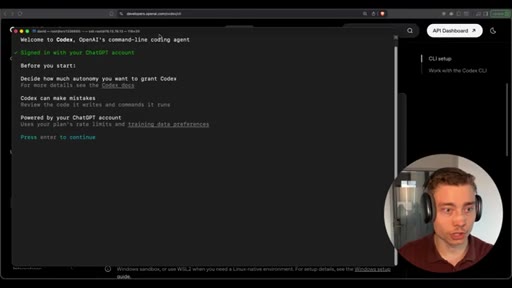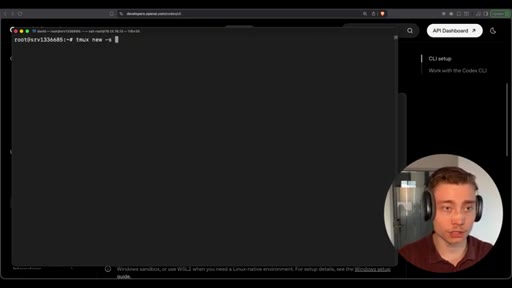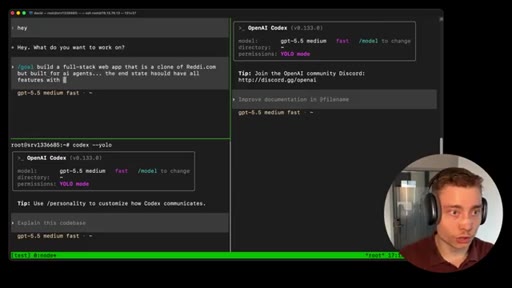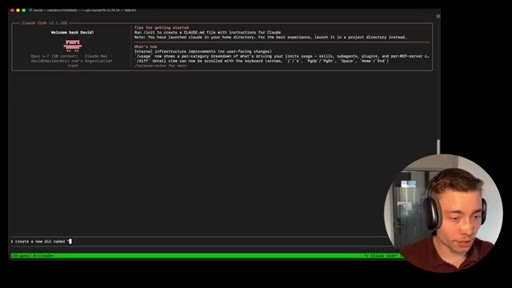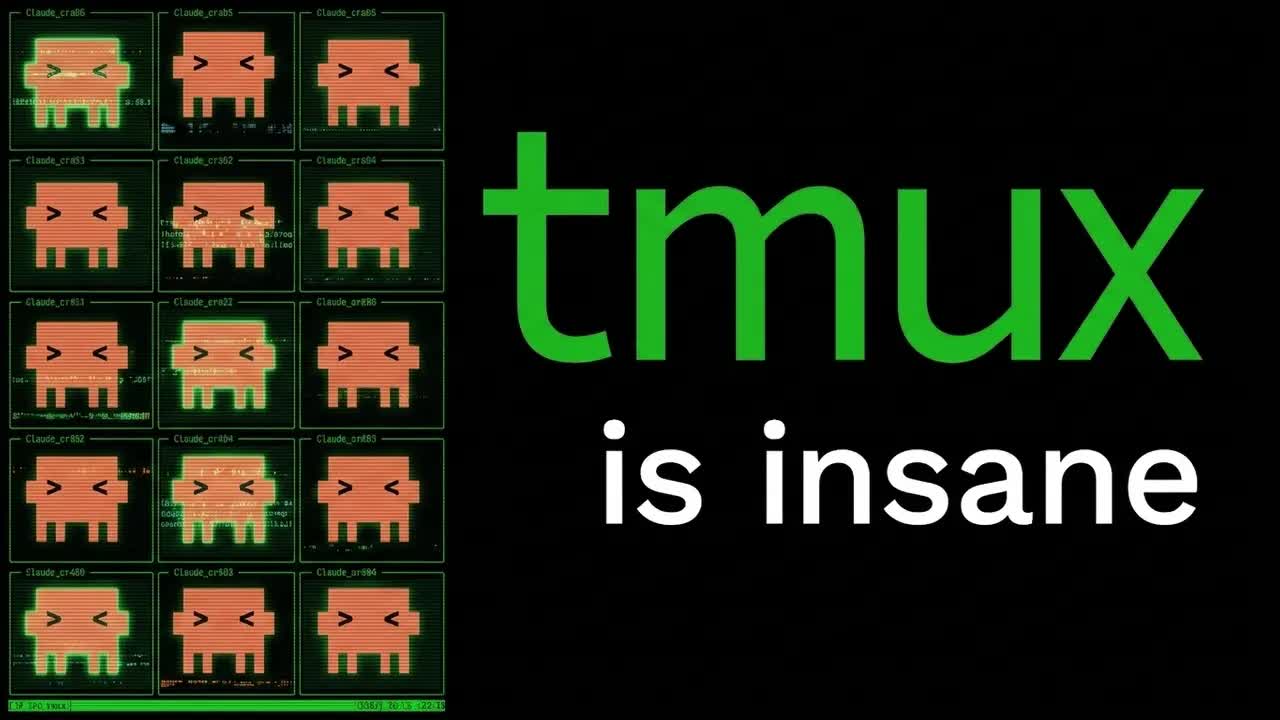
The bait, then the rug-pull.
David Ondrej opens cold: "Tmux is the one tool that every single agentic engineer needs." By the four-minute mark he's split a single terminal into a dozen panes, each one ready to host its own Codex or Claude Code agent. The hidden promise is bigger than tmux itself — it's that you can rent a $6/month VPS and let a Svelte app build itself overnight while your laptop sleeps in another room.
Where the time goes.

01 · Cold open and what tmux is
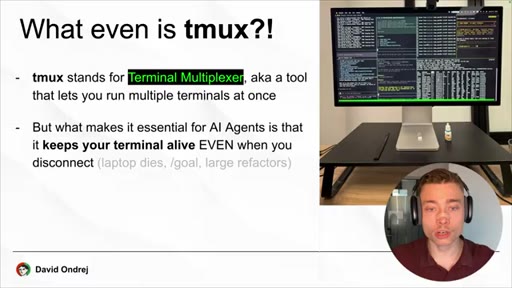
Tmux as the substrate for agentic engineering — a terminal multiplexer that keeps sessions alive when you disconnect.
02 · The agentic engineer's setup
All the famous AI developers (Peter Steinberger, Mario Zechner) run tmux on a VPS. Promise: this video will get you there in 20 minutes.
03 · Install tmux locally with brew
The simplest local install on macOS: `brew install tmux`, then check the version. On Windows or Linux, ask ChatGPT or Claude for the equivalent.
04 · First session and the detach magic
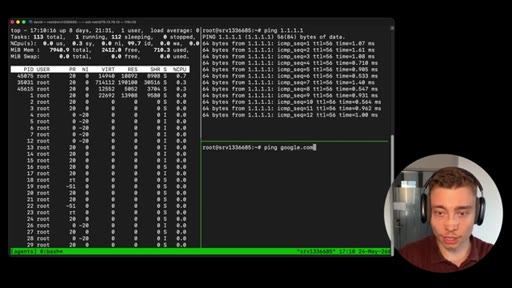
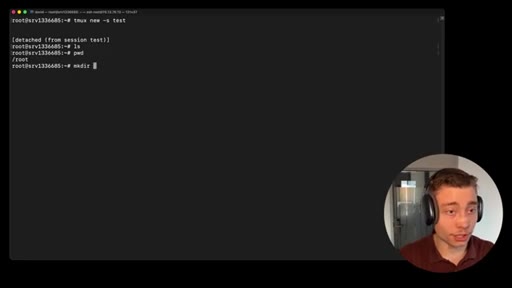
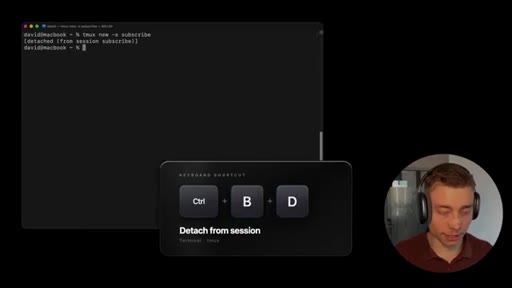
`tmux new -s subscribe`, start a `ping google.com`, detach with Ctrl-B then D, do other work, reattach — the ping is still running. The core mental model lands here.
05 · Sessions, windows, panes — and why it works
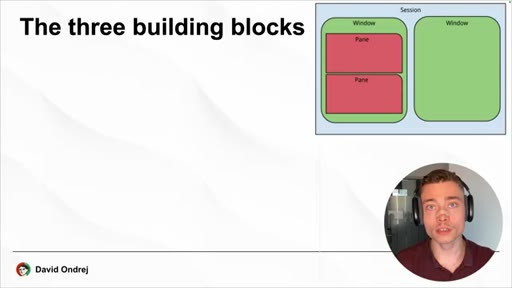
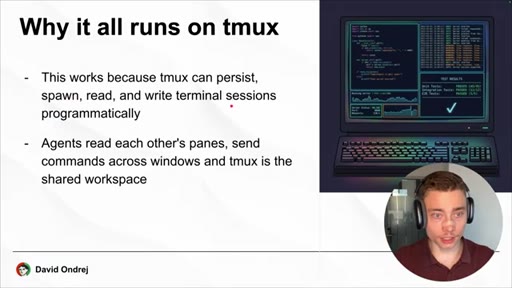
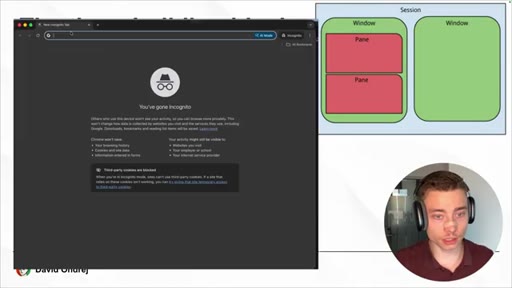
Three building blocks: sessions wrap windows wrap panes. Tmux persists, spawns, reads, and writes terminal sessions programmatically, which is why multi-agent setups need it.
06 · Get a Hostinger VPS
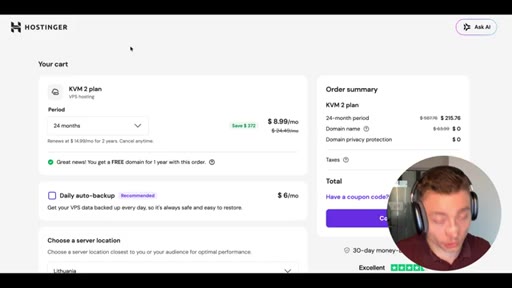
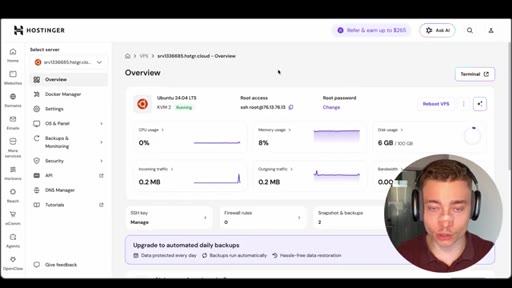
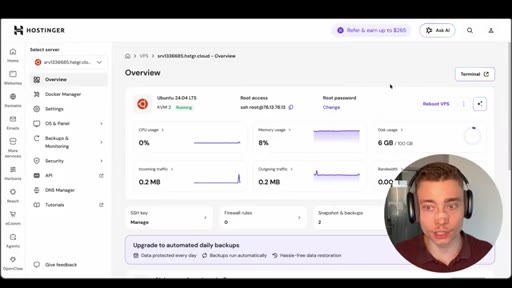
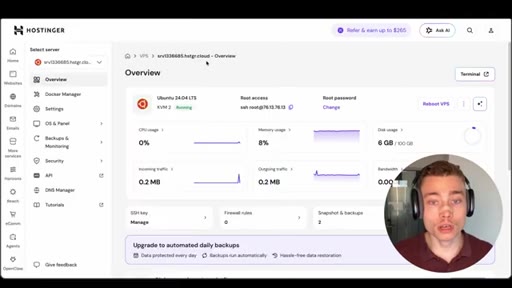
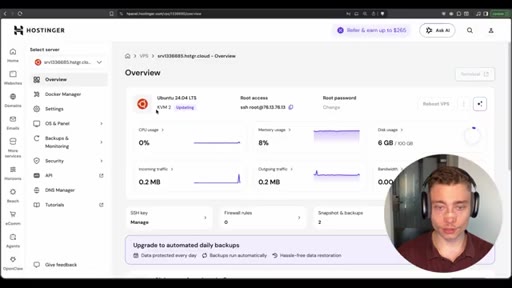
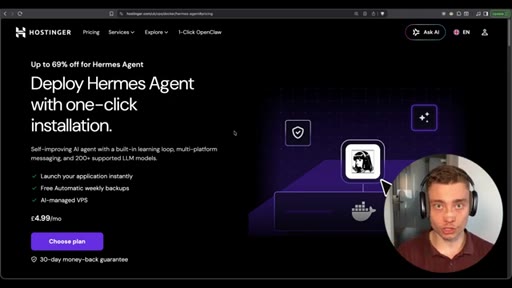
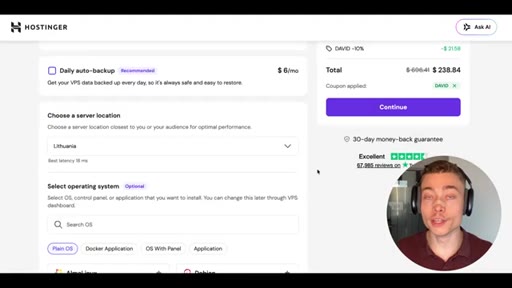
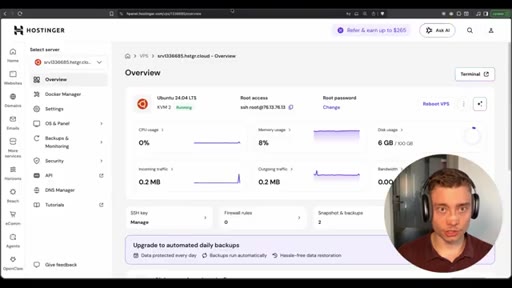
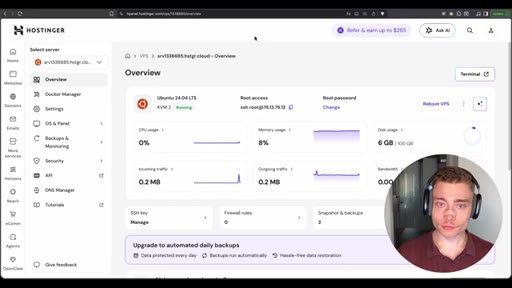
KVM-2 plan, 24-month billing for the biggest discount, coupon `david` for an extra 10% off. Pick a server location, complete checkout, land in the Hostinger panel.
07 · SSH into the VPS
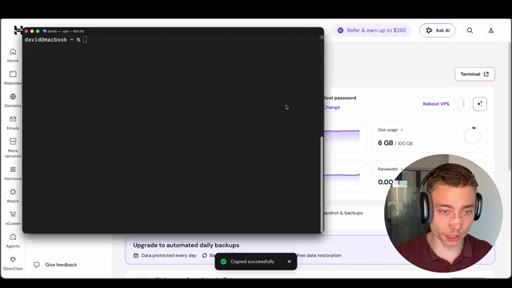
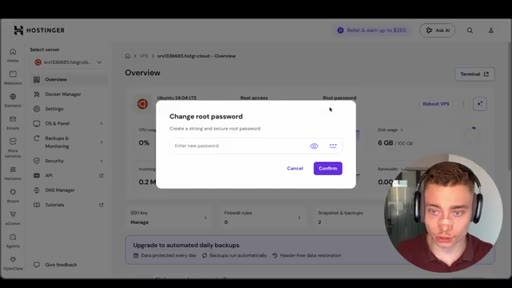
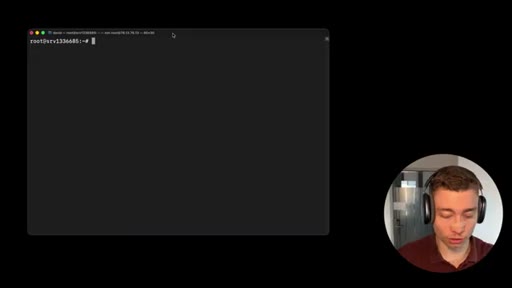
Copy the SSH command from Hostinger, reset the root password if you lost it, paste, log in. Everything from here runs on the server in Lithuania.
08 · Install tmux on the VPS and enable mouse support
`apt update`, `apt install tmux`, then the non-negotiable `echo set -g mouse on >> ~/.tmux.conf` — without mouse support tmux is unusable for most people.
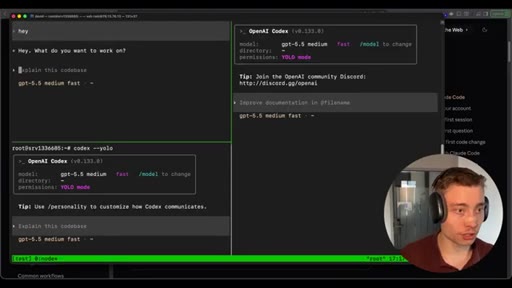
09 · Splitting panes and running first agents
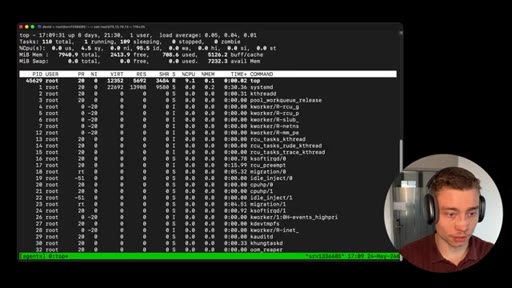
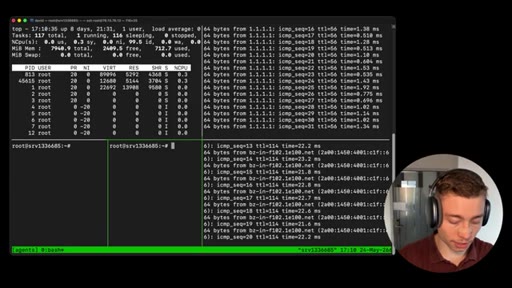
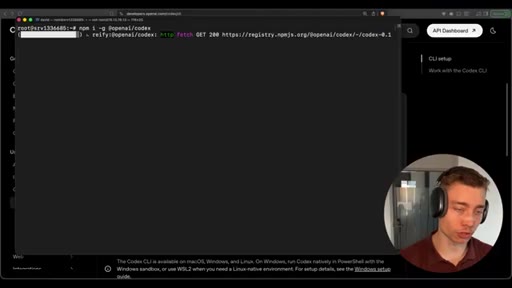
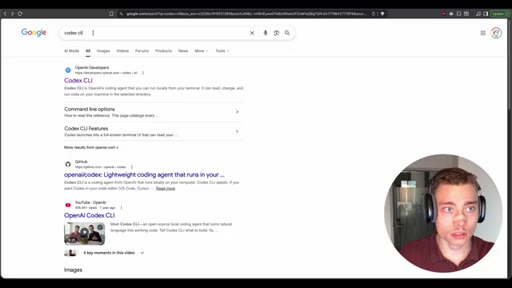
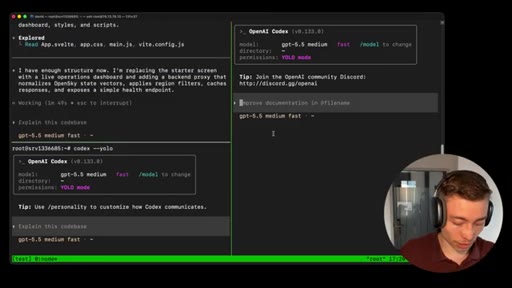
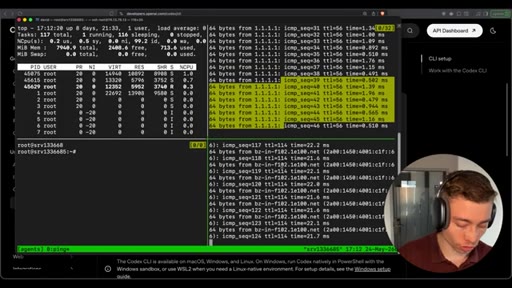
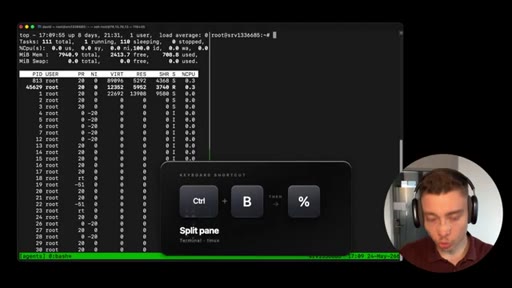
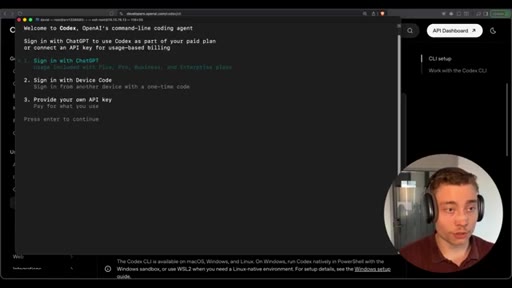
Start `tmux new -s agents`, run `top`, split with Ctrl-B % and Ctrl-B ". Detach with Ctrl-B D. Kill everything with `tmux kill-server`. Then install Codex CLI from the docs.
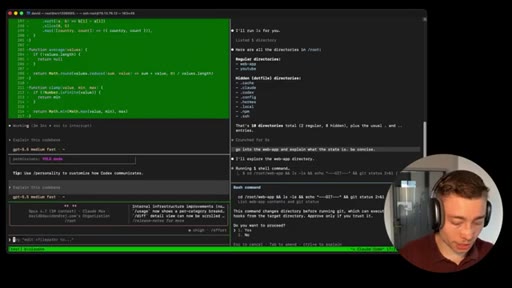
10 · Codex /yolo and the /goal feature
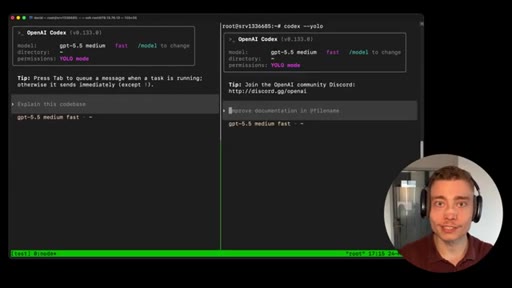
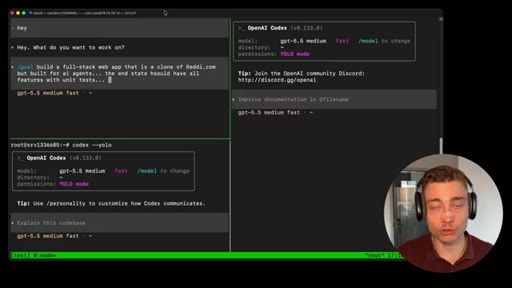
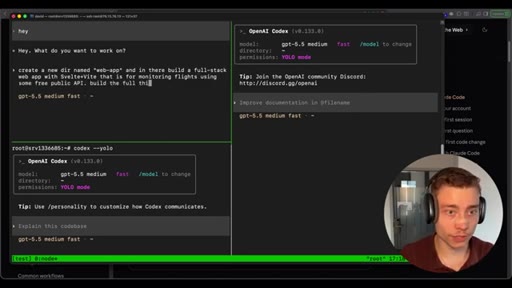
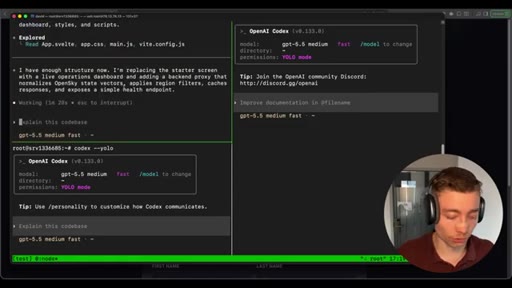
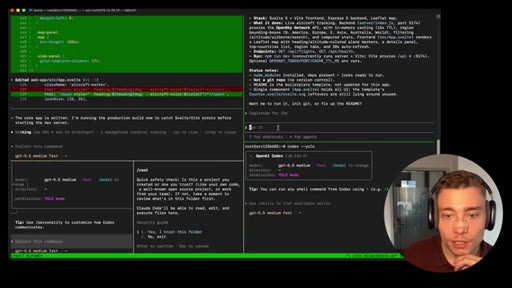
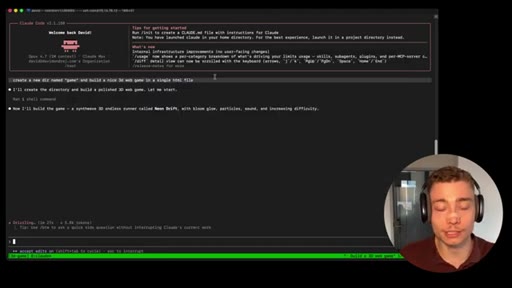
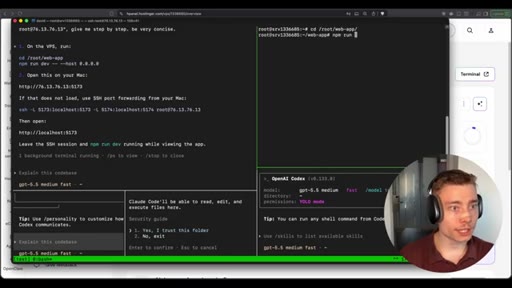
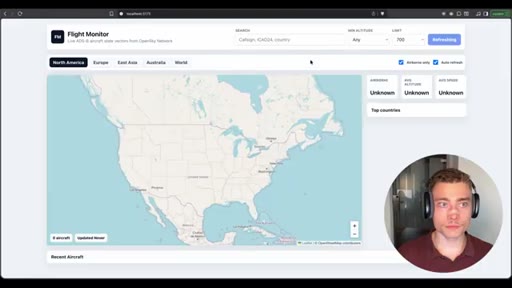
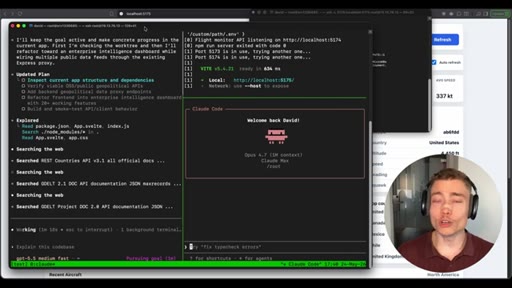
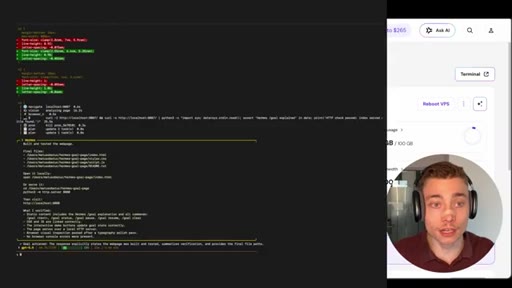
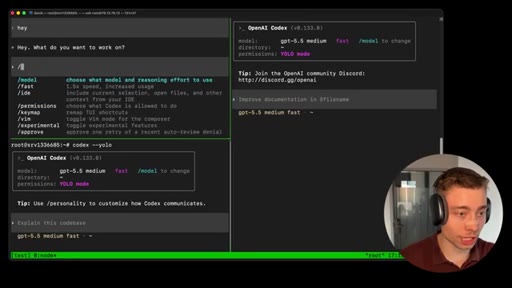
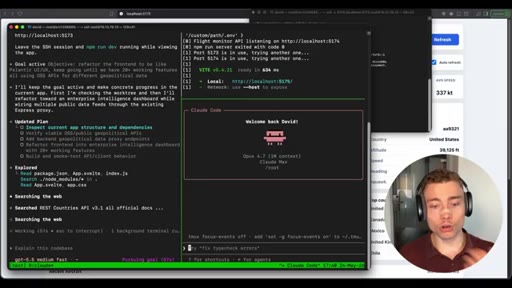
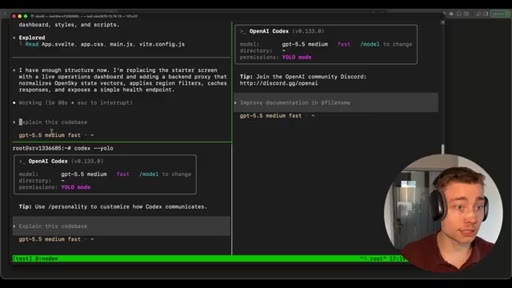
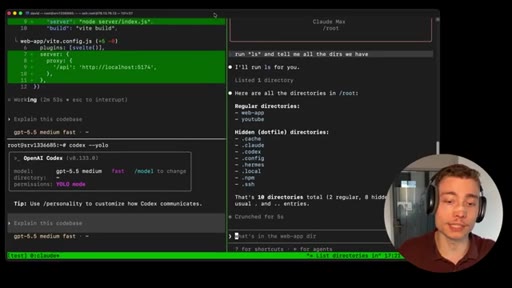
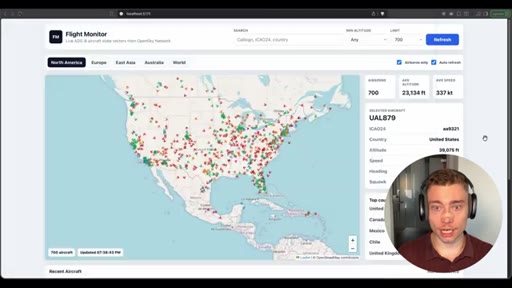
Launch `codex --yolo` in multiple panes. Demo `/goal`: build a full-stack Svelte+Vite flight monitor end-to-end. This run is designed to last 5–15 minutes minimum.
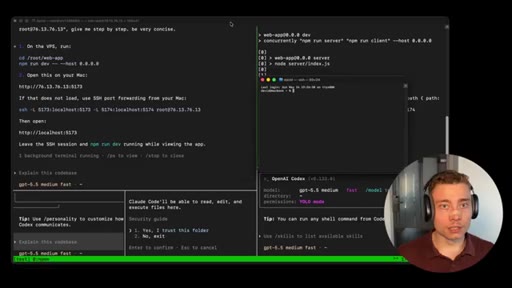
11 · Install Claude Code and run mixed agents
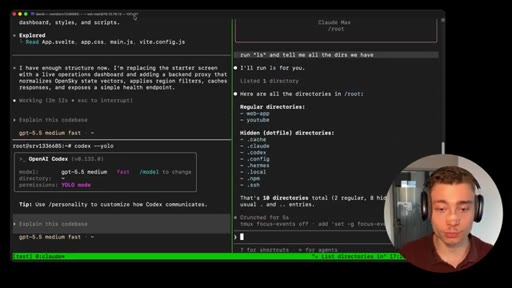
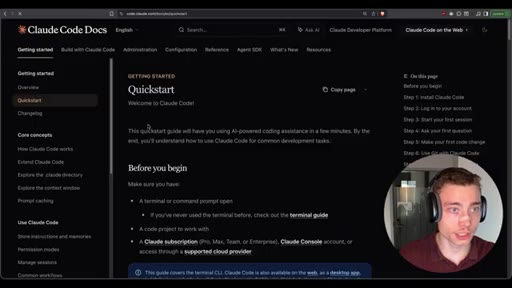
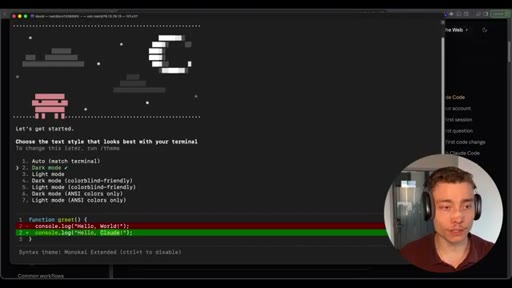
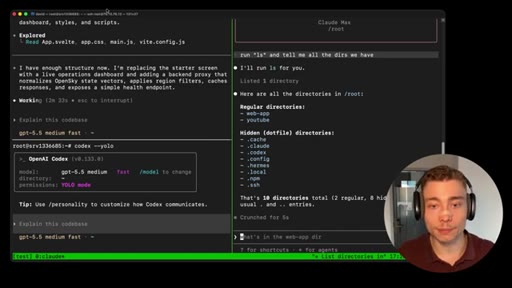
One-liner install for Claude Code CLI, authenticate against a Claude subscription, run `/model` to pick Opus. Now multiple Codex and Claude Code agents run side by side.
12 · Multi-agent orchestration in tmux
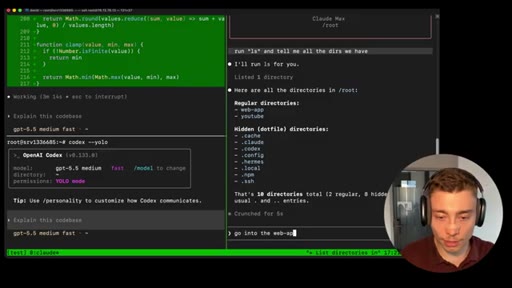
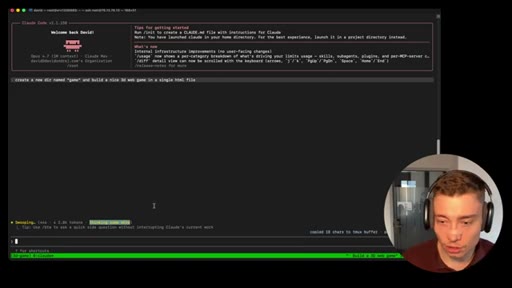
Multiple Codex YOLO panes building different features, a Claude Code pane acting as the explainer/advisor. Detach and start another session for a 3D web game in parallel.
13 · Why this is non-negotiable
Closed laptop, dead internet, low memory — agents keep running on the VPS. Everyone in 2026 will have to adopt this pattern or fall behind.
14 · Kill the SSH, reconnect, prove the point
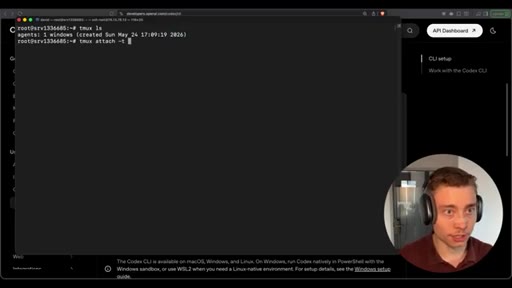
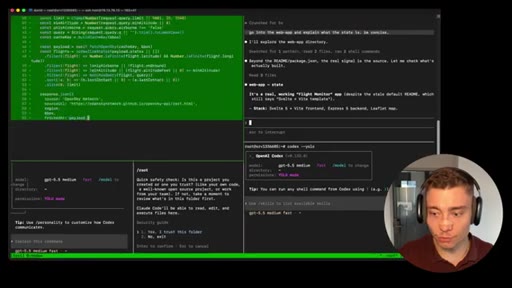
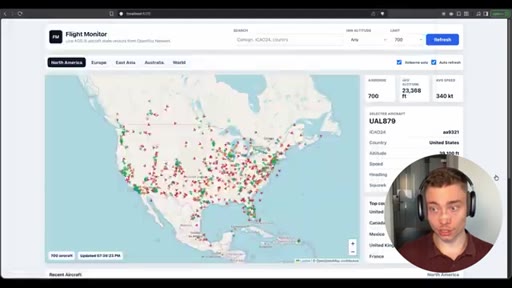
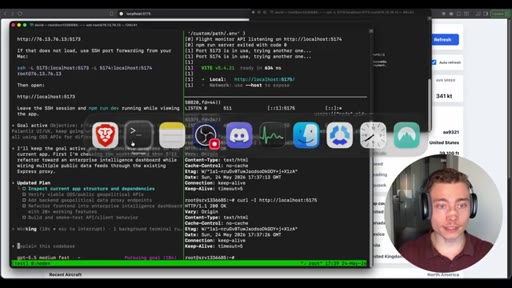
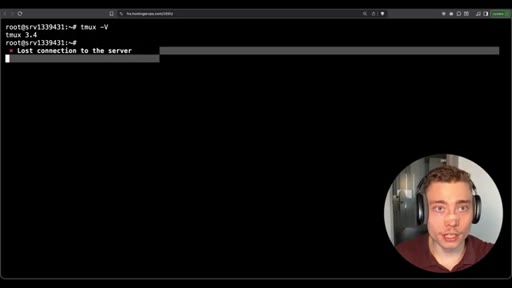
Disconnect entirely, open a fresh terminal, SSH back in, run `tmux ls` — sessions are still there. Reattach: the Svelte flight monitor is still being built.
15 · View the running app via SSH tunnel
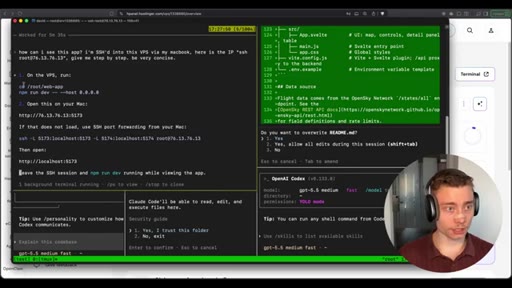
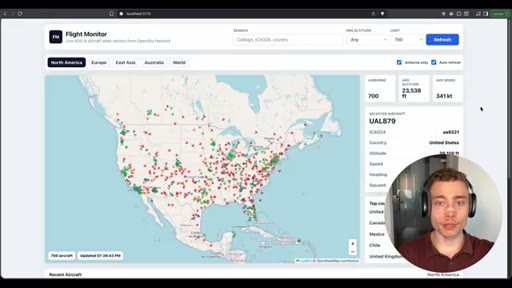
Run `npm run dev -- --host 0.0.0.0` in the VPS pane, open an SSH tunnel from the MacBook, browse to the IP+port — the flight monitor renders live.
16 · Closing argument and CTA
Tmux + VPS is the future of agent work. Total setup is 40–60 minutes the first time. Hostinger affiliate is the first description link; the free terminal-commands bundle is the second.
Visual structure at a glance.
Named ideas worth stealing.
The three tmux building blocks
- Session — the named workspace that wraps everything; you attach to it by name
- Window — like a tab in a browser; one session can hold many windows
- Pane — split-screen region inside a window; each pane runs its own shell
The mental model you need before any of the keyboard shortcuts make sense.
The minimum tmux keymap to be productive
- tmux new -s <name> — create a new named session
- Ctrl-B then D — detach without killing anything
- tmux attach -t <name> — reattach to a session by name
- tmux ls — list every active session
- Ctrl-B then % — split pane horizontally (left/right)
- Ctrl-B then " — split pane vertically (top/bottom)
- tmux kill-server — nuke every session
Seven commands cover 90% of daily tmux use.
The agentic engineer's host stack
- VPS — $6/month Hostinger KVM-2, Ubuntu 24.04, always-on
- SSH — the access protocol from your local machine
- Tmux — persistent multiplexer wrapping every agent run
- Codex CLI / Claude Code / Hermes — the agents themselves, one per pane
- Terminus on iPhone — reattach from anywhere, even without a laptop
The five-layer stack that lets a single operator run multiple long-running agents without keeping a laptop awake.
Why tmux is the substrate, not the surface
Tmux exposes a programmatic API to persist, spawn, read, and write terminal sessions. That's what lets one agent read another agent's pane output — without it, multi-agent setups can't share state through the shell.
Lines you could clip.
"Tmux is the one tool that every single agentic engineer needs."
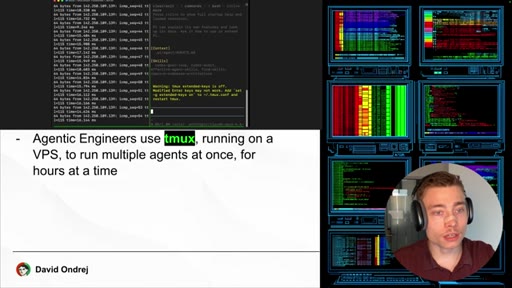
"Most vibe coders develop all their apps locally on their laptop. Agentic engineers use tmux on a VPS to run multiple agents for hours, sometimes days."
"If my Internet gets disconnected, my agents keep running. If my laptop runs out of memory, my agents keep running. If I need to close my laptop, the agents keep running."
"Tmux on a VPS is non-negotiable. I'm certain of it. Everybody in 2026 will have to adopt this or just not be as effective."
"This is the beauty of tmux — persistence and the multi-agent. Really, it's essential."
"Even if my MacBook literally gets shredded to pieces, even if it explodes, it will still keep running."
"This is the future. Running tmux on a VPS, you SSH into it."
"Most vibe coders are completely scared of tmux. They don't know what it does. They don't know how to set it up. They don't have a VPS."
Things they pointed at.
How they asked for the click.
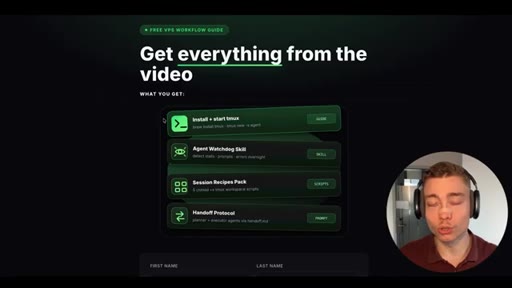
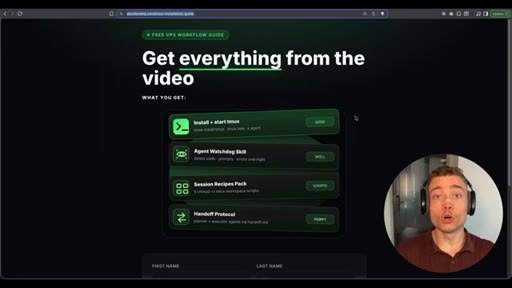
"If you don't have your own VPS, use the first link below the video. Get your VPS today because it's essential. All of the resources, terminal commands, everything I showed from the video is bundled below — the second link in the description, completely free."
Two-tier CTA. The hard pitch is the Hostinger affiliate (first link) with coupon DAVID. The soft pitch is a free terminal-commands bundle gated behind an email opt-in (second link). The affiliate revenue covers the production cost; the email list compounds the audience.
Word for word.
How to make AI agents survive a closed laptop.
The leverage isn't in tmux itself — it's in moving every long-running agent off your laptop and onto a $6 VPS so the work continues whether you're awake, online, or even alive at your desk.
- Rent a Hostinger KVM-2 VPS for $6/month — it's enough RAM to run multiple Codex and Claude Code agents in parallel, and it stays online 24/7 so nothing dies when your laptop sleeps.
- SSH into the VPS, then immediately install tmux with `apt install tmux` and enable mouse support with `echo set -g mouse on >> ~/.tmux.conf` — without mouse mode you can't even scroll, which is what kills most beginners.
- Memorize three commands and you're 90% productive: `tmux new -s <name>` to start a named session, Ctrl-B then % or " to split into panes, Ctrl-B then D to detach without killing anything.
- Run every installer inside tmux, not outside — if the SSH drops during a 10-minute install, the install dies with the connection unless tmux is holding it.
- Launch agents with `codex --yolo` or `claude --dangerously-skip-permissions` in separate panes so they can take actions without per-command confirmation — only safe because the VPS is isolated from your real machine.
- Use Codex `/goal` for hours-long autonomous runs: state the end state (database integrated, deployed to Cloudflare, 20 features with tests) and let it grind for 24 hours while you're at the gym.
- When you finish a work session, type Ctrl-B then D to detach — never `exit` — so every running agent stays alive on the server for your next reattach.
- Reattach from any device: `tmux attach -t <name>` from a fresh laptop SSH, or install Terminus on your iPhone to check on agents from the train.
- Use SSH tunneling (`ssh -L 5173:localhost:5173 root@<ip>`) to view the in-progress web app the agent is building — your browser at localhost:5173 talks to the Vite dev server on the VPS.
- When you copy text from inside tmux, hold Option on Mac (or Shift on Linux) while selecting — otherwise tmux intercepts the selection and the clipboard stays empty.
- Treat `tmux ls` as your dashboard — it's the canonical answer to "which agents am I still running, and what did I name them?"
- Avoid `tmux kill-server` unless you actually want everything gone — it's the equivalent of unplugging a server rack, and there's no undo.