AI Stack Engineer · Youtube · 09:12

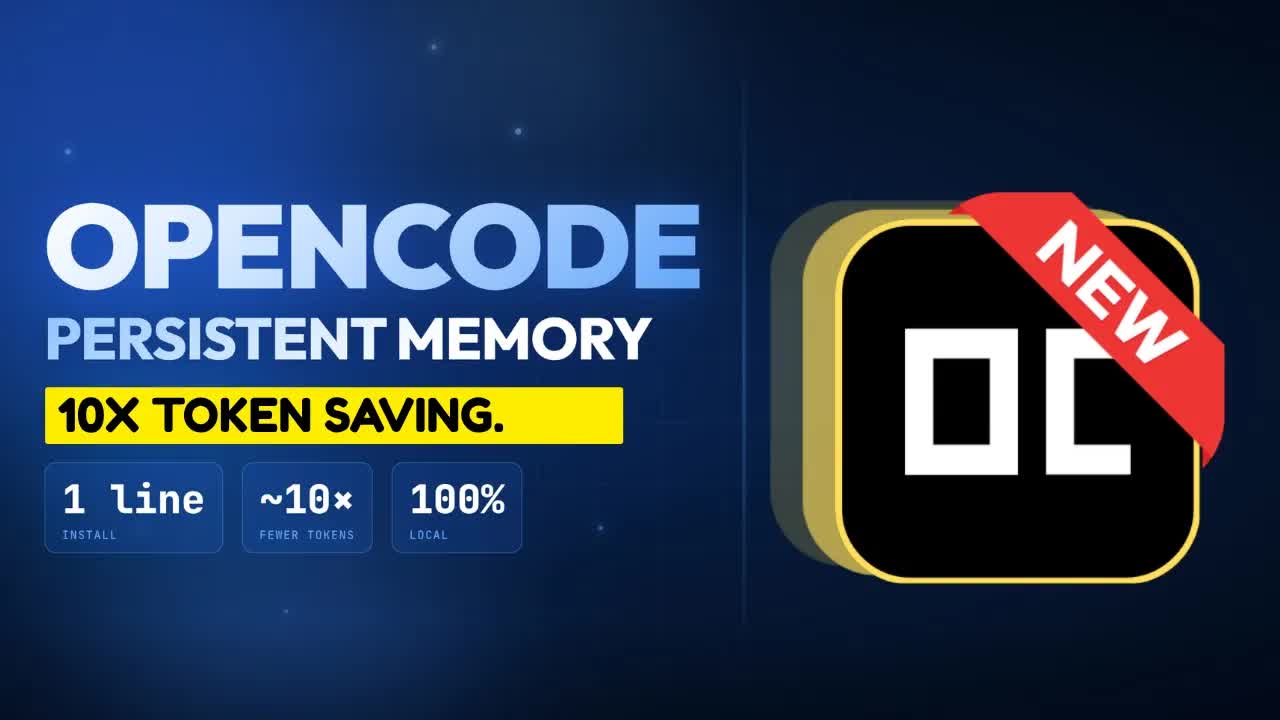
OpenCode Persistent Memory Across Sessions, 10x Token Savings

A 9-minute motion-graphics walkthrough of how ClaudeMem bolts persistent local memory onto OpenCode — and why the three-layer retrieval design saves 10x the tokens.

Posted
May 25th 2026
2 days ago
Duration
09:12
Format
Tutorial
educational
Channel
AS
AI Stack Engineer
§ 01 · The Hook

The bait, then the rug-pull.

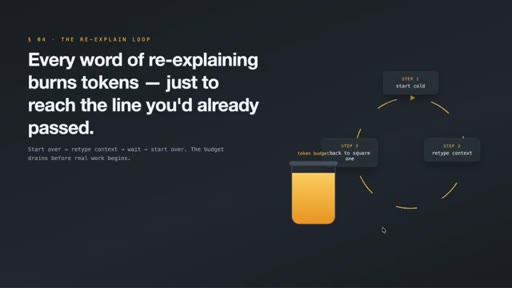
The quiet frustration nobody warns you about when you start using AI agents in the terminal: the agent that finally understood your naming style and the weird workaround you needed for that one service wakes up the next session as a total stranger. Every word of re-explaining burns tokens just to reach the starting line you were already at.

§ · Chapters

Where the time goes.

00:00 – 00:55

01 · The cold-start problem

Names the pain: agents forget everything between sessions, turning context re-entry into token waste. Branded slide sequence S01-S04.
00:55 – 01:43

02 · OpenCode and the strange boost

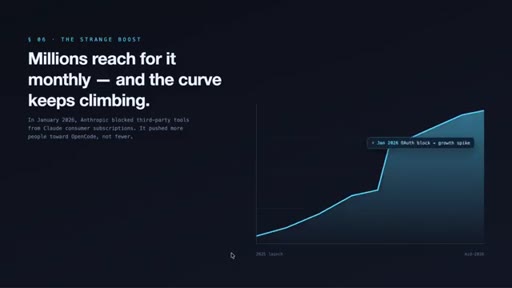
Introduces OpenCode as a provider-agnostic terminal agent. Notes the January 2026 Anthropic third-party block accelerated adoption by making provider agnosticism look like insurance.
01:43 – 02:48

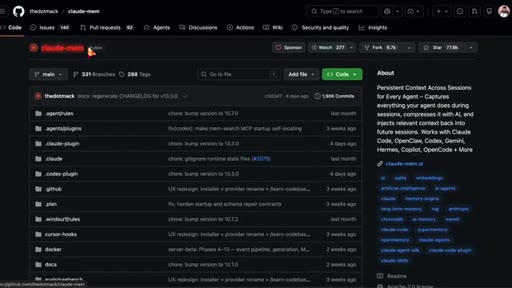
03 · What ClaudeMem does

Silently watches agent activity (files, edits, commands, API calls), compresses to summaries, stores locally, injects relevant pieces at next session start.
02:48 – 03:45

04 · Local database and vector search

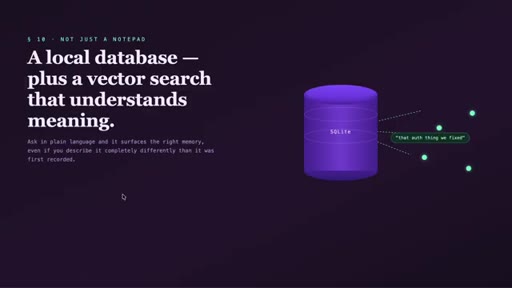
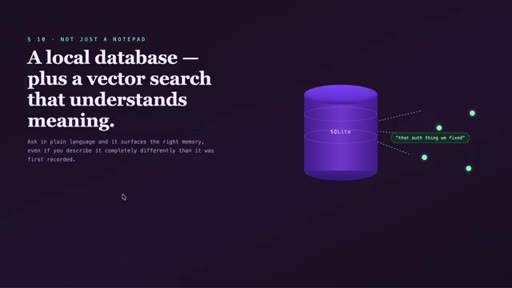
Architecture: SQLite for storage plus a vector search index for semantic retrieval — plain-language queries surface memories even when phrased differently than originally recorded.
03:45 – 04:37

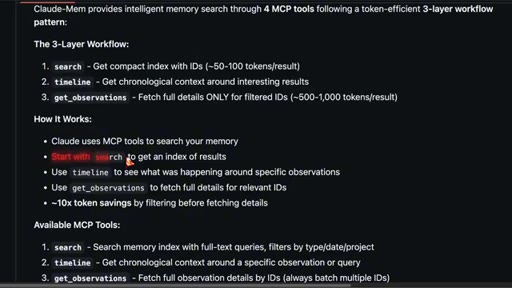
05 · The 3-layer retrieval design

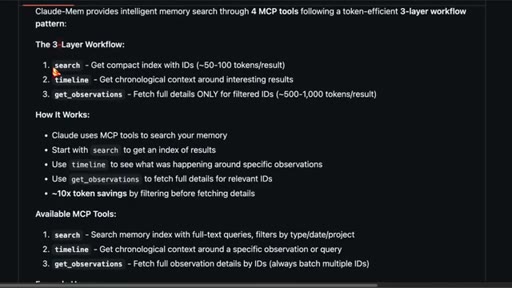
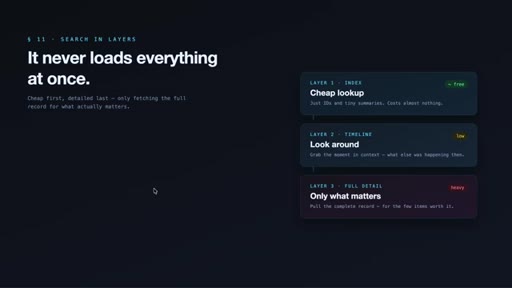
Cheap index first (~50-100 tokens), timeline context second, full detail last and only for specific items. Claimed 10x token savings vs. loading full records.
04:37 – 03:57

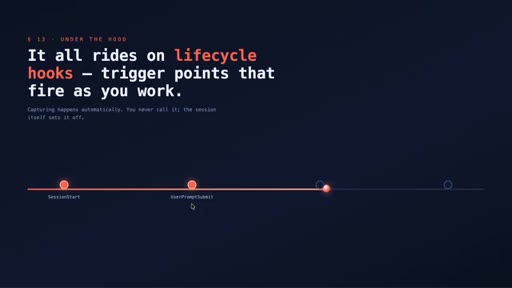
06 · Lifecycle hooks

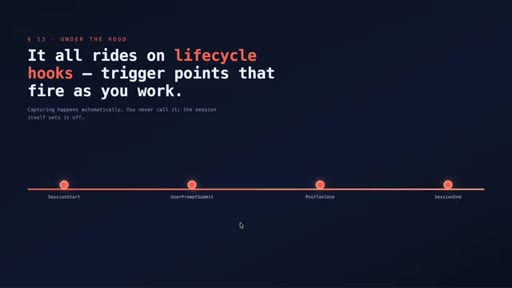
How capture is automated: hooks fire at session start, prompt sent, tool run, session end. No manual input required.
03:57 – 05:35

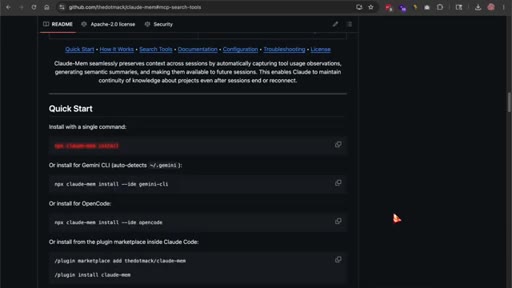
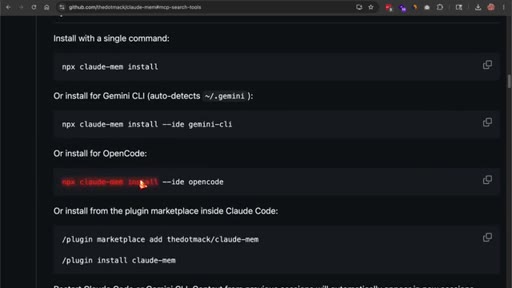
07 · One-line install on OpenCode

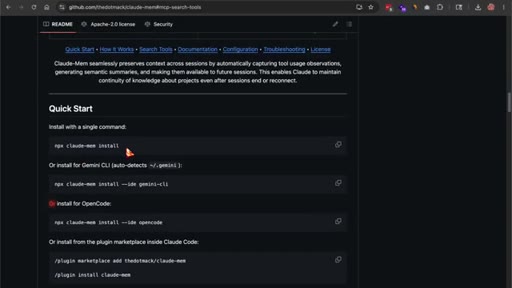
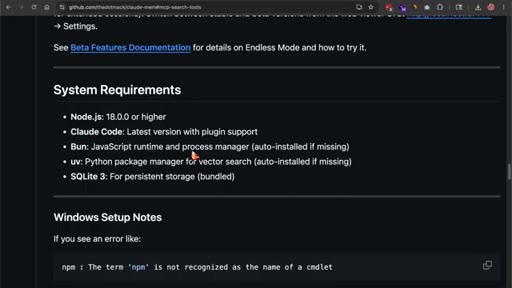
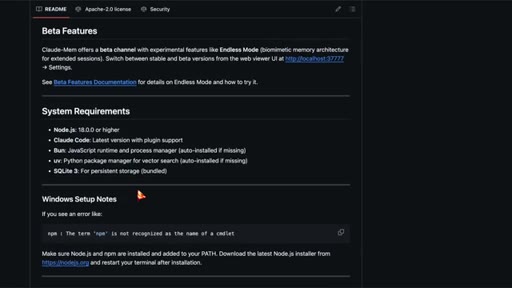
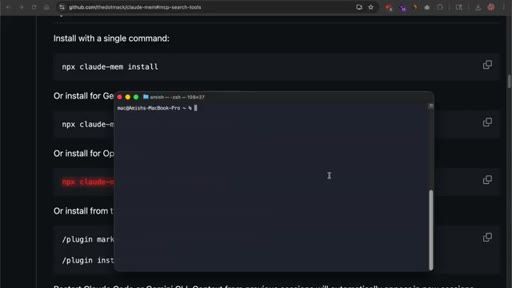
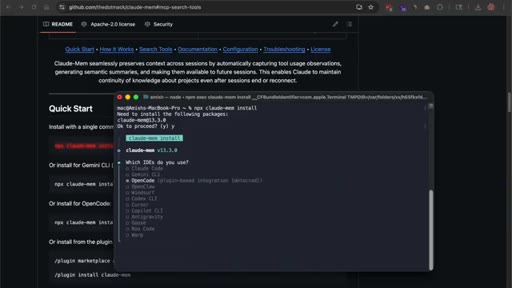
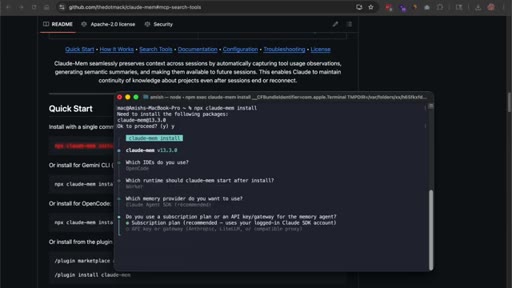
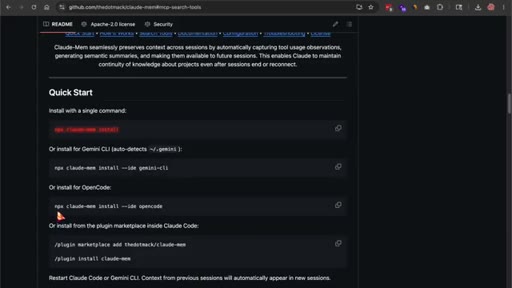
npx claude-mem install --ide opencode. Installer handles Bun and uv if missing. Requires Node 20+ and OpenCode pre-installed.
05:35 – 06:52

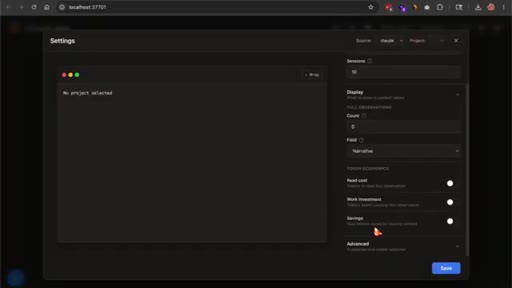
08 · Web viewer and first-session reality

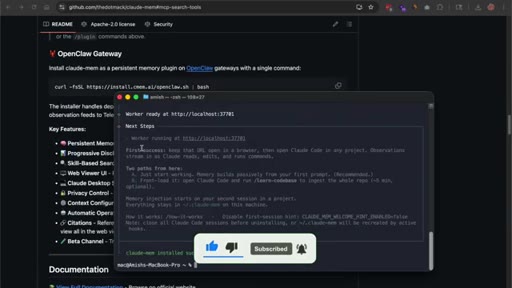
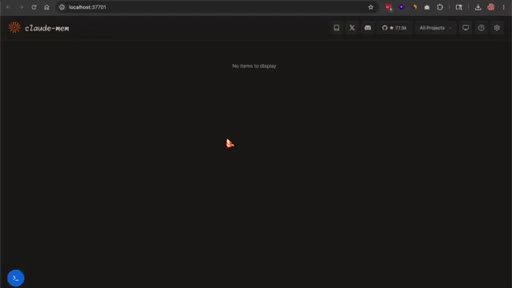
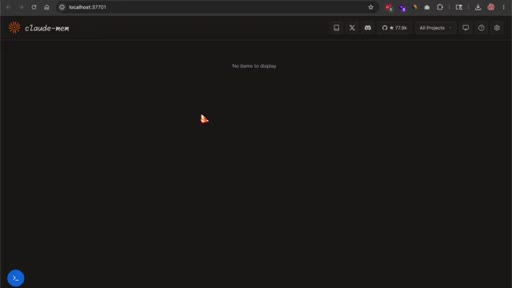
Worker runs at localhost:37701. Dashboard shows no items on fresh install by design. Memory builds as sessions accumulate.
06:52 – 08:02

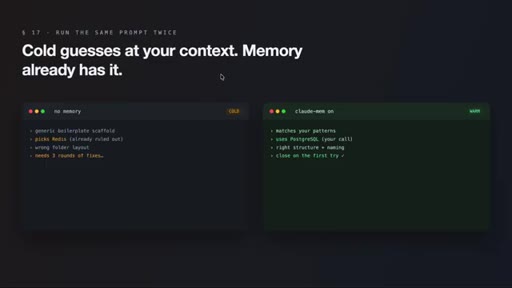
09 · What actually changes

Session two onwards: agent stops re-pitching ruled-out options, remembers bug patterns, matches code style. Cold vs. warm prompt comparison illustrates the gap.

08:02 – 08:34

10 · Interface, privacy, and edge features

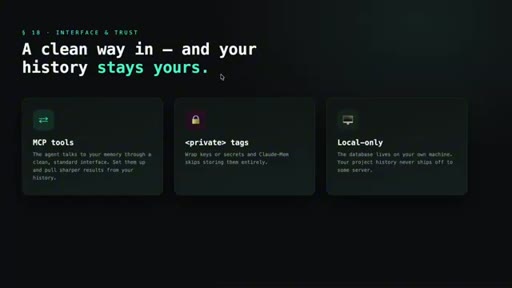
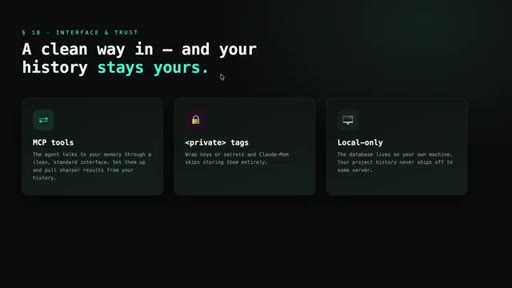
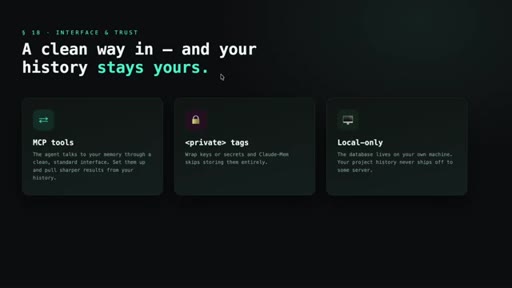
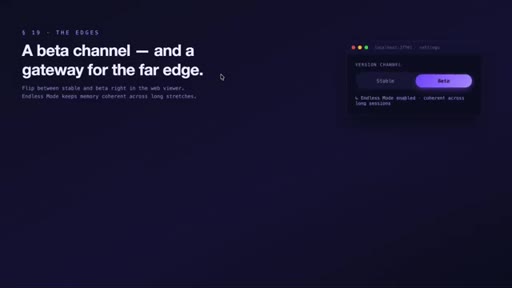
MCP tools expose search to the agent. Private tags exclude secrets from capture. Data stays local. Beta: endless mode + OpenClaw gateway for Slack/Discord/Telegram.
08:34 – 09:12

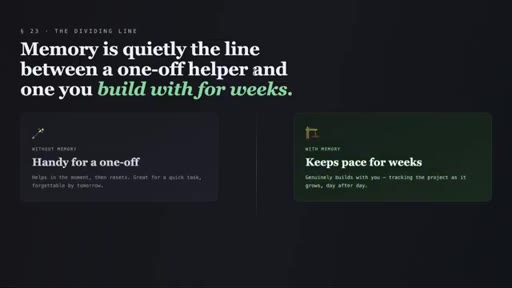
11 · The honest part and the bigger picture

Caveats: wrong assumptions get persisted; pause during throwaway sessions; prune stale memories. Closing argument: persistent memory is the line between a one-off helper and a weeks-long build partner.

§ · Storyboard

Visual structure at a glance.
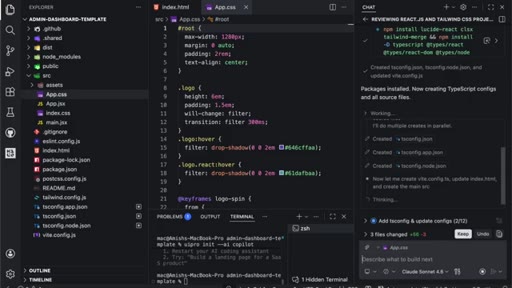
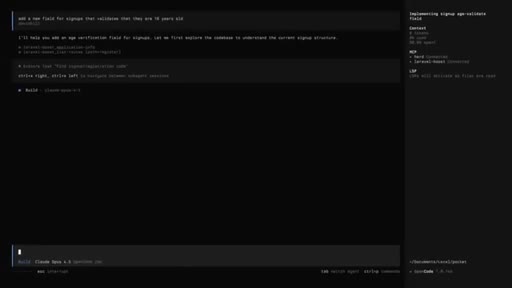
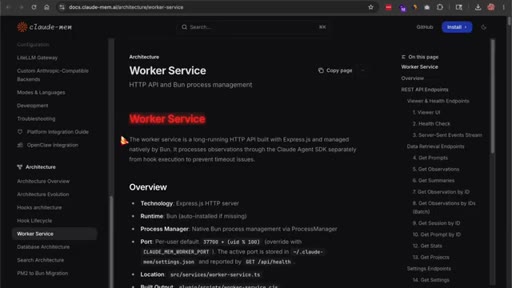
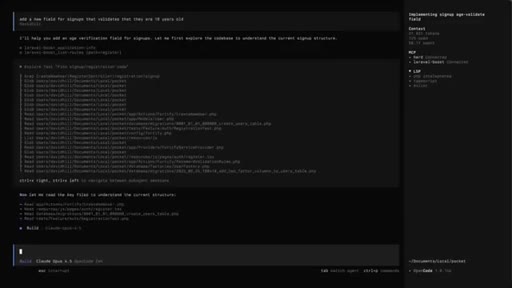
open — VS Code cold start
You build something good. Then it forgets you.
Everything you built together — erased.
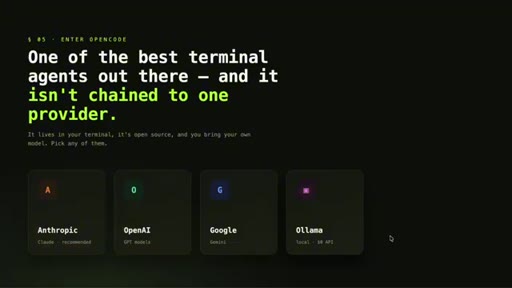
OpenCode — not chained to one provider
each session starts cold
ClaudeMem GitHub repo
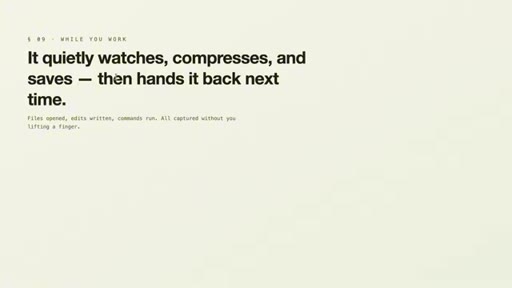
it quietly watches, compresses, saves
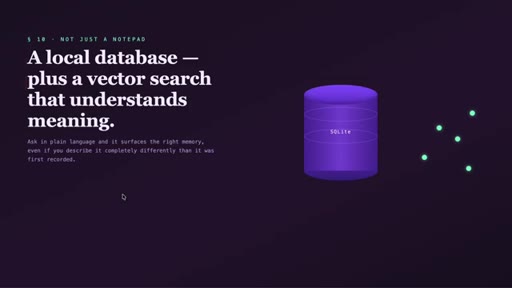
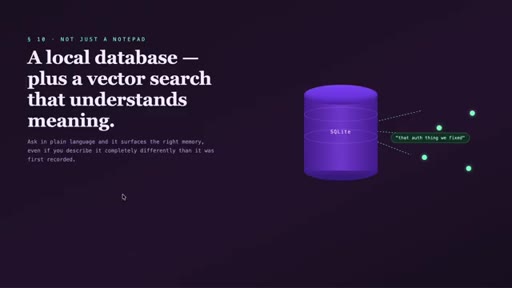
local DB + vector search
3-layer MCP retrieval workflow
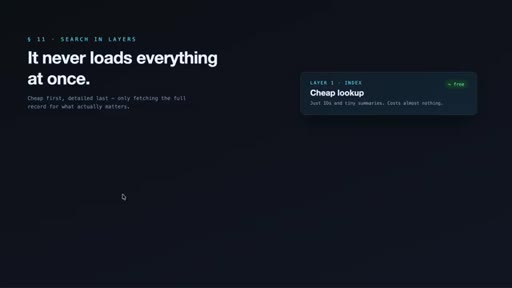
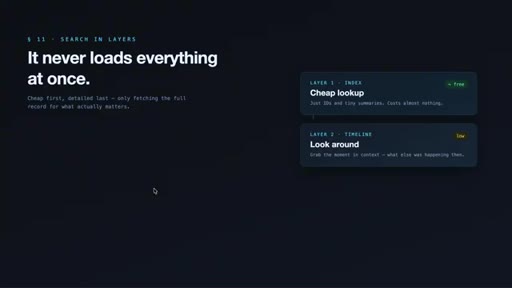
it never loads everything at once
one-line install on GitHub
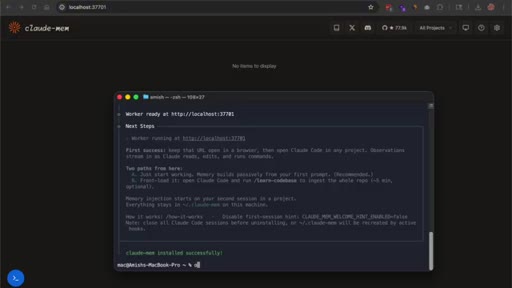
post-install: worker running at localhost:37701
web viewer — no items on fresh install
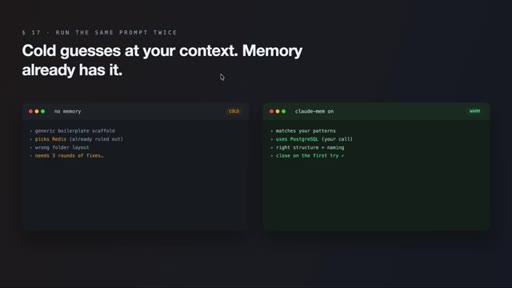
cold guesses vs. memory already has it
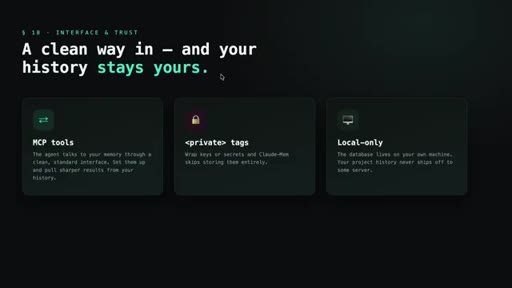
MCP tools / private tags / local-only
this is not magic — you can trip yourself up
memory = the dividing line
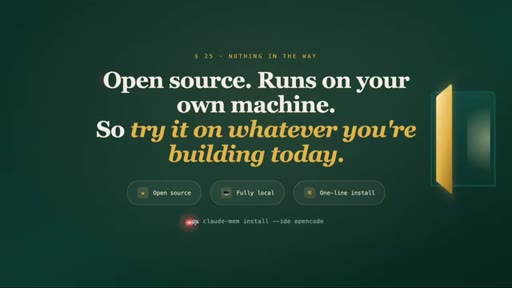
open source, runs on your machine — try it today
§ · Frameworks

Named ideas worth stealing.

04:15 model

The 3-Layer Memory Retrieval Workflow

  1. search — compact index, IDs + tiny summaries (~50-100 tokens)
  2. timeline — chronological context around interesting observations (low cost)
  3. get_observations — full detail only for filtered IDs (~500-1,000 tokens)

ClaudeMem's token-efficient memory lookup applies three sequential filters before fetching expensive full-detail records, claiming ~10x savings vs. naive full-record loading.

Steal for Any RAG or agent memory system where context budget is a constraint — the progressive filter pattern applies broadly.
§ · Quotables

Lines you could clip.

00:31
"Every word of re-explaining is burning tokens just to get back to the starting line you were already at."
Standalone, punchy, no setup needed → TikTok hook
08:44
"Persistent memory is quietly becoming the line between an agent that's handy for a one-off task and one you can actually build with over weeks."
Strong thesis close, self-contained → IG reel cold open
08:00
"Treat it like a tool you steer, not one you set loose and forget."
Aphoristic, memorable, honest framing → newsletter pull-quote
§ · Resources Mentioned

Things they pointed at.

§ · CTA Breakdown

How they asked for the click.

09:00 subscribe
"If you did, please like this video and subscribe to the channel, and I'll see you in the next video."

Minimal single-sentence close after the main content. No product pitch, no newsletter, no sponsor.

§ 04 · The Script

Word for word.

HOOK opening / re-engagementCTA the pitch metaphor
00:00HOOKSo you build something good with your coding agent, you close the terminal, and the next day, it's like the two of you never met. That's the quiet frustration nobody warns you about when you start using AI agents in the terminal. The agent that knew your whole codebase yesterday,
00:16HOOKthe one that finally understood your naming style and the weird workaround you needed for that one service, wakes up the next morning as a total stranger. It forgot the architecture.
00:26HOOKIt forgot the bug you killed together. It forgot the thing you corrected it on four times. So you start over typing the same context back in, and every word of that re explaining is burning tokens just to get back to the starting line you were already at.
00:41HOOKAlright. So OpenCode is one of the best terminal agents out there right now. And that's exactly why this gap stings.
00:48HOOKIt lives in your terminal, it's open source, and it isn't chained to one AI provider. So you can run Anthropic, OpenAI,
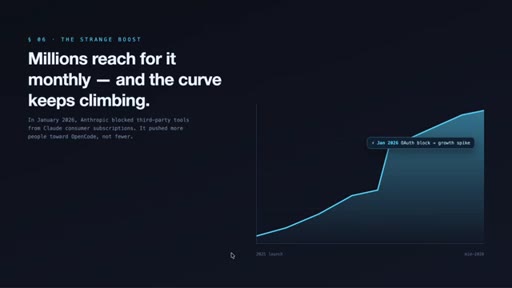
00:56Google, or even a local model through Alama. Millions of developers reach for it every month, and the numbers keep climbing. A lot of that growth got a strange boost back in January
01:072026 when Anthropic blocked third party tools from using Claude through consumer subscriptions. Instead of slowing OpenCode down, that pushed even more people toward it, because being provider agnostic suddenly looked less like a nice to have and more like insurance. But for all that flexibility,
01:25OpenCode has the same hole every agent has. Each session starts cold. Your project history lives in your head, not in the tool.
01:34And once you close a session, whatever the agent learned basically evaporates. Claude MEM is what closes that gap, and it now plugs straight into OpenCode. The simple way to put it, it hands your agent a real long term memory.
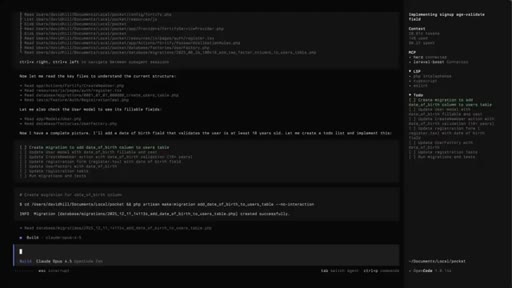
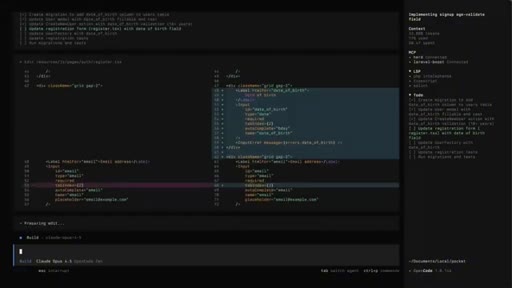
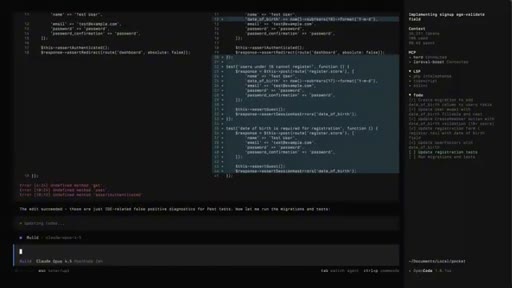
01:48While you work, it quietly watches what the agent actually does. The files it opens, the edits it writes, the commands it runs, the calls it makes. Then it takes all of that and uses AI to compress it down into clean little summaries and saves them into a database that sits on your own machine.
02:07Next time you open OpenCode in that same project, it pulls the relevant pieces back in on its own. So the agent shows up to the new session already knowing the story so far, instead of asking you to retell it. What makes this more than a fancy notepad is how it stores and finds things.
02:24Everything goes into a local SQLite database, and on top of that, there's a vector search index, which means it isn't just matching exact words.
02:33You can ask about something in plain language, and it'll surface the right memory even if you describe it totally differently than how it got recorded the first time. There's also a search system the agent itself can reach for. So mid task, it can glance back through your project history and pull up the part that's actually relevant without dumping your entire past into the context window.
02:55That last point is the part I really want you to get because it's where the token savings live. The search runs in layers. First, it does a cheap lookup that returns a short index, basically just IDs and tiny summaries, costing almost nothing.
03:10Then if something looks worth a closer look, it can grab a timeline around that moment to see what else was happening at the time. And only then, for the specific items that matter, does it pull the full detail. The whole design is built to avoid loading everything at once.
03:25The makers say this layered approach saves roughly 10 times the tokens compared to grabbing full records up front. So your context budget stays open for the real work instead of getting eaten by old history. Under the hood, all of this is wired into the agent through life cycle hooks, little trigger points that fire when a session starts, when you send a prompt, when a tool runs, and when a session ends.
03:48That's how the capturing happens automatically without you lifting a finger. Installing it on OpenCode
03:55HOOKis genuinely one line. Open your terminal and run npx clod mem install
04:01HOOKdash dash I d e and then OpenCode. That flag points the installer straight at OpenCode. And here's a detail I really like.
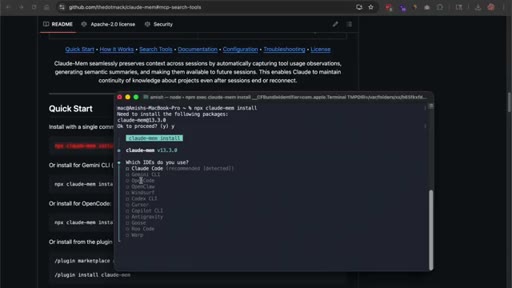
04:09HOOKIf you just run npx claud mem install with no flag, it actually scans your machine for coding agents you already have. So it'll pop up a list with options like Claude code, Gemini CLI, OpenCode, and a few others, and let you multi select which ones to wire up.
04:27HOOKFor Claude code, you could even add it as a plug in from inside the tool. But since we're focused on OpenCode here, the command with the open code flag is the clean direct path, so use that one. The installer does the heavy lifting so you don't have to.
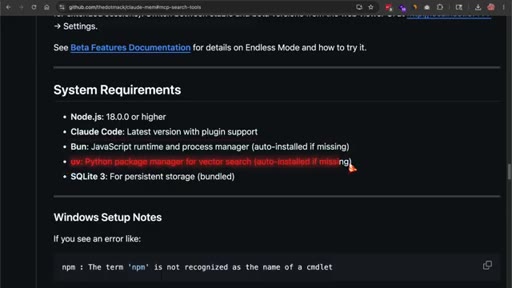
04:42It runs a quick runtime check, and if bun or u v are missing, it just installs them for you. Bun is the JavaScript runtime that runs the background worker. U v handles the Python side that powers the vector search.
04:55Before you run anything, make sure you've got Node version 20 or higher and OpenCode itself already installed. Everything else, the database, the runtimes, it sorts out during setup. Once it finishes, you'll see a message telling you the worker is running at a local address.
05:11That worker is the small background service that does all the capturing and compressing while you code. And that address is your web viewer. Open it in your browser, and you get a clean dashboard for your memory.
05:23Right after install, it'll just say no items to display because you haven't built up any memory yet, which is exactly what you should expect on a fresh setup. As you start working, that empty screen fills up with observations streaming in live. Now here's the part most demos skip, what actually changes after you install it.
05:43The first session won't feel different because the memory is still empty. The magic shows up on the second session and every one after. You open OpenCode the next day, and the agent already has the context loaded.
05:56It remembers you picked one database approach over another and why. So it stops pitching the option you already ruled out. It remembers a bug pattern you hit before.
06:05So when it shows up again, it goes straight to the fix instead of debugging from zero. It remembers your code style and your folder structure, so its edits land closer to what you actually want on the first try.
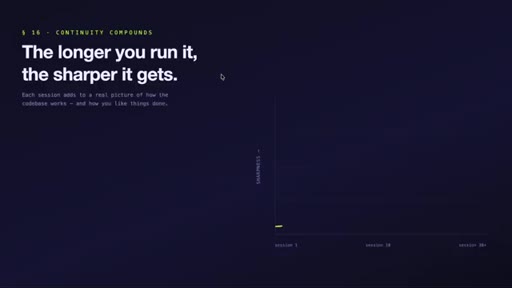
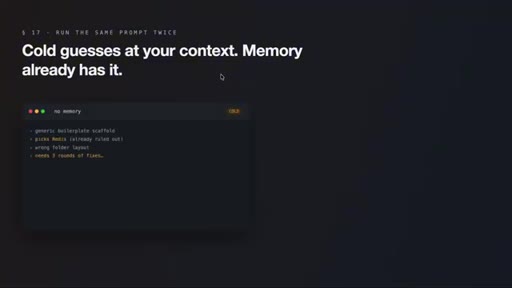
06:17The continuity compounds. The longer you run it on a project, the sharper it gets because it's slowly building a real picture of how that codebase works and how you like things done. A clean way to feel the difference yourself is to run the same prompt twice.
06:33Once on a fresh open code session with no memory and once with claud mem active on a project it's already seen. The cold one gives you something generic, missing your patterns, repeating default choices, needing a few rounds of correction. The one with memory comes out closer on the first try because it isn't guessing at your context, it already has it.
06:54ClaudeMem exposes its search through MCP tools so the agent talks to your memory through a clean, standard interface. And if you set those up, you get sharper results pulling from your project history. There's a privacy feature that matters more than people expect.
07:10You can wrap sensitive content like keys or secrets in private tags, and it'll skip storing that stuff entirely. Since the database lives on your own machine, your project history isn't getting shipped off to some server either,
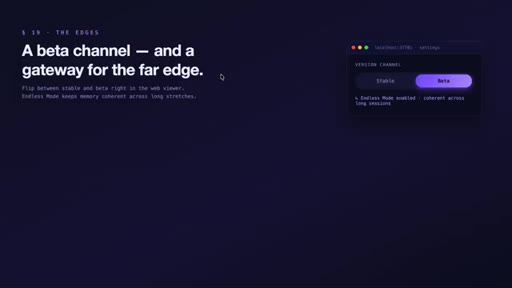
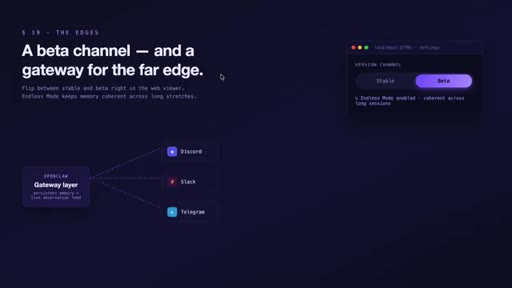
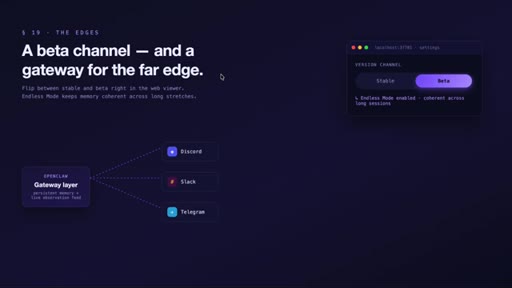
07:24which is the right default. There's also a beta channel with experimental stuff, including something they call endless mode, built for keeping memory coherent across really long stretches of work, and you can flip between stable and beta right from that web viewer's settings. And if you live further out on the edge, there's even an OpenClaw gateway integration,
07:44which runs ClawdMem as a persistent memory layer on a gateway and can feed live observations out to places like Discord, Slack, or Telegram. So I want to be honest about the part that needs care because this isn't magic and you can trip yourself up.
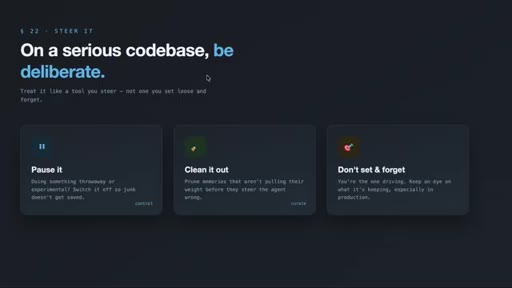
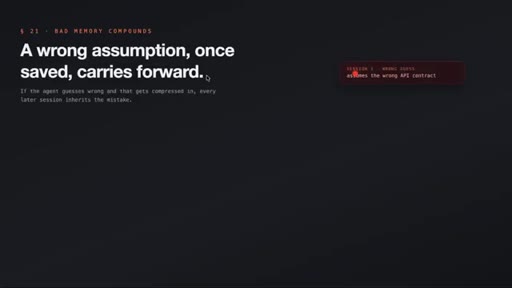
08:00The memory is only as good as what goes into it. If the agent makes a wrong assumption during a session and that gets compressed and saved, it can carry that mistake forward. So on a serious production codebase, be deliberate.
08:13Pause it when you're doing something throwaway or experimental, and clean out memories that aren't pulling their weight. Treat it like a tool you steer,
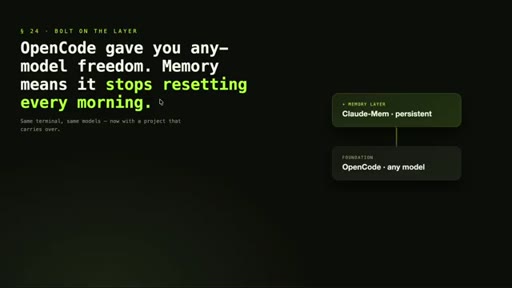
08:22CTAnot one you set loose and forget. The bigger picture is that persistent memory is quietly becoming the line between an agent that's handy for a one off task and one you can actually build with over weeks. OpenCode already gave you the freedom to run any model you want in your terminal.
08:39CTABolting a memory layer on top means it stops resetting on you every single morning. For anyone shipping real software, that's the difference between an assistant that helps in the moment and one that genuinely keeps pace with your project over time.
08:54CTAAnd since it's open source and runs entirely on your own machine, there's almost nothing standing between you and trying it on whatever you're building today. Alright. So that's it from the video, and I hope you enjoyed it.
09:06CTAIf you did, please like this video and subscribe to the channel, and I'll see you in the next video.
— full transcript
§ 05 · For Joe

Why every agent session starting cold is a compounding tax.

WHAT TO LEARN

Re-explaining project context to a fresh agent session is not just friction — it is a measurable token cost that compounds across every day of development on the same codebase.

  • Every session that starts cold forces the agent to guess at decisions you already made — the corrections you give it are tokens spent going backwards, not forwards.
  • A three-layer retrieval pattern — cheap index first, timeline context second, full detail only for specific items — keeps memory injection from cannibalizing the context window you need for actual work.
  • Vector search on past session observations means you can describe a prior decision in plain language and surface the right memory even if the phrasing is completely different from how it was originally captured.
  • The quality of persistent memory is bounded by the quality of what the agent did during sessions — a wrong assumption that gets compressed and saved becomes a persistent false belief that requires deliberate correction.
  • Local-only storage removes the cloud dependency that would make a background memory service a single point of failure for production workflows, and it is the privacy default, not an opt-in.
  • The compound effect of memory only becomes visible after the second session — expecting immediate results from a fresh install is the wrong mental model for evaluating whether the tool works.
  • Pausing memory capture during throwaway or experimental branches is not optional hygiene — it prevents the permanent library from accumulating dead-end context that will mislead future sessions.
§ 06 · Frame Gallery

Visual moments.