Stephen G. Pope · Youtube · 14:38

How to Build a Coding Agent like Claude Code

A 14-minute ground-up build of a CLI coding agent that demystifies what Claude Code actually is under the hood.

Posted
May 24th 2026
4 days ago
Duration
14:38
Format
Tutorial
educational
Channel
SG
Stephen G. Pope
§ 01 · The Hook

The bait, then the rug-pull.

Most Claude Code tutorials hand you a list of slash commands. This one goes one level down -- to the while-loop, the tool array, and the conversation-as-memory that every coding agent, including Claude Code, is built on.

§ · Chapters

Where the time goes.

00:00 – 01:30

01 · Introduction

Hook: most tutorials show settings not fundamentals. Promise: understand what coding agents actually are and build one.
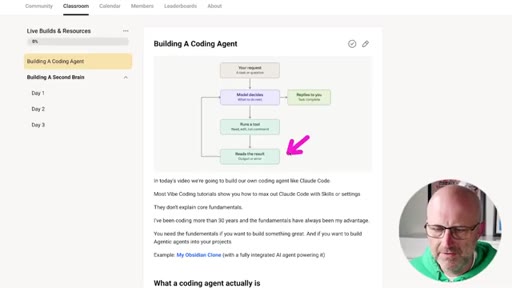
01:30 – 03:54

02 · How Coding Agents Work

LLM plus loop plus tools explained using n8n as a visual parallel. Memory is the growing conversation array re-sent every call.
03:54 – 05:54

03 · Vercel AI SDK Overview

Provider-agnostic abstraction layer: send one call, swap Anthropic/OpenAI/DeepSeek without rewriting the agent.
05:54 – 06:46

04 · Exploring the Agent Code

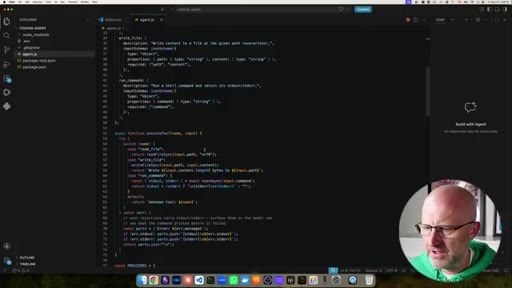
VS Code walkthrough of the generated agent.js: system prompt, tool definitions, provider map, while-loop.
06:46 – 08:00

05 · Running Our Own Agent

Set env vars, npm start, type test -- live streaming response demonstrates the loop working.
08:00 – 08:43

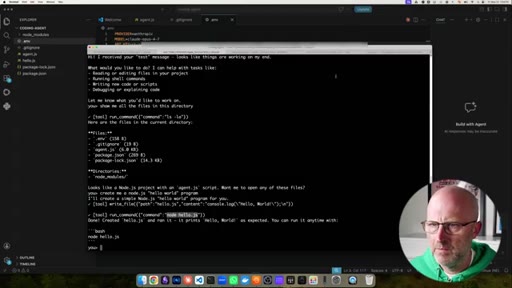
06 · Building a Hello World Program

Ask the agent to create and run a Node.js hello world -- agent writes the file, confirms execution.
08:43 – 09:53

07 · Penny Doubling Problem

Classic compound-growth math problem: agent writes penny.js, runs it, outputs day-by-day table to 5.3M result.
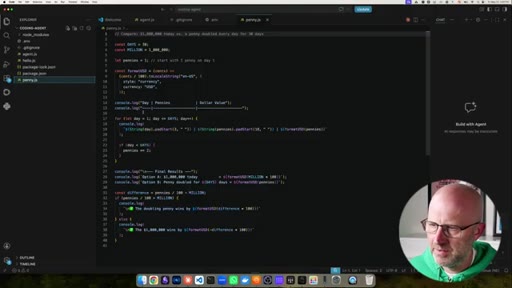
09:53 – 11:27

08 · Understanding For Loops

Author hand-walks the generated penny.js code explaining for-loop syntax, increment operators, and console.log for beginners.
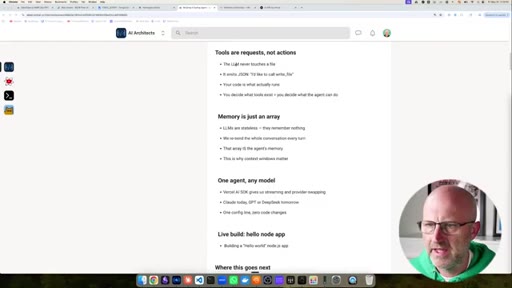
11:27 – 14:11

09 · Why Build Agentic Software

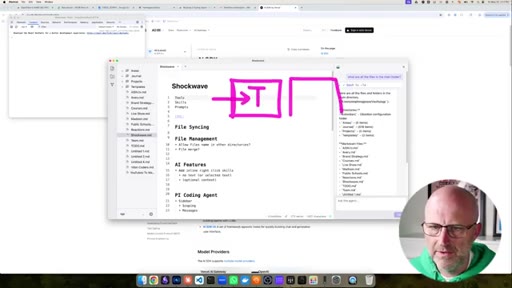
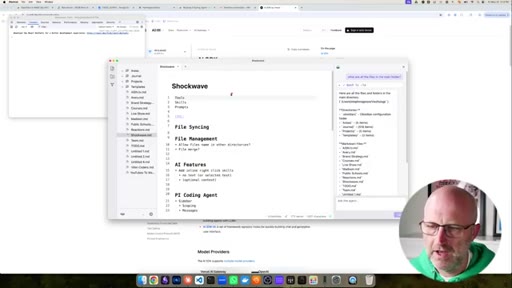
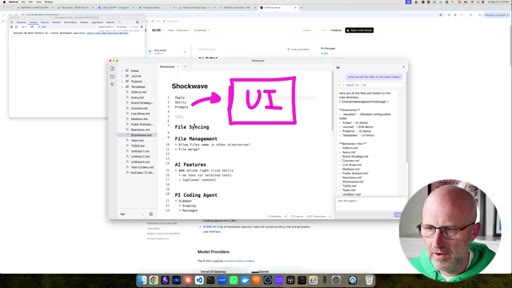
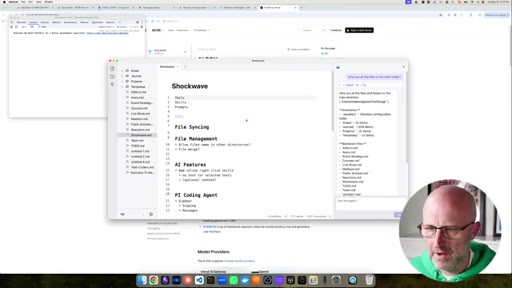
Thesis: traditional UI-first software is commodity vibe-code. Agentic-first (chat as interface) is the defensible position. Shockwave demo.
14:11 – 14:38

10 · Community CTA

Pitch for AI Architects paid community with live builds and full beginner-to-expert course.

§ · Storyboard

Visual structure at a glance.

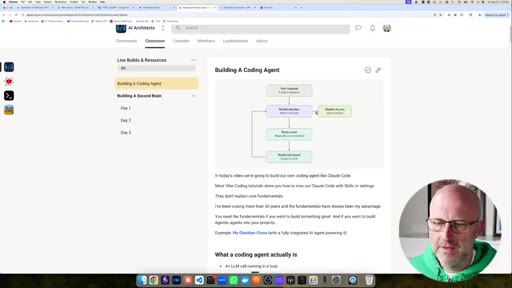
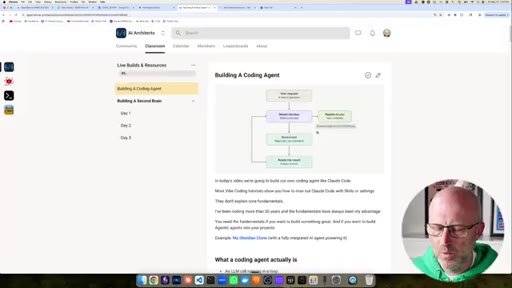
open -- course page + flowchart
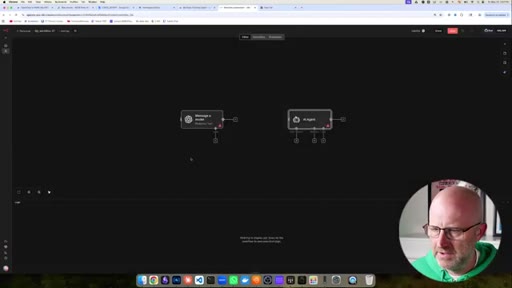
n8n canvas -- loop explanation
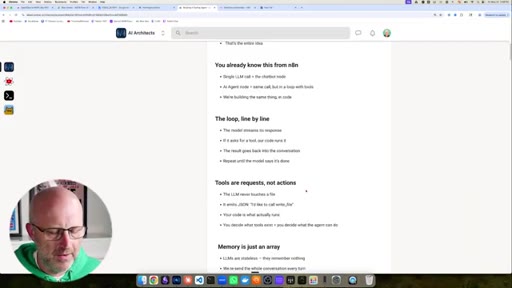
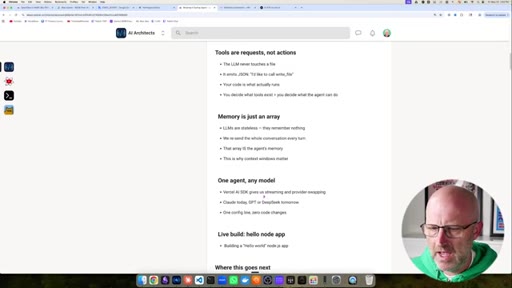
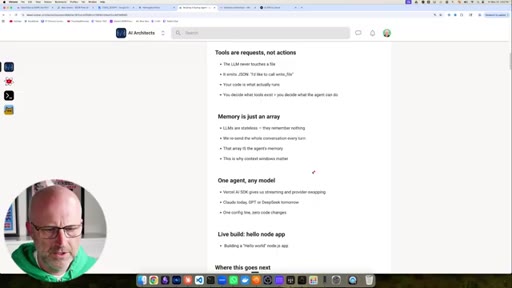
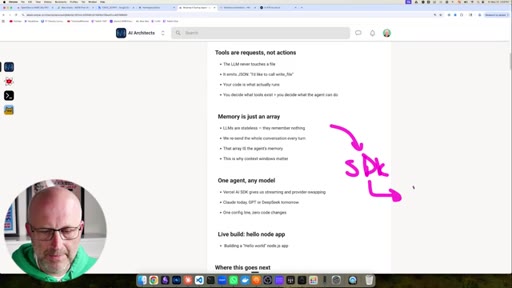
SDK bullet list
VS Code -- agent.js
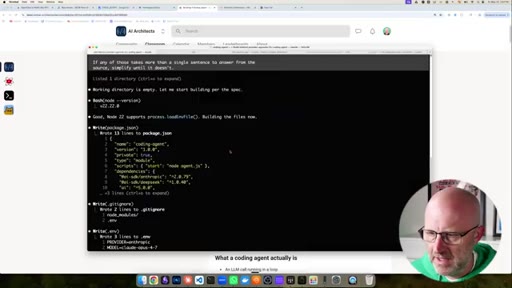
terminal -- live agent running
VS Code -- penny.js code
Shockwave app -- agentic-first demo
face-cam -- CTA
§ · Frameworks

Named ideas worth stealing.

01:30 list

The 3-Part Agent Skeleton

  1. Loop (while-loop that runs until done signal)
  2. Tools (read file, write file, run shell command)
  3. Memory (conversation array re-sent every call)

Every coding agent including Claude Code is exactly these three things.

Steal for explaining AI agents to a non-technical audience or onboarding a developer to agent architecture
11:27 model

Agentic-First vs UI-First

  1. UI-First: feature then button then screen then repeat
  2. Agentic-First: one chat interface, expose tools, users speak intent

The argument for building chat-centered software rather than feature-list software.

Steal for product positioning when explaining why an AI-native app is defensible
§ · Quotables

Lines you could clip.

00:08
"Most vibe coding tutorials show you how to max out Claude Code with skills or settings. They don't explain the core fundamentals."
direct challenge to the category, strong hook energy → TikTok hook
01:56
"The agent is nothing more than the loop itself and the ability to run these tools on your computer."
the thesis in one sentence, no setup needed → IG reel cold open
12:03
"These things can be built in seconds. So you want to learn how to build software where it is agentic first."
punchy competitive reframe → newsletter pull-quote
13:58
"They do not want software that makes it easy for them, they want software that does all of the work for them."
consumer insight that reframes the whole product category → IG reel cold open
§ · Resources Mentioned

Things they pointed at.

01:30tooln8n ↗
11:27productShockwave
§ · CTA Breakdown

How they asked for the click.

14:11 product
"make sure to jump into the AI architects. building out a full course that takes you from an absolute beginner to an expert AI product engineer."

Warm direct ask after enough demo value that the community offer feels earned. Free community link also provided in description.

§ 04 · The Script

Word for word.

HOOK opening / re-engagementCTA the pitch
00:00HOOKIn today's video, we're gonna build out our own coding agent like Claude Code. Most vibe coding tutorials show you how to max out Claude Code with skills or settings. They don't explain the core fundamentals.
00:09HOOKI've been coding more than thirty years and the fundamentals have always been my advantage. You need the fundamentals if you wanna build something great and if you wanna build agentic agents into your projects. Just like the second brain I'm building out inside my community, it's an Obsidian clone except that it has an agentic agent built directly inside of it.
00:25HOOKSo if you want the advantage in your coding projects, stick around to the end of the video. Let's get into it. Alright.
00:29HOOKSo let's jump in. I'm gonna jump over to Cloud Code. I'm gonna make a new directory
00:34coding agent and load up Cloud Code and then I'm just gonna grab this prompt here that will build out our agent.
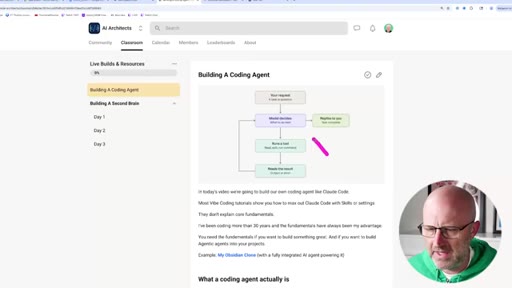
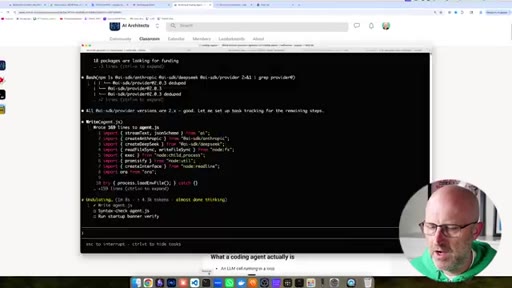
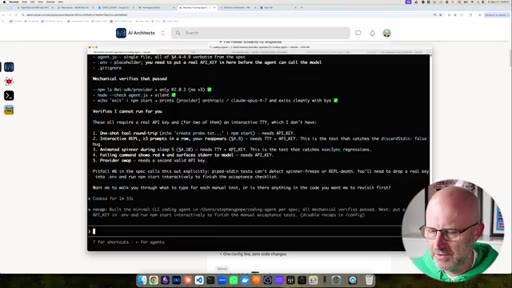
00:42It looks long but it's not really and we're just gonna paste this in here and we're gonna let it run and while it's building I'll have a chance to explain more about coding agents and what they are and really demystify how they work. So at the heart of it when you're using something like Cloud Code, you've got this terminal here and you're able to send it messages.
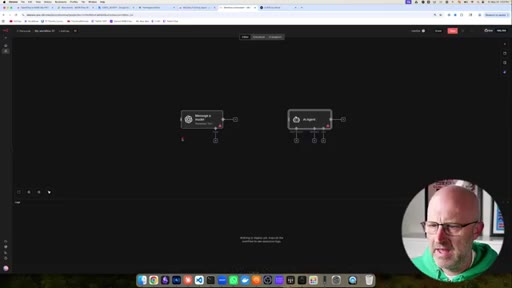
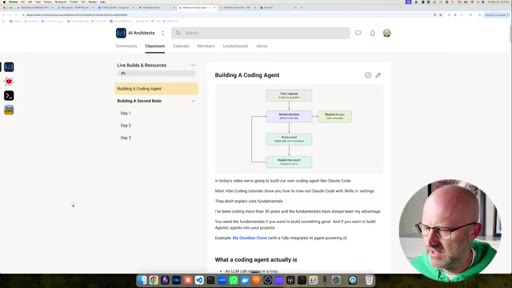
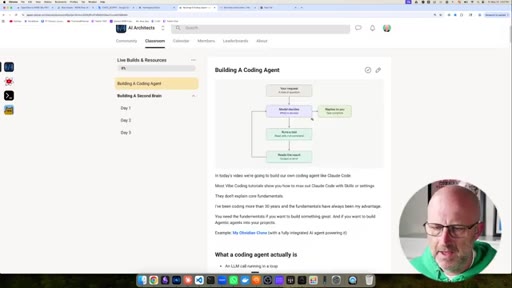
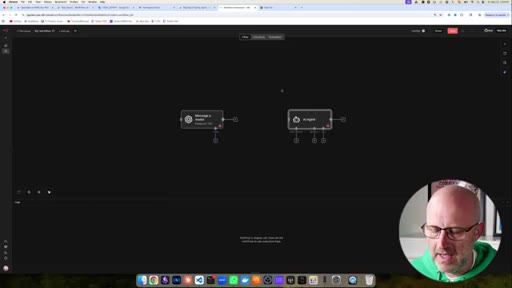
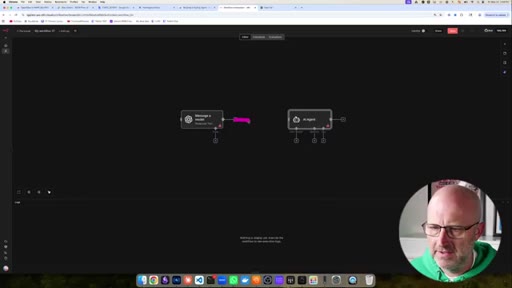
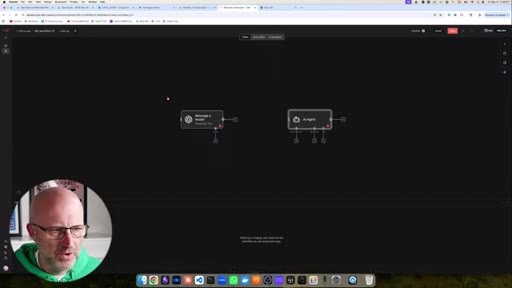
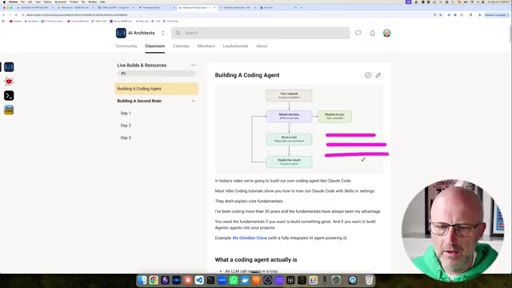
01:00You send that message. The magic is really it's just an LLM running in a loop. So if you're used to something like n eight n, you've probably used something like this where you send a provider like OpenAI or Anthropic a prompt and then you get a response.
01:13Now that's the same thing that's happening with a coding agent like Cloud Code. You give it a message, the model decides what to do. Coding agents typically run some sort of tool, right, because they're running on your computer.
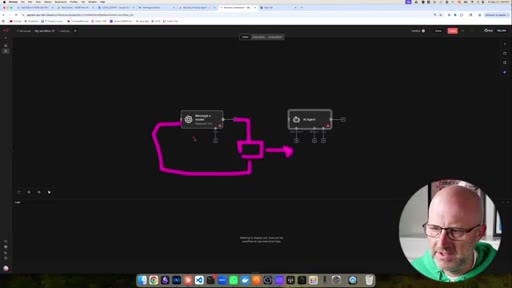
01:25So they have access to, you know, look at your files and write files and read files. So the agent is deciding what to do. It runs that tool and then at the end the agent looks at what it did and then the agent reads the result of that tool and then at the end it decides, hey, did we get the job done?
01:39And if not, it just continues that process in a loop until it feels like it completed the task you gave it in this original request and then it replies back to you. And in n eight n, they solve that same problem with the AI agent here.
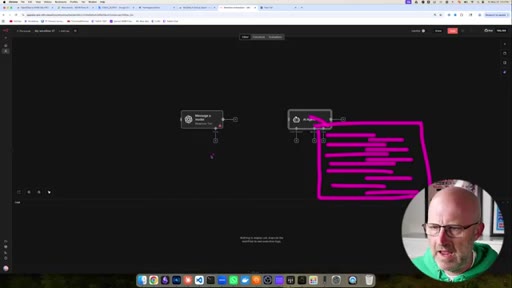
01:53It does the same thing. It's really doing the same thing as this except there is a loop here where something decides whether it's done or not and if not, it just sends it back into the message again until it's done and then it comes out the other end. And you can see here even this message model here has a place to add tools, right?
02:12So this is like a built in feature that OpenAI and Anthropic have had for a long time. This is nothing new. The agent is nothing more than the loop itself
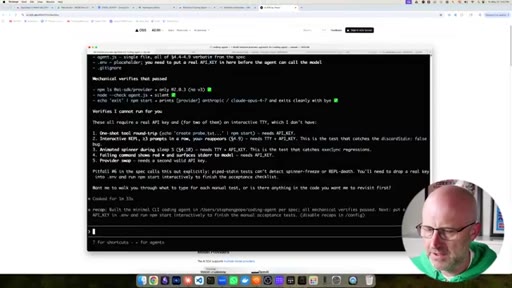
02:21and the ability to run these tools on your computer. So if I come back here to Cloud Code, it looks like it's actually already done. It's a very small program.
02:28So we sent it the prompt. It decided to figure out what version of node I was running. Decided it wasn't done, so it decided to run another tool just like you would have sent a message in n eight n.
02:37It wrote the file, it decided it wasn't done yet. It wrote another file, decided it wasn't done yet. It wrote another file, decided it wasn't done yet until it had done all of the work, decided it was done and replies back to us with the task complete.
02:51And what really gives these coding agents a lot of power, the LLM has access to these tools where they can read and write and run commands
03:01on our computer which you couldn't really do on something like n eight m because these tools running inside of the cloud do not have access to whatever is running on your local computer. Now one other thing to touch on as well which is pretty interesting when you start to think about these different agents here.
03:17While it's running inside of this loop, every single call to the LLM agent is starting from scratch. It's simply remembering
03:26all of the things that you asked it and then all of the things that the agent came back with and each time this is obviously getting longer and longer and longer and it just keeps feeding this back into the agent over and over and over again. Every time you send this a message and that's why we have this memory here on these AI agents, we just continue to send that same conversation
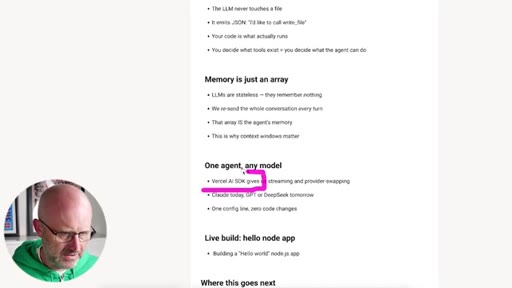
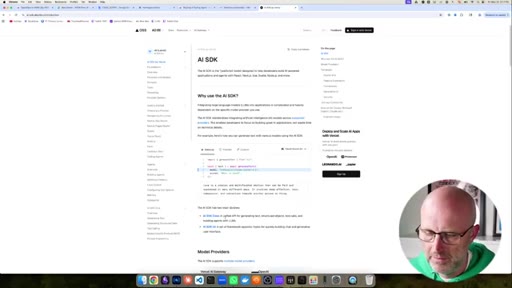
03:46back into the LLM over and over and over and it gets longer and longer and it looks at that conversation to understand what it should do next. Now one thing I do wanna mention in this particular video is I'm using this SDK called the Vercel AI SDK, but it's a free library that helps you build these types of things.
04:02And specifically, when I build this coding agent, I didn't want it to be tied to a specific provider or a specific model. I wanted it to be able to work with OpenAI
04:13or Anthropic or really any of the other LLMs out there. And what it provides is basically an abstraction.
04:20So it gives you this ability to message a model. And I guess it's a lot like this as well where you come in here and you select which model you want in your n eight n automation. So instead of building your coding agent to work with a specific provider, you use this SDK and it allows you to configure it.
04:35You send the message to the SDK, you configured it to work with a specific model and then it will call that model and it will abstract all of the differences so that you can use one single call and at any time you can switch from model one to model two and you're never locked into a single provider. Now this SDK does a whole bunch of other things as well.
04:55HOOKIt actually has its own coding agent built into it as well but again in this example we are building out our own coding agent just to really understand the fundamentals. If you're enjoying this video make sure to like and subscribe it tells me what type of content you want more of.
05:08HOOKAlright. So let's get back to Cloud Code. I'm gonna open up this project in Visual Studio
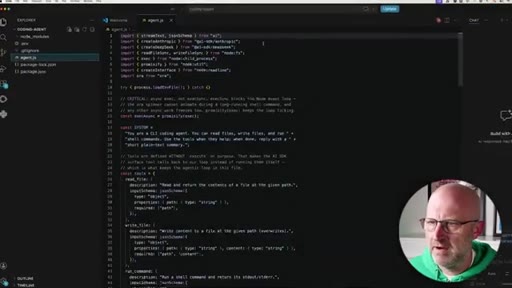
05:13HOOKCode. We can see the different files that it created and here's the main one, our agent. So we'll open that up.
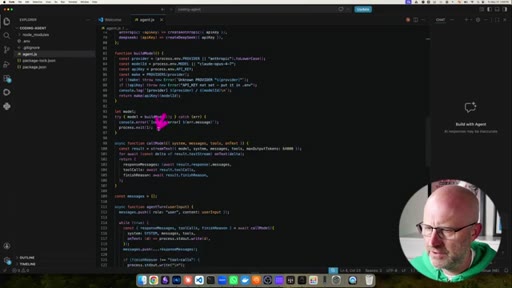
05:18HOOKNotice at the top here, we are including a couple of different libraries, one for Anthropic so that our coding agent works with Anthropic and we also added another one for DeepSeek and we could add libraries for all the others. Here we gave our agent a system prompt that it's a CLI coding agent and describing what it has access to.
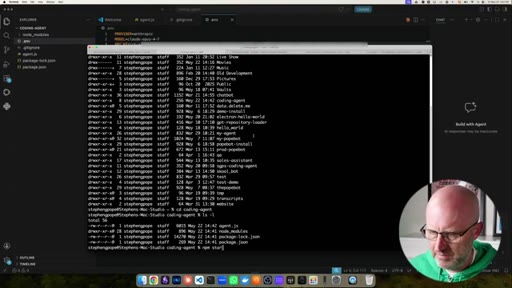
05:35It can read files, write files, and run shell commands. Shell commands are the things that we type here like l s to list all the files in our terminal. Here are all the different tools that we define, so obviously we can write other tools as well.
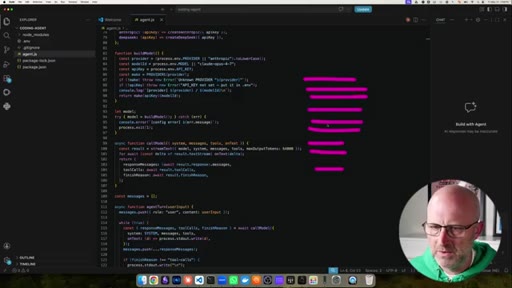
05:46It wrote a function to actually execute each of these different tools. It created a object here with a list of all of the different providers. So if we added other providers, would just add those in there.
05:56Few other functions here to help set everything up. A function here to call the model. You can see it's passing in a system message,
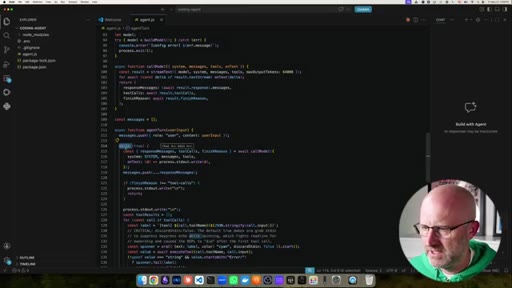
06:03the actual messages. We talked about that earlier. That's the memory.
06:07The messages that we have that we build up over time between you and the agent. We pass in the tools and then here's where we send in the actual user input and here's that loop, that while loop. This is a loop in your code and then it just loops forever.
06:20This is basically saying loop while this is true and we're passing true. So it's just gonna keep looping. So let's go into our shell here.
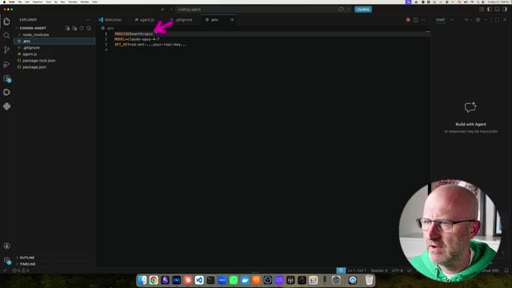
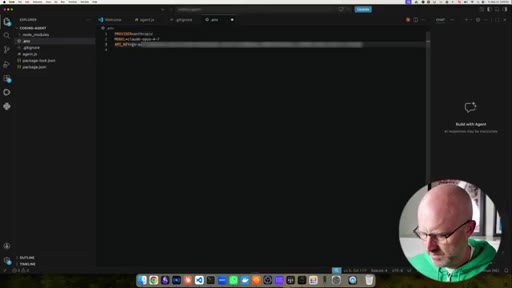
06:26Actually first, I'm gonna need to set up the environment variables. It's defaulting to use anthropic with this model and now we got to put in an API key. Let me grab that.
06:37Just drop that here.
06:40Save it. Come back to the terminal, CD into the coding agent. We can look back to the instructions on how to run the
06:48agent. I believe we can just do NPM start.
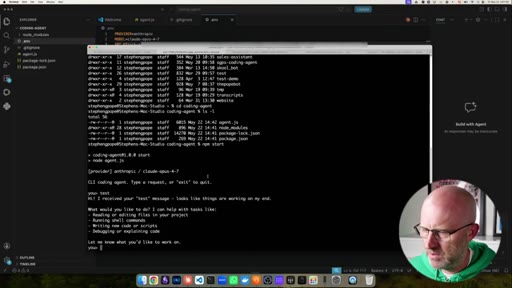
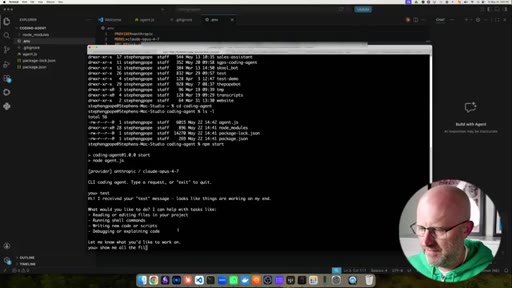
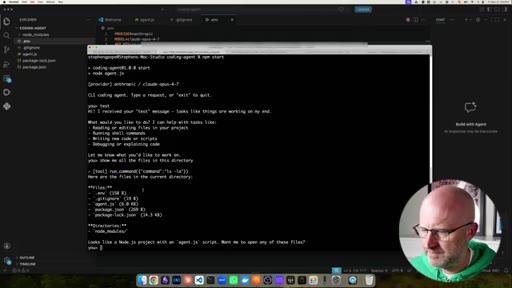
06:52We're actually running our own agent. We can type in anything we want.
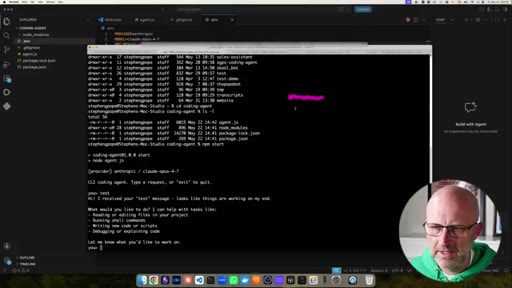
06:57Let's just go type test. So you can see it's streaming back to us. That's one of the things that the AI SDK gave us the ability to.
07:06If you remember when you're using AI agents or if you're using cloud or OpenAI, whenever you ask it a question it streams it to you. It gives it to you live in bits.
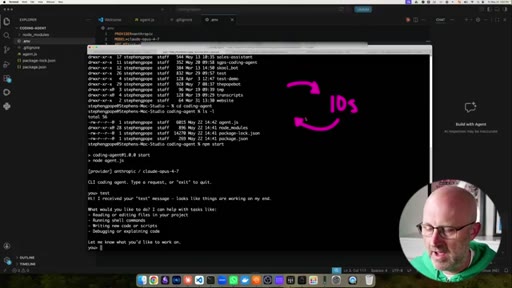
07:14You don't just ask it a question and it goes and thinks for ten seconds and there's just dead space and then it responds back. So when you are developing your own AI agents or coding agents, you want to make sure you're always streaming the response back so it feels more responsive.
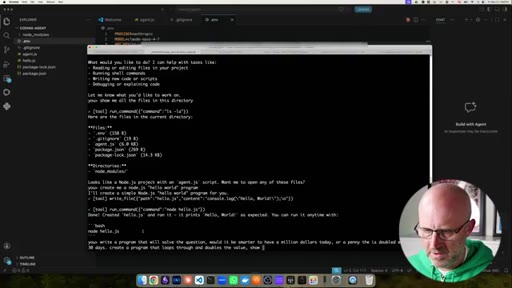
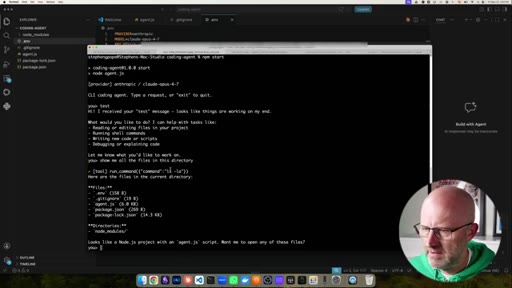
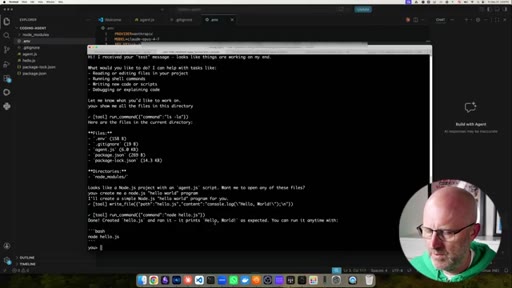
07:28So we can go ahead and say, show me all the all the files in this directory.
07:37So now you can see it's running a tool. Right? And now it's just listing the files.
07:42So here it ran the command l s dash l a. The dash l a just means that it listed them down this way and the a means that it responds hidden files like the dot ENV file.
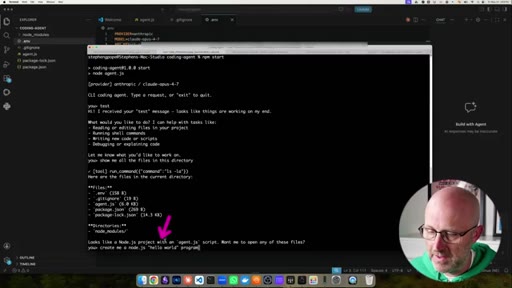
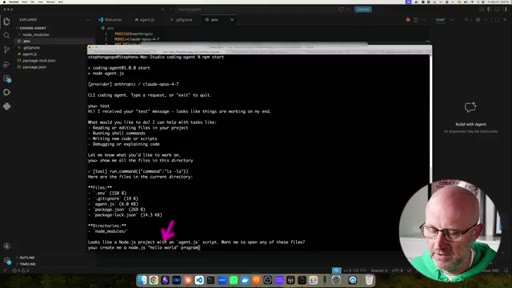
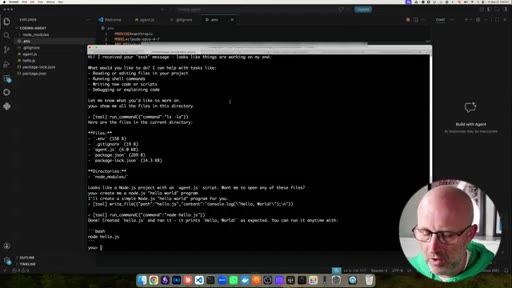
07:54So now we should be able to say create me a Node JS
08:01hello world program.
08:03And for anybody that's not familiar with the hello world program, if you're a computer science major, when you take your first programming lesson, the first thing that they do is they tell you to create an application that just says hello world. Nowadays, this seems so basic, it's kind of anticlimactic but it's just a good exercise to go through.
08:22So let's go ahead and run that.
08:26So we built our own coding agent here. We have a new file called hello j s and it's right here and it tells us how to run it.
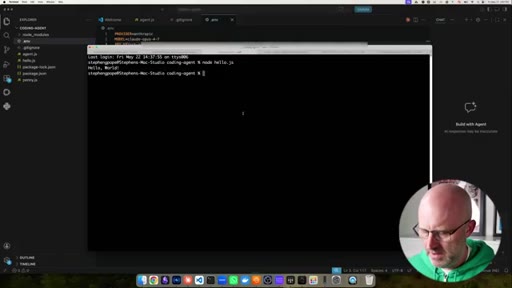
08:35So we can just grab this, we can open up another terminal and we'll run it and we've got hello world. Now let's use it to actually solve a problem.
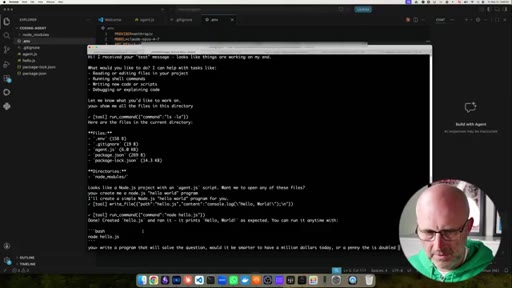
08:45I'm not sure if you're familiar with that question. Would you rather have a million dollars today or would you rather have a penny that is doubled every day for thirty days? So let's write a program that'll solve that for us.
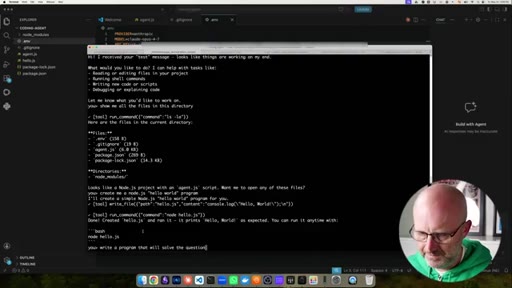
08:56Write a program that will solve the question, would it be smarter to
09:04have a million dollars today
09:09or a penny that is doubled every day for thirty days? Create a program that loops
09:19through and doubles the value
09:23showing each day and the final output. So we'll run that.
09:33Cool. So there we go. Let's jump back over here.
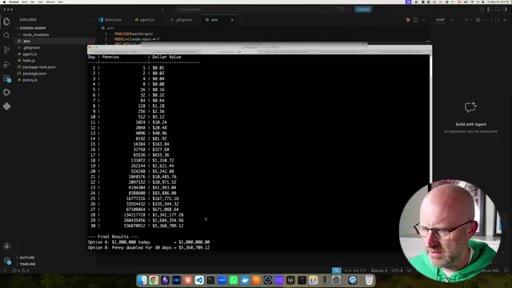
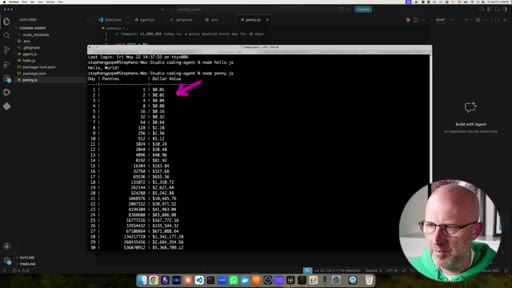
09:36Now we've got the penny app. Okay? So now let's do node
09:39penny and we've got our answer here. Pennies
09:44$1.02 so thirty days.
09:48Wow. So that's obviously much better. I'll take the 5,000,000 over the million.
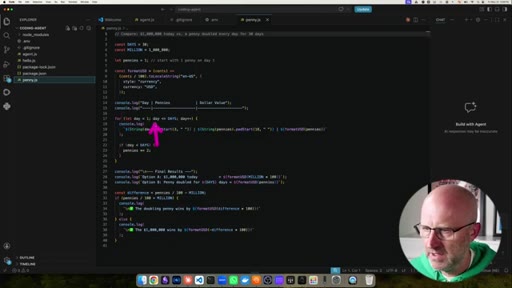
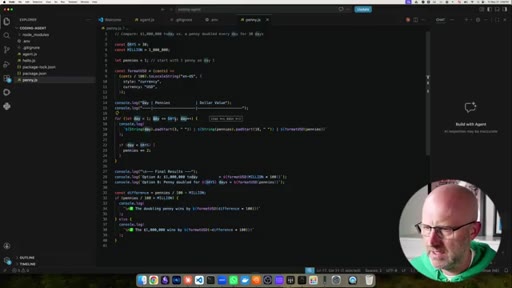
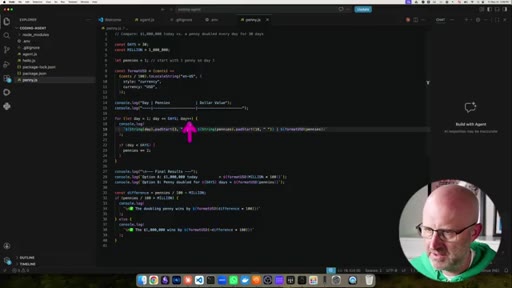
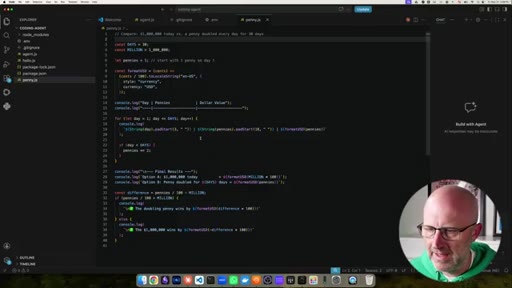
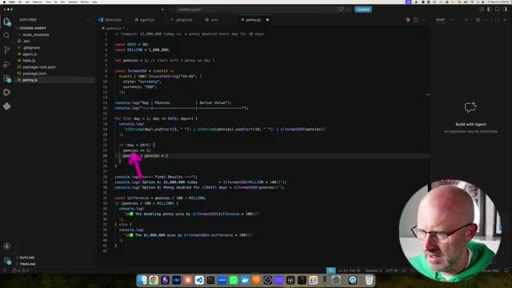
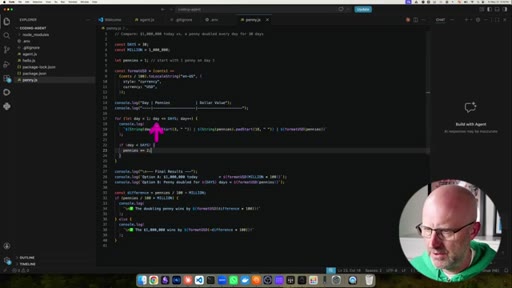
09:52And then if we look inside the penny app, again, we're gonna see a loop. This loop is a little bit different. So this is a for loop.
09:58There's two different types of loops. There's while loops and for loops. What this is saying is let day equal one.
10:04So it's taking this variable here and it's setting it to one. So it's day one and it's saying loop until this day
10:10is greater than days. And what is days? Days is 30.
10:14Okay? So day equals one, keep looping until this is less than 30 and then at the end of the loop right here, it doesn't say it. We we write it here.
10:25Just showing you some basics. Where that actually happens is right here and the plus plus means add one today.
10:33So then it outputs to the console and when people say console, when you see console log, what that just means is right here. It's saying output that right here.
10:41This is the console and then you can see here that it's outputting the day and then you can see the little pipe here. So you don't need to understand all of this here.
10:49I'm just trying to show you little elements of it. Here's the pipe. Here's the day, here's the value of the doubling penny.
10:55It's basically doubling the value of pennies every day. This here is essentially the equivalent of doing something like this, pennies equals
11:04pennies times two. These two are functionally the same, it's just written this is like shorthand for computers.
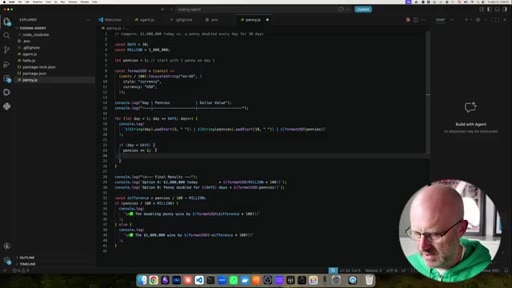
11:12And then it loops, we see it all the way to 30 and then increments it one more time. Now days equals 31. So now this statement here is no longer true because now day is 31 and it's greater than this.
11:23So it breaks out of the loop and then it displays those final results. Now again, there's lots of different types of coding agents.
11:30You don't really have to build your own. Like I said in this library here, there's a coding agent you can use Cloud, agent SDK, there's the py coding agent that was made famous by OpenCloud.
11:40You can just import those directly into your project without having to build your own. But knowing how to build it is important and there might be times where you might want to, but even more importantly, the point is here is that where we're going with software, most software is gonna be agentic software. It's gonna have an AI agent at the center of it.
11:57What I noticed is most people that are getting into vibe coding, because this is what they know most, is they go to build just traditional SaaS apps or they go and they want to build a bunch of dashboards. These things can be built in seconds.
12:11So you want to learn how to build software where it is agentic first. It everything revolves around the agent.
12:18Because if you think about traditional software, and this is a really important insight for you to understand, is that it's all built around a user interface that is supposed to make it easier for people
12:30to use. And then not only that, but you have to build out all of these UI elements one by one, feature by feature, and that's very difficult.
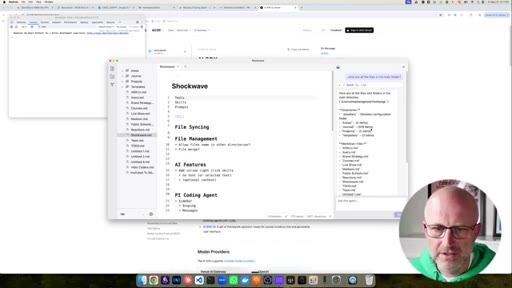
12:38It's very difficult to build software that people actually like to use. A gentic first software revolves around a chat. You don't have to build all the features.
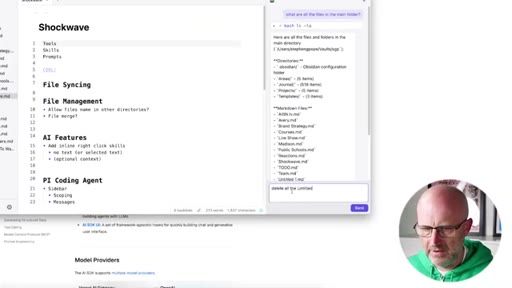
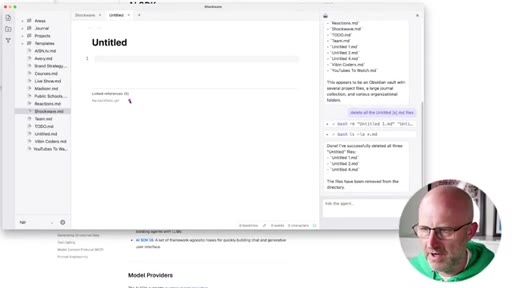
12:46I can just ask my app to do something. I can say, hey, delete this file, delete that file. I can say delete
12:52all the untitled MD files.
12:56Right? I don't have to go delete them. I don't have to create an interface.
12:59I do have it. Notice how I just delete it here. So you can just talk to your app.
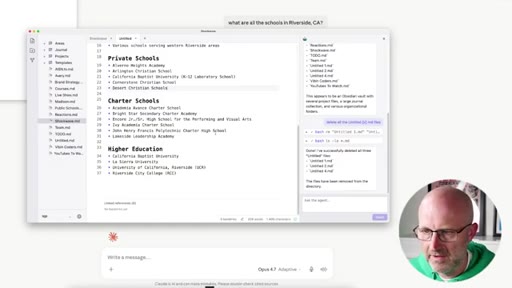
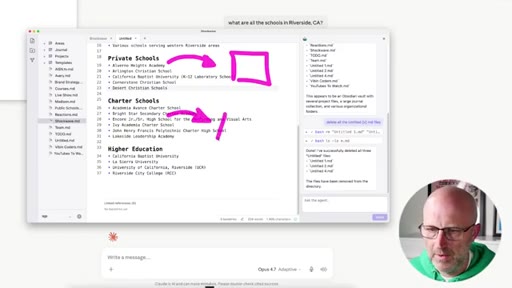
13:03This is the future. Right? And like what if I want to do some research and then put it into my note taking app?
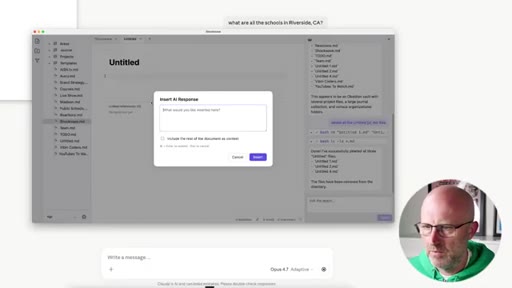
13:08Well, could go over to Claude and I could say, what are all the schools
13:14in Riverside, California.
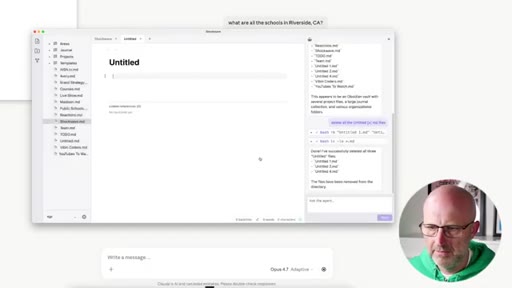
13:18Right? I could wait for it to run, could cut and paste it or in my note taking app I could add a feature where I can just ask it directly in the app and it can just give me the response directly inside of the app and this is the Obsidian clone that I'm building.
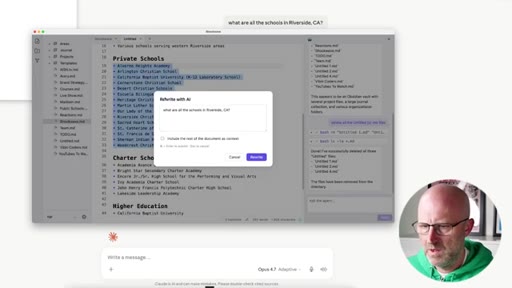
13:32Right? So you get that all here and then what if you want to rewrite something?
13:38Give me the top five schools only. And I can just have it rewrite it.
13:46So I'm building this software called Shockwave with an AI agent mindset at the center of it versus just trying to replicate traditional apps that have been built and nobody's looking for. Because just remember, vibe coders come in, they wanna build traditional things, but what are the consumers looking for? What does everyone want?
14:05CTAThey want AI agents. They don't want software that makes it easy for them, they want software that does all of the work for them.
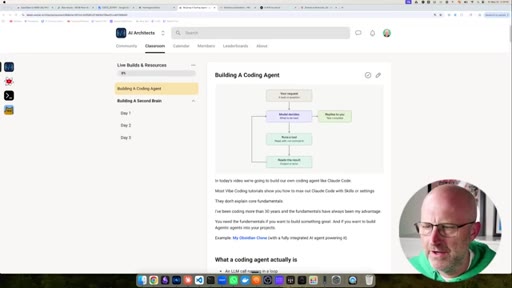
14:13CTANow if you wanna join a community where you can learn how to do all this stuff and you wanna see me literally build out this entire second brain app that I just showed you here, make sure to jump into the AI architects. I'm totally revamping the classroom from start.
14:26CTAI've got these live builds and I'm building out a full course that takes you from an absolute beginner to an expert AI product engineer. It's an amazing group. I'd love to see you there.
14:35CTABut either way, hope you enjoyed this video and I'll see you on the
— full transcript
§ 05 · For Joe

The three-part skeleton every coding agent shares

WHAT TO LEARN

Strip away the branding and every coding agent -- Claude Code included -- is a loop, a tool set, and a conversation array.

  • The LLM has no persistent memory: the agent feeds the entire conversation history back into the model every single call, which is why long sessions get slow and expensive.
  • Tools -- read file, write file, run shell command -- are the complete source of a coding agent power over plain chat; without them it is just autocomplete with extra steps.
  • A while-loop is not a metaphor: the source code literally contains while(true) that exits only when the model returns a done signal, identical in structure to an n8n AI agent node.
  • Provider lock-in is a real agent-building risk; a thin abstraction layer like the Vercel AI SDK lets you swap Anthropic for OpenAI or DeepSeek with a single config line.
  • Streaming tokens back in real time is a baseline UX requirement, not optional polish -- dead silence while a model runs a multi-step tool call destroys perceived responsiveness.
  • Traditional SaaS dashboards are now commodity output from vibe-coding in seconds; the defensible software position is the agent layer that replaces a feature list with a chat interface.
  • Agentic-first design eliminates entire classes of UI work -- you never need to build a delete button if users can say what they want and the agent has the tool to do it.

§ 06 · Frame Gallery

Visual moments.