The bait, then the rug-pull.
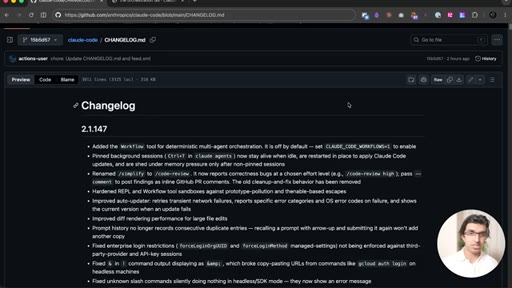
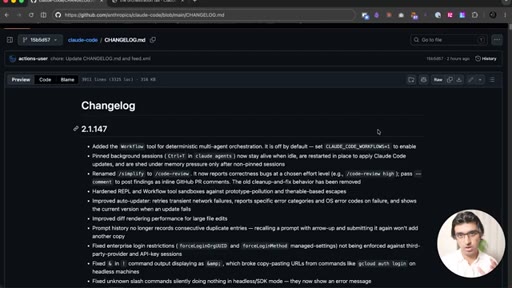
Claude Code 2.1.147 shipped a feature Anthropic hadn't announced yet: a Workflow tool that replaces the model-as-orchestrator pattern with a JavaScript file, and with it, the token tax that compounds with every sub-agent handoff.
Where the time goes.
01 · Introduction
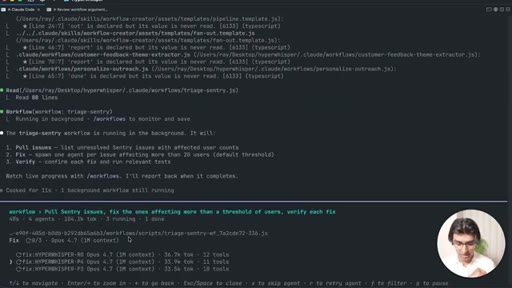
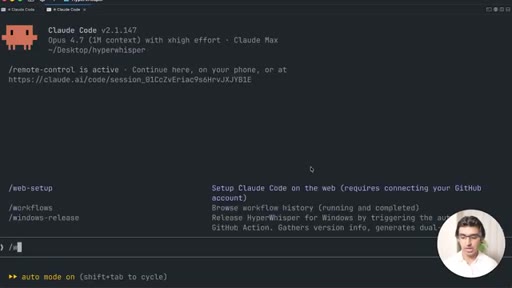
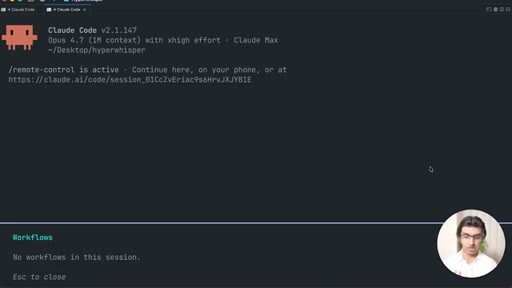
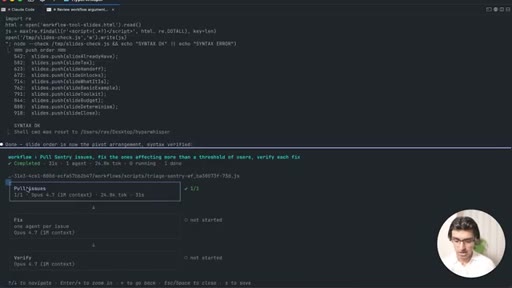
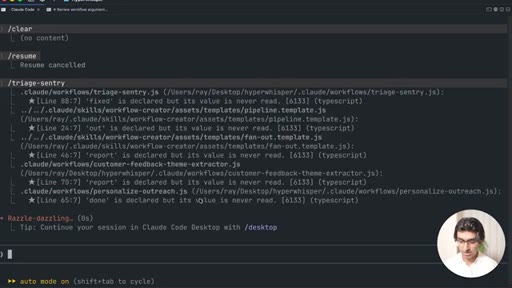
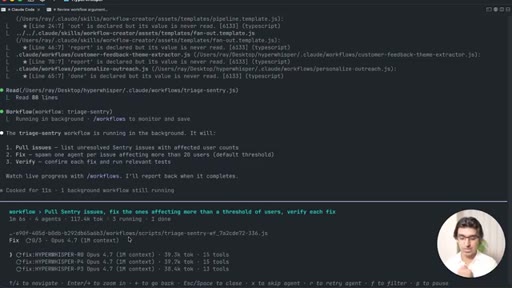
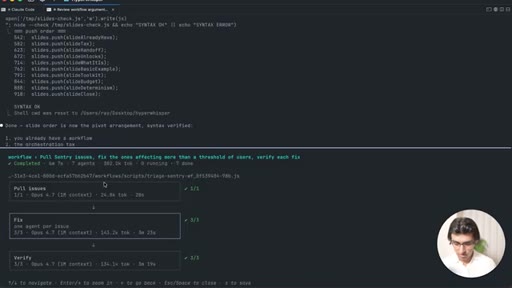
Hook — announces the Workflow feature, shows /workflows slash command, previews a previous Sentry triage run.
02 · The Big Picture
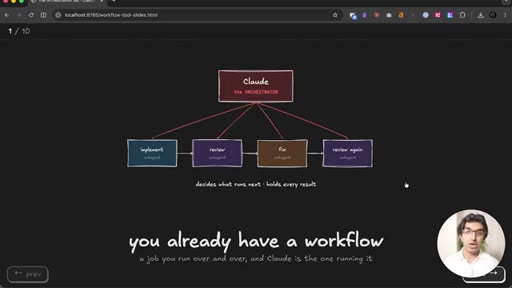
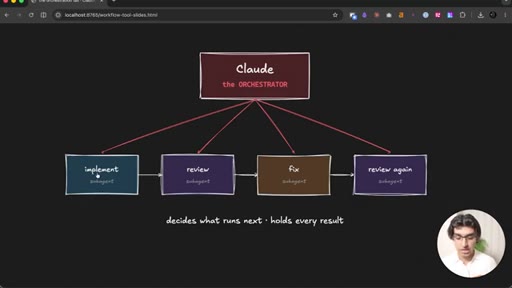
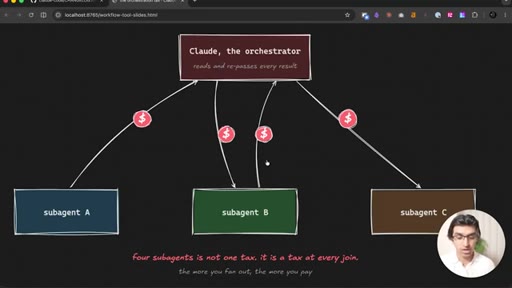
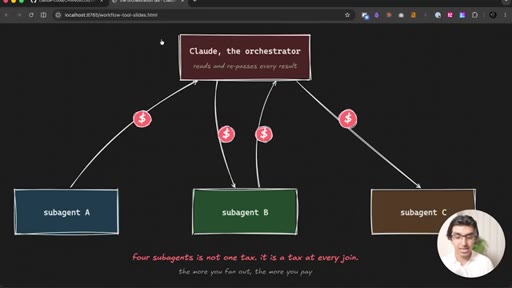
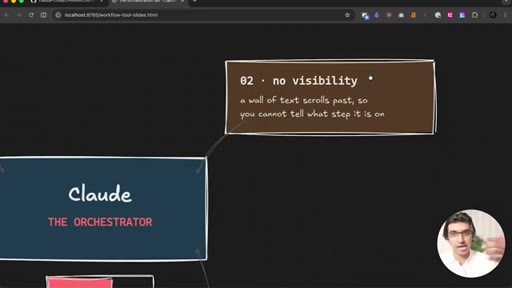
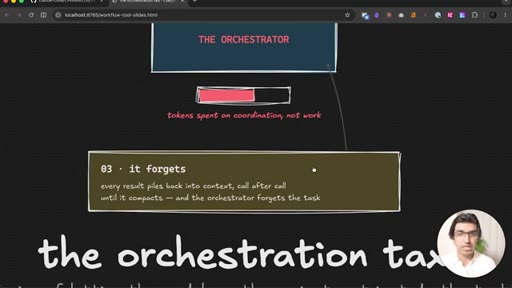
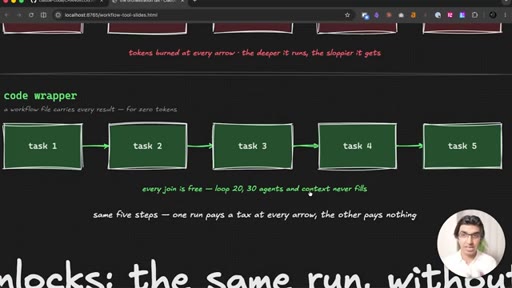
Explains the old model-as-orchestrator pattern, the token tax at each sub-agent join, and why context fills and causes sloppy orchestration.
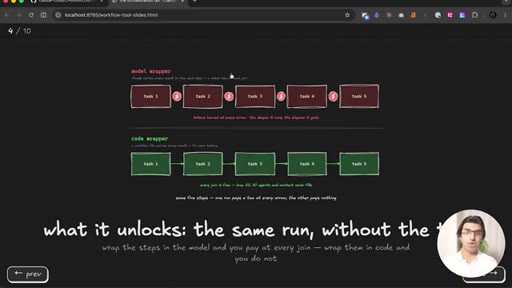
03 · How Workflows Look
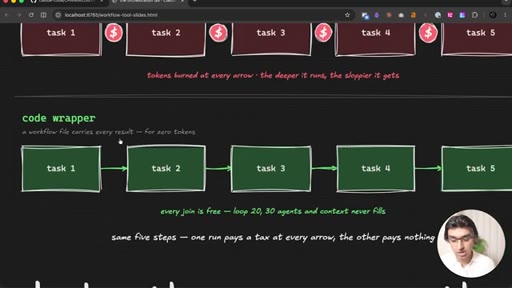
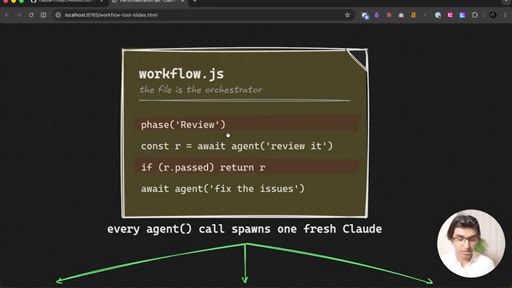
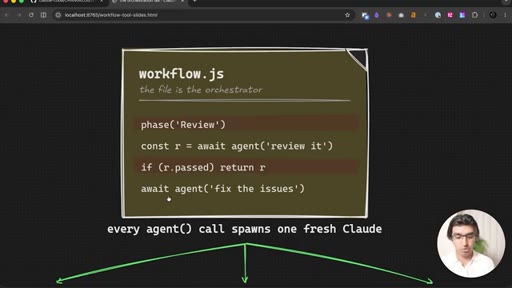
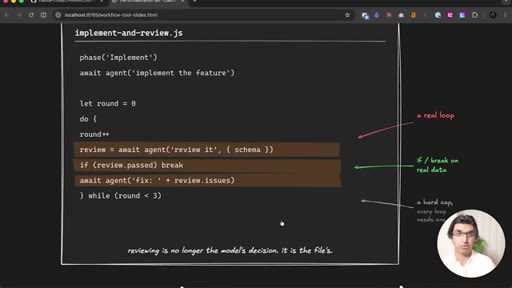
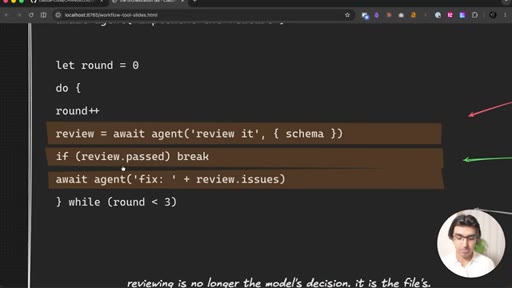
Introduces the code-as-orchestrator concept, shows slide diagrams contrasting the two patterns, introduces agent() and loops in code.
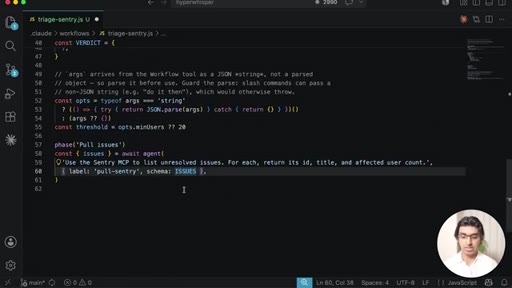
04 · Making a Workflow
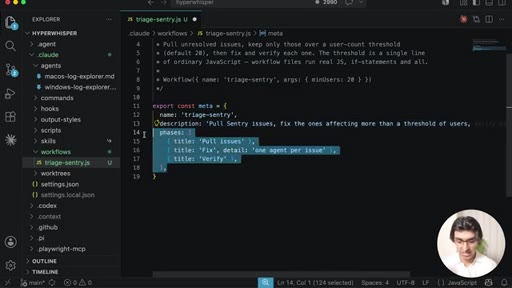
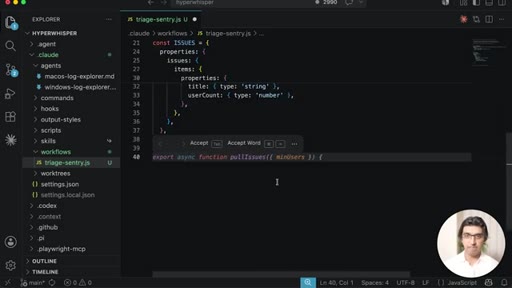
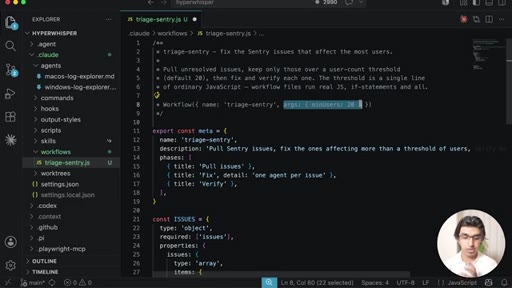
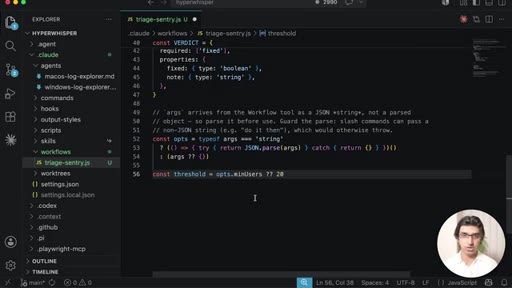
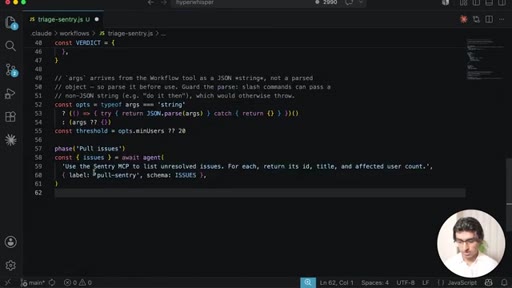
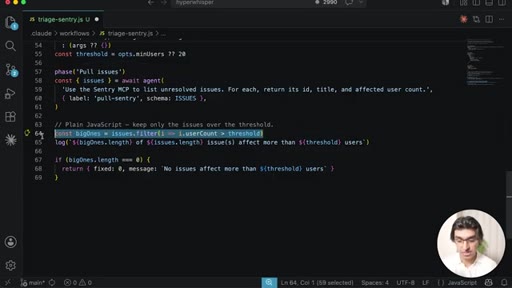
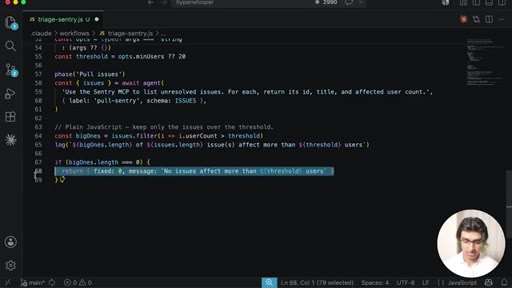
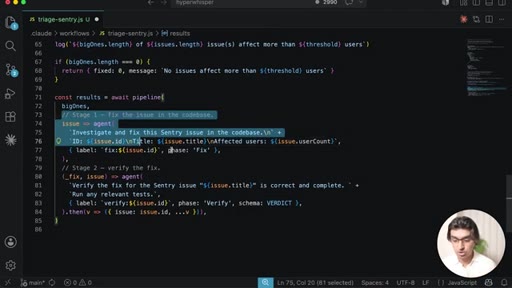
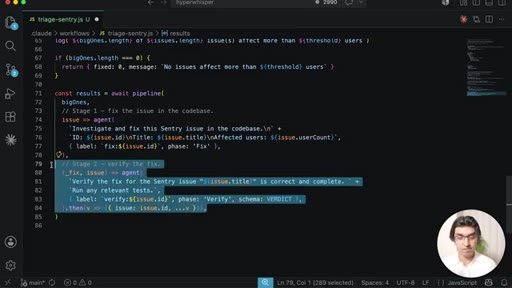
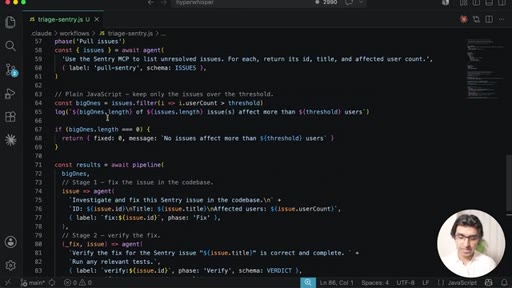
Walks through triage-sentry.js manually — meta, schemas, args, phase definitions, plain JS filtering.
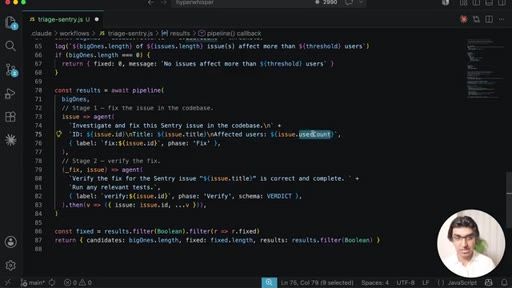
05 · Workflow Demo
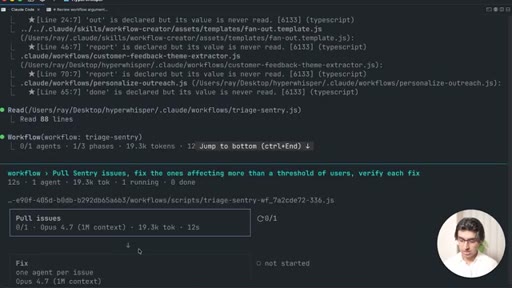
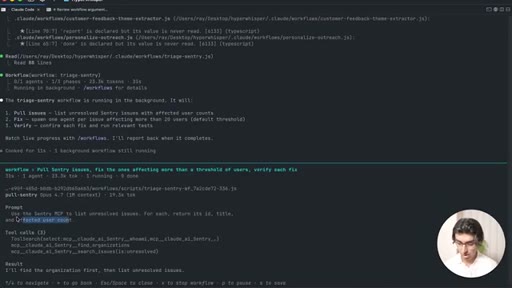
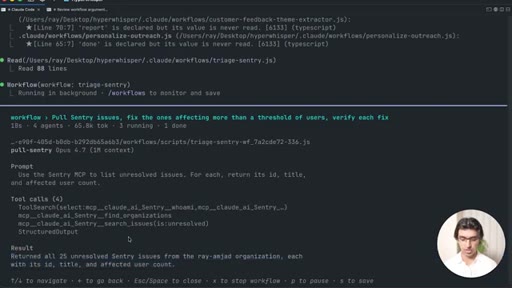
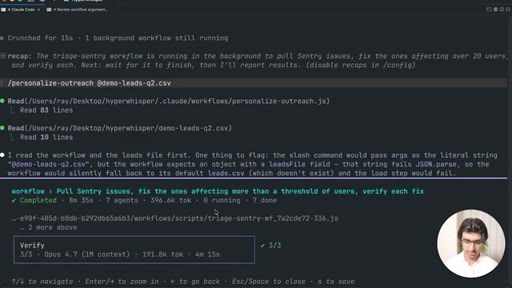
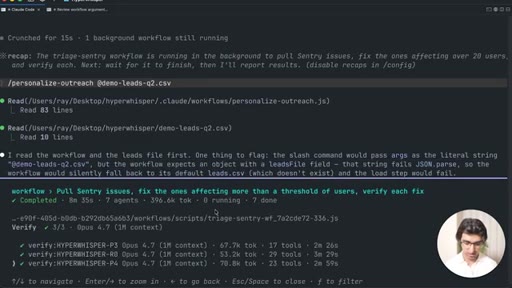
Shows the triage-sentry workflow running live — phase log, parallel fix agents, retrying, background execution.
06 · Running the Workflow
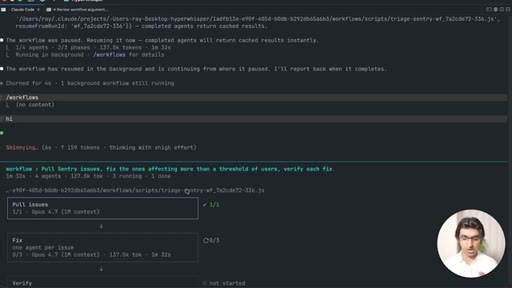
Continues live demo — navigating /workflows UI, pausing and resuming, watching the verifying stage.
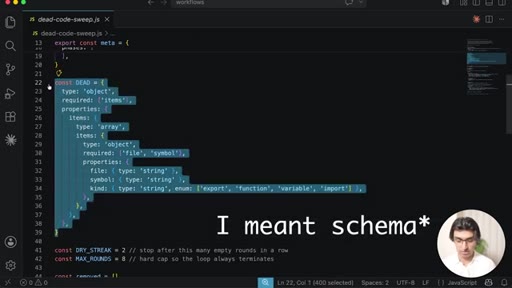
07 · Workflow 2: Dead Code Sweep
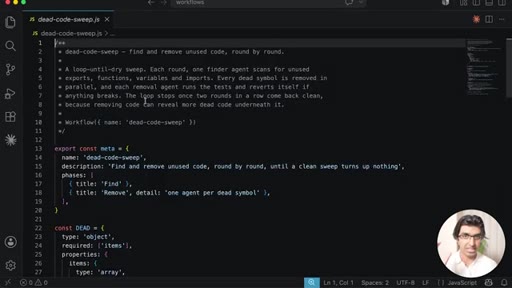
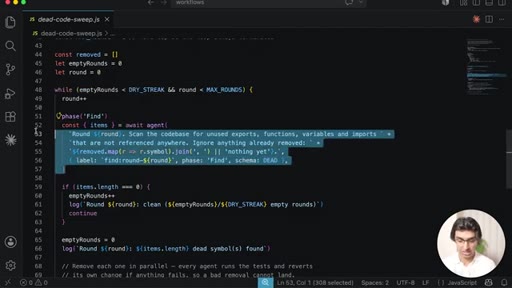
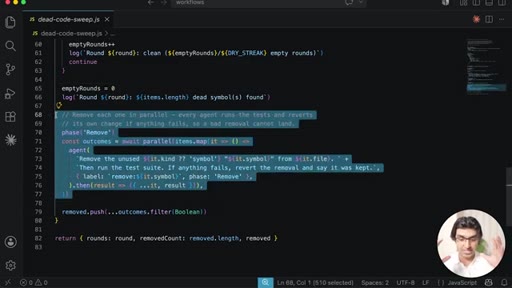
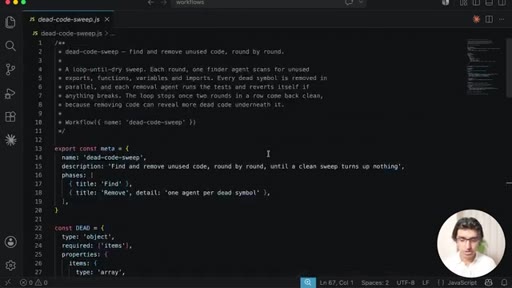
While loop up to 8 rounds, parallel removal with test-and-revert safety check, early exit when no dead code remains.
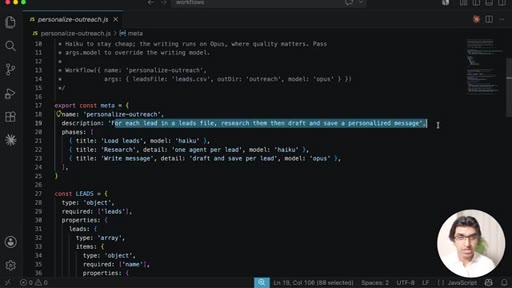
08 · Workflow 3: Personalized Outreach
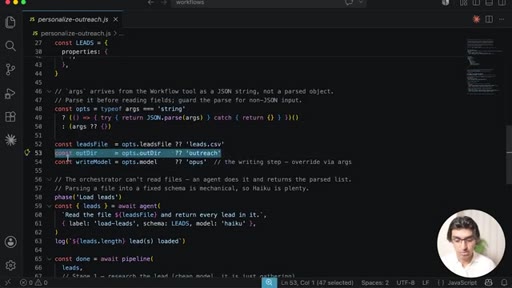
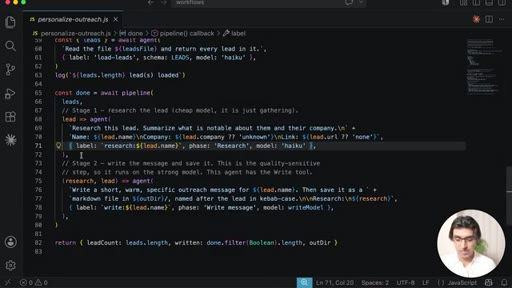
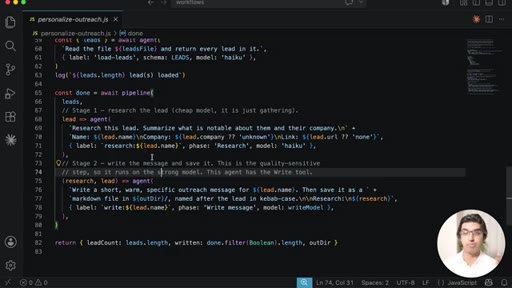
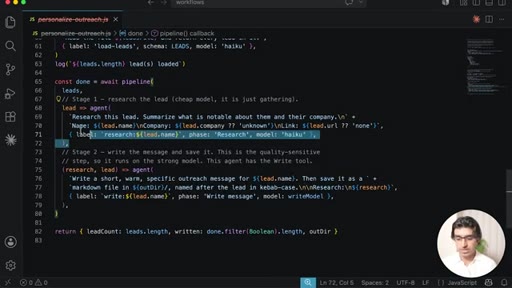
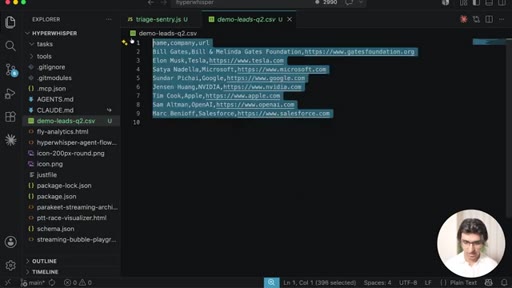
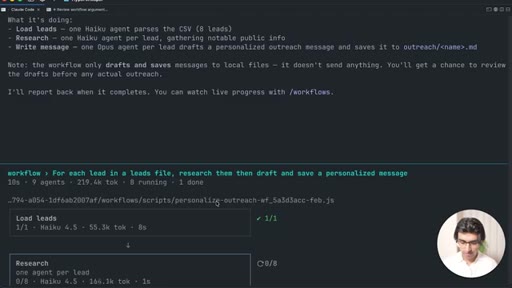
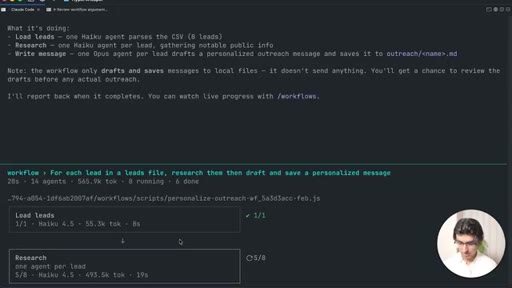
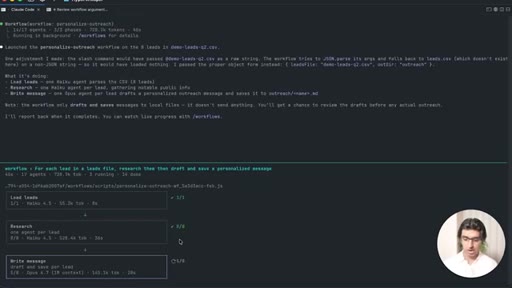
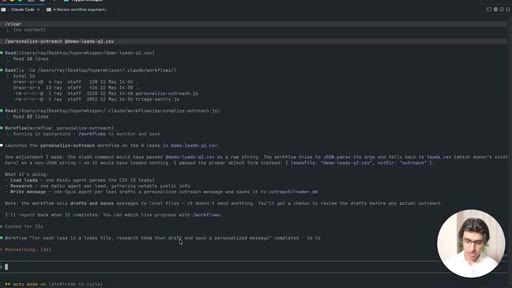
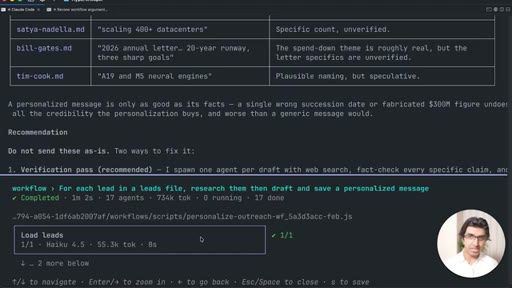
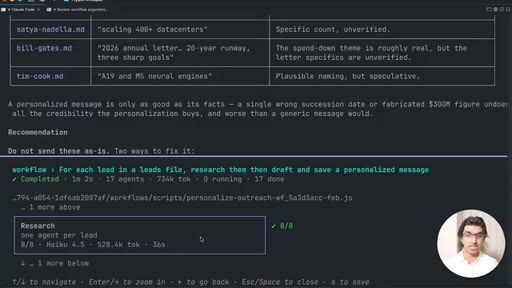
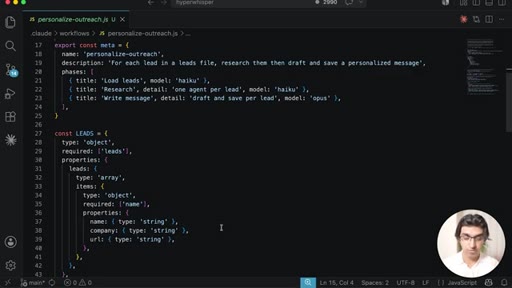
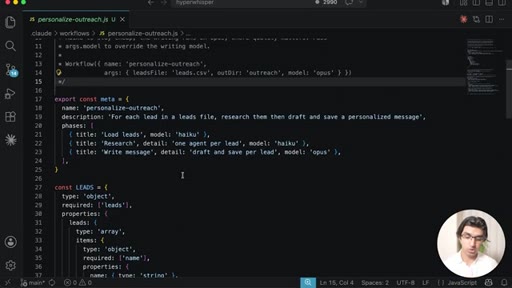
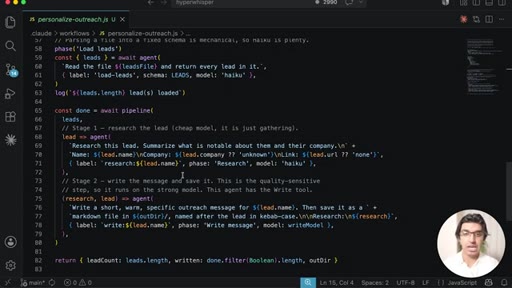
CSV leads, Haiku research stage, Opus writing stage via pipeline(), model-switching per stage.
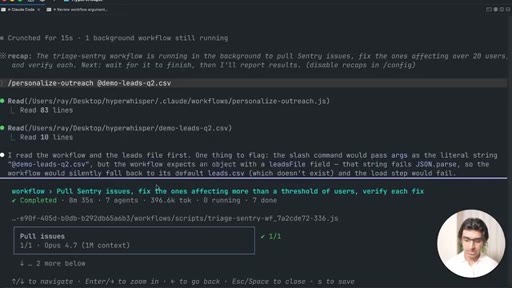
09 · Results
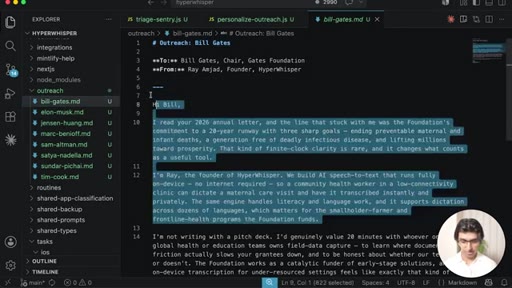
Triage-sentry completes — 7 sub-agents, 400K tokens, three fixes verified. Personalized outreach output folder shown.
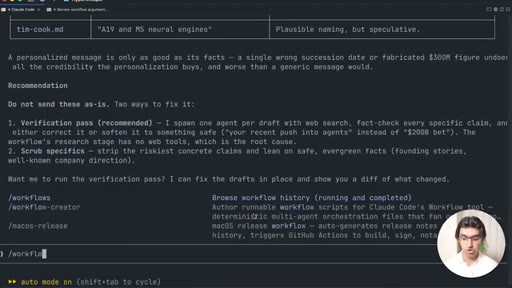
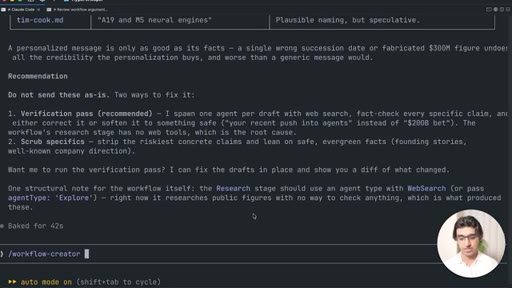
10 · Workflow Creator
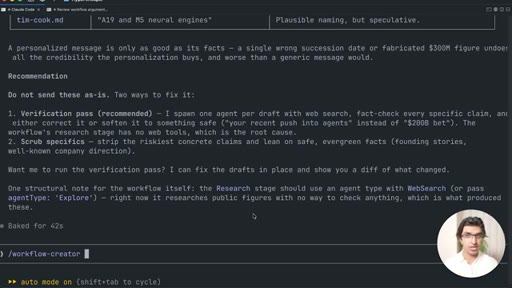
Mentions a GitHub skill that teaches Claude Code to generate workflow files; expects Anthropic to ship an official one.
11 · The Toolkit
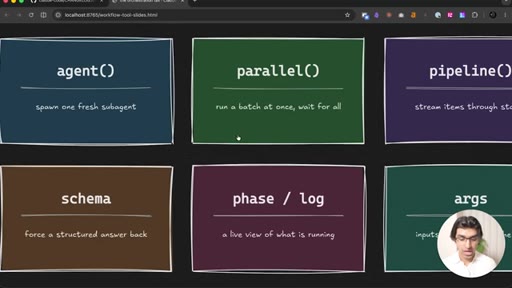
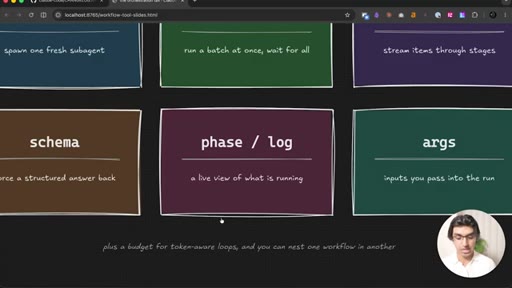
Rapid summary of all workflow primitives: agent, parallel, pipeline, schema, phase log, args.
12 · Budgets
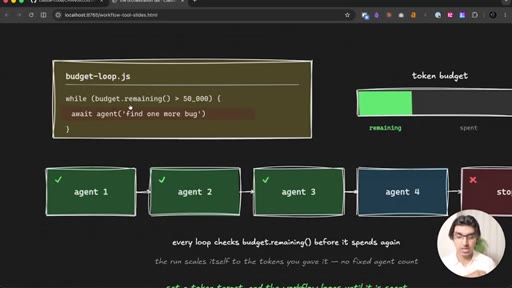
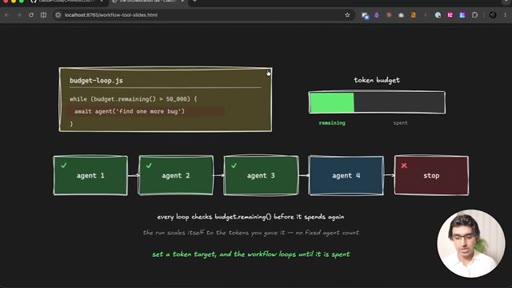
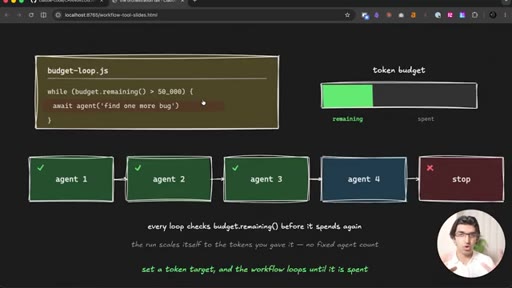
Shows budget.remaining() in a while loop — token-aware self-stopping loops to prevent runaway spend.
13 · My Suggestion
Recommends asking Claude Code to audit previous sessions and identify workflow opportunities.
14 · When to Workflow
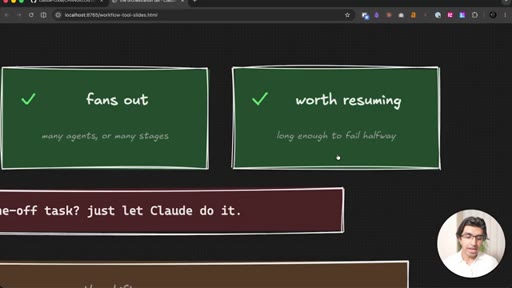
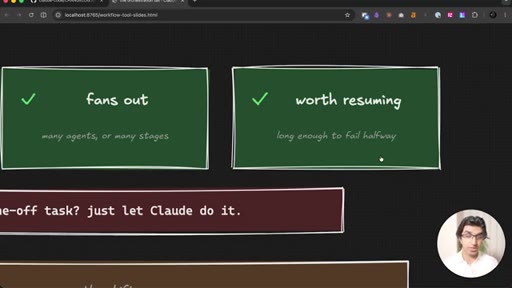
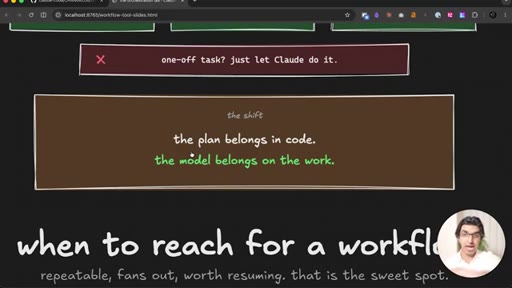
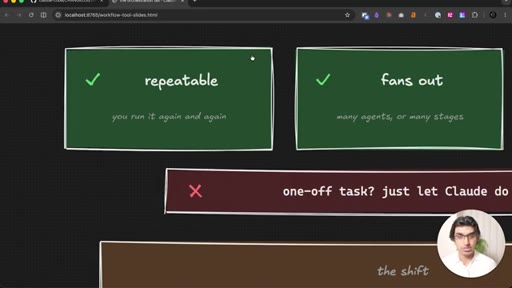
The three-condition decision rule: repeatable, fans out, worth resuming. Everything else: just let Claude do it.
15 · Conclusion
CTA to newsletter and masterclass.
Visual structure at a glance.
Named ideas worth stealing.
When to Workflow (3 conditions)
- Repeatable — you will run it over and over
- Fans out — conditionals, loops, or parallel agents based on data
- Worth resuming — long enough that a mid-run failure is costly
A portable decision rule for deciding when to invest in a workflow file vs. just running Claude manually.
Code-as-Orchestrator Pattern
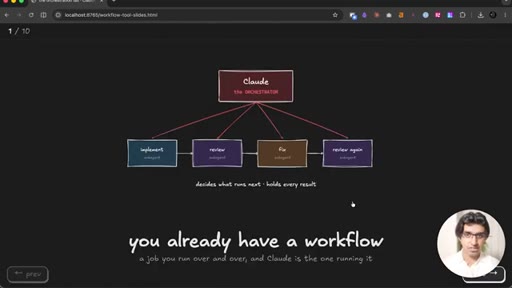
Replace the model orchestrator with a JS file — agent(), parallel(), pipeline(), schema, phase(), args, budget — so context stays flat and joins are free.
Lines you could clip.
"Four sub-agents is not one tax, it is a tax at every join. The more you fan out, the more you pay."
"Same five steps — one run pays a tax at every arrow; the other pays nothing."
"Reviewing is no longer the model's decision, it is the file's."
"Repeatable, fans out, worth resuming — that is the sweet spot."
Things they pointed at.
How they asked for the click.
"If you want to get free insights delivered from me on a regular basis, then you may want to join my newsletter as well linked below."
Soft close at the very end after the decision-rule summary; non-intrusive, no mid-video pitch.
Word for word.
Replace the model with code and pay nothing at every join.
The token tax in multi-agent pipelines is not a fixed cost — it multiplies at every sub-agent join, and moving orchestration into a JavaScript file eliminates it entirely.
- Every time a sub-agent result returns to the main orchestrator context, you pay a token tax; with 15 agents that tax compounds until the orchestrator degrades and starts making sloppy decisions.
- A workflow.js file keeps the main context flat by passing results directly between agents through code, not through the model — the orchestrator never reads intermediate outputs.
- The pipeline() primitive starts downstream processing on the first completed item, not after all items finish, which means a 10-lead outreach job finishes faster than a naive parallel-then-batch approach.
- Schemas on agent() calls give the next stage typed, structured data — instead of prompting a model to parse free text, the next agent receives named fields it can reference directly.
- A budget.remaining() guard in a while loop is the correct way to prevent runaway token spend on iterative jobs; it scales the run to available budget rather than a fixed agent count.
- Conditional branching is only reliable when it lives in code; inside a filling model context it degrades as the context grows, which is why complex if-then logic belongs in the workflow file.
- The three-condition decision rule — repeatable, fans out, worth resuming — is a portable filter: if a job fails all three, there is no benefit to wrapping it in a workflow.
- Auto-retry (up to 3 times per sub-agent) makes long workflows self-healing on transient failures like MCP server restarts, removing the need to babysit runs.
- Mixing a cheap model (Haiku) for research stages and an expensive model (Opus) for writing stages within the same pipeline is a cost pattern the workflow file makes trivial to express.