The bait, then the rug-pull.
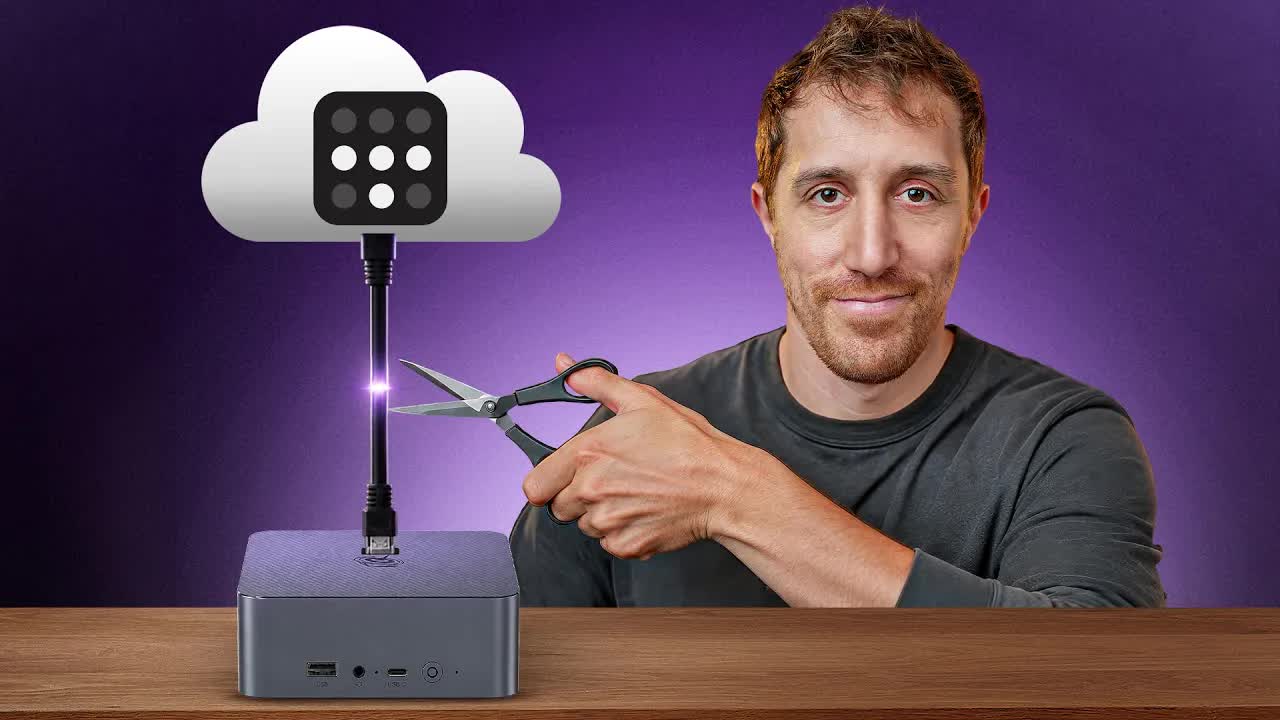
A viral tweet about Tailscale's SaaS dependency was all it took. The host had been happily running Tailscale for years — but once the framing landed, keeping a closed-source company's server in charge of his most sensitive internal traffic felt like an unnecessary bet. The switch to Headscale, the GitHub-popular open-source control server, took one video to document end to end.
Where the time goes.

01 · The SaaS problem with Tailscale
Hook via viral tweet. Tailscale praised but SaaS control plane called out. Promise: own your mesh network by the end.

02 · What you will have by the end
Explicit promise: your own mesh network accessible through a self-dug tunnel.
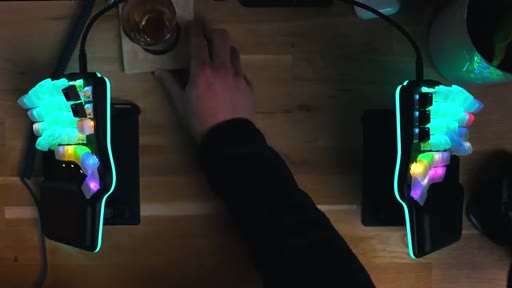
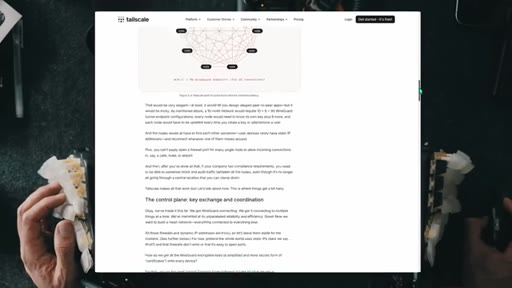
03 · WireGuard vs VPN vs mesh (theory)
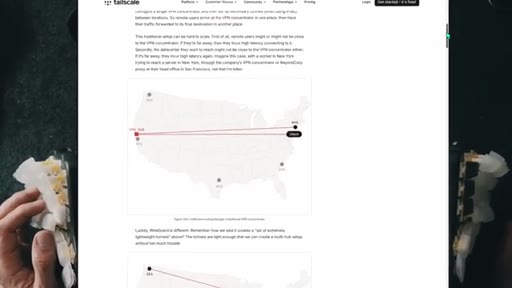
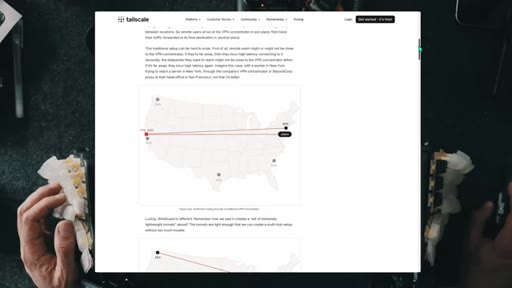
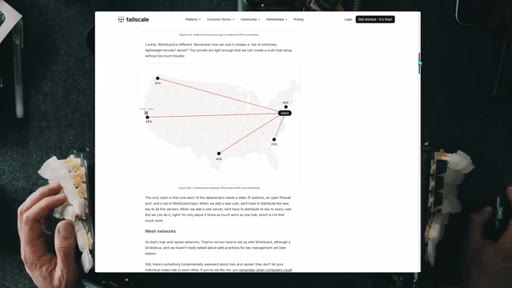
Traditional VPNs route through a gateway, adding latency for geographically local access. WireGuard forms peer-to-peer mesh, not a gateway topology.
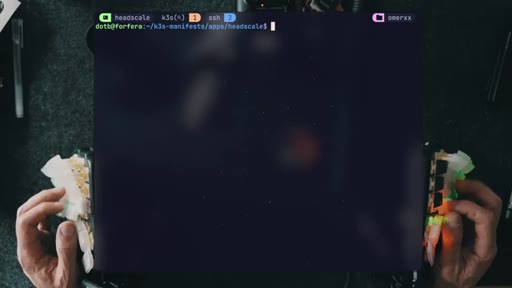
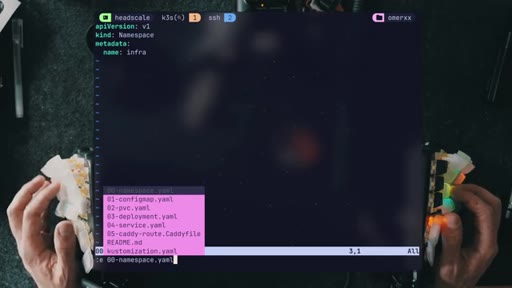
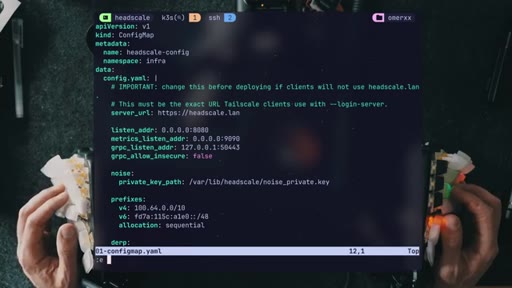
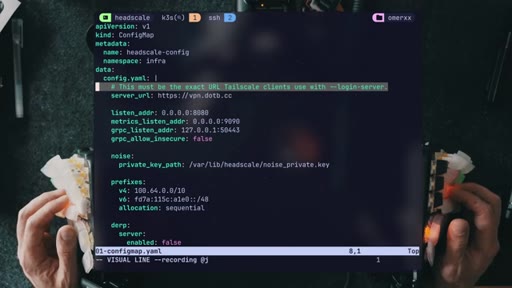
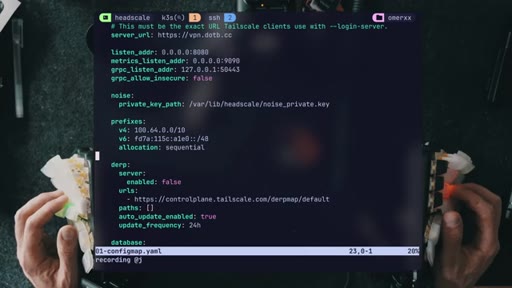
04 · Headscale config and k3s manifests
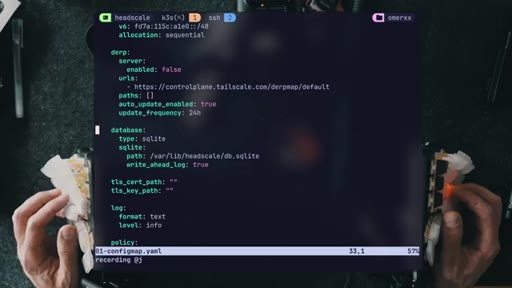
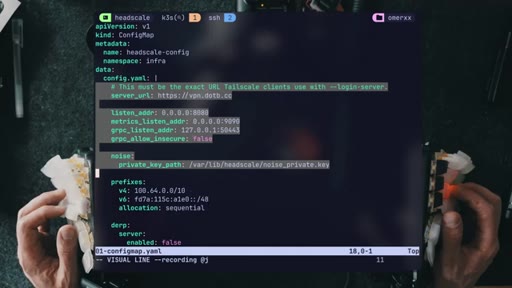
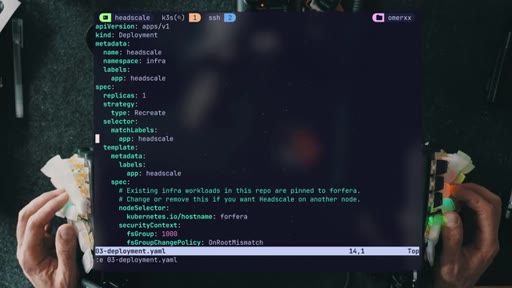
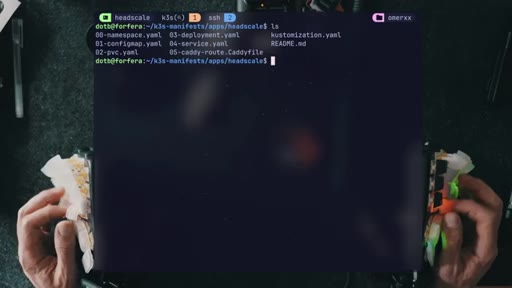
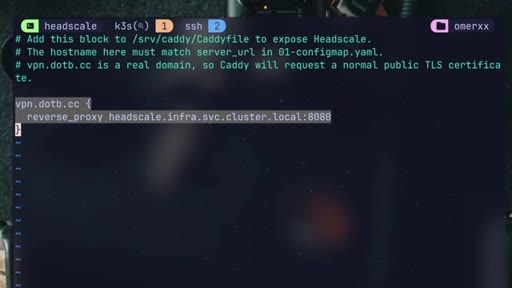
Walks configmap.yaml: server URL, listen addresses, metrics, private key path, IP prefixes. Caddyfile entry for public reverse proxy.
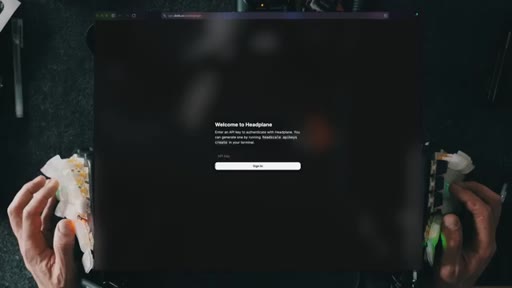
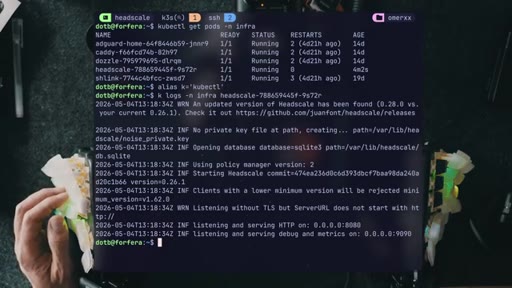
05 · Deployment and Headplane UI
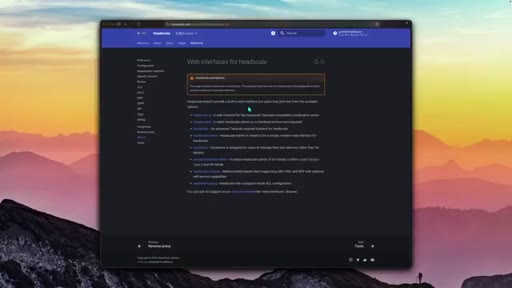
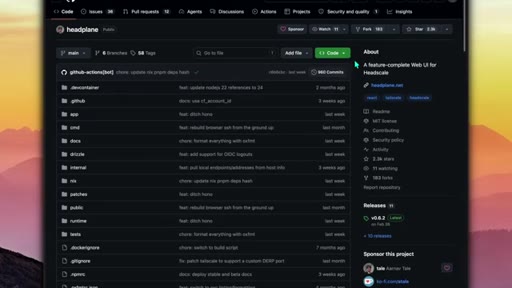
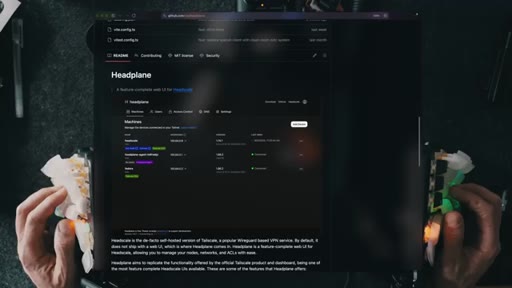
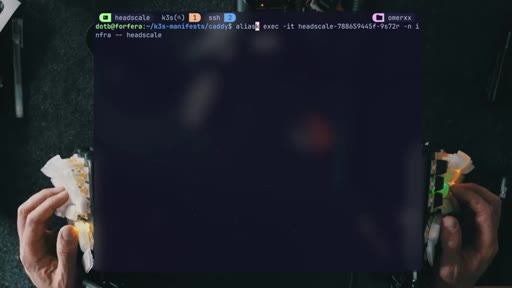
Server container running, Headplane web UI installed, CLI alias created for executing commands inside the container.
06 · First node registered (MacBook)
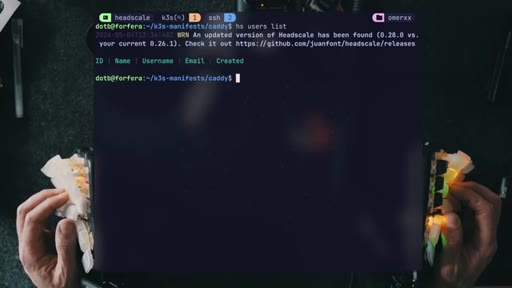
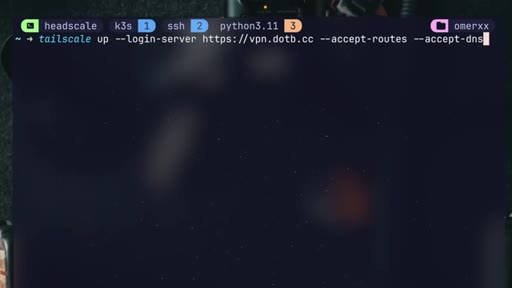
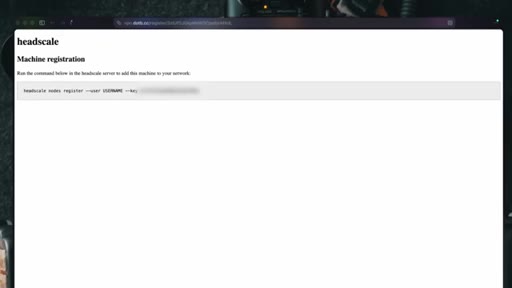
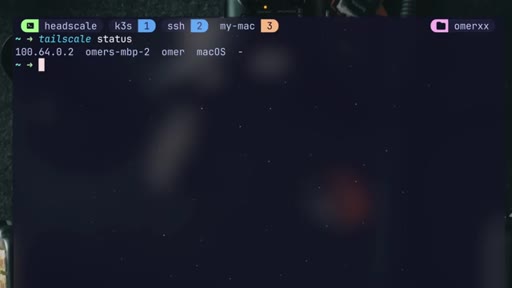
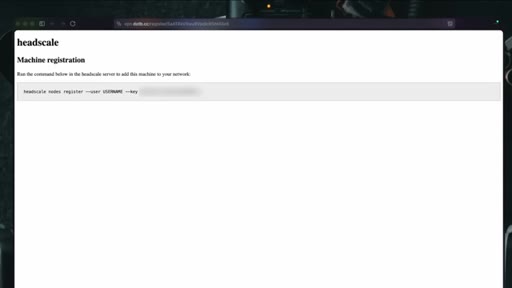
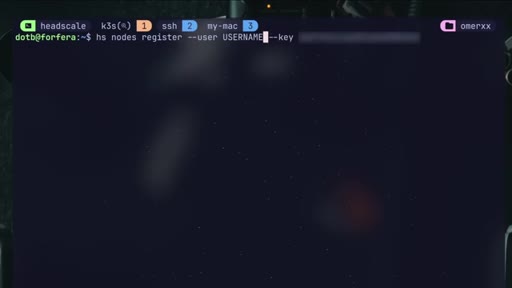
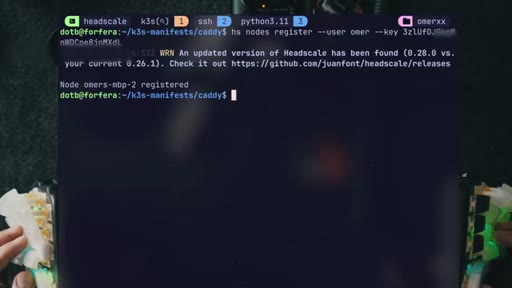
headscale users create, tailscale up --login-server, URL exchange, node registered, mesh IP assigned.

07 · Sponsor: Internxt
Internxt cloud storage: RClone support, E2E encrypted, lifetime plan, 87% off via description link.

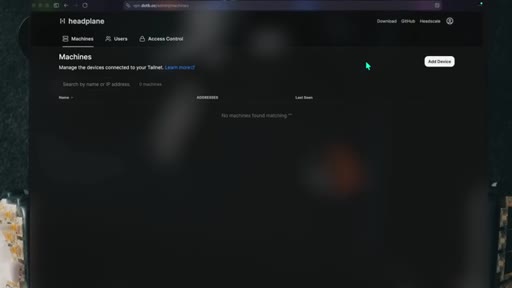
08 · Admin panel and node confirmed
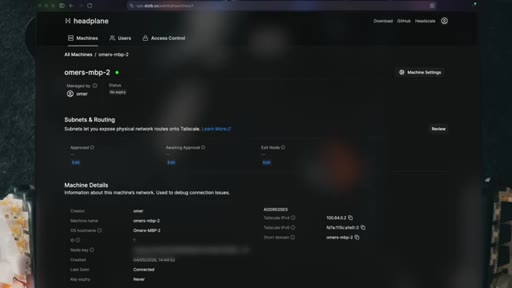
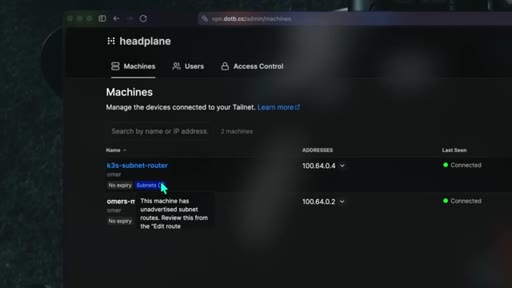
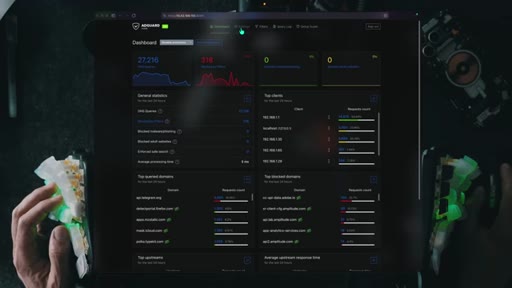
Extract API key from container, log into Headplane, MacBook Pro node visible with internal IP.
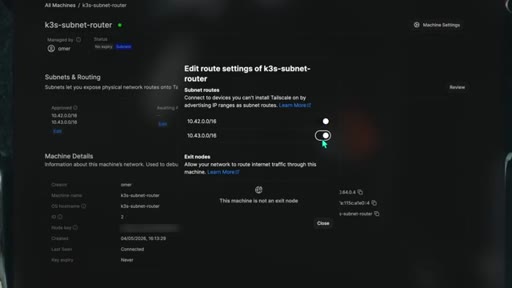
09 · Subnet router: second node and k3s pod network
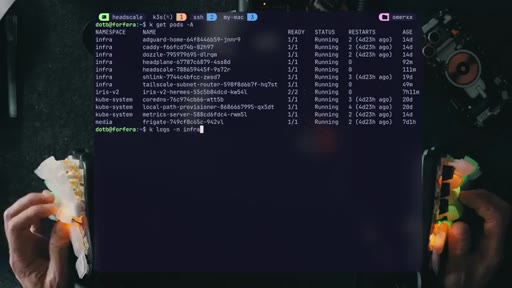
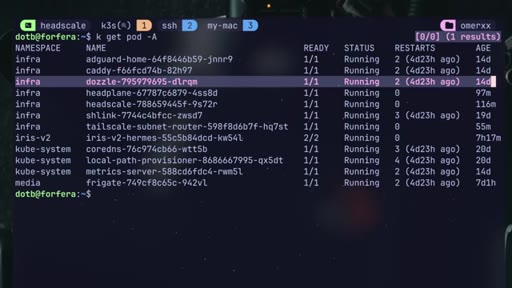
Deploy tailscale-subnet-router container, register as second node, approve subnets in Headplane to expose Kubernetes pod network.
10 · Live proof: Dozzle accessible, kill test
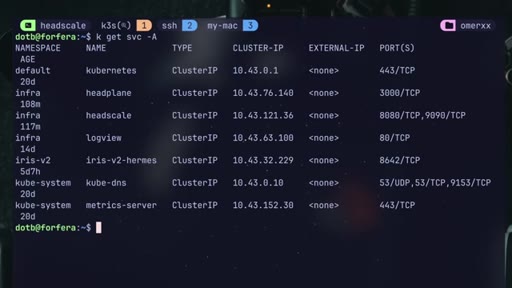
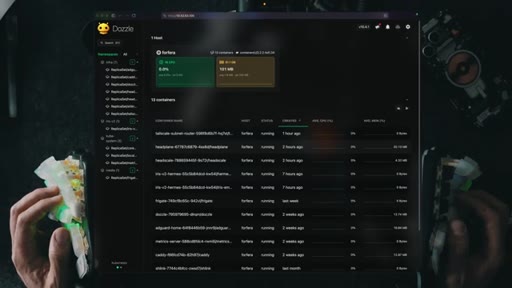
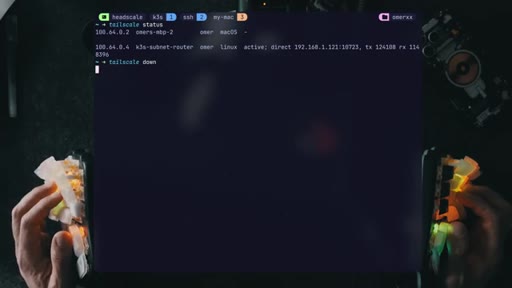
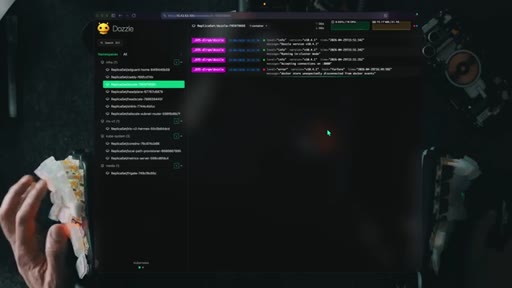
Grab k3s ClusterIP for Dozzle, access over Headscale tunnel. Tailscale down confirms isolation. Back up, back in.
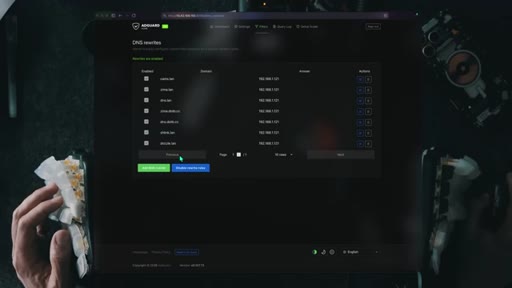
11 · DNS pitfalls and the private-IP trick
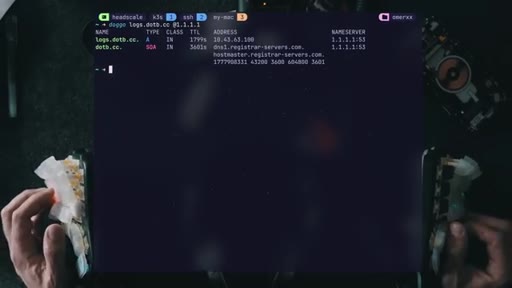
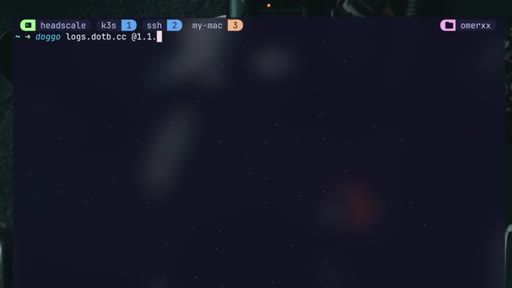
AdGuard magic DNS breaks in browsers. Solution: public A record resolving to RFC-1918 private IP. Caveats, sidecar architecture suggestion, next-video CTA.
Visual structure at a glance.


Named ideas worth stealing.
Replace only the SaaS layer
Keep the best parts of a managed service (Tailscale client, WireGuard) and replace only the closed SaaS coordination layer with an open-source equivalent. No client-side changes required.
Public DNS resolves to private IP
Register a real public A record pointing at an RFC-1918 private address. Browsers trust it as a real public name, but the address is only reachable inside the mesh. No split-horizon DNS required.
Lines you could clip.
"its brain is still SaaS — someone else's gateway."
"Why would I travel across continents to have my laptop and phone securely access my security cameras?"
"setting up a single leg in the cluster and exposing everything is a bit of a new VPN problem."
Things they pointed at.
How they asked for the click.
"to see the basics of this HomeLab cluster and how I made everything play together, check this video next"
Soft end-card CTA with honest self-critique immediately before it, which builds credibility.
Word for word.
The one SaaS piece in your mesh network, and how to cut it.
Tailscale's convenience is WireGuard with a coordination server on top, and Headscale replaces just the coordination server without touching a single client device.
- Mesh networks route traffic directly between peers rather than through a central gateway, so a VPN that routes you through a distant server to reach a local machine imposes a latency penalty that grows with geographic distance.
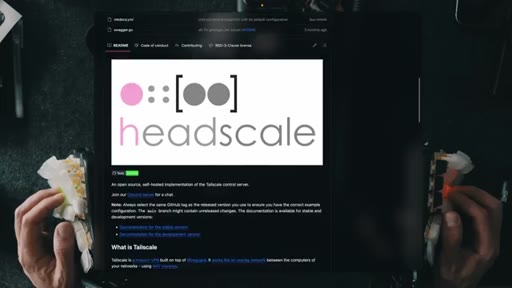
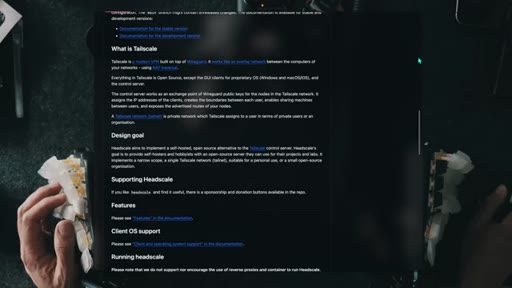
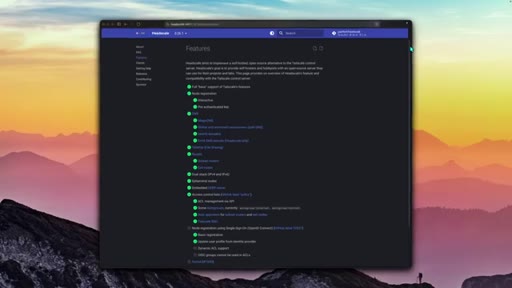
- Headscale is a fully open-source implementation of Tailscale's control server; all official Tailscale clients connect to it unchanged using the --login-server flag, so replacing the server requires no client-side changes.
- Running the coordination server inside a cluster behind a public domain and Caddy reverse proxy is a practical deployment pattern — Caddy handles TLS automatically and the Headscale service never needs a public IP directly.
- Browser-based internal DNS (AdGuard magic DNS, Headscale Magic DNS) tends to fail because modern browsers refuse to resolve non-standard entries that lack a recognizable public trust anchor.
- Pointing a real public DNS A record at an RFC-1918 private address gives you a browser-trusted hostname for an internal service while remaining unreachable to anyone without mesh access.
- A single subnet router that exposes an entire Kubernetes pod network recreates the original VPN blast-radius problem; per-application Tailscale sidecars give finer-grained access control with less exposure.
- Self-hosting accumulates configuration state that exists only on the machines running it — manifests, private keys, and exported settings need off-site backup before they become load-bearing.