Alex Finn · Youtube · 15:18

6 Hermes Agent use cases I promise will change your life

A 15-minute tutorial that converts Hermes Agent from a chatbot into a structured daily employee — six concrete workflows, one compounding system.

Posted
May 22nd 2026
2 days ago
Duration
15:18
Format
Tutorial
educational
Channel
AF
Alex Finn
§ 01 · The Hook

The bait, then the rug-pull.

The promise is bold: a 24/7 AI employee doing work for you around the clock. But the real argument is quieter — Hermes Agent is not self-organizing, and most people using it are getting 10% of its value because they treat it like a chat window. Six use cases later, the case is made.

§ · Chapters

Where the time goes.

00:00 – 00:54

01 · Hook and intro

Bold claim, pain framing, promise of 6 transformative use cases.
00:54 – 03:10

02 · Use case 1 — /goal with meta-prompting

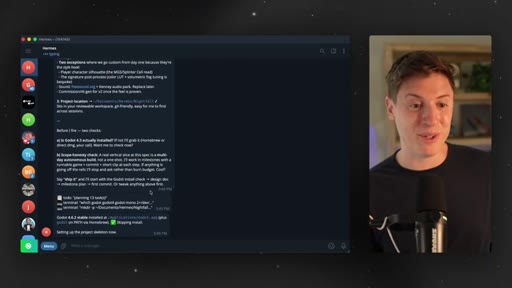
Meta-prompt first, then launch /goal. Detailed brief equals hours of autonomous build. Demo: Godot 3D shooter.
03:10 – 05:44

03 · Use case 2 — Kanban board morning routine

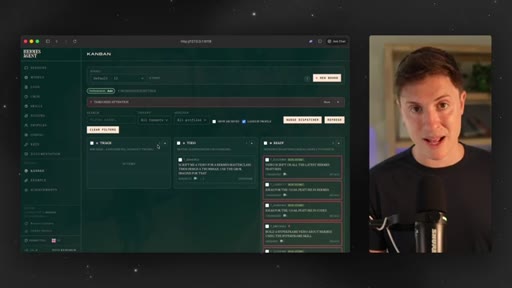
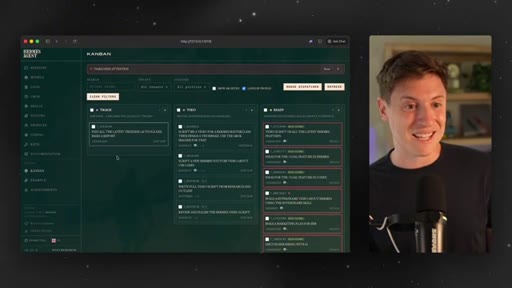
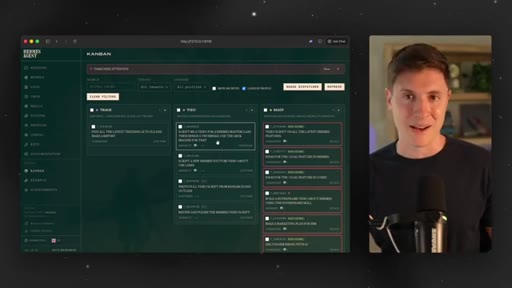
hermes dashboard opens Kanban. Drop daily tasks into Triage, go do human work, come back to finished output.

05:44 – 06:24

04 · Sponsor block

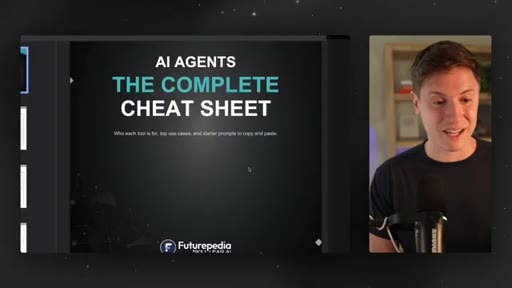
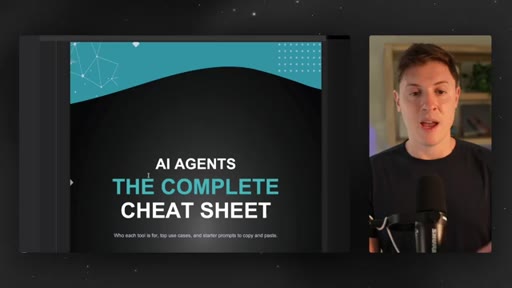
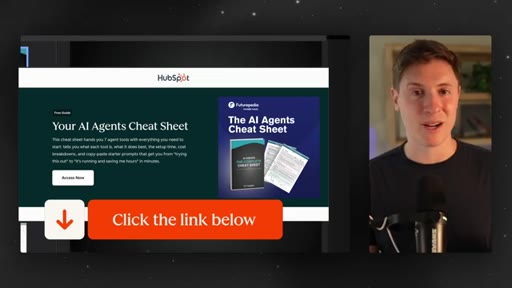
HubSpot AI Agents Cheat Sheet via Futurepedia — 7 agent tools, setup guides, copy-paste starter prompts.
06:24 – 08:46

05 · Use case 3 — Competitor technical research

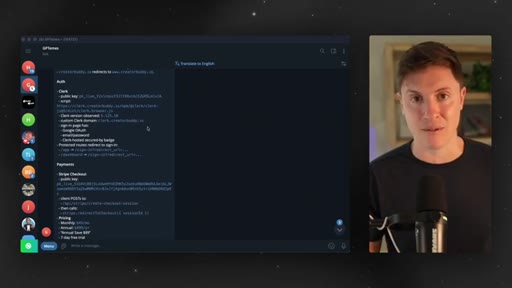
Hermes browses a competitor site, inspects the console, builds full stack breakdown. Feed output to coding agents.
08:46 – 10:41

06 · Use case 4 — Memory wiki

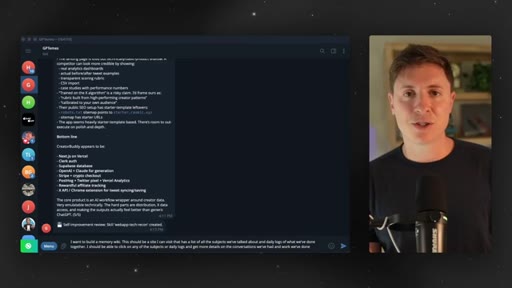
Agent builds a self-hosted site of all past conversations and daily logs — diary for the user plus memory reinforcement for the agent.
10:41 – 12:45

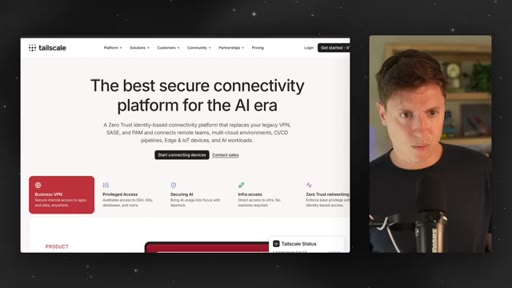
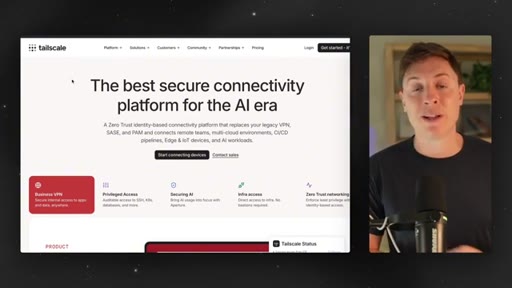
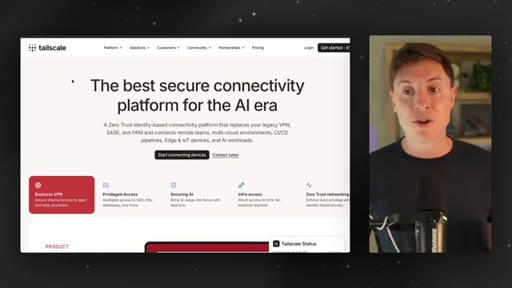
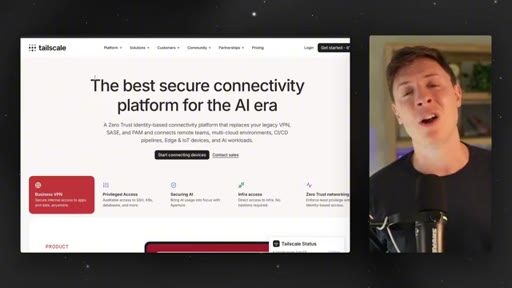
07 · Use case 5 — Tailscale multi-device admin

Install Tailscale free on all devices; agent becomes administrator of the whole device network. Most-used use case for the host.
12:45 – 14:21

08 · Use case 6 — Morning priority prompts

Agent messages you at 9 AM, asks your top priority, generates tasks, updates memory. Compounds over time.
14:21 – 15:18

09 · /goal result reveal and CTA

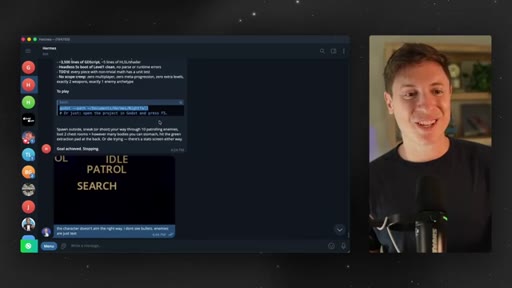
Playable 3D stealth game with loot and enemies built autonomously during the video. Subscribe CTA.

§ · Storyboard

Visual structure at a glance.

open
/goal intro
meta-prompt demo
Kanban board
sponsor
competitor research
memory wiki
Tailscale
morning prompts
game reveal
CTA
§ · Frameworks

Named ideas worth stealing.

01:33 model

Meta-prompt before /goal

  1. Tell AI what you want to build
  2. Ask AI to write the /goal prompt
  3. Paste meta-prompt into /goal and launch

Ask the AI to write the task brief before launching a long-running agent run. Produces dramatically more detailed prompts than manual writing.

Steal for any multi-hour autonomous agent task
03:28 model

Kanban morning routine

  1. Write full to-do list
  2. Put agent-executable tasks in Triage
  3. Do human-only tasks
  4. Return to finished agent work

Separate agent work from human work at the start of each day. Triage auto-assigns to sub-agents.

Steal for daily productivity system with any agentic tool
10:00 concept

Memory wiki setup prompt

One prompt: tell the agent to build a site cataloguing all past conversations and daily logs, clickable by subject or date. The agent builds the full site.

Steal for persistent agent memory across sessions
13:28 model

Morning priority prompt

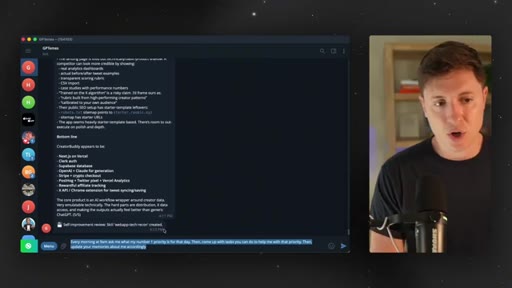
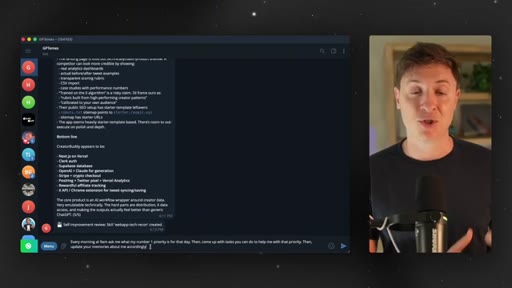
  1. Every morning at 9AM ask me my number one priority
  2. Come up with tasks to help that priority
  3. Update memories about me accordingly

Daily check-in that compounds agent context over weeks. Better context leads to better recommended tasks.

Steal for any AI assistant or agent used daily
§ · Quotables

Lines you could clip.

01:12
"If you do slash goal and just say build me an app, you might as well not written slash goal."
punchy reframe — one sentence invalidates the most common misuse → TikTok hook
12:45
"The CEO of all your devices is what it turns Hermes into."
concrete metaphor, no setup needed → IG reel cold open
13:52
"The more you do this, the more your agent will self improve and be custom for you."
compounds-over-time hook — creates urgency to start now → newsletter pull-quote
03:28
"You wake up, go to your computer, open up your Kanban board, get all your to do items for that day, and start putting them in triage."
concrete morning ritual — actionable in one listen → TikTok hook
§ · Resources Mentioned

Things they pointed at.

05:44productHubSpot AI Agents Cheat Sheet (Futurepedia)
10:57toolTailscale ↗
02:37toolGodot ↗
08:44toolClaude Code / Codex
§ · CTA Breakdown

How they asked for the click.

15:00 subscribe
"If you learned anything at all, leave a like down below. Make sure to subscribe to the channel."

Brief, sincere, no hard sell. Host expresses genuine gratitude before the ask.

§ 04 · The Script

Word for word.

HOOK opening / re-engagementCTA the pitch metaphor analogy
00:00HOOKHermes agent is the most powerful AI software out there right now. The issue is 99% of people have no idea what to do with it.
00:07HOOKIn this video, I'm gonna go over six use cases that have totally transformed my workflow. By the end of this video, if you stick with me, you'll have a twenty four seven AI employee doing work for you around the clock. Now let's lock in and get into it.
00:23HOOKSo I've been using Hermes agent a ton for a couple months now. I have it working for me at all times. I have literally had, like, five different Hermes agents doing work me.
00:31HOOKSo what I'm gonna do is I'm gonna go through six use cases that I think are incredible. Now if you haven't set up Hermes agent yet, I have a full setup video. Link for that is down below.
00:40HOOKCheck that out. I don't wanna go through Hermes setup on every single video I do. So check that out if you're not set up yet.
00:45HOOKBut if you're set up, let's go into some of these use cases. Use case number one, I think, is one the most underrated features in AI this year, and that is slash goal.
00:55But how do you slash goal? Because if you use slash goal the wrong way, you will get absolutely nothing out of it. But if you use slash goal the right way, you get incredible
01:04results. So for those who don't know, slash goal allows your agent to do really long running tasks. I've had slash goal run for over twenty four hours straight for me working on a task.
01:17The key to it is is meta prompting, though. This is what unlock slash goal. If you do slash goal and just say build me an app,
01:25you might as well not written slash goal. It'll just build an app like a normal thing. But if you get it, the right details and the right constraints,
01:33slash goal becomes a banger. Now the question becomes, how do you get those details and constraints? Simple.
01:38Meta prompting. So how do you meta prompt? Well, you go to your AI.
01:42You tell it what you wanna do. You say, hey. Build this prompt for me, and it will make a detailed prompt way better than you could have written by yourself.
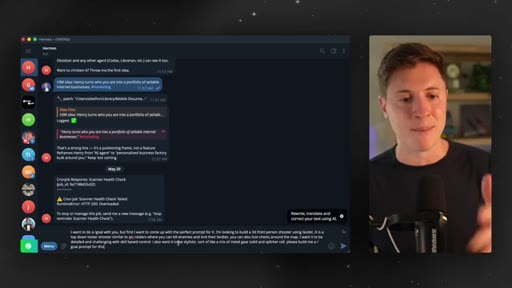
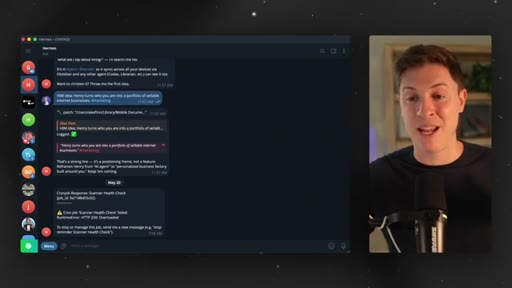
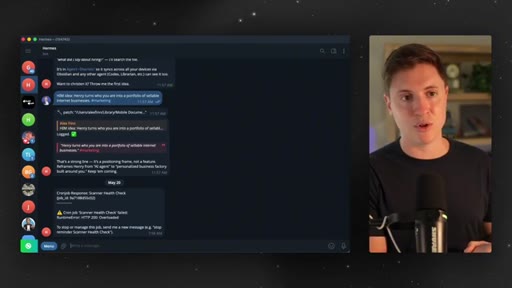
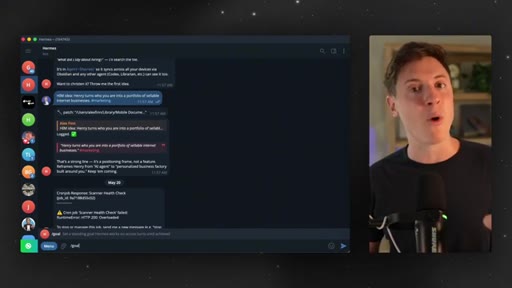
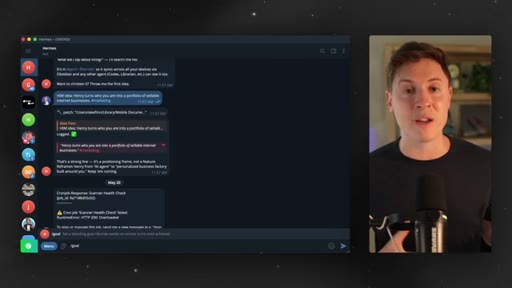
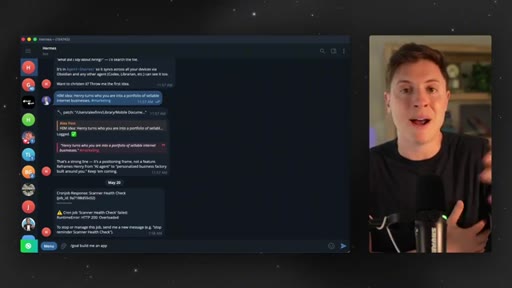
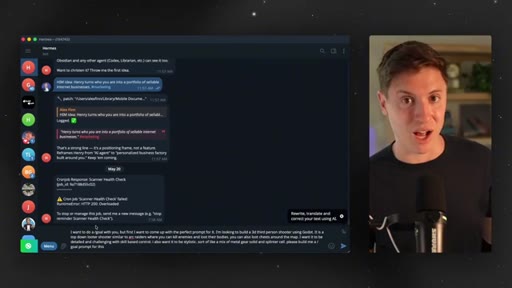
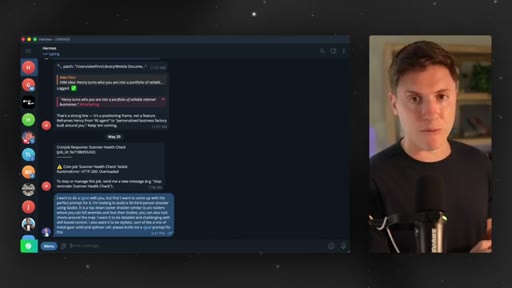
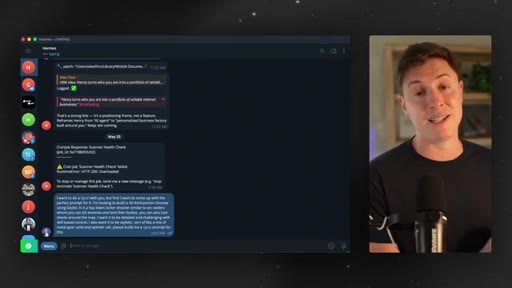
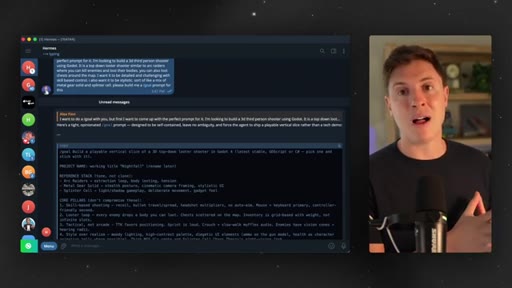
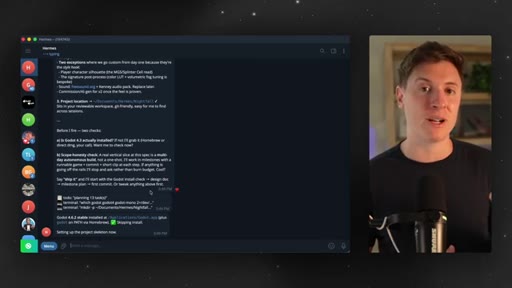
01:49So here's the one I'm gonna use. I wanna do a slash goal with you, but first, I wanna come up with the perfect prompt for it. I'm looking to build a three d third person shooter with Godot, then I go into all the details of the game.
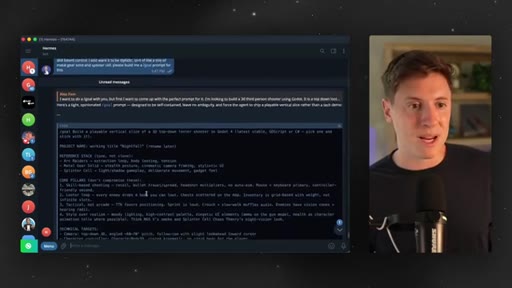
02:00Then I say at the end, please build me a slash goal prompt for this, and I hit enter. This is going to build me the slash goal prompt. And what this will do is give Hermes a really powerful goal prompt that will allow it to run for literally hours on end, building absolutely incredible apps.
02:18This is what you wanna do if you want Hermes to build you a really detailed complex app, if you wanna make really detailed complex changes, if you wanna write really long detailed documents, this is when you would use slash goal.
02:34A lot of the times, I'll have Hermes kick off a slash goal to build an app, then I will take the coder rights and put it into, like, a Claude code or codex to finish the work off, but slash goal is a really good way to do it. So here we go. It built me an entire opinionated
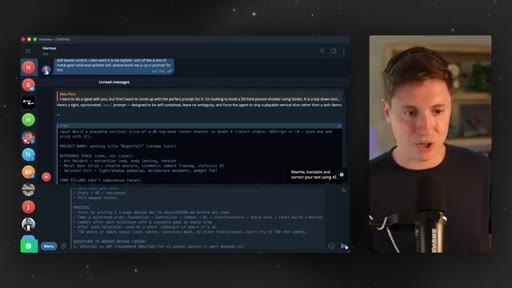
02:48slash goal prompt. Look at how much more detailed that is. That is way better than a prompt I have.
02:52So what we're gonna do is this. I'm gonna copy it. I'm gonna paste it in there.
02:56I am going to hit enter on that prompt. It's going to first, kicking off the slash goal, ask me a few questions, which I love. It's just gonna clarify some things before it works for hours on end.
03:06And then off it goes. It's gonna start building the game, and this could run for a very long time.
03:12We will check back on this game towards the end of this video. So stick around for the result of this massive slash goal. But use slash goal, but more critically, do meta prompting with it.
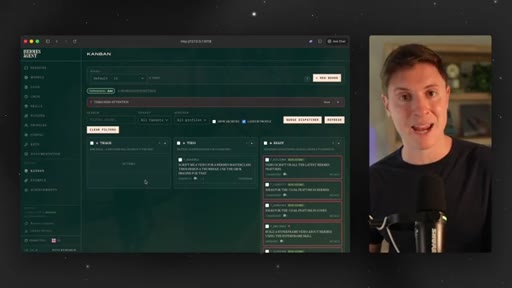
03:22Next up, I wanna talk about starting your day with the Hermes Kanban board. If you're not familiar, Hermes just released this feature.
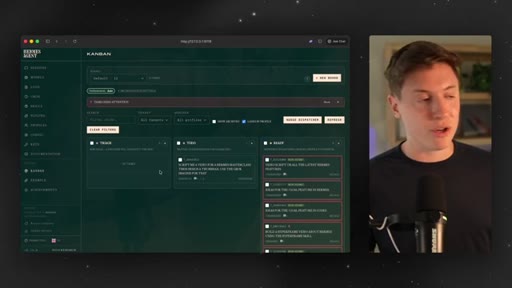
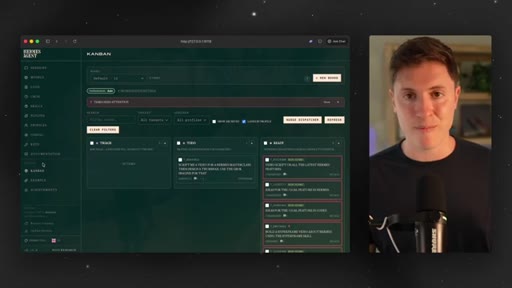
03:30It's incredible. It's a built in Kanban board. And what's great is is when you put tasks in this Kanban board, it auto assigns the task to your Hermes agents and sub agents and gets it done autonomously.
03:42To access this, just go to your terminal type in Hermes dashboard, hit enter. It'll give you a URL. You click on it.
03:48You go to Kanban, and you're in. Here's how I like to use this, though. This is my favorite way to use this.
03:53Every day, I start off my day. I write down my to do list of things I need to do on this piece of paper, and then I take anything Hermes can do, and I put it in my Kanban port.
04:05I put it in triage. If you put your ideas in the triage, it auto assigns them to agents. So here's the routine that has changed my life.
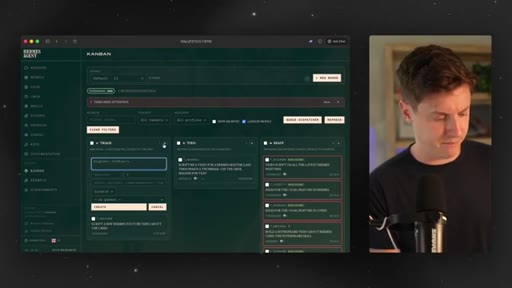
04:12You wake up, go to your computer, open up your Kanban board, get all your to do items for that day, and start putting them in triage. So here's how I'll do it.
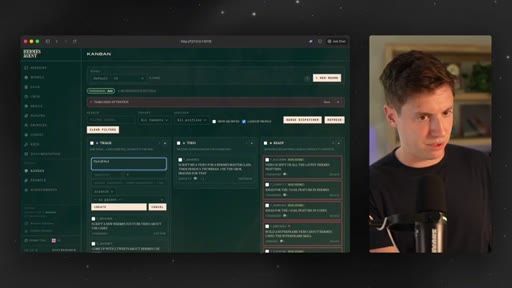
04:21I'll say script a new Hermes YouTube YouTube video about use cases. I'll click create, and I'll make a new one.
04:29Come up with three tweets about Hermes use cases.
04:35Create. That's two in there. Find all the latest trending
04:40AI tools and make a report. Create.
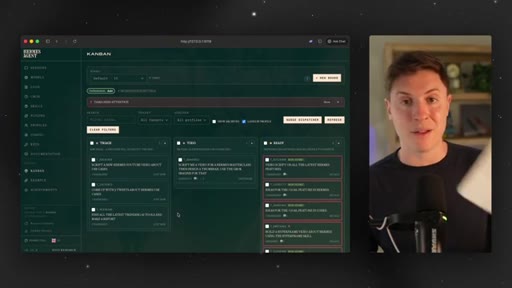
04:44And so now I start my day. I got my tasks I need to do that day. I give it to triage inside the Hermes Kanban board.
04:51Now I go. I look at my other things like pay my credit card bill. Hermes, unfortunately, at the moment can't do that.
04:57Maybe that's a feature coming soon. I go. I pay the bill myself.
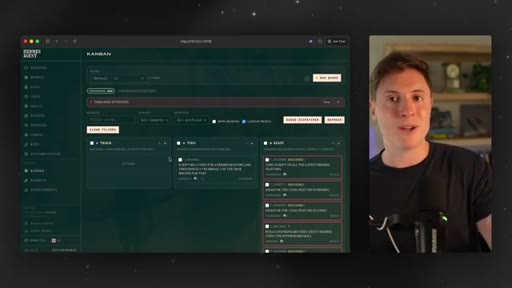
05:01I come back. And as you can see, it's taking the task from triage, and it's moving it into to do and getting it done autonomous ly for me.
05:09So you start your day. You go, hey, Hermes. Here's everything I need you to do.
05:12Put in the Kanban board. You go get your human work done. And by the time you're done with that, Hermes took care of all the work it can do.
05:19This is like having the employee. This is what you do. The Kanban board is excellent.
05:24Use it. If you made it through these first two use cases so far, then you know how powerful AI agents are, and you know you have to be using them daily. But once you start, the question always becomes, what can I automate and what tools should I use for it?
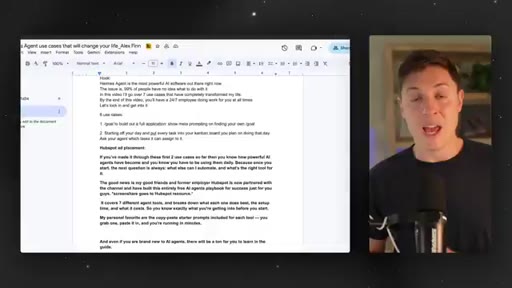
05:37CTAThe good news is my friends and former employer HubSpot have partnered with the channel and have built this entirely free AI agents cheat sheet. This guide is sick. It covers a ton.
05:48CTAIt covers seven different AI agent tools, how to set them up, costs, the best use cases for each. This makes it so you know exactly
05:58CTAwhat you're getting into before you start using these AI agents. My personal favorite part of the guide is the starter prompts here. You can just copy and paste these prompts into each agent it talks about, and you're immediately getting value out of them.
06:12CTAAnd even if you're brand new to AI agents, there is so much to learn in this guide. It's completely free. No strings attached.
06:19CTASo if you want the guide, check out the link down below. And thanks to HubSpot for supporting the channel. Now back to the Hermes use cases.
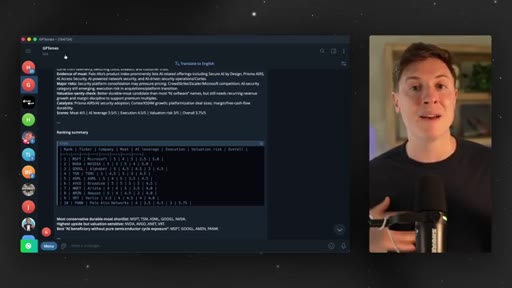
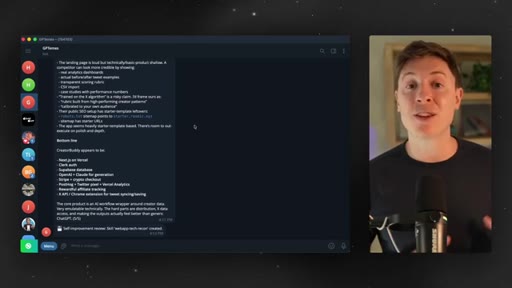
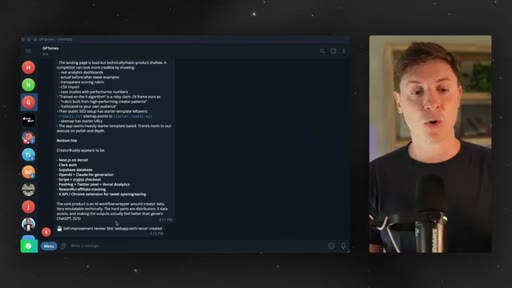
06:27The next use case I love to do is full technical research and breakdowns of competing apps. So if you're a builder and you're vibe coding an app, you probably have other apps in your space with you, and you wanna go see how they work so that you can include anything that's interesting in your own app. One thing I do all the time is I will have Hermes go out and do complete
06:48technical breakdowns by going on to their site, clicking around, looking at the console, and seeing how that app works. So say I wanna do a complete research and technical breakdown in my App Creator Byte.
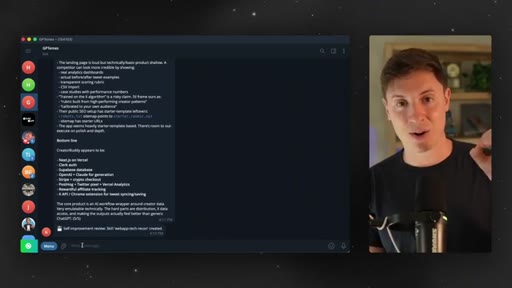
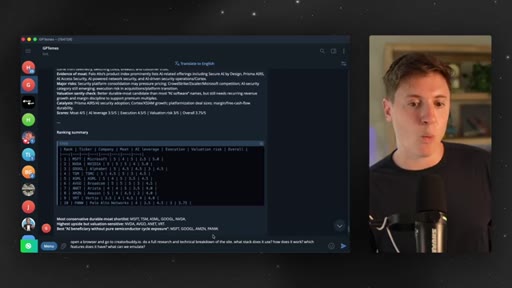
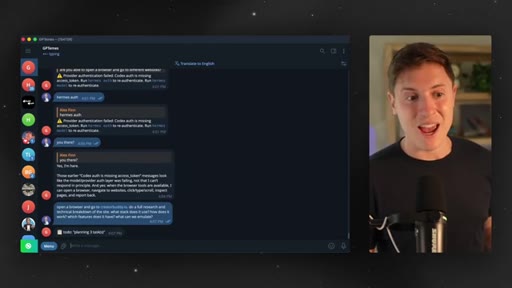
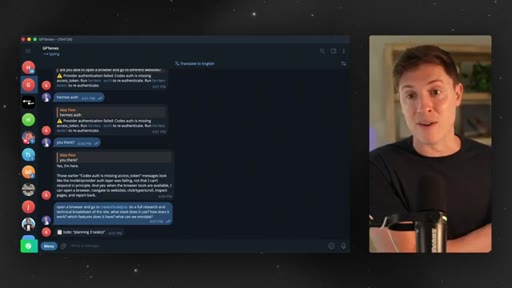
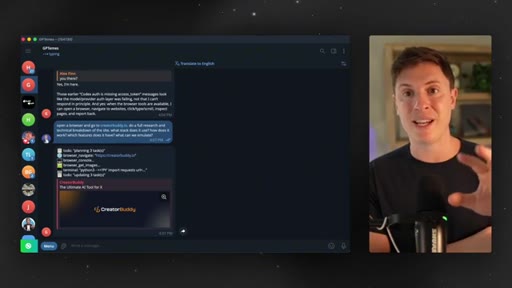
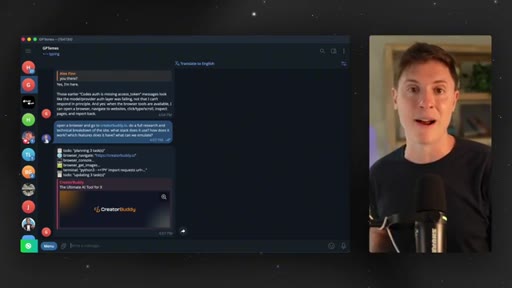
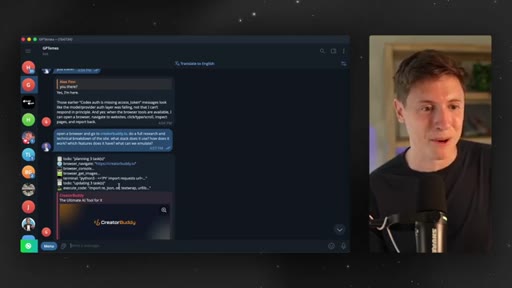
06:59Maybe I'm building a competing app to it. What I would do is I'd go in, and I'd say, open a browser and go to creatorbuddy.io. Do a full research and technical breakdown on the site.
07:10What stack does it use? How does it work? Which features does it have?
07:13What can we emulate? I hit enter on that. What GPT.
07:17Mez is about to do is it's going to pop open a browser and actually start doing the research for me. Because Hermes can control your computer, control browsers,
07:28it's gonna go off while I'm doing work and do full breakdowns and research in its own browser while I'm doing my own thing. This is massive to do if you are building any sort of app. You wanna figure out who your competitors are, who else is in this space, and then have your Hermes agent go and do research on those competitors.
07:47Pop them open in a browser, click around, see what their tech is, and build you a full research breakdown, which you then can feed to your other agents who are building your app and include a lot of things they're doing well inside your own app. So let's see what it's doing here.
08:00So as you can see here, it has its own browser. It's navigating to Creator Buddy. It's looking at the console.
08:05It's getting the images on the site. It's opening the terminal. It's creating tasks for itself, and it's asking for permission search through and find all the different tools and libraries in it.
08:14So we're gonna say go right ahead. By the way, as it's doing that, my other Hermesation's still going still building out that game we gave.
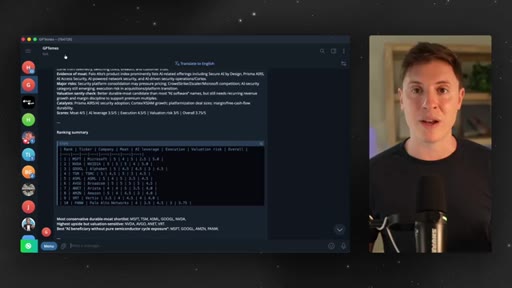
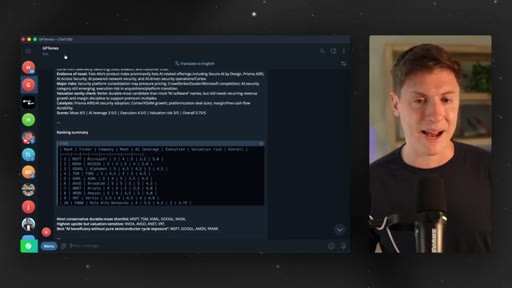
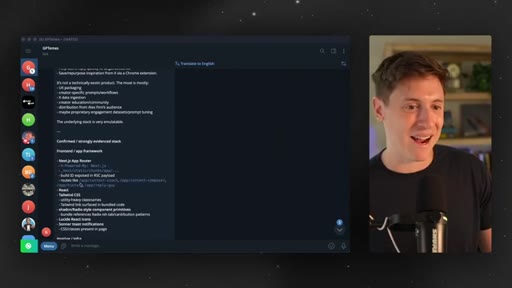
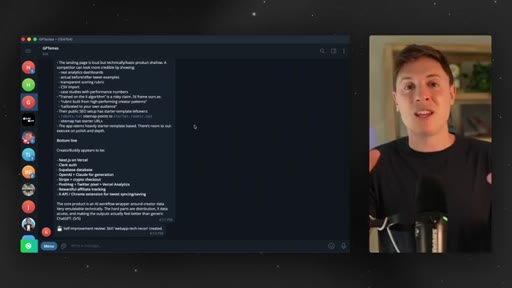
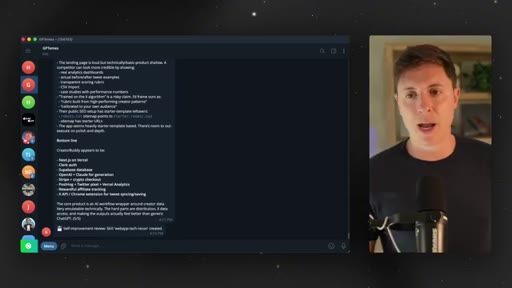
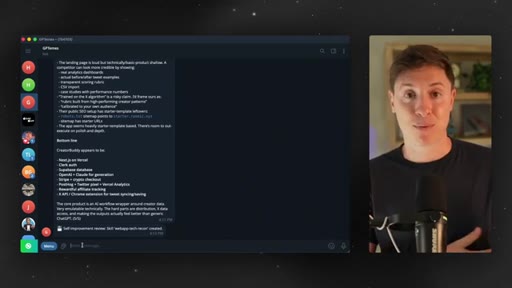
08:22I hope it has something interesting by the end of this. And look at this. It built the entire report out, gave it a high level overview,
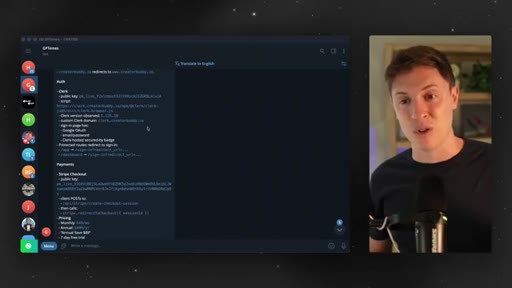
08:29exactly all the tech behind it, which is all accurate, but has the payments, how much everything costs. It has all the analytics, the the events the analytics are collecting. This is amazing.
08:39If we were to go say, hey. Put this in a markdown file. Then we take that markdown file.
08:44We hand it Claude Coder Codex. It can build out everything Creator Buddy is doing well. You can quickly emulate any other app out there.
08:53So this is really, really powerful for research. The next use case I wanna talk about is an awesome one that everyone should be doing, and that is creating your own memory wiki.
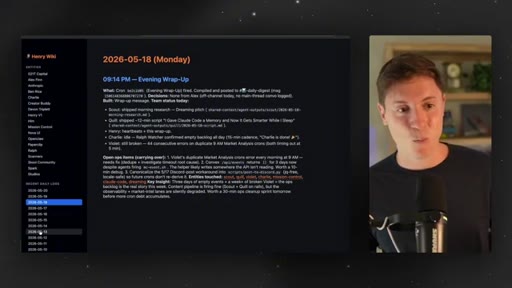
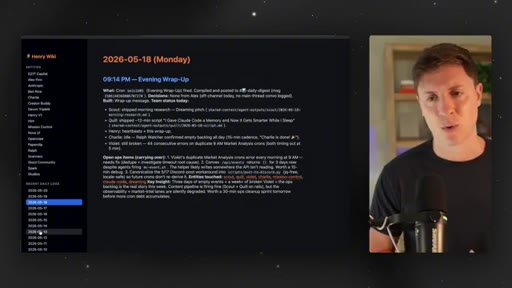
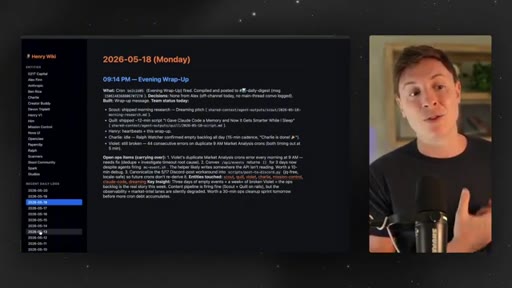
09:04This is a website you can go to that has all your memories on it, all your daily logs on it. So you can go back, go through every conversation you've had, what you've talked about, what you've done in the past, and basically just have a hub for everything you've done with your agent. This is mine right here, and I'll show you how to set it up in a second.
09:20But, basically, you can go in, see a whole bunch of topics you've talked about in the past, see each and every one of your daily logs and what you've worked on every single day, and it's basically like an automated diary. It tracks everything I've talked about, everything I've done. So if I ever think, oh, what did I do with my Hermes agent when it comes to this subject, what I've done here before, it all goes in here.
09:42And what's amazing is this reinforces your memory system. If you have your Hermes agent maintain this memory wiki,
09:50it can go back and look at these daily logs itself. So it's great for you to remember what you've worked on the past, almost like a diary, and it's great as memory reinforcement for Hermes. How do you set it up?
10:00Super, super simple. Just use this prompt. I'll put this down below, so feel free to copy and paste it.
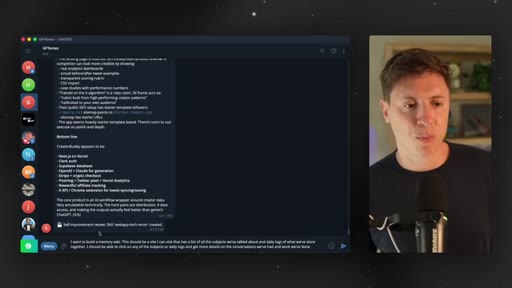
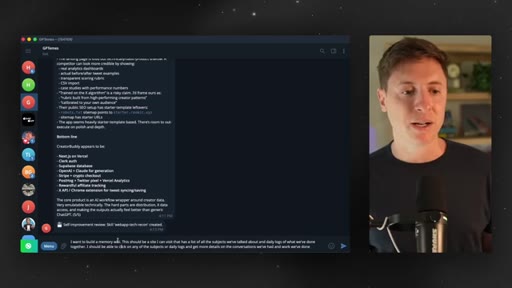
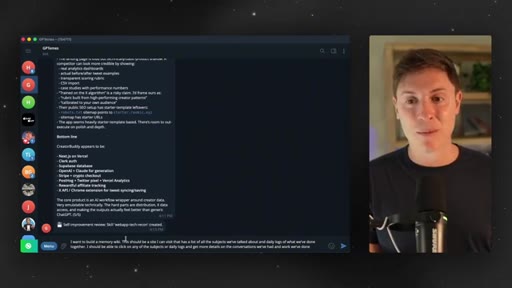
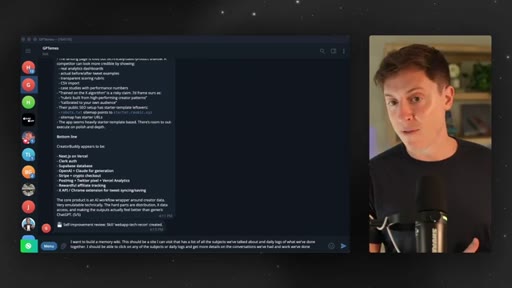
10:05I wanna build a memory wiki. This should be a site I can visit that has a list of all the subjects we've talked about and the daily logs of what we've done together. I should be able to click on any of the subjects or daily logs and get more details on the conversation we've had and the work we've done.
10:21You put it in. Your Hermes agent will build the site. It'll build the entire memory wiki, and now you'll have an entire place to view all the work you've ever done,
10:30chats you've had, things you've talked about with your Hermes agent, and it's gonna reinforce the memory too, which is awesome. This next use case is a great one. I use this whenever I'm out on the go, whenever I'm on different devices,
10:42and that is a general computer administrator. What does that mean? This is really, really helpful if you have multiple devices, maybe you have a computer, an iPad, a laptop, your iPhone.
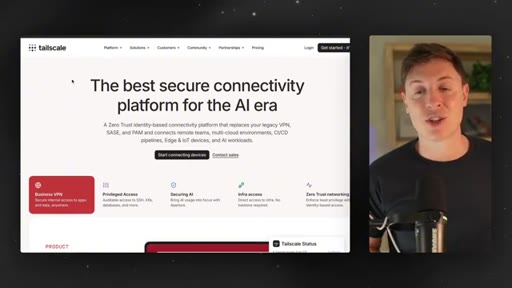
10:53As long as you have at least a computer in a cell phone, you should be doing this. What you wanna do is install Tailscale on all your device. This isn't sponsored.
11:02Tailscale is completely free. You install it on all your devices, and what it does is it creates a private network for all your devices, which will allow you to have your Hermes agent go in and do work across every device you have.
11:17Why would you want to do that? Many reasons. Say you're on the go.
11:21Maybe you're on a business trip, you have a document that's on your computer, and you forgot to put it on your laptop or on your phone. You can just go on your phone, go to Hermes, and say, hey. Get the document off of the computer and drop it in this chat so I can download it on my phone.
11:36Or maybe you have a couple different computers and you wanna run a local LLM on one, but use it on another. You can do that. You can say, hey, Hermes.
11:45Go install a local LLM on my Mac Studio and then set up a web app on my MacBook Pro. It basically allows your Hermes agent to use and leverage every single device you have. This is also really cool if you're a builder.
12:00So say you vibe code something on your laptop, but you wanna test it on your iPhone or on your desktop computer, you'll be able to do that. You'll be able to access everything on local host on other computers.
12:11Typically, local host is obviously just for the local devices. But if you have a tail scale network connecting everything together, you can have your Hermes agent go go on the other computer, test it on their local host, do everything there.
12:26It's really, really helpful. It basically gives Hermes agent superpowers. So this is an amazing
12:32use case because it basically makes every device into one huge network you can access from anywhere in the world. It's super it's honestly probably the number one use case I use Hermes for. So general computer administrator,
12:45basically, the CEO of all your devices is what it turns Hermes into. Make sure to do that and get that set up. And the last use case I wanna go through with you basically makes it so your Hermes can self improve every day, learn a little bit more about you, and do better work, and that is your morning priority prompts.
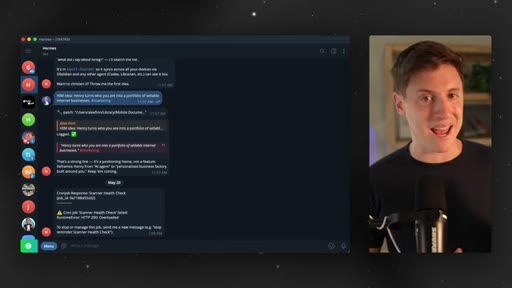
13:02Basically, way this works is your Hermes agent will come in and every morning proactively message you and ask you what your number one priority is that day. This happens for me every single morning at 9AM.
13:15And what happens is when I answer that question, it learns a little bit more about who I am, what I'm trying to do that day, and improves its memory on me. So the first thing it'll do is come up with tasks that it can do to help that priority.
13:29The second thing it'll do is just learn more about who I am and what I'm working on. This allows it to be a lot more custom for you and constantly learn who you are. So what you wanna do is this.
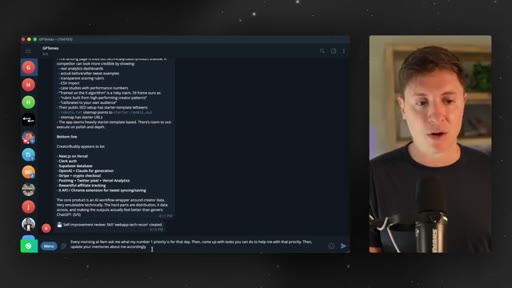
13:40You're gonna use this prompt that you put down below as well. Every morning at 9AM, ask me what my number one priority is for that day, then come up with tasks you can do to help me with that priority. Then update your memories about me accordingly.
13:52The better the context your agent has about you, the better work it can recommend, the better work it can do, and the more custom it can be for you. So you wanna run this prompt, and you wanna make sure you answer this question every single morning. The more you do this, the more your agent will self improve and be custom for you.
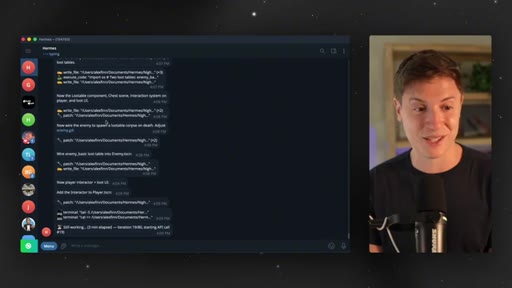
14:11So this is really, really important to do. With that being said, it looks like our game is done. Let's go in here and see what this game's all about.
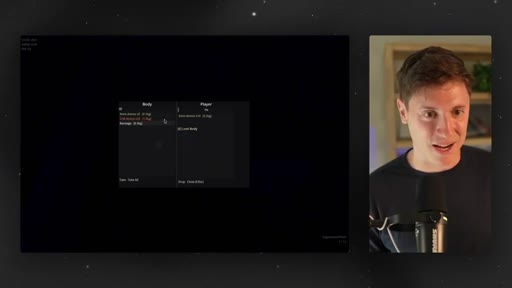
14:19Alright. So I'm in the game. It's dark, so it is like Splinter Cell.
14:23Oh, I'm shooting the enemy. Okay. I killed an enemy.
14:25I can loot their body. Alright. So I have ammo on them.
14:28They have a bandage. Let's take the bandage. Let's take the ammo, or we'll take take all.
14:33Alright. We got that. Let's close out.
14:35So there is loot. Now we're going. Alright.
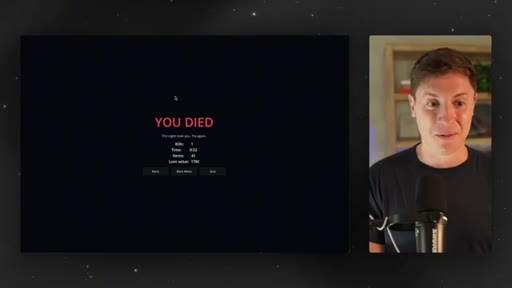
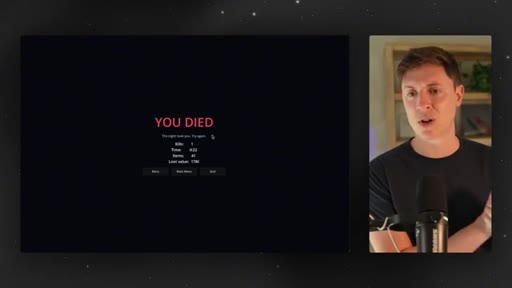
14:38So it looks like oh, oh, they see me through the wall. There's a wall here. So it is very stealth like and I'm dead.
14:43So there is the bones to a game here. Right? There's pretty good bones.
14:47You can loot people. You can kill people. You can pick stuff up.
14:50That's pretty cool. We got loot value. That's pretty cool.
14:52Is it the best game ever? No. But now I can give it a goal and have a go improve things.
14:57CTAI can say, hey. Use the ChadGBT image gen model and make assets for the game. Didn't turn out half bad.
15:03CTAI hope this was helpful. If you learned anything at all, leave a like down below. Make sure to subscribe to the channel.
15:09CTAIt truly means the world you would watch these videos and learn from me and care about anything I'm saying at all. Thank you. Thank you.
15:15CTAThank you for watching. I will see you in the next video.
— full transcript
§ 05 · For Joe

Six habits that turn an AI agent into a real employee

WHAT TO LEARN

Hermes Agent degrades to a chatbot when given vague prompts; structured daily inputs — a meta-prompted goal, a task board, a memory system — are what separate a power user from someone who forgot the tool exists.

  • /goal only unlocks its potential with a meta-prompted, detailed brief — ask the AI to write the goal prompt before you run it, not after you see weak output.
  • The Kanban morning routine separates work by who should do it: agent tasks go in Triage at the start of the day, human-only tasks stay on your list.
  • Competitor research via browser control produces a full technical stack breakdown — stack, pricing, analytics events — in one prompt, exportable to Markdown.
  • A self-hosted memory wiki serves double duty: a searchable diary for you and a long-term memory reinforcement layer for the agent across sessions.
  • Tailscale (free) unifies all your devices into one private network, letting the agent retrieve files, run LLMs, and test local builds on machines you are not sitting at.
  • Daily morning priority prompts compound: each answered question makes the agent's context more specific to your actual work, not generic AI defaults.
  • Agentic tools are not self-organizing — the structure you impose (rituals, boards, wikis) is what makes the difference between a tool you use daily and one you abandoned.

§ 06 · Frame Gallery

Visual moments.