Ziad Muhammad · Youtube · 10:31

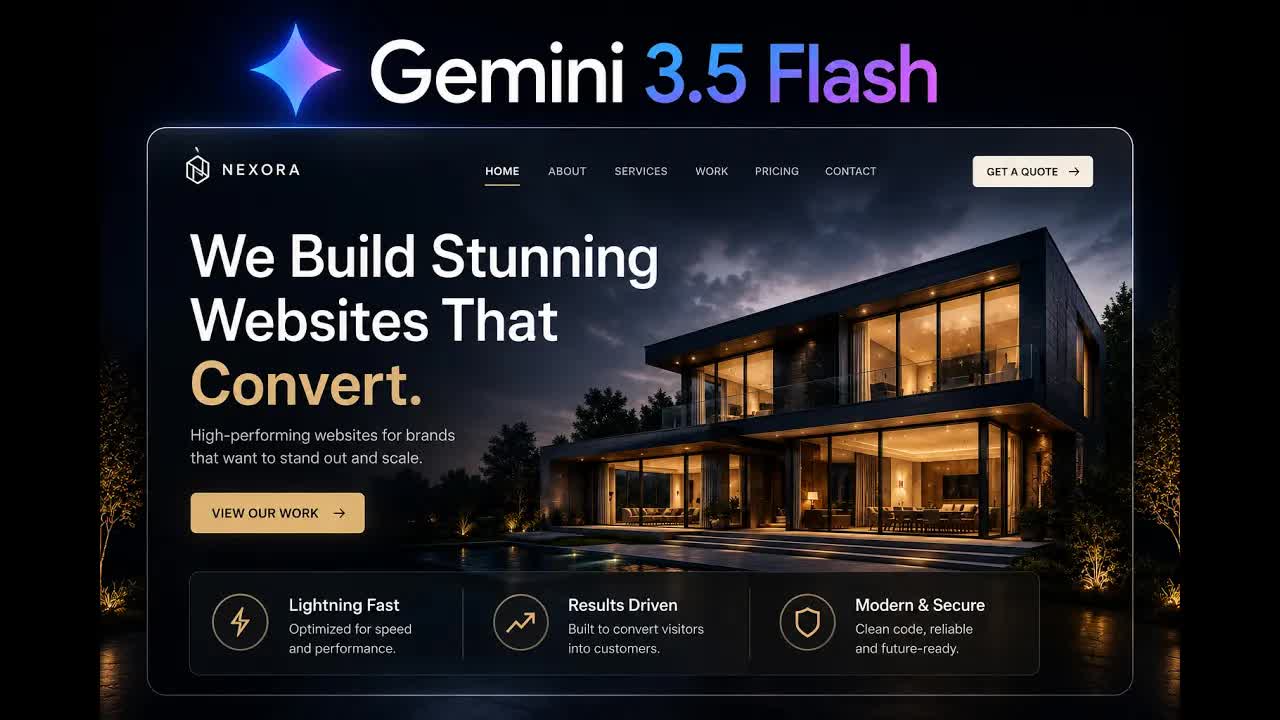
Gemini 3.5 Flash Changed Web Design Forever

A 10-minute screen-recorded build that turns a fintech screenshot into a responsive, animated landing page using three AI tools in sequence.

Posted
May 21st 2026
6 days ago
Duration
10:31
Format
Tutorial
educational
Channel
ZM
Ziad Muhammad
§ 01 · The Hook

The bait, then the rug-pull.

The claim lands in the first second: a brand new AI model just rewrote the economics of web design. Then the screen fills with animated fintech landing pages — floating currencies, orbital rings, looping video backgrounds — and the hook earns its right to exist.

§ · Chapters

Where the time goes.

00:00 – 00:37

01 · Hook

Shows finished animated website examples to establish the promise
00:37 – 01:26

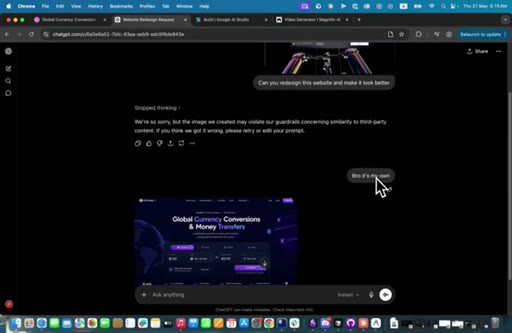
02 · Find reference and redesign with ChatGPT Image 2

Screenshot a reference fintech site, pass to ChatGPT Image 2 to redesign it
01:26 – 02:47

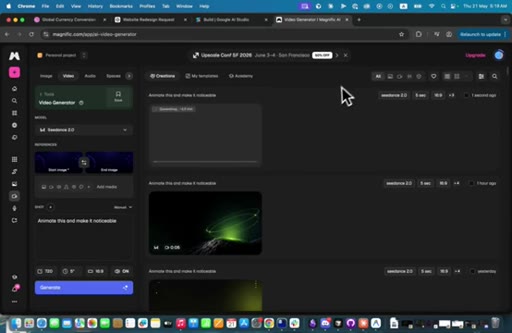
03 · Generate and animate hero background with Magnific

Extract background image from ChatGPT, upload to Magnific Kling v2 with same start/end frame for looping animation
02:47 – 04:17

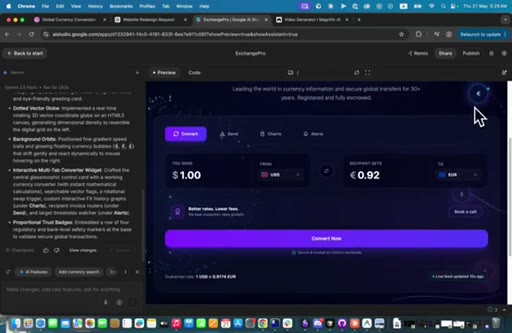
04 · Code the hero section in Gemini 3.5 Flash

Paste redesign image into Google AI Studio, prompt Gemini to build hero HTML without background placeholder
04:17 – 05:10

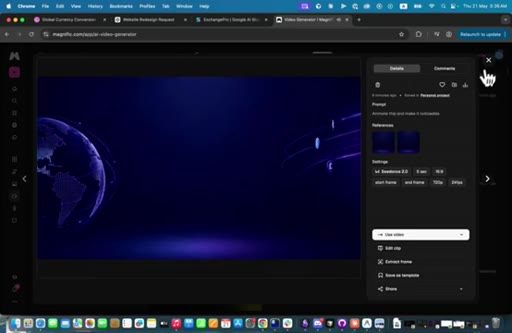
05 · Review first output and spot bugs

Result has animated currencies and orbit; compare to reference; identify width alignment bug
05:10 – 06:34

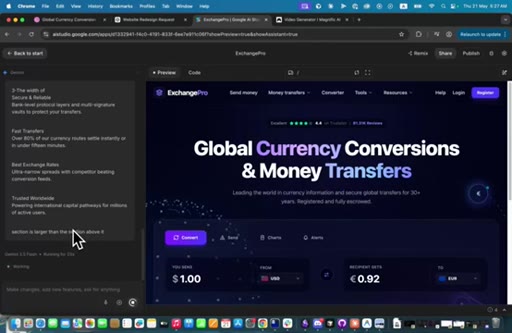
06 · Iteration 1: add video background, fix layout

Paste Magnific video URL, set 100vh, fix trust-badge strip width overflow
06:34 – 07:52

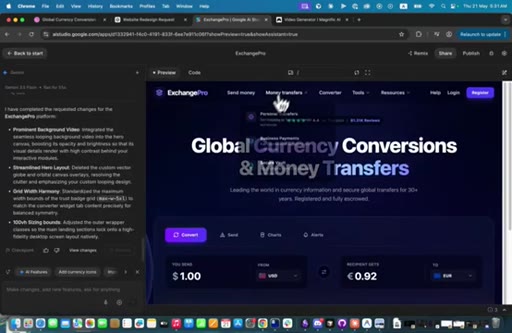
07 · Iteration 2: restore video, remove double orbit, check responsive

Video not rendering, orbit duplicated; iterative prompts fix both; confirms mobile responsive
07:52 – 09:03

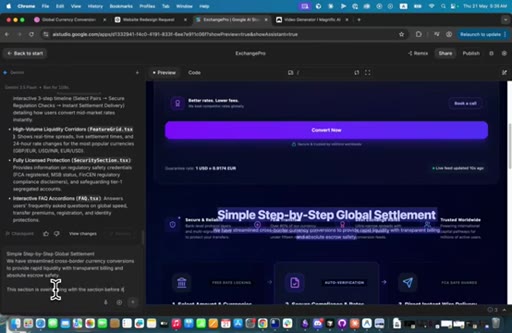
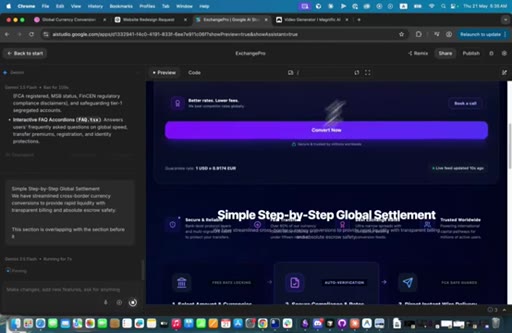
08 · Generate remaining sections and fix overlap

Prompt generates full page sections; one section overlaps the previous; corrective prompt fixes it
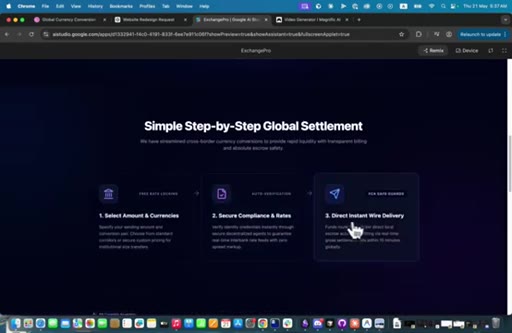
09:03 – 09:57

09 · Iteration 3: video disappears again, restore it

Background video drops out again after section generation; one more corrective prompt restores it
09:57 – 10:31

10 · Conclusion

Gemini 3.5 Flash is capable but makes avoidable bugs; use it with active supervision

§ · Storyboard

Visual structure at a glance.

hook — animated website showcase
ChatGPT Image 2 redesign
Magnific Kling v2 animation
Gemini prompt — hero section
First result review
Generate rest of sections
Final working result
Conclusion / verdict
§ · Frameworks

Named ideas worth stealing.

00:37 list

Three-Tool AI Web Design Chain

  1. ChatGPT Image 2 — visual redesign and asset generation
  2. Magnific / Kling v2 — static image to animated looping video
  3. Gemini 3.5 Flash — HTML/CSS/JS code from image reference

A sequential workflow where each tool handles a distinct layer: aesthetics, motion, and code.

Steal for Any client web design project where speed matters more than pixel-perfect output from scratch
02:47 concept

Same-Frame Looping Trick

Use the same static image as both the start frame and end frame in Kling v2 to get a seamlessly looping animated background from a single asset.

Steal for Any hero section that needs motion without full video production
§ · Quotables

Lines you could clip.

10:17
"Gemini 3.5 Flash is pretty good in design, but it does some dumb mistakes that could have been avoided altogether."
Honest creator verdict that cuts through the hype title — good contrarian pull-quote → IG reel cold open
00:30
"All of this can be created with Gemini 3.5 Flash."
Strong claim over impressive visual — classic hook line → TikTok hook
§ · Resources Mentioned

Things they pointed at.

§ · CTA Breakdown

How they asked for the click.

10:04 next-video
"I will be posting more tutorials about AI web design."

Verbal only, no on-screen card or link shown. Low friction but also low conversion surface.

§ 04 · The Script

Word for word.

HOOK opening / re-engagementCTA the pitch
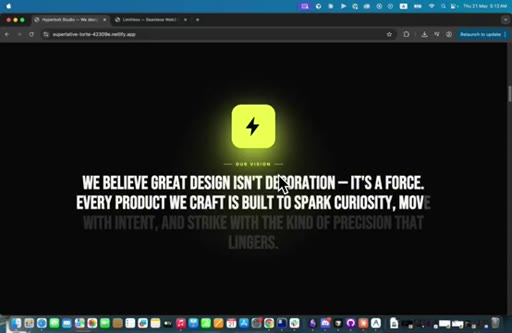
00:01HOOKGoogle just released its biggest update ever, and it is Gemini 3.5 Flash. And this is the level of websites that you can create with Gemini 3.5
00:12HOOKFlash. As you see, all of these animations, this is a section,
00:16HOOKthis cube right here, and this section,
00:21HOOKand this color animation, and also this sleek website
00:26HOOKas you see. All of this can be created with Gemini 3.5 Flash. In this tutorial, I'll be showing you how can you create amazing websites like these using Gemini.
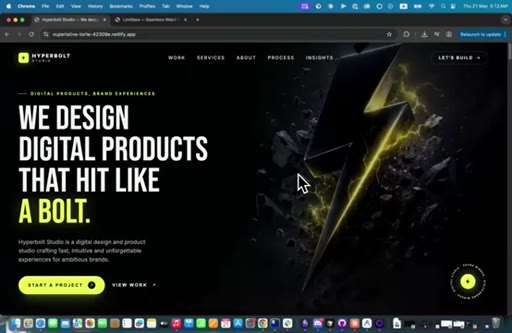
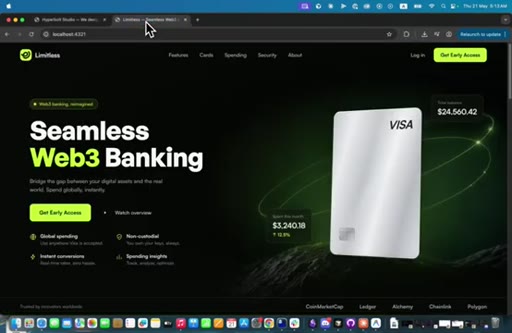
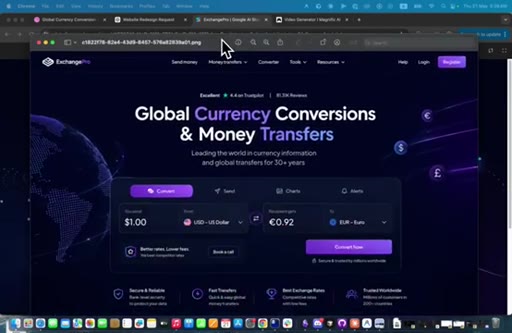
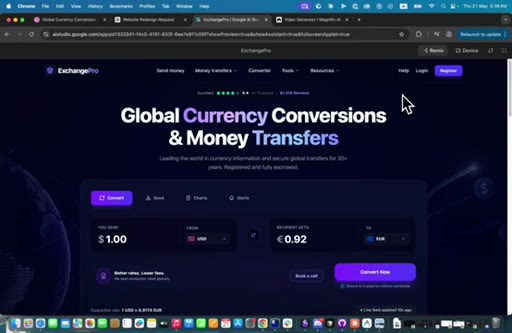
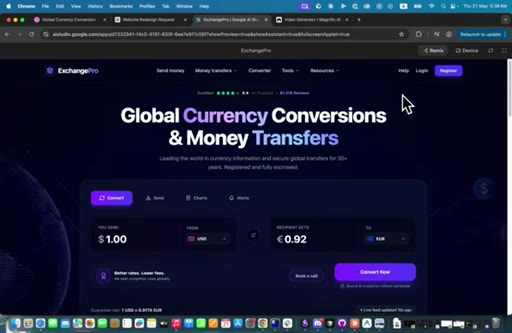
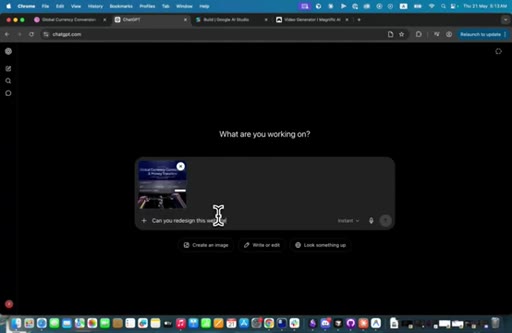
00:37Let's get into it. So first things first, we need to find we need to find some inspiration because AI works best by getting references. So I'm just going to take a screenshot of this reference, and I'm going to pass it to Chad GPT to redesign it.
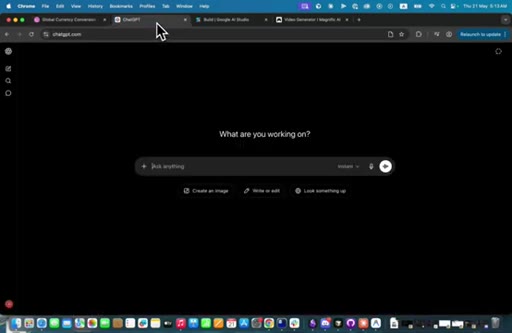
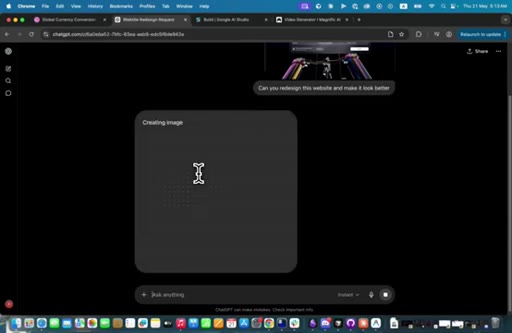
00:51So I'm just going to pass it to chat g p t and write, can you redesign this website and make it look better?
01:03And it's going to redesign this website because GPT image two is the best model for redesigning and doing image changes. So I'll be back once it finishes the changes. Okay.
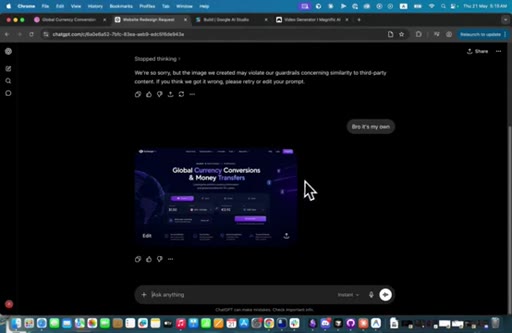
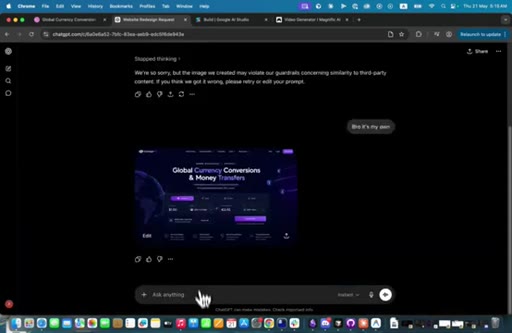
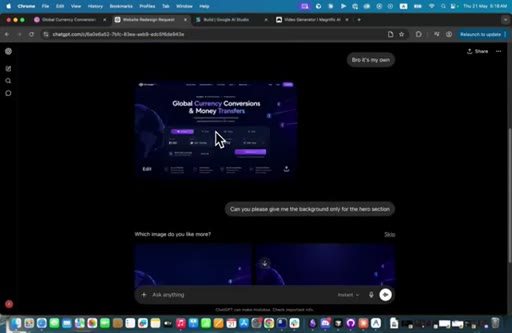
01:14So it freaked out a little bit and said, we are sorry, but the image created my violet, our guy our our guardrails. And I said, bro, it's my own. And then we got this design, which looks pretty amazing.
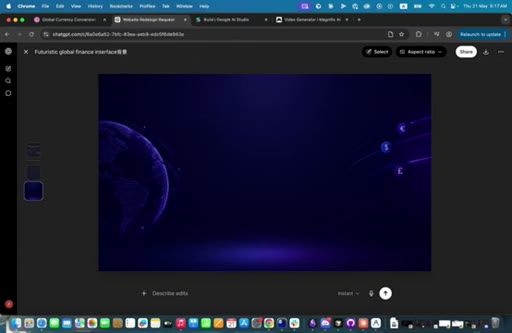
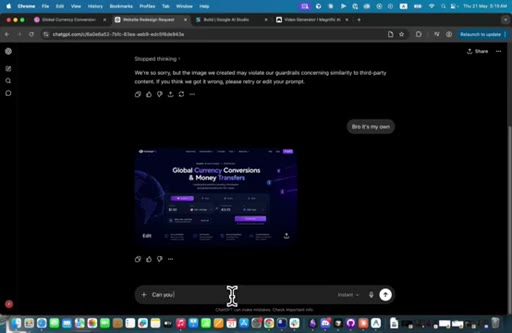
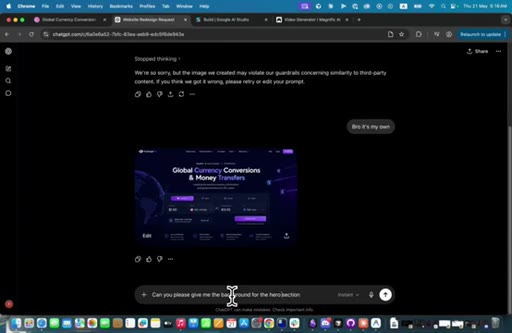
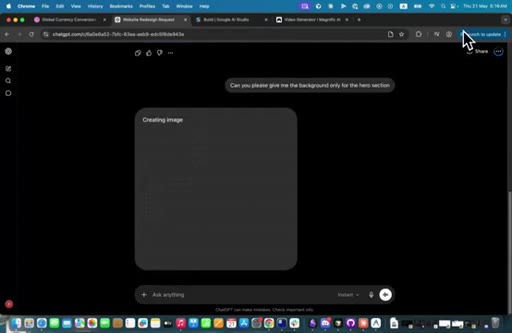
01:27And what we're going to do right now is we need GPT to give us the background image, and we are going to animate it so that it looks pretty cool. So I I can just type in, can you please give me the background
01:42for the hero section?
01:46And I'm gonna make it the background only, the background only for the hero section. So it should give us the image behind right here. So I'll be waiting for it to give us this image.
01:56Okay. So it gave us two options. I think I'm gonna go with this.
02:00And what I'm gonna do now, I'm gonna animate this. I'm gonna animate this image.
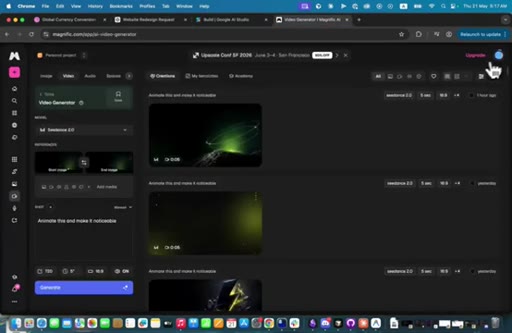
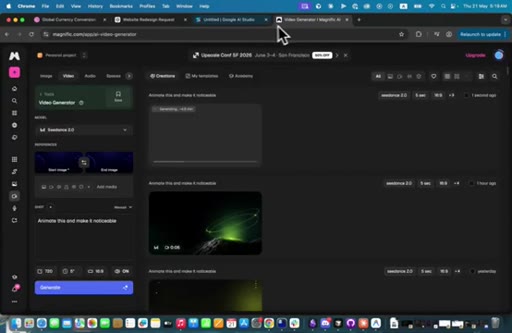
02:05So what I'm gonna do is go to magnific. I was just creating some background. So we're gonna go to magnific,
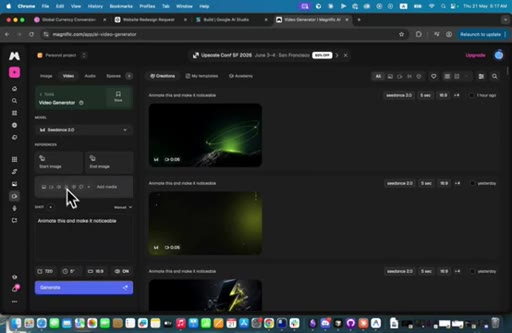
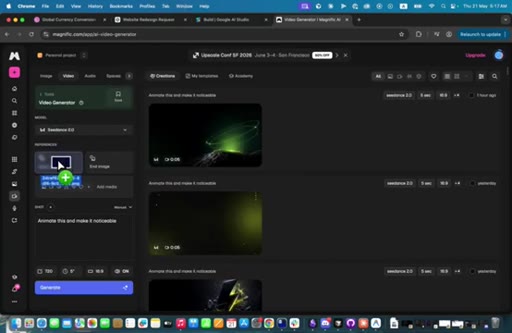
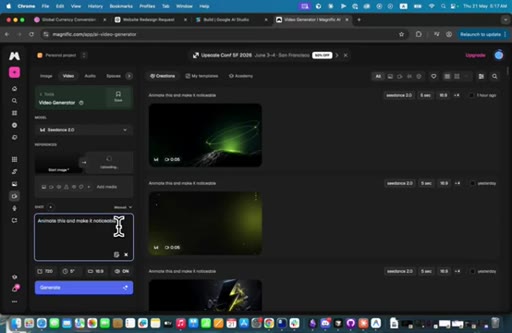
02:14which was called free pick before. And we're what we're gonna do is that we're going to choose c dance two point o model, which is this. And we're going to add the image as the start image and also
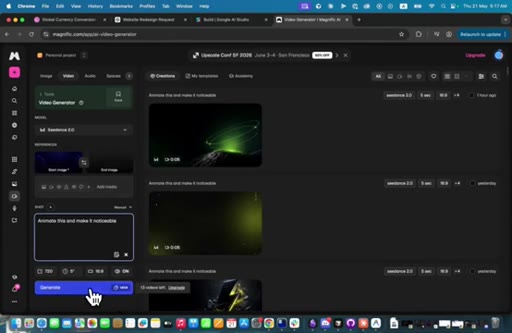
02:27add it as the end image because we want it looping. And then we're going to type in the prompt and you made this and make it noticeable. And what we're going to do now is that we're going to generate.
02:37I'm just waiting for it to upload and then we will generate. Okay.
02:42Let's generate. So it's going to animate the background for us. And once it finish, I will come back.
02:48Okay. So I'm back. I'm just going to do some stuff until it finished,
02:53and I'm just gonna get the design that we got right here. Uh, I'm gonna add it to my computer, and then I'm going to go to Gemini
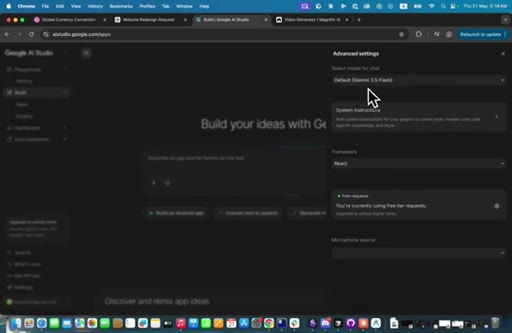
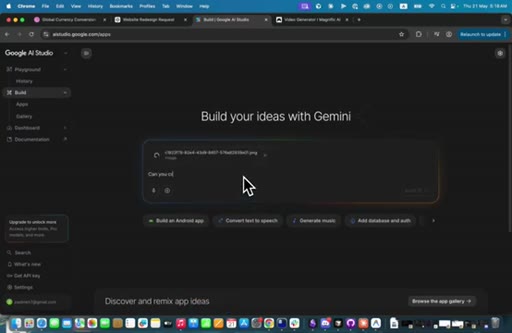
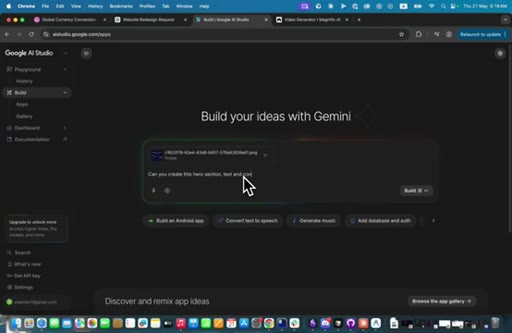
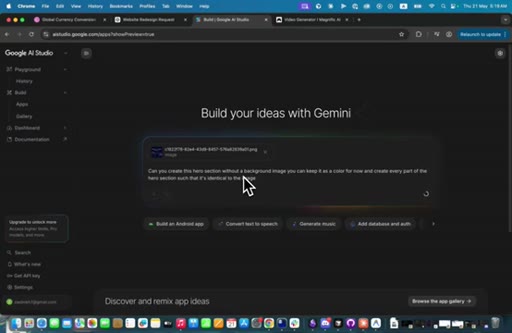
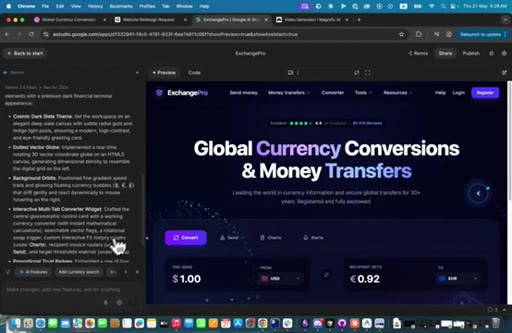
03:03and make sure that you choose Gemini 3.5 flash as your default. And then we're go I'm gonna paste this image, and I'm going to tell it, can you create this hero section
03:18text and content only,
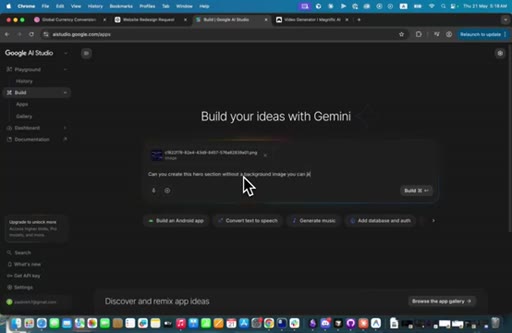
03:23or can you create this hero section without a background image? You can keep it
03:30black for now, or
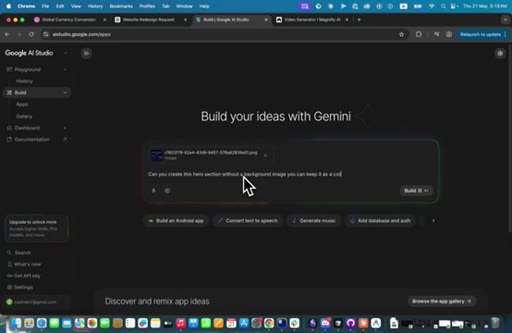
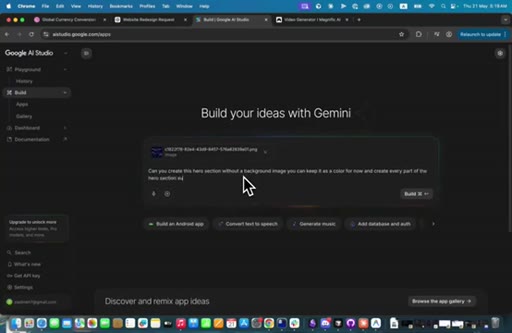
03:34let's say, can keep it as a color for now and create
03:40every part of the hero section such that it's identical
03:47to the image. Okay? I'm just gonna build it.
03:52And so I'm waiting for two things right now. I'm waiting for Google to finish this design, the for the hero section, and I'm waiting for the video to generate. Once they finish, I'll come back and show you the results.
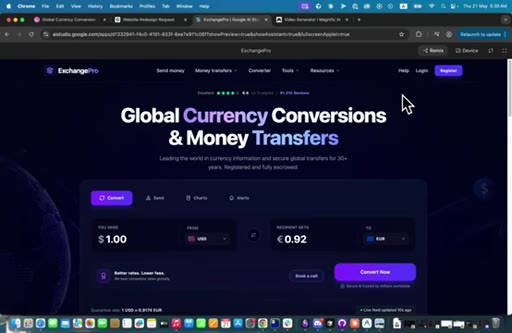
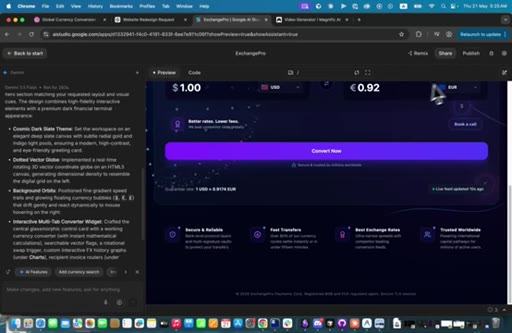
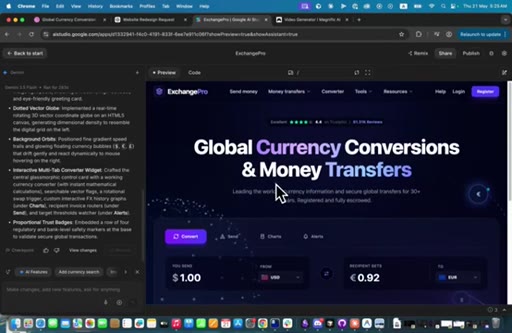
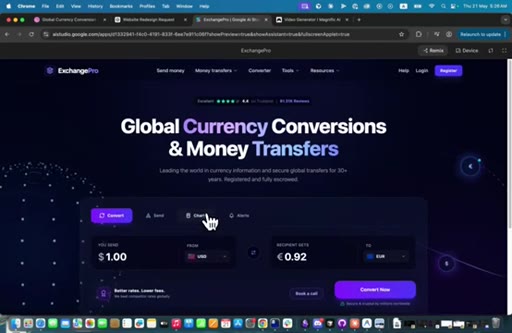
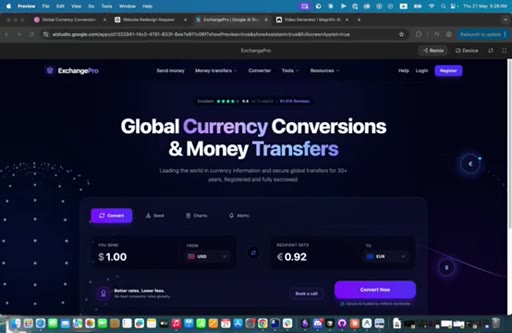
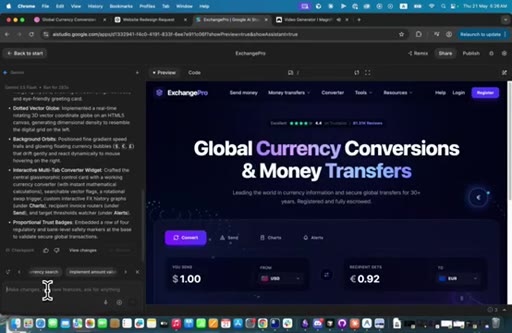
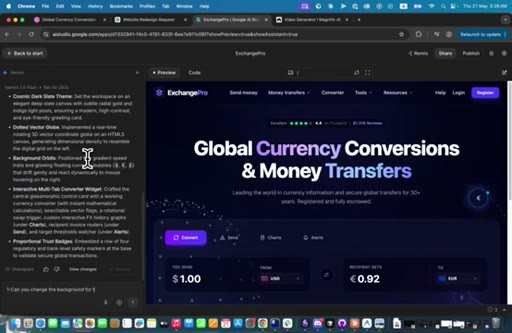
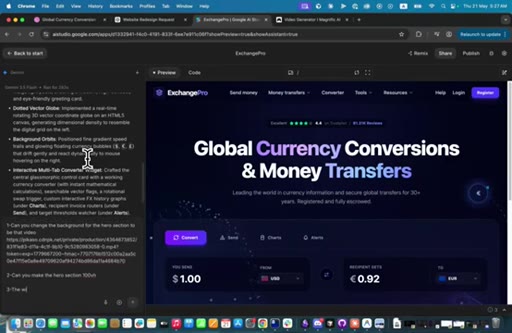
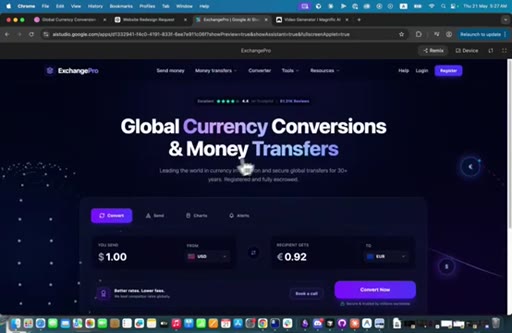
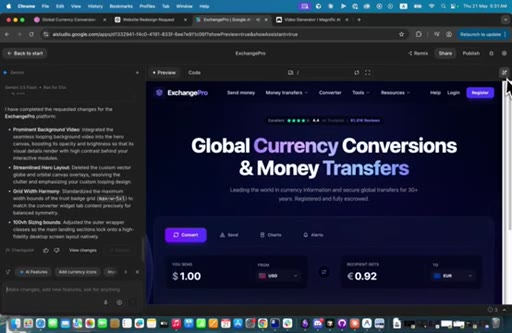
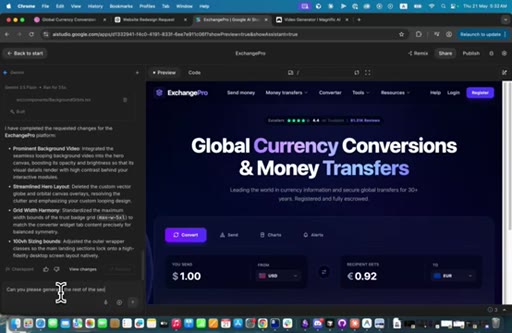
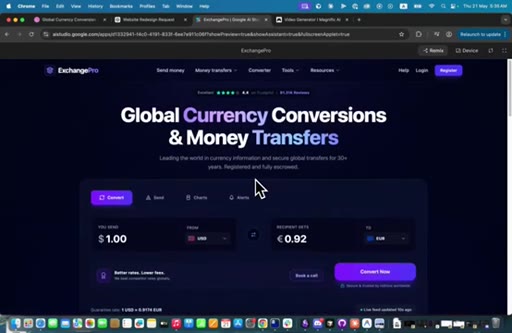
04:05Okay. So it came up with the results and the results are insane actually. Like, it doesn't imagine that it will come up with animations for this.
04:13Like, it has an orbit like this and it has the these these currencies moving, which looks pretty good, actually.
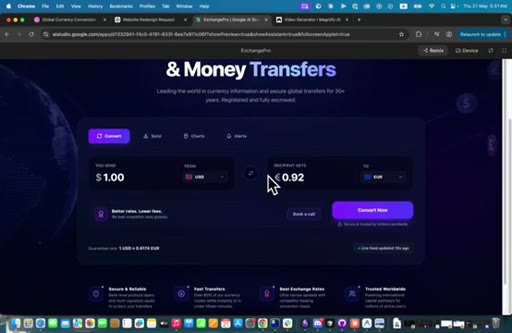
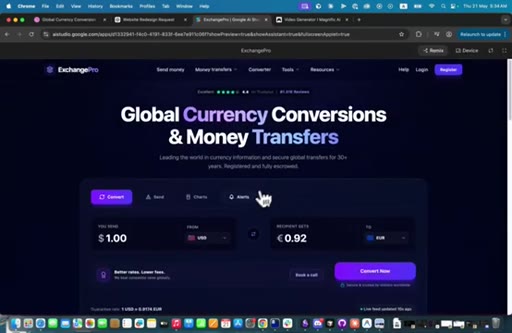
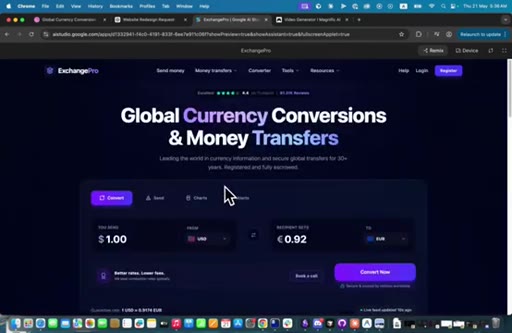
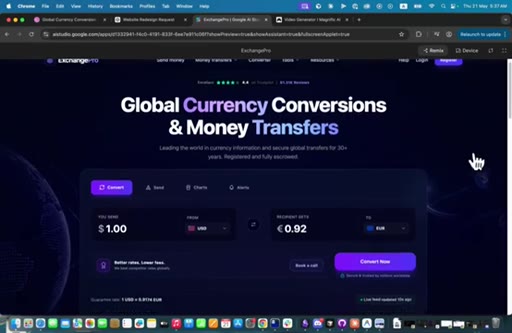
04:22But I think, um, let's try it in full screen. Maybe we can spot some mistakes.
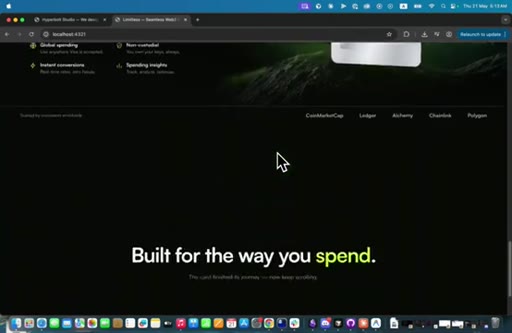
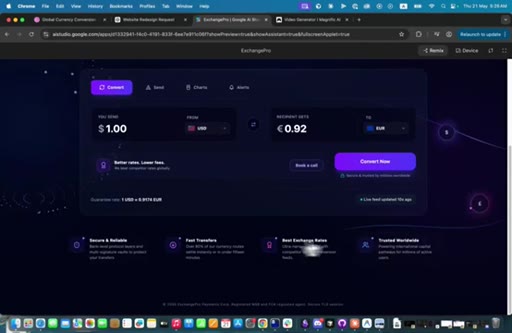
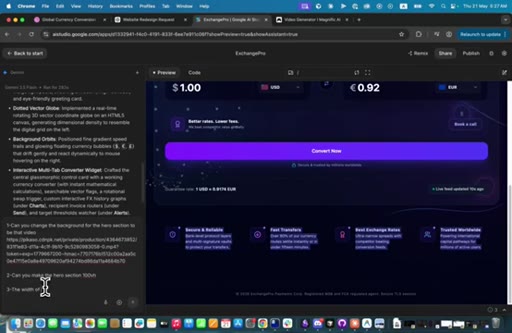
04:28Yeah. So basically here, it's the width of of this section is larger than this section, which does not look that good.
04:36And maybe let me actually show you the original design. Like, this is the original design,
04:44and it looks pretty much like it. Looks pretty much like this.
04:49And, um, with just maybe some minor some minor, uh, differences, but that's pretty cool. And, um,
04:59so what I'm gonna do now, I'm going to replace the hero background with the video that we got.
05:06So let's see the video that we got. We see this video. This video is looking amazing.
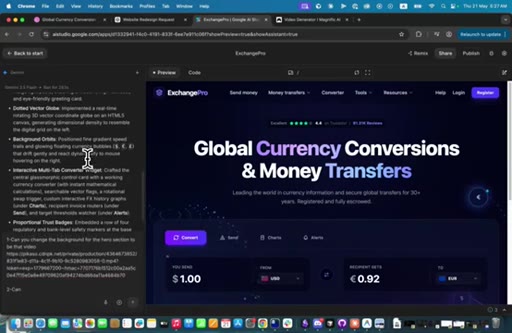
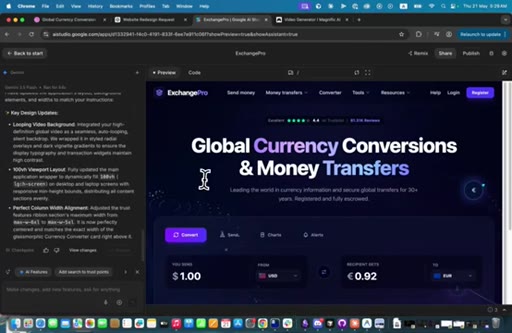
05:12And, um, I'm just going to copy the URL, click on share, copy to clipboard, and then we're going to write in. One, can you change the
05:25the background for the hero section to be that video?
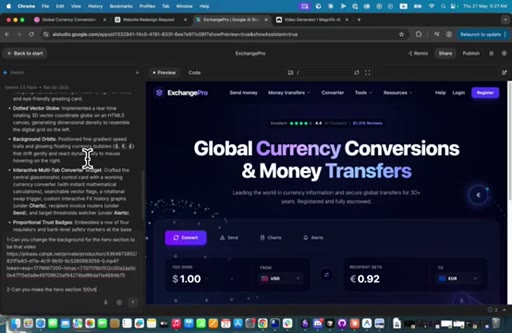
05:33Number two, can you make the hero section
05:39100 v h, which means that it should be the same height of the screen of the user and such so that it looks better. The width
05:51of this thing these these things right here, I'm just gonna copy them
05:58off. Section is larger
06:04than the section above it. And let's see what that comes up with.
06:15I'm actually not sure if it's going to look good on the 100 v h, but let's try to do it like this and see what it comes up with. I'm just gonna pause until until we we fin the Gemini 3.5
06:30flash finish, and then we're gonna come back. Thank you. Okay.
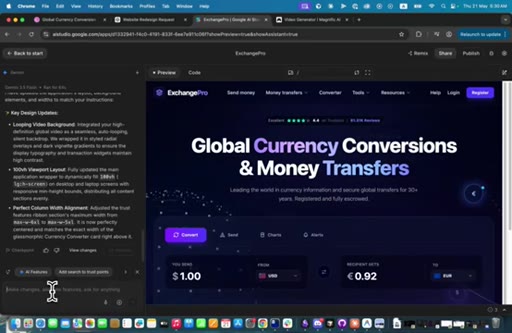
06:35So, basically, I think it didn't add my video or it could have added it, but there is something above it. And and, actually,
06:45this section right here is more than this section on bigger screens, which is what I wanted. But I think I need to reiterate again over
06:55the orbit thing. I don't want it, and I'm going to see what's the problem with this. Let's just prompt it prompt our rate through it.
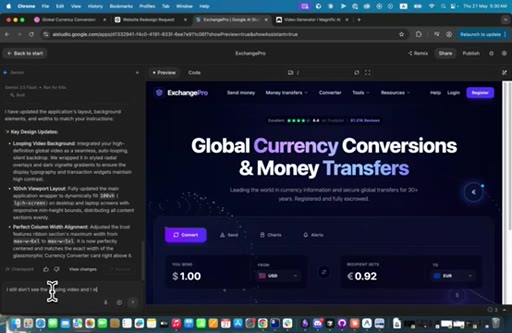
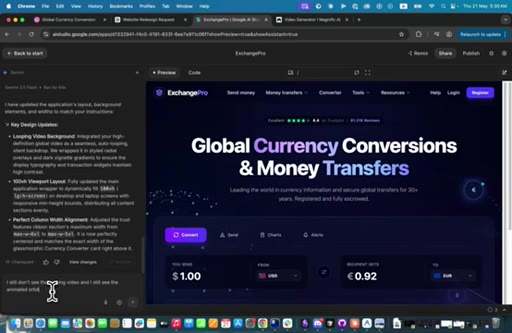
07:02I still don't see the looping video,
07:08and I still see an orbit
07:13over the animated
07:17orbit that you created. Okay? And,
07:24yeah, we can just do this, and let's see what it comes up with.
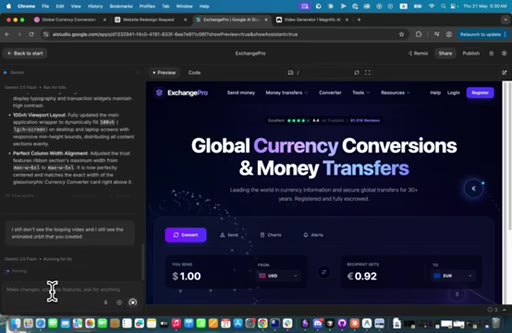
07:31Okay. So I think it it
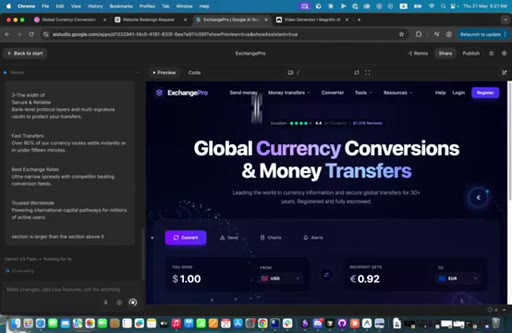
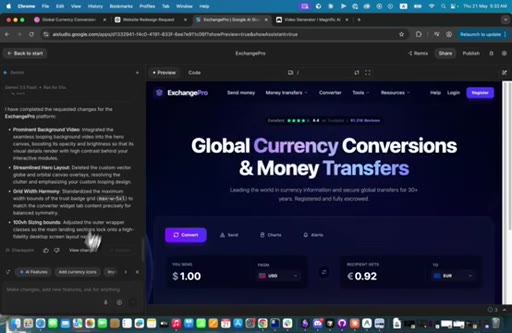
07:35yeah. We see our video and our animations right here. You see?
07:40This looks pretty cool as you see. Right now, what we can do is actually,
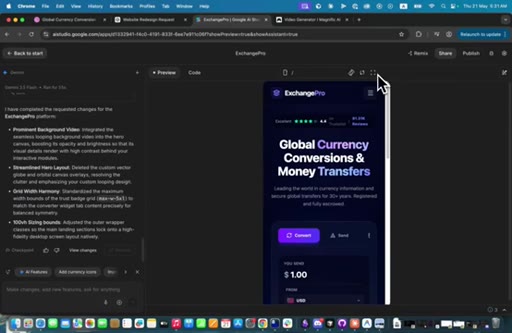
07:48uh, I just wanna make sure that it's responsive, so I'm just going to click on mobile. Yes. It's responsive.
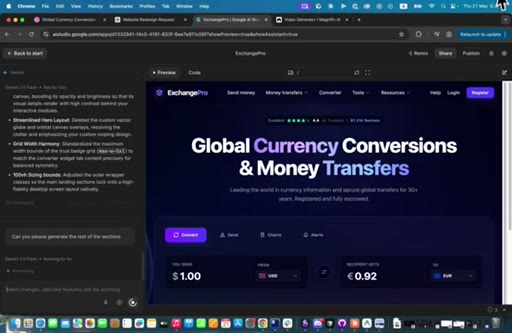
07:55And what we can do now, uh, to test out the the power of Gemini 3.5 flash is ask it to generate the rest of the sections.
08:07Can you please generate the rest
08:12the sections? I'm going to show you how beautiful they are gonna look. So I'm just going to wait for it and come back to you.
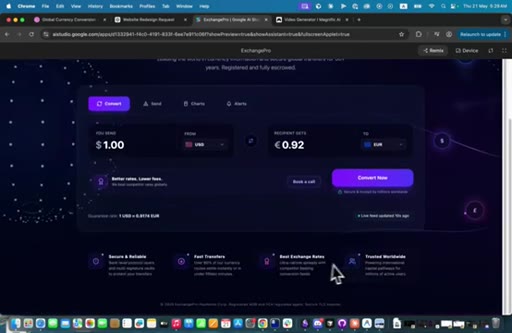
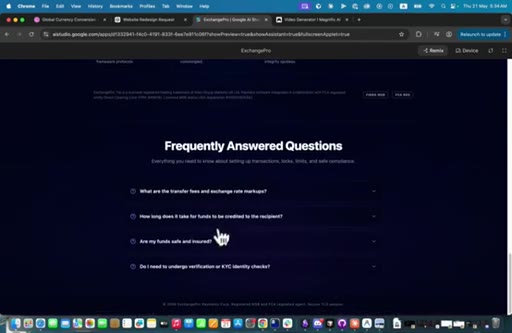
08:23Okay. So it generated the rest of the sections. So let's see
08:28how does it look. Oh, disappointing me. But the rest of the sections
08:35looks pretty good. The rest of the sections look pretty good. So what we're gonna do is we can just take this and we're going to say
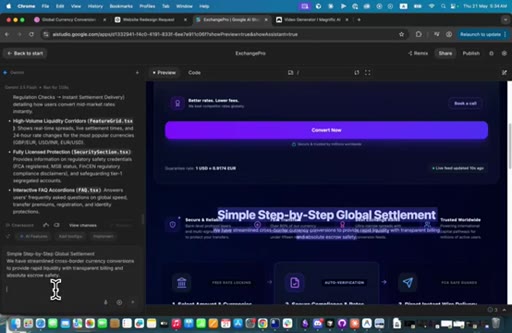
08:45this section is overlapping
08:49with the section before before it.
08:52It. Okay? And we're going to
08:56wait and see how it fixes this. Okay?
09:00So I'm just gonna leave it for now and come back. So it did finish. Let's see.
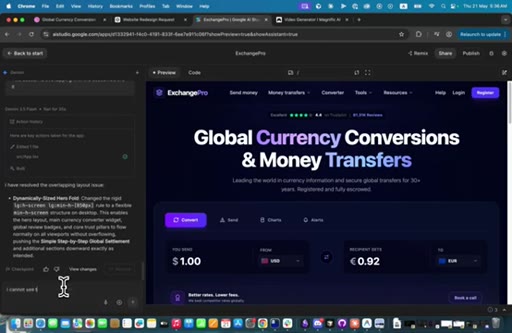
09:09Oh my god. It removed the background video for some reason, but the rest of the sections look pretty cool.
09:17But I can just say,
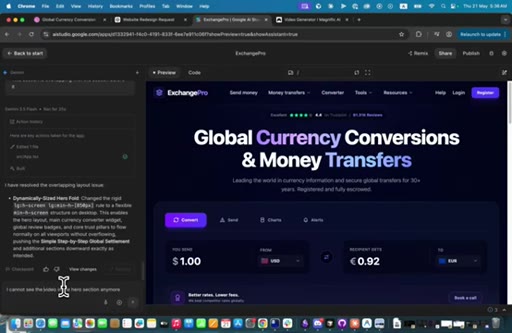
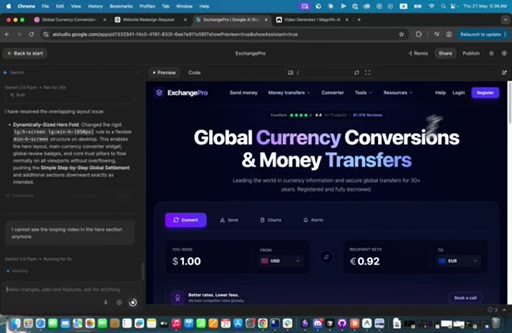
09:20I cannot see the video
09:25in the hero section anymore.
09:31Let's say the looping video in the hero section anymore. And
09:37let's see what does it come up with.
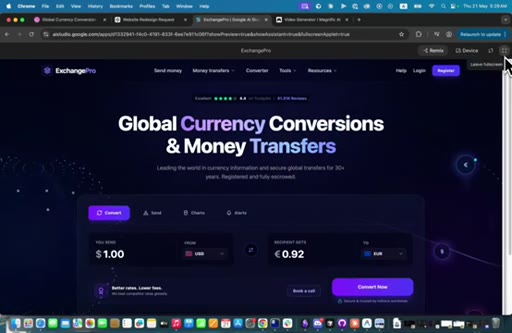
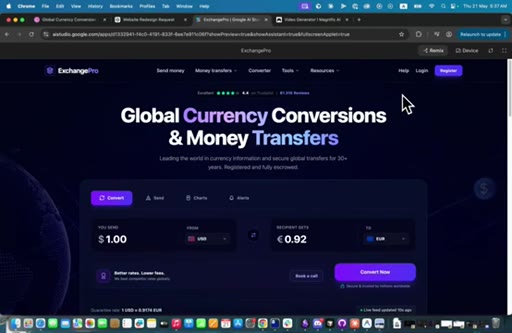
09:42Okay. So let's see the fix. Okay.
09:46So the video is back again, and we we see these items and particles right here. So
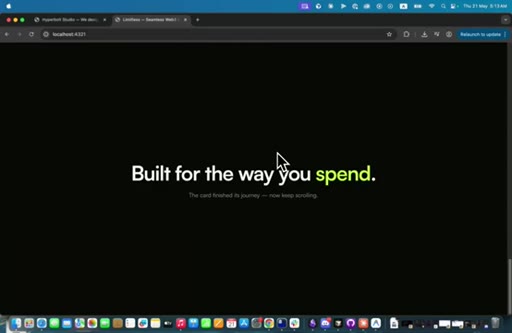
09:54and we can see the rest of the sections. They look cool. So
09:59CTAyeah. And that's it for today. Uh, I hope you really enjoyed the videos,
10:04CTAand I will be posting more tutorials about AI web design. And all in all, Gemini 3.5 Flash is pretty good in design, but it does some dumb mistakes that could have been avoided
10:17CTAaltogether. So if you wanna use Gemini 3.5 flash, make sure you use it properly and make sure that you are aware of any small bugs that it might cause in the middle. Thank you so much for watching.
— full transcript
§ 05 · For Joe

Three tools, one pipeline, and the bugs you will hit.

WHAT TO LEARN

Gemini 3.5 Flash can produce animated, multi-section landing pages from a single reference image, but it regresses on previously established elements every time you extend the page.

  • Feed AI code generators a visual reference image rather than a text description alone — the model can match layout, color, and component structure far more precisely.
  • Use the same static image as both start and end frame in a video generation model to produce a seamless looping background from a single asset, no video shoot required.
  • Build the hero section first with a solid-color background, confirm it works, then swap in the animated asset — doing both at once multiplies the surface area for bugs.
  • Each new section you prompt Gemini to add can silently drop constraints from earlier in the conversation; re-state the critical ones such as video source and section height each time.
  • A layout regression is not a sign the tool failed — it is a signal to add one corrective prompt and continue; the iterative loop is the actual workflow, not an exception to it.
  • ChatGPT Image 2 will flag fintech or branded imagery as potential third-party content; stating ownership unlocks the generation without needing a different prompt strategy.
§ 06 · Frame Gallery

Visual moments.