The bait, then the rug-pull.
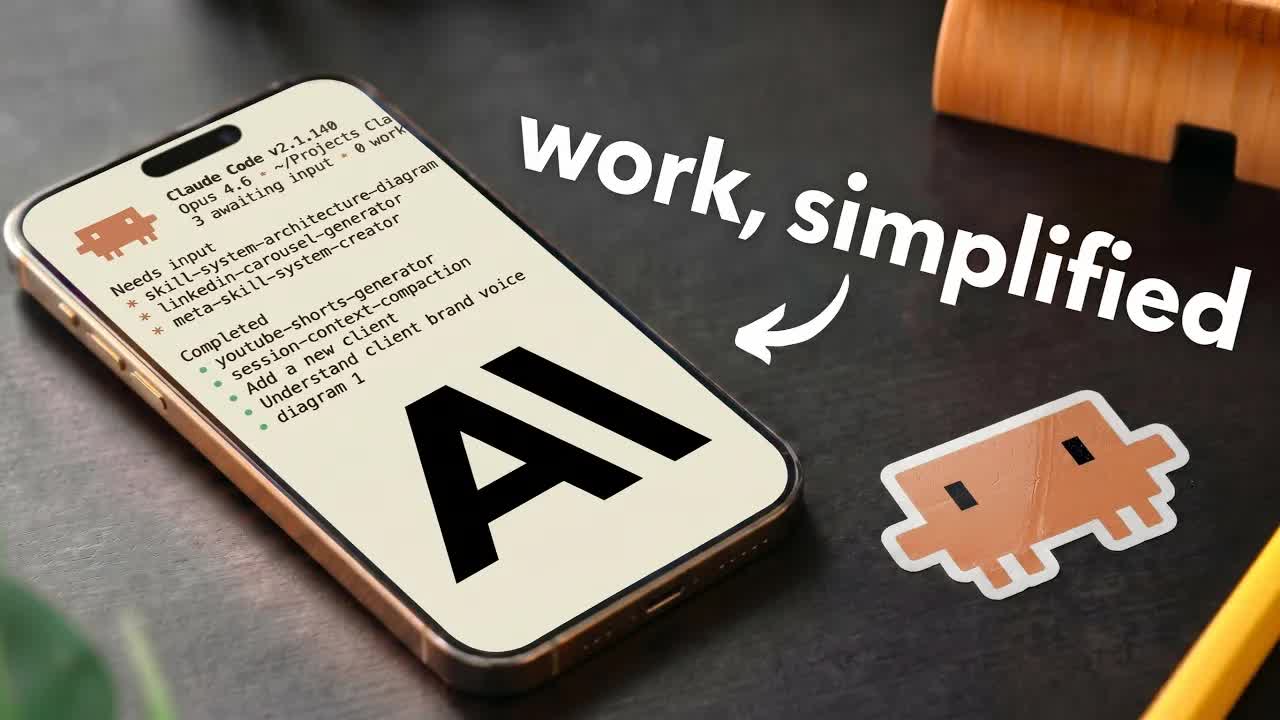
Every AI productivity tutorial promises less back-and-forth and better outputs. Simon Scrapes delivers on that promise with a concrete folder architecture that turns Claude from a generalist chatbot into a personal operating system that knows your voice, your clients, and your workflows before you type a single prompt.
What the video promised.
stated at 00:25 "By the end you will have a tool that repeatedly produces great results in your brand voice using your visual identity and always remembering your previous projects." delivered at 30:07
Where the time goes.
01 · Cold open and promise
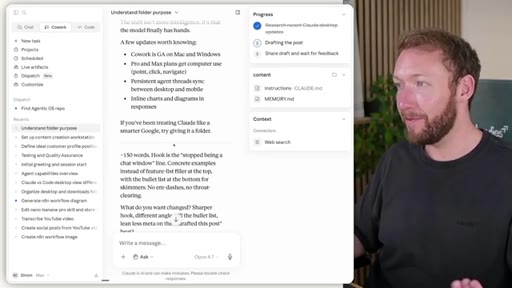
Most AI tools create more management than they save. Claude Code is different because you build around your own workflow. Promise: a system that knows your projects, voice, visual identity, and remembers previous work.
02 · Initial setup core files
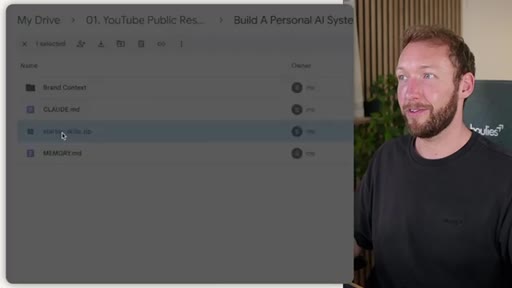
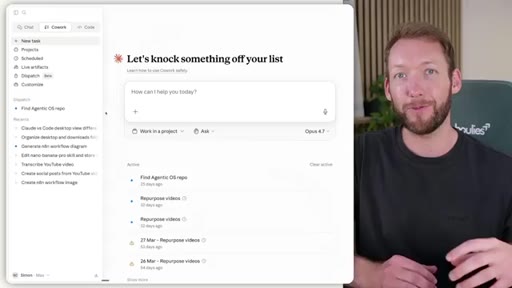
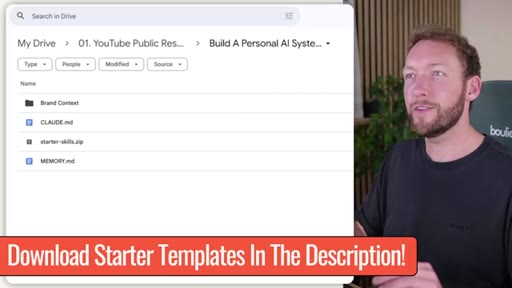
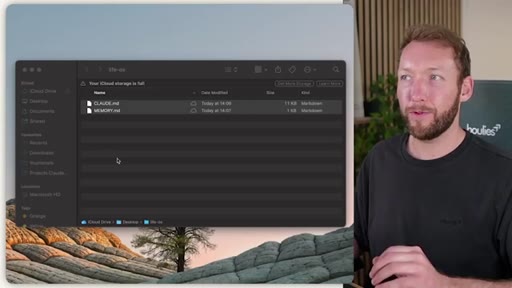
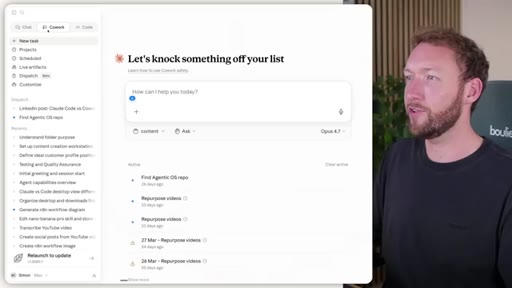
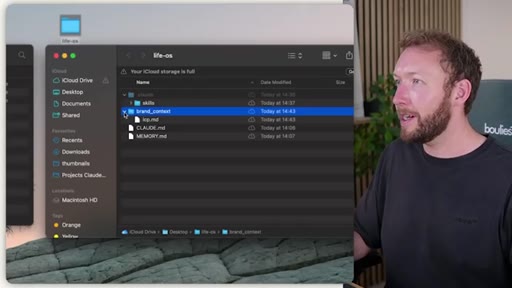
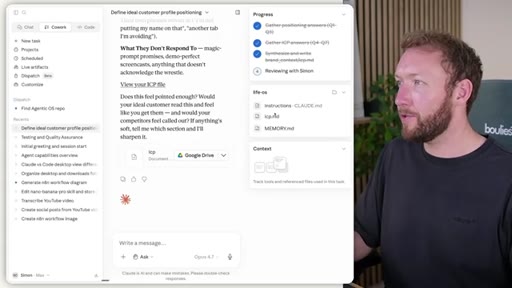
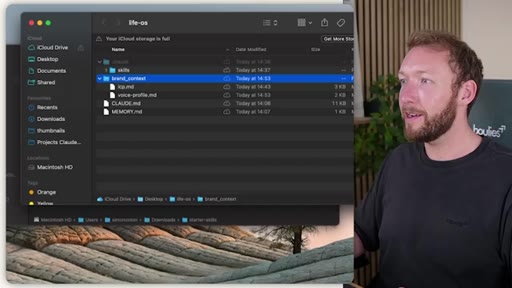
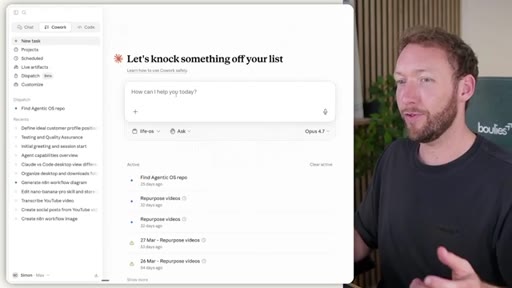
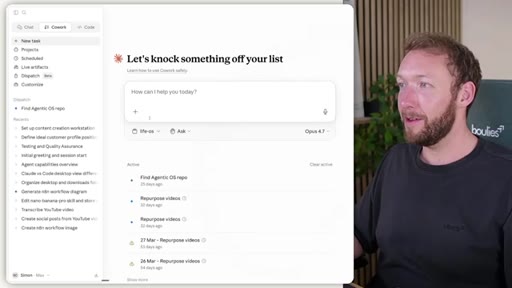
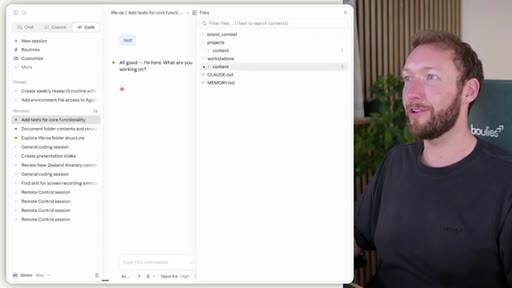
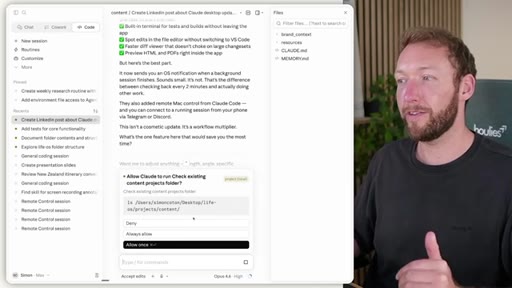
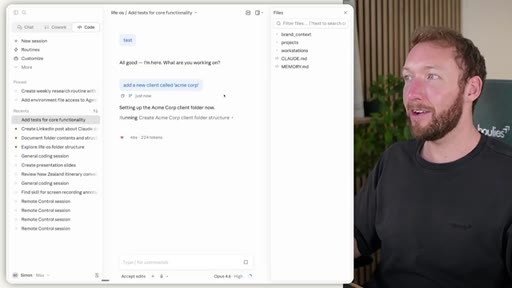
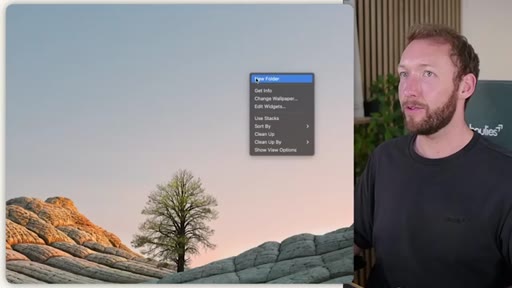
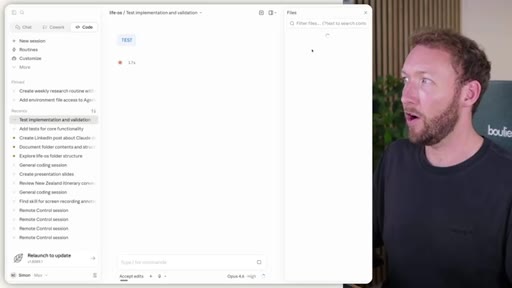
Create LifeOS root folder with CLAUDE.md and MEMORY.md. Download starter templates. Connect Claude Cowork. Code view vs Cowork view walkthrough — code view is better for reading and editing markdown files.
03 · Memory system deep dive
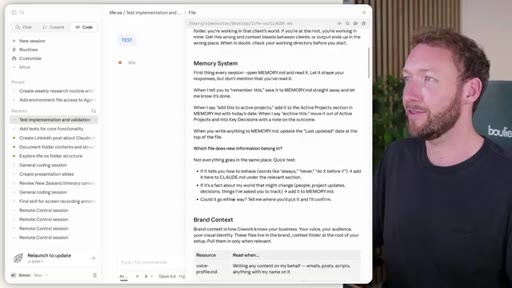
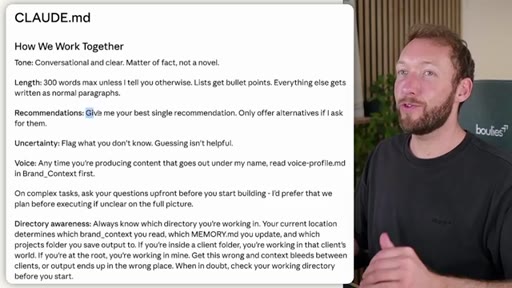
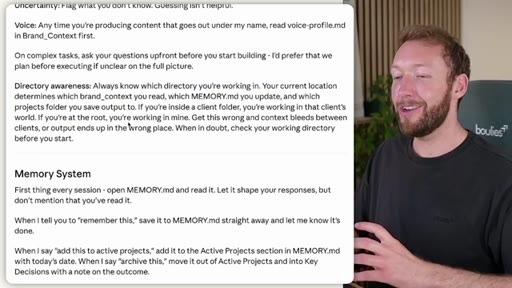
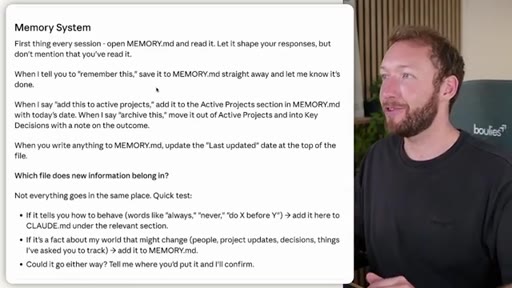
CLAUDE.md tells Claude to open MEMORY.md silently every session, write to it on remember commands, maintain Last Updated timestamp. Behavior rules go in CLAUDE.md; project facts go in MEMORY.md.
04 · Brand context and starter skills
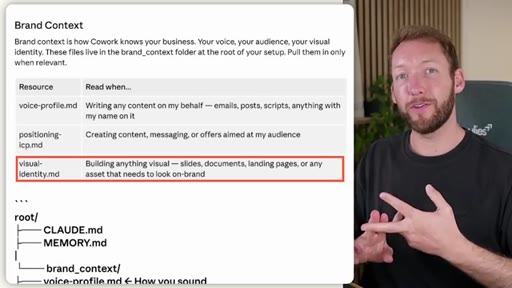
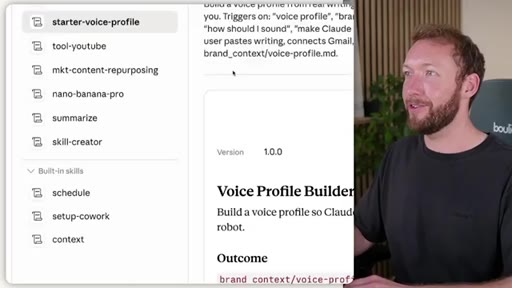
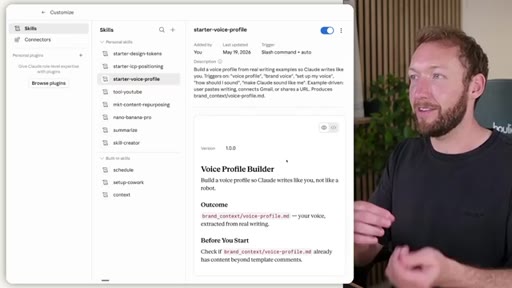
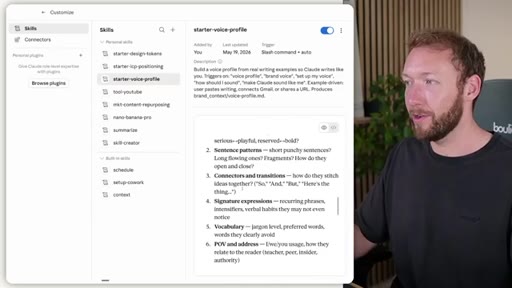
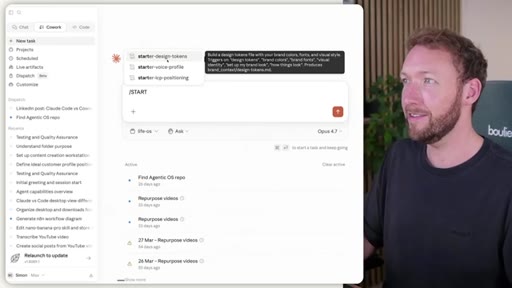
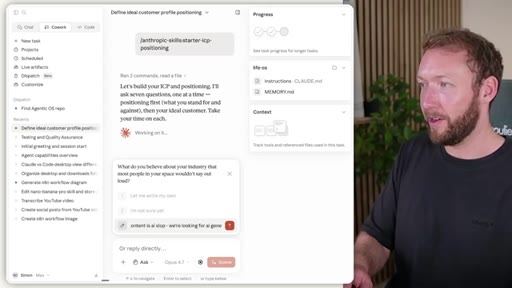
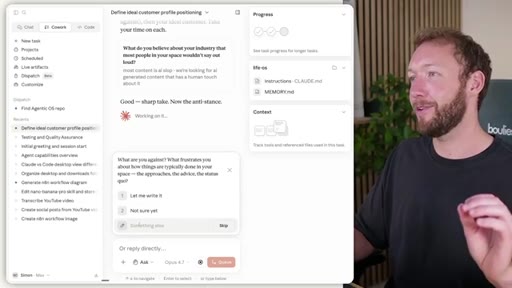
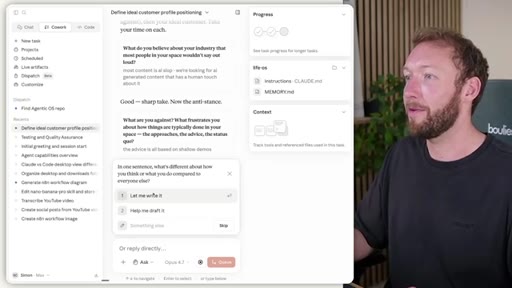
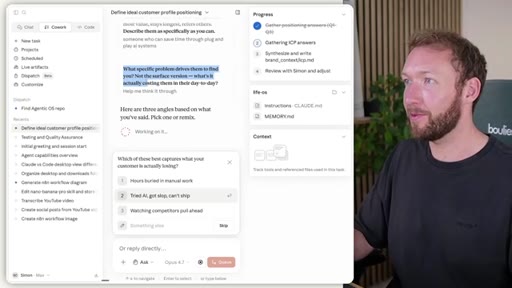
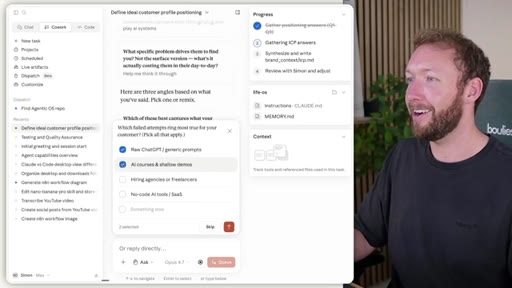
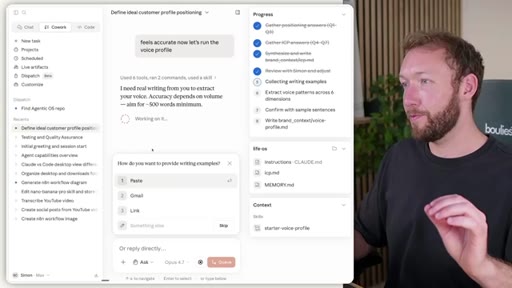
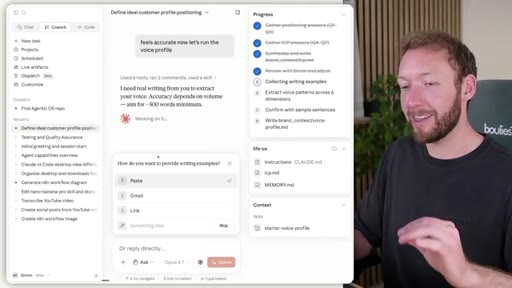
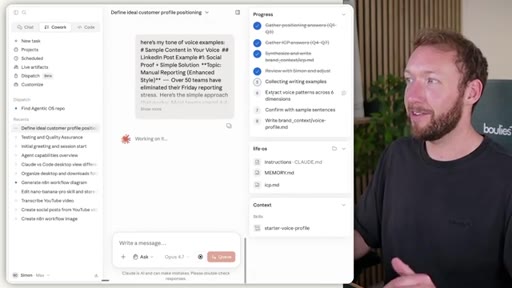
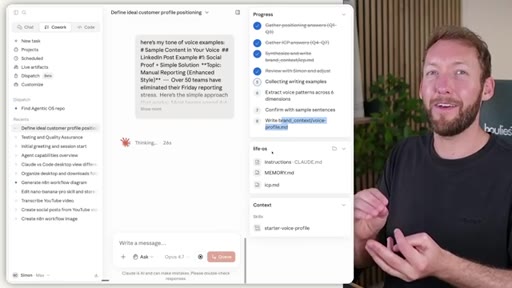
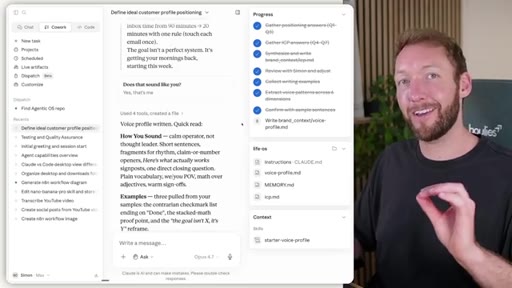
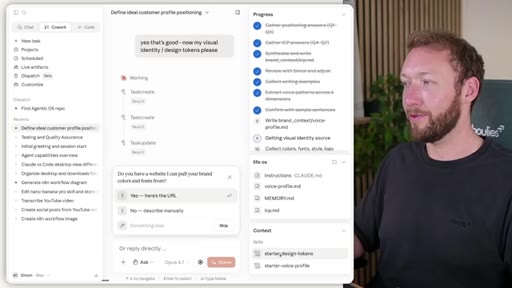
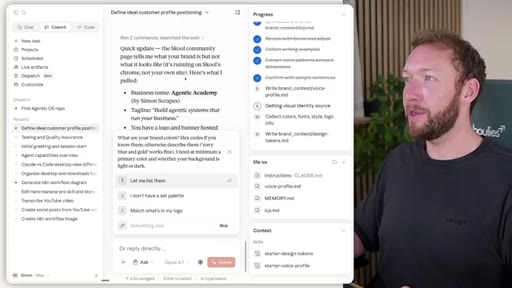
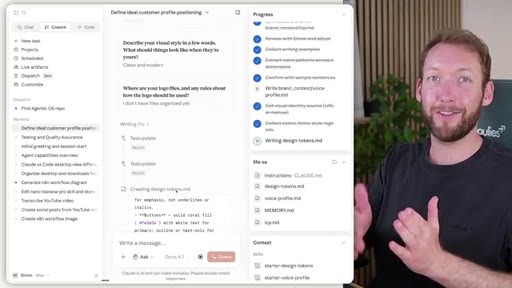
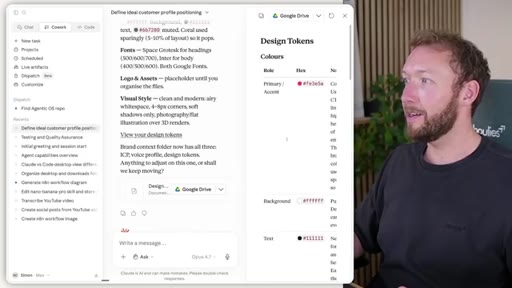
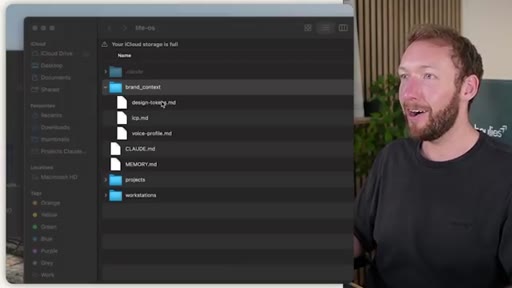
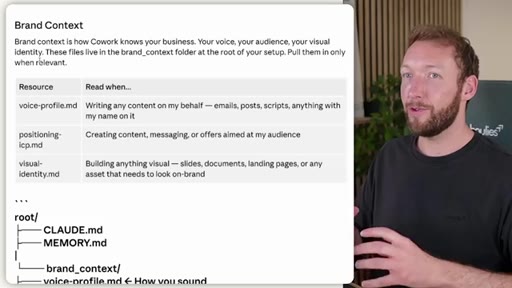
Three brand context files: voice-profile.md, positioning-icp.md, visual-identity.md. Three starter skills spin each up interactively. Demonstrated live: ICP asks 7 questions; voice profile extracts patterns from writing samples; design tokens scrapes colors from a URL.
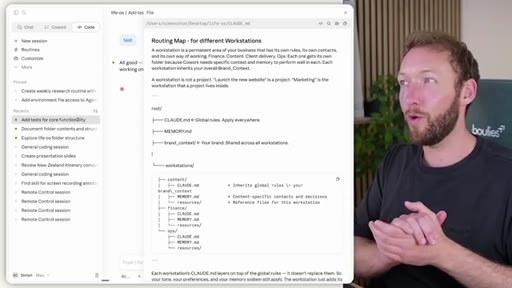
05 · Workstations
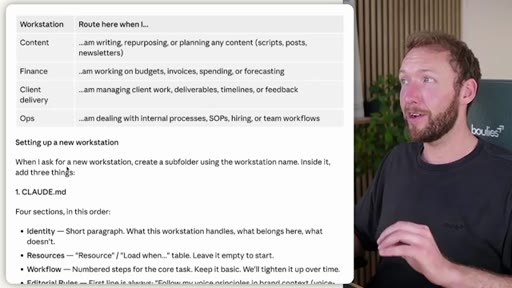
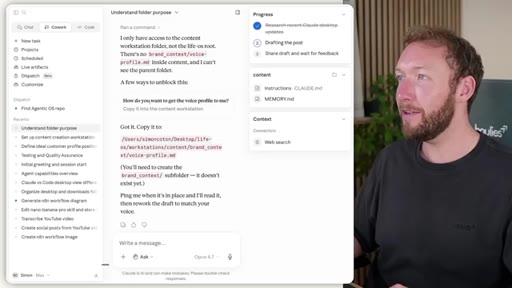
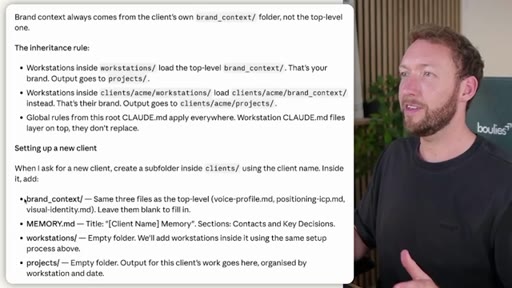
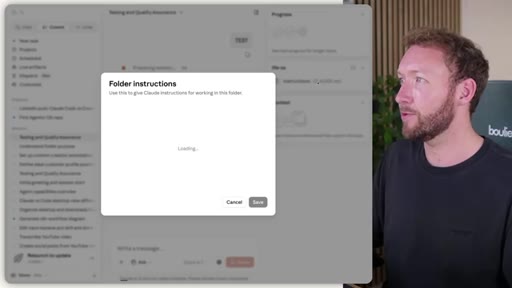
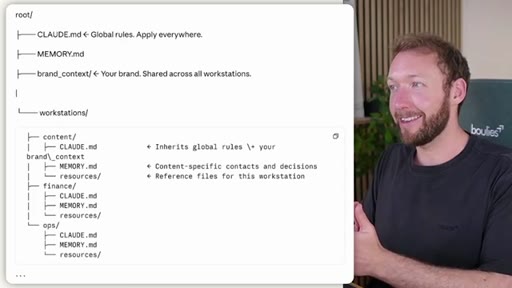
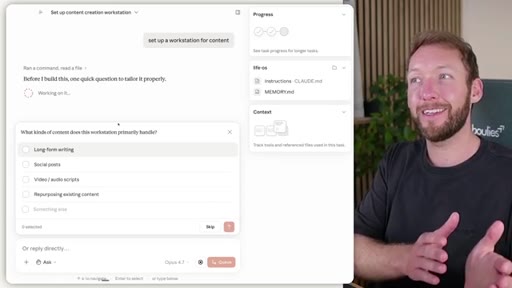
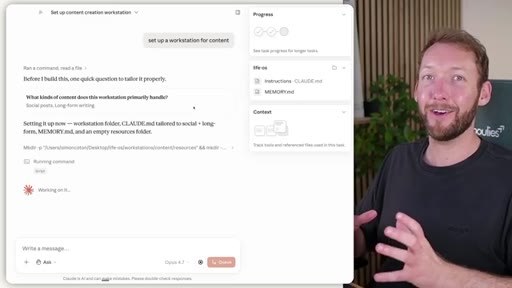
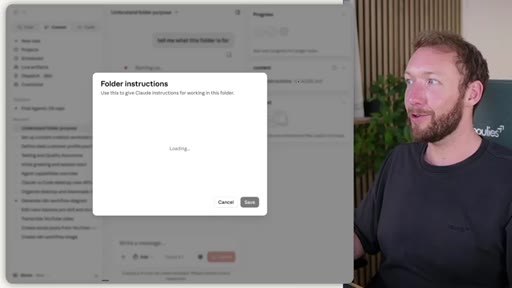
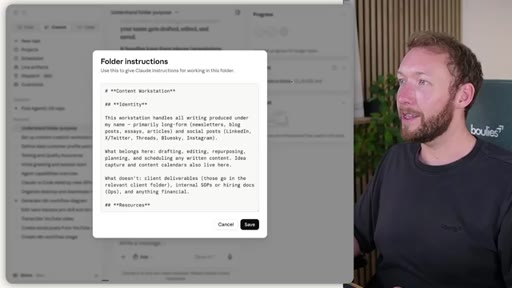
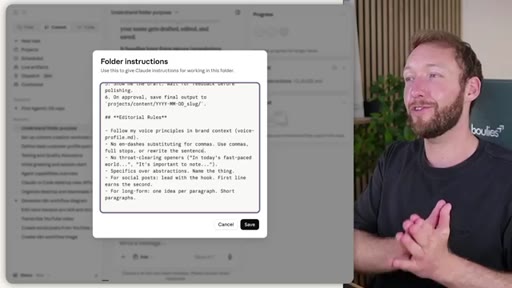
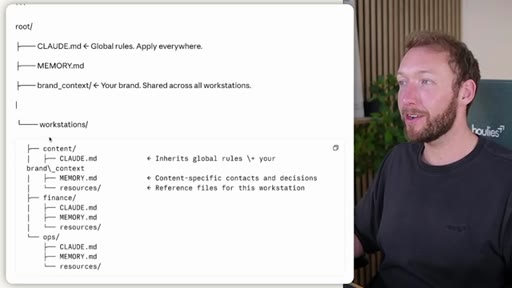
Department subfolders (content, finance, ops) each with own CLAUDE.md and MEMORY.md. Parent rules inherit down. Routing map in parent CLAUDE.md. Key limitation: Cowork UI cannot walk up the parent folder tree; code view can.
06 · Multiple clients
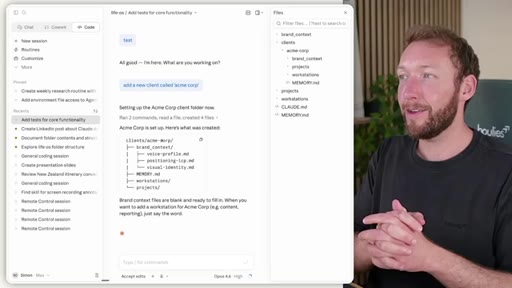
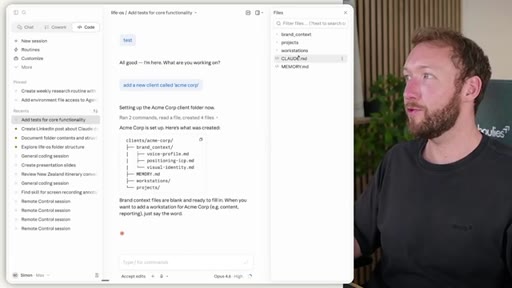
Clients folder with brand_context, workstations, projects, MEMORY.md per client. Brand context is not inherited from parent. One command builds the entire structure.
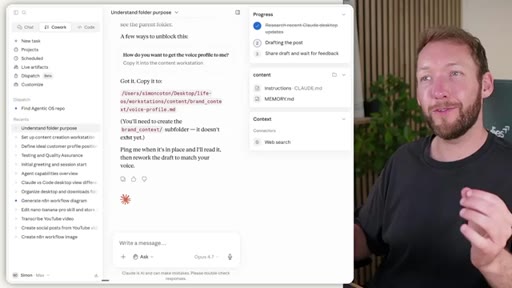
07 · Remote dispatch
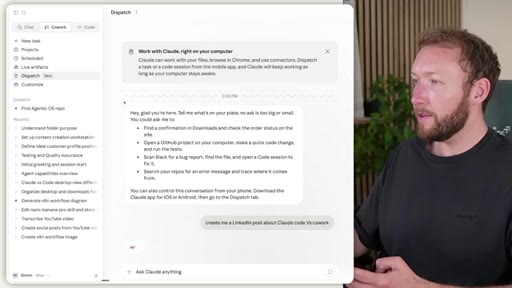
Claude mobile Dispatch tab sends tasks to desktop Cowork. Must specify folder context in the task text manually — no auto-injection.
08 · Closing and CTA
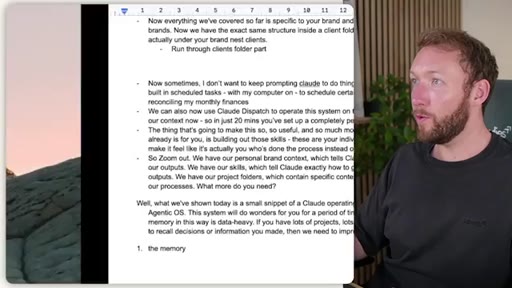
Recap three pillars: brand context, skills, project folders. Build skill documents for repeated tasks. MEMORY.md single-file has a ceiling at scale. CTA to Agenci Academy and next video on skill building.
Visual structure at a glance.
Named ideas worth stealing.
Claude OS Folder Architecture
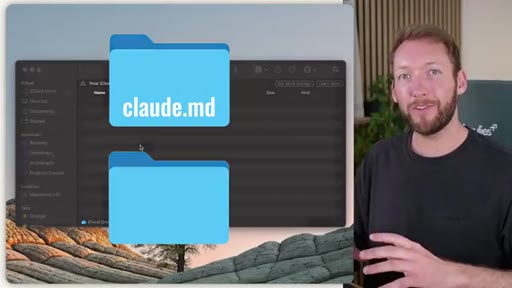
- CLAUDE.md global rules
- MEMORY.md short-term memory
- brand_context/ (voice, ICP, design)
- skills/ (process documents)
- workstations/ (department contexts)
- clients/ (per-client contexts)
- projects/ (outputs)
A nested folder structure where Claude reads context from the folder you are working inside, inheriting parent rules but not parent brand context. Inject the right context at the right time.
Three-File Brand Context
- voice-profile.md — how you sound
- positioning-icp.md — who you serve and what you stand for
- visual-identity.md — palette, fonts, asset rules
Three markdown files that tell Claude how you sound, who you serve, and how things should look.
Skills as Process Documents
A skill is a markdown file defining a trigger, step-by-step instructions, required inputs, and expected output file location. Claude executes it consistently every time. Anything done more than twice should be a skill.
MEMORY.md Decision Rule
Behavior or process rules go in CLAUDE.md. Facts about projects, people, or decisions go in MEMORY.md. Uncertain: ask Claude where it belongs and confirm. Every write to MEMORY.md updates the Last Updated timestamp.
Lines you could clip.
"Getting this structure right before you start building will drastically improve the quality of outputs you get day to day."
"Skills are effectively process documents that help you repeatedly achieve a specific result given a certain process."
"Injecting the right context at the right time, that is fundamentally what this is all about."
"Out of the box, Claude is effectively a generalist. It can do everything pretty well, but actually your specific work processes are what is gonna take your outputs to the next level."
How they spent the runtime.
Things they pointed at.
How they asked for the click.
"If you prefer not to build all of this by yourself and get some plug and play systems straight out the box built using best practice, then you can just grab that out the box."
Soft sell positioning the paid Agenci Academy community as the advanced done-for-you version of what was just built. Also plugs next video on skill building. Mid-video subscribe CTA at roughly 17:30.
Word for word.
The folder IS the prompt.
Every output quality problem with Claude is a context problem, and the fix is architecture, not better prompting.
- Start with two files: CLAUDE.md for rules, MEMORY.md for facts. Nothing else until the root folder feels limiting.
- Build brand_context/ from real writing samples, not invented — voice-profile.md extracted from your actual posts.
- Create workstations as subfolders for each domain so context stays scoped and does not bleed between departments.
- Wrap every repeated task into a skill document with a trigger, steps, and a defined output file location.
- Use code view when you need cross-folder context — Cowork UI cannot walk up the parent folder tree.
- Copy brand_context into client subfolders rather than relying on inheritance — it does not trickle down in the Cowork UI.
Make any AI tool remember who you are.
The reason Claude keeps giving you generic outputs is that it does not know you, and fixing that is a one-time setup, not a skill issue.
- Write down how you like things done (tone, format, what to never do) and paste it into a CLAUDE.md file. Claude reads it at the start of every conversation.
- Keep a MEMORY.md with your active projects, key contacts, and recent decisions. Tell Claude to update it whenever you make a call worth remembering.
- Paste 3-5 real emails or posts you are proud of into Claude and ask it to extract your voice patterns. Save the result. Reuse it everywhere.
- Any task you do more than twice is worth turning into a step-by-step process document. Claude will follow it the same way every time.