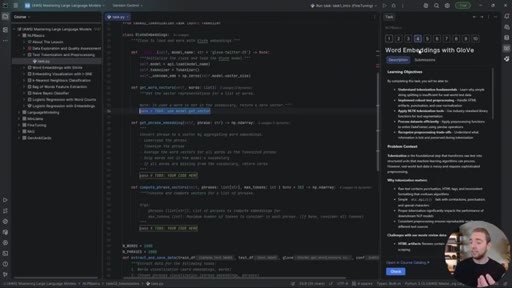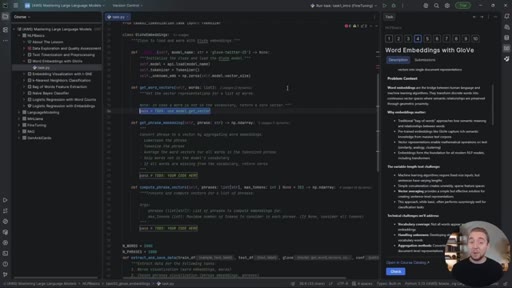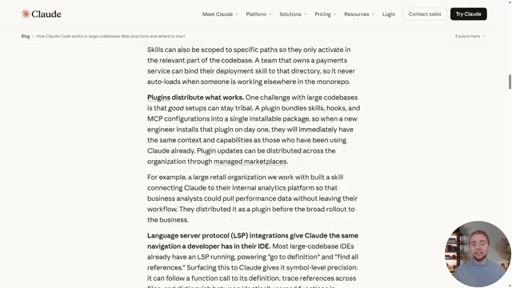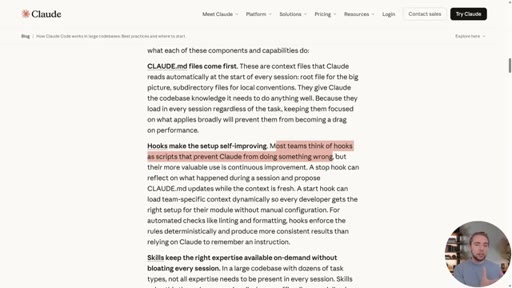
The bait, then the rug-pull.
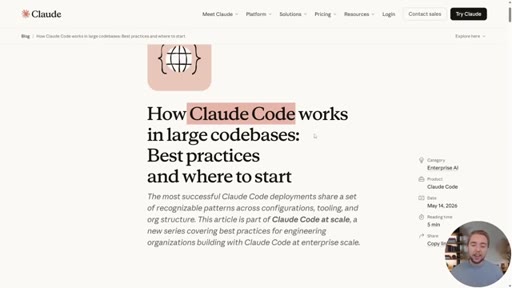
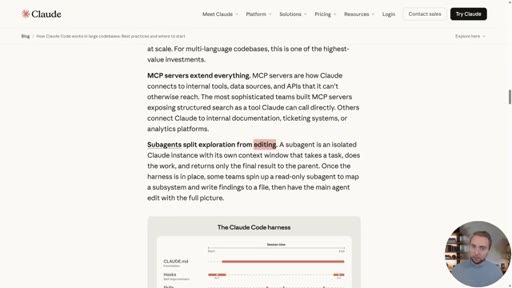
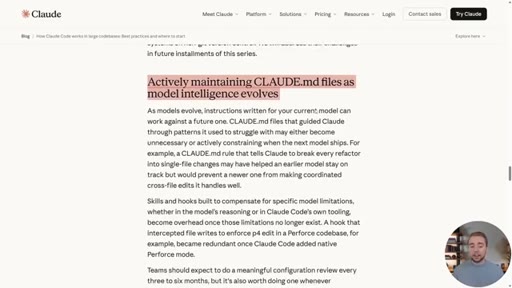
Anthropic published a high-level playbook for making Claude Code work in massive codebases. It names seven components but never shows you one. Cole built the whole thing — and renamed Anthropic's "harness" to the AI Layer, the third leg of every codebase next to code and tests.
What the video promised.
stated at 01:00 "Not only are we covering the article, but we're also gonna see concrete examples of all the strategies in action." delivered at 26:19
Where the time goes.
01 · AI Coding in Large Codebases
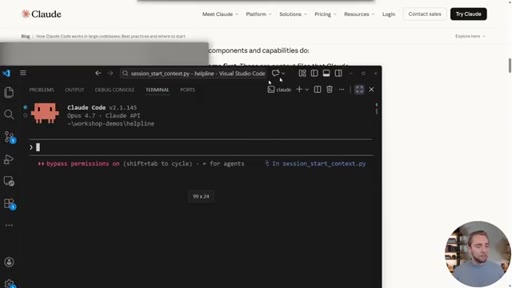
Pattern-interrupt cold open: tutorials are a dime a dozen, but nobody covers large codebases. Names Anthropic's post and promises a demo repo + plugin.
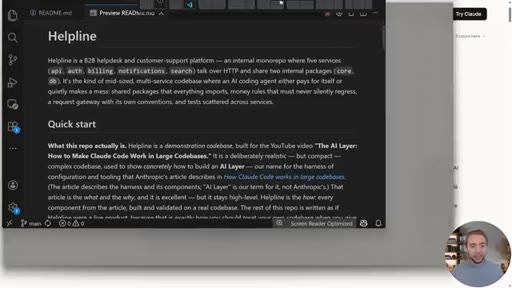
02 · What We're Covering
Table of contents: seven AI-Layer components Cole will walk through. Each maps to one Anthropic strategy and one concrete demo.
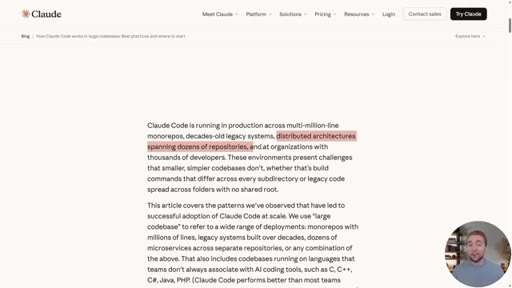
03 · How Claude Code Navigates Today
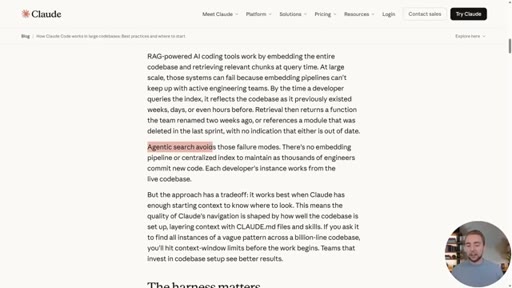
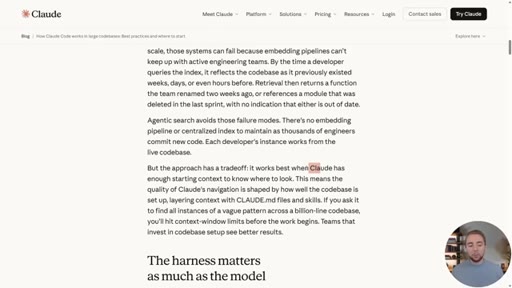
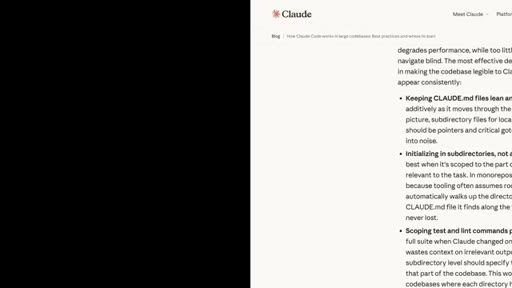
Claude Code uses agentic search — grep + folder walking, no embedding index. The tradeoff: works best when starting context is curated.

04 · The AI Layer
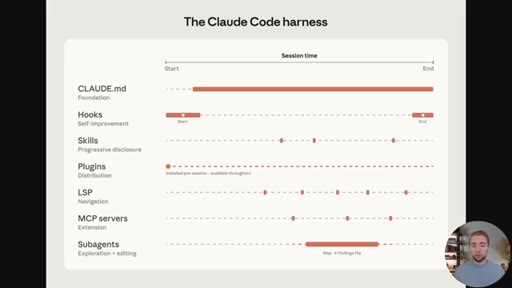
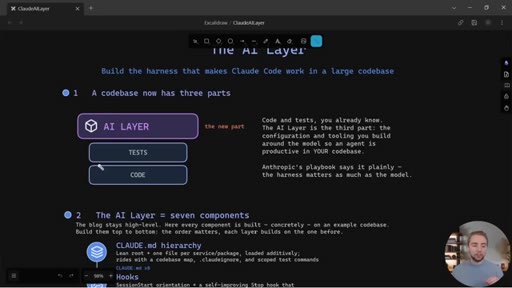
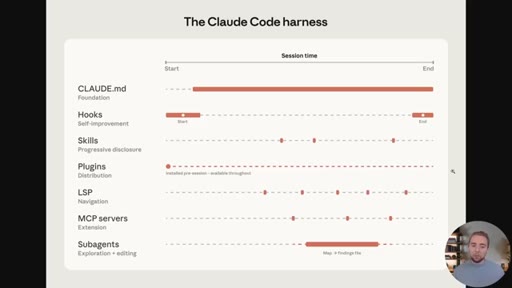
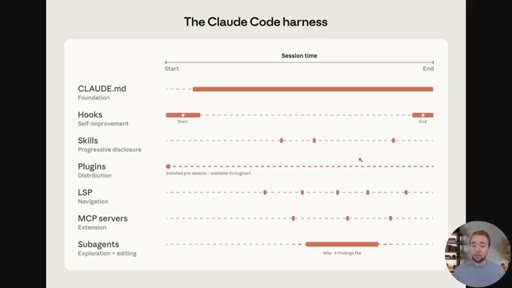
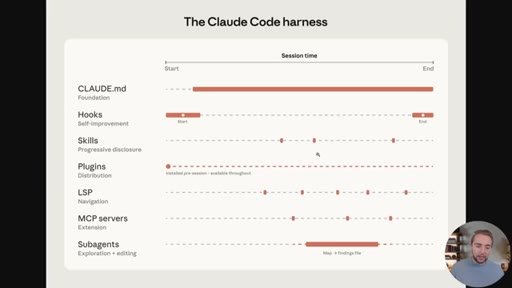
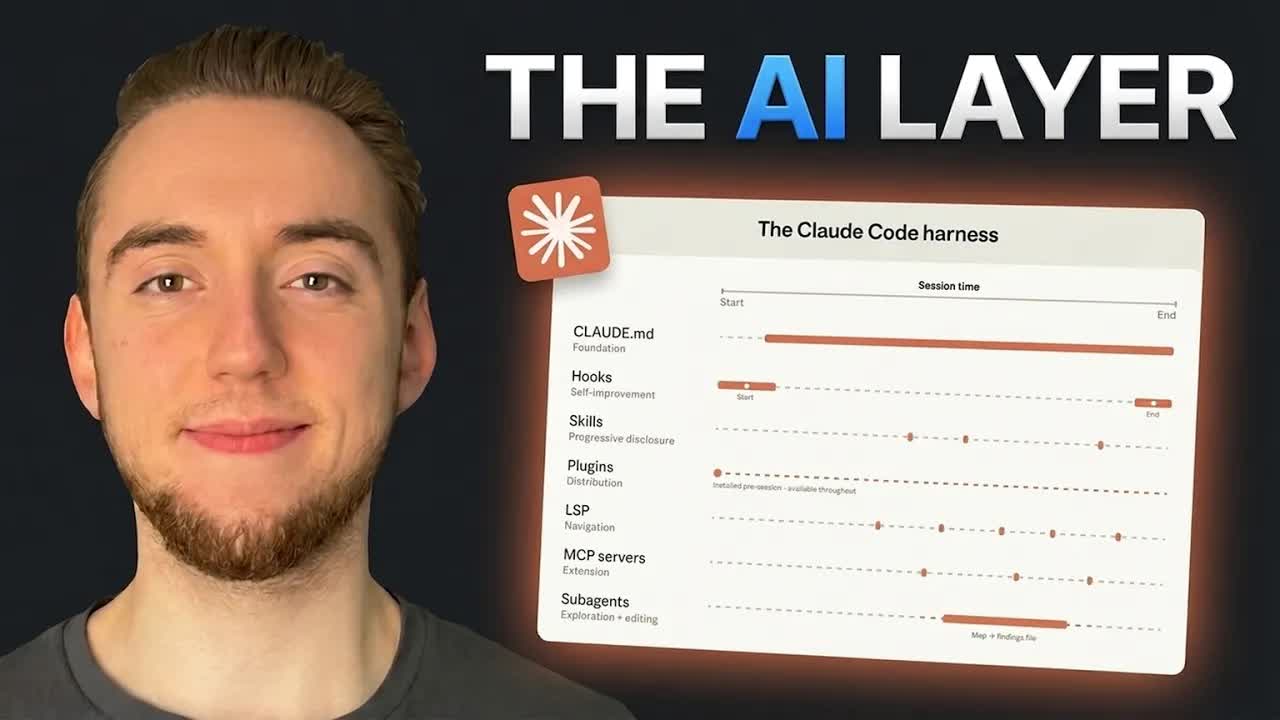
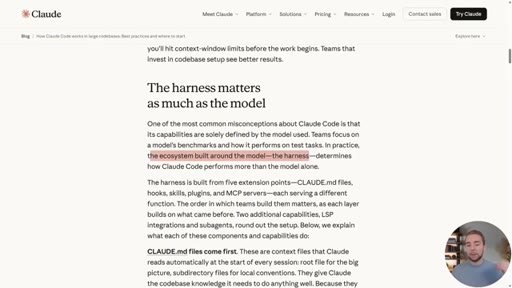
The thesis: the harness matters as much as the model. Codebase now has three parts — code, tests, AI Layer (CLAUDE.md hierarchy, hooks, skills, plugins, LSP, MCP, subagents).
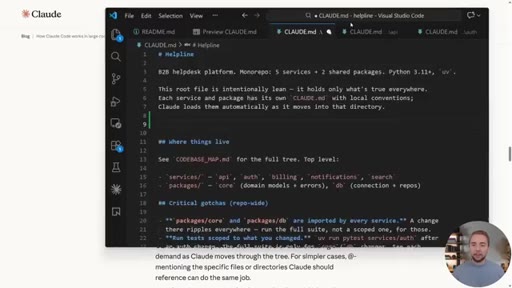
05 · Lean & Layered Global Rules
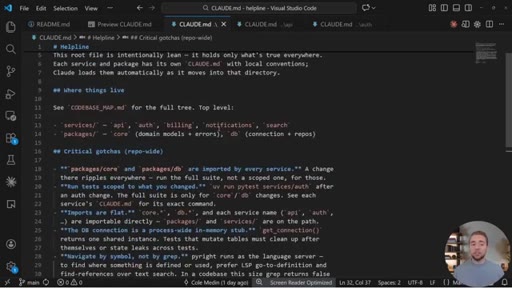
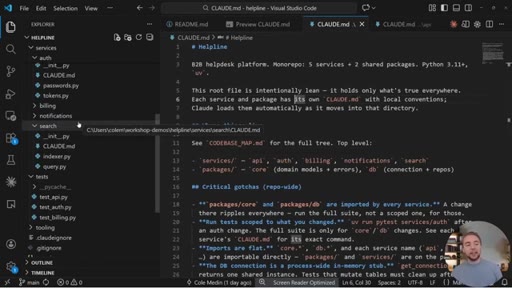
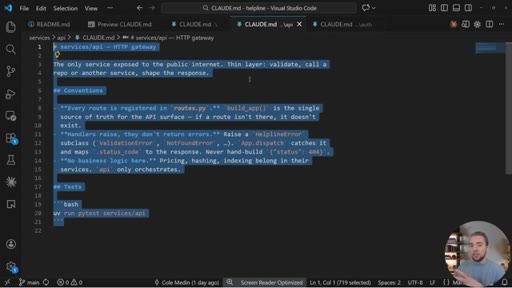
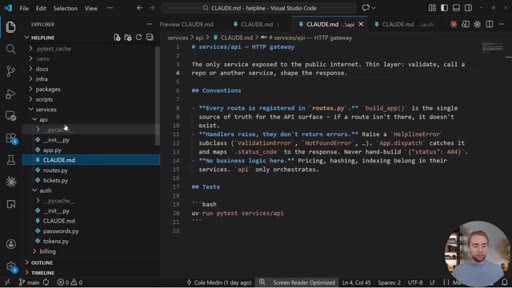
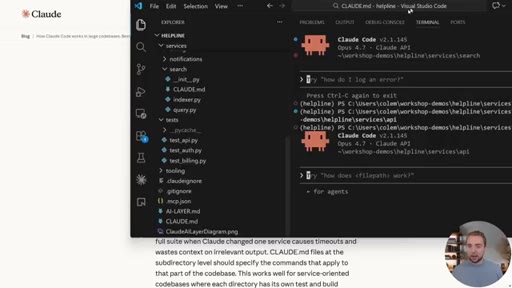
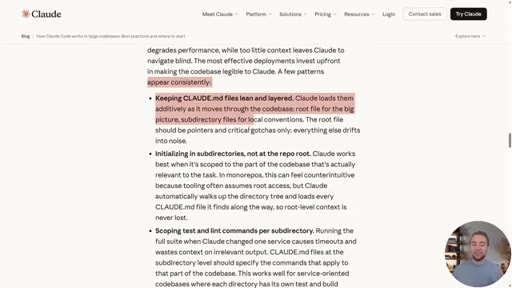
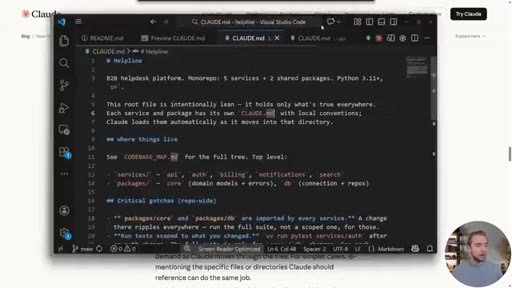
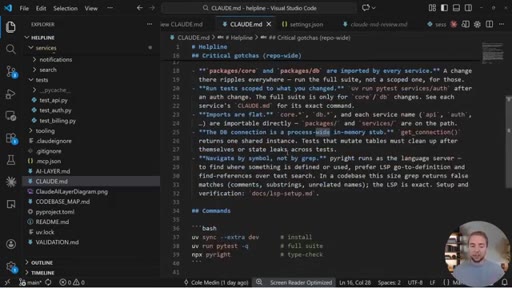
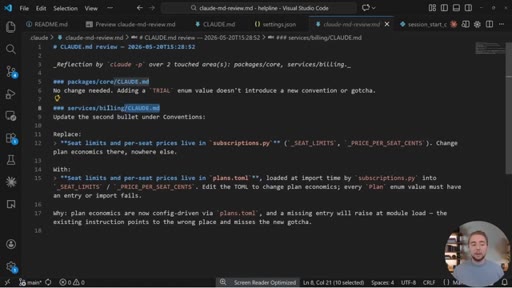
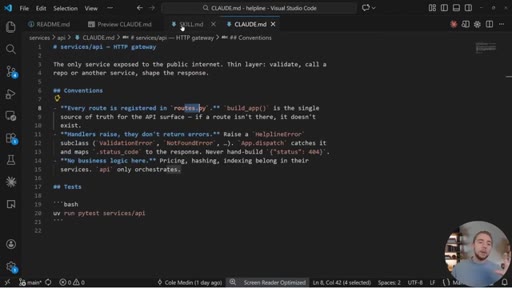
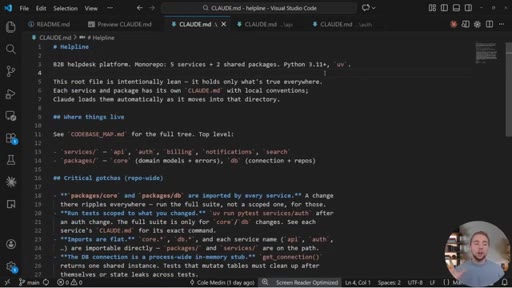
Keep CLAUDE.md short — long rule files degrade performance. Use subdirectory CLAUDE.md files that load progressively as Claude walks into folders. You can also init Claude inside a subdirectory to scope the working tree.
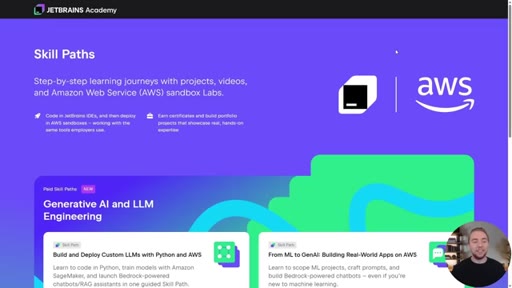
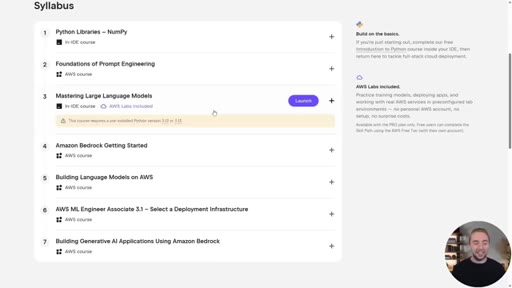
06 · Sponsor: JetBrains Academy
Mid-roll sponsor read for JetBrains Academy AWS skill paths — learn in PyCharm, deploy in prepaid AWS sandboxes.
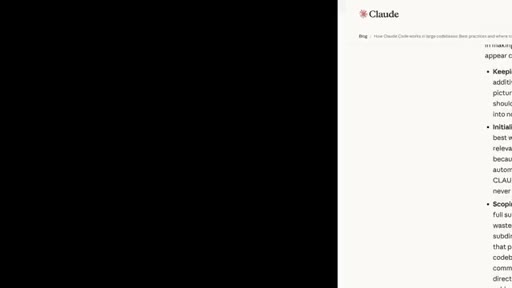
07 · Self-Improving Hooks
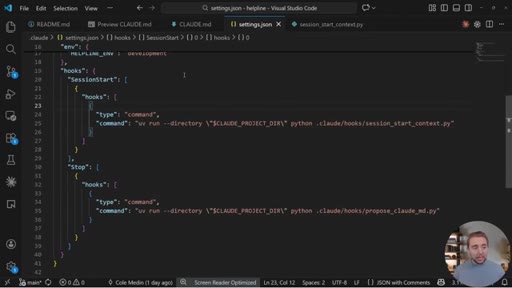
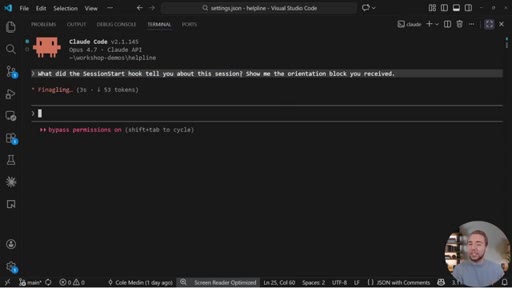
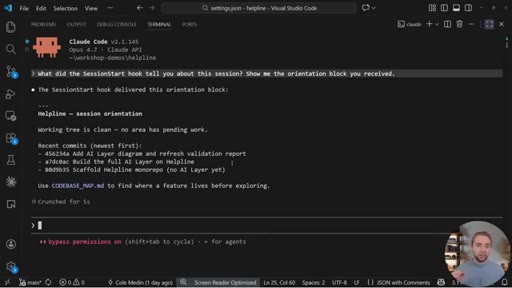
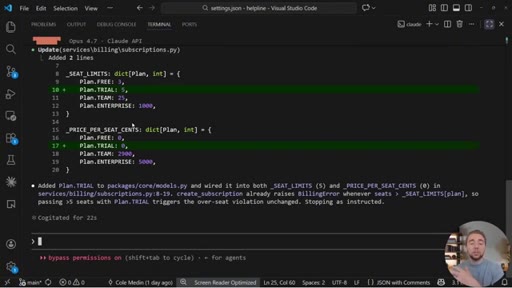
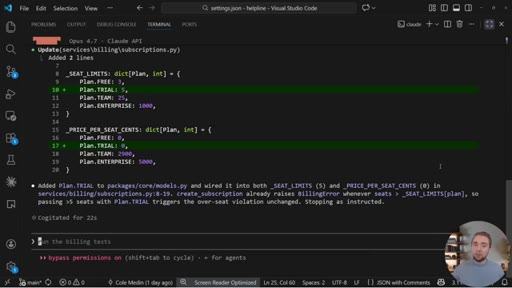
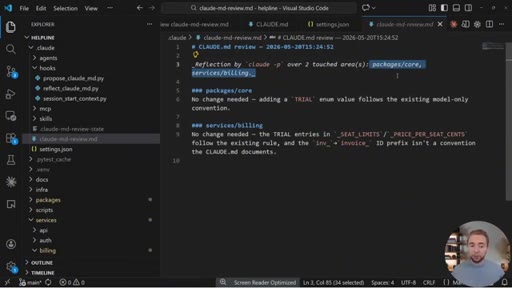
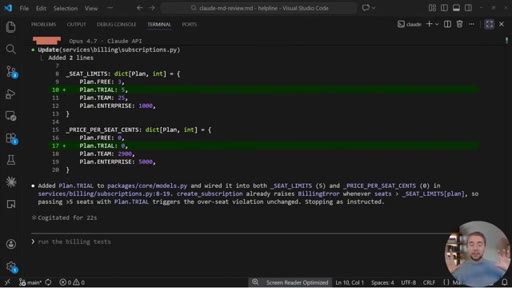
Hooks aren't just guardrails. A Stop hook can run a separate headless Claude session at end-of-turn to inspect the diff and propose CLAUDE.md updates while context is fresh. A SessionStart hook can pull per-team context (git state, Confluence docs).
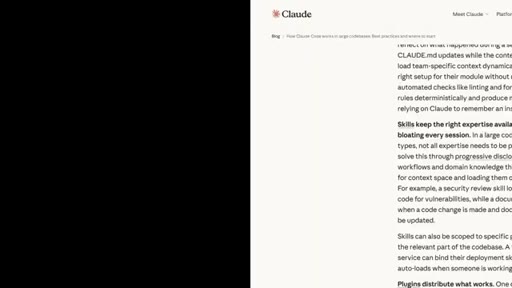
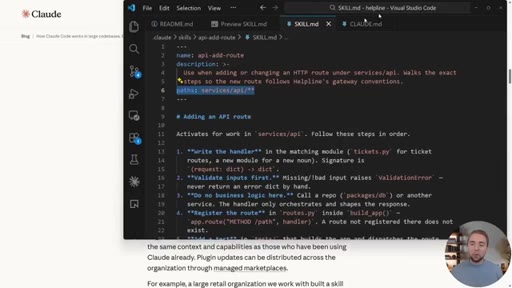
08 · Path-Scoped Skills
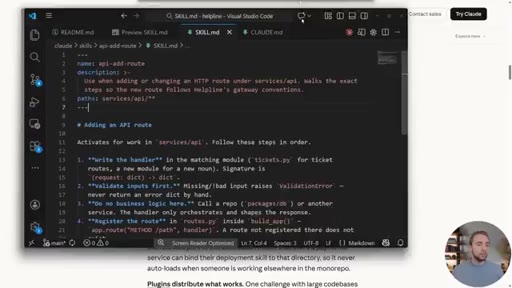
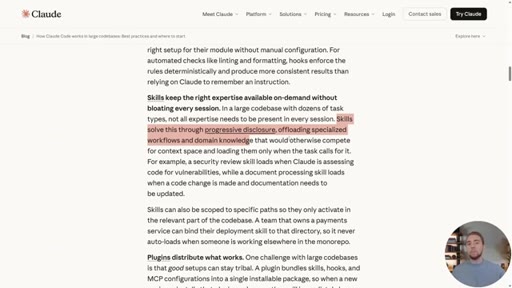
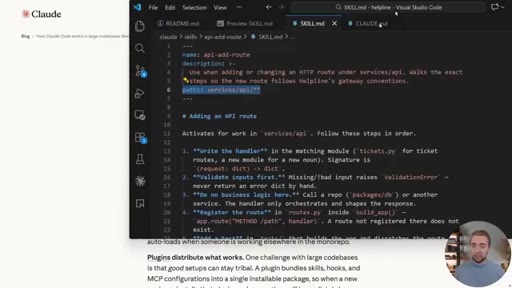
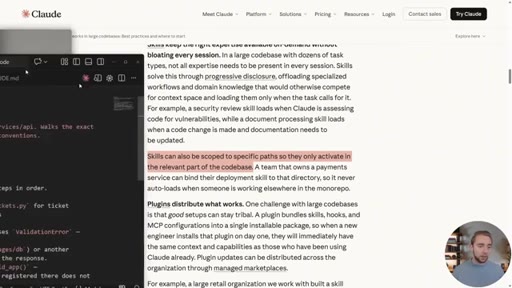
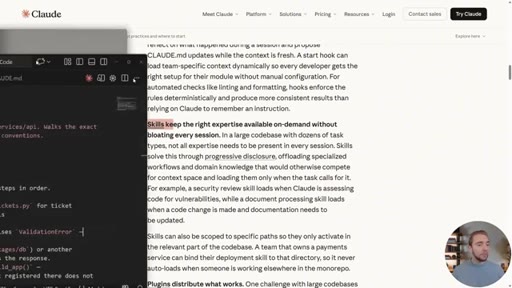
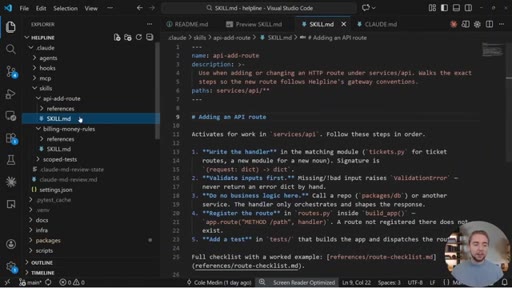
The skills parameter most people miss: paths. Skills only activate when Claude touches matching files. Demo: api-add-route skill scoped to services/api/**. Clean mental model — global rules are conventions you must follow; skills are workflows you sometimes run.
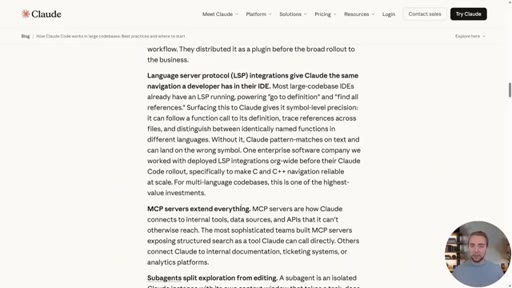
09 · LSP & MCP for Symbol Search
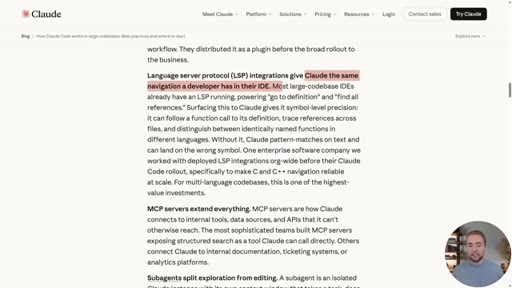
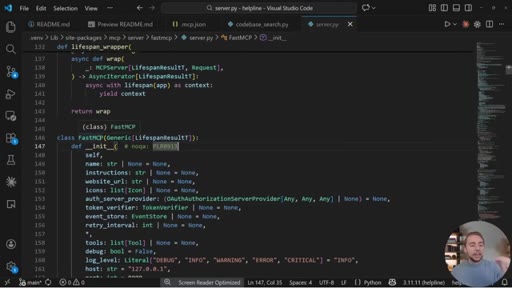
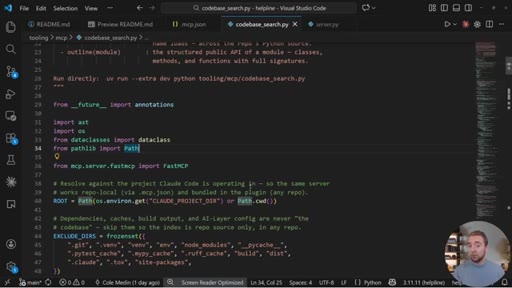
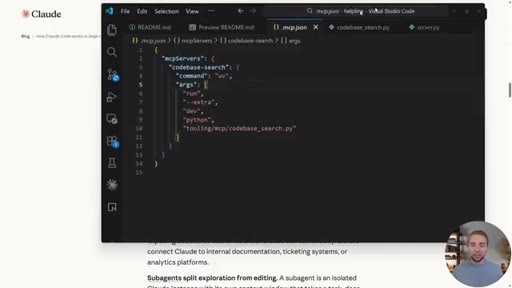
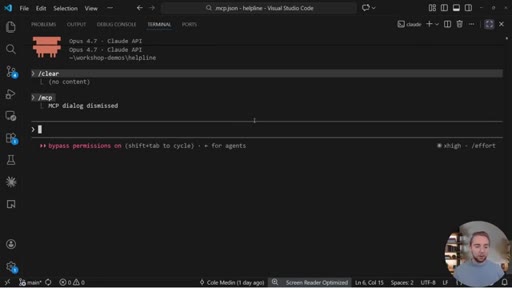
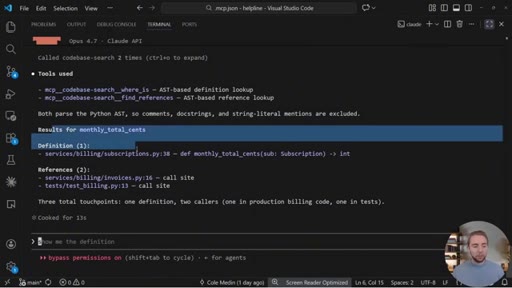
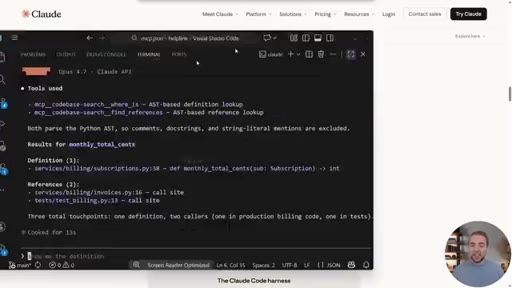
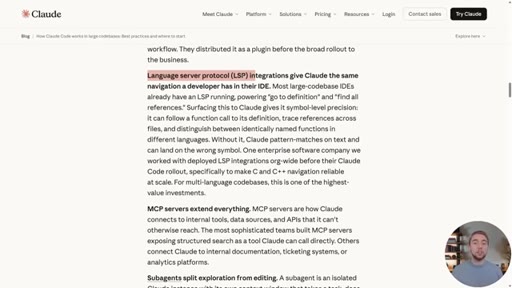
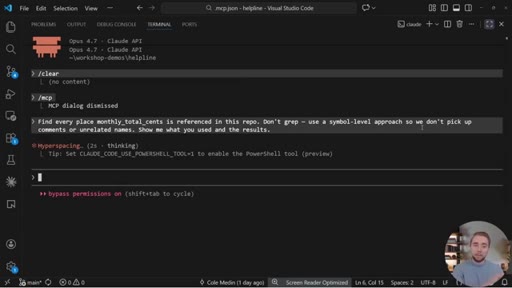
Wrap a language server as an MCP so Claude can search by symbol (definition / references) instead of grepping strings. Critical once a repo passes ~100K LOC where grep gets slow and token-inefficient.
10 · Subagents for Exploration
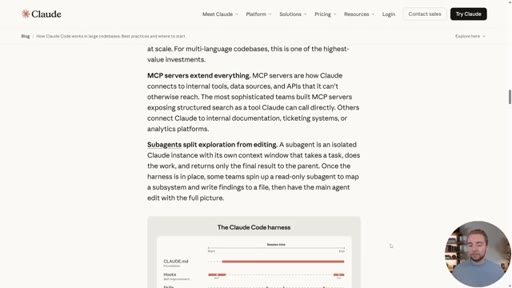
Split exploration from editing. Send research/web/codebase-map tasks to subagents with their own context windows — the primary session keeps a clean context for the actual edits.
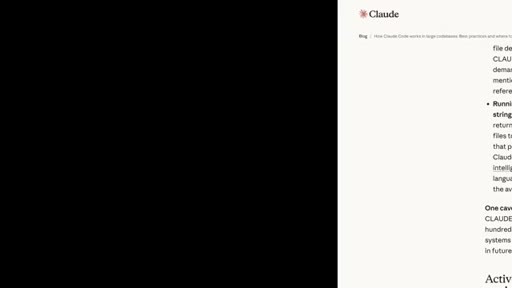
11 · Claude Plugin & Getting Started
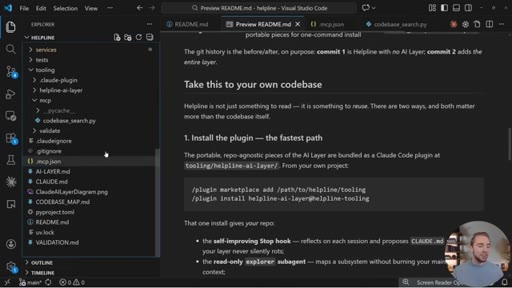
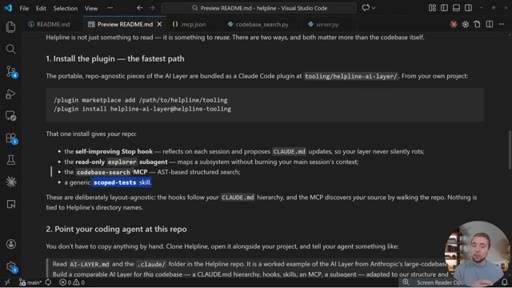
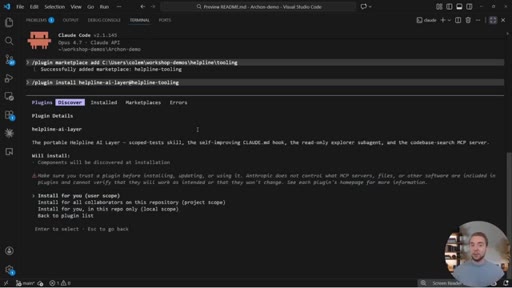
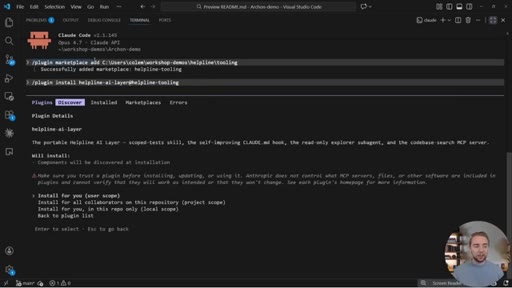
Bundles every component into one install: /plugin marketplace add <path> then /plugin install helpline-ai-layer@helpline-tooling. Ships stop hook, explorer subagent, codebase-search MCP, and an example scoped skill.
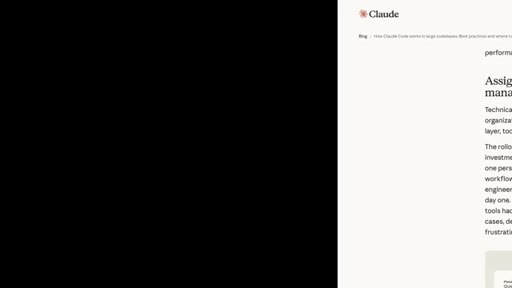
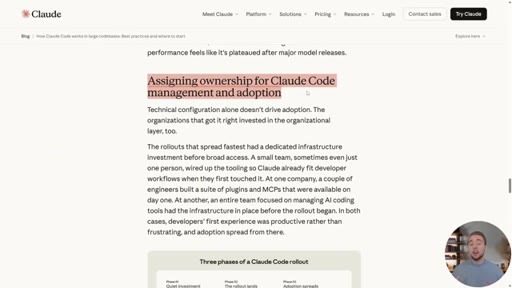
12 · AI Layer Ownership
Anthropic's closing advice: identify a small champion team (or a hybrid PM/engineer) to build the AI Layer in a quiet investment period before rolling out org-wide. Cole pitches enterprise training, asks for the like + sub.
Visual structure at a glance.
Named ideas worth stealing.
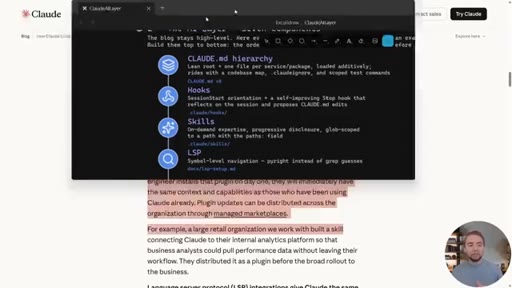
The AI Layer (7 components)
- CLAUDE.md hierarchy (lean & layered)
- Hooks (self-improving)
- Skills (path-scoped, progressive disclosure)
- Plugins (bundle distribution)
- LSP (symbol-level navigation)
- MCP servers (extension)
- Subagents (exploration + editing split)
Cole's rename of Anthropic's 'harness' — the third leg of a codebase next to code and tests. Every component maps 1:1 to an Anthropic strategy.
Rules vs Workflows
Clean distinction for the perennial 'is it a CLAUDE.md or a skill?' question. Global rules are conventions you MUST follow; skills are workflows you sometimes RUN. Same scoping mechanic, different purpose.
Sporadic vs Always-On
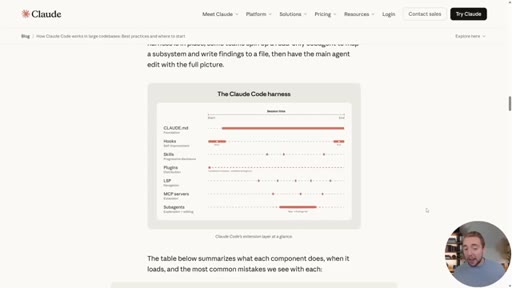
Anthropic's diagram shows CLAUDE.md as the only always-on component; everything else fires sporadically. Justifies ruthless trimming of CLAUDE.md and aggressive scoping of everything else.
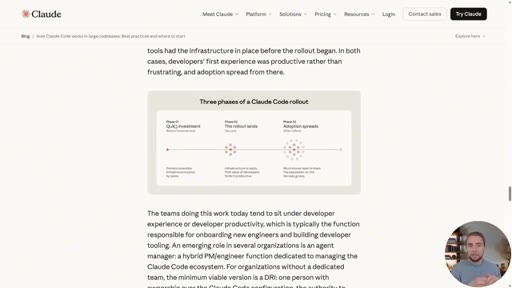
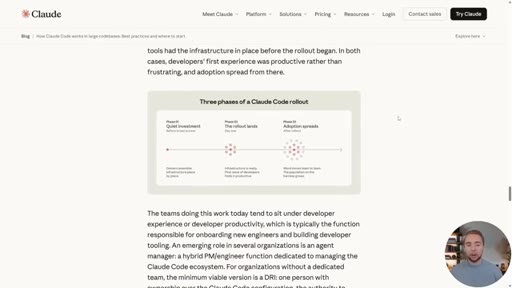
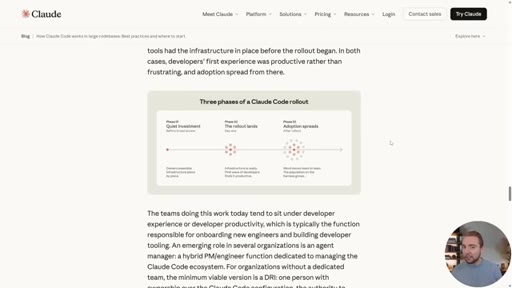
Three Phases of Claude Code Rollout
- Quiet investment (champion team builds the AI Layer)
- First rollout lands (early adopters)
- Adoption spreads (org-wide standards)
Anthropic's org-adoption advice — small team builds the harness in quiet before rollout, to avoid both 'disappointed on day one' and 'everyone evolving their own separate AI Layers'.
Lines you could clip.
"Claude and AI coding tutorials are a dime a dozen, but what people are not really covering nearly enough is how to use these tools to work in large codebases."
"The harness matters as much as the model."
"I like to call it the AI Layer. I think that's more descriptive."
"Most teams think of hooks as scripts that prevent Claude from doing something wrong. But their more valuable use is continuous improvement."
"Global rules are your conventions. Your skills are the workflows."
"Once you get like into the six digits for lines of code, you need something like this because grep by itself is gonna be slow and really token inefficient."
How they spent the runtime.
- 08:40 – 10:31 · JetBrains Academy
Things they pointed at.
How they asked for the click.
"If you appreciate this video and you're looking forward to more things on AI coding and Claude code, I would really appreciate a like and a subscribe."
Soft. Real CTA is buried — 'I do offer enterprise trainings... got my email in my bio' lands at ~26:30 before the like+sub close. No mid-roll CTA. Two soft hooks for the GitHub repo throughout.
Word for word.
Steal the format: translate a high-level post into a working repo.
When an authoritative source (Anthropic, OpenAI, Cursor) drops a high-level post, the gap between 'good idea' and 'in my repo today' is a video.
- Pick an authoritative post that's high-level on purpose — Anthropic engineering posts, OpenAI dev posts, model-vendor playbooks. The gap is the whole opportunity.
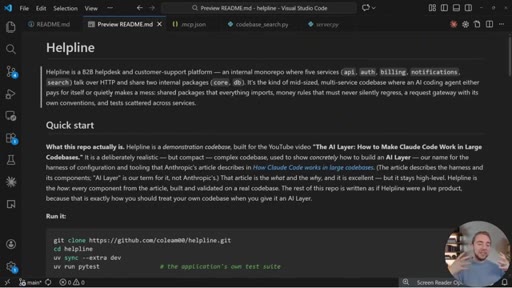
- Build the missing concrete examples in a real demo repo BEFORE you write the script. Cole's whole video rides on the fact that the helpline repo already exists and works.
- Rename the abstract concept into your own framework word (Anthropic 'harness' → Cole 'AI Layer'). You now own a phrase your audience will quote back to you.
- Map each abstract bullet 1:1 to a concrete demo. Show the file, run the command, show the output. The transcript should be unusable without the screen recording.
- Bundle the demos into something one-command installable (here: a plugin). The plugin IS the lead magnet — no email gate, just download.
- Drop one clean reframe per major section. 'Rules vs workflows.' 'Sporadic vs always-on.' These are the lines that get screenshot.
- End with the source's organizational/strategic advice and pitch enterprise training off the back of it. Soft CTA, low friction, the value already delivered.
What this means if you're building with Claude Code.
Most of what makes Claude Code feel 'smart' on a big project isn't the model — it's the seven pieces of context and tooling around it.
- Keep your root CLAUDE.md ruthlessly short — a few hundred lines max. Put folder-specific rules inside subdirectory CLAUDE.md files; Claude walks the tree and loads them automatically.
- Try a Stop hook that runs a second headless Claude session to review what just changed and propose CLAUDE.md updates. The model itself becomes your doc-maintenance loop.
- When a skill (or rule) only applies to part of your codebase, scope it with the `paths:` parameter. Don't pay context tax on irrelevant workflows.
- If your repo is past ~100K lines, you'll outgrow grep. Wrap a language server in an MCP so Claude can search by symbol (definition / references), not by string.
- Default to subagents for any exploration step (web research, codebase mapping) — keep the main session's context window clean for the actual editing.
- Clone coleam00/helpline as a working reference. Don't try to build everything from scratch — start from a repo that already has the seven pieces wired up.