Alex Zarfati · Youtube · 11:18

I Replaced All My Hard Drives With This

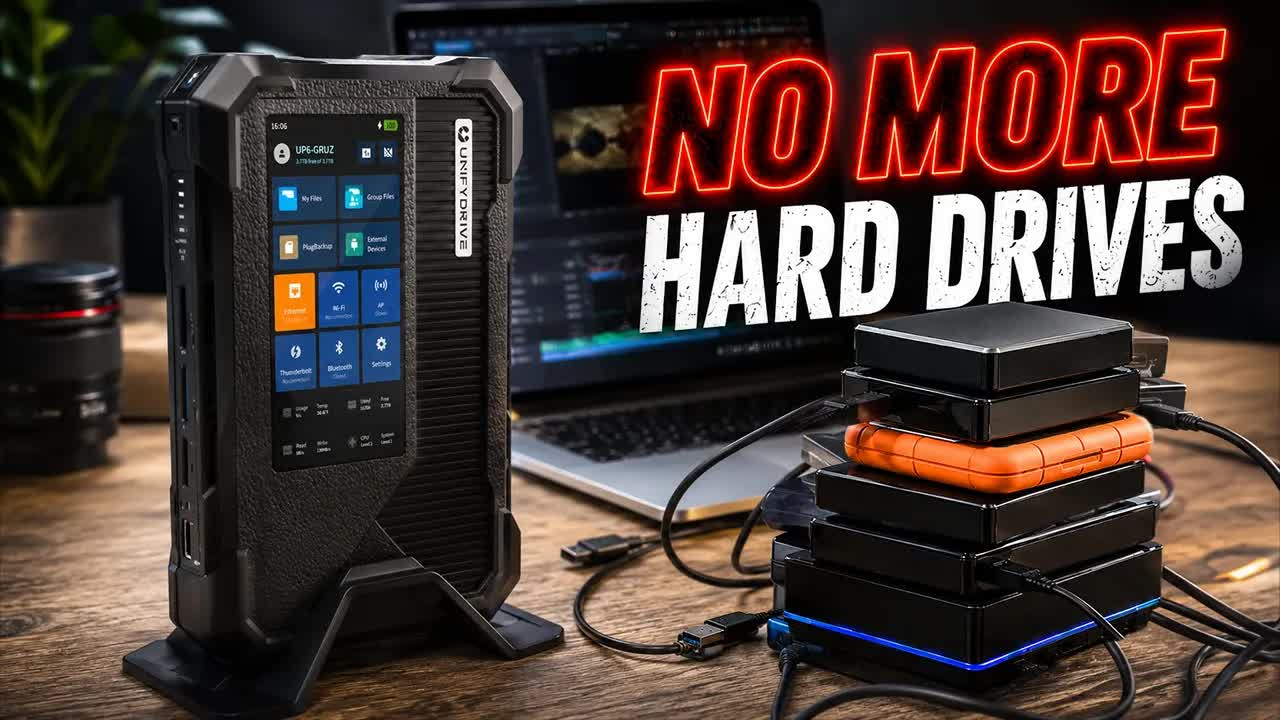
An 11-minute breakdown of how one filmmaker swapped a tangle of drives and card readers for a single backpack-portable NAS.

Posted
May 21st 2026
7 days ago
Duration
11:18
Format
Tutorial
sincere
Channel
AZ
Alex Zarfati
§ 01 · The Hook

The bait, then the rug-pull.

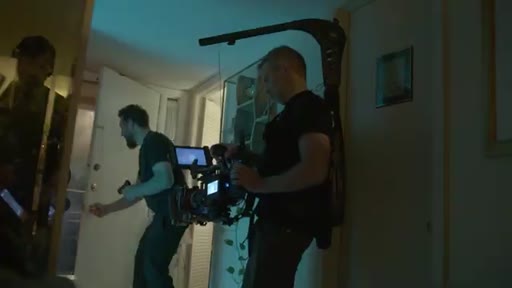
The shot that opens this video is a stack of drives held together with tape and handwritten labels — the kind of system every small-crew filmmaker knows. What follows is an 11-minute argument that a single backpack-sized NAS can replace all of it, filed by a director who put the claim to a real feature film.

§ · Chapters

Where the time goes.

00:00 – 01:01

01 · Intro / Pain Point

Film wrapped, drives spread everywhere, tape-labeled chaos introduced as the problem the UP6 solves.
01:01 – 02:00

02 · DIT Explained

Defines the digital imaging technician role, explains why small-budget productions cannot afford one, and frames the filmmaker as their own DIT.
02:00 – 03:23

03 · What Is the UP6

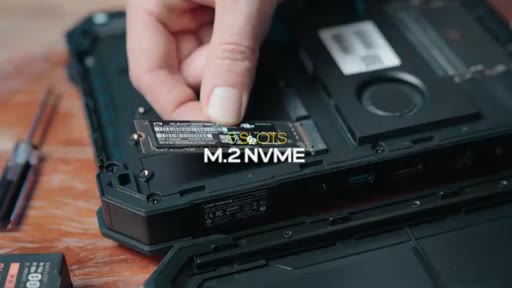
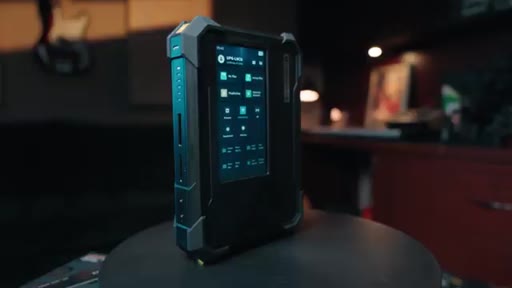
Portable NAS definition, internal specs (Intel Core Ultra, 96 GB RAM, 6x NVMe, 48 TB max), and size comparison to a full Synology rack.

03:23 – 03:55

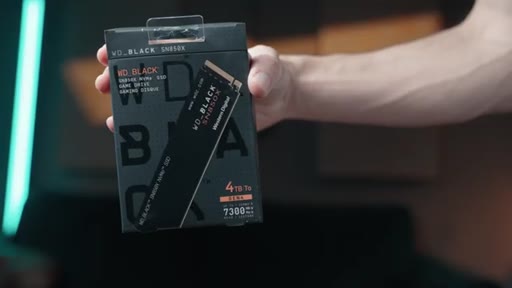
04 · Affordable NVMe Drives

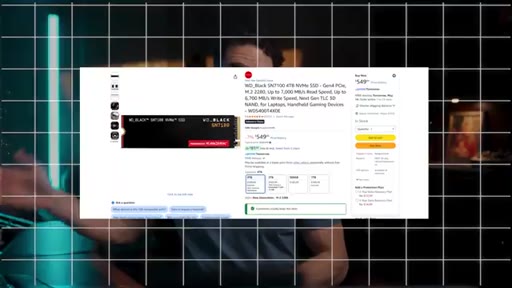
WD Black 4TB at approx /TB, on Amazon. Community call for cheaper alternatives.
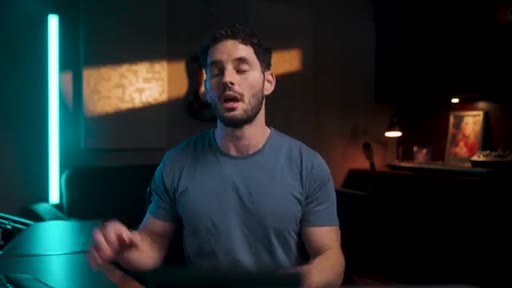
03:55 – 04:26

05 · Build Quality and Case

Rubber corner protection, included carrying case with cable pouch; positions it as a portable DIT station.
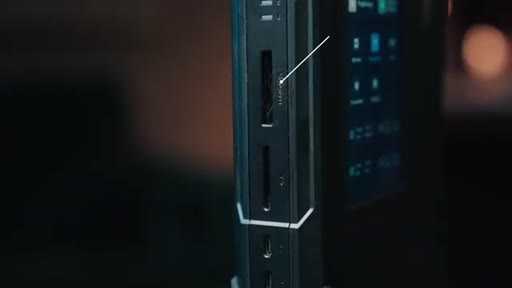
04:26 – 04:50

06 · Inputs and Outputs

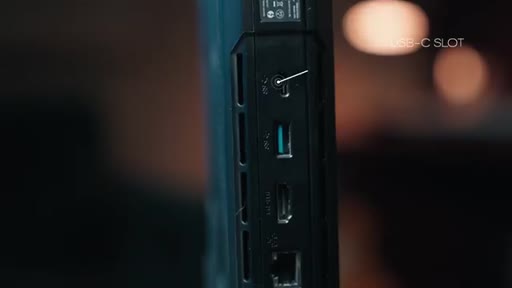
CFexpress Type B, SD card, 2x Thunderbolt 4, USB-C, USB-A, HDMI, 10 GbE Ethernet, DC barrel power.
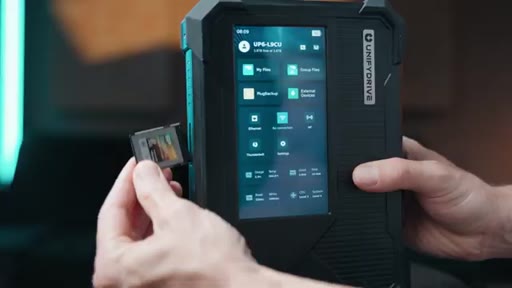
04:50 – 06:00

07 · On-Set Transfer

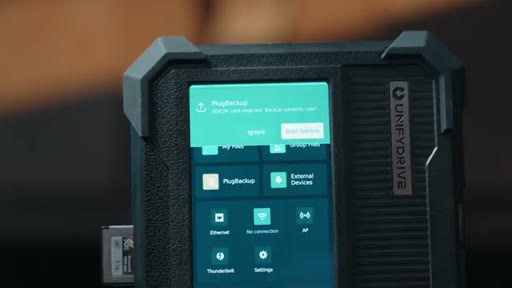
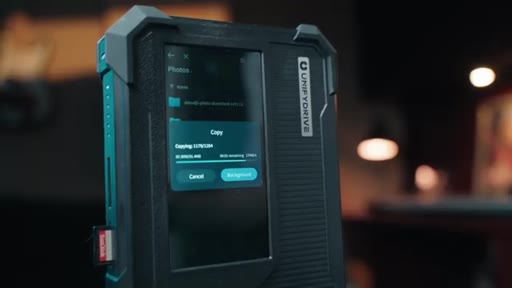
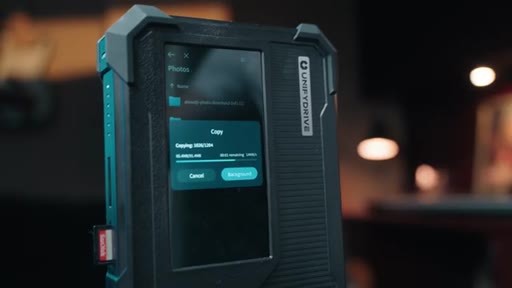
One-tap card backup prompt on touchscreen, real-time transfer monitoring, footage review and playback from the device itself.
06:00 – 06:35

08 · Playback and Client Review

HDMI out lets a director or client review footage on a monitor while a second card is still transferring.
06:35 – 07:10

09 · UPS Battery

2-hour battery backup prevents mid-transfer corruption on remote locations with unreliable power.
07:10 – 11:18

10 · AP Mode, Editing Performance, and Pricing

AP mode creates a local Wi-Fi hotspot; creator edits 12K Failsafe footage directly off the drive faster than a portable SSD; read/write benchmarks shown; AI semantic search demo; pricing recap (,600 diskless, approx ,000 with drives); CTA.

§ · Storyboard

Visual structure at a glance.

open
drive chaos
product reveal
UP6 specs
I/O tour
one-tap backup
speed benchmarks
editing live demo
pricing CTA
§ · Frameworks

Named ideas worth stealing.

04:00 concept

Portable DIT Station

Combining a NAS, card reader, touchscreen, and UPS battery into one backpack-sized unit that replicates what a dedicated DIT technician does on a large production.

Steal for Positioning any multi-function tool as a role-replacement rather than a gadget
§ · Quotables

Lines you could clip.

01:39
"DIT becomes my job. And when I'm sitting there hunched over my laptop with a bunch of different card readers, that takes me an extra forty-five minutes to maybe an hour just to organize all of that footage."
Pain-point articulation every small-crew filmmaker feels immediately → TikTok hook
05:28
"No laptop, no card reader, no tangled cables, no file explorer, just a tap of a button, and it is ready to rock and roll."
Crisp before/after contrast, quotable without any context → IG reel cold open
09:43
"This device is not for YouTubers or content creators. This device is for professionals."
Counterintuitive positioning on a tech channel → TikTok hook
10:14
"You're looking at ,000 just to get started with four terabytes of storage inside of this thing."
Honest price reveal after a feature-heavy sell → newsletter pull-quote
§ · Resources Mentioned

Things they pointed at.

00:00productUnifyDrive UP6 ↗
08:10toolDaVinci Resolve
02:48productSynology NAS (legacy)
§ · CTA Breakdown

How they asked for the click.

10:28 link
"I'll leave a link to this unified drive down below. You guys could check that out as well as the WD NVMe drives that I recommend."

Soft, link-in-description. No urgency or scarcity. Preceded by an honest admission that the price is high and a community ask for cheaper NVMe alternatives.

§ 04 · The Script

Word for word.

HOOK opening / re-engagementCTA the pitch analogy story
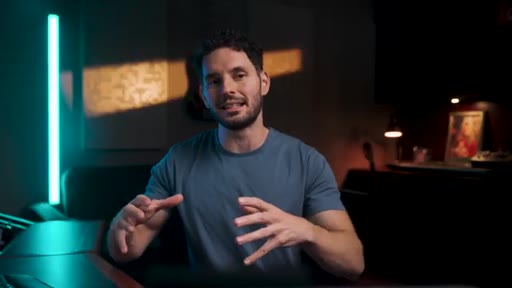
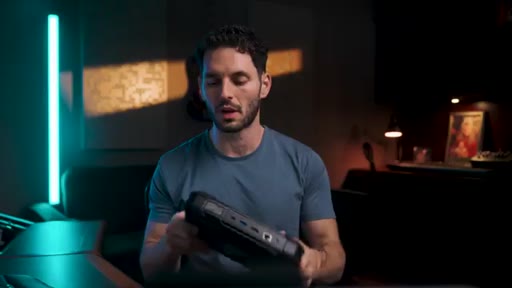
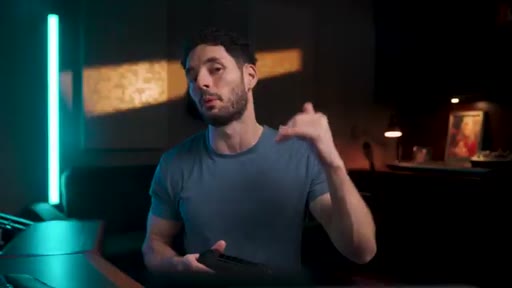
00:00HOOKSo we just wrapped our film, Failsafe. And as of right now, we have this film spread across all these different drives. Some SSD drives that I'm editing off of, and then other drives that I just have for backup.
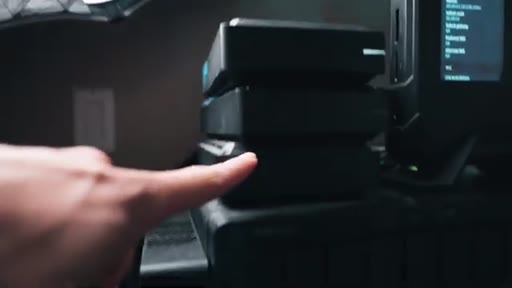
00:12HOOKAnd I've tried my best to organize all of these drives and had to quickly just look at something, you know, with, like, some tape. I put some tape on here, I wrote a little note. However, I just switched over to this unified drive u p six,
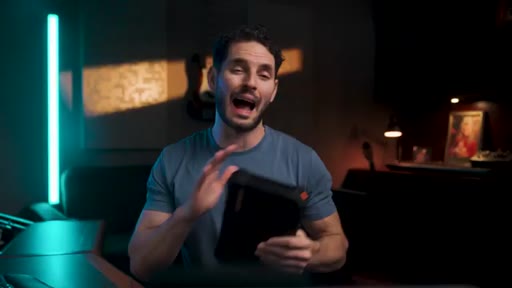
00:24HOOKand it just completely changed my workflow, not just from an editing standpoint, but even on set as a sort of DIT solution. Today, we're gonna break down what this drive is and why it's so great.
00:37HOOKBut most importantly, we're gonna talk about how it could save you on set and revolutionize your post production workflow.
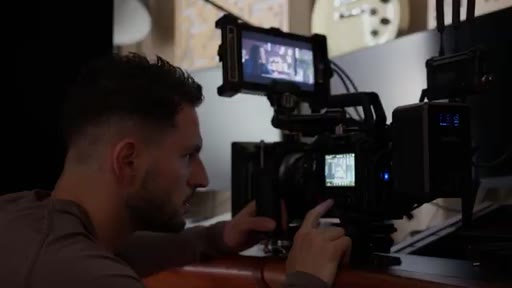
00:46HOOKSo like I said, we just wrapped my film fail safe, and we were shooting this on the Pixis 12 k using CFexpress type b cards. And I usually work with a small to medium sized crew.
00:57HOOKAnd on most of these productions that we're shooting on, even with this film, we don't have the budget for a dedicated DIT. And if you guys aren't familiar with what DIT stands for, it stands for digital imaging technician. On bigger productions,
01:11this is essentially either a person or even a couple of people that wrangle all the different media cards or SSDs that you're shooting on, basically manage all that data coming in and create backups, and essentially just streamline that process for you. That way, nothing gets deleted. Everything has a backup,
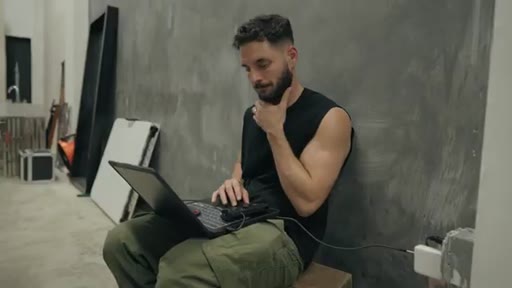
01:30and you have a proper file management system when you are done shooting the film. But because we are working with a smaller budget, DIT becomes my job.
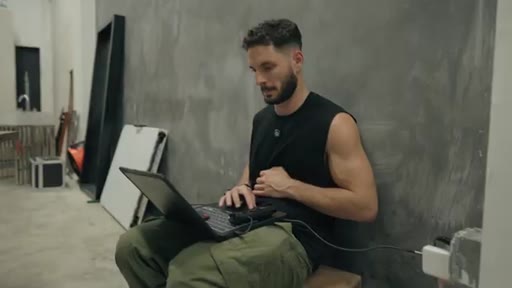
01:40And when I'm sitting there hunched over my laptop with a bunch of different card readers, upload all of this footage, that workflow, I've been honestly trying to fix because it takes me an extra forty five minutes to maybe an hour just to organize all of that footage at the end of the shoot or even at the end of the night, and that's why I'm excited about this new product.
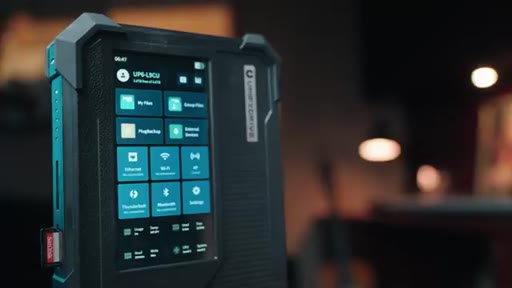
02:01So really quickly, let's dive into what the u p six is. In short, it is a portable NAS system designed for filmmakers.
02:09Now NAS stands for network attached storage, basically a shared storage server that multiple devices can access all at the same time. Usually, NAS systems are like a big, bulky, mess of a machine with a bunch of internal hard drives in them.
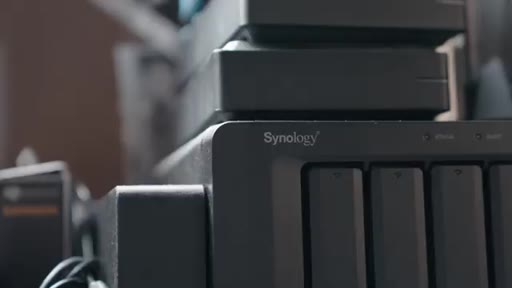
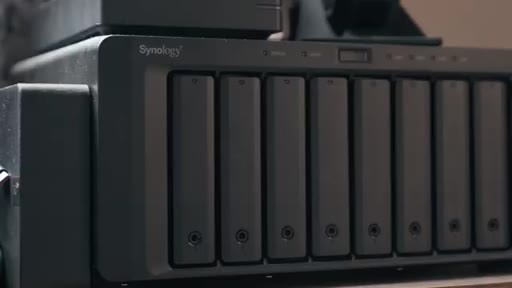
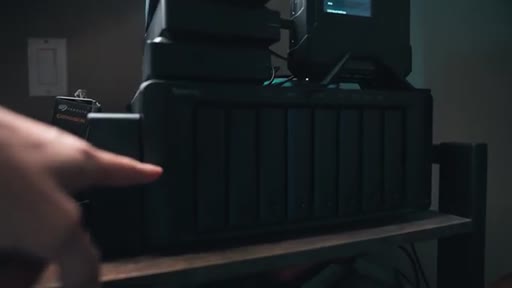
02:25I have my old Synology system that had seven or eight different internal hard drives. Now this particular system, I was able to put a 120 terabytes in, which is great, but it's so big and it's so slow that you can't edit off of it.
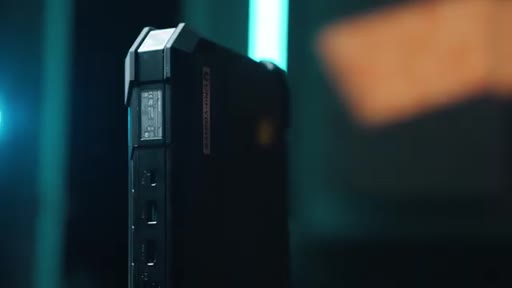
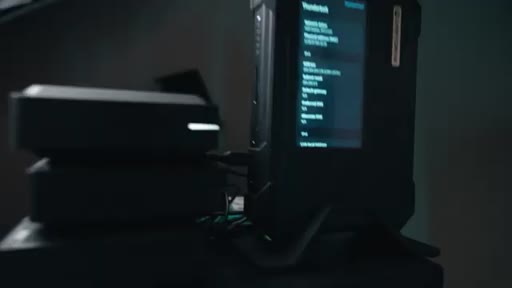
02:42Now the u p six takes that whole concept and shrinks it down into something that you could literally throw into your back pack. Inside this thing is an Intel Corp Ultra processor,
02:54support for up to 96 gigabytes of RAM and six m dot two NVMe slots that you could hold up to 48 terabytes of storage. That is really insane when you think about the size of this thing and how lightweight it is.
03:10This u p six is so small and tiny that I can literally just throw it into my bag, and I have myself a portable NAS system that I could bring on every single set with me. Now here's the thing.
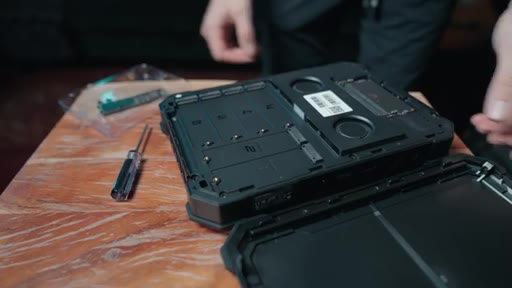
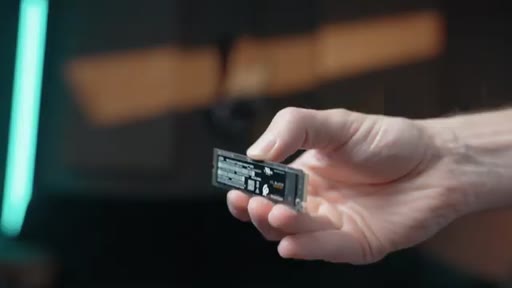
03:23NVMe drives have become insanely expensive, but after a ton of research, I found a pretty affordable solution, and that is this WD black four terabyte,
03:33which right now you can get for about a $120 per terabyte when you buy the four terabyte version. The four terabyte version right now is about $500
03:42on Amazon. I'll leave a link down below. Now if you guys find something else that is cheaper,
03:48please drop a comment down below and drop a link because I would love to share it with the community. Now one thing that I will say is that physically, this drive is
03:58solid. Like, it is really well built. And if you see right here, it has, like, these little rubber corners.
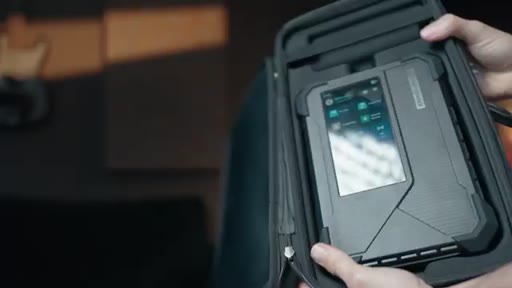
04:04But these little rubber corners just make you feel safe. What's also great about this drive is that it comes with its own personal carrying case that you cannot not only fit this drive into, but it comes with a little pouch to fit all of the cables in or any other drives that you might wanna fit inside of this case as well, which is cool because for me, I could just have my own little portable DIT station right there.
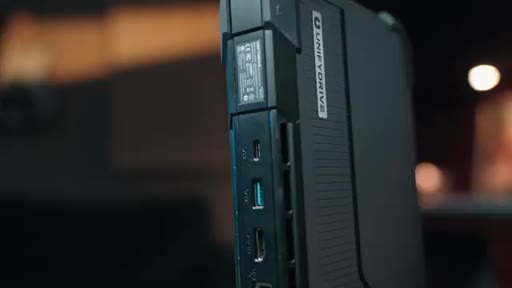
04:26For inputs and outputs, you've got a CFexpress type b slot. You have an SD card slot.
04:32HOOKYou have two Thunderbolt four ports on the front, and then on the back, you have a USB c, a USB a, an HDMI, and a 10 gigabyte Ethernet port. And then, of course, you have a DC barrel for power. Now shooting on the Pixis 12 k with the CFexpress type b cards, this was huge for me.
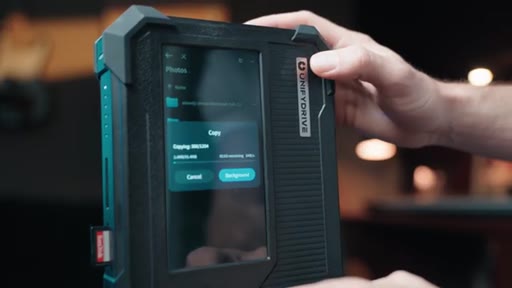
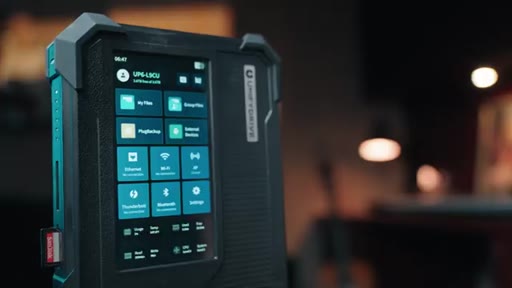
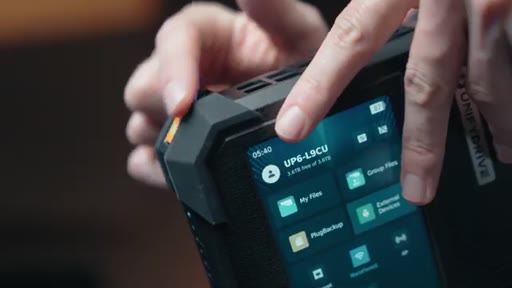
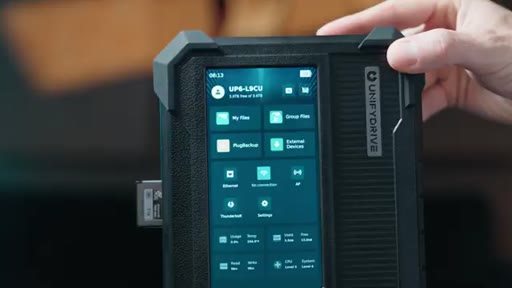
04:50HOOKI could literally just take my CFexpress type b card, put it in there, and right away, this thing is ready to rock and roll. And it prompts you on the screen whether or not you wanna back up that card. And that was a feature that made me realize this is a game changer because of how quick and easy it is to use on set.
05:08HOOKLet me paint a picture for you really quick. You wrap up on set. I take the card out of the camera, pop it right into this, and it prompts you that you could just back up the card with one click of a button.
05:19HOOKNo laptop, no card reader, no tangled cables, no file explorer, just a tap of a button, and it is ready to rock and roll. And because you have the touch screen right there, I can monitor the transfer in real time and see how long it's gonna take. And then you could even take that a step further.
05:37HOOKIf you wanna on the footage and make sure, double check that everything is there, you can go through, click on it, watch it, have playback, and it could all play from this screen, which is wild.
05:49HOOKAnd that's the thing. Because this has an HDMI, you could actually plug this into a monitor, to a computer, to a TV, and review the footage right from the unified drive.
05:59HOOKYou could play it back from there. So if you're on set and you have a client or you have another crew member or you're working with a director that wants to see the footage and just double check that you guys have everything, you could actually
06:12transfer it on here, have them watch it, shooting something else with the card in the camera, and be able to allow other people to monitor the footage.
06:21Now let's just say that you're on location. Right? And you don't have any power.
06:25Well, this Unifi drive has a UPS battery. Now this is huge for two reasons. First, if you're transferring the footage to this Unifi drive and the power cuts out,
06:35you have up to two hours of time to transfer all of that footage. That means that it saves you from your files getting corrupted mid copying,
06:44which is priceless. And then second, when I'm shooting on remote locations and need to quickly transfer the footage and either don't have my laptop or maybe something died, I know that at least two hours I have to transfer everything, which in most cases is more than enough time to transfer even two terabytes of footage straight to this drive.
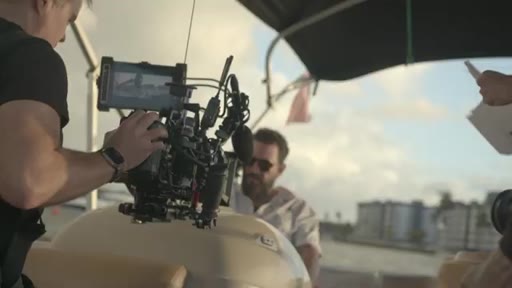
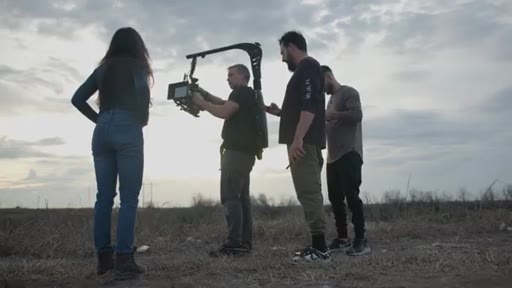
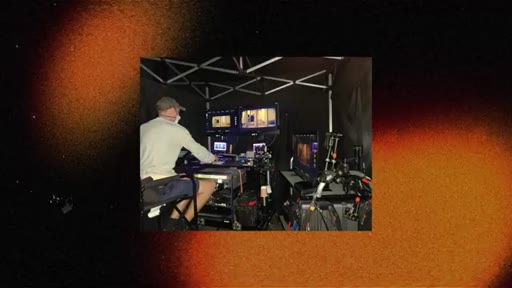
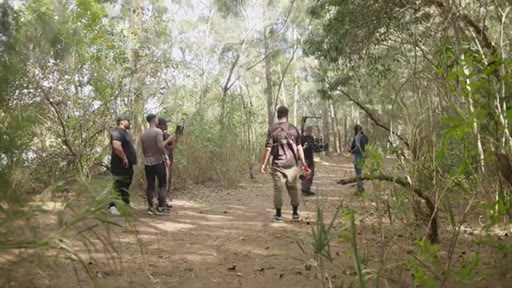
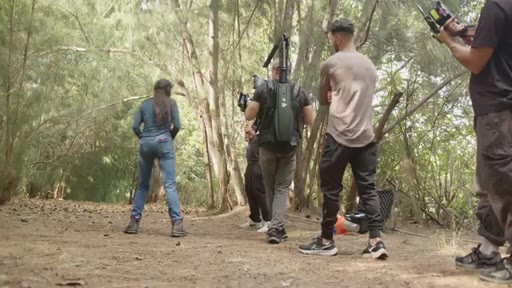
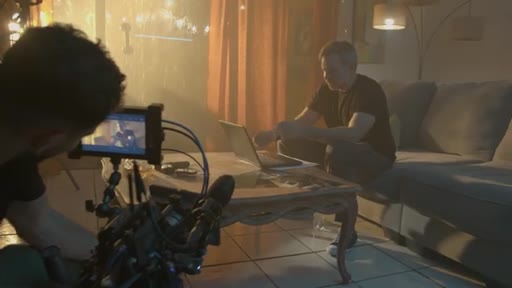
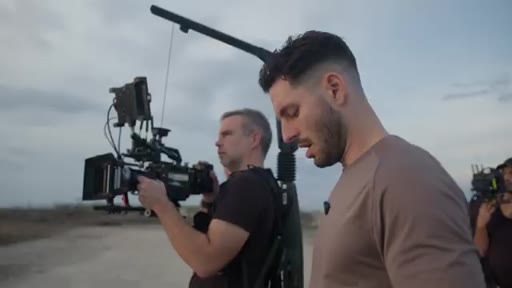
07:05Now here's something pretty cool. If you guys are shooting somewhere with no Internet, and I shoot in those places all the time. If you take a look at this shoot right here, we were out in the boonies and we had no Internet.
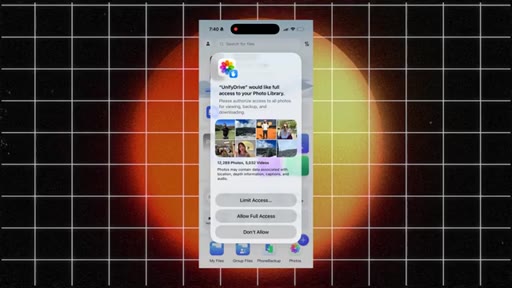
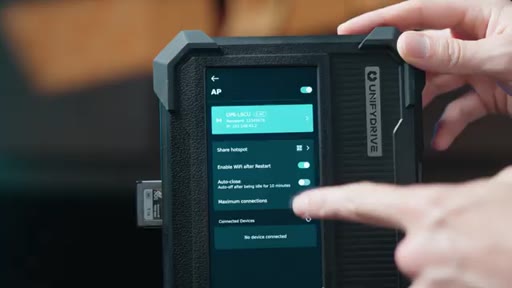
07:16This is a place where this unified drive would really come in handy because the u p six has something called AP mode. And, essentially, it turns this device into its own local Wi Fi network. So now as we're shooting something, any one of my team members can pull up footage from from their phone.
07:32They can dump their files straight into this NAS system. Even if there's no Wi Fi, you could connect to that NAS system's Wi Fi.
07:40Typically, I use the NAS system for backup and to send out to either clients or send out to other video editors just to download off of. But this is where the unified drive really revolutionizes my workflow.
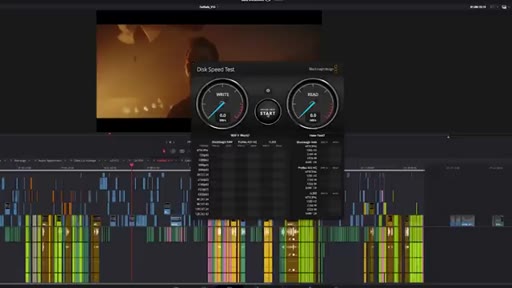
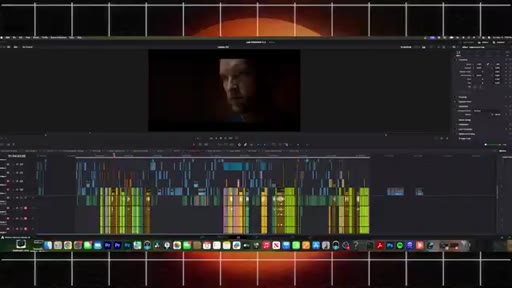
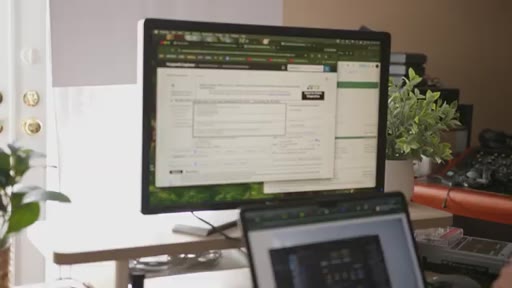
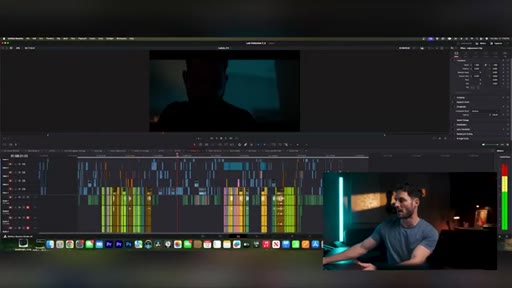
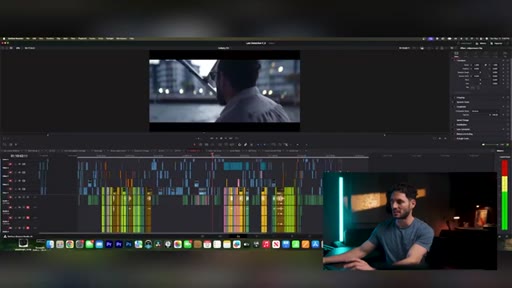
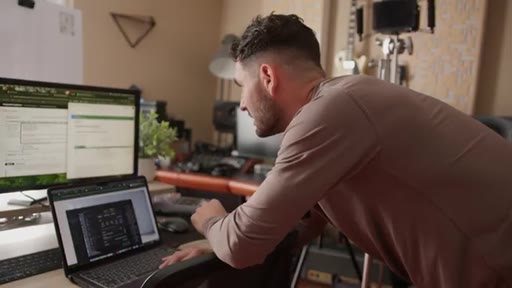
07:54I've actually been editing fail safe, my film, directly off of this for the last couple of days now, and it works better than my portable SSDs. Right now, I have this set up on my Mac Studio plugged directly into the UniFi drive,
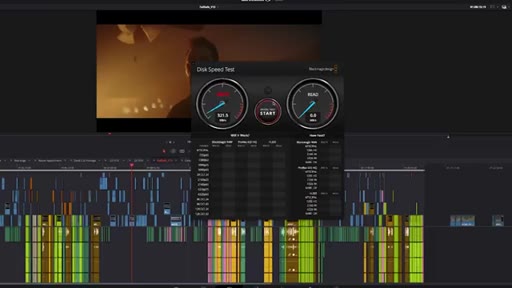
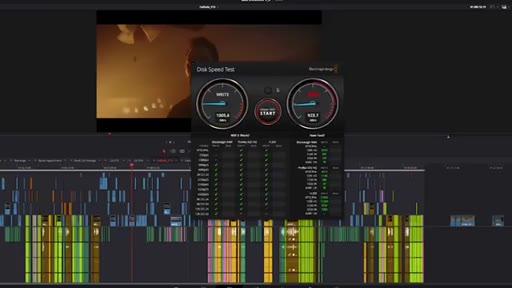
08:10essentially like an external SSD. And here are the read and write speeds that I'm getting out of this drive. Here's the write speed,
08:20and then here's the read speed. Now I'm gonna change the drive and just for context, show you guys what other SSD, like your basic external SSD is gonna look like in terms of read and write speed. And as you guys can see, there is a huge difference between the unified drive and the SSD.
08:36The unified drive is significantly faster. But, of course, those are just specs. Right?
08:41How does it actually work in a timeline? Does it really work? Can you really edit off of it?
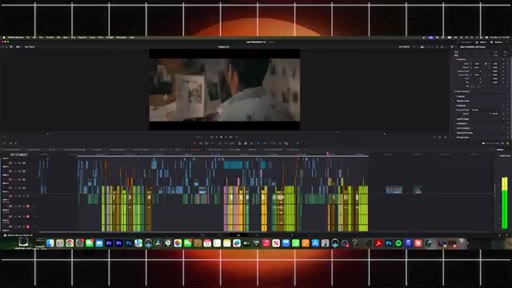
08:48Well, if you look right here, I'm gonna scrub through this timeline, and it's not skipping a beat.
08:55I'm able to quickly scrub through the timeline. I'm able to play it back. I'm able to make adjustments, make cuts, all editing right off of this drive,
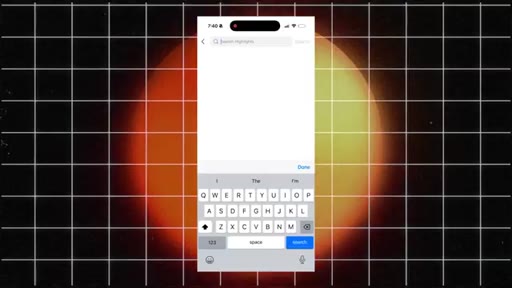
09:04which is the same drive other editors can access and download off of. Now, of course, this wouldn't be a modern device if you didn't have some sort of AI feature. The u p six has an AI powered search that allows you to find any clip that you want just by searching for something
09:24involved in that clip, such as if I wanna type in boat
09:29or ocean, I could quickly find exactly what I'm looking for just by quickly typing in into the NAS system. If you're thinking about who this device is for, it is not for YouTubers or content creators. This device is for professionals.
09:45This device is for somebody who is investing in something that they know that storage is a cornerstone of their business, their workflow as a filmmaker, and somebody who is serious about storing their files and organizing their stuff and knows the importance of not losing their films or not losing the content that they shoot on.
10:06CTAThis NAS system cost $1,600, and it ships diskless, meaning that it has no drives included.
10:14CTASo you have to bring your own NVMe SSDs into this. I personally wouldn't buy anything less than a four terabyte drive, the one that I'm recommending here, because anything more than that or anything less than that, you end up spending way more per terabyte. So let's just say you got the four terabyte drive.
10:30CTAYou're looking at $2,000 just to get started with four terabytes of storage inside of this thing. What is incredible to me is all of the features that you get.
10:41CTALike I said, the only thing that I could say is that for fail safe and my workflow as a filmmaker and an editor, it has been a game changer for me. I'll leave a link to this unified drive down below.
10:53CTAYou guys could check that out as well as the WD and VME drives that I recommend that you guys at least check out. If you guys find drives that are more affordable, please put them down in the comments below.
11:06CTAShare the love because we need to figure out a more affordable solution, like, real. But I wanna thank you guys so much for stopping and hanging out.
11:13CTAMy name is Alex Zarfadi, and I'll see you guys next week. Deuces.
— full transcript
§ 05 · For Joe

What solo filmmakers lose when they skip real data management.

WHAT TO LEARN

Every shoot day without a dedicated DIT is a hidden tax — paid in time, stress, and the occasional corrupt file — and the only way to eliminate it on a small budget is to own infrastructure that does the job automatically.

  • A missing DIT is not just a budget line item — it is 45-60 minutes of manual card-wrangling added to every single shoot day, compounding across a feature-length production.
  • One-touch ingestion matters more than raw speed: the fastest NVMe drive still requires you to find a laptop, launch file explorer, and monitor the copy yourself.
  • A built-in UPS battery is not a premium feature for portable storage — it is the minimum viable protection against a power-cut corrupting a file you cannot reshoot.
  • Editing directly off networked storage changes the collaboration model: a remote editor can pull footage the moment a card is ingested, not after you manually copy and upload.
  • Pricing transparency before the CTA builds more trust than softening the number — stating the real ,000 entry cost plainly and then making the affiliate ask is more credible than burying the price.
  • Explicitly excluding an audience signals confidence in professional-grade positioning and filters out buyers who would return the product.
  • AP mode solves a real field problem most gear reviewers ignore: remote locations where no internet exists but crew still need to share files between devices.
§ 06 · Frame Gallery

Visual moments.