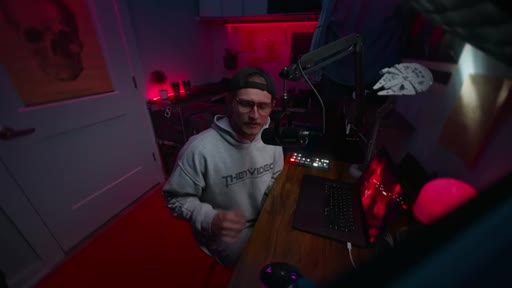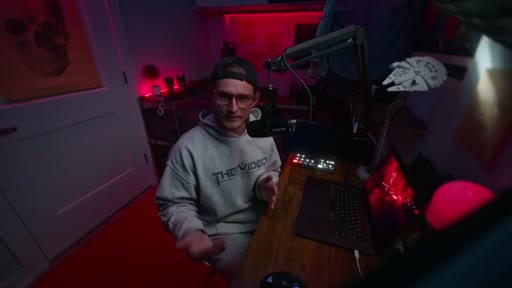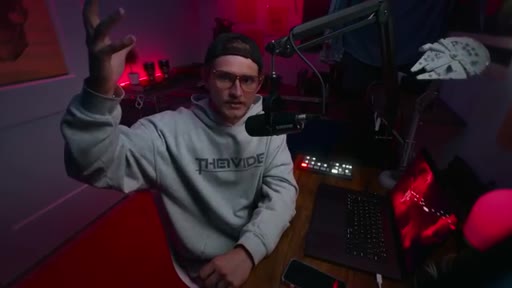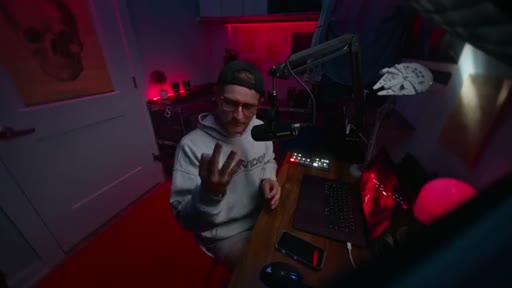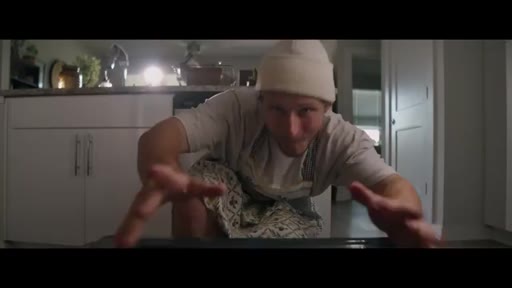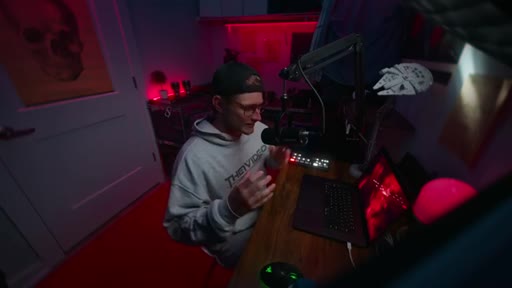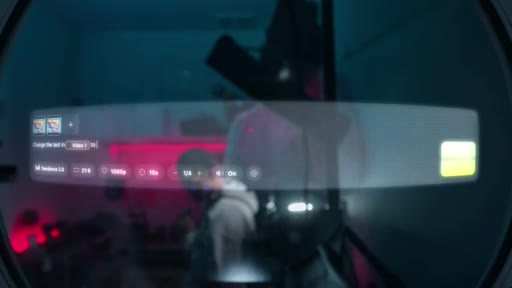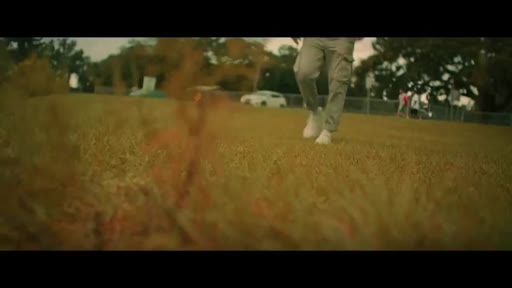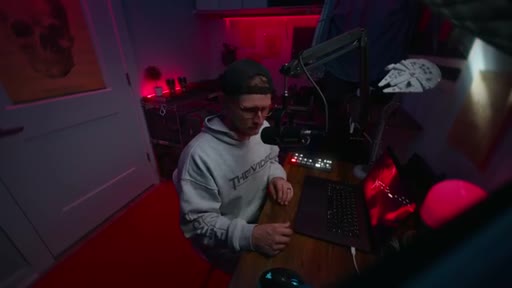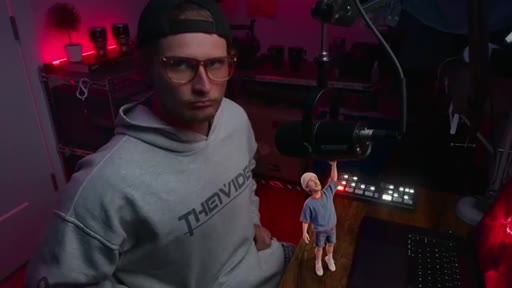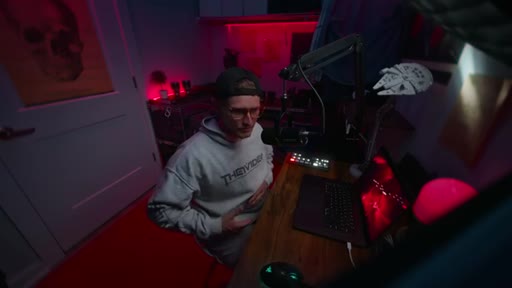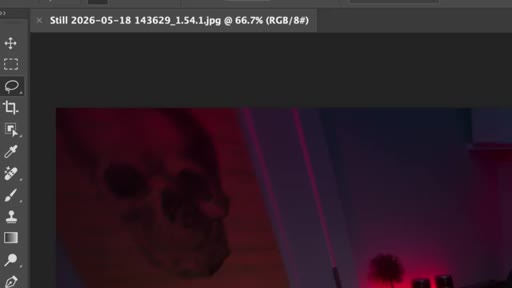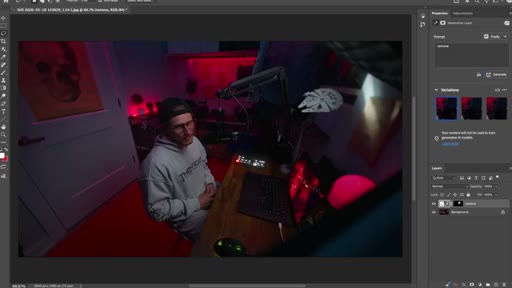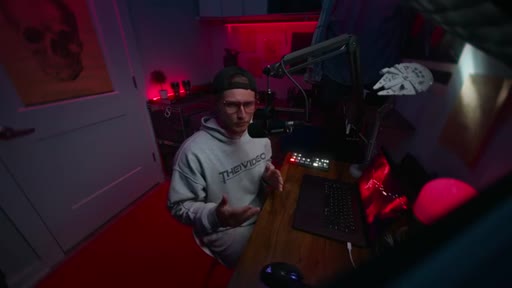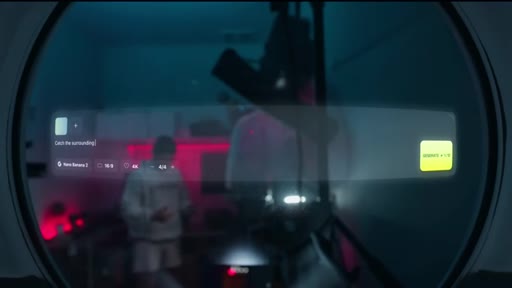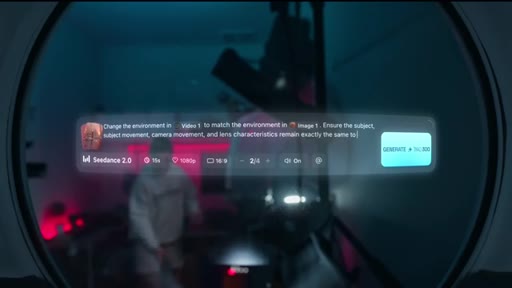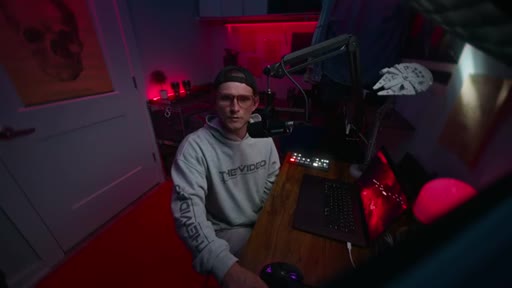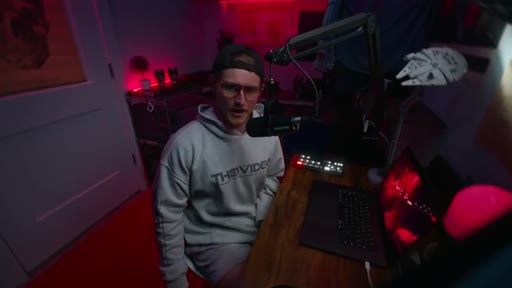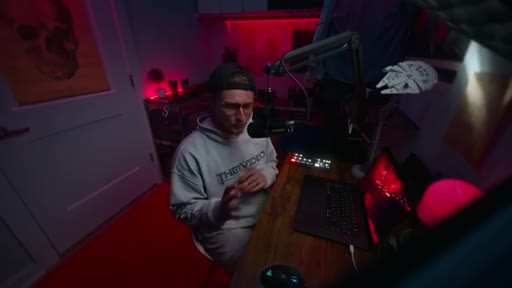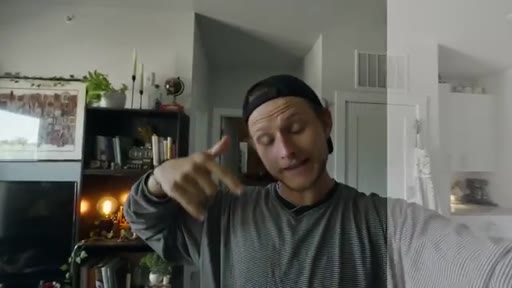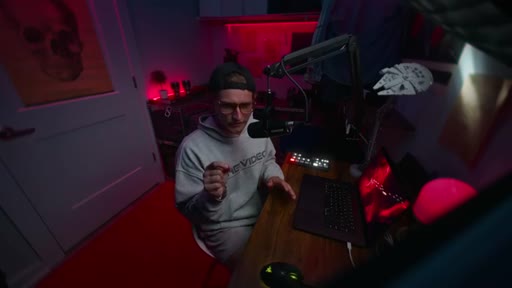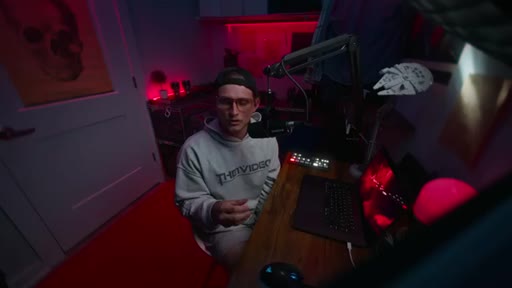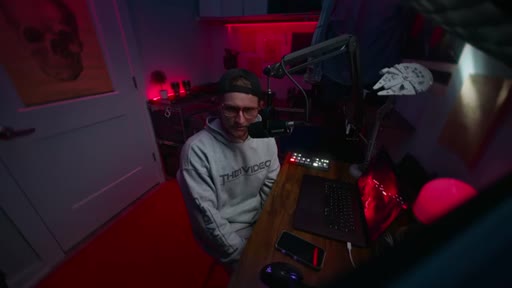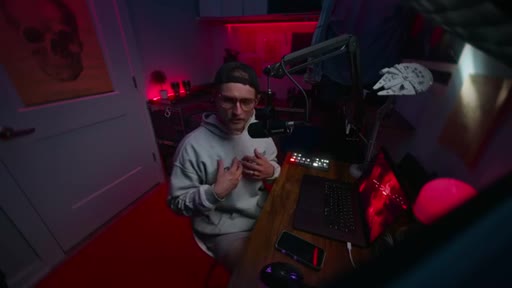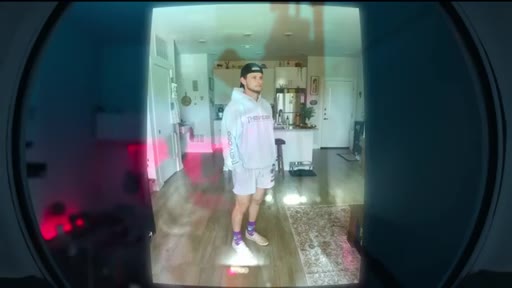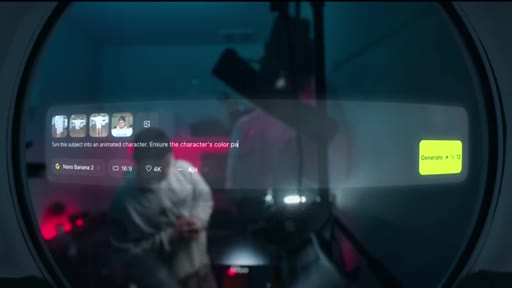
The bait, then the rug-pull.
Seven AI video tricks that work on actual client productions, not just in demos. The opening promise is specific: easy to execute, invisible as AI, and useful for standing out. What follows is a tool-by-tool walkthrough that earns that promise with compositing workarounds, a DaVinci Resolve grading chain, and a philosophical close about what AI can and cannot supply.
Where the time goes.
01 · Hook and promise
Establishes credibility gap between AI demos and real production use. States three-part promise for all seven tricks.
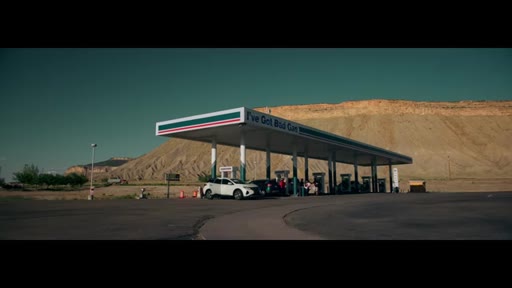
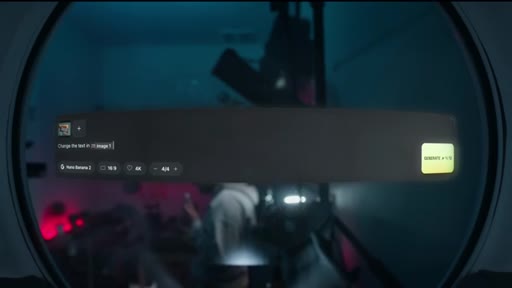
02 · Trick 1 -- Text Change
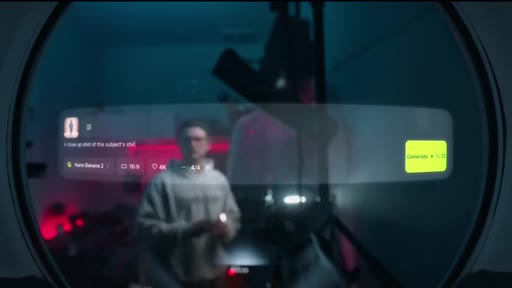
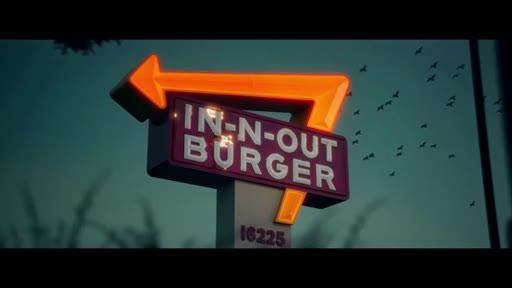
Screenshot to Nano Banana 2 to edit text, then Seedance 2.0 to apply the corrected text back into the original video clip. Demonstrated with In-N-Out Burger sign.
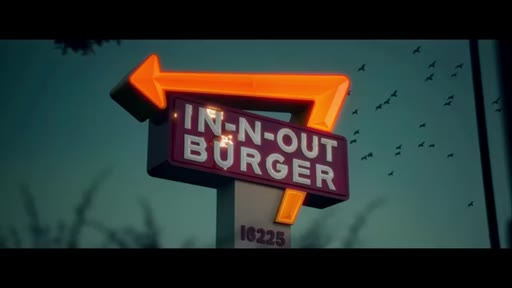
03 · Trick 2 -- Subtle Environment Enhancements
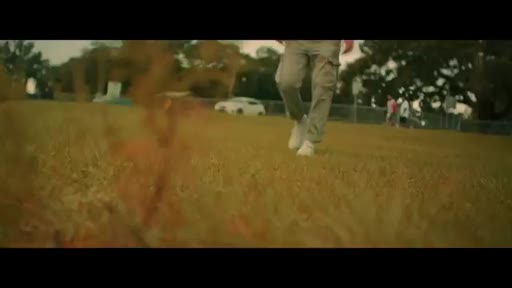
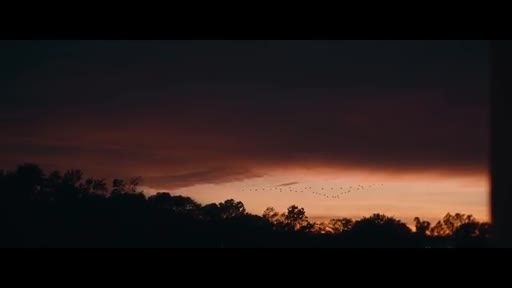
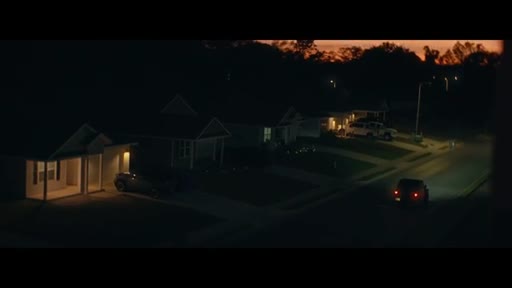
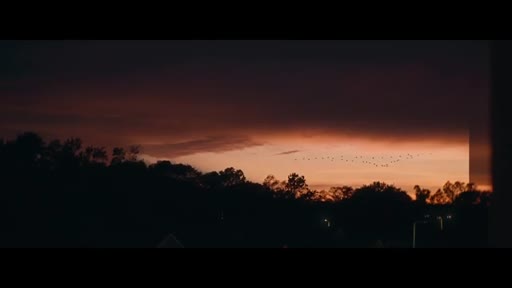
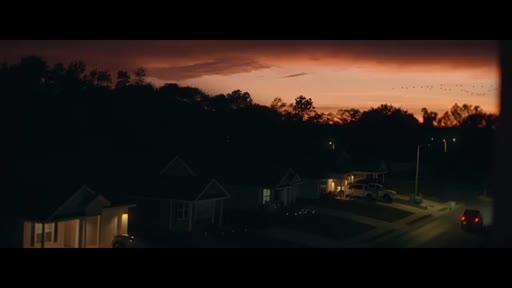
Add birds, movement, or background elements to make a shot more dynamic. Same pipeline. Real directors do this with extras. Compositing real and AI preserves authenticity.
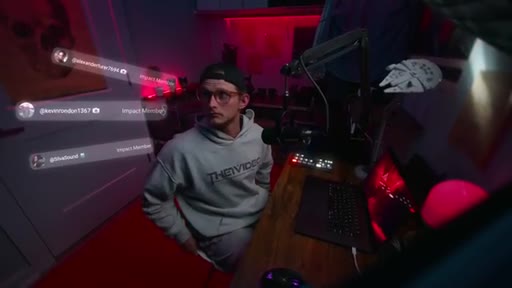
04 · Trick 3 -- Object and Gear Removal
Remove unwanted production gear from wide shots. Photoshop selection plus mask in editing software to keep the human subject. AI fills the removed area.
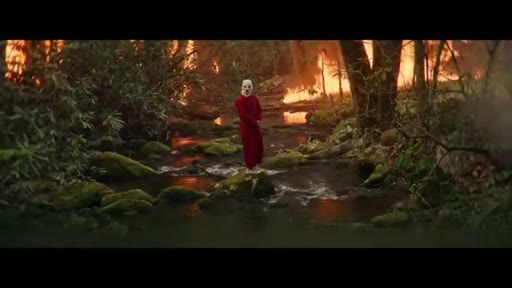
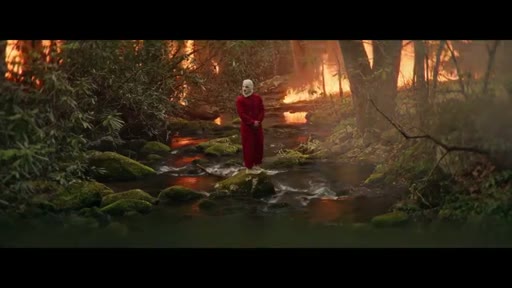
05 · Trick 4 -- Environment Swap
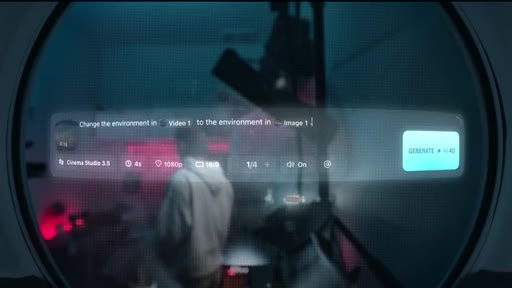
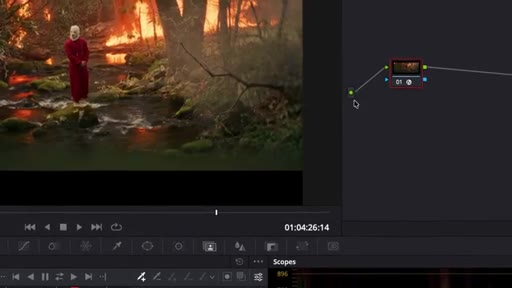
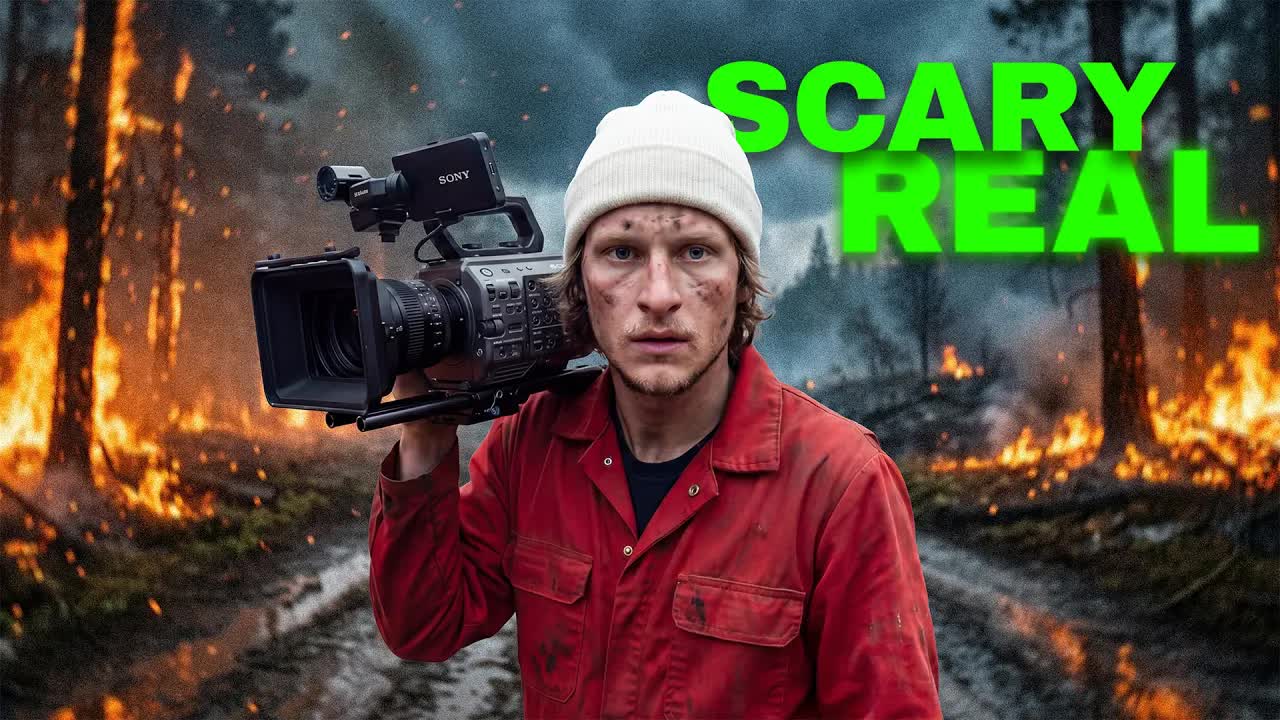
Full environment replacement. Demonstrates setting a forest on fire around a subject. Same Nano Banana 2 and Seedance 2.0 pipeline.
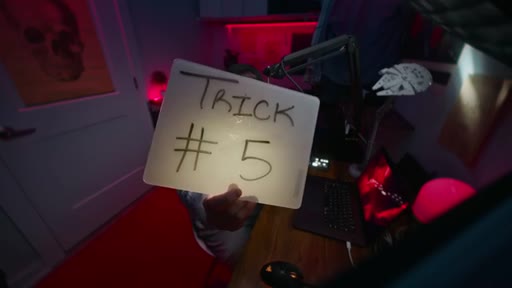
06 · Trick 5 -- Post-Production Grading for AI Footage
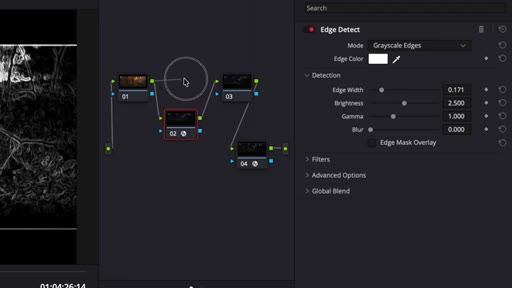
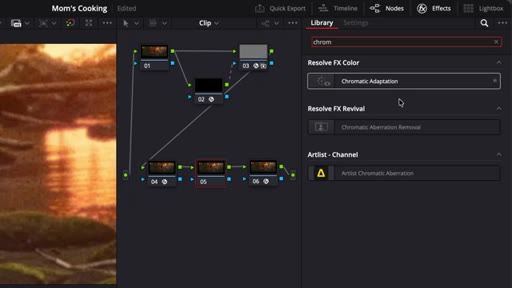
DaVinci Resolve node chain: edge detect and Gaussian blur, halation, grain, chromatic aberration. AI tries to be perfect; realism requires imperfections.
07 · Trick 6 -- Higgs Field Canvas Pipeline Tool
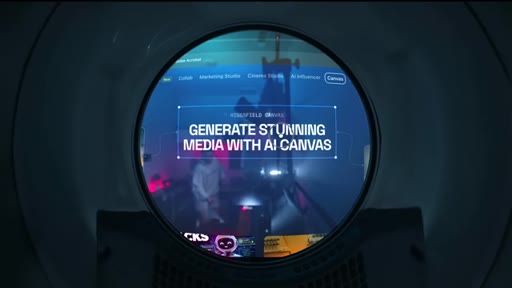
Chain multiple AI steps into a repeatable preset workflow. The productivity multiplier for the entire toolkit.
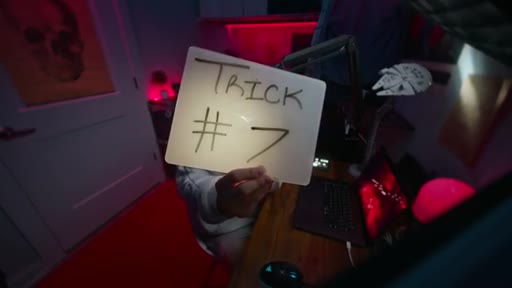
08 · Trick 7 -- Animated Character Brand
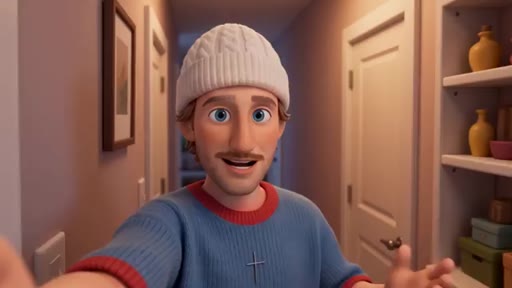
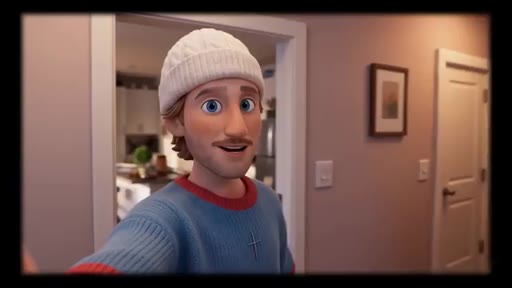
Self-photos into Nano Banana 2 to create an animated alter-ego, then generate multiple angles and close-ups for a full asset library. Closes with philosophical monologue on creativity as divine vision AI cannot replicate.
Visual structure at a glance.
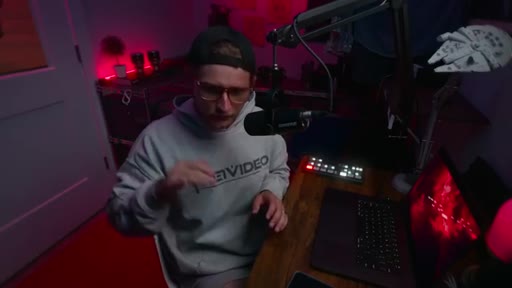
Named ideas worth stealing.
Screenshot to Image Gen to Video Gen Pipeline
- Take screenshot of clip frame
- Edit or generate reference image in Nano Banana 2
- Feed video and reference image into Seedance 2.0 with a descriptive prompt
- Composite AI result with original footage for authenticity
Four-step workflow underlying tricks 1, 2, and 4. Any text change, environment addition, or full environment swap follows this pattern.
AI Authenticity Grading Stack
- Edge Detect plus Gaussian Blur
- Halation
- Film Grain
- Chromatic Aberration
Four DaVinci Resolve effects applied to AI footage to add the natural imperfections cameras produce. Based on the principle that AI renders too-perfect images and imperfection signals authenticity.
Lines you could clip.
"Most AI tricks you see online look amazing in the demo, but then you go try it out and everything falls apart."
"The rule of inclusion states that a diamond is more valuable the more impurities it has because it proves its authenticity."
"AI runs on the knowledge of your competition. So it's literally keeping you inside of a box."
Things they pointed at.
How they asked for the click.
"Remember to check out the link in the description to sign up for Hicksfield, and become a member if you wanna see more educational content, exclusive content, and discounts."
Mid-roll at approximately 2:44, conversational delivery, single mention. Second soft plug at 5:28 for a product called your mom's essentials power green pack.
Word for word.
Seven ways to make AI footage indistinguishable from real.
The reason most AI video tricks fail in practice is that creators skip the compositing and grading steps that restore the imperfections real cameras produce naturally.
- Text changes in existing footage are solvable without reshooting: generate a reference image with the corrected text in an image-gen tool, then use a video-gen model to apply that image as a guide frame.
- The composite approach -- keeping the real human subject and swapping only the environment -- solves the consistency problem that makes full AI regeneration unreliable across frames.
- Real directors plant extras to guide the viewer's eye; AI-generated movement elements like birds or background figures serve the same compositional function and are invisible when composited correctly.
- AI footage looks artificial because it renders without optical imperfections; adding edge-softening blur, halation, grain, and chromatic aberration in DaVinci Resolve reintroduces the artifacts that signal camera capture.
- A pipeline tool that chains multiple AI generation steps into a single preset eliminates per-project setup time and makes the workflow repeatable across productions.
- An animated character brand can be built from a handful of self-photos by generating multiple angles and close-ups -- the resulting asset library supports any content format without additional production costs.
- Using AI generically produces output that reflects the average of everything it was trained on, which is by definition your competition's existing work; creative differentiation comes from the specific vision the creator brings to the prompt.