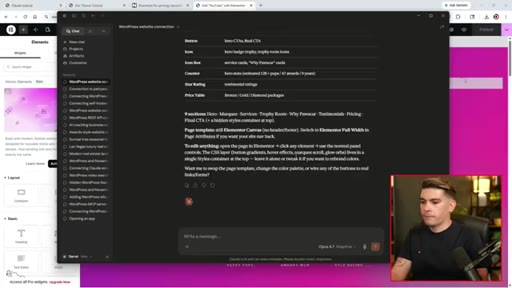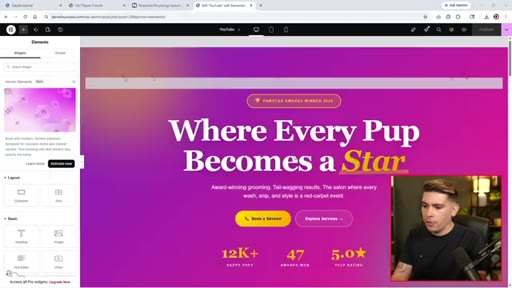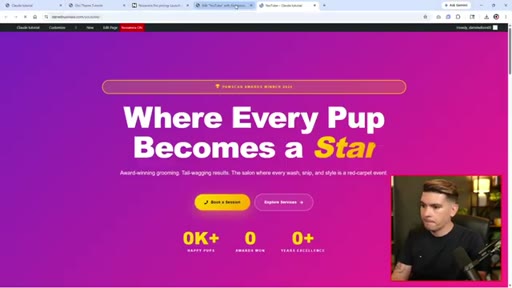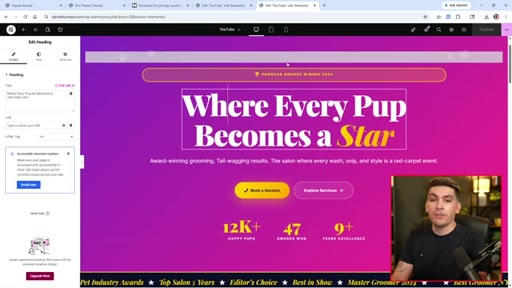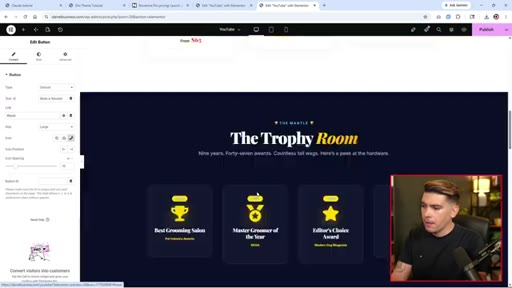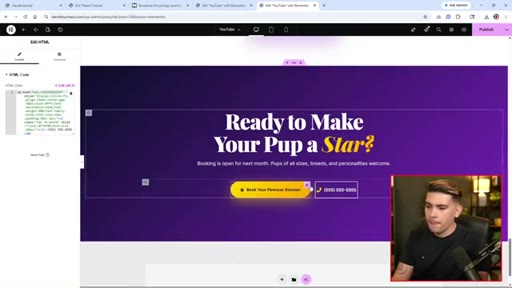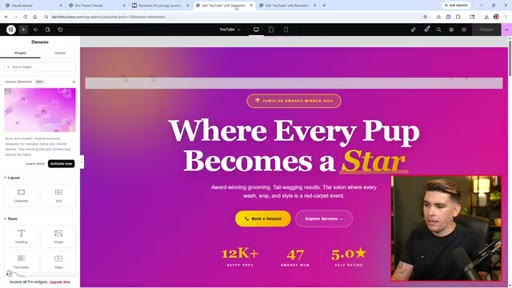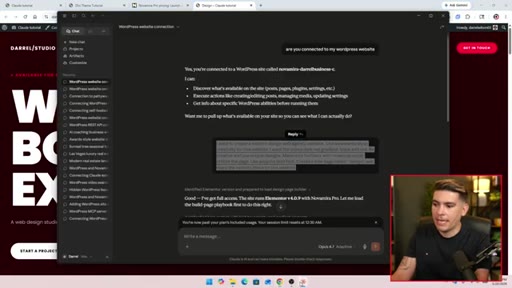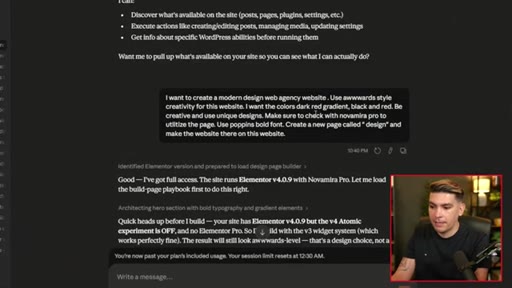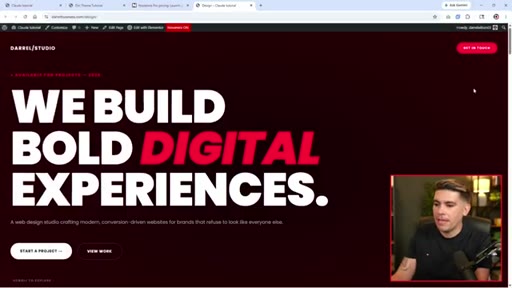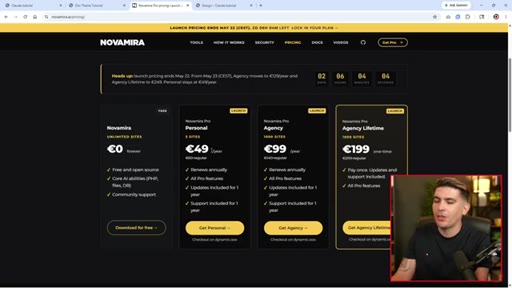
The bait, then the rug-pull.
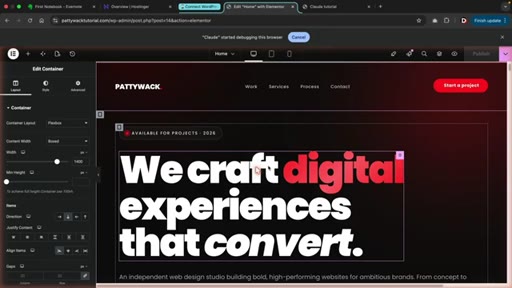
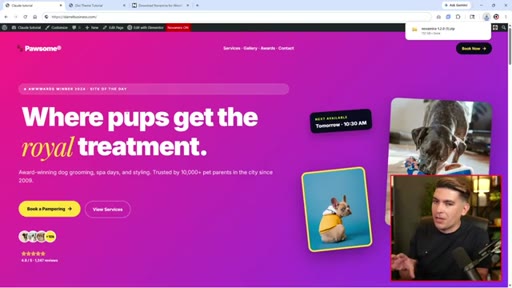
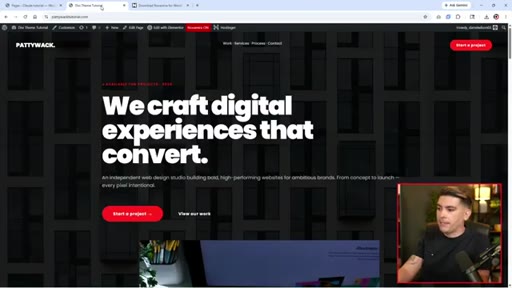
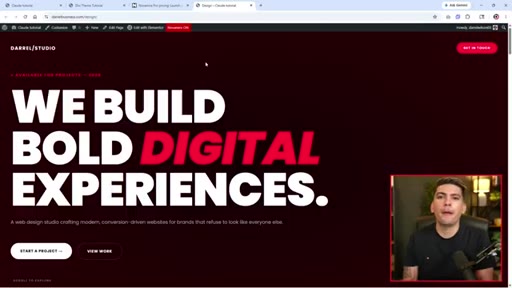
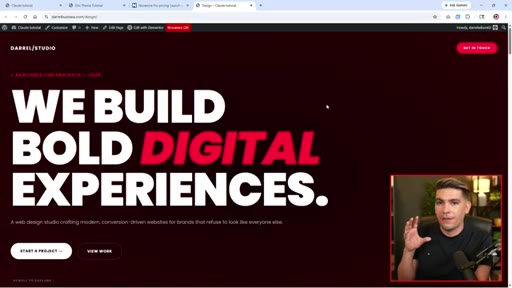
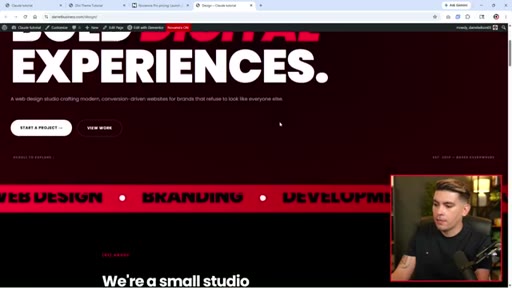
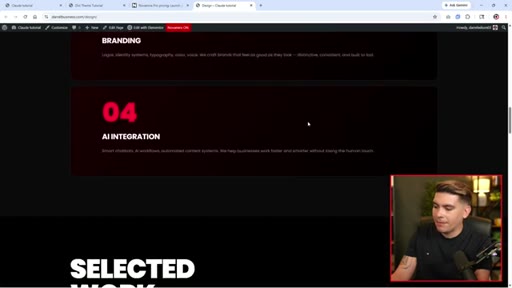
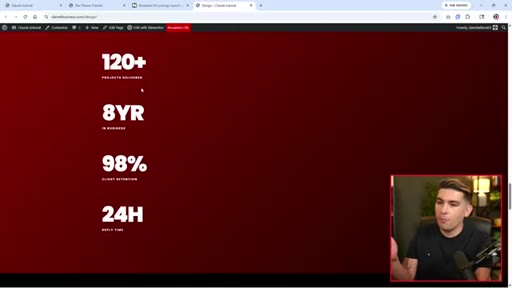
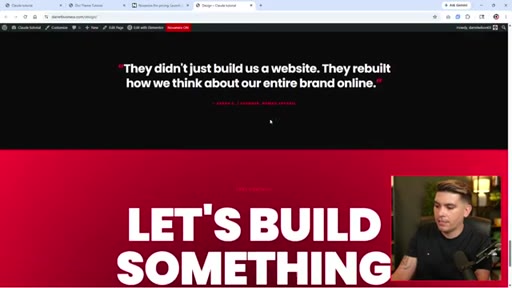
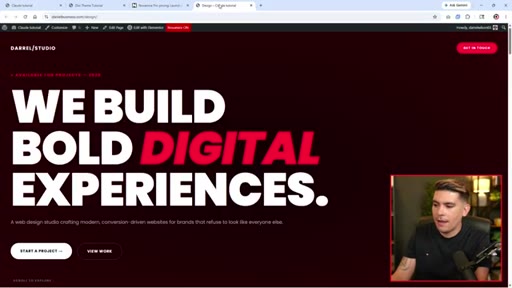
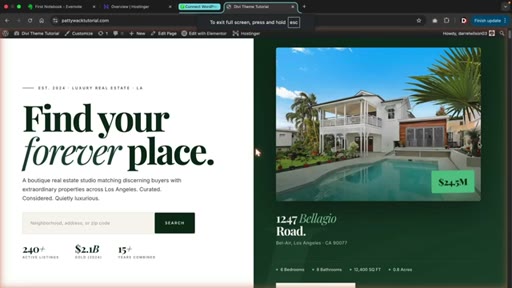
Before Darrel says a single instruction, two finished websites fill the screen. A luxury real estate listing. A bold digital agency homepage. Both built by Claude. Both from a single prompt. The method comes after the proof.
What the video promised.
stated at 00:15 "I will walk you through exactly how to connect Claude to your WordPress website." delivered at 03:34
Where the time goes.
01 · Cold open
Two polished Claude-built WordPress sites before any explanation. States the promise.
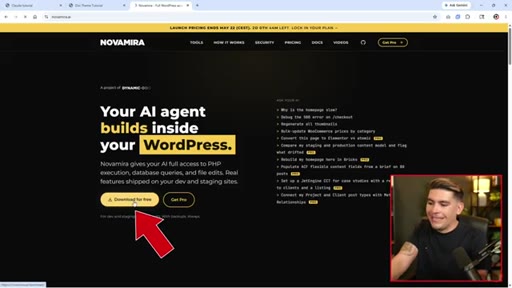
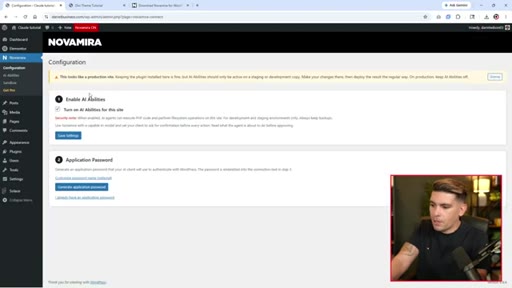
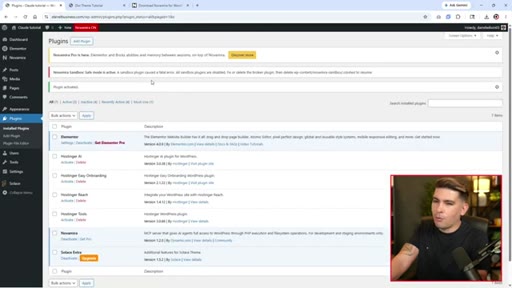
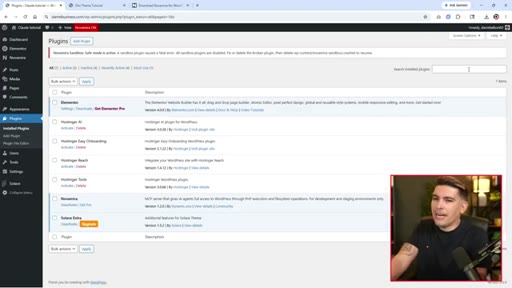
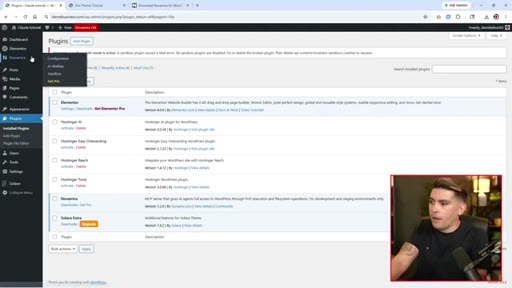
02 · Install NovaMira plugin
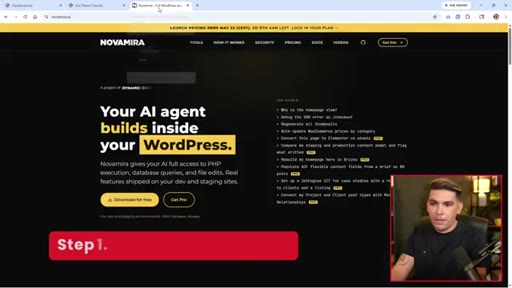
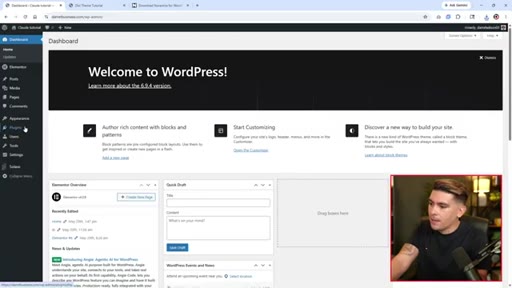
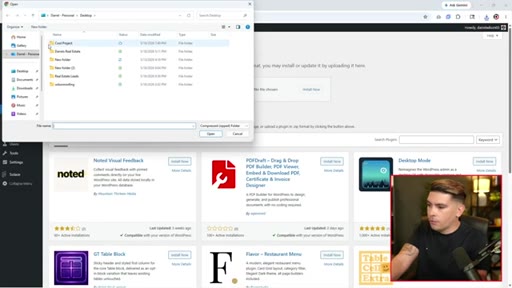
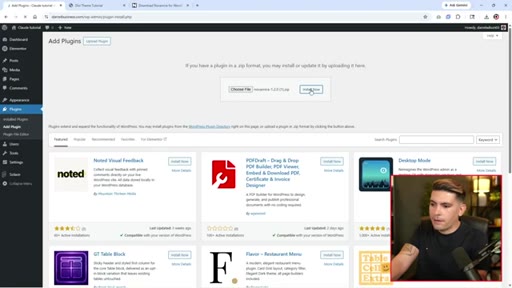
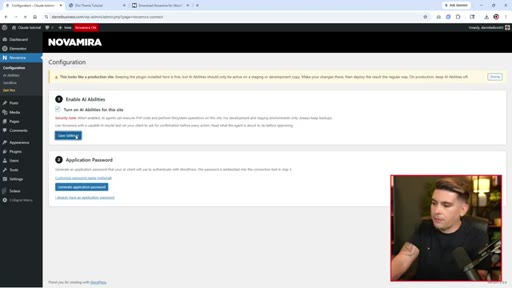
Download free plugin, upload to WordPress, enable AI abilities.
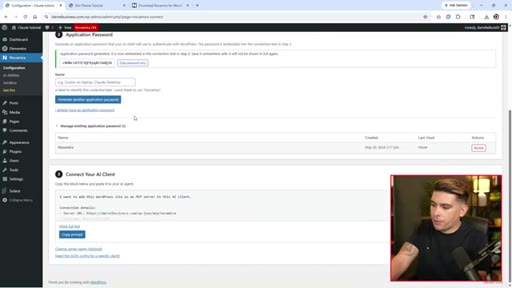
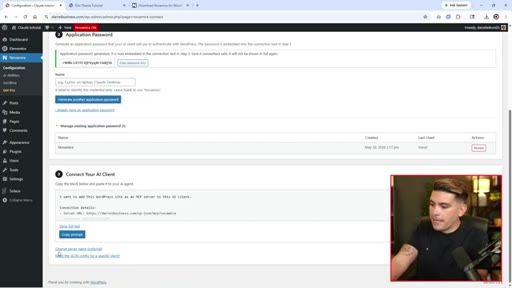
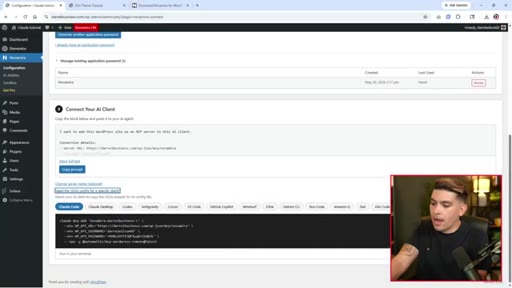
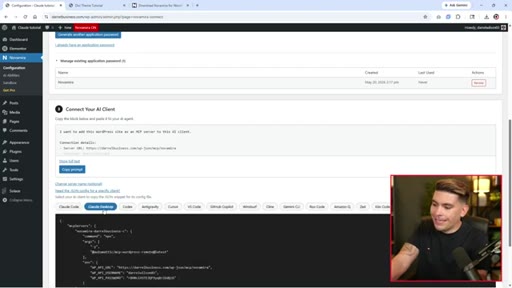
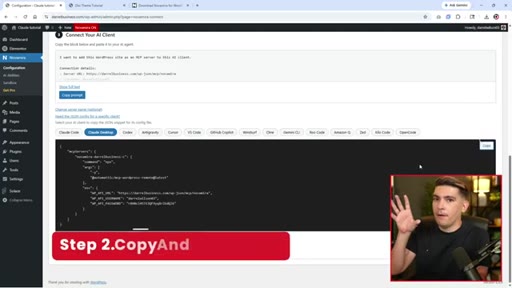
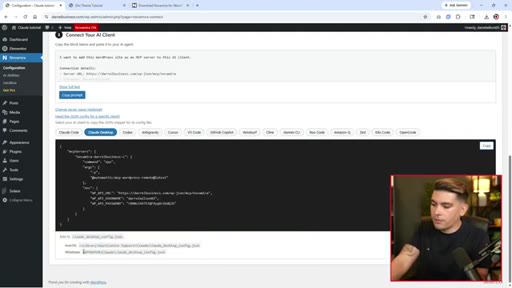
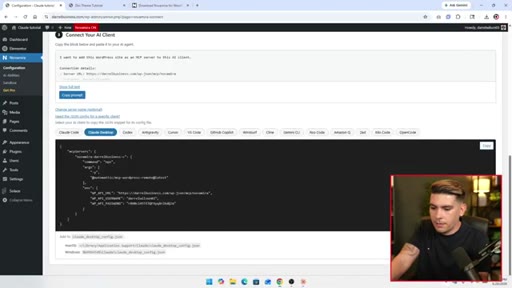
03 · Generate and copy MCP config
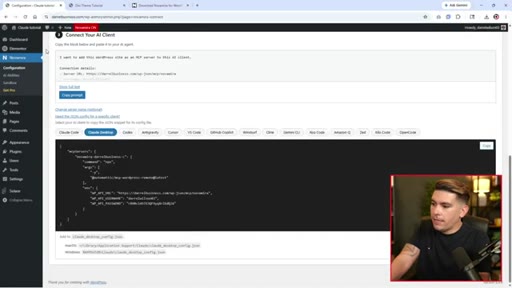
NovaMira generates Claude Desktop JSON config. Copy snippet from Connect Your AI Client.
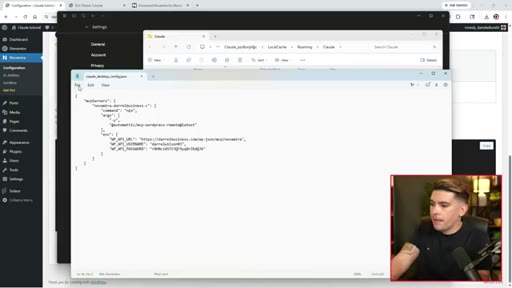
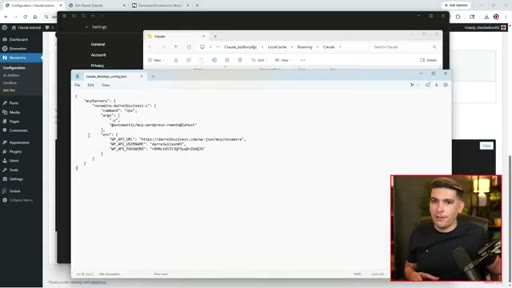
04 · Paste config and save
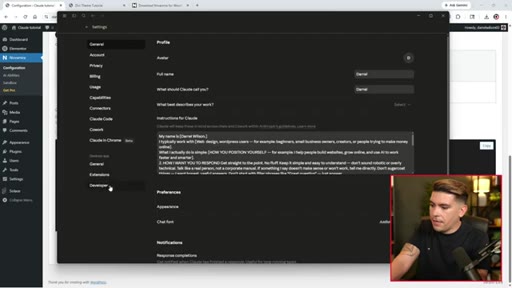
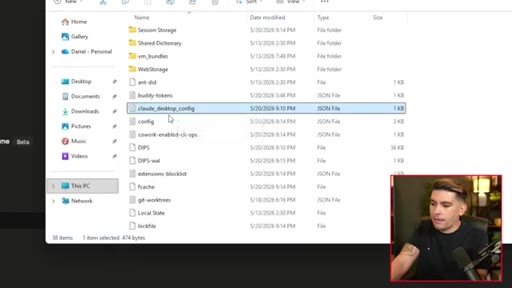
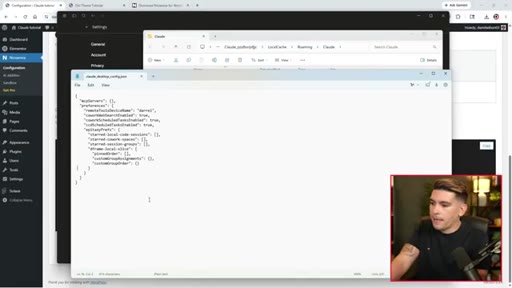
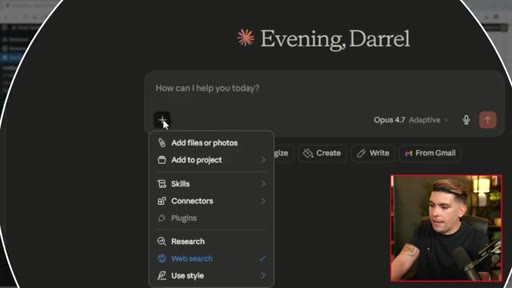
Open Claude Desktop Settings > Developer > Edit Config. Paste JSON. Save not Save As.
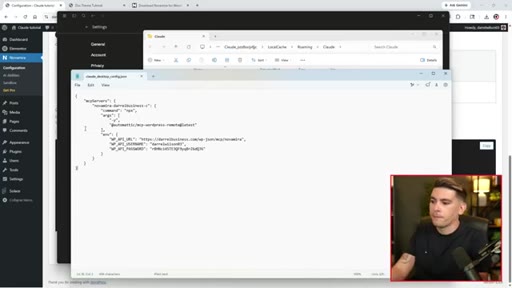
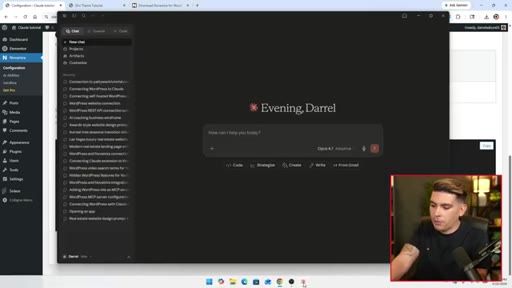
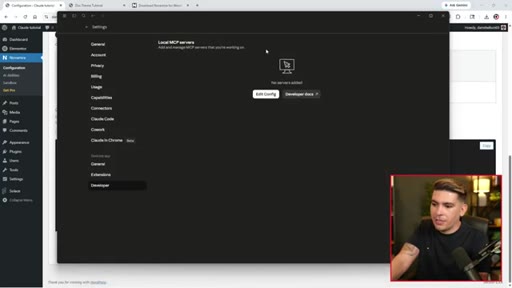
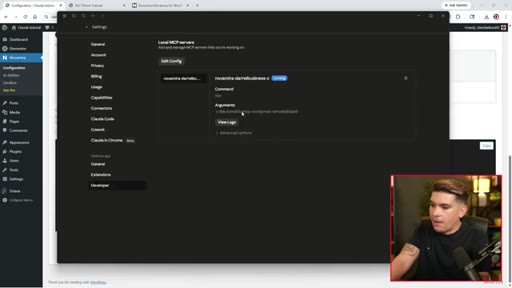
05 · Verify connection
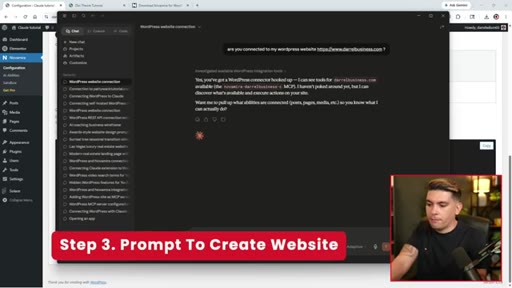
Restart Claude, check Settings > Developer, confirm NovaMira connector live in chat.
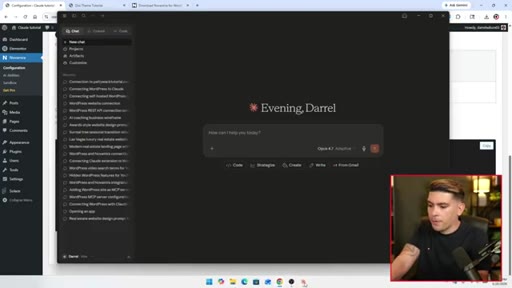
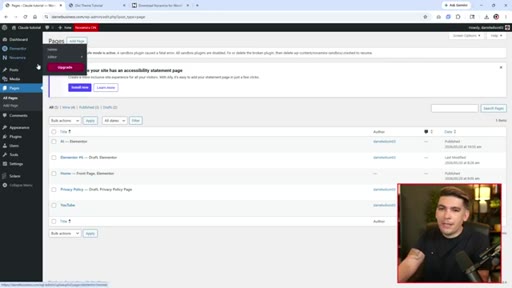
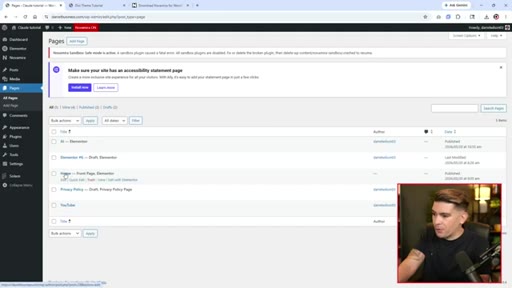
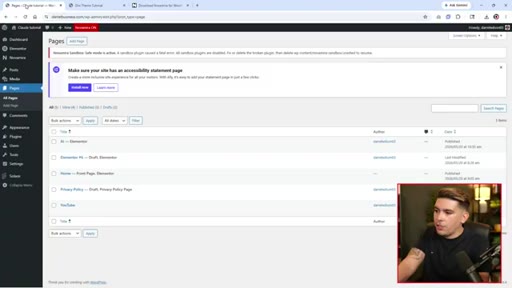
06 · Simple page demo
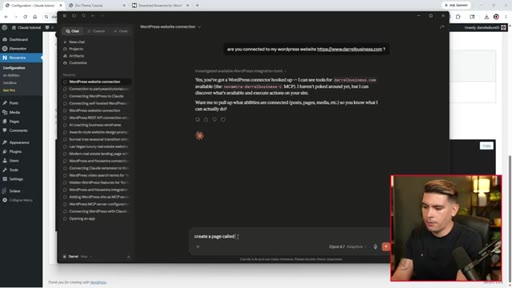
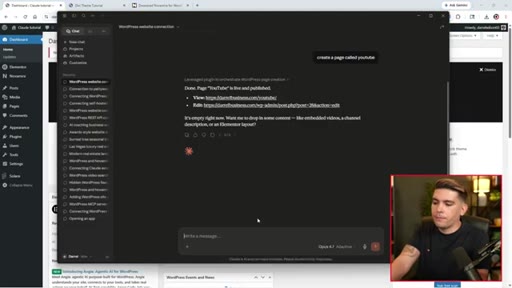
Prompt: Create a page called YouTube. Page appears instantly.
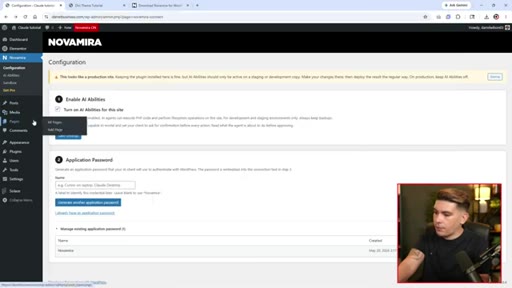
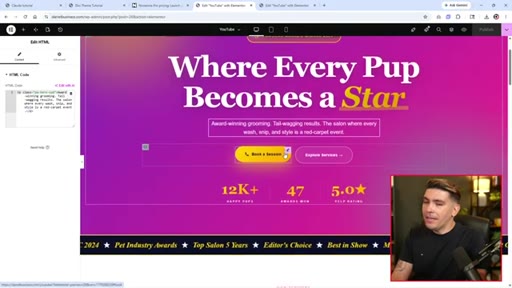
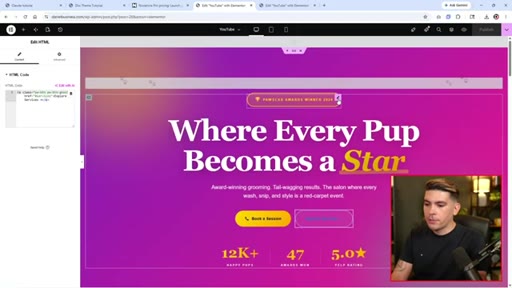
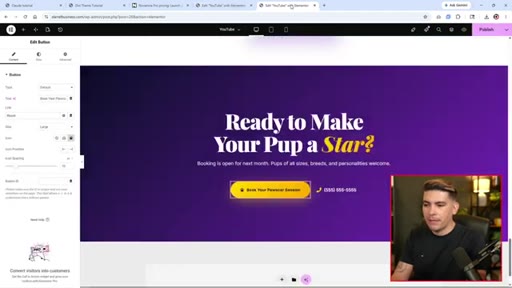
07 · Complex Elementor site demo
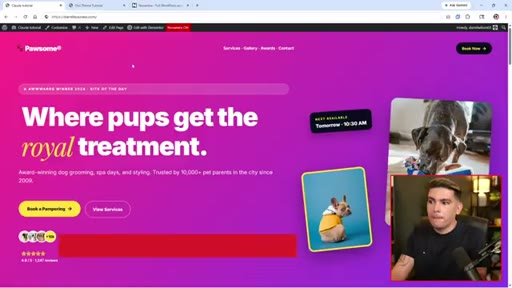
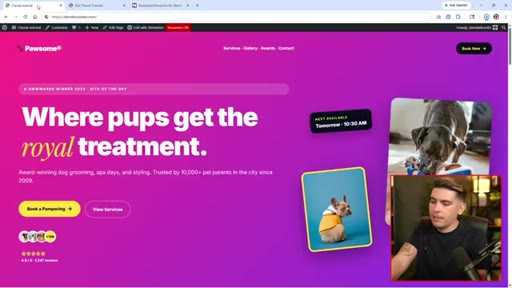
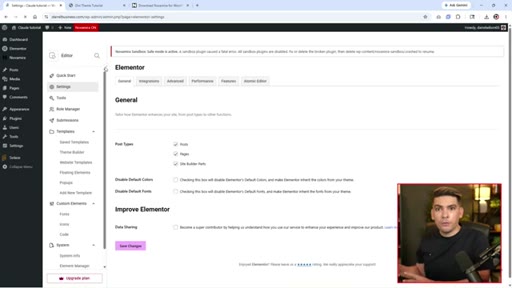
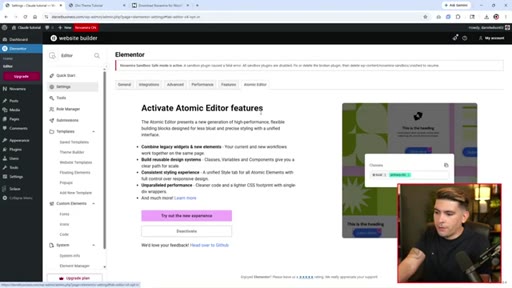
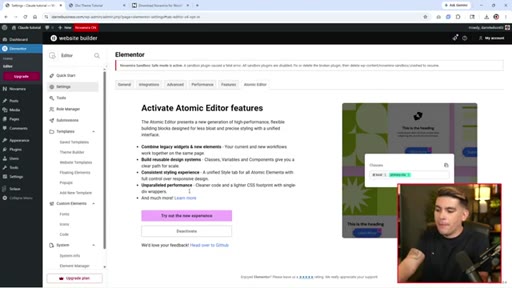
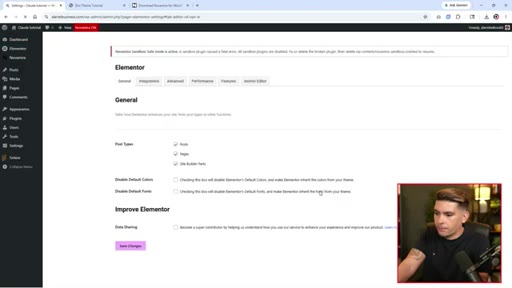
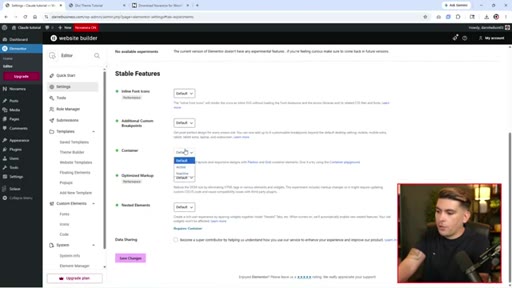
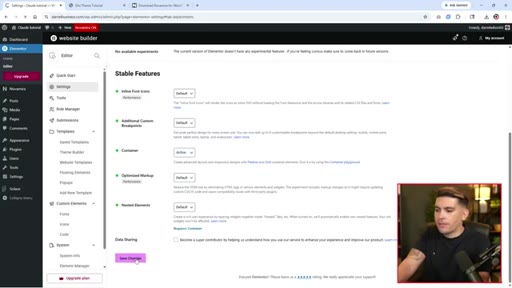
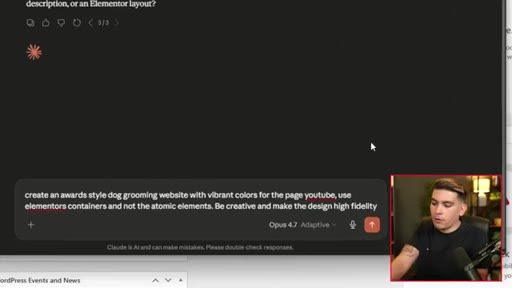
Disable Atomic Editor, enable Containers. Claude builds full dog grooming site.
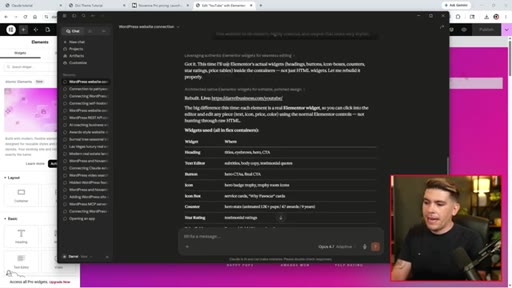
08 · Review output + HTML vs elements
Opens site in Elementor. Shows why specifying Elementor containers matters.
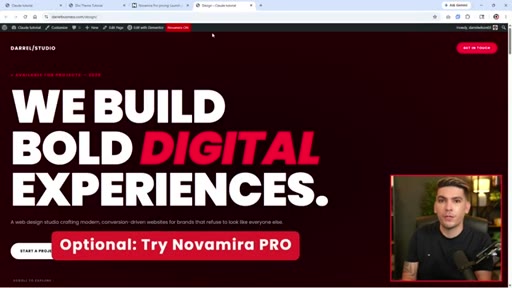
09 · NovaMira Pro pitch + outro
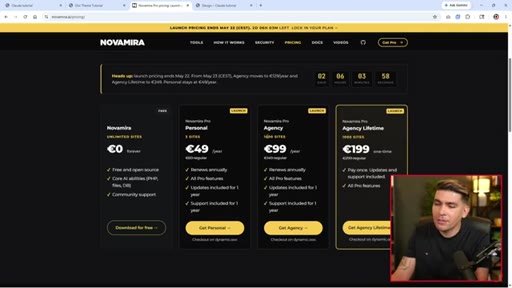
Shows Pro-generated agency site. Pricing: 49 euros/3 sites, 99 euros/unlimited.
Visual structure at a glance.
Named ideas worth stealing.
3-Step MCP WordPress Connection
- Install NovaMira free plugin, enable AI abilities
- Copy JSON snippet into claude_desktop_config.json; use Save not Save As
- Restart Claude Desktop; verify via Settings > Developer
Minimum path to give Claude Desktop live read/write access to a WordPress install.
Prompt Specificity Rule for Elementor
- Disable Atomic Editor in Elementor settings before prompting
- Enable Containers feature in Elementor
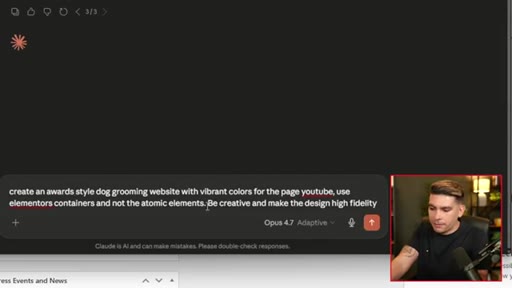
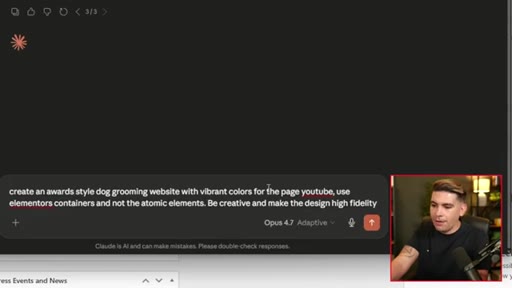
- In prompt: name the page, say use Elementor containers, not atomic elements
- Add: Be creative and make the design high fidelity
Without explicit page-builder instructions, Claude defaults to HTML widgets that bypass Elementor entirely.
Lines you could clip.
"I have licked the pot clean."
"If you do not instruct it to use the Elementor elements, it is just gonna use HTML for everything."
"AI can actually use WordPress much better than users can."
How they spent the runtime.
Things they pointed at.
How they asked for the click.
"Now for those of you who want to try NovaMirror Pro, there is a pro version for this plugin."
Soft sell after demonstrating the free tier fully. Shows noticeably better Pro-generated site before pricing reveal. Low pressure.
Word for word.
Show the output before the method.
Darrel opens with two finished websites and only then explains how he made them. The proof precedes the process.
- Open every tutorial with the end result on screen, not a title card.
- NovaMira free plugin is a legit MCP bridge worth covering for any WordPress audience.
- The prompt specificity lesson is a standalone Short: one gotcha, clear before/after.
- The AI-beats-users closing claim is comment-farming gold.
- Never pitch before the proof: show free tier working fully before mentioning Pro pricing.
You can build WordPress pages by describing them in plain English.
With one free plugin and Claude Desktop, you can describe a webpage and watch it get built. No code required.
- Install the free NovaMira plugin on your WordPress site. Takes about 2 minutes.
- Paste one JSON snippet into Claude Desktop config and restart the app.
- Be specific in your prompts: name your page builder, describe the style, say what not to use.
- Start with a simple test before attempting a full design.
- The free tier is genuinely functional. You do not need Pro for a working result.