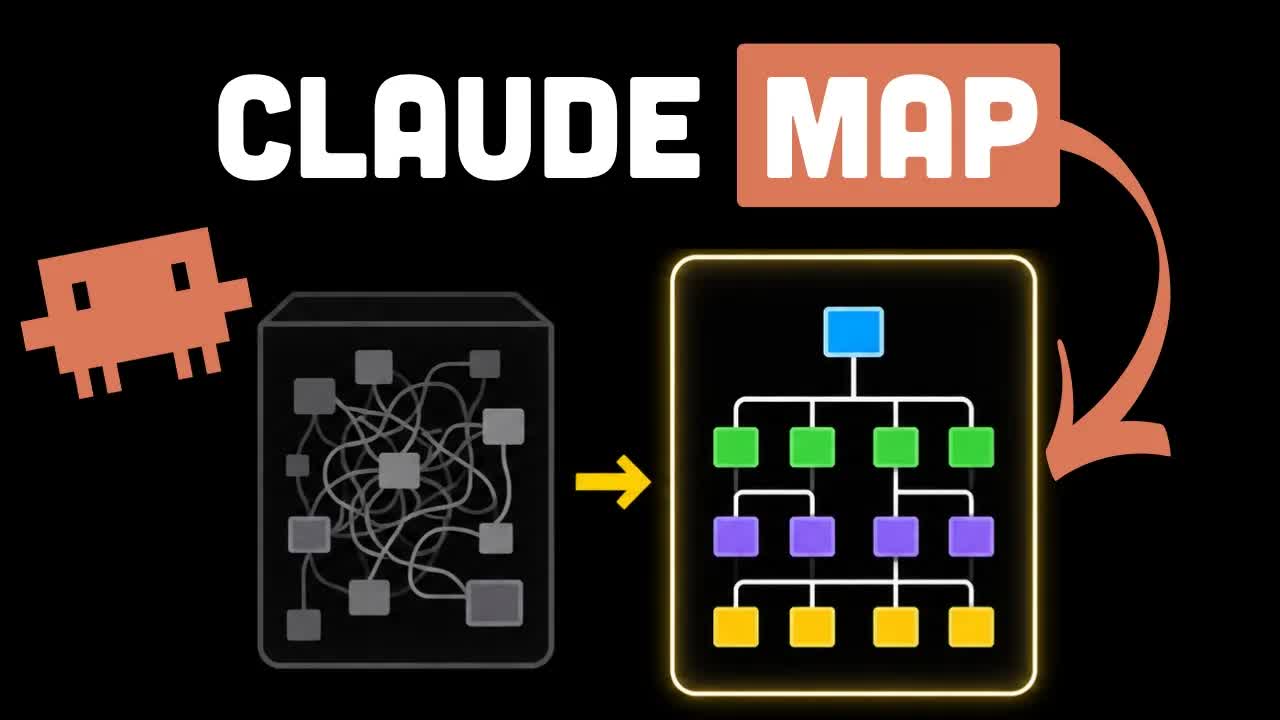
The bait, then the rug-pull.
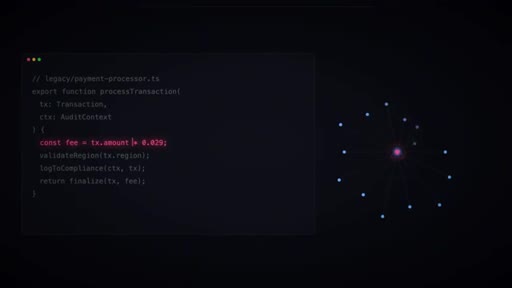
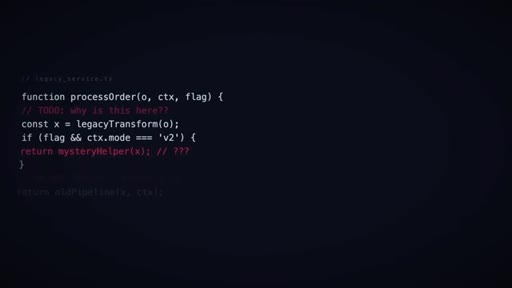
Two hundred thousand lines of code. No docs worth reading. The engineer who knew everything left six months ago. Better Stack drops you into that exact nightmare before offering the escape hatch: a Claude Code plugin that turns any repo into a guided, queryable knowledge graph before you touch a single line.
What the video promised.
stated at 00:25 "In the next minute, I'll show you how this works and how it's gonna immensely speed up your understanding of your code base." delivered at 03:20
Where the time goes.

01 · The pain point
Hook via relatable dev nightmare: 200K-line repo, no map, just grep. Tool named, 14K GitHub stars in weeks cited.

02 · What understand-anything is
Open-source Claude Code plugin, also works with Cursor, Copilot, Gemini CLI. Static analysis + multi-agent LLM processing produces a queryable interactive knowledge graph.
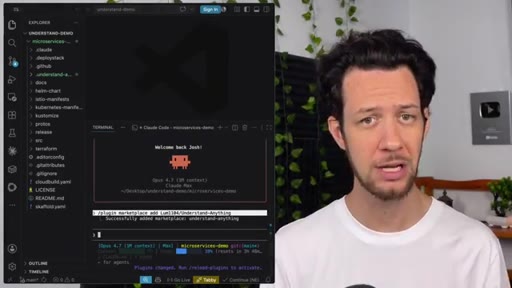
03 · Legacy codebase problem framed
Outdated docs, missing engineer, AI agent guessing. Tool positioned as solution to the context gap.
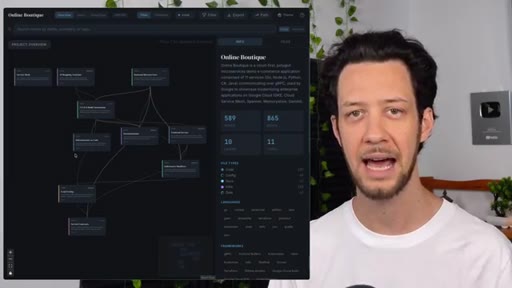
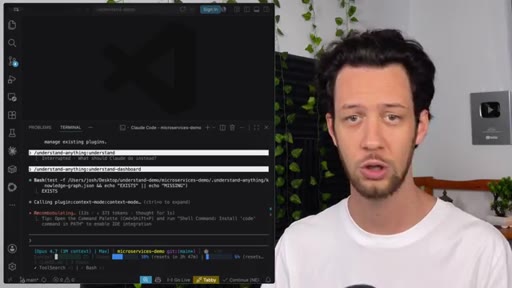
04 · Live install and run
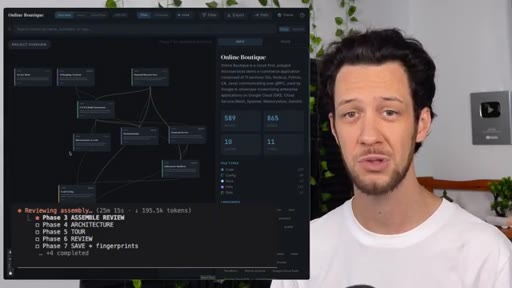
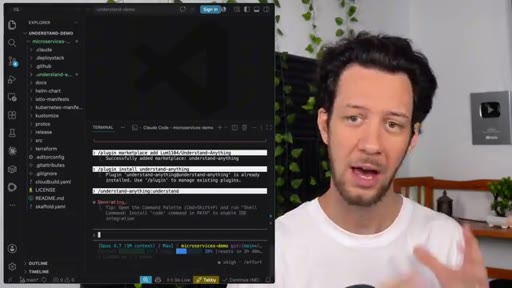
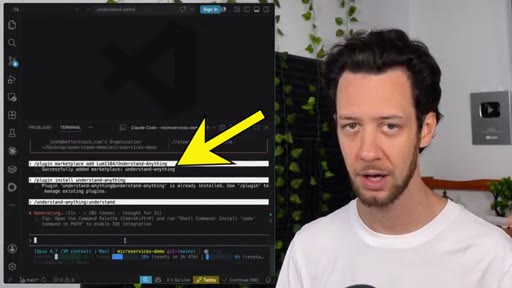
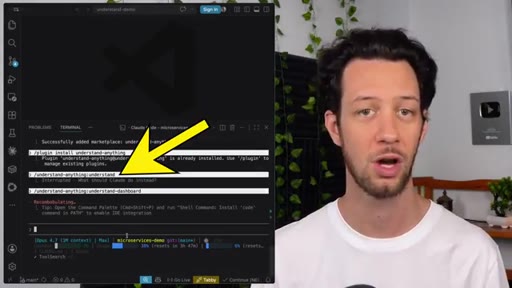
Plugin install in Claude Code, reload, run understand. Scans repo for structure, relationships, key modules, business concepts.

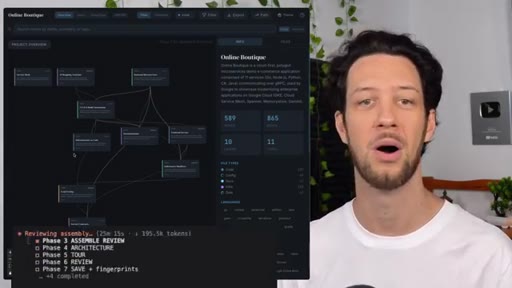
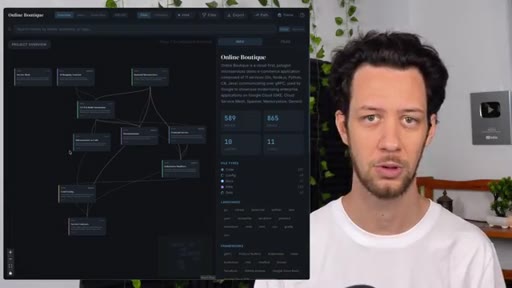
05 · Dashboard demo
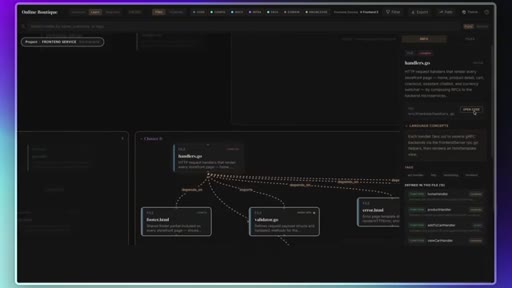
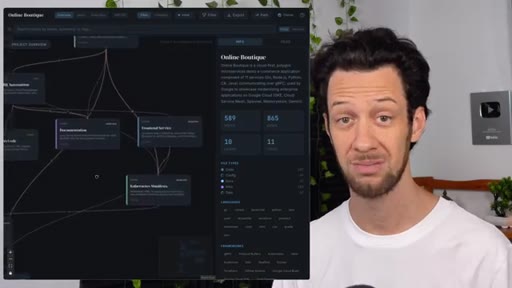
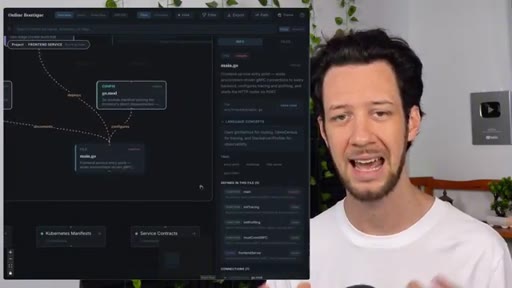
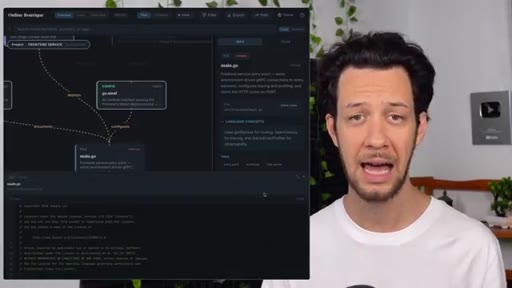
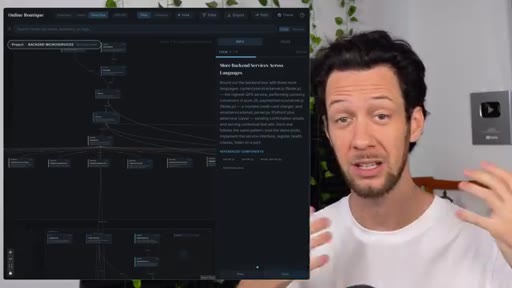
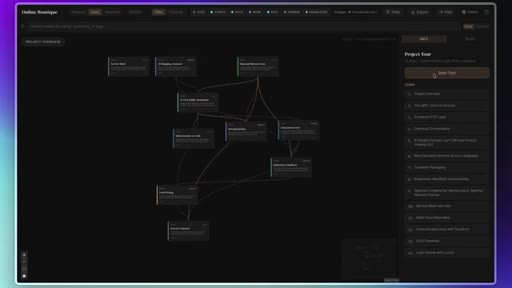
Opens interactive dashboard. Zoom out for architecture, zoom in for modules, click to see code. Cost warning: 30 min runtime, 25% of Claude Max rate limit.

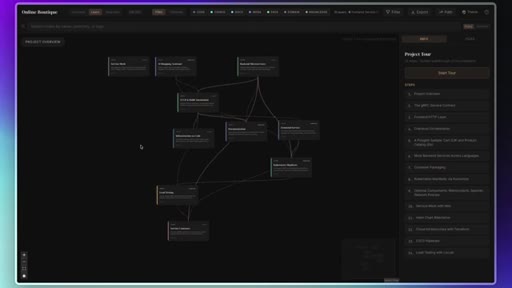
06 · Guided tour and search
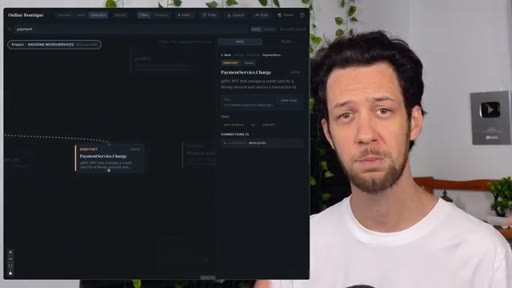
Searches payments - shows dependency graph. Guided tour walks the flow: entry point > validation > logic > DB > external APIs > error handling.

07 · Three use cases
Onboarding (saves two weeks), AI agent context (structured map beats random file dumps), refactoring (know what breaks before you move it).

08 · Skeptical take and CTA
Is this useful or just GitHub algorithm? Honest: useful, but token cost is real. Subscribe CTA.
Visual structure at a glance.






Named ideas worth stealing.
Files to Meaning
- From files to meaning
- From imports to system behavior
- From here are the pieces to here is how the machine works
The layered upgrade understand-anything claims over existing visualization tools.
Three Context Use Cases
- Onboarding new devs
- AI agent context injection
- Pre-refactor dependency audit
The three jobs understand-anything is hired to do - each maps to a distinct developer pain point.
Lines you could clip.
"From files to meaning. From imports to system behavior. From here are the pieces to here is how the machine works."
"That is how you avoid turning a one line change into a major event."
"This would have saved me my first two weeks in the job."
How they spent the runtime.
Things they pointed at.
How they asked for the click.
"If you enjoy coding tools and tips like this, be sure to subscribe to the BetterStack channel."
Clean single ask, no hard sell. Mid-video subscribe prompt also at 1:31. No product upsell or newsletter pitch.
Word for word.
Steal the contrast frame.
This video works not because it demos a cool graph but because it names the exact missing layer every existing tool lacks before showing how this one fills it.
- Name what the old tools do right before you bury them - it builds credibility.
- Then name the single missing layer: not here is structure but here is meaning.
- Three-use-case structure (onboarding / agents / refactoring) lets you speak to three audiences in 7 minutes.
- Honest token cost disclosure is a conversion move, not a deterrent - it pre-empts the main objection and reads as trustworthy.
- The three-part escalating phrase (from X to Y, from A to B, from P to Q) is a steal for any product positioning script.
Before you grep your way through a new codebase.
Instead of spending two weeks reading stale docs and pinging the team, you can generate a live interactive map of the entire system in about 30 minutes.
- Install understand-anything as a Claude Code plugin and point it at any repo.
- Use the guided tour to understand flows before you write a single line.
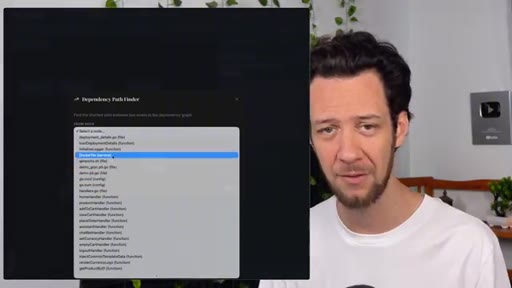
- Before refactoring, use the dependency path finder to see exactly what you would break.
- If you are feeding an AI coding agent, give it the architecture map instead of random files - it will guess far less.