Dina and Agnes · Youtube · 09:12

Claude + CapCut = Premium Motion Graphics | No Coding

How two AI tools — Claude Code and Remotion — eliminate After Effects, design skills, and coding from professional motion graphics.

Posted
May 19th 2026
5 days ago
Duration
09:12
Format
Tutorial
educational
Channel
DA
Dina and Agnes
§ 01 · The Hook

The bait, then the rug-pull.

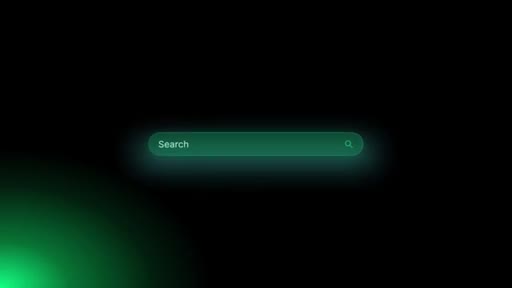
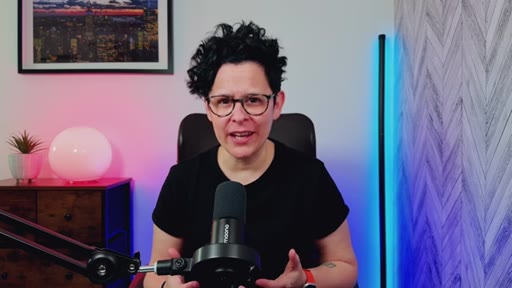
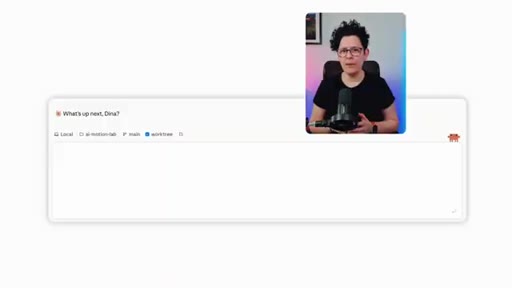
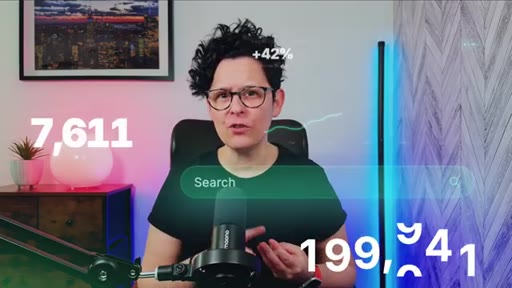
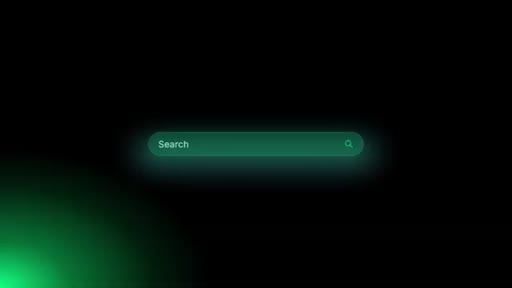
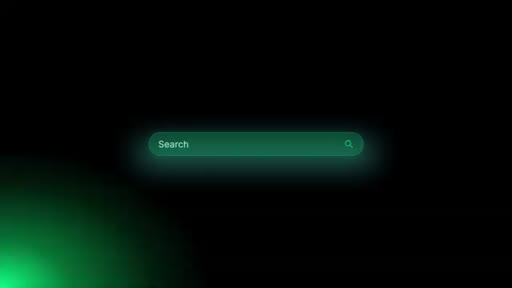
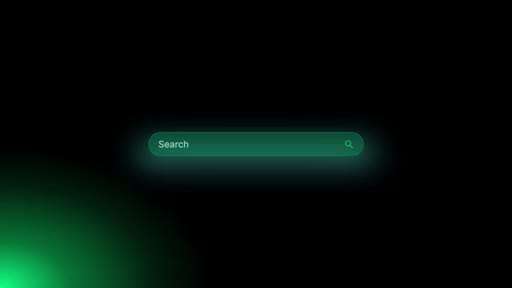
A glowing search bar materializes on a black field, zooms forward, and fades — and then the host tells you it took one sentence to make. The title promises no coding; the opening montage delivers that promise before a word of explanation is spoken.

§ · Chapters

Where the time goes.

00:00 – 00:34

01 · Intro montage

Finished animations play back-to-back; hook line delivered over the search bar graphic.
00:34 – 01:10

02 · The loop explained

Dina explains the Remotion + Claude Code feedback loop — AI writes code, Remotion renders, CapCut receives the transparent export.
01:10 – 02:13

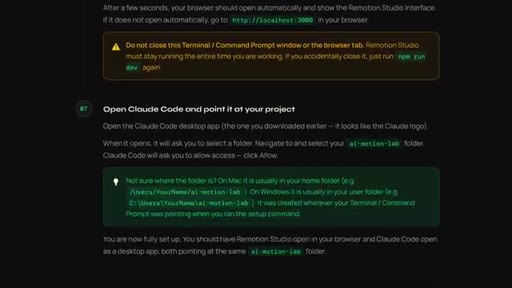
03 · Setup overview

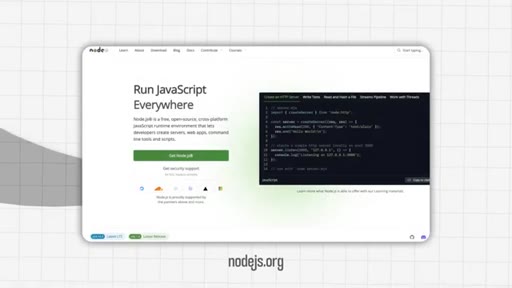
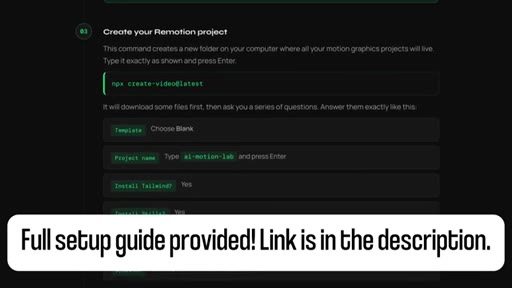
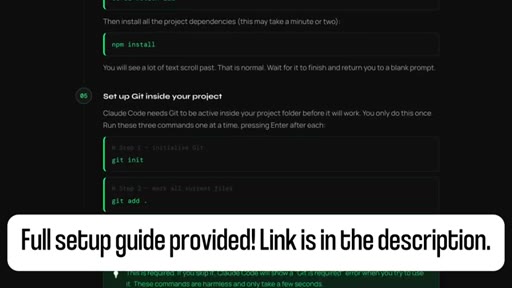
Four required tools listed (Node.js, Git, Claude Code, browser); full step-by-step guide deferred to linked Notion doc.
02:13 – 03:31

04 · Demo 1: Rolling number counter

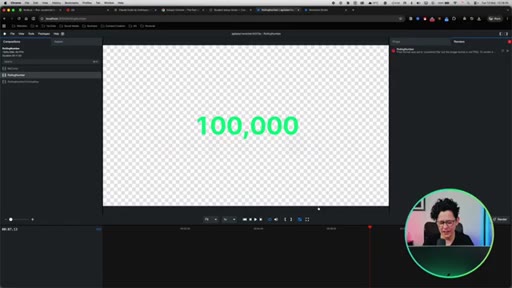
Live build from blank Claude Code prompt to 100,000 counter rendering on transparent background in Remotion. ~90 seconds.
03:31 – 05:24

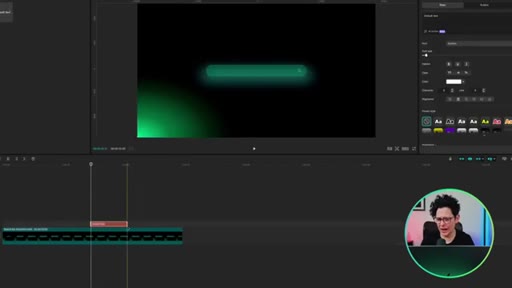
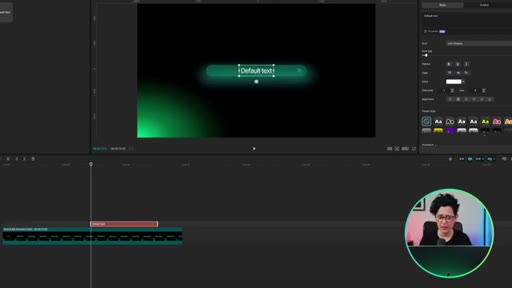
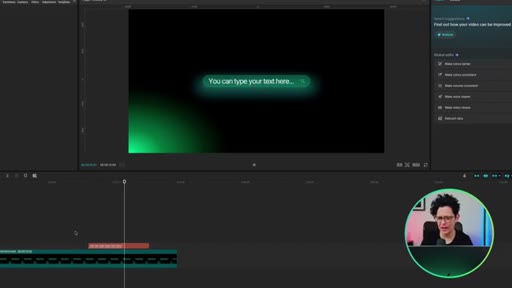
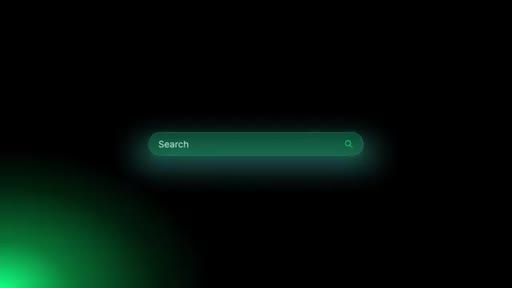
05 · Demo 2: Search bar + text-layer trick

Search bar animation built live; deliberate 5-second gap introduced as a reusable text placeholder for CapCut text layers.
05:24 – 05:51

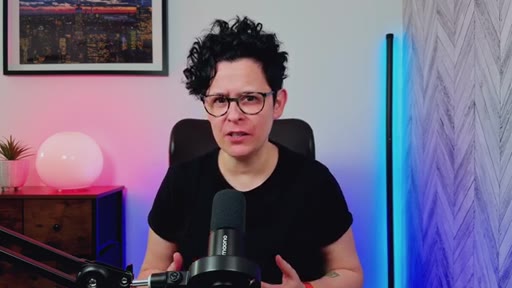
06 · Mid-roll promo

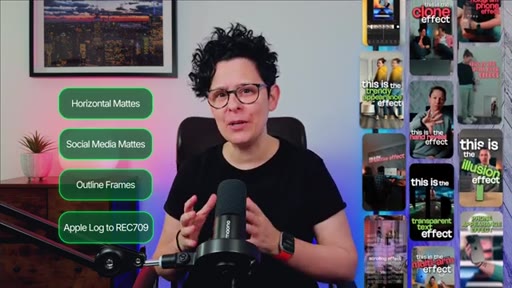
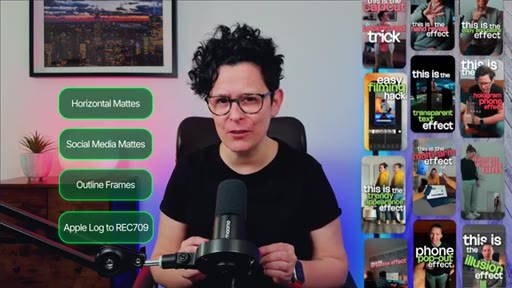
Free Creator Starter Pack offer (horizontal mattes, social media mattes, outline frames, Apple Log LUT, 15 CapCut tutorials).
05:51 – 07:20

07 · Demo 3: Analytics dashboard

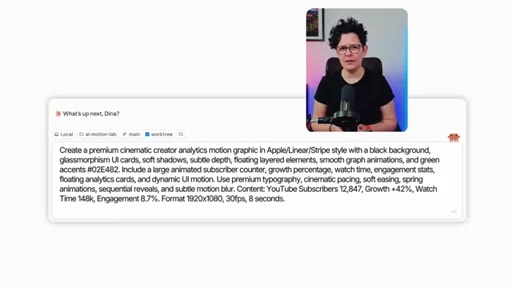
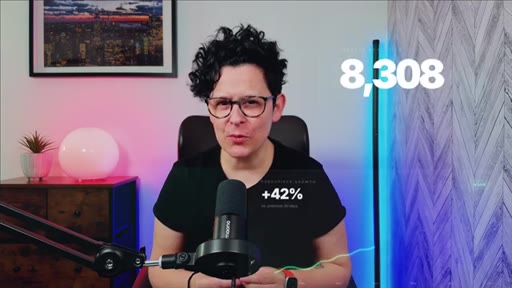
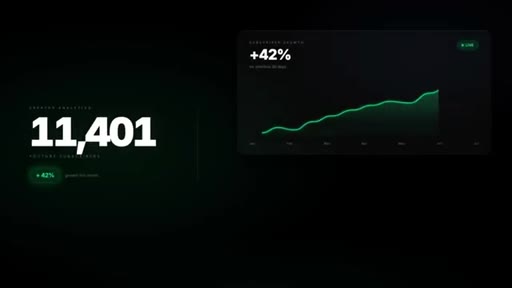
Glassmorphism subscriber dashboard built from a single long prompt; spring animations, sequential reveals, animated counters visible in Remotion preview.

07:20 – 08:39

08 · Demo 4: Website promo video

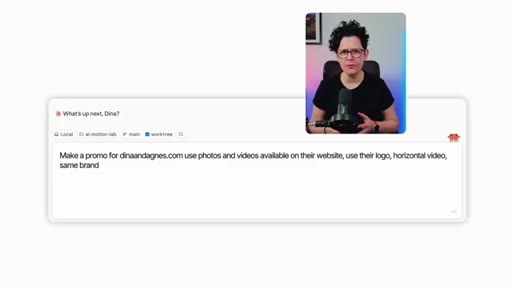
Claude given a live URL, logo, brand colors, and CTA; produces an Apple-ad-style promo pulling assets directly from the website.
08:39 – 09:12

09 · Outro

Recap, full setup guide reminder, like/subscribe ask, branded end card.

§ · Storyboard

Visual structure at a glance.
hook graphic
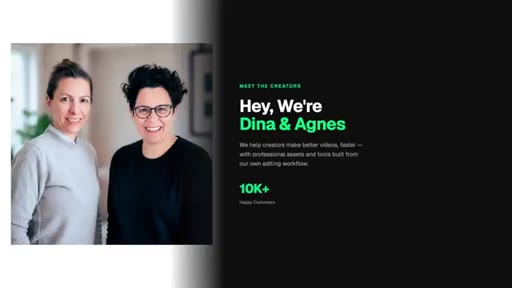
brand intro
promise
loop explained
setup — Node.js
rolling counter prompt
100,000 rendered
search bar prompt
text layer in CapCut
mid-roll promo
dashboard intro
dashboard rendered
website promo prompt
30% OFF promo card
end card
§ · Frameworks

Named ideas worth stealing.

00:34 model

The Prompt-Render-Export Loop

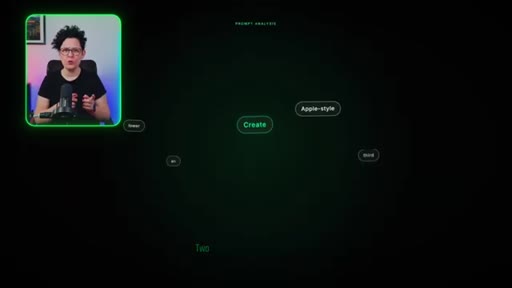
  1. Describe the animation in plain English to Claude Code
  2. Claude writes the Remotion component
  3. Remotion Studio previews live
  4. Export as transparent .mp4
  5. Drop into CapCut as an overlay

The five-step production loop the whole tutorial is built around.

Steal for Any creator workflow that needs branded animated overlays without a motion design budget
04:22 concept

The Deliberate Gap Technique

Build a timed pause into an animation during the prompt phase. The gap becomes a placeholder for a CapCut text layer, making one render reusable for any text variation.

Steal for Search-bar animations, countdown animations, any graphic where the text content changes but the motion does not
§ · Quotables

Lines you could clip.

00:16
"Everything you just watched came from a text prompt. No After Effects, no design skills, no coding."
Tight hook, zero setup required, lands the entire premise in one sentence. → TikTok hook
03:15
"That took about ninety seconds."
Pure punchline — works only with the preceding visual context but the visual context is extraordinary. → IG reel cold open
05:11
"This means I can reuse this animation forever. Any search query, any keyword, any phrase, I just swap the text layer. I never have to rerender the animation itself."
The scalability insight in plain language — the moment viewers realize the workflow compounds. → newsletter pull-quote
08:20
"I genuinely could not believe it the first time I saw this render."
Authentic reaction from the creator who built the prompt — credibility without overselling. → TikTok hook
§ · Resources Mentioned

Things they pointed at.

§ · CTA Breakdown

How they asked for the click.

08:39 subscribe
"If this video was useful, a like and a subscribe means a lot. It shows us that we're doing the right stuff."

Soft ask, framed as audience feedback signal rather than vanity metric. Follows a genuine summary of what was delivered. Mid-roll product promo at 05:24 is separate and well-paced.

§ 04 · The Script

Word for word.

HOOK opening / re-engagementCTA the pitch metaphor analogy story
00:16HOOKEverything you just watched came from a text prompt. No after effects, no design skills, no coding. Just a sentence typed into an AI.
00:26HOOKI'm going to show you exactly how to do this today. I'm Dino, and I'm here to help you master Capcom the easy way.
00:33HOOKLet's jump in.
00:39So let me explain what is actually happening here because once you get it, the whole thing clicks. Two tools that they work together, Remotion is the tool that renders motion graphics from code,
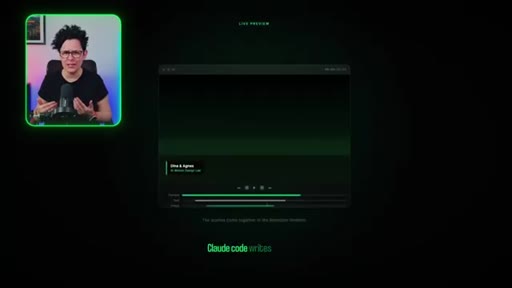
00:51and Clothecode is the AI that writes the code for you. You describe what you want in plain English. Clothecode writes the code.
01:00Remotion builds the animation, and you export it, and then you can drop it straight into CapCart. That is the whole loop.
01:07You never have to type any code whatsoever.
01:16Right. Setup. I'm going to keep this short because I have put together a full step by step guide, Mac and Windows,
01:23and the link is in the description. Everything is in there. So I'm just going to show you what you need, where to get it, and then we are moving straight into the fun part.
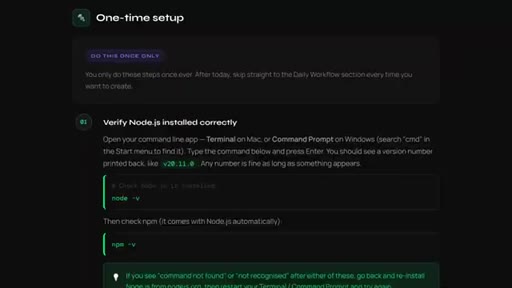
01:33You need four things, Node JS from nodejs.org. Download the LTS version.
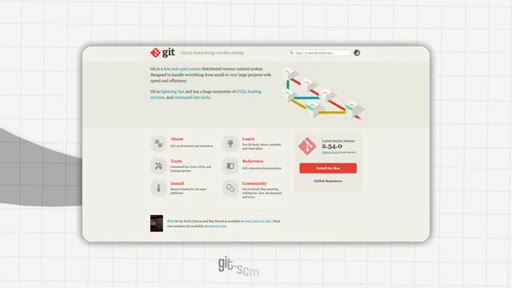
01:40Git from git-scm.com. Clawd Code desktop app from clawd.ai. This does require a subscription
01:50and a browser for the live preview, which you already have. Once those are installed, you create your Remotion project, do a one time git setup in signing. The full guide walks you through every command in order and covers everything that can go wrong.
02:07So if you get stuck at any point, open the link in the description, and it is all in there for you.
02:18So let me show you how this actually works by building one life. I'm going to start with the rolling number animation because it is one of the most useful things you can drop into CapCut. You have seen those videos where a number counts up on screen.
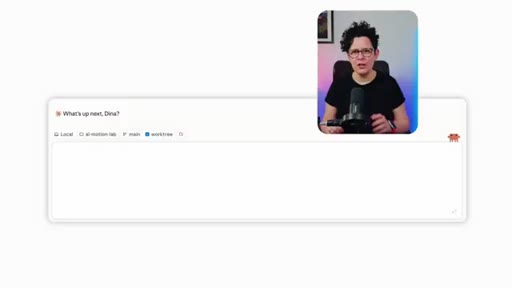
02:34They always look great, and now you can have one in two minutes. So I have Remotion Studio running in the browser and Cloud Code open right in front of me. I'm just going to type exactly what I want.
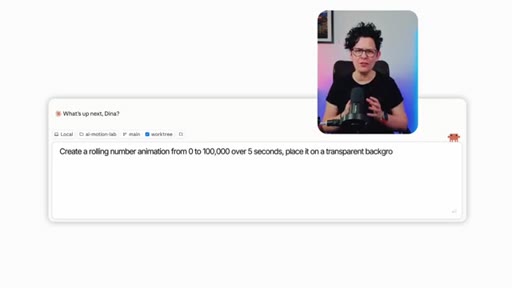
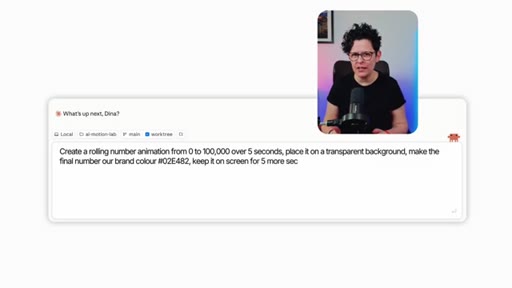
02:48Type this prompt into growth code. Create a rolling number animation from zero to 100,000 over five seconds.
02:56Place it on a transparent background. Make the final number or brand color, 02E482. Keep it on screen for five more seconds,
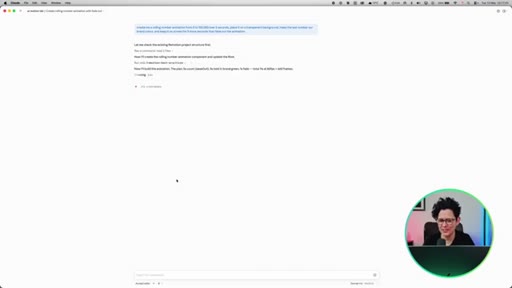
03:07then fade out. Watch what happens in Remotion Studio as Kroll writes the code. You can literally see building the animation in real time.
03:15That is the thing that gets me every time. And that is it. That took about ninety seconds.
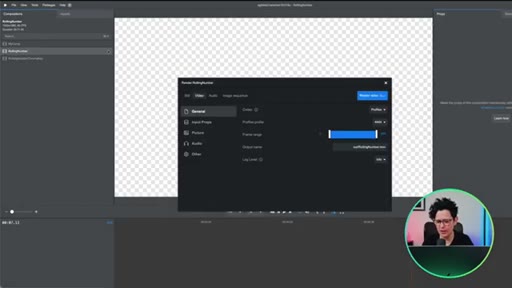
03:21Now I can hit render, export it, and drop it straight over any clip in Capcom. It sits on top of your footage perfectly because the background is transparent.
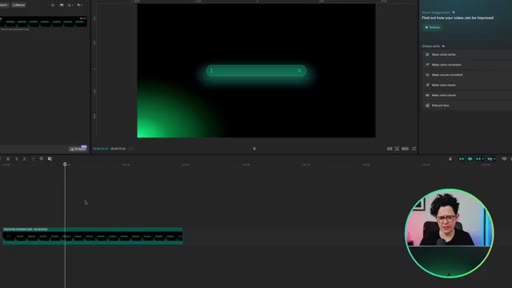
03:36Next one. This is the search bar animation, and, honestly, this is one of my favorites because it looks so much more polished than it should. It is the kind of thing you see in high end production YouTube videos, and it takes two minutes to make.
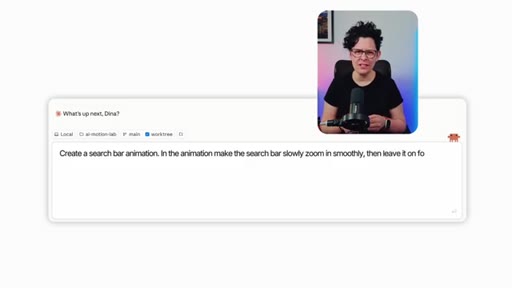
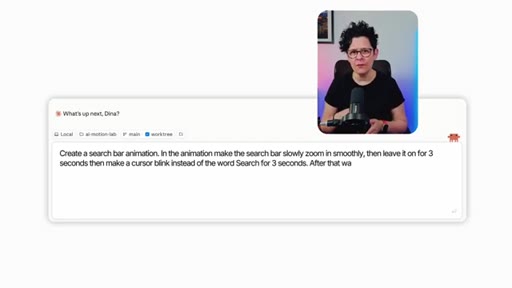
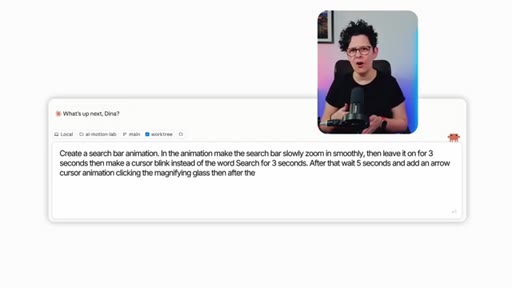
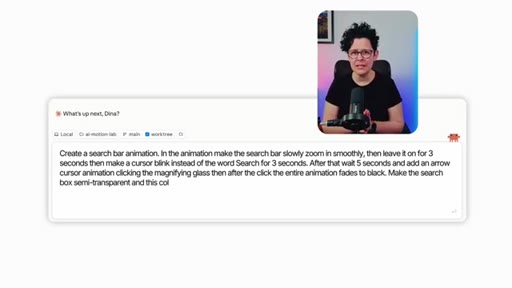
03:51Type this into ClotCode. Create a search bar animation. In the animation, make the search bar slowly zoom in smoothly,
03:58then leave it on for three seconds, then make a cursor blink instead of the word search for three seconds. After that, wait five seconds and add an arrow cursor animation clicking the magnifying glass. Then after the click, the entire animation
04:17fades to black. Make the search bar box semi transparent and this color, zero two e four eight two. See that cursor blink, the click, the fade?
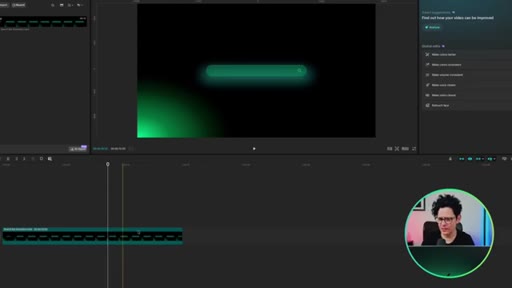
04:28Looks properly produced, but here is the part I actually want you to pay attention to. Notice that in the prompt, I asked Claude to wait five seconds after the cursor blink before the click happens. That was intentional.
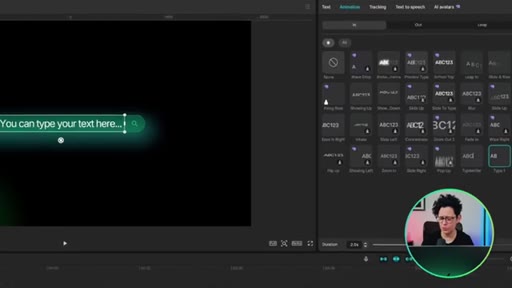
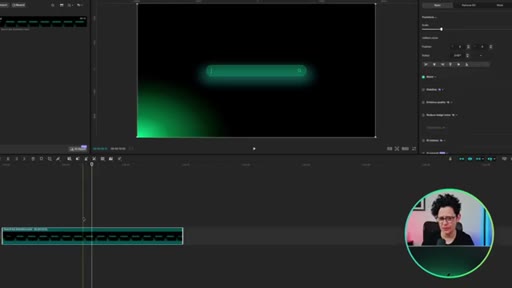
04:42That five second gap is a text layer placeholder, basically. When I drop this into CapCart, I add a text clip on a layer above the animation during those five seconds
04:55and put a time brighter effect on it from the animation step. The animation does the search bar, the cursor blink, the buildup, and then my text types itself in during that gap, and then the click happens and it fades to black. It looks like one seamless sequence, but the text is completely separate.
05:11This means I can reuse this animation forever. Any search query, any keyword, any phrase, I just swap the text layer. I never have to rerender the animation itself.
05:21CTAThis is the whole point of building it this way. Quick one before the good stuff. If you want the free assets to use in your edits right now, there is a free creator starter pack at .com.
05:32CTAYou get horizontal mattes, social media mattes, outline frames, Apple look to rec seven zero nine lot, and 15 cap cut effect tutorials. Each one is under a minute and designed to create the kind of scroll stopping visual hooks that make people stop and watch. All free.
05:50CTALink's in the description.
05:56This one is where it starts to feel genuinely impressive. This is the subscriber analytics dashboard, class morphism cards, animated counters, the whole thing.
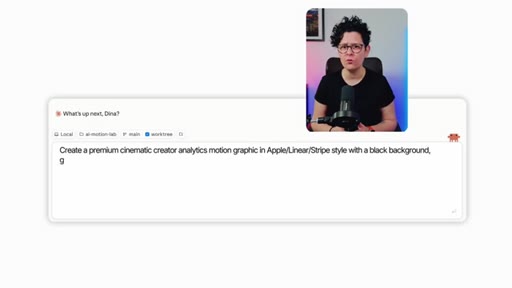
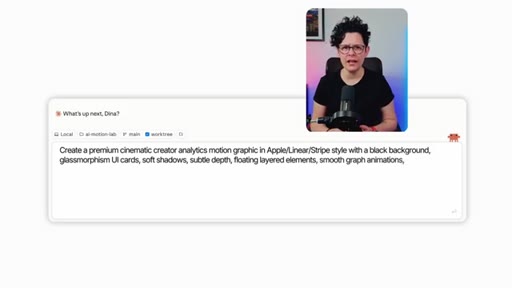
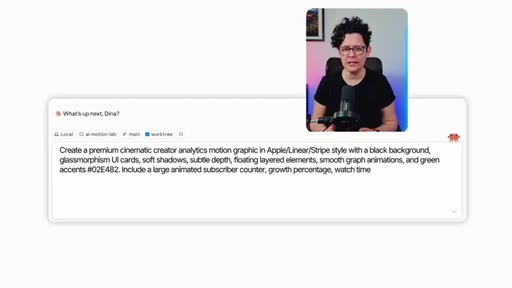
06:07The kind of graphic you see on big channels and assume took hours. Type this into growth code. Create a premium cinematic creator analytics motion graphic in apple linear stripe style with a black background, glass morphism UI cards, soft shadows, subtle depth, floating layered elements,
06:26smooth graph animation, and green accents in zero two e four a two. Include a large animated subscriber counter,
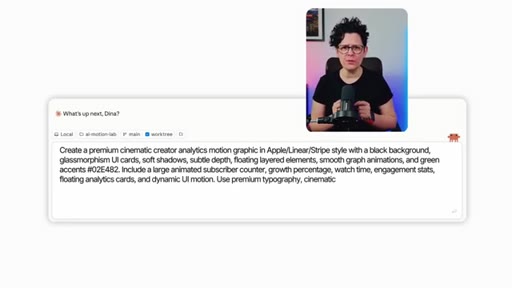
06:34growth percentage, watch time, engagement stats, floating analytics cards, and dynamic UI motion.
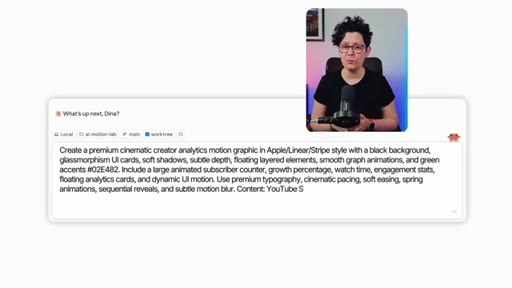
06:41Use premium typography, cinematic pacing, soft easing, spring animations, sequential
06:47reveals, and subtle motion blur. Content, YouTube subscribers,
06:5212,487. Growth, plus 42%. Watch time, one four eight k.
06:58Engagement, 8.7%. Format, nineteen twenty by ten eighty, 30 frames per second, eight seconds.
07:08Those floating cards, the spring animations, the sequential reveals, all from that one prompt. And you can swap in your own numbers, your own colors, whatever you need.
07:18Just tell what to change.
07:25The last one is the most ambitious, a full website promo video. I gave Claude a URL, our logo, our brand colors, and a call to action and ask for something that looks like an Apple ad.
07:38I just needed to add some sound effects and music to it. Type this into. Make a promo for dinner and agnus.com.
07:46Use photos and videos available on their website. Use their logo, horizontal videos, some brand font, and colors.
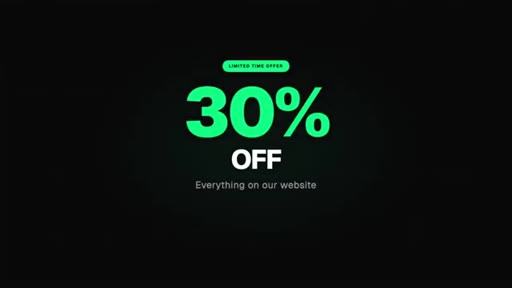
07:53Call to action is everything on their website is 30% off for a week. Professionally designed like Apple and beautifully animated.
08:03This is what came back.
08:20That's pulled the photos from the web website, used our logo, matched the brand fonts and colors, and animated the whole thing. I genuinely could not believe it the first time I saw this render. And every single one of these, the rolling number, the search bar, the dashboard, the promo, they all came out of and
08:38CTARemotion, then I just exported them and dropped straight into CapCart. The full setup guide is link in the description, every step, every command, Mac and Windows,
08:49CTAcompletely free. Go get it, follow the steps, and you will be building your first motion graphic today. If this video was useful, a like and a subscribe means a lot.
08:59CTAIt shows us that we're doing the right stuff. Now go create something awesome, and I'll see you in the next one.
— full transcript
§ 05 · For Joe

One prompt is now enough to build a production-ready animation.

WHAT TO LEARN

The Claude Code and Remotion combination reduces motion graphics production to writing a description — and the deliberate gap technique turns each render into a reusable asset.

  • Claude Code writes Remotion animation code from a plain-English sentence; you do not need to understand the code it produces to use the output.
  • Remotion renders animations with a transparent background by default, which means the exported file overlays on any footage in CapCut without compositing knowledge.
  • The one-time setup — Node.js, Git, Claude Code, a Remotion project — is a fixed cost; every animation after that is just a new prompt.
  • Building a deliberate timed pause into a prompt converts one render into a permanent template: the animation handles motion, a separate text layer handles content, and swapping text never requires re-rendering.
  • Prompt length correlates with output complexity — a three-sentence prompt produces a counter, a paragraph-length prompt produces a glassmorphism analytics dashboard with spring animations and sequential reveals.
  • Giving Claude a live website URL with brand colors and a call-to-action is sufficient input to generate a full promotional video that pulls assets automatically from the page.
  • The reusability principle applies beyond search bars: any animation with a predictable gap — a countdown, a highlighted word, a data slot — can be designed once and filled indefinitely with different content.
§ 06 · Frame Gallery

Visual moments.