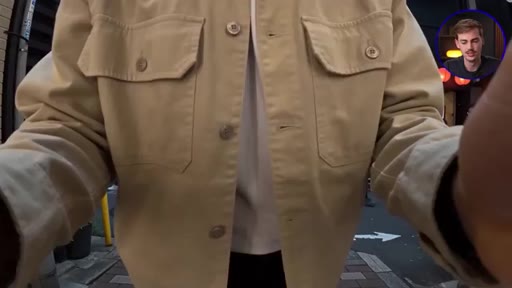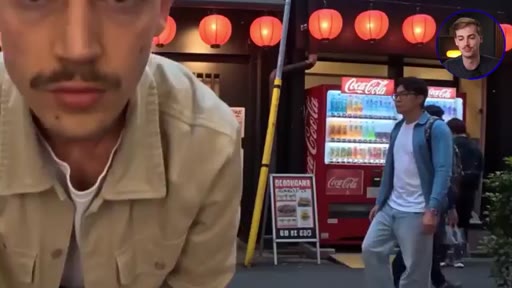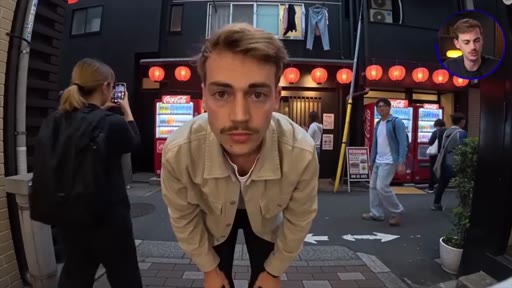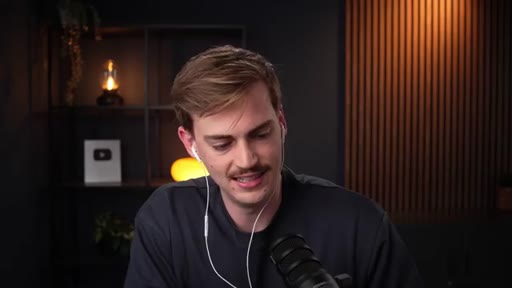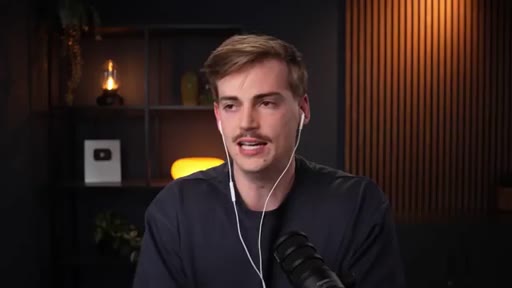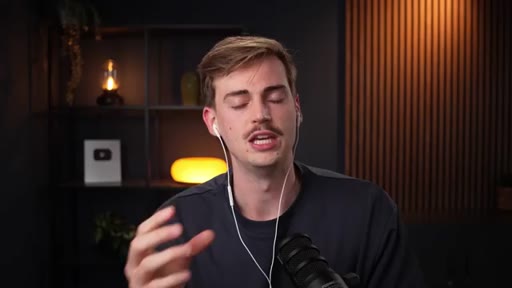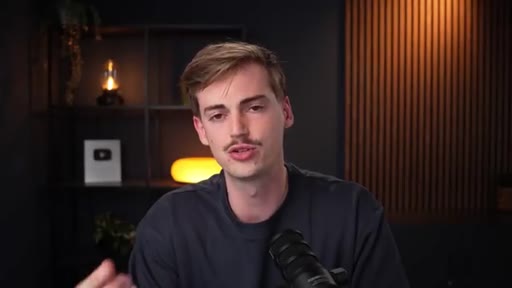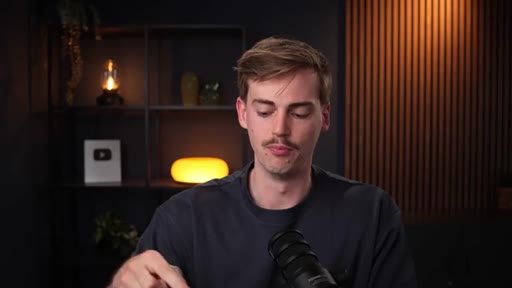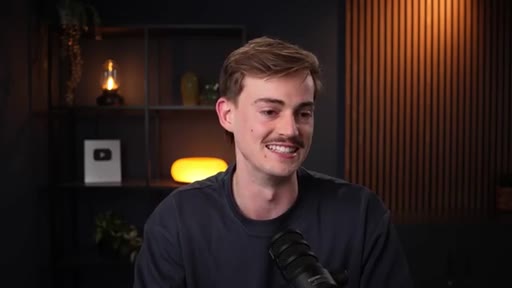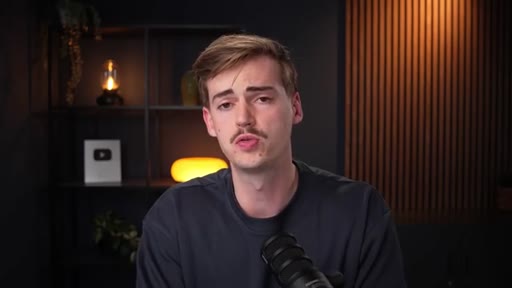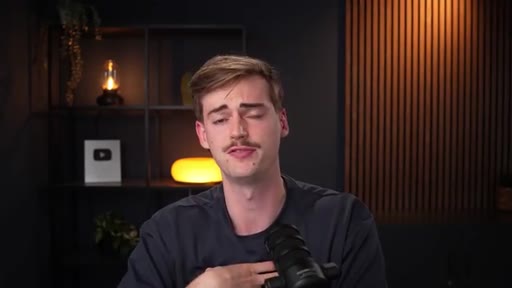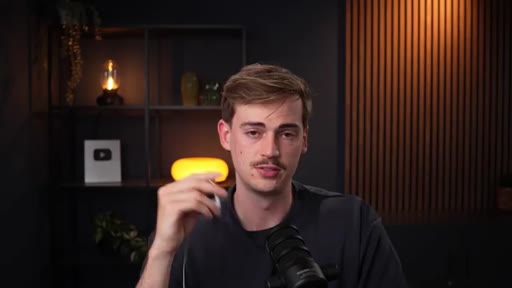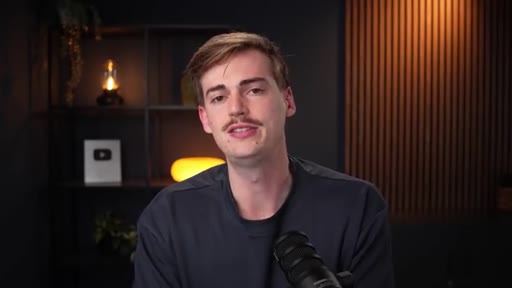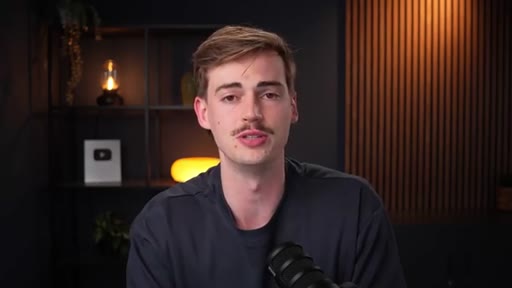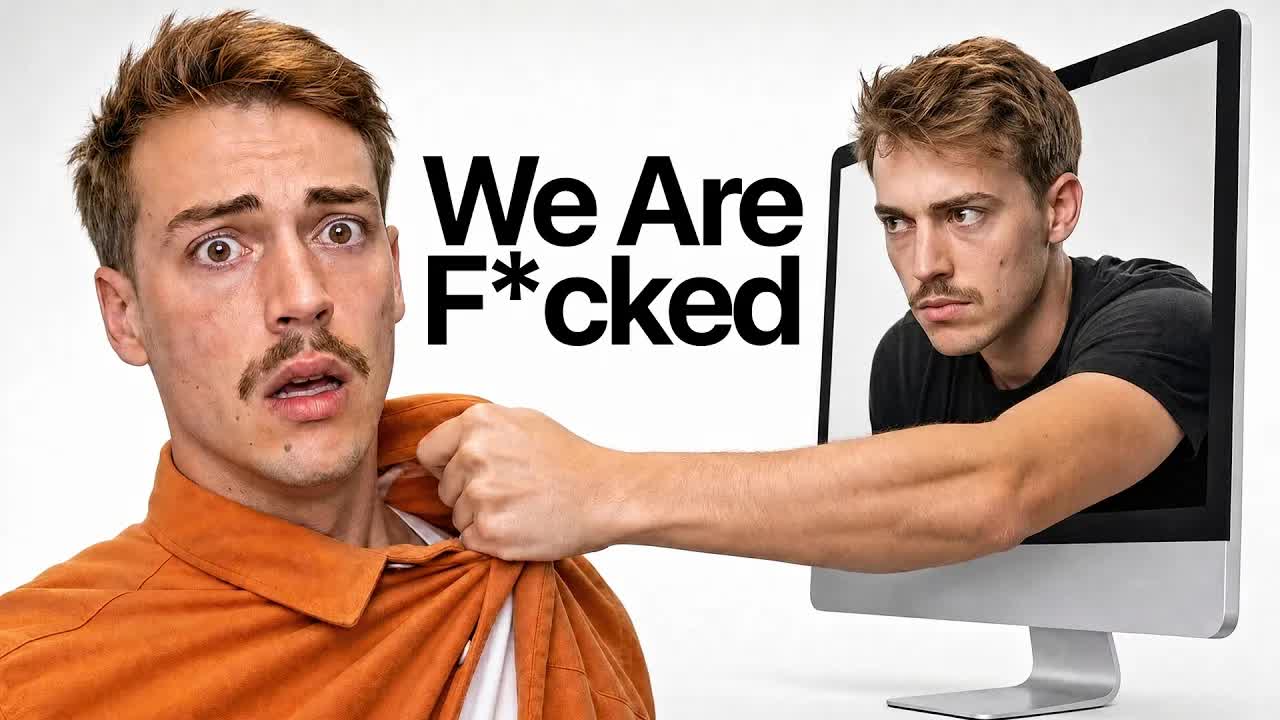
The bait, then the rug-pull.
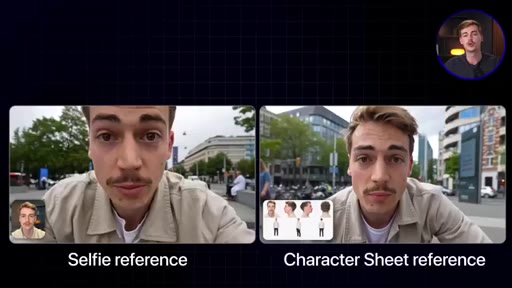
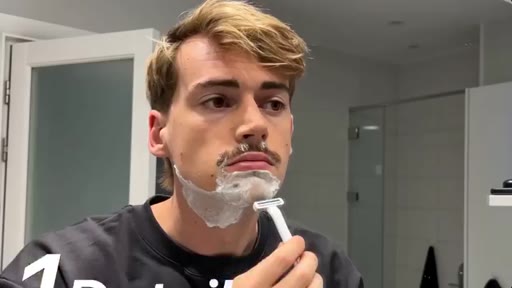
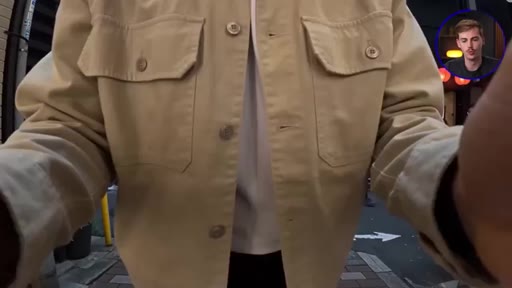
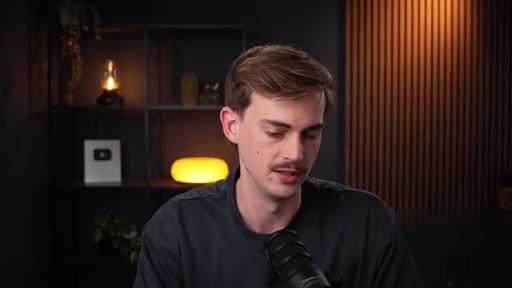
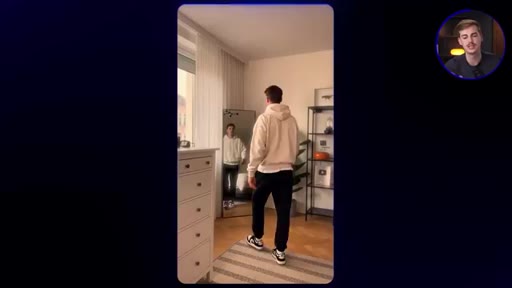
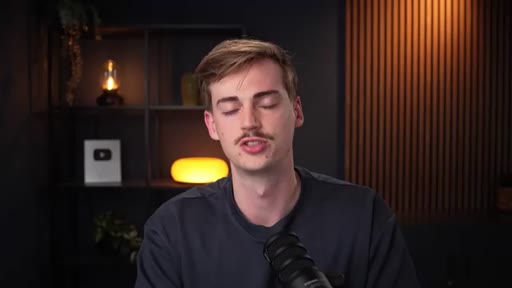
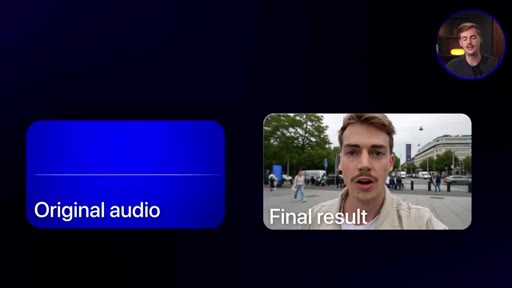
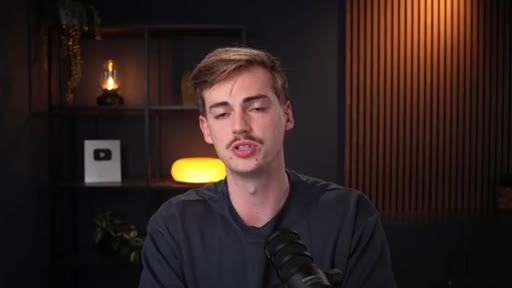
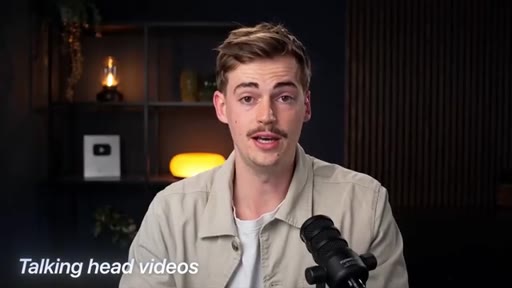
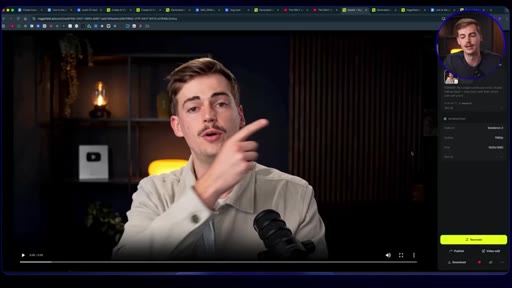
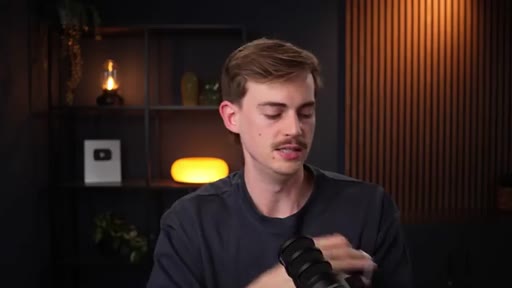
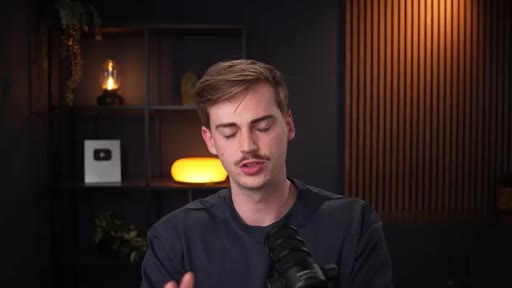
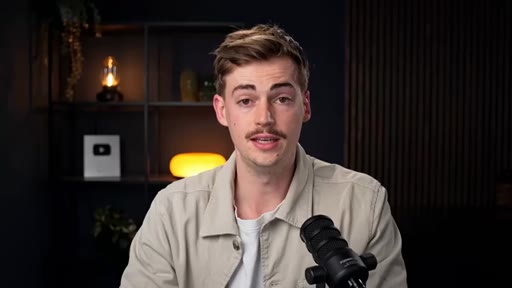
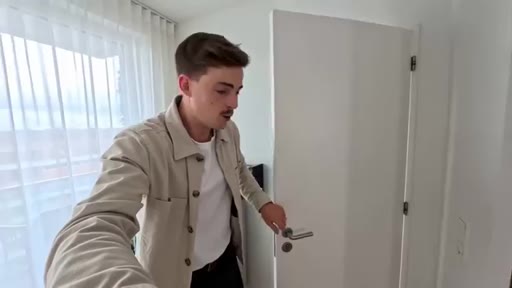
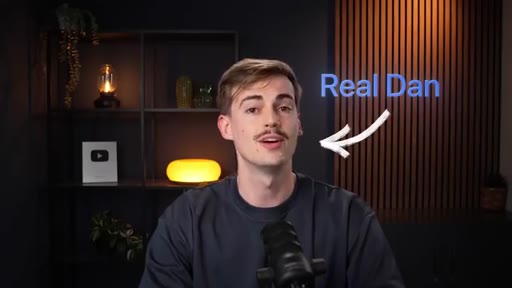
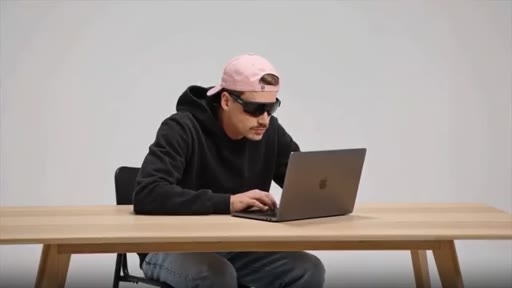
The video opens outdoors with a man speaking to camera on a busy street. He invites you closer, cuts to studio, and reveals it was his AI clone the whole time. Then he drinks a cup of water to prove he is the real one.
Where the time goes.
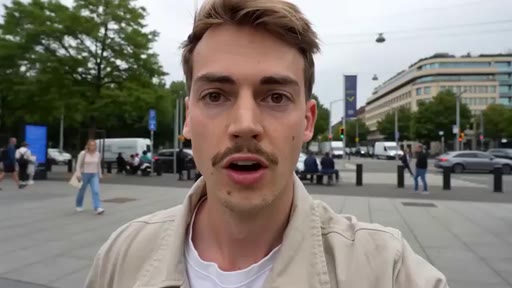
01 · Hook and clone reveal
AI clone walks and talks outdoors; real Dan reveals the swap in studio and drinks water as proof.
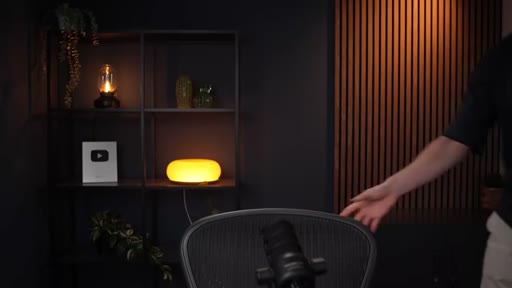
02 · What this video covers
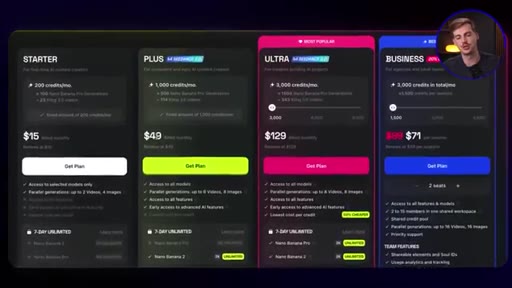
Roadmap: make your own clone, use cases, voice tricks. Tool: Higgsfield CDance. Link to Skool community for prompts.
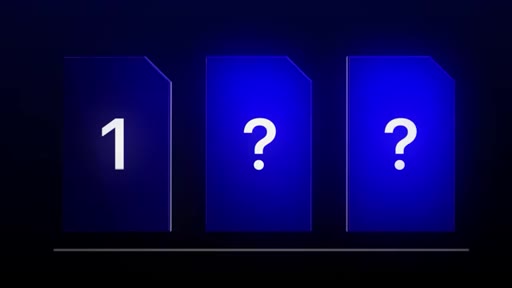
03 · Why CDance looks so good
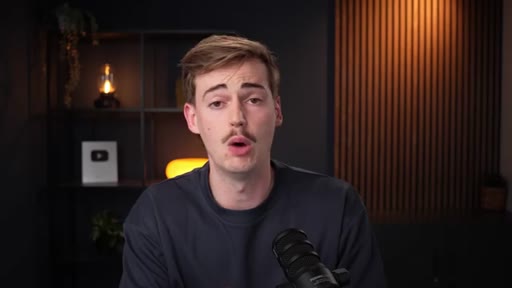
Detail (skin texture, pores, imperfections), natural dialogue (pauses/ums/glances), natural movement (body language). Side-by-side with old v0.3 and HeyGen.
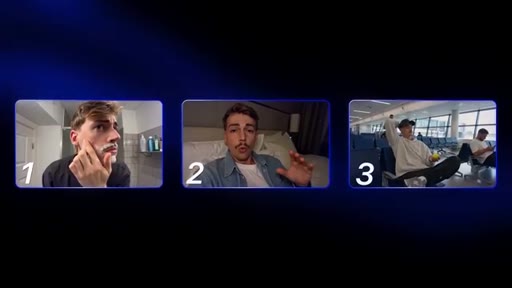
04 · Credits and accessibility
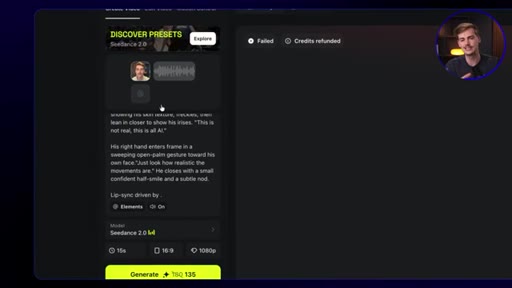
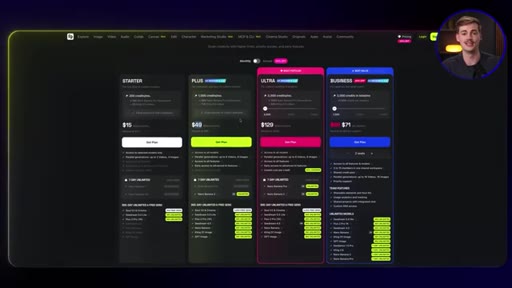
Anyone can now create without being on camera. Only real limitation is credits.
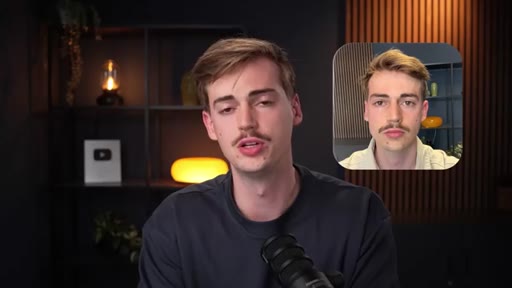
05 · Making your reference
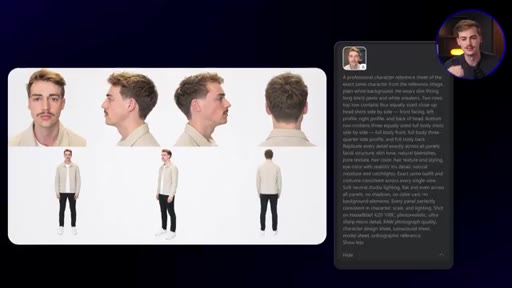
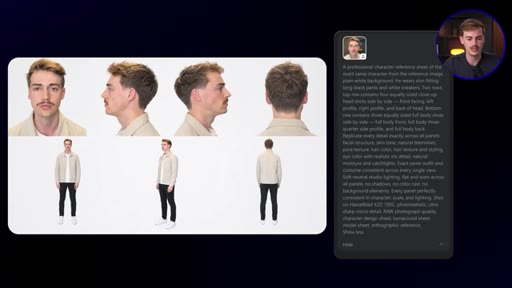
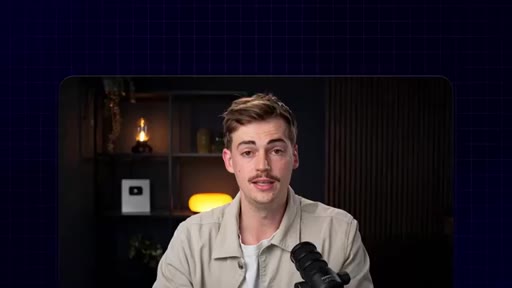
Why a selfie beats an AI character sheet for skin detail. Top-down selfie tip for outfit consistency.
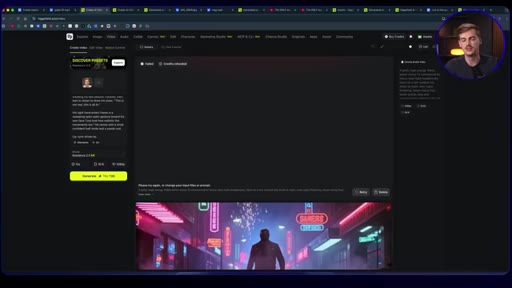
06 · Making the AI sound like you
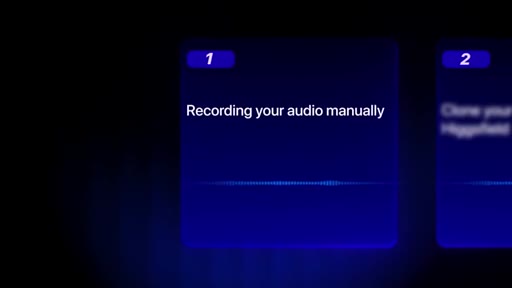
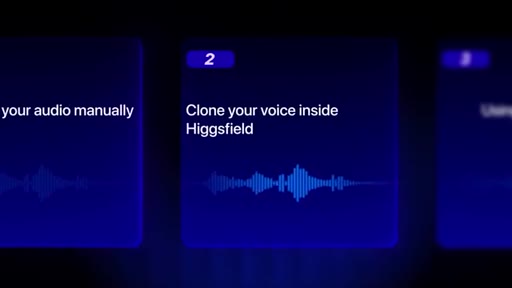
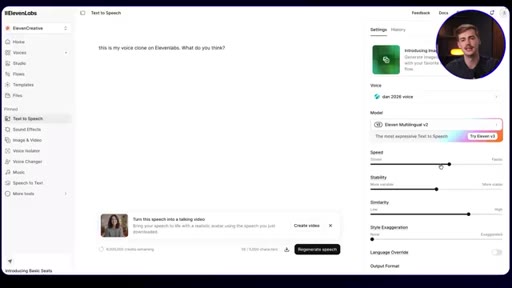
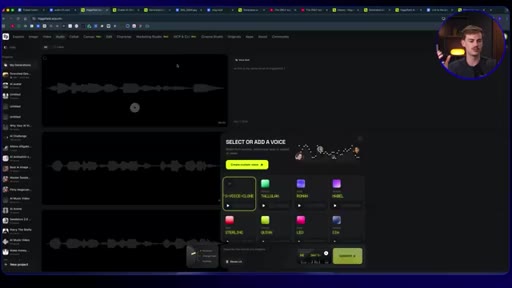
Three methods: Audacity recording, Higgsfield built-in cloner (under 13s), ElevenLabs professional clone.
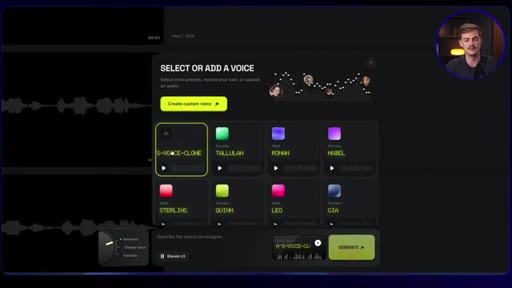
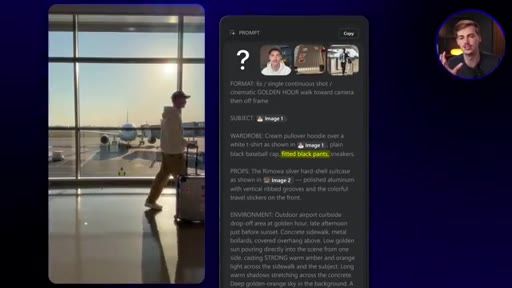
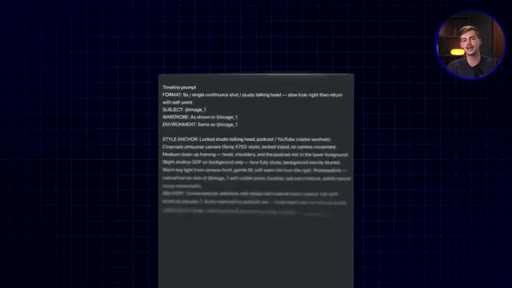
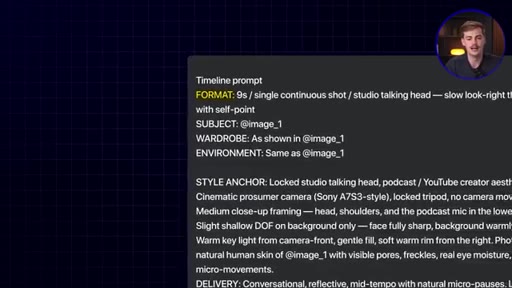
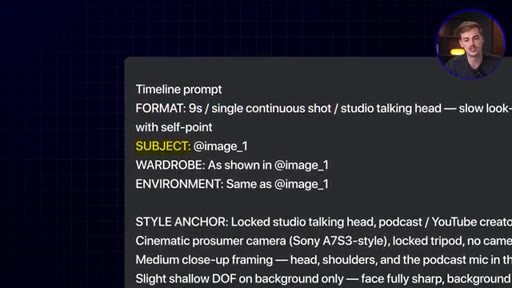
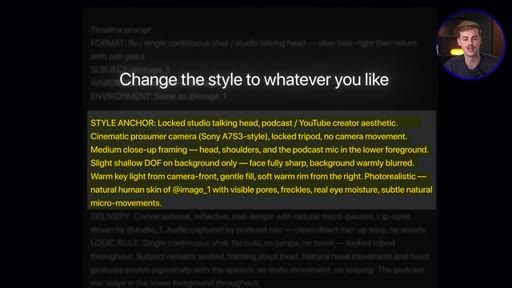
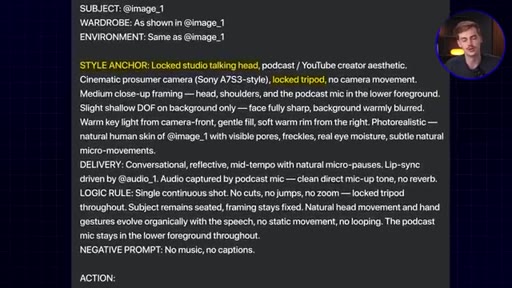
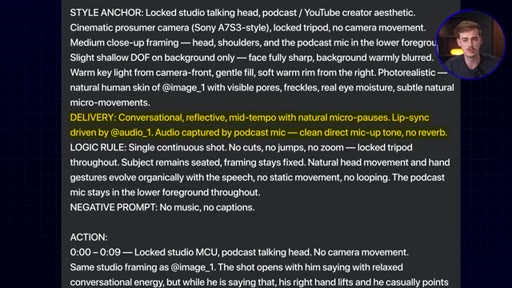
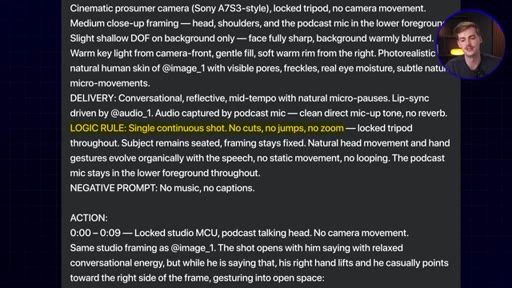
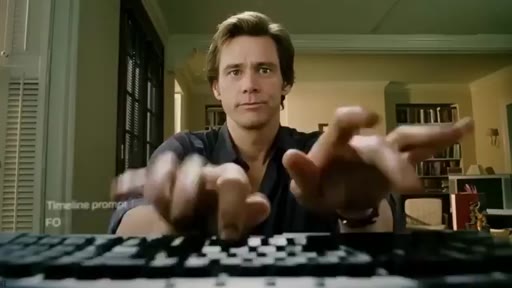
07 · Timeline prompting breakdown
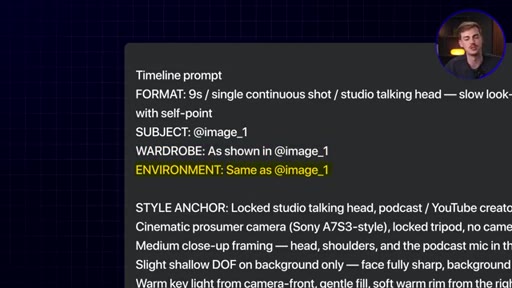
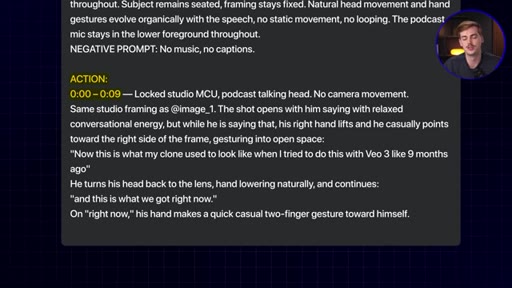
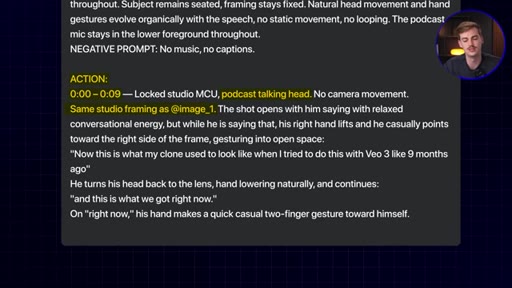
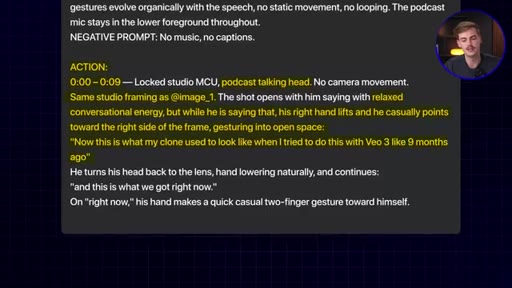
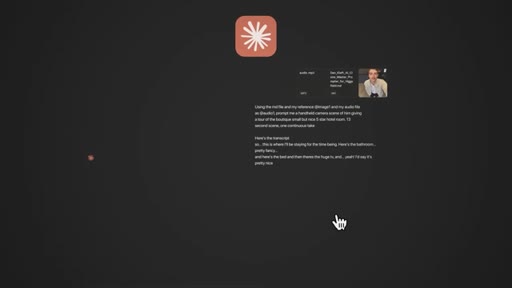
Eight-field prompt structure: FORMAT, SUBJECT, WARDROBE, ENVIRONMENT, STYLE ANCHOR, DELIVERY, LOGIC RULE, NEGATIVE PROMPT, ACTION.
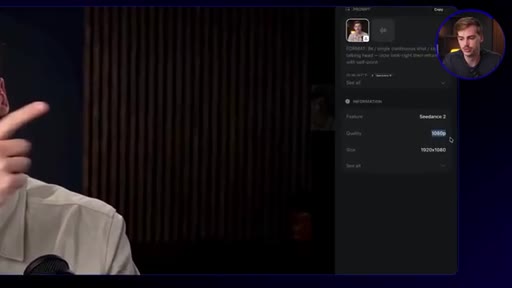
08 · Output quality and tradeoffs
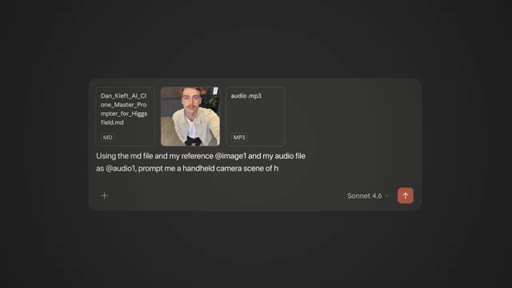
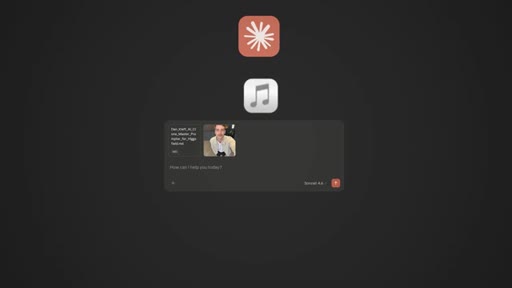
1080p used for YouTube. 720p significantly cheaper. MD file template for Claude/ChatGPT to auto-generate prompts.
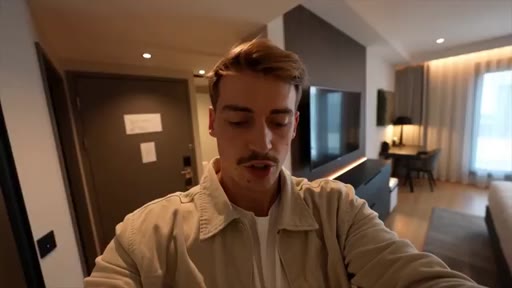
09 · Real-world use cases
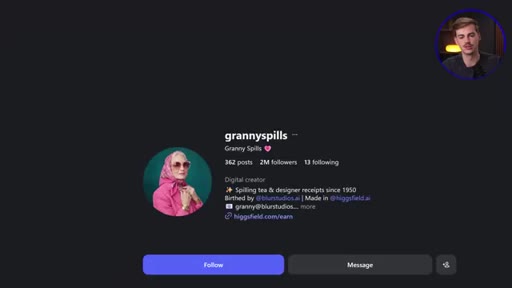
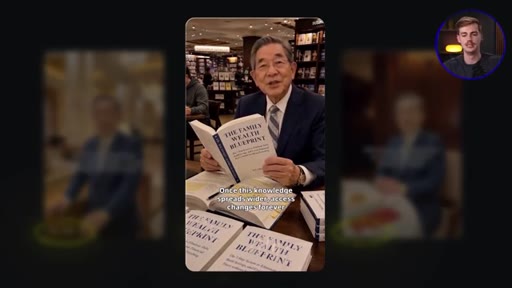
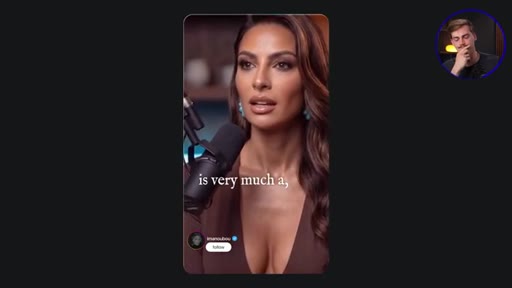
Fictional AI accounts (130K-400K followers), entertainment characters, podcast clips.
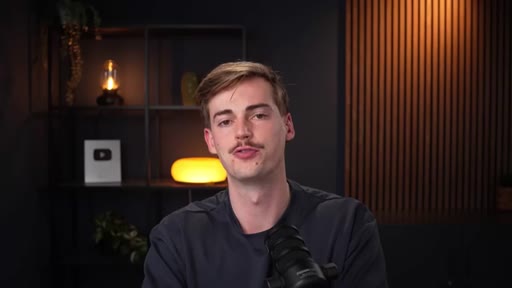
10 · AI VFX, AI ads, credit costs
Minecraft VFX intro. Uniqlo ad (4 shots, ~500 credits, max $25). Credit cost philosophy. Final CTA.
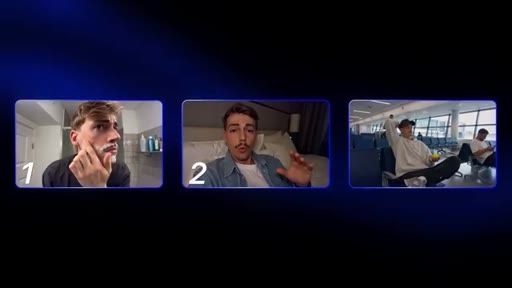
Visual structure at a glance.

Named ideas worth stealing.
Timeline Prompt 8-Field Structure
- FORMAT
- SUBJECT
- WARDROBE
- ENVIRONMENT
- STYLE ANCHOR
- DELIVERY
- LOGIC RULE
- NEGATIVE PROMPT plus ACTION
A structured template for CDance prompts that specifies every parameter the model needs, reducing ambiguous generation.
Three Voice Input Methods
- Manual Audacity recording plus upload
- Higgsfield built-in voice cloner under 13s audio
- ElevenLabs professional voice clone
Ranked from most authentic to most scalable: manual recording wins on authenticity, ElevenLabs wins on generated voice quality.
Lines you could clip.
"I used to have an AI clone and everyone called me out on it. They all noticed it was fake. But if you can't tell, this is AI too."
"If you don't have pauses, ums, and ahs, you have a big chance that it's AI generated."
"Anyone can now be a creator. You don't have any limitations anymore. The only limitation you have is credits."
Things they pointed at.
How they asked for the click.
"The link to Higgsfield and the link to my prompts are in the description down below."
Standard verbal CTA at end of video; affiliate link to Higgsfield plus free Skool community. Low pressure, no countdown.
Word for word.
Why the gap between real and fake closed so fast.
AI avatar realism is no longer a resolution problem: it is a behavioral problem, and the tools that solve natural micro-pauses and eye movement are producing indistinguishable output.
- Natural micro-pauses and off-camera glances are the primary tells for AI-generated video; an avatar that holds eye contact without variation reads as synthetic regardless of visual fidelity.
- A reference selfie captures skin imperfections that AI-generated character sheets smooth over, making the selfie the better input for photorealism despite being lower resolution.
- The 13-second clip ceiling forces a scripting discipline: planning content in 9-13 second units before generating, not after, is what separates usable output from wasted credits.
- Timeline prompting reduces AI guesswork by specifying eight parameters upfront; every degree of freedom left undefined gets filled with generic defaults.
- Credit costs scale steeply with resolution; 720p output is functionally indistinguishable from 1080p at social-feed viewing sizes and costs a fraction of the credits.
- Uploading a reusable prompt-template file into an AI assistant converts complex timeline prompting into a single plain-English sentence, removing the skill barrier for consistent generation.