The bait, then the rug-pull.
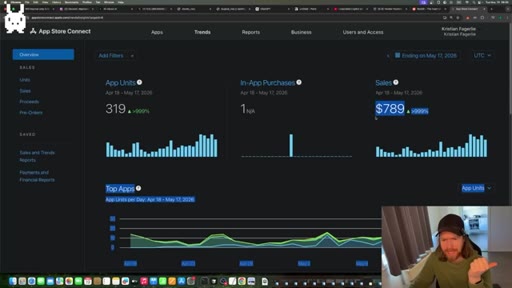
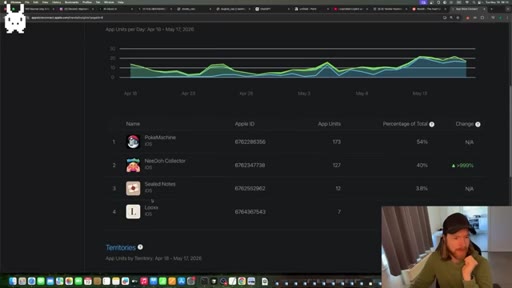
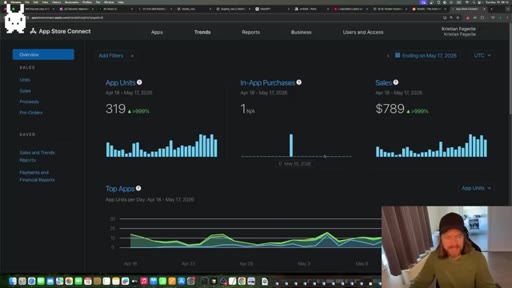
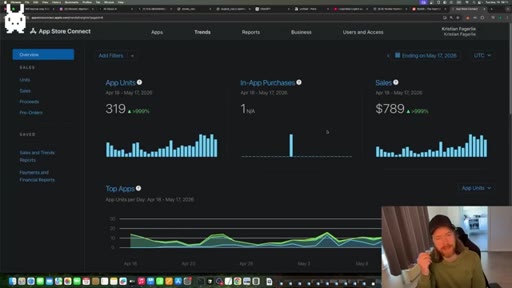
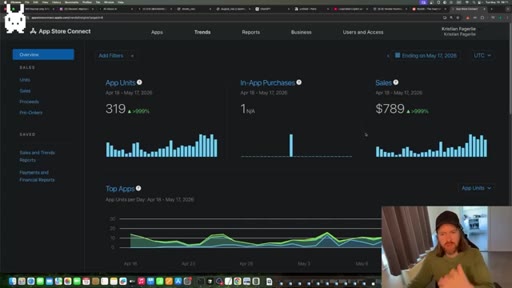
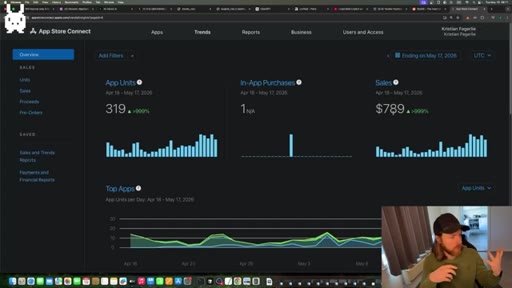
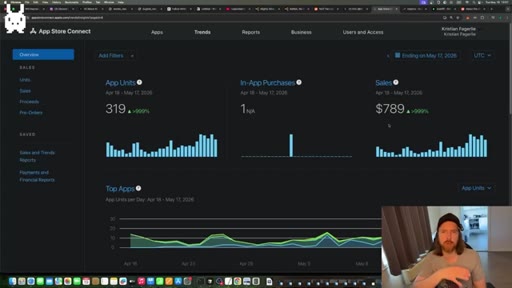
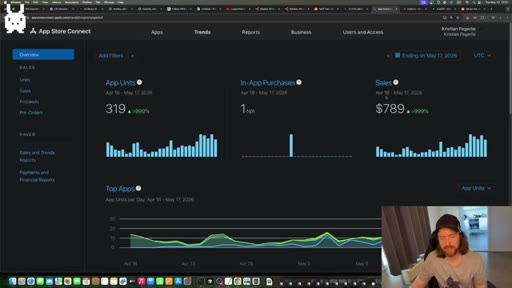
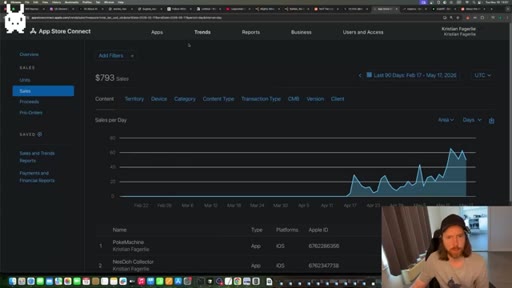
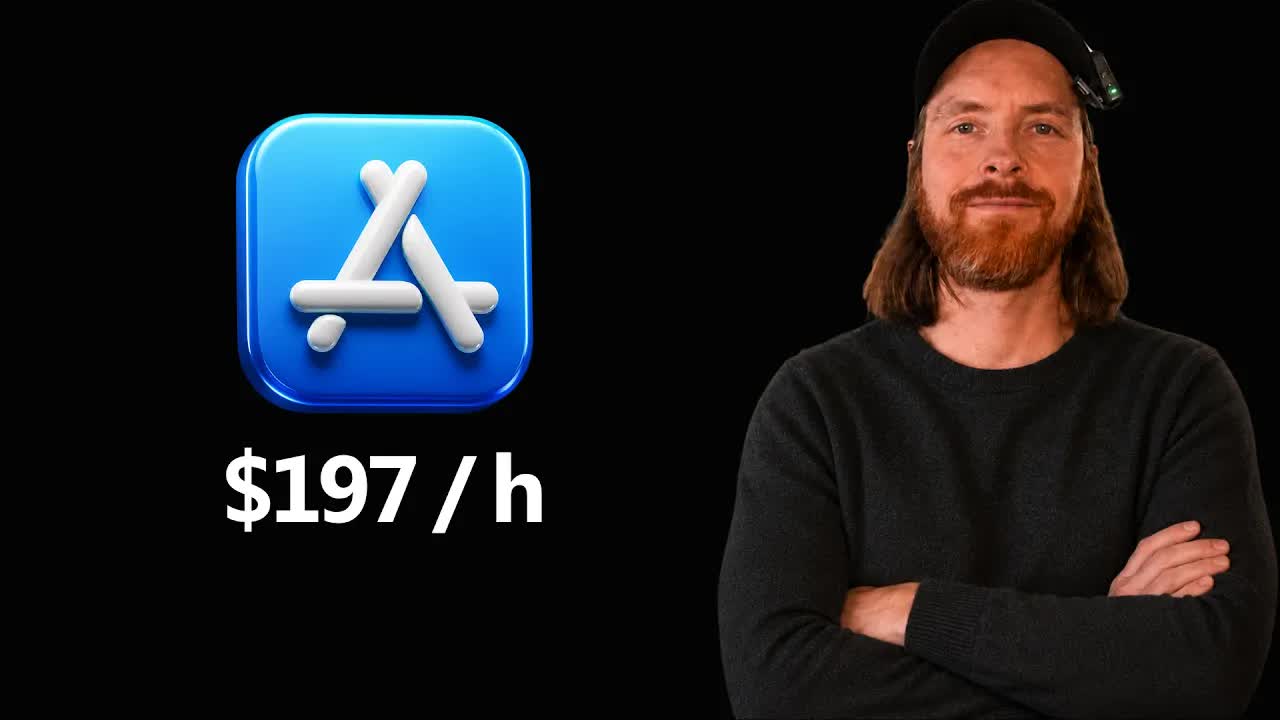
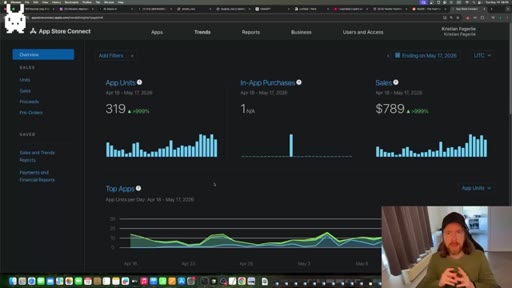
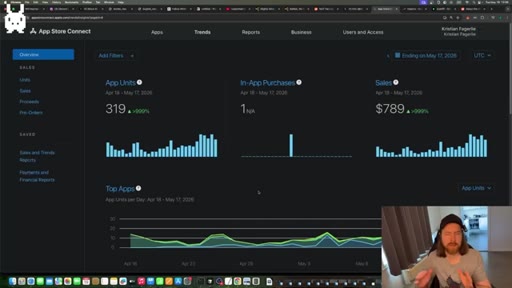
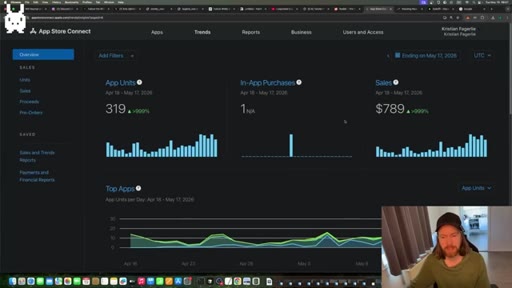
Open the dashboard on any given morning and the number keeps climbing: 319 paid app units, $789 in sales, around $60 to $70 per day now — from two apps the creator spent a combined four hours building. The rest of the video is the proof of work.
Where the time goes.
01 · Results and framing
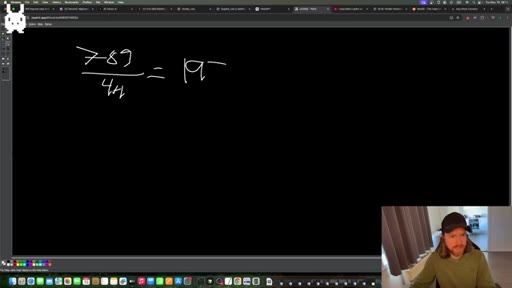
App Store Connect dashboard showing $789 / 319 units. Calculates $197/hr effective rate. Sets up the farming mental model and sunken-cost rule.
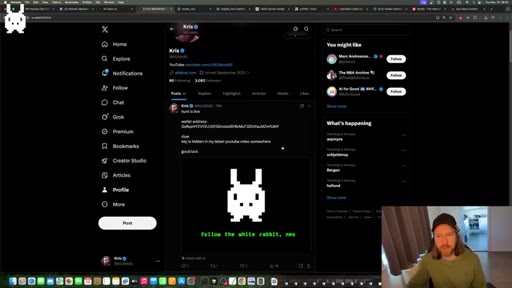
02 · White rabbit treasure hunt
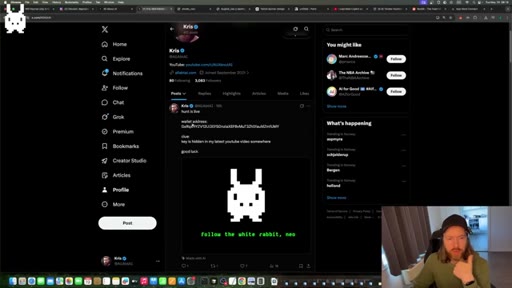
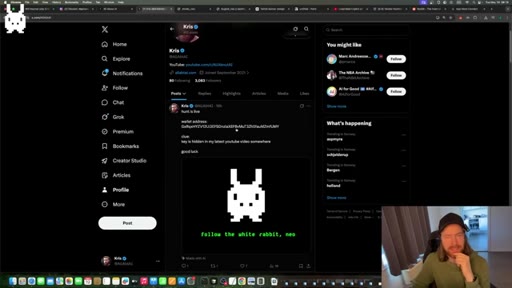
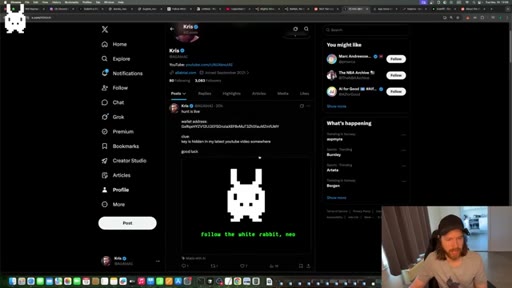
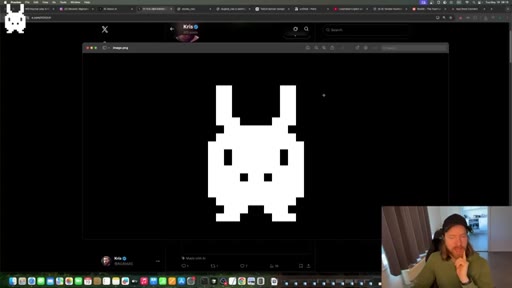
Explains the pixel-rabbit watermark: a crypto wallet puzzle hidden in the video. Side segment, not core to the tutorial.
03 · App idea research workflow
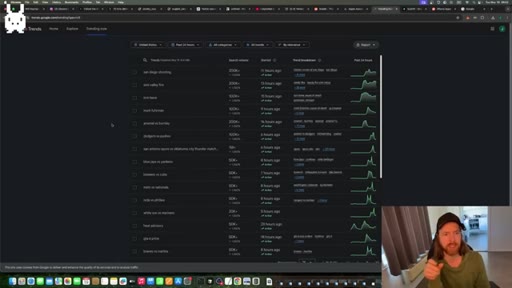
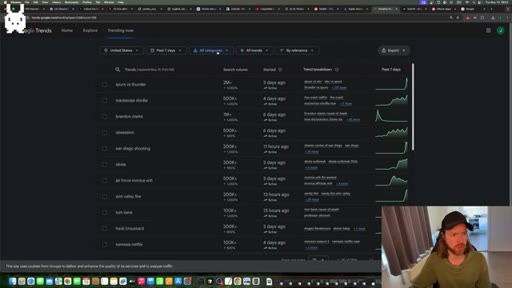
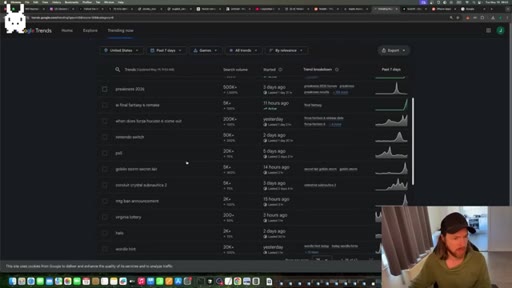
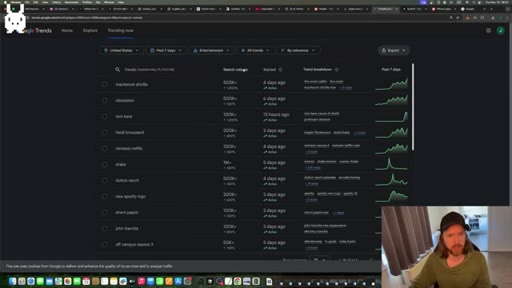
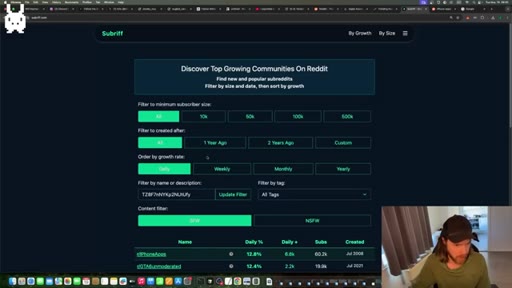
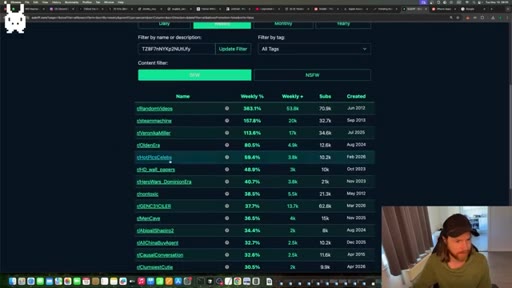
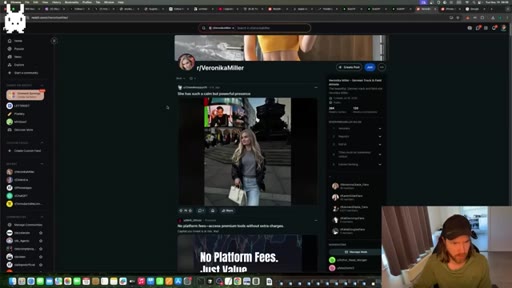
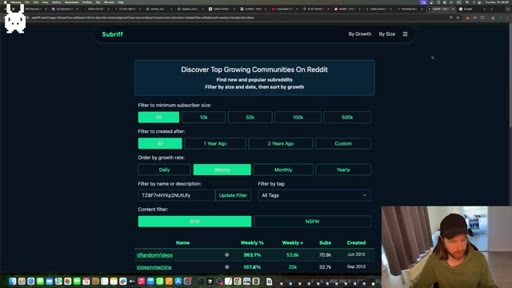
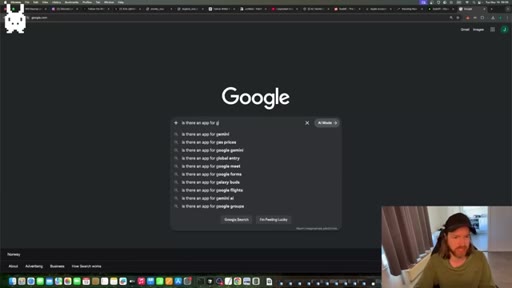
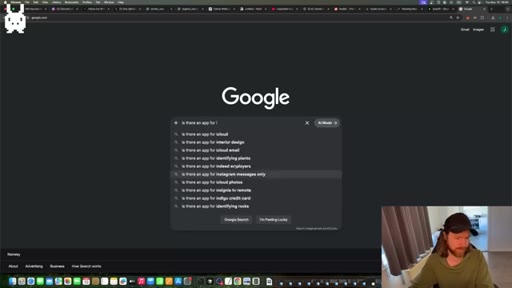
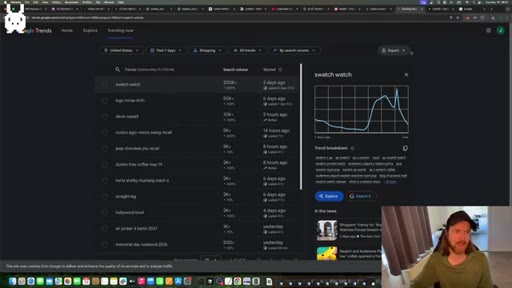
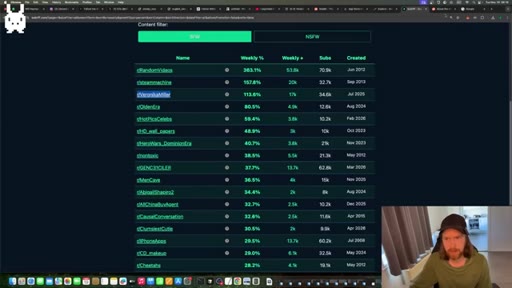
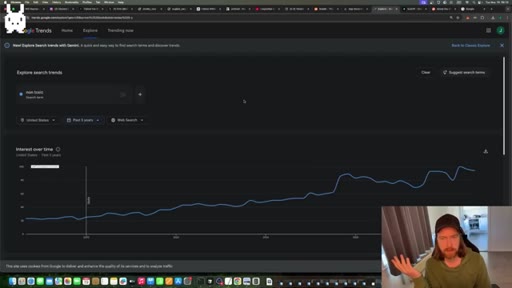
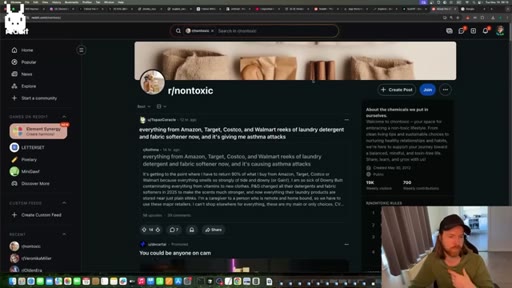
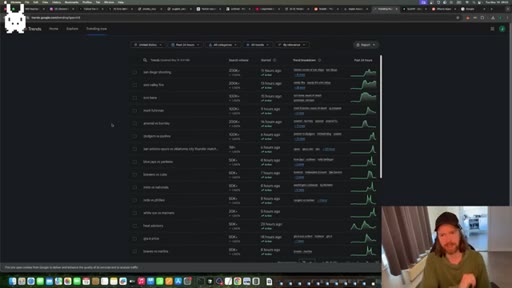
Live demo of Google Trends (US, 7-day, by category), SubRift (top growing subreddits by weekly growth), and Google autocomplete. Finds 'nontoxic' as the live example.
04 · Claude Code research phase
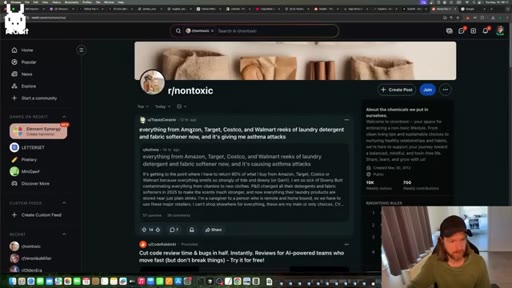
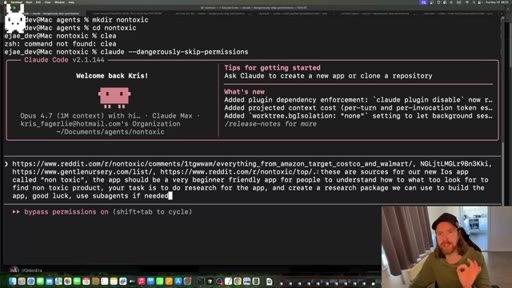
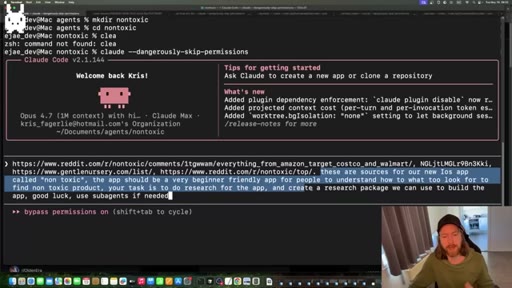
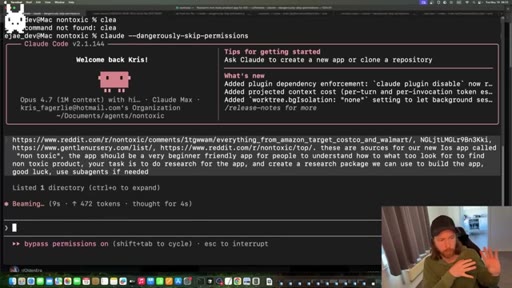
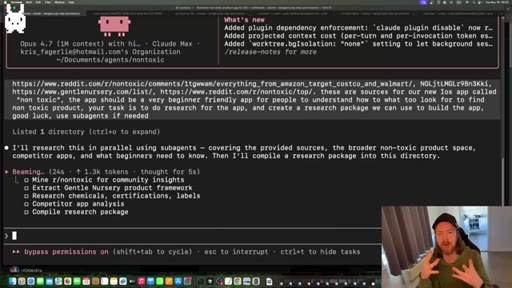
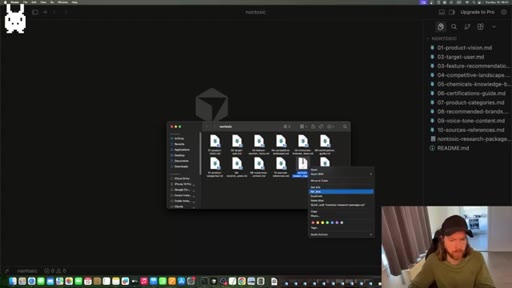
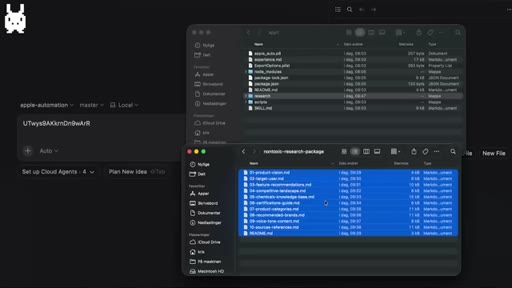
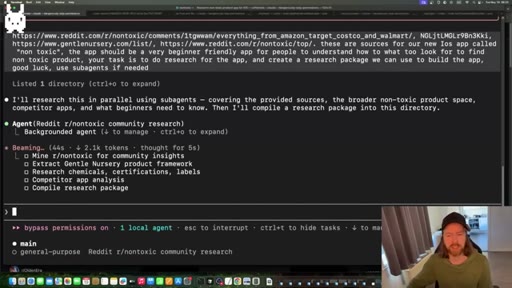
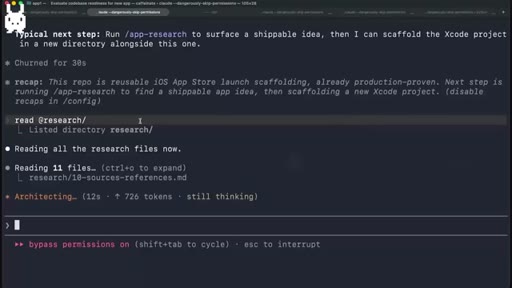
Pastes Reddit sources into Claude Code with a research prompt. Runs agentic sub-agents to compile a research package. Zips output and transfers to MacBook.
05 · Building the app
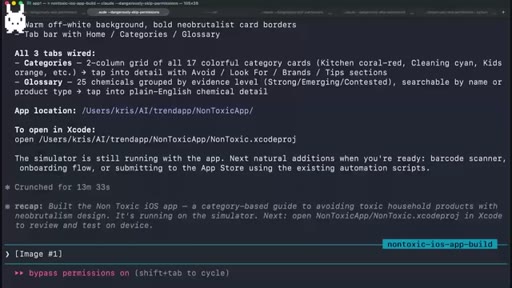
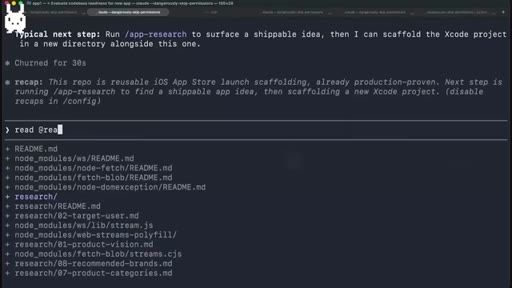
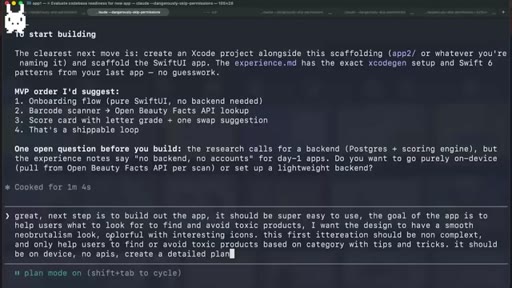
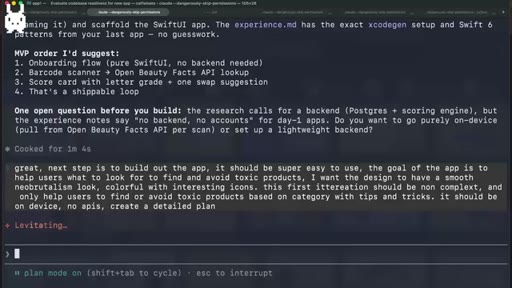
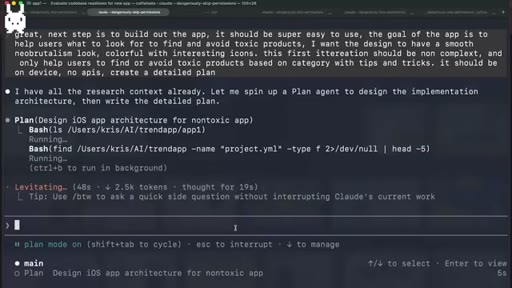
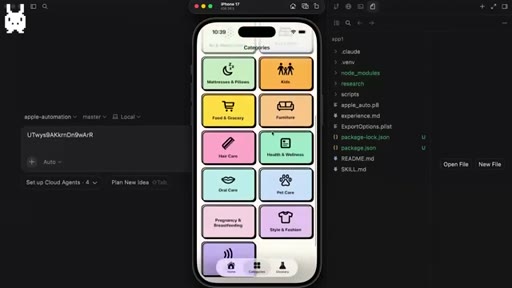
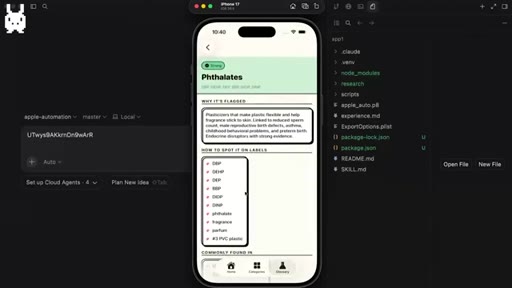
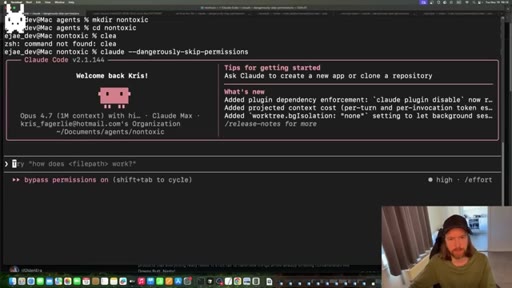
Loads research into Claude Code on MacBook. Sets plan mode with one prompt: neo brutalist design, on-device, category-based toxic ingredient guide, no APIs. Claude Code scaffolds and builds via automated Xcode connection.
06 · Reviewing and fixing
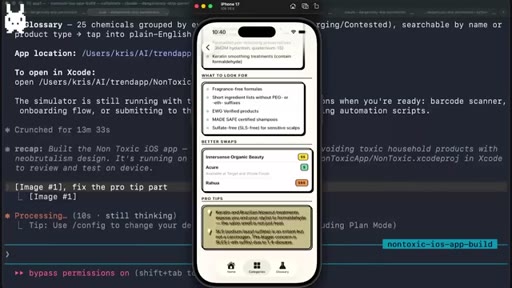
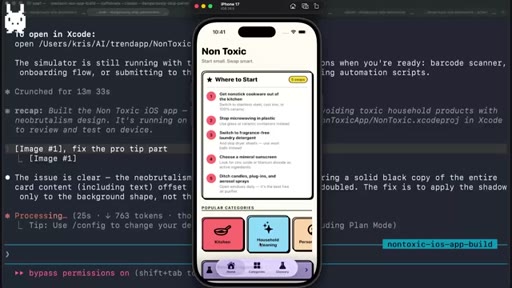
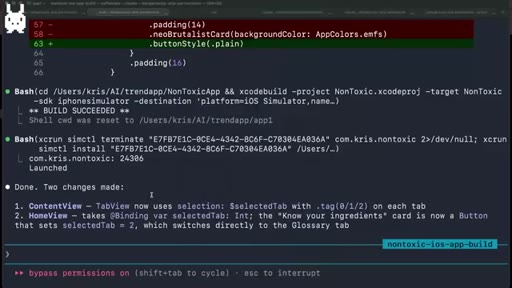
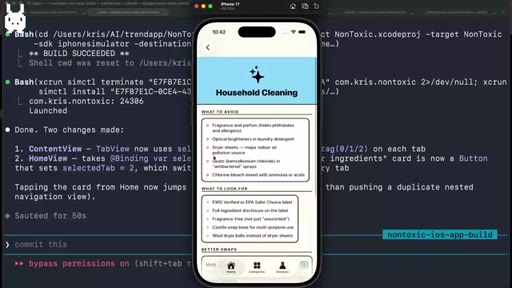
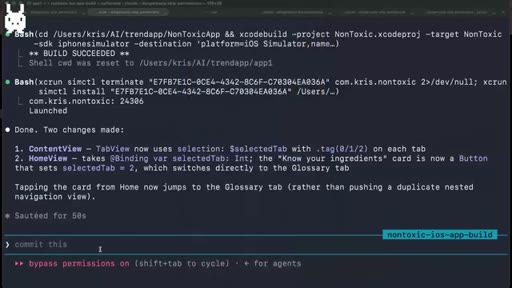
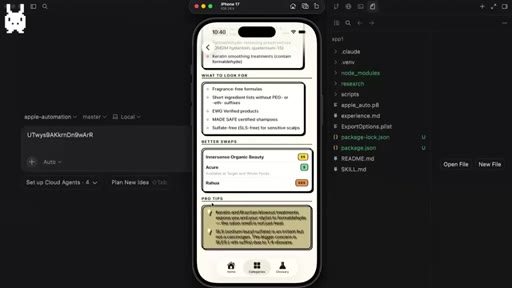
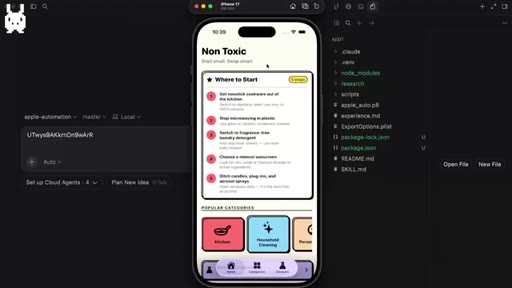
Walks through app in simulator. Spots stacking bug, sends screenshot-based fix, two changes made, rebuilds.
07 · Automating App Store Connect upload
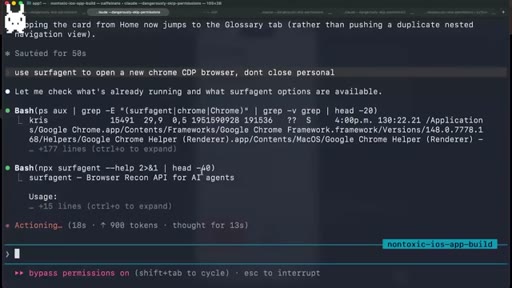
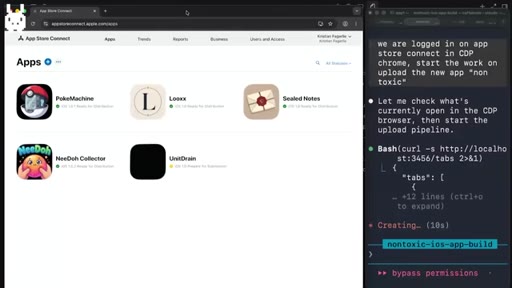
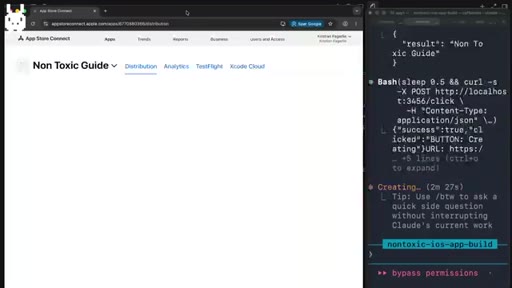
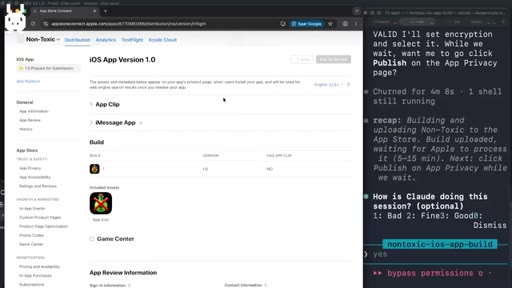
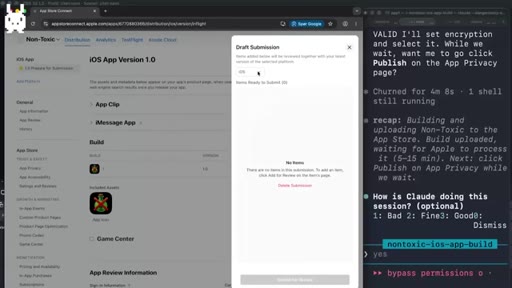
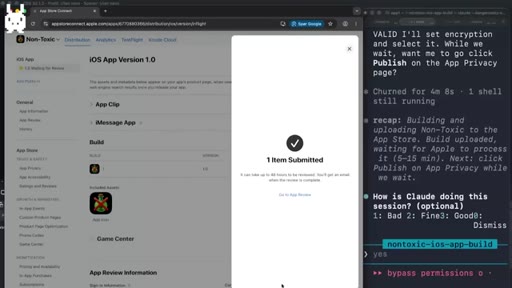
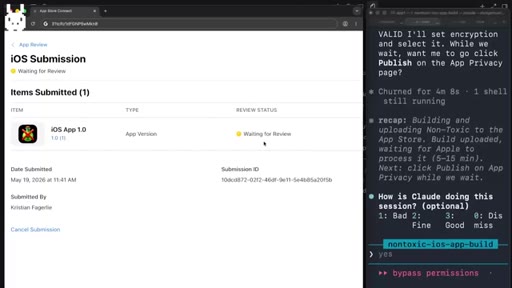
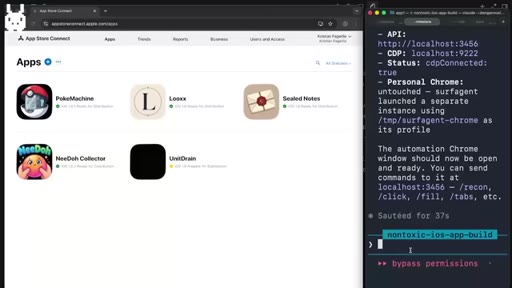
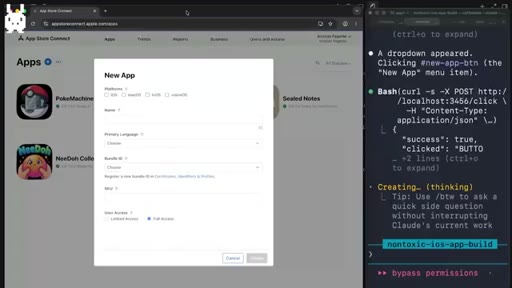
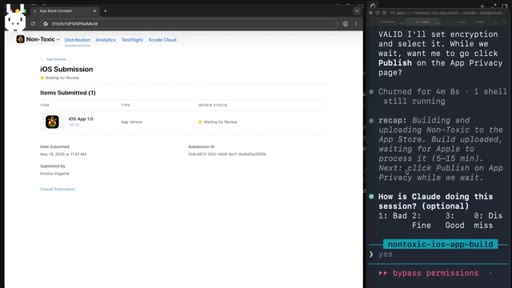
Triggers custom surf agent (CDP Chrome). Claude Code fills listing fields automatically. Adds build, sets compliance, submits for review. Total elapsed time from idea: about 1 hour.
08 · Outro and growth chart
90-day growth chart from zero. One month in, $70/day revenue now. Plugs clip rewards program and white rabbit hunt link.
Visual structure at a glance.
Named ideas worth stealing.
The App Store Farming Loop
- Find trending topic with low app competition
- Build thin utility app with Claude Code in one session
- Submit and wait for organic traction
- Iterate only if traction appears; abandon if not
A repeatable low-stakes cycle that treats each app as a market experiment rather than a product commitment.
Trend Sourcing Stack
- Google Trends (US, past 7 days, by category, sort by search volume)
- SubRift — top growing subreddits by weekly growth rate
- Google autocomplete: 'is there an app for [letter]'
Three free tools that surface rising demand before it shows up in App Store keyword competition.
Lines you could clip.
"I don't wanna get, like, sunken cost fallacy into them. So you keep spending working a week, two, three weeks on one app because it's really hit and miss."
"I am kind of tempted to just post this on the App Store. I remember this was one prompt."
"That's like $197 per hour. Right? That's pretty good."
Things they pointed at.
How they asked for the click.
"I'm gonna keep you posted on how the nontoxic app is gonna do and how we are doing going forward."
Soft forward hook rather than a hard subscribe ask. Also plugs a clip-reward program and the white rabbit hunt to drive engagement actions.
Word for word.
The one-hour app cycle that avoids the sunken-cost trap
Successful App Store farming requires a hard constraint on time-per-app, not just better tools — find demand before it saturates, build the thinnest useful version, then let the market decide whether to continue.
- Treat each app as a low-cost market experiment: the moment you spend more than a day on something with zero downloads, the mental model has broken down.
- Trend research does not require paid tools — Google Trends filtered by category plus SubRift weekly growth sort surface emerging niches in under ten minutes.
- A single detailed Claude Code plan prompt with design constraints, data source, and no-backend requirements stated upfront produces a shippable first build; reserve human review for the simulator, not the scaffold.
- Automating App Store Connect submission via CDP browser removes the biggest non-coding time sink and makes the one-hour target realistic.
- Revenue from your first two apps should cover the $99 developer fee many times over before you need to think about marketing spend — the unit economics work at small scale.
- Iterating on a published app that has even modest traction is higher ROI than building a new one; the existing users and keyword rankings are already there.