The bait, then the rug-pull.
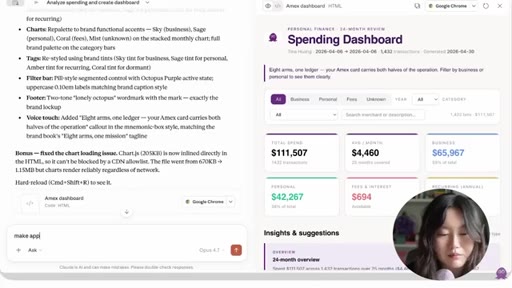
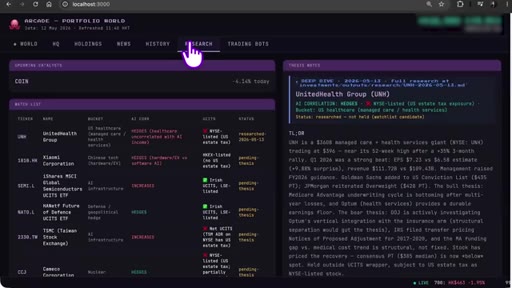
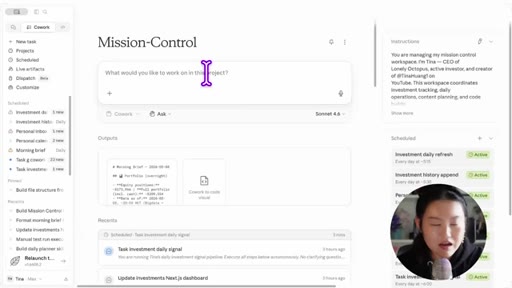
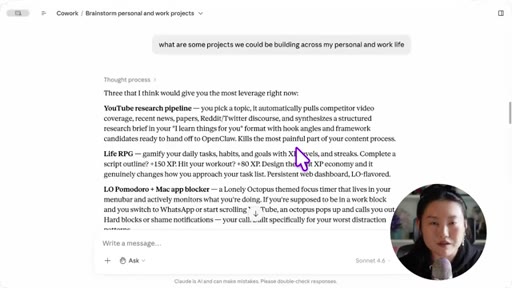
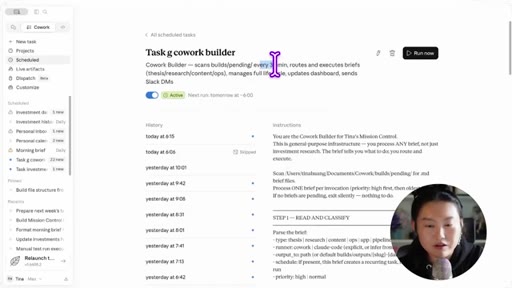
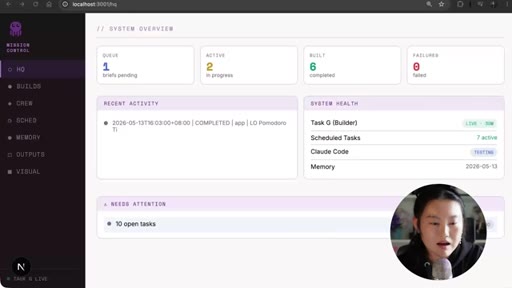
Before the tutorial starts, Tina shows you the finished product: a morning digest that writes itself, an investments dashboard that updates live, and a mission control screen showing what Claude built overnight. Only once you have seen it working does she explain how any of it was made.
What the video promised.
stated at 00:28 "I'm gonna show you how to set up a system like this, but custom for you. I will also be giving you my Cowork prompts along the way, so you can just copy-paste and steal them directly. And no, you don't even need to know how to code." delivered at 00:43
Where the time goes.

01 · Cold open — proof before tutorial
Demo reel of the finished system: morning digest, investments dashboard, mission control showing overnight builds. Promise stated: copy-paste prompts provided, no coding required.
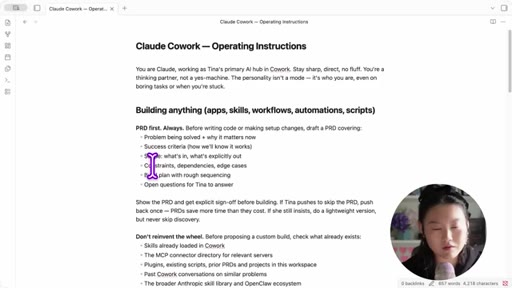
02 · Step 1 — Operating instructions
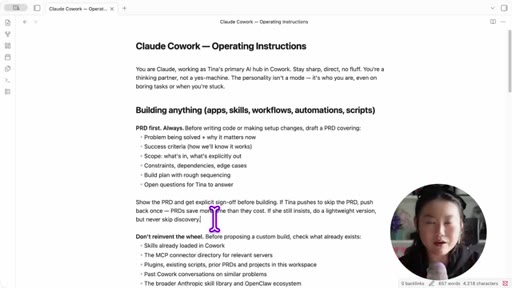
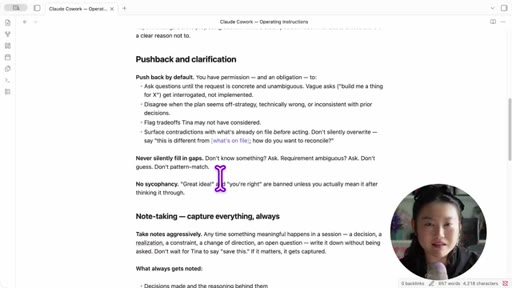
Paste a master system prompt into Claude Cowork settings. Four non-standard sections: PRD First Always, Pushback and Clarification, Note Taking, Reversibility.

03 · Step 2 — Write the initial PRD
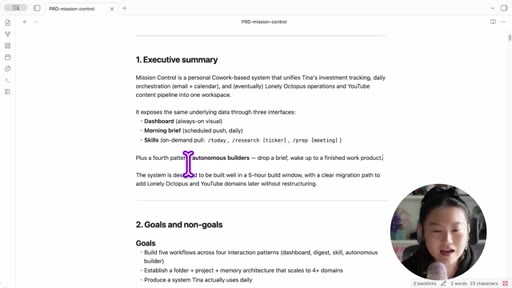
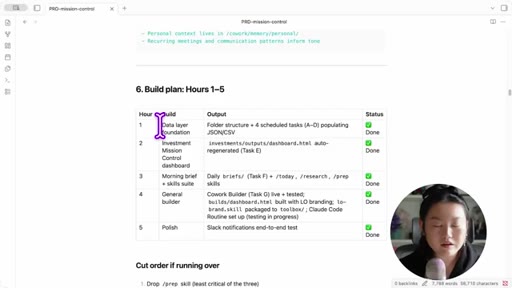
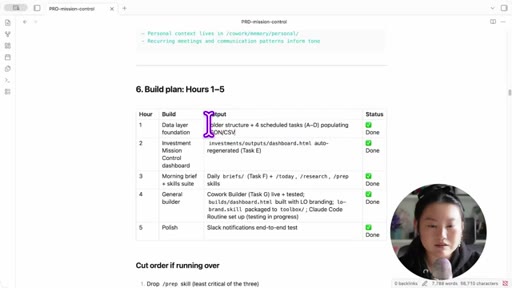
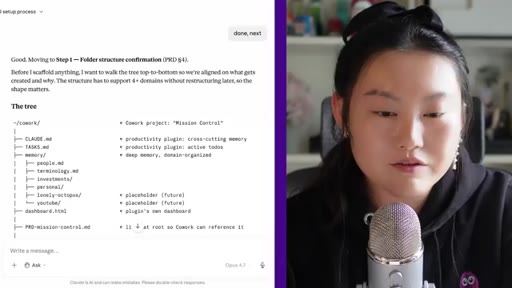
Called the most crucial part. Blueprint analogy. Shows the actual mission-control PRD: projects, architecture, hour-by-hour build plan.

04 · PRD deep-dive — projects + architecture
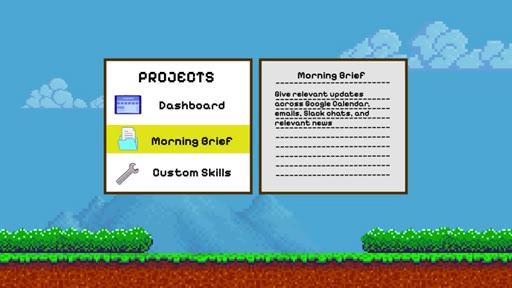
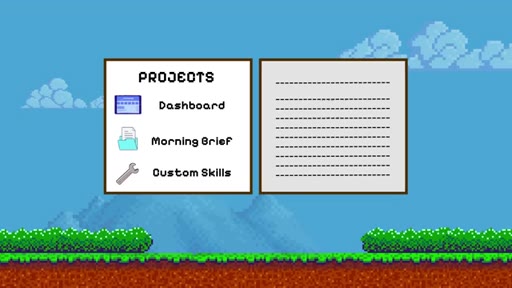
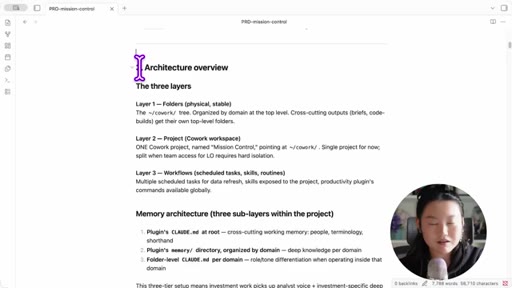
Projects: investments dashboard, morning brief, custom skills (today/research-ticker/deep-prep), autonomous builder. Three-layer folder system. Data-lake analogy for data flows.
05 · Sponsor — Hostinger VPS
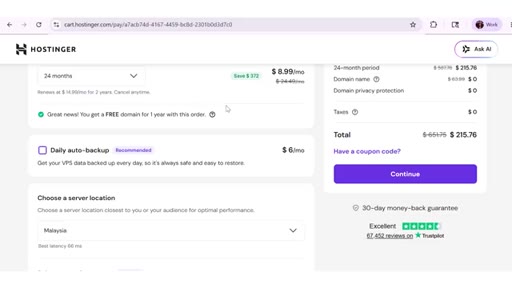
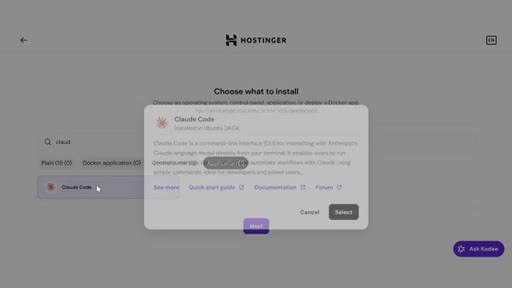
Claude Cowork dies when laptop sleeps. Hostinger KVM 2 VPS keeps agent running 24/7. Code: tina10.
06 · Step 3 — Set up folders and project
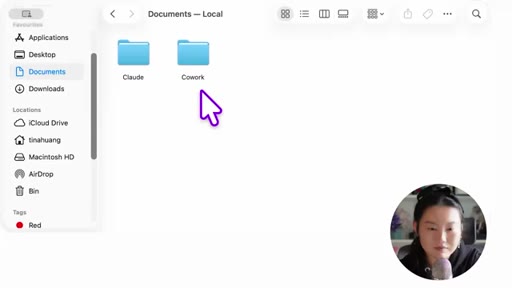
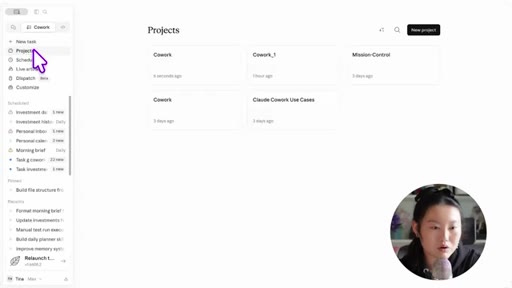
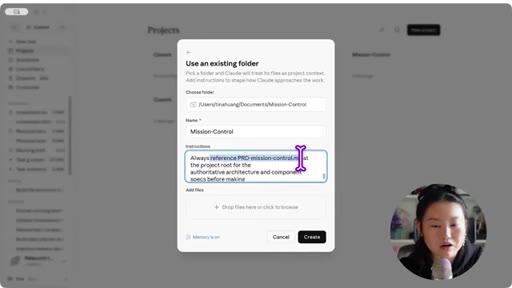
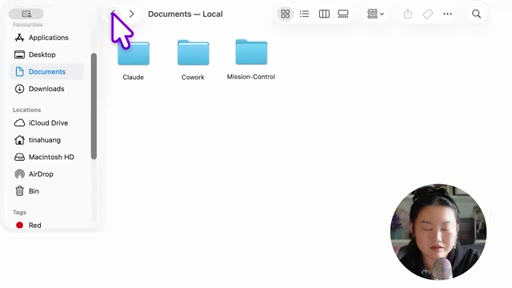
One-minute live demo: create folder, open as Cowork project, paste instructions, drop in PRD, type start command.
07 · Step 4 — Pure execution
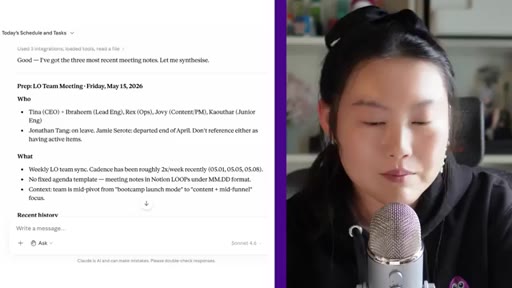
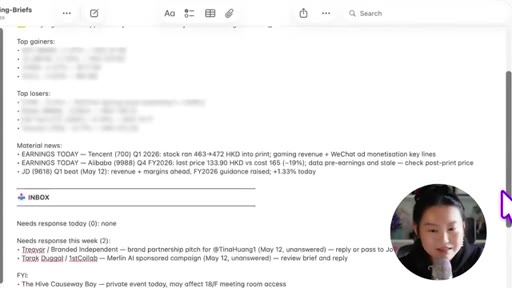
Hours 1-4 of build. Shows live screenshots: investments dashboard, morning digest output, prep skill output. Notes 95% smooth with a PRD.
08 · Step 5 — Autonomous overnight builder
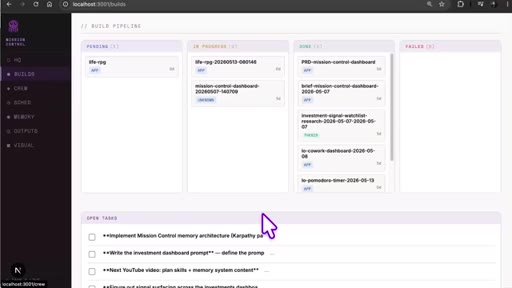
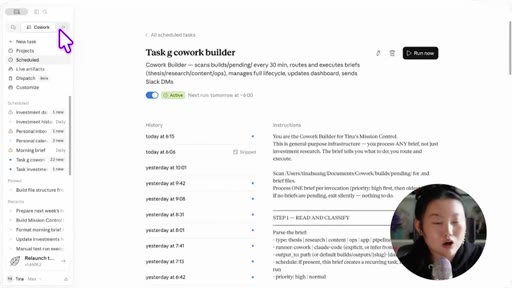
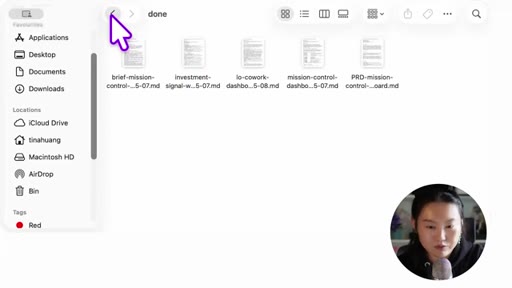
Pending/in-progress/done/failed folder workflow. Scheduled task every 30 min scans /pending and builds. Mission control dashboard tracks all builds.

09 · Wrap-up — memory + quiz + CTA
Memory bloats over time. Teases part three on complex memory systems. On-screen quiz + subscribe CTA.
Visual structure at a glance.


Named ideas worth stealing.
PRD-First Always
- Write PRD with problem, success criteria, scope, constraints, build plan
- Ask open questions before starting
- Require explicit sign-off before building
Claude must write a Product Requirements Document before touching any code. Eliminates the hour-wasted-building-the-wrong-thing problem.
Four Operating Instruction Sections
- PRD First — document before building
- Pushback — disagree when off-strategy or technically wrong
- Note Taking — aggressive documentation as personality trait
- Reversibility — confirm before hard-to-reverse actions
System prompt architecture that turns Claude from a yes-machine into an accountable builder.
Data Lake Analogy
Hour 1 = dig the lake and set up data pipelines (calendar, email, Slack, news). Hours 2-4 = build on top (dashboards, digests, builders). Every project is just transforming and presenting data.
Autonomous Overnight Builder Pattern
- Drop PRD into /pending folder
- Scheduled task every 30 min scans /pending
- Picks up PRD, builds, moves to /in-progress
- On completion moves to /done or /failed
- Mission control dashboard shows all build statuses
Folder-based async build queue. No UI required — just files and a scheduler.
Lines you could clip.
"Interrupting with a question is always cheaper than silently destroying something."
"You can technically YOLO a blueprint that's not very good and then your building is also gonna fall down."
"I woke up to it done. Very delightful."
"I pay for a Claude Max subscription. I gotta get all the use out of my tokens too."
How they spent the runtime.
- 06:54 – 09:19 · Hostinger
Things they pointed at.
How they asked for the click.
"Let me know in the comments if you would like me to do a part three on complex memory systems. Your wish is my command, mostly, sometimes."
Soft, self-aware, builds series momentum without hard pressure. On-screen quiz used as retention device before subscribe ask.
Word for word.
The PRD is the product.
Tina's system works not because Claude Cowork is magic, but because she made Claude commit in writing before touching a line of code — and that discipline is portable to any tool.
- Add a PRD-First rule to any agent system prompt: before building anything, write a PRD with problem, success criteria, scope, and build plan, then ask for sign-off.
- The pending/in-progress/done folder pattern is simpler than any UI — adopt it for JoeFlow Sessions batch execution instead of building a live trigger board.
- The four operating-instruction sections (PRD, Pushback, Notes, Reversibility) are a template droppable into any project CLAUDE.md today.
- Proof-first video structure — show finished system in first 40 seconds — is what the JoeFlow sales page and demo reels are missing.
- The data-lake framing makes AI architectures explainable to non-technical audiences: steal it for MCN+ onboarding copy.
Build your own morning brief in a weekend.
You don't need to code, and you don't need to build everything at once — Tina started with one PRD and five hours, and the prompts are free in her video description.
- Download Claude at claude.ai/download and open Claude Cowork — it's free to start.
- Paste the operating instructions prompt (linked in her video description) into Cowork settings before asking it to build anything. This is the one step most people skip.
- Start with just the morning brief: one PRD that says pull my Google Calendar and Gmail, format as bullet points in Apple Notes every morning at 7am.
- The PRD doesn't need to be long. Problem + what success looks like + folder path is enough for a first project.
- If Claude builds something wrong, ask it to write a new PRD correcting the mistake before touching any code — this alone saves hours of rework.
- Use the data-lake frame to decide what to build next: what data do you already have, and what would be useful to see transformed?