The bait, then the rug-pull.
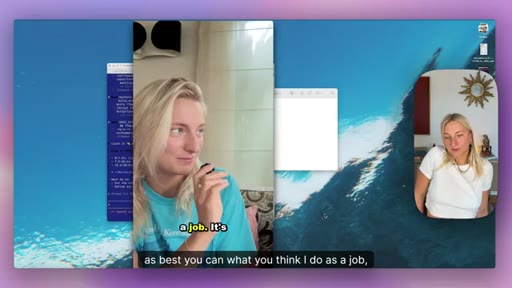
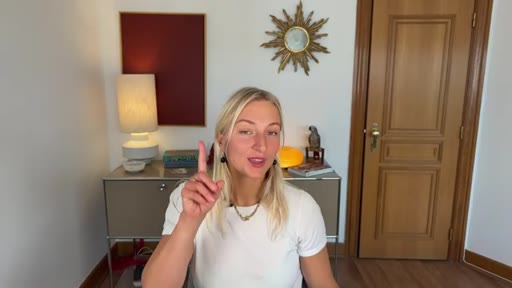
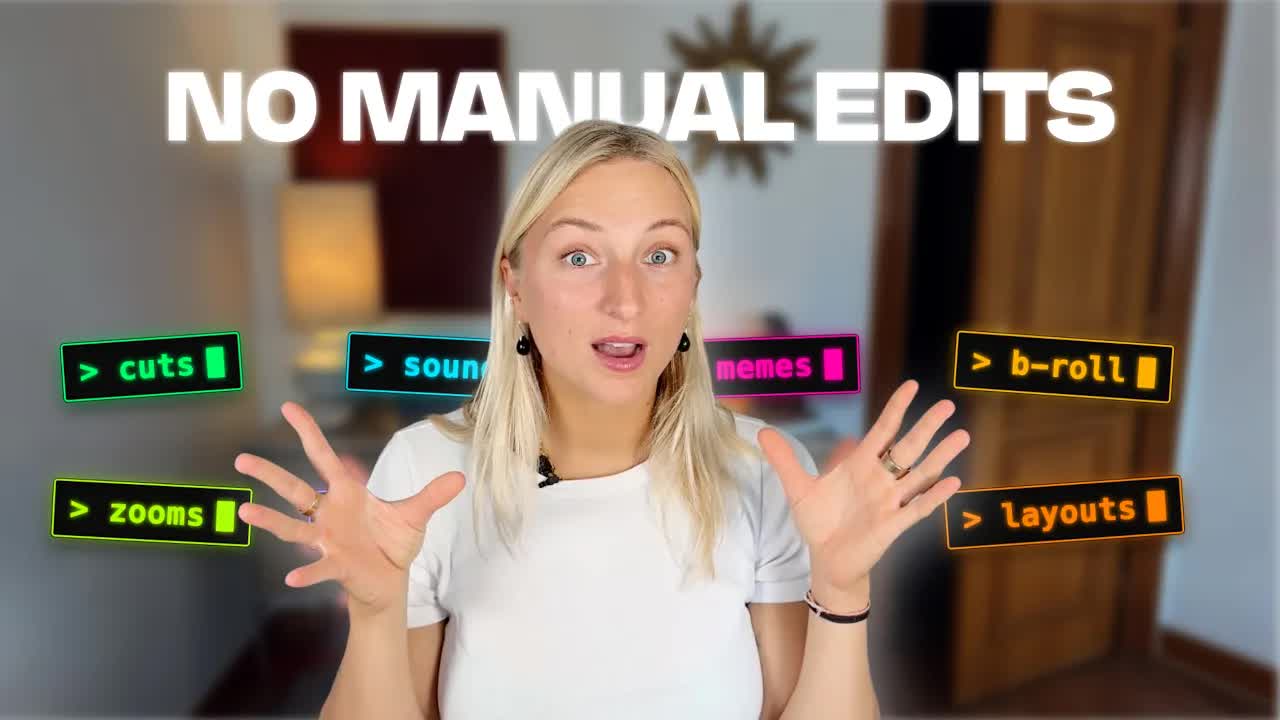
The future of video editing arrived without an announcement. When Louise de Sadeleer shares her exact Claude workflow — silence removal, image overlays, Duolingo sound effects, memes placed by transcript logic, 9:16 repurposing without OpusClip — what lands is not the technology but the matter-of-fact delivery: this is just how she edits now.
Where the time goes.
01 · Introduction
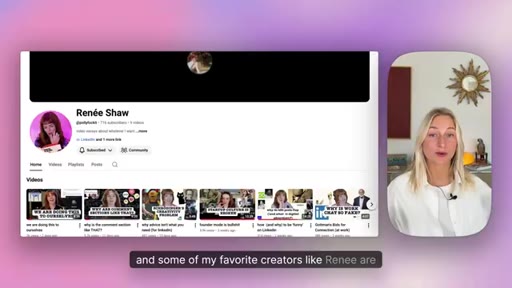
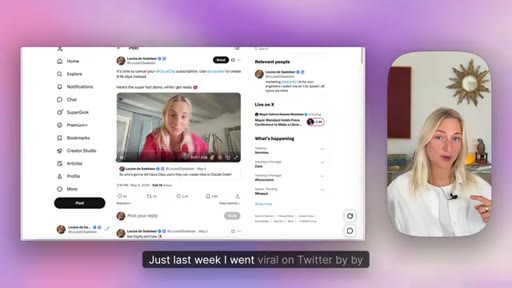
Agentic editing is already real. Social proof: viral Twitter post, 20K views on Remotion video, credits Renee Shaw. Overview of what this video covers.
02 · Rough Cuts
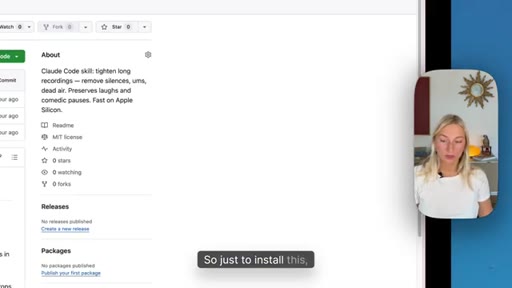
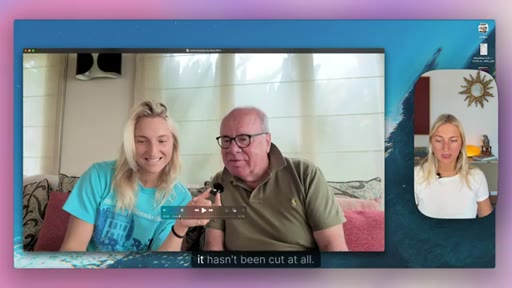
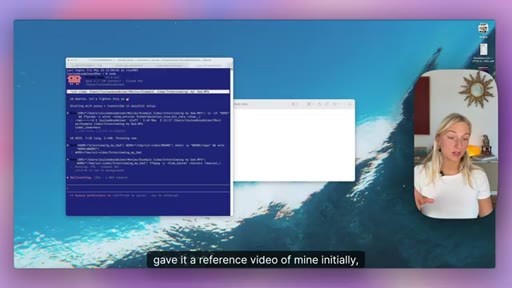
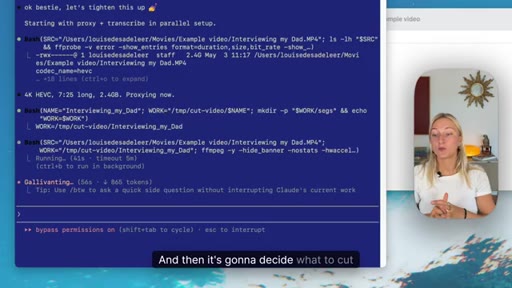
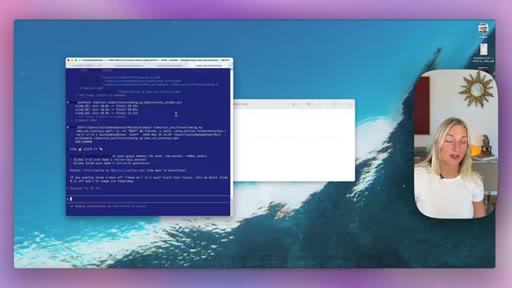
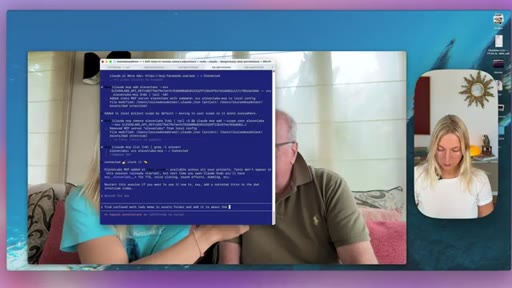
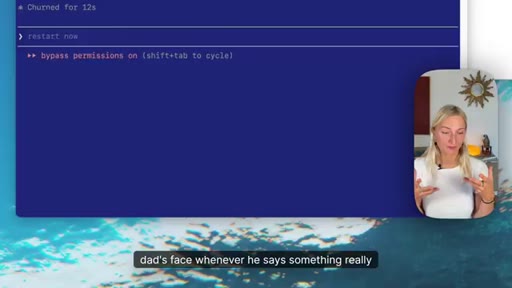
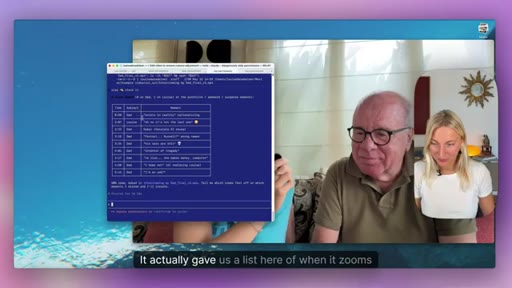
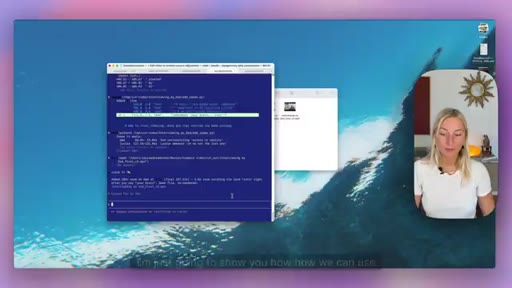
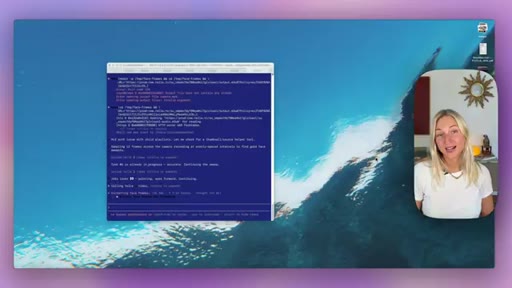
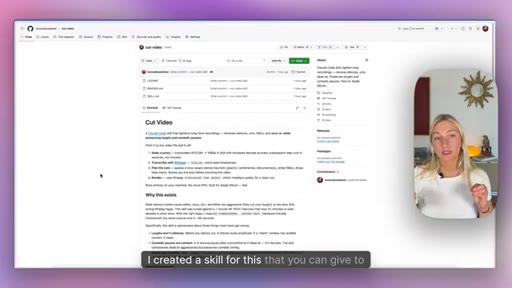
The cut-video Claude Code skill uses Whisper and FFmpeg. Train it on your own reference video for style-matched cuts. Demo removes 1.5 min from a 7.5-min interview.
03 · Image Overlays
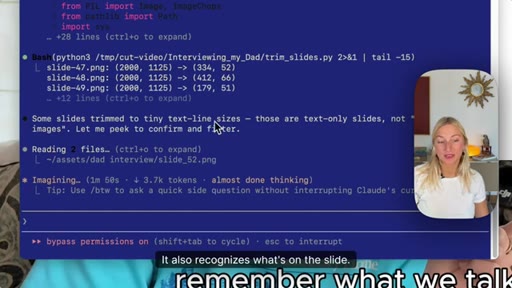
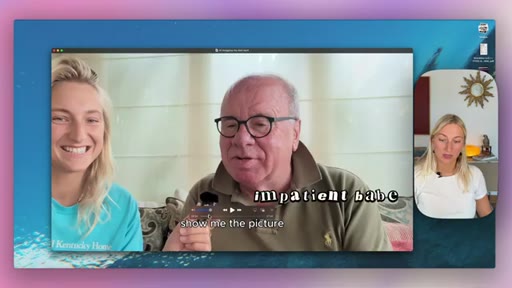
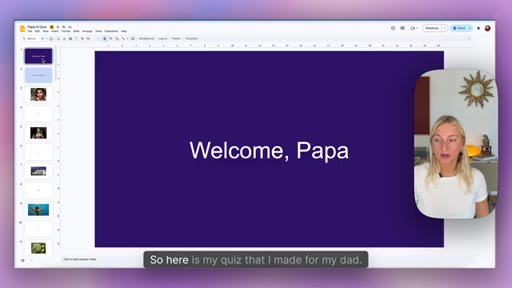
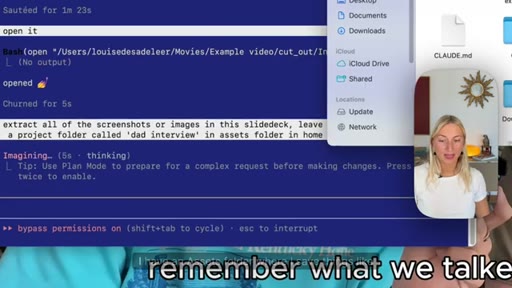
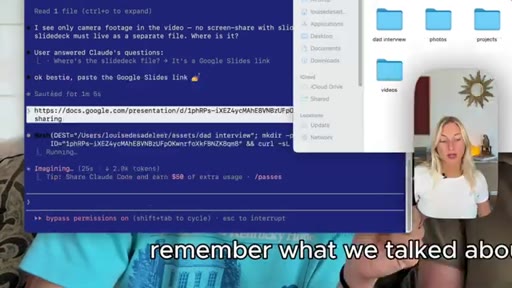
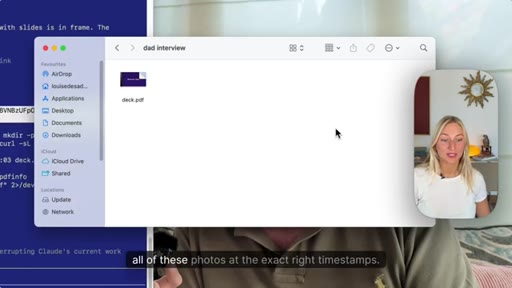
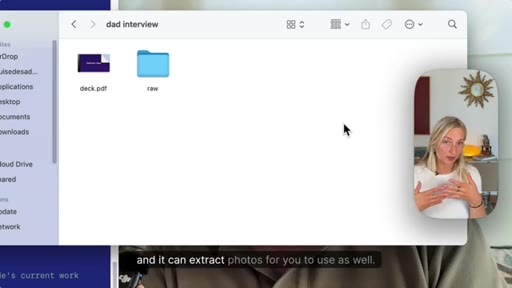
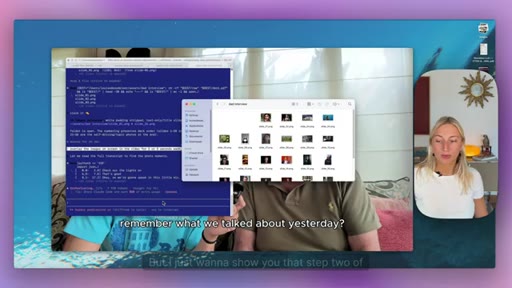
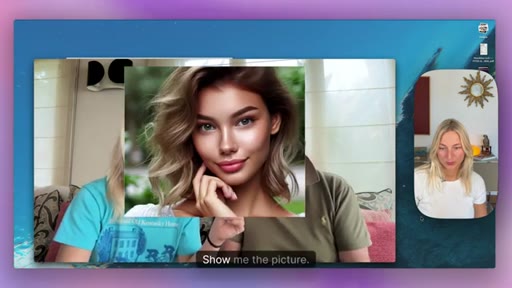
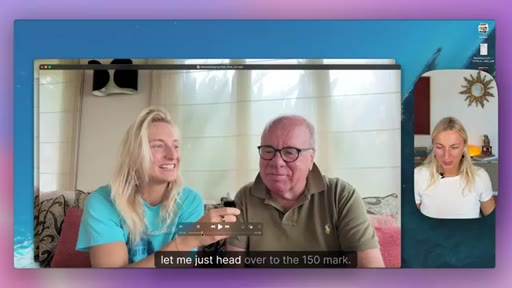
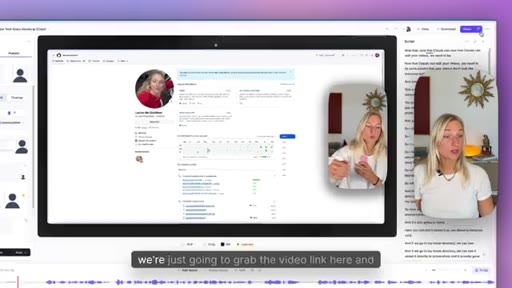
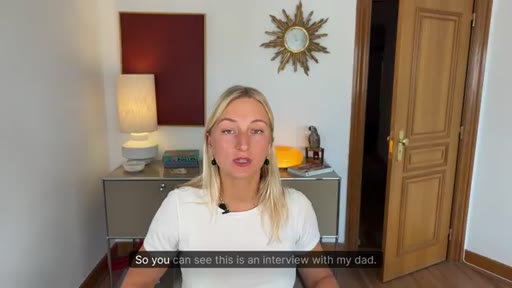
Give Claude a Google Slides PDF link. It extracts photos, crops padding, maps images to transcript timestamps. 20-photo overlay demo with minor manual correction for one misplaced image.
04 · Sound Effects
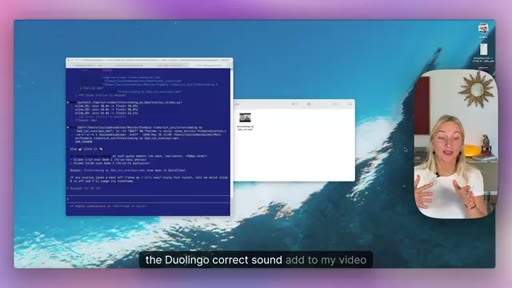
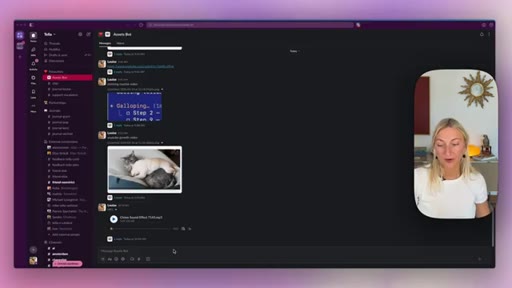
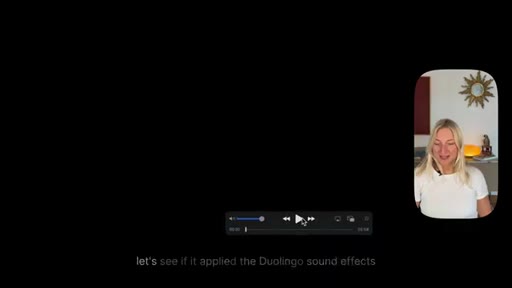
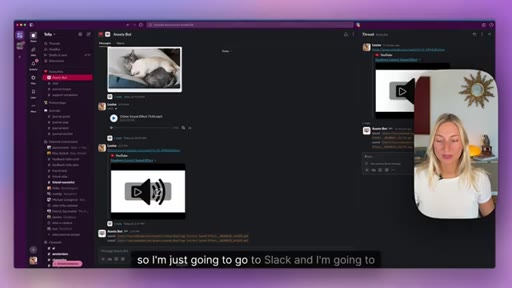
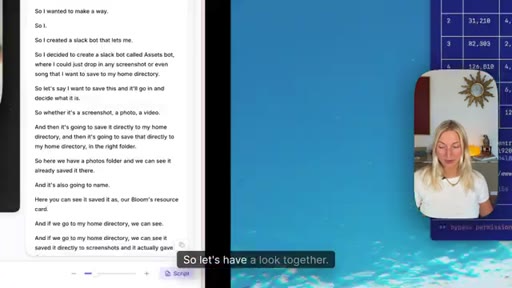
Slack bot saves a Duolingo sound effect URL to assets/sounds/ automatically. Claude adds correct and wrong sounds at the right moments based on transcript.
05 · Using Memes
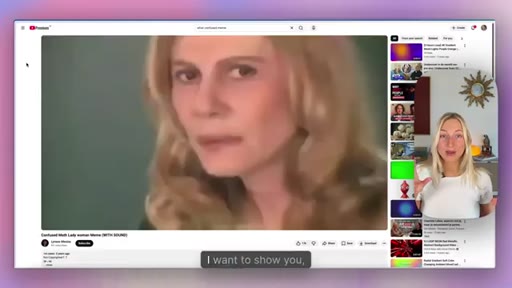
Same Slack bot workflow for meme videos. Claude places confused math lady at 1:46 instead of requested 1:50 by detecting peak confusion in transcript.
06 · Transitions and Zooms
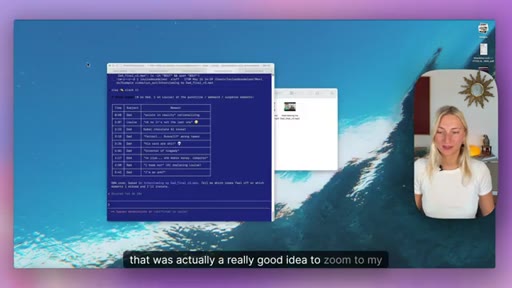
Cinematic language works (Ken Burns, harsh zoom). Manual timestamp override shown. Specificity is the key lever. Reference videos help Claude learn your editing style.
07 · Short Form Repurposing
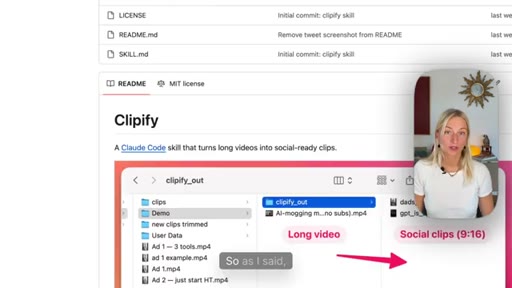
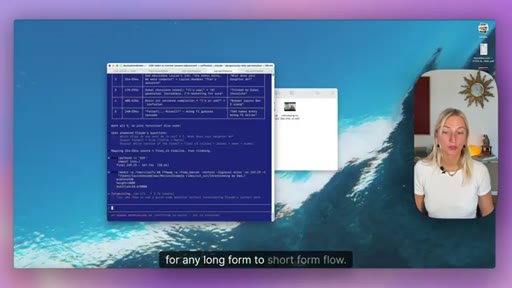
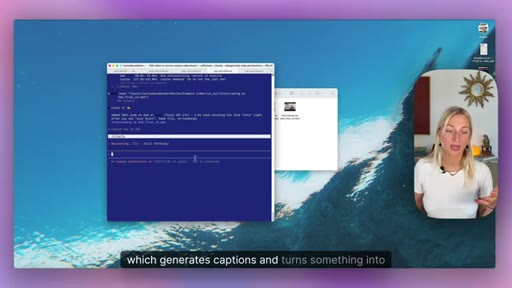
Clipify skill (300 GitHub stars). Picks funniest moments, outputs 9:16 with captions, speaker-zoom or split-screen mode. Free alternative to OpusClip.
08 · Tella MCP
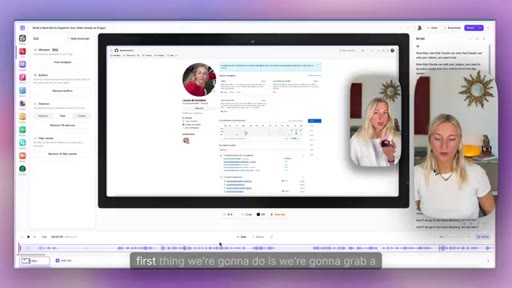
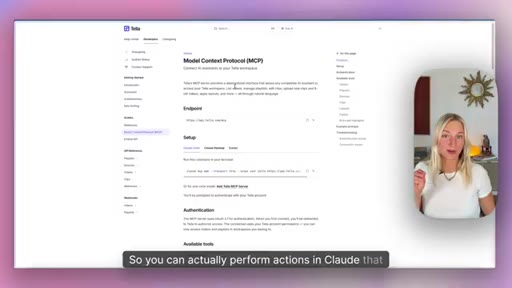
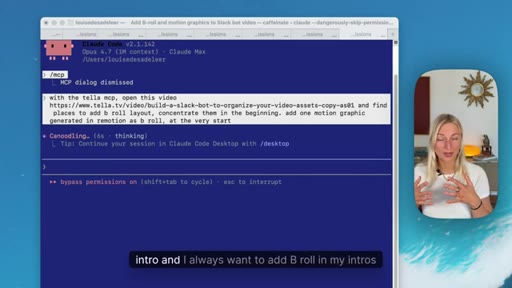
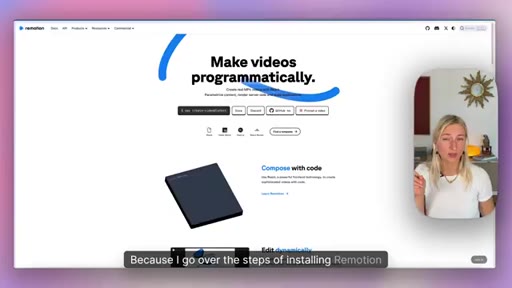
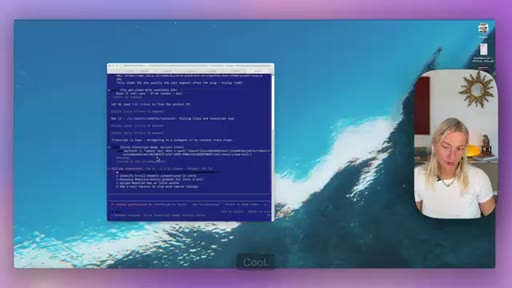
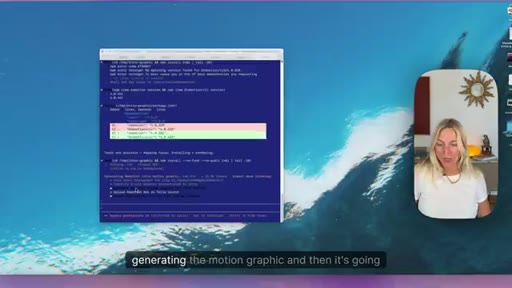
Tella's MCP exposes 50+ editor actions to Claude: AutoCut, b-roll layout, Remotion motion graphic generation, upload as MP4 b-roll. Requires separate Remotion setup.
09 · Generating Thumbnails
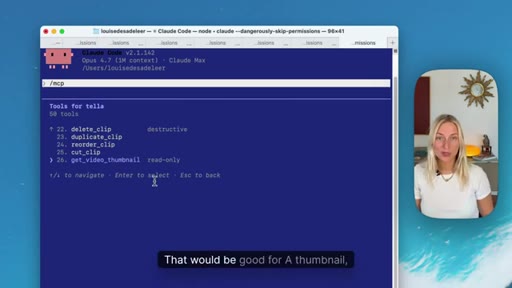
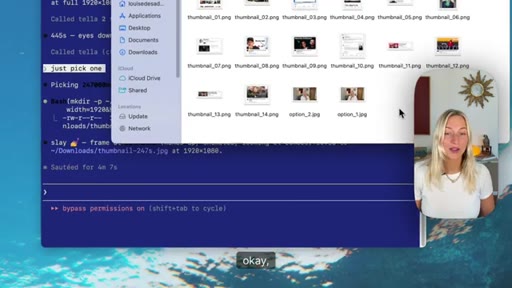
Tella MCP get_video_thumbnail: Claude finds frames where eyes face forward for usable thumbnail candidates. Returns multiple options.
10 · Conclusion
Links to all skills in description. Honest admission of slowness and understanding issues. Subscribe CTA.
Visual structure at a glance.
Named ideas worth stealing.
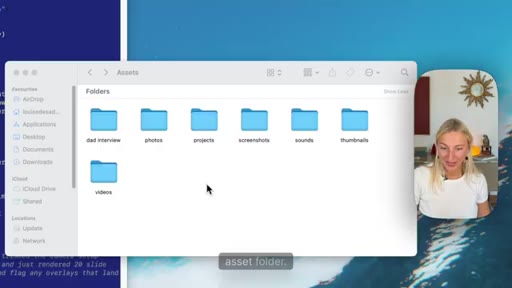
The Asset Library Workflow
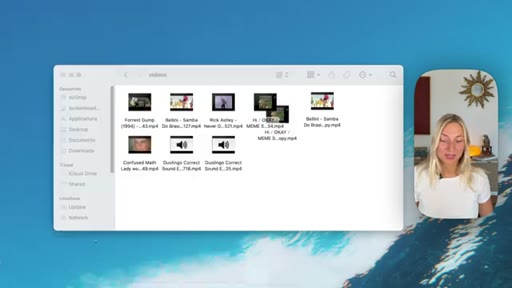
- Build an assets folder with subfolders: photos, sounds, videos, memes, screenshots, thumbnails
- Use a Slack bot to auto-save and auto-categorize anything you drop in
- Reference the folder in every Claude editing prompt
- Claude saves things once; you reference them forever
The infrastructure play that makes every individual edit instant. Once the library exists, Claude never needs to ask where a file is.
5-Step Claude Editing Process
- Rough cut (silence and filler removal)
- Image overlays (from slides, screenshots, photos)
- Sound effects (from asset library, placed by transcript)
- Memes and video inserts (placed by transcript context)
- Zooms and transitions (cinematic language + specificity)
The sequential editing workflow for camera-recorded content before moving to the Tella MCP for screen recordings.
Lines you could clip.
"This means you won't have to manually touch a video editor ever again."
"The best way to edit with Claude is to do a lot of the prep work — source all the screenshots or memes you want to use, and then it can just go into one folder and add those where it thinks it's right."
"It just becomes more of a conversation, which I've really liked."
"In this age of agentic editing, you can avoid all of your videos looking the same by making sure you use sounds that only you know, or memes that are really niche, or really specific references."
Things they pointed at.
How they asked for the click.
"If you like this video, please be sure to subscribe. A lot of time goes into these videos, and I'd really love to have you around."
Genuine and brief; links to all skills mentioned in the description — functional CTA that delivers value after the ask.
Word for word.
Seven steps to let Claude edit your videos.
The mechanical parts of video editing — cuts, overlays, sound cues, captions — can already be delegated to Claude if you build the right infrastructure first.
- A personal asset library with subfolders for sounds, memes, photos, and screenshots is the prerequisite — without it, Claude has nowhere to pull from during an edit.
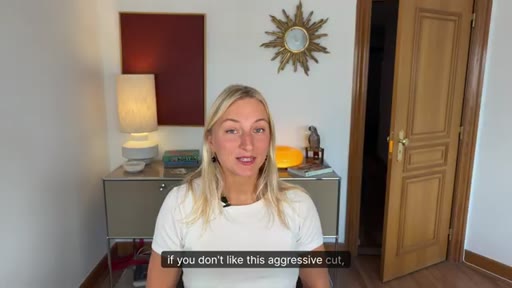
- Silence and filler removal via a Claude Code skill trained on your own reference video produces cuts that match your style, not a generic aggressive default.
- Claude reads the transcript to decide where to place images, sound effects, and memes — feeding it a transcript is more reliable than specifying timestamps manually.
- When Claude places something at the wrong moment, a single correction prompt fixes it; the workflow is iterative, not one-shot.
- Short-form repurposing (clip selection, 9:16 format, captions, speaker zoom) is already automatable with open-source skills at no subscription cost.
- Cinematic language works: telling Claude to use a Ken Burns effect or a harsh zoom is sufficient — no technical FFmpeg knowledge required from the user.
- The agentic homogenization risk is real — when everyone uses the same AI editor, the differentiator is your personal library of niche references only you have.
- An MCP server that exposes editor actions to Claude turns a GUI tool into a set of callable functions, which is the logical endpoint of this workflow.