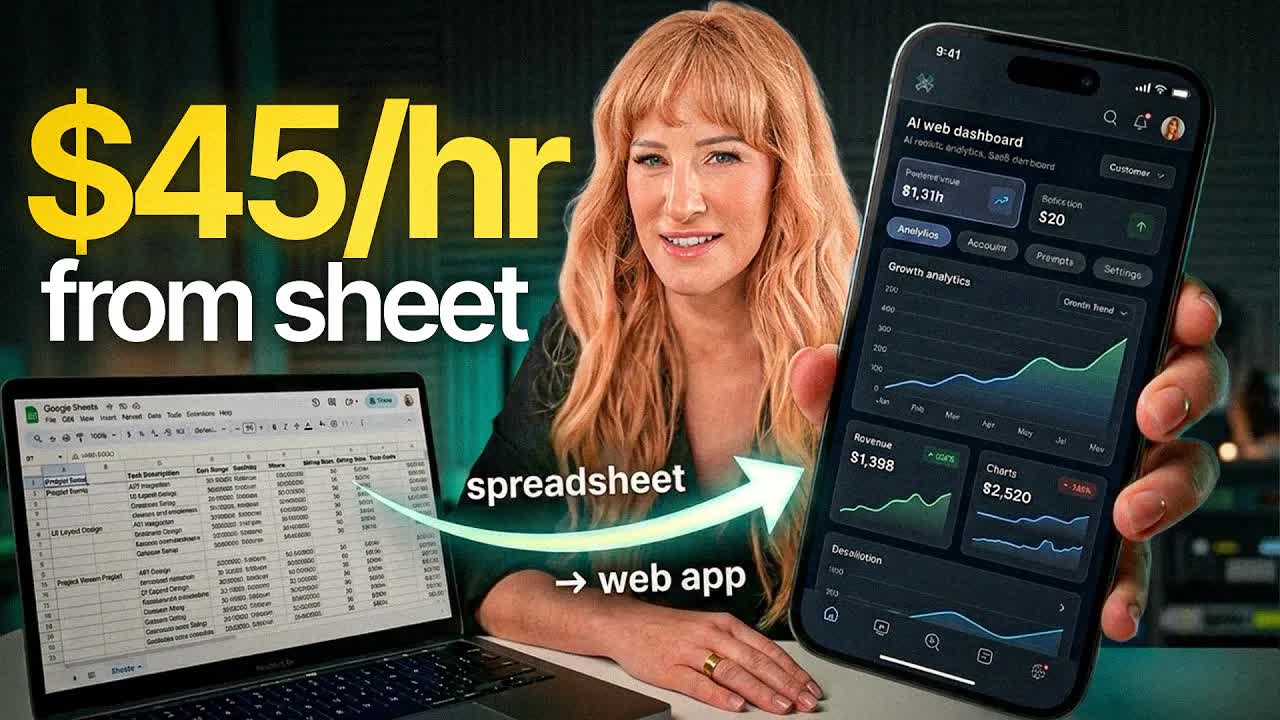
Luna Vega · Youtube · 15:59

I Turned a Basic Spreadsheet Into a $45 Mini Web App in Under 1 Hour

Luna Vega's step-by-step system for flipping any Google Sheet into a sellable interactive web app using Claude Chat + Lovable — in under 60 minutes, no code required.

Posted
May 18th 2026
2 days ago
Duration
15:59
Format
Tutorial
hype
Channel
LV
Luna Vega
§ 01 · The Hook

The bait, then the rug-pull.

The spreadsheet-to-AI-artifact pivot is the argument Luna Vega opens with — and she makes it land. Before you've even settled in, she's already called out the wave of Claude+Excel tutorials as yesterday's news and reframed the entire opportunity: the race to the bottom on spreadsheets is real, but mini web apps built from the same proven demand are completely unsaturated.

§ · Stated Promise

What the video promised.

stated at 01:37 "I turned it into a fully functional mini web app that I can actually sell from anywhere between $17 to $47... the whole thing took me less than an hour." delivered at 13:05
§ · Chapters

Where the time goes.

00:00 – 01:52

01 · Cold open — spreadsheets are obsolete

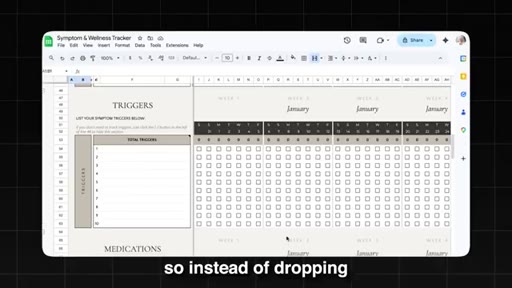
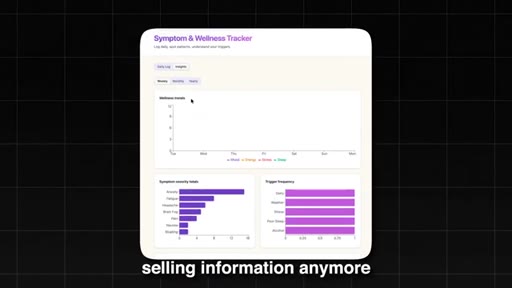
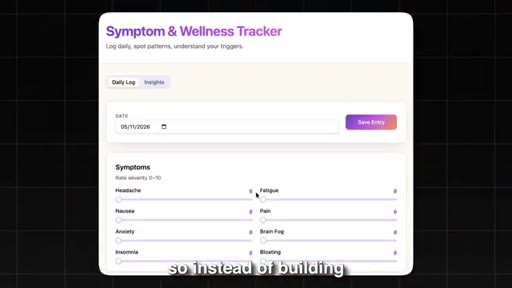
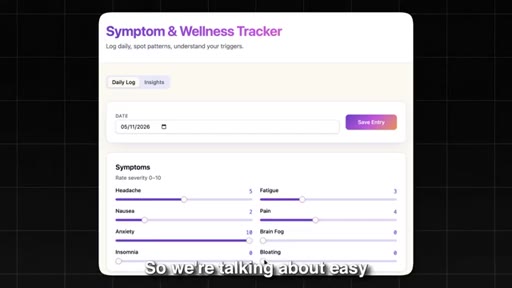
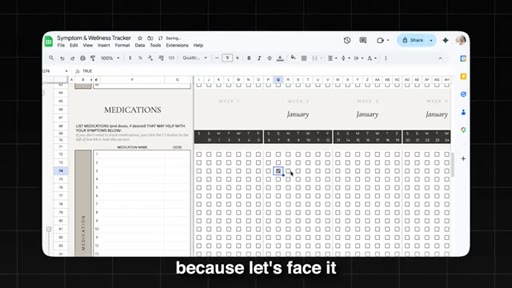
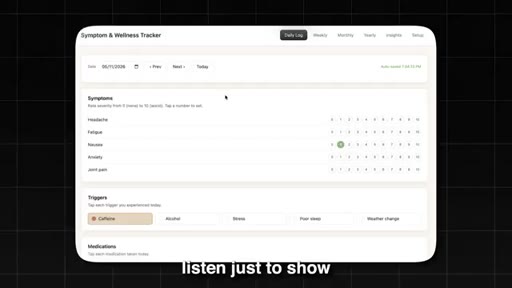
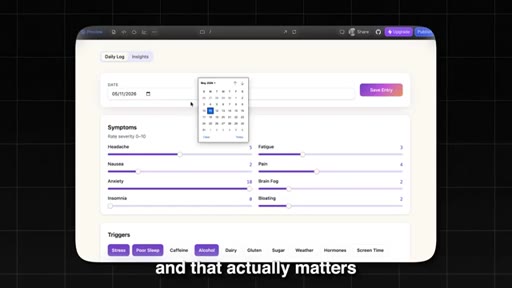
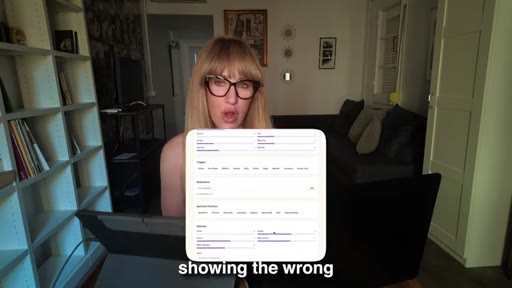
Pattern interrupt against the current AI-spreadsheet trend. Introduces the upgrade: mini web apps. Shows the Symptom & Wellness Tracker demo. Ends with NO CODE NEEDED / NO DEVELOPER title card.
01:52 – 04:39

02 · The opportunity — why spreadsheets sell and why web apps sell more

Luna introduces herself with the Times Square billboard credential. Validates demand with Profitree Etsy data (6-figure spreadsheet sellers). Pivots to the core thesis: stop selling information, sell transformation.
04:39 – 06:48

03 · The two-tool stack: Claude Chat + Lovable

Recommends Claude Chat for thinking, Lovable for building. Warns against jumping straight to Claude Code (token burn, messy debugging). Shows Lovable's interface and auto-deployment capability.
06:48 – 09:07

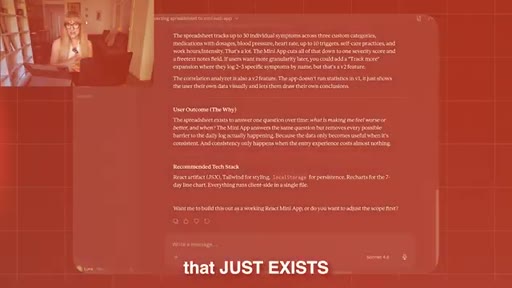
04 · Step 1 — product brief prompt

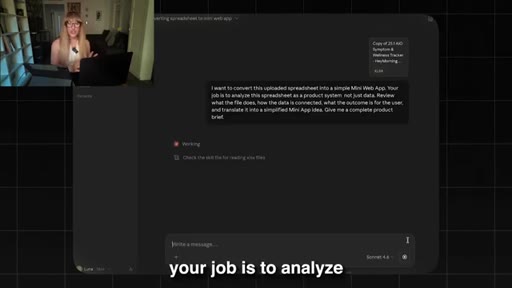
Upload spreadsheet to Claude Chat. Use the product brief prompt: analyze as a product system, not just data. Claude returns complete brief with user journey, MVP scope, tech stack. Do this before opening Lovable.
09:07 – 10:23

05 · Step 2 — pre-build decision questions

Ask Claude: what decisions do I need to make before any code is written? Answer the 8 questions in 90 seconds. Locks in architecture before touching Lovable.
10:23 – 13:05

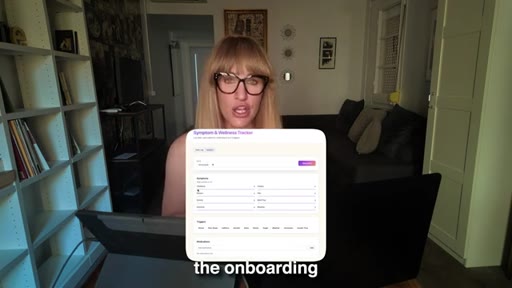
06 · Step 3 — build in 7 layers inside Lovable

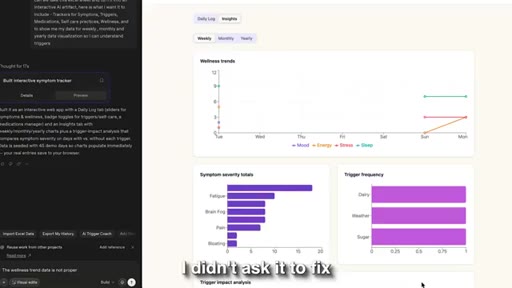
7-prompt layered build: foundation, onboarding, core feature, dashboard, report/export, settings, final polish. Each prompt shown on screen. Demo shows finished Symptom Tracker with wellness charts, trigger frequency graphs.
13:05 – 14:45

07 · Testing and bug batching

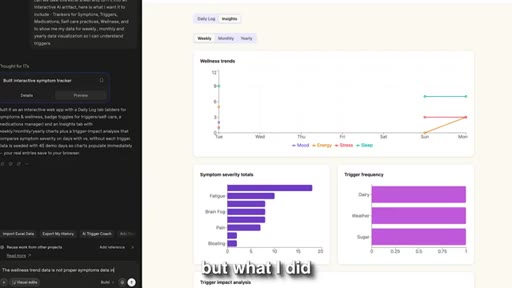
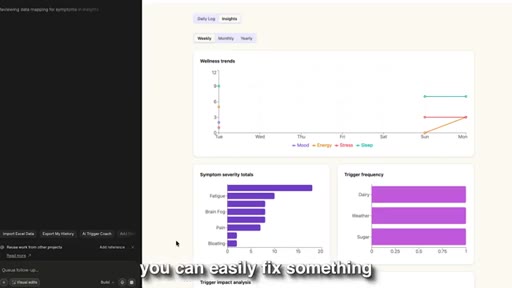
Complete user journey test found 3 bugs. Batch all fixes into one prompt ending with 'Fix only what I listed. Do not modify anything else.' Fixed in 2 minutes.
14:45 – 15:59

08 · CTA — your Google Drive is a gold mine

Reframes existing trackers, checklists, and Excel sheets as raw material for a $27–$97 product. CTA: comment 'free' for the full free course.

§ · Storyboard

Visual structure at a glance.

open
spreadsheet
Times Square
web app demo
Claude+Lovable
brief prompt
layer 1
bug batching
CTA
§ · Frameworks

Named ideas worth stealing.

07:33 concept

Product Brief Prompt

  1. Upload spreadsheet to Claude Chat
  2. Prompt: analyze as a product system, not just data
  3. Claude returns: screens/views, user journey, MVP scope, tech stack

One prompt that converts a spreadsheet into a complete product brief before any code is written.

Steal for any time Joe is spec'ing a new app — run this on an existing spreadsheet or doc before opening any builder
10:39 list

7-Prompt Layered Build System

  1. 1. Foundation — database, login, app shell only
  2. 2. Onboarding — user setup flow
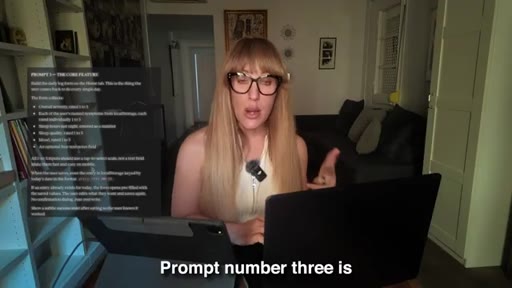
  3. 3. Core feature — the thing users come back to do
  4. 4. Dashboard — charts, progress, key numbers
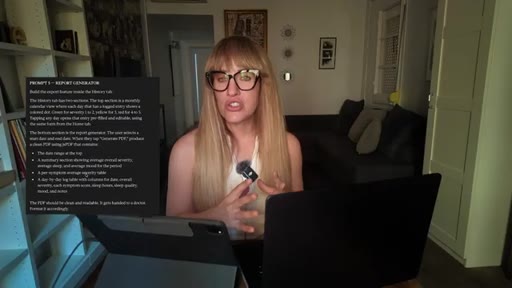
  5. 5. Report generator / export
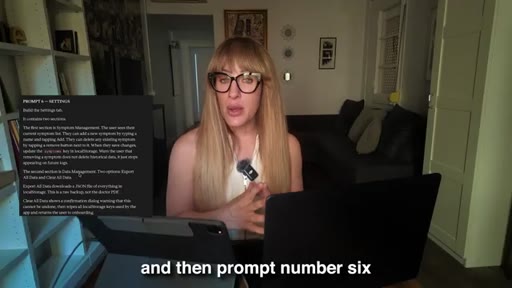
  6. 6. Settings / account / customization
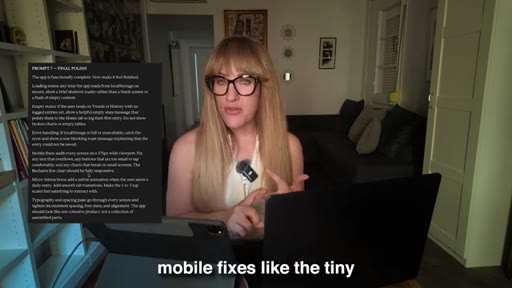
  7. 7. Final polish — loading states, mobile, error messages

Build any app in 7 sequential prompts rather than one giant prompt. Each layer has a solid foundation underneath it.

Steal for any Lovable or Claude Code build — frame as a deliverable in an LFB session or MCN+ lesson
14:14 concept

Bug Batching Prompt Pattern

  1. List all bugs clearly
  2. State expected behavior for each
  3. End with: Fix only what I listed. Do not modify anything else.

Prevents AI from fixing one bug and accidentally breaking something else.

Steal for teach this in any Claude / Lovable tutorial — it is a real failure mode people hit
09:28 concept

Pre-Build Decision Questions

  1. Can user edit data after submission?
  2. Single user or shared?
  3. Does app save data between sessions?
  4. What does the dashboard need to show?
  5. Does user need to export?

Ask Claude what decisions need to be made before code starts. Locks in architecture in 90 seconds.

Steal for use as a pre-flight checklist before any AI build — positions Claude as an architect, not just a coder
§ · Quotables

Lines you could clip.

03:51
"You're not selling information anymore. You're selling a transformation. You're selling speed. You're selling the results without the friction."
Clean 3-part escalation, no setup needed, works as a standalone clip → TikTok hook
10:00
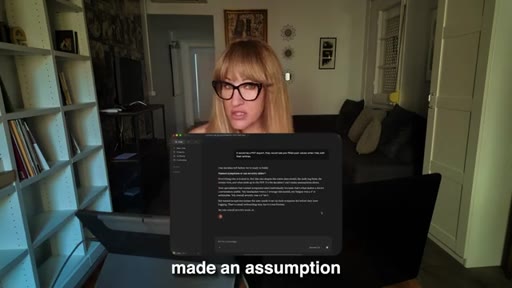
"Every time an app breaks... it's always because they made an assumption instead of making a decision."
Punchy insight, relatable failure mode, applies broadly beyond apps → IG reel cold open
08:31
"Ideas are cheap, and clarity is what sells."
Six words, zero fluff, quotable standalone → newsletter pull-quote
04:39
"The gap between I have a spreadsheet and I have a live sellable product is now just forty five minutes."
Specific number, tangible transformation, drives curiosity → TikTok hook
§ · Pacing

How they spent the runtime.

Hook length15s
Info densityhigh
Filler8%
§ · Resources Mentioned

Things they pointed at.

04:39toolLovable ↗
02:48toolProfitree
§ · CTA Breakdown

How they asked for the click.

15:33 link
"Comment the word free down below, and I'll send it directly to you."

Comment CTA for a free YouTube course. No hard sell. Soft close after an open-your-Google-Drive challenge.

§ 04 · The Script

Word for word.

HOOK opening / re-engagementCTA the pitch metaphor story
00:00HOOKAlright. So you've probably seen these videos. Like, there's so many videos out there right now telling you that you can build Excel sheets with Quad.
00:06HOOKAnd look. Yes. This is actually super cool.
00:08HOOKI'm not going to sit there and pretend that it's not. But here's what nobody is telling you. That is already about to become completely obsolete
00:15because you can actually take it a step further, like way further. So instead of building a spreadsheet, you can actually build an AI artifact, like a mini web app, something that is way more interactive, more visual, more sellable than any Google Sheet you've ever seen. So we're talking about easy to visualize dashboards like app like behavior,
00:34the kind of tool that looks like a developer built it except you built it in under an hour with no code. And, specifically, a mini web app can actually include button, filters, forms, charts, and data visualization, simulation and calculators,
00:49guided workflows where the user knows exactly what to do next, and app like behavior with a real dashboard.
00:57So instead of dropping someone into a grid with rows and columns, you're actually designing an experience, and that's the difference.
01:05Because let's face it, Google Sheet and Excel are super intimidating for most people. You cannot tell me with a straight face that you actually enjoy opening spreadsheets. Like nobody does because it feels like homework.
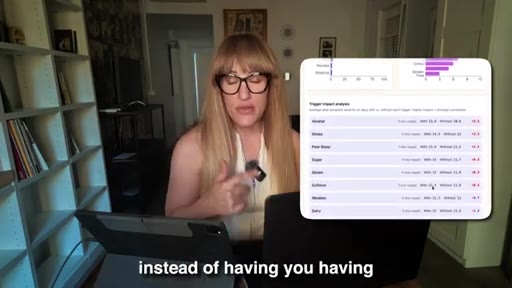
01:16It almost feels like you're filling out a tax form, and most of us would rather avoid it. But a clean interactive web app that does the exact same thing and is easier to use, something that shows your data right away instead of having you having to dig for it, that people will pay a pretty penny for that.
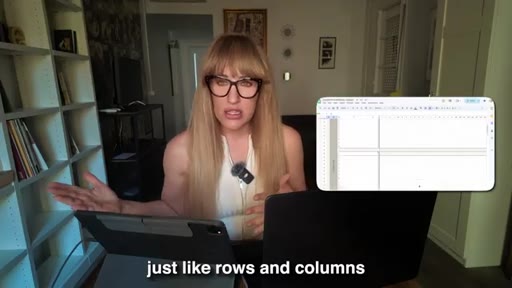
01:34So here's what I did. I took a boring Google Sheet, the kind that looks super intimidating, something that's just like rows and columns doing basic math, and I actually turned it into a fully functional mini web app that I can actually sell from anywhere between $17 to $47.
01:52So no code needed, no developer, and no technical background required. And listen. The whole thing took me less than an hour using Clog and another byte coding tool that is completely underrated and that most people completely overlook.
02:05So if you've been sitting on a spreadsheet, a checklist, a tracker, or literally any kind of Excel sheet that you build to solve a real problem in your own business or maybe your boss's business, this video is going to completely change how you think about what you can actually sell. Because here's the truth. You're sitting on a gold mine right now, and you might not even realize it.
02:25So real quick, if you're new here, I'm Luna, and I've helped thousands of people build their first sellable digital product. I've been featured on Times Square's billboard for it, and I'm obsessed with finding opportunities before they even go mainstream. And right now, many web apps converted from spreadsheets.
02:40This is one of the most underrated opportunities in the digital product space. So let's get into it. So here's the thing about spreadsheets.
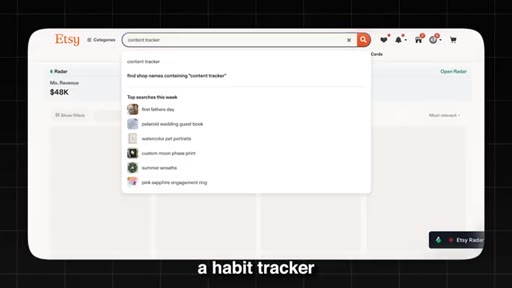
02:46They sell, and here's the data to back this up. So if you use a spike tool like Profitree, which actually scrapes Etsy for real sales data, you will see that spreadsheets are pulling in 6 figures in average.
02:59So you have budget trackers, meal planners, content calendars, cleaning schedules. So, yes, 6 figures from spreadsheets.
03:06So spreadsheets are high in demand because think about it. When somebody builds a spreadsheet, whether it's a budget tracker, a content calendar, a symptom log, a meal prep calculator, a habit tracker, they're solving a real problem that they or somebody else actually has.
03:22There's already logic built in, and there's already a workflow, and there's already a user who needs this. The problem is is that a spreadsheet,
03:30well, it feels like homework. Like, nobody wakes up on a Monday morning and thinks, oh, wait. I can't wait to open my Google Sheet.
03:36Like, nobody. And if you tell me with a straight face that you love Excel, uh, we can't be friends.
03:42But a clean interactive web app that does the exact same thing that visualizes your data faster, that has buttons and filters and a nice dashboard, people will pay premium for that. Because you're not selling information anymore.
03:54You're selling a transformation. You're selling speed. You're selling the results
03:59without the friction. And, also, let's face it. The problem as well now is that every spreadsheet under the sun has already been created.
04:08So if you try to sell a generic budget tracker on Etsy in 2026 or any other platform, you're gonna be competing with hundreds of other sellers who are selling the exact same thing for a dollar or even $2. So the race to the bottom is real. So what do you do?
04:25You do what almost nobody else is doing. You take that same concept, the same proven demand,
04:31and you turn it into a mini web app, something that's interactive, something that is branded, something that is sellable, and completely unsaturated. And with AI, the gap between I have a spreadsheet and I have a live sellable product is now just forty five minutes.
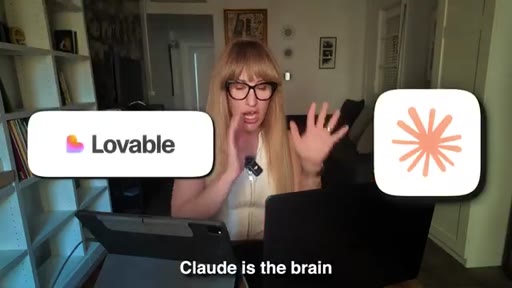
04:46So let me show you exactly how. My recommendation is that you use two tools for this, and I do this. Like, I use Claude and Lovable.
04:53Claude is the brain, and Lovable is the builder. Now a lot of you know that I love Claude. I talk about it consistently,
04:59but I wanna be really honest with you here because this matters. So if you jump straight into Cloud Code to build your app, your one hour project can easily turn into a two day headache, especially once you start adding things like a login system, a database, user accounts, the list goes on. Right?
05:16Cloud Code racks up also tokens really fast, and it also gets messy. And if you're a beginner, debugging is not fun on Cloud Code. But Lovable,
05:26this is a tool that I feel not a lot of people are talking about in our space. It's completely underrated in my opinion. So here's what Lovable does that changes everything.
05:35When you build in Lovable, it handles authentication, database, and your deployment automatically. So this is just a byproduct of just building the thing.
05:44And when your app is done, you can simply deploy it live, and it's gonna publish it to a real URL and a real login. Like, there's no extra step needed. So no need to upload files to the server.
05:55No need to figure out hosting. It's just done. So the workflow that I recommend that you use as a beginner is first you use Clot Chat, not Clot Code.
06:04And what you're gonna do is you're gonna use Clot Chat to think through what you're building. And then what I like to do is I use Lovable to actually build it. This way, what I'm doing is I'm using Cloud's intelligence
06:15to plan the app that I'm gonna build without burning through all my tokens. Because if I were to do the brainstorming on Cloud Code,
06:23then I would burn out all my tokens without even having started. Listen. Just to show you, I actually build the exact same tool both ways, and I want you to see the difference.
06:33So notice how the lovable version is just cleaner. The user experience is better. It feels more polished straight out of the box, and that actually matters when you're trying to sell something for $47.
06:44So Claude does the thinking for you and Lovable builds. That's a system that is beginner friendly. Now I'm not saying that you can't use Claude code.
06:53Absolutely. But this is just way easier, especially if you're a beginner. The first instinct
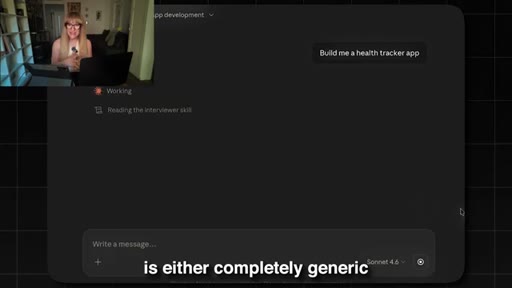
06:58is to open Cloud and type something like build me a health tracker app. And then they're confused when what comes back is either completely generic or totally unusable. So here's why that happens.
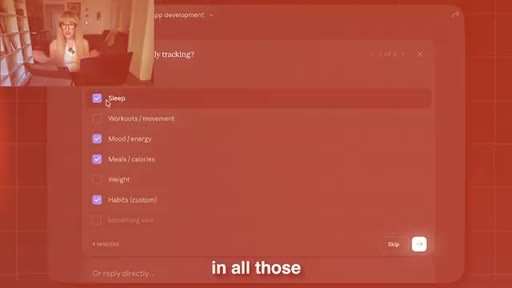
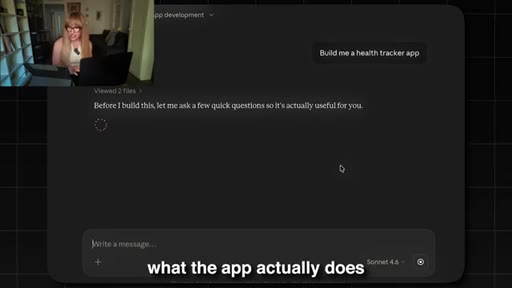
07:10When your prompt has no context, Cloud has to guess everything. So it has to guess what the app actually does, who is it for,
07:19what does the user experience is step by step, what gets stored, what gets calculated, what's the output. So Cloud has to fill in all those blanks on its own, and its guesses are not your business. So instead,
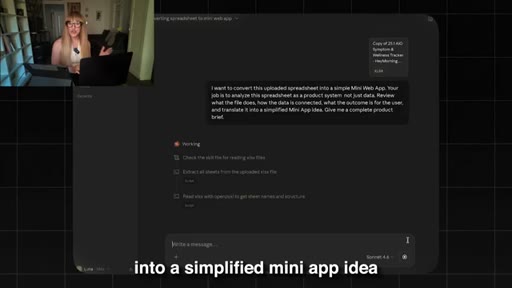
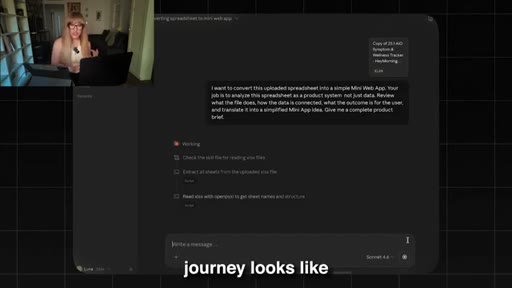
07:34here's a prompt that I like to use, and this one changed everything for me. So first, what I do is that I upload a spreadsheet that is similar to what I wanna sell, and I upload it directly into Clotshot,
07:47and then I write. I want to convert this uploaded spreadsheet into a simple mini web app.
07:53Your job is to analyze a spreadsheet as a product system, not just data. Review what the file does, how the data is connected,
08:02what the outcome is for the user, and translate it into a simplified mini app idea. Give me a complete product brief. So that one prompt
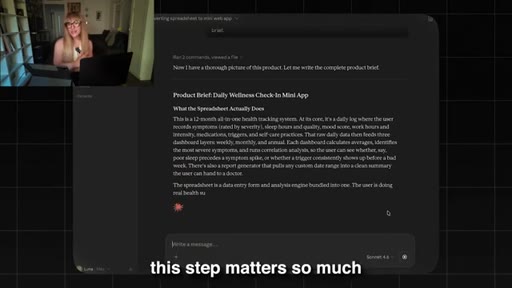
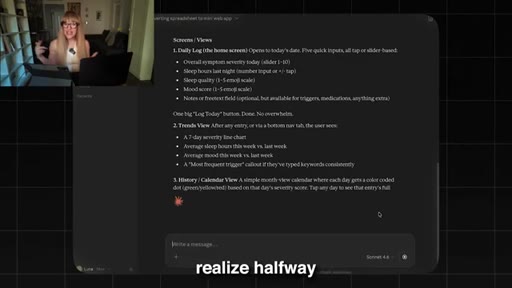
08:12by itself gives you everything. It comes back with what the app should do, what the user journey looks like, what the MVP needs to include, and what you can leave out for now. So think of it as like having a product manager inside your computer, one who actually goes through the spreadsheet.
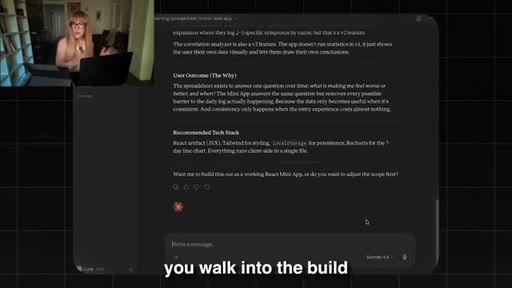
08:29And here's why this step matters so much before you even open Lovable, because ideas are cheap, and clarity is what sells. And listen. I've watched people spend three hours on Lovable building something, and then they realize halfway that they don't even know what the main outcome of the app is supposed to be, and then they have to tear it down and start over.
08:49But when you do this product brief step first, you walk into the build knowing exactly what you're creating. You have a clear output.
08:57You know what the user is going to do, what they get, and why they would pay for it.
09:03And that is the difference between a product that sells and a product that just exists. Now here's a step that most tutorials completely skip, and it's the one that's gonna save you the most time. So once I have the product brief, I don't immediately jump into Lovable.
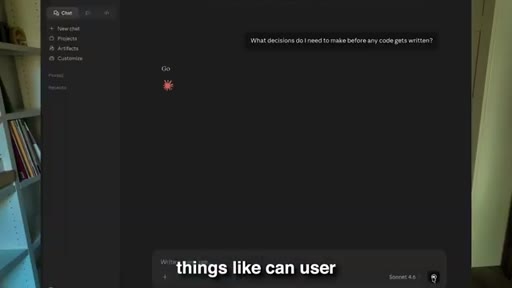
09:18I do one more thing. I ask Claude, what decisions do I need to make before any code gets written?
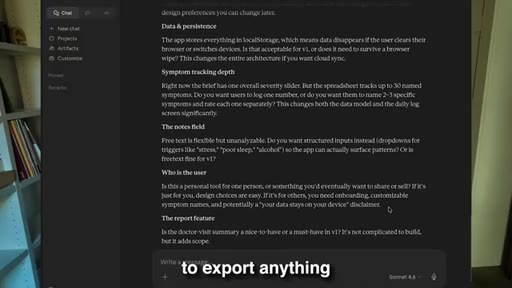
09:25And then it's gonna come back for me with a list of questions. Things like, can user edit their data after they submit it? Is this a single user app or a shared one?
09:35Does the app need to save data between session? What does the dashboard actually need to show? Does the user need to export anything?
09:42When I did this for this project, Claude gave me eight questions. So I answered all eight in about ninety seconds. So ninety seconds, that's it.
09:50But those ninety seconds locked in every decision that would have caused me to rebuild sections later. So every time an app breaks and someone says, like, I don't know why it's doing this, it's always because they made an assumption
10:05instead of making a decision. So they skipped the step. So good architecture
10:10is actually chosen before you actually start building. You don't try to figure it out while you're debugging, trying to wonder why the data isn't saving.
10:19Okay. So now we're inside Lovable, and this is where the magic happens. But, actually, I wanna show you how I actually do this because it's different from what most people do.
10:29So most people open Lovable, and they're gonna try to describe the entire app in one giant prompt. Everything at once.
10:36The login, the dashboard, the form, the calculation, the mobile layout, the color scheme, all in one go. And listen.
10:43The output is gonna look okay until a real user actually touches it and things start to break, especially when you have a very long prompt. So things might not connect the way you expect. Like, the logic might feel off.
10:55So here's what I like to do instead. I like to build in layers. So prompt number one is gonna be the foundation,
11:02the database, the login, the app shelf, nothing else. Right? I'm not building features yet.
11:07I'm building the skeleton, the bones. Then prompt two is gonna be the onboarding. How does a user
11:13get set up? Right? What do they need to tell the app before they can start using it?
11:17Prompt number three is gonna be the core features. In this case, so it could be the daily tracking form.
11:23So this is the thing the users actually comes back to do every day, and this is the heart of the app. Then we have prompt number four, which is a dashboard.
11:32This is where users see their data summarized, the charts, the progress, the indicators, the key numbers at glance. And then we have prompt number five, which is the report generator slash the exporting feature.
11:44So can the user get their data out? Would it be a PDF, a CSV file, a summary, like something that they can take and use?
11:52And then prompt number six is settings, account preferences, profile, or any customization option.
11:59And then prompt number seven is the final polish. Right? The loading states, error messages,
12:05mobile fixes, like the tiny things that make it feel finished versus dysfunctional. So why does this matter? Because when you build in layers,
12:13each step has a solid foundation underneath it. And if something breaks, you know exactly which layer broke.
12:20You don't have to dig through a thousand lines of AI generated code trying to figure out what went wrong or trying to go back and trying to, like, revive code it. Right? You simply go back to the layer or the prompt that broke, and then you fix that layer.
12:35And then the total time across all these seven prompts, depending on how complex they are, it's gonna take anywhere between half an hour to forty five minutes. And when it's done, all you have to do is, like, click around, debug it, and just deploy it. So you're gonna get a real URL, a real database, real login, ready to share, ready to sell.
12:53So after I build, I always run one complete user journey from start to finish before I show it to anyone. So I recommend that you sign up as a new user, you go through the onboarding, you use the core feature, you check the dashboard,
13:08you open it on mobile, and you can test mobile as well. This is where you can find bugs. In my case, I found three bugs on this build.
13:15So a calculation showing the wrong value in one spot, I had a display issue on mobile where the button was overlapping text, and then I also had the report was pulling in the wrong date range. So it was nothing catastrophic, but things that a real user would actually notice.
13:32So here's what I didn't do. I didn't ask it to fix one thing separately. Separately.
13:35Like, I knew exactly where the error were based on how I prompted it, but what I did is that I told this specifically, okay. So this section needs to be fixed. Right?
13:46And I explained exactly what the fixes needed to be. Because with AI, you can easily fix something, and then it's gonna accidentally remove something else and break something else.
13:58Right? And it happens a lot. You fix a button,
14:01and then suddenly the dashboard stops loading, and it's not working. Right? So that's not ideal.
14:06Instead, what I recommend you do is that you batch all these bugs into one single prompt. You describe each issues clearly. You told it exactly what the expected behavior is, and then you add one critical line at the end.
14:20Fix only what I listed. Do not modify anything else. So that prompting itself
14:26is gonna help you fix the three bugs in about two minute. And then, essentially, what I recommend you do is that you batch your fixes. And trust me, this is gonna make all the difference.
14:36HOOKAlright. So here's what I want you to actually take away from this. You probably already have the raw material for a mini web app sitting somewhere in your Google Drive, and you just have no idea.
14:45HOOKIt could be a tracker that you built for yourself. It could be a checklist that you sent to clients. It could be an Excel sheet formula that you put together to solve a problem in your own business or your own life.
14:56HOOKIt could be something that you built for free for yourself and that you never thought could become a product. So that thing right there with the right prompt and the right order can become an AI artifact. Something that can become a $27
15:10HOOKproduct, a $47 product, even a $97 product. And you can do that by tomorrow because the tools are here.
15:17HOOKThe technology is getting better and better every single day. The market is still completely wide open, but most people haven't caught on to this yet. And the only thing standing between you and a sellable product is knowing what to prompt and in what order.
15:30HOOKCTANow if you want to go deeper on this, on how to find the right niche, how to price your app, how to actually sell it without a big audience, I put together a free course right here on YouTube that actually walks you through the entire system from a to z. So comment the word free down below, and I'll send it directly to you.
15:48CTAAnd listen, do me a favor right now. Open your Google Drive, look at what's already in there, because I promise you, you're closer than you think. Alright, guys.
15:56CTAI'll see you in the next one. Bye.
— full transcript
§ 05 · For Joe

Sell the upgrade, not the original.

$6 Stack playbook

The spreadsheet already has proven demand — all Luna is doing is upgrading the delivery vehicle from a grid to a product, and charging 10x more for the same underlying logic.

  • Use the Product Brief Prompt before touching any builder: upload your asset, ask Claude to analyze it as a product system.
  • Ask 'what decisions do I need to make before code starts?' and answer in 90 seconds — this alone prevents the most common rebuild loops.
  • Build in 7 sequential prompts in Lovable (foundation first, polish last) — never one giant prompt.
  • Batch all bug fixes into one prompt ending with 'Fix only what I listed. Do not modify anything else.' This is the line most people skip.
  • The $6 Stack version of this: self-host the Lovable output — you own the product, not a Lovable URL.
  • The market for mini web apps converted from spreadsheets is still unsaturated in 2026 — this is the same window the $6 Stack pitch is for.
§ 05 · For You

Your Google Drive might already have a product in it.

If you've been sitting on a spreadsheet

That budget tracker, symptom log, or habit sheet you built for yourself and never thought to sell — with the right prompts and one hour — it can become an interactive app people will pay $27 to $97 for.

  • Open your Google Drive right now and look for any spreadsheet you built to solve a real problem.
  • The data and logic are already there — you're just changing the interface from a grid to a product.
  • No code, no developer, no technical background needed — the tools (Claude + Lovable) handle the build.
  • Use the 7-layer build system: start with just the foundation, add features one at a time so you know exactly what is working.
  • Before you launch anything, run one complete user journey yourself as a new user — that's where the fixable bugs hide.
§ 06 · Frame Gallery

Visual moments.