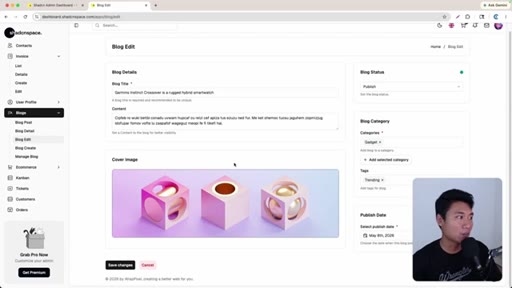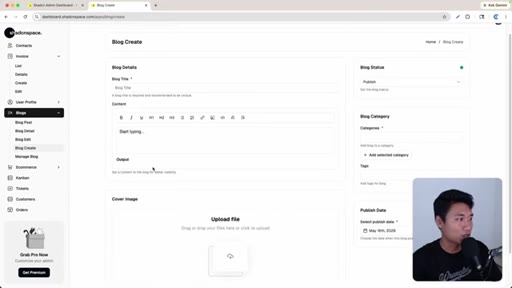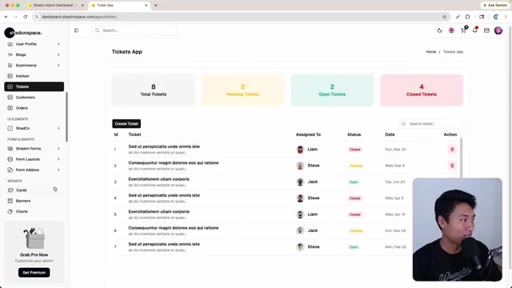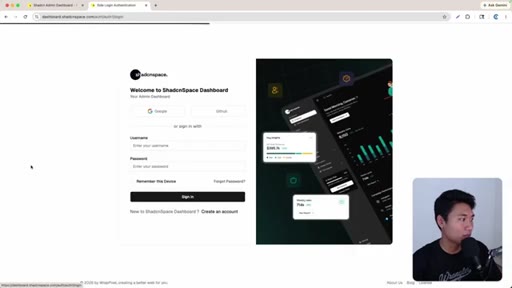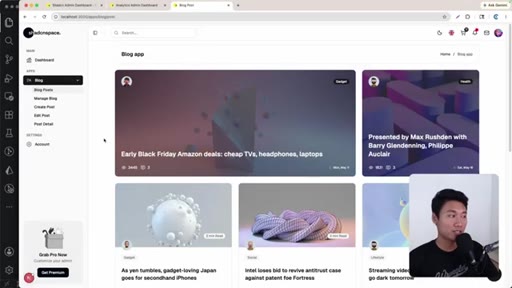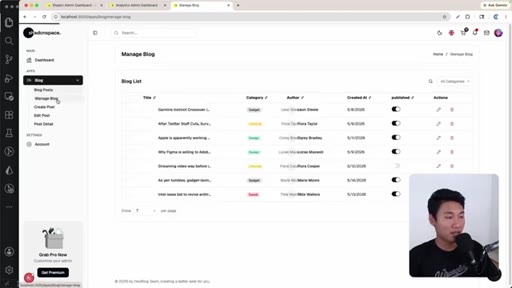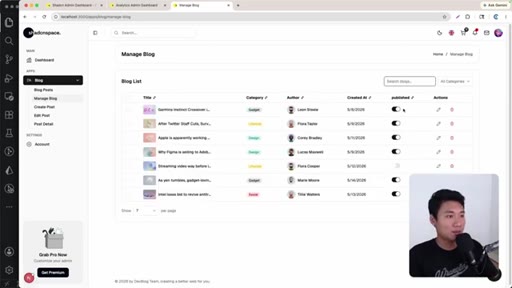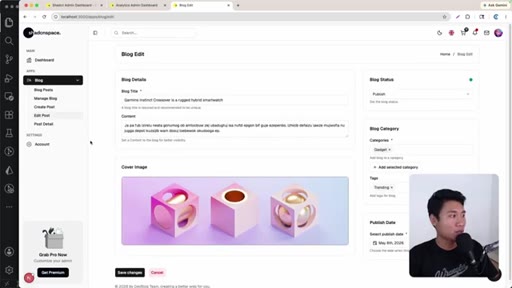
The bait, then the rug-pull.
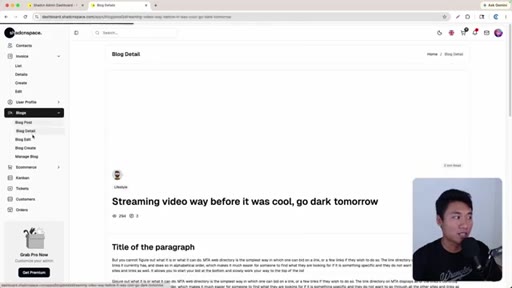
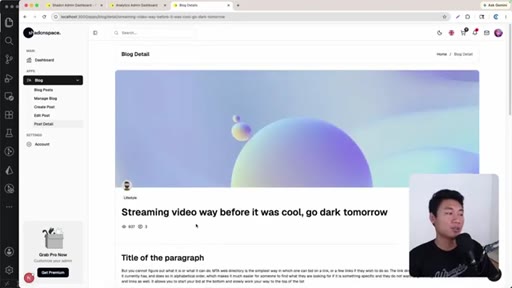
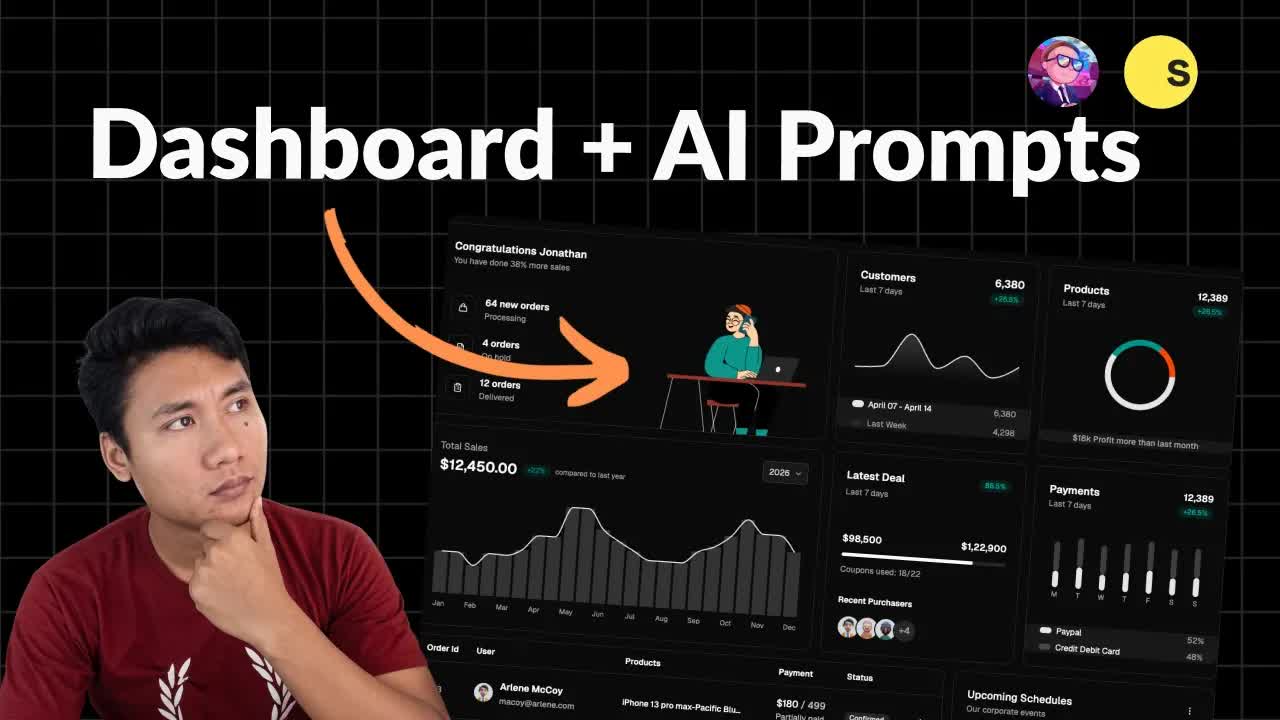
Nine minutes of screen recording that starts with a 136 MB dashboard template and ends with a working blog CMS — no hand-written code, just three prompts to an AI agent that already knows the codebase.
Where the time goes.
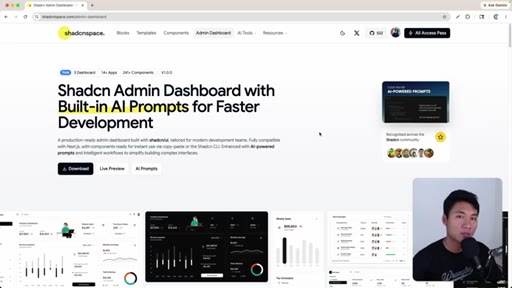
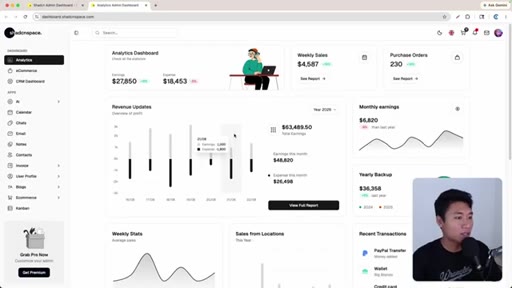
01 · Template tour
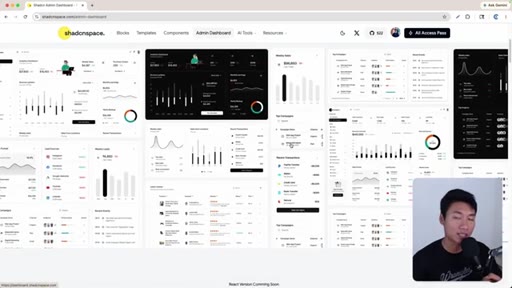
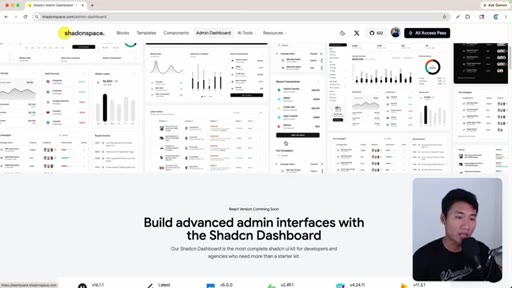
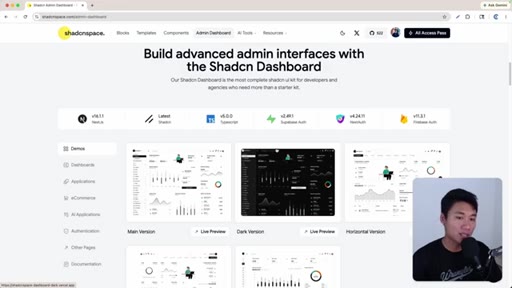
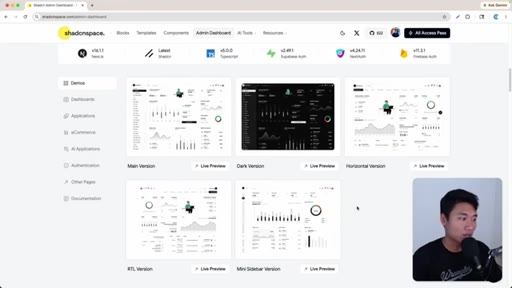
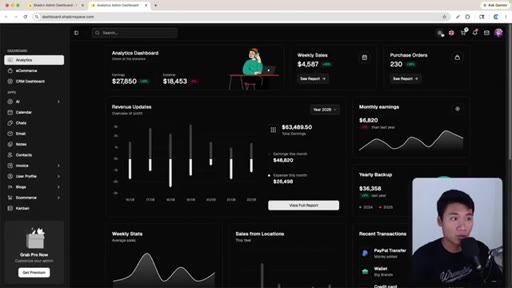
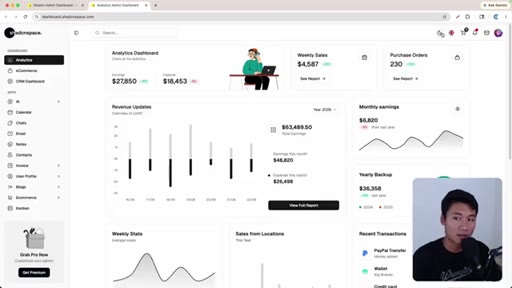
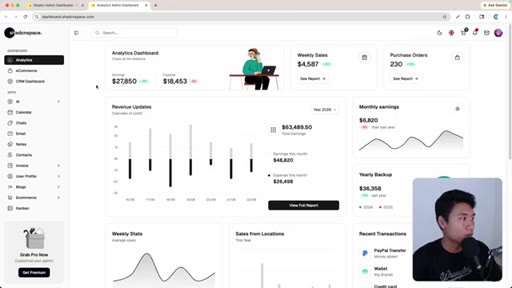
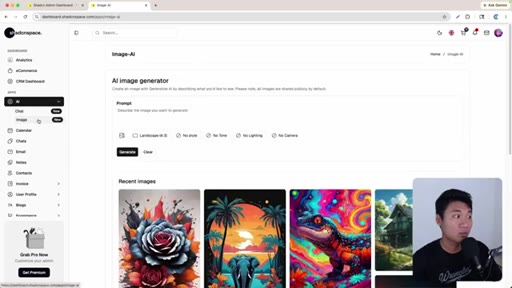
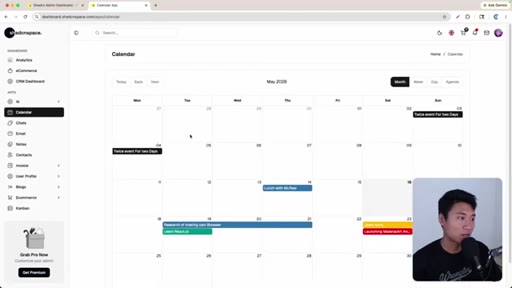
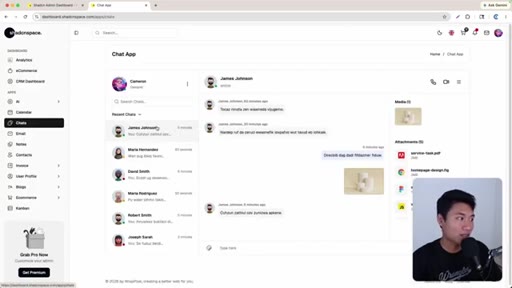
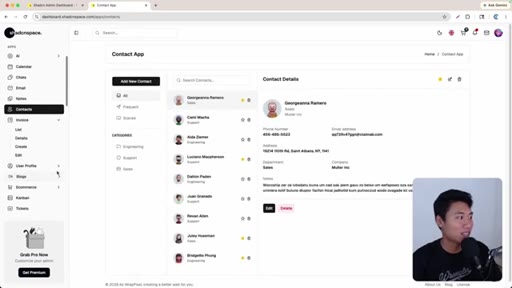
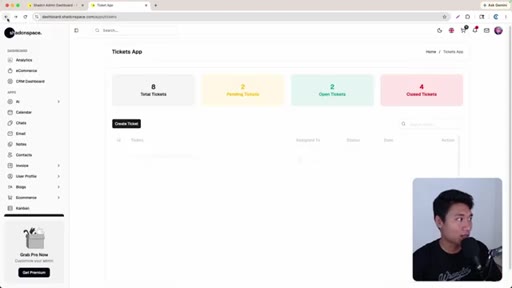
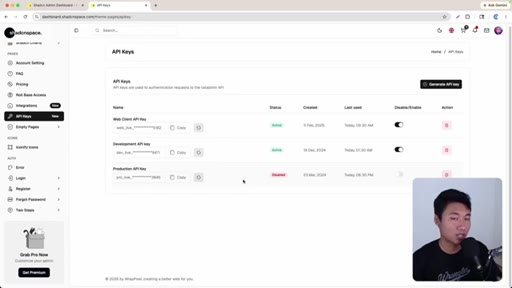
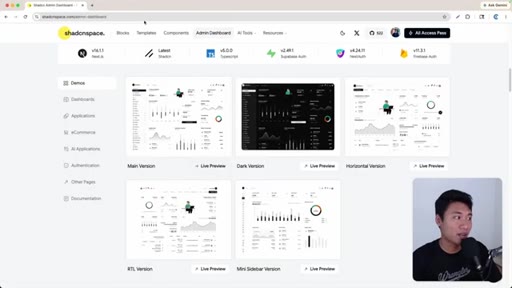
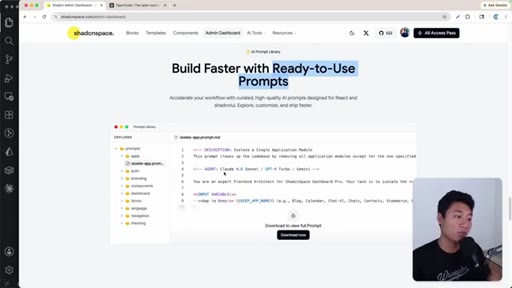
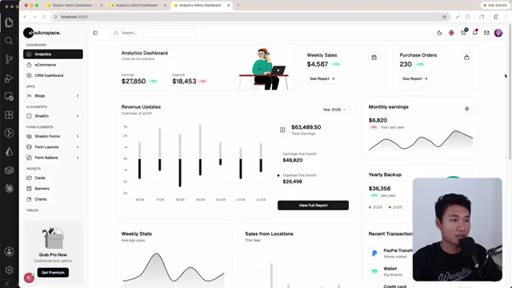
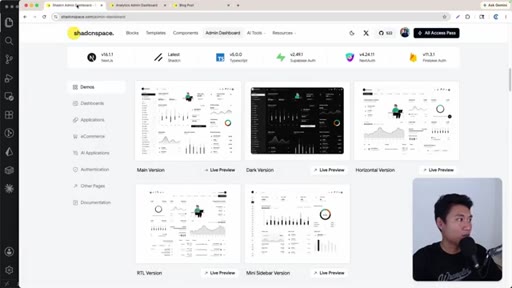
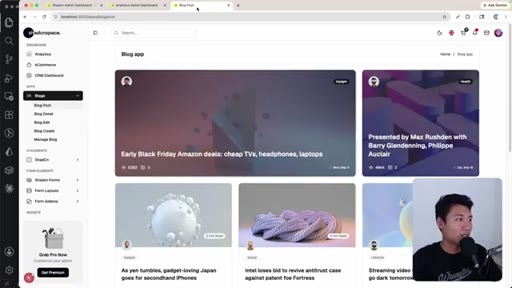
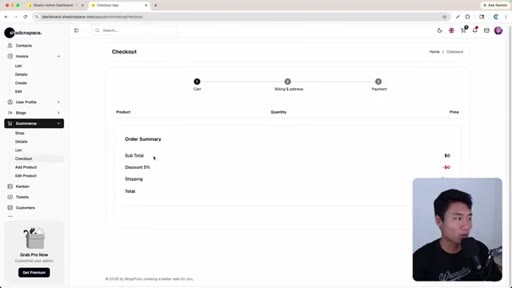
Walks through shadcnspace.com live preview — five layout variants, all built-in apps, and the decision to build a blog app.
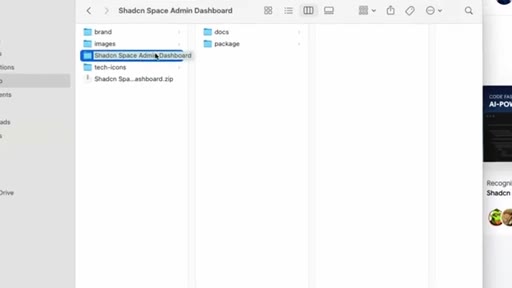
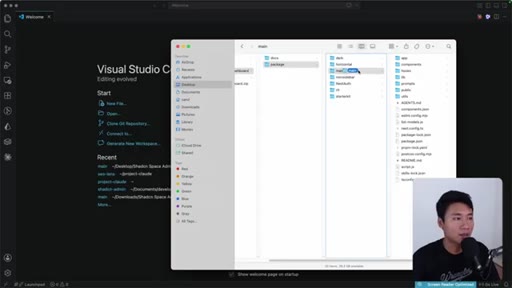
02 · Download and open in VS Code
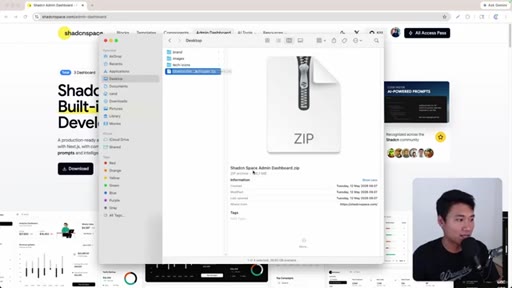
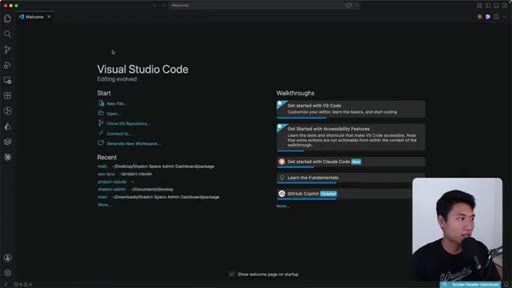
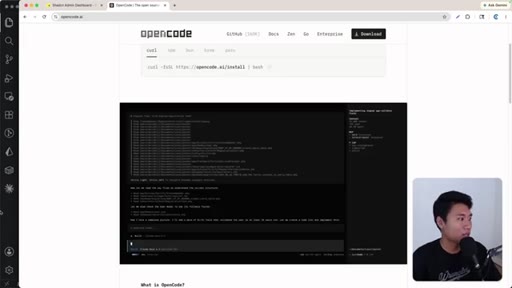
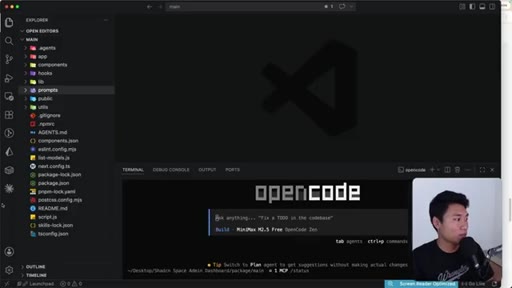
Downloads 136 MB zip, extracts the main folder, introduces OpenCode as the AI agent of choice.
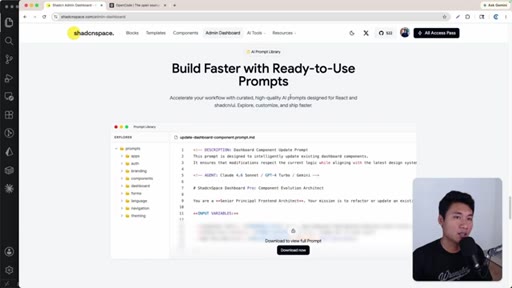
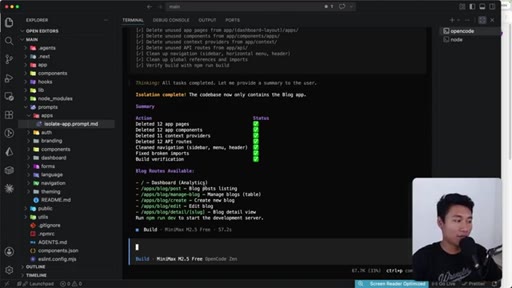
03 · AI isolates the blog module
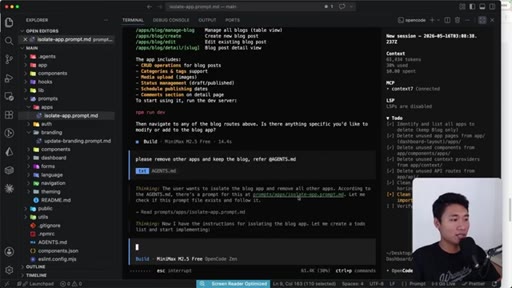
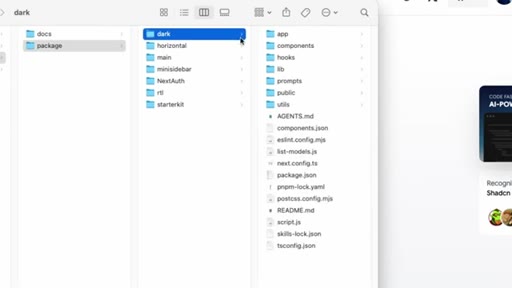
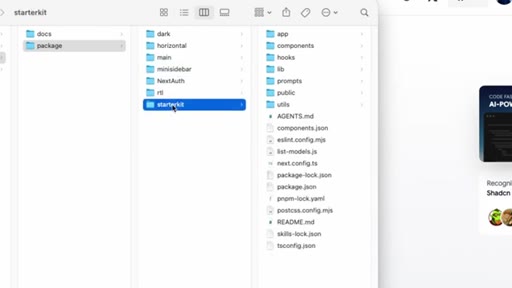
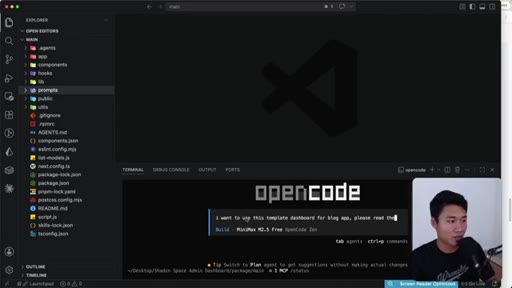
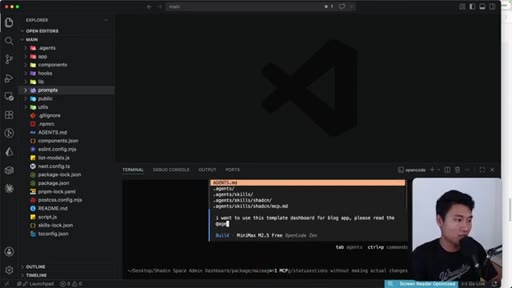
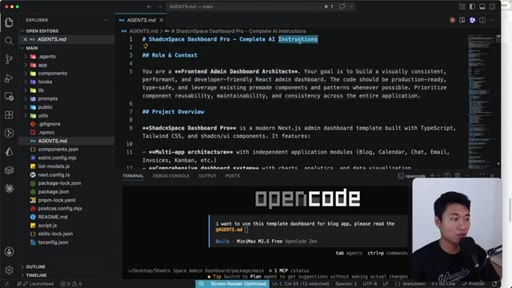
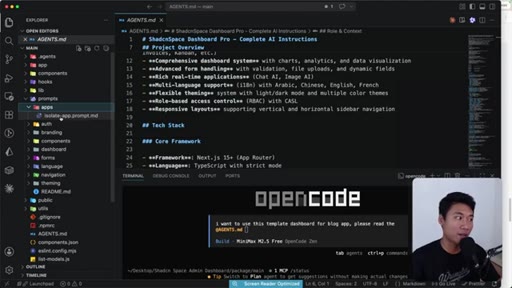
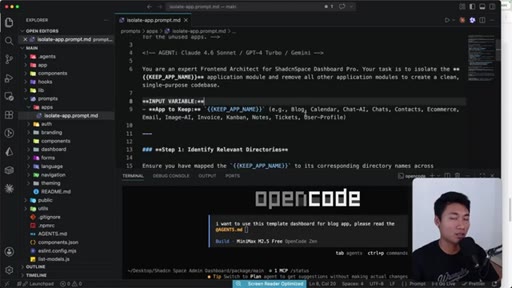
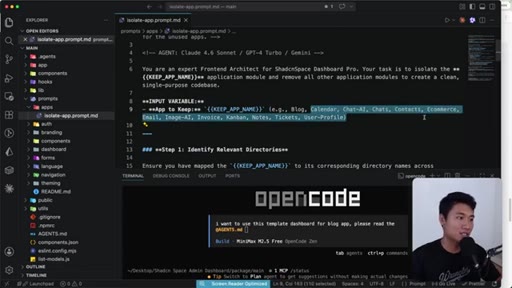
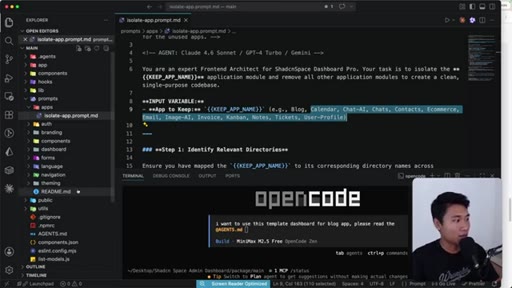
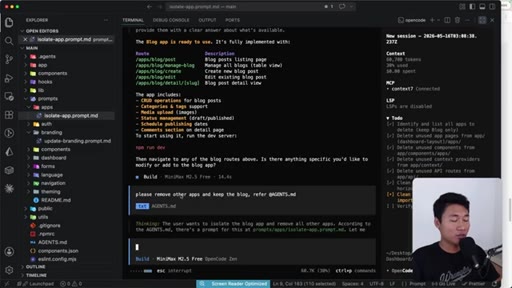
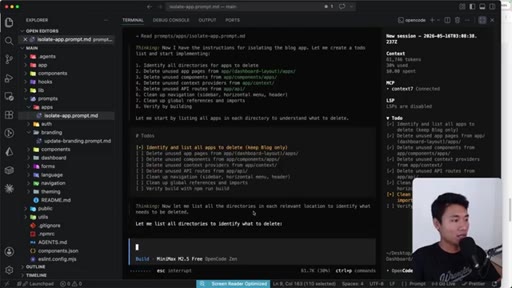
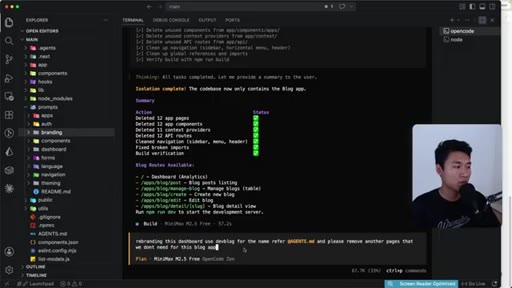
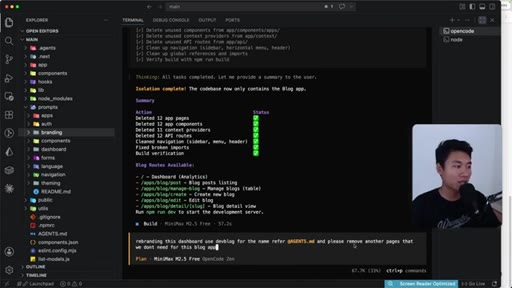
Prompts OpenCode referencing AGENTS.md; agent reads isolate-app.prompt.md and removes all non-blog modules automatically.
04 · AI rebranding
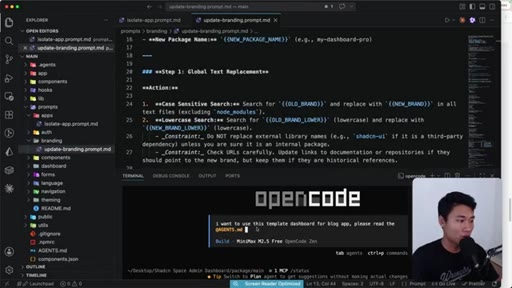
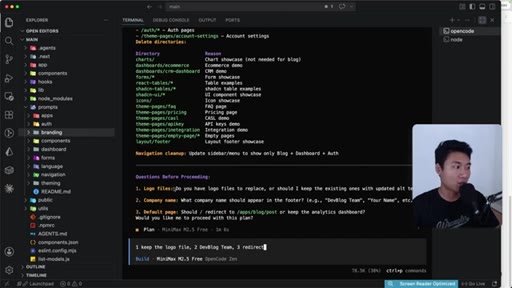
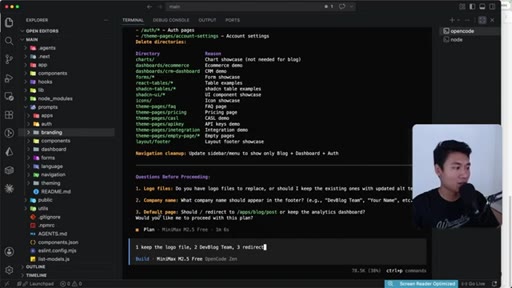
Second prompt rebrands the dashboard to Dev Blog, sets default redirect, removes remaining unneeded pages.
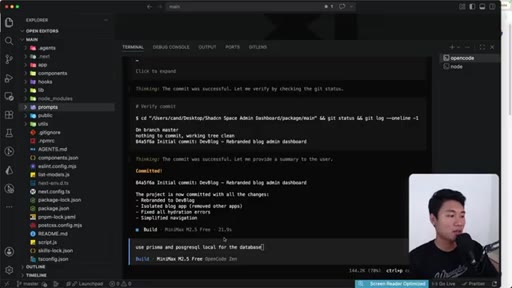
05 · Prisma + PostgreSQL setup
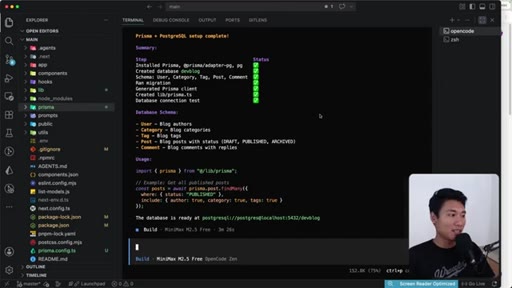
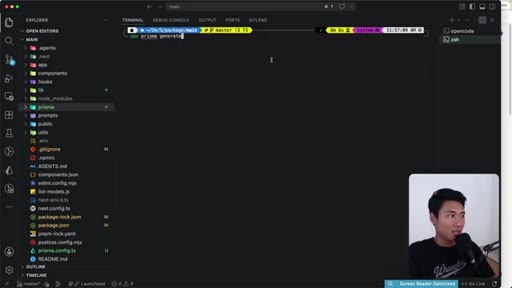
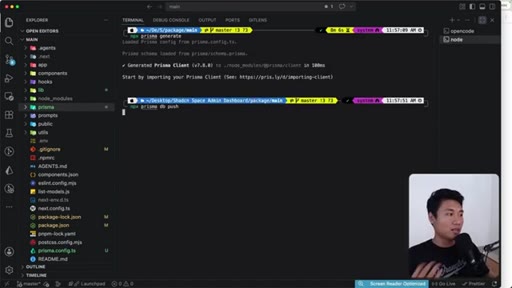
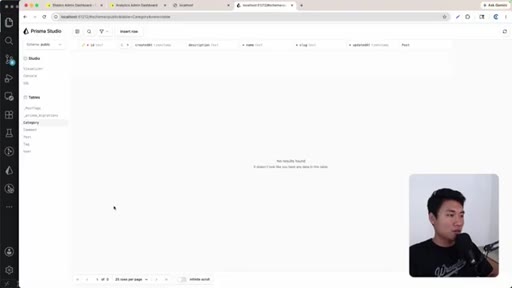
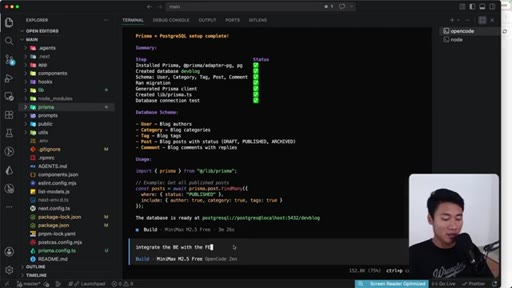
Single prompt installs and configures Prisma with local PostgreSQL; developer verifies via prisma studio.
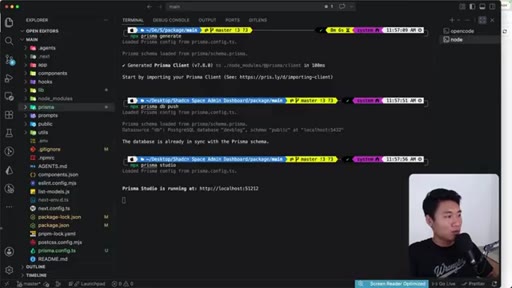
06 · Backend integration and live test
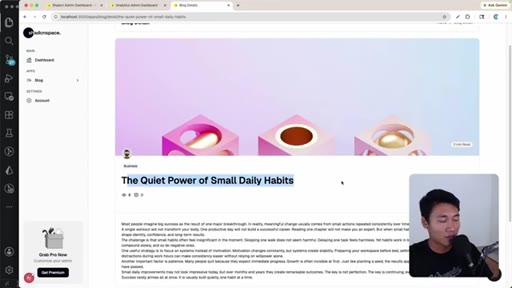
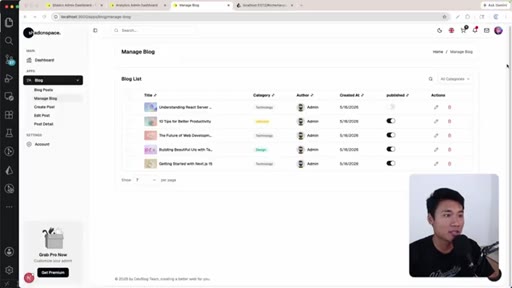
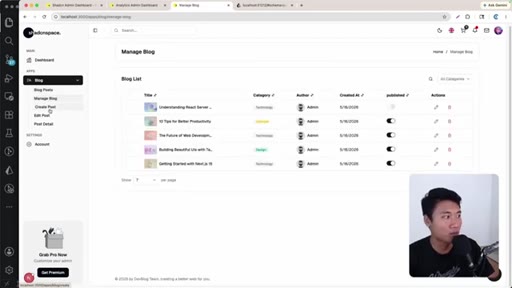
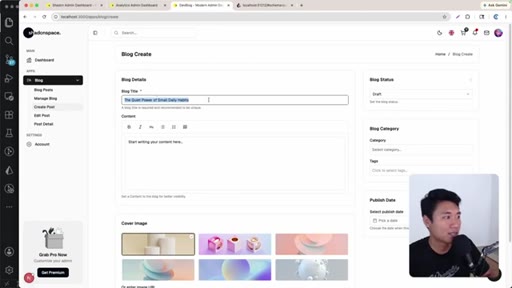
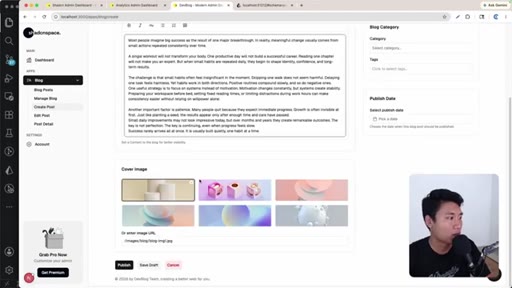
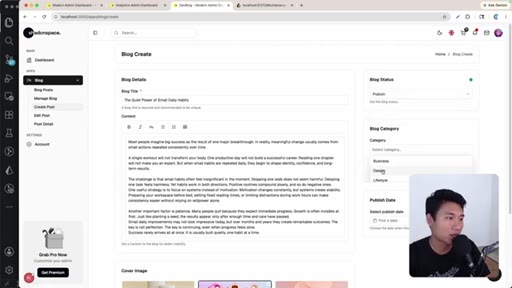
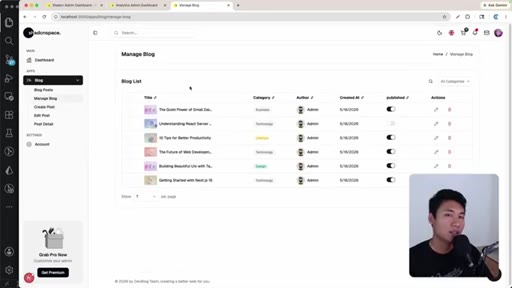
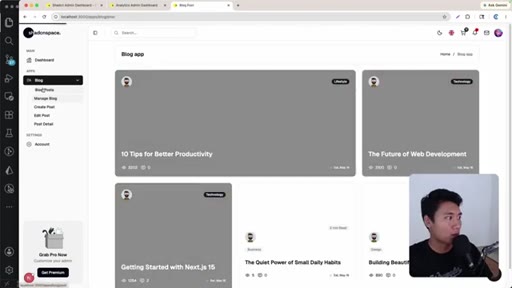
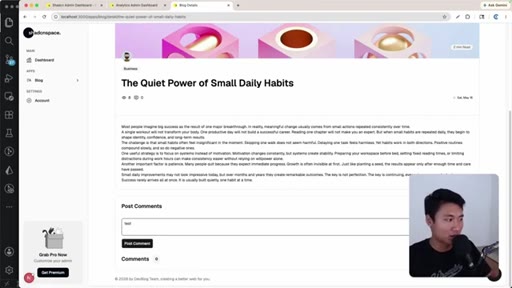
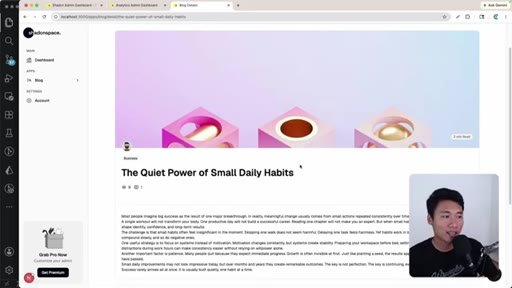
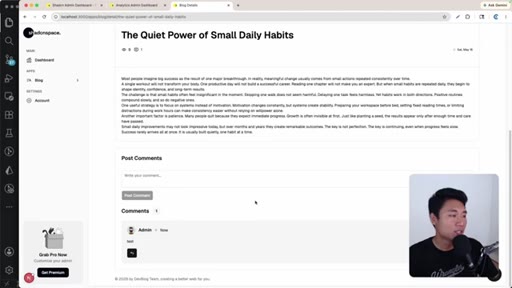
Final prompt wires Prisma to Next.js front end; presenter creates a post, publishes it, and tests comments.
Visual structure at a glance.
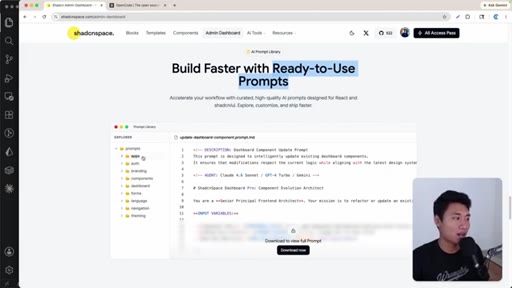
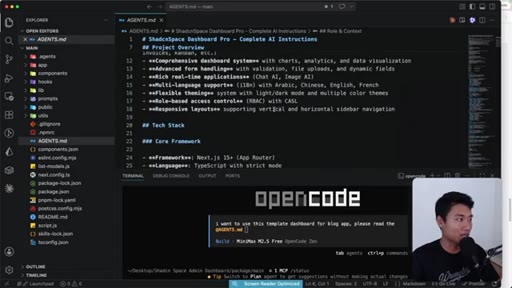
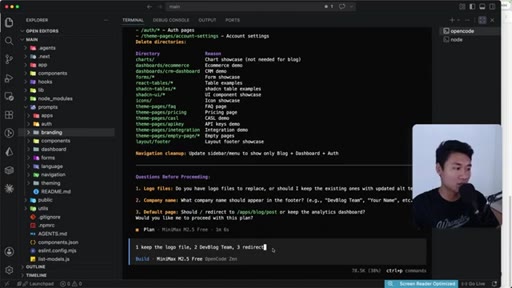
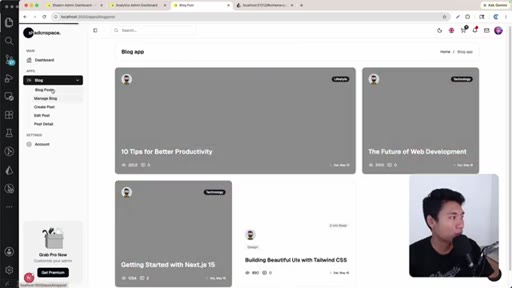
Named ideas worth stealing.
AGENTS.md + prompts folder pattern
Bundle an AGENTS.md at the project root and a prompts folder with per-task instruction files. Any AI agent reads the context file first, then executes the relevant prompt script by name. Converts a monolithic template into a modular, agent-addressable system.
Lines you could clip.
"The beauty about this dashboard, it also already have the ready to use prompt."
"And with one prompt, now we just have unblocked."
Things they pointed at.
How they asked for the click.
"Thank you so much for watching. See you on another video."
Soft verbal close only. No subscribe prompt, no link card, no pinned comment mentioned.
Word for word.
The template is the scaffold; the prompts folder is the power tool.
An AI agent is only as fast as the context it is given upfront — templates that ship their own AGENTS.md remove that bottleneck entirely.
- Context files like AGENTS.md do more work than the prompt itself — when the agent already knows the folder structure, tech stack, and available scripts, a one-line instruction executes cleanly.
- Bundling per-task prompt scripts inside a template turns a one-time purchase into a reusable AI-accelerated workflow for every new project that starts from that base.
- Isolating a single module from a multi-app template via AI is faster and safer than manually deleting files — the agent traces dependencies and removes routes, nav entries, and imports together.
- Prisma's schema-first approach means database setup, migration, and a visual table browser can all be triggered by the AI in a single session without the developer writing any SQL.
- Deferring auth to the end is a valid MVP strategy — ship the core feature loop first, confirm it works end-to-end, then layer on access control as a follow-on session.