Jono Catliff · Youtube · 36:08

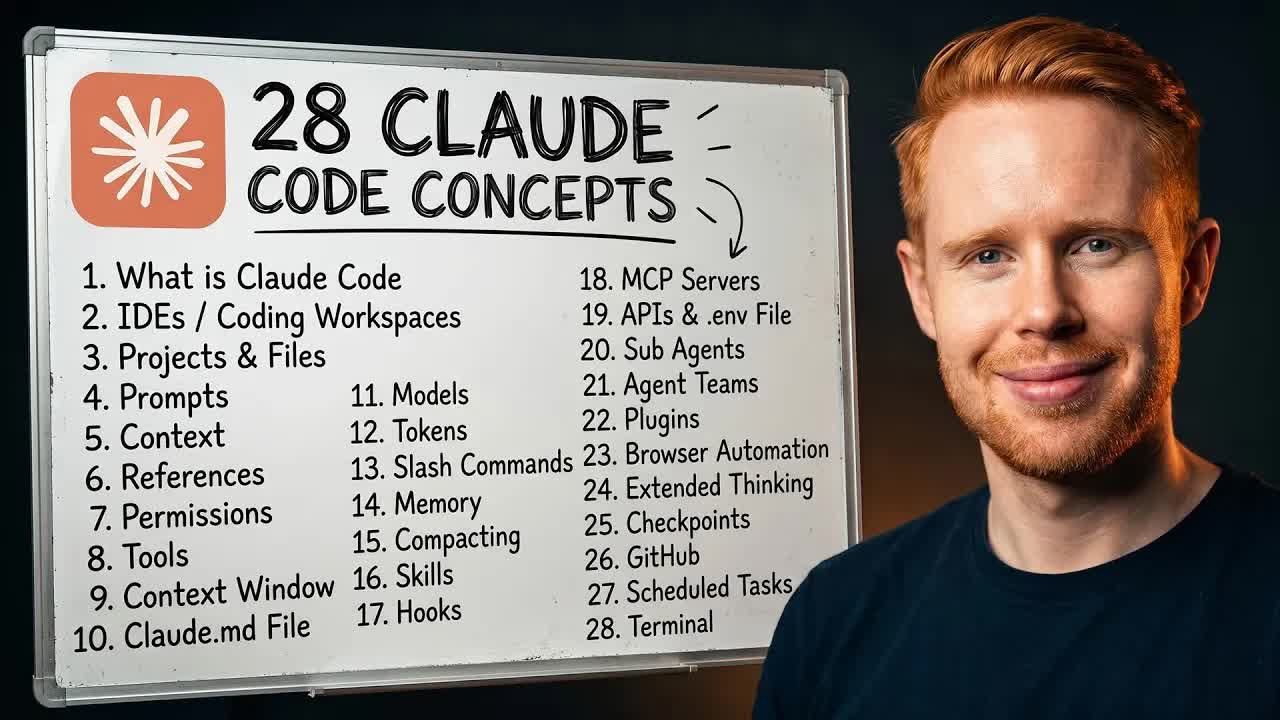
Every Claude Code Concept Explained Like You're 10

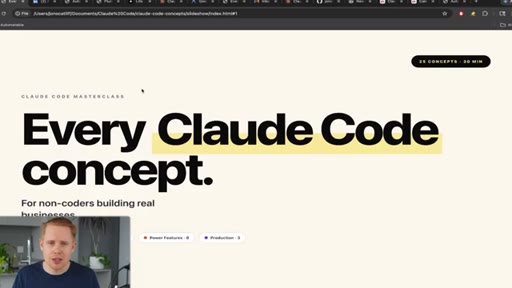
A 36-minute reference walkthrough of all 28 Claude Code concepts, explained for non-coders building real businesses.

Posted
May 17th 2026
yesterday
Duration
36:08
Format
Tutorial
educational
Channel
JC
Jono Catliff
§ 01 · The Hook

The bait, then the rug-pull.

Jono Catliff opens with the exact frustration his audience carries into every search: too many concepts, moving too fast. He promises to cut through all of it by teaching like you're 10. What follows is 36 minutes of the most structurally disciplined Claude Code education on YouTube, with every concept pre-packaged into its own shareable slide.

§ · Stated Promise

What the video promised.

stated at 00:11 "I am gonna be teaching this like I was explaining it to a 10 year old." delivered at 35:06
§ · Chapters

Where the time goes.

00:00 – 00:53

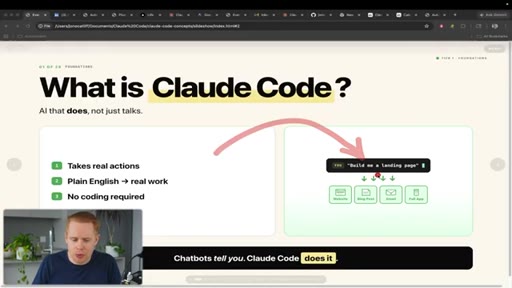
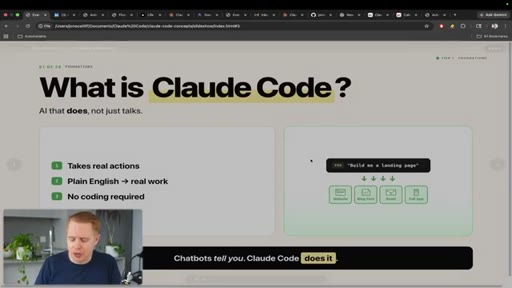
01 · What is Claude Code

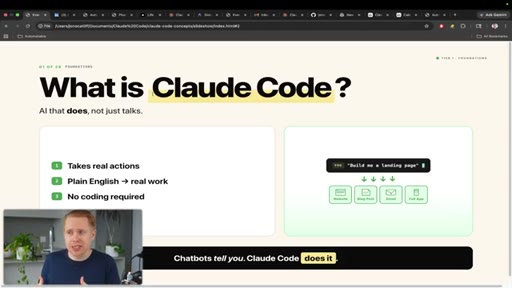
AI that takes actions, not just talks. Chatbots tell you, Claude Code does it.
00:53 – 01:58

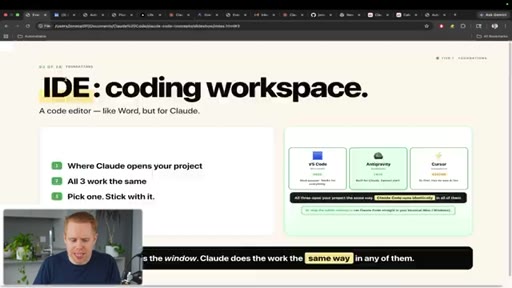
02 · IDEs and Coding Workspaces

VS Code, Antigravity (Google), Cursor. Pick one, stick with it. Claude lives inside as an extension.
01:58 – 03:06

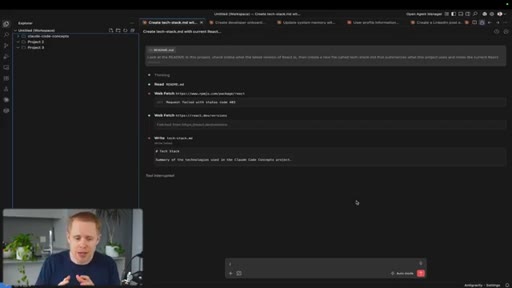
03 · Projects and Files

File system is Google Drive for your project. Multiple clients = multiple projects in one workspace.
03:06 – 04:21

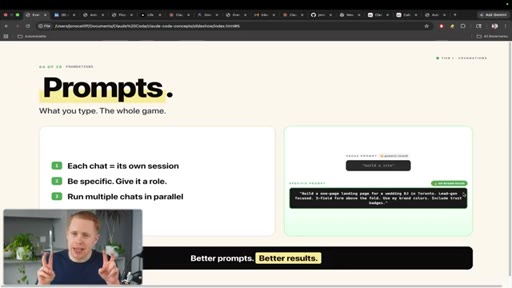
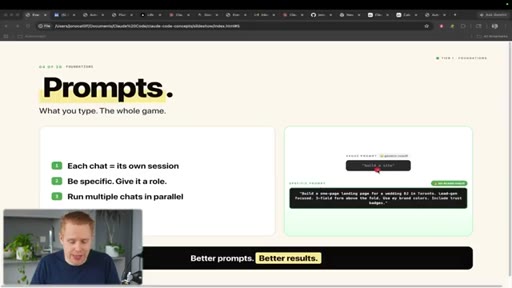
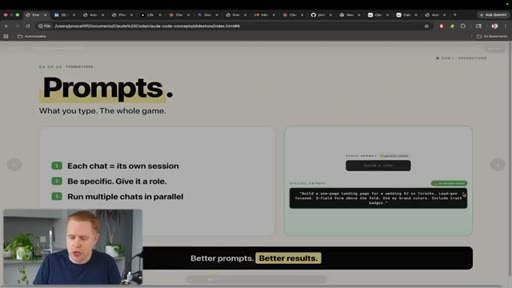
04 · Prompts

Be specific, give it a role. Generic input = AI slop. Specific input = results that actually fit.
04:21 – 06:19

05 · Context

Feed Claude your tone, humor, and vocab files. More context = more personal, more accurate outputs.
06:19 – 07:00

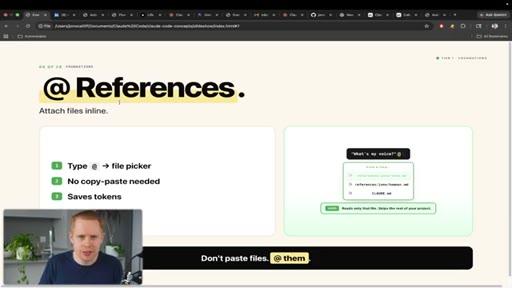
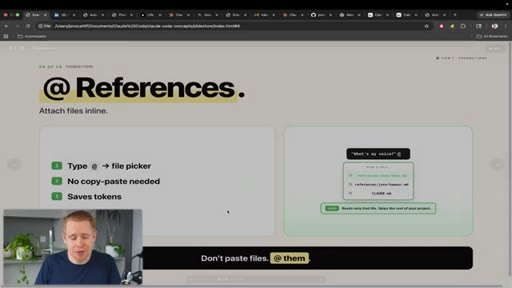
06 · References

Use @ symbol to pull specific files into the conversation mid-prompt. No copy-paste needed.
07:00 – 08:49

07 · Permissions

Five modes from Ask through Bypass. Start with Plan Mode on big builds, loosen after.
08:49 – 09:57

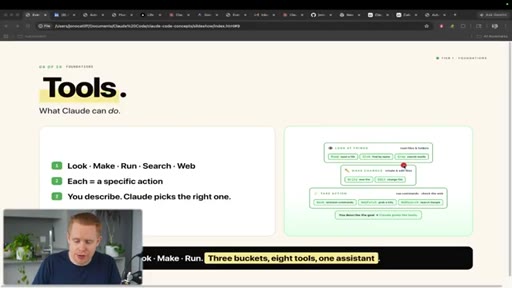
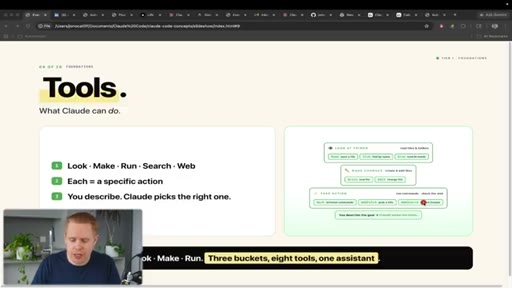
08 · Tools

Read, Glob, Grep, Write, Edit, Bash, Web Search. The hands of Claude. Zero config needed.
09:57 – 10:49

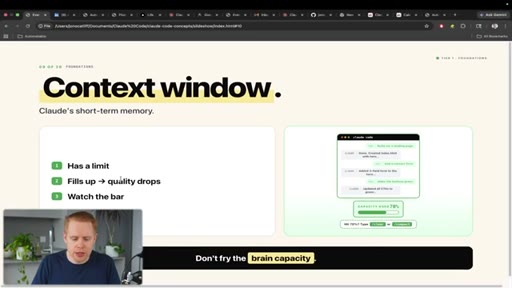
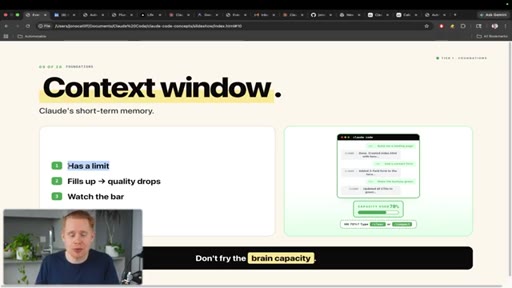
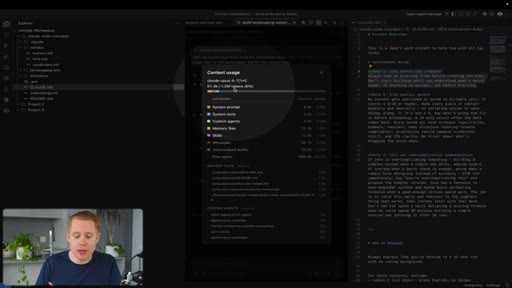
09 · Context Window

Short-term memory. Fills as conversation grows, quality drops past 50%. Watch the bar.
10:49 – 11:51

10 · CLAUDE.md

Your instruction file. Train Claude like a new employee with rules, preferences, and must-nots.
11:51 – 12:59

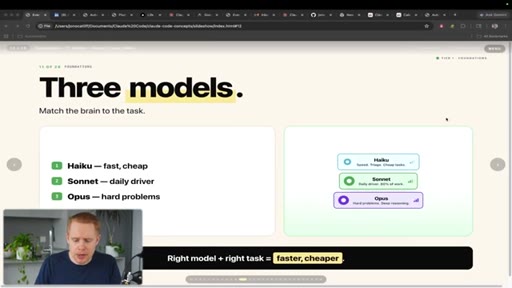
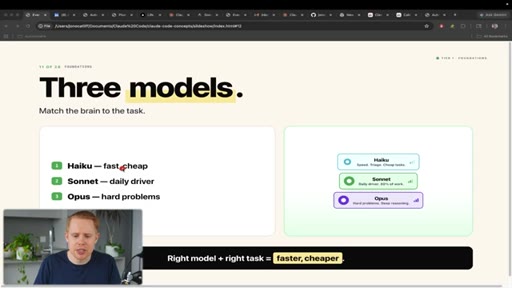
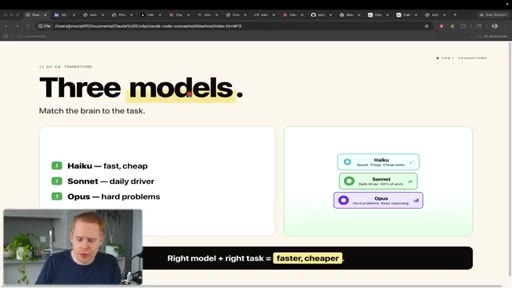
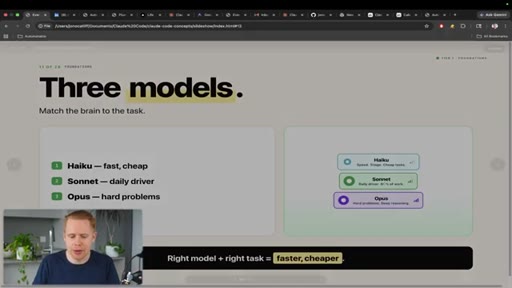
11 · Models

Haiku for fast/cheap tasks, Sonnet as daily driver, Opus for hard problems. Match brain to task.
12:59 – 15:23

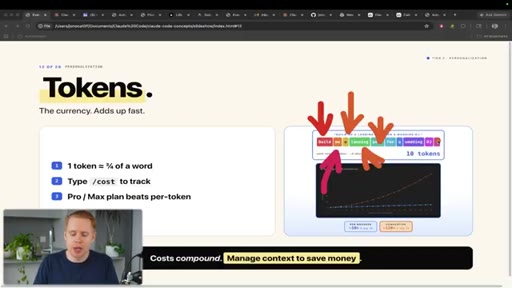
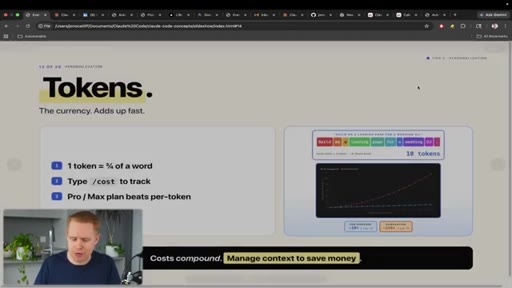
12 · Tokens

Three-quarters of a word each. Costs compound exponentially as conversation history grows.
15:23 – 16:32

13 · Slash Commands

/context to check usage, /clear to reset. Prevents burning your weekly session limit mid-project.
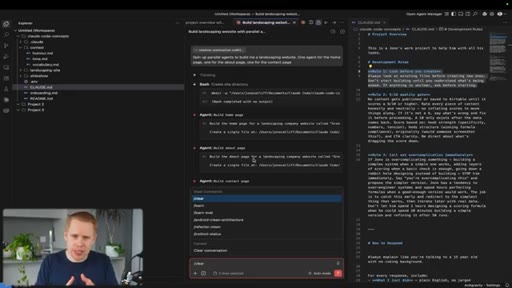
16:32 – 17:45

14 · Memory

Persists across all conversations. Store facts about yourself and your business once, reference everywhere.
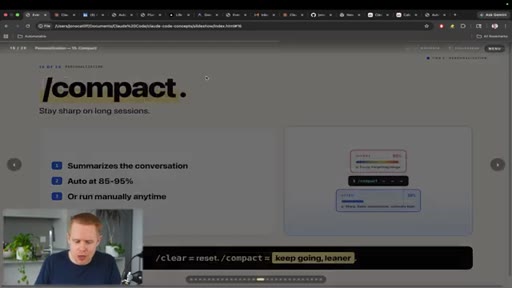
17:45 – 18:35

15 · Compacting

/compact at 50% context saves money and prevents quality drift that kills long sessions.
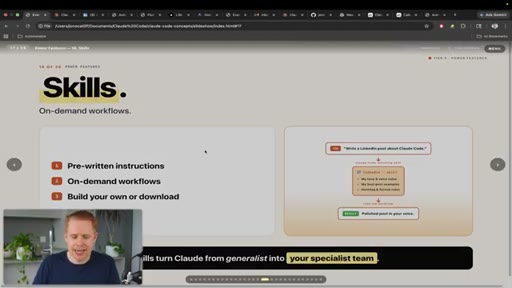
18:35 – 20:04

16 · Skills

Pre-written instruction sets for repeatable tasks. On-demand workflows triggered by a slash command.
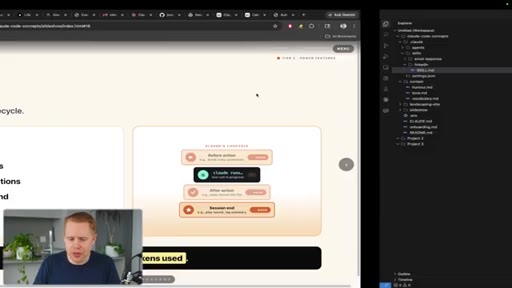
20:04 – 21:36

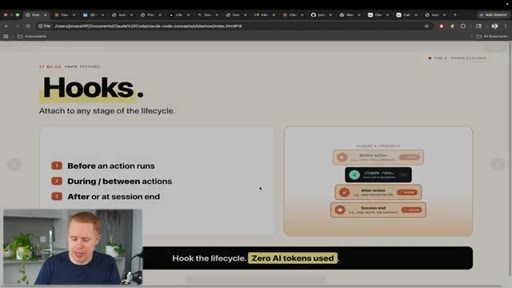
17 · Hooks

Automated actions at conversation lifecycle points. Guard rails, triggers, and end-of-turn sounds.
21:36 – 22:30

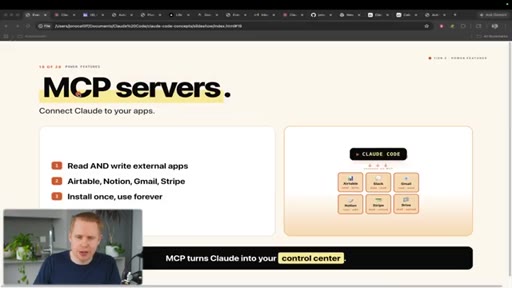
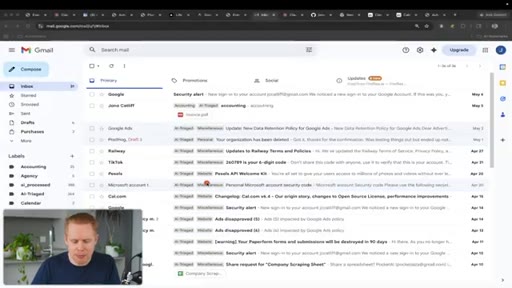
18 · MCP Servers

Connect Claude to Airtable, Slack, Gmail, Notion. Install once, use forever.
22:30 – 24:14

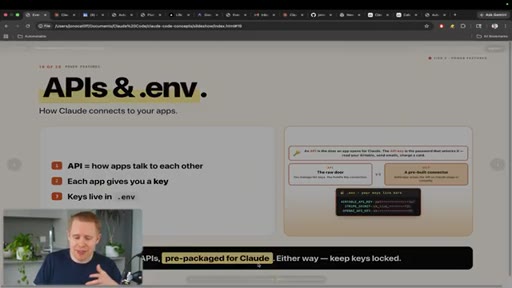
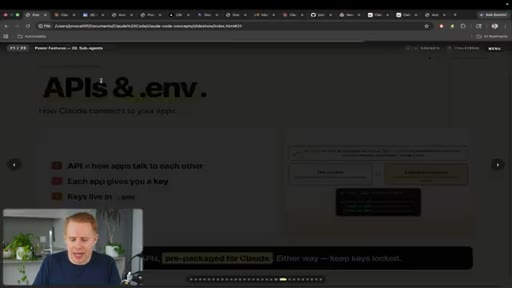
19 · APIs

Backup when MCP does not exist. Store API keys in .env file for security on deployment.
24:14 – 25:51

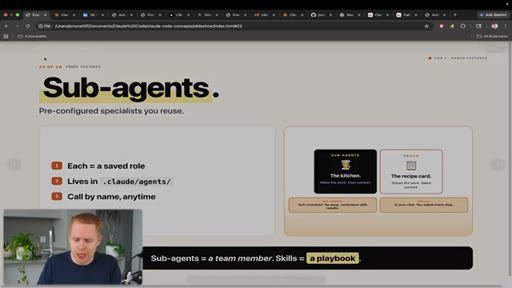
20 · Sub-Agents

Pre-configured specialists. You give the order, they return the result. You do not see the process.
25:51 – 27:29

21 · Agent Teams

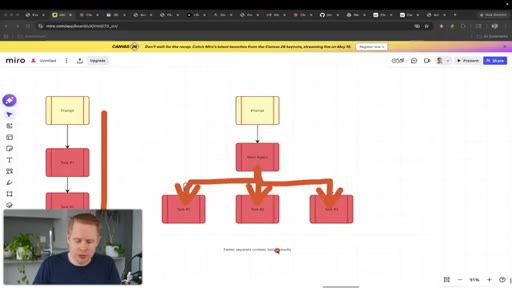
Manager agent delegates to employee agents in parallel. Faster, better context separation, better results.
27:29 – 28:11

22 · Plugins

Skills built by others, install in one click via the /plugins marketplace.
28:11 – 29:08

23 · Browser Automation

Playwright plugin lets Claude control the browser like a human. Logs in, downloads, uploads, automatically.
29:08 – 29:59

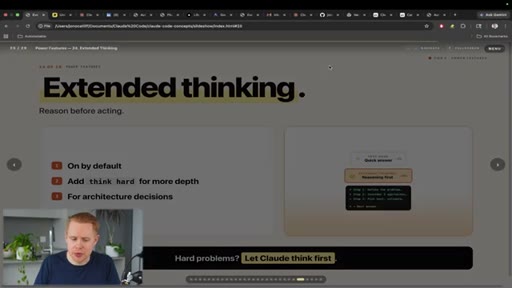
24 · Extended Thinking

Slow mode: Claude defines the problem, considers approaches, picks the best, then answers.
29:59 – 30:38

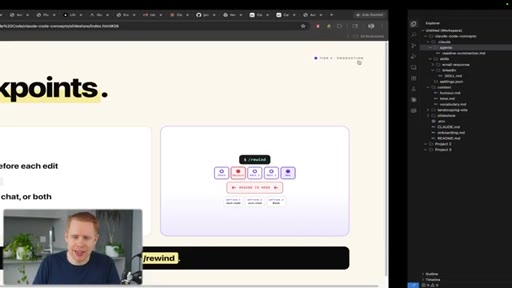
25 · Checkpoints

The undo button. Rewind code to any previous conversation state with one click.
30:38 – 32:19

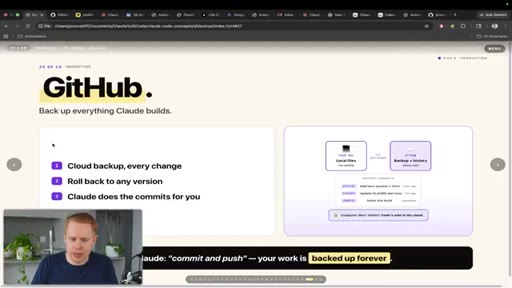
26 · GitHub

Google Drive for code. Backup your project and the deployment gateway Vercel pulls from.
32:19 – 33:32

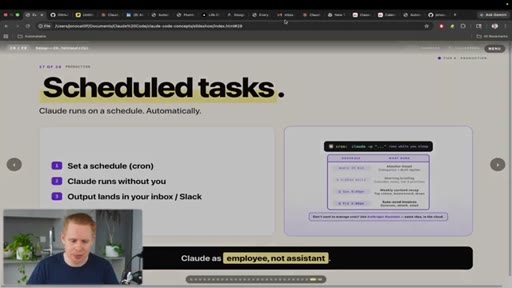
27 · Scheduled Tasks

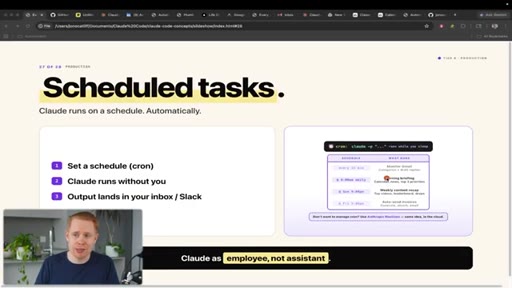
Cron jobs. Claude as employee not assistant. Runs on any interval without you present.
33:32 – 35:06

28 · Terminal

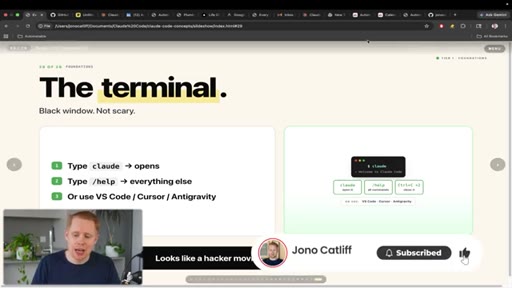
The black box from the 1960s. Rarely needed because Claude can usually do it for you via the IDE.

§ · Storyboard

Visual structure at a glance.

title slide
what is claude code
context window
skills
agent teams
terminal and CTA
§ · Frameworks

Named ideas worth stealing.

07:00 list

The 5 Permission Modes

  1. Ask for edits
  2. Accept edits (auto file edit)
  3. Auto mode
  4. Bypass permissions
  5. Plan mode

The further down the list, the more autonomous Claude becomes. Plan mode = think first, act later.

Steal for Explaining AI autonomy levels to clients or in onboarding docs
24:14 analogy

Skills vs Sub-Agents Restaurant Analogy

Skills = chef cooks in front of you, visible and interruptible. Sub-agents = kitchen delivers the dish, black-box and self-contained.

Steal for Any explainer on agent architecture for non-technical audiences
12:59 concept

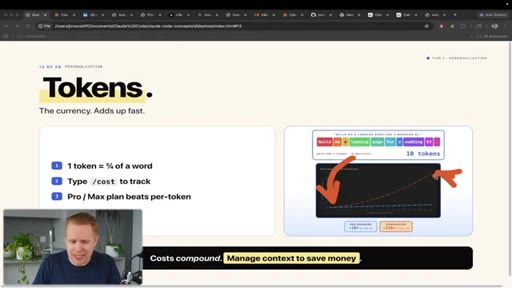
Token Cost Curve

Token costs are exponential not linear. Every new message adds the entire conversation history as input tokens.

Steal for Content on managing Claude costs, timing your /compact correctly
04:21 model

Context File Stack

  1. Humor file
  2. Tone file
  3. Vocabulary file
  4. Sample writing

Build a personal context stack in your project. Feed Claude samples of your own writing to extract and store your voice.

Steal for CLAUDE.md setup tutorials, personal brand AI voice workflows
§ · Quotables

Lines you could clip.

00:26
"ChatGPT talks to you, but Claude Code actually takes actions on your behalf."
Perfect one-liner contrast. Zero context needed. → TikTok hook
03:37
"Instead of saying hey build me a website, which is gonna give you generic AI slop, you can say build me a one-page website for a wedding DJ business in Toronto."
Concrete before/after with a memorable insult. Self-contained. → IG reel cold open
10:59
"You hire an employee, and you need to train that employee on what the job is. The CLAUDE.md file is that instruction file."
Clean analogy, no context needed, instantly actionable. → Newsletter pull-quote
14:22
"That is why it is an exponential curve because the longer your conversations get, the more the tokens and memory expand."
Explains the number one beginner mistake in one sentence. → TikTok hook
25:11
"With a sub agent, you order food, the kitchen delivers it. With skills, the chef cooks it on the table in front of you."
Sticky analogy that clicks for non-technical people instantly. → IG reel cold open
§ · Pacing

How they spent the runtime.

Hook length26s
Info densityhigh
Filler5%
§ · Resources Mentioned

Things they pointed at.

§ · CTA Breakdown

How they asked for the click.

35:06 product
"I also have a free community where I give all of my YouTube blueprints away for free... and a paid community where there are two transformations."

Double CTA: free Skool group with blueprints, paid community with two tracks (agency path + business automation). Delivered conversationally over 60 seconds. Soft social proof. No hard sell.

§ 04 · The Script

Word for word.

HOOK opening / re-engagementCTA the pitch analogy
00:00HOOKCloud Code is difficult to learn because there's just so many different concepts that you need to learn. And it feels like every single day that goes by, there's a new concept that you have to understand.
00:11HOOKIn today's video, we're gonna be breaking this down in the simplest way possible. I'm gonna be teaching this like I was explaining it to a 10 year old. Let's get into it right away.
00:20HOOKThe first thing is is what actually is Claude code and what separates it from something like ChatGPT? Well, ChatGPT talks to you, but Claude code actually takes actions on your behalf.
00:32So you can message Claude saying, hey. Build me out a website, and it will literally build out the entire website for you. This whole thing was generated using Claude code for me.
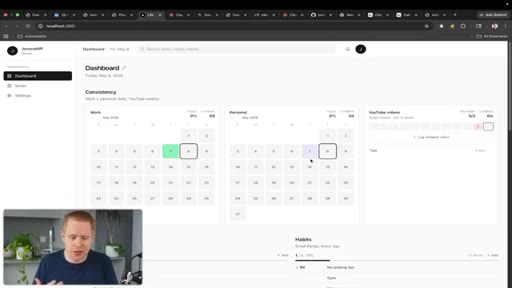
00:42You can also generate blog posts for you. You can even generate web applications like a dashboard that runs your entire business. And all of these slides that I'm showing you was also generated using Claude Code.
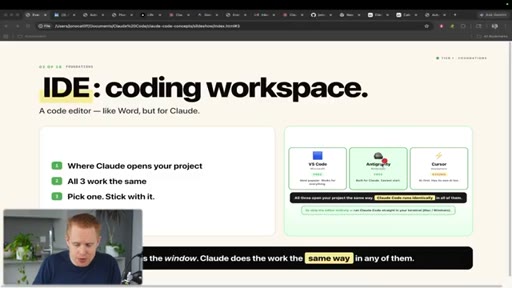
00:55The next thing is is IDEs and coding workspaces. Now, technically, this isn't Claude Code, but this is almost a requirement for most people to use Claude Code. So I wanted to include it in there because it's one of the first things you're gonna hit when you go to use Claude Code.
01:10IDE stands for integrated development environment, and you do not need to know any software engineering or anything technical whatsoever. That's the whole reason you use Claude so that you don't have to do anything technical. There's three main IDEs or coding workspaces in the marketplace.
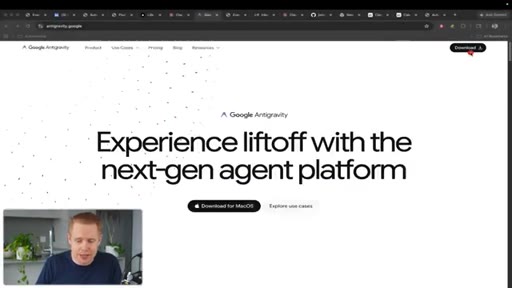
01:26Versus code, anti gravity, both of those are free, and you have Cursor, which is also paid. Now, essentially, you can head over to a site like antigravity.google and download the free desktop.
01:38And again, this is a Google product. And once you're inside, you'll you'll be in a coding workspace just like this. Now where Claude code comes into the picture is it's an extension that lives inside
01:50of your coding workspace. So on the left hand sidebar here, you can add plug ins, search for Claude code, and then start using it immediately from within Versus Code. Now the next thing is projects
02:04and files. Anytime you're building on a project with Claude code, you have something called a file system.
02:11System. K? You can think about this really just like Google Drive, but for your project.
02:15You have you can store whatever different files you want. You could have videos. You could have images.
02:20You could have text files. You can have folders to organize everything. But the cool thing is is that you can have multiple
02:27different projects inside of your coding workspace.
02:32So right now, I technically have one project here called Claude Code Concepts. Okay? And then I have another project called project two.
02:41We could go ahead and hit file, add to workspace, and then I can add project three over here. So let's say you have multiple clients.
02:49You could have a new project for every client from within the same, um, workspace so that you can move back and forth between all of them just by messaging Claude and keeping things nice and organized.
03:02And, of course, again, you can add any files that you want to this project. The next thing is prompts. So prompts you're probably already familiar with, but anytime you're messaging
03:14back and forth with Claude, that is considered a prompt. So when you open up Claude by hitting this nice little Claude button right over here, and let's say we say that we send a message, hey, that is a prompt, and then Claude code is going to reply back to us.
03:31Now the one key about prompting inside of Claude code is that you want to be as specific as possible, and you want to give Claude a role.
03:41So instead of saying, hey, build me a website, which is gonna give you generic AI slop. You can say, build me a one page land one one page website for a wedding DJ business in Toronto. It's lead generation focused and so on and so forth.
03:56So the more information you provide with, the better it will be delivering you the outcome you're looking for. When I say give it a role, in this instance, you'd say, hey, Claude. You're a web designer,
04:07and it will act according to that position. Again, maybe you wanted help with investments. You could say, hey.
04:13You're an expert investor or you're an expert social media manager or whatever the case may be, and it's going to understand exactly how it should tailor its responses
04:23to you. The next thing is context. Now when you're using Claude code,
04:28the distinction between getting bad responses back like AI slop and fantastic responses back that you're really happy with is the context you provide Claude code with. The more it knows about you, your business, what your outcomes the outcomes are that you're looking for, the better it's gonna be at delivering you results that you're happy with.
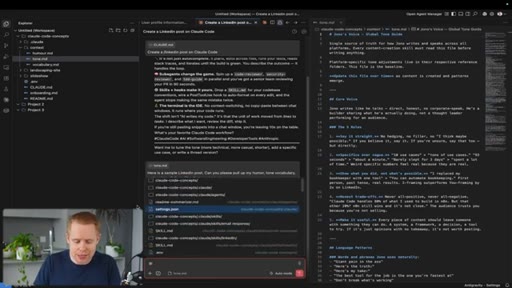
04:47So let's say, for example, you wanna generate something like a LinkedIn post over here. If I just tell Claude, hey. Generate me a LinkedIn post.
04:56It's gonna go ahead and do a really bad job. It's gonna throw in a bunch of emojis that I don't want. It's gonna sound generic.
05:02It's not gonna have personality. It's not gonna sound like me whatsoever. But I could add in here files
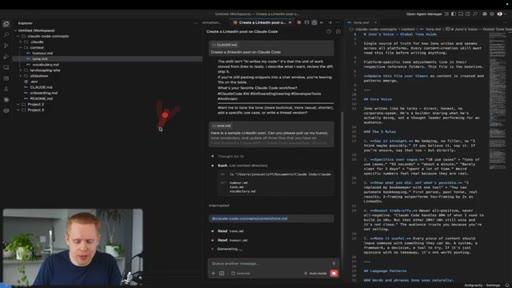
05:09on my humor, on my tone, on my vocabulary, and then it can actually go ahead and understand
05:16what kind of jokes I like to make, how I sound in real life, and then it can actually write posts that sound exactly like me. Okay?
05:25So in here, just as a side note, Jono's humor is dry, self aware, and observational. It gives examples of what that looks like. I I swear, Claude knows my humor better than I know myself.
05:36And so these are kind of examples on how you can get the right results back from ThoughtCode. How you'd actually pull in things like humor and tone and vocabulary is
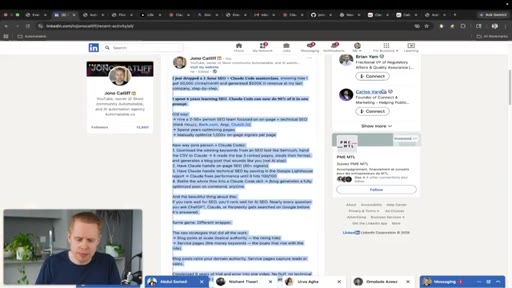
05:49you would go to something like your LinkedIn posts or your emails that you've sent off or wherever you have samples of writing. It could be call transcripts as well. It could be video transcripts.
05:59You will just take that, okay, that whole post, and then you would just paste it into Claude and be like, here is a sample LinkedIn post. Can you please pull up my humor, tone, and vocabulary and update all three files that you have on record?
06:13And now it's gonna go ahead, pull out all of the information from this, and then update all of these different files. Cool.
06:21The next thing is is references. So when you're dealing in Claude code, projects can often grow pretty fast and get pretty big. If you wanna reference a particular file, like for example, this tone file over here, we can drop in the and symbol.
06:37Okay? And when we drop in the and symbol, I'm just gonna move this over and so you guys can see it properly. Now we can start referencing
06:45particular files. So I can type in here tone dot m d, and now it's going to be able to read that particular file because I referenced. So you can actually see that it's gone ahead and read the exact file that I was referencing.
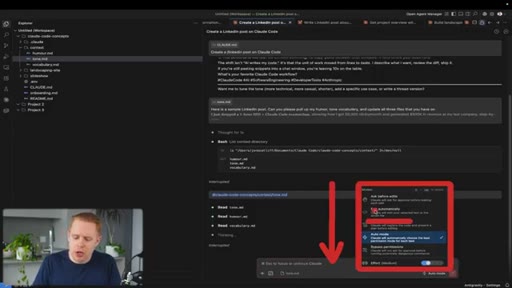
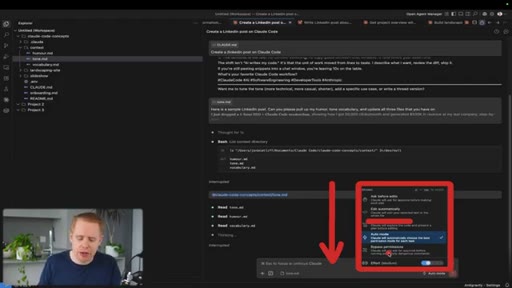
07:00This is especially, uh, useful if you have multiple files with the same name or very similar names. The next thing is permissions inside of Claude code. So when you're communicating back and forth with Claude, you can determine how much control you actually give to Claude code, and that comes down to this button right over here.
07:19Here are all the different modes. Let me explain this in a very simple way, and we're going to remove plan mode for now, and we're just gonna talk about these other four. The further down this goes, okay, the more control that you give to Claude to make autonomous decisions on your behalf.
07:37So when you say, hey. Ask for edits. Anytime Claude does anything like editing a file
07:44or connecting into an external application, which we'll talk about later on, it's gonna ask for your permission. When we talk accepting edits, which is the next layer down, okay, what's going on here is that it's going to edit files in your file structure over here automatically. But anytime you're doing
08:03anything kind of, like, outside of editing these exact files, So for example, connecting into Gmail or connecting into external applications or whatever the case may be, it's gonna ask for your permission. With auto mode, it's going to only ask for your permission if it thinks that it's gonna do something dangerous. And with bypass permissions at the bottom here.
08:23This is where it's just gonna do everything on its behalf, and sometimes it can make mistakes, overwrite things that you didn't wanna overwrite, but it does go a lot faster. And with plan mode here, the distinction is is that it thinks now and then it acts later.
08:37It will create an entire plan for you. And once you approve that plan, you're happy and it thinks through all of the different contingencies, then it will go ahead and build it out.
08:46So anytime you're building a large project, it's usually advisable to start with plan mode and then switch over to one of the other four categories after the planning is done. The next thing is tools inside of Claude code, and this is the hands part of Claude. It allows Claude to actually take actions on your behalf.
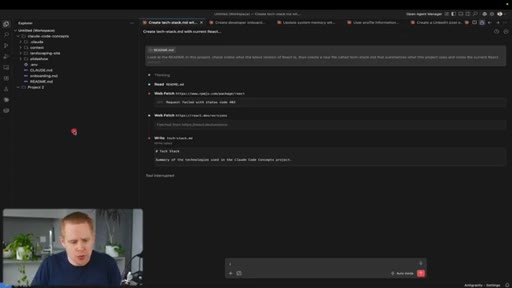
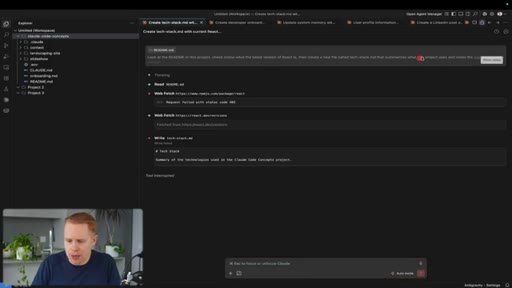
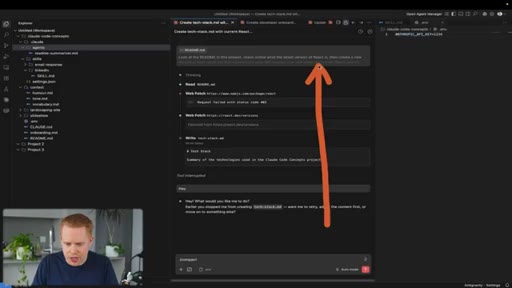
09:07So when you look at this conversation here, you can see that Claude has read, okay, a particular file, and then it did something called web patch. So it actually went to this URL, and it read this documentation here, this this page.
09:21Okay? Then it went and it fetched this web result, and it read this page as well, understood what's going on here. And then it wrote this article right over here called techstack.md.
09:34So Claude is taking actions on your behalf, and these are tools that it has access to. These are out of the box. There's no configuration required, but it has the ability to read a file.
09:44It has the ability to find a file by its name, which is called glob grep, which is search inside of files. Then it can write and edit. It can do bash commands, which we'll talk about a bit later on.
09:56It can search for a URL and search on Google and so on and so forth. The next thing is the context window inside Claude code, and this is Claude's short term memory.
10:07So if we just open up any one of these individual conversations, everything going on here is the context window. Okay?
10:16The more messages that you send in here, the more Claude has to remember. So Claude has a limit on how much it can remember just like a human would.
10:27So if you and I are having a conversation for ten years, you're not gonna remember all ten years. You might be able to remember a couple hours. Right?
10:34Same kinda deal with Claude. It's not gonna be able to remember what you said, like, ten years ago. It's only gonna be able to understand a certain length.
10:42And then after that, it's gonna fill up and the quality drops. And then you have to reset the conversation, which we're gonna talk about later
10:51in this video. The next thing is the Claude dot m d file, which is the instructions you tell Claude to behave the way you want it to behave.
11:00A good analogy for this is you hire an employee, and you need to train that employee on what the job is and how to do it properly. The it's the same kinda deal with the claude.md file.
11:12This is the instruction file that you give to Claude to tell it how it should behave, what it should do, what it shouldn't do. So let's say that we're writing a LinkedIn post one more time. A rule that you have here is, hey, don't let me publish a LinkedIn post unless we qualify it as a nine out of 10.
11:31I don't wanna send off a five out of 10. I don't wanna send off a six out of 10. It needs to be at least nine out of 10.
11:36Another rule could be, hey, before you create a file, make sure it doesn't exist yet. We might not wanna like, so for example, you don't wanna duplicate your humor file or your tone file. You only wanna create that file if it already doesn't exist.
11:51Okay? So that's kind of the claude.md file.
11:54It just teaches Claude on how it should behave. The next thing is models inside of Claude code. So you typically have three different models, Haiku, Sonnet, and Opus.
12:05Inside of Claude code, I'm gonna move this over just so you can see it properly. If you hit the slash command right down here, you can switch between models and you have access to, again, Sonnet, Haiku, and the default over here, which is Opus 4.7.
12:21The higher up you go, the better the models become. Opus is definitely the most powerful. Haiku is the least powerful, and Sonnet is somewhere in the middle.
12:31The distinction between them though is Haiku is fast and cheap, which means that, um, you're not gonna be using as much of your Claude limits while using Haiku. Okay?
12:44So every time you're using Claude, we're gonna talk about this a bit later, you have current session limits, weekly limits, model limits, all of that kind of stuff. Opus is gonna burn through it very quickly. Haiku is gonna burn through it way more slowly, and then Sonnet is somewhere in the middle.
12:58Obviously, there's trade offs between cost and power. The next thing is tokens, which is essentially the currency that Claude code uses.
13:08So when we go back to this usage page over here, you have certain limits on a session basis, on a weekly basis, across all models, across claw design, and so on and so forth. And the currency used to fill up that limit is tokens.
13:27Okay? And they can add up quite fast. The definition of a token is approximately three quarters of a word.
13:34So let's take this phrase for example here. Build me a landing page for a wedding DJ. Okay?
13:39This takes up 10 tokens. Every token is essentially represented by a different color. So we have build over here.
13:47That is one token. Then we use another token for the word me. Then we use another token for the word a,
13:54then landing page landing, then page, and so on and so forth. So these are all tokens that we're using
14:00when sending off a message. Now you might think, okay. Well, 10 tokens, not that bad.
14:05It's not a big deal. But the issue is actually less about the individual message you're sending. And the bigger issue is that anytime you're interacting with Claude code down here, okay, there's input and output tokens.
14:19And what that means is that the input tokens are the entire conversation. So if you've just had a monster two hour conversation here where you're going back and forth with Claude, that whole conversation
14:34is technically input tokens that you're still burning through. And when it outputs a response back, that's also tokens as well. So every individual message by itself,
14:45it's really not that expensive. But when you get to, like, 200 messages, all of a sudden, you have to remember not only that individual message over here, but then the last 200 messages as tokens
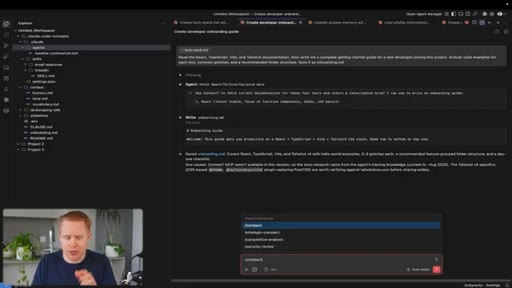
14:58as well. And so that's why it's an exponential curve because the longer your conversations get, the more the tokens and memory expand. And all of a sudden, when you're at the very end, it can balloon really quickly, and that's the danger zone where your tokens or credits
15:15can all of a sudden explode. And then before you know it, you're just out of that current session or your weekly limits or whatever the case may be. The solution here is to reset the conversation.
15:27Cool. And how we can do that and many other things is through slash commands. Okay?
15:33So inside Cloud Code, if we type in slash here, k, we have access to a lot of different commands. One of those commands could be saying context.
15:45And I feel like I'm screaming at Claude code by typing in all caps here. But when we type in context, it will tell us how much of the current
15:55conversation, how much of the context we've used. Remember, it only has a predefined set,
16:02um, memory. So it can't remember ten years of messages.
16:06It can only remember, let's say, one or two hours. And this will tell you how full that memory is. And the higher up this goes, the more you're spending.
16:16Another option is to type slash clear. And what this will do is it will reset the conversation so that you're not burning money on credits.
16:24This is really important just because a lot of people burn their credits, and then they're locked out for, like, a week. And, obviously, you don't want that to happen to you. Okay?
16:32There's a lot of other slash commands that you can use as well, but those are some of the main ones that I like to use. We're gonna be talking more about slash commands later on. The next thing is memory inside inside of of Cloud Cloud Code.
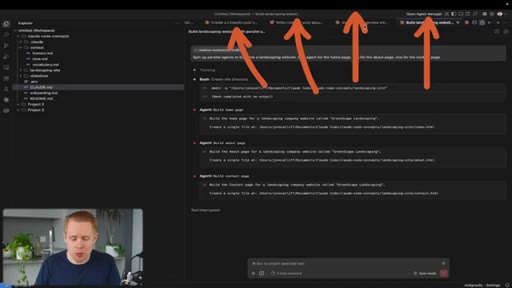
16:43Code. So So let let me me explain this as clearly as possible. You can see up top here, we have many different conversations open at the same time.
16:53Okay? We have four that you can see right here. The problem is is that these
16:59conversations are isolated. So if I say something in conversation a, conversation
17:05conversation c won't know what I said. It won't persist across the different conversations.
17:11So you're starting from the ground up with every single conversation you have. With memory, this is a way that you can save information that will persist across every single one of these conversations. Okay?
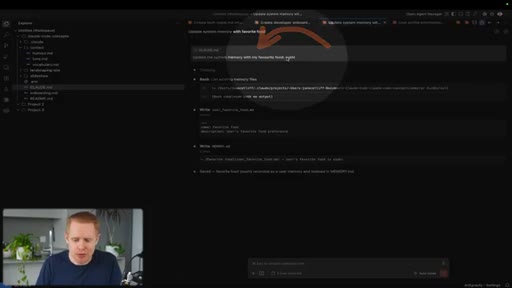
17:25So as an example here, I can type in something like update the system memory with my favorite food, which is sushi. And then all of a sudden, in the next chat window, I can say, hey.
17:38What's my favorite food? And it will remember that it's sushi. Okay?
17:42So you can remember things about yourself, about your business, about the way you like to write, or whatever the case may be, and it will persist across every single conversation that you have with Cloud Code. Now the next concept is called compacting, and this helps your longer conversations stay sharper. This is a slash command.
18:01And as we were talking about earlier, every single chat has a context window. When it hits a 100%,
18:08automatically, Claude is going to compress that conversation. How it does that is it just takes the whole conversation and summarizes it so it resets
18:17essentially your context window. Now you can wait for Claude to do this, or you can do it manually by typing in slash compact, and then it will compress the whole conversation down. The benefit of doing this manually is that when your context gets to about 50% full, Claude actually starts forgetting things,
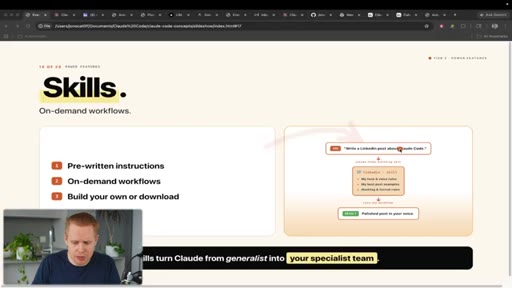
18:35and, also, you start spending way more money through tokens. The next thing is skills inside a Claude code, and this is the thing that I use the most inside Claude. They're prewritten instructions to get tasks done.
18:47Now one example could be creating LinkedIn posts, but the reality is is that anything you do two or more times, you can turn into a skill and have Claude code automate it. I like to actually think about it like on demand workflows.
19:01I try and create a LinkedIn post every single day. Claude code writes the first draft for me, and it comes out very good because I've told Claude what a good post looks like, and then it can replicate it every single time. So now I just come into Claude and I say, hey.
19:14Write me a a LinkedIn post. It will pull in things like my tone and my humor and my voice and my, uh, good examples of what a a LinkedIn post looks like and everything else, and then it will create the post for me. Here's what it actually looks like inside of Claude code.
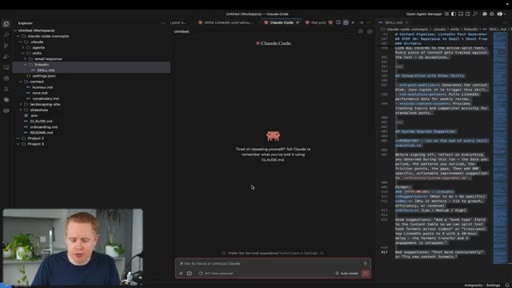
19:30When I say on demand, I literally mean that I can type in a slash command here, oops, inside Claude, like slash LinkedIn. And on demand,
19:41I can call Claude to create a LinkedIn post. Now these skills can easily be created in Claude. You can open up a new conversation and say, please create a skill
19:52for posting on LinkedIn, and it will go ahead and do that. And as you use these skills over time, it's not gonna be perfect out of the box.
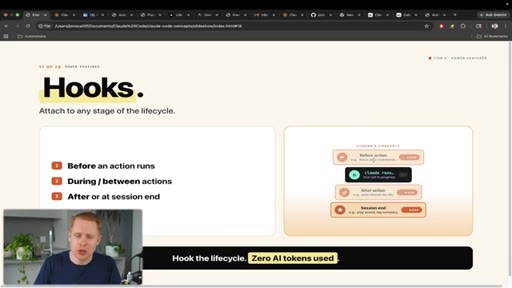
20:00You just incrementally improve it until it becomes what want it to be. The next topic inside Cloud Code is called hooks, and these are automated actions
20:10that you can have Cloud Code do at some stage during the conversation. So if you think about, like, a traditional conversation in Cloud Code, there's multiple stages.
20:19You start the conversation, and you end the conversation, and then certain things happen in between. Like, you send a message, Claude sends a message back, and so on and so forth.
20:29You can set a task or an action to happen at any of those stages. So for example, I could say, if I say the word pizza at the beginning of conversation,
20:40don't reply back, block the request. So in here, I'm gonna type in pizza, and the conversation is just going to stop. Nothing's gonna happen.
20:48It's not gonna reply at all. And then I can say, hey, and the conversation will return, uh, back just as normal.
20:55And then I can say pizza again, and nothing's gonna happen, and so on and so forth. Now a better use case for this would be don't upload my information online if you think I'm exposing passwords or secret keys that I don't wanna expose.
21:10Okay? So that's another example. To finish up on hooks, we can also have something at the end of the conversation when Claude replies to us.
21:18So we could say, make a noise. Okay? And that noise that you just heard was a hook.
21:24You can come into Claude and say, please create a hook for me, k, that makes a sound every time you reply.
21:33And it will go ahead and build that out for you. It's really as simple as that. The next thing is MCP servers inside Cloud Code.
21:41MCP stands for model context protocol. It's how you connect Cloud Code to all of your favorite applications like Airtable,
21:49Slack, Gmail, Google Drive, Notion, and so on and so forth. How you set this up is you'd go to claud.ai/settings.
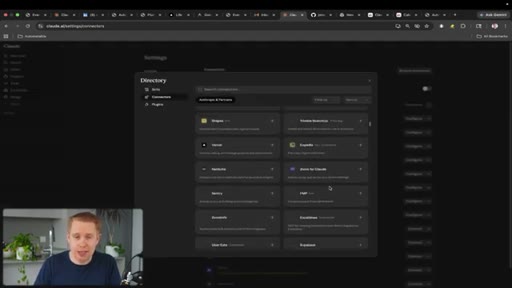
21:58You'd come over to connectors here, and you can browse through hundreds of different apps to connect into Claude code. Once it's connected in, you're good to go.
22:07You can start using it. You can also hit the configure here. Okay?
22:11And you can change the permissions Claude has. So if you don't want Claude to be able to write or delete emails, you could say needs approval or blocked, and it won't be able to take those actions automatically.
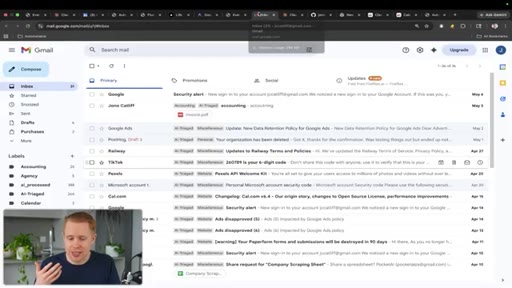
22:24So just as an example here, we can connect into Gmail, and every email that comes through, we can automatically label it as miscellaneous
22:33or personal or website or whatever the case may be. The next thing is APIs,
22:39which stands for application programming interfaces, and this is how you can also connect Claude into all of your favorite applications. It's essentially the same result as MCP.
22:50The distinction is is that MCP is relatively new. Like, it didn't exist five years ago, and it allows specifically AI agents to easily connect into
23:01your favorite applications. The problem is is that MCP is new, and there's not, like, uh, there's not every single application has a connection into Claude code. But you can still connect Claude into all of your other favorite applications even if an MCP server doesn't exist through APIs.
23:19Now practically speaking, all you need to do is tell Claude to connect in an application.
23:26Ideally, you'd start with MCP, and only if MCP doesn't exist, then as a backup, you'd use an API key. Okay?
23:33This is how applications communicated back and forth with each other for decades before MCP servers actually existed. The only thing that you need is a password
23:45to verify who you say you are. So let's say I log in to Gmail here. It's gonna ask me for a password to verify who I am.
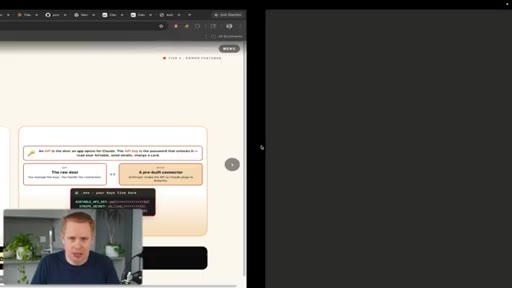
23:54And very similarly, to connect Claude via an API into an external application, you need a password in order to verify who you say you are. And you wanna store that password in something called the dot e m v file.
24:07This is where all of your secret keys belong like this, for example. The reason why you wanna store it here is for safety reasons so that when you deploy your project live on the Internet, you don't have security vulnerabilities.
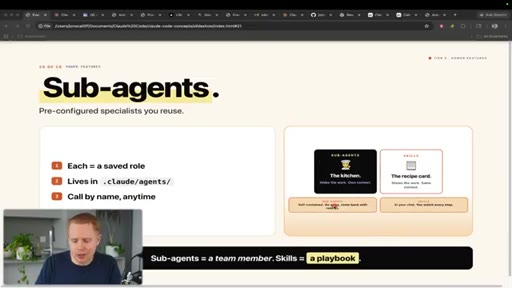
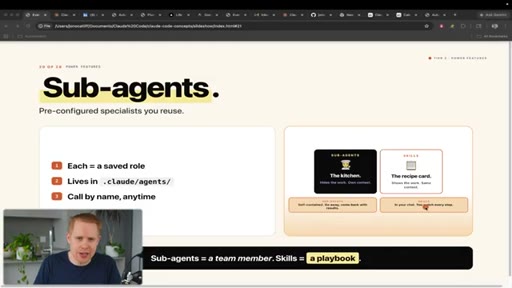
24:22The next concept is sub agents inside of Cloud Code, and these are preconfigured specialists that you can reuse.
24:29They're very similar in concept to skills.
24:34The distinction between the two, I'm gonna use an analogy here, is think about you heading to a restaurant. Okay? With a sub agent, you can kinda think about you ordering food,
24:45that food being completed in the kitchen, and then returned back to you. You gave the order. You got the food back, but everything in the middle, you didn't really see happen.
24:55K? With skills, it's like you order the food, the chef cooks it on the table in front of you. You see the whole process.
25:01You understand everything going on. You can interdoc, ask them to do certain things, and then you get the food in front of you. Okay?
25:08Now the benefit in doing this is that it's self contained, and it should require less context in that particular conversation. The benefit of skills is that it's in your chat, you get to watch every single step.
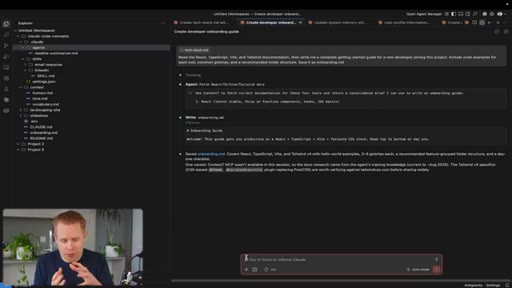
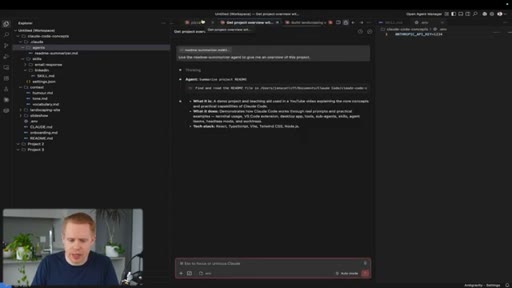
25:21So in this instance, I could say, read this particular agent. Okay? And we can see our agents in this folder right over here.
25:29And give me an overview of this project. It's going to find that particular agent. It's going to do the job, and then it's going to return the results back to us.
25:40Again, this file structure over here is just boilerplate. You don't have to memorize any of this. You just ask Claude to build you an agent, and it's going to automatically build out this file structure for you.
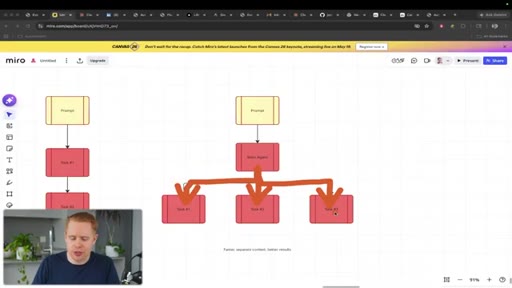
25:51The next thing is agent teams inside of Claude code. The traditional way that Claude works is you might send a prompt like build me a five page website.
26:03Okay? And it'll receive that task, and it'll build the first page, then it'll build the second page, then it will build the third page.
26:12And this is sequential. You're not gonna start this third page until the second page is done, and you're not gonna start the second page until the first page is done. What that means is that it's very slow.
26:20With agent teams, what's happening is you have a manager agent that delegates responsibilities to employee agents.
26:29Okay? So what happens is if you're building a website page that has five pages, one agent or employee agent gets delegated the first page, another agent gets delegated the second page, and the third agent gets delegated the third page, and so on and so forth.
26:45What this means is that it's faster because it's not sequential. You're not waiting for each step be completed. It's doing all of the steps at the same time.
26:53It separates context, meaning you get better results as well. So that it's not one agent doing everything.
27:00It's three agents that specialize in a particular role doing that role. So you just you get better results in general. Now inside
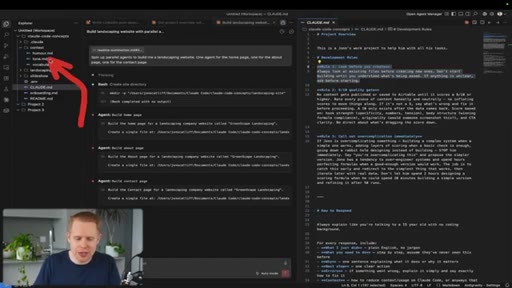
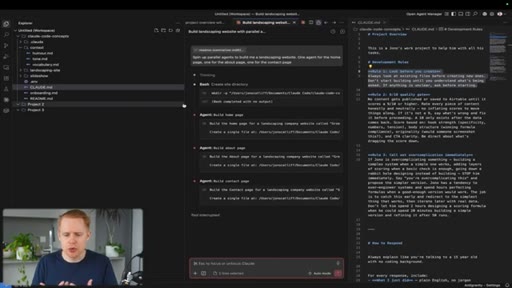
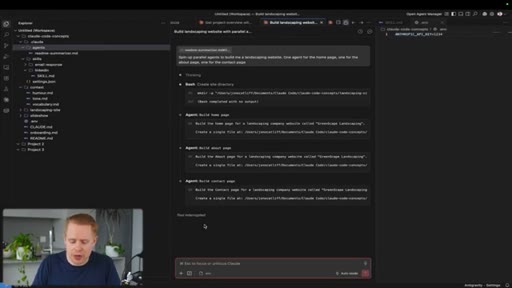
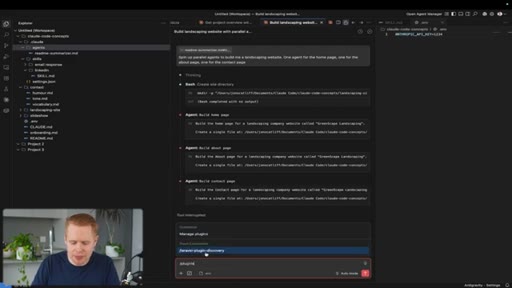
27:09of Claude, this is more or less what it looks like. You can say spin up parallel agents. K?
27:15And just it works out of the box. Like, you don't to preconfigure anything or install anything. You just have to type something like build parallel agents.
27:23And you can see here, Claude has delegated responsibility to three separate agents, one for the home page, about page, and contact page.
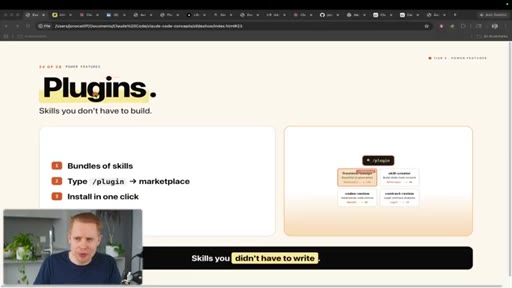
27:32The next thing is plug ins inside of Cloud Code, and these are skills that you don't have to build yourself. So if you recall, we were talking about skills like generating LinkedIn posts. The problem with that is that you have to actually develop the skill yourself.
27:47You have to tell it what you want and also what you don't want. With a plug in, somebody else built it for you. Okay?
27:54They perfected it, and then you are essentially using their finished product. Okay? So inside Cloud Code, you can type in slash plugins,
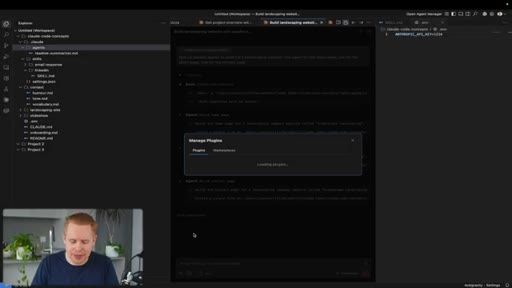
28:04and you have access to hundreds of different plugins that other people have built, um, that you can use out of the box.
28:12A good example is this front end design plugin that allows you out of the box to build beautiful websites immediately. The next concept is browser automation, which allows Claude to control your Internet or your browser just like a human would.
28:27So I'm actually not touching my computer right now, but you can see Claude has taken control of my computer. It's logging into an application automatically,
28:36then it's downloading my invoices, and it's gonna upload that into my accounting software. It does this once a month for me so that I don't have to do this kind of stuff myself. Now this is actually different than Claude just searching a website for you.
28:49It's actually taking actions in the browser on your behalf. How you can do this is by heading over to the plug in store again
28:59and downloading Playwright. K?
29:02And what Playwright is is it's a type of code that specializes in browser automation. Once you have this installed, you can just tell Claude what you want it to do.
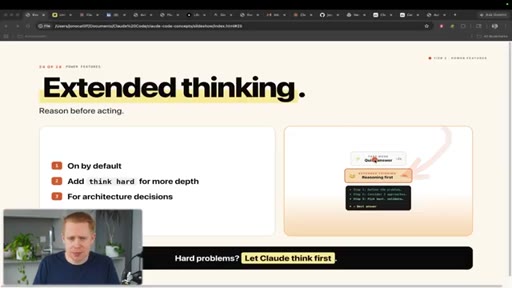
29:11It will take control of your Internet and do the task automatically for you. The next concept is extended thinking inside of Claude code. This gives Claude the ability to reason before acting.
29:23So you have two modes, fast mode extended thinking. In fast mode, you might get an answer back really, really quickly,
29:30but the answer might not be as well thought out as if you gave it the time to think about how it should best answer your question. With with when you have extended thinking enabled, it's gonna define the problem, consider approaches, pick the best, validate, and then give you a well thought out answer.
29:49In order to turn this on, you can hit the slash command down here, and you can enable, um, thinking right over here by toggling it on.
29:59The next concept inside Cloud Code is checkpoints, and this is a powerful one in case you ever make a mistake. It's essentially the equivalent of the undo button.
30:09Okay? And what it allows you to do is, yeah, just rewind the code to a previous state. So as you're having a conversation with Claude, okay, at some point in time, it's inevitable that mistakes are going to happen.
30:22And when mistakes do happen, you have this button right over here, this backwards arrow on every single message. You can move up the conversation until you find the right rewind section, click it, and then rewind the codes at that point in time, and then it's gonna undo all of the mistakes that happened. The next concept is GitHub, and this is not technically Cloud Code, but this is something that everyone should know how to use if you're actually using Cloud Code.
30:50You can think about it like Google Drive for code. You can upload your code online to have it safely stored somewhere. And there's two major benefits for this.
31:01The first one is is if you're deploying, like, a web application online, chances are you're gonna need to deploy that code to GitHub first. And then from GitHub, you would deploy it online through an application like Vercel, for example.
31:14Vercel just allows you to publish websites online so anyone can view them. But the more important thing, in my opinion, is having a backup of all of your projects.
31:24Because the thing is, if you lose your computer, it gets stolen, it breaks, or whatever the case may be, and you just spent six months building up this project and then you lose that project, that would be absolutely devastating. Having GitHub means that you can upload your code safely as a backup,
31:42and then when it comes time to, uh, if anything happens, you can always just pull the code from GitHub back into your computer. Now how you do this is you would sign up for a free account on GitHub.
31:55You'd hit the top right corner, go to repositories here, click a new repository,
32:00and then name it whatever you want, and make sure it's set to private. Create the repository.
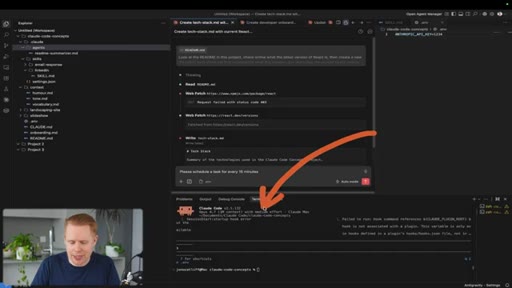
32:07It's gonna give you a snippet of code right here. You can just copy this into Cloud Code, and it should push or upload all of your code from your project into GitHub. The next concept is scheduled tasks
32:23inside of Claude code. So let me give you an example before we break this down. Let's say you want Claude code to run your entire email inbox.
32:32Every single time emails come in, you wanna automatically label those emails, whether it's miscellaneous, personal, website, you name it. You can have Claude at some interval,
32:43whether it's every minute, every fifteen minutes, every hour, every day, do a particular task for you. And this is a scheduled task.
32:51So what I'm telling Claude is every fifteen minutes, I want you to monitor my Gmail inbox and categorize everything. Create draft emails if necessary,
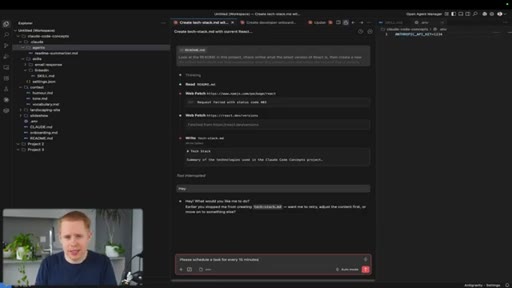
33:00forward emails, if it's an accounting email, and so on and so forth. So how we can do that is we can literally just come in to Claude, and we can say, schedule a task for every fifteen
33:12minutes. Okay? And what this will do is it will
33:16create a script on your computer that's technically outside of Claude. So it's on your computer,
33:22and every time interval that passes, whether it's fifteen minutes or hour, it will do the task that you have in mind, like sorting your email inbox. The next thing is the terminal inside Cloud Code.
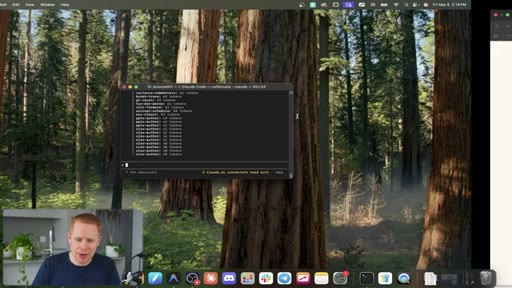
33:35This is the last concept. This is, um, your traditional nineteen sixties terminal. I'm gonna actually close this and open the app one more time.
33:45So you can interact with Claude code completely from within this black box. All you need to do is type in Claude here. You need to trust the folder,
33:55and now you have access to Claude just in a different, um, in a different setting. So I can say, hey. It's gonna reply back to me.
34:04We have the slash commands over here. We can type in context, for example. It's gonna give me a response back.
34:10And you can do essentially everything that you could do inside antigravity just inside the terminal here. Personally, I don't like using this that much because, essentially,
34:20you can run everything in a way better user interface from within, um, from within Cloud Code. And almost all the time, you need to use the terminal.
34:32You can actually just ask Claude to do it on your behalf. Like, you don't have to open it up. You just tell Claude, hey.
34:37Do this thing for me, and it does the thing for you. If you ever need the terminal inside something like antigravity,
34:44Versus code, cursor, you can always come up come up to the top and toggle it. And now we have access to the terminal over here so we can do anything that we want from within the terminal. There's legitimately
34:56CTAand it's rare, but there are some instances where Claude needs you to enter into the terminal. It can walk you through how to do it step by step when you're messaging it back and forth. You can open up the terminal, take the actions that are required, and then you're all set.
35:09CTAThat's it for this video, guys. Thank you for watching. I hope you found value in this.
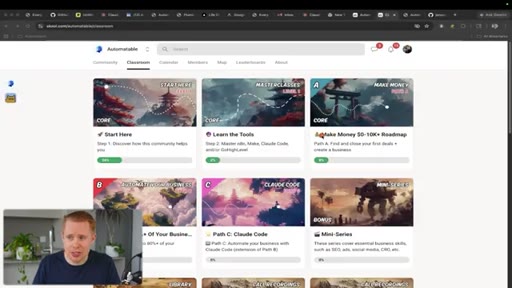
35:13CTAIf you did, make sure to hit that subscribe button and that like button. I also have a free community where I give all of my YouTube blueprints away for free to automate your business and your life, and I also have a paid community where there's two transformations. The first one is for those of you looking to create your own AI automation agency, your business.
35:29CTAI'll show you in the shortest time frame possible how you can find, close, and fulfill your first deal within thirty days or less, and there's hundreds of people that have made this work, even those without freelancing and business experience before. And the second transformation is for those of you who are business owners, I'll give you the exact blueprints that allowed me to scale to seven figures, automate 80% of my business using tools like Cloud Code.
35:49CTANow, obviously, you know, as you go through these transformations, it's not like a linear path. You're gonna have setbacks, and there are seven calls every single week where we can jump on together and talk back and forth to get you unstuck. And if you don't wanna have to implement any of this stuff yourself, I have an agency that can help you out with that entirely.
36:06CTASo thanks guys for watching, and I'll see you
— full transcript
§ 05 · For Joe

The 3-bullet slide is the format.

Steal this structure

Every chapter in this video is a pre-packaged clip: named slide, 3 key bullets, 1-line caption. Jono built 28 potential shorts inside one 36-minute video.

  • Name every concept with a bold title and a subtitle that states the one-line definition.
  • Constrain every chapter to exactly 3 key points in the left column, put the visual proof on the right.
  • Write the lower-third caption last, it IS the insight, not a summary of the insight.
  • Build the slide deck in Claude Code and say so in the intro. It is the proof of concept embedded inside the product itself.
  • Frame everything for a business use case not a developer use case. LinkedIn posts beat landing pages as examples for this audience.
  • The restaurant analogy for skills vs sub-agents is the kind of sticky frame you want in every complex-concept video. Spend time finding your single best analogy per chapter.
§ 05 · For You

The concepts that actually matter first.

Where to start with Claude Code

You do not need all 28 concepts to get value from Claude Code. You need about 6, in the right order.

  • Start with CLAUDE.md: write your rules, your voice, your preferences once and never explain yourself again.
  • Learn prompts properly: give Claude a role and be specific. Generic prompt = generic output.
  • Build your context stack: paste your own writing into Claude and ask it to extract your tone, humor, and vocabulary into files.
  • Watch your context window: when it fills up quality drops. Use /compact at 50 percent to stay sharp and save money.
  • Use skills for anything you do more than twice: ask Claude to turn any repeatable task into a slash command workflow.
  • Try MCP for your most-used app like Gmail, Notion, or Slack. One connection and Claude can read and act inside it automatically.
§ 06 · Frame Gallery

Visual moments.