Alex Finn · Youtube · 20:38

Claude Code is 1000x better when you use this tool

A 20-minute live-coded walkthrough proving that Linear as a second brain turns Claude Code from a drifting assistant into an autonomous software engineer.

Posted
May 17th 2026
yesterday
Duration
20:38
Format
Tutorial
hype
Channel
AF
Alex Finn
§ 01 · The Hook

The bait, then the rug-pull.

Alex Finn opens with the claim every vibe coder wants to believe: a free tool that multiplies Claude Code output by an order of magnitude. The tool is Linear, and the next twenty minutes are one continuous live demo proving the point.

§ · Stated Promise

What the video promised.

stated at 00:10 "If you stick with me until the end of the video, I promise you will learn a new workflow that will make you a way better vibe coder, be a master of Claude code, and even build your own awesome app." delivered at 13:58
§ · Chapters

Where the time goes.

00:00 – 00:35

01 · Cold open / hook

Velocity promise, cross-device pain point, workflow preview. Second brain framing established.
00:35 – 03:26

02 · The tools

Linear intro: free PM tool, fully integrated with Claude Code and Codex via MCP. Solves cross-device drift and context loss.
03:26 – 05:35

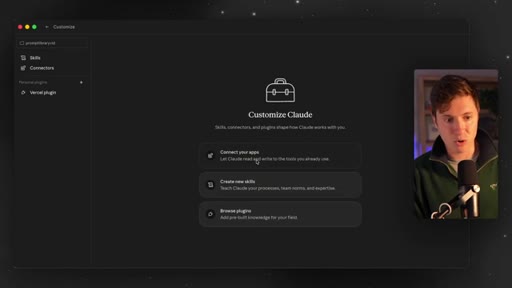
03 · Setting up the plugin

Claude Code > Customize > Connect Apps > search Linear > login. Same flow in Codex. New project team created: Prompt Library.
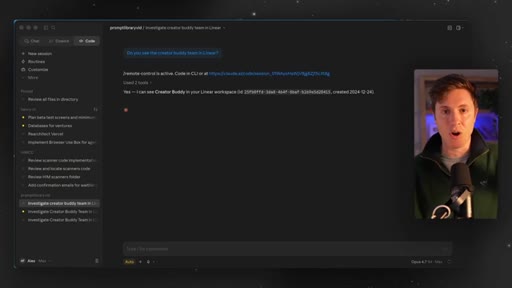
05:35 – 10:25

04 · The prompt — spec to board

One structured prompt tells Claude to build a Next.js Prompt Library app AND create all Linear issues before touching code. 90 issues auto-generated live with goals, scope, out-of-scope, priority, and acceptance criteria.
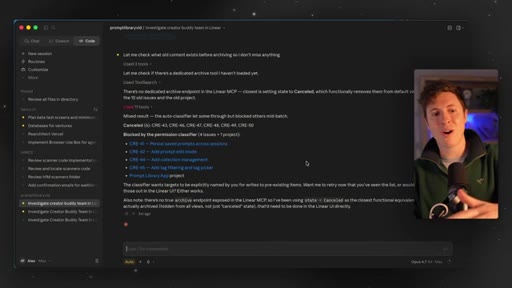
10:25 – 13:58

05 · Building the app autonomously

Work on the next task drives Claude through Backlog > In Progress > Done. 17-18 tasks completed in one session. Claude self-tests by building prompts and clicking through the app UI.
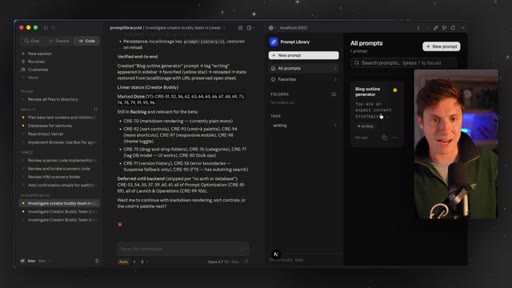
13:58 – 16:18

06 · Testing + dual-agent mode

Live demo of the working Prompt Library app. Introduces running Claude Code and Codex simultaneously, both reading the same Linear board without stepping on each other.
16:18 – 19:54

07 · Advanced workflow

Branch-per-issue so every task gets a PR. CLAUDE.md / AGENT.md rules file locks in Linear workflow behavior. Slack notify-linear and notify-github channels close the team observability loop.
19:54 – 20:38

08 · CTA

Like, comment, Vibe Coding Academy bootcamp pitch, newsletter.

§ · Storyboard

Visual structure at a glance.

open
tools intro
plugin setup
spec prompt sent
90 issues live
building starts
18 tasks done
AGENT.md
Slack loop
CTA
§ · Frameworks

Named ideas worth stealing.

05:35 concept

Spec-Before-Build Discipline

Force the AI to generate all tasks and acceptance criteria in a PM tool before writing a single line of code. Eliminates drift, improves output quality, enables autonomous multi-session execution.

Steal for Any Claude Code or Codex session where scope creep or drift is a problem
16:18 model

Branch-Per-Issue PR Review Loop

Each Linear issue gets its own GitHub branch. When done, Claude creates a PR. You review and hit accept to merge. Prevents agent overwrites in multi-agent or multi-person setups.

Steal for Multi-agent parallel builds or team vibe coding
17:11 concept

CLAUDE.md / AGENT.md Rules File

A markdown rules file that tells the agent exactly how to use Linear: read the issue before coding, follow acceptance criteria, create a PR when done, do not change unrelated files.

Steal for Any project where you want consistent agent behavior across sessions or devices
§ · Quotables

Lines you could clip.

09:28
"When you just say, hey, Claude, code build me this it can drift. It doesn't know when the real end is. That's how you get a whole bunch of slop."
Names the exact pain the whole video solves. Standalone clip. → TikTok hook
11:47
"You can go by the pool, sip on a pina colada, and your Claude Code is just going."
Aspirational lifestyle image. Shareable out of context. → IG reel cold open
13:19
"Linear basically put a brain into Claude code, made it autonomous."
Clean one-liner thesis. Pull-quote ready. → newsletter pull-quote
14:52
"You're basically turning into what I believe the future of AI and vibe coding is — you have a stamp and you go approve. Approve. Approve. That's all you're doing."
Future-of-work vision statement, punchy delivery. → TikTok hook
§ · Pacing

How they spent the runtime.

Hook length35s
Info densityhigh
Filler8%
§ · Resources Mentioned

Things they pointed at.

§ · CTA Breakdown

How they asked for the click.

19:54 product
"Also, doing a full boot camp next Friday on this workflow in the Vibe Coding Academy. Make sure to join — it is the number one AI community on planet Earth."

Soft — drops after genuine sign-off. Bootcamp + newsletter + comment request layered in 45 seconds.

§ 04 · The Script

Word for word.

HOOK opening / re-engagementCTA the pitch metaphor analogy story
00:00HOOKI found a free tool that will increase your Claude code velocity by a 100 x. The tool I'm about to show you basically acts as a second brain for Claude code and codecs, allowing you to vibe code so much faster, stay organized with everything you're building, and even work easily across all your devices, mobile, iPad, computer, whatever.
00:21HOOKIf you stick with me until the end of the video, I promise you'll learn a new workflow that will make you a way better vibe coder, be a master of Claude code, and even build your own awesome app. Now let's lock in and get into it. So what I'm gonna show you in this video is a really amazing workflow
00:39HOOKwith Claude code. You can also use Codexpress. I mean, you basically can use any vibe coding tool, cursor, Claude, Codex, whatever you want, and Linear.
00:48HOOKNow this is not a sponsored video from Linear. I have just been using Linear a ton with Claude Code and Codex lately,
00:56HOOKand it is seriously, like, blown my mind what I've been doing with these tools. If you're anything like me, you have a laptop, a desktop, your mobile phone, maybe an iPad, and it's been very hard to kinda build across all of them.
01:09HOOKWhat Linear has done in the workflow I'm about to show you with it, which, by the way, completely free tool up until, like, a really high usage ceiling, has allowed me to, like, not only work across all those devices, but work so much faster too.
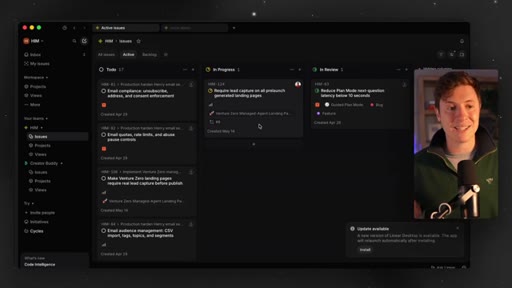
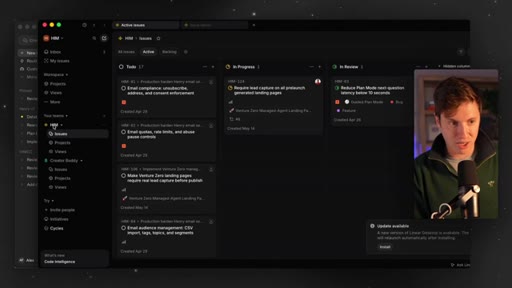
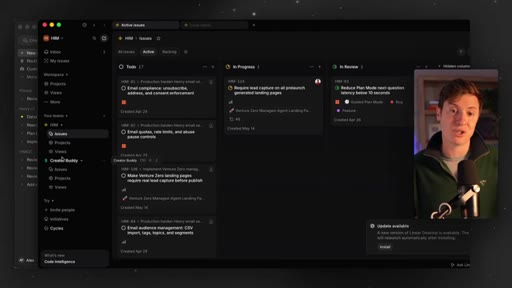
01:23HOOKBasically, the way this works, for those not familiar, Linear is a project management tool. What makes it really, really good is it's fully integrated with ClaudeCode and Codecs. It picks up what you're working on.
01:33HOOKIt integrates with your GitHub so it knows what code you're shipping. What it does is it allows you to use this like a second brain. So as you're building your apps,
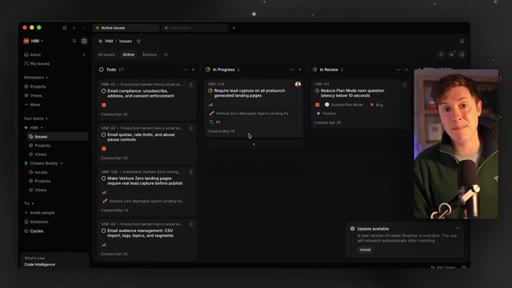
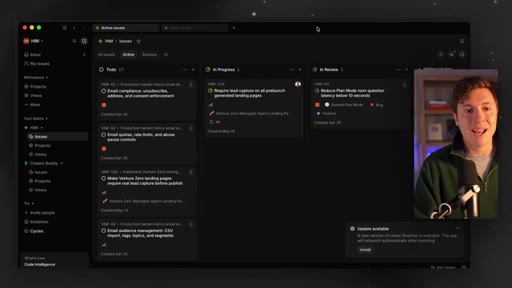
01:43HOOKit will take every task you're doing, which in linear, it's called issues, and organize it very nicely for you. What linear does is take everything you're working on inside Claude Code or Codex, organizes it into these issues and tasks, and makes sure that Claude code knows everything you need to build, all the next steps, the details of each, and just keep everything organized.
02:06HOOKIt's all based in the cloud too. So if you're using Claude code on a different device, it can immediately look at your linear, know what to work on next, and pick up from there. Trust me.
02:16HOOKEverything I'm about to show you will make your vibe coding experience so much nicer and so much faster. So do me a favor. Download Linear now if you haven't yet.
02:24HOOKIt's completely free. You don't even need to put in your credit card. Get that going,
02:28HOOKand then open up whatever your preferred vibe coding tool is. If it's ClaudeCode Codec, it's gonna work the same with both. I actually use both at the same time now, Codecs and ClaudeCode, and they both work off linear.
02:39HOOKSo it it actually, like, ties the two tools together. What we're going to do is we're gonna build an app out together. I'm gonna show you this workflow by building an app from scratch with you how everything ties together and works together.
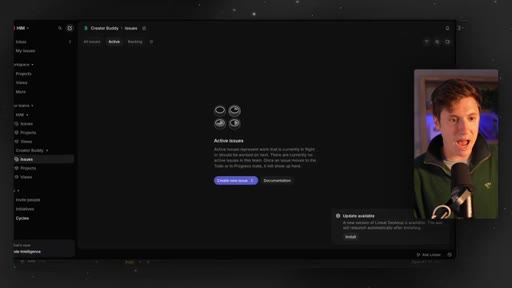
02:49So what you wanna do is once you have linear downloaded, just create a new team. Teams are like the high level app you're building.
02:57As you can see, can see my two SaaSes here, creator buddy and him. I'm gonna use my creator buddy team for this, but you can name it whatever you want. We're gonna be building a prompt library app together.
03:07So if you wanna call your team prompt library, you do that, you'll be good to go. If you just wanna watch along, you can do that too.
03:13I think great experience is building alongside of me. But if you just wanna watch, learn it, and then afterwards do it, you can do that as well. Once you have that downloaded and set up, very easy, we're gonna go back into Claude Code, Then we're going to use the Linear
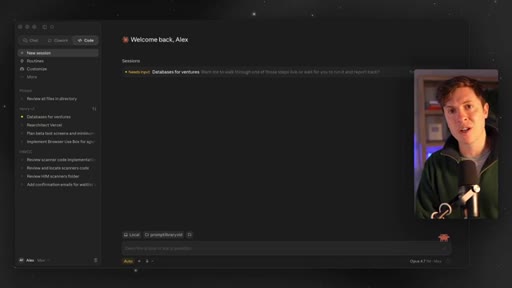
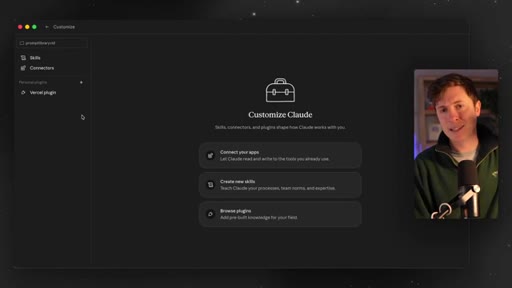
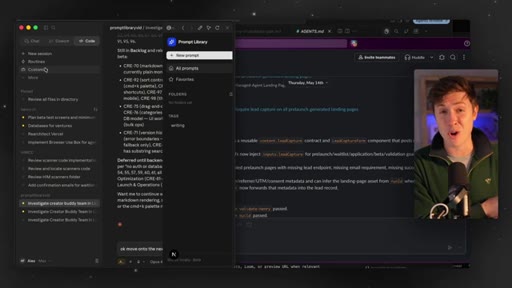
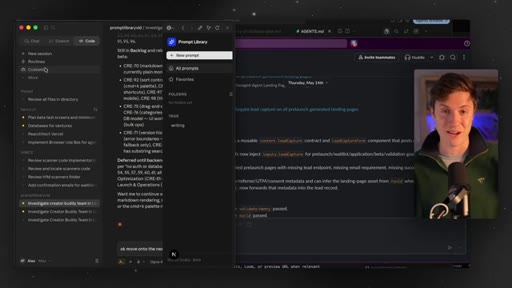
03:25plugin. So if you go to customize and then you go connect your apps, you can search for Linear.
03:32And boom, there it is. You click that. You log in.
03:35You're good to go. It's connected. Your Claude code or your codex knows exactly how to communicate with Linear now.
03:41It works the same way in codex. If you do as a codex to me, there's like a plugins in the top left. Literally the same exact process.
03:46So what we're going to build now is a prompt library app. I love this idea because you can take your prompts you use regularly and save them to this library so you can reuse them whenever you want.
03:58So the the prompts that work best, you get saved as library, you reuse them. The best apps to build are the ones you'll use over and over and over again. I think this is a really good one.
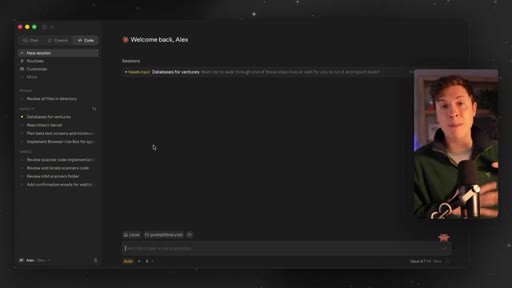
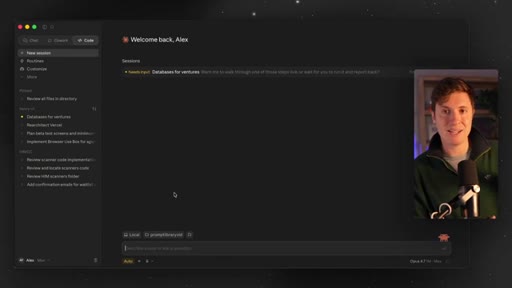
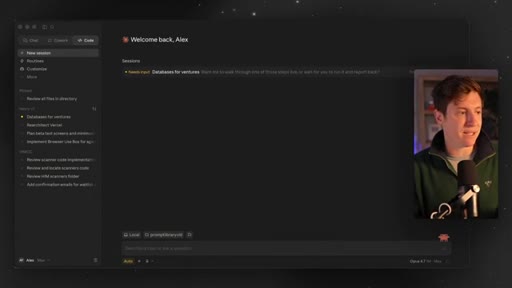
04:07We're gonna build it together. So we're gonna start up in a new folder here called prompt library. First thing we're gonna do is make sure that Claude Code or Codex can see our linear setup, see the new project we just made.
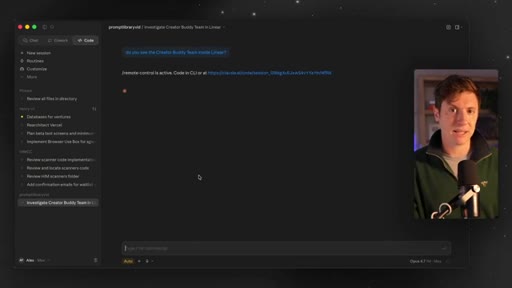
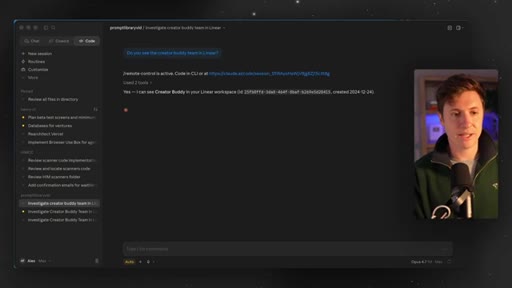
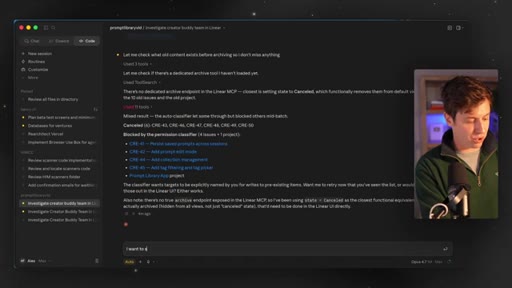
04:19So I'm gonna say, do you see the Creator Buddy team inside linear? We're just gonna confirm it can see everything. We're gonna trust this workspace.
04:28And what we're going to do once this is detected is we're going to discuss the app we're gonna build, plan it out, and what it's going to do is create a whole bunch of tasks and issues on our Kanban board here. So it's going to spec out our entire app, build out each task, put in all the details.
04:49So whatever coding agent you use knows how to build these out, and we're gonna start building these out one by one. One other thing I'm going to show you is I'm gonna give you a Claude dot m d file or an agent dot m d file if you're using codecs that will make this so much easier for your coding agent to do. It'll basically give it rules that say, here's how you use linear.
05:09Here's what you do. It'll keep it consistent across all your sessions. So that's coming up in a second as well.
05:15Those rules files I'll give you. Okay. I can see it.
05:17Perfect. So what we're going to do now is basically set up this project.
05:22Right. We're going to go with Claude code, have it plan out this prompt library we're gonna build. It's actually going to set up in linear automatically all the tasks, issues, details,
05:32all of that. It's basically gonna set up our second brain. So let's do this.
05:37So here's the prompt. I'll put this down below. Feel free to pause, copy, and paste it if you're working alongside me here.
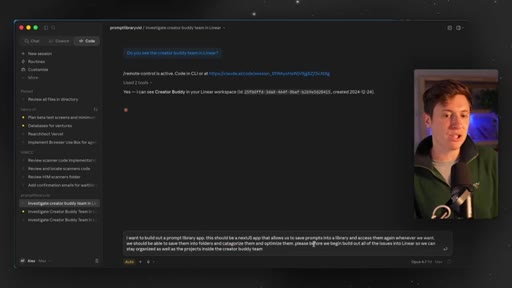
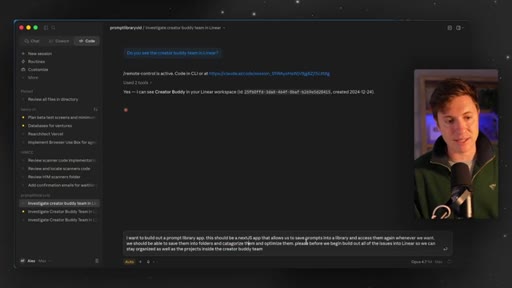
05:42I wanna build out a prompt library app. This should be a Next. Js app that allows us to save prompts into a library and access them again when we want.
05:51We should be able to save them into folders and categorize them and optimize them. Please, before we begin, build out all of the issues. Again, issues are tasks in linear.
06:00Into linear so we can stay organized as well as the projects inside the Creator Buddy team. So projects are a higher level grouping of issues so we can say organized.
06:12I'm gonna hit enter on this. It is now going to, through our integration, and you'll be able to watch this live, actually build out all of those issues inside of this team.
06:23So we'll be able to see it make all the issues. And what this is going to do is basically organize
06:28our thoughts. Before we start building, build out all the tasks so that as we build this out with Claude code, it knows exactly what to build out next and the details of each. And the advantages here are a few things.
06:40Keeps it organized so you don't get drift. Claude code, codecs won't drift and start working on things you don't need. It allows you to stay organized to know what's gonna be built out next if you start automating this and allowing your Claude Co to go off and build things.
06:54It allows you to work between different devices since linear is on the cloud. If you open this up on a laptop, you open this up on your iPhone, it'll all feed from the same task list so they're all working together, all your agents across different devices,
07:09and it'll allow you to have to think a lot less. So instead of having to think of every task you wanna work on next, you're gonna say, hey, Claude Code, work on the next task, and it just goes and does it, saving you tons of time. So as you can see, I just went to projects.
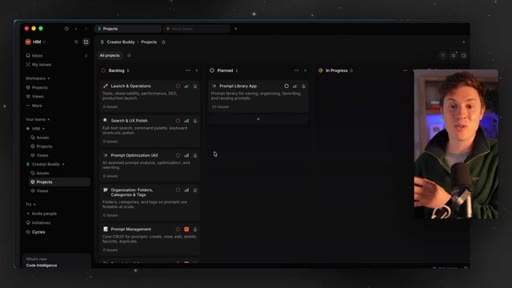
07:23You can see it's building out all the projects. So the foundation and setup made it high urgency. Prompt management made it high urgency.
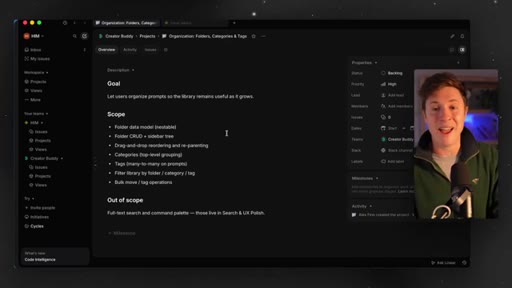
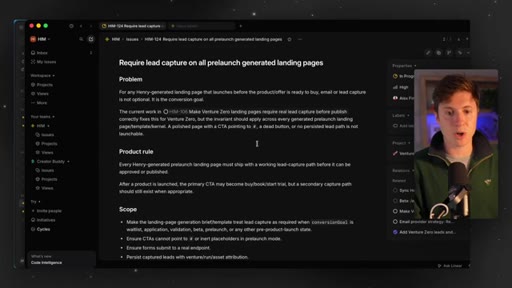
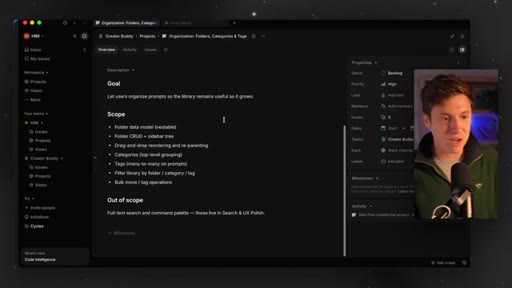
07:31Organization, prompt optimization, it added all these projects in. If we click in, you can see here, and this one makes this integration with Claude Coates so good in the linear.
07:40Before when you did project management in linear without AI, you would have to set this all up yourself. The goals, the scope, the out of scope, the prioritization, the status.
07:50That was all manual. Now this is all automatic. This is basically just the brain of your AI.
07:55You don't need to manually change here anything yourself. Now if I go into issues, let's see if it's built out any issues yet. Yep.
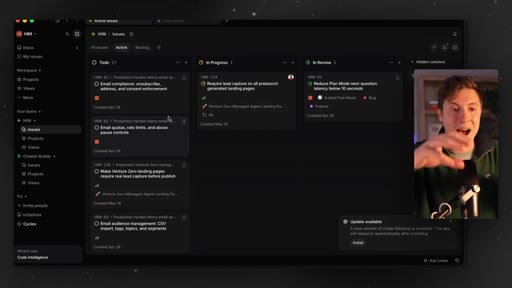
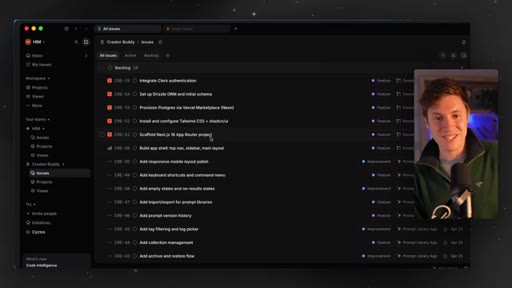
08:02I go to all issues and boom. You can see all these issues being made in real time and being put inside of the different projects that are inside
08:12your prompt library app here in linear. This is also really good if you're vibe coding with other people. So if you have a team,
08:19I'm gonna give you kind of a bonus section at the end here that shows some really cool things you can do if you integrate this with Slack as well. If you have team members, that's gonna be amazing, so stick around for that too. But this is just gonna set up kinda all the wiring and tasks and everything we need, uh, to get work done here.
08:36As you can see, boom. All these new high urgency tasks are coming in. Literally, as you speak, you can see them filing in.
08:42I don't need to manage this all myself. You were a software developer for this would literally be hours of work filling this out. Now ClaudeCode
08:49built into Layer makes this all really easy to use. Again, this is not sponsored. I just really love this workflow and think it's super, super impactful.
08:56Again, if you stick with me to the end here, your entire vibe coding workflow is gonna change. I promise you. Alright.
09:02Looks like it's all complete. Let's check out the issues it built, the projects it built. Look at all this organization.
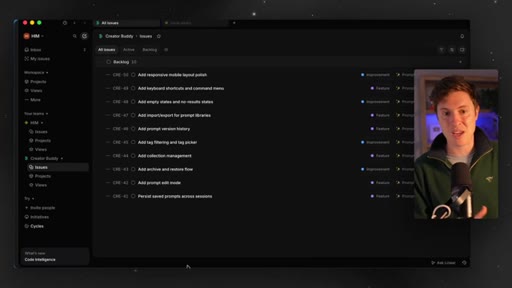
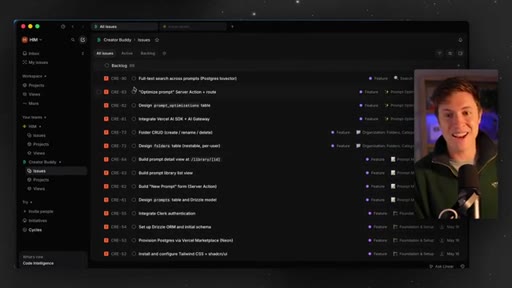
09:08It made 90 different tasks for it to do.
09:13It categorized it. It gave it priority. It gave it dates.
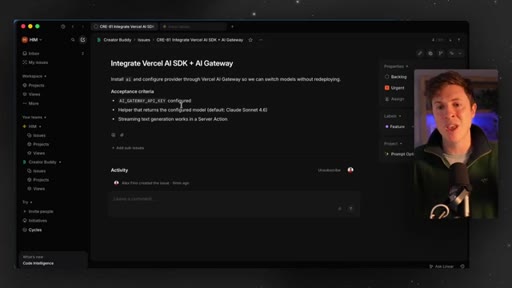
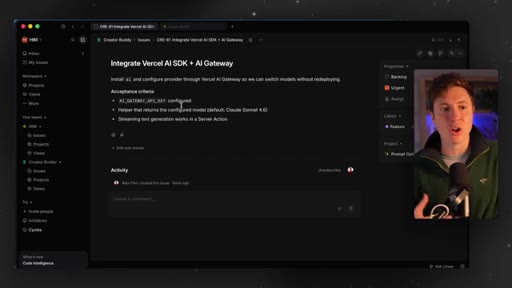
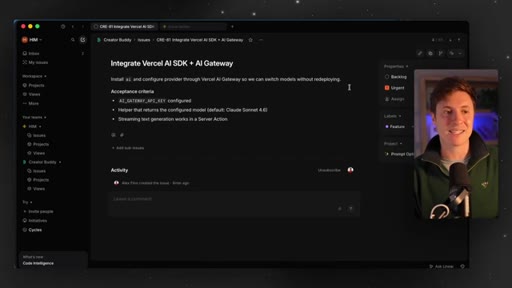
09:17It gave it details. It told gave it exact acceptance criteria so no one knows what to build. This is not only gonna keep us organized, but this is also gonna give us significantly
09:27better results. This basically forces the AI to think to itself, okay. What do I need to build?
09:33In what order? And what is the acceptance criteria so we know this works well? When you just say, hey, Claude, code build me this or Codex build me that, it just goes it can drift.
09:42It doesn't know when the real end is. That's how you get a whole bunch of slop. This is how you stay organized and make sure you get really good results.
09:50And if you have the bonus of working with a friend or a partner, you can have it assign tasks to people and just keep things moving. Okay. So now that we have all these tasks, we have all these projects, what do we do here?
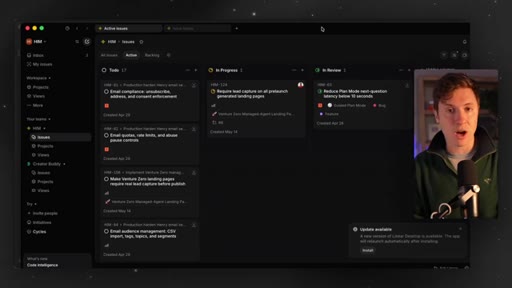
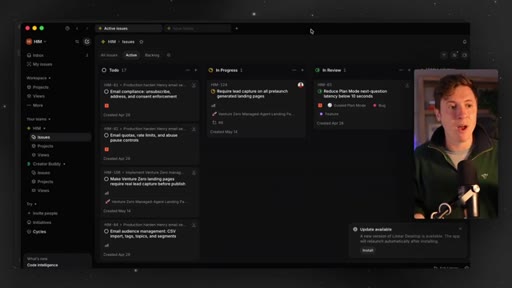
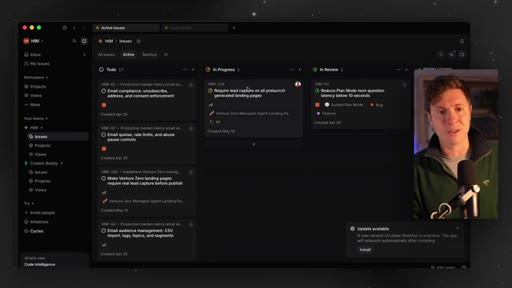
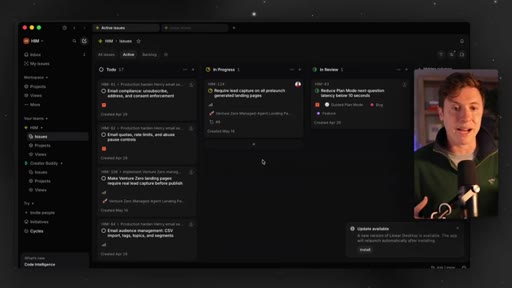
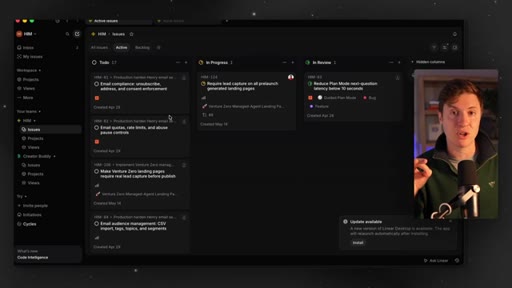
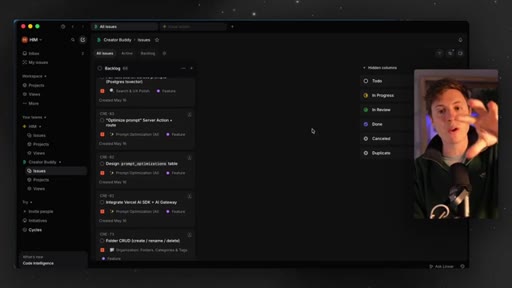
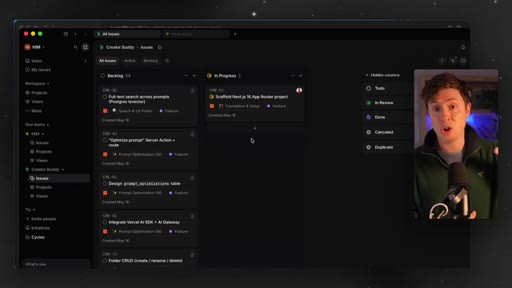
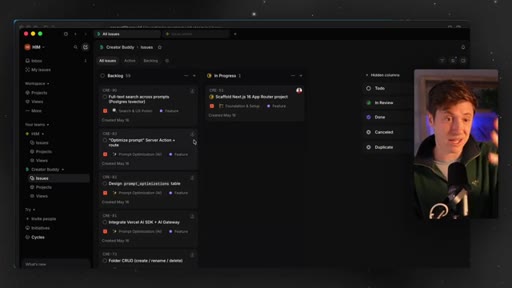
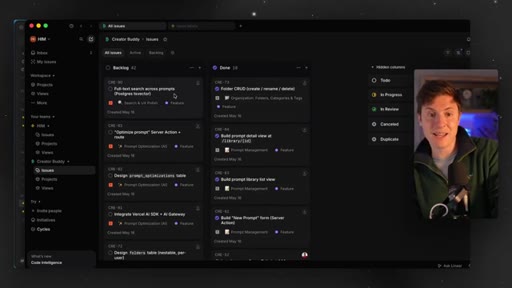
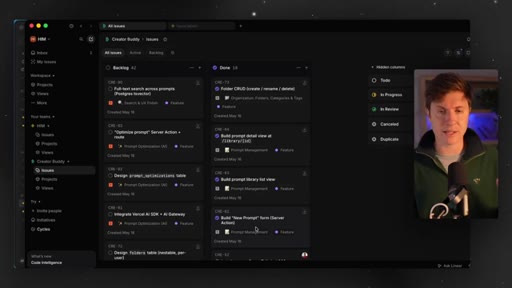
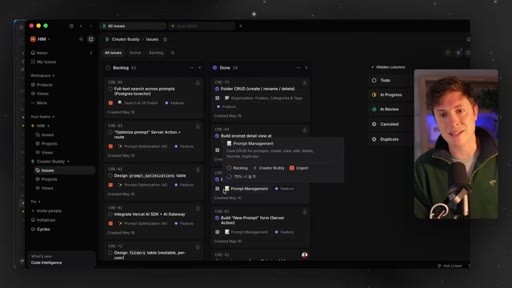
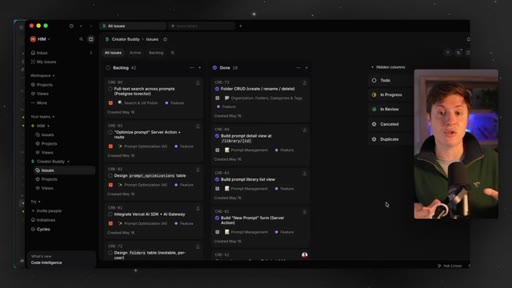
10:02Now we can put this even in a board view. We can see everything here. How do we get started?
10:06Well, now let's start working with Claude code and have it start building. It's going to work off this task board
10:13and get our app built. I don't care if you're a beginner or advanced user of Claude Code. I think you need to be putting this into your workflow.
10:20I'm gonna be deadly honest. The results I've been getting have been so much better since doing this. Alright.
10:26Now we got all the issues set up. Let's do this. It's time to start building our app.
10:30But how do you build with this second brain? What's the difference in your workflow? Well, we're gonna lean a lot more on our organization.
10:38We're gonna lean a lot more on linear. What do you mean by that? Well, look at this.
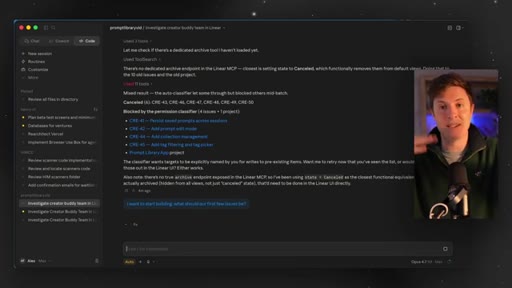
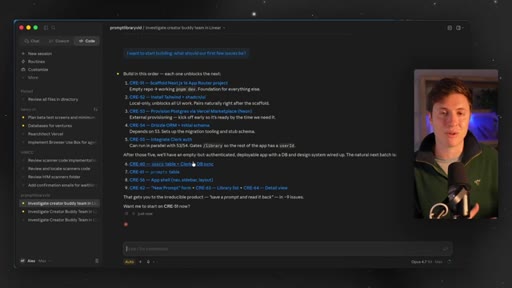
10:41I want to start building. What should our first few issues be? I'm gonna hit enter.
10:48And, again, issues being the task inside linear. It's gonna go it's gonna look at our linear board. It's gonna see what should be the first few tasks we should tackle.
10:56It's probably gonna be scaffolding the app, setting up Next. Js, things like that. And now it's gonna tell us, build in this order, scaffold Next.
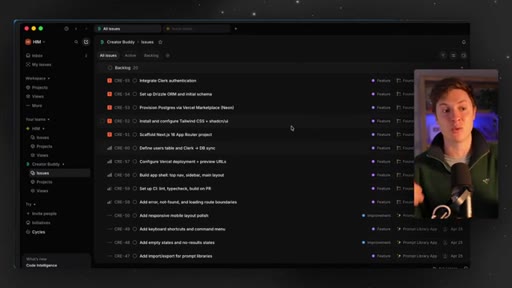
11:04Js, genius, install tailwind, provisioning, all that. This is great. Right now, it's super organized.
11:10It's gonna stay on task. It's not gonna drift and set other things up, and we're gonna start building. For the sake of this video, I'm gonna have it skip doing off and skip the database so we can keep this quick.
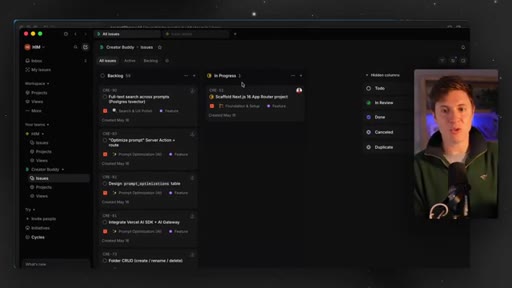
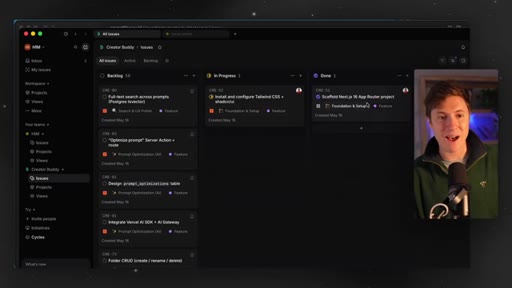
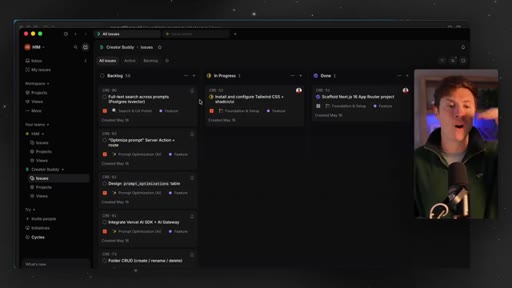
11:22But we're gonna start, and we're gonna give it permission to start building this out. And what you're gonna see here is as it works, you will see the tasks right there go from backlog to in progress to complete.
11:33And now it's just gonna kinda in automated way take tasks, work on them, and go. So one thing you'll be able to do now that you weren't able to do before is just say, hey, Claude Code, go and just start tackling tasks. Take issues from backlog,
11:47work on them, and complete them. That's not something you could really do before. Now if you work very carefully with your Claude code and make sure all your issues and tasks are up to date inside a linear, which is really easy to do as I showed you, You can just say, hey.
12:02Have at it. Go to work. You can go by the pool, sip on a pina colada, and your clawed coat is just going.
12:07This second brain adds so much efficiency and speed to your workflow. Okay.
12:13And as you see here, it's moved the scaffolding to done. We now are installing Tailwind and Shad Zient, so a lot of the visual stuff. And you see everything is perfectly organized, put in the right project, right urgency, all of that.
12:25So this is just managed by the app. If you were doing this without linear before, you'd have to be doing this one by one. Think of every step to do.
12:32Now it's organizing and managing itself, which is amazing. And you can see as you go along here, it's saying, okay. I'm updating this task.
12:38I'm updating this. It's real it's really, really nice the way it works. And look at this.
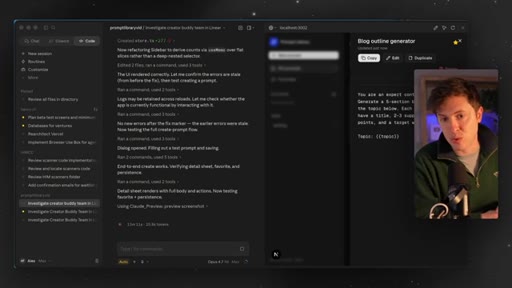
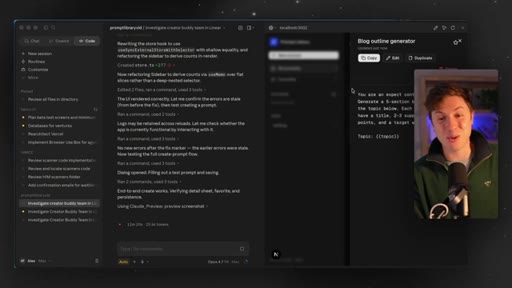
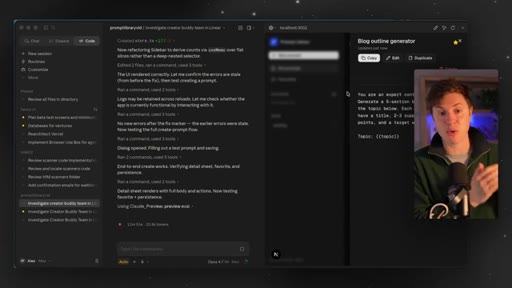
12:42This is amazing. It's testing itself now in Claude code. A really cool feature in Claude code.
12:47It built the app. It's testing itself. It's building its own prompts and clicking on things and going through the workflow.
12:53It's amazing. It's basically autonomous at this point. Linear basically put a brain into Claude code, made it autonomous, and now it's able to go through.
13:01You're watching it live. Each one of the issues, build them out, test it itself, mark it as complete, make sure it hits the acceptance criteria we just saw in the issue, and then move on to the next one. This is turning Claude code from a basic vibe coding tool to its own AI agent
13:19software engineer employee. Okay. Boom.
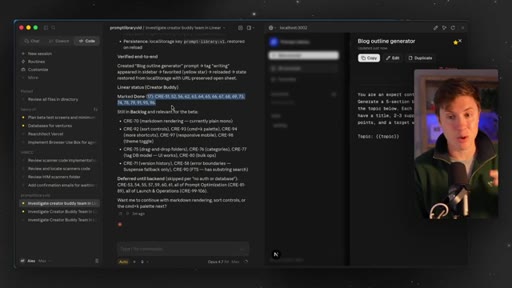
13:22Looks like it's all done. So it did 17 different tasks in one go.
13:2817. I promise you if we were not using linear as a second brain year, it would not do 17 tasks. It'd probably complete the first one and say, hey.
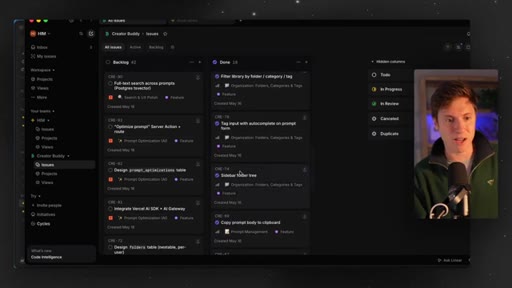
13:35What do you wanna do next? And let's just take a quick look at our board. Done.
13:39Actually, there's 18 tasks and done. All these were done. Toast notification
13:43system, delete prompts, favorite star prompts, copy prompts at board, sidebar folder tree, tag input, filter library by folder. All of these were done completely autonomously.
13:55Basically, a third of all the work we need to do. And let's just test it out ourself here.
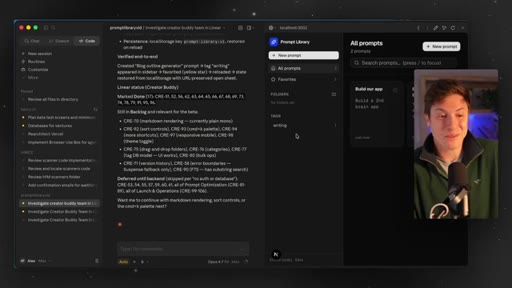
13:59If we close this, you can see here in the sidebar, the tags, the actual prompt itself. Let's put in a new prompt. Build our app.
14:08Build a second brain app. Let's save the prompt.
14:12It works. Boom. It goes in there.
14:14It actually kinda looks like linear, doesn't it? Kinda a little bit. This is how you have an autonomous employee working for you.
14:20If you weren't use if you weren't using linear, the next step here would be, okay. Now we need to build this. Right?
14:25And you're constantly thinking of what you need to do next. Maybe forget what you had to build before, but now you're organized. Right now, again, we're gonna say, okay.
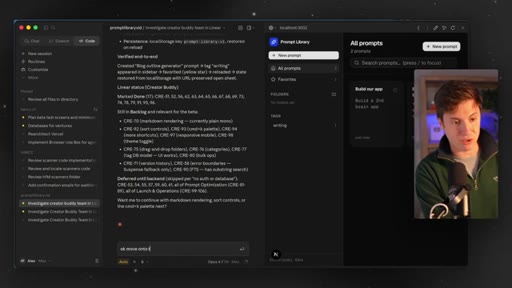
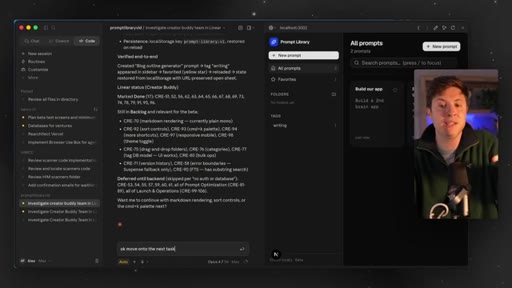
14:33Move on to the next task, and it will do it. No more thinking.
14:38You're basically turning into what I believe the future of AI and vibe coding is, which is basically you have a stamp and you go approve. Approve. Approve.
14:46Approve. Approve. Approve.
14:48That's all you're doing. This is basically what linear turns the experience into. And now let's take this workflow up to a second level.
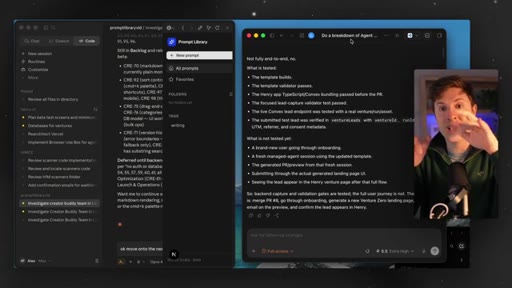
14:56I can pull open codex here. Now I have codex on the right. I can open up the same project in codex, say, hey.
15:02Check out our linear board and say, move on to the next task here. And now we have two agents independently working on our project for us.
15:11We don't need to get Codecs up to date with what Claude Codes do or vice versa. They're both just looking at our linear board, figuring out what's the next task they can move over to in progress, and doing it.
15:23This is how you take knowledge and move it across AI agents, move it across devices if you want to. But how would you take this to next level? Here's a little bonus workflow for you.
15:33Now there's more things to do here. There's more advanced parts of this workflow. One thing I'd highly recommend doing is having it so that every single one of the issues, this is kind of next level stuff, is going to be a GitHub
15:48branch. What this does is it makes it so every single one of the tasks is in its own branch so you can make a pull request for it and review it yourself. This keeps all of the code separate
16:00and organized so that it doesn't really step on each other's toes. This is very important if you're going to use multiple agents to do things here so they don't overwrite each other's code. This is also important if you have partners working with you.
16:12Again, I'm gonna show you some cool stuff if you have a multiteam approach here so that you don't step on each other's toes as well when it comes to code. So this is one of the tasks I have in Henry Intelligent Machines, which I'm currently building. Link for that down below if you're interested.
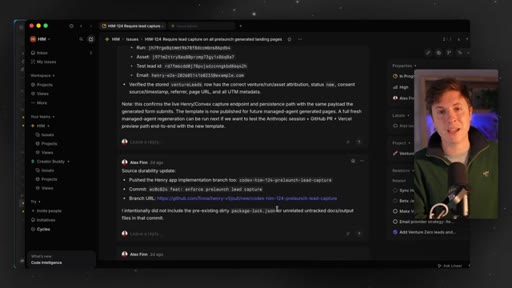
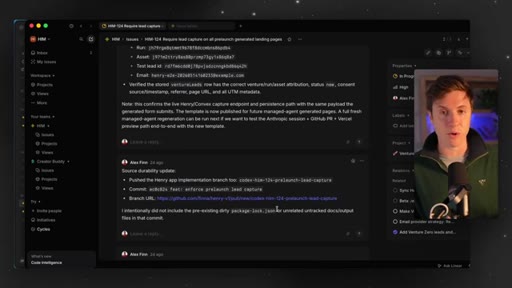
16:25Uh, if you go down in the comments, all of these comments are automated. Cloud Code's handling all this for me. But you can see it puts in the GitHub branch URL.
16:34So everything is stored nice and organized. Every issue has the link to its GitHub branch, and you can go in and create a pull request that you can review. How do you do this, though?
16:44How do you set this up? Well, this next step is super important. This next step sets the rules in all of your agents so that it follows this new workflow the right way.
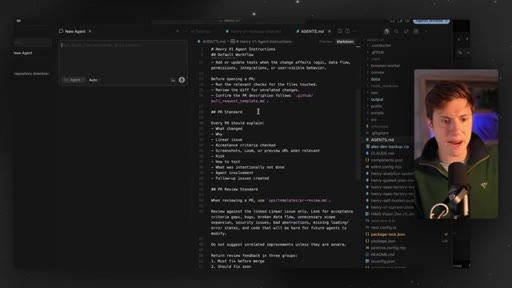
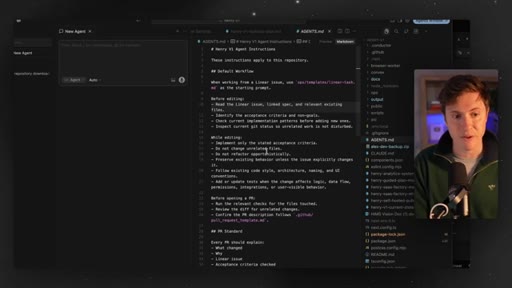
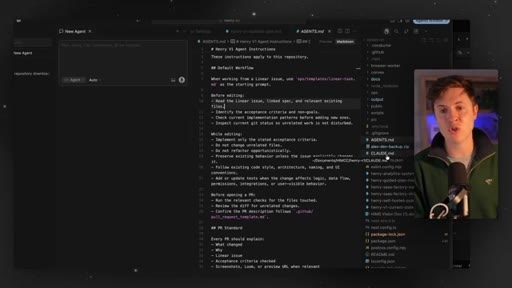
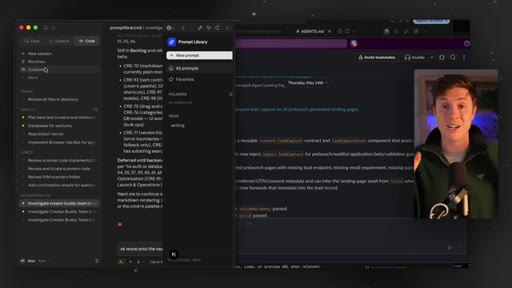
16:54So you need to make sure you have an updated Claude dot m d file if you're in Claude code, and an updated agent dot m d file if you're in basically any other tool. So check this out. I'm in cursor here just so you can see the code.
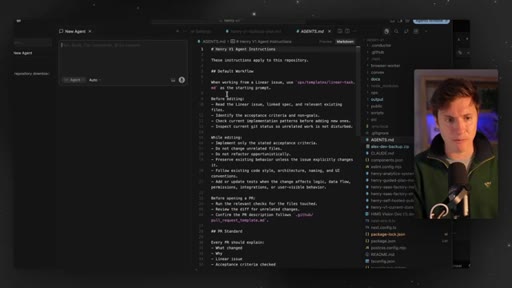
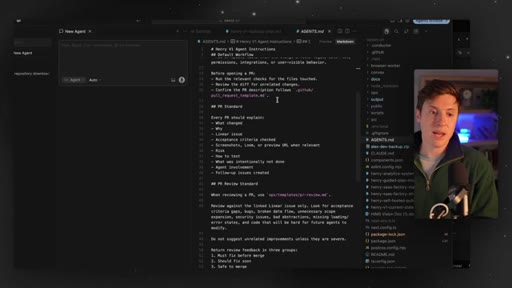
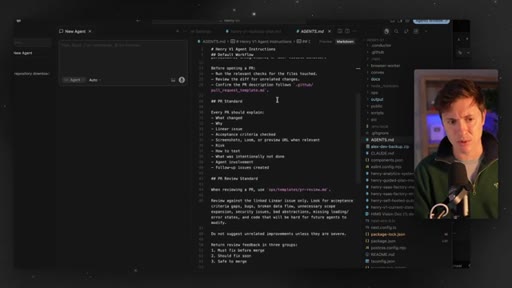
17:06This is my agent dot m d file. This basically has the full breakdown of all the instructions of this workflow I'm showing you right now, and I'll put this down below.
17:16I'm sure YouTube might complain about this, so I might put it in, like, a Google Doc and just link to the Google Doc in the description. But this is the agent dot m d file, and what this is going to do is describe exactly what your agent should do. So before doing any code editing,
17:30read the linear issue, read the spec, make sure you update everything, make sure you go up until the acceptance criteria.
17:38Don't change any unrelated files. Don't refactor anything. You don't need to refactor.
17:43And it talks about how to create the pull request. Right? So the pull request being,
17:47once you're done writing the code, then there's a request made that you can review. If you hit accept, it merges the code into your main branch.
17:56By the way, if this is all kind of foreign language to you with GitHub, let me know down below. I'll make, like, a GitHub dedicated video to exactly how it works, what all the terminology means. I'm not sure, my audience, what kind of level familiarity
18:09you are, so let me know in the comments down below. But this basically goes in and explains how to use linear, how to create pull requests, all of that so everything flows nicely. I'll put this agent dot m d file down below as well.
18:21You And just wanna paste into all your agents dot m d's and all your claw dot m d's. This will make sure your agents are up to date with how to use Linear and GitHub and everything we're doing here. Taking it even a step further, though, let's say you wanna take this to the next level.
18:35Let's say you have teammates and you wanna make sure everyone stays up to date. This is where Slack comes in.
18:42Slack has an unbelievably great integration with Linear and ClaudeCode and Codecs as well.
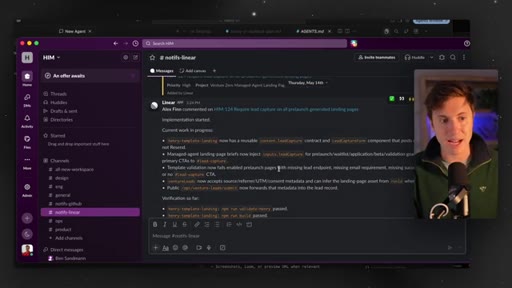
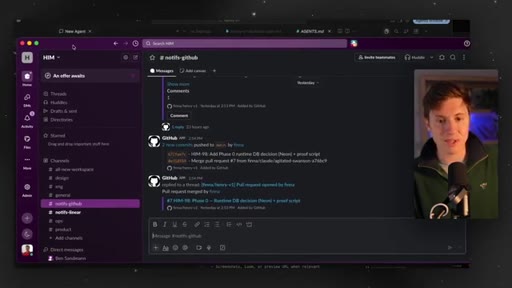
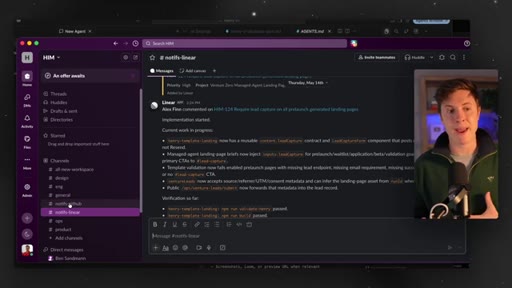
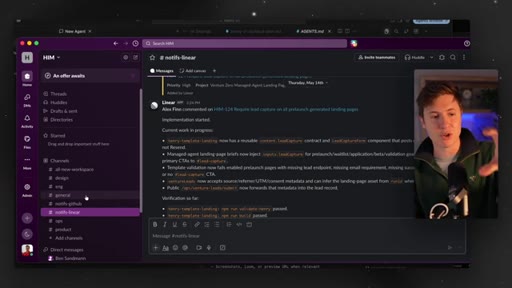
18:48Many things you can do here. I have two channels, a notifications for linear, a notifications for GitHub. What this allows me to do is see anytime
18:57a linear issue is updated. So anytime it's changed, status is updated, anything like that, it sends a notification to linear notification. If any pull requests are made in GitHub, any code is merged, it sends that update to the GitHub channel.
19:11And now me and my teammates can see what we're working on, what's changing, what's been updated, and keep us all in the loop. This is how you close the loop of all your building. Right?
19:21Your agents are going off. They're being autonomous. They're writing code.
19:24They're updating linear. And you and your teammates are being up to date in this one centralized location in Slack. The Slack integration, linear integration, all of that is done right directly in Claude code.
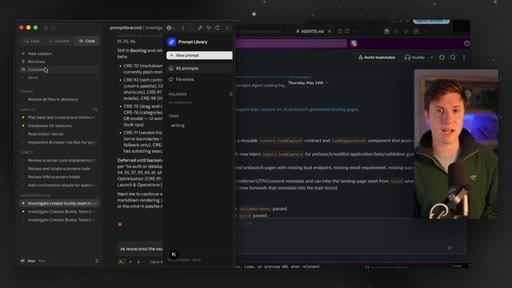
19:35So if you go in here and you go into customize, you can plug in Slack as well. And it all just kinda ties together and keeps everything up to date really, really nicely.
19:44CTAThis advanced workflow as I built this out, I don't use any other workflow. Everything's done in linear in Slack now. It it it keeps it so easy, especially as you're adding in more agents,
19:54CTAusing different devices. Everything just stays synced and up to date, and most importantly, autonomous. So you save tons of time.
20:01CTAIf you learned anything at all, make sure to leave a like down below. Let me know in the reply section what you wanna see at next. Do you wanna see a Hermes use case video?
20:10CTADo you wanna see deeper workflows into Claude code? Do you wanna see a video on, like, the new Codex mobile app? Let me know down below.
20:17CTAI'll make a video on it. Also, doing a full boot camp next Friday on this workflow in the Vibe Coding Academy. Make sure to join that link for ads download.
20:26CTAIt's the number one AI community on planet Earth. I promise it'll be the best decision you ever make in your life. Hope this is helpful.
20:32CTATruly grateful you'd watch these videos and learn with me. It means the absolute world. I'll see you in the next video.
— full transcript
§ 05 · For Joe

Steal the spec-first workflow.

Linear + Claude Code playbook

The session that runs itself starts with a task graph, not a vague prompt.

  • Connect Linear to Claude Code via Customize > Connectors — takes 60 seconds.
  • Open every new build with a spec prompt that tells Claude to populate all issues in Linear BEFORE touching code.
  • Once the board is set, say 'work on the next task' — the agent reads the issue, codes to acceptance criteria, self-tests, and marks done.
  • Add a CLAUDE.md rule file with Linear workflow instructions so behavior stays consistent across sessions and devices.
  • Layer in branch-per-issue + PR review to make multi-agent parallel builds safe.
  • Wire Slack notify-linear and notify-github so you stay in the loop without babysitting.
  • For JoeFlow / MCN builds: each feature sprint could be a Linear team, letting multiple Claude Code sessions drain the board without stepping on each other.
§ 05 · For You

How to stop micromanaging your AI tools.

For builders who keep drifting

The reason your AI coding sessions feel chaotic is that neither you nor the AI knows what done looks like — Linear fixes that.

  • Before starting any project, describe what you want and ask your AI to break it into a task list with acceptance criteria first.
  • Each task needs a clear definition of done so the AI knows when to stop and move on.
  • Use a cloud-based task board (Linear is free) so you can pick up the same project on any device without re-explaining context.
  • The approve-approve-approve future is real: your job shifts from thinking up every step to reviewing output. Set up the structure once, then get out of the way.
§ 06 · Frame Gallery

Visual moments.