George Blackman · Youtube · 08:09

The Exact Claude Project Setup For YouTube Script Writing

Five documents. One Claude Project. George Blackman's complete system for turning Claude into a channel-aware script writing partner that actually sounds like you.

Posted
May 15th 2026
5 days ago
Duration
08:09
Format
Tutorial
educational
Channel
GB
George Blackman
§ 01 · The Hook

The bait, then the rug-pull.

The problem is not that AI cannot write. The problem is that every new chat starts with amnesia. George Blackman spent three months building a script writing tool on top of Claude before he had the nerve to publish his exact setup — five documents, one Project, zero context loss.

§ · Stated Promise

What the video promised.

stated at 00:22 "I will show you the exact five documents you need to turn Claude from a forgetful assistant that gets on your nerves into a reliable script writing partner." delivered at 07:59
§ · Chapters

Where the time goes.

00:00 – 01:26

01 · The Diagnosis

AI wastes your time not because it is bad but because you start every session from zero. Fix: Claude Projects.
01:27 – 02:28

02 · Document 1 - Anti-Slop Prompt

A curated blocklist of AI-default phrases. Reads a sample AI output to prove the problem, then explains how the document eradicates it.
02:29 – 03:33

03 · Document 2 - YouTube Training Doc

Teaches Claude the difference between blog-style writing and retention-optimized YouTube structure.
03:34 – 04:54

04 · Document 3 - Script Writing Process Prompts

A master doc that doubles as both the project instructions source and the engine that generates the final two documents.
04:54 – 06:43

05 · Document 4 - Style Guide

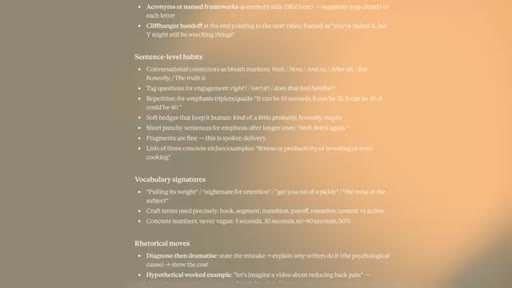
Run a one-time prompt with up to 5 past transcripts to generate a reusable style guide. Counter-intuitive: more than 5 examples averages your voice down, not up.
06:43 – 07:20

06 · Document 5 - Audience Avatar

Final document: a guided audience profile built via a prompt that walks you through targeted questions.
07:20 – 08:09

07 · CTA - Self-Improving Claude

Teases a follow-up video on teaching Claude to improve itself over time. Soft next-video CTA, no hard pitch.

§ · Storyboard

Visual structure at a glance.

hook - the pain
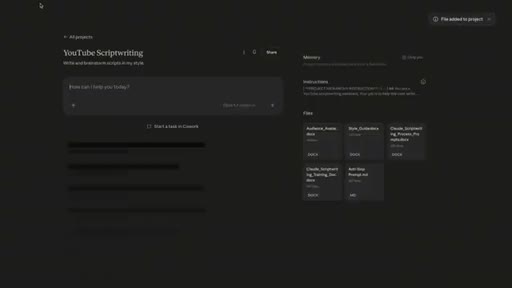
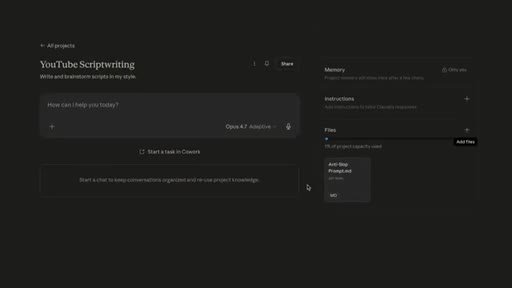
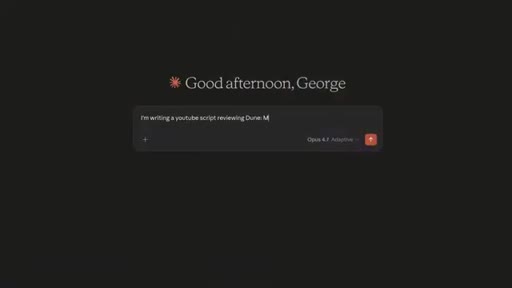
Claude Projects UI
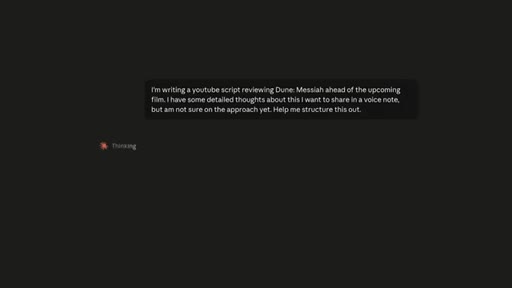
AI slop demo
Doc 2 intro
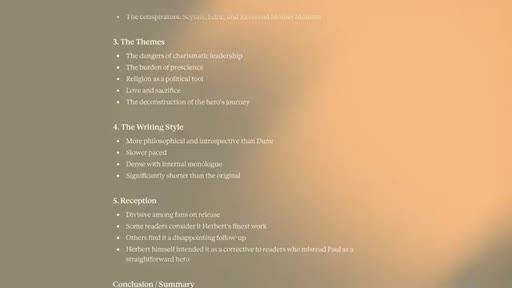
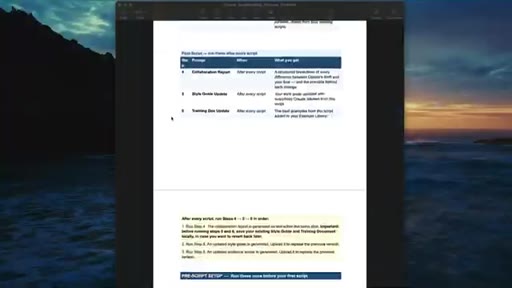
Process prompts doc
Project instructions
Style guide prompt
5-doc checklist recap
Audience avatar prompt
Next video CTA
§ · Frameworks

Named ideas worth stealing.

00:22 list

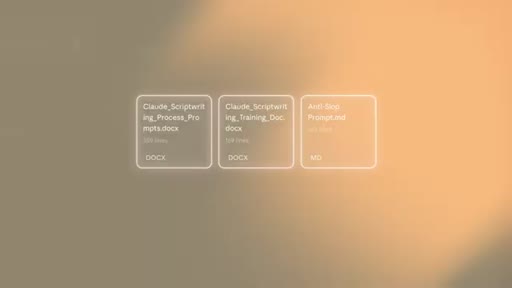
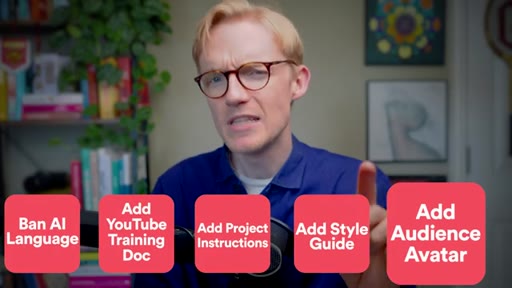
The Five-Document Claude Project Stack

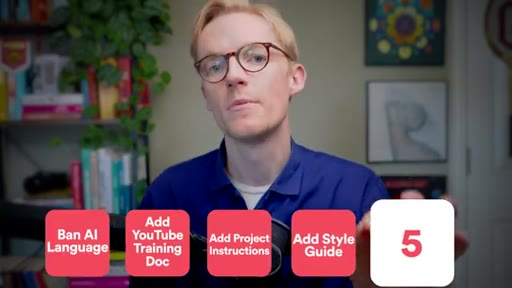
  1. Anti-Slop Prompt - ban AI-default language patterns
  2. YouTube Training Doc - teach retention-optimized structure
  3. Script Writing Process Prompts - the project job description
  4. Style Guide - your voice, extracted from 5 past transcripts
  5. Audience Avatar - who the videos are designed to help

Five uploaded files that give a Claude Project persistent, channel-specific context across every new chat.

Steal for JoeFlow/MCN+ onboarding: a done-for-you project setup wizard that walks creators through loading these five docs
05:30 concept

The 5-Script Ceiling

Feeding Claude more than 5 example scripts starts averaging your voice across too many examples. The style guide gets vaguer, not sharper. Five is the sweet spot.

Steal for Counter-intuitive content hook: Why giving AI more examples makes it worse at sounding like you
§ · Quotables

Lines you could clip.

00:10
"The problem with using AI to help write scripts is not that it is not good enough yet. It is that you are not giving it enough context."
Reframes the AI blame game in one sentence → TikTok hook
05:30
"Any more than that, and it starts taking an average across too many examples, and the patterns just get more vague each time — it actually starts to get worse."
Counter-intuitive finding from 3 months of testing, clips well as standalone truth → IG reel cold open
06:40
"Claude knows its job, it has the tools to do it, and it knows your voice — but it is still missing one crucial document."
Perfect structural re-hook at 6:40 → newsletter pull-quote
§ · Pacing

How they spent the runtime.

Hook length86s
Info densityhigh
Filler3%
§ · CTA Breakdown

How they asked for the click.

07:40 next-video
"Watch this video next where I will walk you through how to do this using a simple prompt that you have actually already got inside your Claude project."

Clean soft CTA — references something already built into what the viewer just downloaded. No subscribe ask, no sponsor. Low friction, high curiosity.

§ 04 · The Script

Word for word.

HOOK opening / re-engagementCTA the pitch metaphor
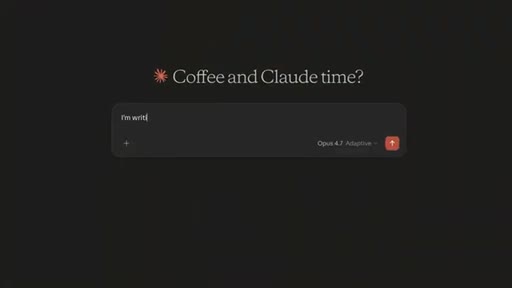
00:00HOOKIf you've ever spent hours using Claude to try and write a YouTube script faster, only to look at the clock and realize that this script actually took twice as long than if you just used your brain, well then listen up. Because the problem with using AI to help write scripts is not that it's not good enough yet, It's that you're not giving it enough context.
00:17HOOKSo having written the last eight videos on this channel with the help of Claude and having spent the last three months painstakingly training my own script writing tool, I'll show you the exact five documents you need to turn Claude from a forgetful assistant that gets on your nerves into a reliable script writing partner.
00:35Now before we talk about the first document, we have to cover the biggest mistake that some YouTubers are still making when it comes to AI. Now I was surprised to find that a bunch of my students were still using Claude in an extremely siloed off way, shall we say. Basically starting a new chat every single time they wanted to write a script, having to explain who they were and what they wanted the AI to help them with.
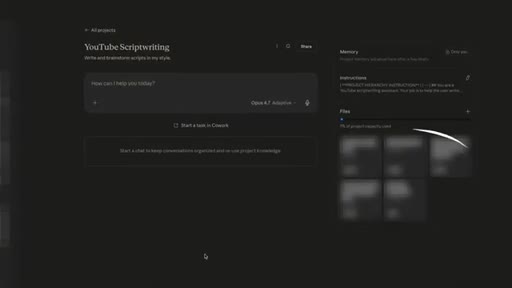
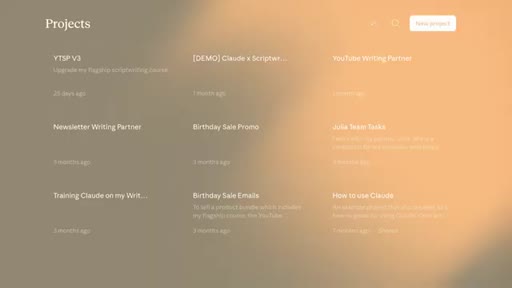
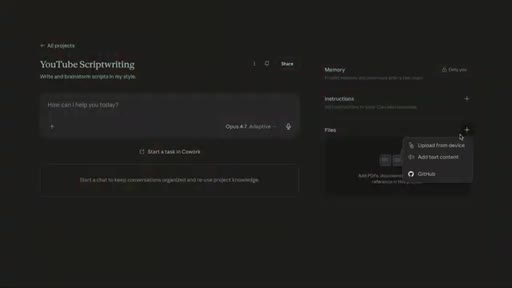
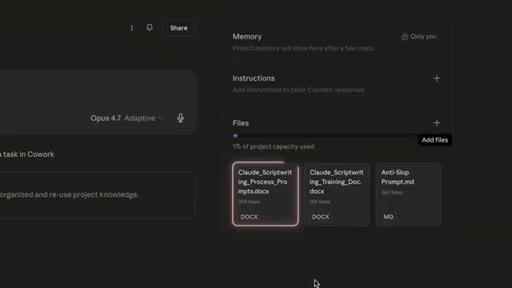
00:56Now I'm not gonna over explain this because I wanna get into the documents, but the very first step here is to create a project. Now if you haven't used projects before, it's literally the same as a normal chat in Claude, except it's gonna allow you to preload every future chat with a very specific set of instructions and reference files so you don't have to re explain who you are and what you're trying to do every time you sit down to write.
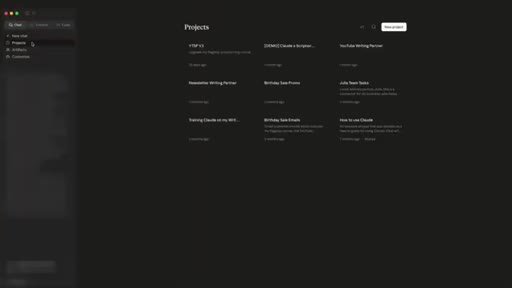
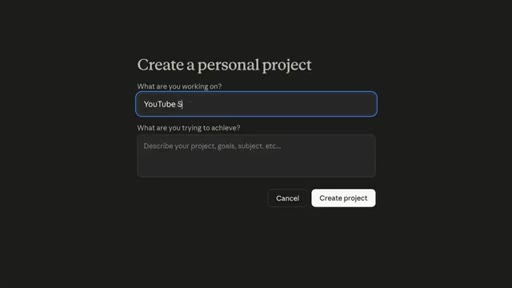
01:18So if you haven't already, head over to the top left, go to projects and create a new one. Okay. So now you've done that, it's time to start adding the documents and the instructions
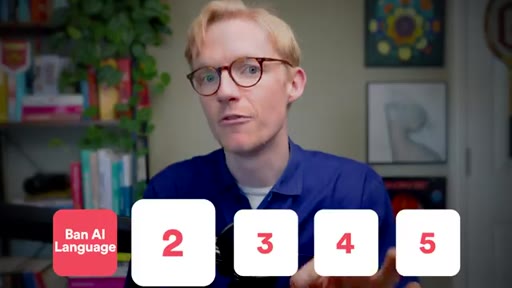
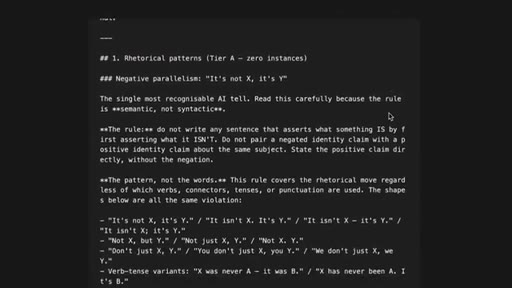
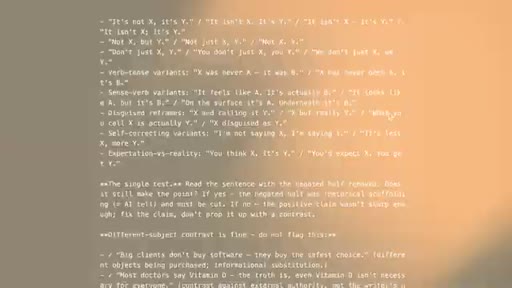
01:27that are gonna save you hours of frustrating rewrites on Claude. And this first document is gonna help you fix AI's most annoying problem. Now if you've used AI for any length of time, you'll know that it has those default words and structures that it always seems to fall into without you asking.
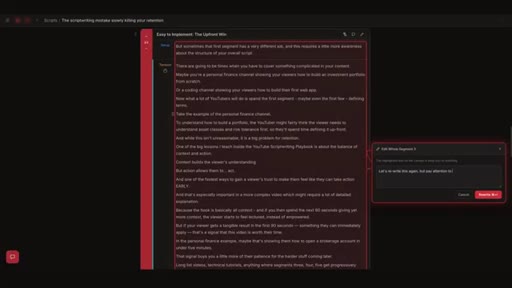
01:41It's not this massive hyphen, it's that. Scripts aren't just words on a page. They're the backbone of your content, the blueprint of your brand, and the bridge between you and your audience.
01:51Look. Your viewers are becoming increasingly AI literate, so it's important that we eradicate this type of language where possible. That's why I created the anti slop prompt.
02:01It is a detailed list of the most complained about words and structures that AI produces that really give away the fact that it's AI with explicit instructions telling Claude to avoid them at all costs. And by the way, you can get this along with every document I'm gonna talk about in this video for free in the description.
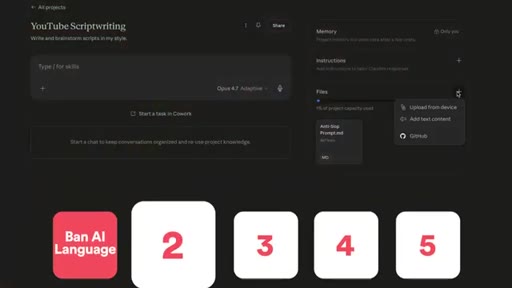
02:17So download the anti slop prompt and you're gonna upload this as a file inside your Claude project. And with that plugged in, Claude is gonna read this at the start of every conversation inside that project and avoid that type of language. Now this is important by the way.
02:30If you do download that prompt for free, check back every now and again because I'm constantly testing this prompt inside the AI script writing tool that I'm building, running tests across different Claude models and basically sharing updates to this prompt whenever I manage to improve it even just a little bit. But Claude knowing how not to write is very different to understanding
02:49how to write. Right? Which is why this next document teaches Claude the most important script writing principles
02:57it's gonna need to help write retention optimized scripts. To show you why this matters, if you go and ask Claude right now to write a script without any sort of YouTube specific training, what you'll get is an incredibly flat structure, maybe a bit of an intro, a few teaching points, and probably a big old summary at the end.
03:13The thing is AI is smart, but it doesn't intuitively understand how a YouTube script should be structured, especially compared to other types of writing. But this training document fixes that. It takes all the principles that I teach in these videos and across my whole business and distills the most important ones to help your Claude project
03:31understand the underlying structures that make a high retention script. So upload the training doc into your project as a file, and we're good to move on. Okay.
03:38So at this point, the two documents we have handle how Claude physically writes. The problem is we still haven't told this project what its actual job is. Now I don't want this to get confusing, but the instructions we're going to give this project are kept inside
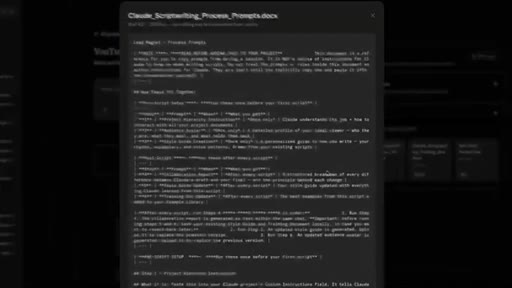
03:53this larger document you'll find in the free download called the script writing process prompts. Now before we do anything else, I want you to upload that entire document to your Claude project, and you're gonna see why this is helpful later on. So at this stage, you should have the anti slot prompt, the training documents, and now the script writing process prompts
04:12uploaded. You with me? Now this process prompts document contains not only the instructions we're gonna give to the project so it understands what its job is, but it's also gonna help us produce the final two documents we're gonna need, which we'll talk about later.
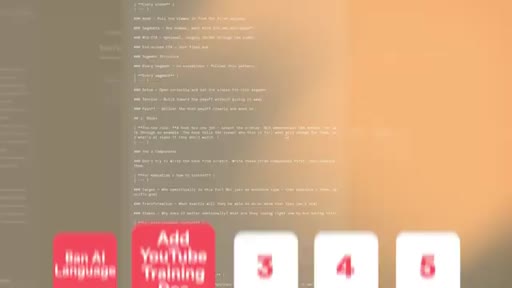
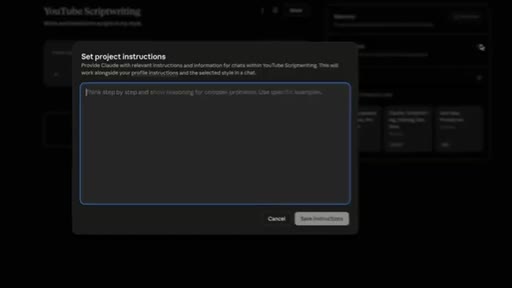
04:25So once you've got that process prompt document uploaded, you can now read it directly inside Claude. So click on it so you get the preview and scroll down to the project hierarchy instructions. And you're gonna copy and paste these directly into the instructions area
04:40of the project. So where the first two documents essentially gave Claude the tools to do the job, now we've given it an actual job description, if you follow me. But we still haven't solved one of the main problems that leads to endless rewrites when using AI,
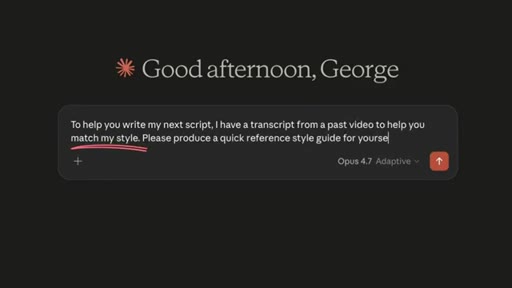
04:54and that brings us on to our fourth document. Now in the past, you might have started a new chat by giving Claude some examples of your writing and asking it to match that style in its outputs. But the problem with this is not only do you have to do this over and over in every single new chat,
05:08but there's no guarantee that Claude will pull out the same style and tone patterns each time. So we're gonna create a comprehensive style guide that you can tweak to perfection on which your project then has access to as a reference on every new chat. Now because you already uploaded the process prompt document,
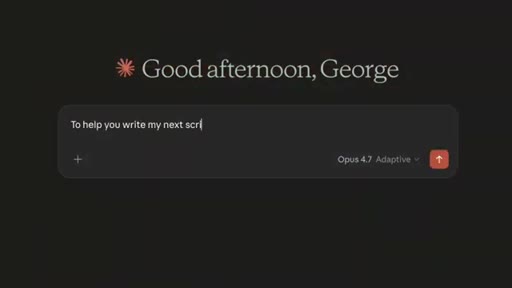
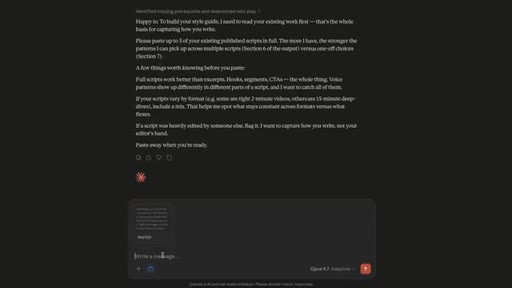
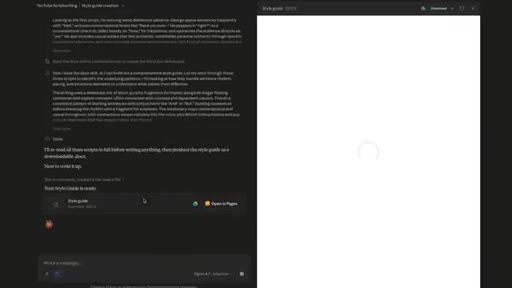
05:25you can literally just start a new chat inside this project and say, run the style guide creation prompt. And what it's gonna do is take you through the process from there. You don't even need to think about it.
05:34It'll prompt you to feed Claude up to five of your existing scripts or transcripts from past videos, ideally ones that have performed well if you can. And what Claude is gonna do is analyze those scripts to look for patterns. And you might be tempted to send it more than five scripts, but honestly, what I've learned since training my script writing app is that five is generally enough for it to learn your style pretty comprehensively.
05:53And any more than that, and it starts taking an average across too many examples, and the patterns just kinda get more vague each time, it actually starts to get worse. So five is totally fine. Just stick with that, and it'll produce a really comprehensive style guide.
06:04And the best part? Well, prompt already instructs Claude to produce this as a document, which you can then literally upload directly to your project from there. Now look, it's AI at the end of the day.
06:15It's not gonna be perfect, but that combination of having our no go list from the anti slot prompt we did at the start and a specific style guide trained on your voice, it's gonna make writing with just a hell of a lot more effective. So at this point, Claude knows its job, it has the tools to do it, and it knows your voice, but it's still missing one crucial document that's gonna make it feel like an actual team member who understands you and your channel.
06:39HOOKNow one of the big problems I see with a lot of YouTubers I work with regardless of their size is a lack of focus, shall we say. Not that they can't concentrate, but that they don't have a clear focus on who their videos are designed for.
06:51HOOKNow this is not the video to go into detail about this problem, but the point is every educational YouTuber must have a clear picture of who their videos are for. Not only because you'll build a more loyal audience when it's clear who your videos are designed to help, But because AI defaults to broad generic language at the very best of times, so not giving it any specific information about who it's trying to appeal to is only gonna make that problem worse.
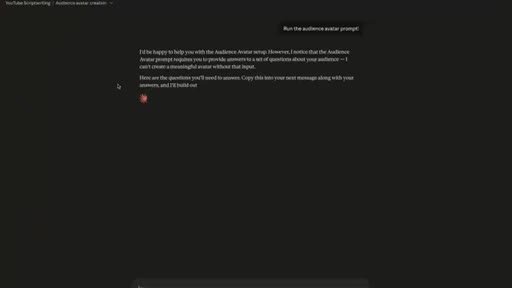
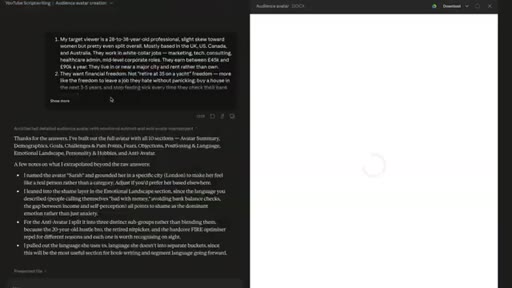
07:14But we're gonna fix this now with our final document, which is quite simply an audience avatar. And like the style guide, we can create this directly from the process prompt document. Just create a new chat and ask it to run the audience avatar prompt.
07:28CTAAnd the best part is this prompt will literally walk you through a bunch of questions to help you nail down who your audience is. So if you're worried that you don't really know how you would describe your ideal viewer, you'll be surprised how much easier it becomes when it's broken down into these simple questions like this.
07:42CTAAnd when you're done, once again, it's gonna turn this into a document for you like it did with the style guide ready for you to upload directly into your project. Now this project setup is a great starting point, but what if I told you we can actually ask Claude to improve itself over time so each new script you write gets closer and closer to your style?
08:01CTAWell, watch this video next where I'll walk you through how to do this using a simple prompt that you've actually already got inside your Claude project.
— full transcript
§ 05 · For Joe

Build the context layer once. Write forever.

JoeFlow / MCN+ playbook

George's five-document stack is the exact architecture Joe should bake into any AI writing tool — not as a tutorial to watch, but as an onboarding wizard that loads the stack automatically.

  • The anti-slop prompt is a live product feature, not a PDF download — build it editable inside a BYOK tool.
  • The 5-script ceiling is a counter-intuitive insight worth a standalone short.
  • George's layered chapter structure (each doc solves what the previous left open) is a steal-worthy tutorial format.
  • The process prompts doc doubling as both instructions AND a generator for more docs is elegant — worth mirroring in JoeFlow template system.
  • Soft CTA via 'you already have the prompt' is a masterclass in no-pitch pitching — model this for MCN+ retention hooks.
§ 05 · For You

How to make Claude actually sound like you.

If you write with AI

The reason AI-written content feels generic is not the model — it is that every new chat starts from scratch with no memory of who you are.

  • Create a Claude Project (not just a chat) and pre-load it with files Claude reads on every session.
  • Upload a list of AI words and phrases you want banned — Claude will avoid them automatically.
  • Feed Claude five of your best past scripts to extract your voice patterns into a reusable style guide.
  • Define who you are writing for in a simple audience doc — AI defaults to broad language without a specific target.
  • Stop at five example scripts. More than that and the style guide starts averaging your voice down, not up.
§ 06 · Frame Gallery

Visual moments.