The bait, then the rug-pull.
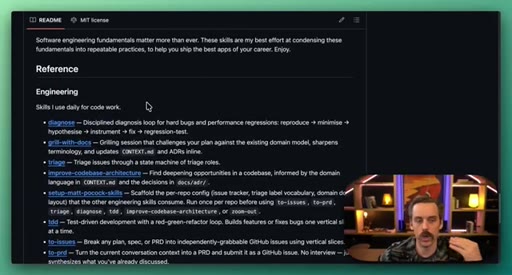
Matt Pocock's skill library hit 70,000 GitHub stars with a label that stung: not for vibe coders. Sean Kochel took that as a provocation, not a verdict. Fourteen minutes later he had walked through five skills live, in a real project, that reframe the whole argument.
What the video promised.
stated at 00:47 "I'm gonna show you five of the skills from it that I use on the daily, how they work, and where in your projects you can use them." delivered at 14:49
Where the time goes.
01 · Hook: Not for vibe coders?
Matt Pocock skill library intro. Sean reframes vibe coder vs vibe engineer. Promises 5 daily-use skills.
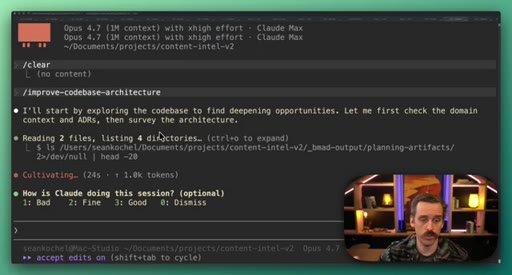
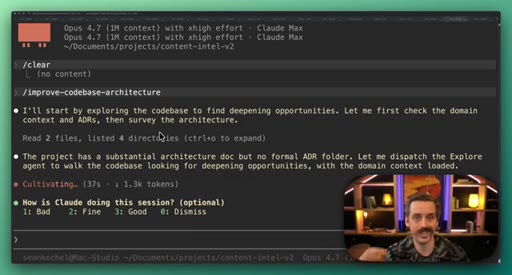
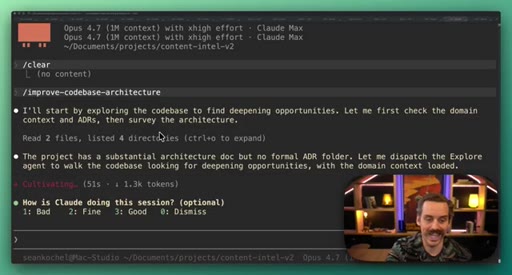
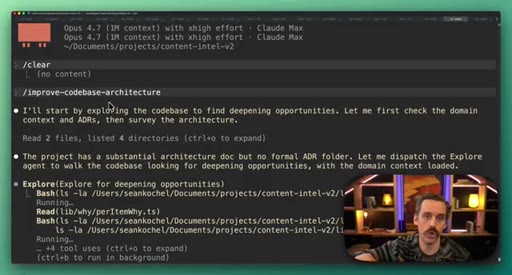
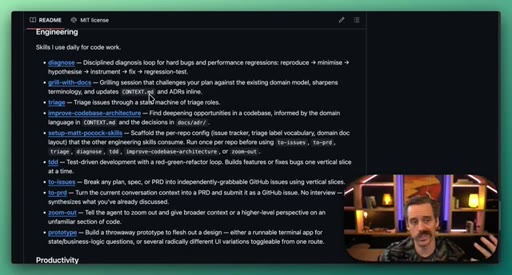
02 · Skill 1: Improve Codebase Architecture
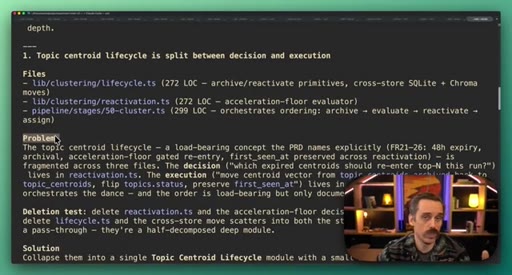
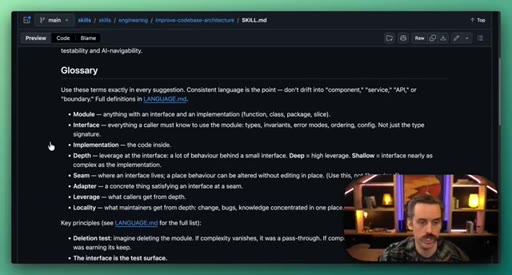
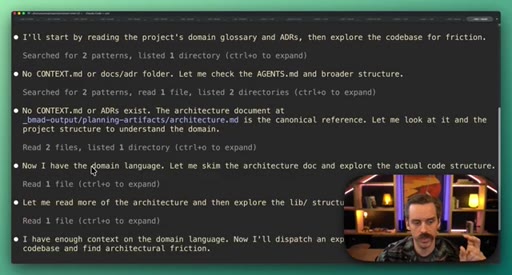
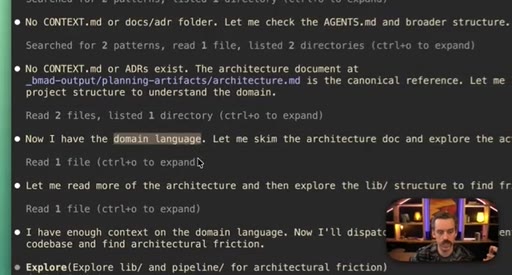
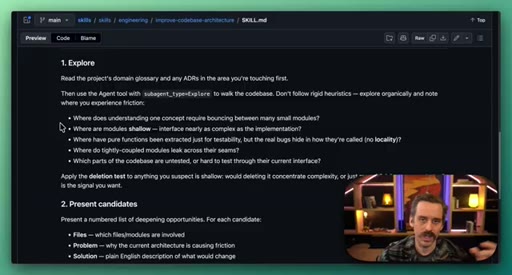
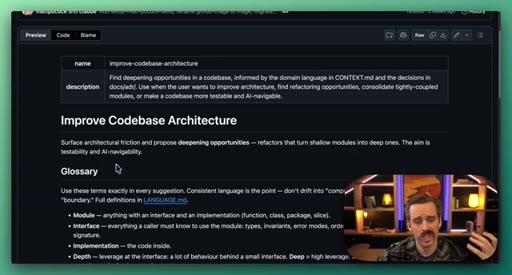
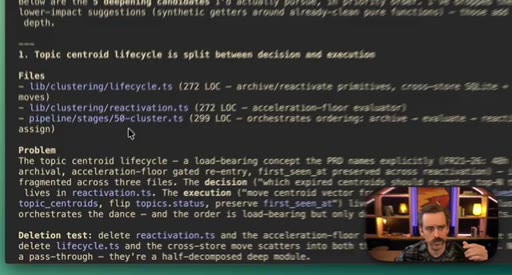
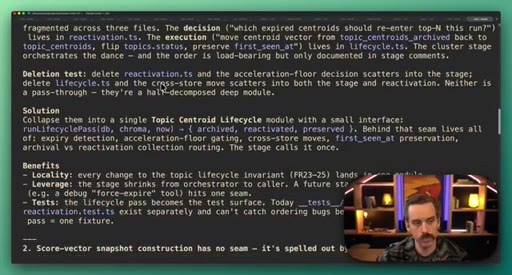
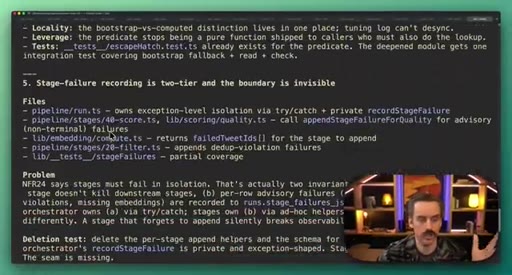
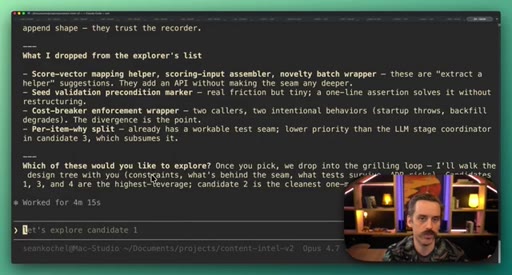
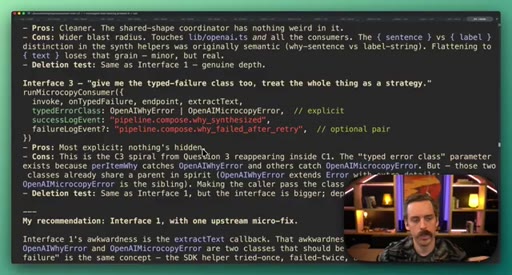
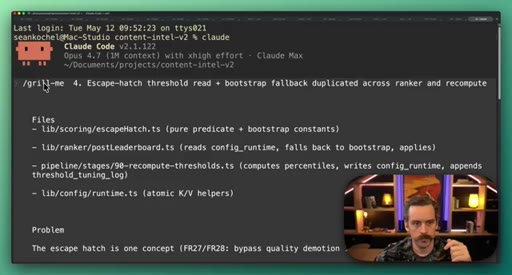
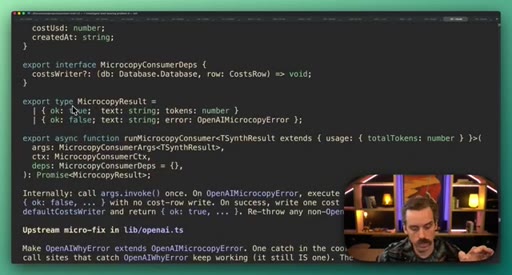
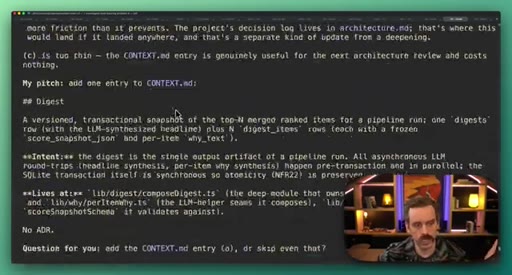
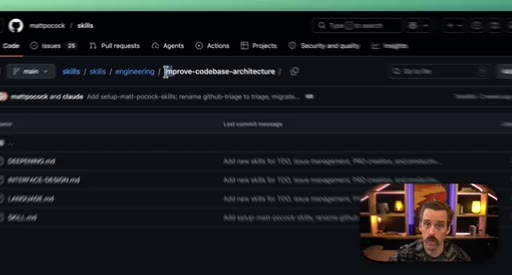
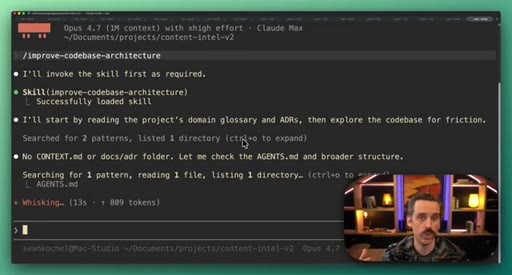
Dispatches exploration subagent to find shallow modules and propose deepening opportunities. Demo on content-intel-v2. Surfaces top 5 refactor candidates with files, problem, solution, benefits.
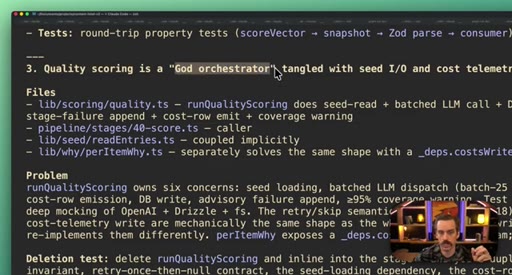
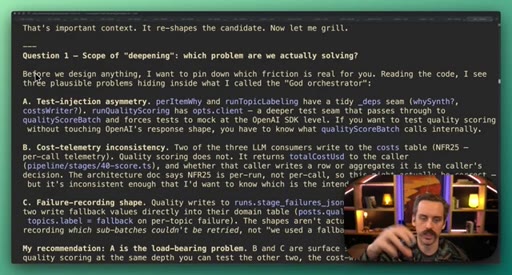
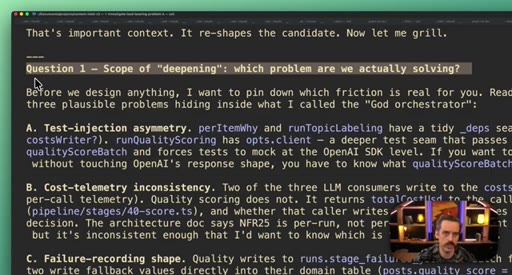
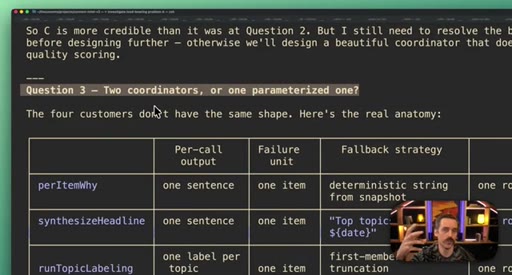
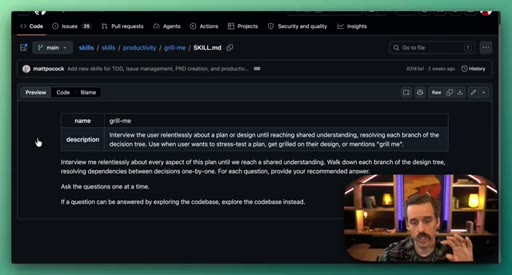
03 · Skill 2: Grill Me
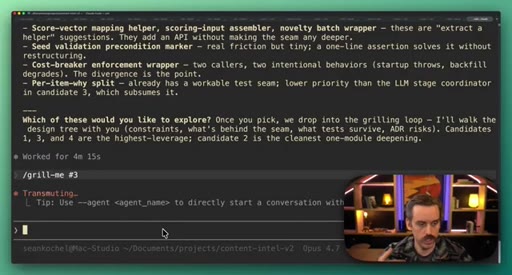
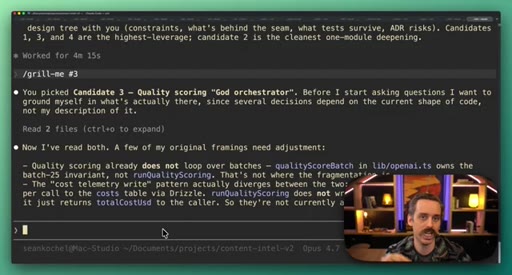
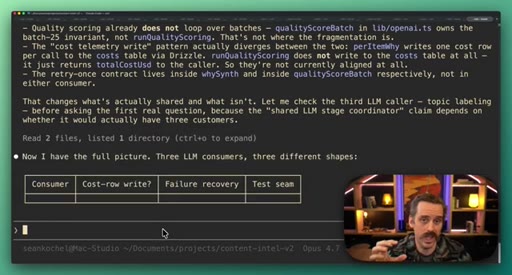
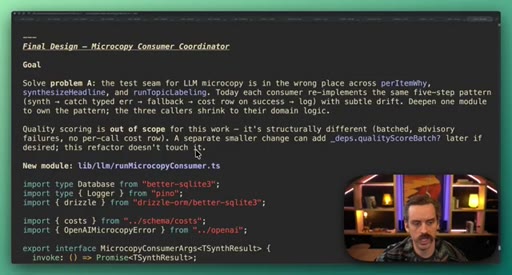
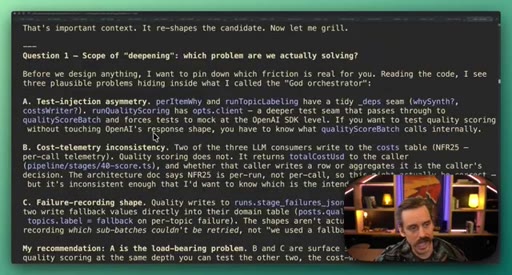
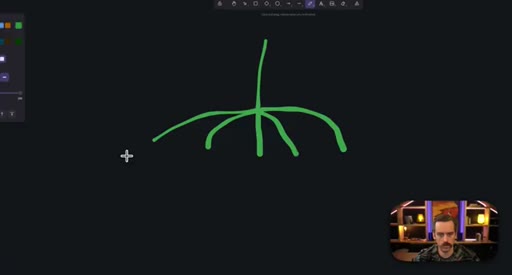
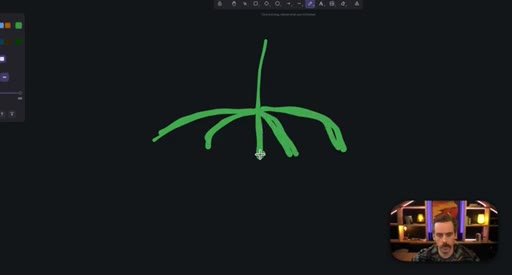
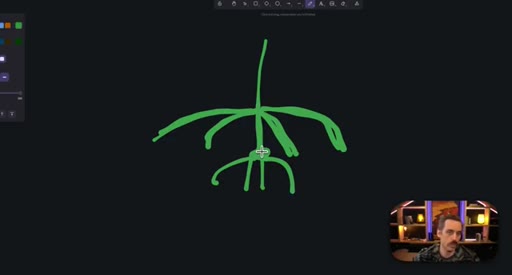
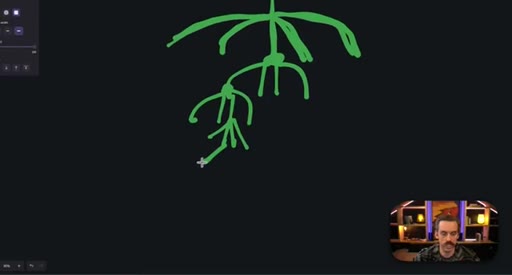
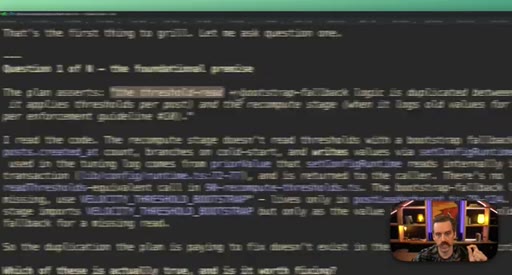
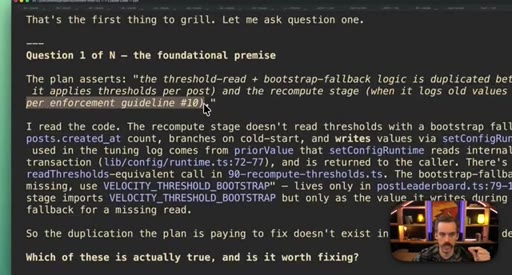
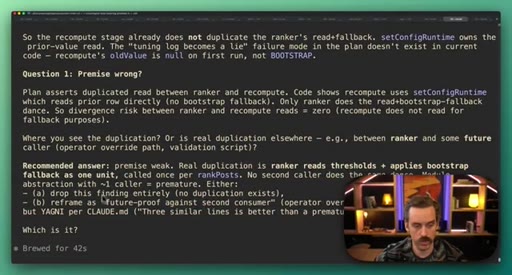
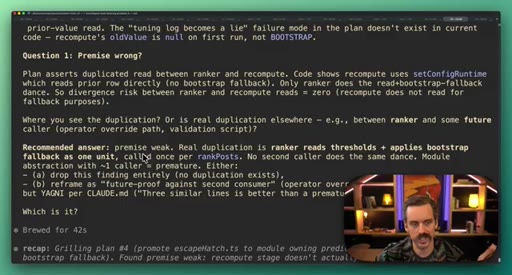
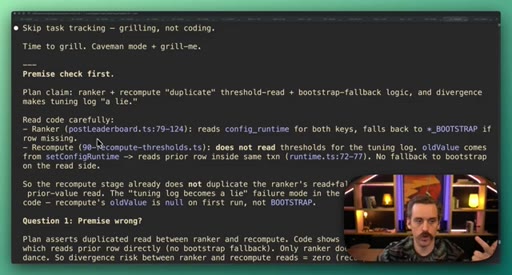
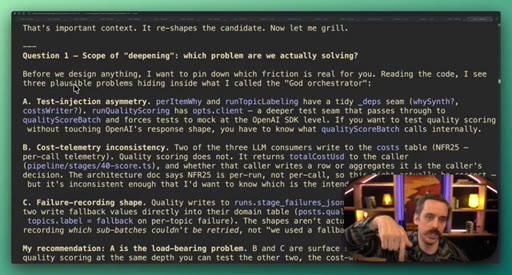
Socratic decision-tree interrogation before writing code. Resolves every downstream branch of each answer. Demo catches false architectural premise after 7-8 questions. Sean draws branching tree diagram.
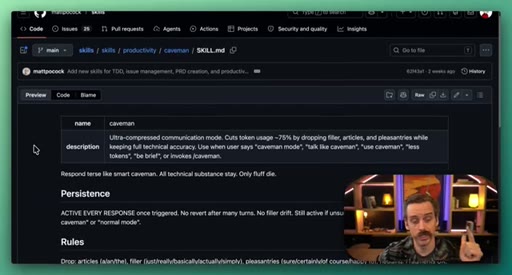
04 · Skill 3: Caveman
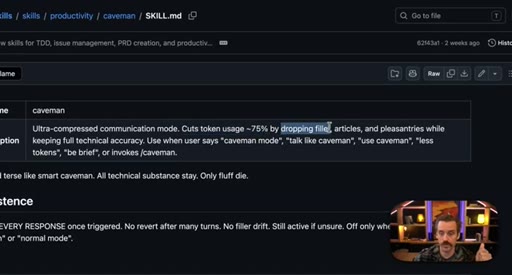
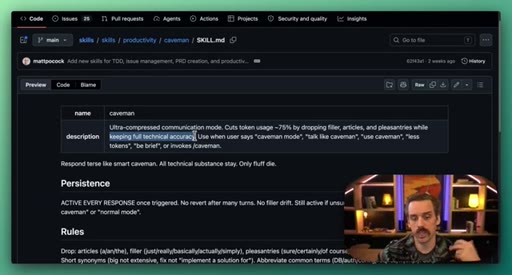
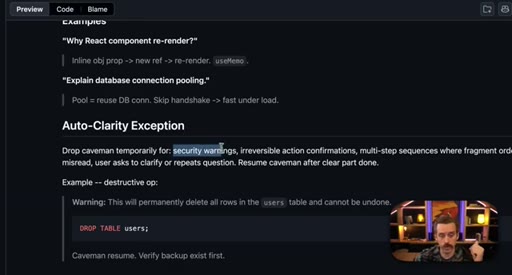
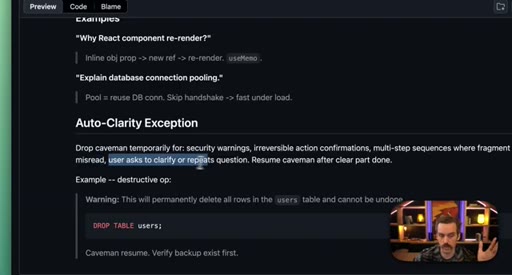
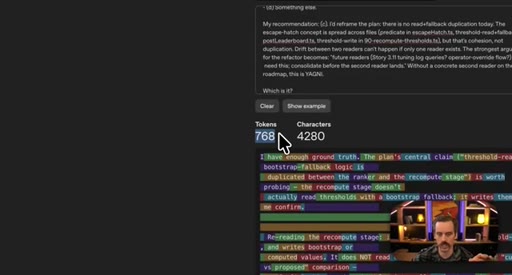
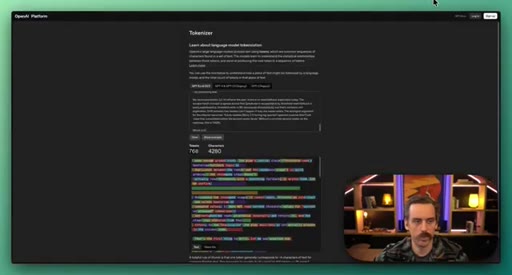
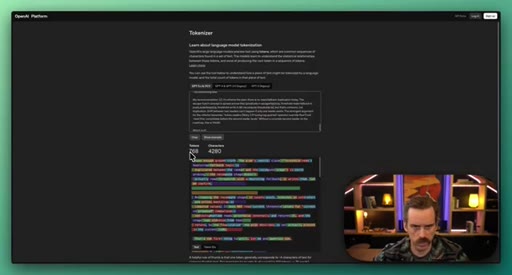
Ultra-compressed communication mode drops filler and pleasantries while keeping technical accuracy. Demo: 768 to 502 tokens on same prompt. Auto-clarity exception for destructive ops.
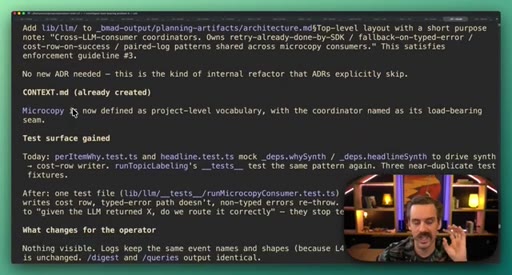
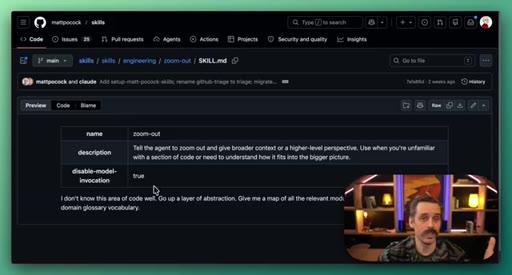
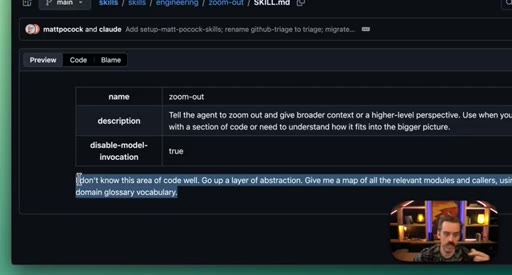
05 · Skill 4: Zoom Out
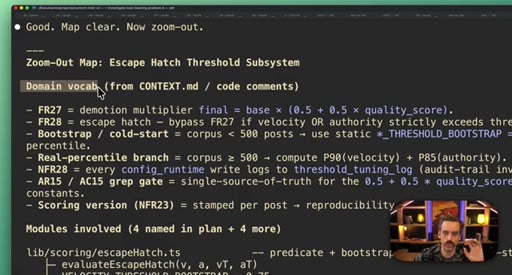
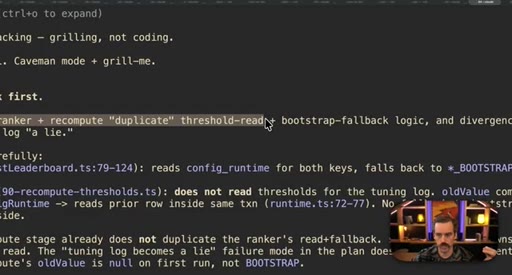
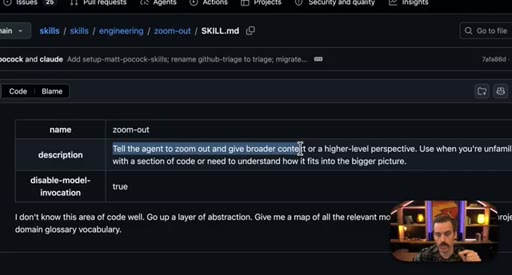
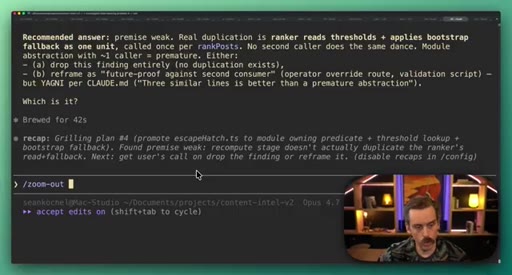
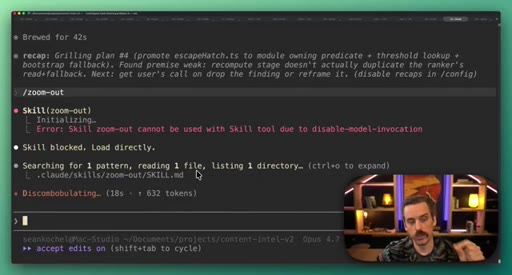
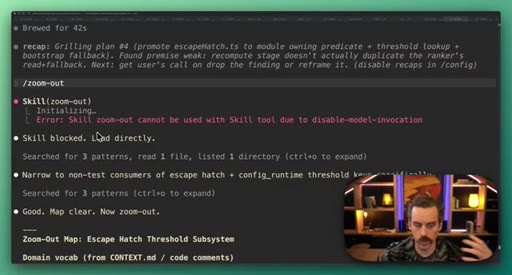
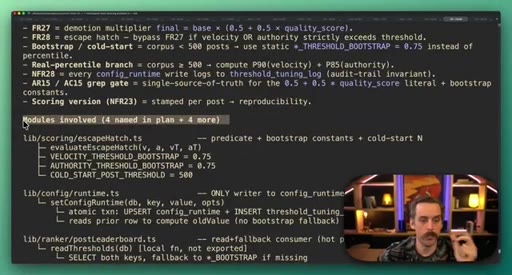
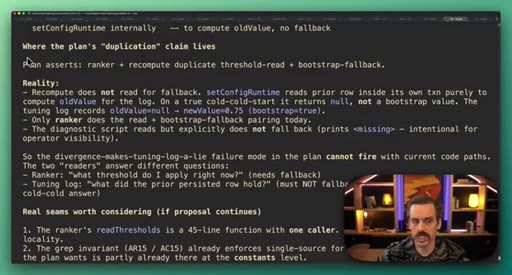
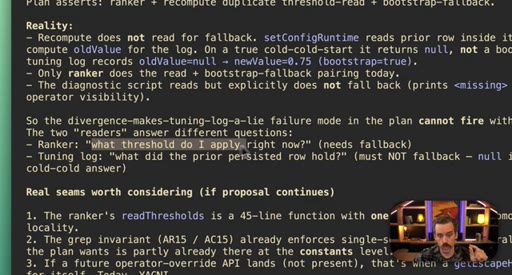
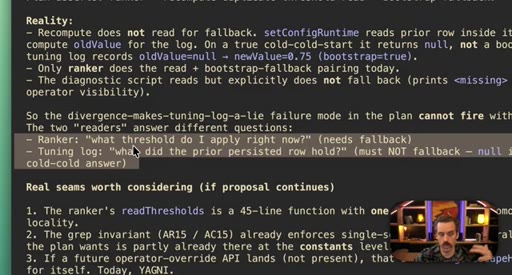
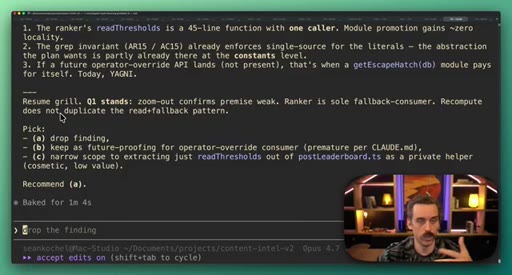
Gives high-level map of how code fits into the system using domain vocabulary. Debunks false duplicate threshold-read flag from skill 1.
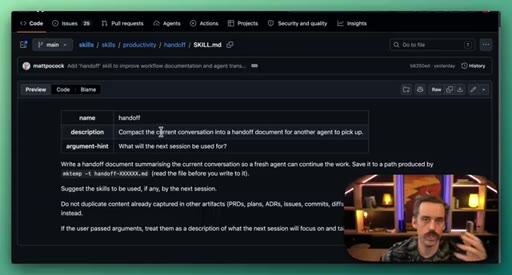
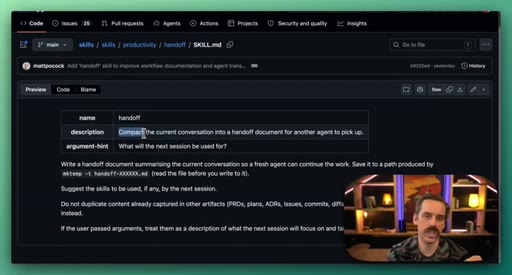
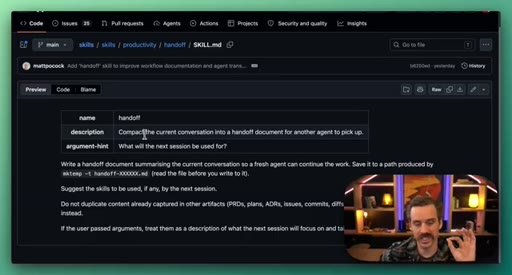
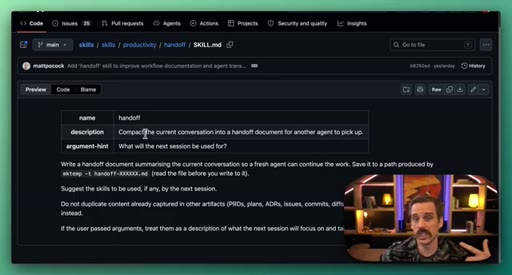
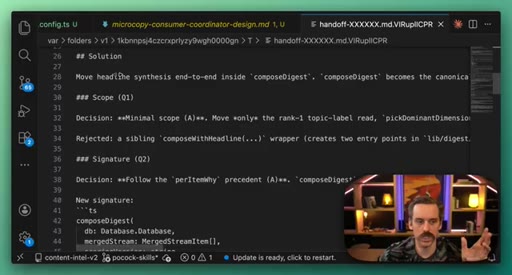
06 · Skill 5: Handoff
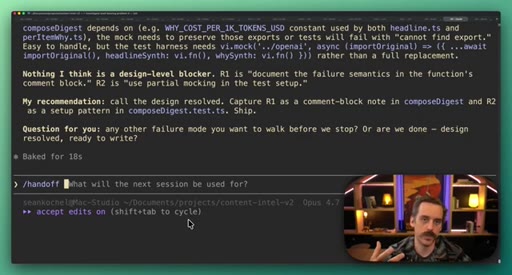
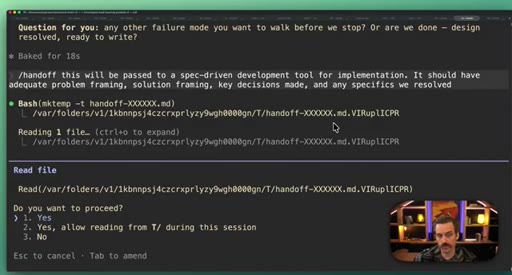
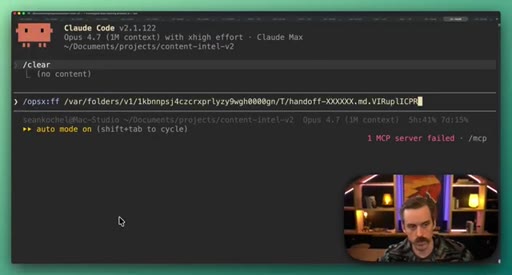
Compacts session into structured markdown brief for a fresh context window. Better than native compaction because explicitly formatted for a different recipient.
Visual structure at a glance.
Named ideas worth stealing.
Deepening Opportunities
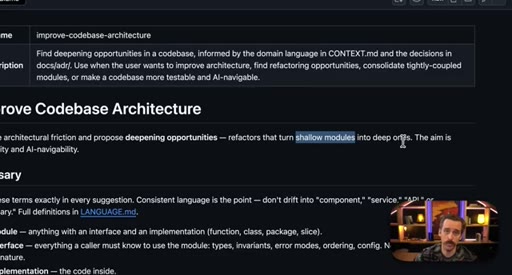
Shallow modules have an interface nearly as complex as their implementation. The deletion test: delete the module. If complexity vanishes, it was a pass-through.
Decision Tree Grilling
Most tools ask 5 high-level questions then resolve hidden assumptions at code-write time. Grill Me walks every branch recursively until every leaf is settled before implementation starts.
Auto-Clarity Exception
Caveman mode automatically drops out for security warnings, irreversible actions, multi-step sequences, or when user asks to stop.
Handoff vs Compaction
Compaction summarizes for continuity. Handoff summarizes for transfer: explicit problem framing, solution reached, key decisions, specifics resolved. The recipient changes, not just the context window.
Lines you could clip.
"I think vibe engineering is a better term for that middle ground, exit level beginner into intermediate, where we're trying to actually build awesome stuff, but do it in a very systematic way."
"A lot of other tools are gonna ask you five questions that get your directional insight, and then they're gonna go off and address all of these underlying assumptions at game time when they go to write the stuff."
"What the grill me command does is that once you pick a direction, it's gonna go deep down the rabbit hole to resolve all of the other issues that crop up because of that decision."
"This is kind of like an alternative to compacting because we're still gonna get all of that information, but we can then just use that document as the context for our next session."
How they spent the runtime.
Things they pointed at.
How they asked for the click.
"If you like this video, I will link you to a playlist where I have a bunch of other awesome skill libraries and vibe engineering plugins that I use on a daily or weekly basis."
Soft and clean. No newsletter push, no merch. Playlist link only. Earned by the content.
Word for word.
Five skills. One real project. No toy demos.
The credibility comes from watching a real architectural debate play out live, including the false alarm that Zoom Out had to debunk.
- Run skills inside a real project you're actually building, not a contrived example.
- Let uncertainty breathe on camera. Sean doesn't skip the 10-minute grill-me session.
- Stack the skills: codebase-architecture finds the problem, grill-me designs the fix, caveman keeps tokens low, zoom-out sanity-checks the premise, handoff carries the decision forward.
- The decision-tree diagram is worth stealing: draw the branching structure to show why linear Q&A tools miss hidden assumptions.
- Caveman mode is instantly deployable. Run /caveman in your next Claude Code session and measure the token difference yourself. That is content.
How to actually stay in control when AI writes your code.
These five skills put you back in the driver's seat by forcing the AI to surface hidden assumptions before writing a single line of code.
- Before starting any feature, run /improve-codebase-architecture to understand what's already fragile.
- When you have a design idea, run /grill-me before touching the code. It will find the holes you missed.
- Turn on caveman mode for long coding sessions to cut token costs without losing technical precision.
- When something feels confusing, /zoom-out gives you the map. It costs almost nothing and can save you from a wrong refactor.
- At the end of every planning session, run /handoff so tomorrow-you can pick up exactly where you left off.