Matt Kuda · Youtube · 07:50

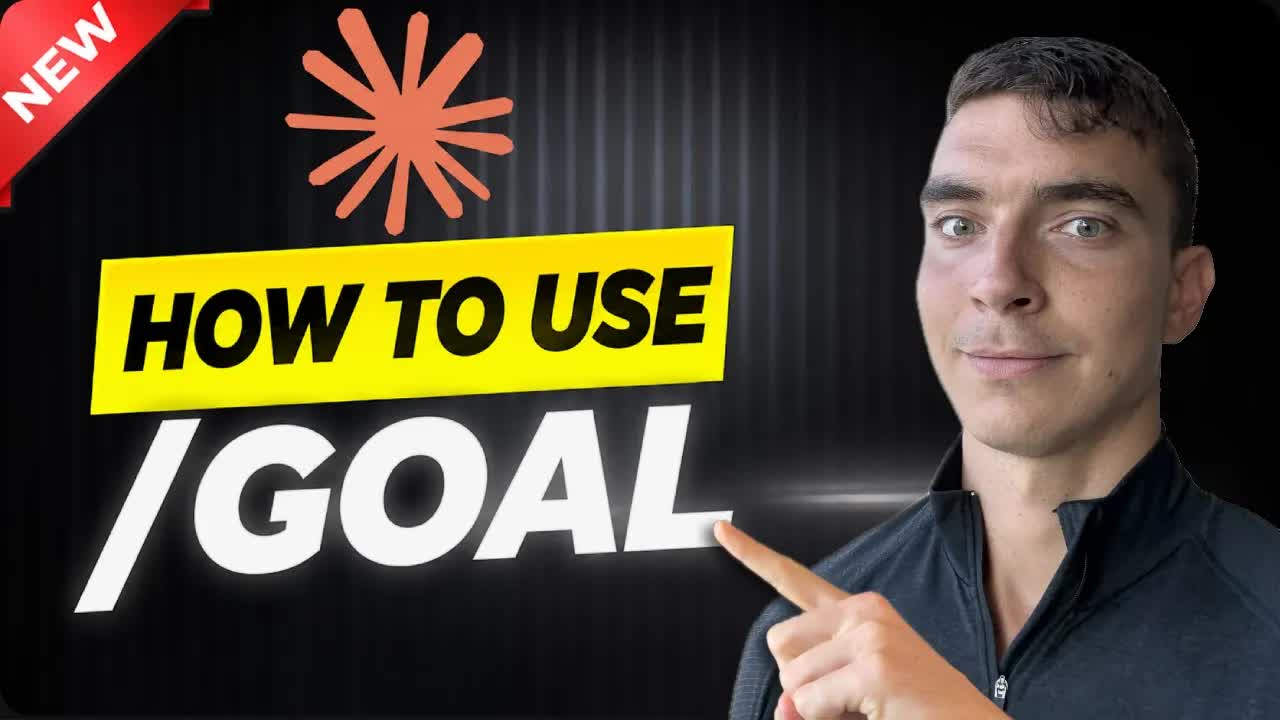
Claude Code's New /goal Command

How the worker-plus-evaluator loop actually works, why most devs will write it wrong, and the good-condition pattern that makes it finish for real.

Posted
May 14th 2026
20 days ago
Duration
07:50
Format
Tutorial
educational
Channel
MK
Matt Kuda
§ 01 · The Hook

The bait, then the rug-pull.

Forty-eight hours after shipping, the /goal command already has a clear failure mode baked in -- and the video opens by naming it before most developers have even typed the command once.

§ · Chapters

Where the time goes.

00:00 – 00:29

01 · Hook and agenda

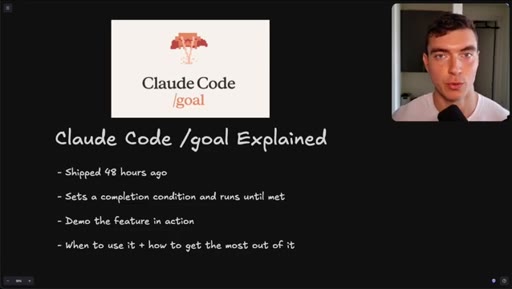
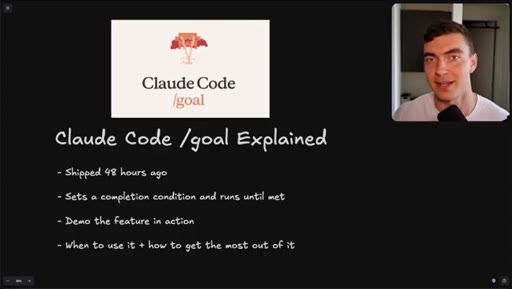
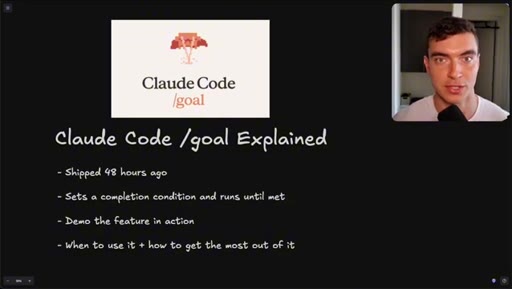
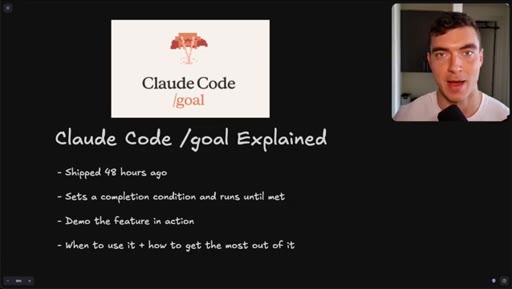
Goal command shipped 48 hours ago. Video covers how it works, live demos, and when to use it.
00:30 – 01:28

02 · Basic usage

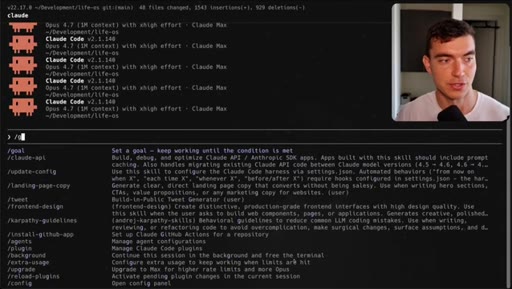
/goal, /goal clear, turn limit flag, token usage warning.
01:28 – 02:58

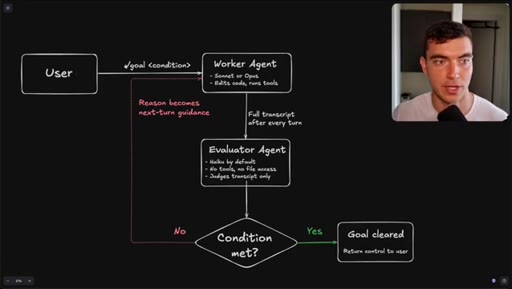
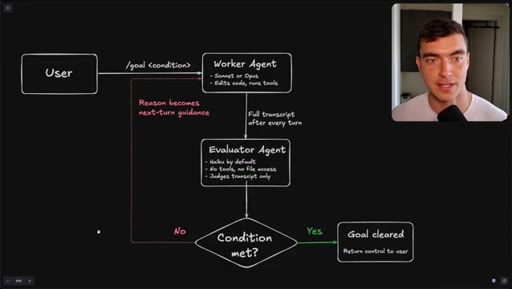
03 · Worker/evaluator architecture

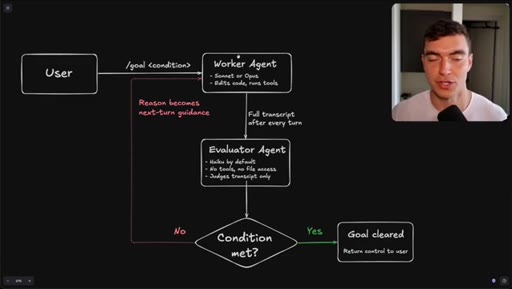
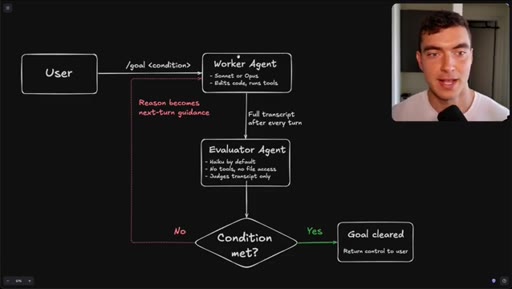
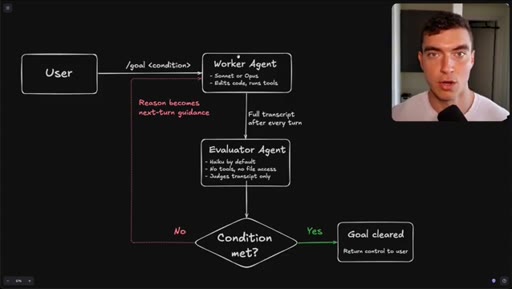
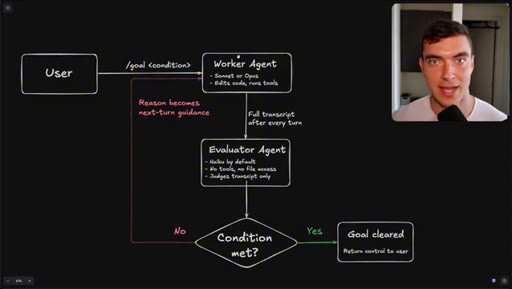
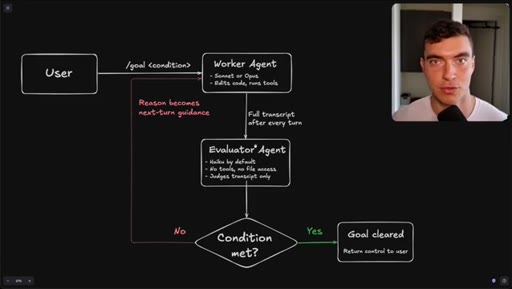
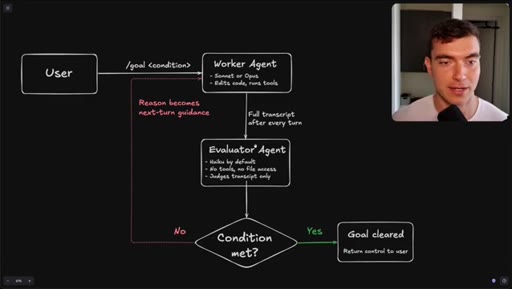
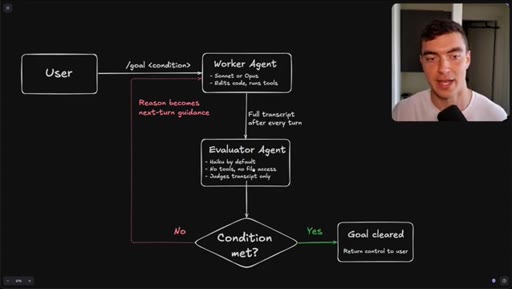
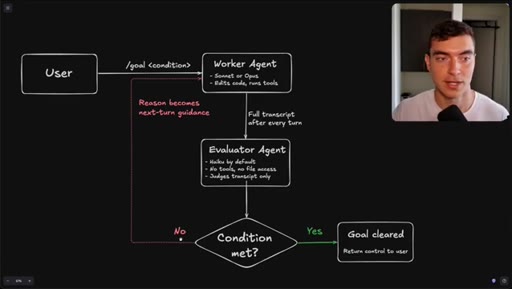
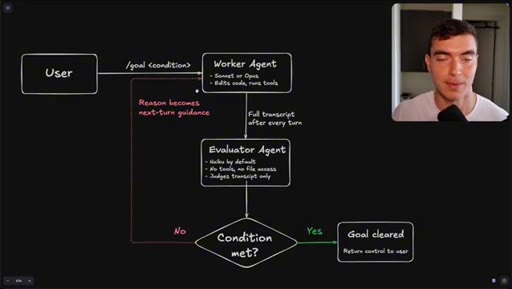
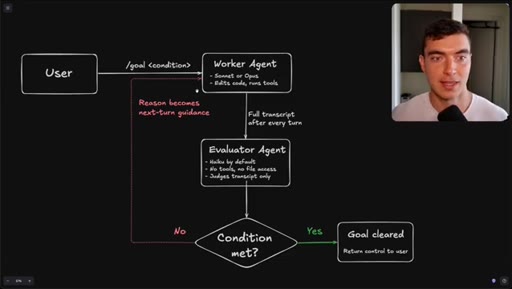
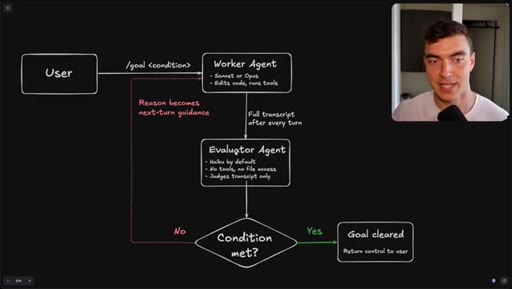
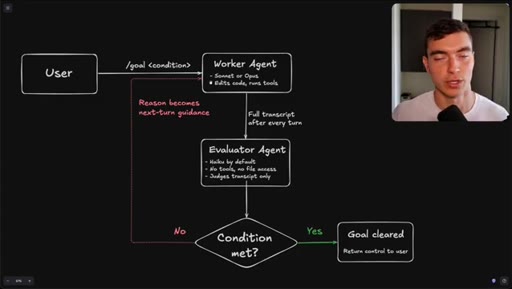
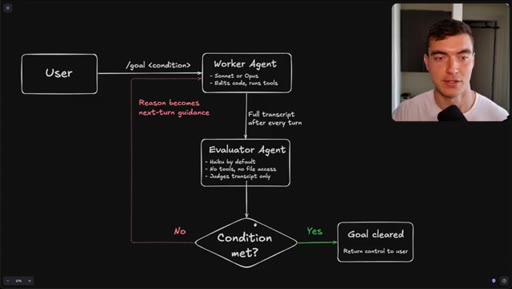
Flowchart: user sets condition, worker agents execute, evaluator (Haiku) reads transcript only, loop continues until condition met or goal cleared.
02:58 – 03:48

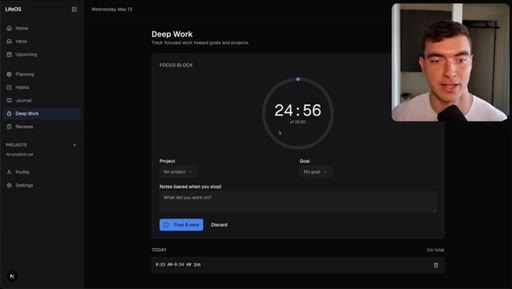
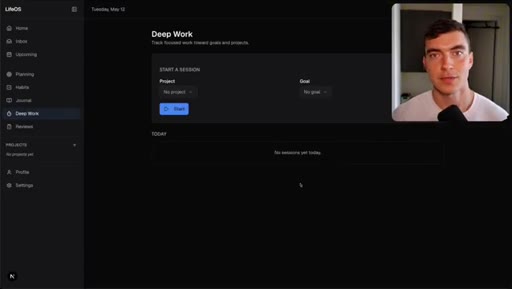
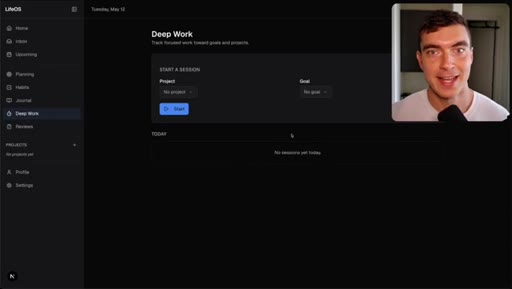
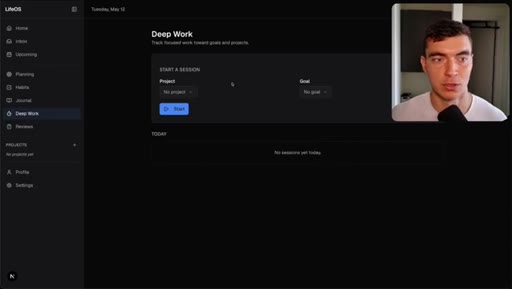
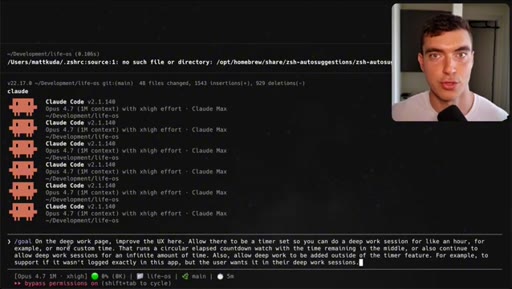
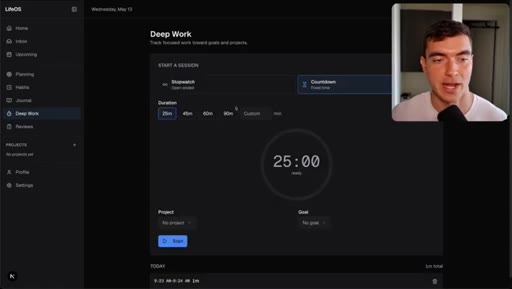
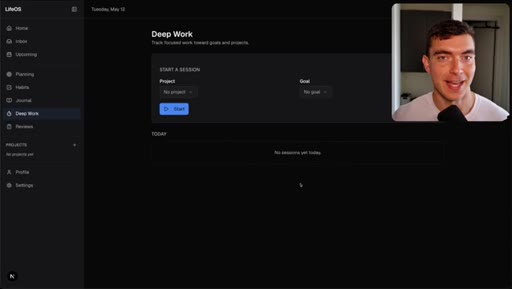
04 · Demo 1: LifeOS deep work timer

Circular elapsed countdown timer built in 9 minutes, passed evaluator on first turn.
03:48 – 05:09

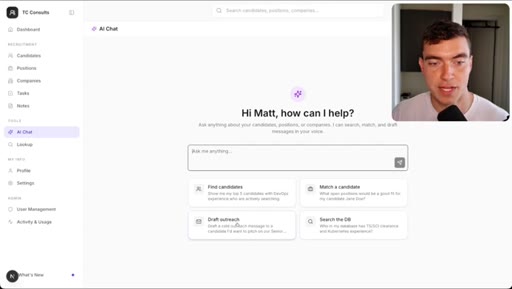
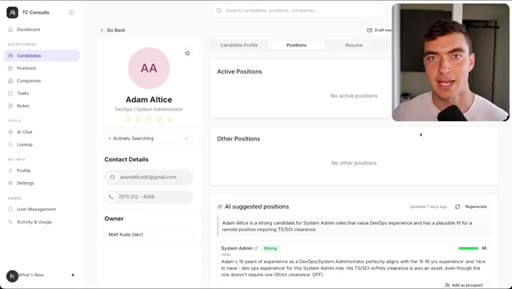
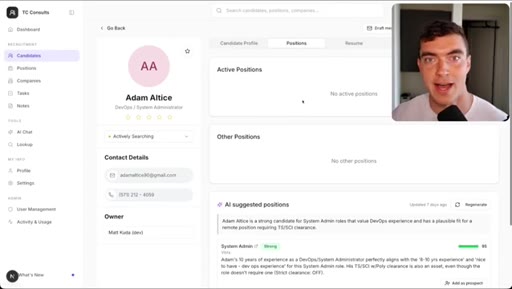
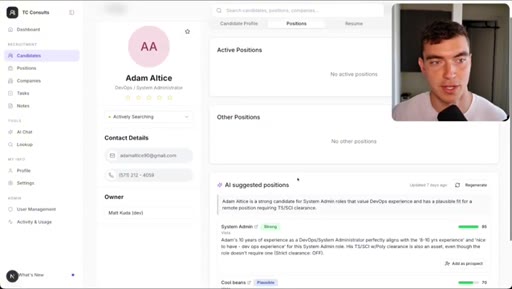
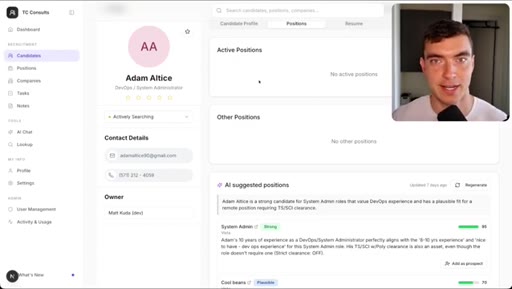
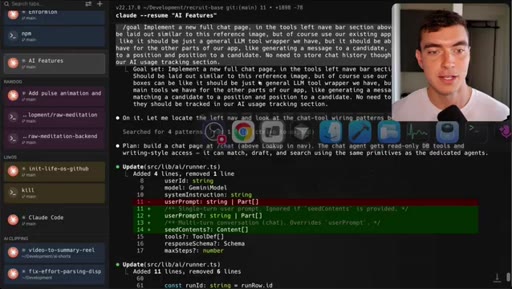
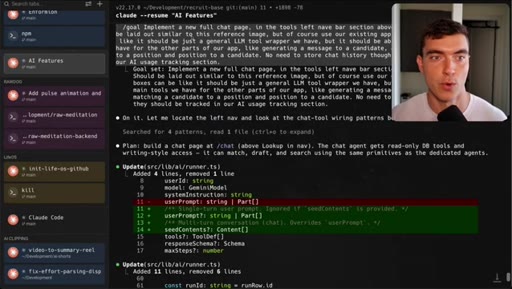
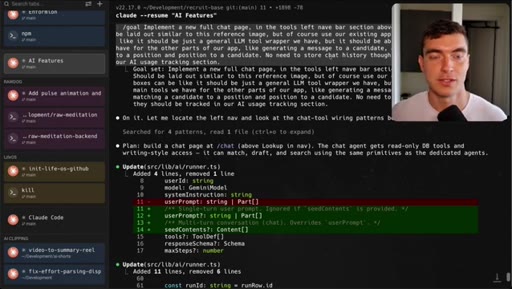
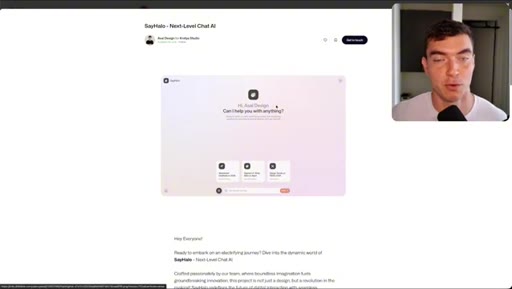
05 · Demo 2: Recruitment CRM AI chat page

Full new AI chat page with LLM agent, candidate matching, draft emails, built in 5 minutes with Dribbble reference.
05:09 – 06:00

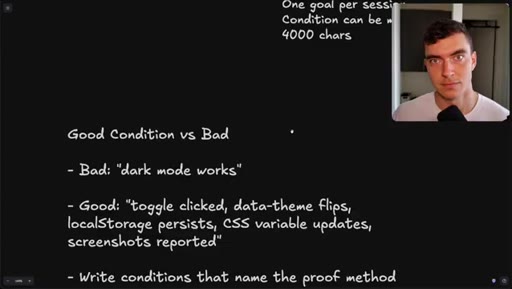
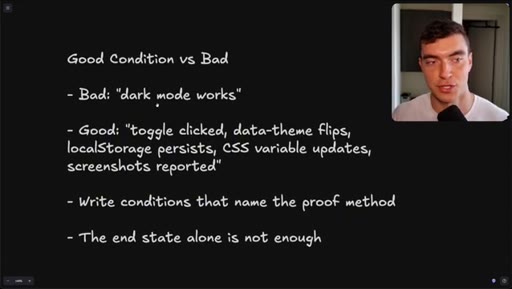
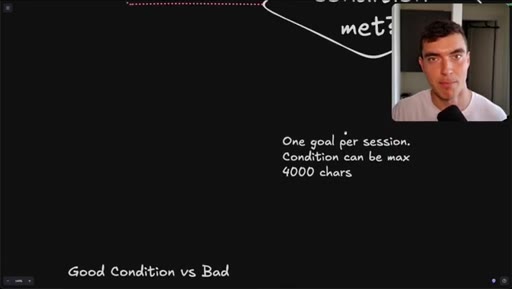
06 · Good condition vs bad condition

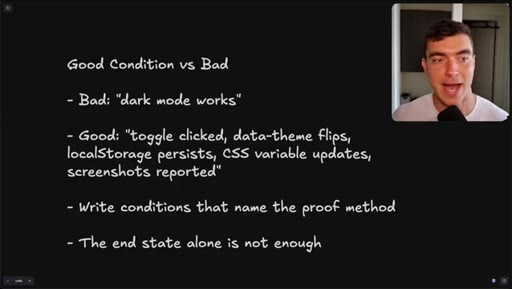
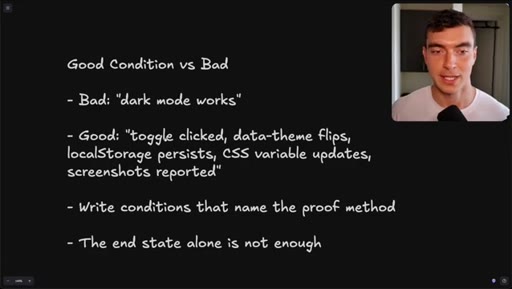
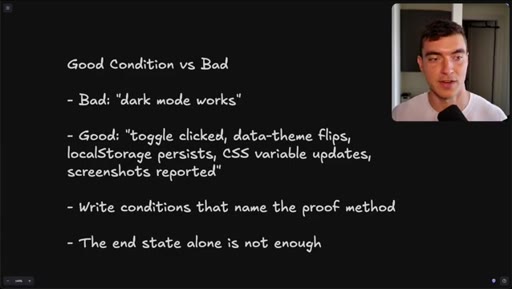
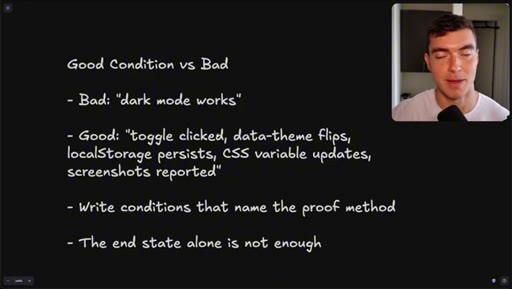
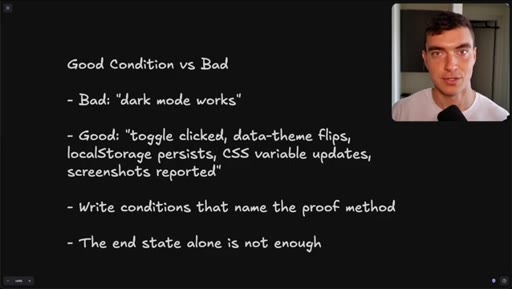
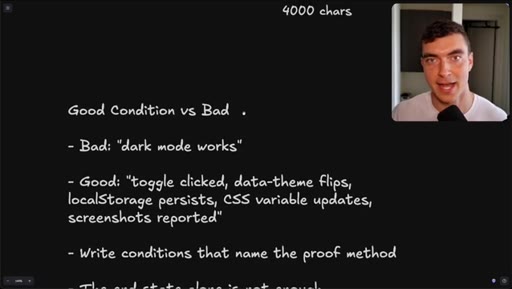
Bad: dark mode works. Good: toggle clicked, data-theme flips, localStorage persists, CSS variable updates, screenshots reported. 4000-char cap.
06:00 – 07:30

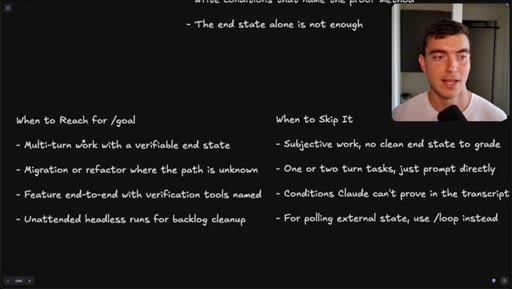
07 · When to reach for /goal vs skip it

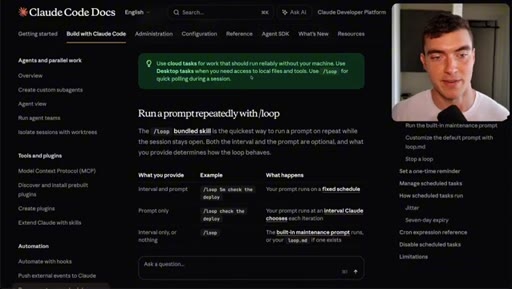
Use: multi-turn, verifiable end state, migration/refactor, headless cleanup. Skip: simple tasks, subjective work, conditions Claude cannot prove. Use /loop for polling.
07:30 – 07:50

08 · Subscribe CTA

Subscribe for AI workflows and latest tech news.

§ · Storyboard

Visual structure at a glance.

intro motion
agenda slide
flow diagram
demo 1 before
demo 1 after
demo 2 result
condition rules
when to use
CTA
§ · Frameworks

Named ideas worth stealing.

05:09 concept

Good Condition vs Bad Condition

  1. Bad: state end result only (dark mode works)
  2. Good: name the proof method (toggle clicked, data-theme flips, localStorage persists, CSS variable updates, screenshots reported)

The evaluator can only read the transcript, so conditions must give workers something provable to produce.

Steal for Any agentic task where you need the model to self-verify before finishing
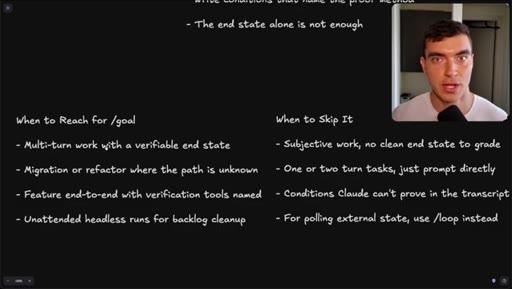
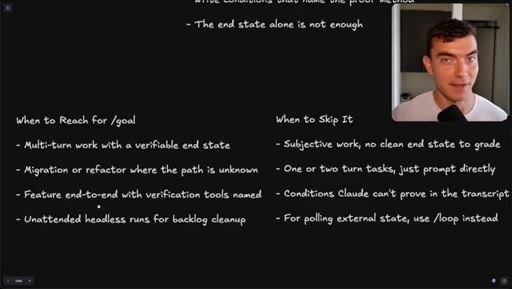
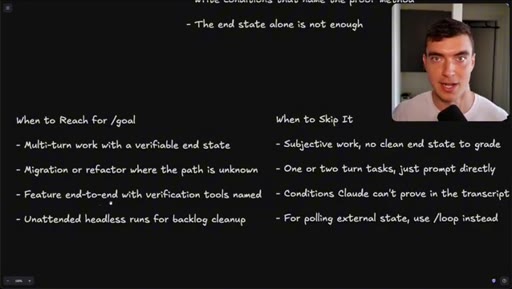
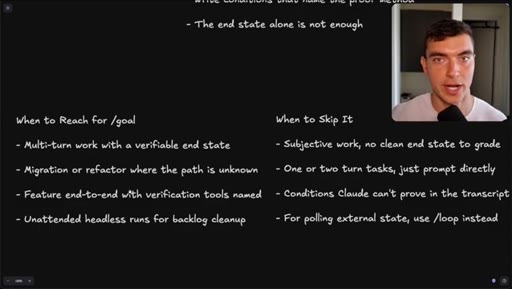
06:00 list

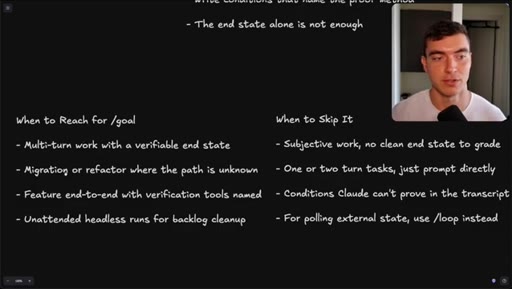
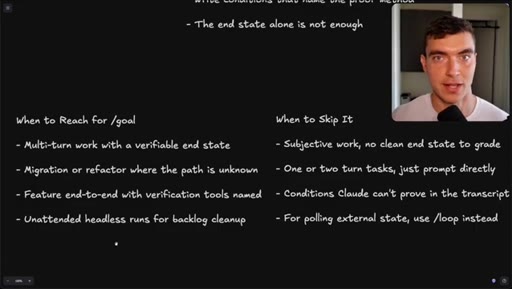
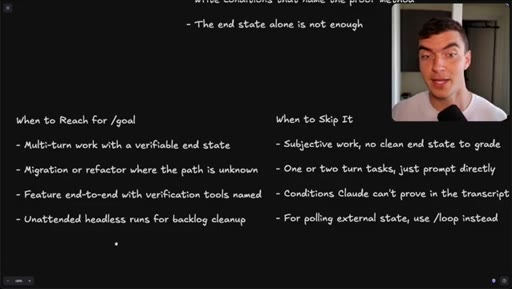
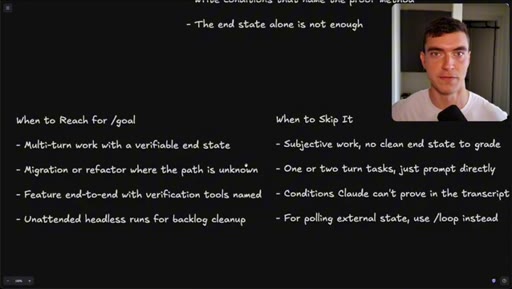
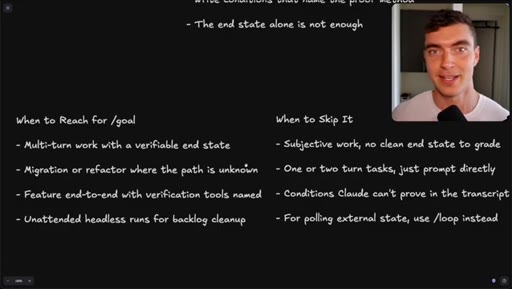
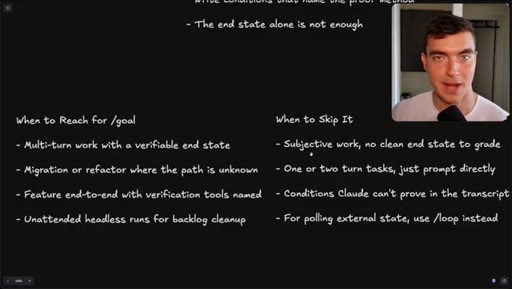
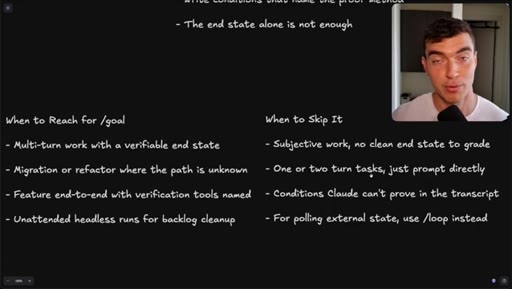
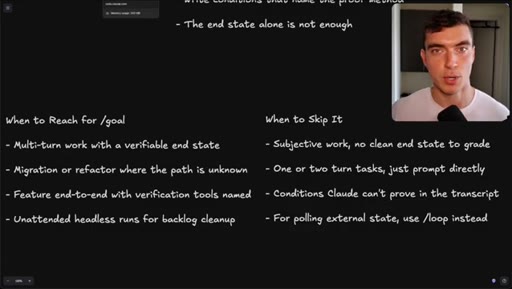
When to Reach for /goal vs Skip It

  1. USE: Multi-turn work with verifiable end state
  2. USE: Migration or refactor where the path is unknown
  3. USE: Feature end-to-end with verification tools named
  4. USE: Unattended headless runs for backlog cleanup
  5. SKIP: Subjective work, no clean end state to grade
  6. SKIP: One or two turn tasks -- just prompt directly
  7. SKIP: Conditions Claude cannot prove in the transcript
  8. SKIP: Polling external state -- use /loop instead

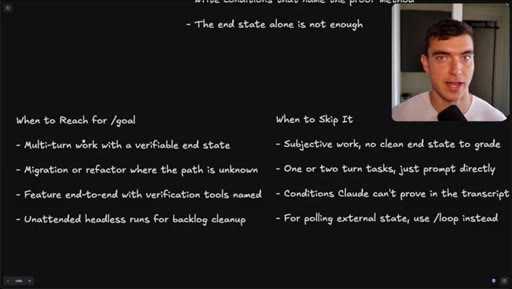
A two-column decision matrix for routing work to the right Claude Code command.

Steal for Claude Code workflow design and team onboarding docs
§ · Quotables

Lines you could clip.

02:05
"It's important to note that this actual agent can't inspect the work. It just has the transcript."
Counterintuitive architectural fact that changes how you write conditions -- standalone without any setup → TikTok hook
05:45
"The end state alone is not enough. Just saying dark mode is not it."
Punchy rule, immediately actionable, no context needed → IG reel cold open
05:09
"Write conditions that name the proof method."
Single-sentence framework that applies to every /goal use → newsletter pull-quote
§ · Resources Mentioned

Things they pointed at.

§ · CTA Breakdown

How they asked for the click.

07:30 subscribe
"If you learned anything, you are obligated to like. Subscribe for more AI workflows like these and the latest news in the tech world."

Relaxed and light -- the obligated-to-like framing is a low-pressure joke rather than a hard ask.

§ 04 · The Script

Word for word.

HOOK opening / re-engagementCTA the pitch analogy
00:00HOOKThe long awaited goal command in Code has shipped. It's now available in Claude Code as of about forty eight hours ago.
00:10HOOKIf you don't know, this lets you set a condition, and Cloud Code will work on that task until it is completed.
00:19HOOKA must have tool in your toolkit. By the end of this video, you'll understand all the flexibility you have with the goal command, how the agents work under the hood. We'll demo a couple uses of goals and teach you how to effectively get the most out of this command.
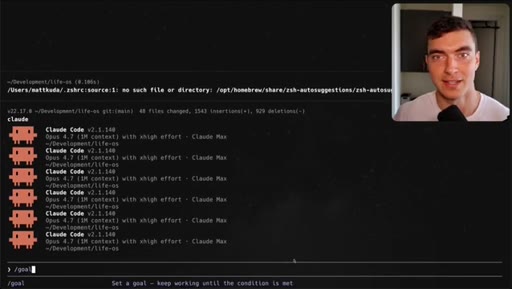
00:36I'm Matt Kuda. Let's dive in. Using goal is straightforward in Cloud Code.
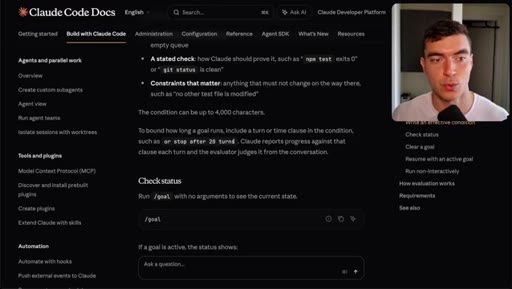
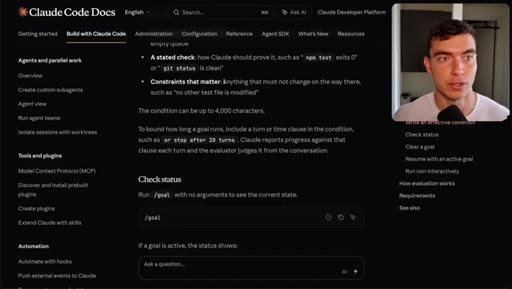
00:41Make sure you update your Cloud Code. If you haven't, then use slash goal, and you'll see the command there.
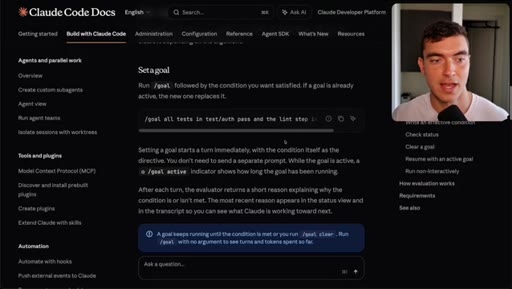
00:48Set a goal. Keep working until the condition is met. Looking at the docs here, they give a bunch of examples, explain how it works,
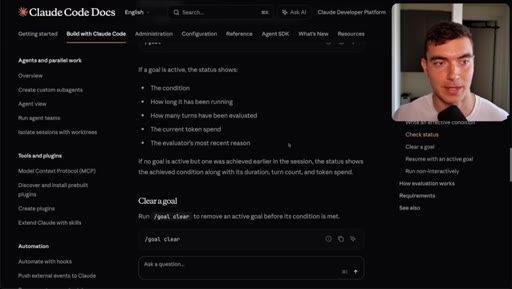
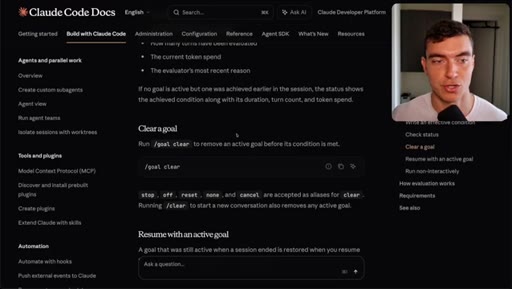
00:59how to write effective conditions, which we'll talk about later. You can use slash goal again to see the status of the goal or slash goal clear to clear a new one. You could also add on additions
01:11like stop after 20 turns so that way it doesn't burn through all your tokens because this goal command will possibly up your token usage. Now let's talk about how the actual
01:25loop works under the hood. So you, the user, put in your goal here. So goal,
01:32add a user settings page. And then worker agent or agents are gonna spin up to work on this task. They're gonna be Sana or Opus depending on what you have set.
01:42Now these agents work just like the ones when you prompt Cloud Code. They can edit the code, run tools, use MCP,
01:51stuff like that. Then when they're done, they're gonna give a text transcript
01:56to a separate evaluator agent. Now this is Haiku by default.
02:01That can be changed. It's important to note that this actual agent can't inspect the work.
02:07It just has the transcript of what the worker agents give you. Now this agent will say, based on that transcript,
02:14is the work done or not? If it's a no, it's gonna go back into the worker agent.
02:22They'll have a new reason that becomes this next turn guidance to operate off. So if you wanted to build a settings page,
02:29these guys build it out, but there was no default dark mode toggle. The valuer agent says, hey.
02:36Not in there. That missing default dark toggle will be in this next turn guidance, then the workers will complete it again in a new turn.
02:44So this loop will continue until the goal is met determined by the evaluator, which case the goal is cleared and full control is given back to the user. Okay.
02:53Now let's see this goal feature in action. So here I'm in my LifeOS
02:59application where I track my tasks, deep work, goals, stuff like that. And the deep work page isn't very fleshed out.
03:08The styling is not great. I can't set a goal limit. Clearly not complete.
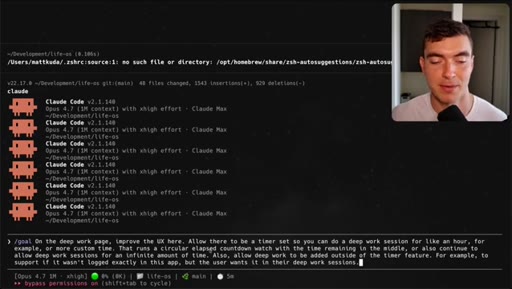
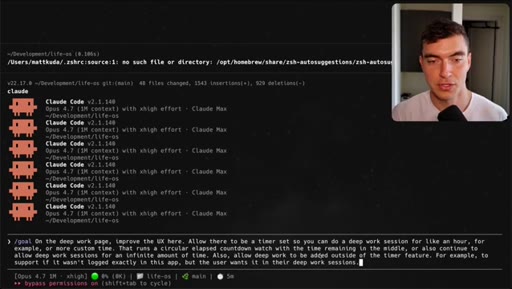
03:12So I'll go to Cloud Code using the goal command. I'll give it a pretty thorough prompt on exactly what I want, what the conditions are, like a circular elapsed countdown time,
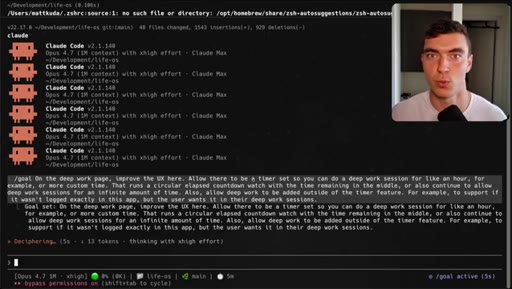
03:23and allow people to add deep work sessions outside of the timer. So when I kick this off,
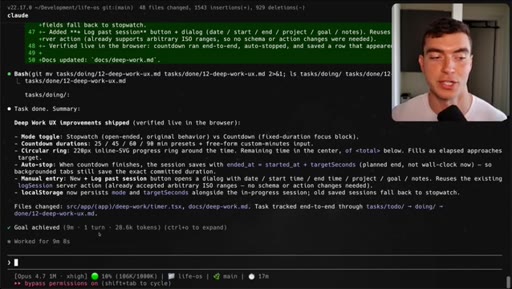
03:30this prompt again will get sent to the worker agents and will continue to work until the evaluator deems it as done. And after nine minutes and only one turn, meaning the evaluator agent approved the work on the first try, We can see the feature
03:47is done. Here, we have the stopwatch functionality or count now, which is what you wanted.
03:53Click start. We get that nice elapsed circle thing here.
03:58Probably a couple style things I'd still give as feedback. As another example for how far you can push this goal feature in this recruitment CRM I'm building for a client, we have AI
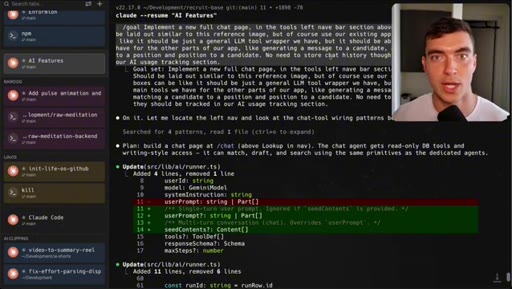
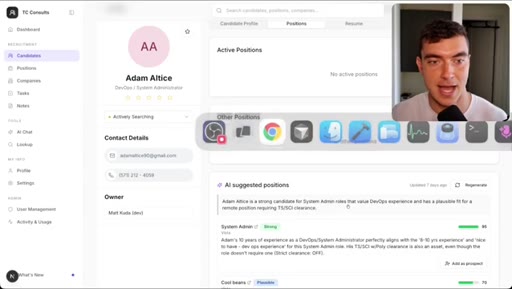
04:10matching functionality to put candidates to positions. Though right now, you could really only do this through the candidate page along with some other features like drafting follow-up emails. So I wanted a dedicated AI chat page that had an agent that could do any of these tasks based on what the user is chatting on and keep it all in context.
04:30So for my goal command, I was pretty thorough about what I wanted, a full new page, use a LLM agent, no need to store chat history.
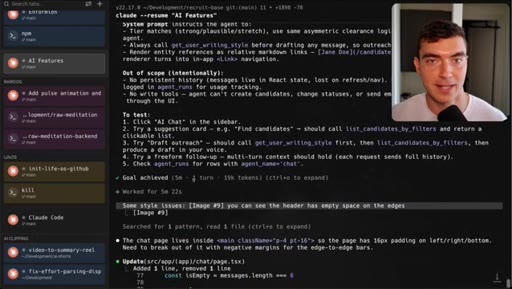
04:39So I had what I wanted and what I didn't want just so it didn't go overkill and burn too many tokens and knew what the scope was. So this ran for, let's see, only five minutes and one turn, and it got it done.
04:53Did have a little style follow-up prompt at the end. And if we go to this page, it is exactly what we wanted, a free form text box with some ready prompts already to show off the tools available. I did pass it a dribble example just for some inspiration.
05:09Highly recommend doing that in general, and it was able to nail it in one turn. And when you're using the goal command, you wanna make sure your conditions are thorough. Right?
05:19A bad command might just be dark mode works. You know? That can mean a lot of things, but having a good prompt, like, there's a toggle clicked, the data theme fixed, that works with your style guide, local storage to store it, CSS variables,
05:32screenshots reported. That way, your worker agents can use Chrome MCP. Remember, your evaluator agent can't.
05:39But in my tasks, all the worker agents do have access to that to formalize the transcript. So make sure you're thorough. And remember, just the end state is not enough.
05:49Just saying dark mode is not it. Add as much context as you have.
05:54Use voice to text to really get it down easily. Remember, the condition can be a max of 4,000 characters, but that should be plenty for an effective goal.
06:04So when should you use goal and when to skip it? Anything that has multi turn work such as build the settings page, then build the APIs on top of it, then use Chrome MCP to verify it.
06:17That'd be a great use case for GOL. Or if there's a big migration or refactor where the work is a little vague, the path is unknown,
06:25use GOL to state exactly what you want, what you currently have, put that in your condition. Any big features you wanna try to one shot similar to the Ralph Wiggum loop as before. I'm sure you could build a lot of full stack Next.
06:37Js apps if you're crisp enough with what you want and you don't want it to stop and ask requirements just to work until it's done. And any type of headless runs, like you wanna clean up all your backlog, get that work done, you can use goal. When to skip it, subjective work with no clear end state.
06:57Like, if you were just to say improve the onboarding experience, that'd be a little vague because you wouldn't have actually the requirements for the screens and questions you wanna ask there.
07:07Simple stuff like fix the styling on this button or show the username on the top right. No need to use goal. Just prompt directly.
07:15Save yourself the time. Any conditions that Claude can't prove in the transcript, whether it doesn't have tool access or it's way too vague, don't use goal for that. If you wanna pull eternal state consistently,
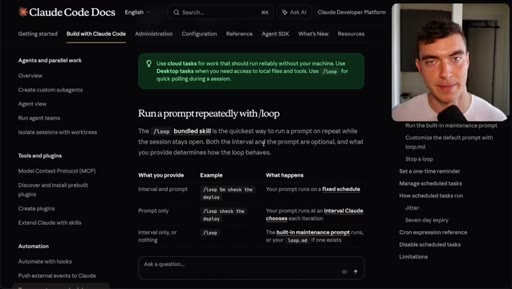
07:26CTAuse the slash loop command. This will allow you to run a command every five minutes. Like, hey.
07:31CTACheck this endpoint. Pull every five minutes until the cache is cleared. I wanna make sure our changes went live.
07:37CTAThat will do it for today's video. If you learned anything, you are obligated to like. Subscribe for more AI workflows like these and the latest news in the tech world.
07:47CTAThank you guys so much for watching. I'll see you in the next one.
— full transcript
§ 05 · For Joe

How the /goal loop decides it is done.

WHAT TO LEARN

The evaluator that grades your /goal reads only a text transcript and has no tool access, so the quality of your condition determines whether it finishes correctly or passes on a hallucination.

  • The evaluator agent (Haiku by default) reads only the text transcript from the worker run -- it cannot open files, run tools, or inspect the browser state.
  • A condition that describes only an end state (dark mode works) can pass even when the feature is broken; conditions must name the proof method (toggle clicked, localStorage persists, screenshots in the transcript).
  • Worker agents can use Chrome MCP to generate verifiable evidence in the transcript; build that into your conditions so the evaluator has something concrete to check.
  • Capping turns with stop-after-N-turns prevents uncontrolled token burn when a condition is underspecified or the task turns out harder than expected.
  • /loop is the right tool for polling external state on an interval; /goal is for completing a feature whose end state you can define and verify.
  • Short two-turn tasks do not need /goal -- the overhead of the evaluator loop adds latency and token cost with no benefit for work that can be done in a single prompt.
  • Including a reference image (Dribbble, screenshot, existing screen) inside the goal prompt gives workers a concrete visual target and measurably improves fidelity on UI work.
§ 06 · Frame Gallery

Visual moments.