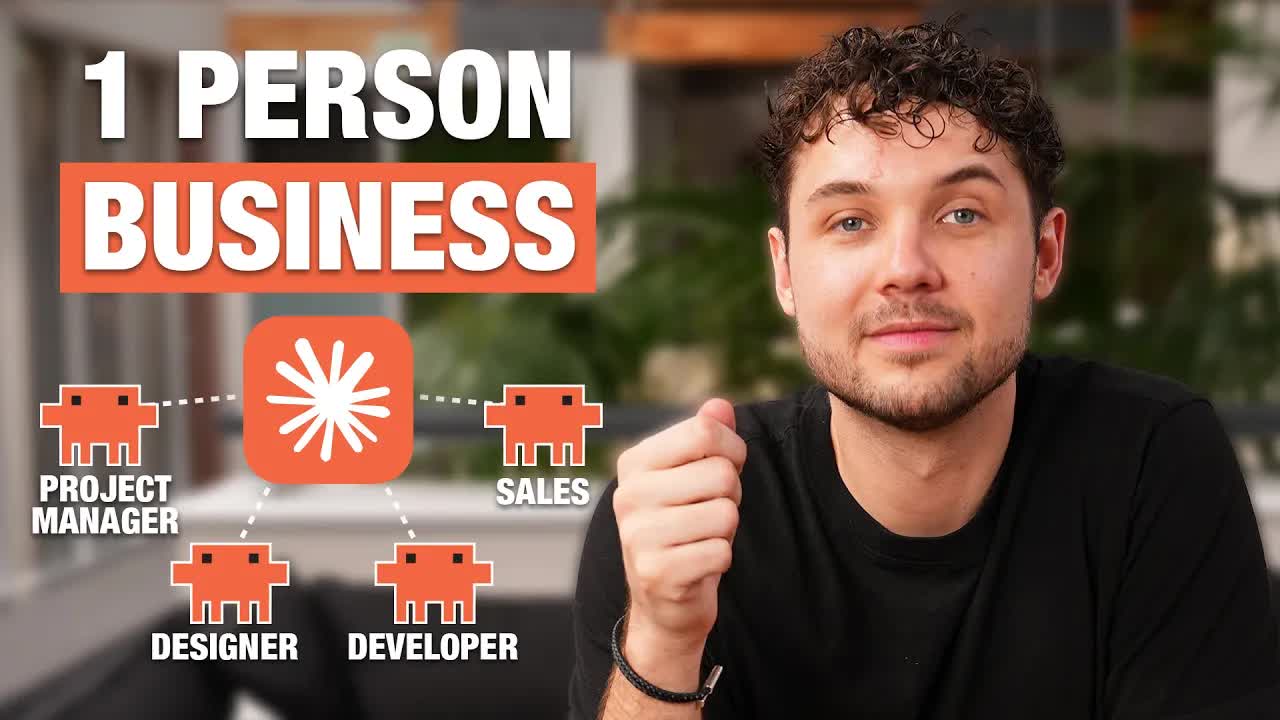
The bait, then the rug-pull.
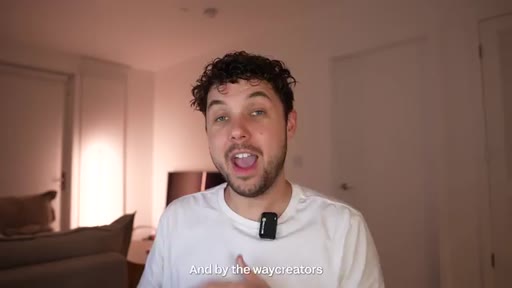
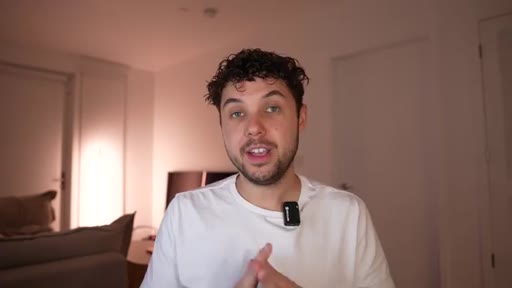
Brett Malinowski opens mid-demo, Claude Code terminal filling the screen, then delivers the line that sets the stakes: he automated a seven-figure software agency inside a week. What follows is the actual playbook, phase by phase, with every tool and prompt shown live.
What the video promised.
stated at 00:20 "I am gonna show you the exact agency model that I used to make multiple 7 figures, and then show you how to use Claude Code to automate the service delivery and build a ten thousand dollar software MVP." delivered at 20:15
Where the time goes.
01 · Cold open
Claude Code terminal on screen; agency automation claim; seven-figure credibility drop.
02 · Creator Software Agency model
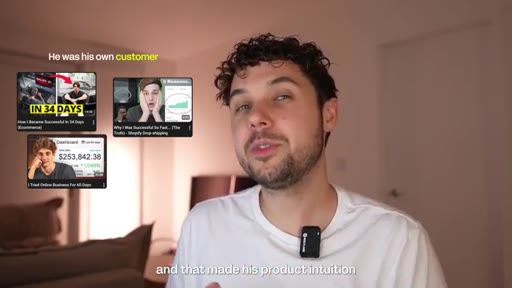
Atlas AI case study (Sebastian Georgiou, 500K/mo). Three unfair advantages creators bring: problem intuition, distribution, peer network.
03 · Finding creators + cold DM
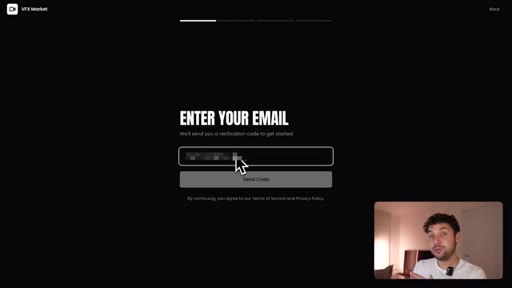
Pick a niche, DM educational creators, offer to build software for equity. Brett confirms: 500K-sub creators read every DM.
04 · Deal structures
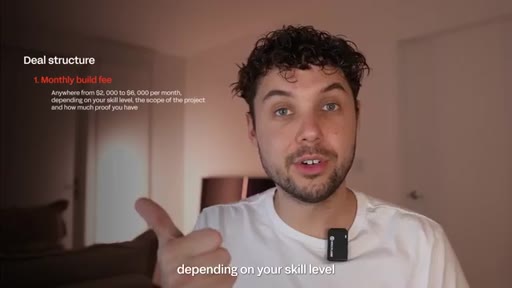
Three options: monthly build fee ($2K-$6K), equity, hybrid. Hybrid is Brett's favorite.
05 · Phase 1 — Automated PRD pipeline
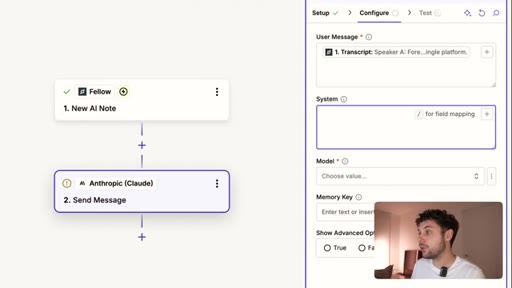
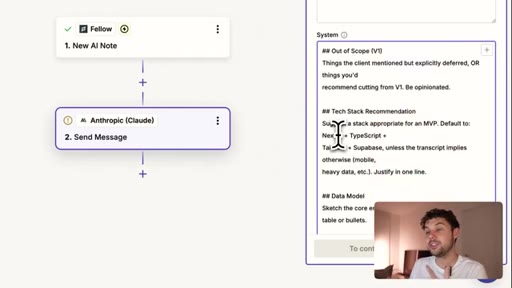
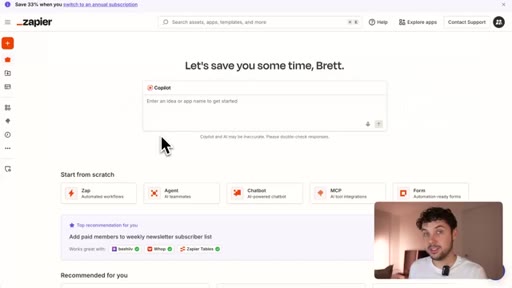
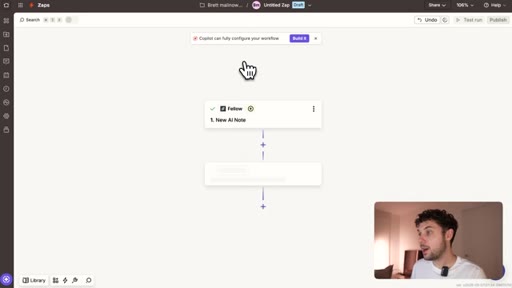
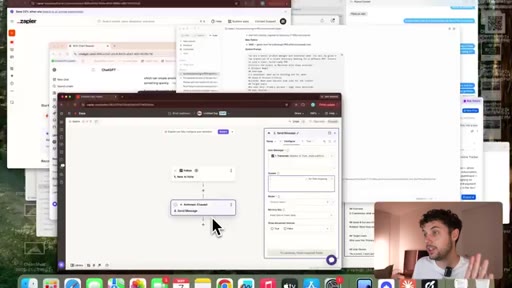
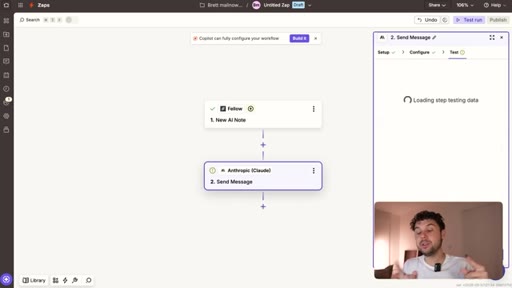
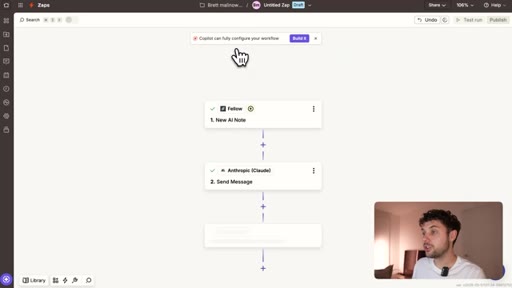
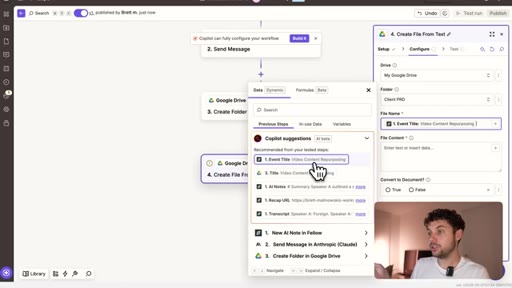
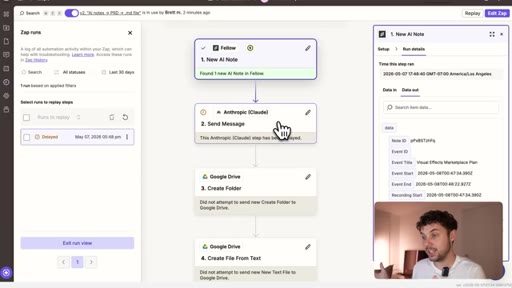
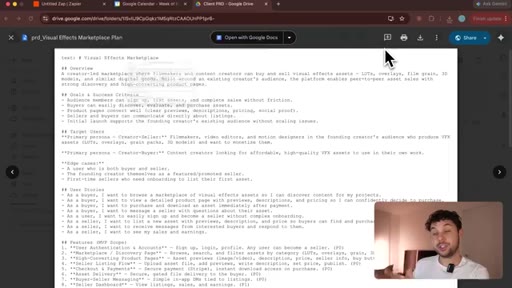
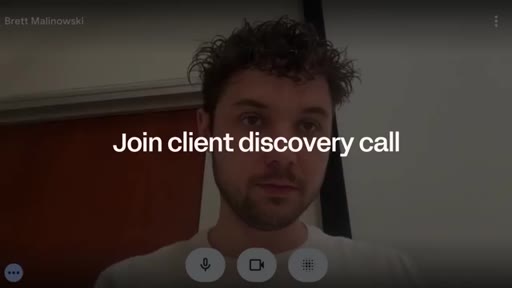
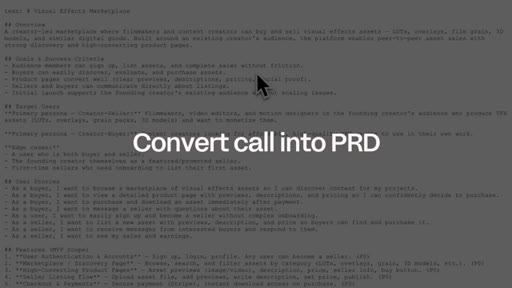
Record client call with Fellow AI notetaker, pipe transcript through Zapier into Claude with a PM system prompt, output PRD to Google Drive. Full demo shown live.

06 · Phase 2 — Premium UI
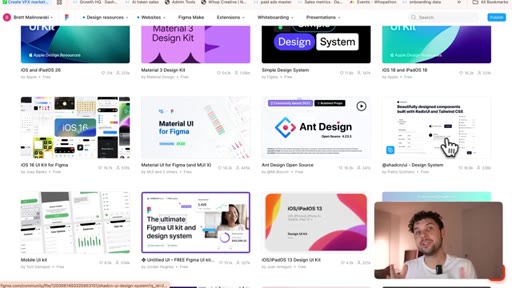
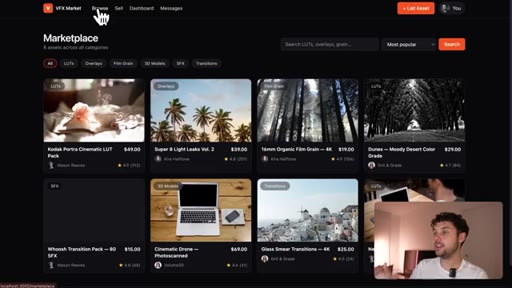
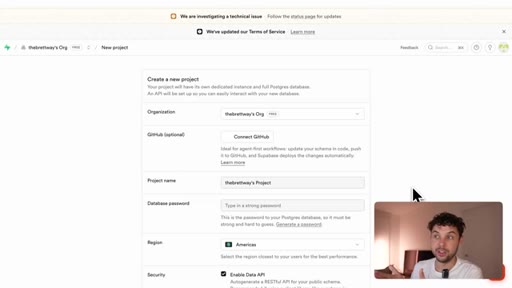
Claude Code builds wireframe from PRD. Canva brand kit PDF + Figma component library injected via prompt to elevate from prototype to polished product.
07 · Phase 3 — Real infrastructure
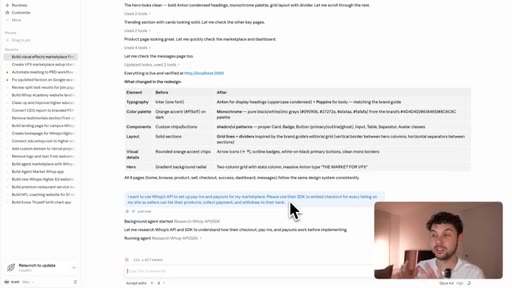
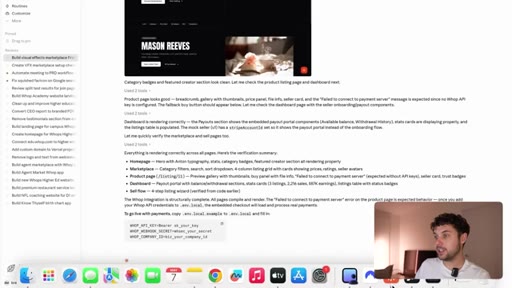
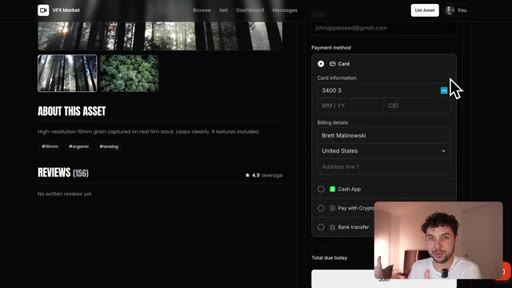
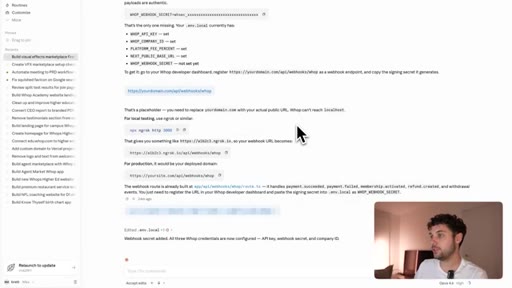
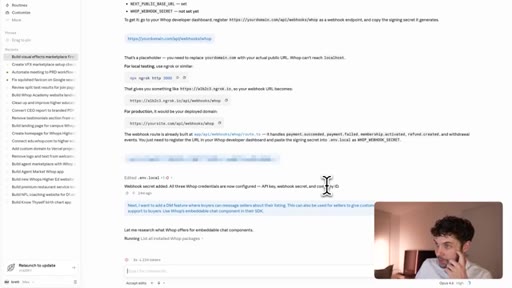
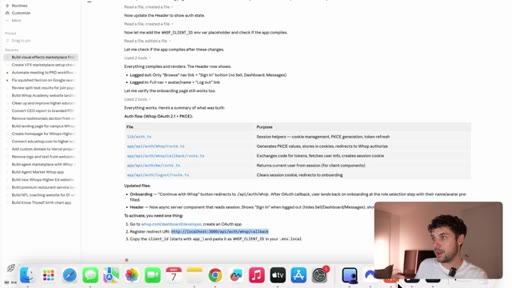
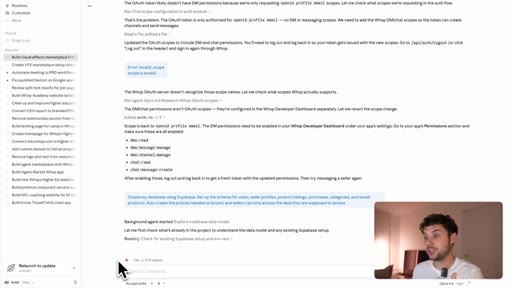
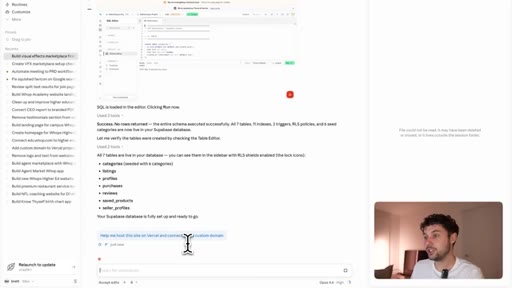
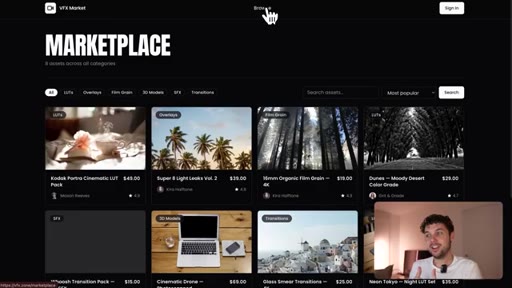
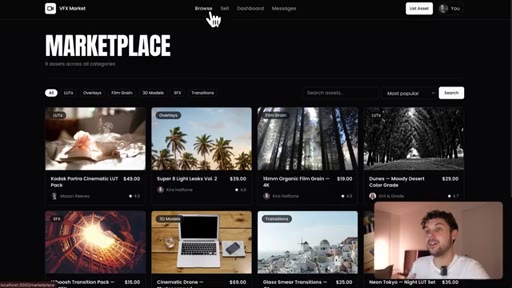
Whop embedded checkout (pay-ins + payouts). WAP OAuth for account creation. Supabase for DB schema. Vercel + custom domain for hosting. Each step guided by Claude.

08 · Recap + CTA
Before/after: 6-week team of 3 vs 1-hour solo. Free course and prompt pack linked in description.
Visual structure at a glance.

Named ideas worth stealing.
Creator Agency Model
- Problem intuition (they are their own customer)
- Distribution (their audience + peer network)
- Network (peers sponsor and scale the app)
Partner with educational creators who bring unfair advantages: they understand the problem, have built-in demand, and can scale faster than a cold-start SaaS.
3-Phase AI Agency Workflow
- Phase 1: Automate PRD from client call (Fellow + Zapier + Claude)
- Phase 2: Design with brand kit + component library (Canva + Figma + Claude Code)
- Phase 3: Plug in pre-built infrastructure (Whop + Supabase + Vercel)
Collapse a 6-week 3-person workflow into a 1-hour solo build by automating intake, standardizing aesthetics, and embedding pre-built infrastructure.
Deal Structure Options
- Monthly build fee ($2K-$6K/mo)
- Equity (ownership in exchange for build)
- Hybrid: small monthly + equity upside (Brett's favorite)
Hybrid keeps the agency solvent during the build while preserving long-term upside.
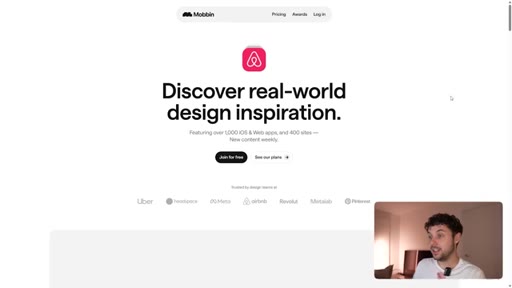
Mobbin Onboarding Research Method
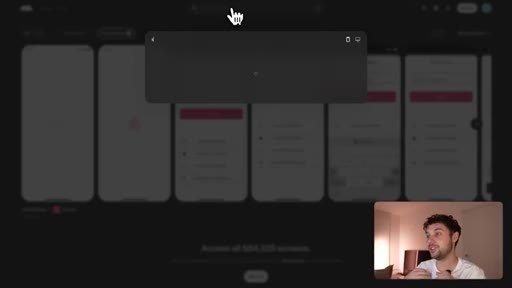
Use Mobbin to screenshot onboarding flows from top apps in your category, then tell Claude to create a flow inspired by that structure.
Lines you could clip.
"Claude Code is one of the most powerful tools that I have ever used."
"Almost nobody is offering to help them build software that their audience could use. And to me, that is your opportunity."
"Most AI-built apps look AI built. If we are charging six thousand dollars per month, it cannot feel like a toy."
"Try vibe coding a real chat system from scratch and see how fast it gets complicated."
"AI did not just make coding faster. It compressed the entire workflow."
How they spent the runtime.
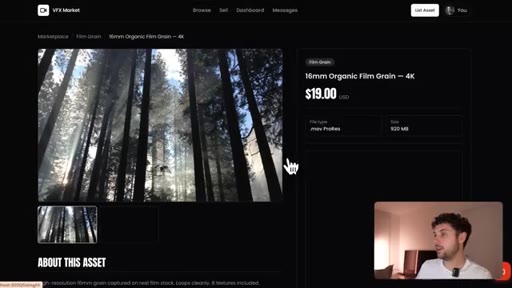
- 05:17 – 05:20 · Zapier
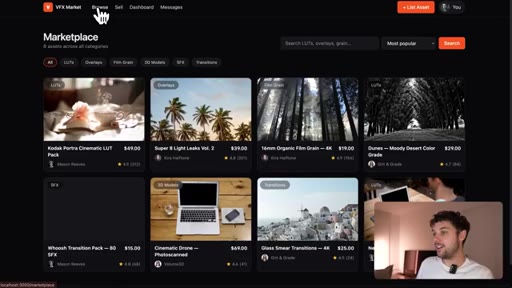
- 13:25 – 13:28 · Whop
Things they pointed at.
How they asked for the click.
"I actually made a full course on how to automate your outreach with AI. That will be the first link in the description below. It is completely free to watch."
Soft end-card CTA after full build demo. Earns the click by delivering the entire workflow first. Free course reduces friction.
Word for word.
The 3-phase collapse.
Brett did not just speed up agency work. He eliminated two of the three phases by automating them, which means one person with the right tools is now structurally equivalent to a full team.
- Automate your PRD intake first: Fellow + Zapier + Claude turns any client call into a build-ready spec doc. Never write a spec by hand again.
- Build your agency aesthetic moat once: a Canva brand kit PDF + Figma component library you inject into every Claude Code prompt. Reuse on every project.
- Never vibe-code infrastructure: payments (Whop), auth (OAuth), database (Supabase), hosting (Vercel) are solved problems. Tell Claude to embed them.
- Price hybrid on the first project: small monthly fee keeps you solvent; equity gives you Atlas AI-style upside if the creator blows up.
- The unclaimed niche: DM educational creators offering to build software for their audience. Almost zero competition, and large creators actually read their DMs.
What this means if you want to start a technical business.
You do not need to be a senior engineer to deliver ten thousand dollar software. You need to know which problems are already solved and which tools to plug together.
- Start with the problem, not the code: find a niche you understand, find a creator in it, and offer to build software their audience would pay for.
- Record every meeting. Free AI tools turn a 30-minute call into a full product spec automatically.
- The hardest parts of software (payments, messaging, accounts) are commodity infrastructure now. You just have to know they exist and ask Claude to wire them in.
- Charge for the first project as a hybrid: small monthly + equity. If the app works, the equity is worth far more than the monthly fee ever was.
- Ship the rough version first, then use a brand kit to make it feel premium. Sequence matters: do not polish before you know it works.