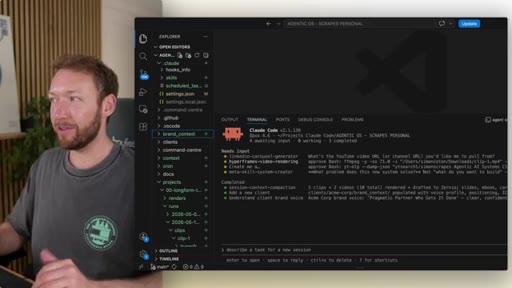
The bait, then the rug-pull.
For months the multi-agent management problem was a DIY sport: Vibe Kanban, TMux scripts, homemade dashboards. Then Anthropic shipped something native — and Simon Scrapes spent five minutes showing exactly how to use it.
What the video promised.
stated at 00:49 "Let me show you how to get the most out of it and how it pairs with your own Agentic operating system." delivered at 04:55
Where the time goes.

01 · The problem + the reveal
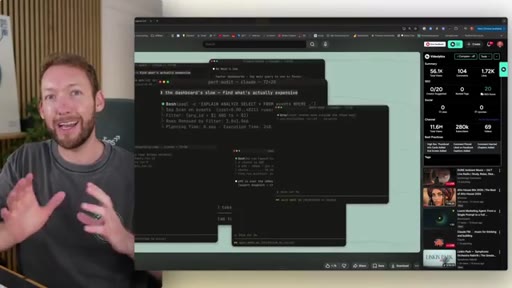
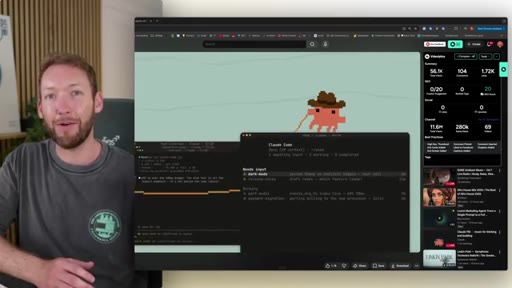
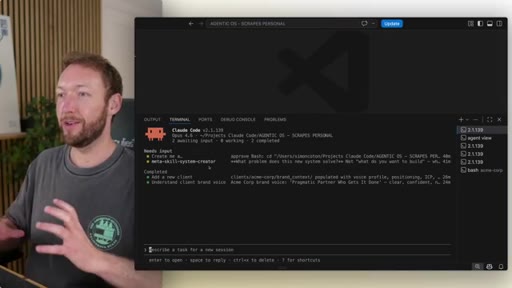
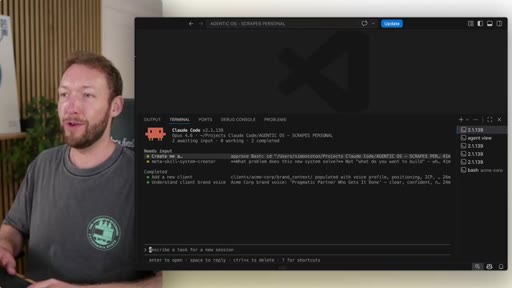
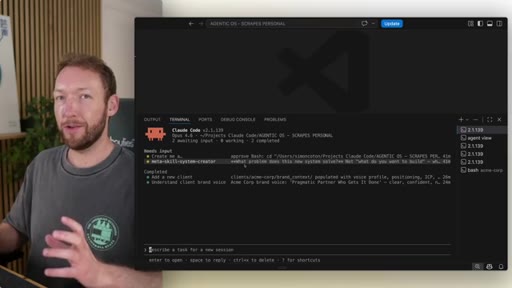
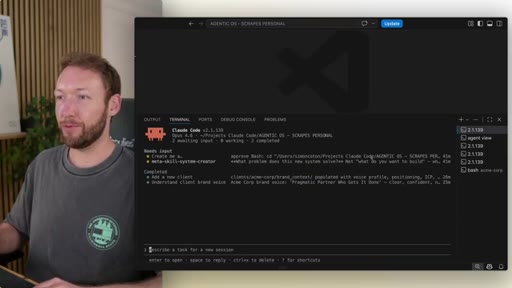
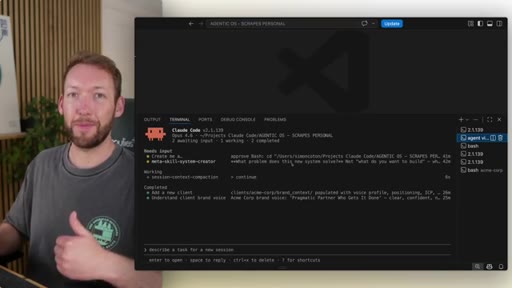
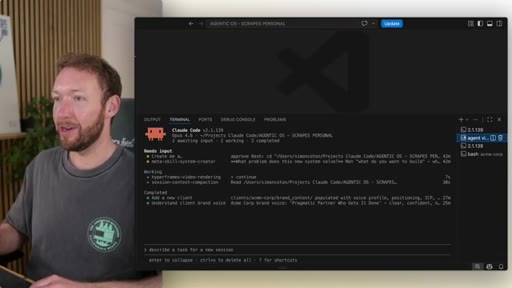
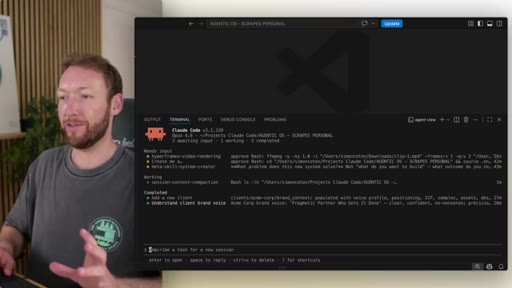
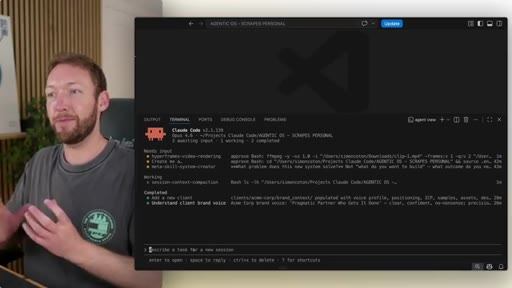
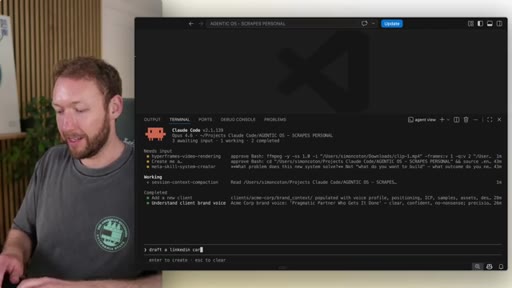
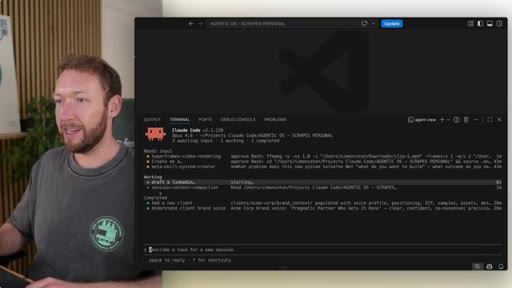
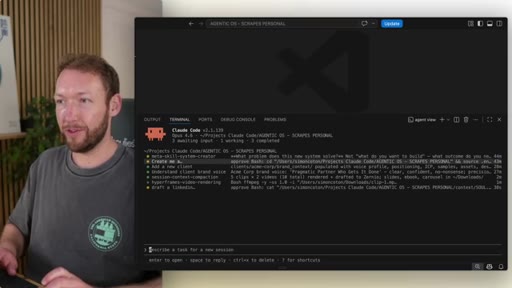
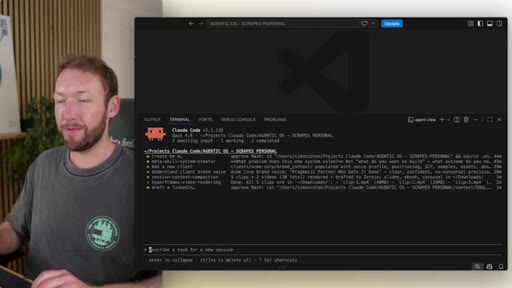
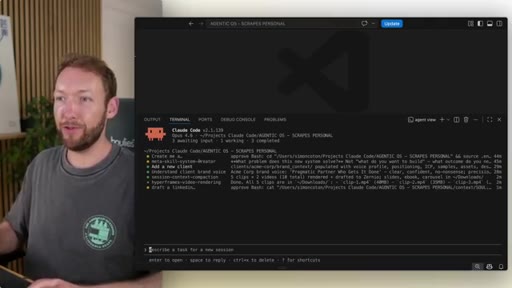
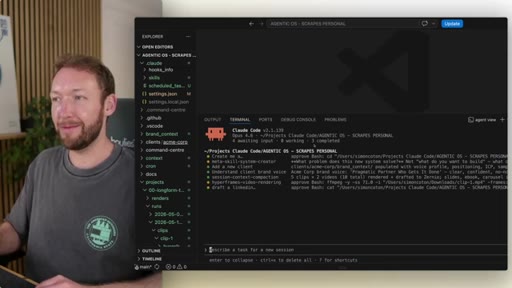
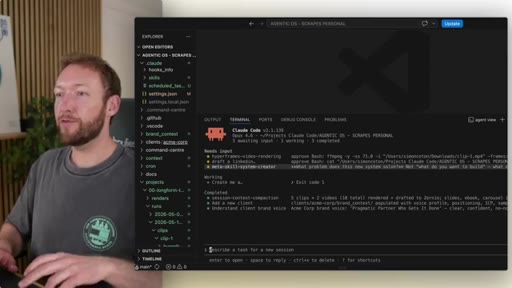
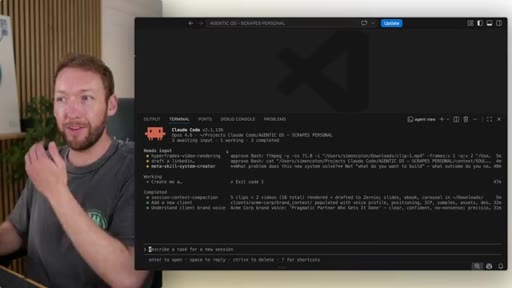
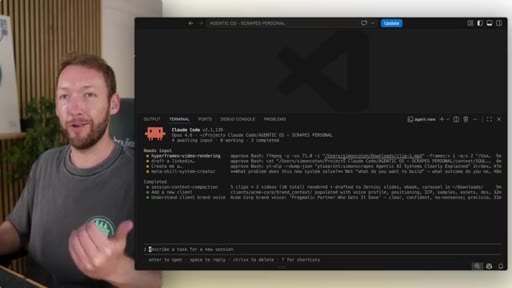
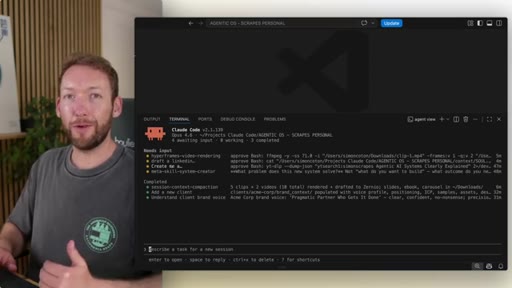
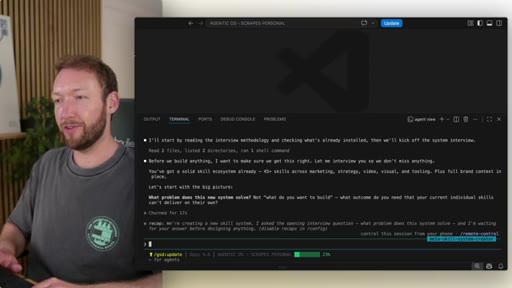
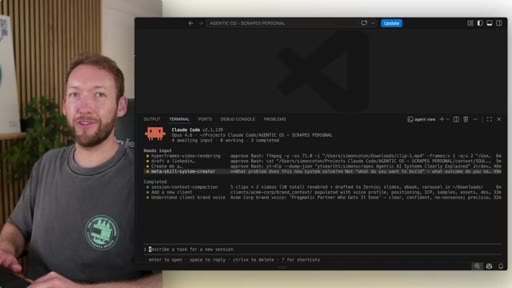
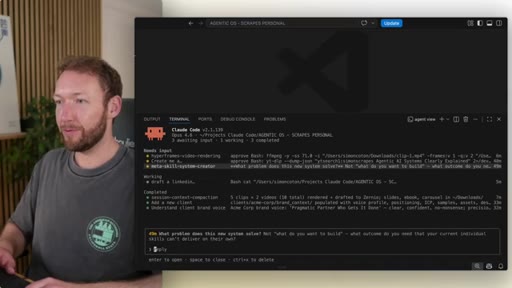
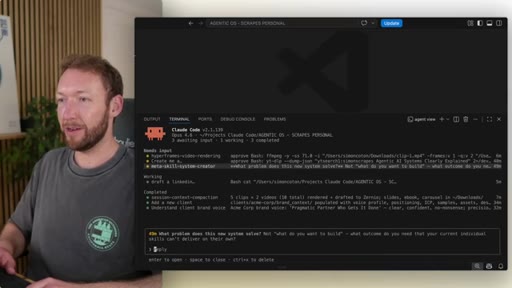
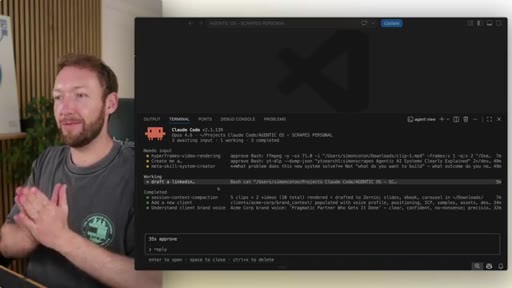
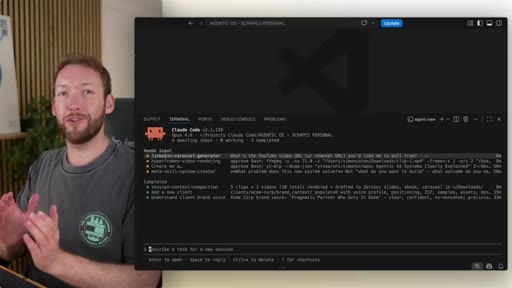
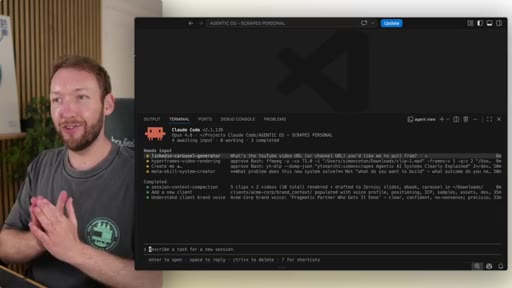
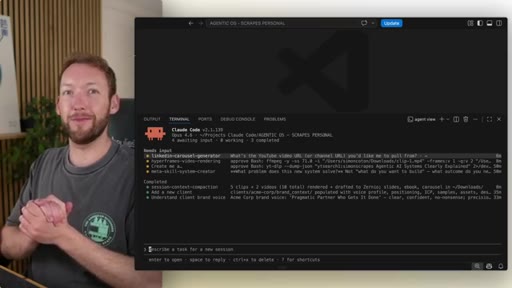
Agents are powerful but multi-agent management is chaos — five terminal windows, community workarounds, dashboard sprawl. Anthropic shipped Agent View natively inside Claude Code.
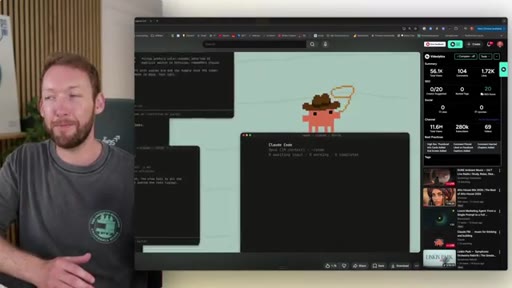
02 · How to enable it
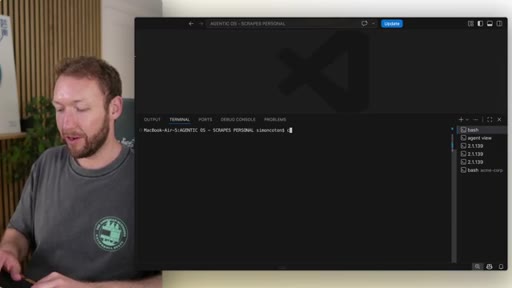
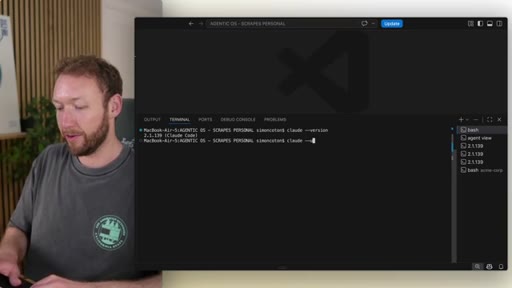
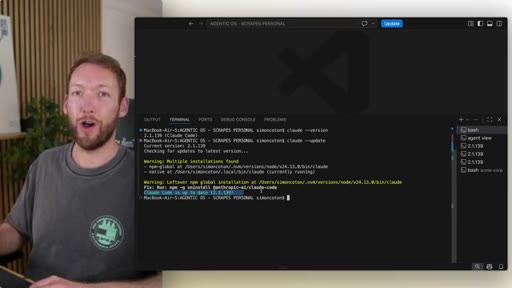
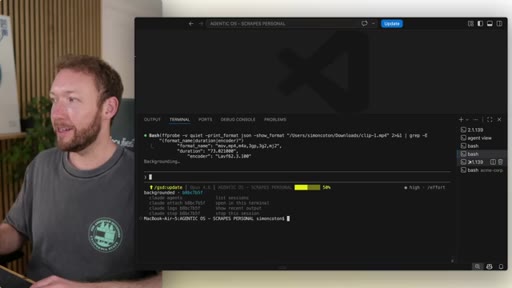
Must be on Claude Code v2.10.139+. Run 'claude --version' to check, 'claude --update' to upgrade, then 'claude agents' to enter the summary view.
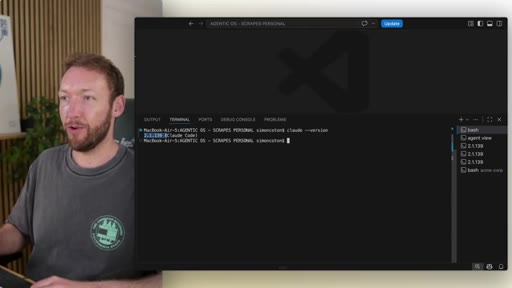
03 · Migrating sessions + basic navigation
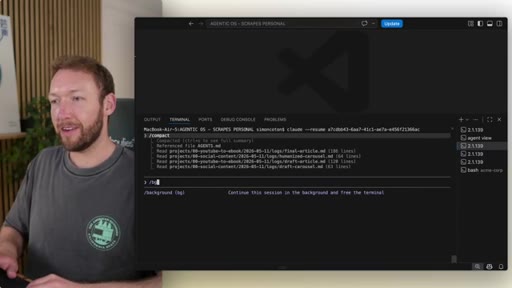
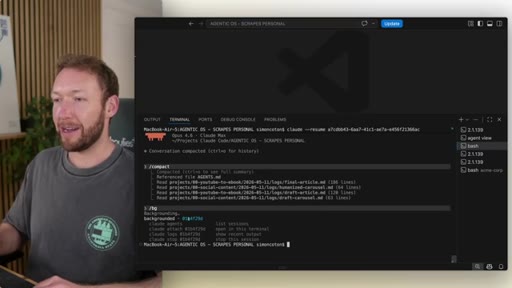
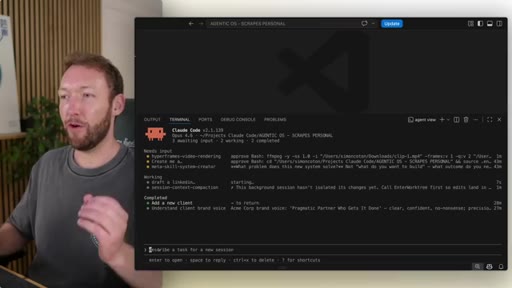
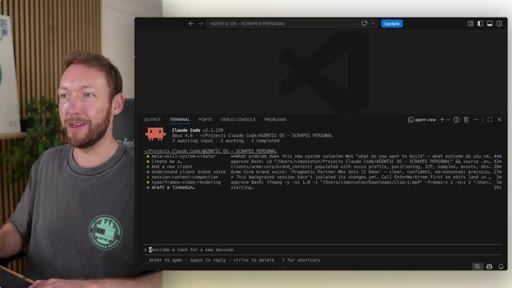
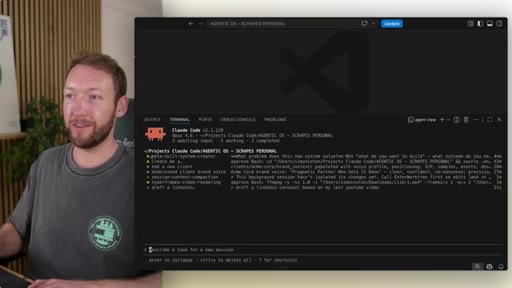
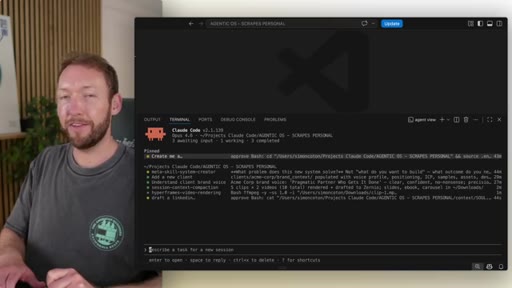
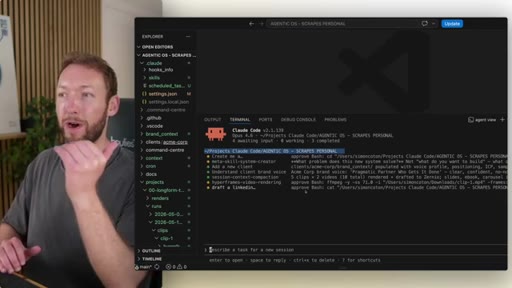
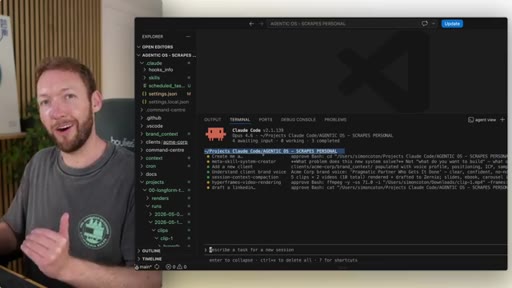
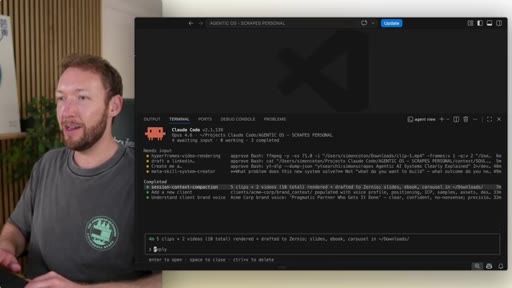
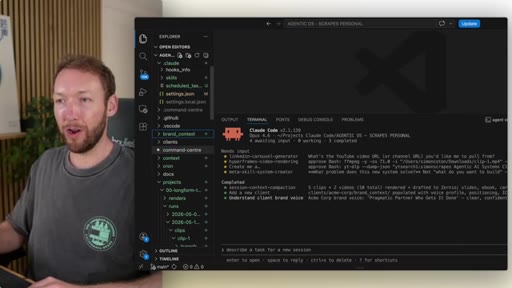
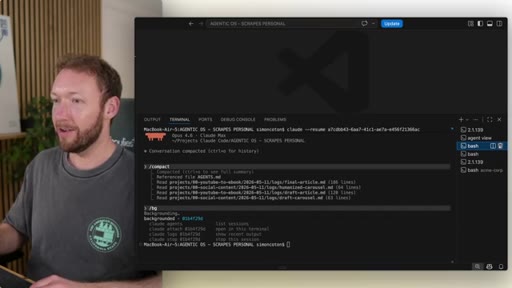
Use /bg to background existing terminal sessions — they appear instantly in Agent View. Sorted by status by default. Ctrl+S for repo sort, Shift+Up/Down to reorder, Ctrl+T to pin.
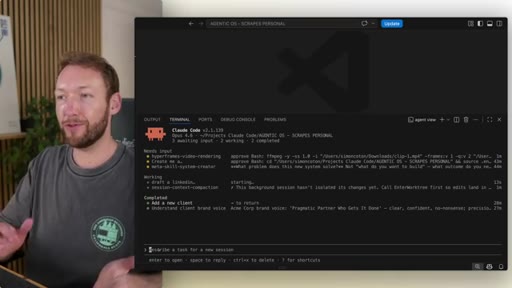
04 · Current limitations
Repo sort only works at the parent folder level — no subfolder grouping for multi-client setups yet. Simon demonstrates the gap and flags it as a future request.
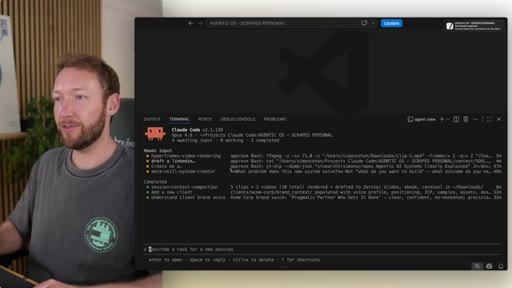
05 · Deep-diving sessions + approvals
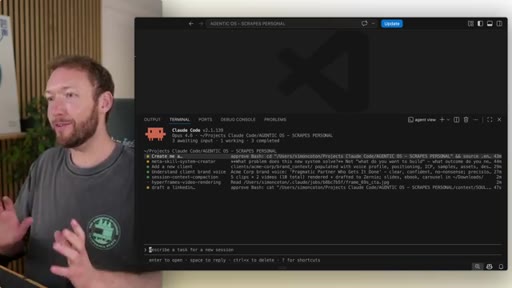
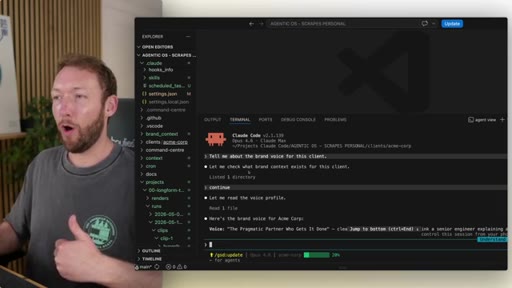
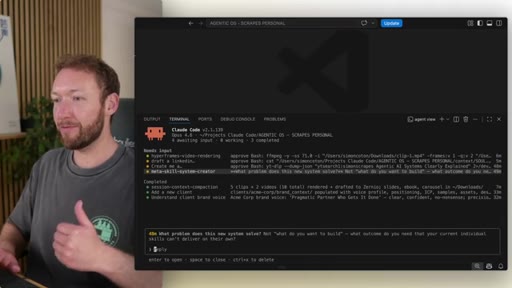
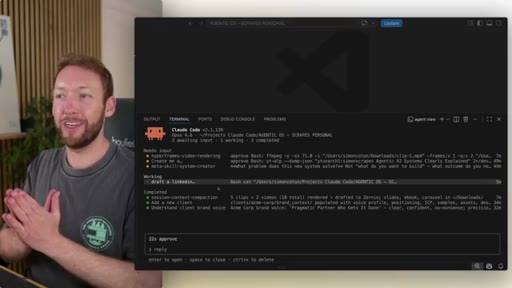
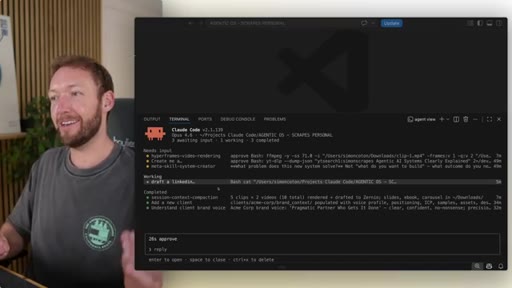
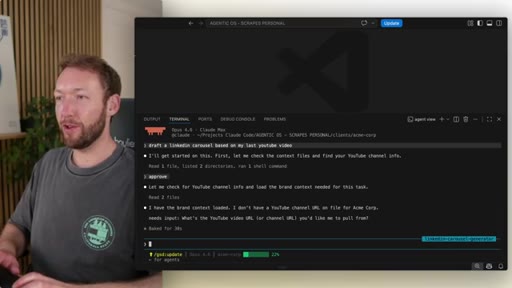
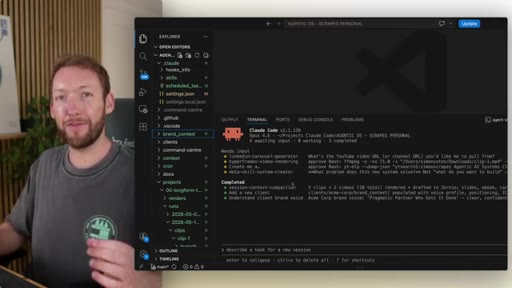
Jump into any session for full context view. Spacebar opens a quick-reply interface. Typing 'approve' attempted batch approval — partially worked, still needed manual jump-in.
06 · Pairing with the Agentic OS
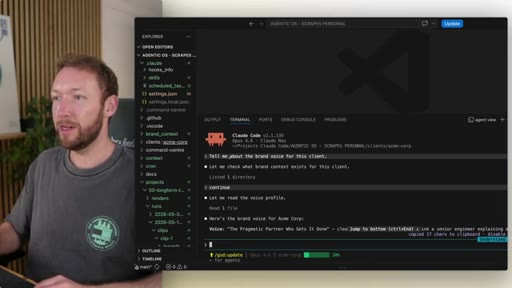
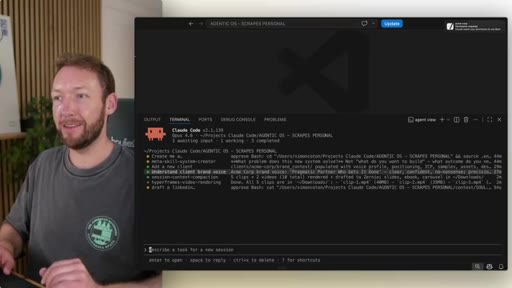
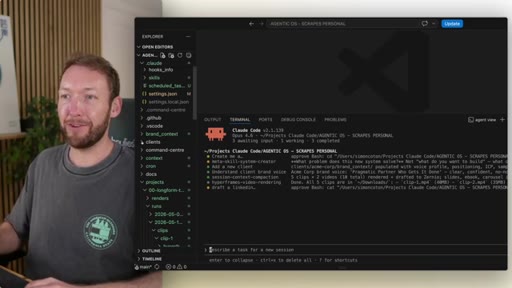
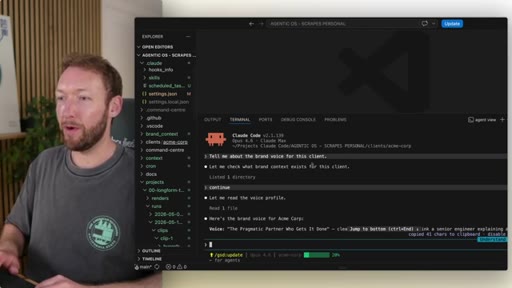
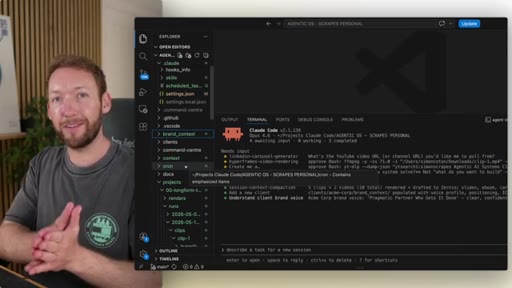
The Agentic OS is just a folder structure that injects context (brand, client, scheduled jobs) at the right time. Agent View is the control plane on top. Each session benefits from the context automatically.
Visual structure at a glance.
Named ideas worth stealing.
The Agentic OS
A folder structure that injects context (brand, client, scheduled jobs) automatically into Claude Code sessions via CLAUDE.md files at the right directory levels. Agent View becomes the control plane on top.
Agent View keyboard shortcuts
- claude agents — enter the TUI
- /bg — background current session into dashboard
- Ctrl+S — toggle sort (status vs repo)
- Shift+Up/Down — manually reorder sessions
- Ctrl+T — pin a session
- Spacebar — open quick-reply from summary view
- Left/Right arrows — navigate in/out of session detail
Lines you could clip.
"It was dashboard crazy. So it's honestly about the time that Anthropic stepped in and shipped something native."
"The AgenTek OS is just a folder structure at the end of the day that injects context at the right time."
"You can have loads of agents operating at the same time, see this summary level view, and then actually pin some or jump into the detail if you want to."
How they spent the runtime.
Things they pointed at.
How they asked for the click.
"Make sure you subscribe if you haven't already. See you in the next one."
Low-key subscribe ask at the very end after the main content is complete. No hard pitch.
Word for word.
The two-layer pattern.
Agent View is the cockpit; the Agentic OS folder structure is the engine — and you can build the engine first, then drop the cockpit on top later.
- Map your projects as folders with CLAUDE.md context files at each level — this IS the Agentic OS.
- Use /bg to hand off any running session to the dashboard without losing state.
- The subfolder-sort gap is a real product hole — position JoeFlow's Sessions panel as the fix (client-level grouping out of the box).
- Simon's 'limitation-first' honesty pattern (show what doesn't work) is a trust-builder worth copying in your own tutorials.
- The format: Problem → Reveal → Enable → Demo → Limitation → Integration — all in under 6 minutes. Time it for your next tool tutorial.
How to actually run multiple AI agents without losing your mind.
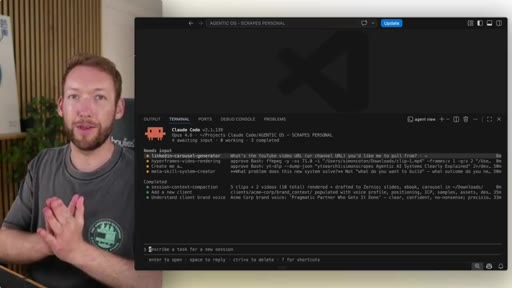
Claude Code's new Agent View is the closest thing to air-traffic control for your AI agents — one screen, every session, no terminal juggling.
- Update Claude Code to v2.10.139+ and run 'claude agents' to try it immediately.
- Use /bg in any running Claude session to send it to the dashboard without stopping it.
- Ctrl+S sorts your sessions by project folder — useful when you're running agents on different codebases.
- You can reply to any agent directly from the dashboard without opening a new terminal.
- It's terminal-only for now — the desktop app version is coming.