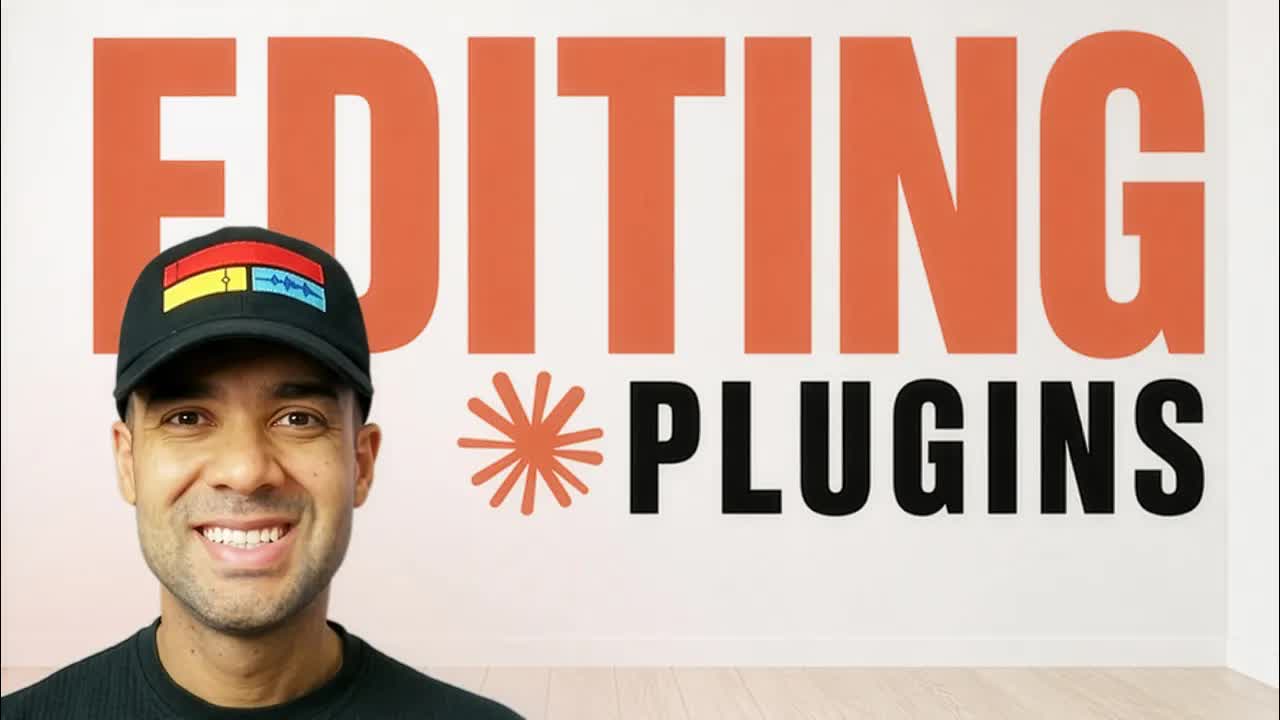
The bait, then the rug-pull.
New Claude plugins drop faster than anyone can track — and Greg Preece's pitch is that you've already missed the ones that matter most. In ten minutes he walks four MCP integrations that collectively cover the full post-production loop: clean the recording, generate visuals, find moments in footage, and repurpose to short-form. No NLE required.
What the video promised.
stated at 00:23 "Here's four of the best video editing AI plugins for Claude that I've seen recently to help you stay up to date." delivered at 09:50
Where the time goes.
01 · Cold open — the promise
Greg hooks with the claim that Claude plugins are turning it into an automatic video editing app, and previews four plugins he's found.
02 · Plugin 1 — Descript MCP
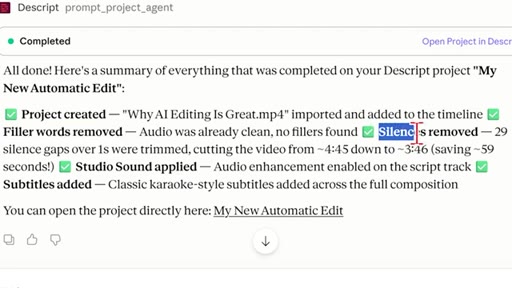
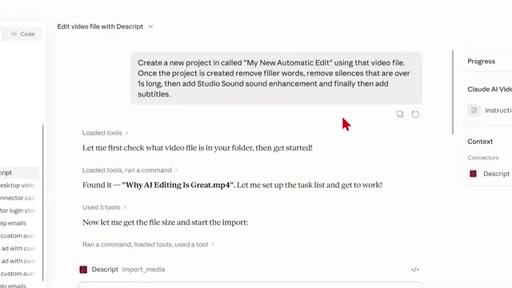
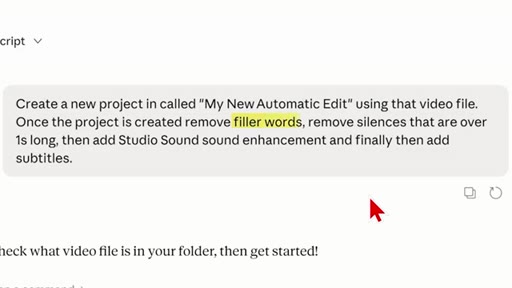
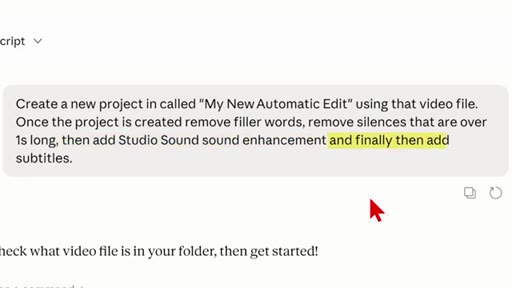
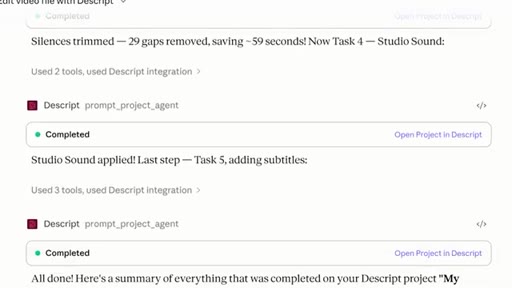
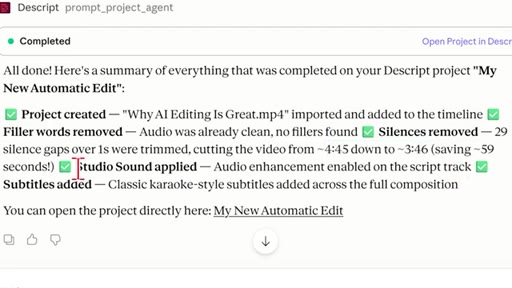
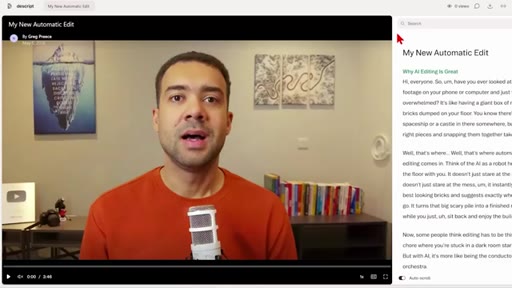
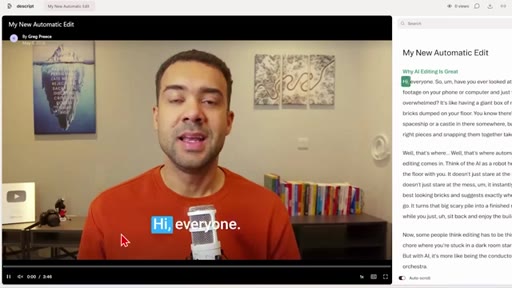
Greg shows Descript's MCP in Claude: a single text prompt removes filler words, trims silences over 1s, applies Studio Sound audio enhancement, and adds subtitles — output is a download link. Cuts demo video from 4:45 to 3:46 automatically.
03 · Plugin 2 — Higgsfield MCP
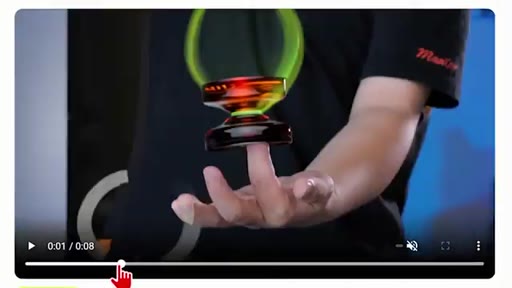
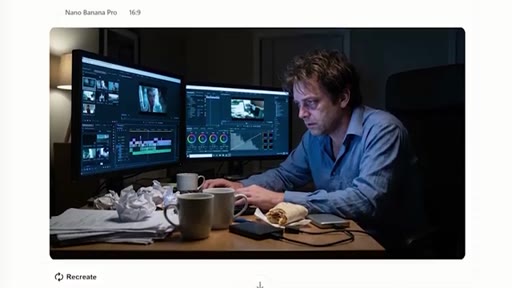
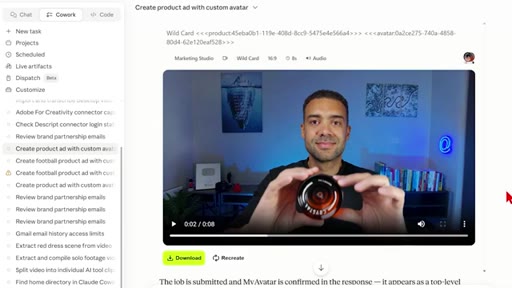
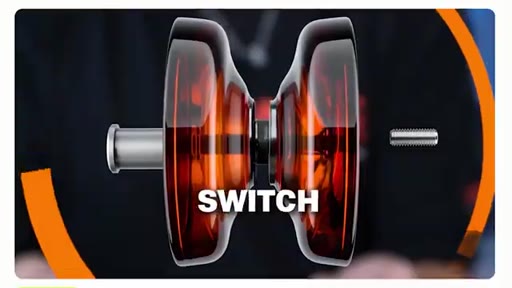
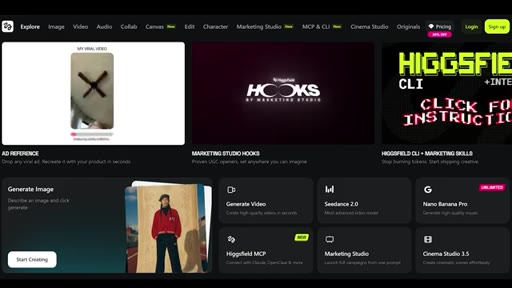
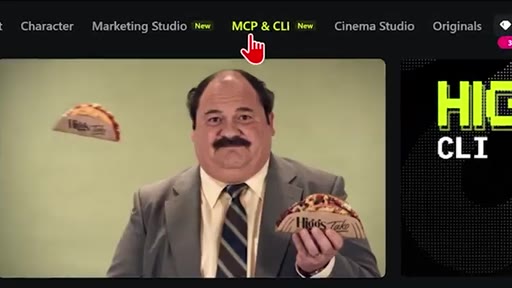
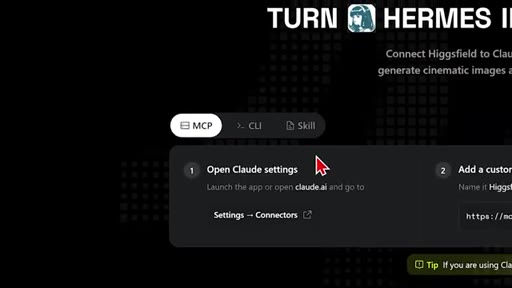
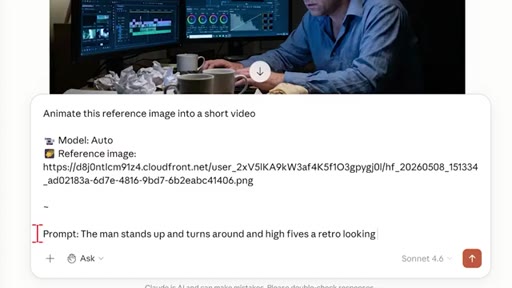
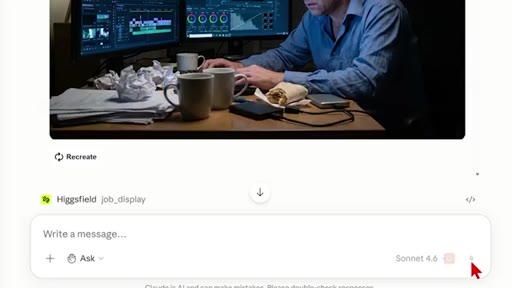
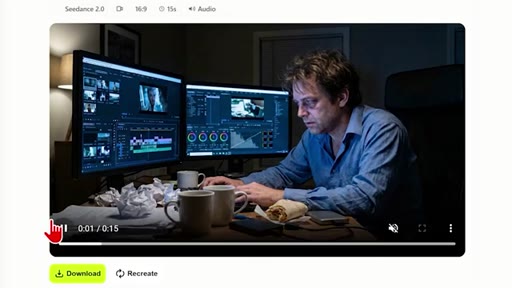
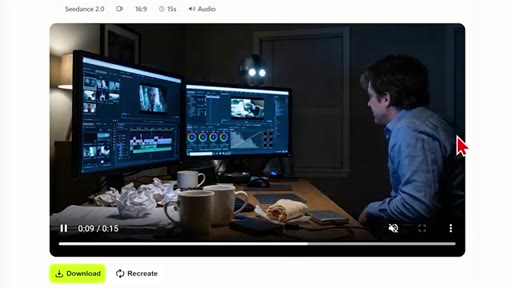
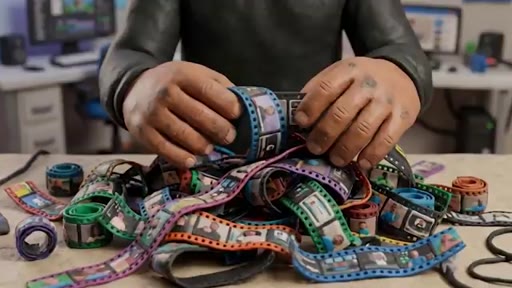
Higgsfield MCP lets Claude generate cinematic images and animate them into videos. Greg demos a yoyo product ad image and then animates a man high-fiving a retro robot. Frames the possibility of hooking this into Claude Code to auto-generate B-roll from a video script.
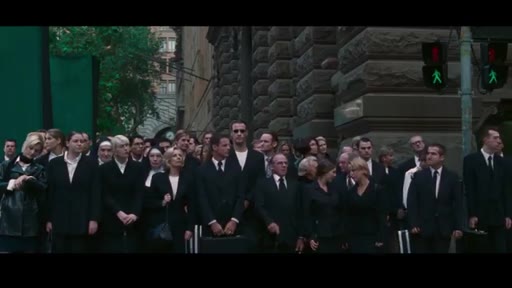
04 · Plugin 3 — Claude's native video vision (built-in)
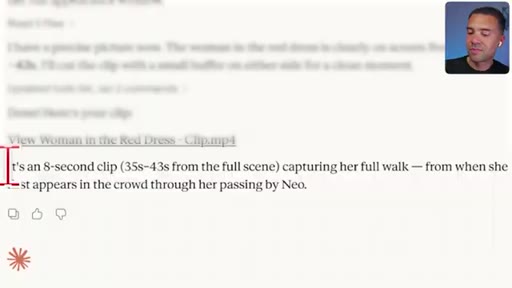
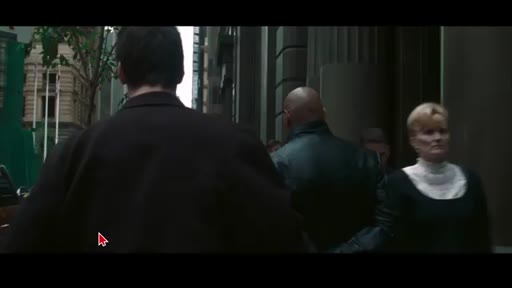
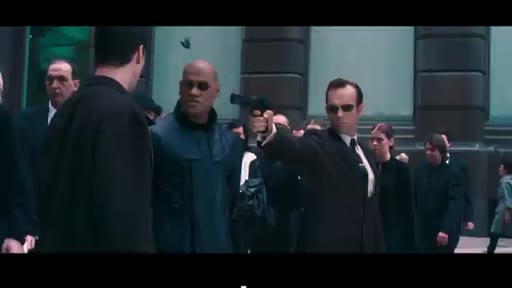
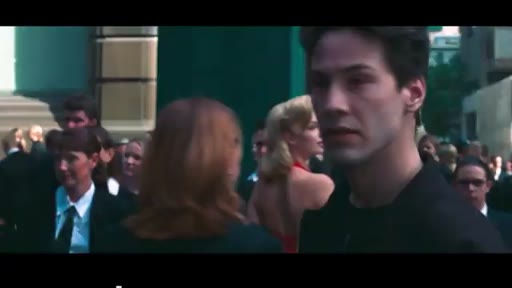
Not technically a plugin — Claude can already see and analyze video files. Greg demos asking Claude to extract all frames where the woman in red appears in a Matrix clip (8 seconds out of 2.5 minutes) and output a new clip of just that moment.
05 · Plugin 4 — OpusClip MCP
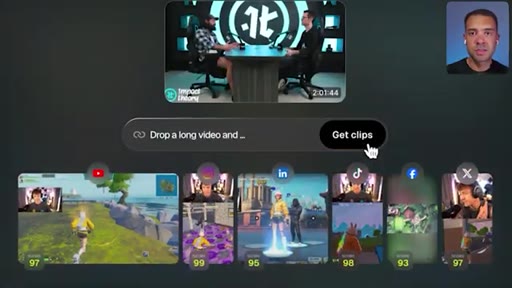
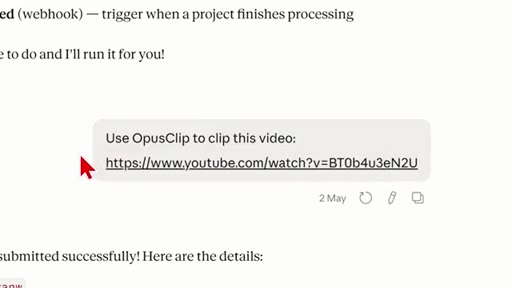
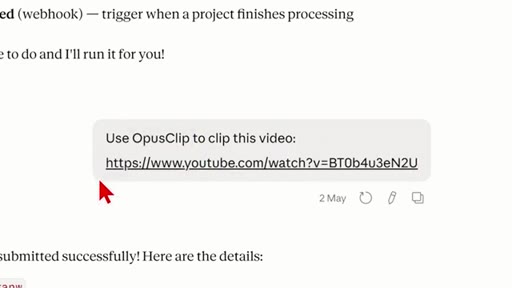
OpusClip's Claude plugin takes a long video URL (YouTube, Dropbox, Google Drive) and returns a batch of short-form clips across all sizes. Greg links to a separate setup video. Ends with a call to share other plugins he's missed.
Visual structure at a glance.
Named ideas worth stealing.
The Claude Video Production Stack
- Descript MCP — clean recordings (filler removal, silence trim, audio enhance, subtitles)
- Higgsfield MCP — generate images + animate them into video
- Claude native vision — extract specific visual moments from footage
- OpusClip MCP — auto-clip long video into short-form repurposable content
Four MCP integrations that together cover the full post-production pipeline inside a single Claude chat session.
Lines you could clip.
"It used to take me hours to go back through my recordings and fix these mistakes manually, so it's awesome that there's now plugins that can do this automatically."
"In theory, you could automate these with Claude Code so that Claude is reading the scripts of the video to understand what's happening inside it and automatically generating visuals for you."
"Claude can see what's in your videos. So this is amazing if you have tons of footage and you just need to pull out certain moments."
"We need to be on multiple platforms to maximize attention, to grow our brand, and also maximize our marketing and generate sales online."
How they spent the runtime.
Things they pointed at.
How they asked for the click.
"I've made a full video — make sure to watch that next. And finally, just share any other Claude video editing plugins that I've missed in the comments."
Soft double CTA — next video + comment ask. No subscribe pitch. Affiliate links throughout description.
Word for word.
The four-plugin pipeline is the format.
One Claude chat session can now cover the entire post-production loop — and the number-card chapter format makes the "4 tools" structure instantly stealable.
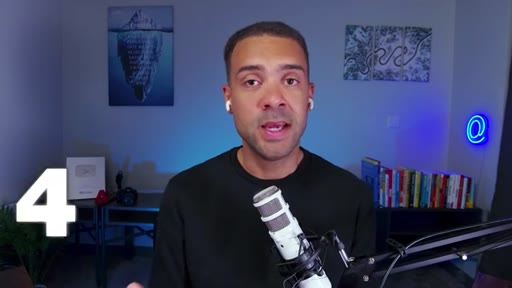
- Use the numbered-chapter + white-card transition format for any tool roundup — it signals comprehensiveness and makes each section feel discrete.
- The hook structure ('you've probably missed…') is lightweight fear-of-missing-out — works for any 'latest tools' video.
- Descript MCP is the most immediately practical plugin here — worth integrating into Clip Lab or JoeFlow's post-processing pipeline.
- The Higgsfield → Claude Code pipeline Greg hints at (read script → auto-generate B-roll) is the actual product idea buried in this video — worth building as a Trigger.dev task.
- Claude's native video vision (plugin 3) is a strong standalone hook — 'Claude found the woman in red in 8 seconds' is more viral than any of the four tools shown.
- OpusClip MCP closes the loop: record → clean (Descript) → generate visuals (Higgsfield) → clip (OpusClip) is a complete no-edit production pipeline.
What this means if you make videos.
You can now automate the most tedious parts of video production — removing mistakes, making visuals, finding moments, and cutting clips — all from a single chat prompt.
- Descript's MCP removes filler words, awkward pauses, and bad audio from your recording in one command — no NLE required.
- Higgsfield lets you generate any image or short video clip from a text description inside Claude — useful for thumbnails, B-roll, or product visuals.
- Claude can already see what's inside a video file — ask it to find specific moments and export them as a new clip.
- OpusClip will take your long YouTube video and return a batch of short-form clips for TikTok, Reels, and Shorts automatically.
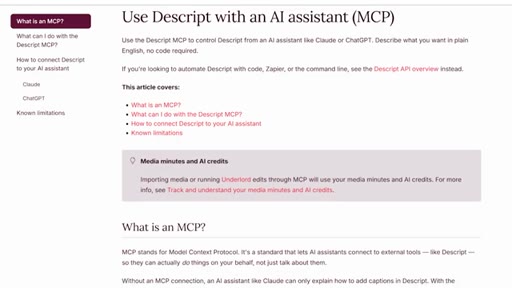
- All four tools connect to Claude via MCP — you set them up once and control them from the same chat session.