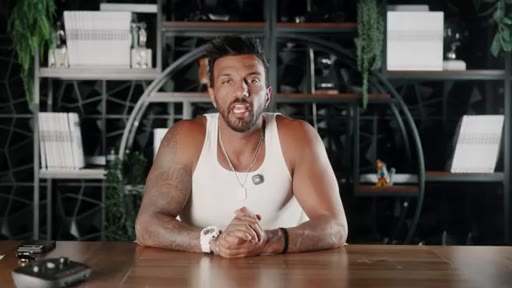
Brian Mark · Youtube · 09:51

The Edits App Is Replacing CapCut (10-Minute Edit Tutorial)

A 9-minute live walkthrough that builds the case for Instagram's native editor in three rules — and proves it by editing a reel on screen, mistakes and all.

Posted
May 12th 2026
8 days ago
Duration
09:51
Format
Tutorial
educational
Channel
BM
Brian Mark
§ 01 · The Hook

The bait, then the rug-pull.

Brian Mark opens with a pivot that stops the scroll before the app is even mentioned: the problem is not your editing skills, it is your editorial instincts. Then he promises one app and three rules that make any video look ten times better than the gear it was filmed on — and spends nine minutes proving it live.

§ · Stated Promise

What the video promised.

stated at 00:18 "I'm gonna show you the only app that you need to edit every single video that you post and the three rules that make any video look 10 times better than the gear it was filmed on." delivered at 09:16
§ · Chapters

Where the time goes.

00:00 – 01:33

01 · Hook + promise

Problem reframe, introduces Edits app, 14-year authority claim, 3-rule promise with triple-views test result.
01:34 – 02:40

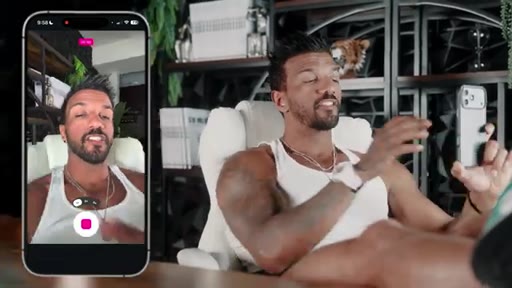
02 · Recording features demo

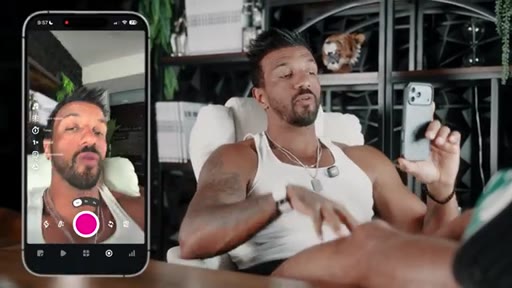
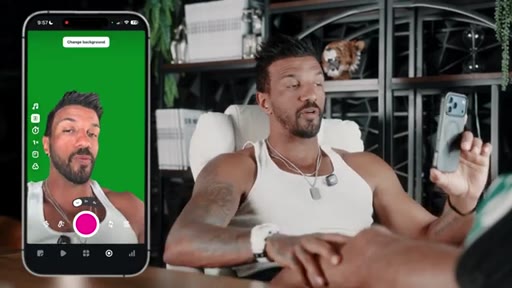
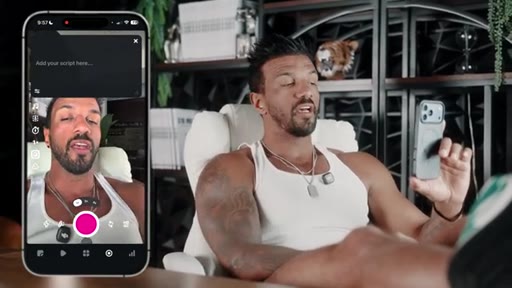
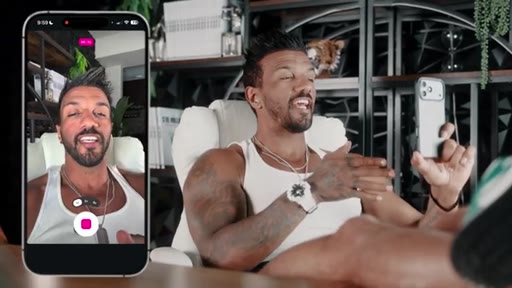
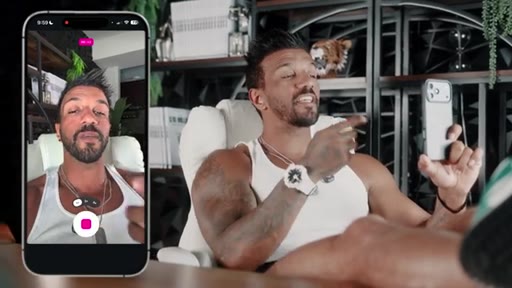
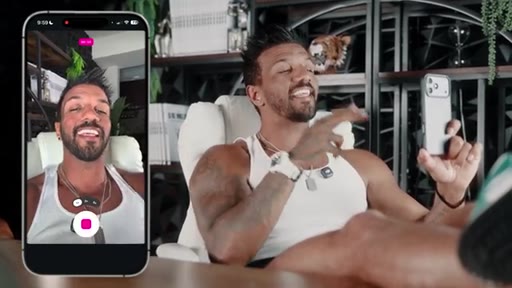
Live demo of teleprompter, green screen (one button), built-in dead-space trimming — all inside the Edits recording interface.
02:41 – 06:50

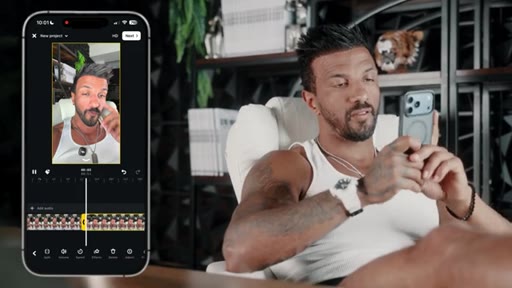
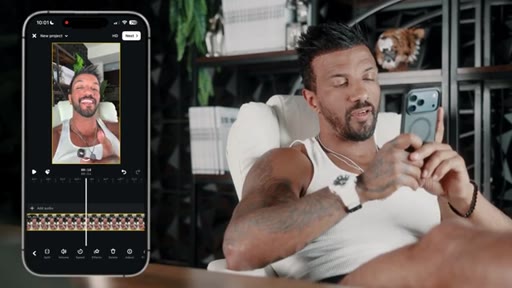
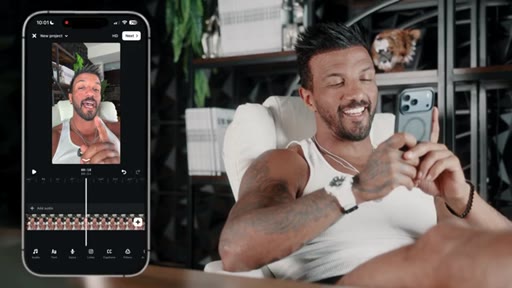
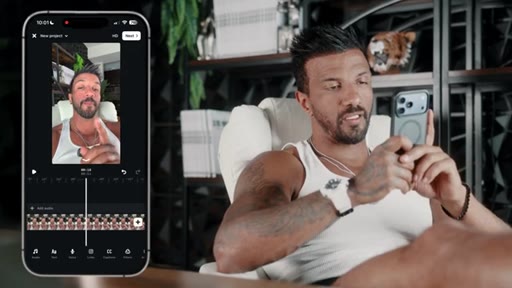
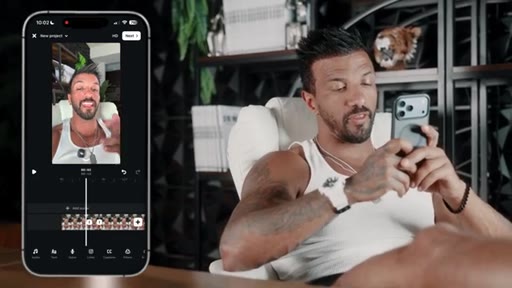
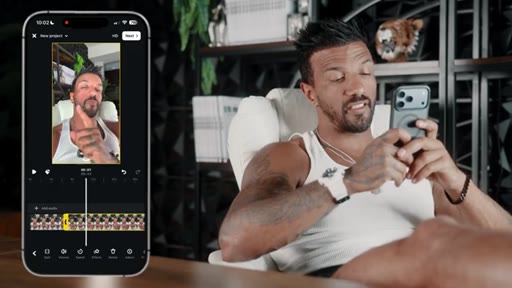
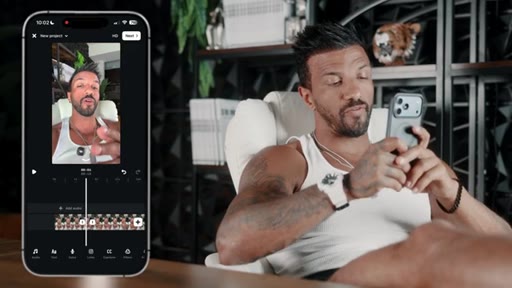
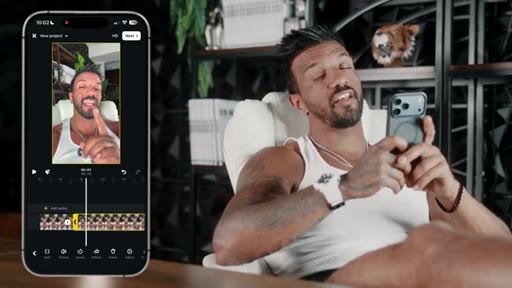
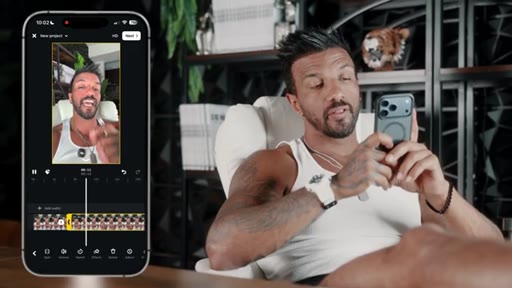
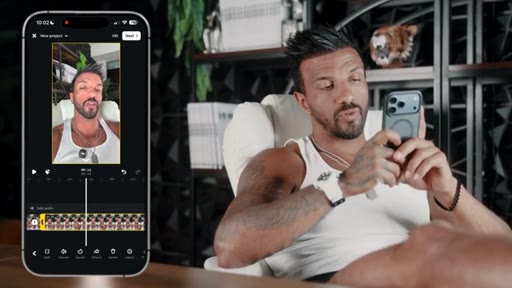
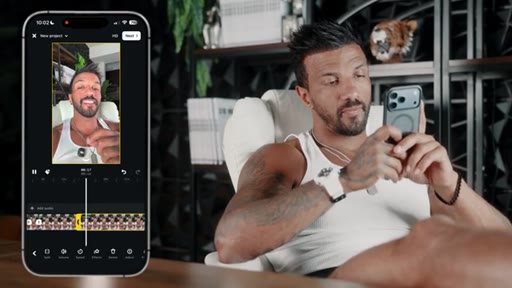
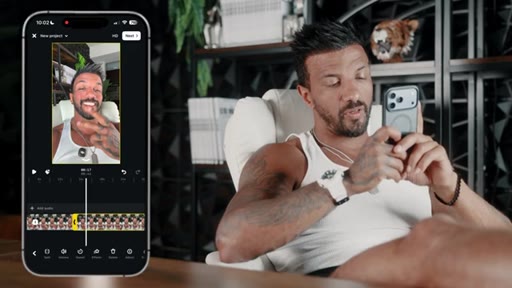
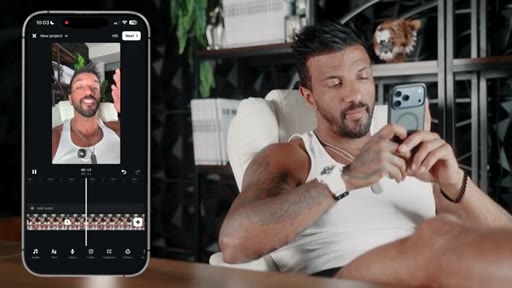
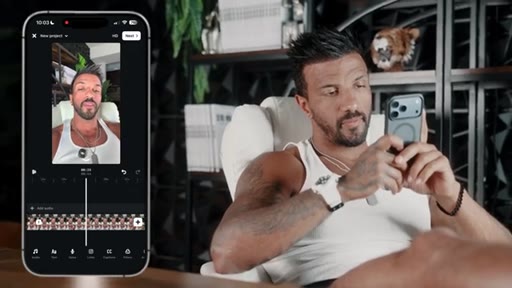
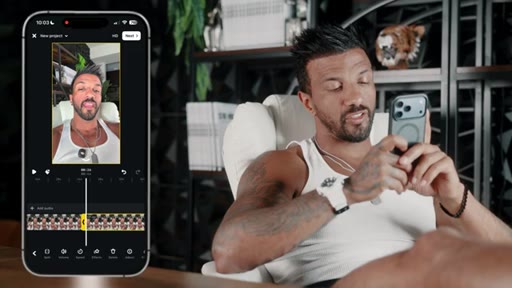
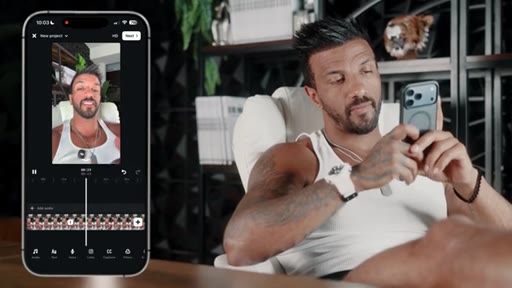
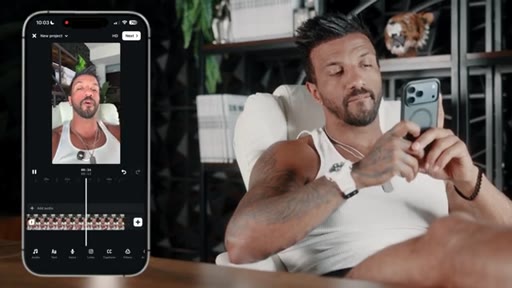
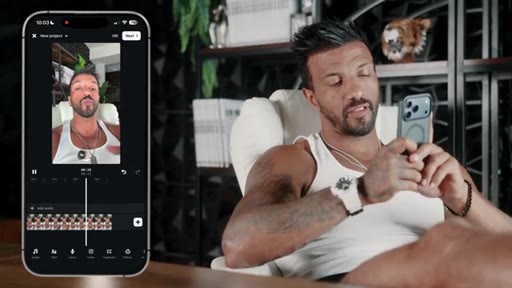
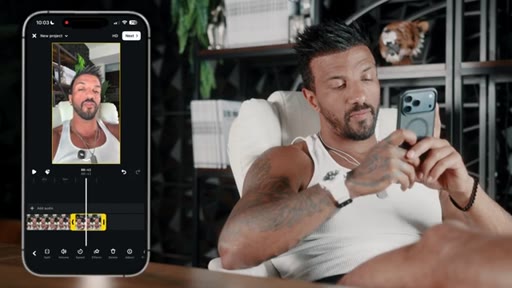
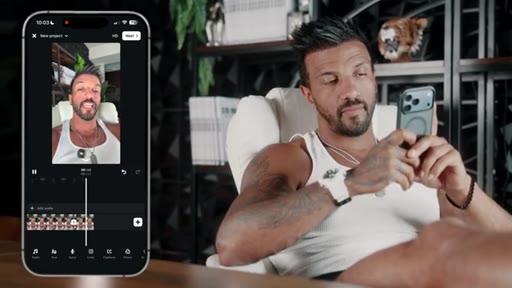
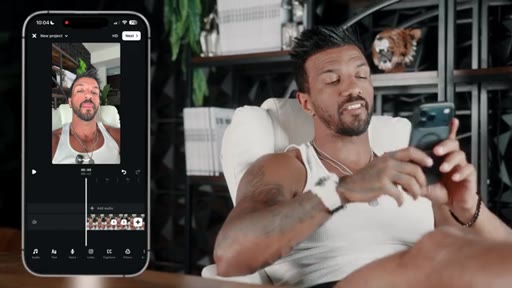
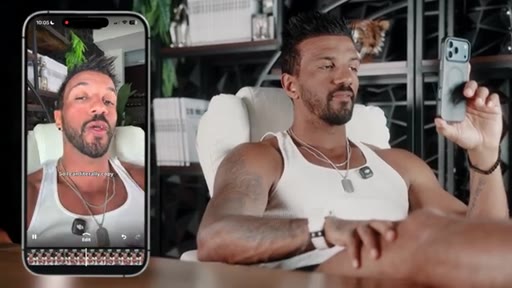
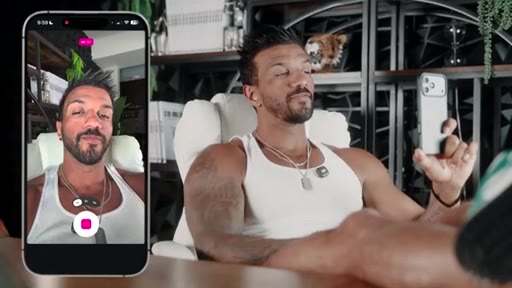
03 · Live edit: cutting dead space

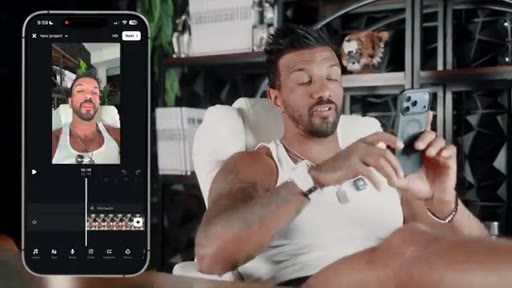
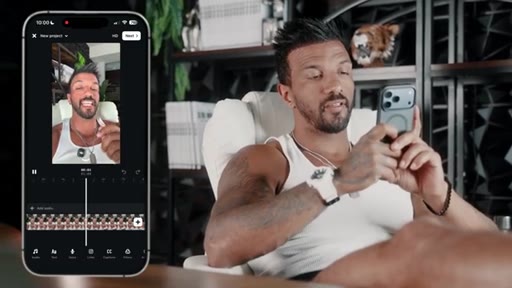
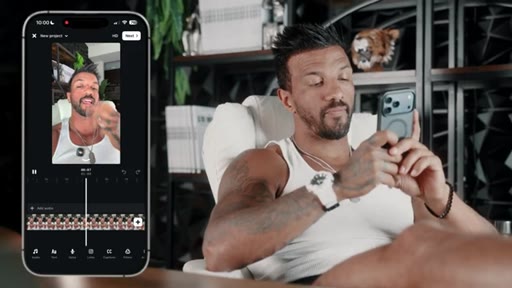
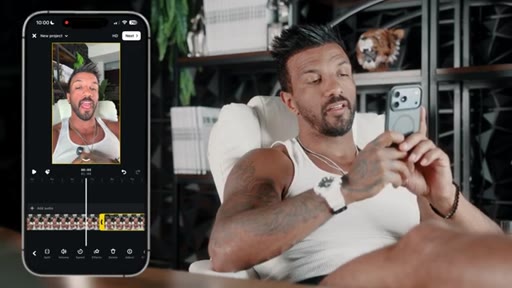
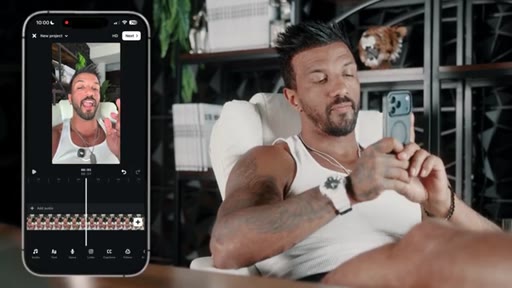
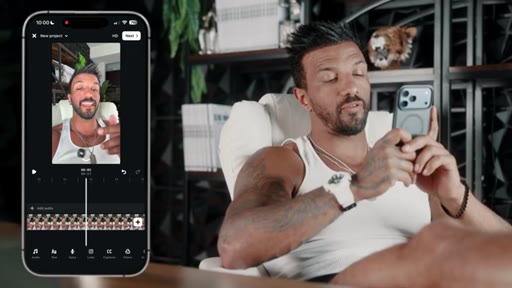
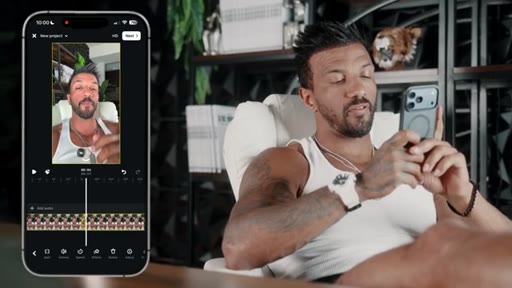
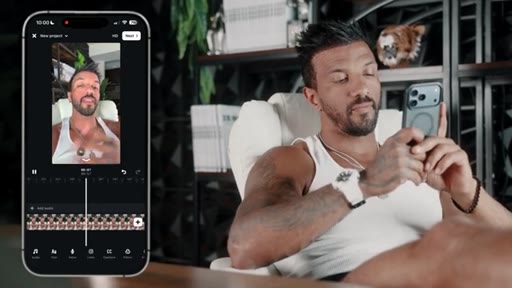
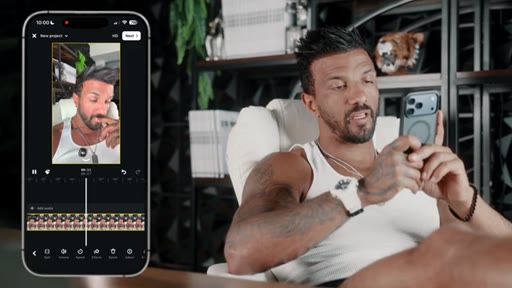
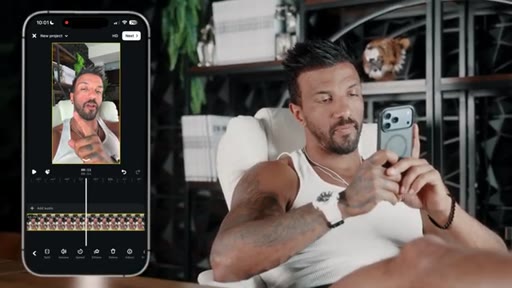
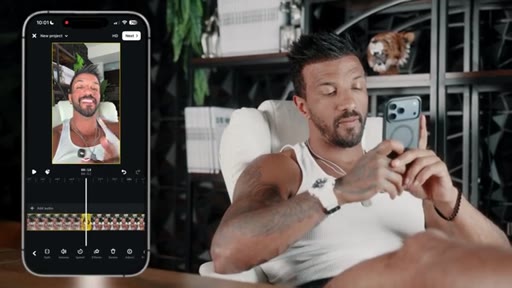
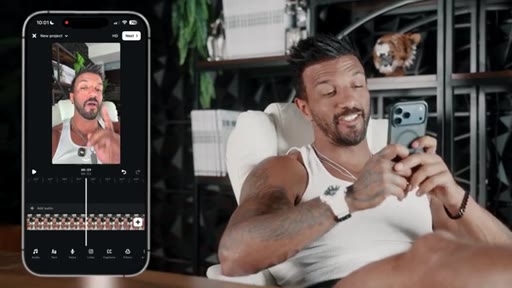
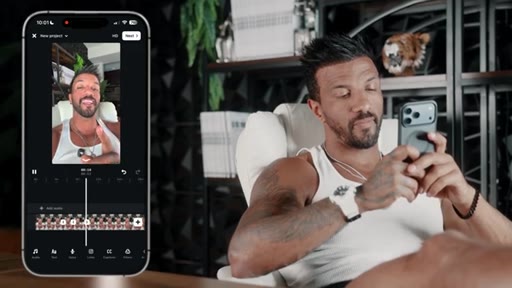
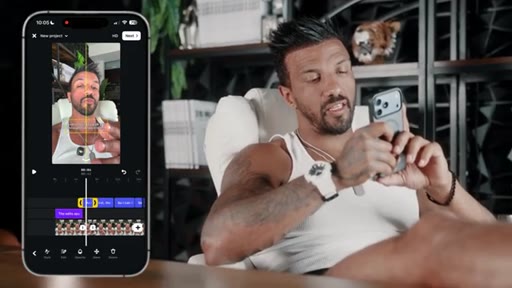
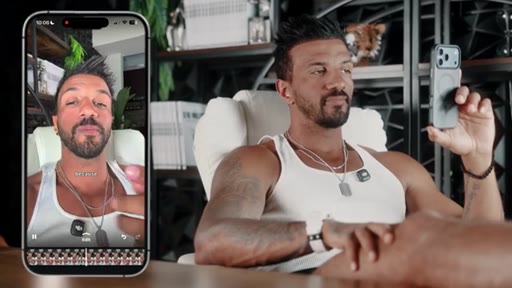
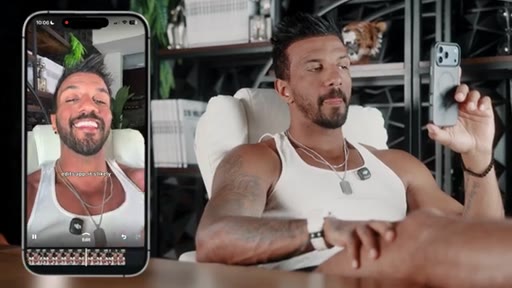
Unscripted real-time edit of the just-recorded reel. Splits on silence, deletes gaps, pinches timeline to zoom, laughs at his own retakes. Most trust-building section.
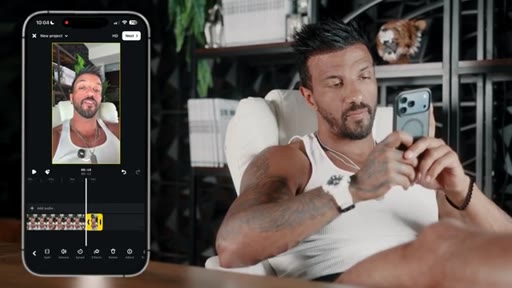
06:51 – 07:37

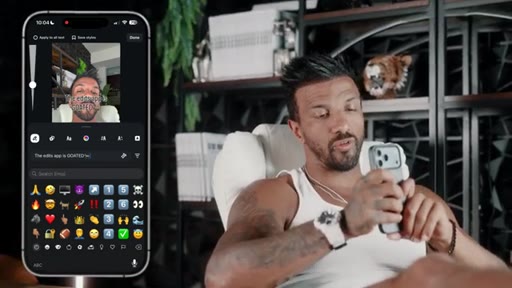
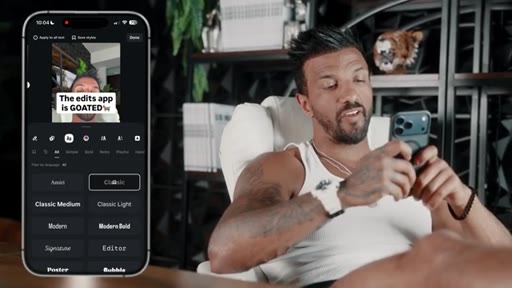
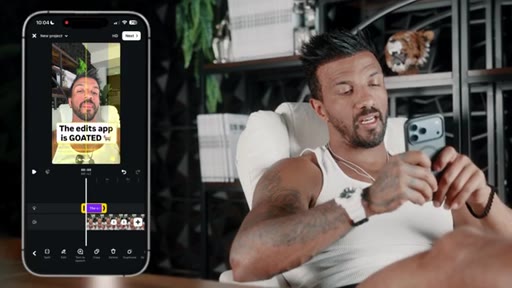
04 · Text hook

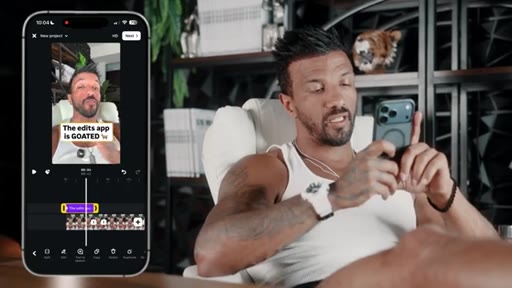
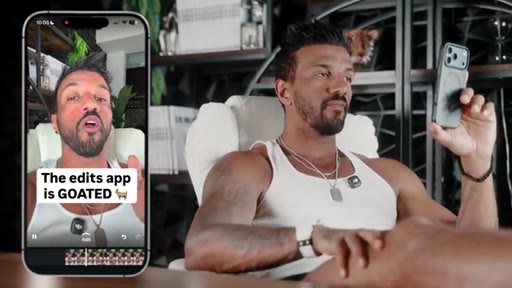
Adds on-screen text hook ('The edits app is GOATED'), picks font, sets 3-second display rule. Notes: cannot put text above head due to framing.
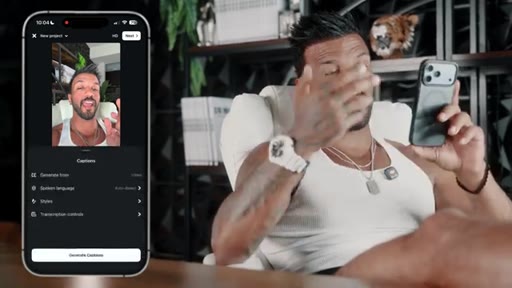
07:38 – 08:13

05 · Captions

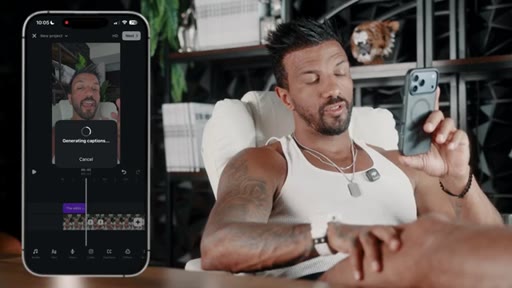
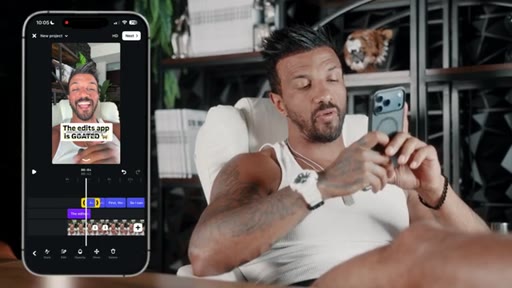
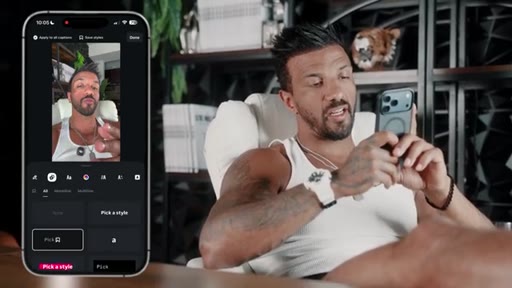
Generate captions, delete duplicate phrases, extend caption block, choose style. Key rule: add captions AFTER text hook is placed.
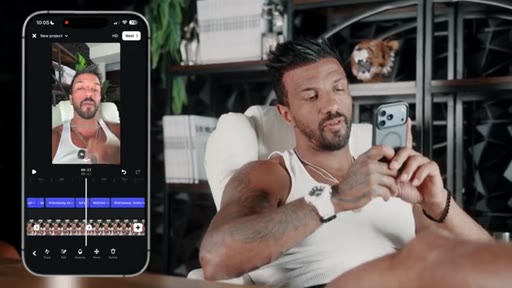
08:14 – 09:15

06 · Final playback

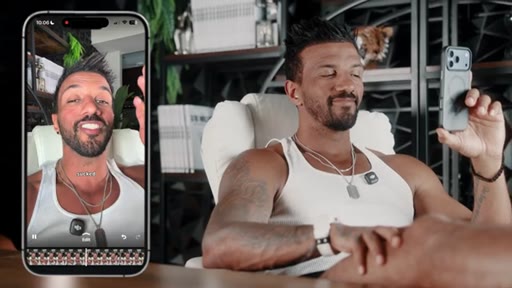
Watches finished reel end-to-end. Notes 10-minute total edit time.
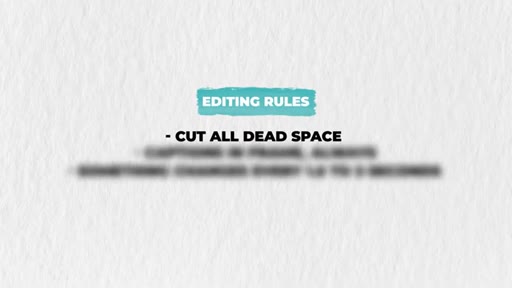
09:16 – 09:51

07 · Rules recap + CTA

3 rules stated explicitly: cut dead space, captions in frame, something changes every 1.5-3 seconds. Philosophy close: simple beats fancy. Subscribe CTA + next-episode tease.

§ · Storyboard

Visual structure at a glance.

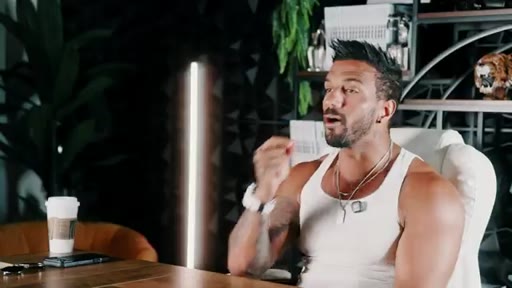
hook open
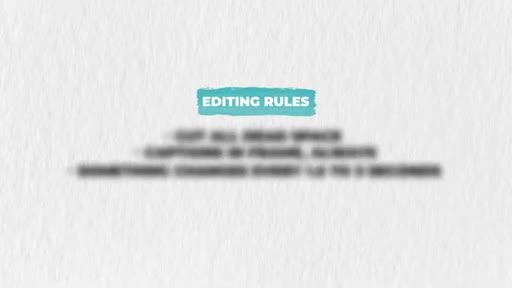
editing rules graphic
phone demo — record
live edit timeline
text hook added
captions menu
finished reel playback
rules recap graphic
§ · Frameworks

Named ideas worth stealing.

09:16 list

The 3 Editing Rules

  1. Cut all dead space
  2. Captions in frame, always
  3. Something changes every 1.5 to 3 seconds

Brian claims testing these rules against videos without them produced triple the views on identical scripts, delivery, and camera.

Steal for Any short-form content checklist or editing SOP — works as a scoring rubric for reviewing reels before posting
§ · Quotables

Lines you could clip.

00:00
"If you've been spending hours editing one video and it's still not getting views, the editing might not be the problem. The way that you're approaching it is."
Reframes viewer failure without blaming them — disarming and hooky → TikTok hook
09:16
"Simple beats fancy every single time. Your editing is a frame for your message, not the message itself. The second your edit starts pulling attention away from what you're saying, you've already lost."
Tight philosophical close — standalone clip, no setup needed → IG reel cold open
00:47
"Overedited videos are dying right now because everybody's doing them and most online fitness coaches haven't caught up yet."
Contrarian claim with urgency — hits the you're-behind nerve → Newsletter pull-quote
§ · Pacing

How they spent the runtime.

Hook length93s
Info densitymedium
Filler15%
§ · Resources Mentioned

Things they pointed at.

§ · CTA Breakdown

How they asked for the click.

09:26 subscribe
"Now if this helped you, make sure you smash that like button and subscribe so you don't miss the next episode in the series."

Standard subscribe CTA with tease of next episode (posting strategy — frequency, timing, split testing). Delivered after a strong philosophical close so it doesn't feel tacked on.

§ 04 · The Script

Word for word.

HOOK opening / re-engagementCTA the pitch metaphor analogy story
00:00HOOKIf you've been spending hours editing one video and it's still not getting views, the editing might not be the problem. The way that you're approaching it is. I'm gonna show you the only app that you need to edit every single video that you post and the three rules that make any video look 10 times better than the gear it was filmed on.
00:12HOOKAlgoram is rewarding raw editing harder than it ever has. Overedited videos are dying right now because everybody's doing them and most online fitness coaches haven't caught up yet. Now I've been editing my own content on my iPhone for the last fourteen years and we've generated millions of views doing it.
00:26HOOKNone of this is theory. Let's get right into it. Okay.
00:28HOOKSo we're gonna use the edits app. Okay? It's extremely easy to use.
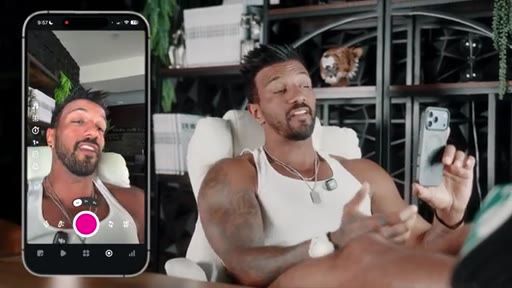
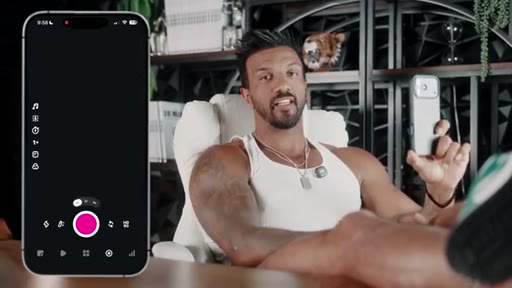
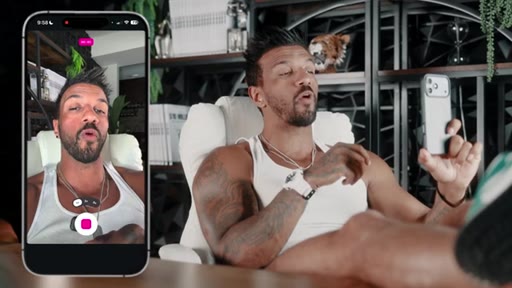
00:30HOOKIt's extremely simple and I'm gonna walk you through exactly how it works. So you can actually record everything in the edits app here like this. Um, and there's a bunch of stuff you can do literally right on the edits app that makes your life extremely easy.
00:39HOOKLike if wanna do a green screen, you just press that button right here. Previously green screens were extremely difficult to do and it sucked to do. It sucked to put them together.
00:45HOOKNow it doesn't suck. So I'm gonna do that. If you wanted to teleprompter, teleprompter again is extremely easy and all you'd have to do is paste your script right there.
00:52HOOKAnd just like that, now you can just read off of your script as the video is recording, um, which is extremely easy for you to do as well. And then you can also do all of your editing in the edits app, and I'm gonna walk you through exactly how to do this. But the edits app is all you need if you wanna create high quality content on your iPhone.
01:04HOOKMost coaches don't an editing problem. They have a they don't know the rules problem. There are exactly three rules that make every video that I post look professional and they take less than ten minutes to apply.
01:15HOOKNow when we tested these videos without these three rules and with, the difference wasn't subtle. The videos with these rules pulled triple the views. Same script, same delivery, same camera.
01:24HOOKThree editing rules separated the winners from the losers. Now, for the purpose of this video, what I'm gonna do is I'm actually gonna record a video and I'm gonna talk through why the edits app is such a fucking good app. So I don't wanna be an
01:35so I that up. So I can just stop recording and then I can just delete it like that. So you don't wanna be an Just discard.
01:39Look at that. Like, look how easy that was. So I'm not trying to be an Instagram writer, but the edits app is actually super fucking sick.
01:44And I do all of my editing in the edits app and I'm walk you I'm gonna walk you through how I do it in the next three seconds. And I'm gonna walk you through how I do it in the next thirty seconds. First,
01:55the reason that I record my videos in the edits app is because it has a teleprompter prompt. Because it has a tele First, the reason that I record my videos in the edits app is because it has a teleprompter function.
02:04So I can literally copy and paste my script into the edits app and bam, I can just read the script as I'm recording. Second second, green screens.
02:14Previously, to do green screens, it absolutely sucked and you had to like do these fancy edits in CapCut, etcetera. Now you can just press a button and automatically you can create a green screen. And the third reason is because it's very easy to cut out the dead empty spaces in the edits app.
02:27And bonus, every time you post a reel to Instagram with the edits app, it's likely to get more engagement because Instagram is trying to push its own app. So it's gonna say made with edits, which means that it's which means that it's likely to get more visibility. Now if this was helpful, follow your boy.
02:41So now I need to put everything all together. Now I'm gonna go into this video right here. So now we're in like the actual timeline.
02:47So I'm gonna walk you through how I would edit this. So I'm not trying to be an Instagram dick writer, but the edits app is actually super fucking sick. And I do all of my editing in the edits app, and I'm walking I'm gonna walk you through how I do it in the next three seconds.
02:56So I kinda started there, but it's, like, not really noticeable, so I'm not gonna cut it out. As soon as I stop talking How I do it in the next three seconds. Boom.
03:02I'm gonna go here. I'm gonna go split. So as soon as I'm done talking, I split, and then I'm gonna move it over to when I start talking again.
03:09And I'm gonna walk you through how I do it in the next thirty seconds. But I said the next three seconds, so I'm retarded. It's happened in
03:16Editing in the edit app. In the edit's app, so I have to cut it off right after I say the edit's app.
03:21Now if you wanna zoom in on the timeline so you can get exactly where you need, just go like this. The edit's app. Edits app.
03:29So then I need to cut it right here because I said the next three seconds. And I'm gonna walk you through how we do it in the Now look how clean that comes out. It's at.
03:37And I'm gonna walk you through how we do it in the next thirty seconds. Boom. Come on, son.
03:41I'm gonna split that.
03:45So I'm gonna cut off. The reason So now I'm gonna cut right here.
03:50I'm gonna start right here. Delete this. First, the reason that I record my videos in the edits app is because it has a teleprompter prompt.
03:59Sorry. I have stuttered. App is because it has a teleprompter prompt.
04:03Because it has a I'm gonna cut that out, obviously.
04:08And the edits app is because it has a teleprompter Is because I have to cut it out as because Is because it has a Is because. Is is because.
04:18Because. Alright. I'm gonna split right there.
04:26That's it. There we go. Delete that last clip.
04:31Because it has a teller. First, the reason that I record my Oh, sorry. I see.
04:35See? So this is why it's it's, like, so good. So I'm just gonna zoom out a little bit.
04:40And I'm gonna walk you through how I do it in the next thirty seconds. First, the reason that I record my videos in the edits app is because it has a teller. First, the So I I realized that I was retarded in this clip right here and retarded in this clip, I can just delete both of those.
04:52I do all of my editing in the edits app, and I'm gonna walk you through how I do it in the next thirty seconds. First, the reason So but I don't want that notice how there's that delay? I don't want that delay, so I wanna make sure.
05:05So I'm gonna make sure I start right when I say first. I would do it in the next thirty seconds. First, the reason that it See, that's clean.
05:10Right? That comes together nicely. Reason that I record my videos in Oh, this is just a side note.
05:14Make sure you edit the video before you add captions because if you add captions, then you edit the video, you have to redo your captions. It's stupid. Edits app is because it has a teleprompter function.
05:22So I can literally copy and paste my script into the Edits app, and bam, I can just read the script as I'm recording. As I'm recording. Oh, I'm gonna split right there.
05:35Second. Second. So I noticed I I up here.
05:43I'm gonna split right here. I'm gonna go right there. I could just read the script as I'm recording.
05:47Second, green screens. Previously, to do green screens, it absolutely sucked, and you had to, like, do these fancy edits in CapCut, etcetera. Now you can just press a button, and automatically, you can create a green screen.
05:58And Let me create a green screen. Gonna cut that right there.
06:05And I start talking again here. So I'm just cutting out all the dead empty space. Button automatically you can create a green screen.
06:10And the third reason is because it's very easy to cut out the dead empty spaces in the edits app. And bonus, every time you post a reel to Instagram with the edits app, it's likely to get more engagement because Instagram's trying to push its own app. So it's gonna say made with edits, which means that it's which means that it's likely to get more
06:27I said that twice. Which means that it's They made with edits.
06:32I'm gonna split this.
06:39Made with edits, means that it's likely to get more visibility. Now if this this was helpful, follow your boy.
06:46More visibility. I'm gonna split right there.
06:52So this is good. So that's done. Bam.
06:54Now, notice for my text hook, I'm not gonna be able to put it above my head because I didn't give myself enough space. So for this video, because of the way that I framed it, I'd have put that text tab right here. When it comes to text hook, I'm gonna show give you guys a general rule of text hooks.
07:05They need to be extremely easy to read. I'm gonna go like that, and then I wanna choose this is my favorite font.
07:12You can choose your favorite font. It doesn't matter what font you use as long as it aligns with your brand and it feels good to you. This is my favorite one.
07:18So I'm just gonna go like that, edit tab as goaded, and I'm gonna leave this on for three seconds.
07:27And then then you're gonna put the captions after the text on screen. So you don't wanna put the captions on during the text on screen.
07:33It's overwhelming and hard to read, so you're just gonna generate the captions like this. So I just press generate captions. Perfecto.
07:44Just like that. Bam. And then I'm gonna delete this phrase right here because I don't want double captions.
07:50Delete phrase. And then I'm gonna extend that to right here. And now just like that, the captions are gonna go right there.
07:57And if you wanna change the style, just go like this, and you can choose a specific style. Um, this is my style that I'd prefer. This one right here.
08:09Just like that. Boom. Now let's watch the whole video.
08:14So I'm not trying to be an Instagram dick writer, but the edits app is actually super sick, and I do all of my editing in the edits app. And I'm gonna walk you through how I do it in the next thirty seconds. First, the reason that I record my videos in the edits app is because it has a teleprompter function.
08:26So I can literally copy and paste my script into the edits app, and bam, I can just read the script as I'm recording. Second, green screens. Previously, to do green screens, it absolutely sucked, and you had to, like, do these fancy edits in CapCut, etcetera.
08:37Now you can just press a button and automatically you can create a green screen. And the third reason is because it's very easy to cut out the dead empty spaces in the edits app. And bonus, every time you post a reel to Instagram with the edits app, it's likely to get more engagement because Instagram is trying to push its own app.
08:51So it's gonna say made with edits, which means that it's likely to get more visibility. Now if this was helpful, follow your boy. Boom.
08:56Come on, son. So like that literally took me in ten minutes, you know. And obviously, I have a little bit more experience so I can move through it faster.
09:02HOOKBut that's what you would do is you would cut out the dead empty spaces, would shrink it, you would make sure that it's all aligned, that it flows through, you would watch it through once all the way to make sure that there was no ups. Once there was no ups, then you would add the text hook. After you add the text hook, you add the captions and just like that you made a video in ten minutes.
09:16HOOKCTACome on. Cut the dead space, captions in frame, and something changes every one point five to three seconds. Apply those three rules to every video that you post, and you'll be ahead of 95% of coaches doing this.
09:27CTASimple beats fancy every single time. Your editing is a frame for your message, not the message itself. The second your edit starts pulling attention away from what you're saying, you've already lost.
09:36CTANow if this helped you, make sure you smash that like button and subscribe so you don't miss the next episode in the series. We're breaking down posting strategy next, how often to post, when to post, where to post, and split testing, the whole playbook. Thanks so much for watching this video, and I'll catch you in the next one.
09:49CTAPeace.
— full transcript
§ 05 · For Joe

Own the tool before the crowd does.

Steal this format

Brian's move is to plant a flag on a new app while it's still novel, teach the workflow transparently, and convert tutorial viewers into coaching leads — a clean three-step flywheel.

  • Pick a tool that's genuinely better but underused in your niche — the Edits app Instagram-boost angle is real and repeatable.
  • Film the actual edit, mistakes and all. The stumbles make it credible. Vulnerability is the differentiator in a sea of polished tutorials.
  • Lead with a contrarian replacement claim in the title ('X is replacing Y') — it creates urgency without being clickbait when you back it up.
  • State the rules at the close, not the open — it makes the tutorial feel like discovery, not a listicle.
  • The philosophy close ('simple beats fancy') is a standalone short. Clip it and use it as a separate reel hook.
  • Add captions AFTER the text hook is locked — this specific operational tip gets shared because it saves real rework time.
§ 05 · For You

Three rules that will make your next reel better.

If you post short-form video

You don't need better gear or a fancier editor — you need to cut silence, add captions, and make sure something changes on screen every couple of seconds.

  • Cut every pause between sentences. Silence kills retention faster than a bad hook.
  • Add your text hook first, then generate captions — doing it in reverse means you'll redo your captions.
  • If you're on iPhone, the Edits app lets you read your script while recording (teleprompter built in) and apply a green screen with one tap.
  • Your editing is a frame for your message. Once the edit becomes the thing people notice, you've lost them.
  • Simple beats fancy — every time.
§ 06 · Frame Gallery

Visual moments.