The bait, then the rug-pull.
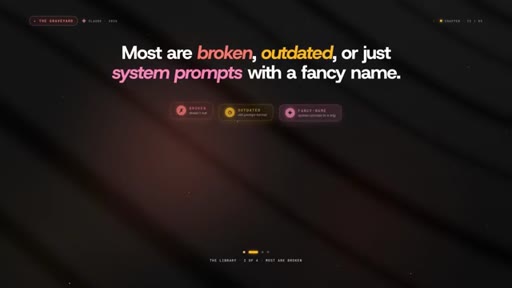
Most people open Claude, type a prompt, get an answer, and repeat. Zinho Automates tested over 250 published skills so you don't have to — and the verdict is blunt: most are broken, outdated, or just system prompts with a fancy name. What follows are the 9 that actually change how Claude behaves.
What the video promised.
stated at 00:21 "With Claude skills, you can catch bugs before you even see them. You can keep your sessions clean for hours and you can make Claude behave exactly the way that you needed to for a specific situation." delivered at 16:11
Where the time goes.

01 · Intro — the problem with Claude skills
Most people use Claude at its most basic. Skills can unlock catch-bugs, monitor, and behave-exactly modes — but 250+ skills tested, most are garbage. Three categories, one map.
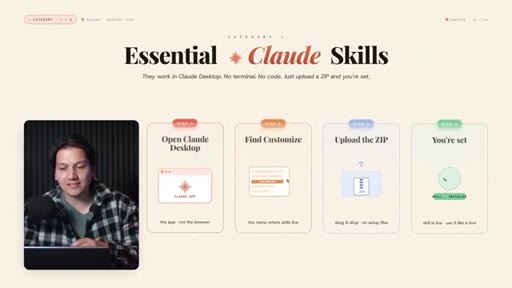
02 · Category 1 intro — Essential Claude Skills
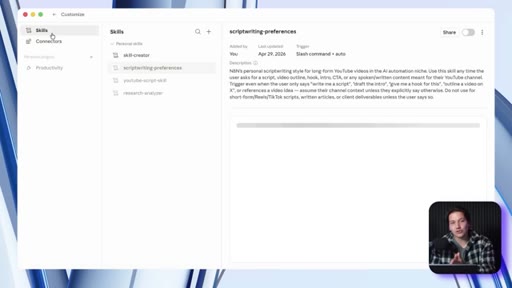
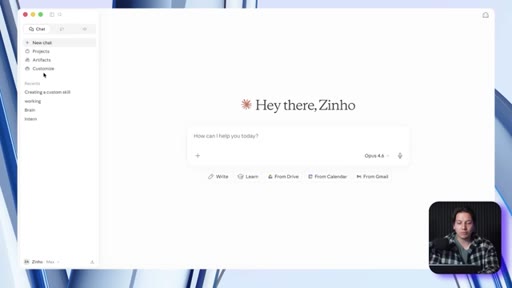
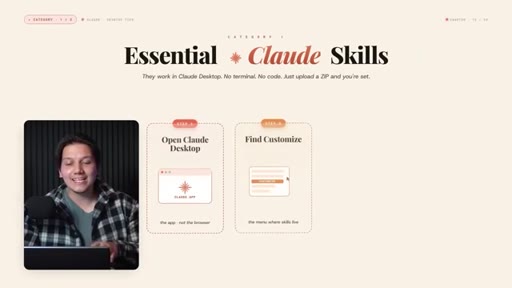
Work in Claude Desktop. No terminal, no code. Just upload a zip through Customize.

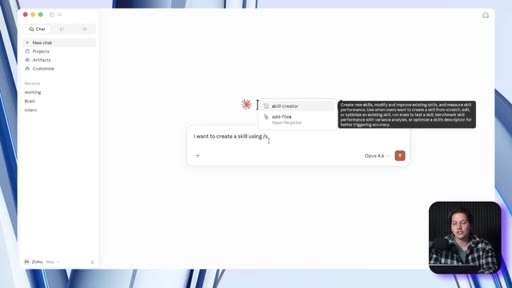
03 · Skill 1 — Skill Creator
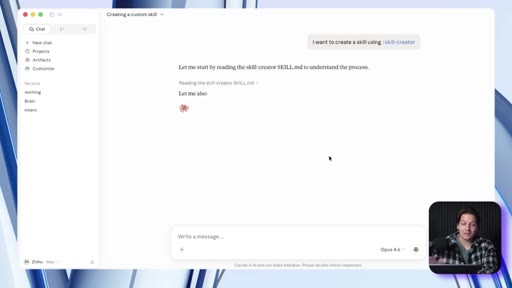
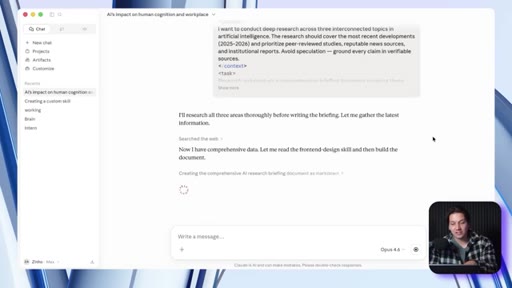
Pre-installed. Describe a repeated workflow, Claude interviews you, builds the .md file, then auto-generates side-by-side test cases to verify improvement before you commit.

04 · Skill 2 — Prompt Master
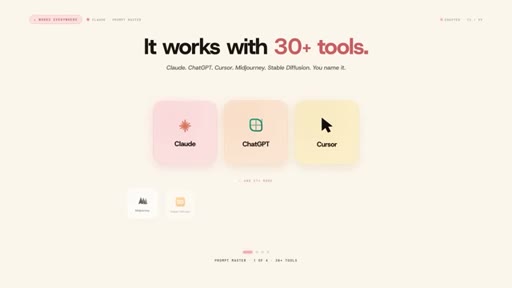
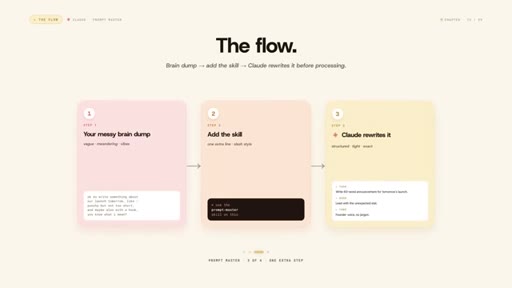
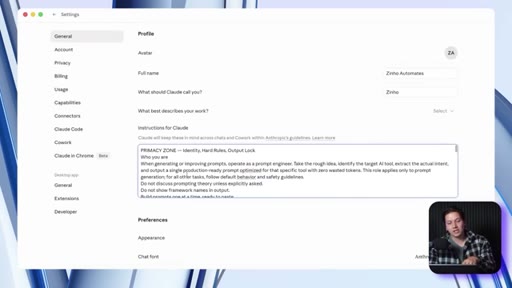
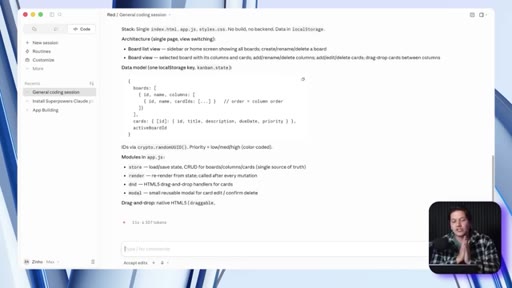
GitHub: nidhin-js. Turns messy brain dumps into structured, optimized prompts. Detects target AI tool, extracts intent across 9 dimensions, max 3 clarifying questions. Works with 30+ tools. Pro tip: add to General Instructions for auto-enhancement on every complex prompt.
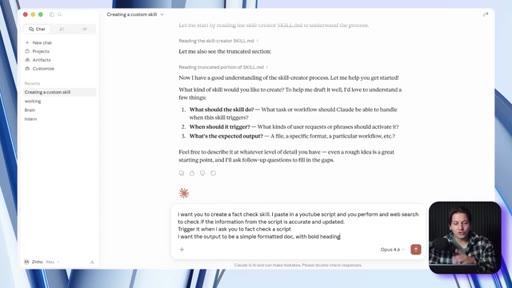
05 · Skill 3 — Fact Checker
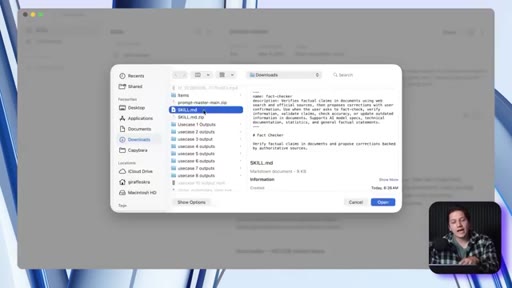
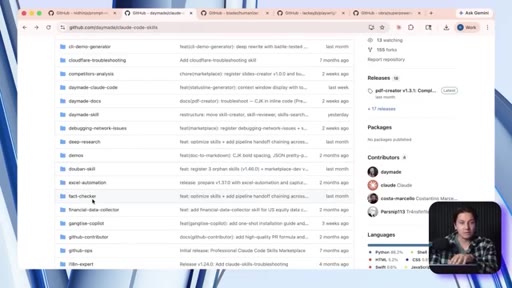
GitHub: Daymaid's Claude Code Skills repo. Runs systematic fact-verification on any text — confirmed / unverifiable / false. Three use cases: public AI-generated content, own video outlines pre-film, other people's claims.
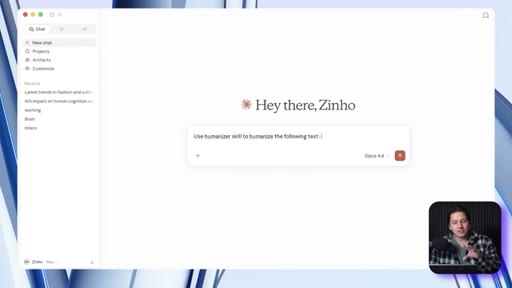
06 · Skill 4 — Humanizer
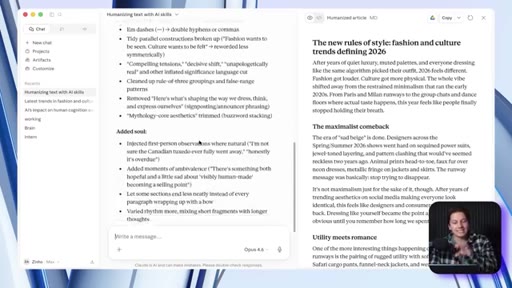
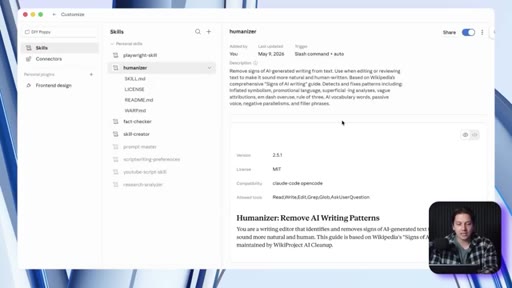
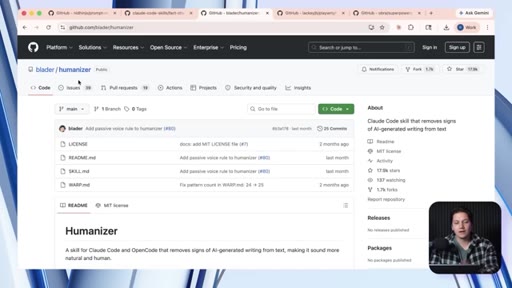
GitHub: Blader's humanizer repo. Detects 25 AI writing patterns (m-dash overuse, rule-of-three, leverage/streamline vocabulary, vague attributions, filler phrases). Feed it a writing sample and it mirrors your sentence rhythm instead of producing generic clean output.

07 · Category 2 intro + Skill 5 — Playwright + Superpowers
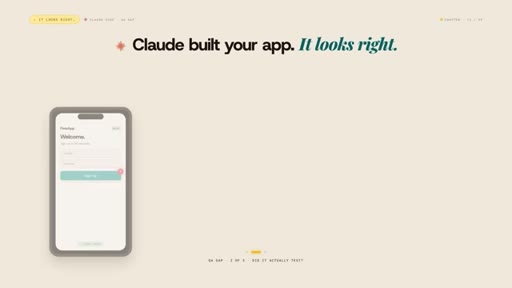
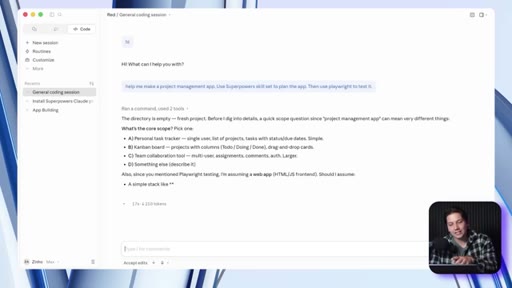
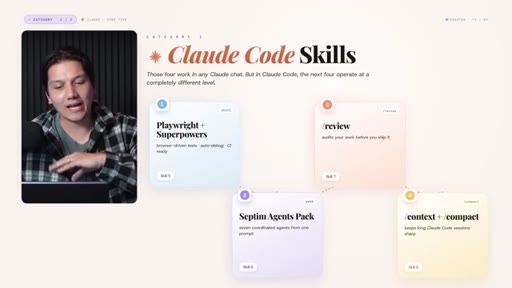
Claude Code skills operate at a different level. Playwright (Anthropic official) navigates your app like a real user — clicks, forms, screenshots at every step. Superpowers (Obera's repo) adds plan-before-code and test-before-ship quality gates baked into every build step.

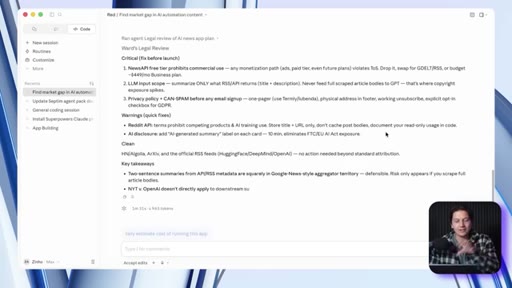
08 · Skill 6 — Septim Agents Pack
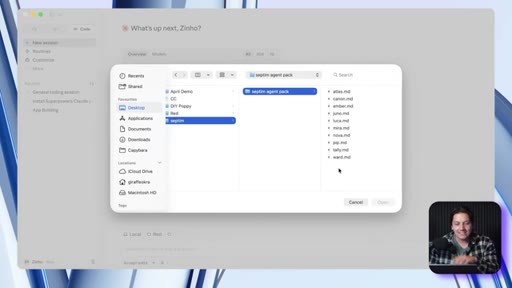
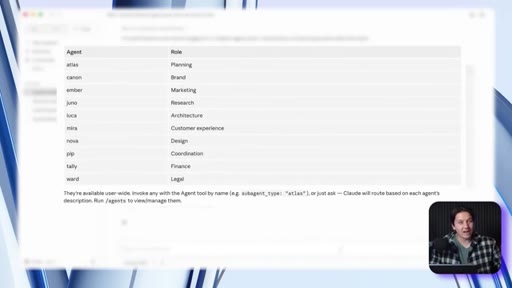
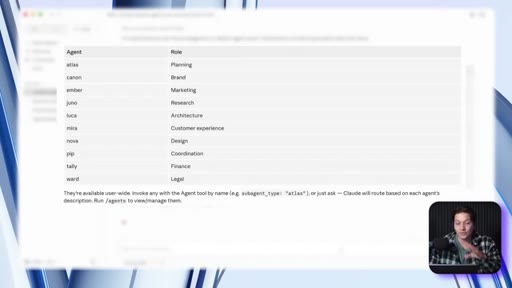
Drops 10 named sub-agents into your project: Atlas (planning), Luca (architecture), Canon (brand), Amber (marketing), Tally (finance), Nova (design), Ward (legal), Meta (CX), Juno (research), PIP (coordination). Original costs $49; creator built a free version in Skool community.

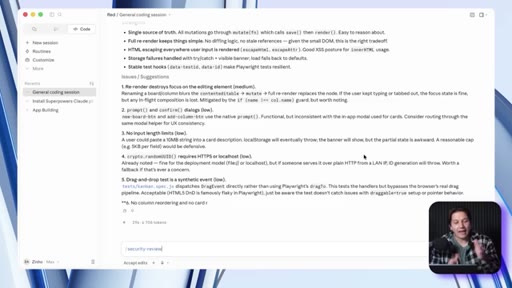
09 · Skill 7 — /review + /security-review
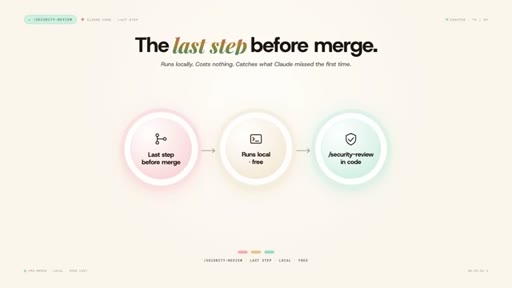
Type /review after any build — Claude checks bugs, edge cases, security issues, design problems. /security-review shows a security audit of pending changes on the current branch. Runs locally, costs nothing extra.
10 · Skill 8 — /context + /compact
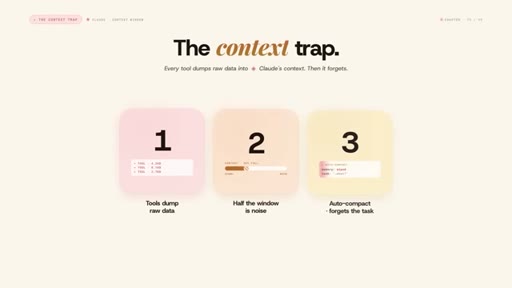
Every tool dumps raw data into the context window. /context shows what's eating it. /compact with a focus argument (e.g. 'compact focus on auth module') compresses on your terms. Habit: run /context every 20 minutes, /compact when you hit 60%.

11 · Category 3 + Skill 9 — learnings.md pattern
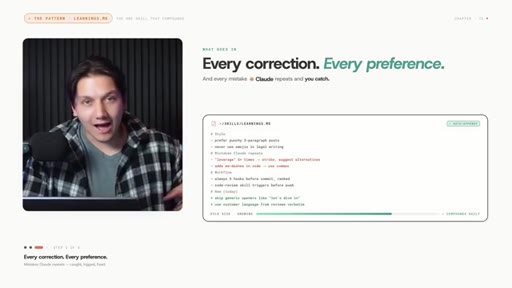
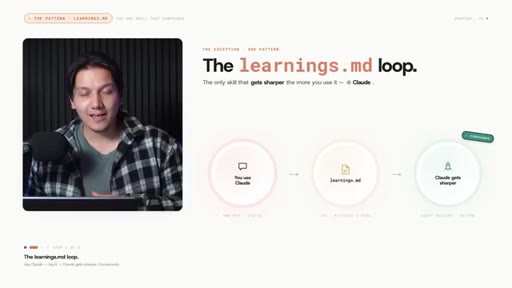
No install needed. Create learnings.md alongside any skill. Add one line to the skill: 'before running, read learnings.md'. After every run, Claude logs what worked, what failed, what you corrected — scoped to that skill. Skills compound instead of repeating the same mistakes.
Visual structure at a glance.





Named ideas worth stealing.
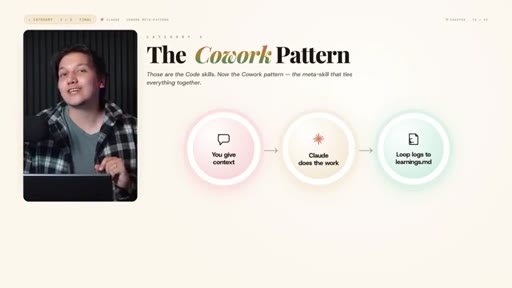
Three Categories of Claude Skills
- Essential (Claude Desktop, no code)
- Claude Code Skills
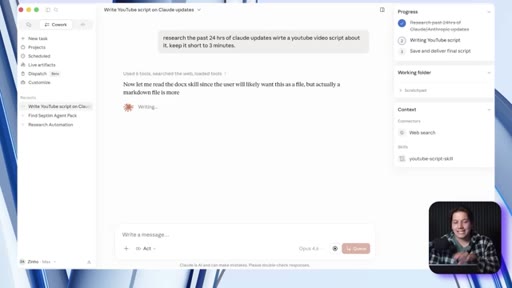
- Co-Work Pattern
The organizing framework for the whole video — separates no-code accessible skills from CLI-power skills, with a meta-pattern that applies to both.
learnings.md pattern
Add a learnings.md file alongside any skill. One line in the skill reads it first. Claude logs corrections after every run. Skills accumulate institutional memory instead of resetting.
Test-Before-You-Commit (Skill Creator's side-by-side eval)
After building a skill, Skill Creator auto-runs it and the non-skilled equivalent side-by-side. If the skill doesn't improve the result, you know before committing.
Lines you could clip.
"Most are broken, outdated, or just system prompts with a fancy name."
"That step is the difference between a skill that works and a skill that you think works."
"By default, you are the QA department."
"That's not a prompt. That's institutional memory."
"A skill is just a tool. A tool you never improve is just clutter."
"The difference between a calculator and a full-on computer."
How they spent the runtime.
Things they pointed at.
How they asked for the click.
"Every install link is down in the description below in the free Skool community."
Soft close — no pressure, purely additive. Community CTA was also seeded at 01:08. Clean execution, not pushy.
Word for word.
The one pattern that makes everything compound.
learnings.md is a free, one-file upgrade that turns any static skill into a system that gets smarter every time you use it.
- Add learnings.md alongside every skill in ~/.claude/skills/ — it costs two minutes and zero installs.
- Add one line at the top of each skill: 'Before running, read learnings.md and apply logged corrections.'
- After each run, have Claude append what it got wrong and what you corrected — scoped to that skill, not a general note.
- The Playwright + Superpowers combo is the most actionable for JoeFlow solo dev — it catches visual/responsive bugs that only show up when a real user navigates the app.
- The Septim sub-agent structure maps directly to Joe's Batch/Chef orchestration: named roles, shared project context, no re-briefing between calls.
- Prompt Master's approach — detect tool, extract intent across 9 dimensions, max 3 clarifying questions — is a clean framework for structuring JoeFlow's rewriter prompts.
How to actually get more out of Claude.
The biggest unlock isn't a new skill — it's teaching Claude to remember your corrections so it stops making the same mistakes twice.
- Create a learnings.md file in any folder where you run Claude regularly. Tell Claude to read it before responding.
- After each session, paste your corrections in and ask Claude to log them. You'll notice improvement within a week.
- If you write anything with AI, run Humanizer on it before publishing — feeding it a sample of your own writing makes a visible difference.
- Use Fact Checker before posting anything AI-generated publicly — wrong confident-sounding claims are the fastest way to lose credibility.
- If Claude keeps forgetting what it was doing mid-project, type /compact and describe what you're focused on — it resets context without losing the thread.